Downloaded 42 times
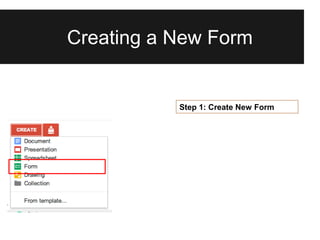
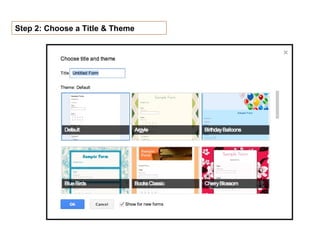
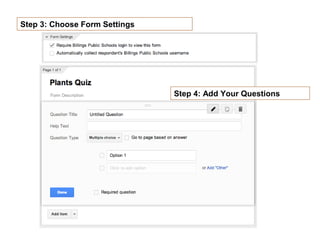
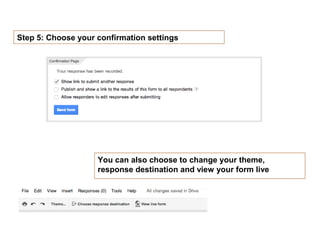
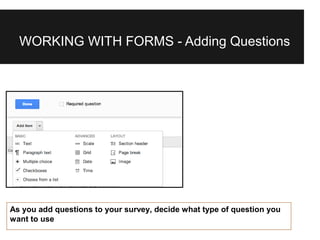

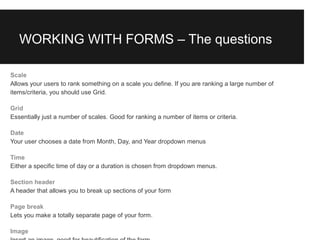
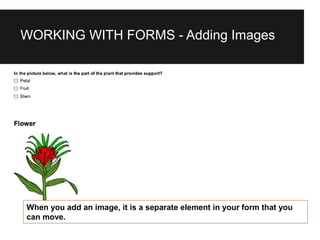
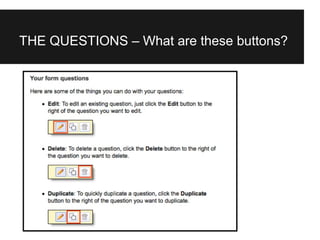
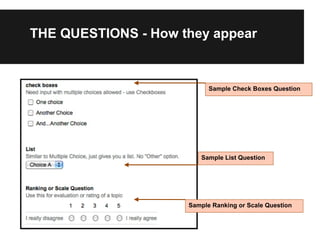
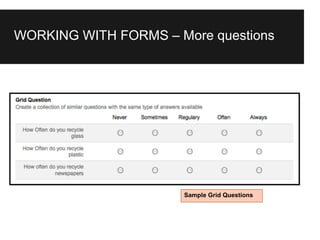

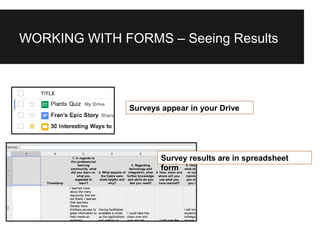
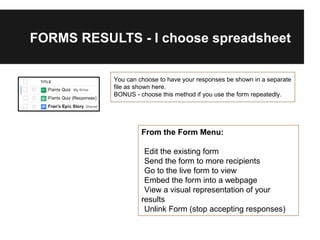


Creating forms in Google Drive allows you to choose a title and theme, set form settings like the response destination, and add different types of questions like text, multiple choice, checkboxes, and scales. The form results are stored in a spreadsheet that can be viewed and edited from the form menu options. Bonus tips include choosing to save responses to a separate spreadsheet if the form will be used repeatedly.


![Google docs[1] by Claire Pollok](https://cdn.slidesharecdn.com/ss_thumbnails/googledocs1-111122184124-phpapp01-thumbnail.jpg?width=640&height=640&fit=bounds)


