Downloaded 46 times
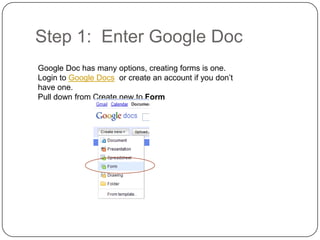
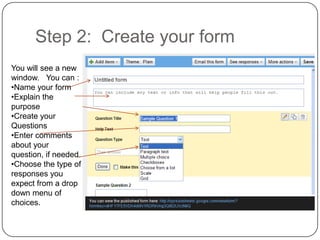
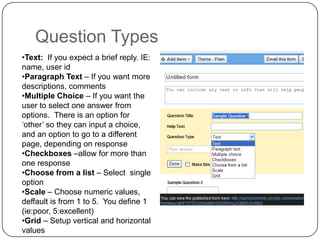
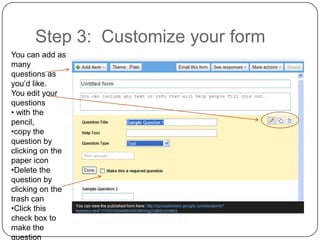
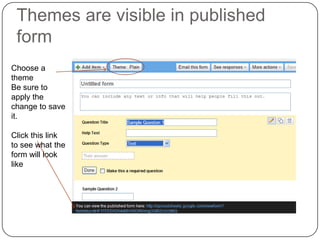
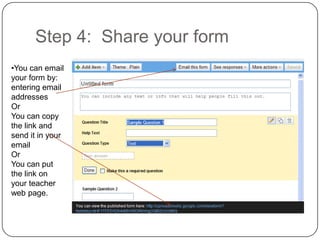
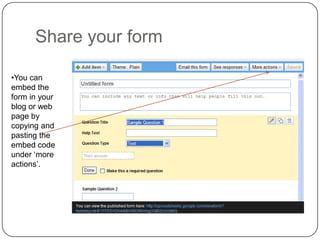
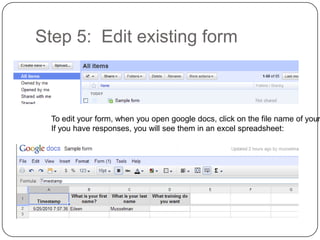
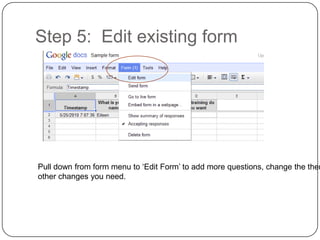
This document provides instructions for creating forms and surveys using Google Forms in 5 steps: 1) Enter Google Docs and create a new form, 2) Create questions and customize the form, 3) Choose a theme, 4) Share the form via email or link, and 5) Edit existing forms by pulling down the form menu to edit questions or theme.


![Google docs[1] by Claire Pollok](https://cdn.slidesharecdn.com/ss_thumbnails/googledocs1-111122184124-phpapp01-thumbnail.jpg?width=640&height=640&fit=bounds)


