Downloaded 33 times
![Have fun using Glogster as an instructional tool in your classroom. [email_address]](https://image.slidesharecdn.com/glogstertutorial2011-110329130353-phpapp02/85/Glogster-tutorial2011-36-320.jpg)

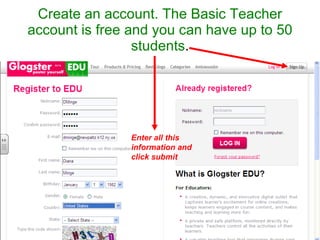
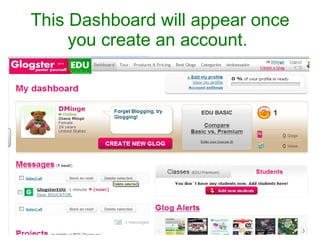
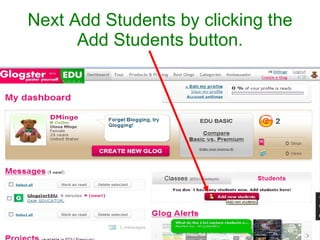
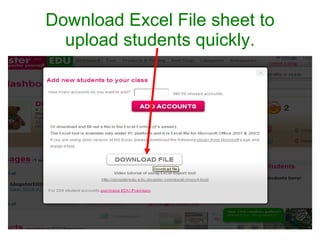
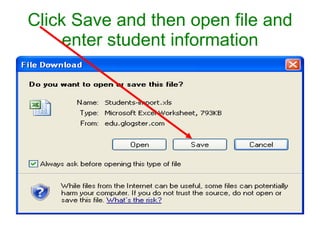
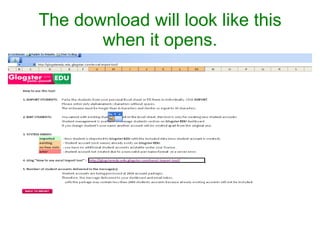
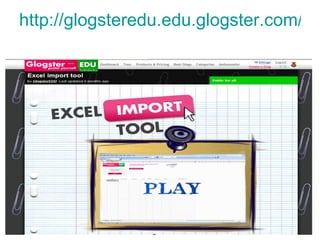
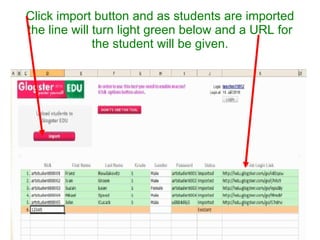
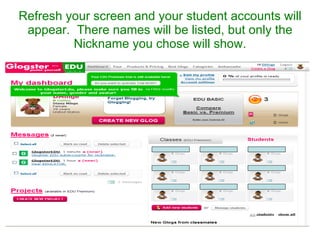
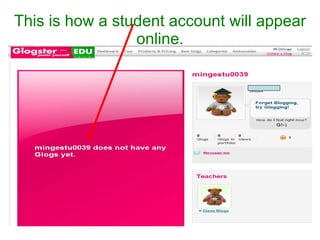
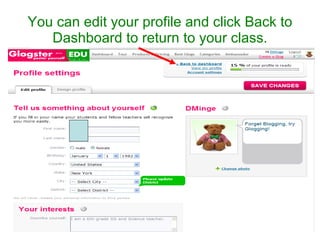
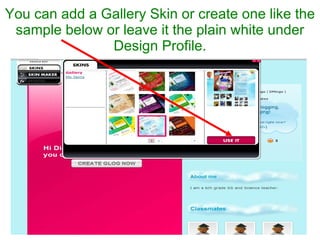
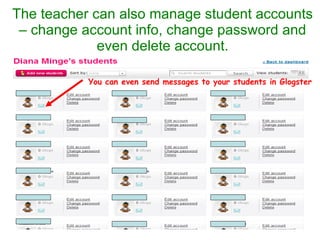
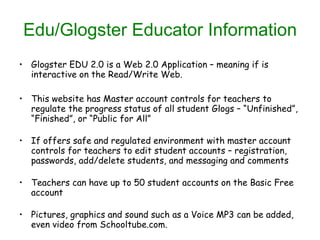
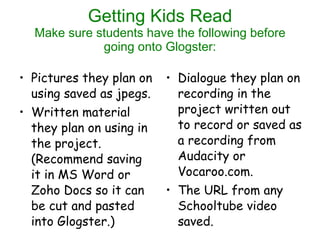
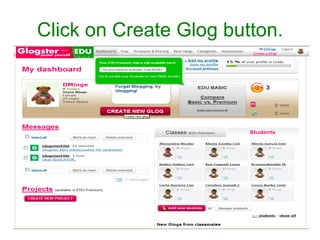
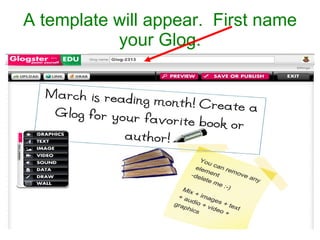
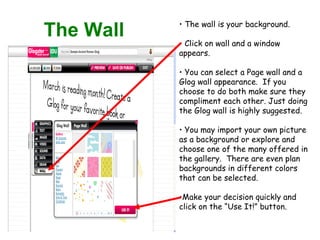
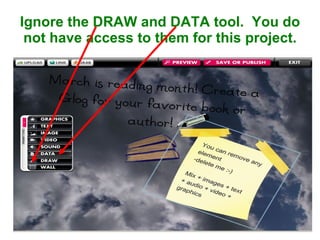
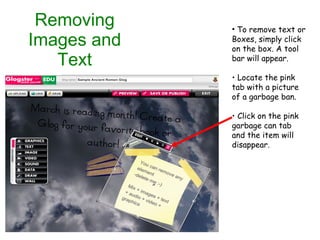
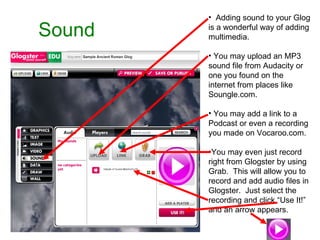
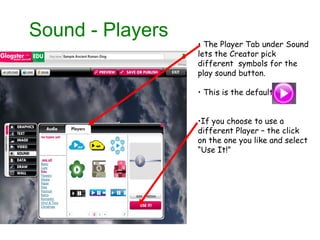
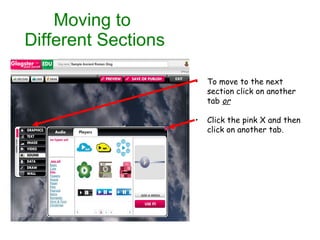
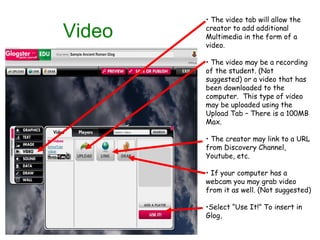
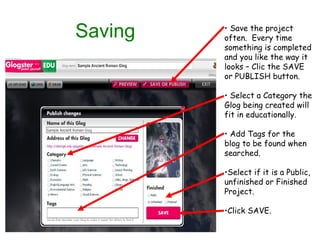
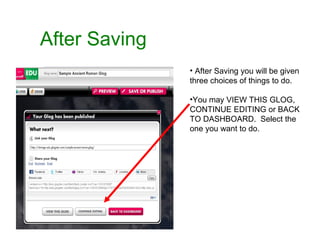
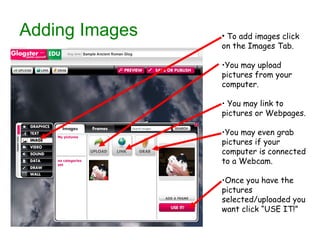
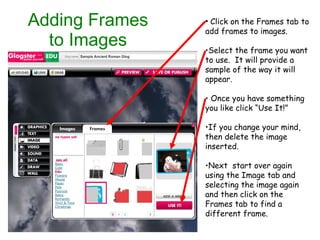
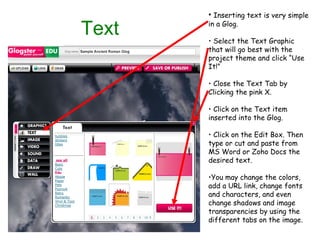
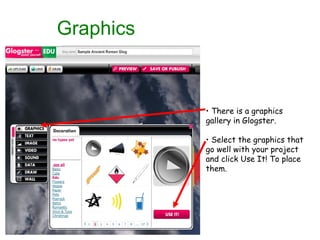
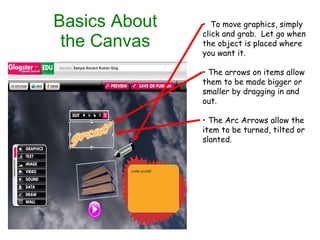
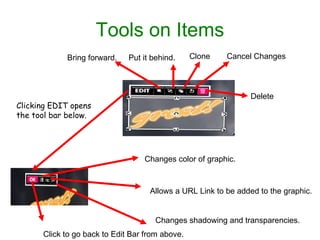
The document provides step-by-step instructions for creating an account and student accounts on Glogster EDU, a web application for creating online interactive posters called "glogs." It describes how teachers can add students, import student information, and manage student accounts. It then outlines the process for students to create glogs, including adding background images, sound, video, text, and other media elements. Key features of Glogster EDU discussed include interactive elements, account management tools for teachers, and multimedia capabilities.


![Glogster wtih de[1]](https://cdn.slidesharecdn.com/ss_thumbnails/glogsterwtihde1-111013091320-phpapp01-thumbnail.jpg?width=640&height=640&fit=bounds)


