Download to read offline


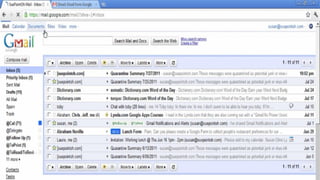
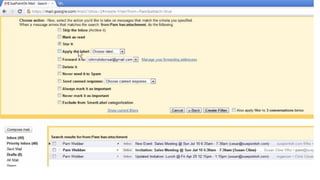
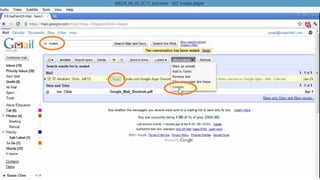
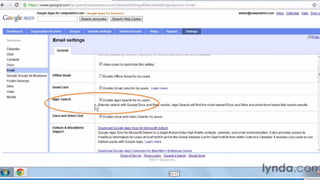
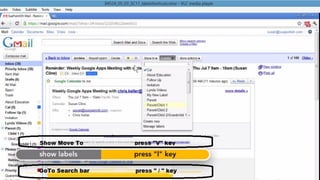
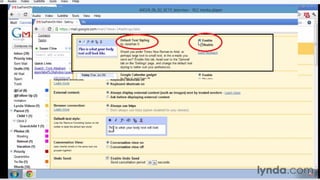
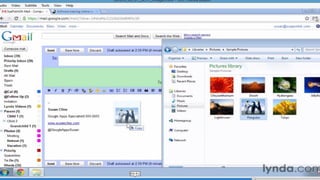
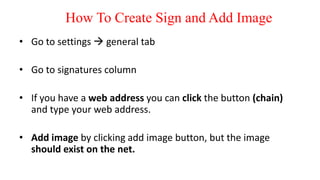
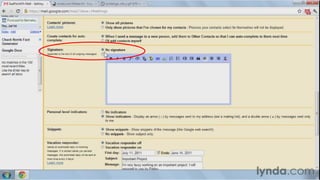
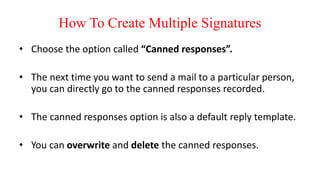
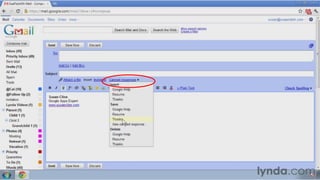
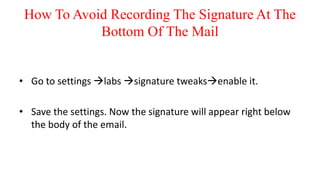
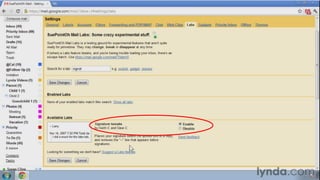
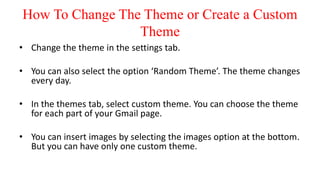
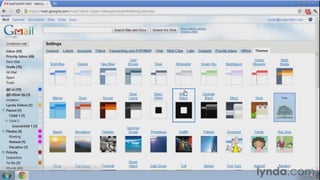
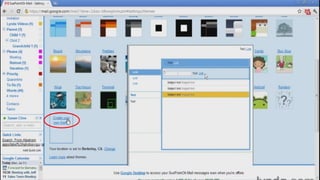
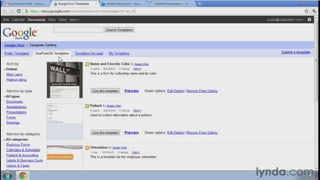
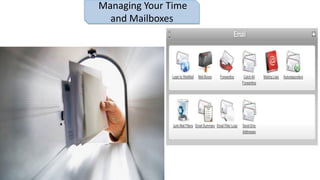
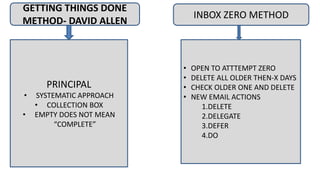
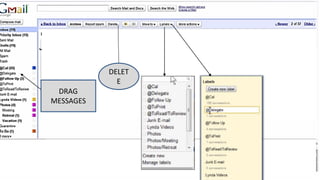
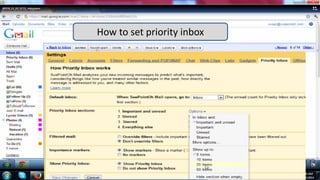
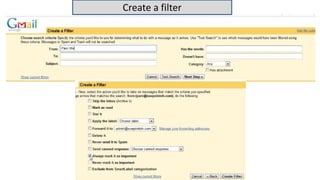

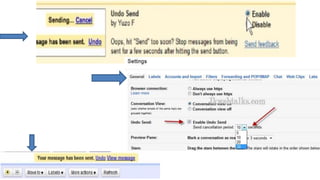
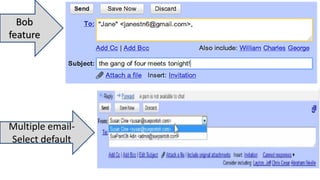
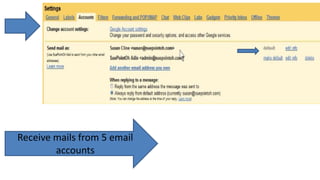
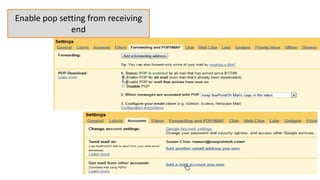
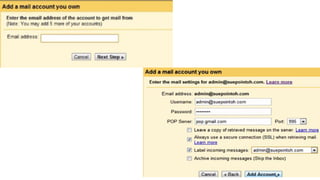
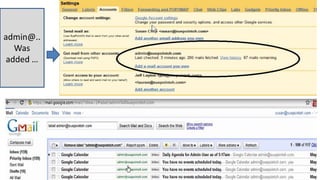
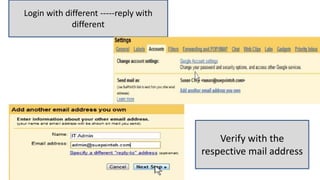
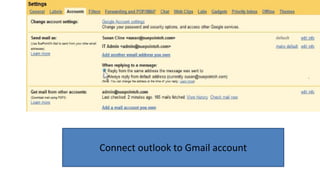
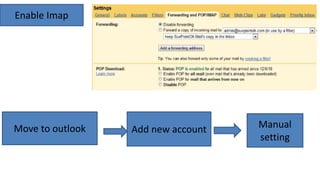
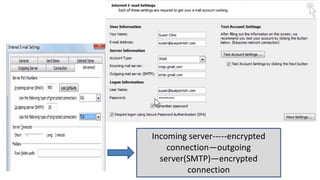
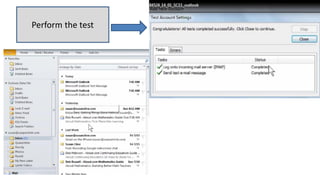
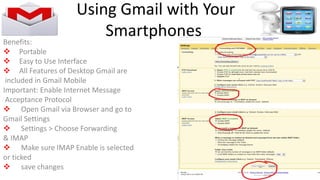
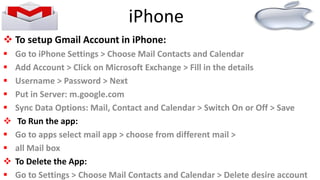
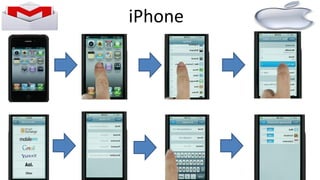
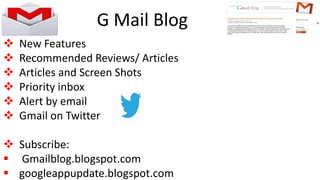


The document provides instructions on how to customize various settings and features in Gmail. It explains how to create signatures and add images, set up multiple signatures, avoid recording signatures automatically, change or create themes, show or hide email snippets, position the chat window, set up video and voice chat, conduct video and group chats, use Google Docs gadgets like calendars and documents, manage time and mailboxes through methods like Inbox Zero, set up priority inbox, connect Outlook to Gmail, and get updates and troubleshoot issues.


