HOW TO USE
Created by: Reginald Wadwadan
Email: reginaldwadwadan@yahoo.com
Prezi is a
presentation
software
That uses motion,
zoom, and spatial
relationships
To bring your
ideas to life
And make you a
great presenter.
Let’s get started
Let’s first create
an account
Open your favorite
web browser
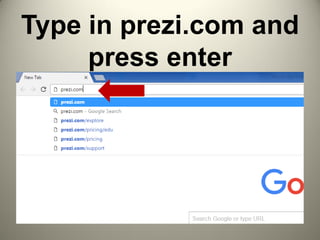
Type in prezi.com and
press enter
Prezi.com opens
Click Get Started with
Prezi
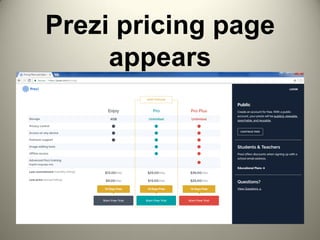
Prezi pricing page
appears
Let’s create a
Public account
Public account is
free, but…
Your prezis will be
publicly viewable,
searchable, and
reusable.
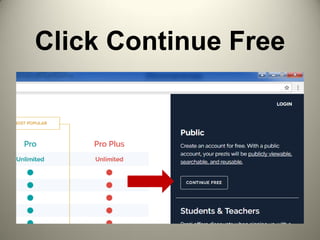
Click Continue Free
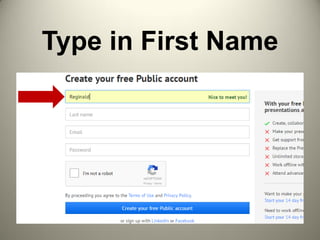
Type in First Name
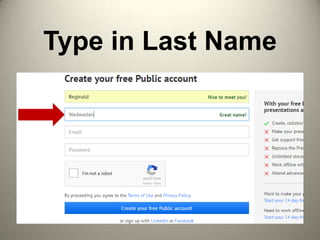
Type in Last Name
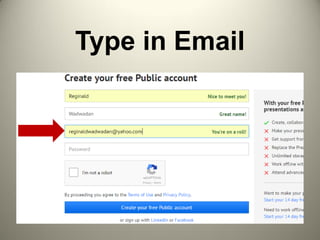
Type in Email
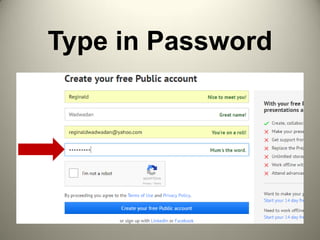
Type in Password
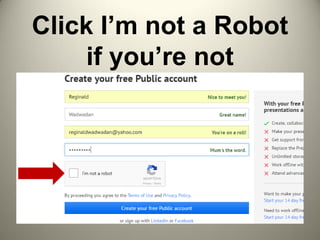
Click I’m not a Robot
if you’re not
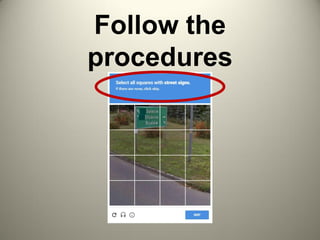
Follow the
procedures
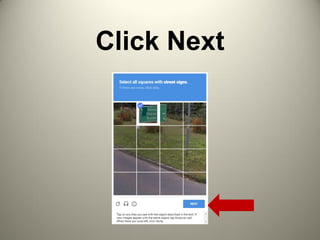
Click Next
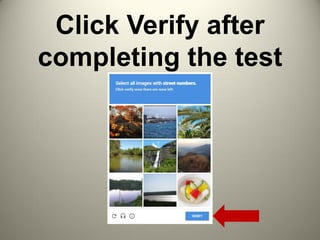
Click Verify after
completing the test
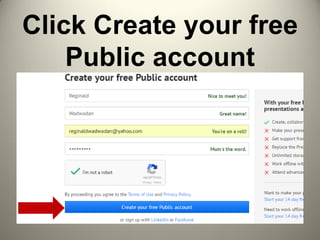
Click Create your free
Public account
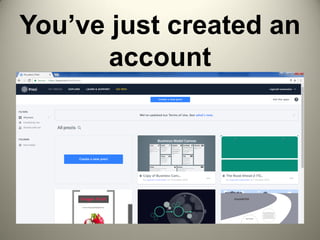
You’ve just created an
account
Let’s start
creating a Prezi
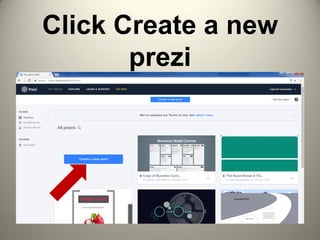
Click Create a new
prezi
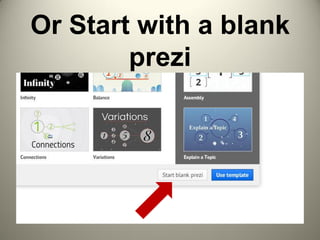
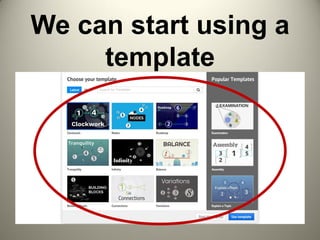
We can start using a
template
Or Start with a blank
prezi
We’ll just use a
template
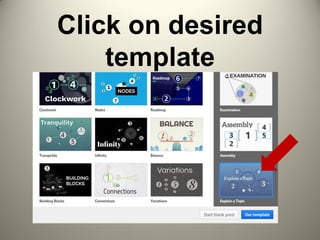
Click on desired
template
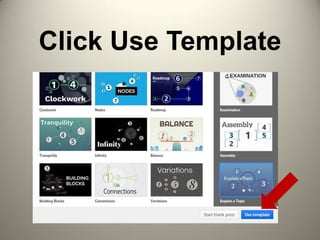
Click Use Template
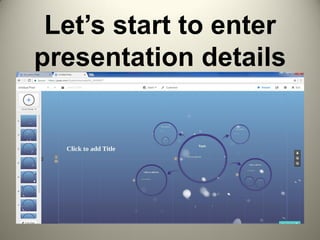
Let’s start to enter
presentation details
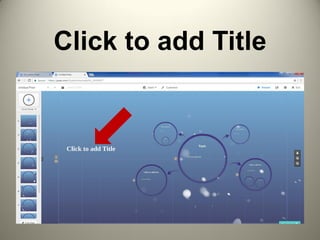
Click to add Title
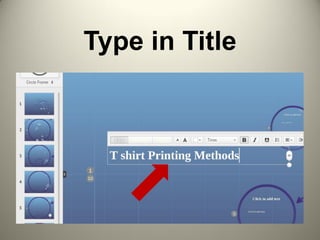
Type in Title
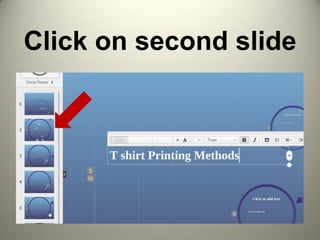
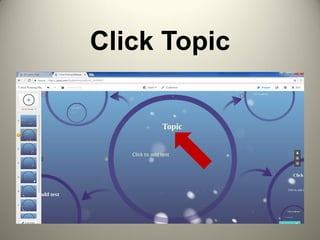
Click on second slide
Click Topic
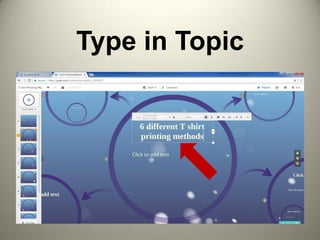
Type in Topic
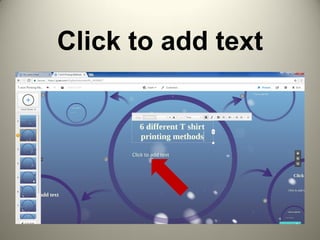
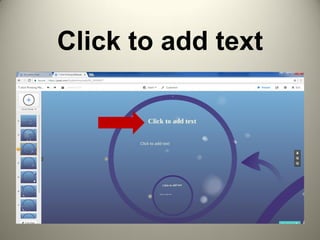
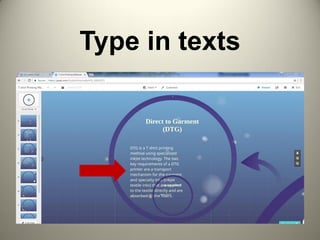
Click to add text
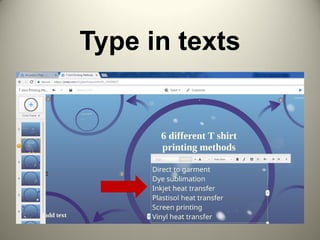
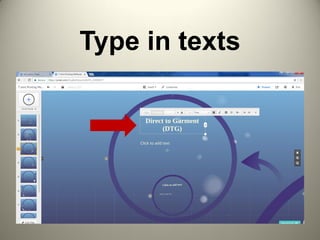
Type in texts
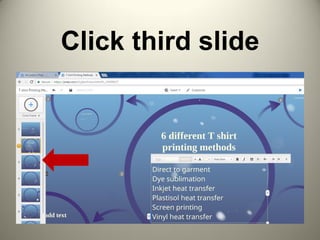
Click third slide
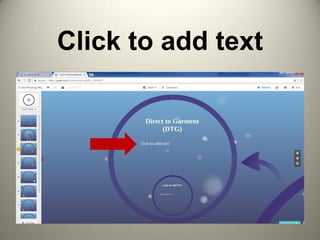
Click to add text
Type in texts
Click to add text
Type in texts
Enter details for
the rest of slides
following above
procedures.
How to edit texts?
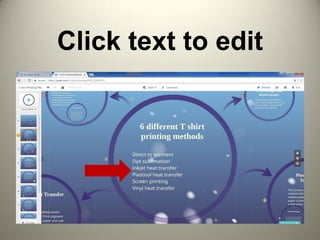
Click text to edit
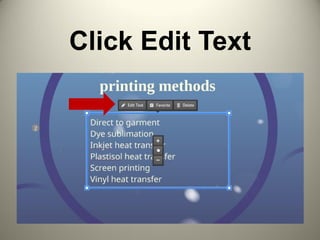
Click Edit Text
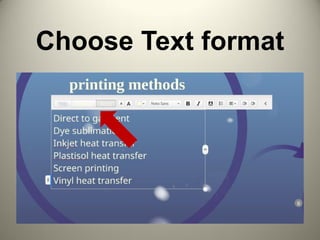
Choose Text format
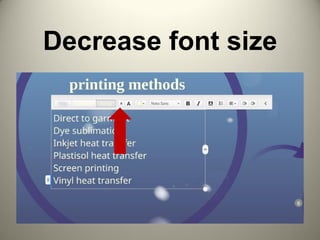
Decrease font size
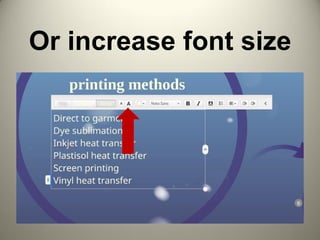
Or increase font size
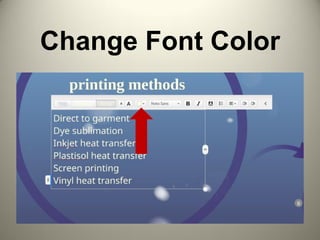
Change Font Color
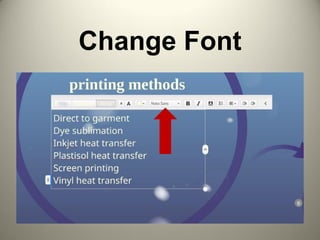
Change Font
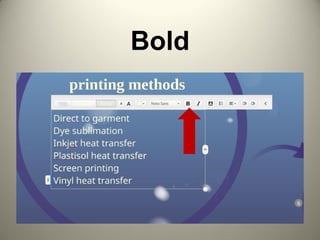
Bold
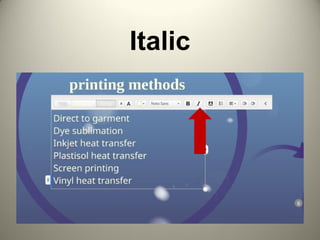
Italic
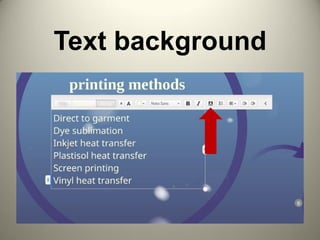
Text background
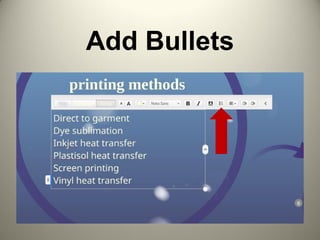
Add Bullets
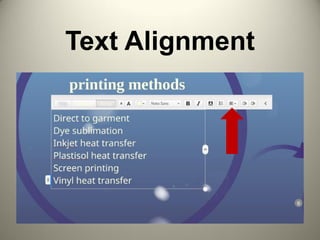
Text Alignment
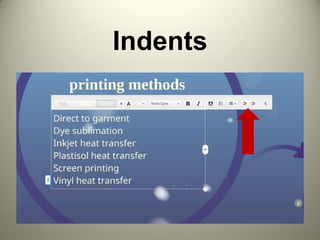
Indents
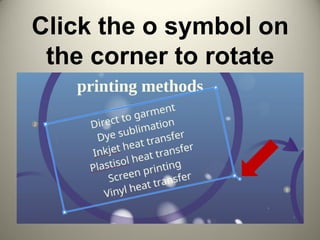
Click the o symbol on
the corner to rotate
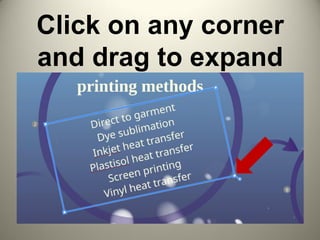
Click on any corner
and drag to expand
How to edit
frame?
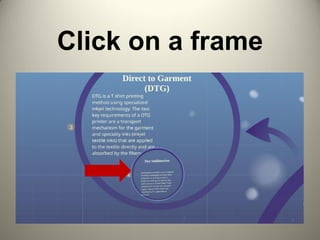
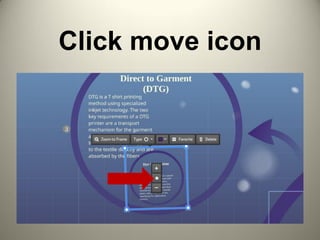
Click on a frame
Click move icon
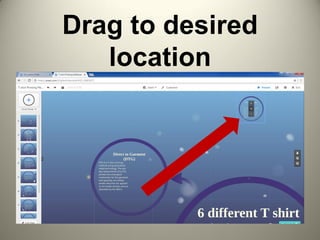
Drag to desired
location
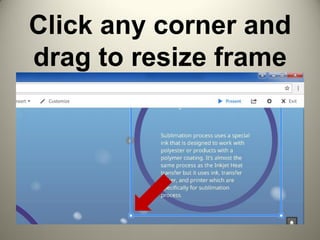
Click any corner and
drag to resize frame
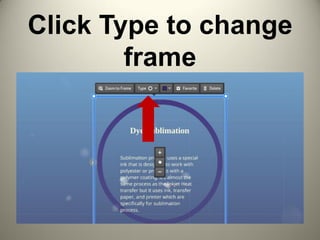
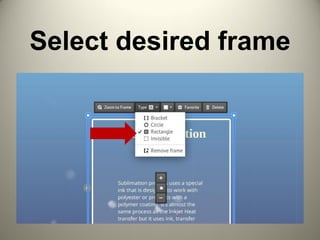
Click Type to change
frame
Select desired frame
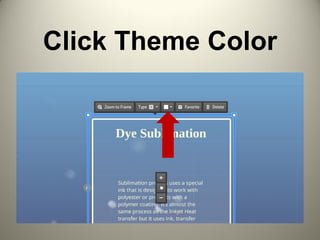
Click Theme Color
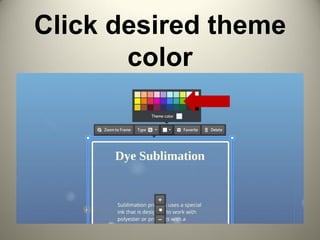
Click desired theme
color
How to Insert
image or video?
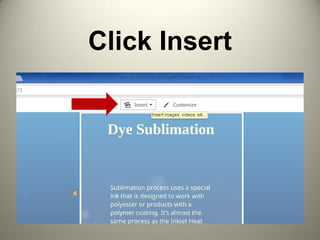
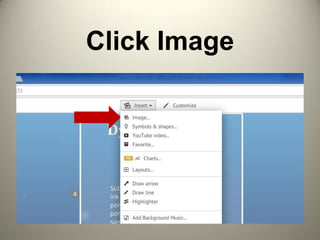
Click Insert
Click Image
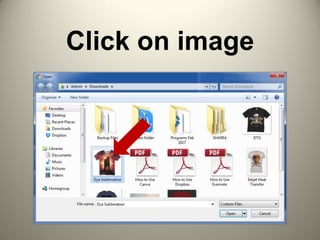
Click on image
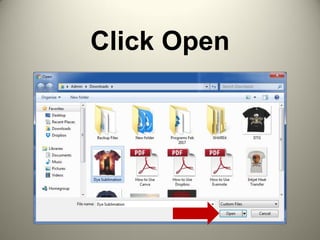
Click Open
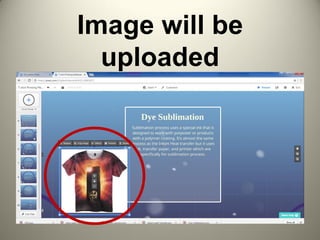
Image will be
uploaded
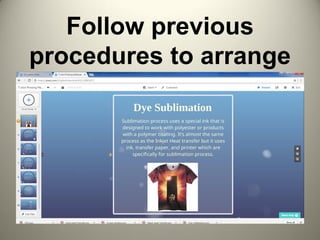
Follow previous
procedures to arrange
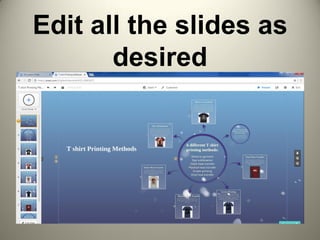
Edit all the slides as
desired
How to edit path?
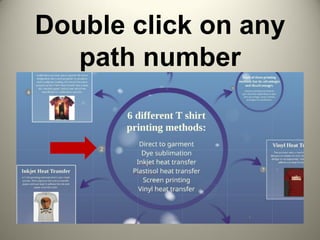
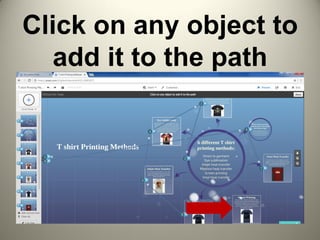
Double click on any
path number
Click on any object to
add it to the path
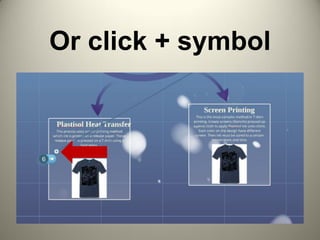
Or click + symbol
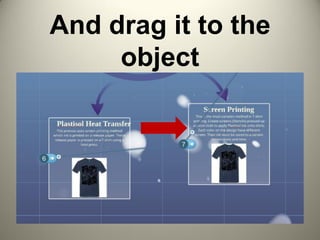
And drag it to the
object
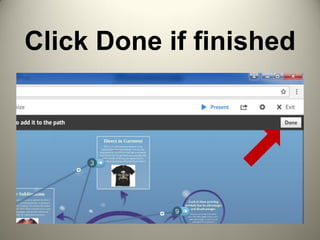
Click Done if finished
How to Customize
Theme?
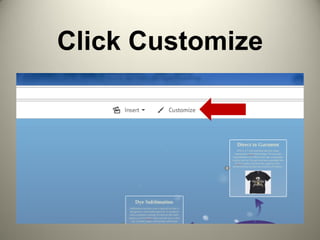
Click Customize
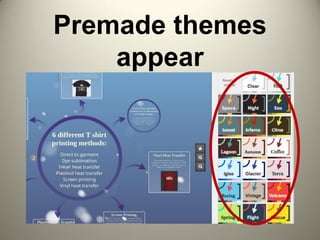
Premade themes
appear
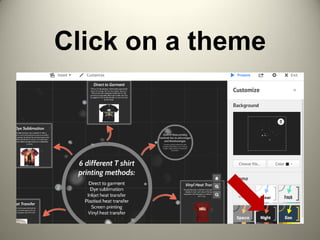
Click on a theme
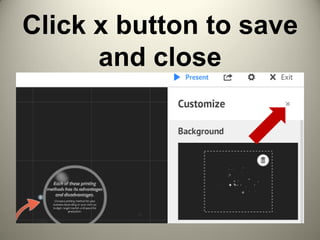
Click x button to save
and close
How to Present?
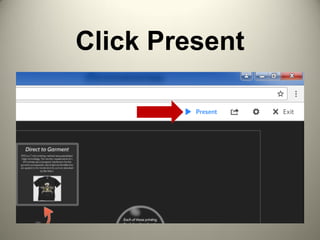
Click Present
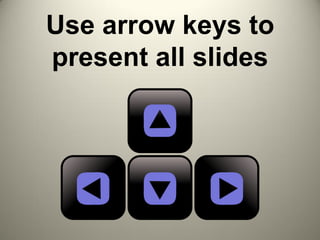
Use arrow keys to
present all slides
How to share your
Prezi?
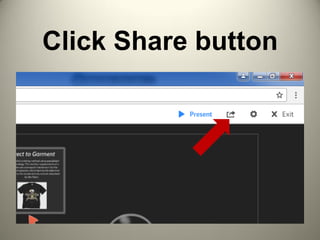
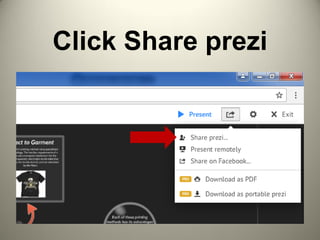
Click Share button
Click Share prezi
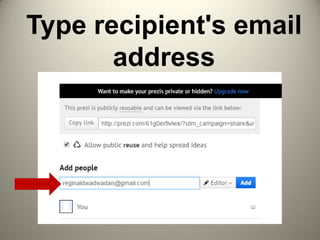
Type recipient's email
address
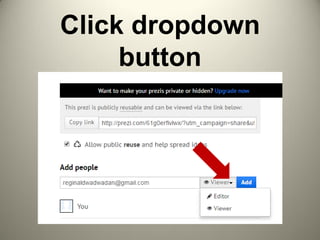
Click dropdown
button
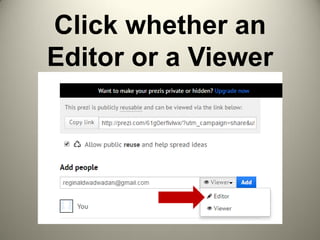
Click whether an
Editor or a Viewer
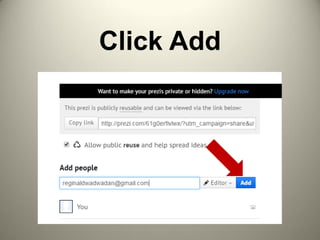
Click Add
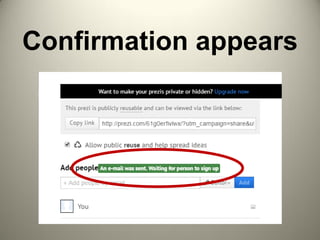
Confirmation appears
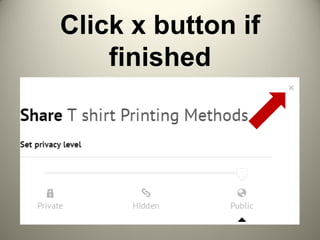
Click x button if
finished
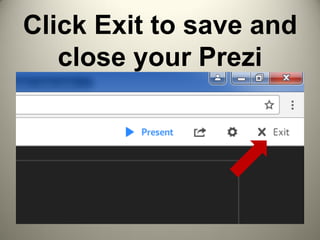
Click Exit to save and
close your Prezi
How to upgrade
your Prezi
account?
If you think Prezi
is the right tool
for you,
Then upgrade to
Pro account to
unlock its amazing
features.
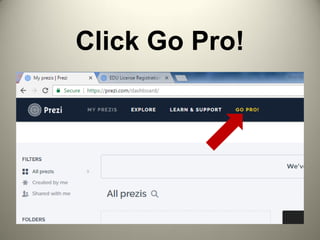
Click Go Pro!
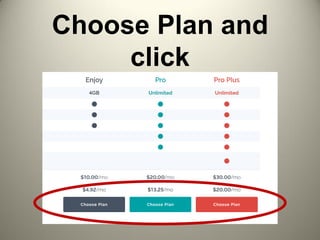
Choose Plan and
click
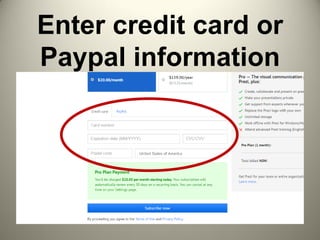
Enter credit card or
Paypal information
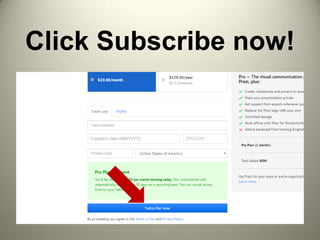
Click Subscribe now!
Congratulations!
Best of luck with your
presentation!

How to Use Prezi