Giving an Oral Presentation Sharon Parikh CS 160 3/19-20/2001
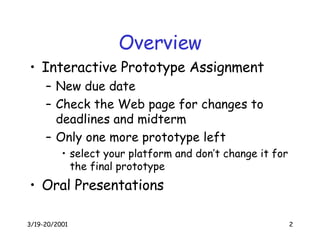
Overview Interactive Prototype Assignment New due date Check the Web page for changes to deadlines and midterm Only one more prototype left select your platform and don’t change it for the final prototype Oral Presentations
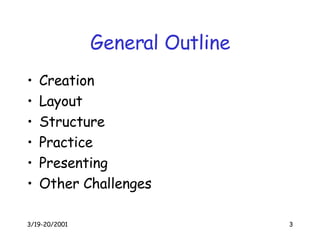
General Outline Creation Layout Structure Practice Presenting Other Challenges
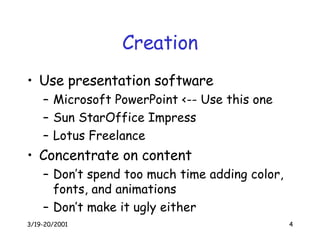
Creation Use presentation software Microsoft PowerPoint <-- Use this one Sun StarOffice Impress Lotus Freelance Concentrate on content Don’t spend too much time adding color, fonts, and animations Don’t make it ugly either
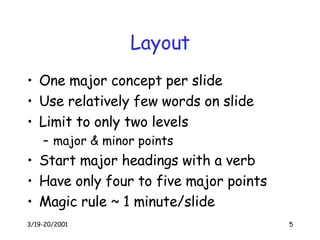
Layout One major concept per slide Use relatively few words on slide Limit to only two levels major & minor points Start major headings with a verb Have only four to five major points Magic rule ~ 1 minute/slide
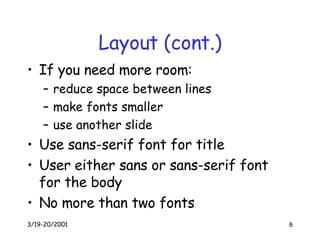
Layout (cont.) If you need more room: reduce space between lines make fonts smaller use another slide Use sans-serif font for title User either sans or sans-serif font for the body No more than two fonts
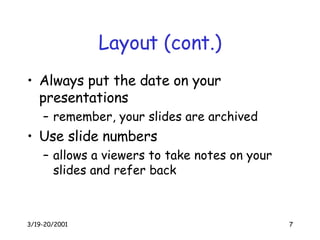
Layout (cont.) Always put the date on your presentations remember, your slides are archived Use slide numbers allows a viewers to take notes on your slides and refer back
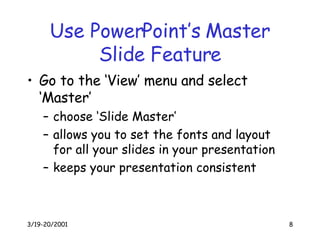
Use PowerPoint’s Master Slide Feature Go to the ‘View’ menu and select ‘Master’ choose ‘Slide Master’ allows you to set the fonts and layout for all your slides in your presentation keeps your presentation consistent
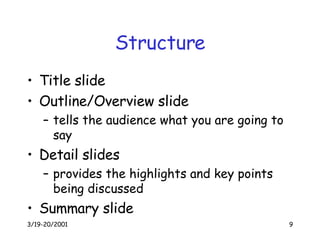
Structure Title slide Outline/Overview slide tells the audience what you are going to say Detail slides provides the highlights and key points being discussed Summary slide
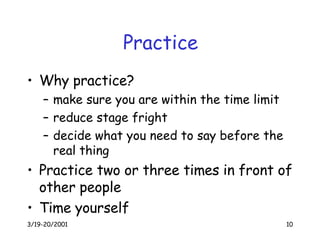
Practice Why practice? make sure you are within the time limit reduce stage fright decide what you need to say before the real thing Practice two or three times in front of other people Time yourself
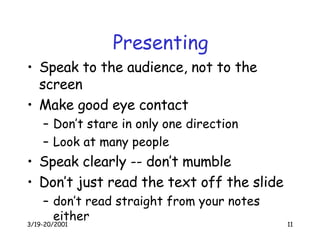
Presenting Speak to the audience, not to the screen Make good eye contact Don’t stare in only one direction Look at many people Speak clearly -- don’t mumble Don’t just read the text off the slide don’t read straight from your notes either
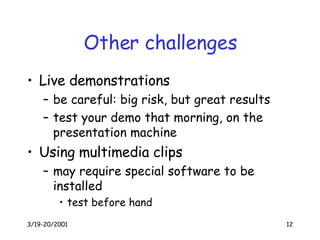
Other challenges Live demonstrations be careful: big risk, but great results test your demo that morning, on the presentation machine Using multimedia clips may require special software to be installed test before hand
Summary Practice, practice, practice :)

Giving Oral presentation

  • 1.
    Giving an OralPresentation Sharon Parikh CS 160 3/19-20/2001
  • 2.
    Overview Interactive PrototypeAssignment New due date Check the Web page for changes to deadlines and midterm Only one more prototype left select your platform and don’t change it for the final prototype Oral Presentations
  • 3.
    General Outline CreationLayout Structure Practice Presenting Other Challenges
  • 4.
    Creation Use presentationsoftware Microsoft PowerPoint <-- Use this one Sun StarOffice Impress Lotus Freelance Concentrate on content Don’t spend too much time adding color, fonts, and animations Don’t make it ugly either
  • 5.
    Layout One majorconcept per slide Use relatively few words on slide Limit to only two levels major & minor points Start major headings with a verb Have only four to five major points Magic rule ~ 1 minute/slide
  • 6.
    Layout (cont.) Ifyou need more room: reduce space between lines make fonts smaller use another slide Use sans-serif font for title User either sans or sans-serif font for the body No more than two fonts
  • 7.
    Layout (cont.) Alwaysput the date on your presentations remember, your slides are archived Use slide numbers allows a viewers to take notes on your slides and refer back
  • 8.
    Use PowerPoint’s MasterSlide Feature Go to the ‘View’ menu and select ‘Master’ choose ‘Slide Master’ allows you to set the fonts and layout for all your slides in your presentation keeps your presentation consistent
  • 9.
    Structure Title slideOutline/Overview slide tells the audience what you are going to say Detail slides provides the highlights and key points being discussed Summary slide
  • 10.
    Practice Why practice?make sure you are within the time limit reduce stage fright decide what you need to say before the real thing Practice two or three times in front of other people Time yourself
  • 11.
    Presenting Speak tothe audience, not to the screen Make good eye contact Don’t stare in only one direction Look at many people Speak clearly -- don’t mumble Don’t just read the text off the slide don’t read straight from your notes either
  • 12.
    Other challenges Livedemonstrations be careful: big risk, but great results test your demo that morning, on the presentation machine Using multimedia clips may require special software to be installed test before hand
  • 13.