How to Use PowerPoint Effectively
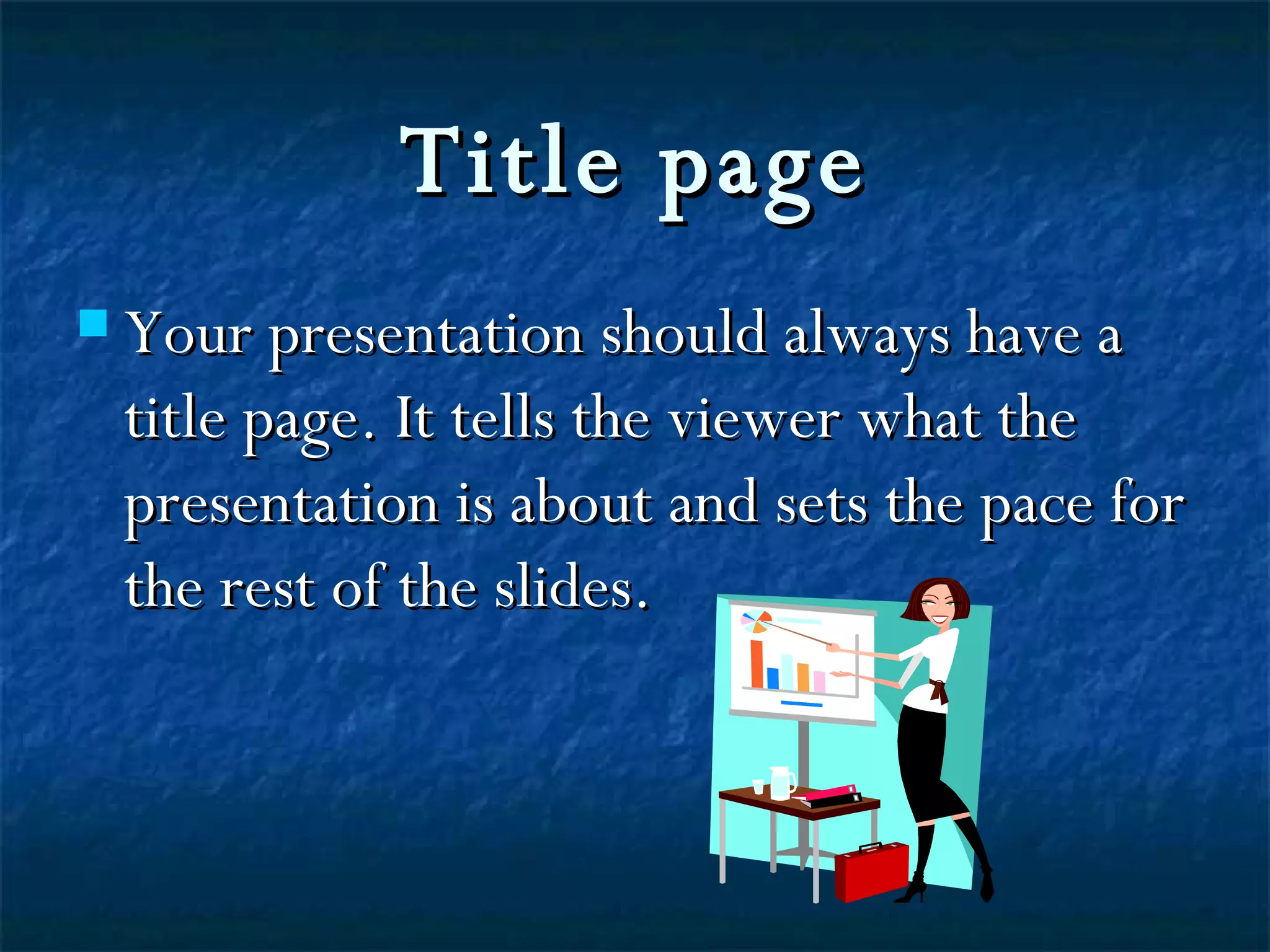
Title page Your presentation should always have a title page. It tells the viewer what the presentation is about and sets the pace for the rest of the slides.
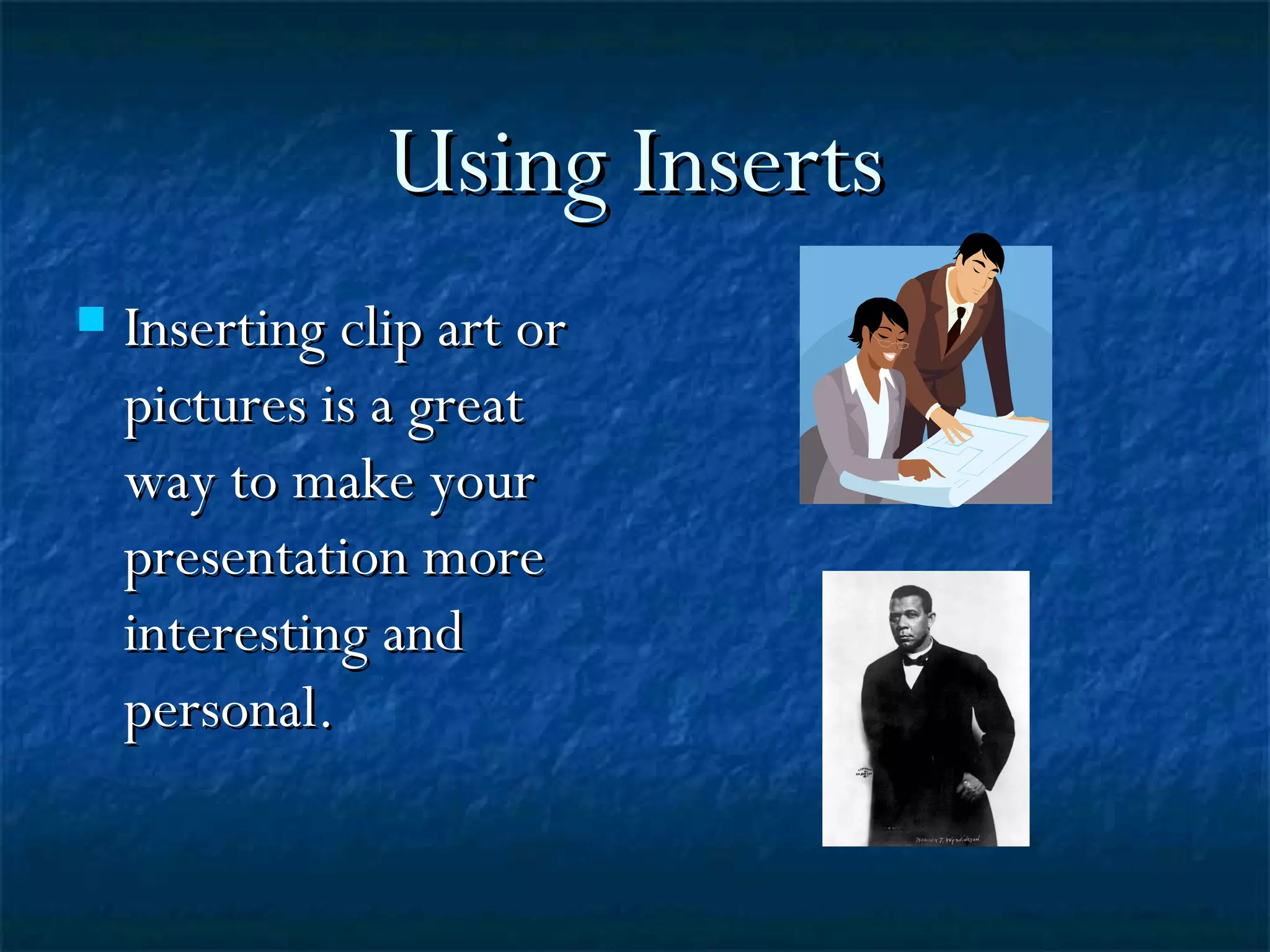
Using Inserts Inserting clip art or pictures is a great  way to make your presentation more interesting and personal.
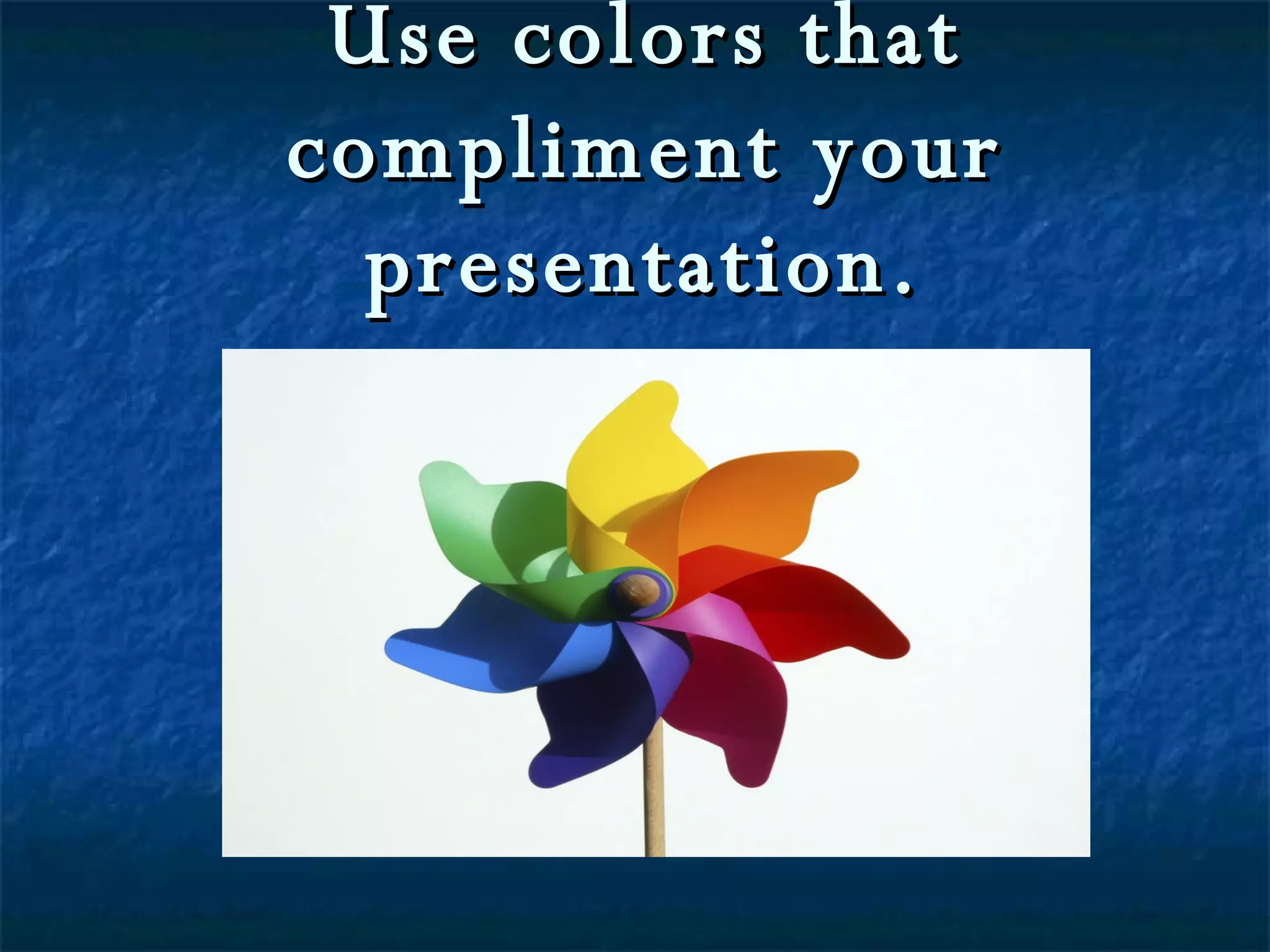
Use colors that compliment your presentation.
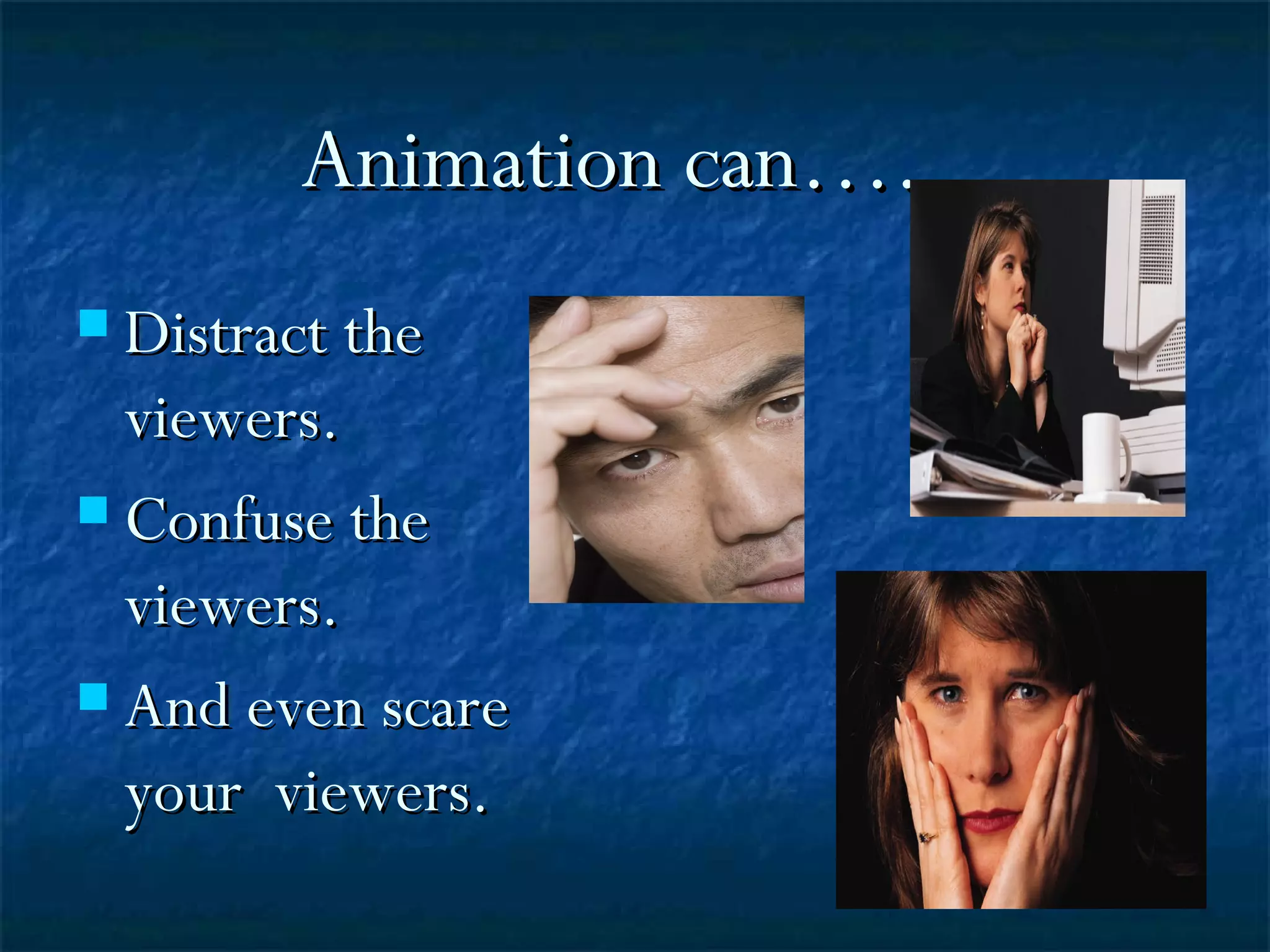
Animation can…..  Distract the viewers. Confuse the viewers. And even scare your  viewers.
So use animation sparingly!
Font Use a  big  size font so that everyone can read your presentation. Use the appropriate font  style  for the type of presentation that you are giving.
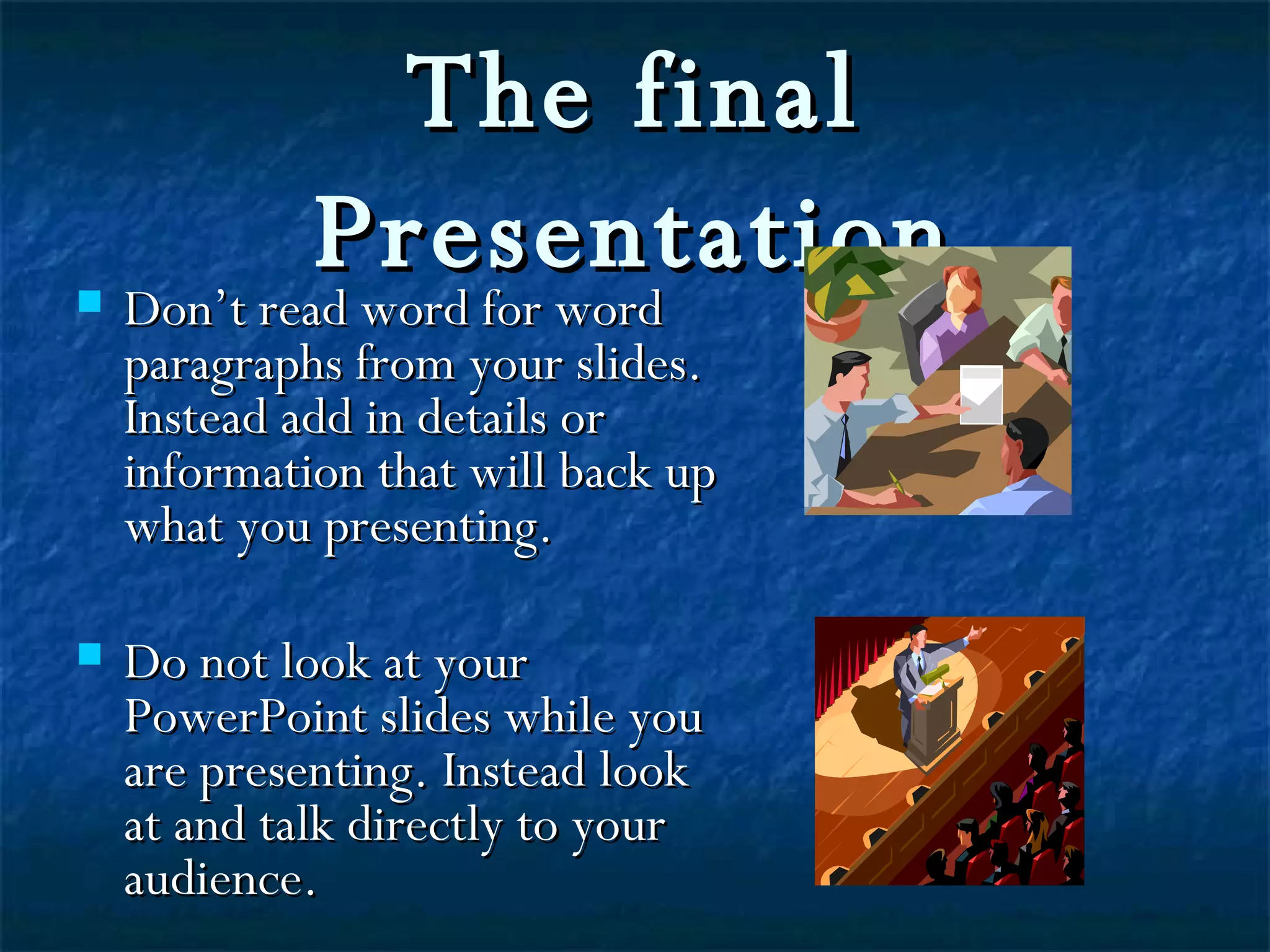
The final Presentation Don’t read word for word paragraphs from your slides. Instead add in details or information that will back up what you presenting. Do not look at your PowerPoint slides while you are presenting. Instead look at and talk directly to your audience.
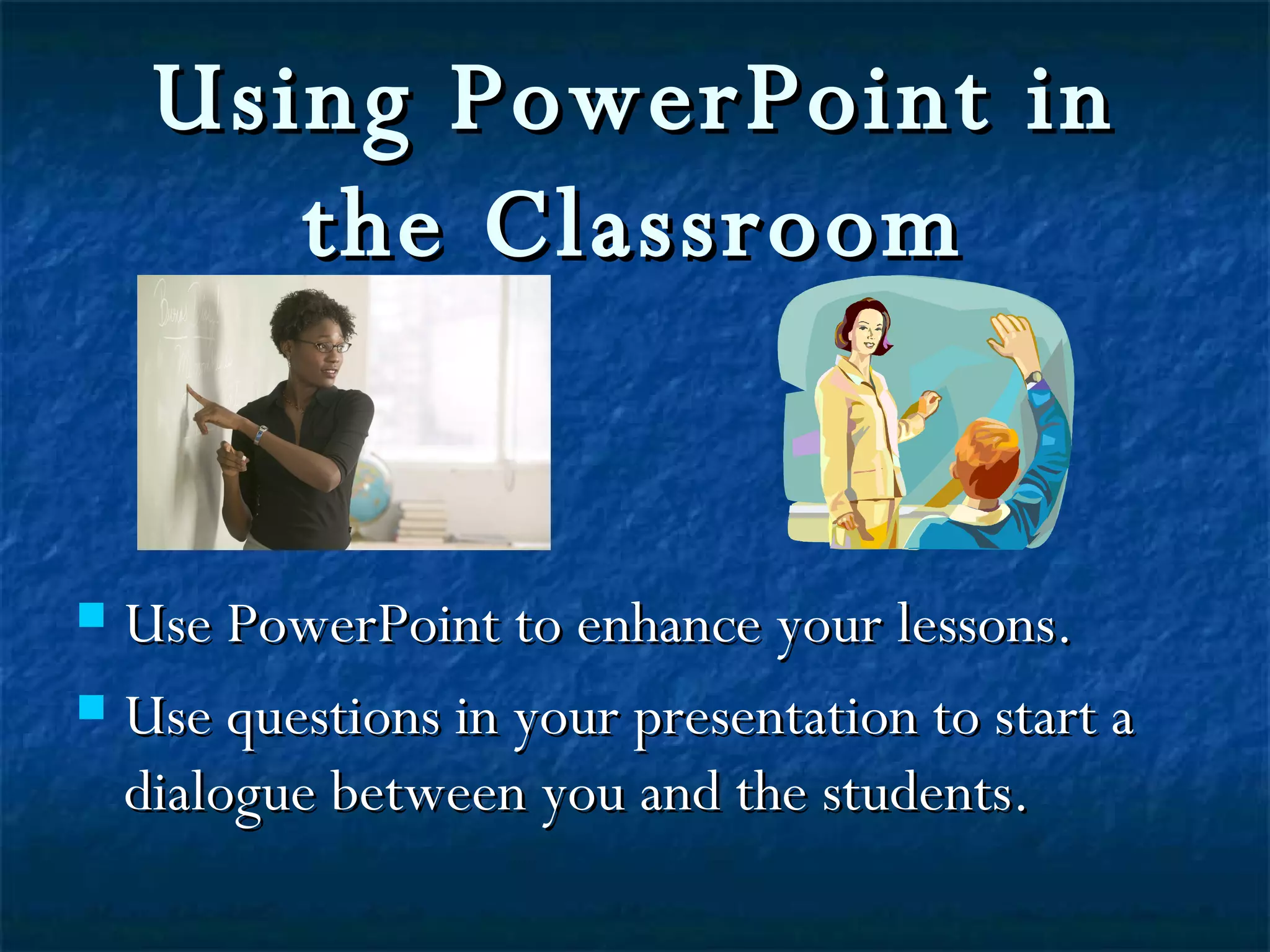
Using PowerPoint in the Classroom Use PowerPoint to enhance your lessons. Use questions in your presentation to start a dialogue between you and the students.

activity5

  • 1.
    How to UsePowerPoint Effectively
  • 2.
    Title page Yourpresentation should always have a title page. It tells the viewer what the presentation is about and sets the pace for the rest of the slides.
  • 3.
    Using Inserts Insertingclip art or pictures is a great way to make your presentation more interesting and personal.
  • 4.
    Use colors thatcompliment your presentation.
  • 5.
    Animation can….. Distract the viewers. Confuse the viewers. And even scare your viewers.
  • 6.
    So use animationsparingly!
  • 7.
    Font Use a big size font so that everyone can read your presentation. Use the appropriate font style for the type of presentation that you are giving.
  • 8.
    The final PresentationDon’t read word for word paragraphs from your slides. Instead add in details or information that will back up what you presenting. Do not look at your PowerPoint slides while you are presenting. Instead look at and talk directly to your audience.
  • 9.
    Using PowerPoint inthe Classroom Use PowerPoint to enhance your lessons. Use questions in your presentation to start a dialogue between you and the students.