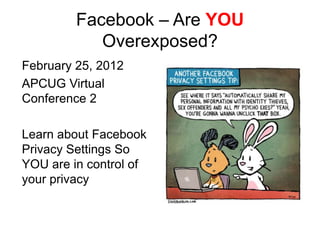
Facebook – Are YOU
            Overexposed?
February 25, 2012
APCUG Virtual
Conference 2

Learn about Facebook
Privacy Settings So
YOU are in control of
your privacy
Your Presenter . . .
Jim Evans
jamesievans@gmail.com
www.facebook.com/jimevans
www.linkedin.com/in/jamesievans

Jim has been involved in technology & computers for 30+ years
and has written and presented on technology around the
country. He is a long time director of APCUG. Jim maintains a
tech page at www.facebook.com/GeekClean
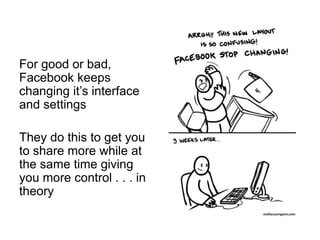
For good or bad,
Facebook keeps
changing it’s interface
and settings

They do this to get you
to share more while at
the same time giving
you more control . . . in
theory
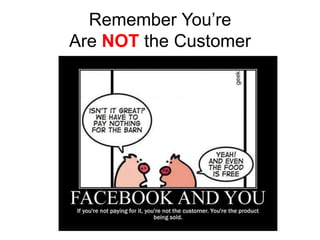
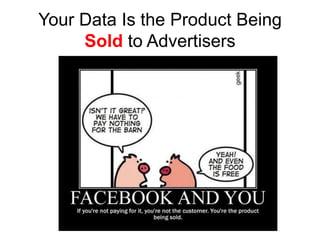
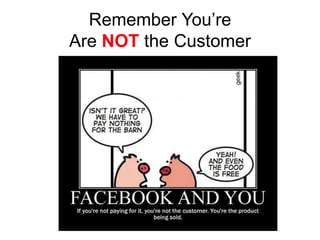
Remember You’re
Are NOT the Customer
Your Data Is the Product Being
     Sold to Advertisers
Today’s Presentation
• We will review a series of screenshots to
  show you the various settings you need to
  be aware of,
• There will be a video or two,
• At the end, there will be a live demo and
  time for questions,
• See www.gcpcug.org/facebook to see the
  slides, resources and videos. There will be
  more posted soon.
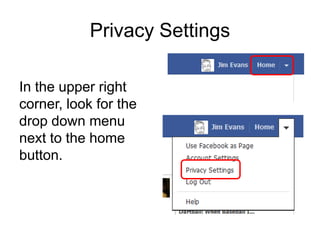
Privacy Settings

In the upper right
corner, look for the
drop down menu
next to the home
button.
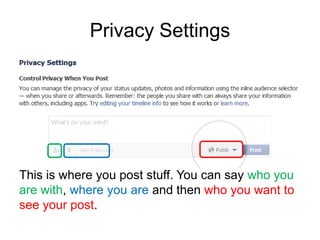
Privacy Settings


This is where you post stuff. You can say who you
are with, where you are and then who you want to
see your post.
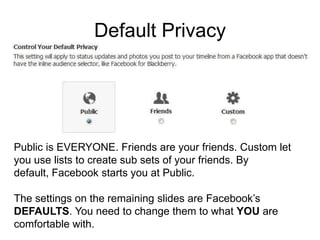
Default Privacy


Public is EVERYONE. Friends are your friends. Custom let
you use lists to create sub sets of your friends. By
default, Facebook starts you at Public.

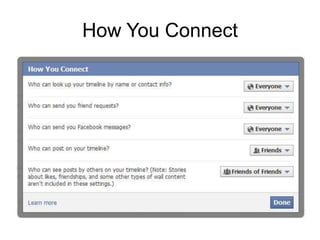
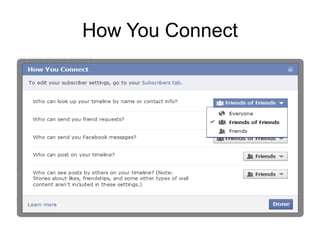
The settings on the remaining slides are Facebook’s
DEFAULTS. You need to change them to what YOU are
comfortable with.
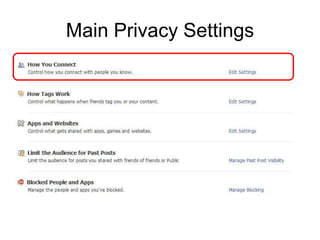
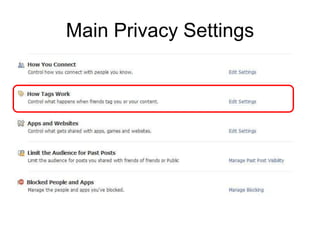
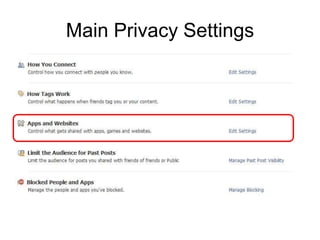
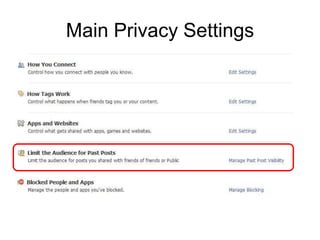
Main Privacy Settings
How You Connect
How You Connect
Main Privacy Settings
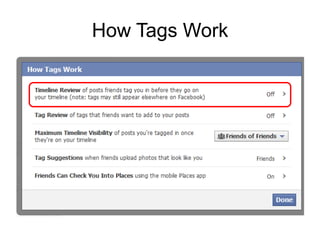
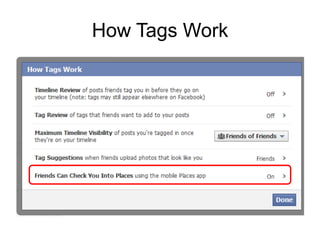
How Tags Work
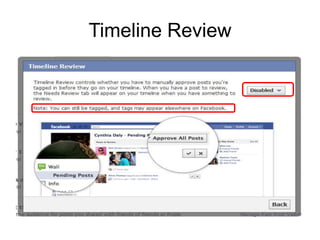
Timeline Review
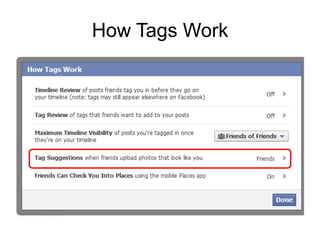
How Tags Work
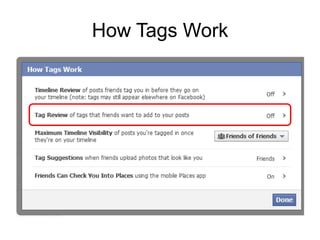
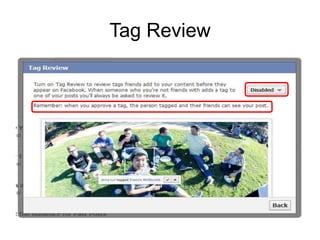
Tag Review
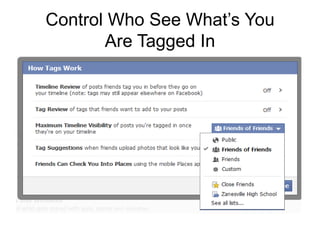
Control Who See What’s You
       Are Tagged In
How Tags Work
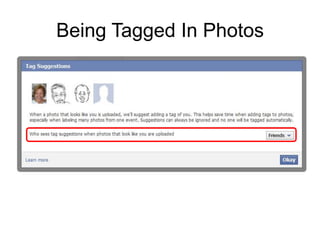
Being Tagged In Photos
How Tags Work
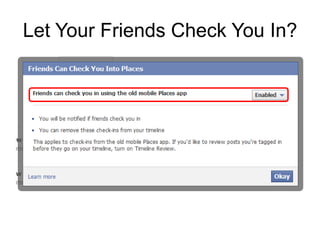
Let Your Friends Check You In?
Main Privacy Settings
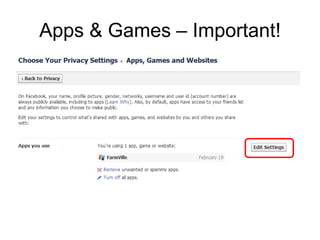
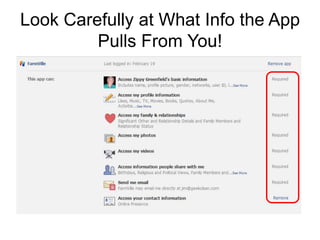
Apps & Games – Important!
Look Carefully at What Info the App
         Pulls From You!
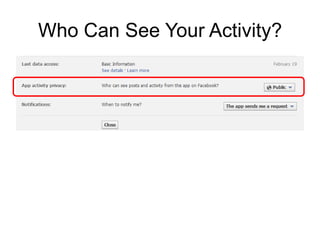
Who Can See Your Activity?
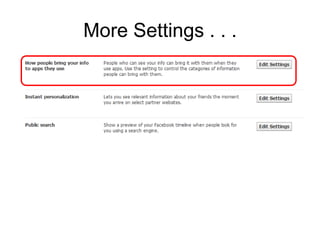
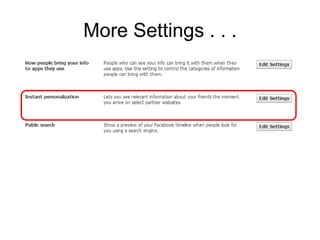
More Settings . . .
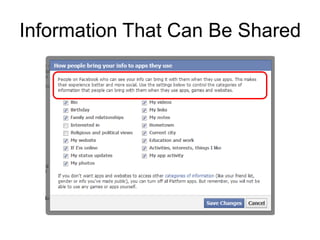
Information That Can Be Shared
More Settings . . .
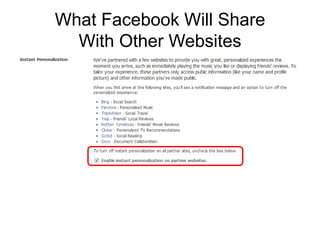
What Facebook Will Share
  With Other Websites
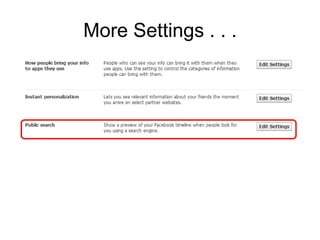
More Settings . . .
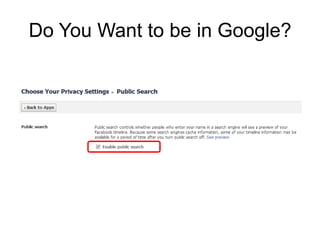
Do You Want to be in Google?
Main Privacy Settings
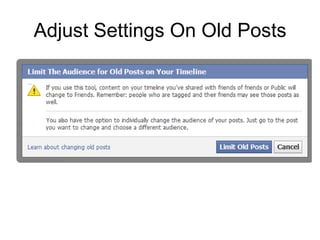
Adjust Settings On Old Posts
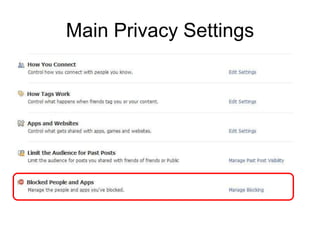
Main Privacy Settings
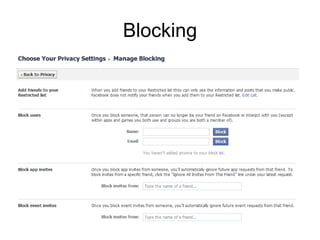
Blocking
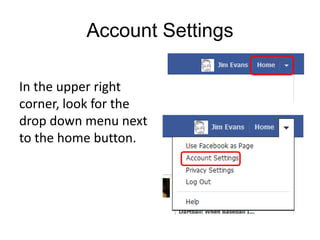
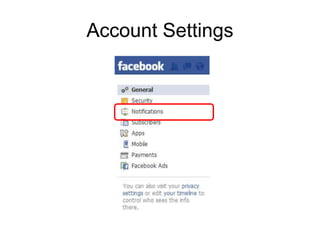
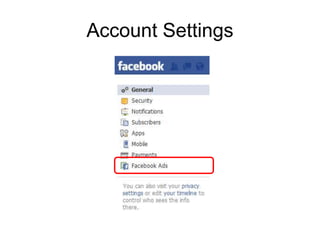
Account Settings

In the upper right
corner, look for the
drop down menu next
to the home button.
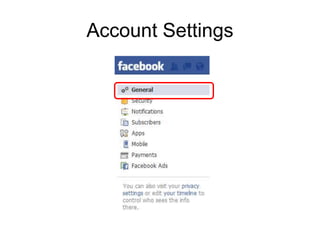
Account Settings
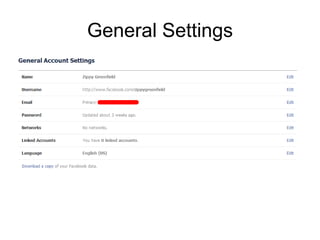
General Settings
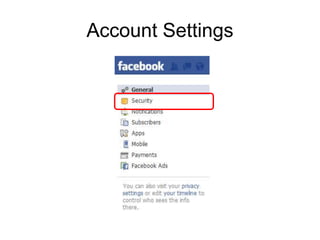
Account Settings
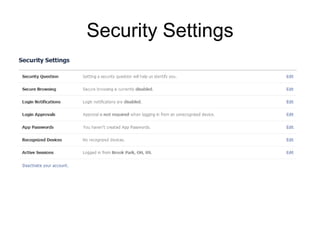
Security Settings
Account Settings
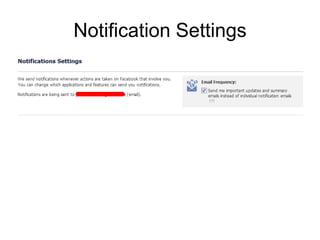
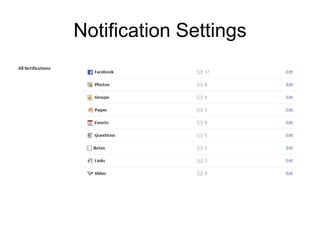
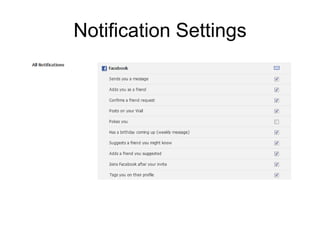
Notification Settings
Account Settings
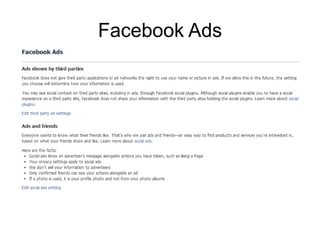
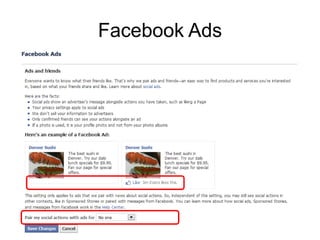
Facebook Ads
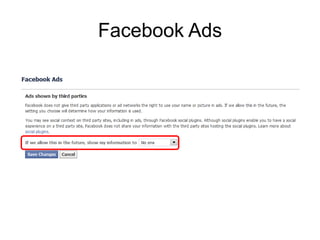
Facebook Ads
Facebook Ads
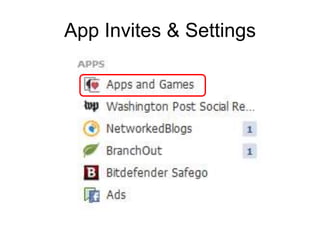
App Invites & Settings
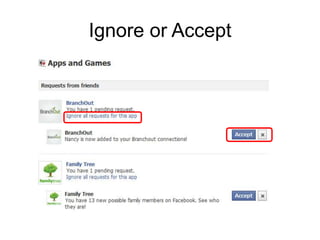
Ignore or Accept
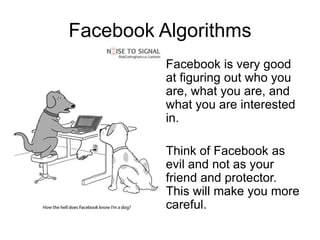
Facebook Algorithms
          Facebook is very good
          at figuring out who you
          are, what you are, and
          what you are interested
          in.

          Think of Facebook as
          evil and not as your
          friend and protector.
          This will make you more
          careful.
Remember You’re
Are NOT the Customer
Your Presenter . . .
Jim Evans
jamesievans@gmail.com
www.facebook.com/jimevans
www.linkedin.com/in/jamesievans

Jim has been involved in technology & computers for 30+ years
and has written and presented on technology around the
country. He is a long time director of APCUG. He maintains a
tech page at www.facebook.com/GeekClean

Facebook Privacy Settings