Facebook
How to Get Started Safely
by Hewie Poplock
info@hewie.net
Presented Sunday March 16, 2014
This presentation is aimed at those not
using Facebook. However, those who
do use it will gain some insights and will
update their settings knowledge, as well
as be helpful to those around them who
have been hesitant to join Facebook.
 There are more than 1.23 billion of
Facebook active users.
 Of those 250 million play Facebook
games.
 Over last 3 years, the number who are
55+ has exploded with +80.4%
growth.
 As of Jan 2014, 32% of online seniors
over 65 are using social networking
sites and that number is about 15.6%
of the Facebook users.
Why Use Facebook?
 Find & Connect to Friends –
Current & Past
 Organizations that you belong to
 Schools that you attended
 Re-visit old home towns
 Follow world & local news
 If you wish - share your
interests, info, etc.
Why use Facebook?
 Must have account to view your
friend's Newsfeeds
 Play games by yourself or with others
 Use Applications
 Instant Message & privately email with
only those who you want to
 Follow products that you like or use
 Follow organizations that you belong
to
 You can almost be invisible
 Important to use security settings and
not depend upon defaults
 Post or don’t – You can just lurk
 Do more interacting once you feel
comfortable
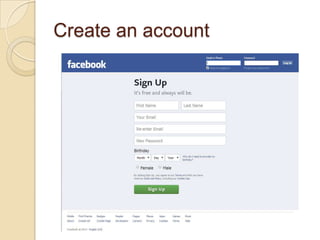
Create an account
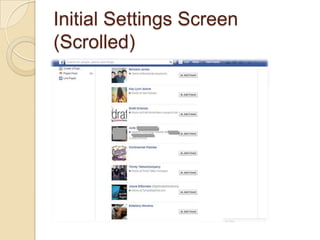
Initial Settings Screen
(Scrolled)
Each setting can be controlled as
to who will see it
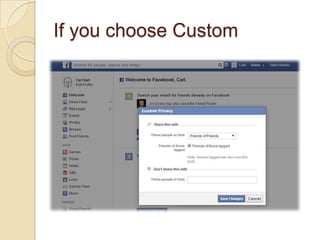
If you choose Custom
You can make your own
choice
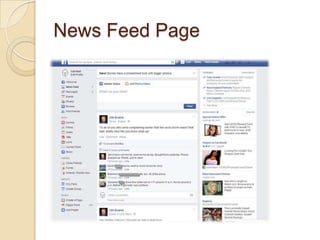
?No matter where you are, click on the
“f”acebook logo and go to the News Feed
Page
News Feed Page
Privacy Shortcuts
Who can see my stuff?
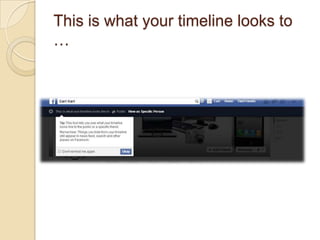
This is what your timeline looks to
…
This is what your timeline looks to
Felicia Shannon
If someone is looking for you
And they find you
If they click Photos
If they click Friends
Privacy – Who can contact
me?
Everyone or Friends of Friends
can send friend requests
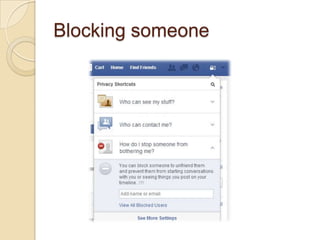
Blocking someone
Privacy Settings
General Settings
Message sent by Hewie
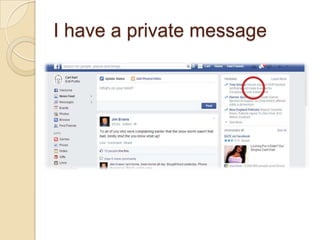
I have a private message
List of messages
Let’s look at
Hewie’s Facebook News Feed
Let’s look at Groups
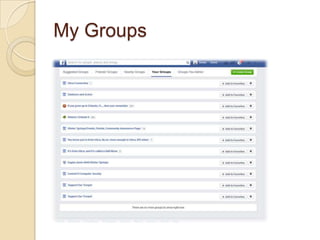
My Groups
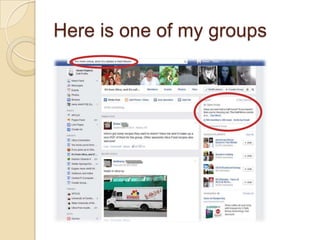
Here is one of my groups
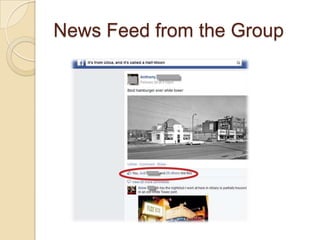
News Feed from the Group
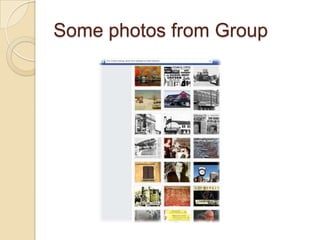
Some photos from Group
Where to Find & Add Friends
Where to check & send
Messages
Where to see Notifications
Facebook Items
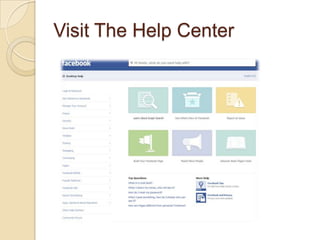
Visit The Help Center
Help Choices
App Center
My Apps
App settings 1
App settings 2
App settings 3
Candy Crush is very popular
Candy Crush info
Even a video to demo the
game
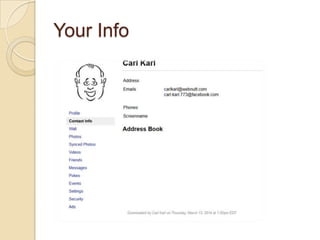
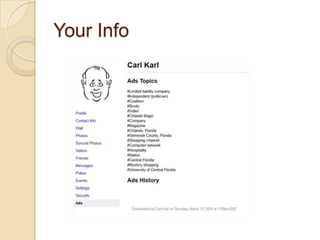
Download your information
Your Info
Your Info
Your Info
Your Info
Your Info
Your Info
How to opt out of social ads
Facebook can use your “Likes” as a way to advertise for brands.
If I “like” the Applebee’s Facebook Page, then Facebook would be able
to show my profile photo and a tagline that says something along the
lines of “Your friend Amit likes Applebee’s, check out the Applebee’s
Facebook Page to learn about our newest lunch combo.”
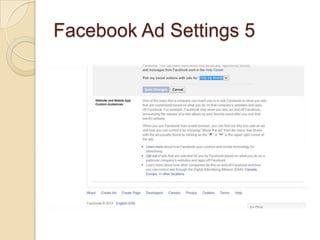
To block Facebook from doing this, go to the “Ads” section of your
“Account Settings.” Go to the section that says “Ads and Friends,” hit
edit and then select “No One” where it says “Pair my social actions with
ads for.”
Where to change settings
Facebook Ad Settings 1
Facebook Ad Settings 2
Facebook Ad Settings 3
Facebook Ad Settings 4
Facebook Ad Settings 5
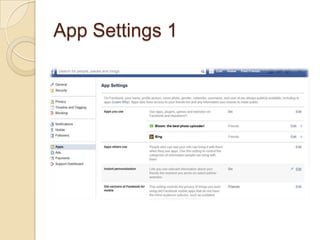
App Settings 1
App Settings 2
App Settings 3
App Settings 4
App Settings 5
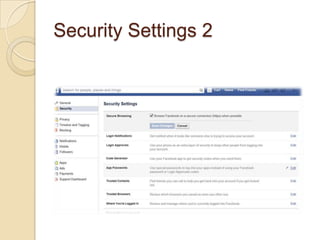
Security Settings
Security Settings 2
How to opt out of social ads.
Facebook can use your “Likes” as a way to
advertise for brands. If I “like” the Applebee’s
Facebook Page, then Facebook would be
able to show my profile photo and a tagline
that says something along the lines of “Your
friend Amit likes Applebee’s, check out the
Applebee’s Facebook Page to learn about
our newest lunch combo.” To block Facebook
from doing this, go to the “Ads” section of
your “Account Settings.” Go to the section
that says “Ads and Friends,” hit edit and then
select “No One” where it says “Pair my social
actions with ads for.”
Facebook Precautions
Real Names Does NOT Mean Friendly
People
Facebook’s real name policy means that
most of the people you see are actually
using their real name. It lulls people into a
false sense of security, which can lead to
trouble.
This helps scams like the Western Union transfer scam and work at
home scams take hold, because it starts with a local group and a
friendly looking face with a real profile. The same goes for most
Facebook Precautions
Careless Words Can Cost You
So, you’re grumpy at your boss’s decision and you
lashed out in a Facebook update? You could lose
your job.
Or maybe you griped about a piece of software you
use for your job, could that be considered sharing
company secrets? If so, you might lose your job
and be up for a lawsuit.
A bad attitude, inappropriate photos or poor
grammar could also make you look like a bad
decision in the eyes of an employer.
Facebook Precautions
Data Costs Can Add Up
When you’re using Wi-Fi at home, it’s no big deal for most
people. You look at Facebook on your phone and upload
photos and there’s nothing to worry about.
Once you start using 3G or 4G data plans, you are usually
facing a lower data cap and could face a large bill by using
too much data.
If you go overseas it gets exponentially worse, with roaming
data costs set at exorbitant amounts for most carriers
worldwide.
Facebook Precautions
You cannot keep a photo private
Editing the privacy settings for your Facebook photos
can help us minimize our exposure on the internet
but we must not forget that, although our albums are
configured so that a small group of friends can see
them, anyone can copy the URL of your image and
share it with anyone.
Do No Upload Photos in High Resolution.
Images in high resolution are much more likely to be
used for commercial purposes.
Early Memory
Early Memory
Orlando in the 60’s
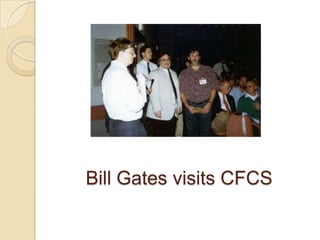
Bill Gates visits CFCS
Are you ready to try
Facebook?

Intro to Facebook Presentation – Facebook, How to Get Started Safely