Tableau Tools
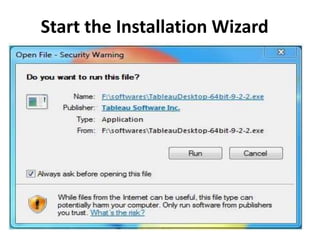
Start the Installation Wizard
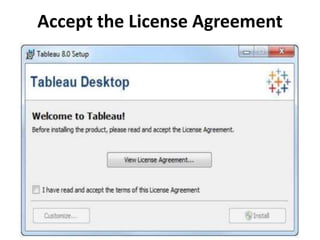
Accept the License Agreement
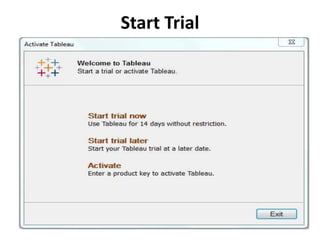
Start Trial
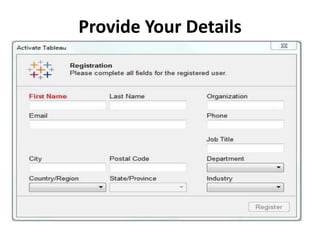
Provide Your Details
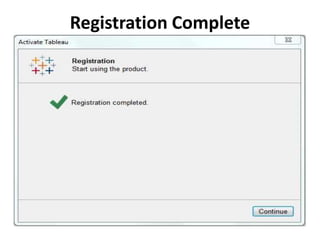
Registration Complete
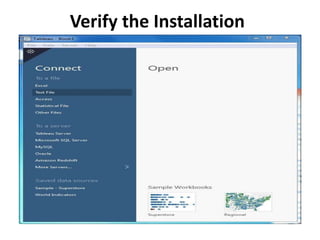
Verify the Installation
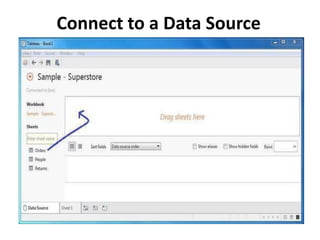
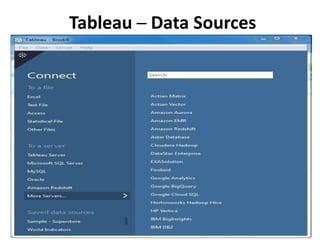
Connect to a Data Source
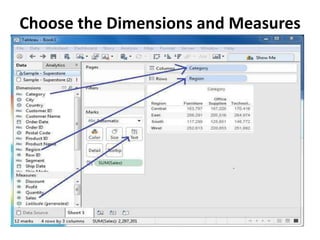
Choose the Dimensions and Measures
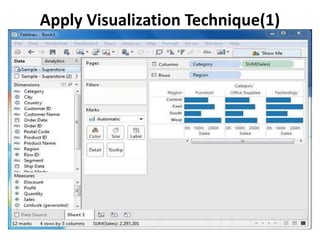
Apply Visualization Technique(1)
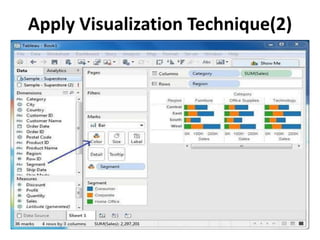
Apply Visualization Technique(2)
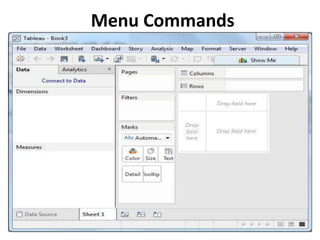
Menu Commands
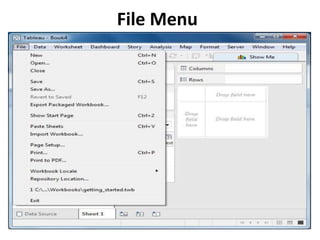
File Menu
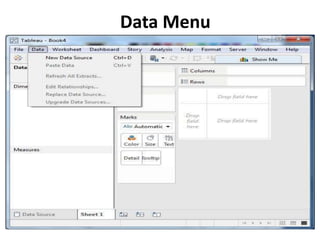
Data Menu
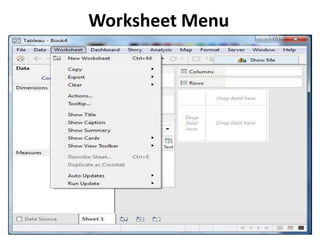
Worksheet Menu
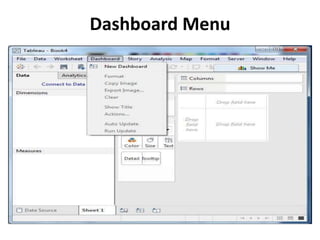
Dashboard Menu
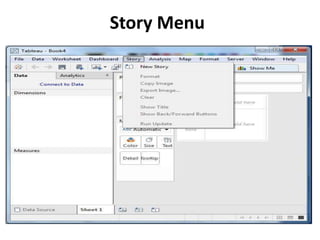
Story Menu
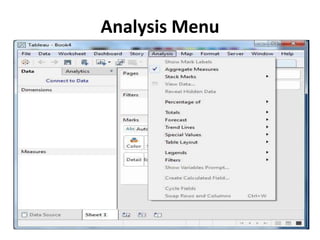
Analysis Menu
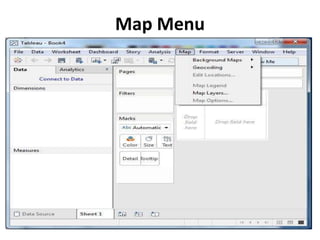
Map Menu
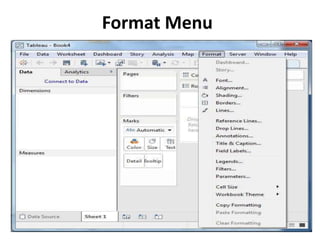
Format Menu
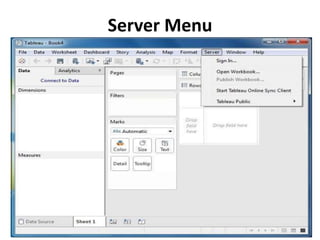
Server Menu
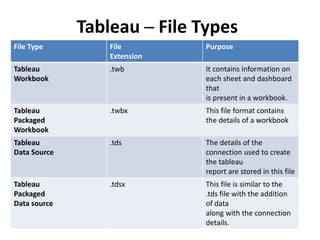
Tableau ─ File Types
File Type File
Extension
Purpose
Tableau
Workbook
.twb It contains information on
each sheet and dashboard
that
is present in a workbook.
Tableau
Packaged
Workbook
.twbx This file format contains
the details of a workbook
Tableau
Data Source
.tds The details of the
connection used to create
the tableau
report are stored in this file
Tableau
Packaged
Data source
.tdsx This file is similar to the
.tds file with the addition
of data
along with the connection
details.
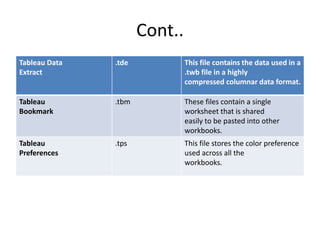
Cont..
Tableau Data
Extract
.tde This file contains the data used in a
.twb file in a highly
compressed columnar data format.
Tableau
Bookmark
.tbm These files contain a single
worksheet that is shared
easily to be pasted into other
workbooks.
Tableau
Preferences
.tps This file stores the color preference
used across all the
workbooks.
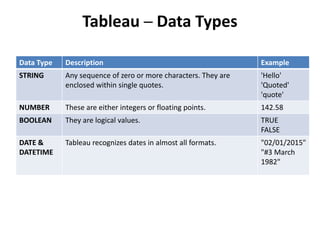
Tableau ─ Data Types
Data Type Description Example
STRING Any sequence of zero or more characters. They are
enclosed within single quotes.
'Hello'
'Quoted'
'quote'
NUMBER These are either integers or floating points. 142.58
BOOLEAN They are logical values. TRUE
FALSE
DATE &
DATETIME
Tableau recognizes dates in almost all formats. "02/01/2015"
"#3 March
1982"
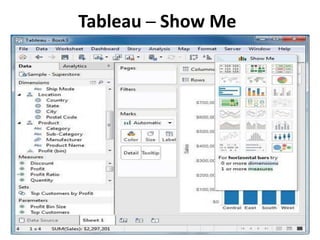
Tableau ─ Show Me
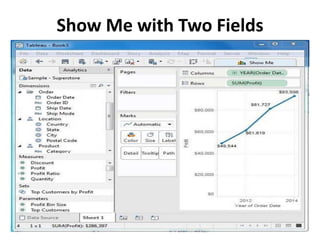
Show Me with Two Fields
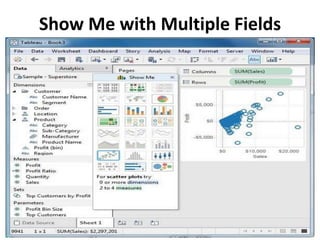
Show Me with Multiple Fields
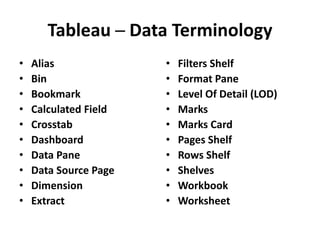
Tableau ─ Data Terminology
• Alias
• Bin
• Bookmark
• Calculated Field
• Crosstab
• Dashboard
• Data Pane
• Data Source Page
• Dimension
• Extract
• Filters Shelf
• Format Pane
• Level Of Detail (LOD)
• Marks
• Marks Card
• Pages Shelf
• Rows Shelf
• Shelves
• Workbook
• Worksheet
Tableau ─ Data Sources
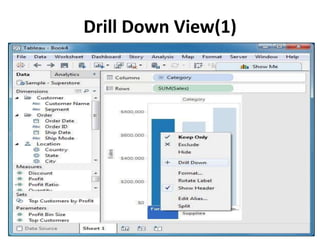
Drill Down View(1)
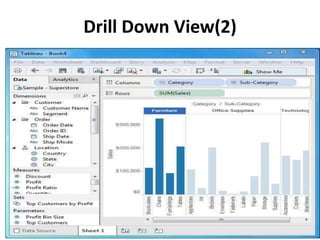
Drill Down View(2)
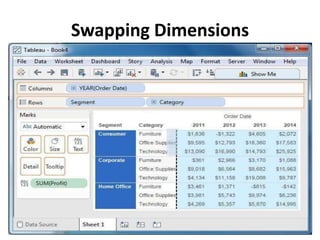
Swapping Dimensions
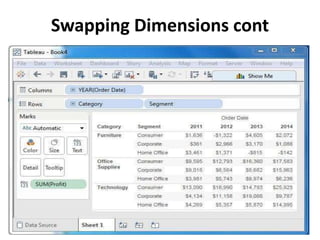
Swapping Dimensions cont
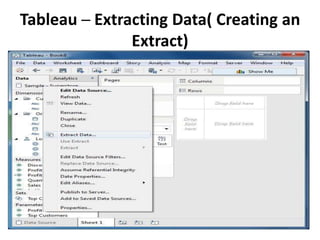
Tableau ─ Extracting Data( Creating an
Extract)
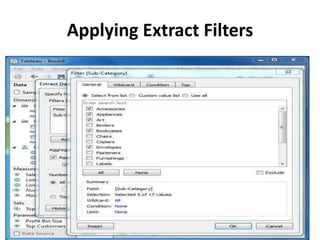
Applying Extract Filters
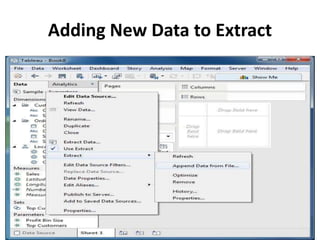
Adding New Data to Extract
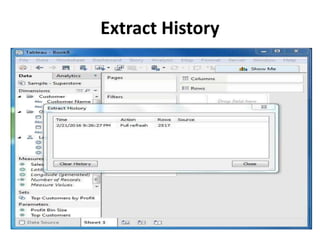
Extract History
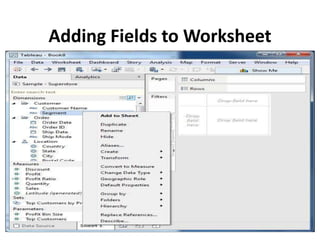
Adding Fields to Worksheet
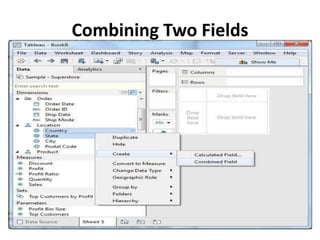
Combining Two Fields
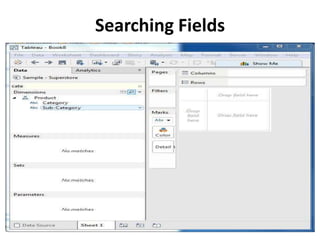
Searching Fields
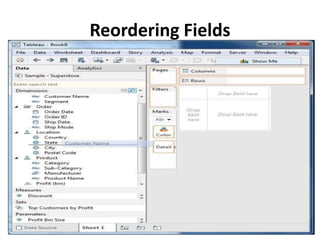
Reordering Fields
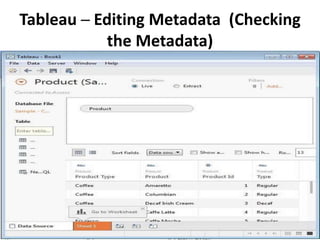
Tableau ─ Editing Metadata (Checking
the Metadata)
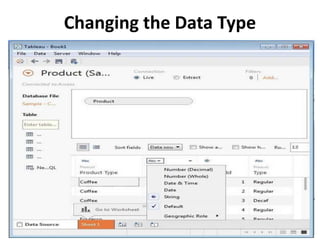
Changing the Data Type
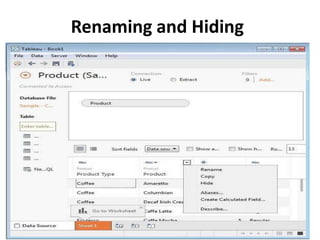
Renaming and Hiding
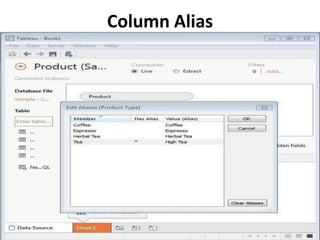
Column Alias
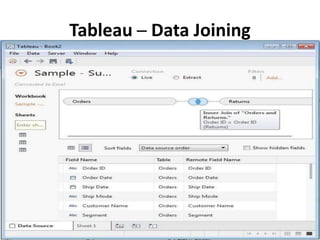
Tableau ─ Data Joining
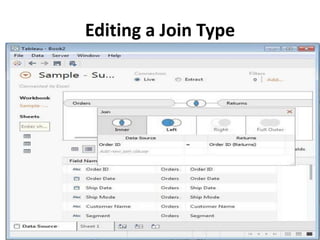
Editing a Join Type
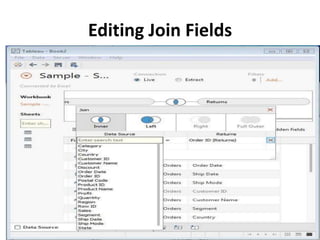
Editing Join Fields
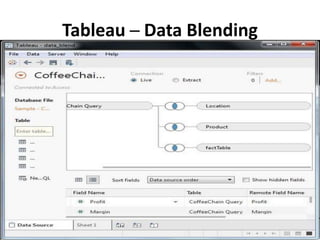
Tableau ─ Data Blending
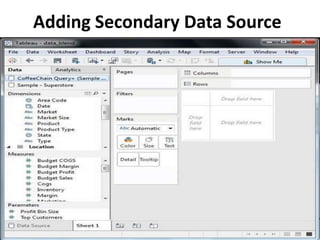
Adding Secondary Data Source
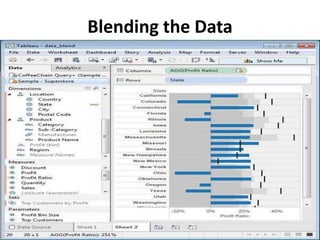
Blending the Data
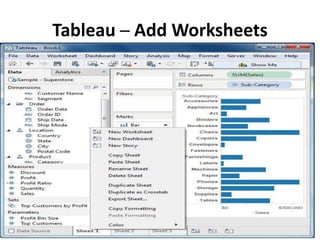
Tableau ─ Add Worksheets
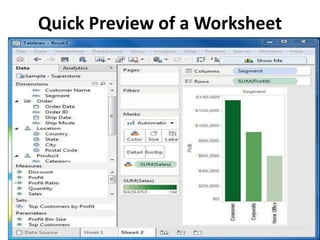
Quick Preview of a Worksheet
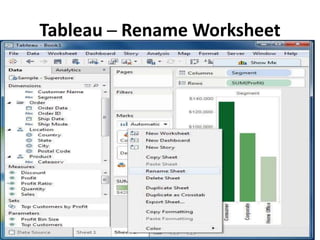
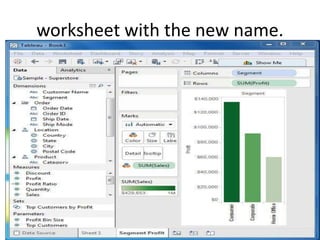
Tableau ─ Rename Worksheet
worksheet with the new name.
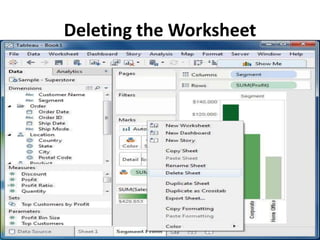
Deleting the Worksheet
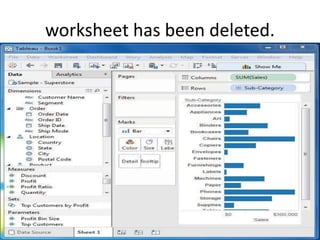
worksheet has been deleted.
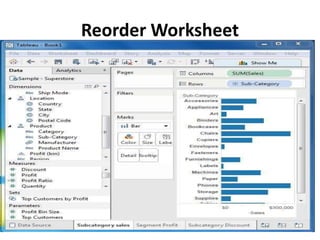
Reorder Worksheet
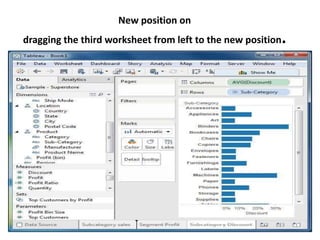
New position on
dragging the third worksheet from left to the new position.
Calculations (Operators)
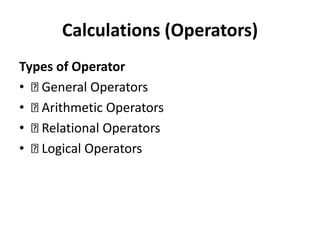
Types of Operator
• General Operators
• Arithmetic Operators
• Relational Operators
• Logical Operators
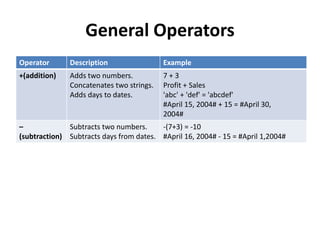
General Operators
Operator Description Example
+(addition) Adds two numbers.
Concatenates two strings.
Adds days to dates.
7 + 3
Profit + Sales
'abc' + 'def' = 'abcdef'
#April 15, 2004# + 15 = #April 30,
2004#
–
(subtraction)
Subtracts two numbers.
Subtracts days from dates.
-(7+3) = -10
#April 16, 2004# - 15 = #April 1,2004#
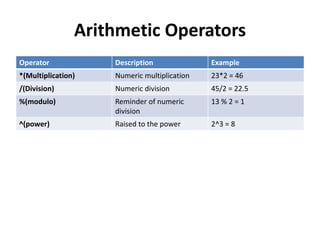
Arithmetic Operators
Operator Description Example
*(Multiplication) Numeric multiplication 23*2 = 46
/(Division) Numeric division 45/2 = 22.5
%(modulo) Reminder of numeric
division
13 % 2 = 1
^(power) Raised to the power 2^3 = 8
Comparison Operators
Operator Description Example
= = or =
(Equal to)
Compares two numbers or
two strings
‘Hello’ =
‘Hello’5 = 15/ 3
!= or <> (Not
equal to)
Compares two numbers or
two strings or two dates to
be unequal.
‘Good’ <>
‘Bad’
18 != 37 / 2
> (Greater than) Compares two numbers or
two strings or two dates
[Profit] > 20000
[Category] > ‘Q’
[Ship date] > #April 1,
2004#
< (Less than) Compares two numbers or
two strings or two dates
[Profit] < 20000
[Category] < ‘Q’
[Ship date] < #April 1,
2004#
Logical Operators
Operator Description Example
AND If the expressions or
Boolean values present on
both
[Ship Date] > #April
1, 2012# AND
[Profit] > 10000
OR If any one or both of the
expressions or Boolean
values present
[Ship Date] > #April
1, 2012# OR
[Profit] > 10000
NOT This operator negates the
Boolean value of the
expression present after it.
NOT [Ship Date] >
#April 1, 2012#
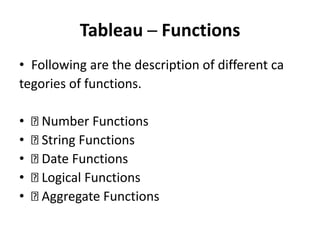
Tableau ─ Functions
• Following are the description of different ca
tegories of functions.
• Number Functions
• String Functions
• Date Functions
• Logical Functions
• Aggregate Functions
Number Functions
• Function Description Example
• CEILING (number)
• Rounds a number to the nearest integer of equal or
greater value.
• CEILING(2.145) = 3
• POWER (number,power)
• Raises the number to the specified power.
• POWER(5,3) = 125
• ROUND (number,[decimals])
• Rounds the numbers to a specified number of digits.
• ROUND(3.14152,2) =3.14
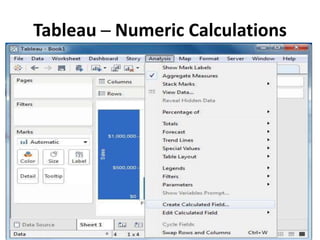
Tableau ─ Numeric Calculations
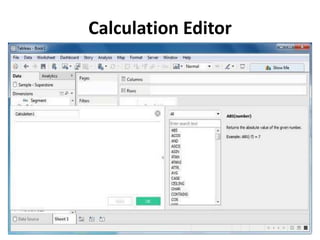
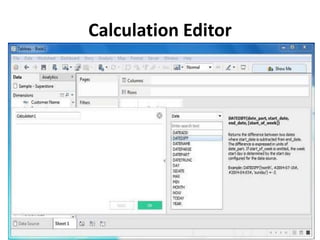
Calculation Editor
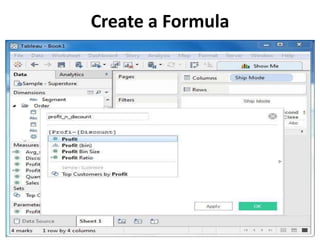
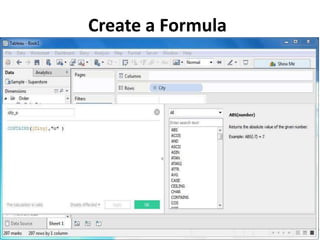
Create a Formula
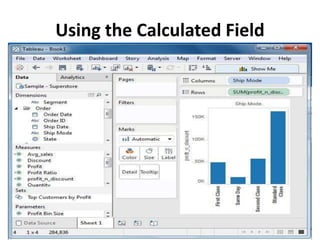
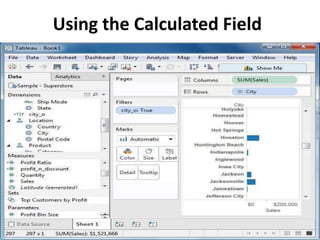
Using the Calculated Field
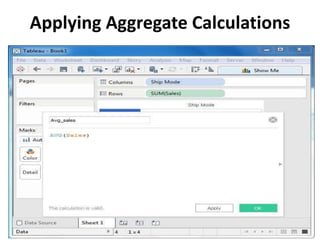
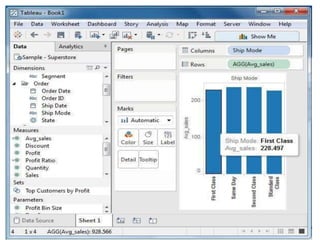
Applying Aggregate Calculations
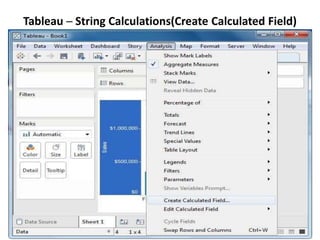
Tableau ─ String Calculations(Create Calculated Field)
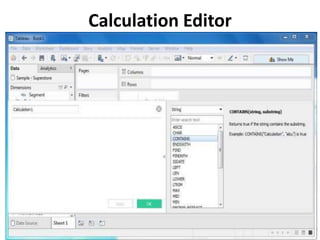
Calculation Editor
Create a Formula
Using the Calculated Field
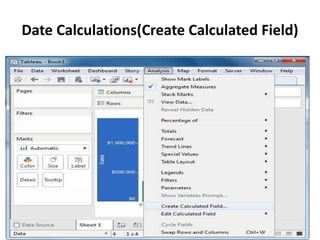
Date Calculations(Create Calculated Field)
Calculation Editor
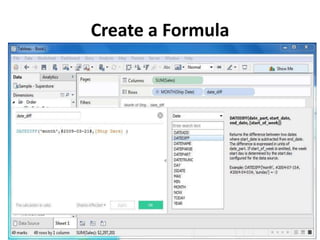
Create a Formula
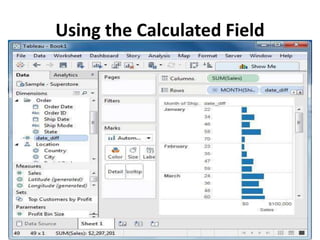
Using the Calculated Field
Tableau ─ LOD Expressions
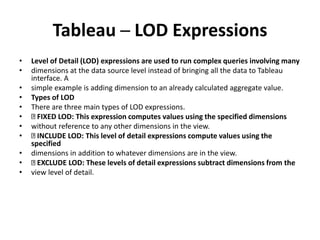
• Level of Detail (LOD) expressions are used to run complex queries involving many
• dimensions at the data source level instead of bringing all the data to Tableau
interface. A
• simple example is adding dimension to an already calculated aggregate value.
• Types of LOD
• There are three main types of LOD expressions.
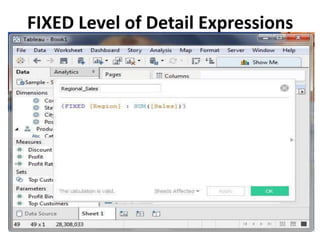
• FIXED LOD: This expression computes values using the specified dimensions
• without reference to any other dimensions in the view.
• INCLUDE LOD: This level of detail expressions compute values using the
specified
• dimensions in addition to whatever dimensions are in the view.
• EXCLUDE LOD: These levels of detail expressions subtract dimensions from the
• view level of detail.
FIXED Level of Detail Expressions
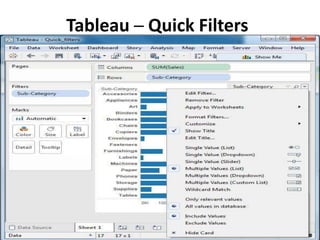
Tableau ─ Quick Filters
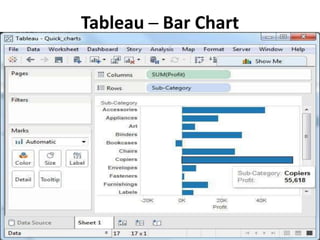
Tableau ─ Bar Chart
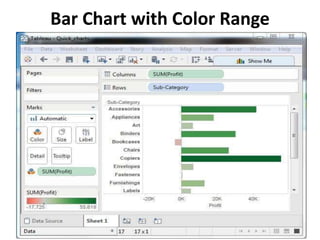
Bar Chart with Color Range
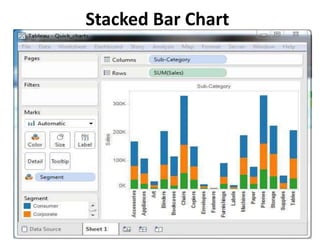
Stacked Bar Chart
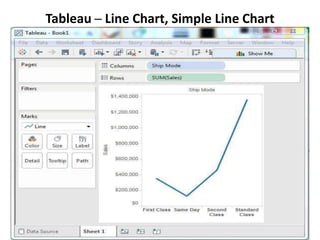
Tableau ─ Line Chart, Simple Line Chart
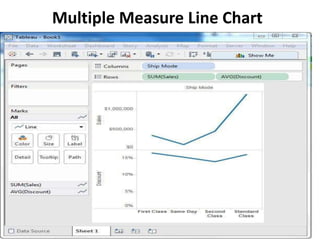
Multiple Measure Line Chart
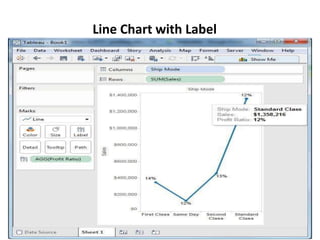
Line Chart with Label
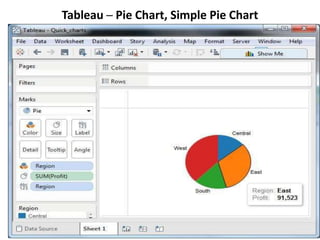
Tableau ─ Pie Chart, Simple Pie Chart
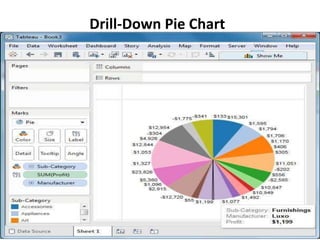
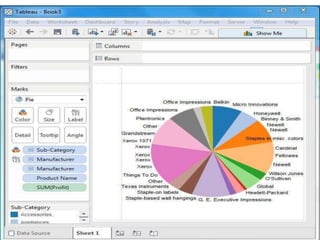
Drill-Down Pie Chart
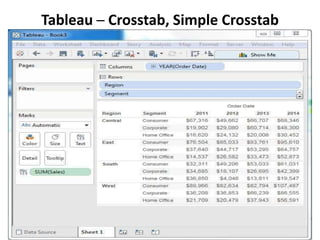
Tableau ─ Crosstab, Simple Crosstab
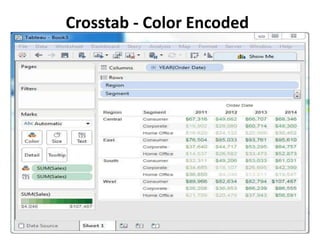
Crosstab - Color Encoded
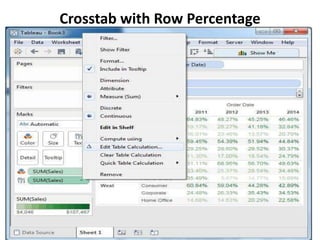
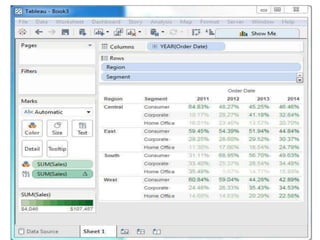
Crosstab with Row Percentage
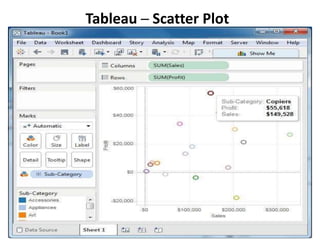
Tableau ─ Scatter Plot
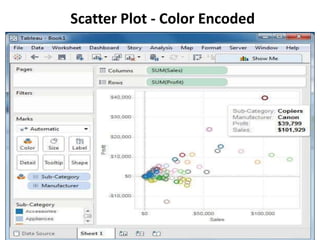
Scatter Plot - Color Encoded
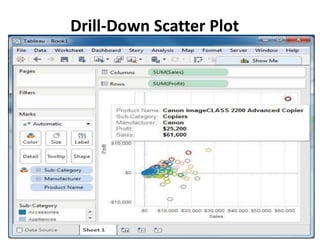
Drill-Down Scatter Plot
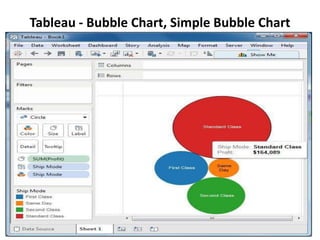
Tableau - Bubble Chart, Simple Bubble Chart
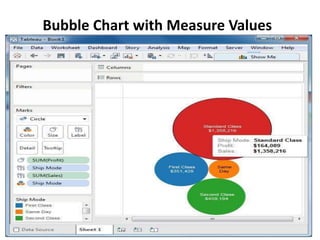
Bubble Chart with Measure Values
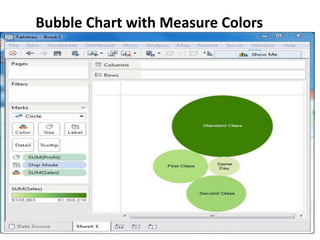
Bubble Chart with Measure Colors
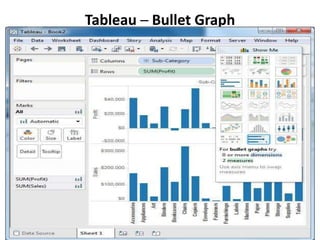
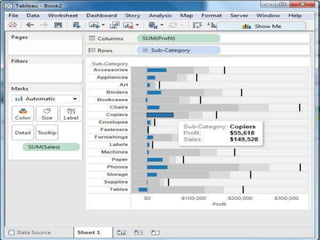
Tableau ─ Bullet Graph
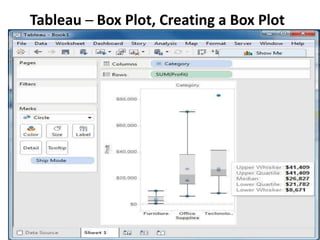
Tableau ─ Box Plot, Creating a Box Plot
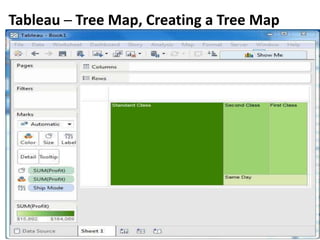
Tableau ─ Tree Map, Creating a Tree Map
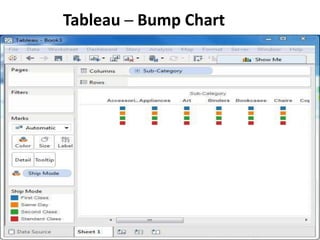
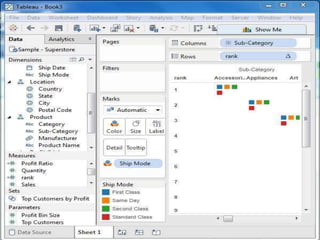
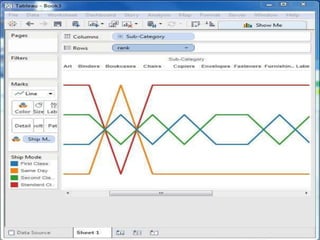
Tableau ─ Bump Chart
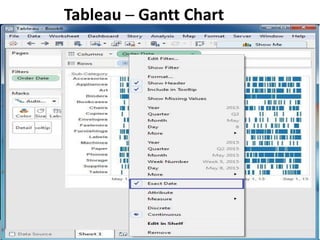
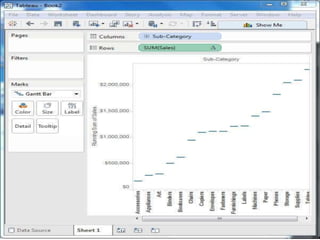
Tableau ─ Gantt Chart
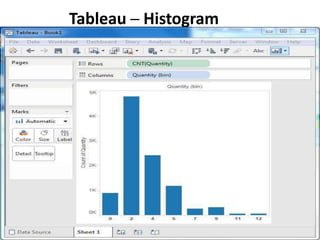
Tableau ─ Histogram
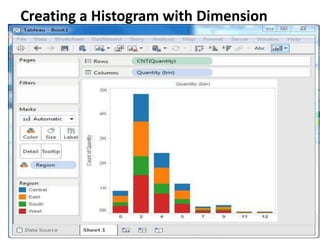
Creating a Histogram with Dimension
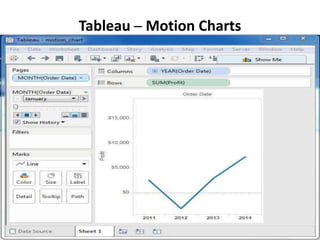
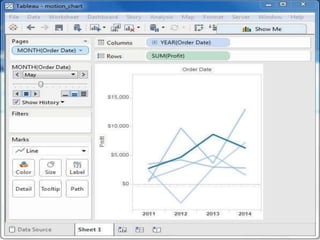
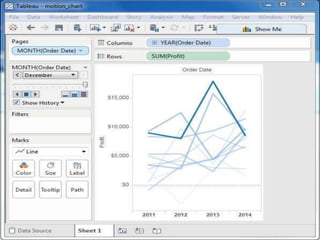
Tableau ─ Motion Charts
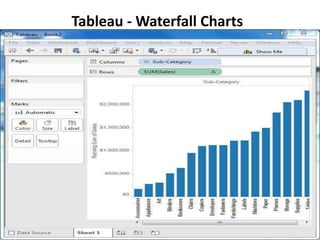
Tableau - Waterfall Charts
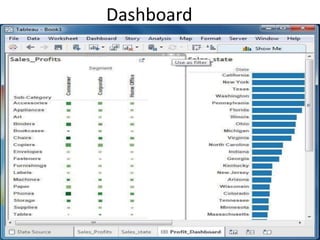
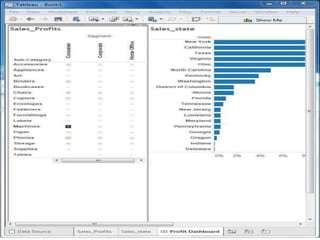
Dashboard
Tableau PPT.ppt

Tableau PPT.ppt