Construction of Double Page
Spread
By Evie Theodore
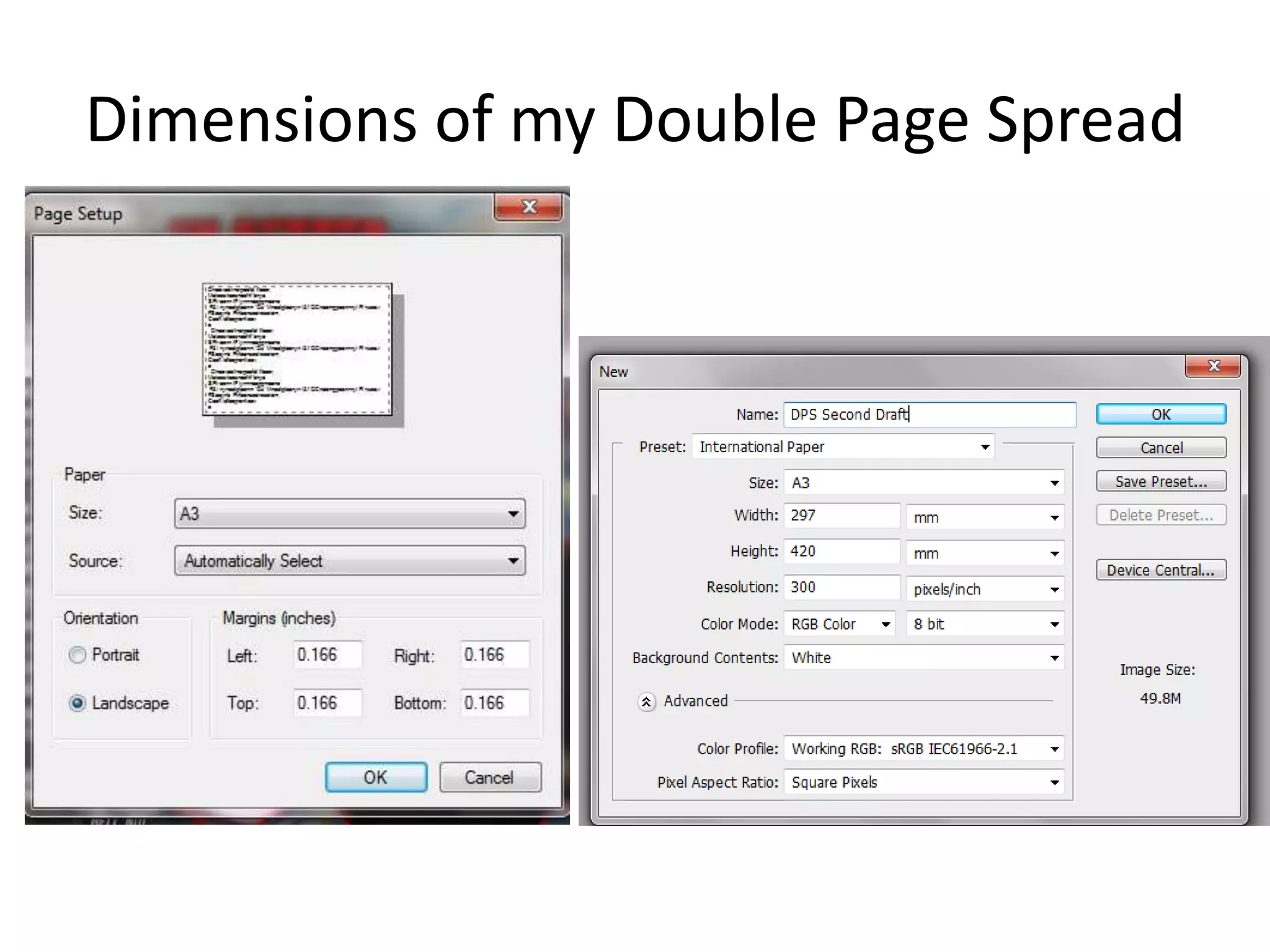
Dimensions of my Double Page Spread
Removing Flash
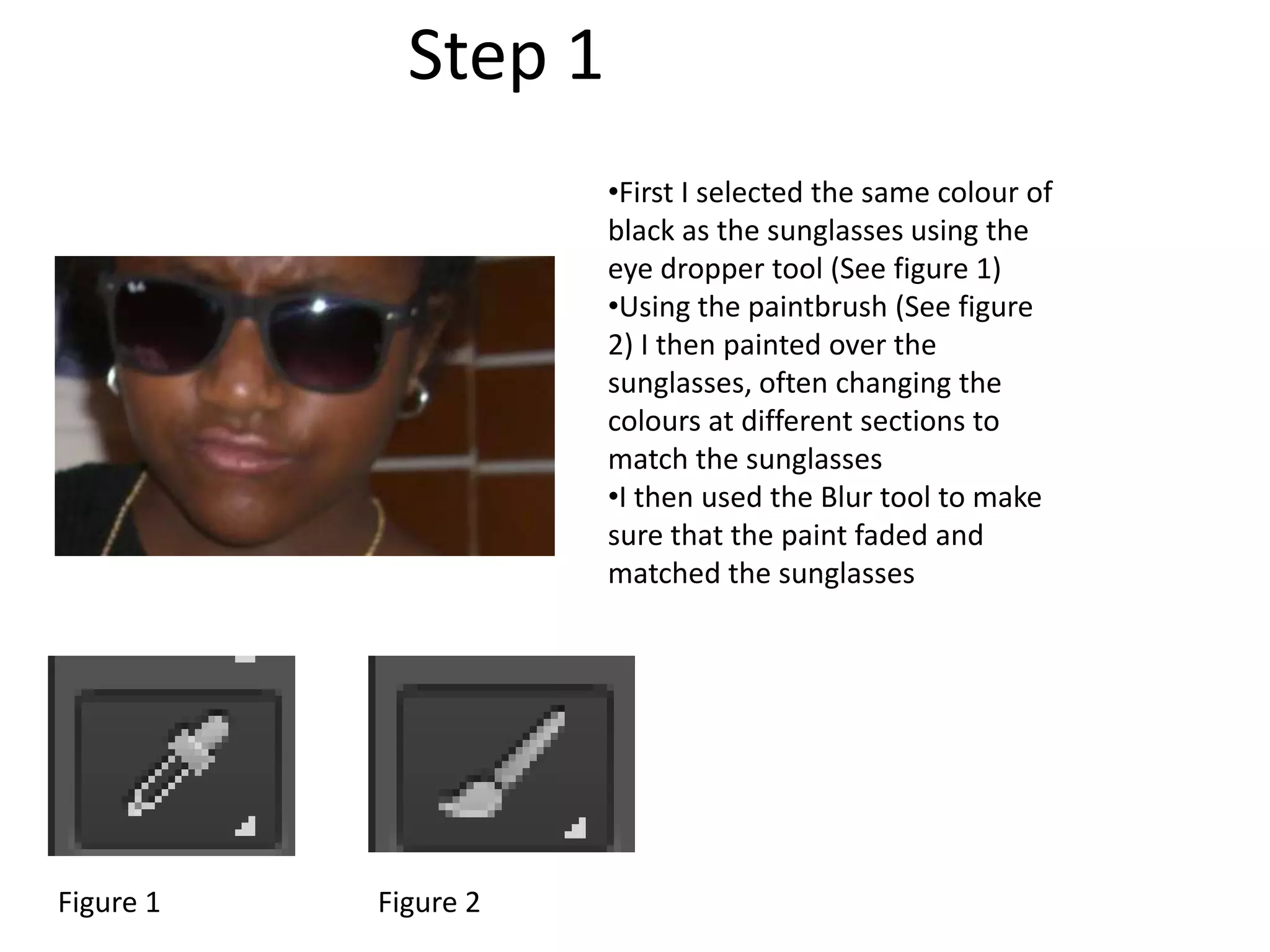
•First I selected the same colour of
black as the sunglasses using the
eye dropper tool (See figure 1)
•Using the paintbrush (See figure
2) I then painted over the
sunglasses, often changing the
colours at different sections to
match the sunglasses
•I then used the Blur tool to make
sure that the paint faded and
matched the sunglasses
Step 1
Figure 1 Figure 2
Step 2
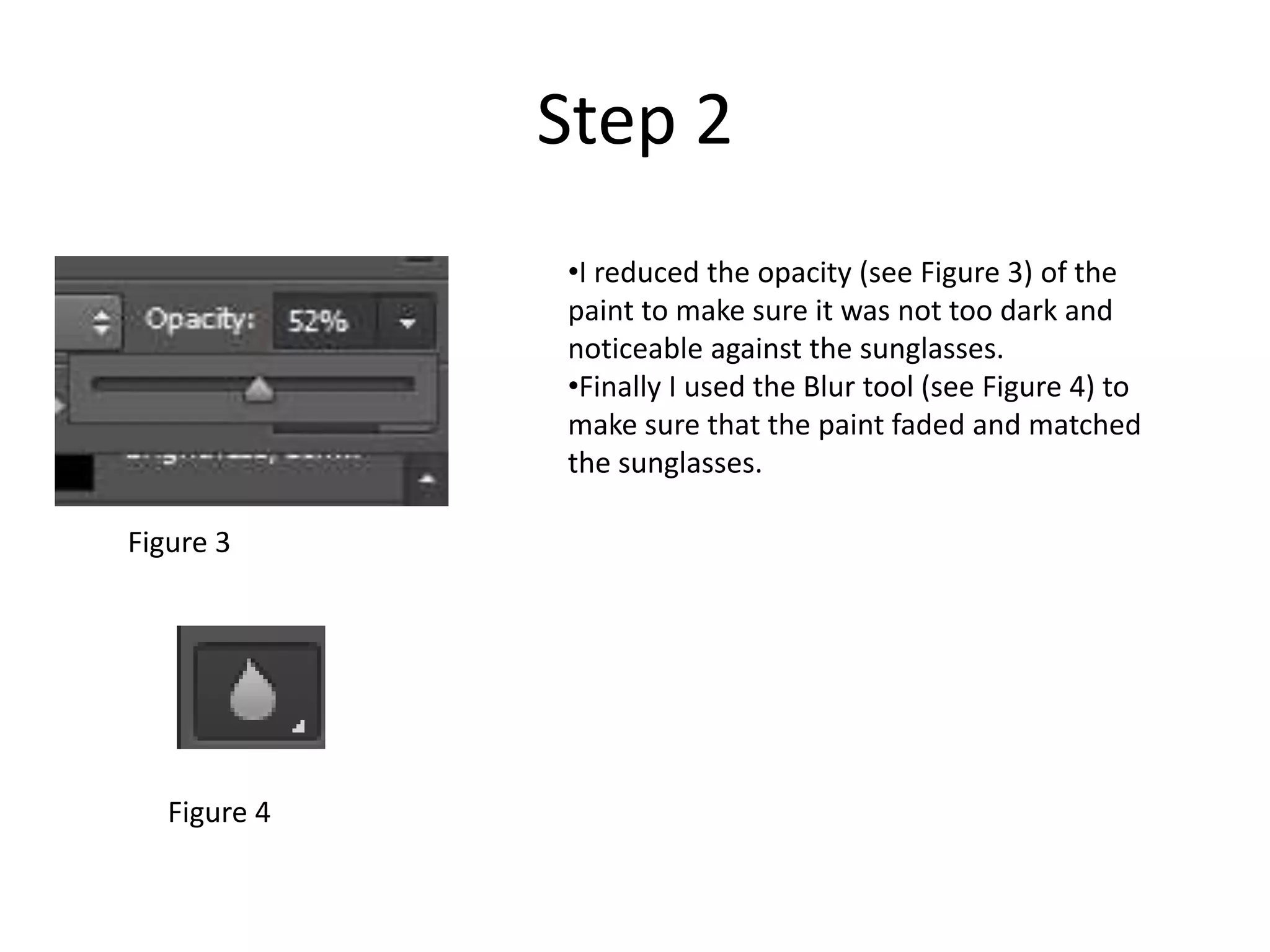
•I reduced the opacity (see Figure 3) of the
paint to make sure it was not too dark and
noticeable against the sunglasses.
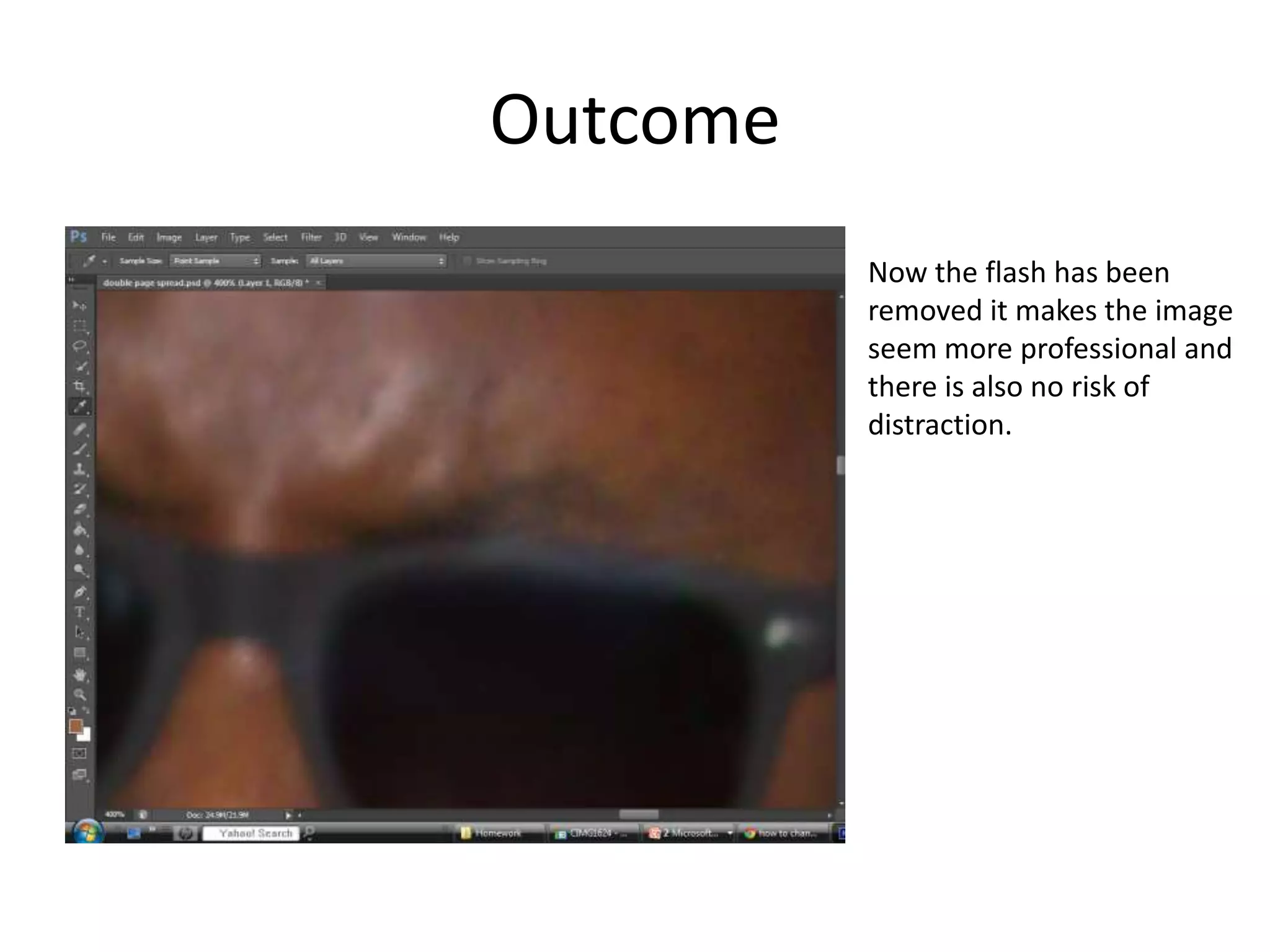
•Finally I used the Blur tool (see Figure 4) to
make sure that the paint faded and matched
the sunglasses.
Figure 3
Figure 4
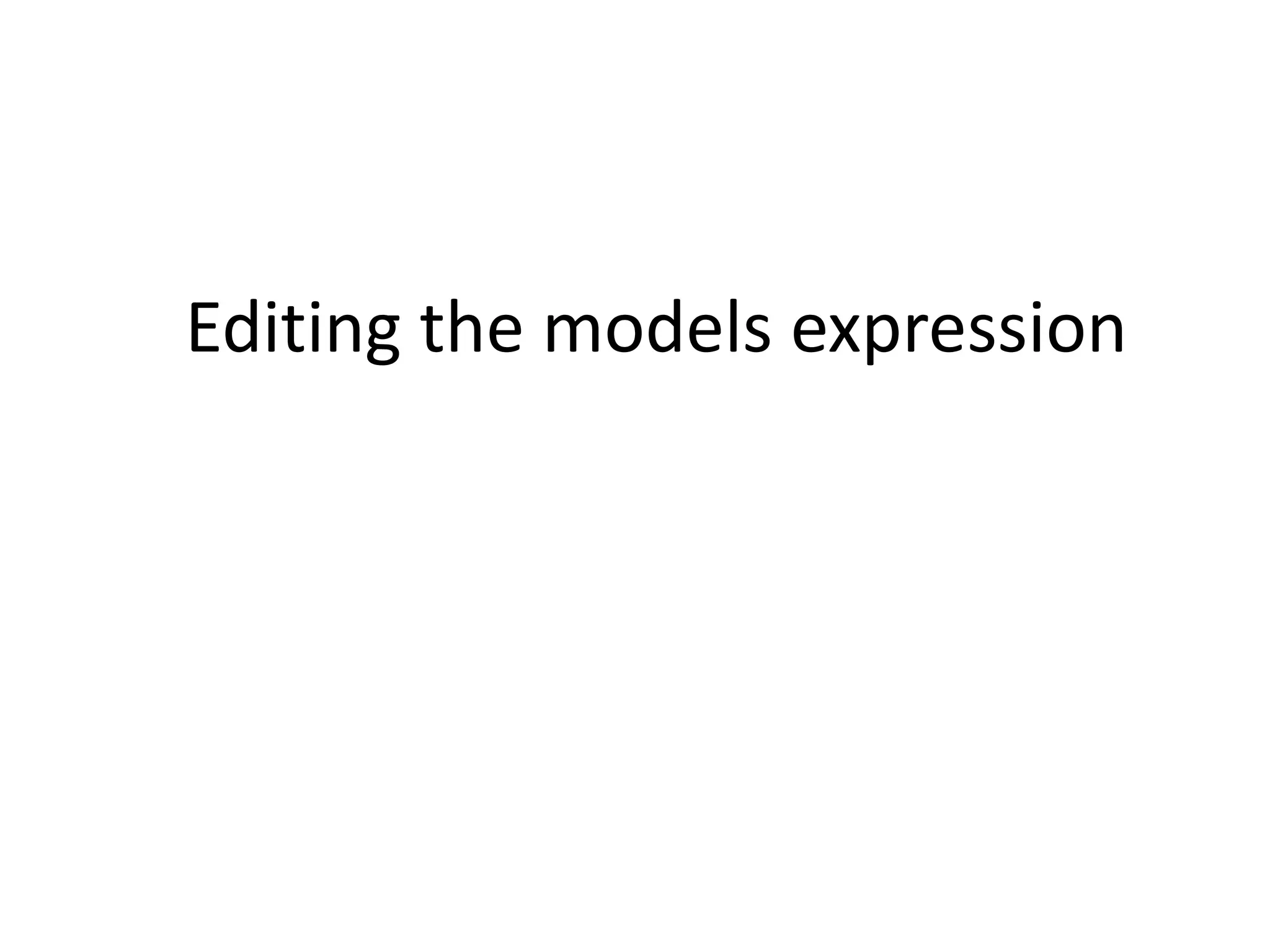
Outcome
Now the flash has been
removed it makes the image
seem more professional and
there is also no risk of
distraction.
Editing the models expression
Step 1
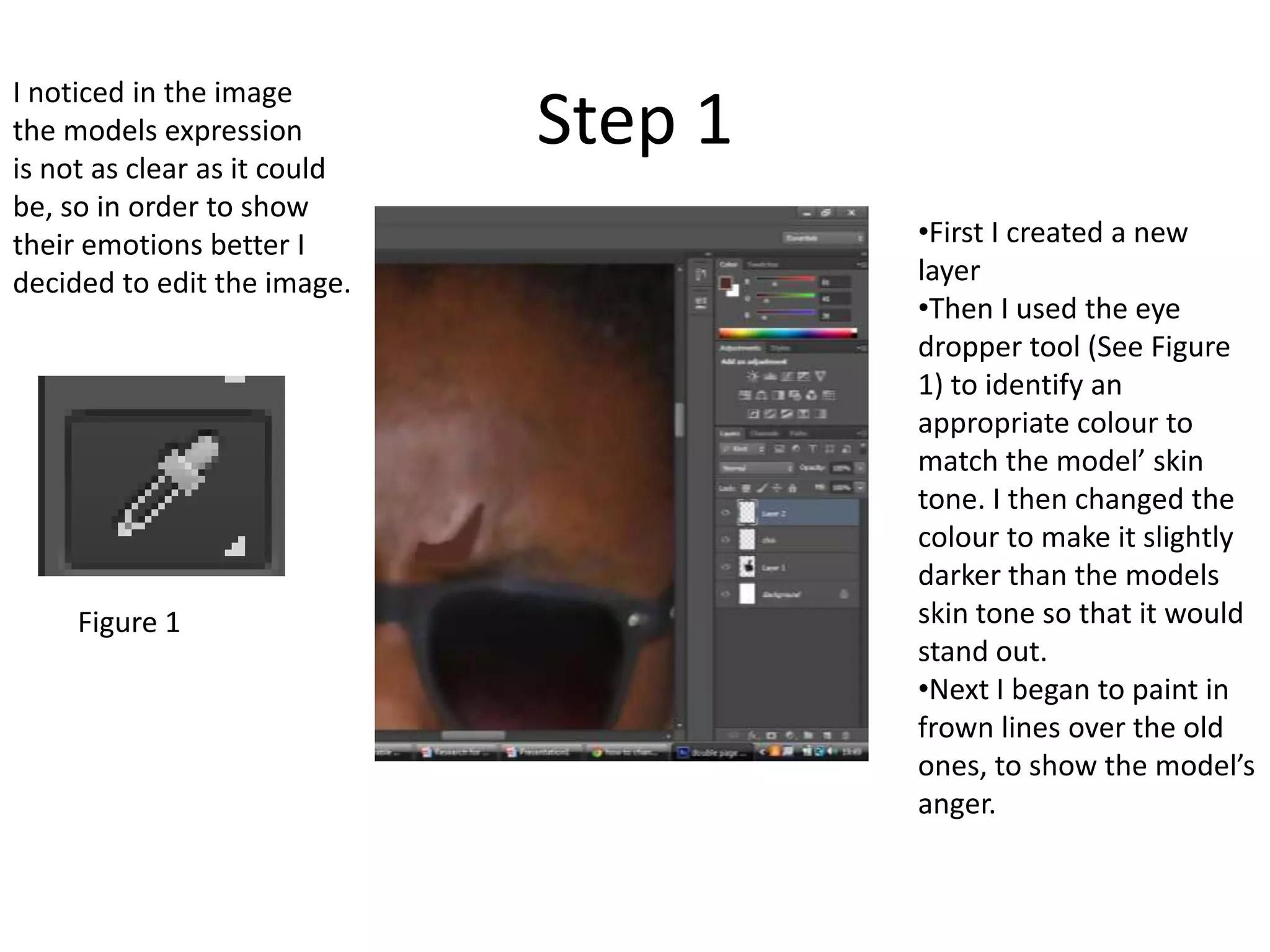
•First I created a new
layer
•Then I used the eye
dropper tool (See Figure
1) to identify an
appropriate colour to
match the model’ skin
tone. I then changed the
colour to make it slightly
darker than the models
skin tone so that it would
stand out.
•Next I began to paint in
frown lines over the old
ones, to show the model’s
anger.
I noticed in the image
the models expression
is not as clear as it could
be, so in order to show
their emotions better I
decided to edit the image.
Figure 1
Step 2
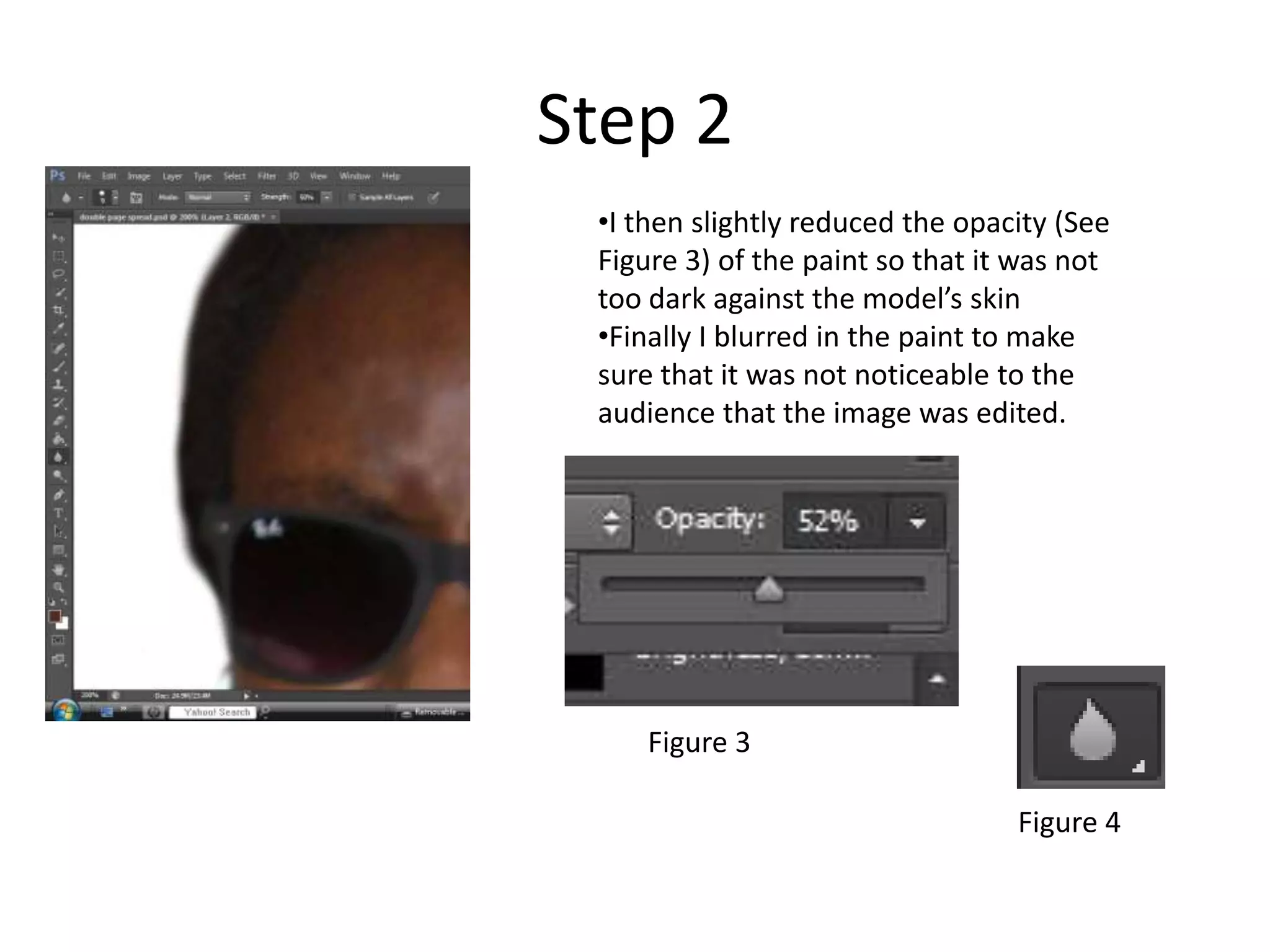
•I then slightly reduced the opacity (See
Figure 3) of the paint so that it was not
too dark against the model’s skin
•Finally I blurred in the paint to make
sure that it was not noticeable to the
audience that the image was edited.
Figure 3
Figure 4
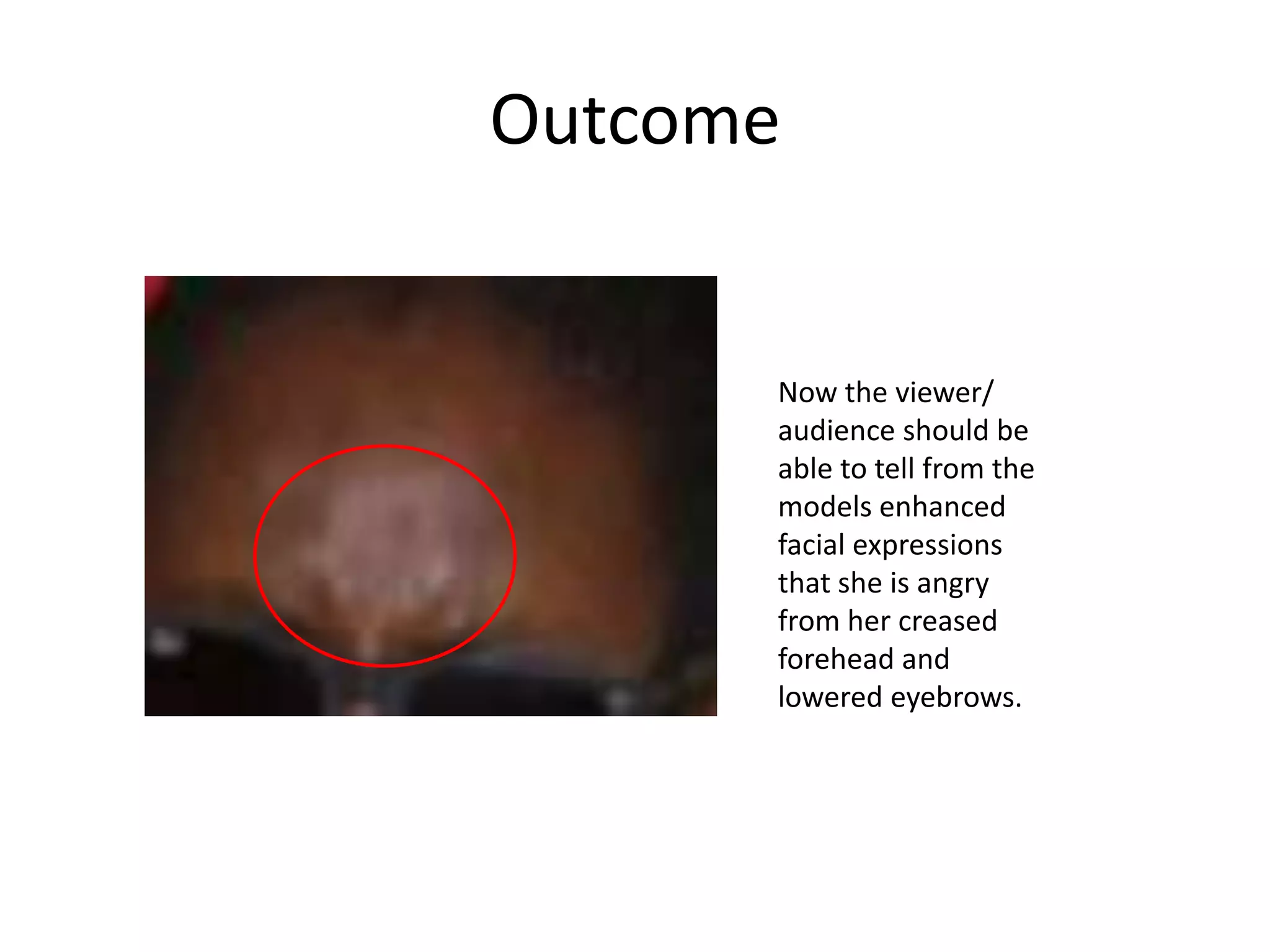
Outcome
Now the viewer/
audience should be
able to tell from the
models enhanced
facial expressions
that she is angry
from her creased
forehead and
lowered eyebrows.
Creating Lipstick
Step 1
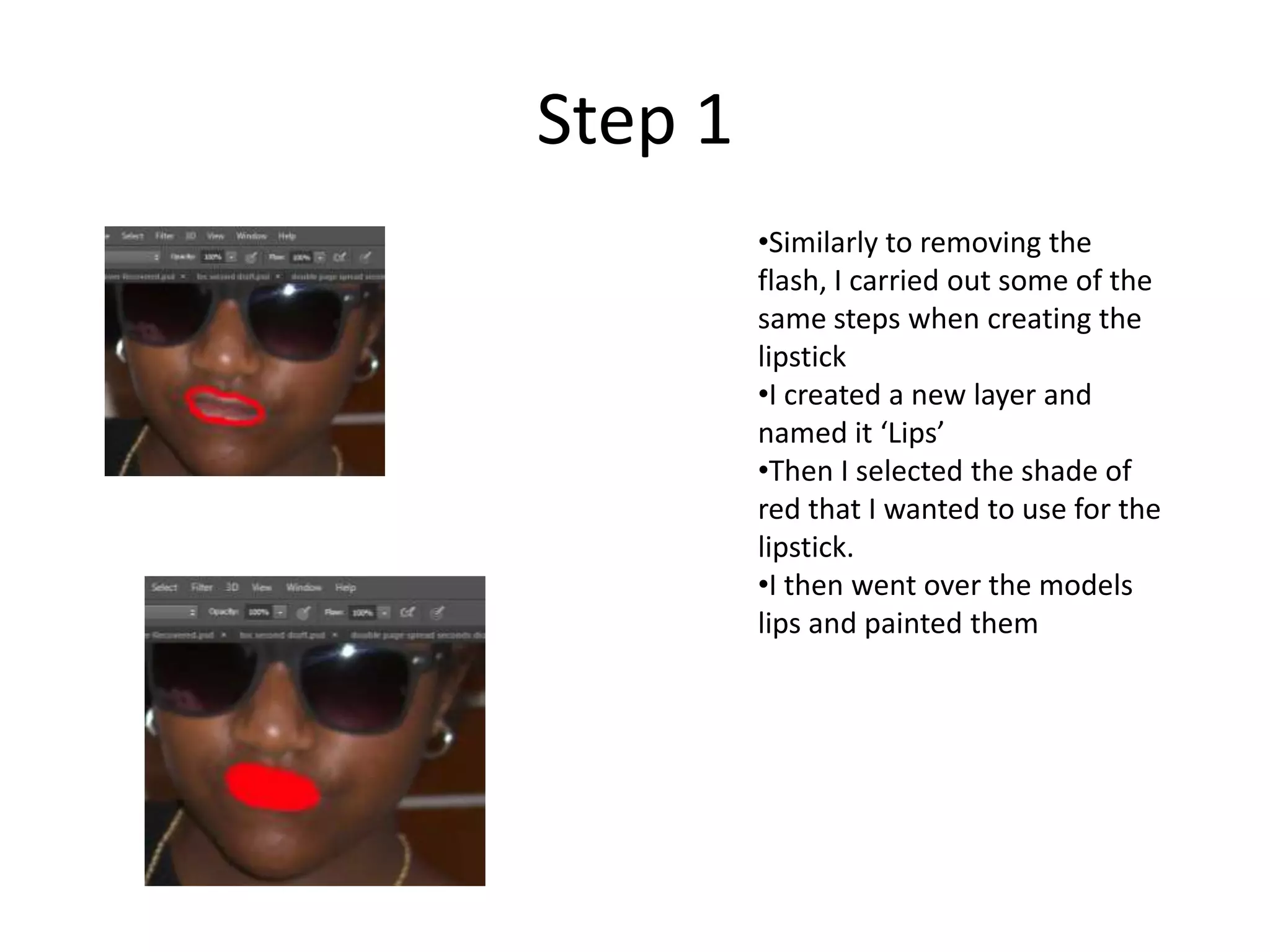
•Similarly to removing the
flash, I carried out some of the
same steps when creating the
lipstick
•I created a new layer and
named it ‘Lips’
•Then I selected the shade of
red that I wanted to use for the
lipstick.
•I then went over the models
lips and painted them
Step 2
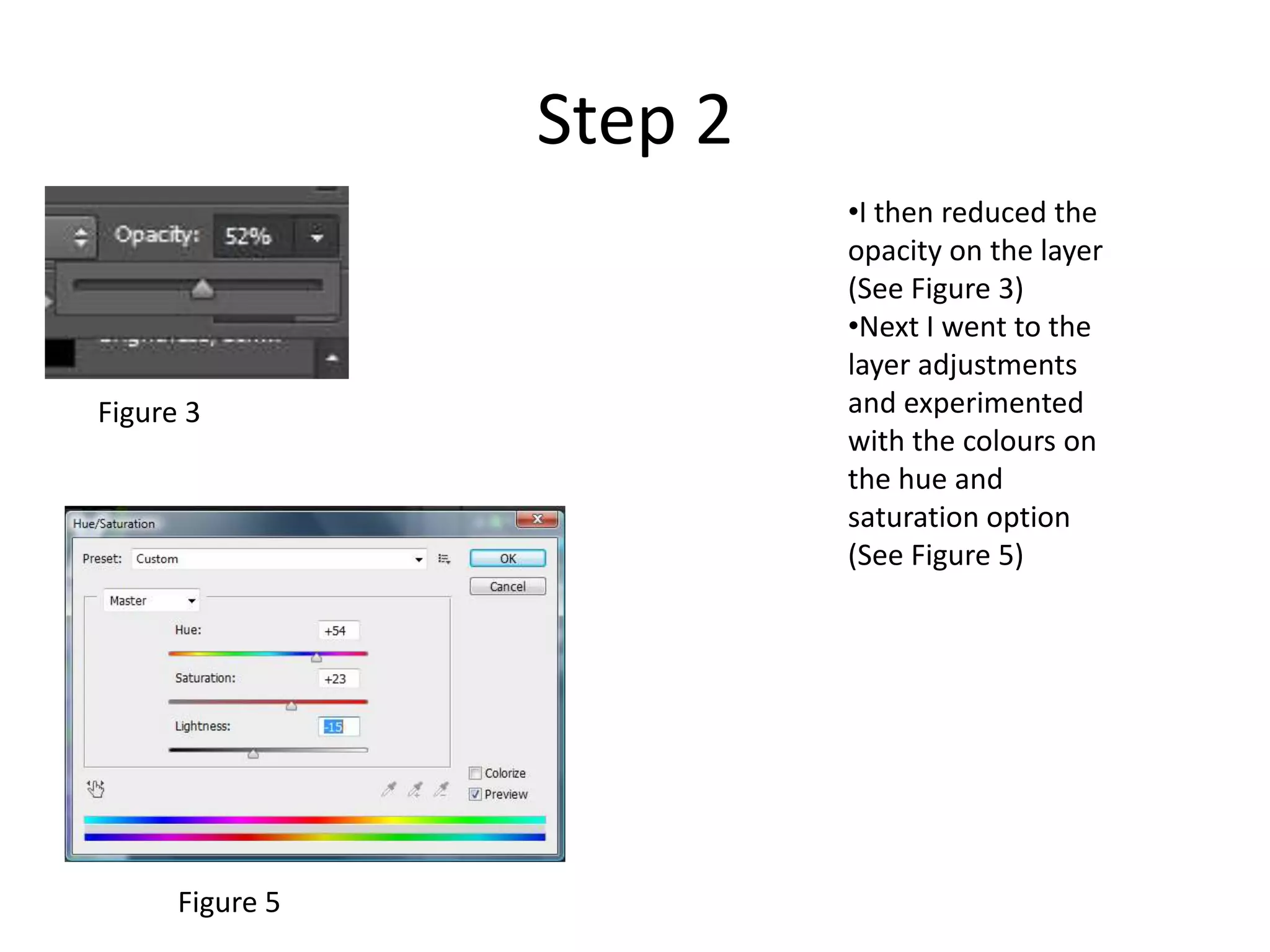
•I then reduced the
opacity on the layer
(See Figure 3)
•Next I went to the
layer adjustments
and experimented
with the colours on
the hue and
saturation option
(See Figure 5)
Figure 5
Figure 3
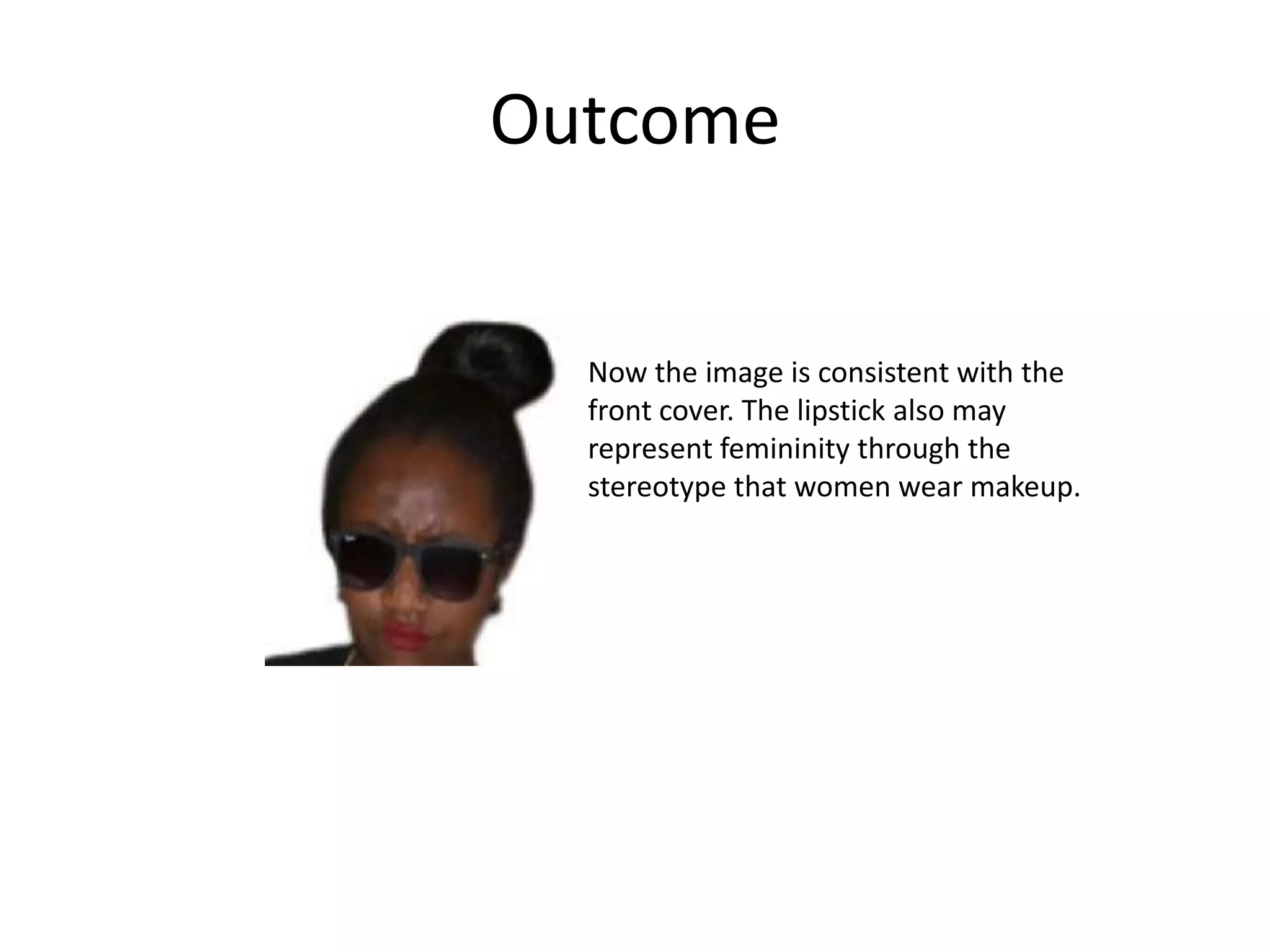
Outcome
Now the image is consistent with the
front cover. The lipstick also may
represent femininity through the
stereotype that women wear makeup.

Evidence of editing and constructing dps images

  • 1.
    Construction of DoublePage Spread By Evie Theodore
  • 2.
    Dimensions of myDouble Page Spread
  • 3.
  • 4.
    •First I selectedthe same colour of black as the sunglasses using the eye dropper tool (See figure 1) •Using the paintbrush (See figure 2) I then painted over the sunglasses, often changing the colours at different sections to match the sunglasses •I then used the Blur tool to make sure that the paint faded and matched the sunglasses Step 1 Figure 1 Figure 2
  • 5.
    Step 2 •I reducedthe opacity (see Figure 3) of the paint to make sure it was not too dark and noticeable against the sunglasses. •Finally I used the Blur tool (see Figure 4) to make sure that the paint faded and matched the sunglasses. Figure 3 Figure 4
  • 6.
    Outcome Now the flashhas been removed it makes the image seem more professional and there is also no risk of distraction.
  • 7.
  • 8.
    Step 1 •First Icreated a new layer •Then I used the eye dropper tool (See Figure 1) to identify an appropriate colour to match the model’ skin tone. I then changed the colour to make it slightly darker than the models skin tone so that it would stand out. •Next I began to paint in frown lines over the old ones, to show the model’s anger. I noticed in the image the models expression is not as clear as it could be, so in order to show their emotions better I decided to edit the image. Figure 1
  • 9.
    Step 2 •I thenslightly reduced the opacity (See Figure 3) of the paint so that it was not too dark against the model’s skin •Finally I blurred in the paint to make sure that it was not noticeable to the audience that the image was edited. Figure 3 Figure 4
  • 10.
    Outcome Now the viewer/ audienceshould be able to tell from the models enhanced facial expressions that she is angry from her creased forehead and lowered eyebrows.
  • 11.
  • 12.
    Step 1 •Similarly toremoving the flash, I carried out some of the same steps when creating the lipstick •I created a new layer and named it ‘Lips’ •Then I selected the shade of red that I wanted to use for the lipstick. •I then went over the models lips and painted them
  • 13.
    Step 2 •I thenreduced the opacity on the layer (See Figure 3) •Next I went to the layer adjustments and experimented with the colours on the hue and saturation option (See Figure 5) Figure 5 Figure 3
  • 14.
    Outcome Now the imageis consistent with the front cover. The lipstick also may represent femininity through the stereotype that women wear makeup.