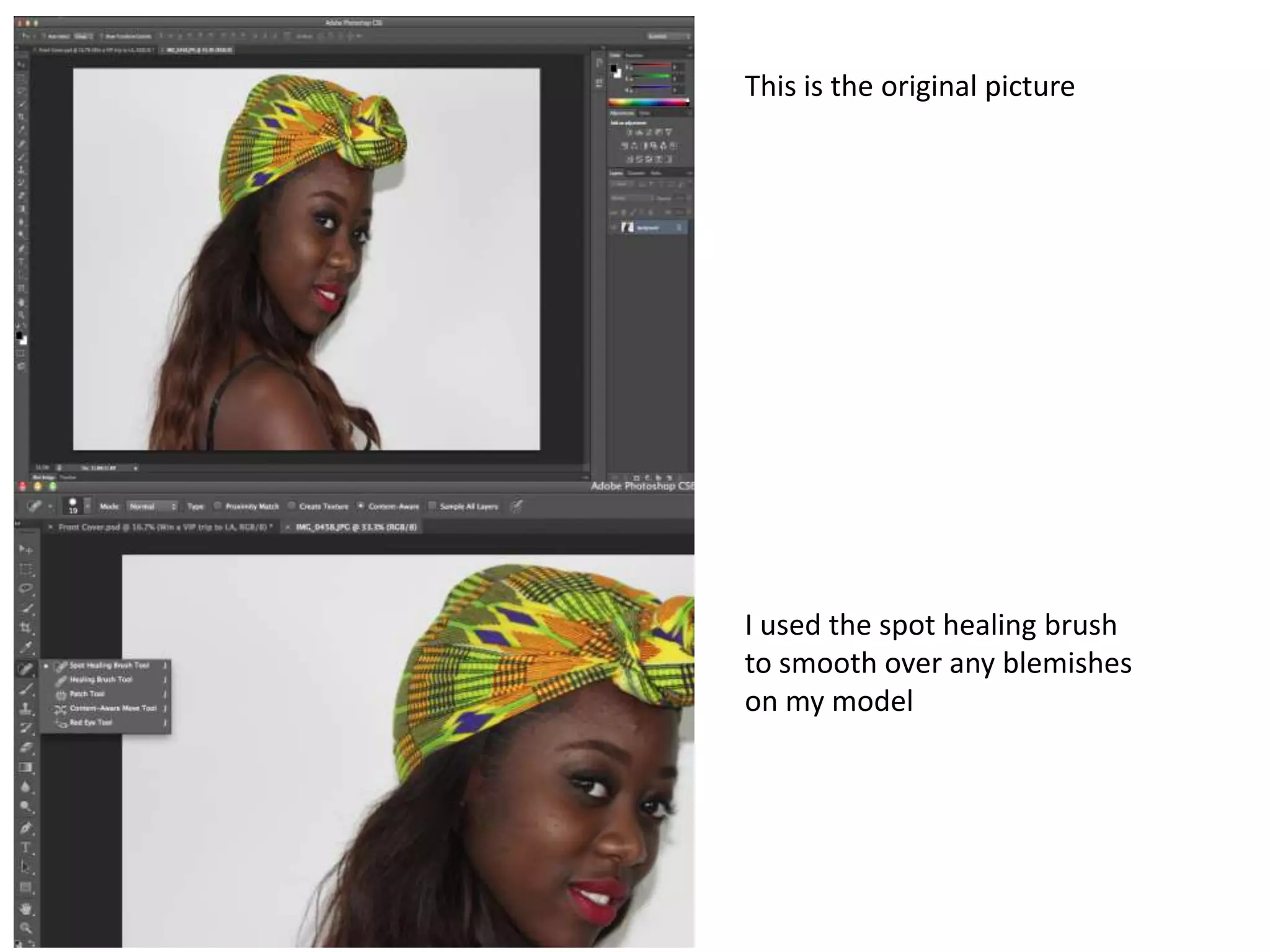
This is the original picture


I used the spot healing brush
to smooth over any blemishes
on my model
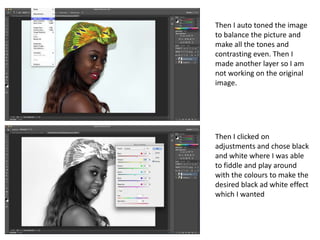
Then I auto toned the image
to balance the picture and
make all the tones and
contrasting even. Then I
made another layer so I am
not working on the original
image.


Then I clicked on
adjustments and chose black
and white where I was able
to fiddle and play around
with the colours to make the
desired black ad white effect
which I wanted
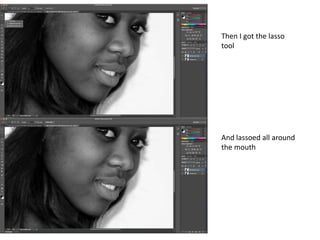
Then I got the lasso
tool


And lassoed all around
the mouth
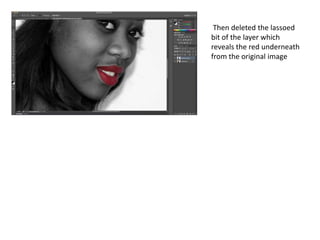
Then deleted the lassoed
bit of the layer which
reveals the red underneath
from the original image

Photoshop

  • 1.
    This is theoriginal picture I used the spot healing brush to smooth over any blemishes on my model
  • 2.
    Then I autotoned the image to balance the picture and make all the tones and contrasting even. Then I made another layer so I am not working on the original image. Then I clicked on adjustments and chose black and white where I was able to fiddle and play around with the colours to make the desired black ad white effect which I wanted
  • 3.
    Then I gotthe lasso tool And lassoed all around the mouth
  • 4.
    Then deleted thelassoed bit of the layer which reveals the red underneath from the original image