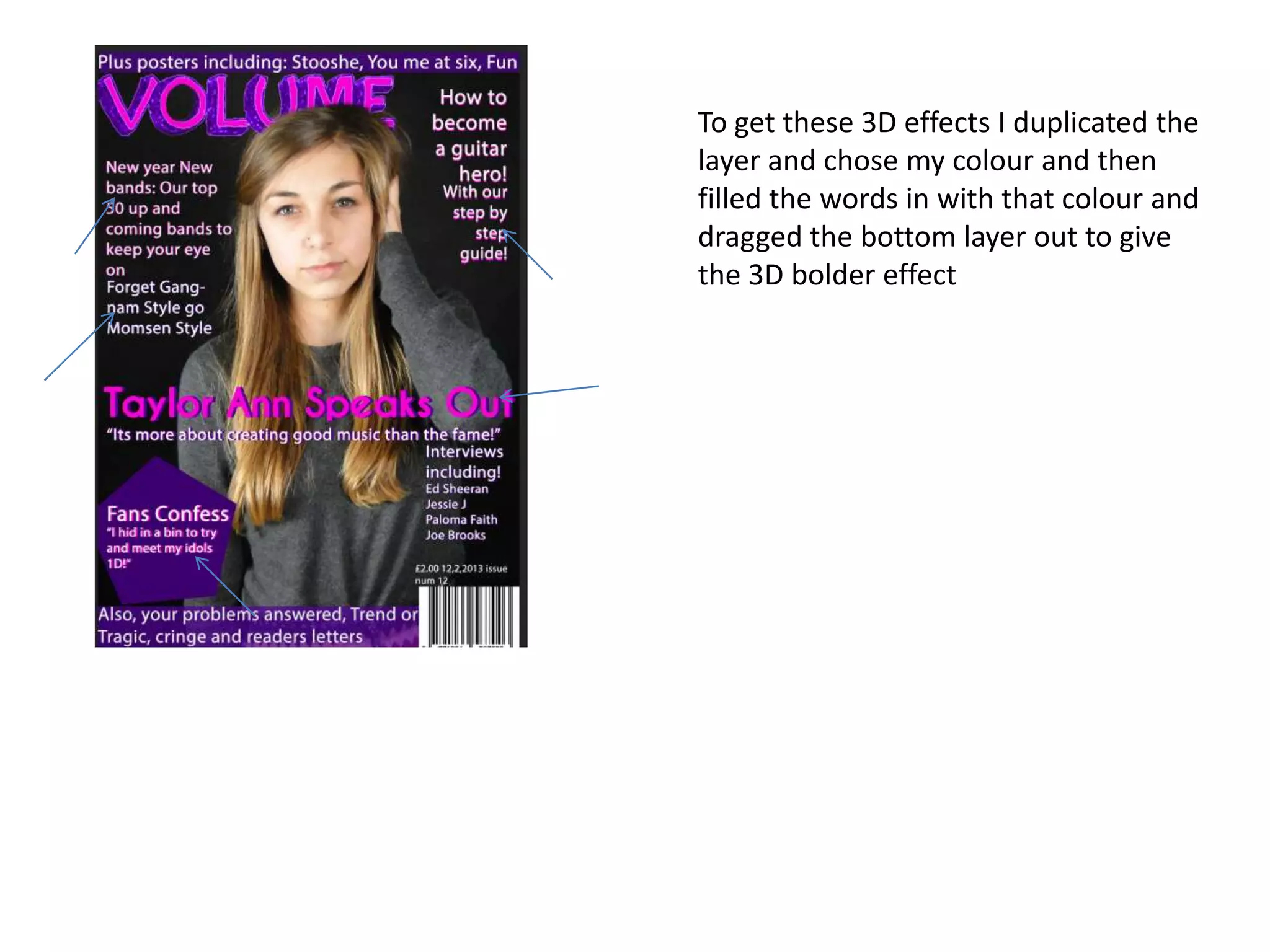
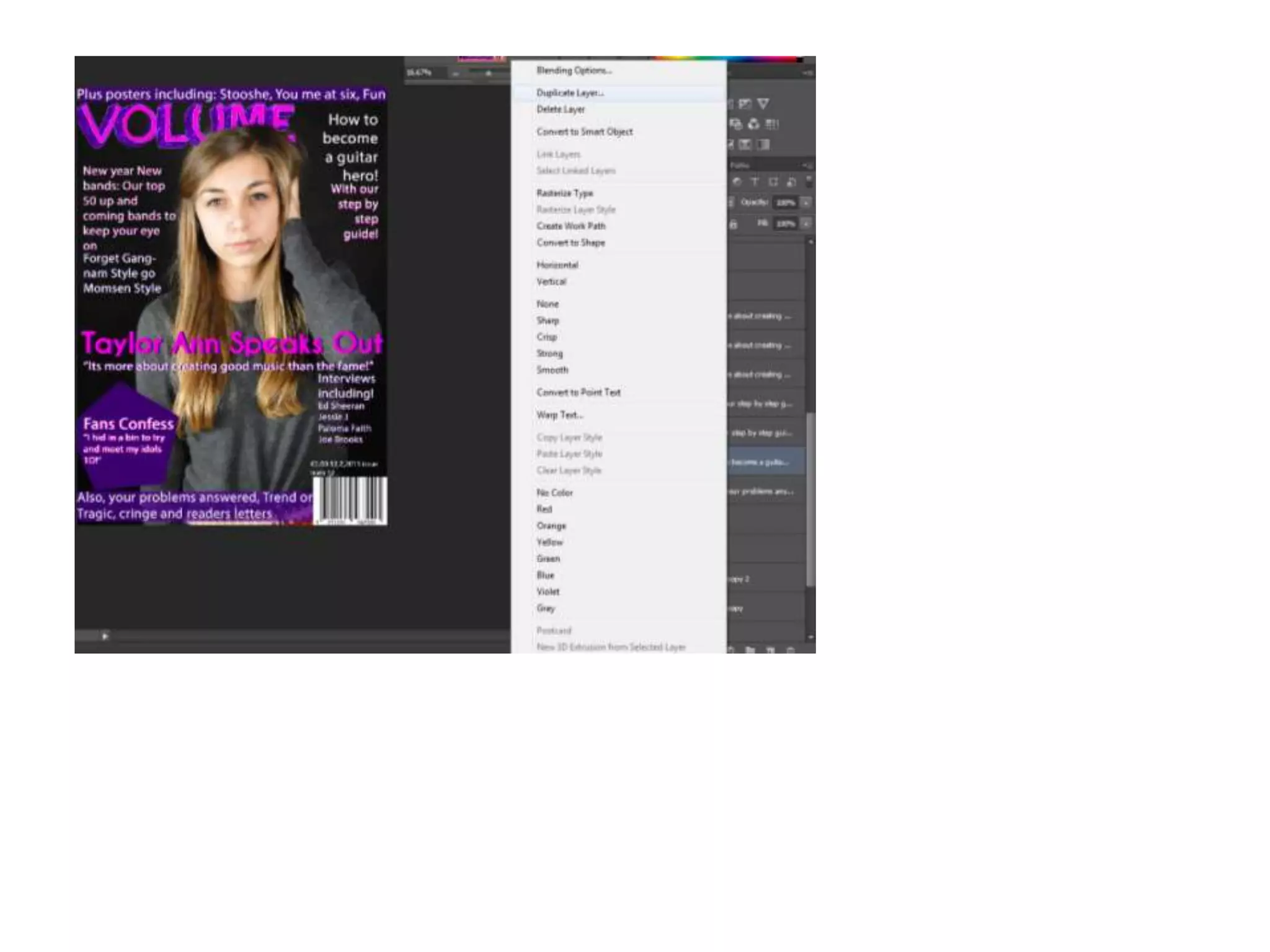
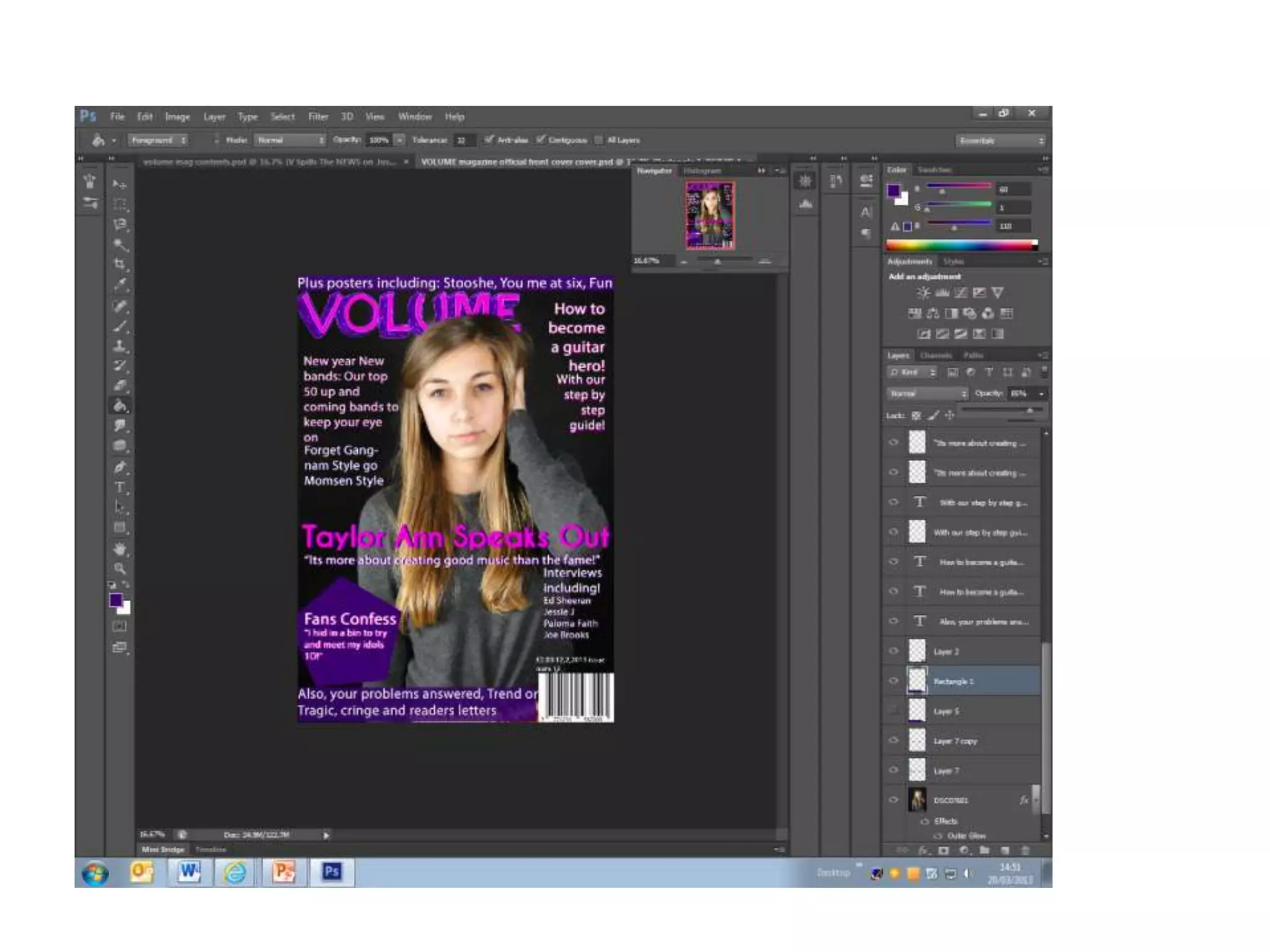
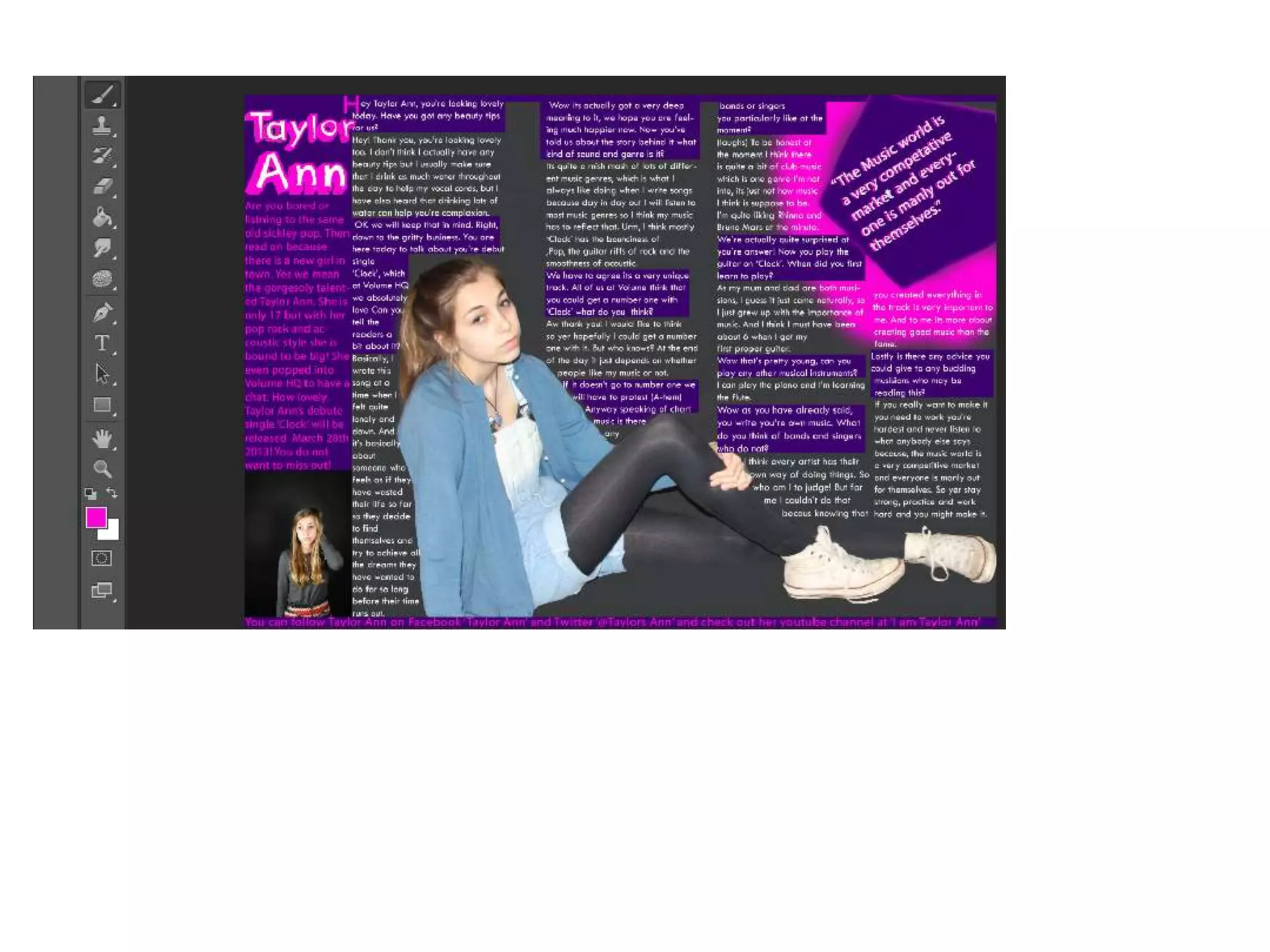
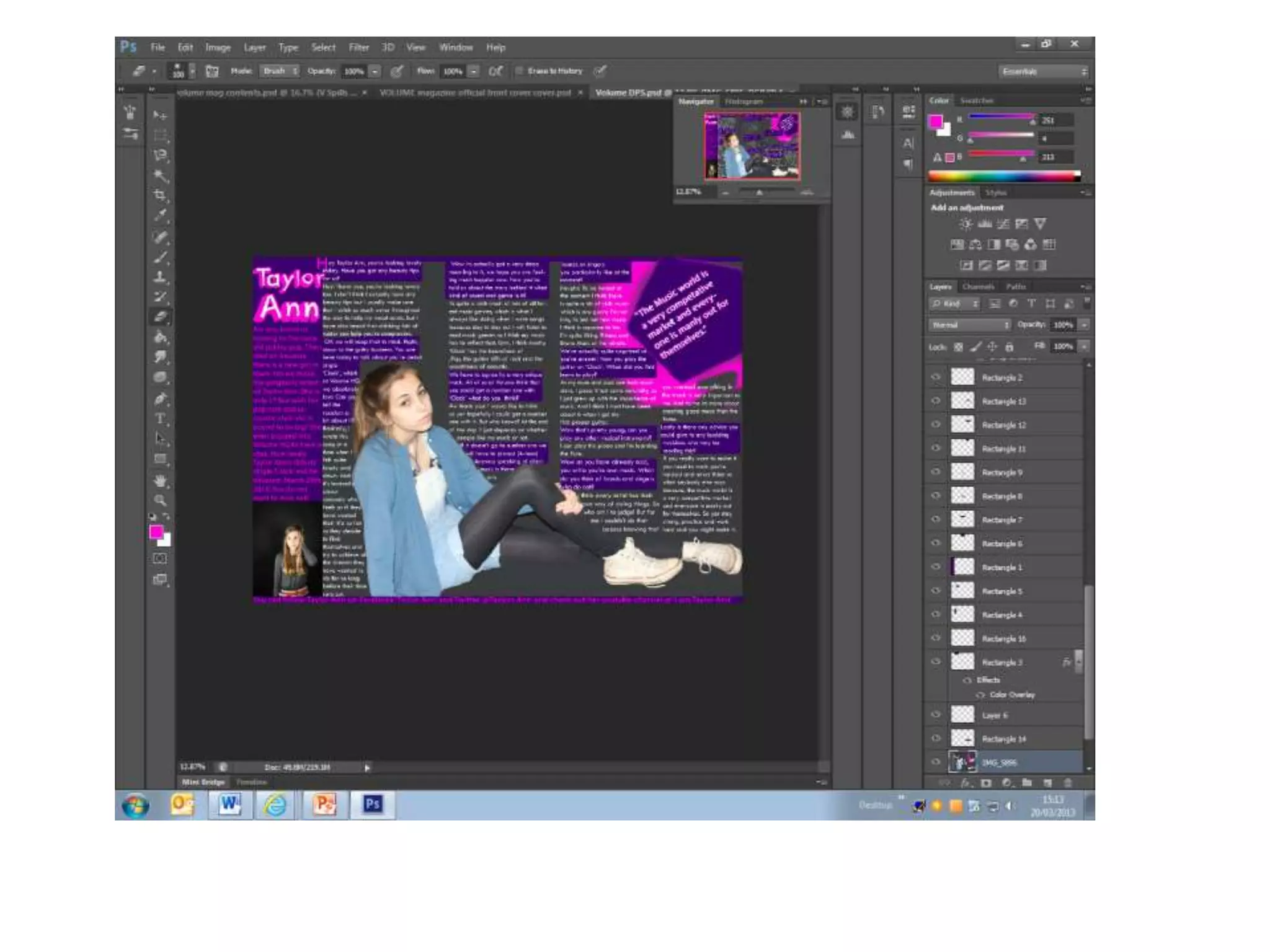
To get these 3D effects I duplicated the
layer and chose my colour and then
filled the words in with that colour and
dragged the bottom layer out to give
the 3D bolder effect
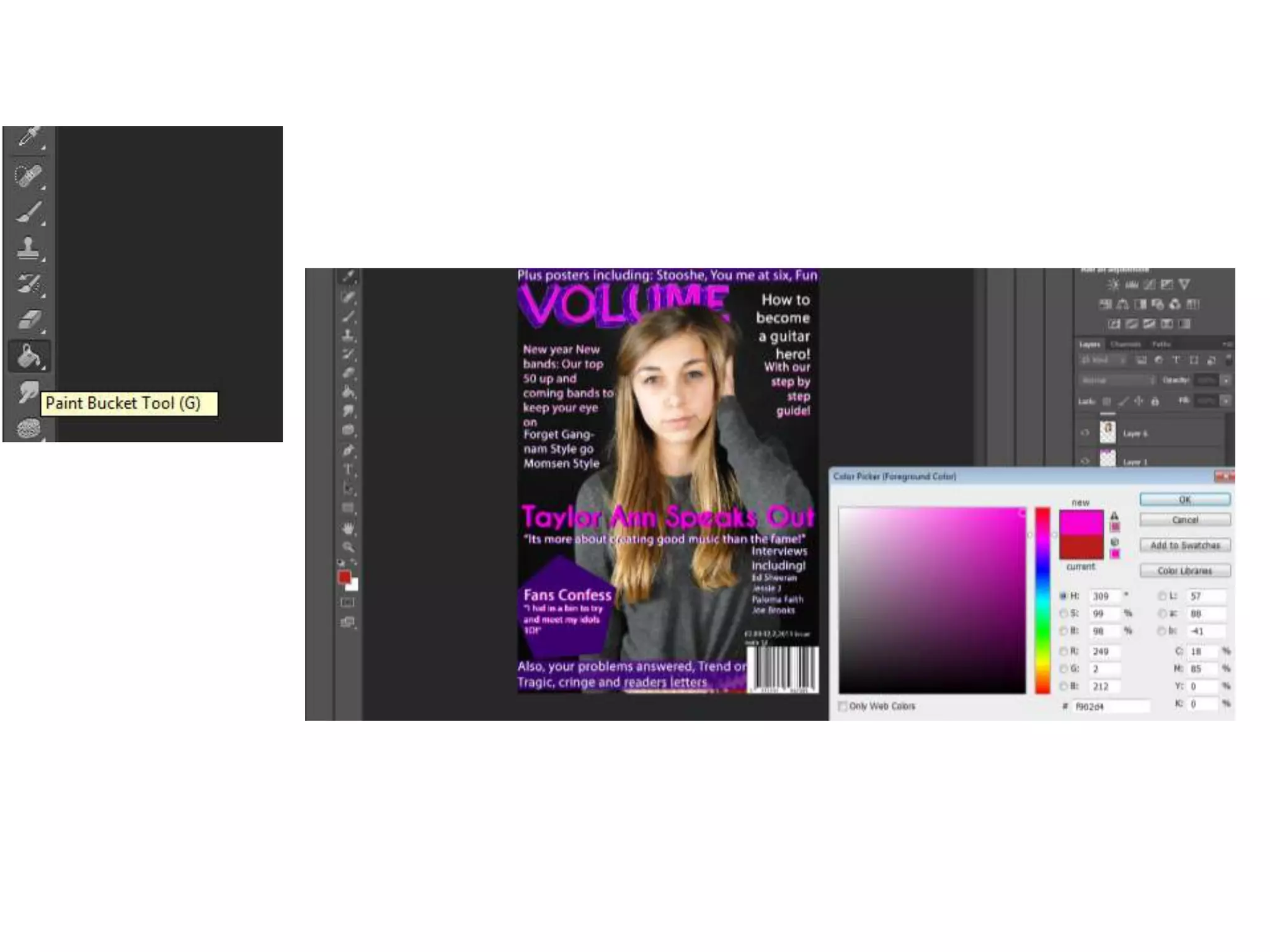
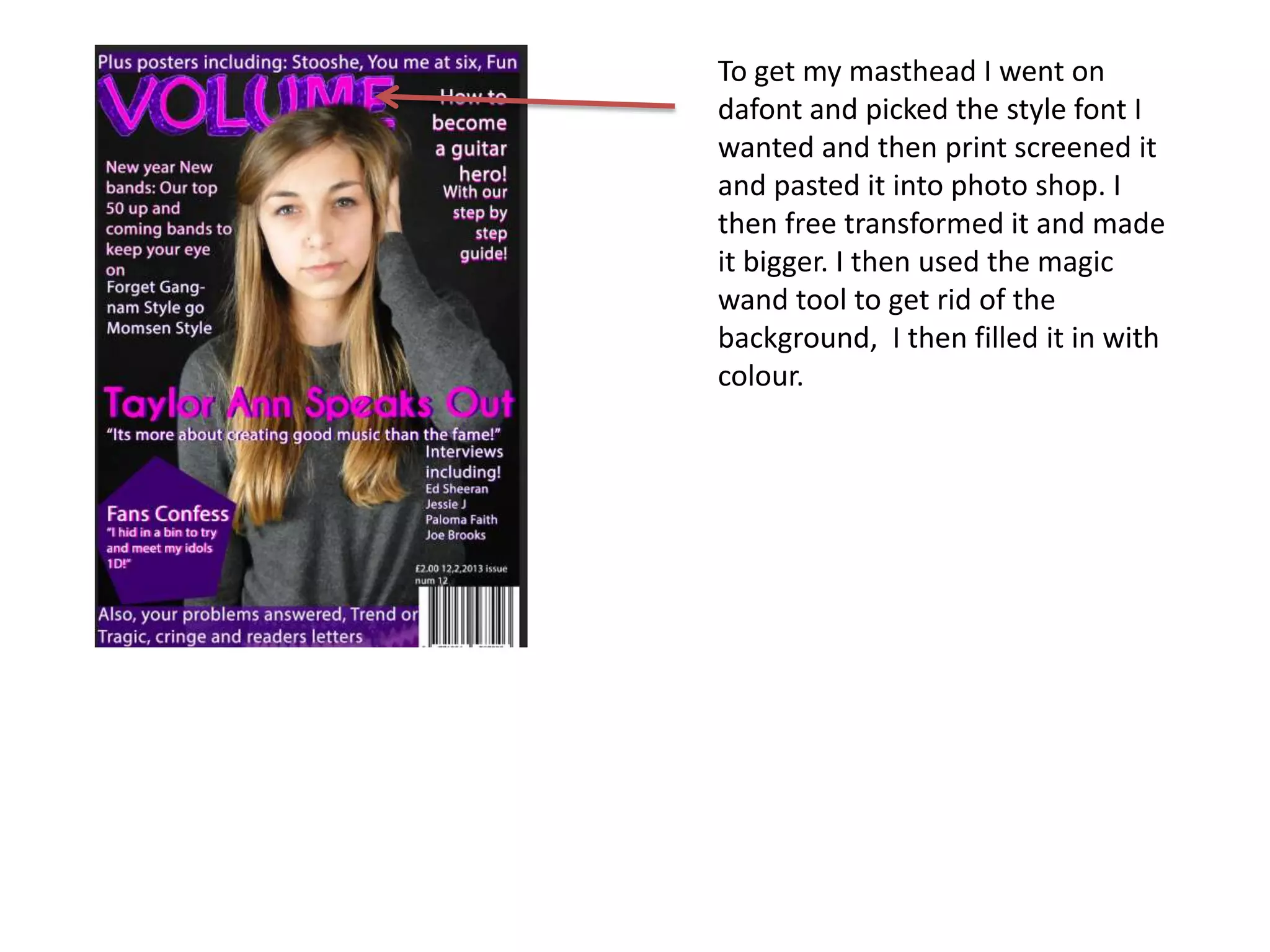
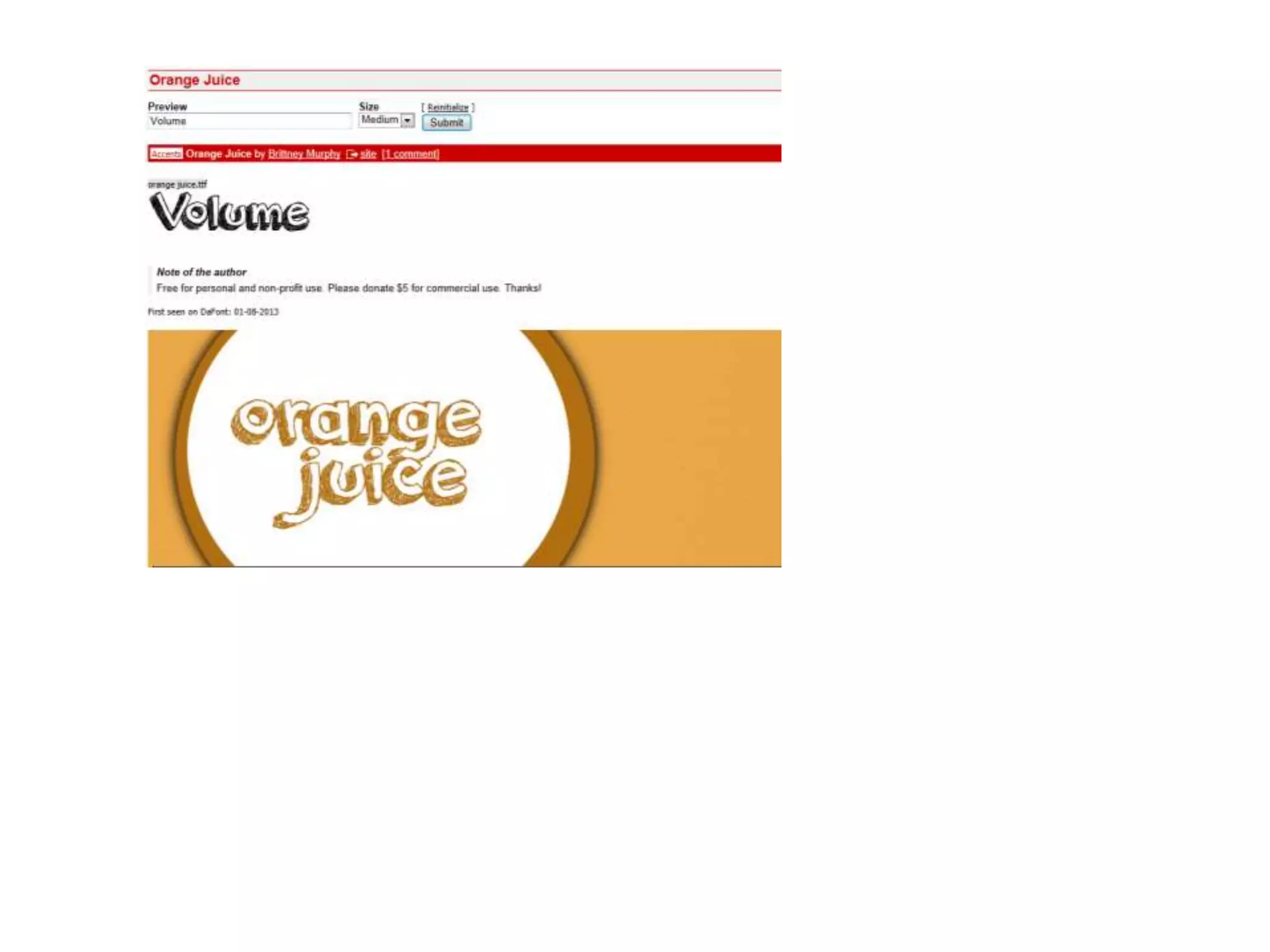
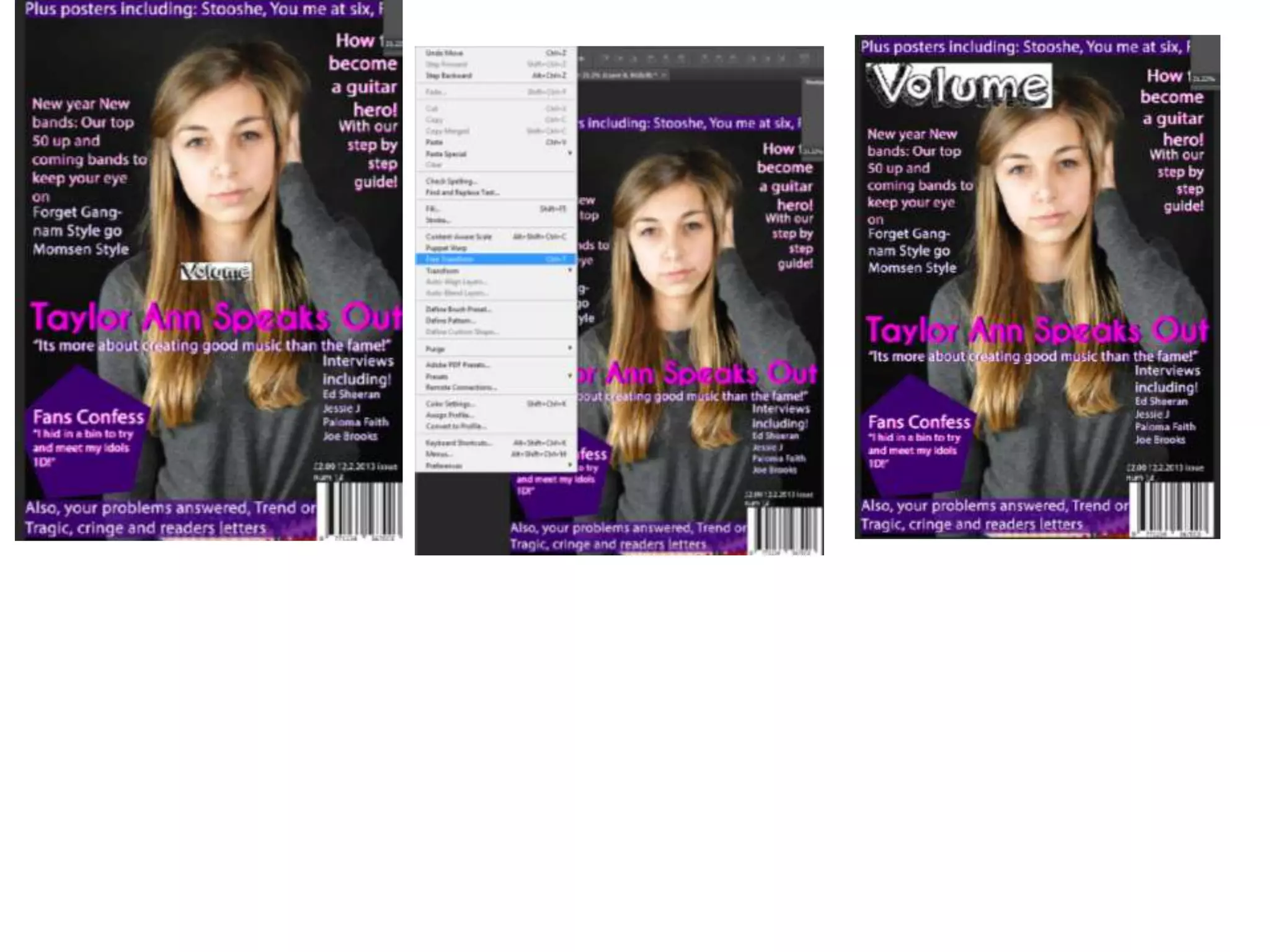
To get my masthead I went on
dafont and picked the style font I
wanted and then print screened it
and pasted it into photo shop. I
then free transformed it and made
it bigger. I then used the magic
wand tool to get rid of the
background, I then filled it in with
colour.
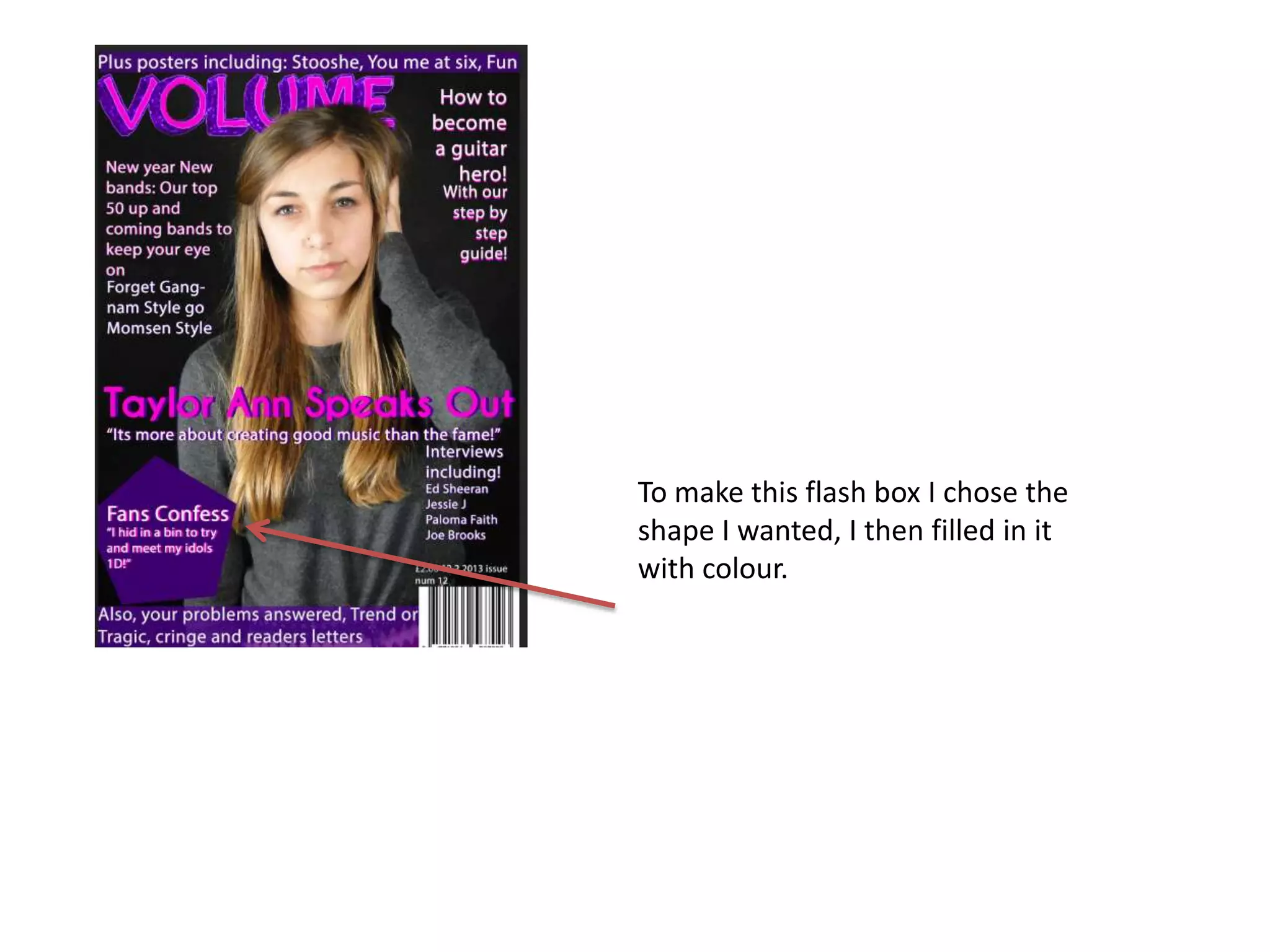
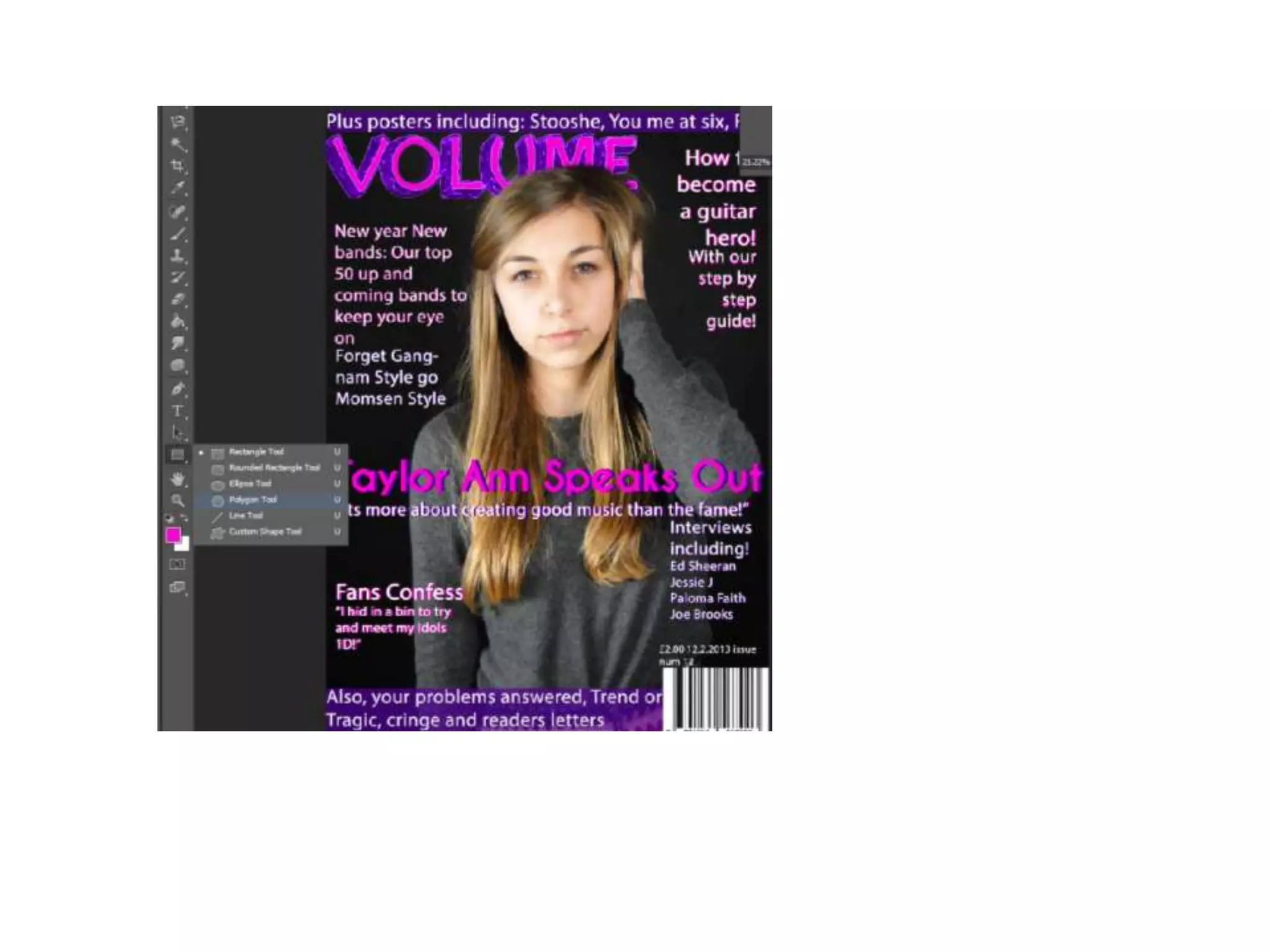
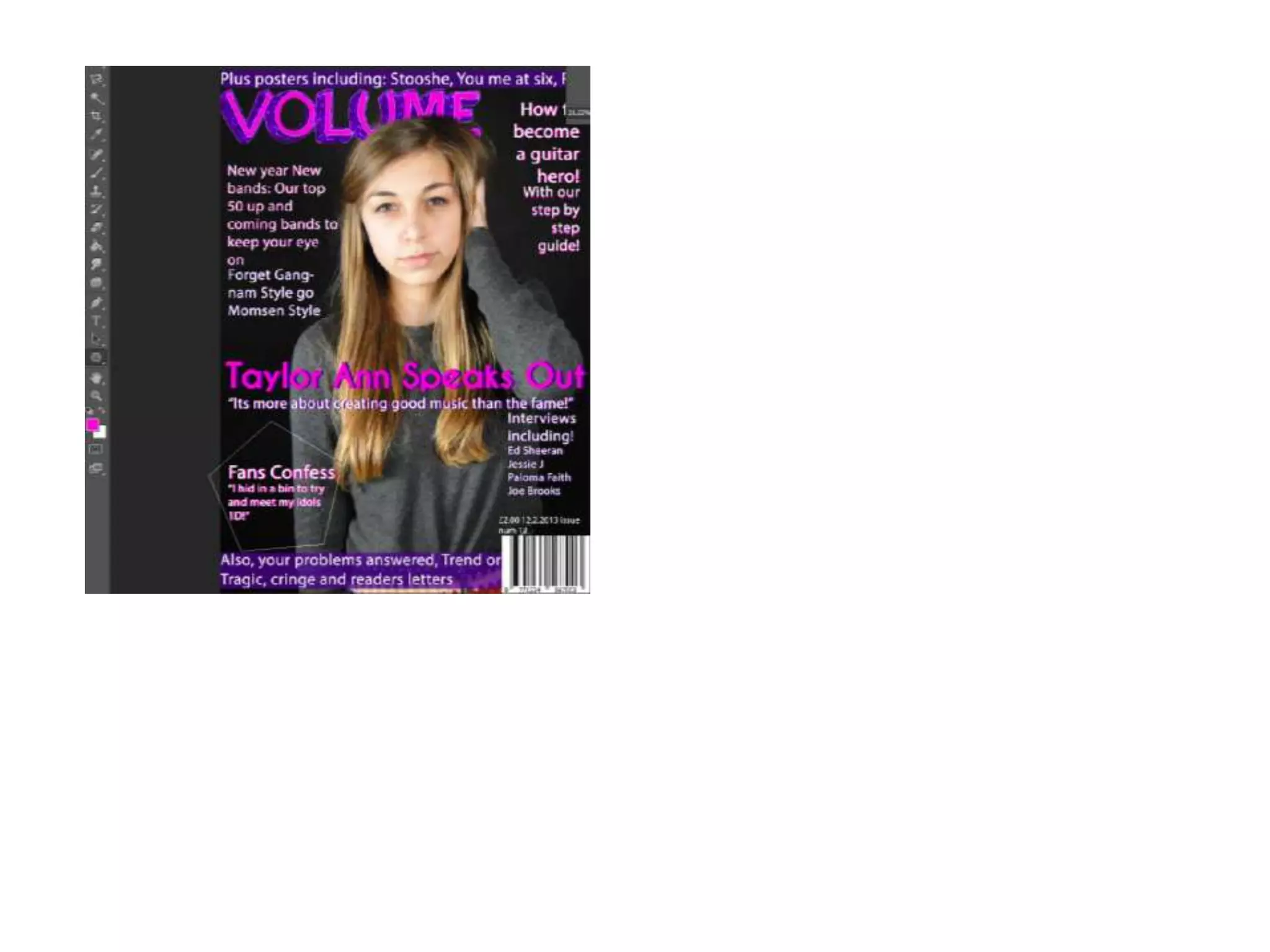
To make this flash box I chose the
shape I wanted, I then filled in it
with colour.
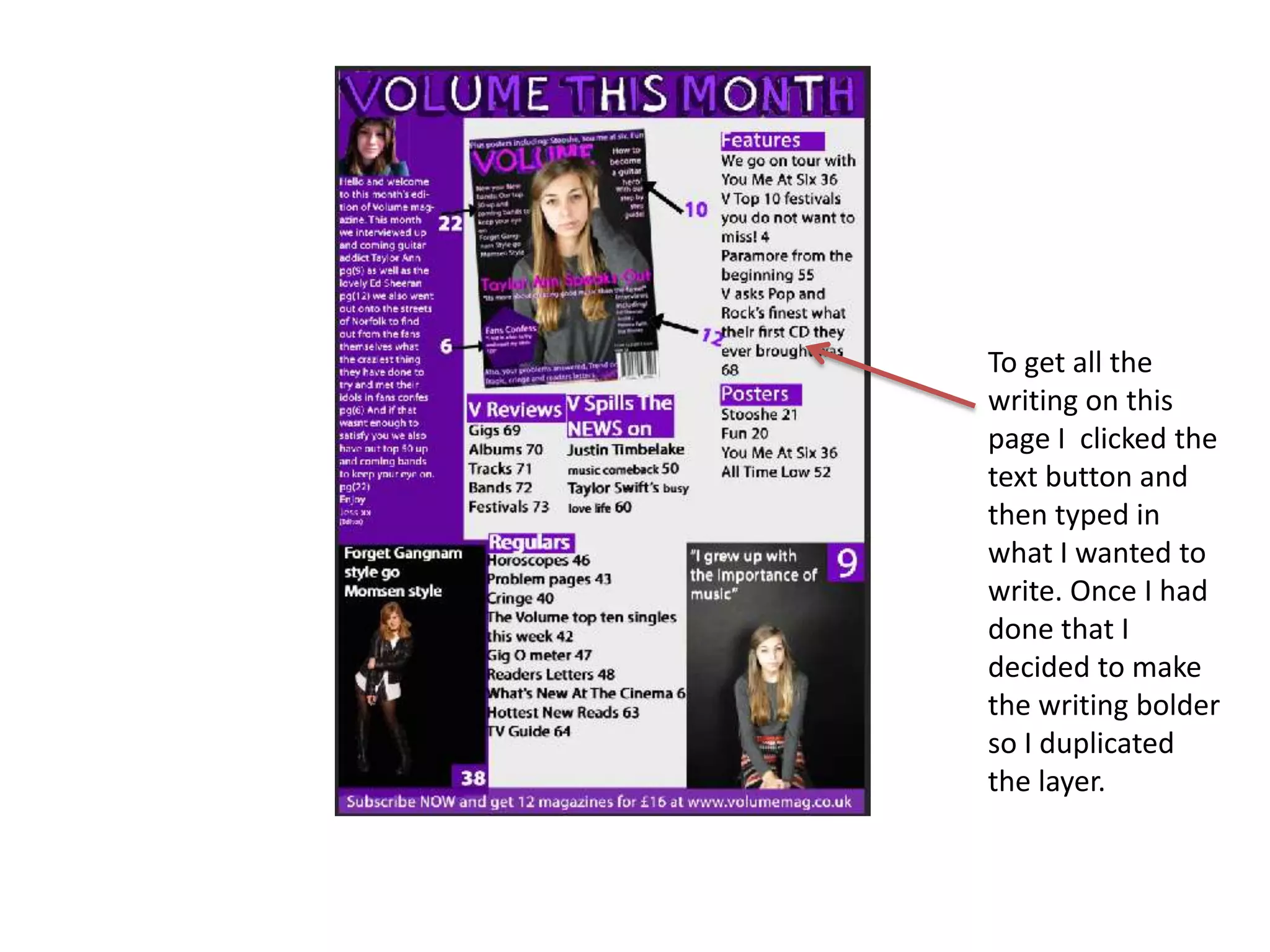
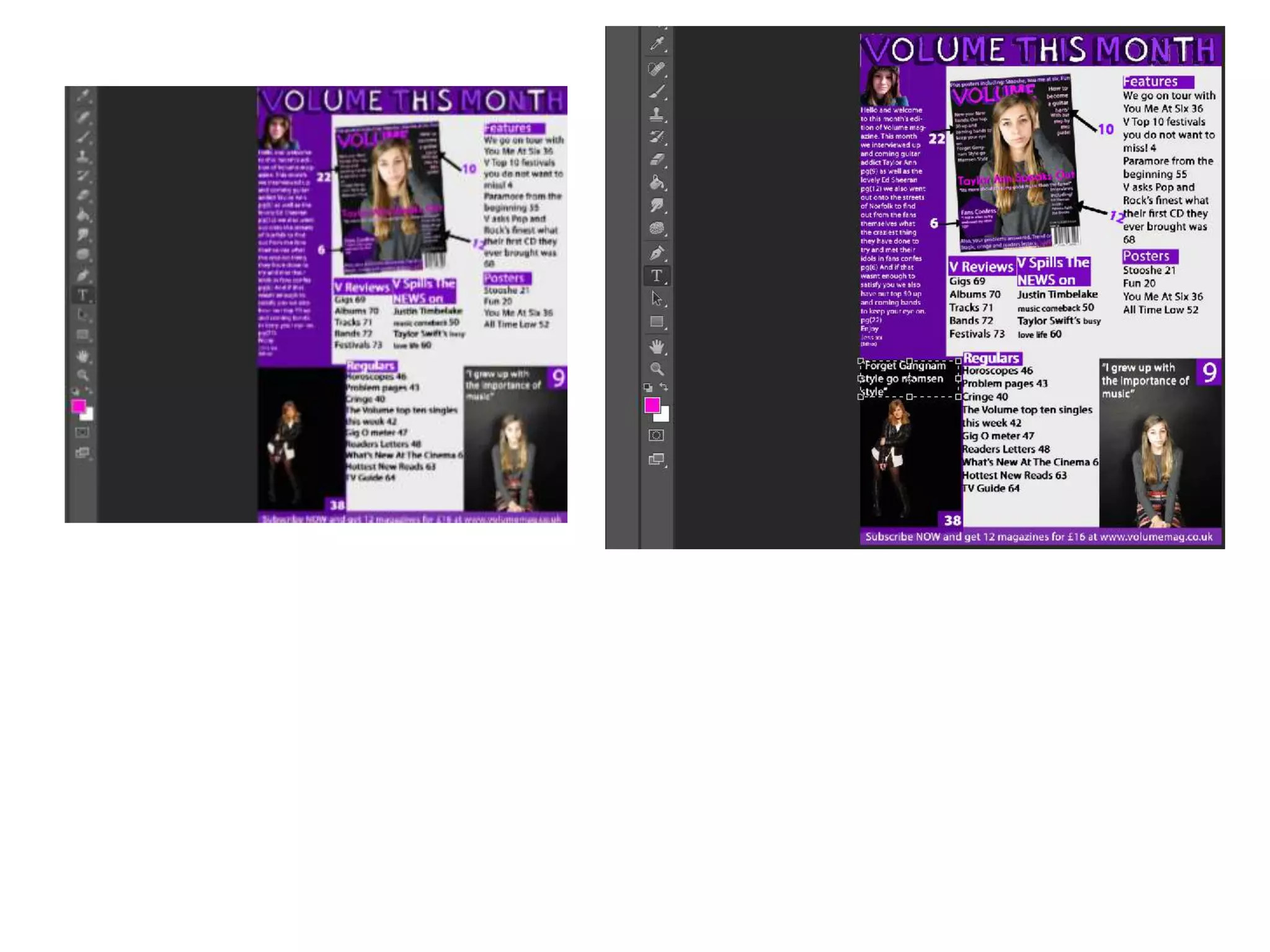
To get all the
writing on this
page I clicked the
text button and
then typed in
what I wanted to
write. Once I had
done that I
decided to make
the writing bolder
so I duplicated
the layer.
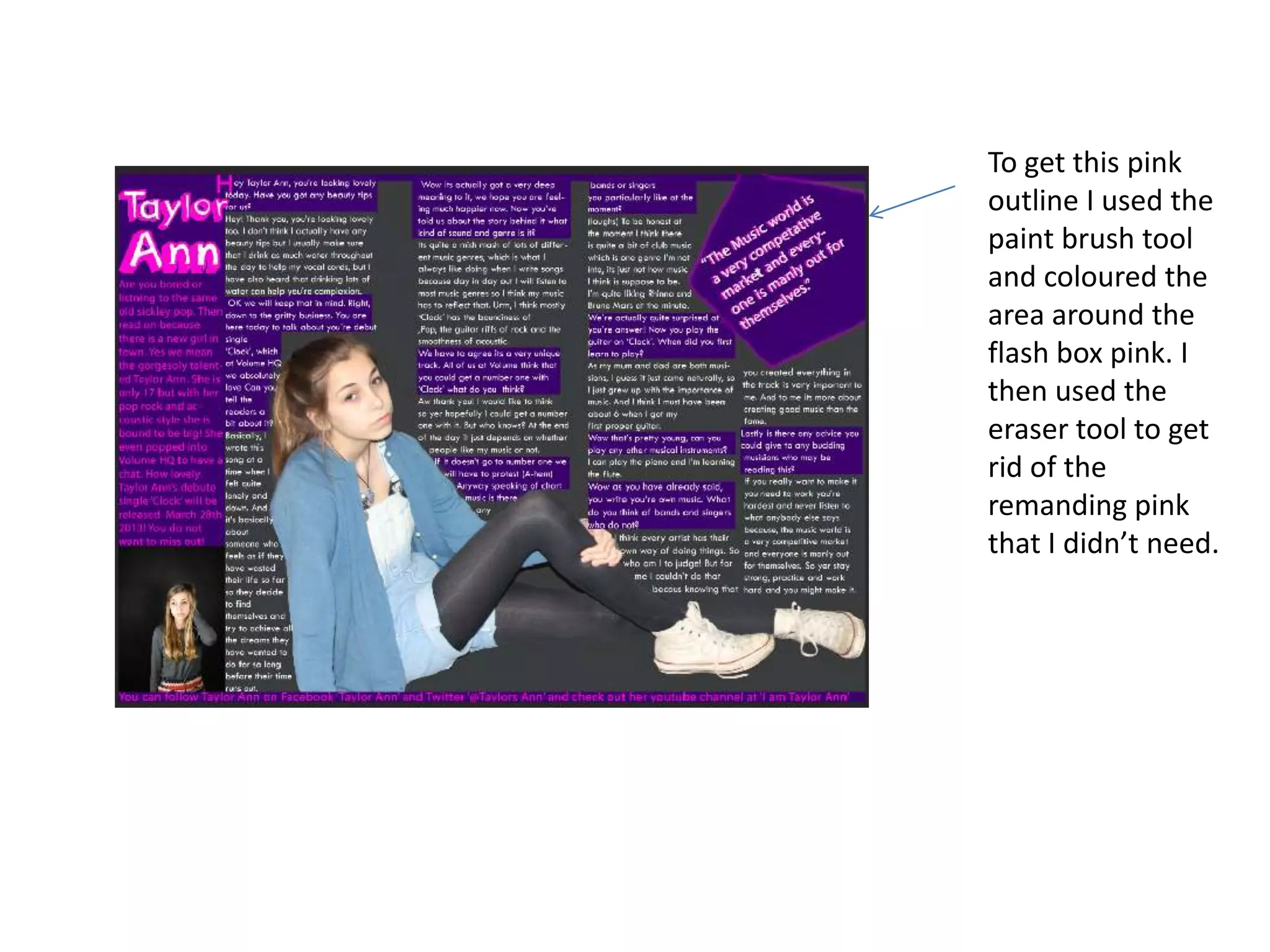
To get this pink
outline I used the
paint brush tool
and coloured the
area around the
flash box pink. I
then used the
eraser tool to get
rid of the
remanding pink
that I didn’t need.
Skills development journal volume

Skills development journal volume

  • 3.
    To get these3D effects I duplicated the layer and chose my colour and then filled the words in with that colour and dragged the bottom layer out to give the 3D bolder effect
  • 6.
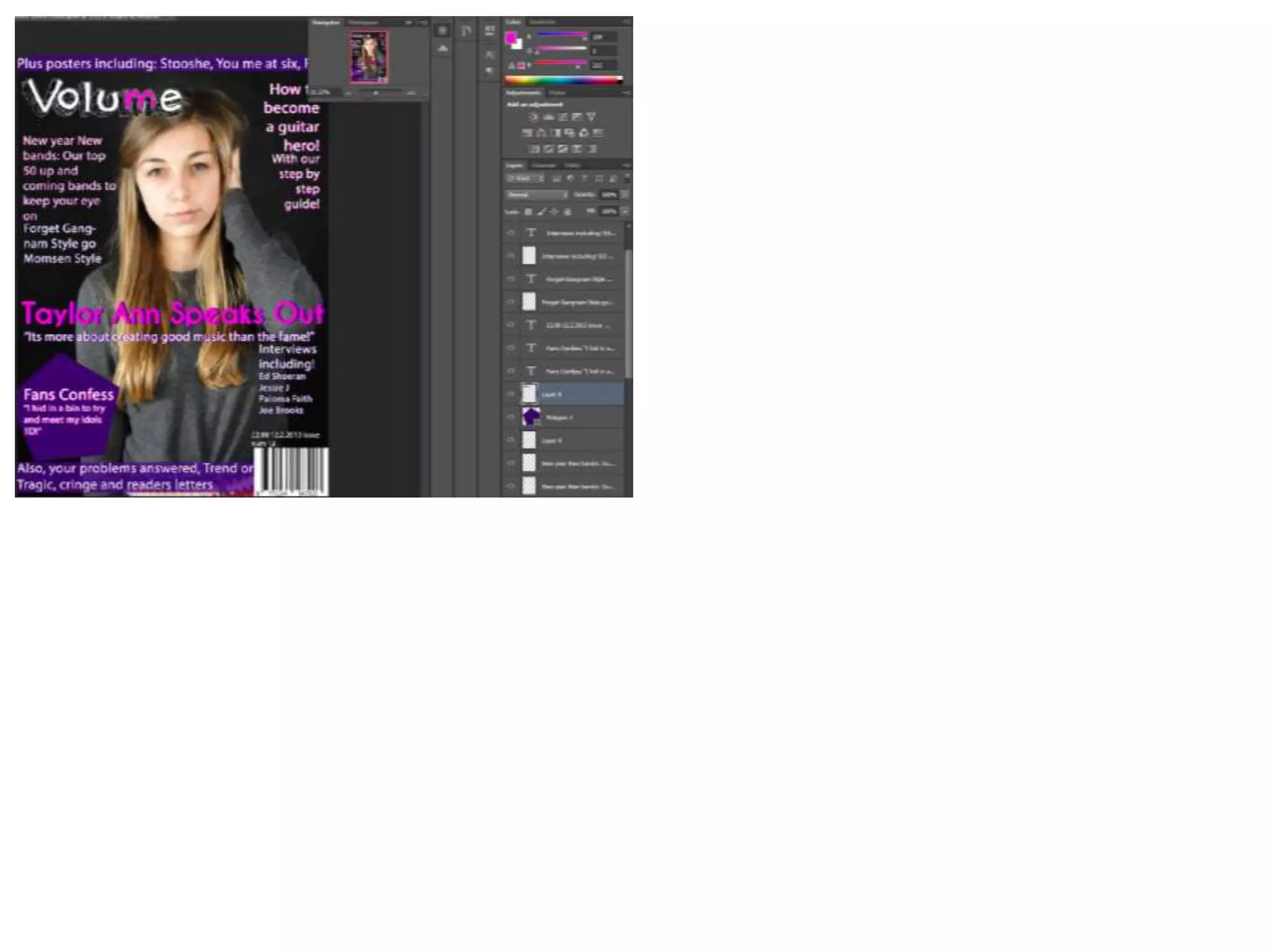
    To get mymasthead I went on dafont and picked the style font I wanted and then print screened it and pasted it into photo shop. I then free transformed it and made it bigger. I then used the magic wand tool to get rid of the background, I then filled it in with colour.
  • 10.
    To make thisflash box I chose the shape I wanted, I then filled in it with colour.
  • 15.
    To get allthe writing on this page I clicked the text button and then typed in what I wanted to write. Once I had done that I decided to make the writing bolder so I duplicated the layer.
  • 18.
    To get thispink outline I used the paint brush tool and coloured the area around the flash box pink. I then used the eraser tool to get rid of the remanding pink that I didn’t need.