Evaluating information
on the web
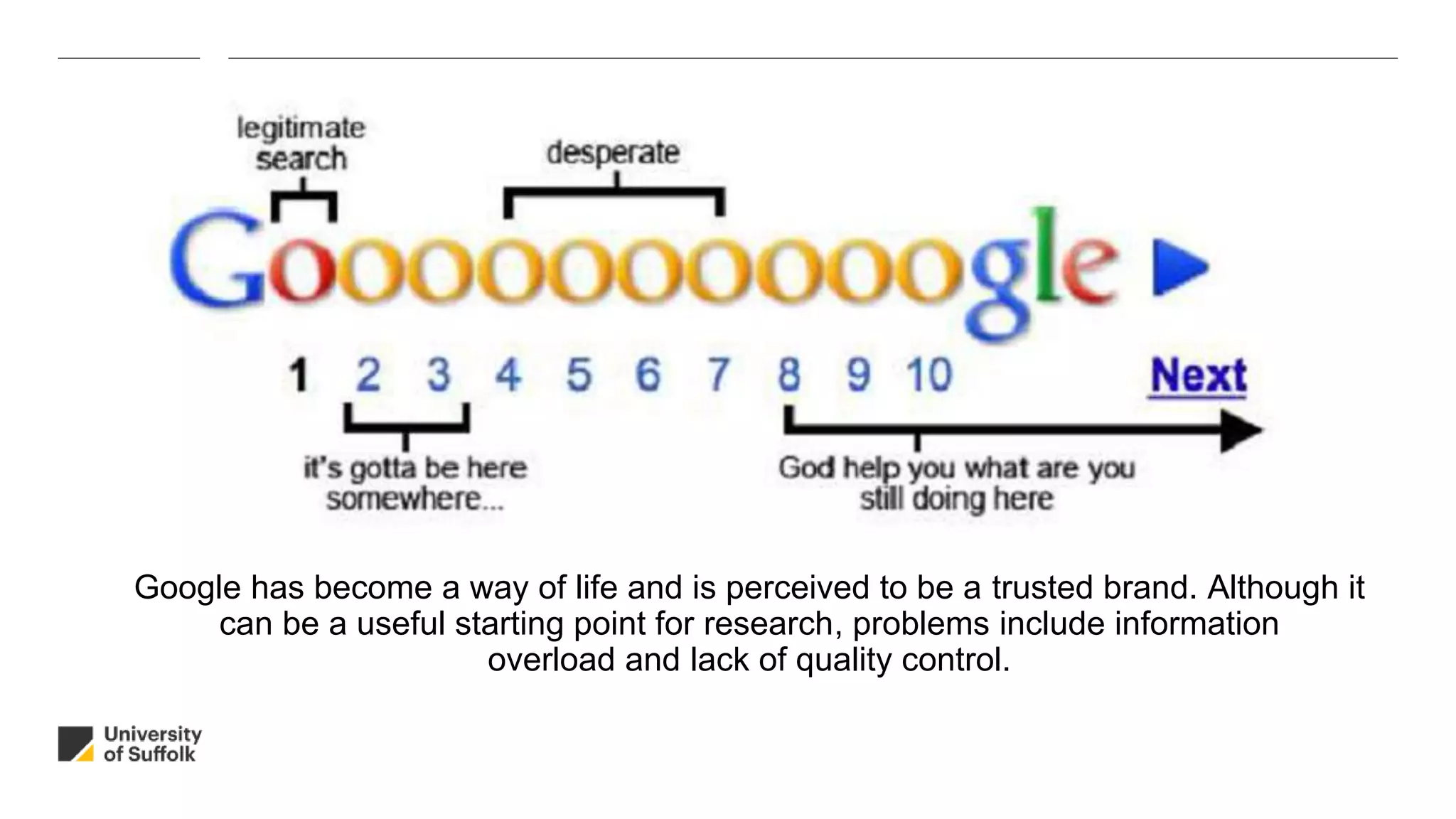
Google has become a way of life and is perceived to be a trusted brand. Although it
can be a useful starting point for research, problems include information
overload and lack of quality control.
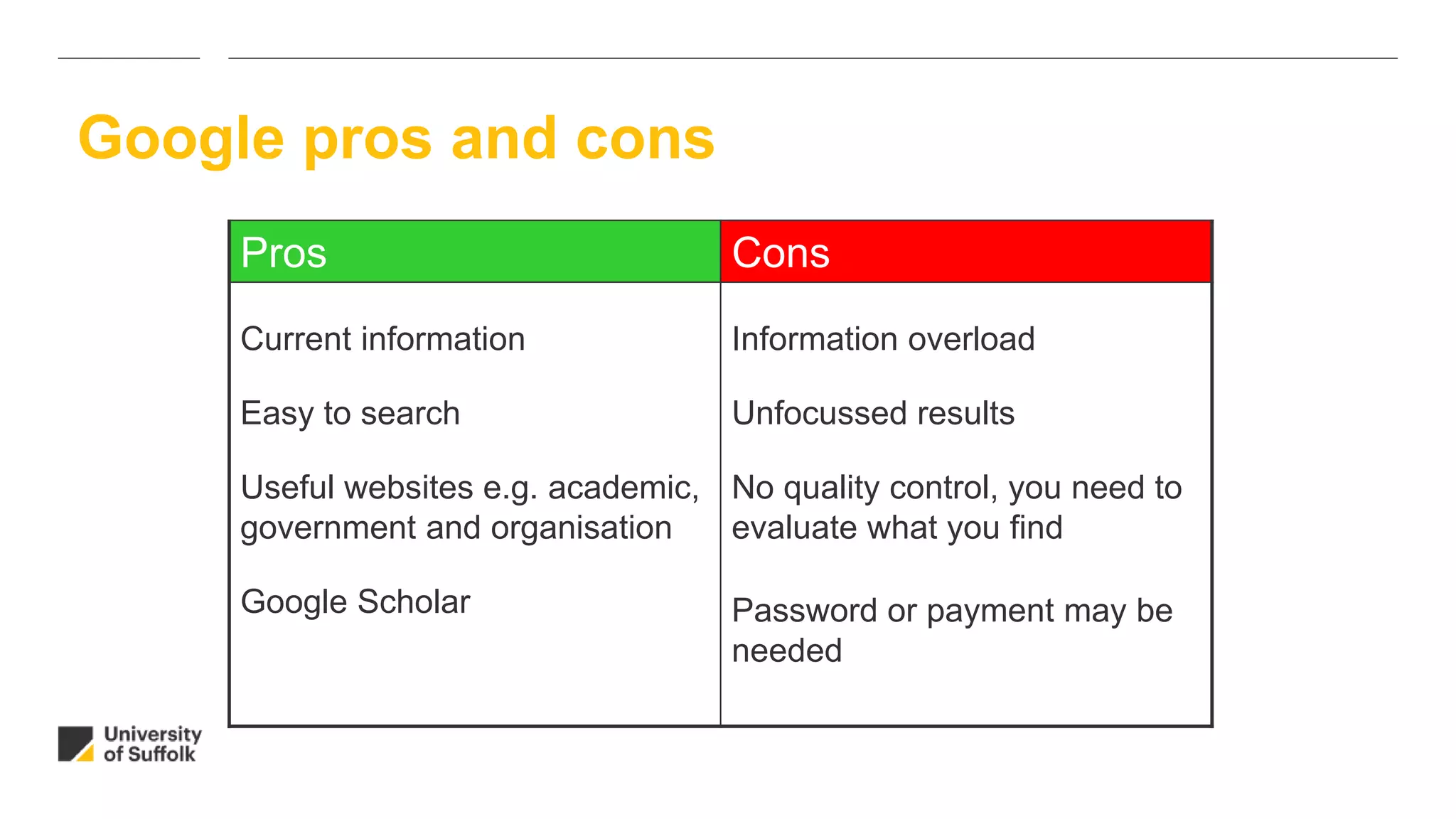
Google pros and cons
Pros Cons
Current information
Easy to search
Useful websites e.g. academic,
government and organisation
Google Scholar
Information overload
Unfocussed results
No quality control, you need to
evaluate what you find
Password or payment may be
needed
Information on the web – how can you be sure it is trustworthy?
• Who?
• When?
• Why?
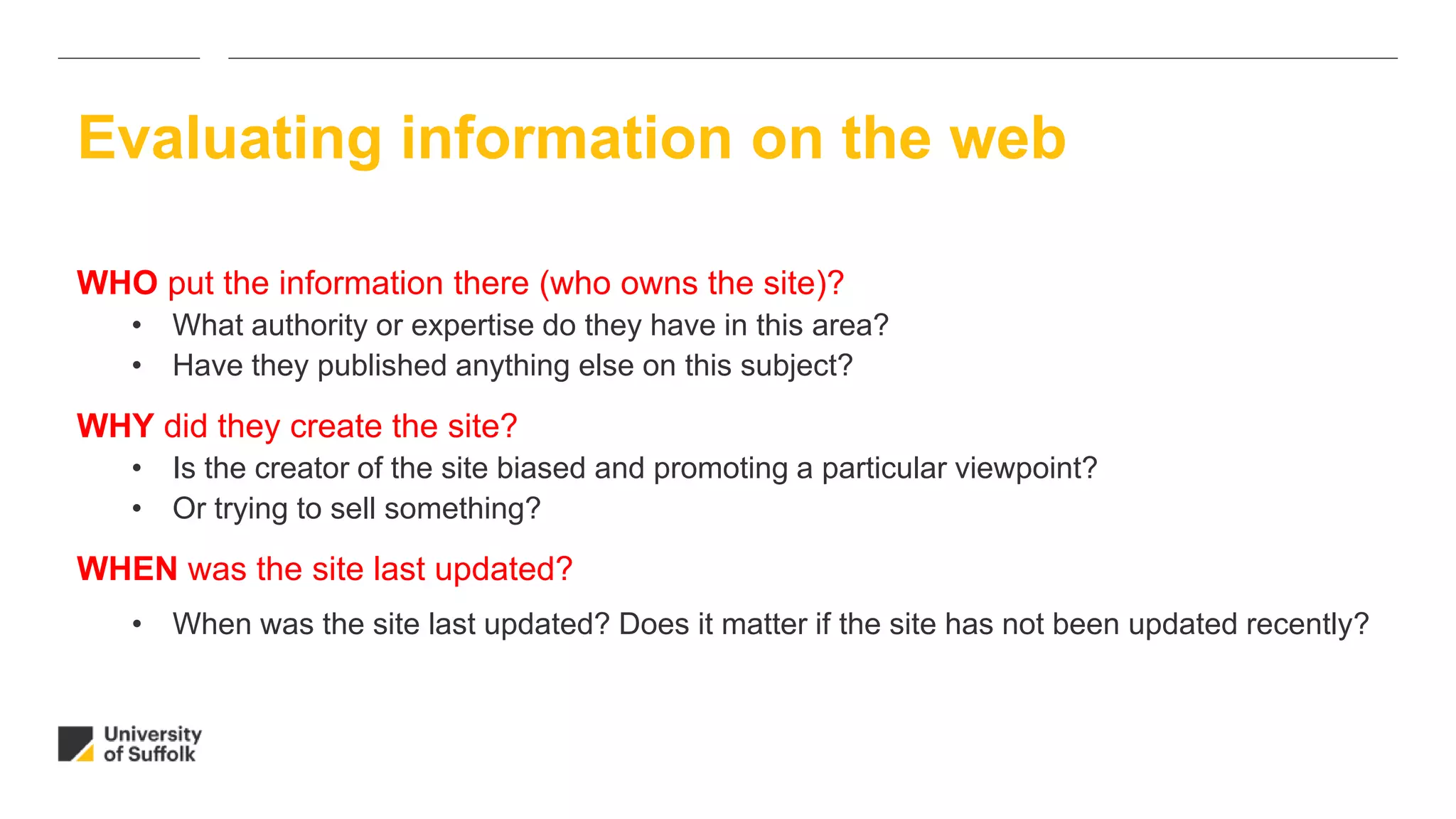
Evaluating information on the web
WHO put the information there (who owns the site)?
• What authority or expertise do they have in this area?
• Have they published anything else on this subject?
WHY did they create the site?
• Is the creator of the site biased and promoting a particular viewpoint?
• Or trying to sell something?
WHEN was the site last updated?
• When was the site last updated? Does it matter if the site has not been updated recently?
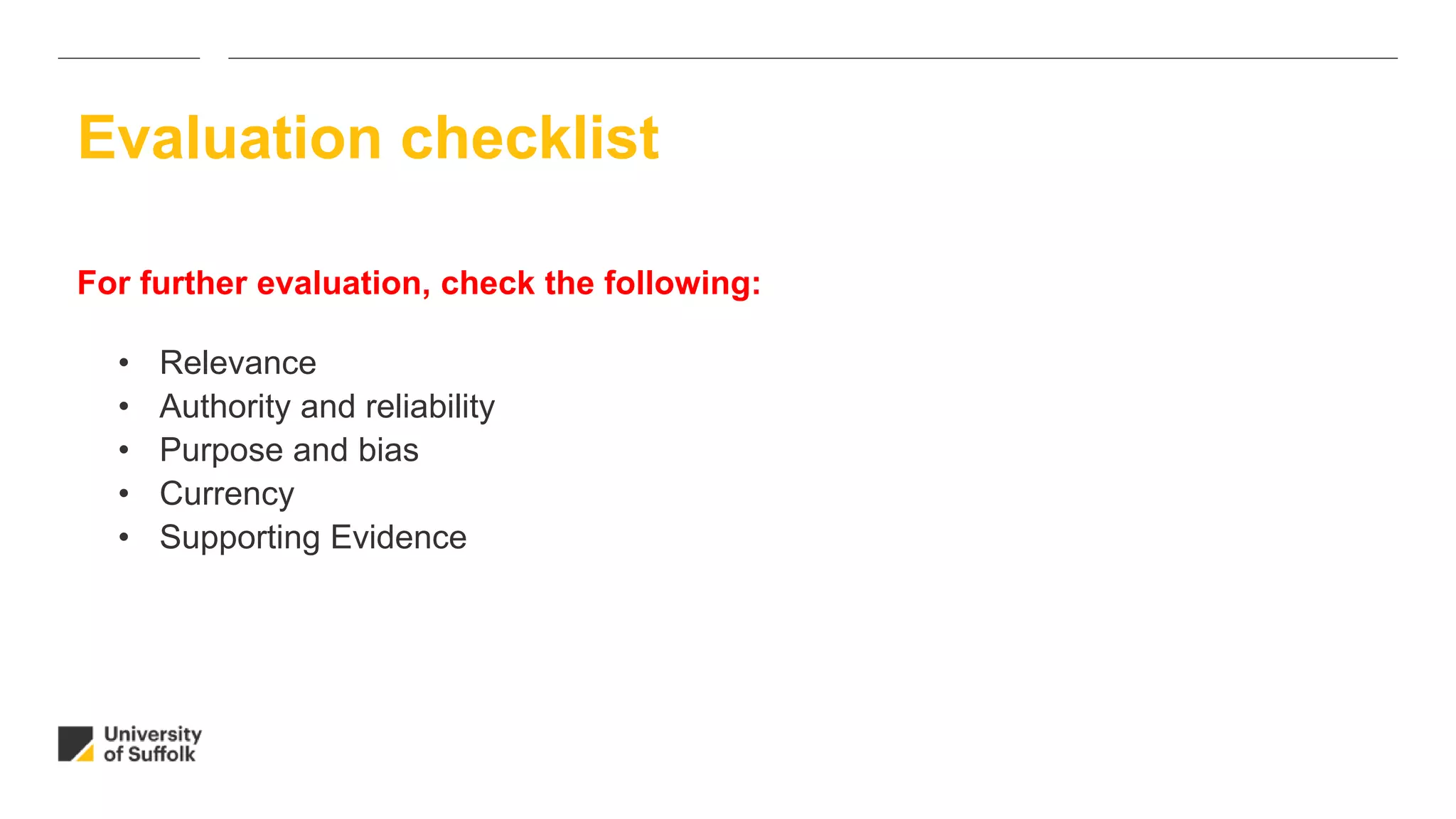
Evaluating information on the web
For further evaluation, check the following:
• Relevance
• Authority and reliability
• Purpose and bias
• Currency
• Supporting Evidence
Evaluation checklist
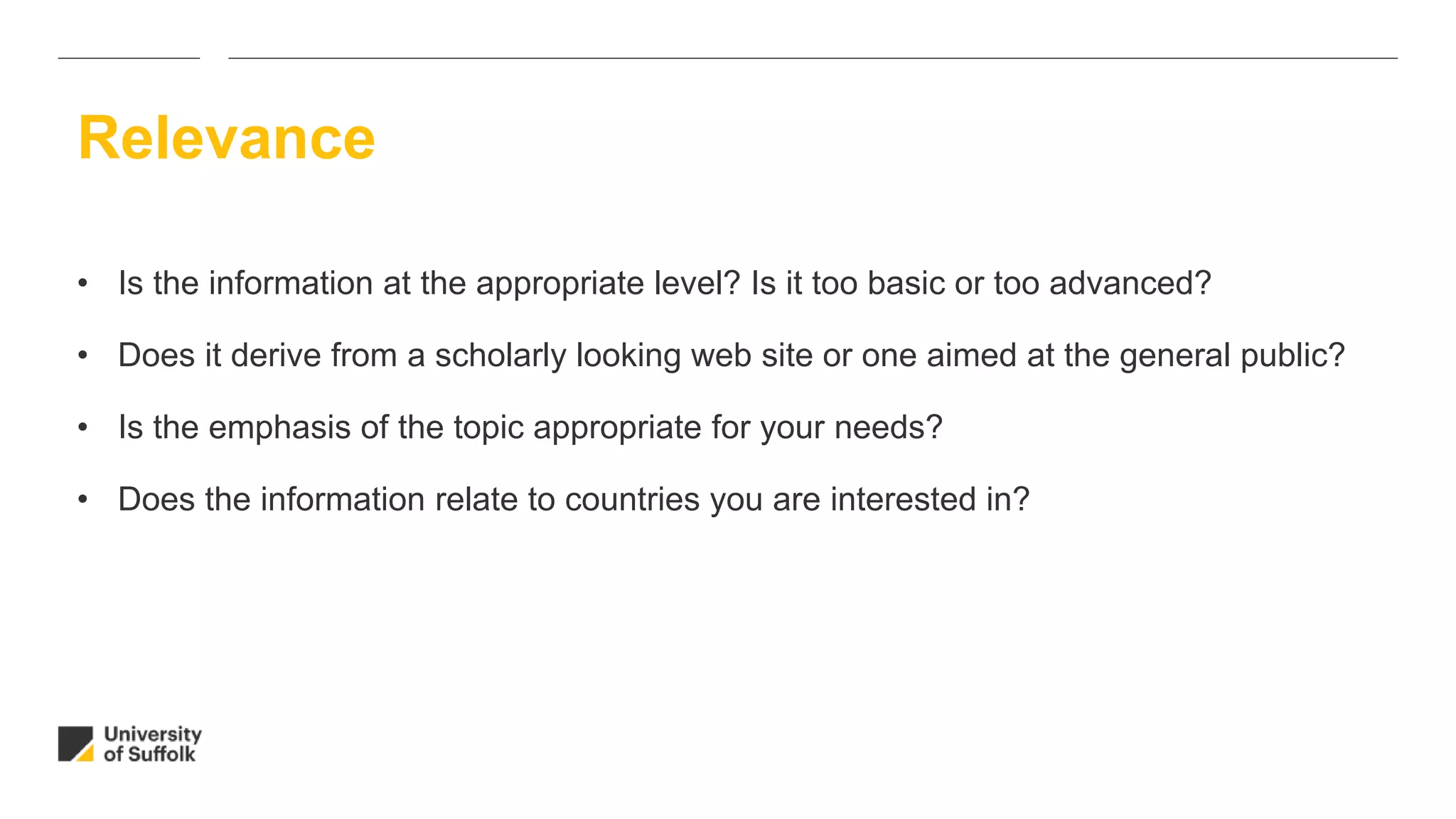
• Is the information at the appropriate level? Is it too basic or too advanced?
• Does it derive from a scholarly looking web site or one aimed at the general public?
• Is the emphasis of the topic appropriate for your needs?
• Does the information relate to countries you are interested in?
Relevance
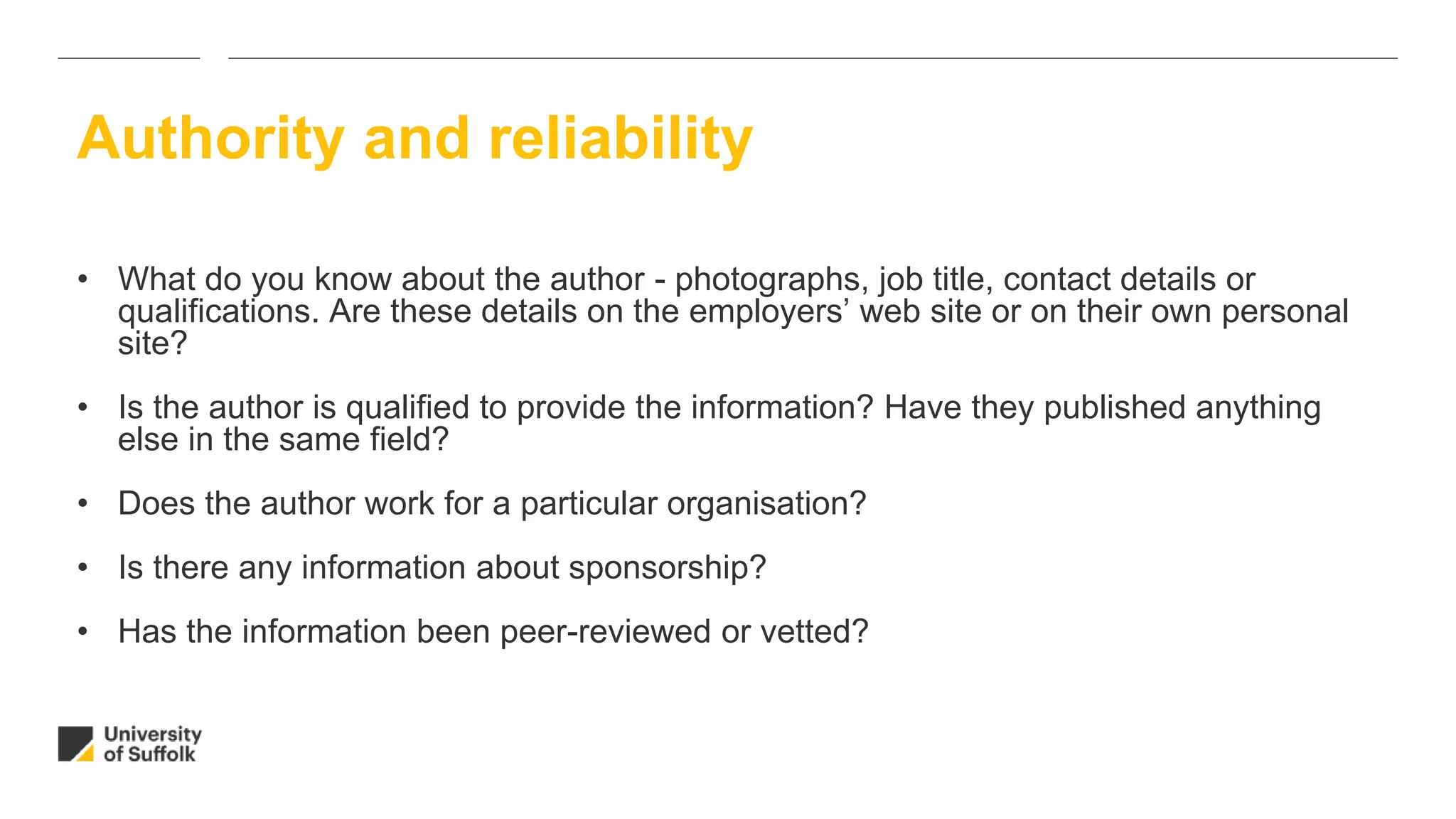
• What do you know about the author - photographs, job title, contact details or
qualifications. Are these details on the employers’ web site or on their own personal
site?
• Is the author is qualified to provide the information? Have they published anything
else in the same field?
• Does the author work for a particular organisation?
• Is there any information about sponsorship?
• Has the information been peer-reviewed or vetted?
Authority and reliability
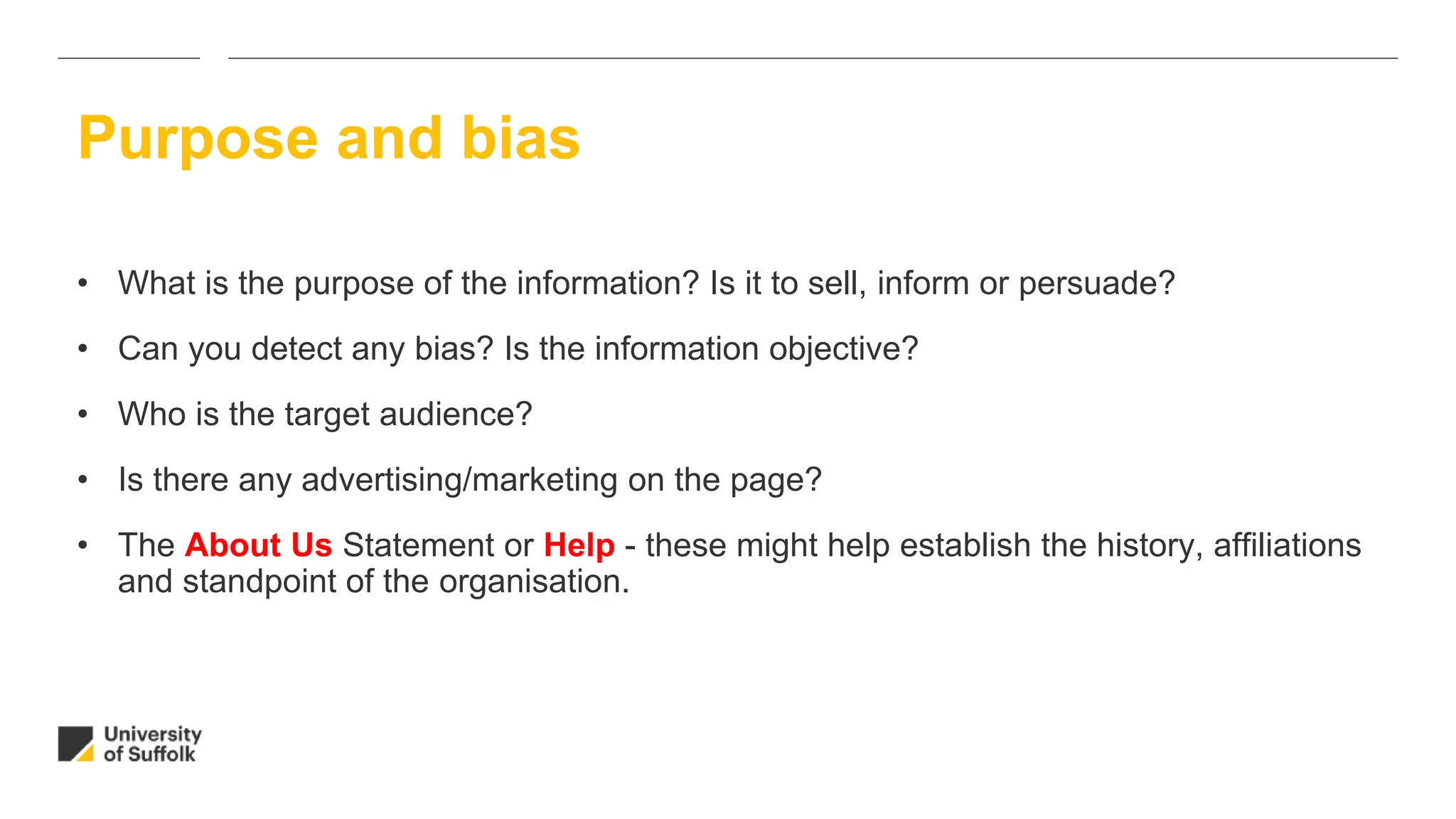
• What is the purpose of the information? Is it to sell, inform or persuade?
• Can you detect any bias? Is the information objective?
• Who is the target audience?
• Is there any advertising/marketing on the page?
• The About Us Statement or Help - these might help establish the history, affiliations
and standpoint of the organisation.
Purpose and bias
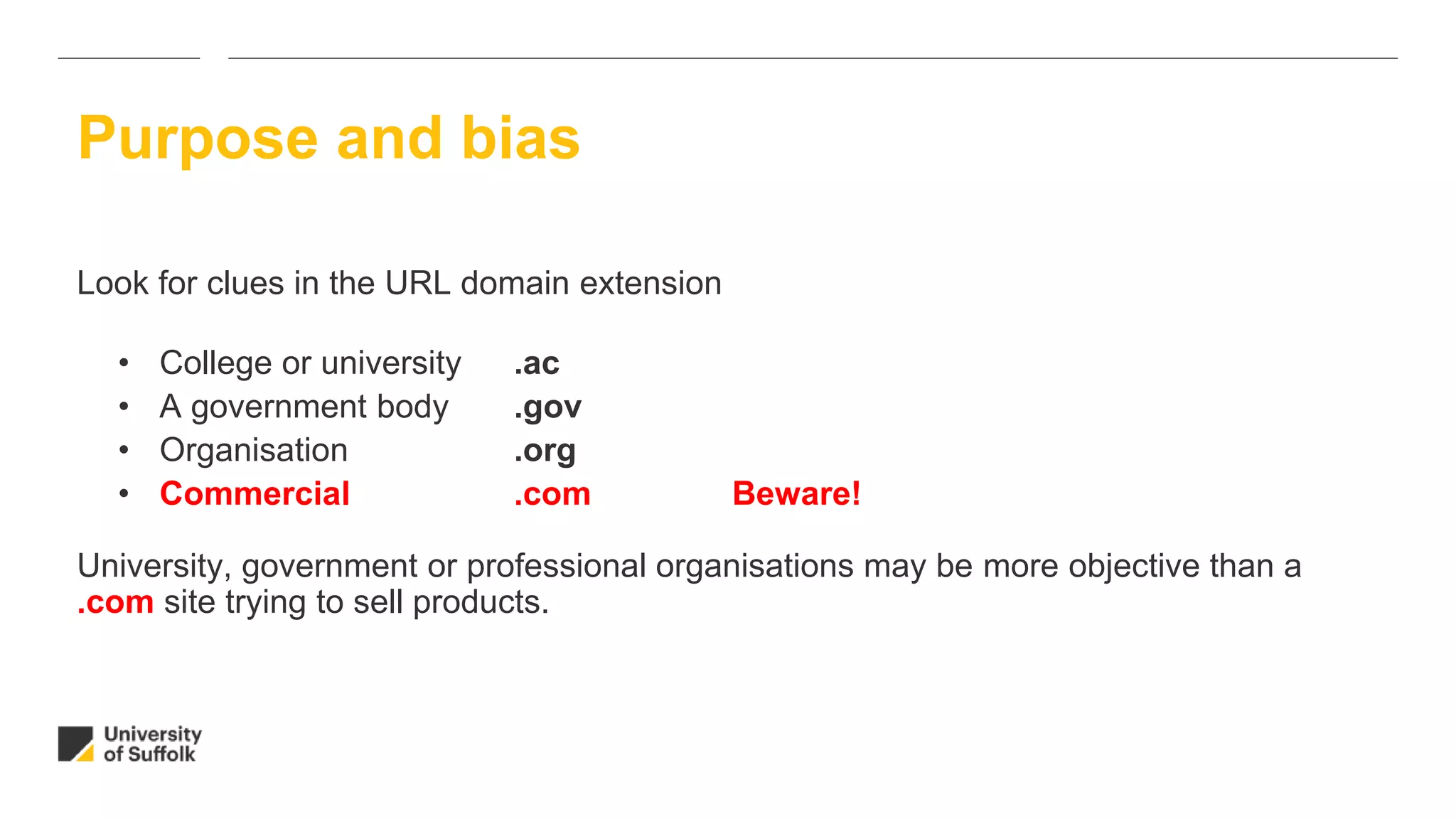
Look for clues in the URL domain extension
• College or university .ac
• A government body .gov
• Organisation .org
• Commercial .com Beware!
University, government or professional organisations may be more objective than a
.com site trying to sell products.
Purpose and bias
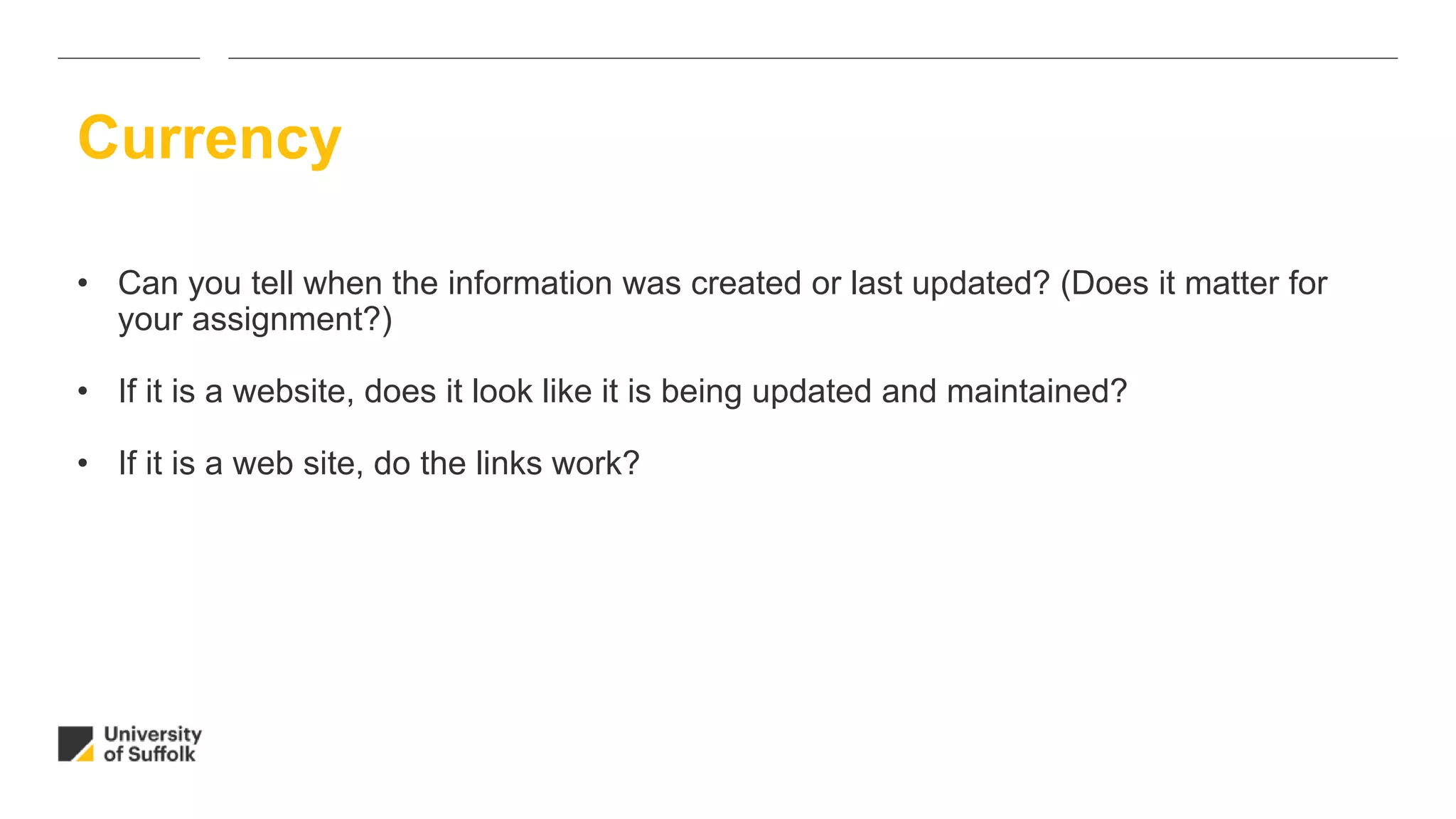
• Can you tell when the information was created or last updated? (Does it matter for
your assignment?)
• If it is a website, does it look like it is being updated and maintained?
• If it is a web site, do the links work?
Currency
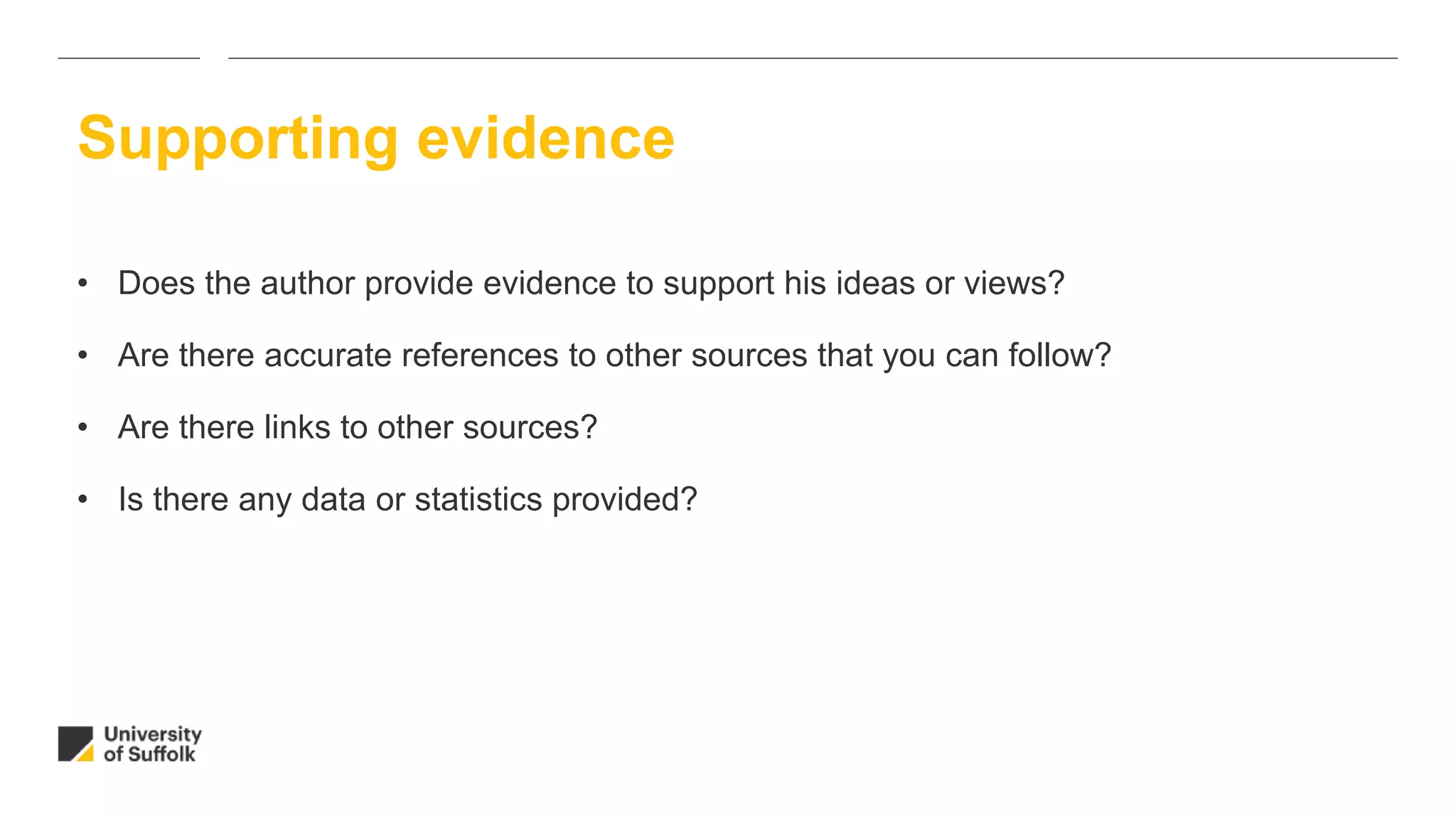
• Does the author provide evidence to support his ideas or views?
• Are there accurate references to other sources that you can follow?
• Are there links to other sources?
• Is there any data or statistics provided?
Supporting evidence
1. The site wants to sell you something
- check purpose and bias
2. It is not clear who has but the information out there
- check authority
3. The information seems out of date
- check currency of the site
4. The site has a less reliable extension (e.g .com)
- more reliable sites might be .ac.uk .gov.uk or .org.uk
5. You have inadvertently landed on Wikipedia
- do not use
6. You are being asked for personal information
- check purpose and bias
Six signs of an unreliable web site
Government bodies, academic institutions and professional organisations often
provide their own publications including:
• Policy documents
• Research papers
• Guidelines
• Standards
• Reports
• Official statistics
Examples of reliable web resources
Government bodies
• Department for Education Children & Young People
• Home Office
• Department of Health
• Department for Business Innovation & Skills
Professional bodies and organisations
• British Association for Early Childhood Education
• Royal College of Nursing
• British Association of Social Work
Examples of reliable web resources

Evaluating information on the web

  • 1.
  • 2.
    Google has becomea way of life and is perceived to be a trusted brand. Although it can be a useful starting point for research, problems include information overload and lack of quality control.
  • 3.
    Google pros andcons Pros Cons Current information Easy to search Useful websites e.g. academic, government and organisation Google Scholar Information overload Unfocussed results No quality control, you need to evaluate what you find Password or payment may be needed
  • 4.
    Information on theweb – how can you be sure it is trustworthy? • Who? • When? • Why? Evaluating information on the web
  • 5.
    WHO put theinformation there (who owns the site)? • What authority or expertise do they have in this area? • Have they published anything else on this subject? WHY did they create the site? • Is the creator of the site biased and promoting a particular viewpoint? • Or trying to sell something? WHEN was the site last updated? • When was the site last updated? Does it matter if the site has not been updated recently? Evaluating information on the web
  • 6.
    For further evaluation,check the following: • Relevance • Authority and reliability • Purpose and bias • Currency • Supporting Evidence Evaluation checklist
  • 7.
    • Is theinformation at the appropriate level? Is it too basic or too advanced? • Does it derive from a scholarly looking web site or one aimed at the general public? • Is the emphasis of the topic appropriate for your needs? • Does the information relate to countries you are interested in? Relevance
  • 8.
    • What doyou know about the author - photographs, job title, contact details or qualifications. Are these details on the employers’ web site or on their own personal site? • Is the author is qualified to provide the information? Have they published anything else in the same field? • Does the author work for a particular organisation? • Is there any information about sponsorship? • Has the information been peer-reviewed or vetted? Authority and reliability
  • 9.
    • What isthe purpose of the information? Is it to sell, inform or persuade? • Can you detect any bias? Is the information objective? • Who is the target audience? • Is there any advertising/marketing on the page? • The About Us Statement or Help - these might help establish the history, affiliations and standpoint of the organisation. Purpose and bias
  • 10.
    Look for cluesin the URL domain extension • College or university .ac • A government body .gov • Organisation .org • Commercial .com Beware! University, government or professional organisations may be more objective than a .com site trying to sell products. Purpose and bias
  • 11.
    • Can youtell when the information was created or last updated? (Does it matter for your assignment?) • If it is a website, does it look like it is being updated and maintained? • If it is a web site, do the links work? Currency
  • 12.
    • Does theauthor provide evidence to support his ideas or views? • Are there accurate references to other sources that you can follow? • Are there links to other sources? • Is there any data or statistics provided? Supporting evidence
  • 13.
    1. The sitewants to sell you something - check purpose and bias 2. It is not clear who has but the information out there - check authority 3. The information seems out of date - check currency of the site 4. The site has a less reliable extension (e.g .com) - more reliable sites might be .ac.uk .gov.uk or .org.uk 5. You have inadvertently landed on Wikipedia - do not use 6. You are being asked for personal information - check purpose and bias Six signs of an unreliable web site
  • 14.
    Government bodies, academicinstitutions and professional organisations often provide their own publications including: • Policy documents • Research papers • Guidelines • Standards • Reports • Official statistics Examples of reliable web resources
  • 15.
    Government bodies • Departmentfor Education Children & Young People • Home Office • Department of Health • Department for Business Innovation & Skills Professional bodies and organisations • British Association for Early Childhood Education • Royal College of Nursing • British Association of Social Work Examples of reliable web resources