Download to read offline










![THANK YOU! [email_address]](https://image.slidesharecdn.com/essentialsforthewirededucator-091103180101-phpapp02/75/Essentials-For-The-Wired-Educator-26-2048.jpg)

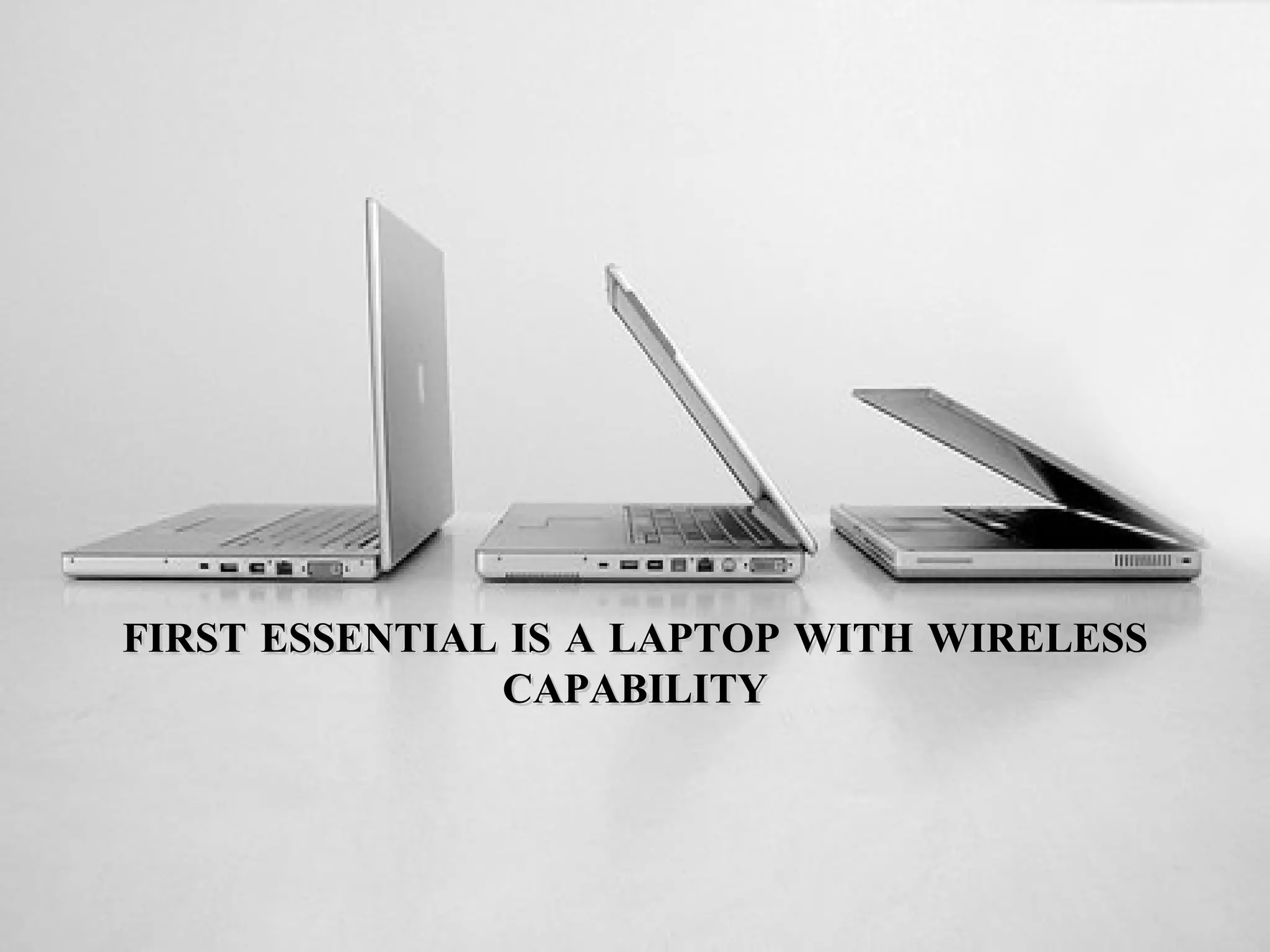
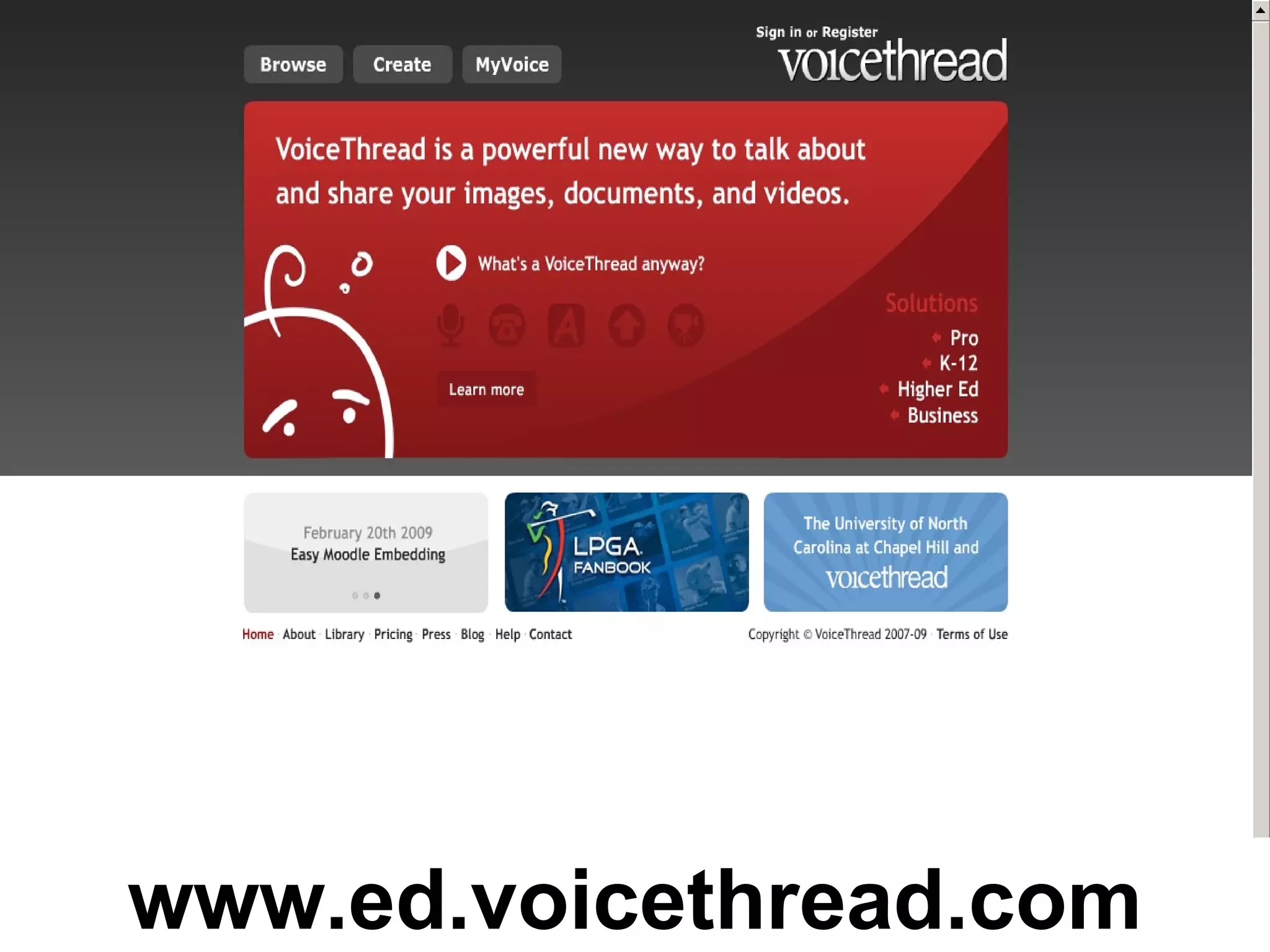
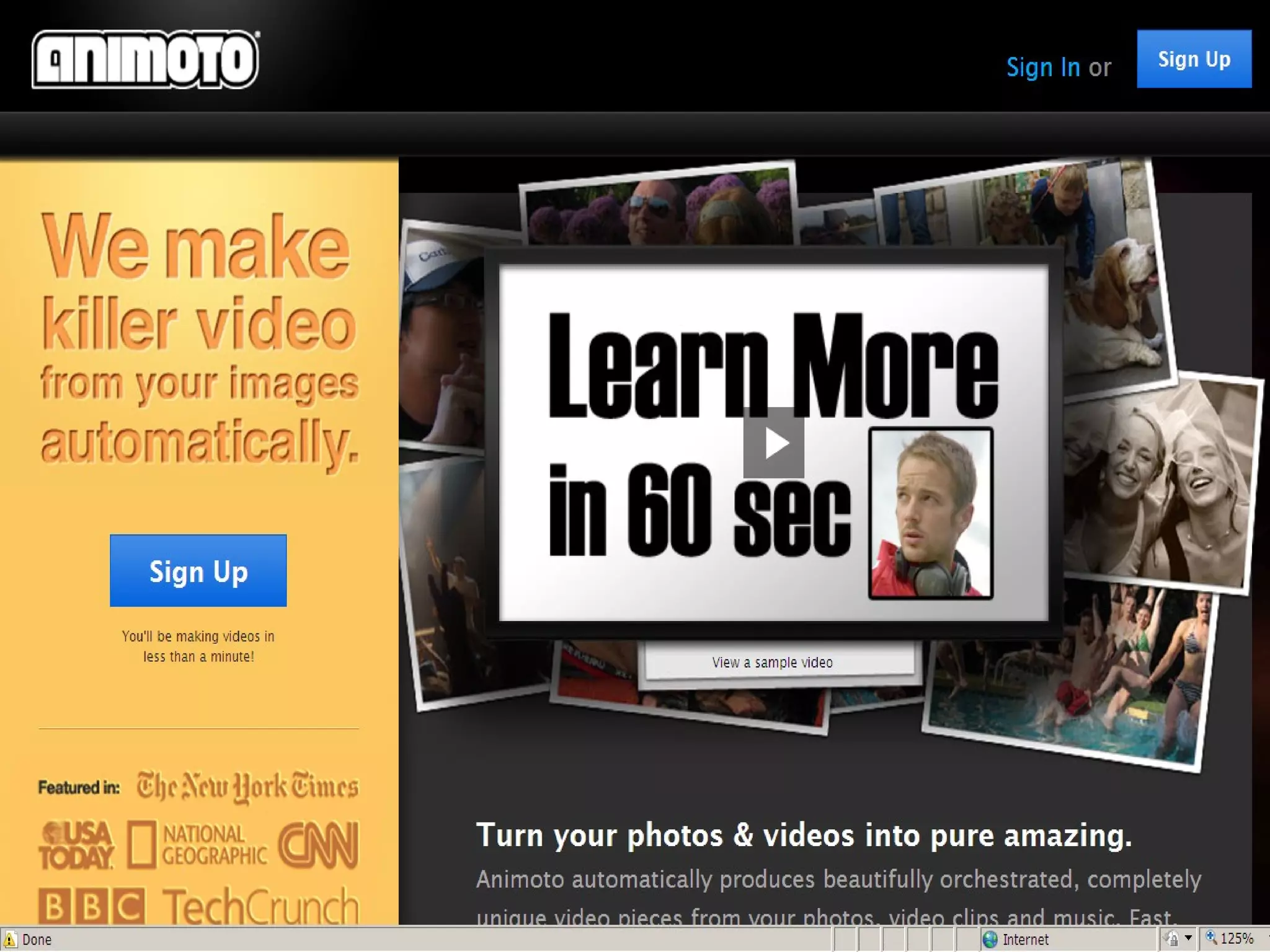
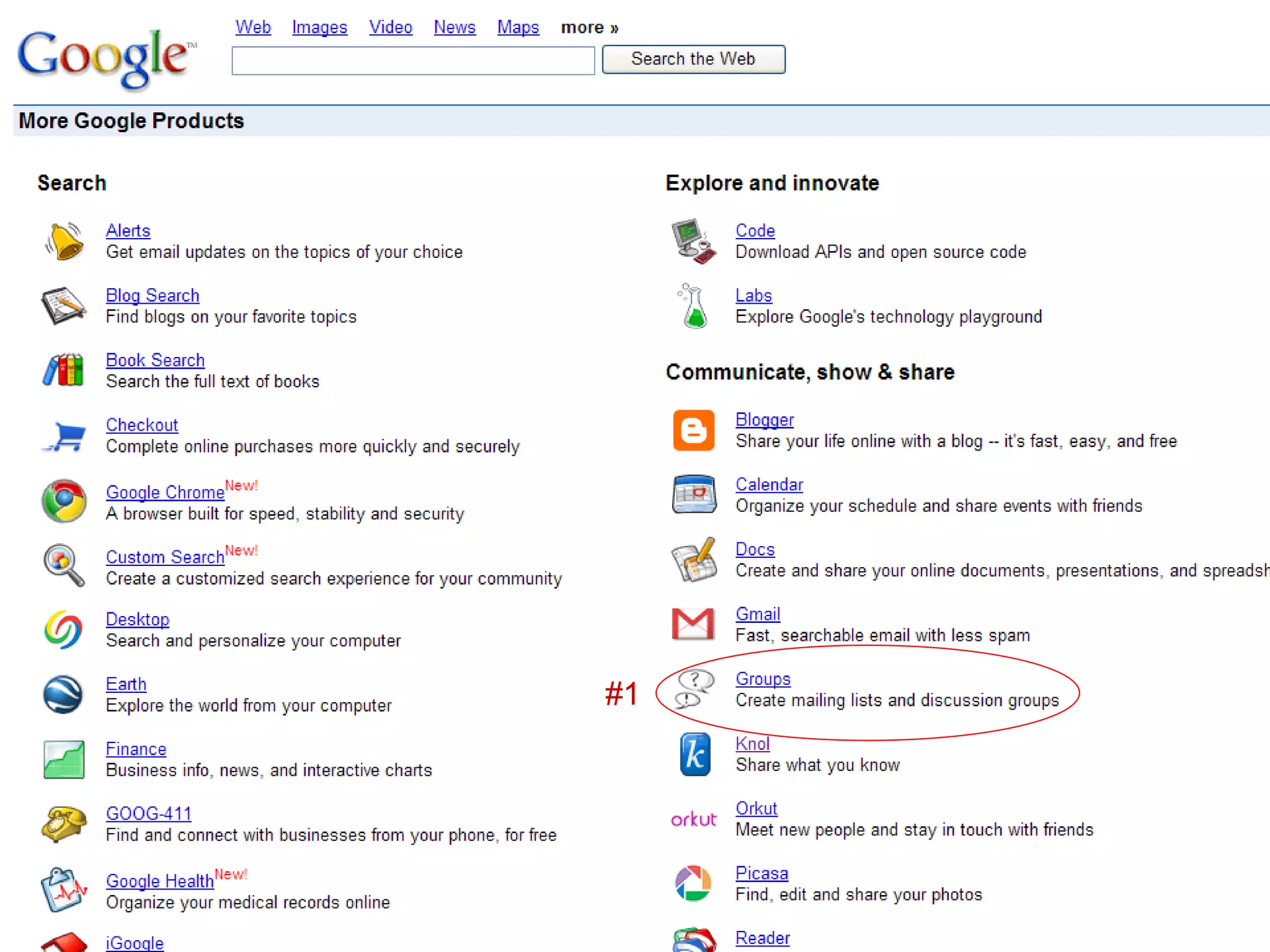
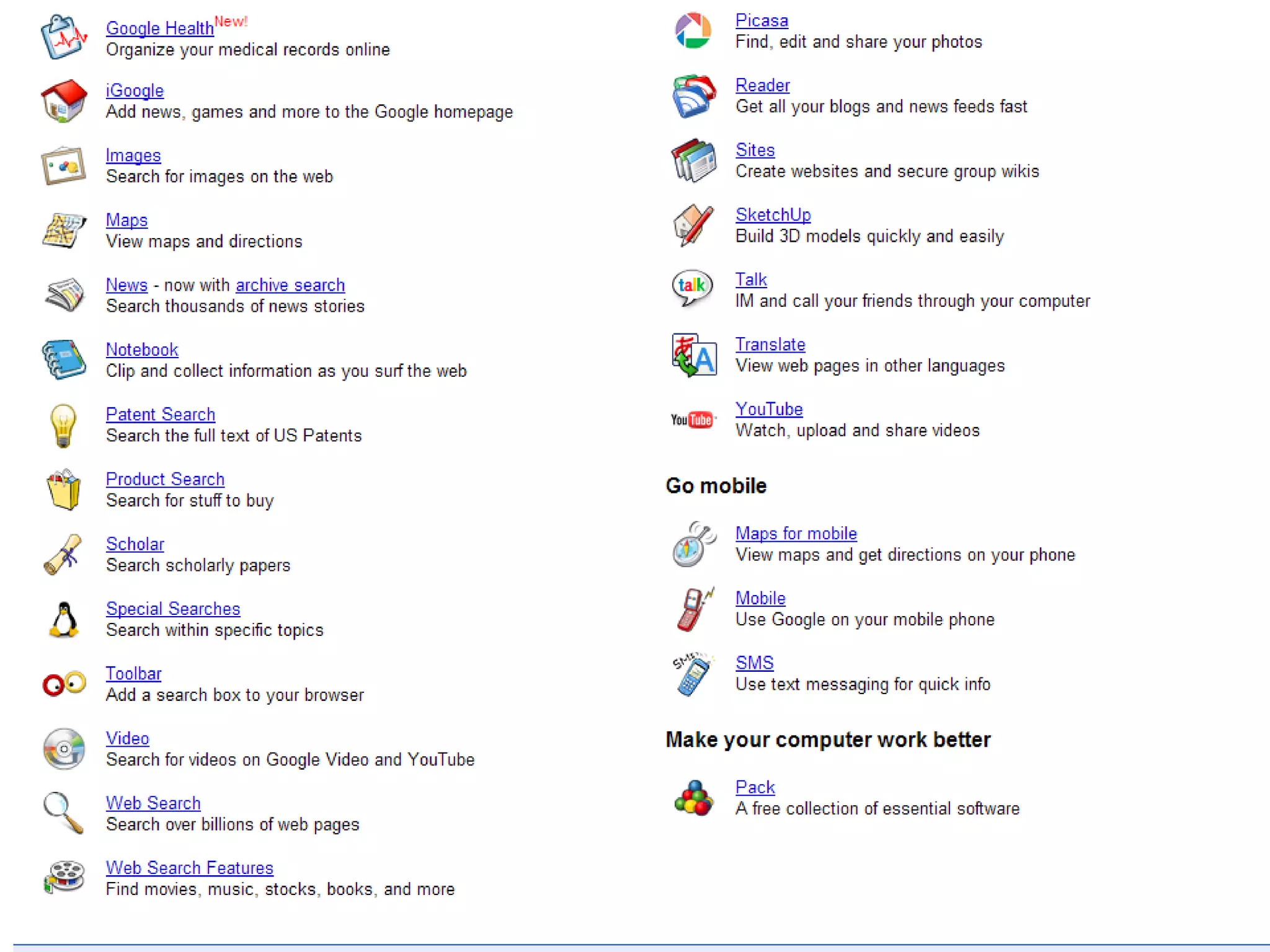
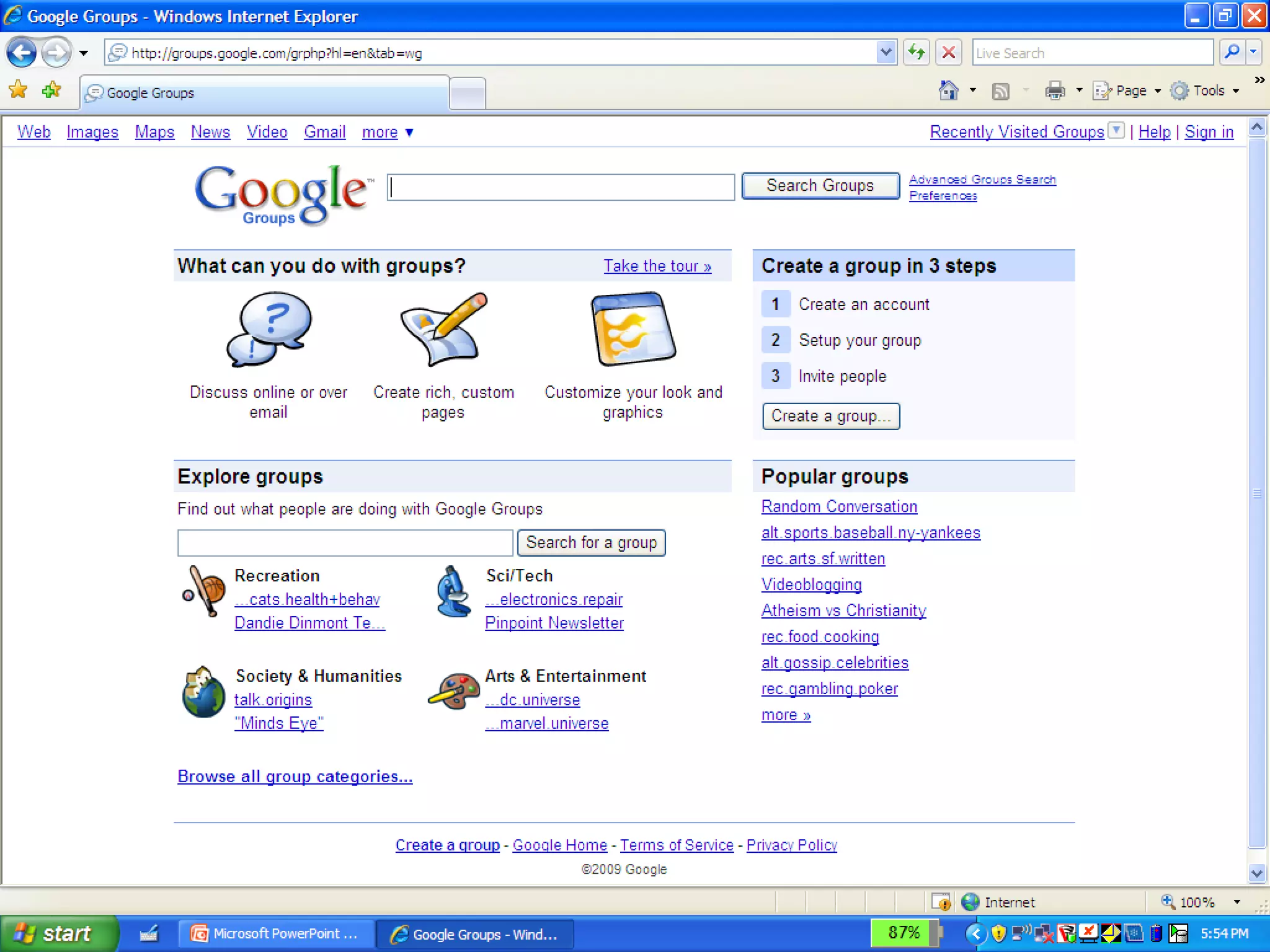
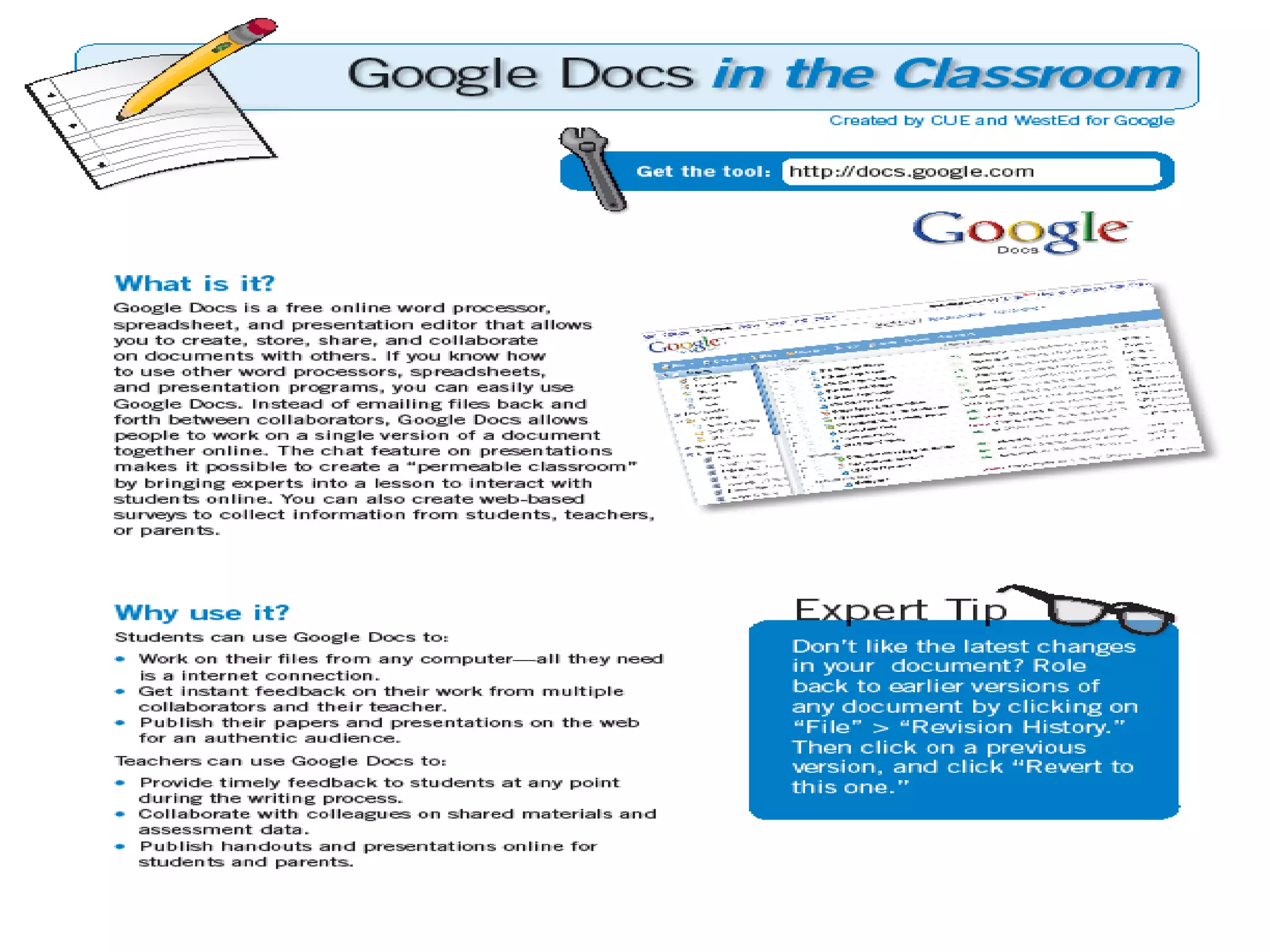
The document outlines essential technologies for wired educators, including having a laptop with wireless capability. It recommends technologies like Elluminate, podcasts, TED Talks, and various web 2.0 applications. It highlights cloud computing through Google Docs for creating and sharing documents from any internet-connected computer and allowing collaboration. The document provides links for product tours of Google Docs and getting started with cloud document creation and sharing.


![Vibe Coding vs. Spec-Driven Development [Free Meetup]](https://cdn.slidesharecdn.com/ss_thumbnails/vibecodingvsspecdrivendevelopment-251209105622-43f455e7-thumbnail.jpg?width=640&height=640&fit=bounds)


