Web 2.0 Tools on
the WWW
By,
C. Janani
Contents
• Web 2.0 Tools in Education
• Wikipedia
• Cloud Computing
• Video Conferencing
• Blogs
• Social Networking
Web 2.0 Tools in Education
• The use of Web 2.0 tools is transforming our work, and more specifically the
way we support students in the classroom.
• As schools bring more technology into their classrooms, teachers will in turn
strive to put more technology in their students’ hands.
• Web 2.0 Tools are online software programs that allow users to do a number of
different things.
 To teach curriculum content
 Store data
 Create/edit video
 Edit photos
 Collaborate and so much more.
• These programs are often free and are used by teachers, students, and
sometimes parents, both in and out of the classroom, on a pretty regular basis.
Examples :
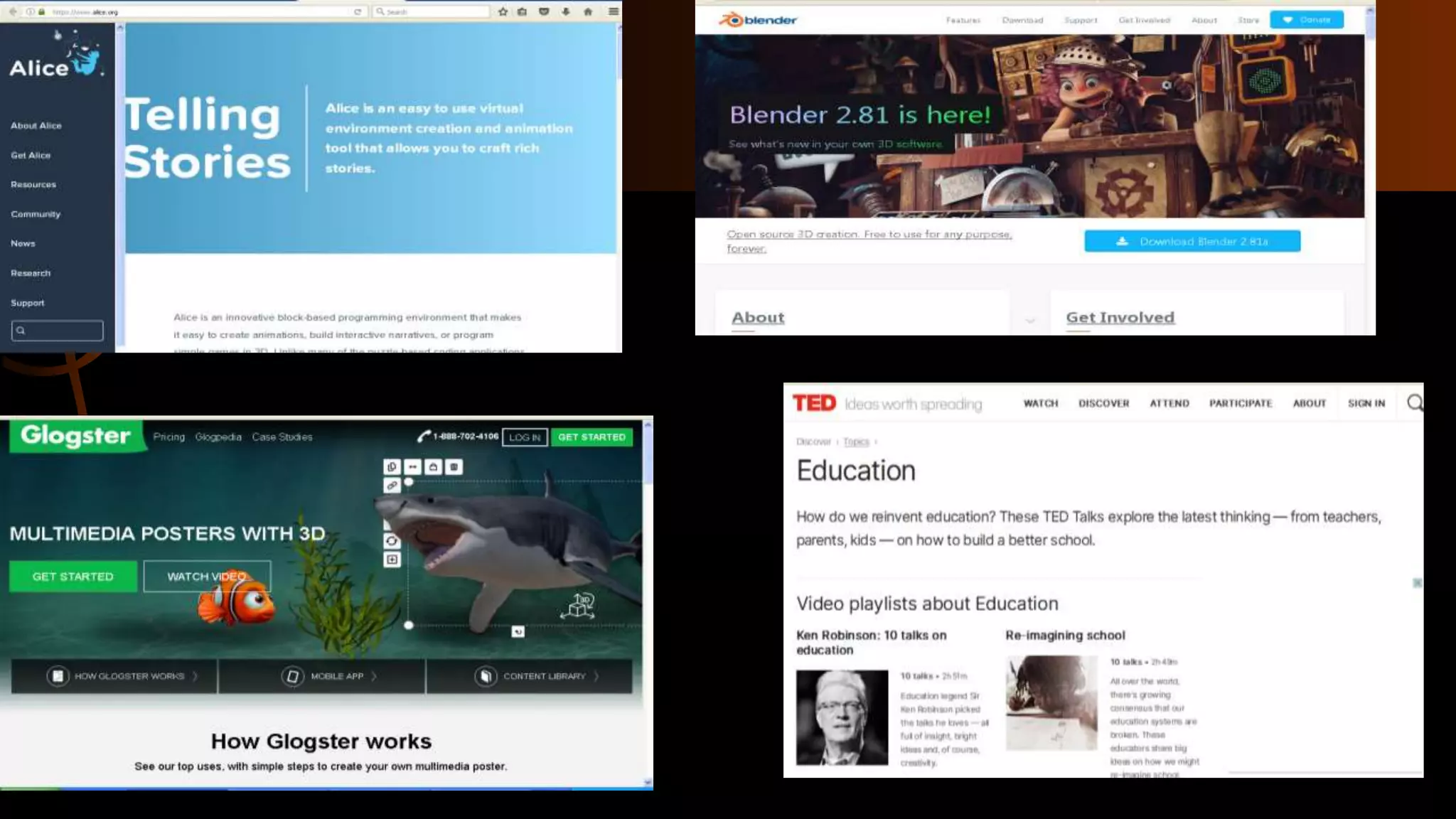
Great Web 2.0 tools to support you in the classroom:
Alice Glogster Kidblog
Linoit Blender LiveBinders
Skype Sketchup Storybird
VoiceThread Bitsrtips Wordle
Wetoku Audacity Open Office
TEDTalks GIMP
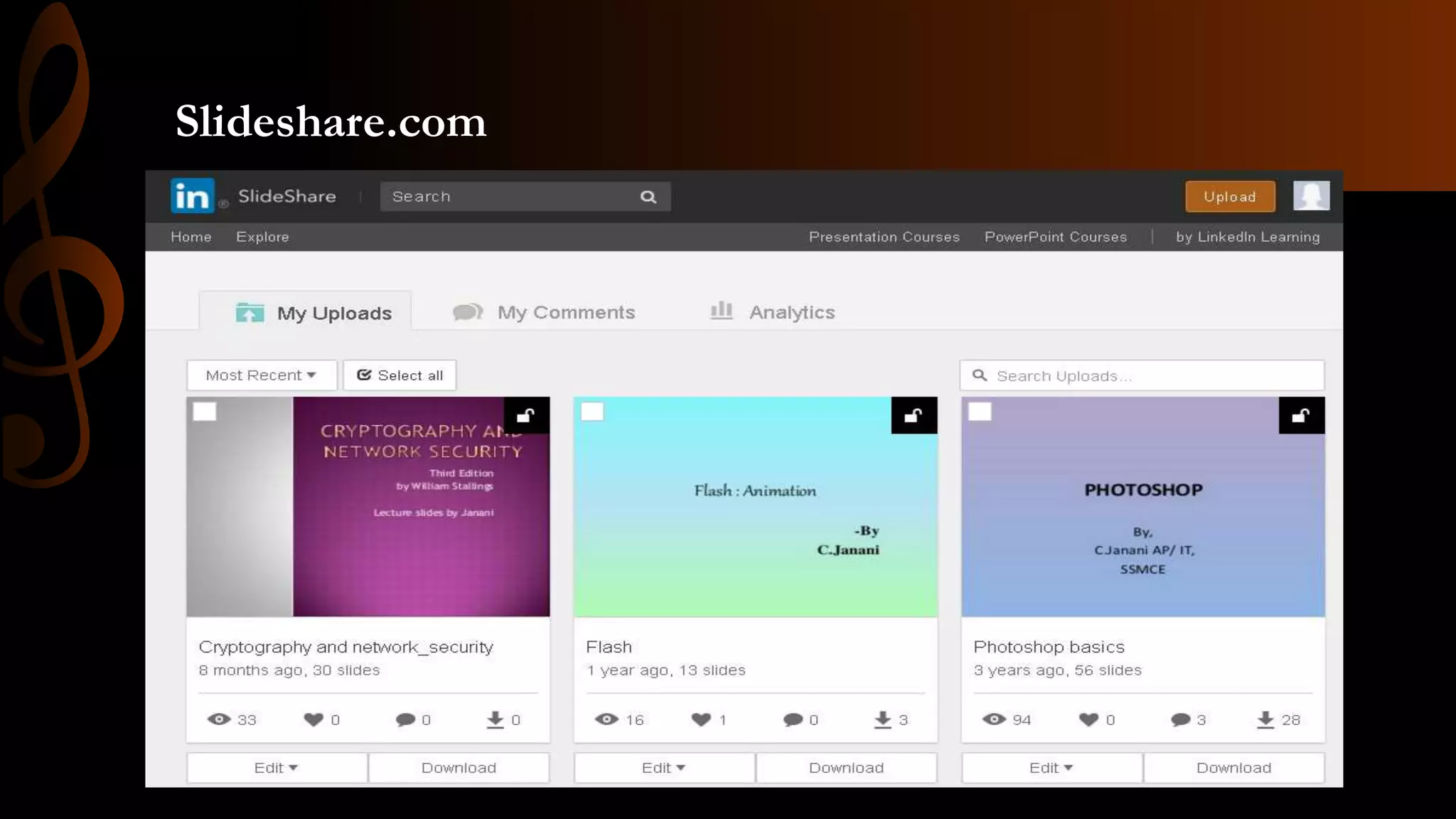
Slideshare.com
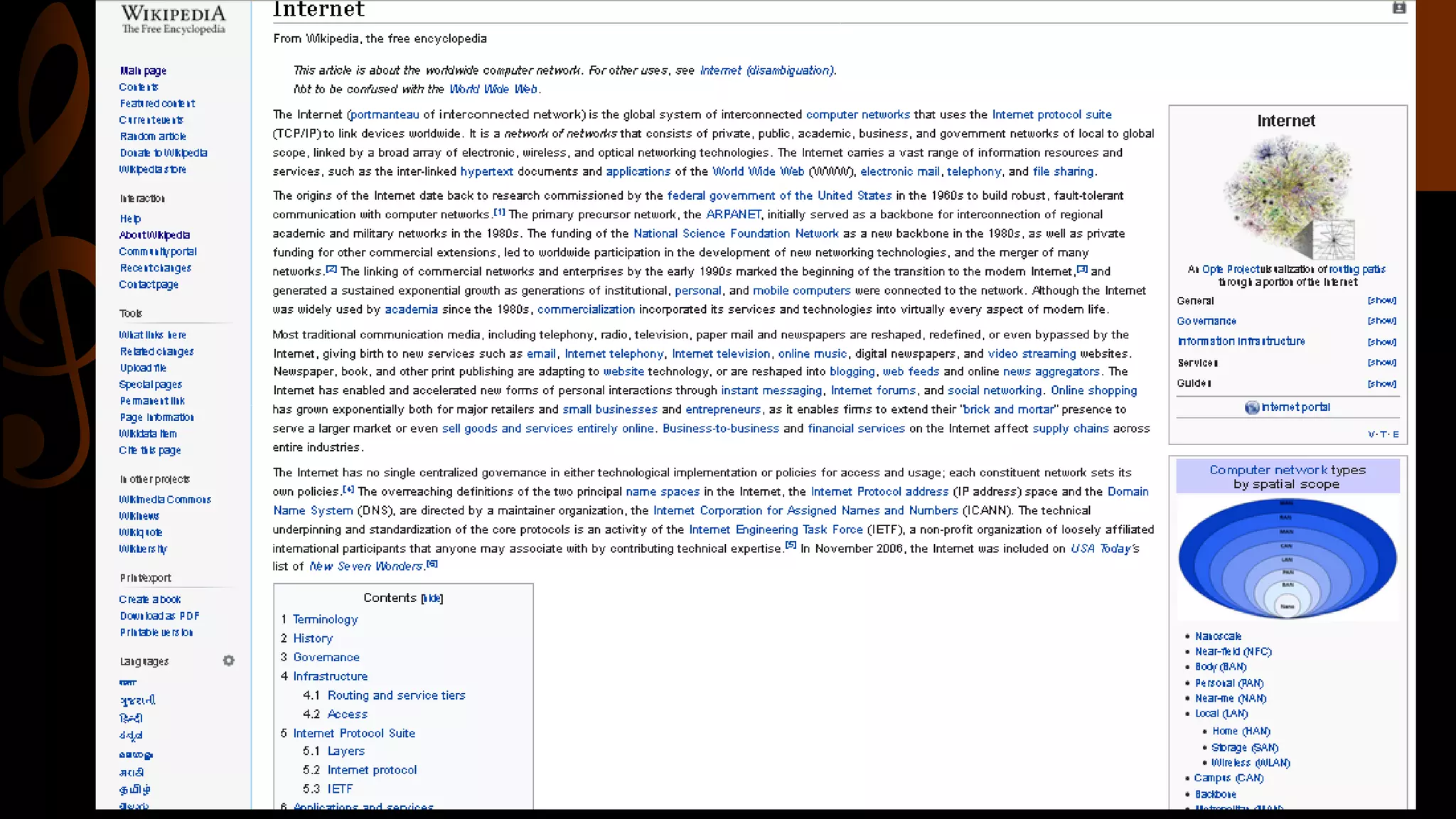
Wikipedia
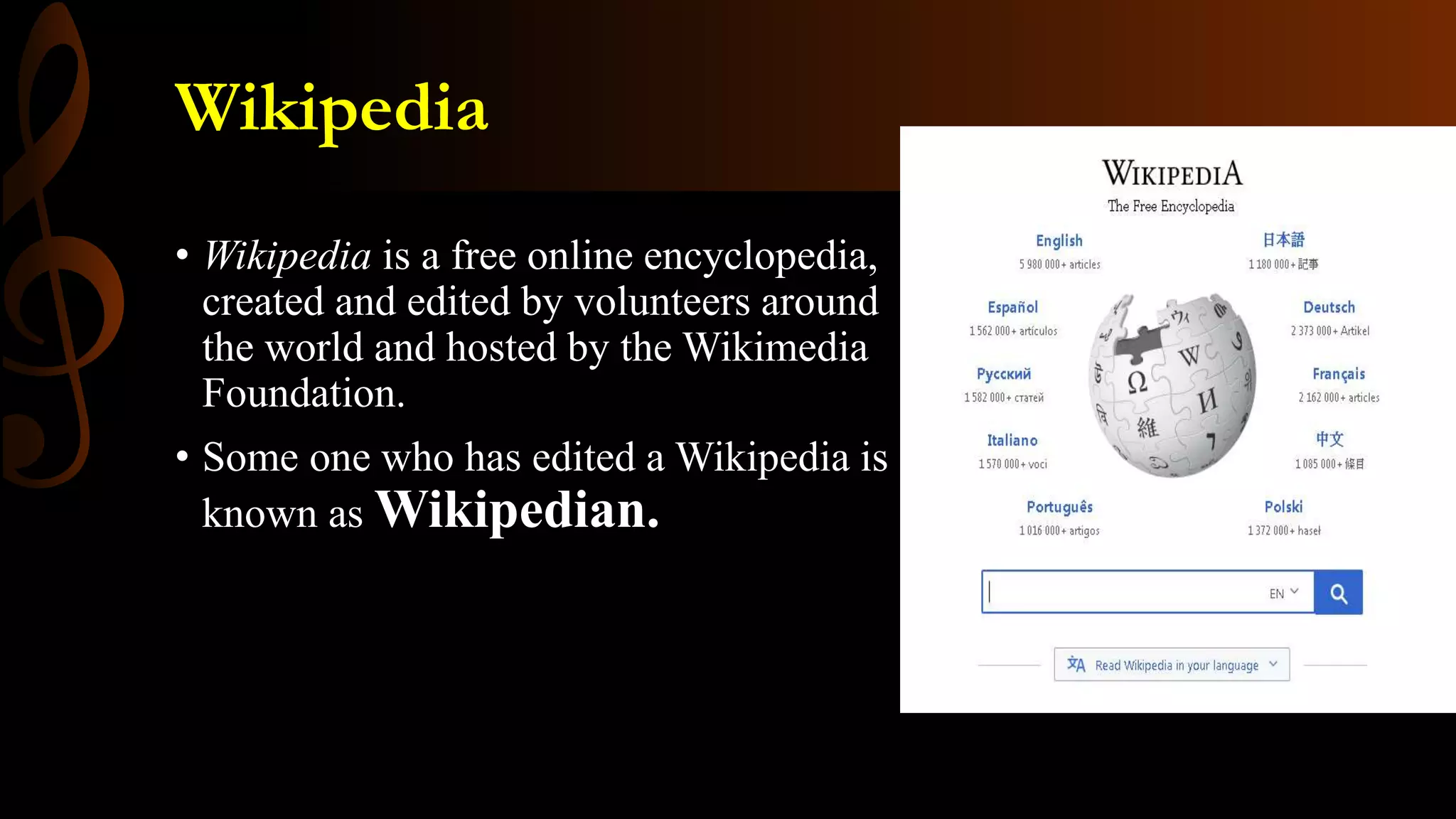
• Wikipedia is a free online encyclopedia,
created and edited by volunteers around
the world and hosted by the Wikimedia
Foundation.
• Some one who has edited a Wikipedia is
known as Wikipedian.
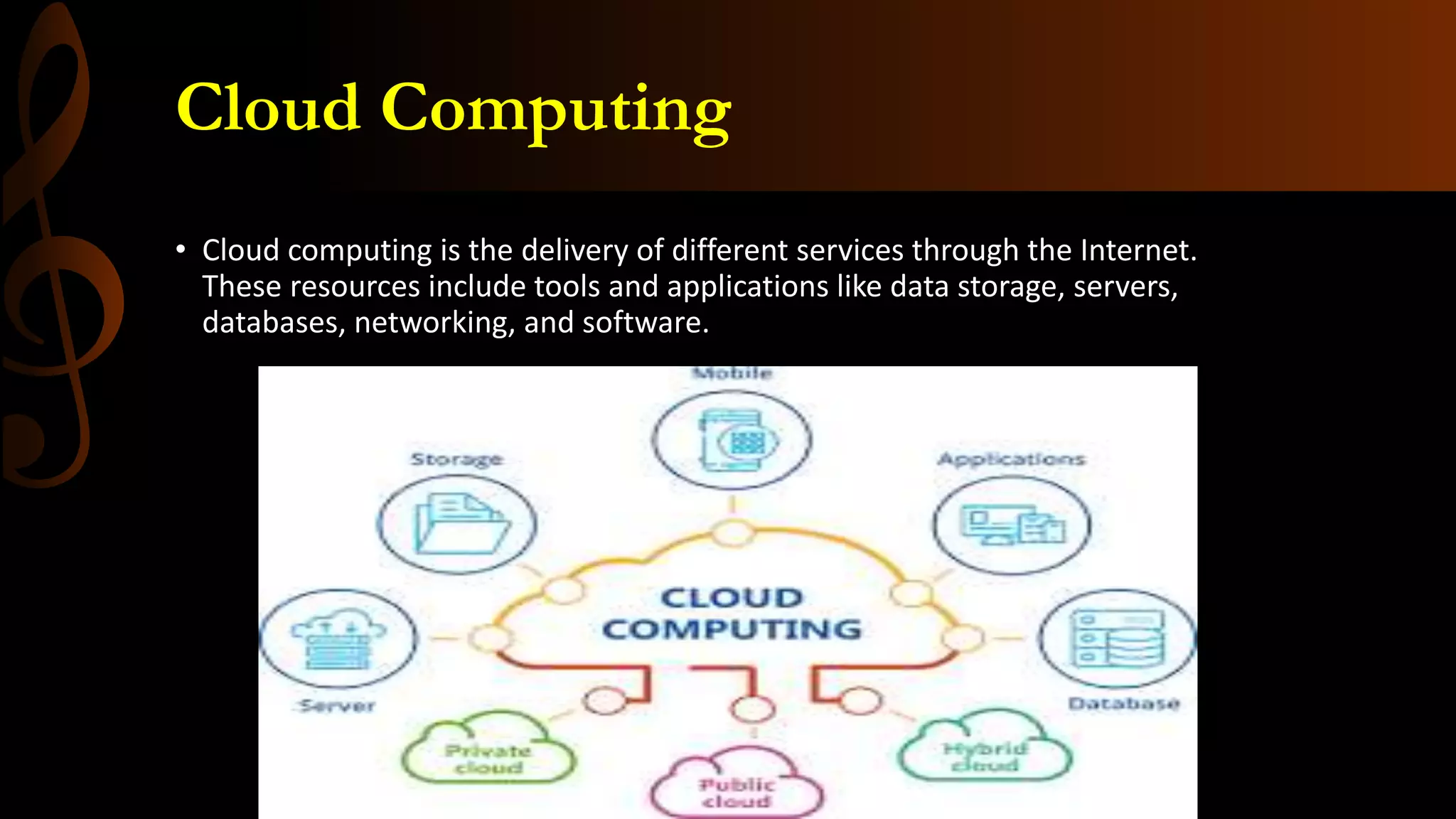
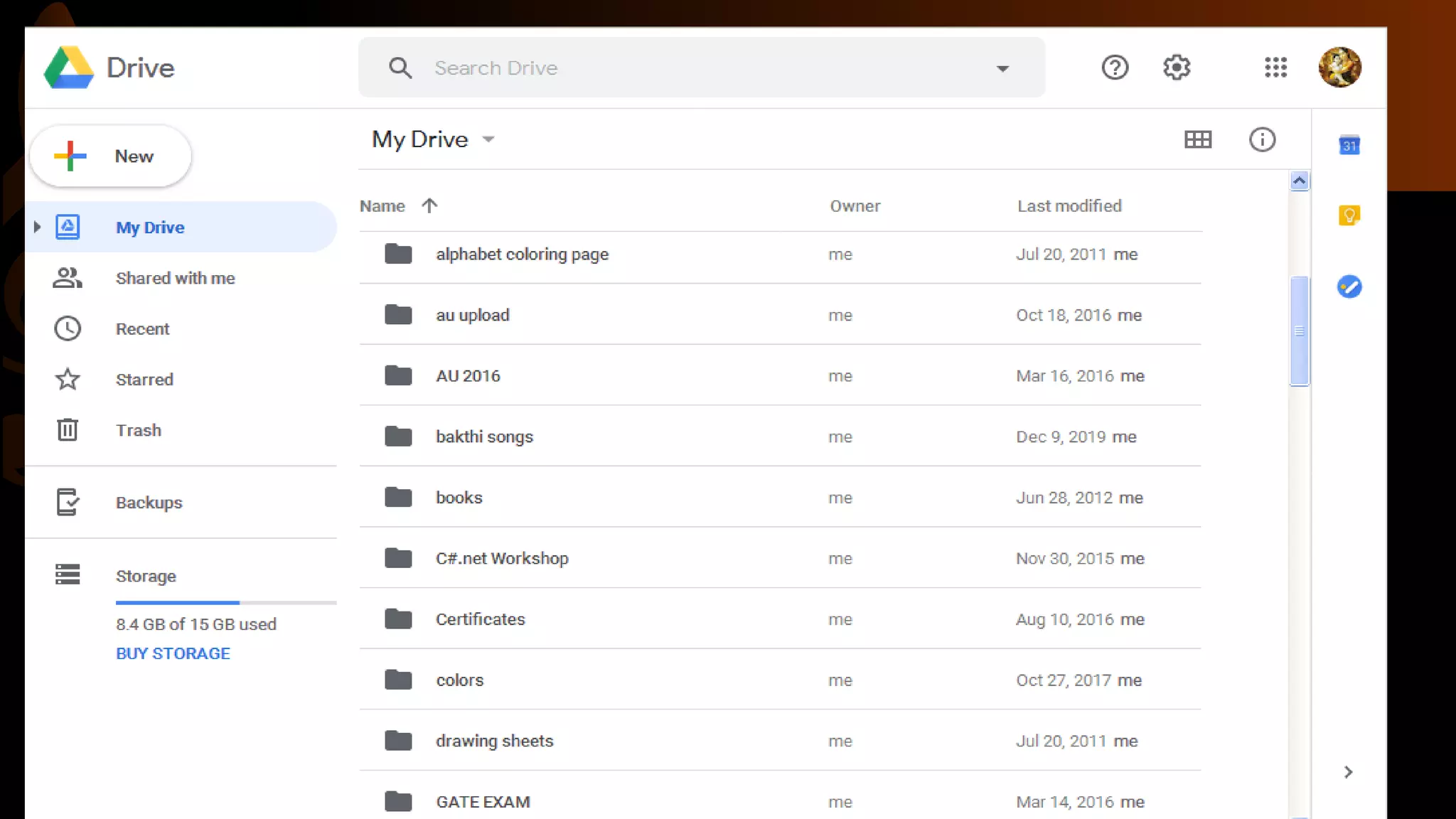
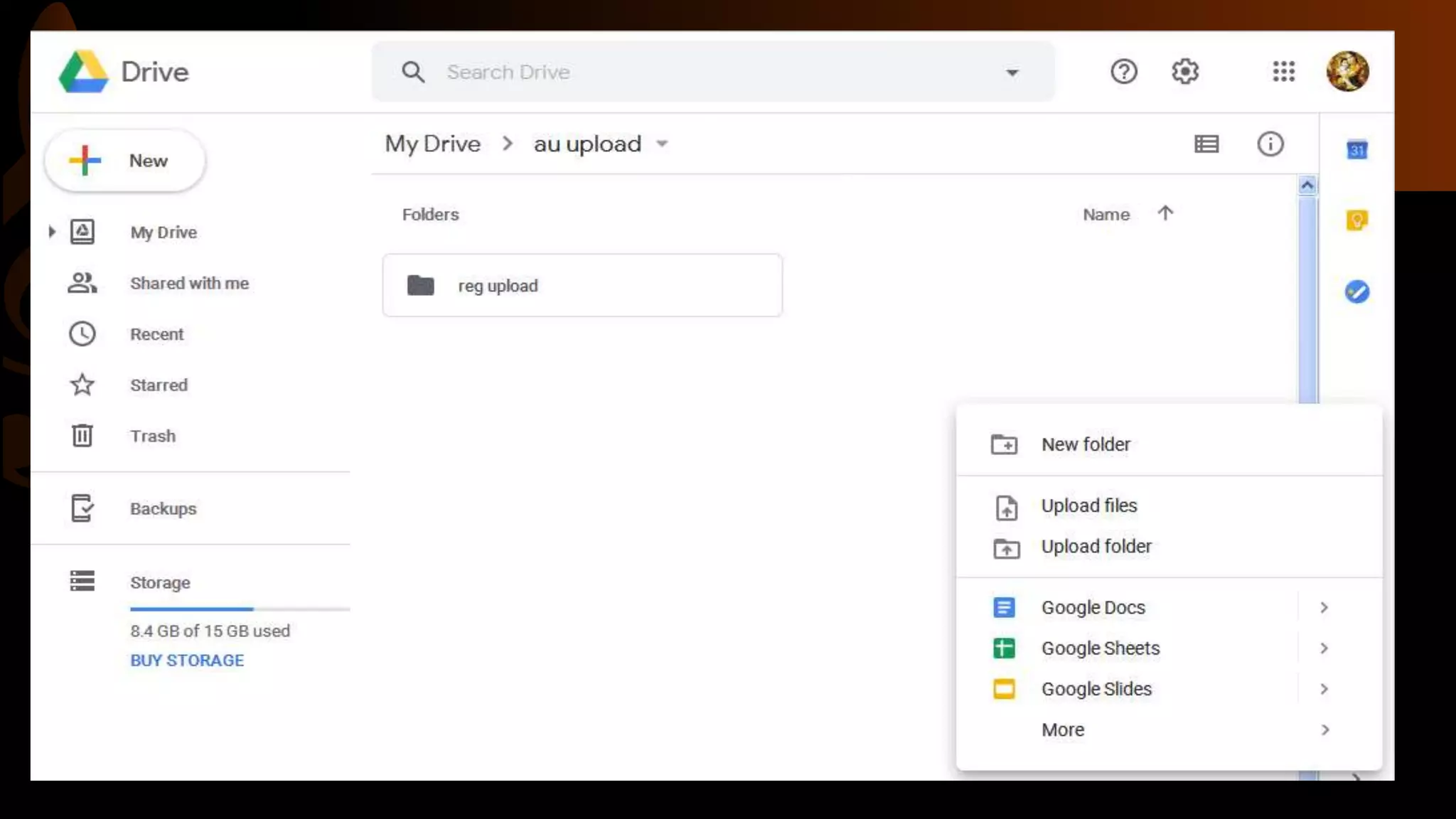
Cloud Computing
• Cloud computing is the delivery of different services through the Internet.
These resources include tools and applications like data storage, servers,
databases, networking, and software.
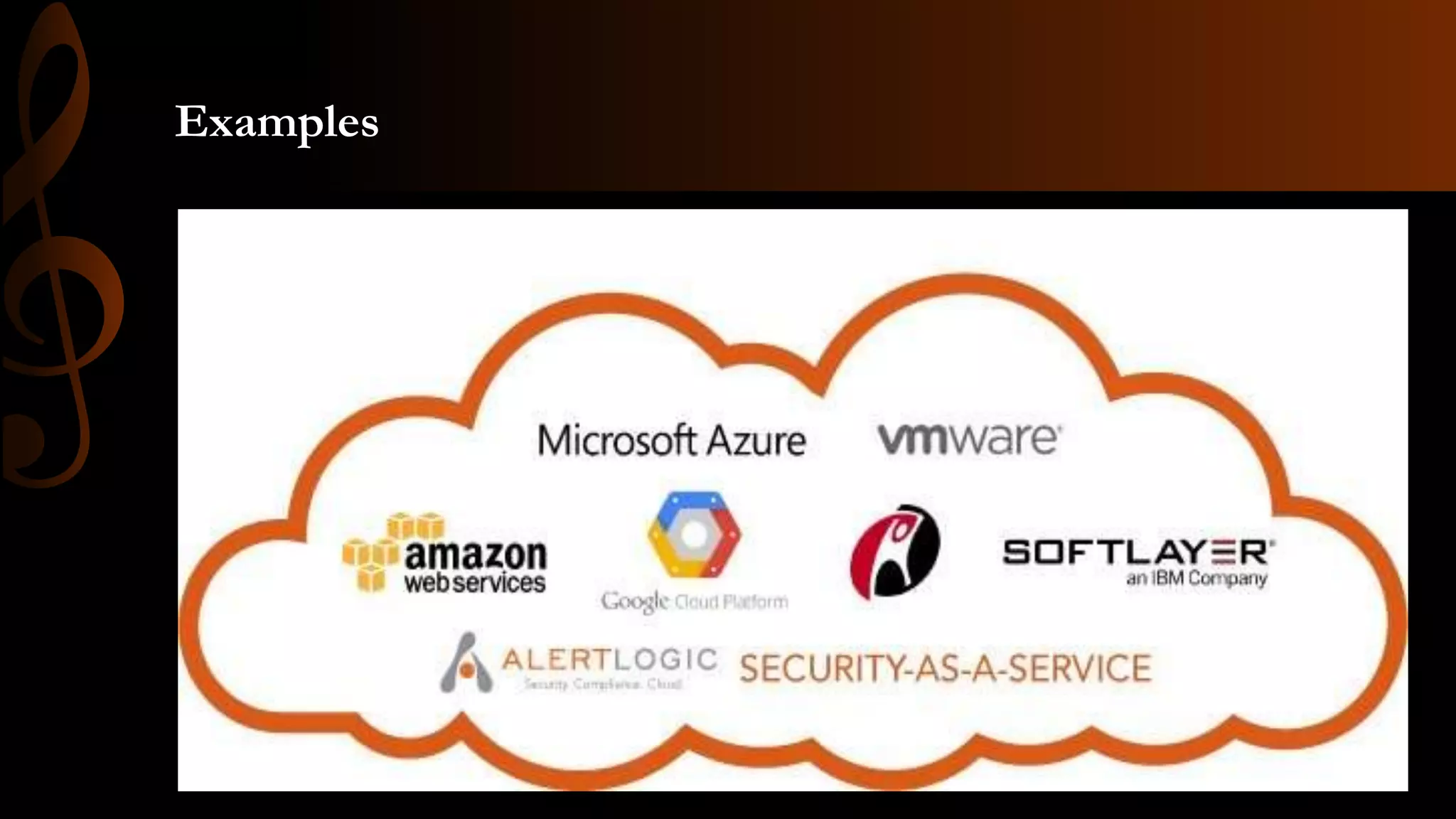
Examples
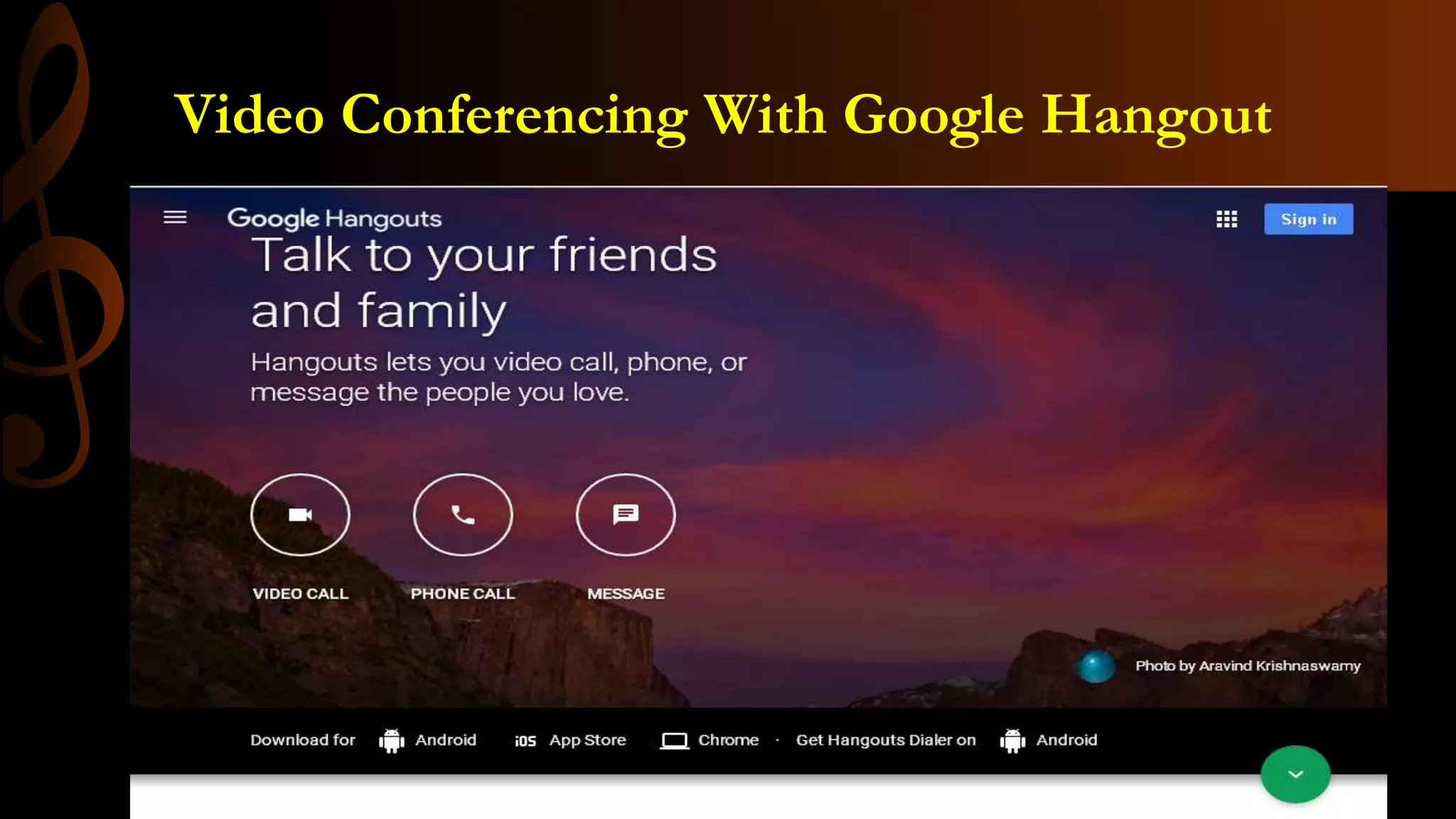
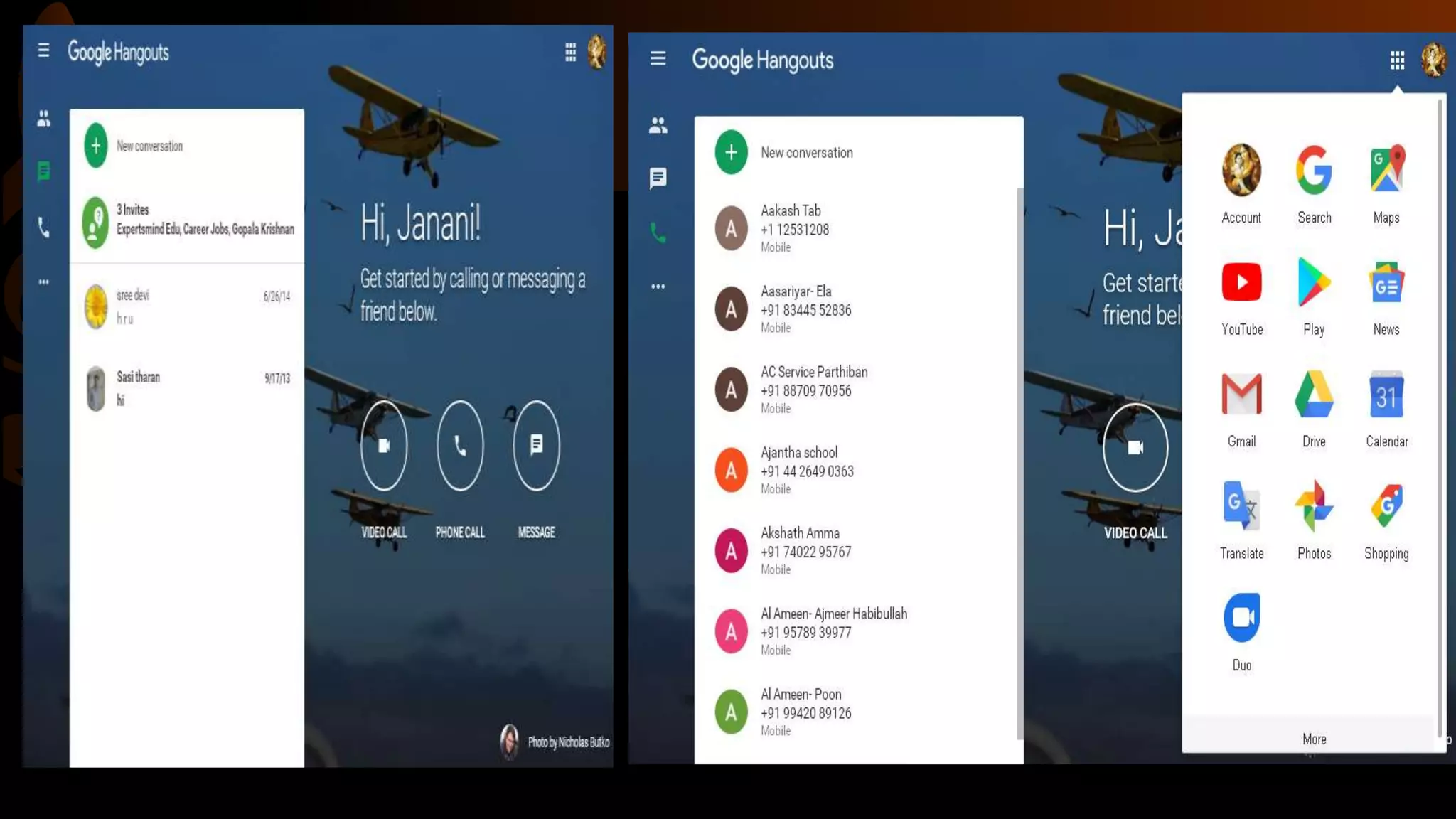
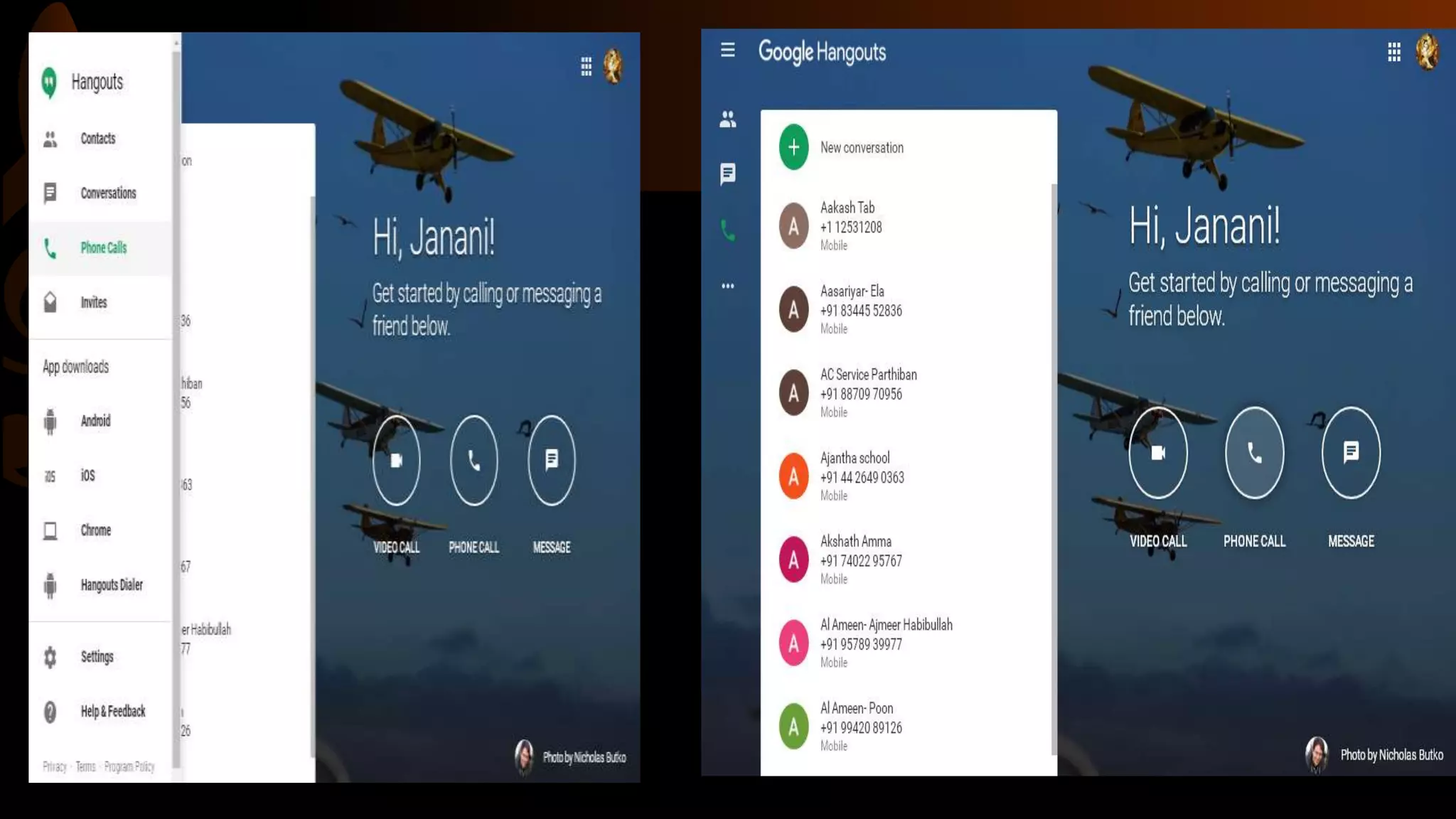
Video Conferencing With Google Hangout
Blogs
• A blog (shortening of “weblog”) is an online journal or informational
website displaying information in the reverse chronological order, with
the latest posts appearing first. It is a platform where a writer or even a
group of writers share their views on an individual subject.
• Example
1. WordPress.org
2. Joomla.com
3. Squarespace.com
4. Blogger.com
5. Tumblr.com
6. Google blogger.com
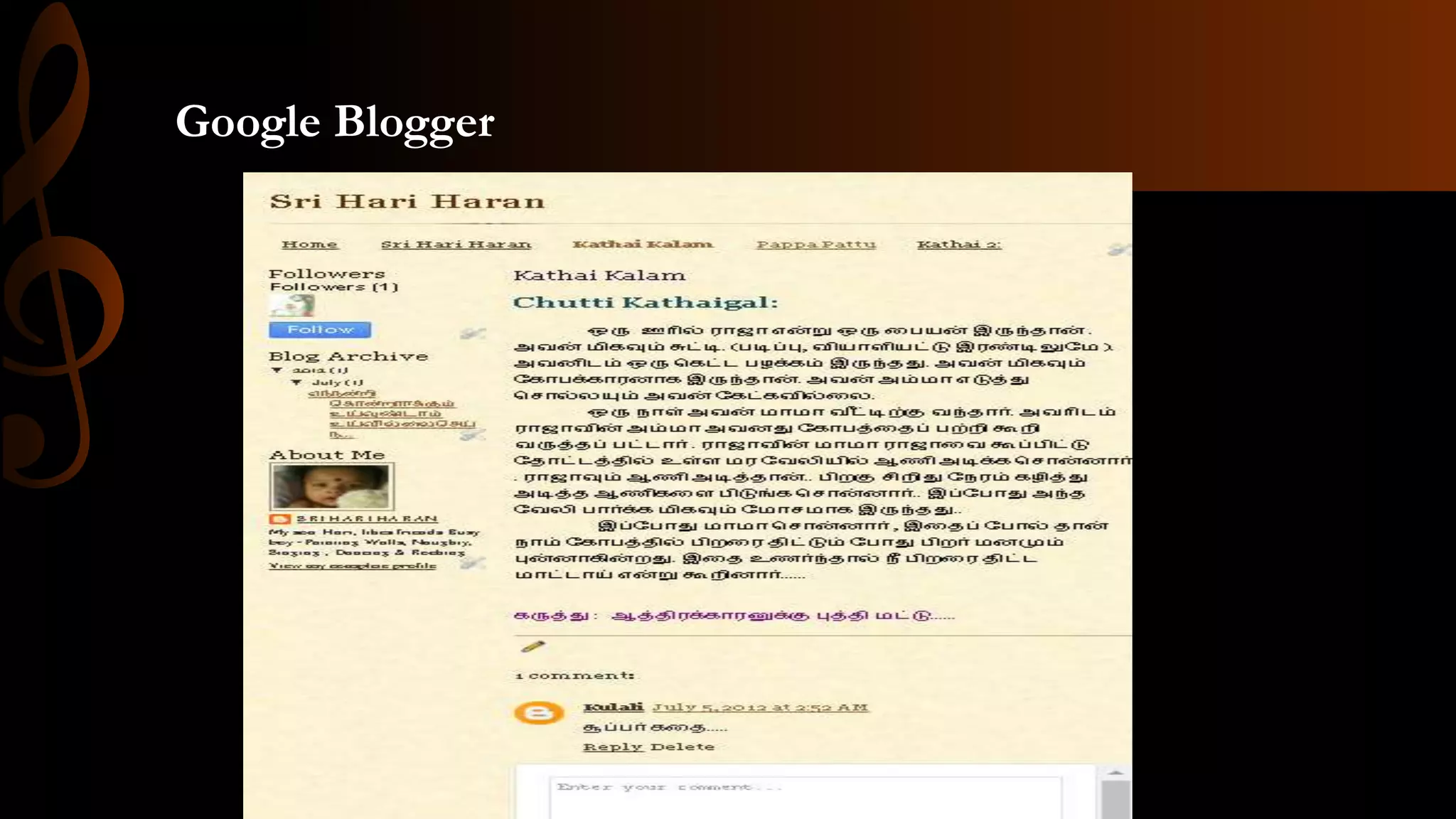
Google Blogger
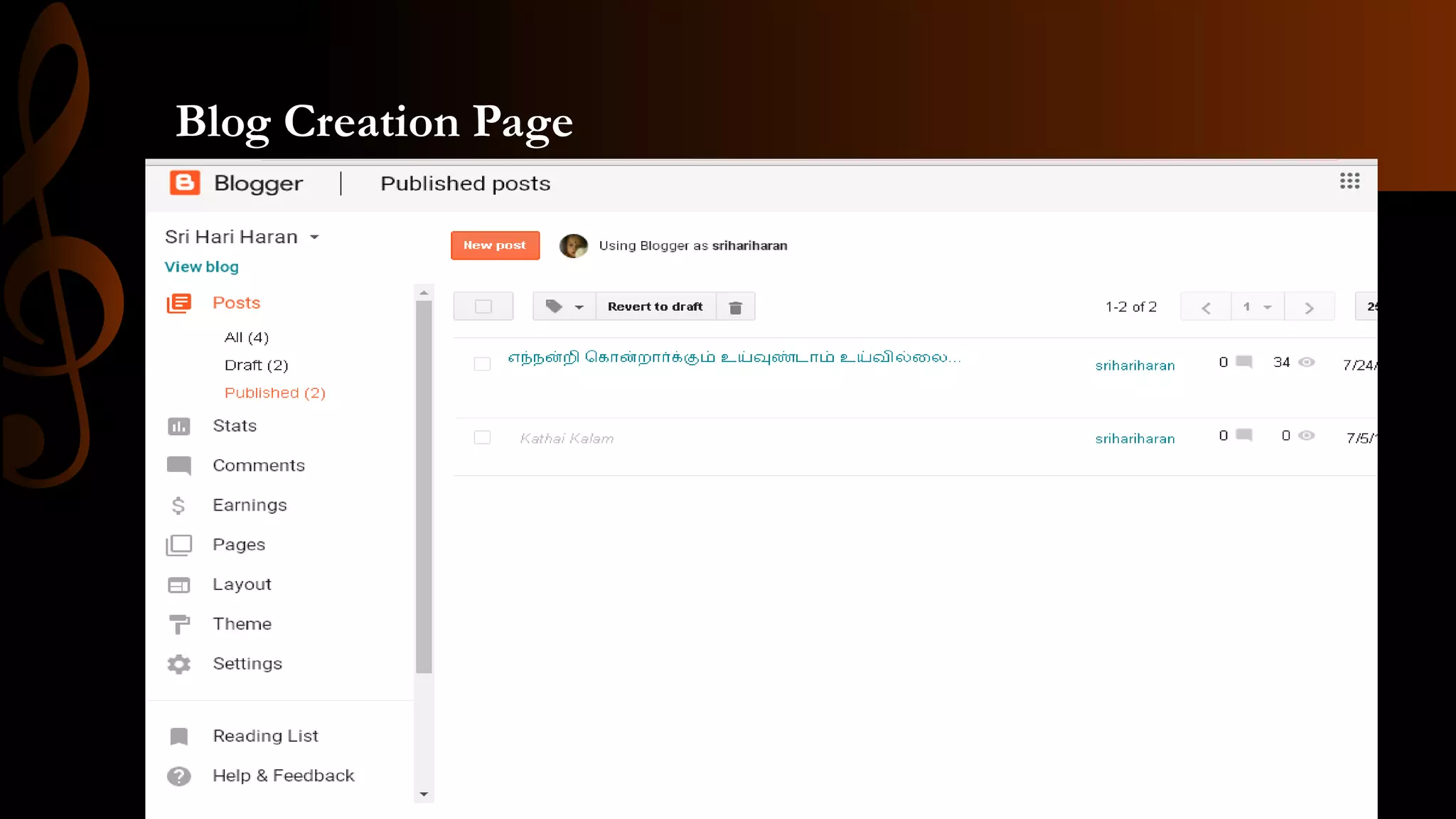
Blog Creation Page
Social Networking
• A social networking service (also social networking site or social
media) is an online platform which people use to build social networks
or social relationship with other people who share similar personal or
career interests, activities, backgrounds or real-life connections.
• Examples:
Facebook
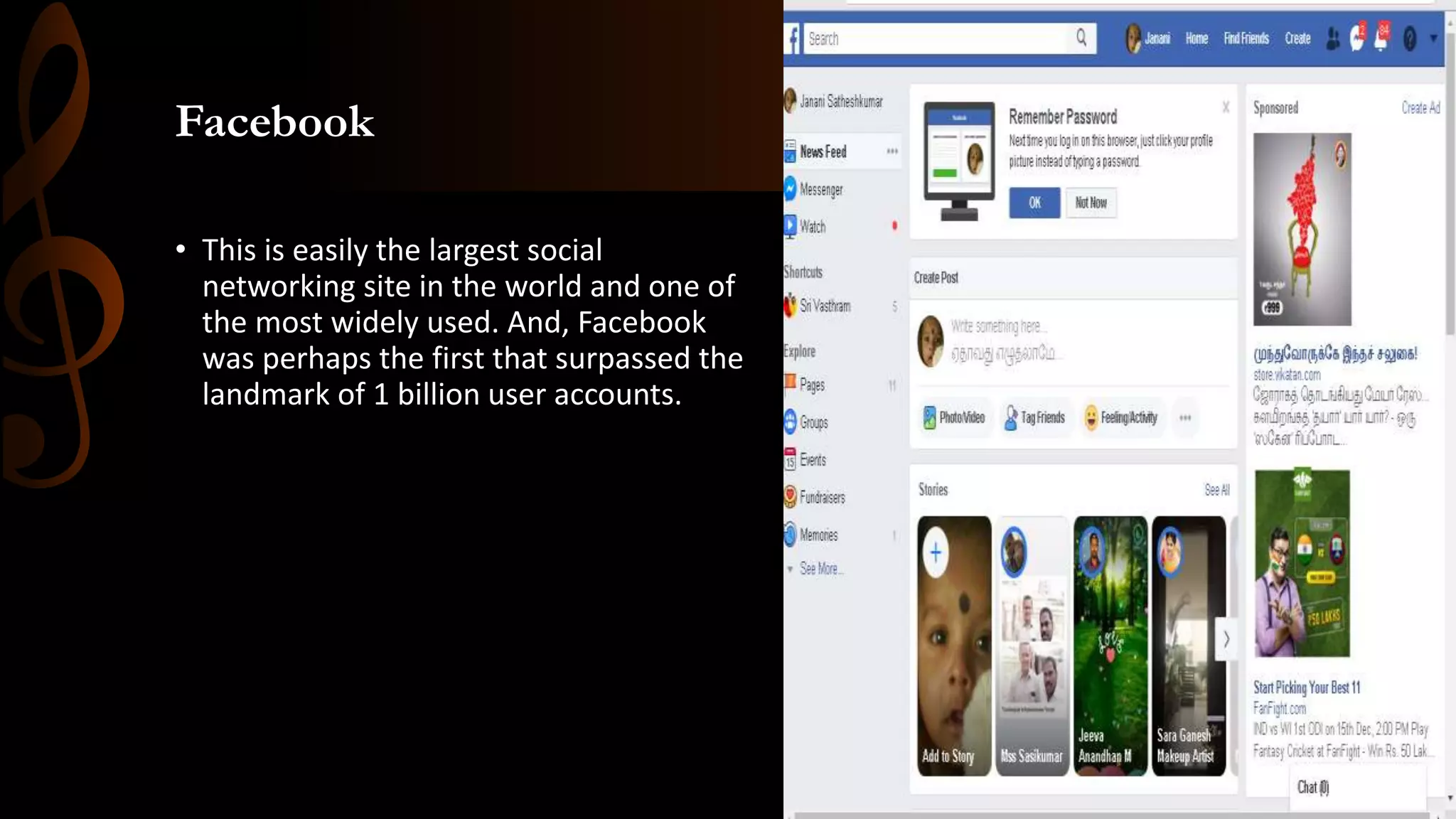
• This is easily the largest social
networking site in the world and one of
the most widely used. And, Facebook
was perhaps the first that surpassed the
landmark of 1 billion user accounts.
Instagram
• Instagram was launched as a unique
social networking platform that was
completely based on sharing photos and
videos. This photo sharing social
networking app thus enables you to
capture the best moments of your life,
with your phone’s camera or any other
camera, and convert them into works of
art.
Twitter
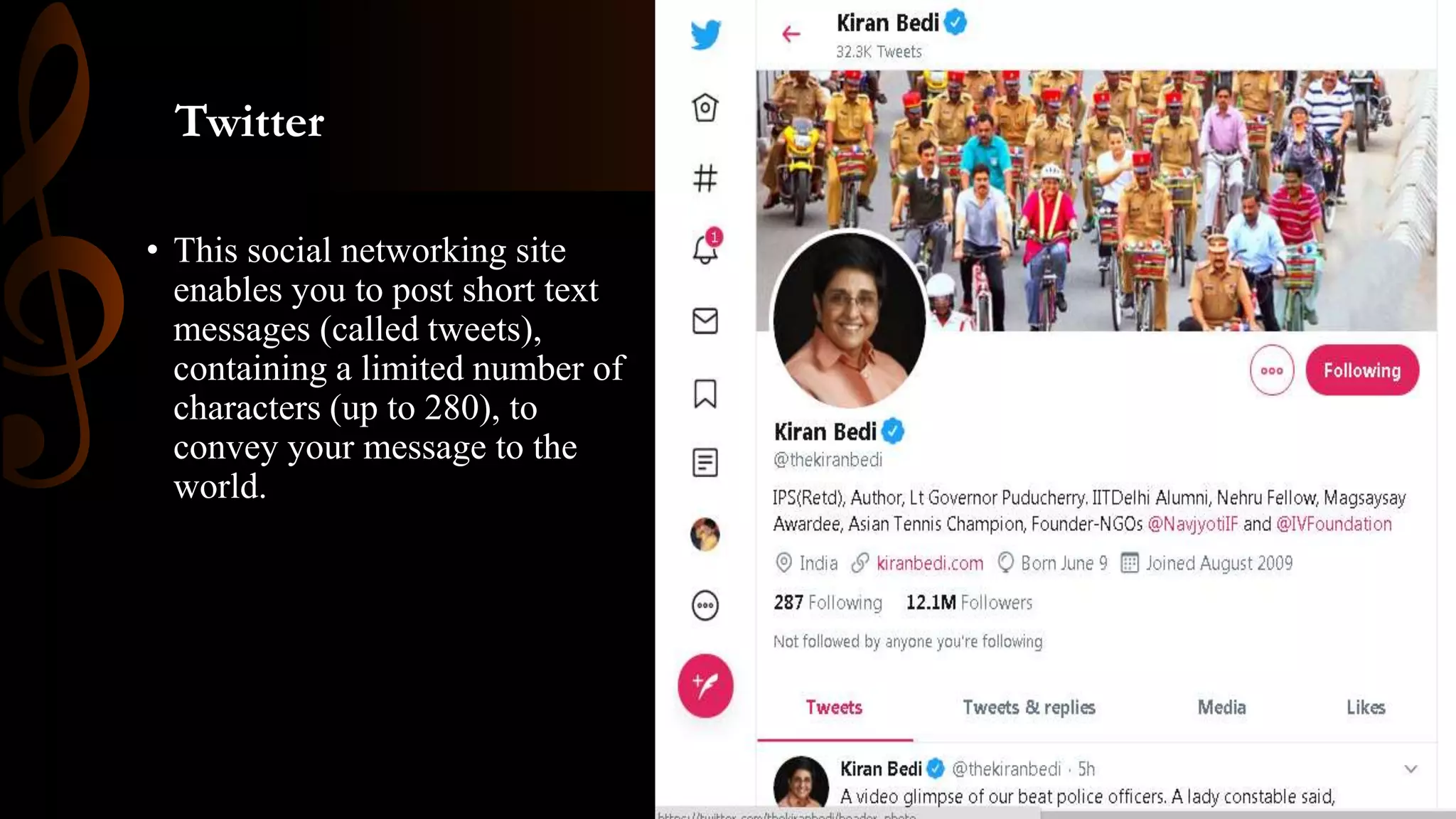
• This social networking site
enables you to post short text
messages (called tweets),
containing a limited number of
characters (up to 280), to
convey your message to the
world.
LinkedIn
• LinkedIn is an
American business and
employment-oriented service that
operates via websites and mobile
apps.
Web 2.0 tools

Web 2.0 tools

  • 1.
    Web 2.0 Toolson the WWW By, C. Janani
  • 2.
    Contents • Web 2.0Tools in Education • Wikipedia • Cloud Computing • Video Conferencing • Blogs • Social Networking
  • 4.
    Web 2.0 Toolsin Education • The use of Web 2.0 tools is transforming our work, and more specifically the way we support students in the classroom. • As schools bring more technology into their classrooms, teachers will in turn strive to put more technology in their students’ hands. • Web 2.0 Tools are online software programs that allow users to do a number of different things.  To teach curriculum content  Store data  Create/edit video  Edit photos  Collaborate and so much more. • These programs are often free and are used by teachers, students, and sometimes parents, both in and out of the classroom, on a pretty regular basis.
  • 5.
    Examples : Great Web2.0 tools to support you in the classroom: Alice Glogster Kidblog Linoit Blender LiveBinders Skype Sketchup Storybird VoiceThread Bitsrtips Wordle Wetoku Audacity Open Office TEDTalks GIMP
  • 7.
  • 8.
    Wikipedia • Wikipedia isa free online encyclopedia, created and edited by volunteers around the world and hosted by the Wikimedia Foundation. • Some one who has edited a Wikipedia is known as Wikipedian.
  • 10.
    Cloud Computing • Cloudcomputing is the delivery of different services through the Internet. These resources include tools and applications like data storage, servers, databases, networking, and software.
  • 11.
  • 14.
  • 17.
    Blogs • A blog(shortening of “weblog”) is an online journal or informational website displaying information in the reverse chronological order, with the latest posts appearing first. It is a platform where a writer or even a group of writers share their views on an individual subject. • Example 1. WordPress.org 2. Joomla.com 3. Squarespace.com 4. Blogger.com 5. Tumblr.com 6. Google blogger.com
  • 18.
  • 19.
  • 20.
    Social Networking • Asocial networking service (also social networking site or social media) is an online platform which people use to build social networks or social relationship with other people who share similar personal or career interests, activities, backgrounds or real-life connections. • Examples:
  • 22.
    Facebook • This iseasily the largest social networking site in the world and one of the most widely used. And, Facebook was perhaps the first that surpassed the landmark of 1 billion user accounts.
  • 23.
    Instagram • Instagram waslaunched as a unique social networking platform that was completely based on sharing photos and videos. This photo sharing social networking app thus enables you to capture the best moments of your life, with your phone’s camera or any other camera, and convert them into works of art.
  • 24.
    Twitter • This socialnetworking site enables you to post short text messages (called tweets), containing a limited number of characters (up to 280), to convey your message to the world.
  • 25.
    LinkedIn • LinkedIn isan American business and employment-oriented service that operates via websites and mobile apps.