© 2015 Flexera Software LLC. All rights reserved. | Company Confidential1
Enterprise Application Deployment Strategies
App_Portal
© 2015 Flexera Software LLC. All rights reserved. | Company Confidential2
Todays Presenters
TDavis@Flexerasoftware.com
Timothy Davis
Product Marketing Manager
Flexera Software
Jason Snook
Product Manager
Flexera Software
JSnook@Flexerasoftware.com
@TimothyToday
@Jason_snook
© 2015 Flexera Software LLC. All rights reserved. | Company Confidential3
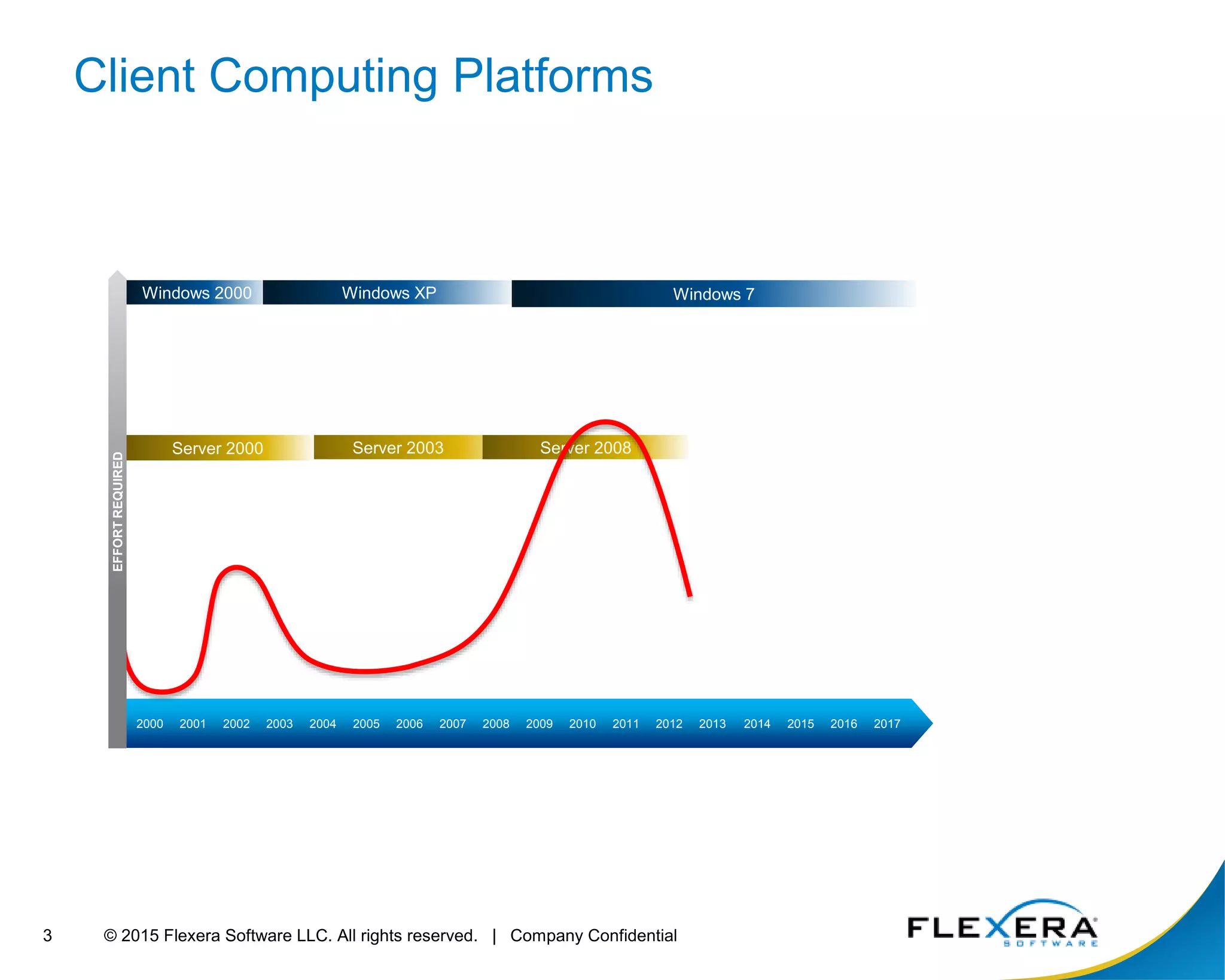
Windows 2000 Windows XP Windows 7
Server 2003 Server 2008
Client Computing Platforms
2000 2001 2002 2003 2004 2005 2006 2007 2008 2009 2010 2011 2012 2013 2014 2015 2016 2017
Server 2000
EFFORTREQUIRED
© 2015 Flexera Software LLC. All rights reserved. | Company Confidential4
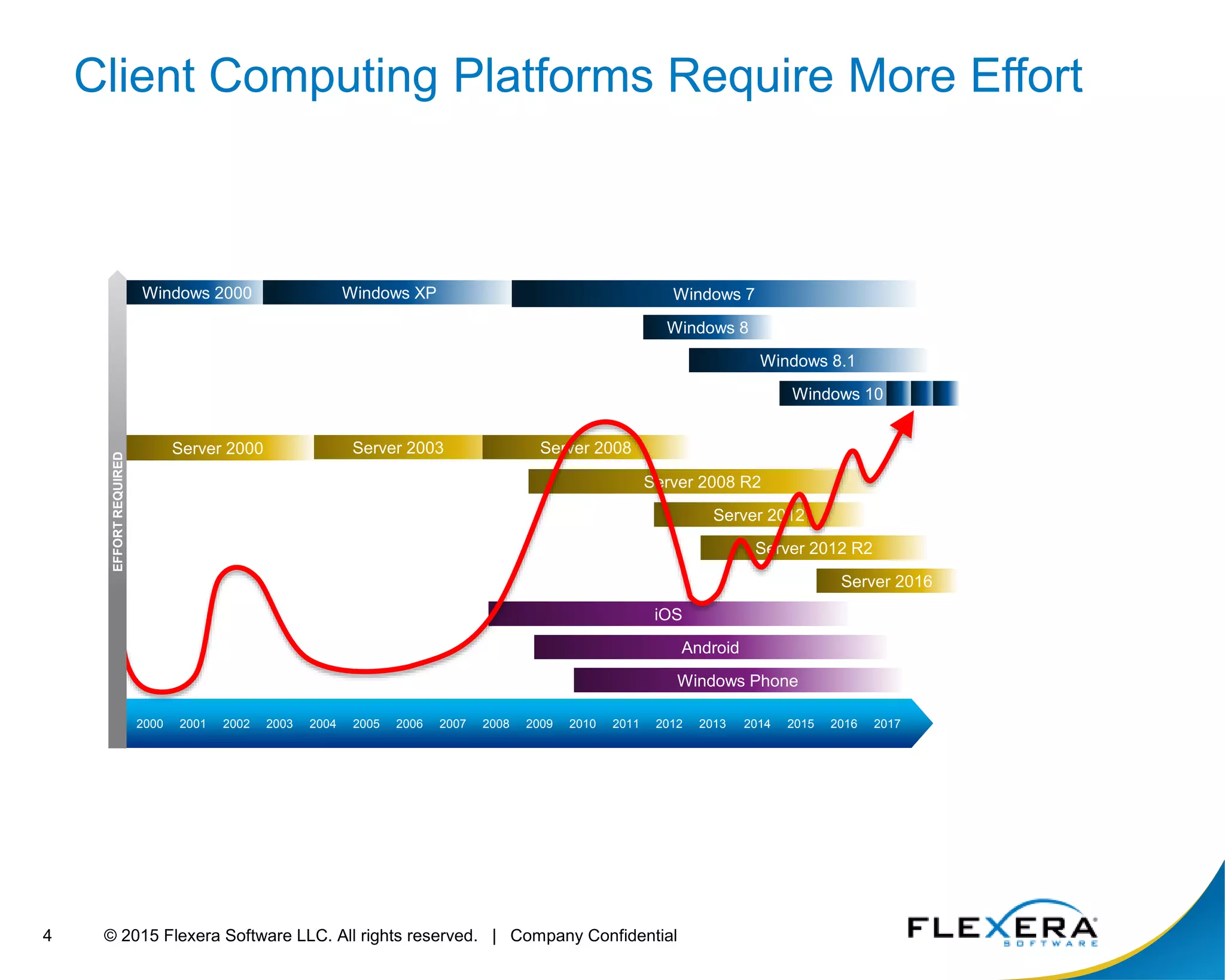
Windows 2000 Windows XP Windows 7
Windows 8
Windows 8.1
iOS
Windows 10
Server 2012
Server 2003 Server 2008
Android
Windows Phone
Client Computing Platforms Require More Effort
Server 2016
Server 2012 R2
2000 2001 2002 2003 2004 2005 2006 2007 2008 2009 2010 2011 2012 2013 2014 2015 2016 2017
Server 2008 R2
Server 2000
EFFORTREQUIRED
© 2015 Flexera Software LLC. All rights reserved. | Company Confidential5
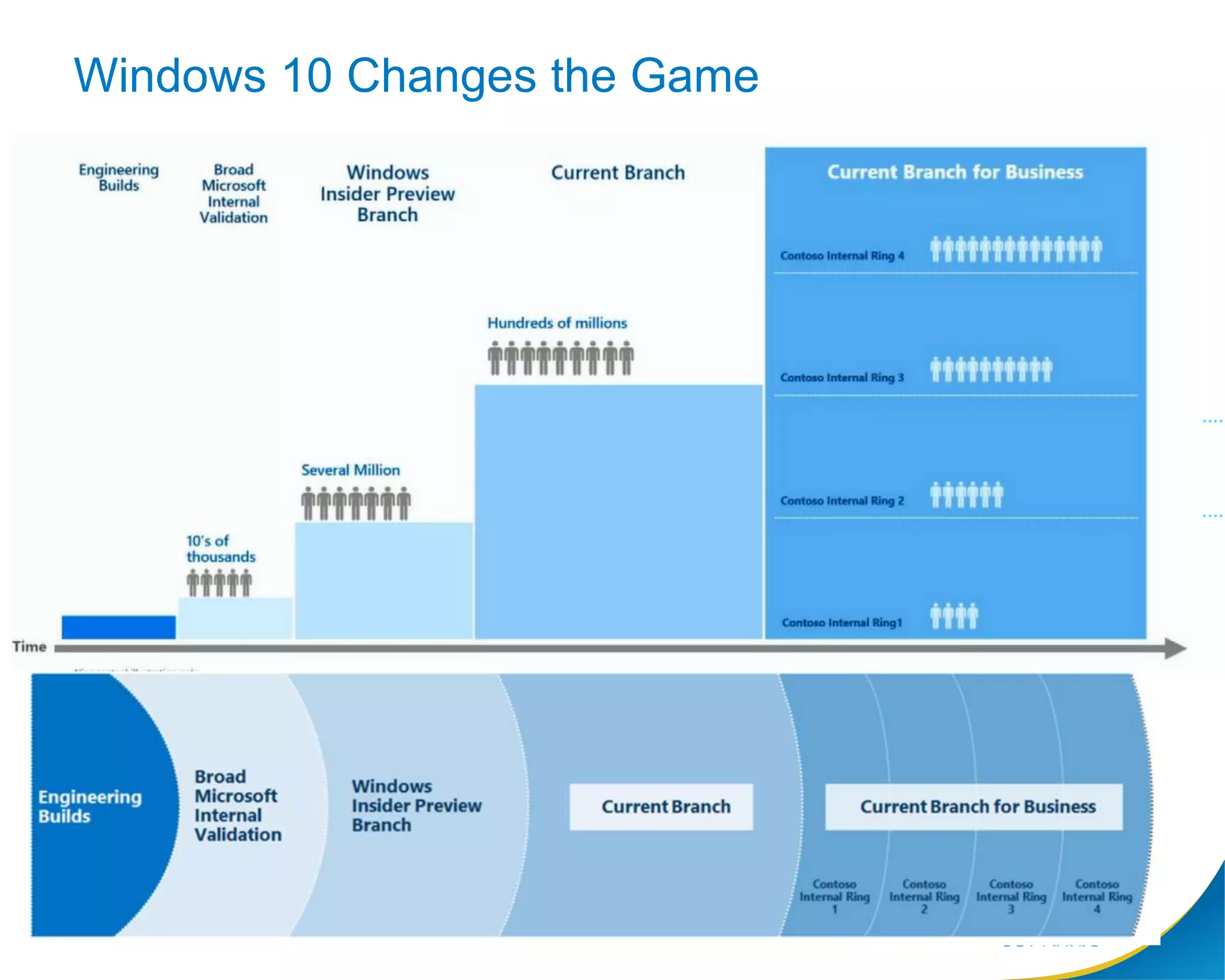
Windows 10 Changes the Game
© 2015 Flexera Software LLC. All rights reserved. | Company Confidential6
App Portal 2015 R2
Watch this webinar on demand now
http://learn.flexerasoftware.com/AR-WBNR-Enterprise-Application-Deployment-Win10
© 2015 Flexera Software LLC. All rights reserved. | Company Confidential7
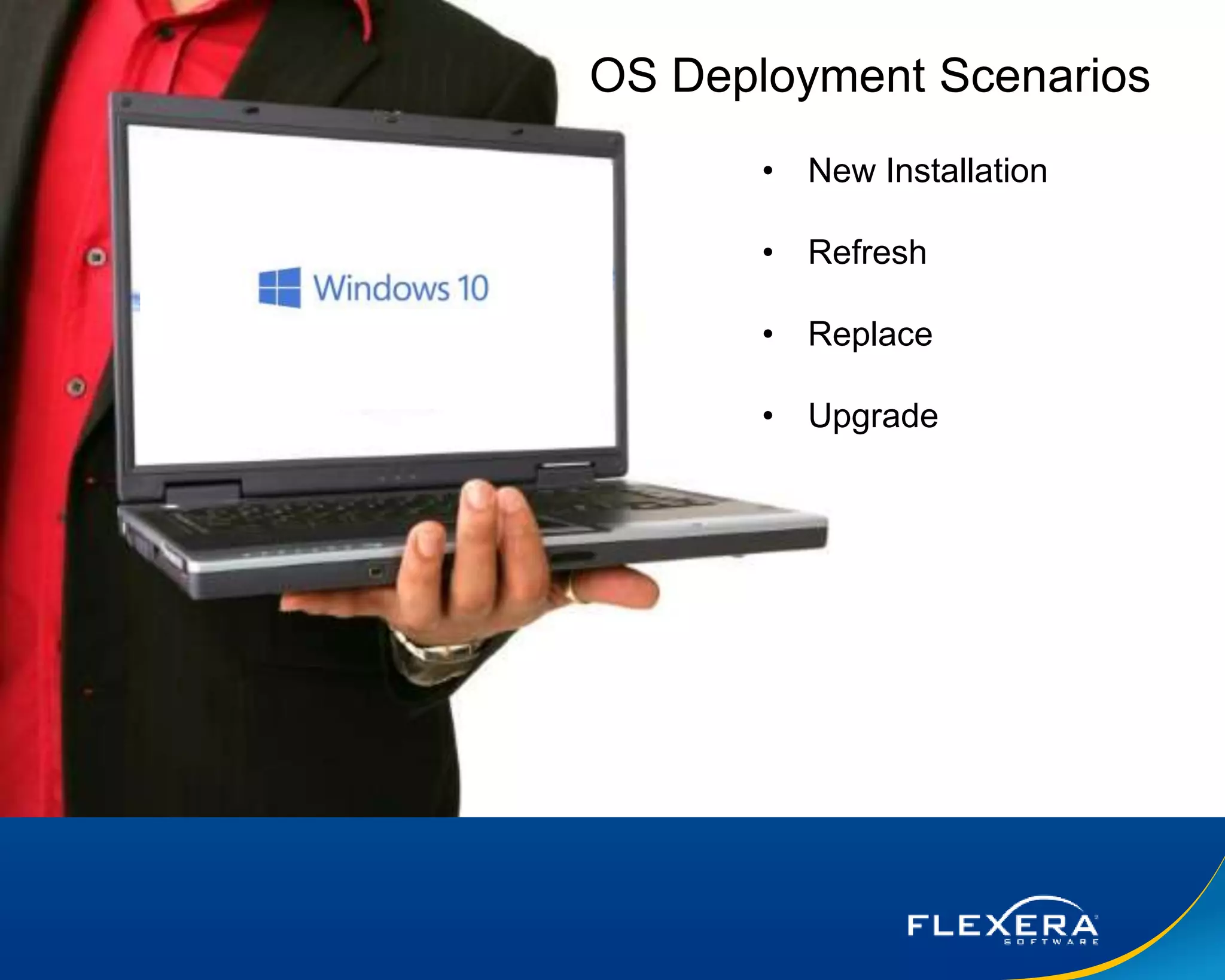
Picture of user and broken PC
• New Installation
• Refresh
• Replace
• Upgrade
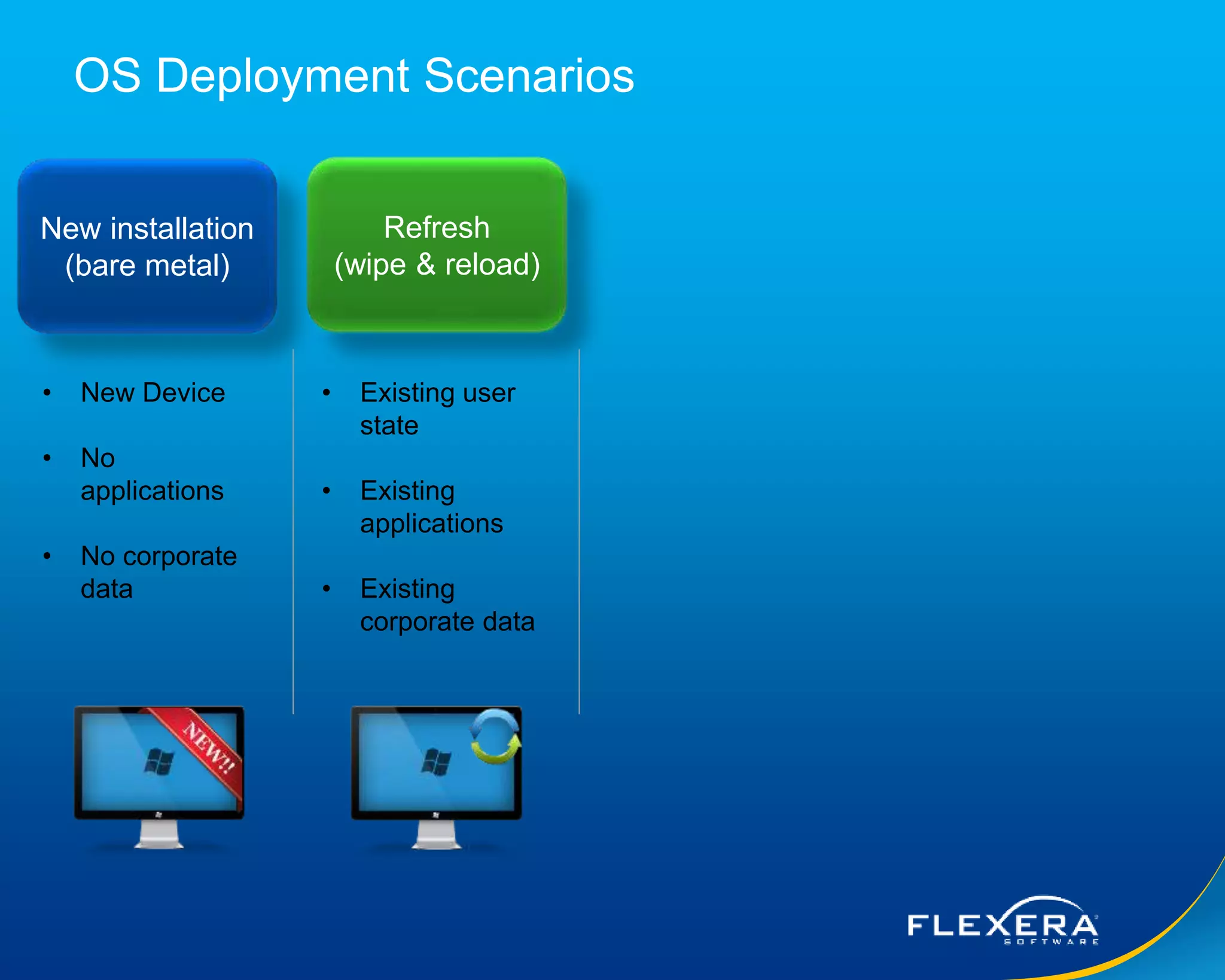
OS Deployment Scenarios
© 2015 Flexera Software LLC. All rights reserved. | Company Confidential8
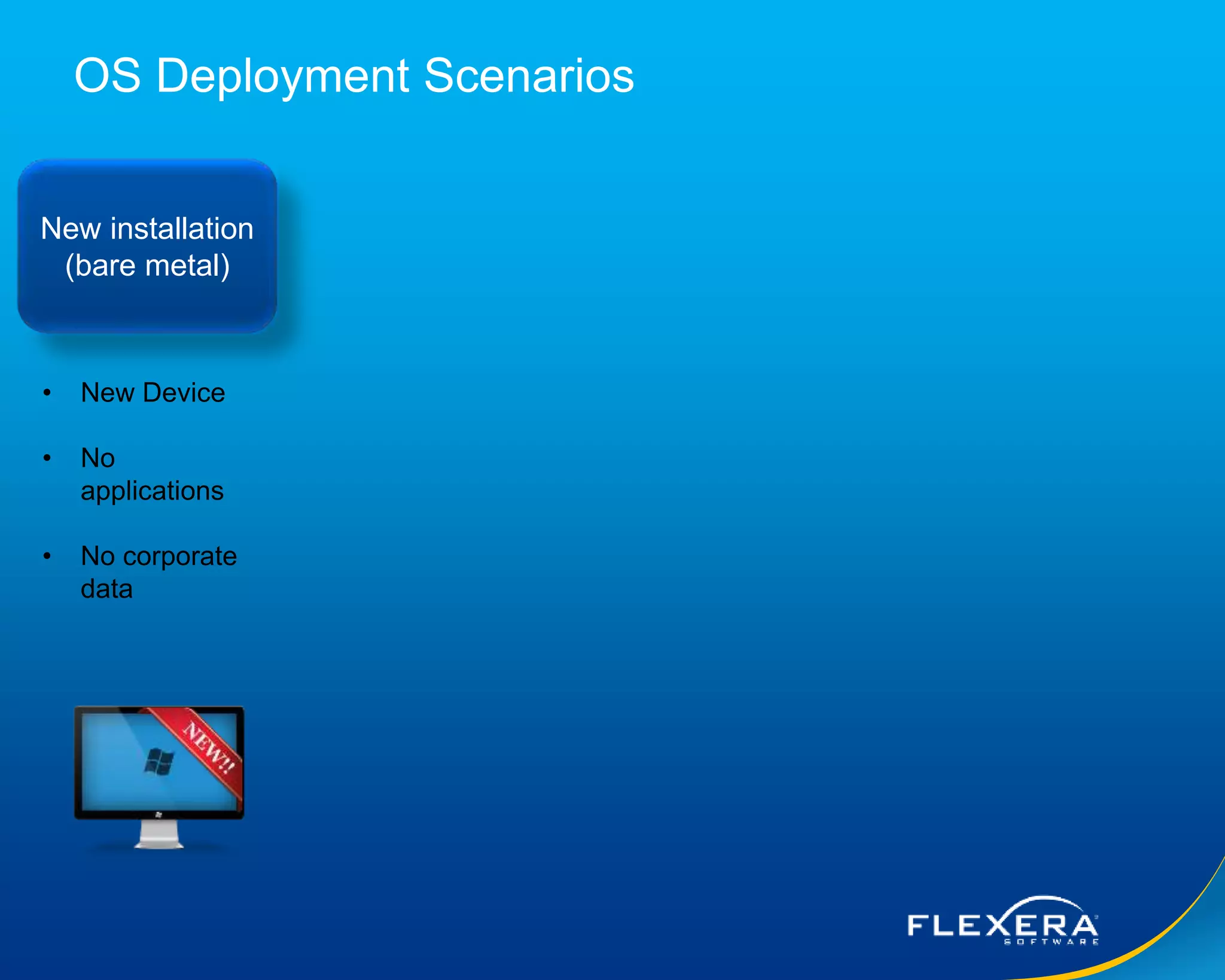
OS Deployment Scenarios
New installation
(bare metal)
• New Device
• No
applications
• No corporate
data
© 2015 Flexera Software LLC. All rights reserved. | Company Confidential9
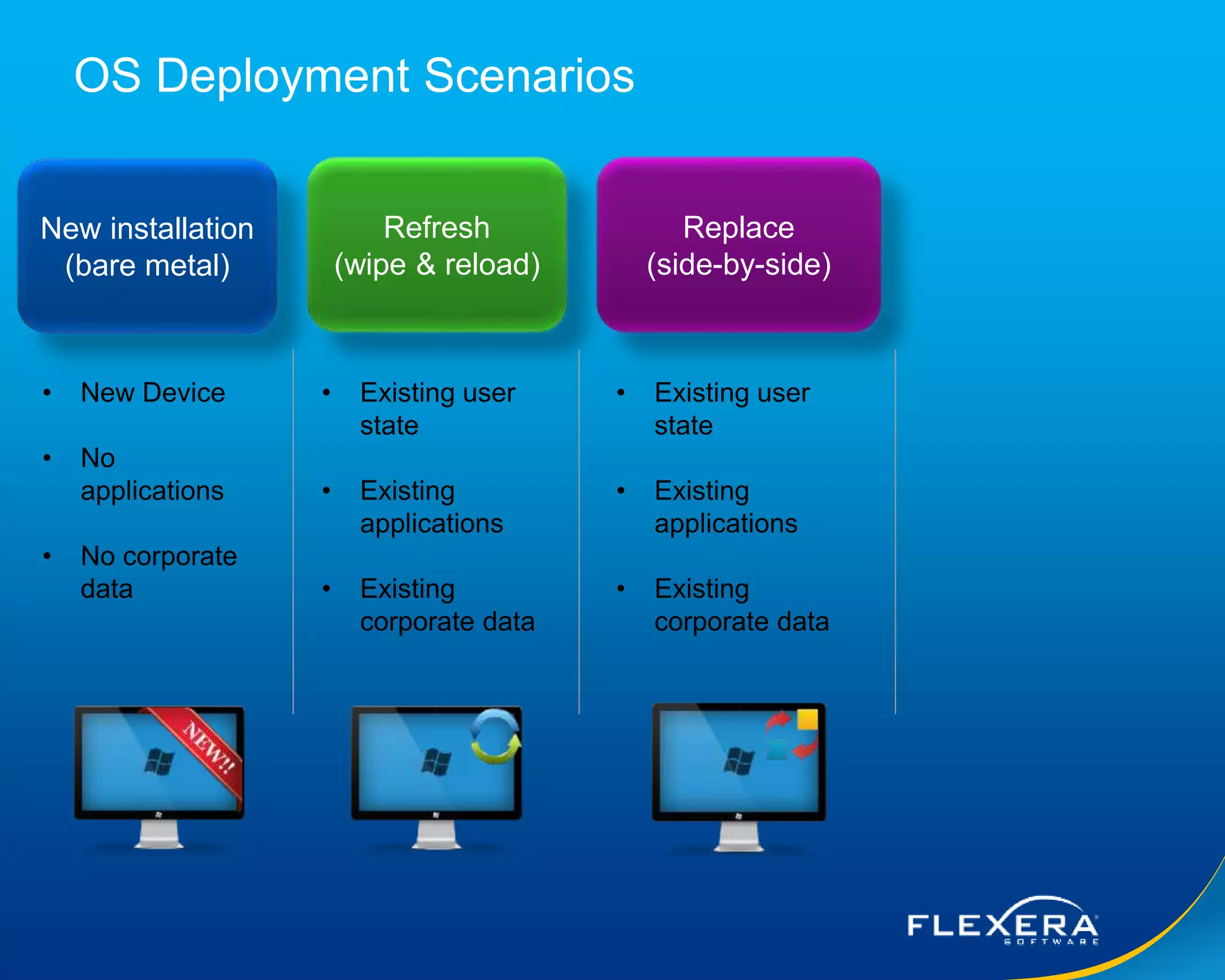
OS Deployment Scenarios
New installation
(bare metal)
Refresh
(wipe & reload)
• New Device
• No
applications
• No corporate
data
• Existing user
state
• Existing
applications
• Existing
corporate data
© 2015 Flexera Software LLC. All rights reserved. | Company Confidential10
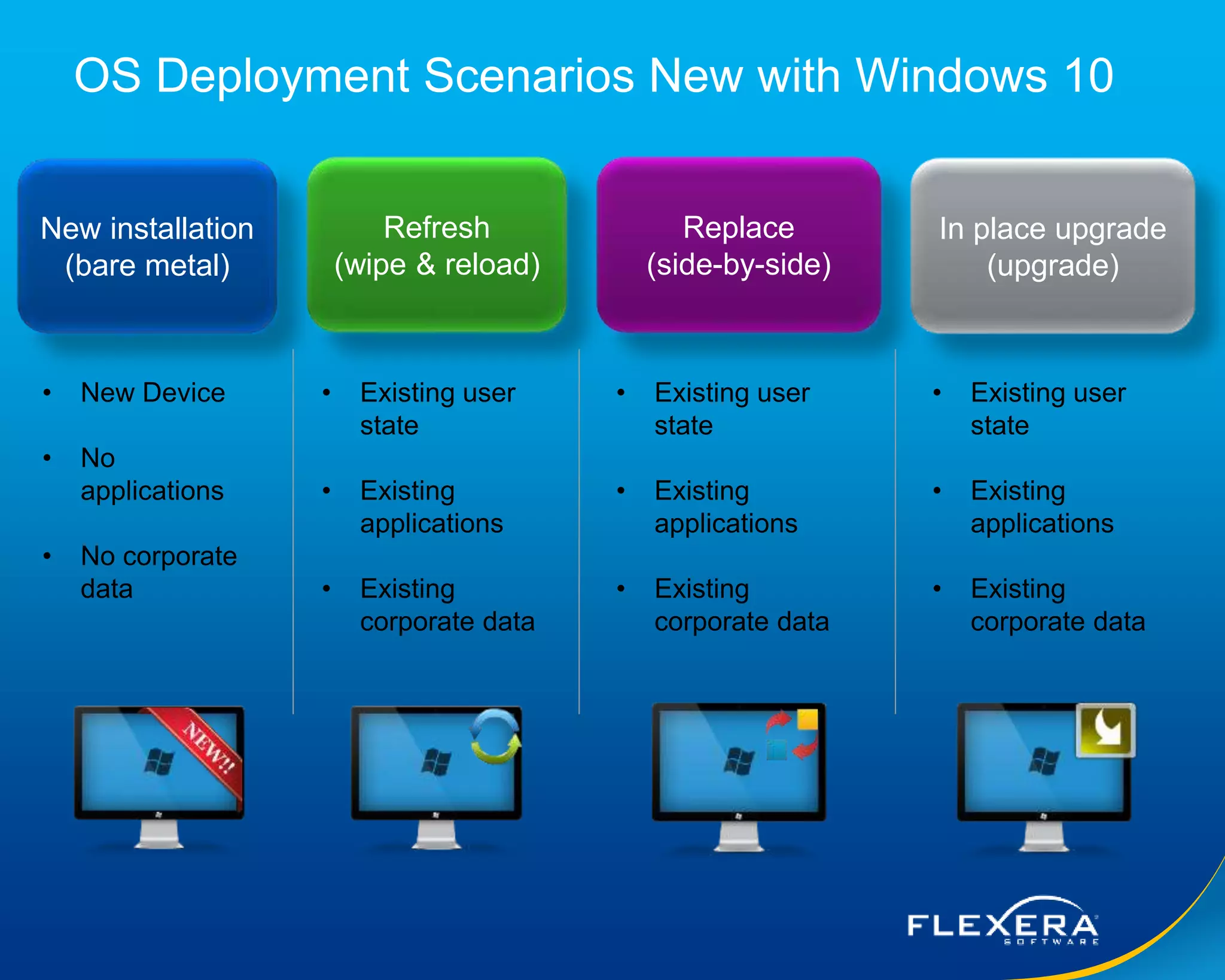
OS Deployment Scenarios
New installation
(bare metal)
Refresh
(wipe & reload)
Replace
(side-by-side)
• New Device
• No
applications
• No corporate
data
• Existing user
state
• Existing
applications
• Existing
corporate data
• Existing user
state
• Existing
applications
• Existing
corporate data
© 2015 Flexera Software LLC. All rights reserved. | Company Confidential11
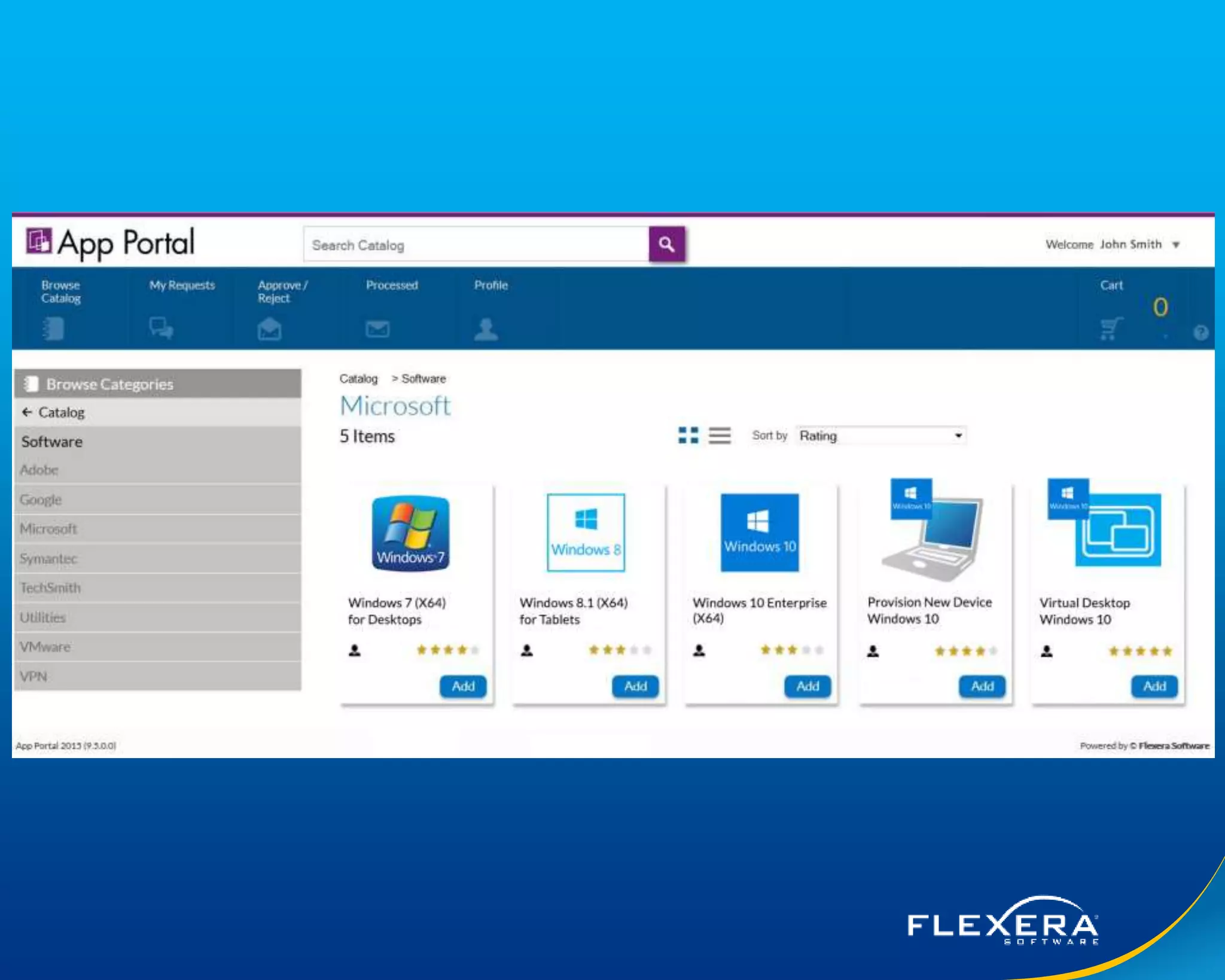
OS Deployment Scenarios New with Windows 10
New installation
(bare metal)
Refresh
(wipe & reload)
Replace
(side-by-side)
• New Device
• No
applications
• No corporate
data
• Existing user
state
• Existing
applications
• Existing
corporate data
• Existing user
state
• Existing
applications
• Existing
corporate data
In place upgrade
(upgrade)
• Existing user
state
• Existing
applications
• Existing
corporate data
© 2015 Flexera Software LLC. All rights reserved. | Company Confidential12
© 2015 Flexera Software LLC. All rights reserved. | Company Confidential13
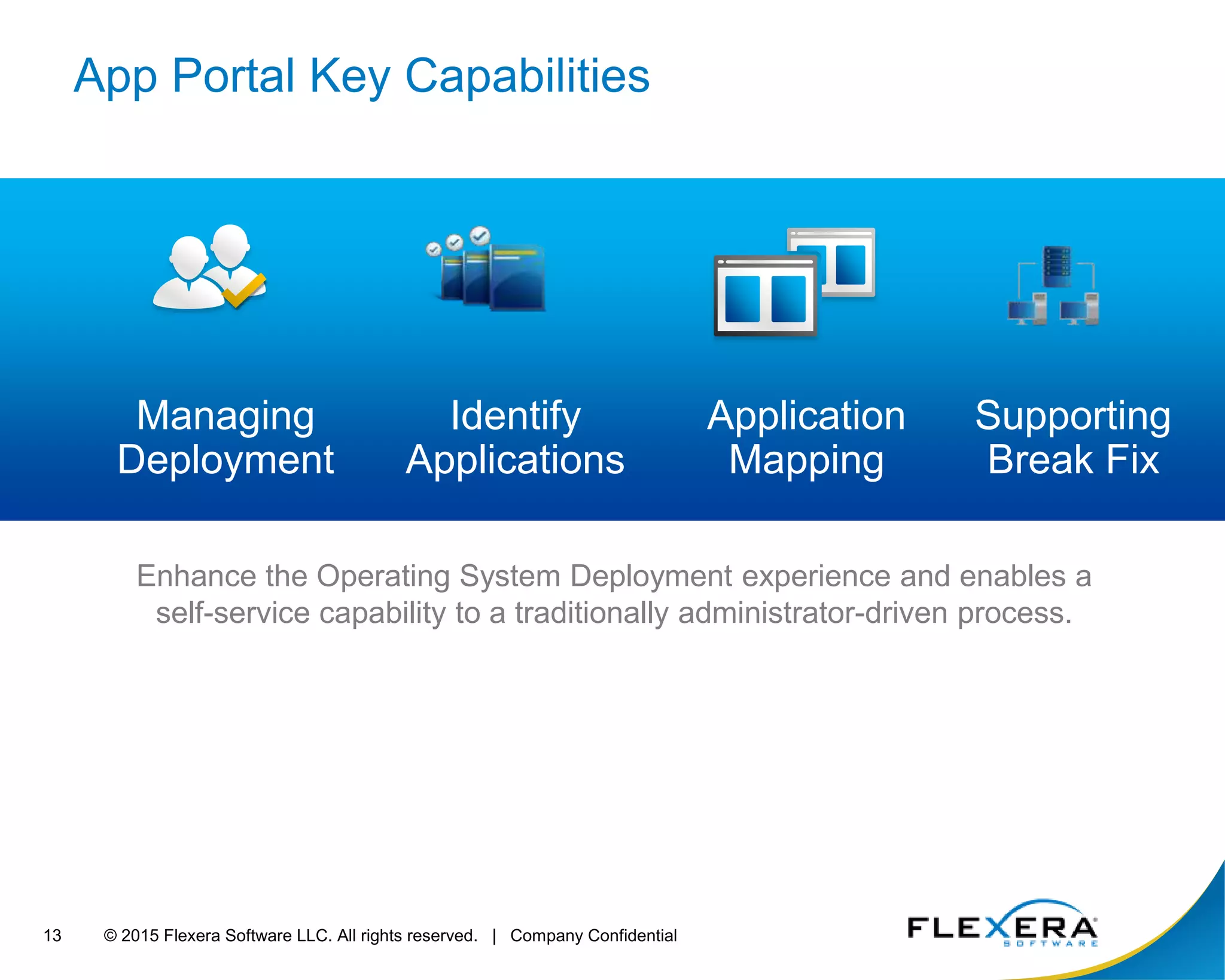
App Portal Key Capabilities
Managing
Deployment
Enhance the Operating System Deployment experience and enables a
self-service capability to a traditionally administrator-driven process.
Identify
Applications
Application
Mapping
Supporting
Break Fix
© 2015 Flexera Software LLC. All rights reserved. | Company Confidential14
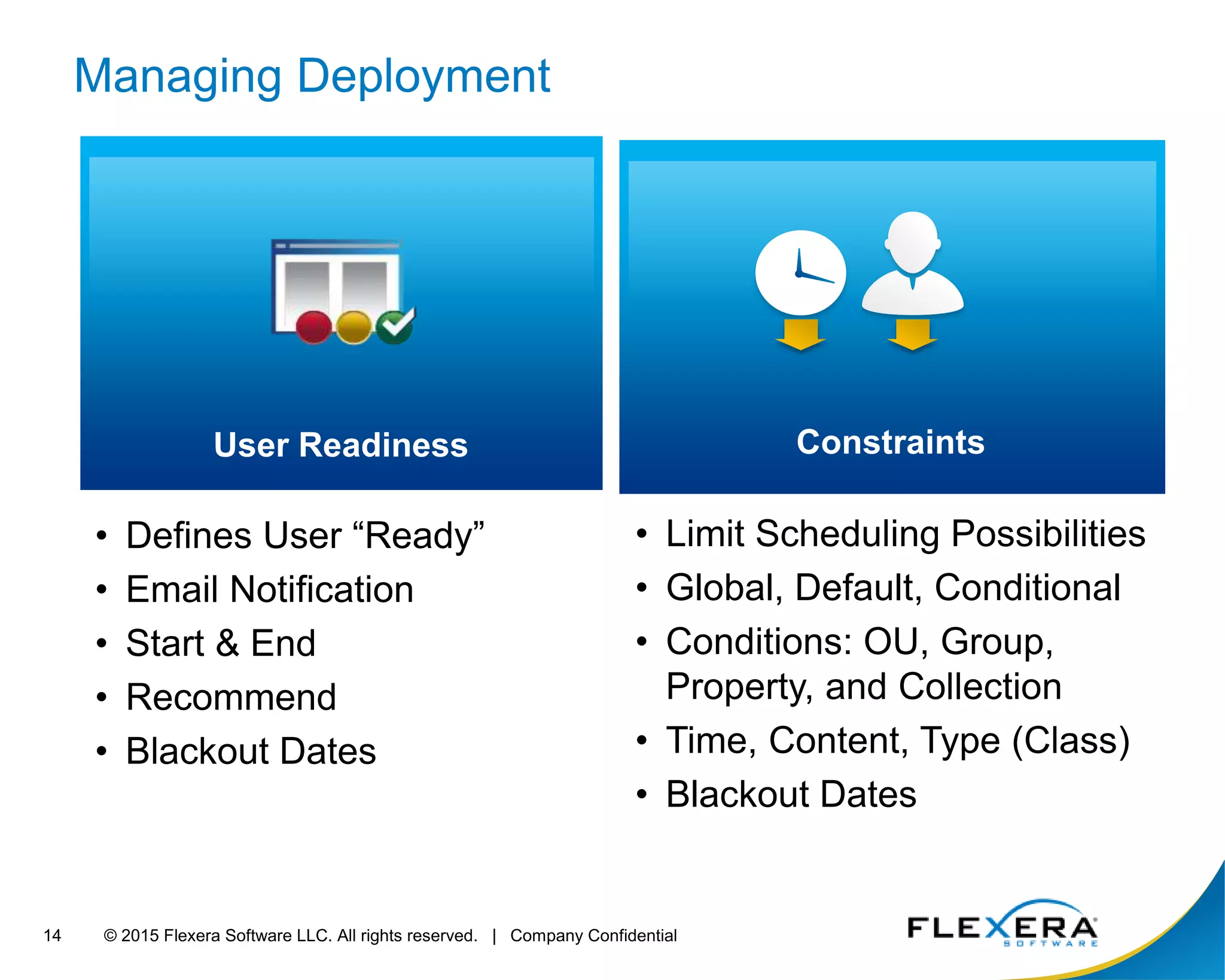
Managing Deployment
• Defines User “Ready”
• Email Notification
• Start & End
• Recommend
• Blackout Dates
• Limit Scheduling Possibilities
• Global, Default, Conditional
• Conditions: OU, Group,
Property, and Collection
• Time, Content, Type (Class)
• Blackout Dates
User Readiness Constraints
© 2015 Flexera Software LLC. All rights reserved. | Company Confidential15
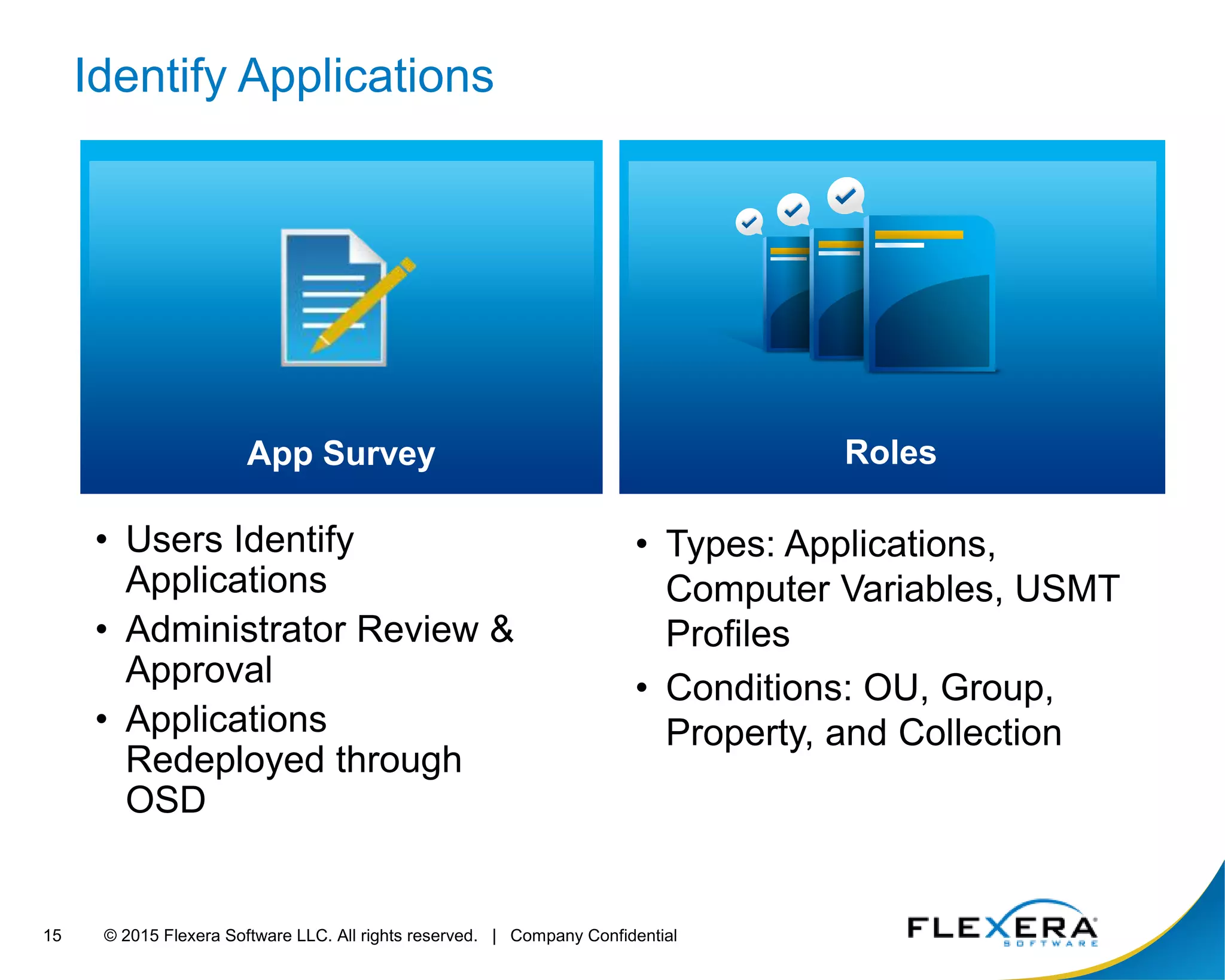
Identify Applications
• Users Identify
Applications
• Administrator Review &
Approval
• Applications
Redeployed through
OSD
• Types: Applications,
Computer Variables, USMT
Profiles
• Conditions: OU, Group,
Property, and Collection
App Survey Roles
© 2015 Flexera Software LLC. All rights reserved. | Company Confidential16
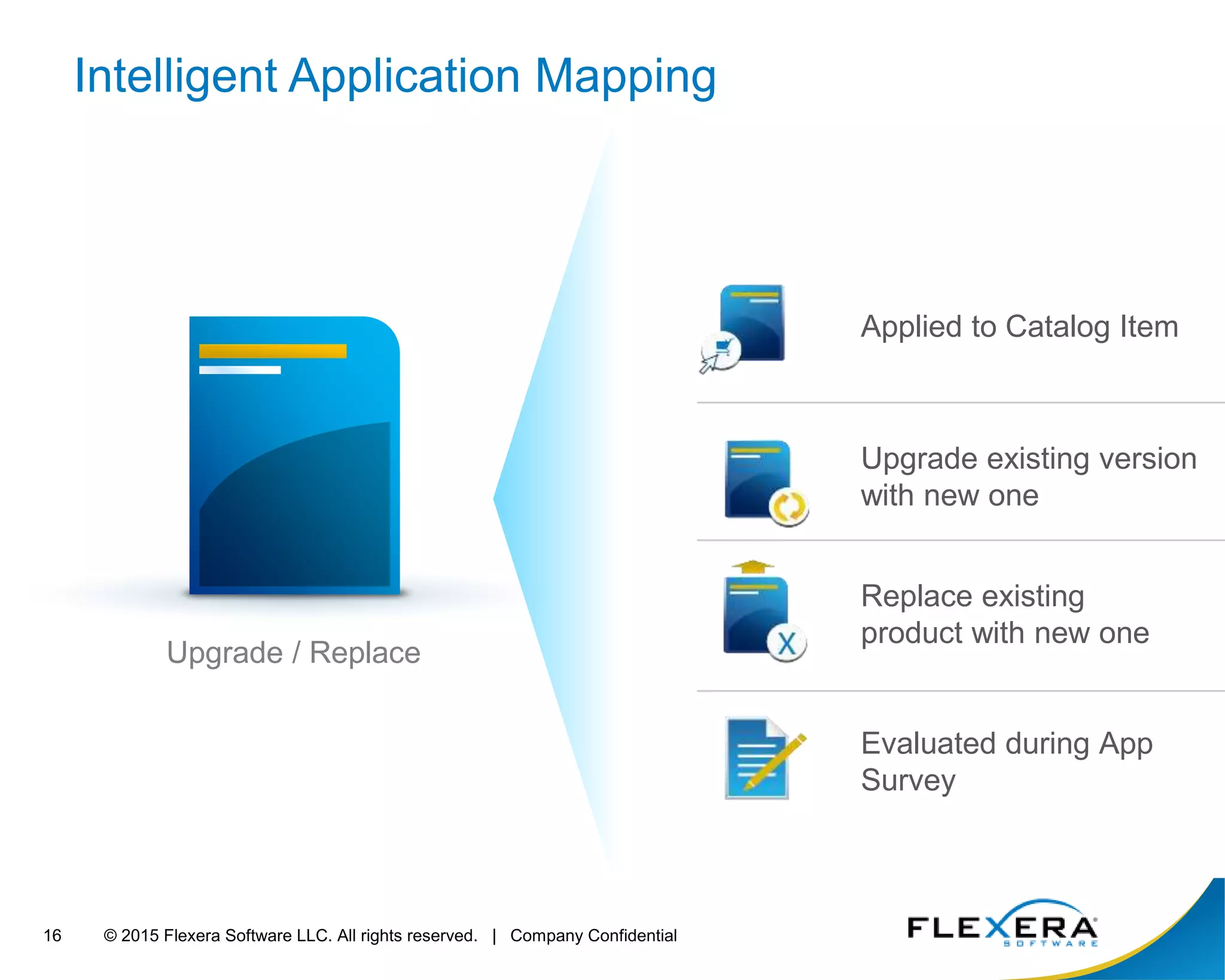
Upgrade / Replace
Applied to Catalog Item
Evaluated during App
Survey
Upgrade existing version
with new one
Replace existing
product with new one
Intelligent Application Mapping
© 2015 Flexera Software LLC. All rights reserved. | Company Confidential17
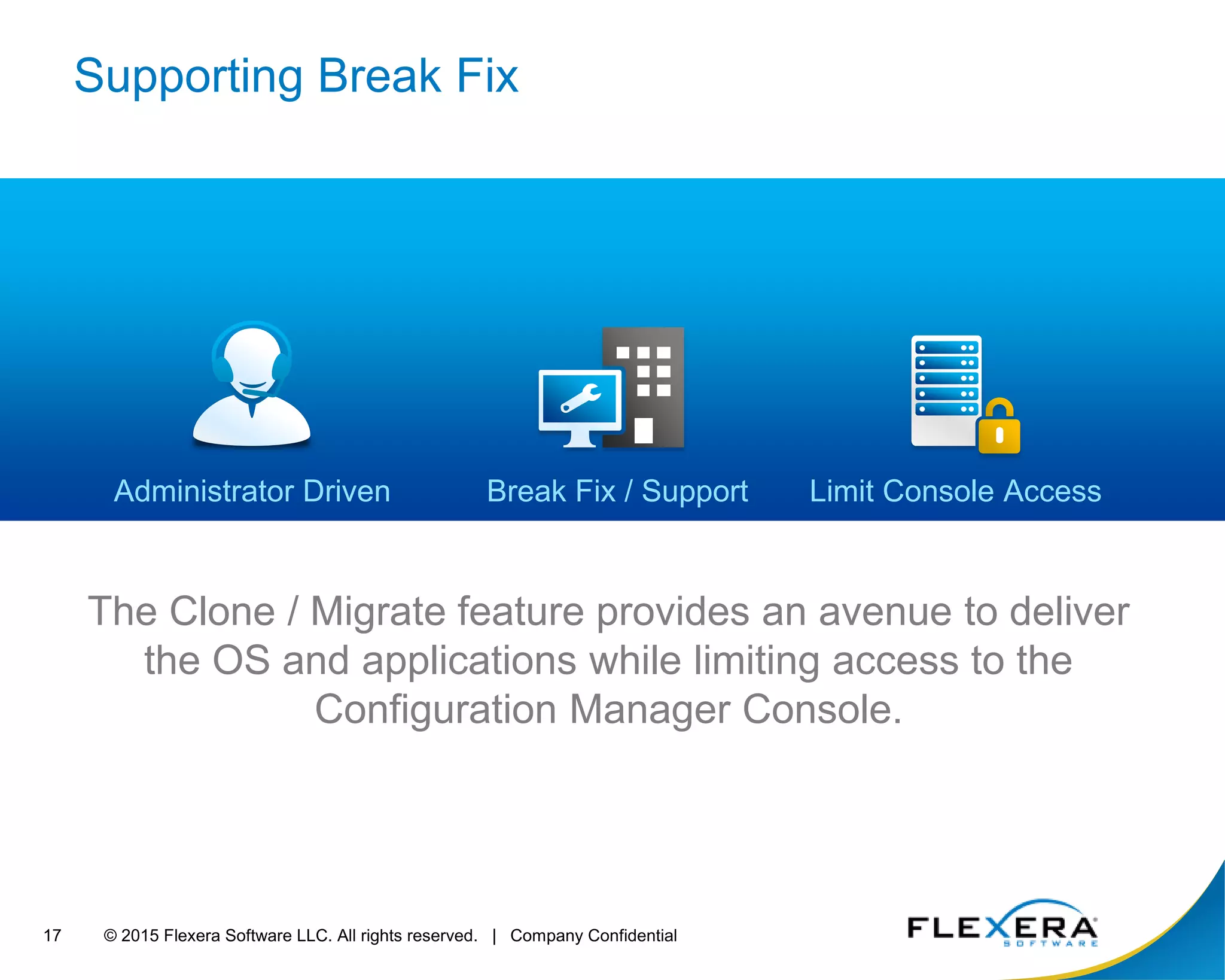
Supporting Break Fix
The Clone / Migrate feature provides an avenue to deliver
the OS and applications while limiting access to the
Configuration Manager Console.
Limit Console AccessAdministrator Driven Break Fix / Support
© 2015 Flexera Software LLC. All rights reserved. | Company Confidential18
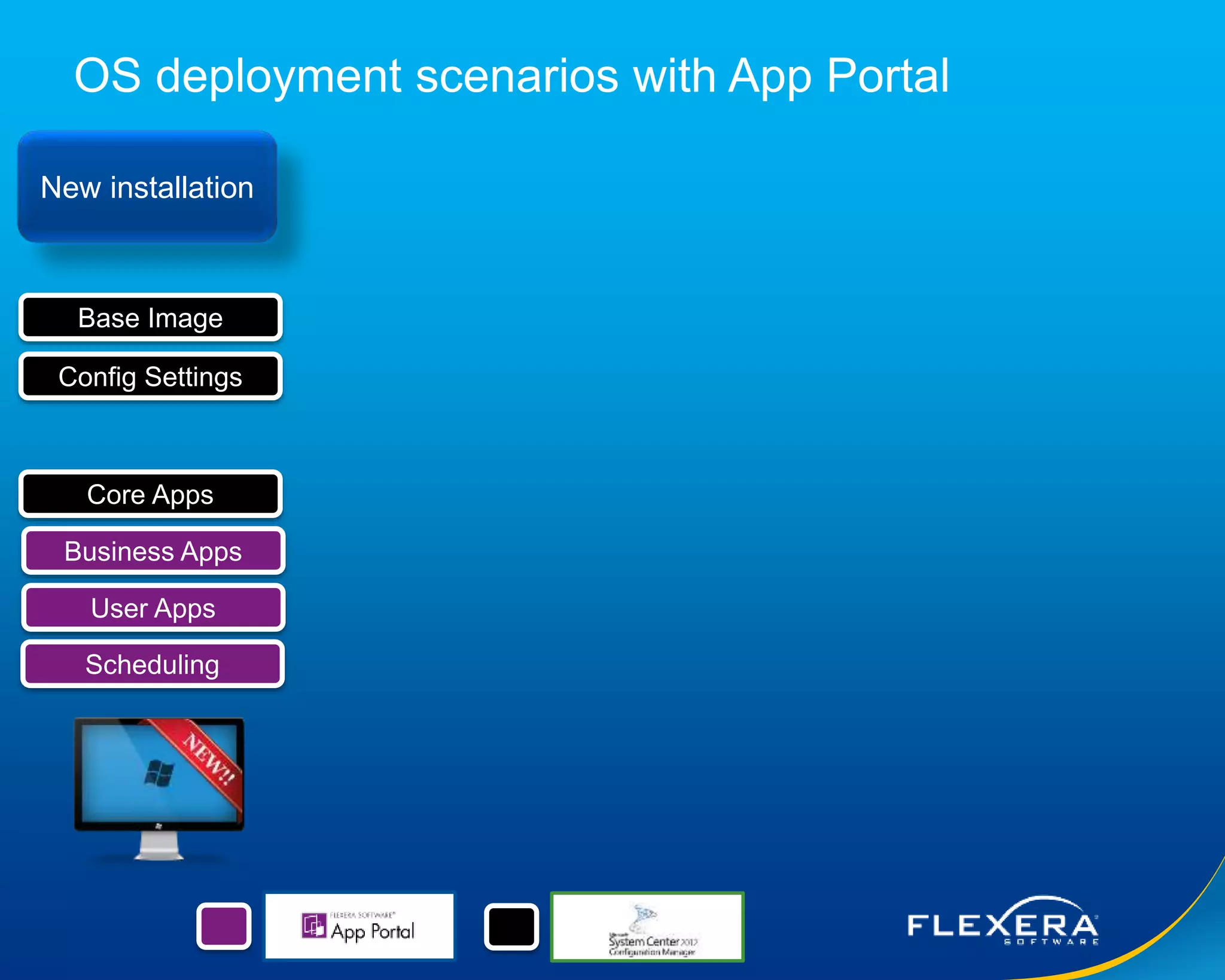
OS deployment scenarios with App Portal
New installation
Base Image
Config Settings
Core Apps
Business Apps
User Apps
Scheduling
© 2015 Flexera Software LLC. All rights reserved. | Company Confidential19
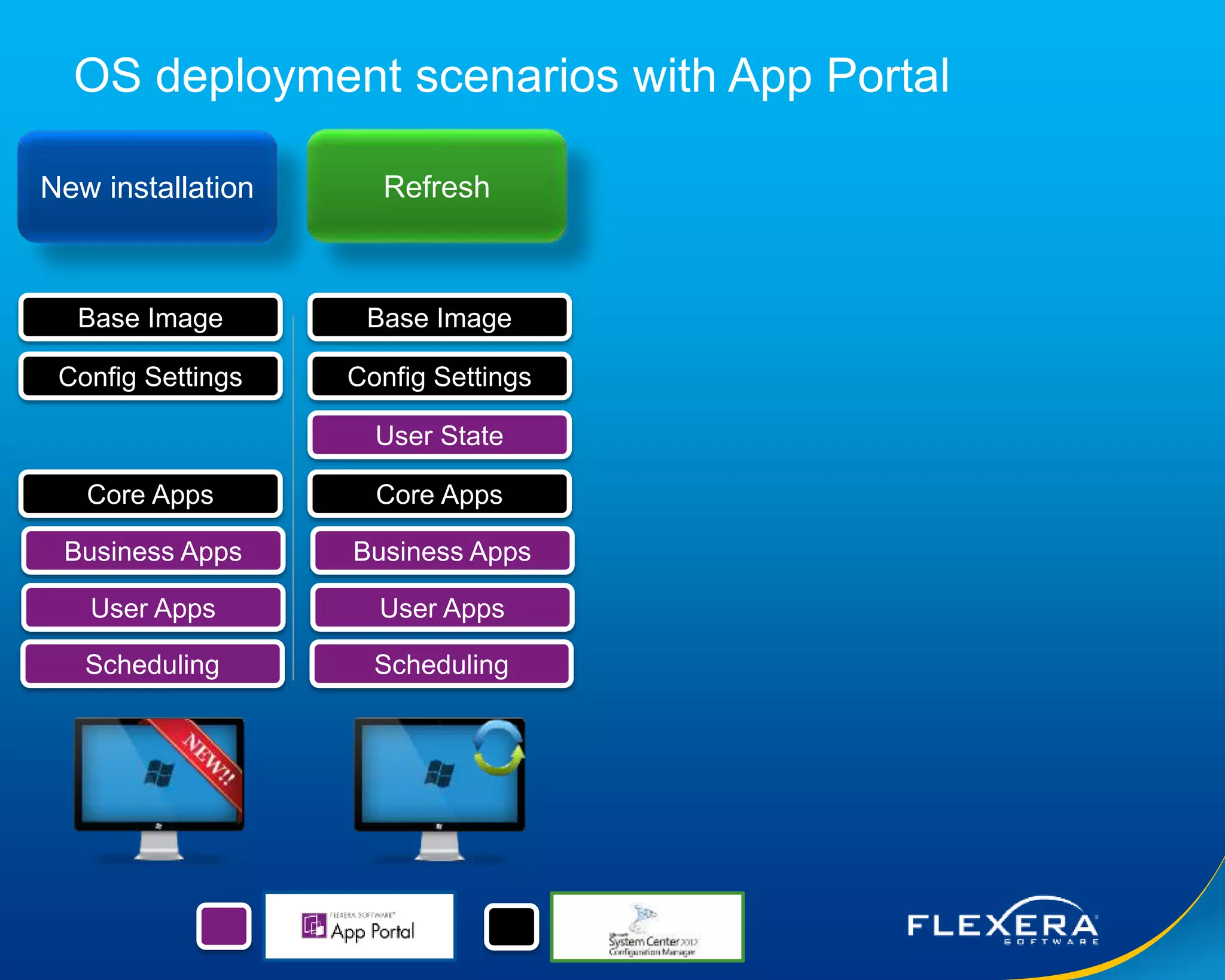
OS deployment scenarios with App Portal
New installation Refresh
Base Image
Config Settings
Core Apps
Business Apps
User Apps
Scheduling
Base Image
Config Settings
User State
Core Apps
Business Apps
User Apps
Scheduling
© 2015 Flexera Software LLC. All rights reserved. | Company Confidential20
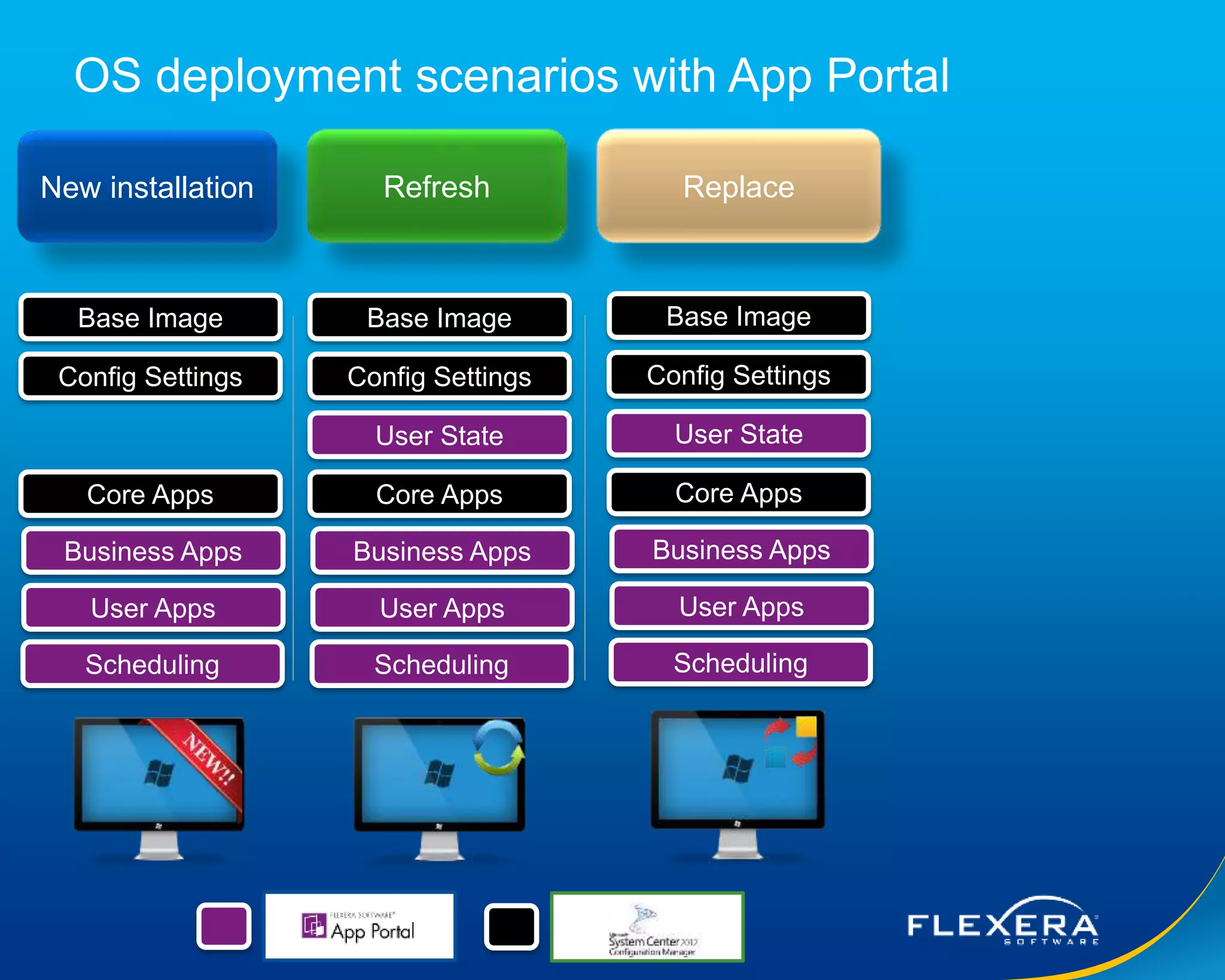
OS deployment scenarios with App Portal
New installation Refresh Replace
Base Image
Config Settings
Core Apps
Business Apps
User Apps
Scheduling
Base Image
Config Settings
User State
Core Apps
Business Apps
User Apps
Scheduling
Base Image
Config Settings
User State
Core Apps
Business Apps
User Apps
Scheduling
© 2015 Flexera Software LLC. All rights reserved. | Company Confidential21
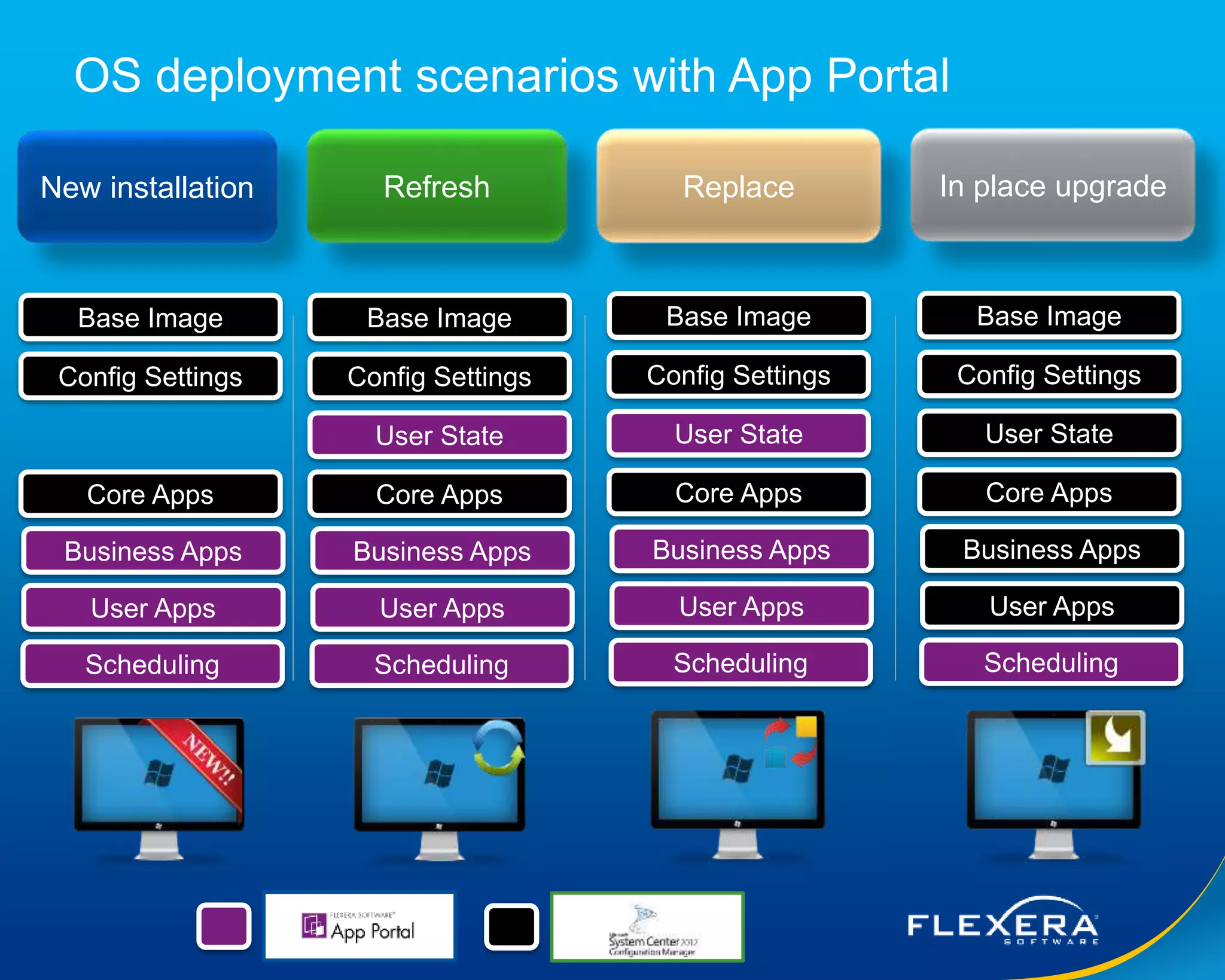
OS deployment scenarios with App Portal
New installation Refresh Replace In place upgrade
Base Image
Config Settings
Core Apps
Business Apps
User Apps
Scheduling
Base Image
Config Settings
User State
Core Apps
Business Apps
User Apps
Scheduling
Base Image
Config Settings
User State
Core Apps
Business Apps
User Apps
Scheduling
Base Image
Config Settings
User State
Core Apps
Business Apps
User Apps
Scheduling
© 2015 Flexera Software LLC. All rights reserved. | Company Confidential22
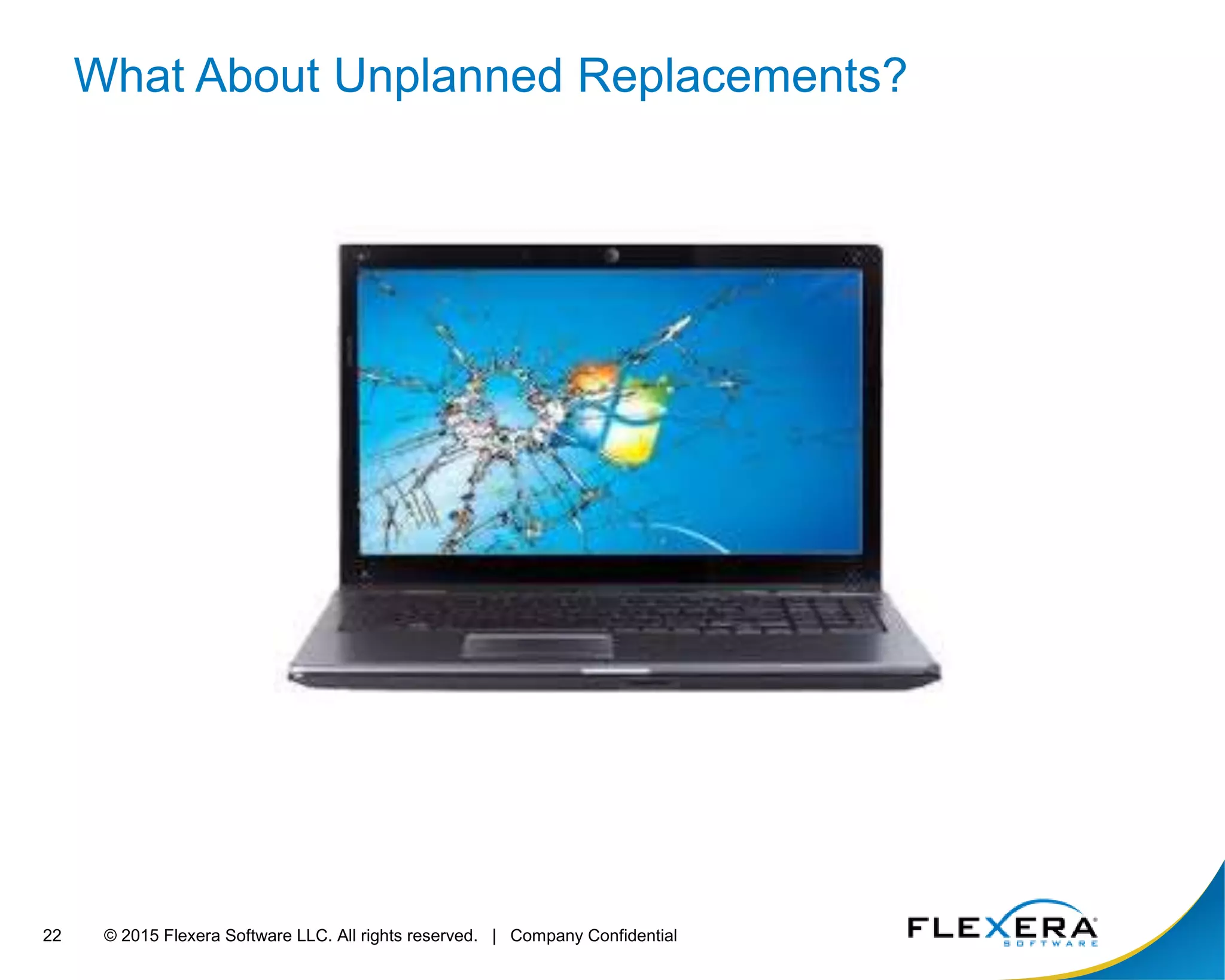
What About Unplanned Replacements?
© 2015 Flexera Software LLC. All rights reserved. | Company Confidential23
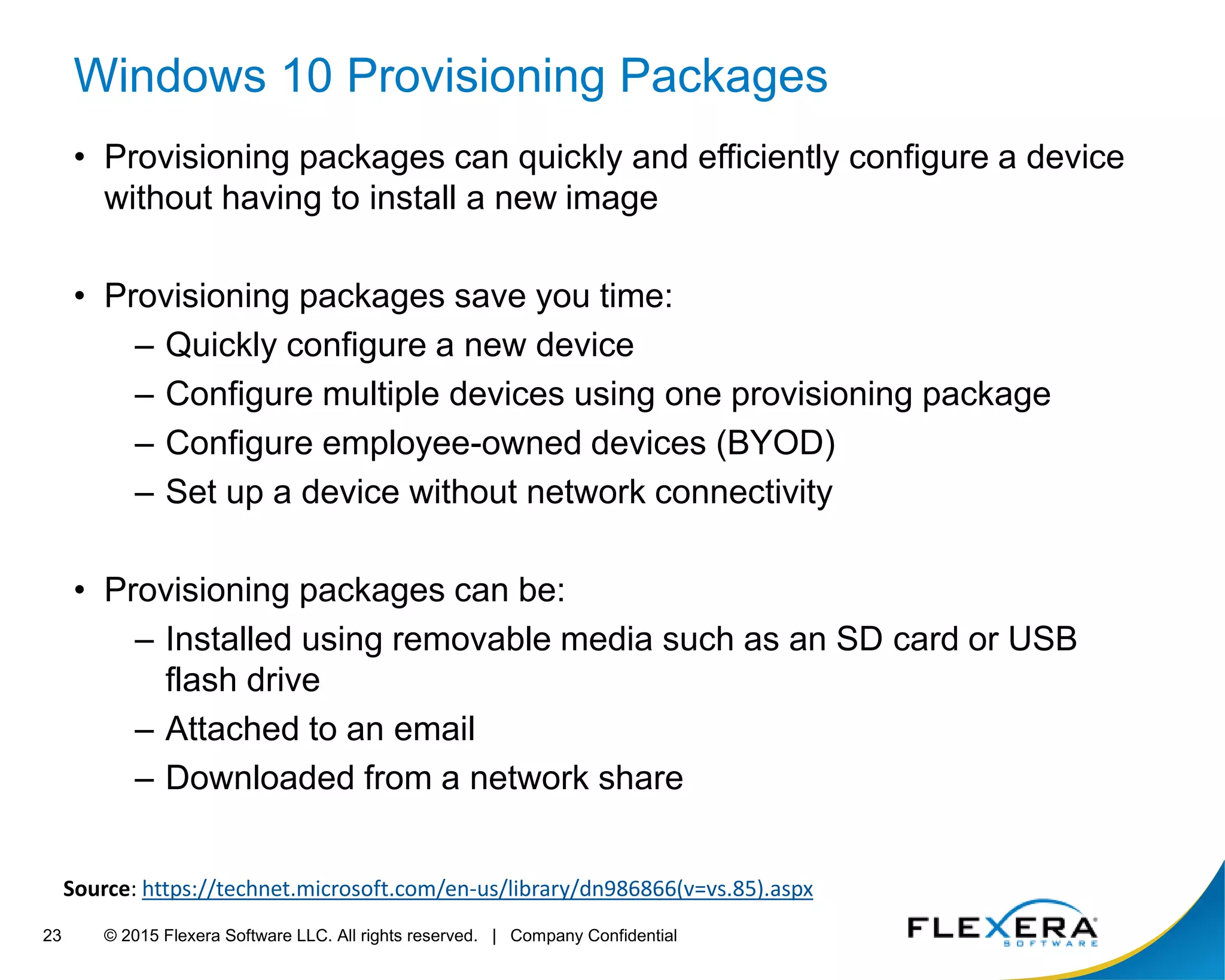
Windows 10 Provisioning Packages
• Provisioning packages can quickly and efficiently configure a device
without having to install a new image
• Provisioning packages save you time:
– Quickly configure a new device
– Configure multiple devices using one provisioning package
– Configure employee-owned devices (BYOD)
– Set up a device without network connectivity
• Provisioning packages can be:
– Installed using removable media such as an SD card or USB
flash drive
– Attached to an email
– Downloaded from a network share
Source: https://technet.microsoft.com/en-us/library/dn986866(v=vs.85).aspx
© 2015 Flexera Software LLC. All rights reserved. | Company Confidential24
What Can Be Configured
• Applications
• Bulk Enrollment to Mobile Device Management
• Certificates
• Connectivity Profiles
• Enterprise Policies
• Data Assets
• Start Menu Customization
• Other
© 2015 Flexera Software LLC. All rights reserved. | Company Confidential25
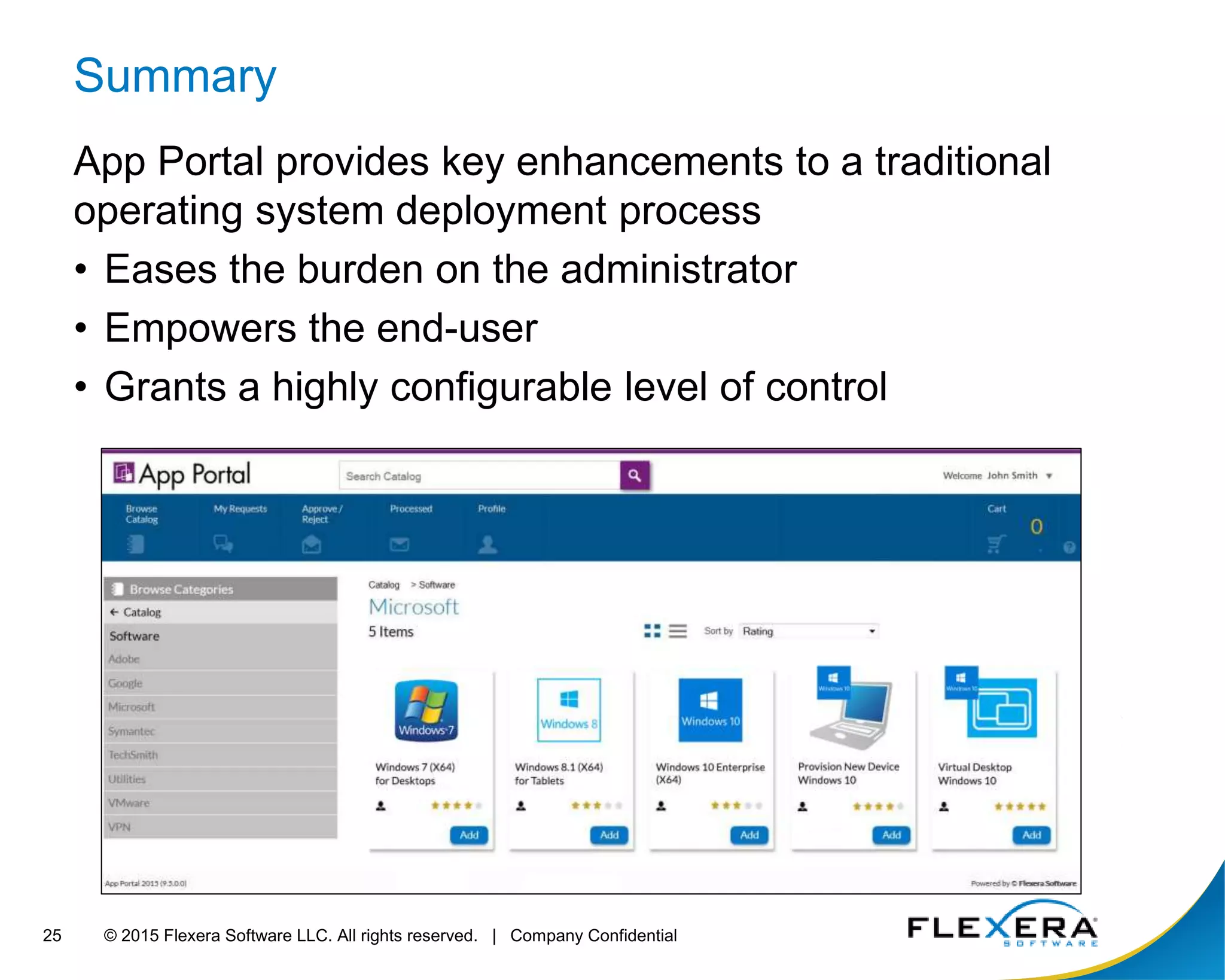
Summary
App Portal provides key enhancements to a traditional
operating system deployment process
• Eases the burden on the administrator
• Empowers the end-user
• Grants a highly configurable level of control
© 2015 Flexera Software LLC. All rights reserved. | Company Confidential26
Questions?
1 Learn more:
http://www.flexerasoftware.com/App-Portal
Contact your Flexera representative or Business Partner
to find the best next step for you
North America: 800-809-5659
Europe, Middle East & Africa: +44 (0) 870 873 6300
Asia-Pacific: +61 3 9895 2000 (800) 809-5659
2
3
Read the Datasheet:
http://media.flexerasoftware.com/documents/Datasheet-
AP-OS-Deployment-App-Migration.pdf
Watch this webinar on demand now
http://learn.flexerasoftware.com/AR-WBNR-Enterprise-Application-Deployment-Win10

Enterprise Application Deployment Strategies for Windows 10

  • 1.
    © 2015 FlexeraSoftware LLC. All rights reserved. | Company Confidential1 Enterprise Application Deployment Strategies App_Portal
  • 2.
    © 2015 FlexeraSoftware LLC. All rights reserved. | Company Confidential2 Todays Presenters TDavis@Flexerasoftware.com Timothy Davis Product Marketing Manager Flexera Software Jason Snook Product Manager Flexera Software JSnook@Flexerasoftware.com @TimothyToday @Jason_snook
  • 3.
    © 2015 FlexeraSoftware LLC. All rights reserved. | Company Confidential3 Windows 2000 Windows XP Windows 7 Server 2003 Server 2008 Client Computing Platforms 2000 2001 2002 2003 2004 2005 2006 2007 2008 2009 2010 2011 2012 2013 2014 2015 2016 2017 Server 2000 EFFORTREQUIRED
  • 4.
    © 2015 FlexeraSoftware LLC. All rights reserved. | Company Confidential4 Windows 2000 Windows XP Windows 7 Windows 8 Windows 8.1 iOS Windows 10 Server 2012 Server 2003 Server 2008 Android Windows Phone Client Computing Platforms Require More Effort Server 2016 Server 2012 R2 2000 2001 2002 2003 2004 2005 2006 2007 2008 2009 2010 2011 2012 2013 2014 2015 2016 2017 Server 2008 R2 Server 2000 EFFORTREQUIRED
  • 5.
    © 2015 FlexeraSoftware LLC. All rights reserved. | Company Confidential5 Windows 10 Changes the Game
  • 6.
    © 2015 FlexeraSoftware LLC. All rights reserved. | Company Confidential6 App Portal 2015 R2 Watch this webinar on demand now http://learn.flexerasoftware.com/AR-WBNR-Enterprise-Application-Deployment-Win10
  • 7.
    © 2015 FlexeraSoftware LLC. All rights reserved. | Company Confidential7 Picture of user and broken PC • New Installation • Refresh • Replace • Upgrade OS Deployment Scenarios
  • 8.
    © 2015 FlexeraSoftware LLC. All rights reserved. | Company Confidential8 OS Deployment Scenarios New installation (bare metal) • New Device • No applications • No corporate data
  • 9.
    © 2015 FlexeraSoftware LLC. All rights reserved. | Company Confidential9 OS Deployment Scenarios New installation (bare metal) Refresh (wipe & reload) • New Device • No applications • No corporate data • Existing user state • Existing applications • Existing corporate data
  • 10.
    © 2015 FlexeraSoftware LLC. All rights reserved. | Company Confidential10 OS Deployment Scenarios New installation (bare metal) Refresh (wipe & reload) Replace (side-by-side) • New Device • No applications • No corporate data • Existing user state • Existing applications • Existing corporate data • Existing user state • Existing applications • Existing corporate data
  • 11.
    © 2015 FlexeraSoftware LLC. All rights reserved. | Company Confidential11 OS Deployment Scenarios New with Windows 10 New installation (bare metal) Refresh (wipe & reload) Replace (side-by-side) • New Device • No applications • No corporate data • Existing user state • Existing applications • Existing corporate data • Existing user state • Existing applications • Existing corporate data In place upgrade (upgrade) • Existing user state • Existing applications • Existing corporate data
  • 12.
    © 2015 FlexeraSoftware LLC. All rights reserved. | Company Confidential12
  • 13.
    © 2015 FlexeraSoftware LLC. All rights reserved. | Company Confidential13 App Portal Key Capabilities Managing Deployment Enhance the Operating System Deployment experience and enables a self-service capability to a traditionally administrator-driven process. Identify Applications Application Mapping Supporting Break Fix
  • 14.
    © 2015 FlexeraSoftware LLC. All rights reserved. | Company Confidential14 Managing Deployment • Defines User “Ready” • Email Notification • Start & End • Recommend • Blackout Dates • Limit Scheduling Possibilities • Global, Default, Conditional • Conditions: OU, Group, Property, and Collection • Time, Content, Type (Class) • Blackout Dates User Readiness Constraints
  • 15.
    © 2015 FlexeraSoftware LLC. All rights reserved. | Company Confidential15 Identify Applications • Users Identify Applications • Administrator Review & Approval • Applications Redeployed through OSD • Types: Applications, Computer Variables, USMT Profiles • Conditions: OU, Group, Property, and Collection App Survey Roles
  • 16.
    © 2015 FlexeraSoftware LLC. All rights reserved. | Company Confidential16 Upgrade / Replace Applied to Catalog Item Evaluated during App Survey Upgrade existing version with new one Replace existing product with new one Intelligent Application Mapping
  • 17.
    © 2015 FlexeraSoftware LLC. All rights reserved. | Company Confidential17 Supporting Break Fix The Clone / Migrate feature provides an avenue to deliver the OS and applications while limiting access to the Configuration Manager Console. Limit Console AccessAdministrator Driven Break Fix / Support
  • 18.
    © 2015 FlexeraSoftware LLC. All rights reserved. | Company Confidential18 OS deployment scenarios with App Portal New installation Base Image Config Settings Core Apps Business Apps User Apps Scheduling
  • 19.
    © 2015 FlexeraSoftware LLC. All rights reserved. | Company Confidential19 OS deployment scenarios with App Portal New installation Refresh Base Image Config Settings Core Apps Business Apps User Apps Scheduling Base Image Config Settings User State Core Apps Business Apps User Apps Scheduling
  • 20.
    © 2015 FlexeraSoftware LLC. All rights reserved. | Company Confidential20 OS deployment scenarios with App Portal New installation Refresh Replace Base Image Config Settings Core Apps Business Apps User Apps Scheduling Base Image Config Settings User State Core Apps Business Apps User Apps Scheduling Base Image Config Settings User State Core Apps Business Apps User Apps Scheduling
  • 21.
    © 2015 FlexeraSoftware LLC. All rights reserved. | Company Confidential21 OS deployment scenarios with App Portal New installation Refresh Replace In place upgrade Base Image Config Settings Core Apps Business Apps User Apps Scheduling Base Image Config Settings User State Core Apps Business Apps User Apps Scheduling Base Image Config Settings User State Core Apps Business Apps User Apps Scheduling Base Image Config Settings User State Core Apps Business Apps User Apps Scheduling
  • 22.
    © 2015 FlexeraSoftware LLC. All rights reserved. | Company Confidential22 What About Unplanned Replacements?
  • 23.
    © 2015 FlexeraSoftware LLC. All rights reserved. | Company Confidential23 Windows 10 Provisioning Packages • Provisioning packages can quickly and efficiently configure a device without having to install a new image • Provisioning packages save you time: – Quickly configure a new device – Configure multiple devices using one provisioning package – Configure employee-owned devices (BYOD) – Set up a device without network connectivity • Provisioning packages can be: – Installed using removable media such as an SD card or USB flash drive – Attached to an email – Downloaded from a network share Source: https://technet.microsoft.com/en-us/library/dn986866(v=vs.85).aspx
  • 24.
    © 2015 FlexeraSoftware LLC. All rights reserved. | Company Confidential24 What Can Be Configured • Applications • Bulk Enrollment to Mobile Device Management • Certificates • Connectivity Profiles • Enterprise Policies • Data Assets • Start Menu Customization • Other
  • 25.
    © 2015 FlexeraSoftware LLC. All rights reserved. | Company Confidential25 Summary App Portal provides key enhancements to a traditional operating system deployment process • Eases the burden on the administrator • Empowers the end-user • Grants a highly configurable level of control
  • 26.
    © 2015 FlexeraSoftware LLC. All rights reserved. | Company Confidential26 Questions? 1 Learn more: http://www.flexerasoftware.com/App-Portal Contact your Flexera representative or Business Partner to find the best next step for you North America: 800-809-5659 Europe, Middle East & Africa: +44 (0) 870 873 6300 Asia-Pacific: +61 3 9895 2000 (800) 809-5659 2 3 Read the Datasheet: http://media.flexerasoftware.com/documents/Datasheet- AP-OS-Deployment-App-Migration.pdf Watch this webinar on demand now http://learn.flexerasoftware.com/AR-WBNR-Enterprise-Application-Deployment-Win10

Editor's Notes

  • #6 Source: Getting Ready for Windows 10: Servicing Windows Client and Server in a Managed Environment https://channel9.msdn.com/events/Ignite/2015/BRK2321