Intro to the Salesforce Mobile SDK:
Building Android Apps
October 23rd, 2013
Safe Harbor
Safe harbor statement under the Private Securities Litigation Reform Act of 1995:
This presentation may contain forward-looking statements that involve risks, uncertainties, and assumptions. If any such uncertainties materialize or if any of
the assumptions proves incorrect, the results of salesforce.com, inc. could differ materially from the results expressed or implied by the forward-looking
statements we make. All statements other than statements of historical fact could be deemed forward-looking, including any projections of product or service
availability, subscriber growth, earnings, revenues, or other financial items and any statements regarding strategies or plans of management for future
operations, statements of belief, any statements concerning new, planned, or upgraded services or technology developments and customer contracts or use
of our services.
The risks and uncertainties referred to above include – but are not limited to – risks associated with developing and delivering new functionality for our
service, new products and services, our new business model, our past operating losses, possible fluctuations in our operating results and rate of growth,
interruptions or delays in our Web hosting, breach of our security measures, the outcome of intellectual property and other litigation, risks associated with
possible mergers and acquisitions, the immature market in which we operate, our relatively limited operating history, our ability to expand, retain, and
motivate our employees and manage our growth, new releases of our service and successful customer deployment, our limited history reselling nonsalesforce.com products, and utilization and selling to larger enterprise customers. Further information on potential factors that could affect the financial
results of salesforce.com, inc. is included in our annual report on Form 10-Q for the most recent fiscal quarter ended July 31, 2012. This documents and
others containing important disclosures are available on the SEC Filings section of the Investor Information section of our Web site.
Any unreleased services or features referenced in this or other presentations, press releases or public statements are not currently available and may not be
delivered on time or at all. Customers who purchase our services should make the purchase decisions based upon features that are currently available.
Salesforce.com, inc. assumes no obligation and does not intend to update these forward-looking statements.

#forcewebinar
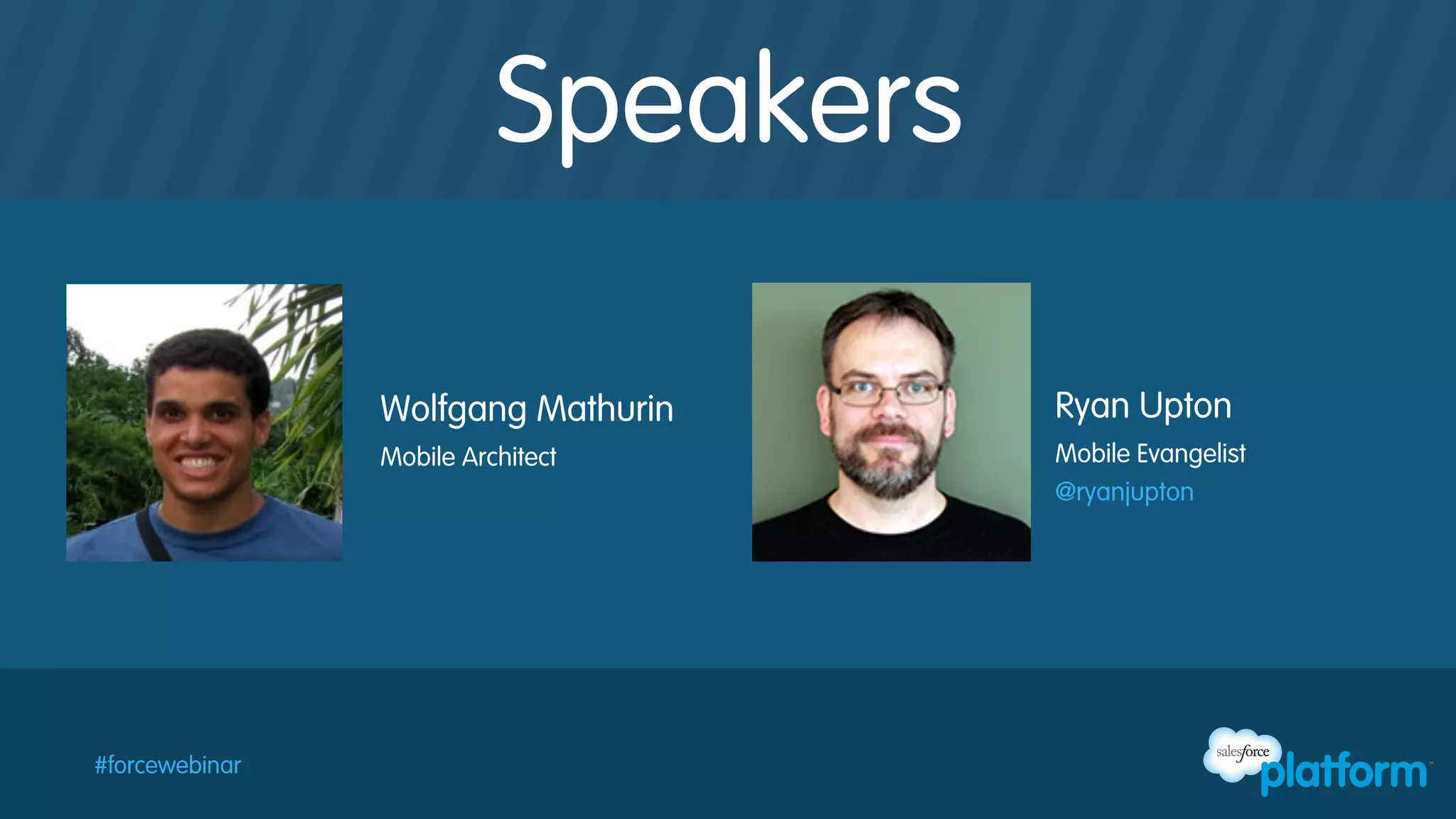
Speakers
Wolfgang Mathurin
Mobile Architect

#forcewebinar

Ryan Upton
Mobile Evangelist
@ryanjupton
Follow Developer Force for the Latest News
@forcedotcom / #forcewebinar
Developer Force – Force.com Community
+Developer Force – Force.com Community
Developer Force
Developer Force Group
#forcewebinar
Agenda
§  Getting Started with Android Native Apps
§  Building your first Android App for Salesforce
§  Resources and Next Steps
§  Q & A

#forcewebinar
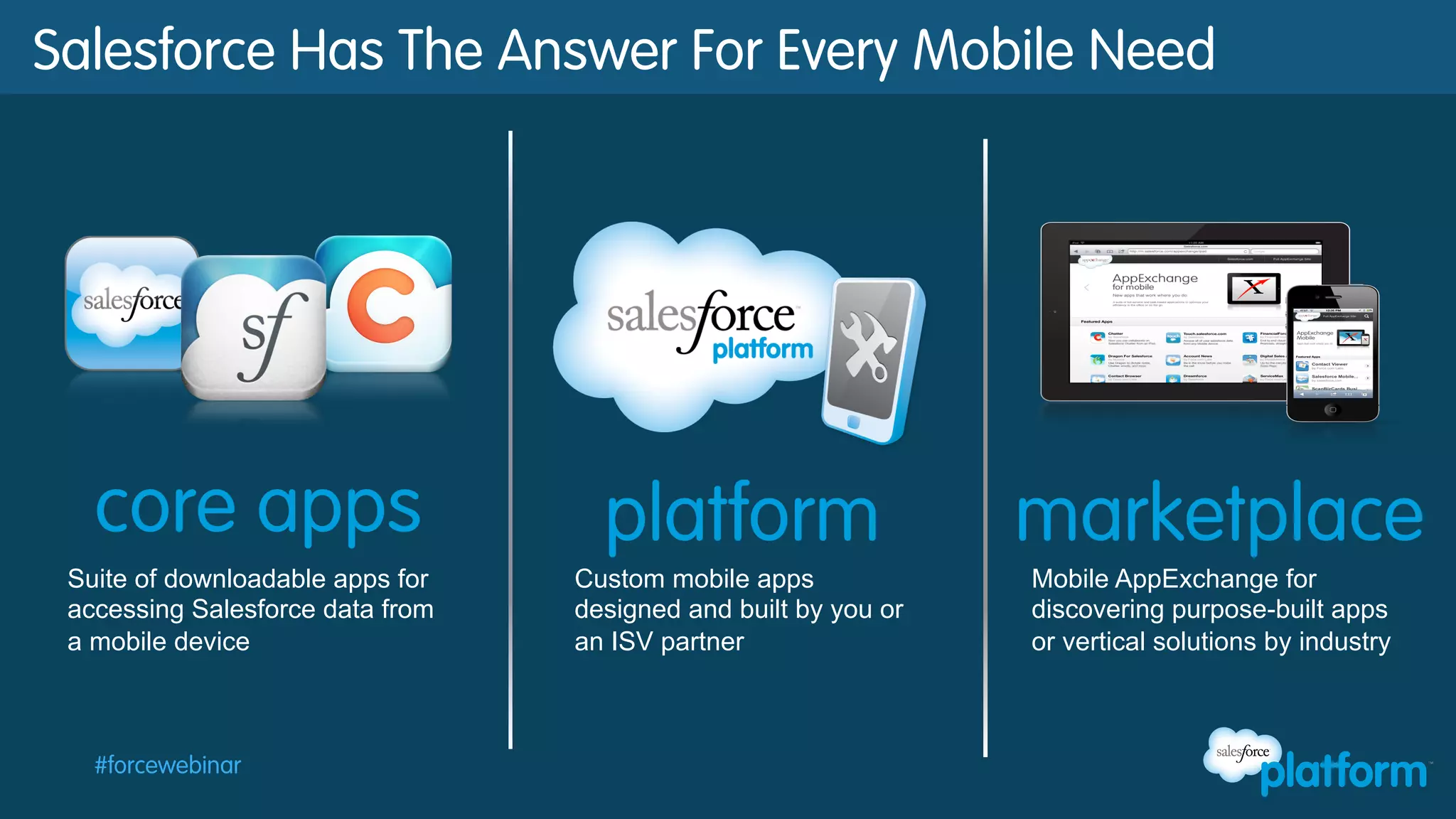
Salesforce Has The Answer For Every Mobile Need

Suite of downloadable apps for
accessing Salesforce data from
a mobile device

#forcewebinar

Custom mobile apps
designed and built by you or
an ISV partner

Mobile AppExchange for
discovering purpose-built apps
or vertical solutions by industry
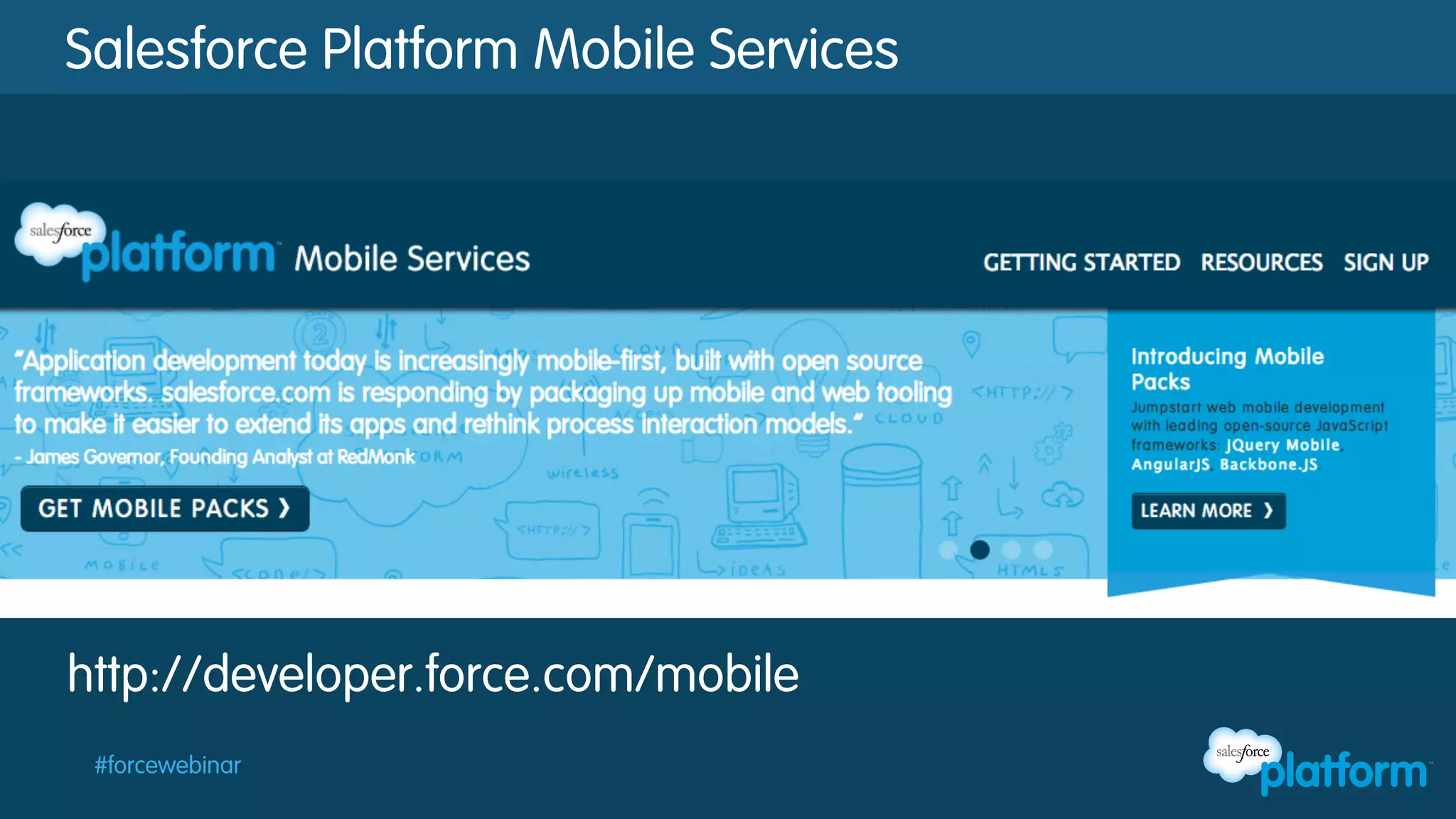
Salesforce Platform Mobile Services

http://developer.force.com/mobile
#forcewebinar
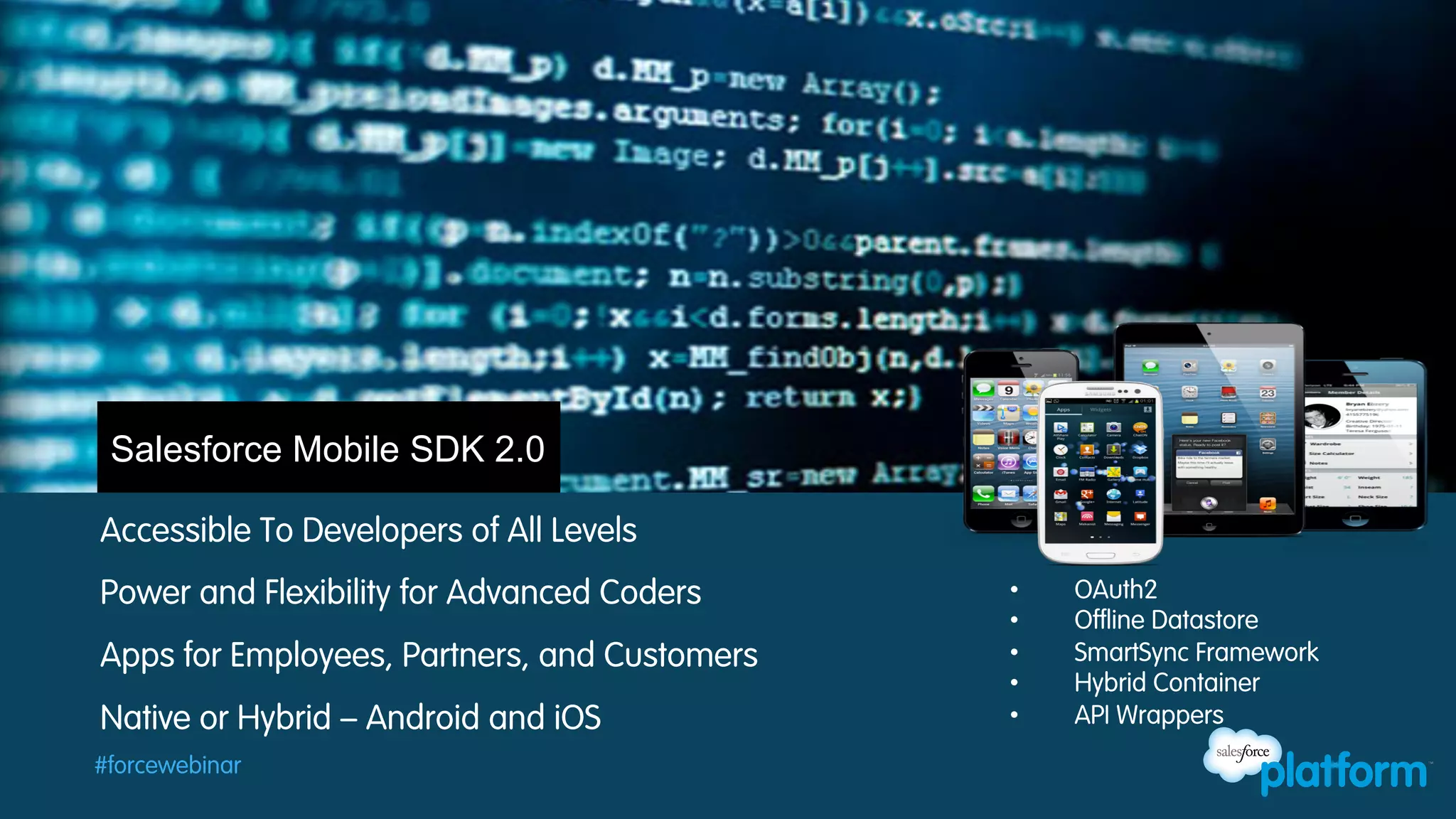
Salesforce Mobile SDK 2.0
Accessible To Developers of All Levels
Power and Flexibility for Advanced Coders
Apps for Employees, Partners, and Customers
Native or Hybrid – Android and iOS
#forcewebinar

• 
• 
• 
• 
• 

OAuth2
Offline Datastore
SmartSync Framework
Hybrid Container
API Wrappers
Getting Started
§  Node.js + NPM:
–  http://nodejs.org and http://npmjs.org

§  Download the forcedroid application
–  npm install forcedroid

§  Define your connected app
–  Setup / Apps / Connected Apps

§  Create the sample application
–  forcedroid create
#forcewebinar
Connected Apps
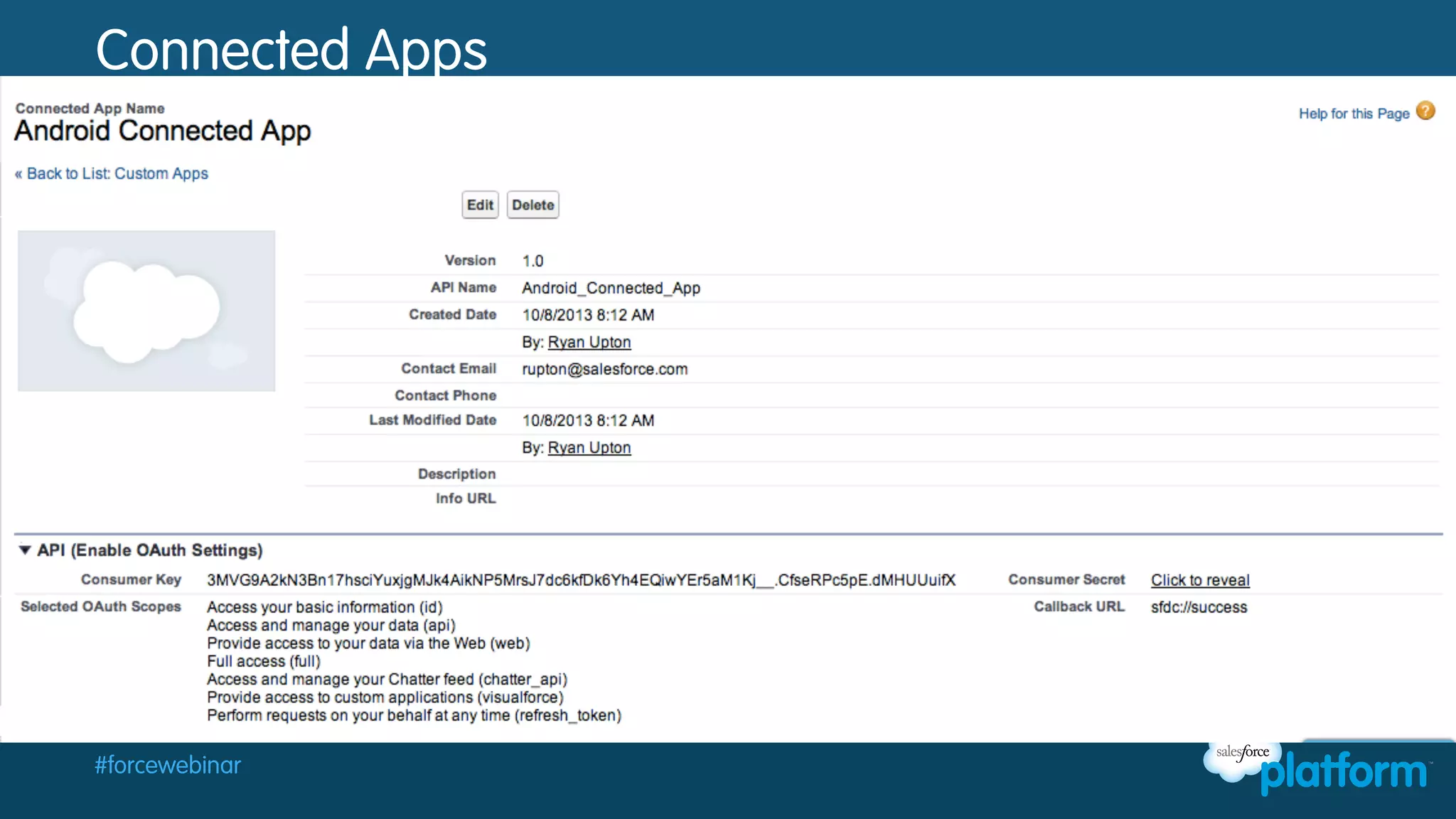
§  Define your application public and private keys
§  Define OAuth permission scope
§  Define features like Canvas access and PIN locking

#forcewebinar
Connected Apps

Chapter 1:

#forcewebinar
Building out the App
§  Review generated code
§  Customize the list screen
§ 

Create the detail screen

§  Test your app

#forcewebinar
Customize the List Screen
§  Remove buttons to fetch accounts and contacts
§  Change SOQL and run query on load
§  Try out the app

#forcewebinar
Create the Detail Screen
§  Create the detail activity and layout
§  Add support for update
§  Link main activity and detail activity
§  Try out the app

#forcewebinar
Recap
§  Getting started with the Mobile SDK and native Android
–  Connected Apps
–  npm install forcedroid
–  forcedroid create

§  Building your first application
–  Application Overview
–  ClientManager.java and RestClient.java
–  Adding and enabling the Detail View

#forcewebinar
Resources
§  Salesforce Platform Mobile Services
–  http://developer.force.com/mobile

§  Mobile SDK
–  npm install forcedroid
–  https://github.com/forcedotcom/

§  Android Tutorial
–  http://bit.ly/18fafoY

#forcewebinar
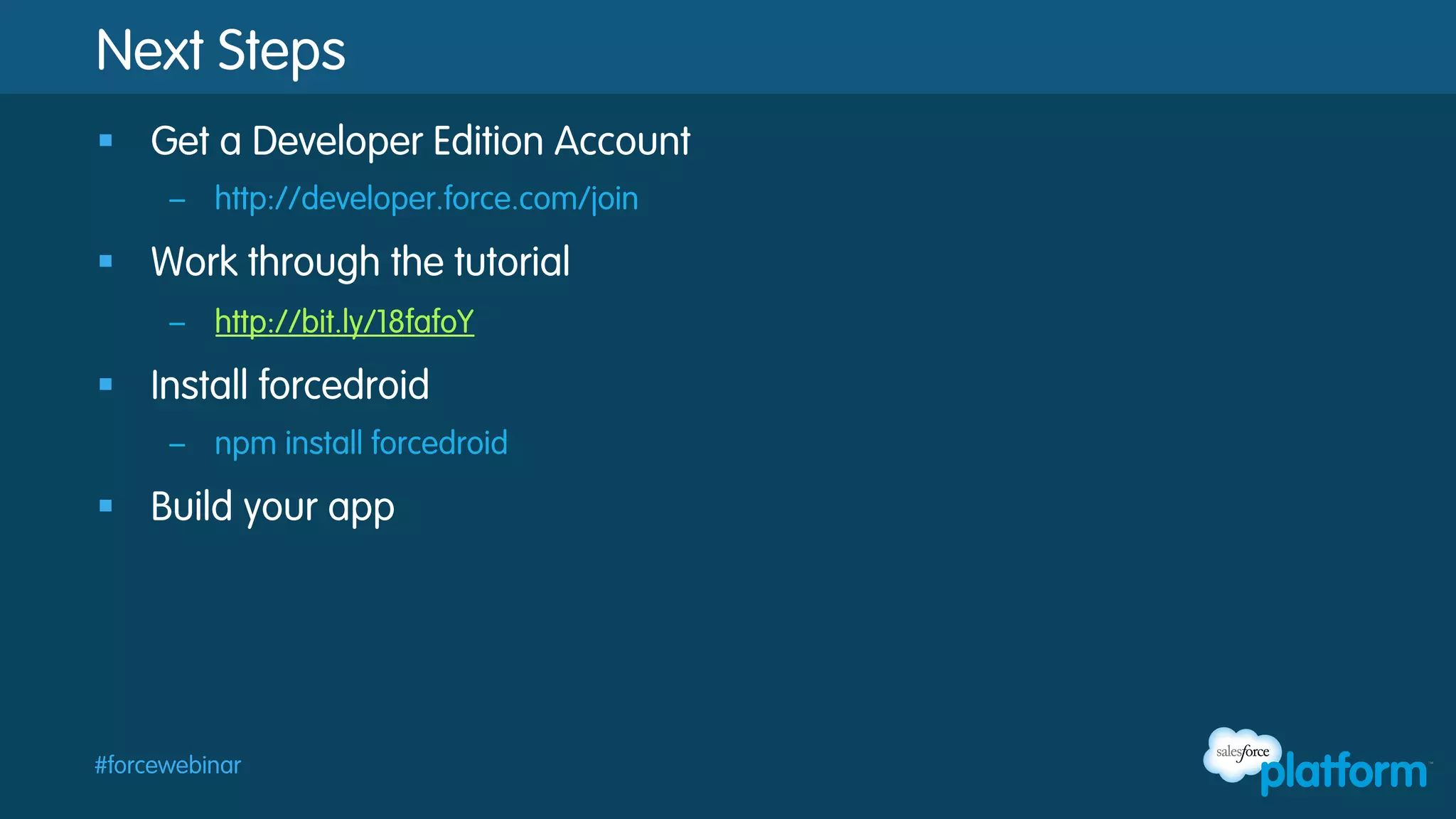
Next Steps
§  Get a Developer Edition Account
–  http://developer.force.com/join

§  Work through the tutorial
–  http://bit.ly/18fafoY

§  Install forcedroid
–  npm install forcedroid

§  Build your app

#forcewebinar
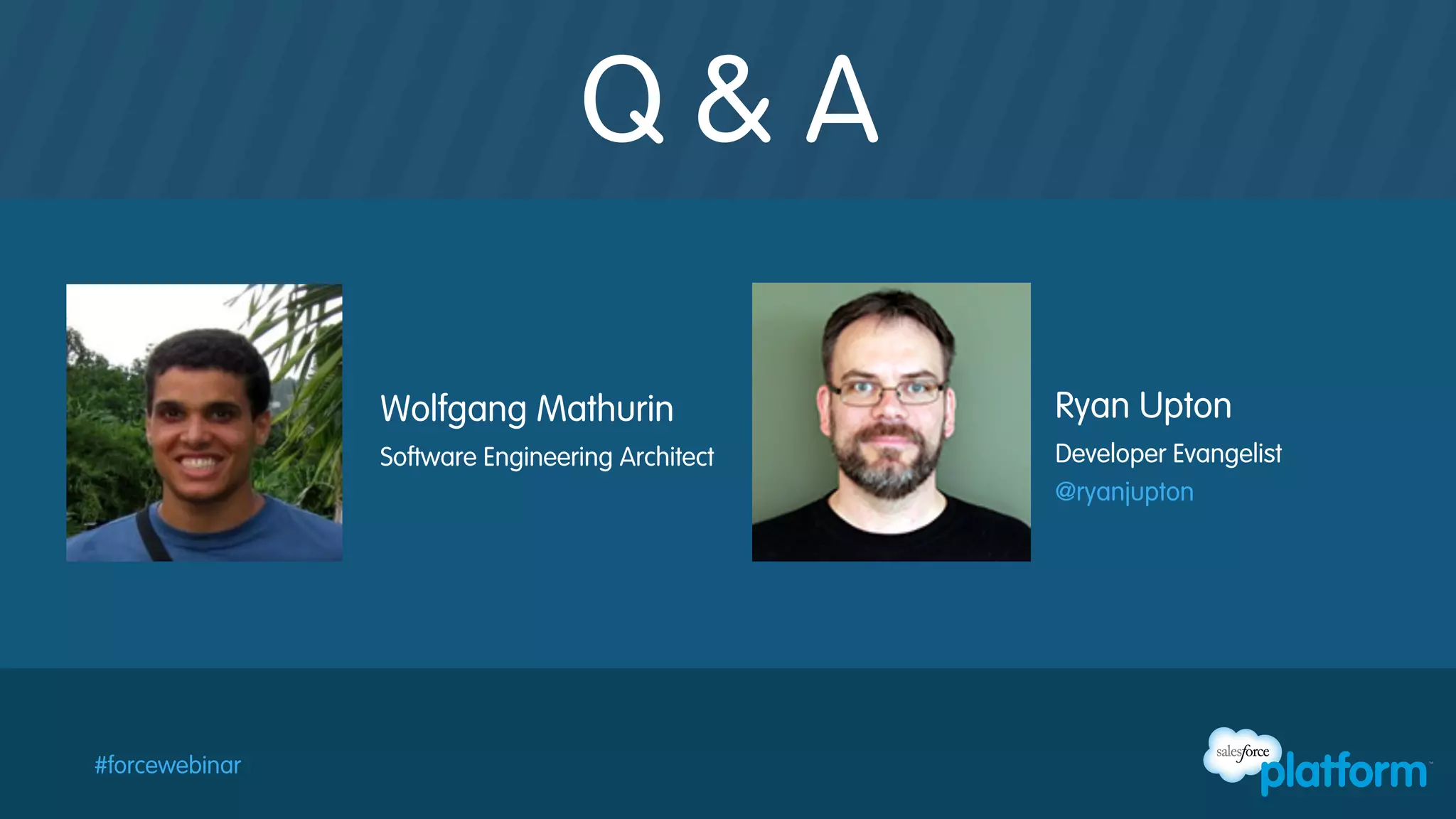
Q&A
Wolfgang Mathurin
Software Engineering Architect

#forcewebinar

Ryan Upton
Developer Evangelist
@ryanjupton

Intro to the Salesforce Mobile SDK: Building Android Apps

  • 1.
    Intro to theSalesforce Mobile SDK: Building Android Apps October 23rd, 2013
  • 2.
    Safe Harbor Safe harborstatement under the Private Securities Litigation Reform Act of 1995: This presentation may contain forward-looking statements that involve risks, uncertainties, and assumptions. If any such uncertainties materialize or if any of the assumptions proves incorrect, the results of salesforce.com, inc. could differ materially from the results expressed or implied by the forward-looking statements we make. All statements other than statements of historical fact could be deemed forward-looking, including any projections of product or service availability, subscriber growth, earnings, revenues, or other financial items and any statements regarding strategies or plans of management for future operations, statements of belief, any statements concerning new, planned, or upgraded services or technology developments and customer contracts or use of our services. The risks and uncertainties referred to above include – but are not limited to – risks associated with developing and delivering new functionality for our service, new products and services, our new business model, our past operating losses, possible fluctuations in our operating results and rate of growth, interruptions or delays in our Web hosting, breach of our security measures, the outcome of intellectual property and other litigation, risks associated with possible mergers and acquisitions, the immature market in which we operate, our relatively limited operating history, our ability to expand, retain, and motivate our employees and manage our growth, new releases of our service and successful customer deployment, our limited history reselling nonsalesforce.com products, and utilization and selling to larger enterprise customers. Further information on potential factors that could affect the financial results of salesforce.com, inc. is included in our annual report on Form 10-Q for the most recent fiscal quarter ended July 31, 2012. This documents and others containing important disclosures are available on the SEC Filings section of the Investor Information section of our Web site. Any unreleased services or features referenced in this or other presentations, press releases or public statements are not currently available and may not be delivered on time or at all. Customers who purchase our services should make the purchase decisions based upon features that are currently available. Salesforce.com, inc. assumes no obligation and does not intend to update these forward-looking statements. #forcewebinar
  • 3.
  • 4.
    Follow Developer Forcefor the Latest News @forcedotcom / #forcewebinar Developer Force – Force.com Community +Developer Force – Force.com Community Developer Force Developer Force Group #forcewebinar
  • 5.
    Agenda §  Getting Startedwith Android Native Apps §  Building your first Android App for Salesforce §  Resources and Next Steps §  Q & A #forcewebinar
  • 6.
    Salesforce Has TheAnswer For Every Mobile Need Suite of downloadable apps for accessing Salesforce data from a mobile device #forcewebinar Custom mobile apps designed and built by you or an ISV partner Mobile AppExchange for discovering purpose-built apps or vertical solutions by industry
  • 7.
    Salesforce Platform MobileServices http://developer.force.com/mobile #forcewebinar
  • 8.
    Salesforce Mobile SDK2.0 Accessible To Developers of All Levels Power and Flexibility for Advanced Coders Apps for Employees, Partners, and Customers Native or Hybrid – Android and iOS #forcewebinar •  •  •  •  •  OAuth2 Offline Datastore SmartSync Framework Hybrid Container API Wrappers
  • 9.
    Getting Started §  Node.js+ NPM: –  http://nodejs.org and http://npmjs.org §  Download the forcedroid application –  npm install forcedroid §  Define your connected app –  Setup / Apps / Connected Apps §  Create the sample application –  forcedroid create #forcewebinar
  • 10.
    Connected Apps §  Defineyour application public and private keys §  Define OAuth permission scope §  Define features like Canvas access and PIN locking #forcewebinar
  • 11.
  • 12.
    Building out theApp §  Review generated code §  Customize the list screen §  Create the detail screen §  Test your app #forcewebinar
  • 13.
    Customize the ListScreen §  Remove buttons to fetch accounts and contacts §  Change SOQL and run query on load §  Try out the app #forcewebinar
  • 14.
    Create the DetailScreen §  Create the detail activity and layout §  Add support for update §  Link main activity and detail activity §  Try out the app #forcewebinar
  • 15.
    Recap §  Getting startedwith the Mobile SDK and native Android –  Connected Apps –  npm install forcedroid –  forcedroid create §  Building your first application –  Application Overview –  ClientManager.java and RestClient.java –  Adding and enabling the Detail View #forcewebinar
  • 16.
    Resources §  Salesforce PlatformMobile Services –  http://developer.force.com/mobile §  Mobile SDK –  npm install forcedroid –  https://github.com/forcedotcom/ §  Android Tutorial –  http://bit.ly/18fafoY #forcewebinar
  • 17.
    Next Steps §  Geta Developer Edition Account –  http://developer.force.com/join §  Work through the tutorial –  http://bit.ly/18fafoY §  Install forcedroid –  npm install forcedroid §  Build your app #forcewebinar
  • 18.
    Q&A Wolfgang Mathurin Software EngineeringArchitect #forcewebinar Ryan Upton Developer Evangelist @ryanjupton