Email Communication Mind your e-mail manners By: Jiwanjot Singh
Email Communication Email has become a primary communications medium for many of us. It is (generally) reliable, allows for mass communication, and it lets you respond in your own time.
Email Etiquettes A company needs to implement etiquette rules for the following three reasons: Professionalism Efficiency Protection
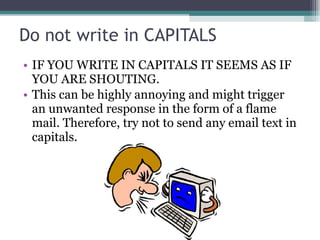
Do not write in CAPITALS IF YOU WRITE IN CAPITALS IT SEEMS AS IF YOU ARE SHOUTING.  This can be highly annoying and might trigger an unwanted response in the form of a flame mail. Therefore, try not to send any email text in capitals.
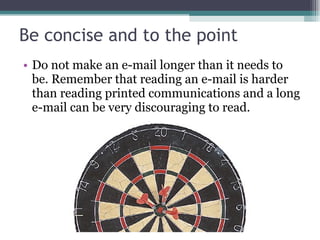
Be concise and to the point Do not make an e-mail longer than it needs to be. Remember that reading an e-mail is harder than reading printed communications and a long e-mail can be very discouraging to read.
Answer all questions, and pre-empt further questions If you do not answer all the questions in the original email, you will receive further e-mails regarding the unanswered questions, which will not only waste your time and your customer’s time but also cause considerable frustration. Moreover, if you are able to pre-empt relevant questions, your customer will be grateful and impressed with your efficient and thoughtful customer service.
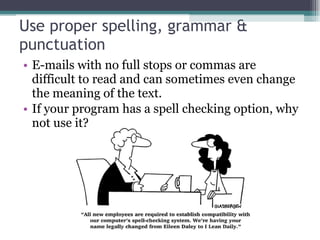
Use proper spelling, grammar & punctuation E-mails with no full stops or commas are difficult to read and can sometimes even change the meaning of the text. If your program has a spell checking option, why not use it?
Use templates Some questions you get over and over again, such how to subscribe to your newsletter, How to use dashboard.  Save these texts as response templates and paste these into your message when you need them.
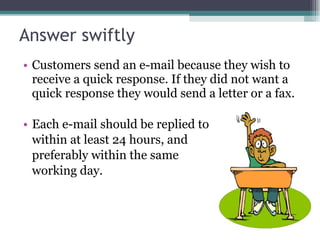
Answer swiftly Customers send an e-mail because they wish to receive a quick response. If they did not want a quick response they would send a letter or a fax. Each e-mail should be replied to within at least 24 hours, and  preferably within the same  working day.
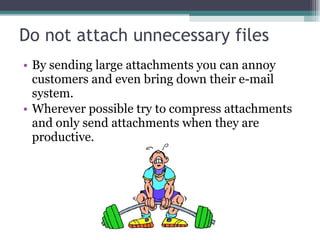
Do not attach unnecessary files By sending large attachments you can annoy customers and even bring down their e-mail system.  Wherever possible try to compress attachments and only send attachments when they are productive.
Use proper structure & layout Since reading from a screen is more difficult than reading from paper, the structure and lay out is very important for e-mail messages.  Use short paragraphs and blank lines between each paragraph.  When making points, number or bullet each point as separate to keep the overview.
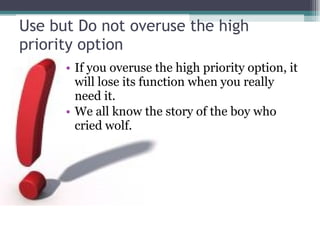
Use but Do not overuse the high priority option If you overuse the high priority option, it will lose its function when you really need it. We all know the story of the boy who cried wolf.
Don't leave out the message thread When you reply to an email, you must include the original mail in your reply, in other words click 'Reply', instead of 'New Mail'. It’s not possible for anyone to remember all his/her previous mails
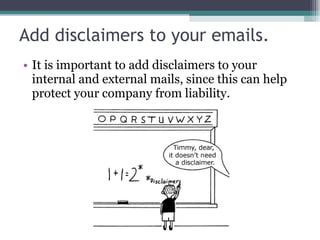
Add disclaimers to your emails. It is important to add disclaimers to your internal and external mails, since this can help protect your company from liability.
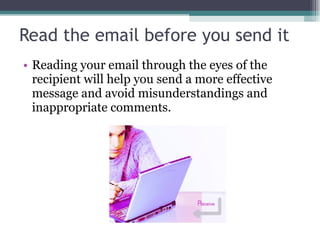
Read the email before you send it Reading your email through the eyes of the recipient will help you send a more effective message and avoid misunderstandings and inappropriate comments.
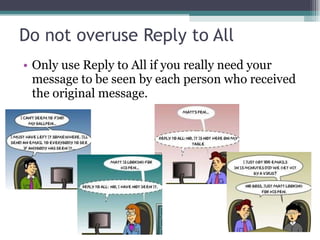
Do not overuse Reply to All Only use Reply to All if you really need your message to be seen by each person who received the original message.
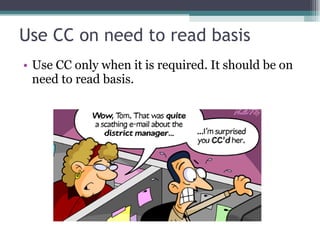
Use CC on need to read basis Use CC only when it is required. It should be on need to read basis.
Take care with abbreviations and emoticons In business emails, try not to use abbreviations such as BTW (by the way) and LOL (laugh out loud). The recipient might not be aware of the meanings of the abbreviations and in business emails these are generally not appropriate. The same goes for emoticons, such as the smileys :-).
Be careful with formatting Remember that when you use formatting in your emails, the sender might not be able to view formatting, or might see different fonts than you had intended. When using colors, use a color that is easy to read on the background.
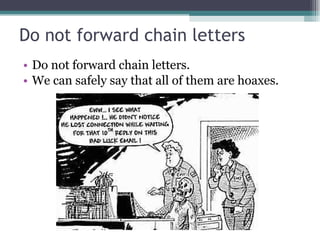
Do not forward chain letters Do not forward chain letters. We can safely say that all of them are hoaxes.
Mailings > use the Bcc or do a mail merge (1) When sending an email mailing, some people place all the email addresses in the To: field. There are two drawbacks to this practice:  The recipient knows that you have sent the same message to a large number of recipients You are publicizing someone else's email address without their permission.
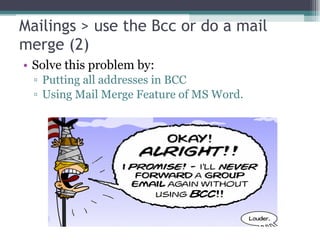
Mailings > use the Bcc or do a mail merge (2) Solve this problem by: Putting all addresses in BCC Using Mail Merge Feature of MS Word.
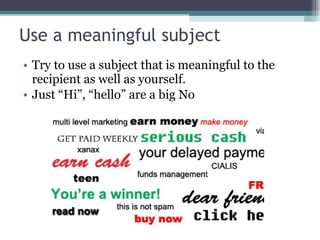
Use a meaningful subject Try to use a subject that is meaningful to the recipient as well as yourself. Just “Hi”, “hello” are a big No
Use active instead of passive Try to use the active voice of a verb wherever possible.  For instance, 'We will complete your task today', sounds better than 'Your task will be completed today'. The first sounds more personal, whereas the latter, especially when used frequently, sounds unnecessarily formal.
Keep your language gender neutral Avoid using sexist language Eg. He, She Use he/she or you can also use the neutral gender E.g.: “The user should add a signature to his email” should be “The user should add a signature to his/her email” or “The user should add a signature to the email”
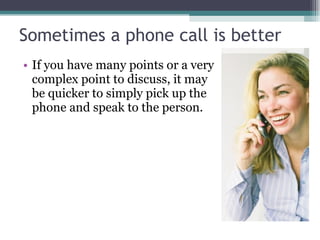
Sometimes a phone call is better If you have many points or a very complex point to discuss, it may be quicker to simply pick up the phone and speak to the person.
And that’s all folks!!! Hope you had a great time learning

Email Communication

  • 1.
    Email Communication Mindyour e-mail manners By: Jiwanjot Singh
  • 2.
    Email Communication Emailhas become a primary communications medium for many of us. It is (generally) reliable, allows for mass communication, and it lets you respond in your own time.
  • 3.
    Email Etiquettes Acompany needs to implement etiquette rules for the following three reasons: Professionalism Efficiency Protection
  • 4.
    Do not writein CAPITALS IF YOU WRITE IN CAPITALS IT SEEMS AS IF YOU ARE SHOUTING. This can be highly annoying and might trigger an unwanted response in the form of a flame mail. Therefore, try not to send any email text in capitals.
  • 5.
    Be concise andto the point Do not make an e-mail longer than it needs to be. Remember that reading an e-mail is harder than reading printed communications and a long e-mail can be very discouraging to read.
  • 6.
    Answer all questions,and pre-empt further questions If you do not answer all the questions in the original email, you will receive further e-mails regarding the unanswered questions, which will not only waste your time and your customer’s time but also cause considerable frustration. Moreover, if you are able to pre-empt relevant questions, your customer will be grateful and impressed with your efficient and thoughtful customer service.
  • 7.
    Use proper spelling,grammar & punctuation E-mails with no full stops or commas are difficult to read and can sometimes even change the meaning of the text. If your program has a spell checking option, why not use it?
  • 8.
    Use templates Somequestions you get over and over again, such how to subscribe to your newsletter, How to use dashboard. Save these texts as response templates and paste these into your message when you need them.
  • 9.
    Answer swiftly Customerssend an e-mail because they wish to receive a quick response. If they did not want a quick response they would send a letter or a fax. Each e-mail should be replied to within at least 24 hours, and preferably within the same working day.
  • 10.
    Do not attachunnecessary files By sending large attachments you can annoy customers and even bring down their e-mail system. Wherever possible try to compress attachments and only send attachments when they are productive.
  • 11.
    Use proper structure& layout Since reading from a screen is more difficult than reading from paper, the structure and lay out is very important for e-mail messages. Use short paragraphs and blank lines between each paragraph. When making points, number or bullet each point as separate to keep the overview.
  • 12.
    Use but Donot overuse the high priority option If you overuse the high priority option, it will lose its function when you really need it. We all know the story of the boy who cried wolf.
  • 13.
    Don't leave outthe message thread When you reply to an email, you must include the original mail in your reply, in other words click 'Reply', instead of 'New Mail'. It’s not possible for anyone to remember all his/her previous mails
  • 14.
    Add disclaimers toyour emails. It is important to add disclaimers to your internal and external mails, since this can help protect your company from liability.
  • 15.
    Read the emailbefore you send it Reading your email through the eyes of the recipient will help you send a more effective message and avoid misunderstandings and inappropriate comments.
  • 16.
    Do not overuseReply to All Only use Reply to All if you really need your message to be seen by each person who received the original message.
  • 17.
    Use CC onneed to read basis Use CC only when it is required. It should be on need to read basis.
  • 18.
    Take care withabbreviations and emoticons In business emails, try not to use abbreviations such as BTW (by the way) and LOL (laugh out loud). The recipient might not be aware of the meanings of the abbreviations and in business emails these are generally not appropriate. The same goes for emoticons, such as the smileys :-).
  • 19.
    Be careful withformatting Remember that when you use formatting in your emails, the sender might not be able to view formatting, or might see different fonts than you had intended. When using colors, use a color that is easy to read on the background.
  • 20.
    Do not forwardchain letters Do not forward chain letters. We can safely say that all of them are hoaxes.
  • 21.
    Mailings > usethe Bcc or do a mail merge (1) When sending an email mailing, some people place all the email addresses in the To: field. There are two drawbacks to this practice: The recipient knows that you have sent the same message to a large number of recipients You are publicizing someone else's email address without their permission.
  • 22.
    Mailings > usethe Bcc or do a mail merge (2) Solve this problem by: Putting all addresses in BCC Using Mail Merge Feature of MS Word.
  • 23.
    Use a meaningfulsubject Try to use a subject that is meaningful to the recipient as well as yourself. Just “Hi”, “hello” are a big No
  • 24.
    Use active insteadof passive Try to use the active voice of a verb wherever possible. For instance, 'We will complete your task today', sounds better than 'Your task will be completed today'. The first sounds more personal, whereas the latter, especially when used frequently, sounds unnecessarily formal.
  • 25.
    Keep your languagegender neutral Avoid using sexist language Eg. He, She Use he/she or you can also use the neutral gender E.g.: “The user should add a signature to his email” should be “The user should add a signature to his/her email” or “The user should add a signature to the email”
  • 26.
    Sometimes a phonecall is better If you have many points or a very complex point to discuss, it may be quicker to simply pick up the phone and speak to the person.
  • 27.
    And that’s allfolks!!! Hope you had a great time learning