6
Do's and Don'ts in Corporate
Emails
A No-brainer!
ArjunKumar| Sr. Manager– Sales& Marketing| eBrandzInc.
Introduction to DOs
Write to others the
way you would
want others to
write to you. Let us
look at some of the
DOs.
Dos #1
Always begin your email with a
pleasant greeting like -
Hope you are doing well.
Hope you had a nice Easter
weekend.
Dos #2
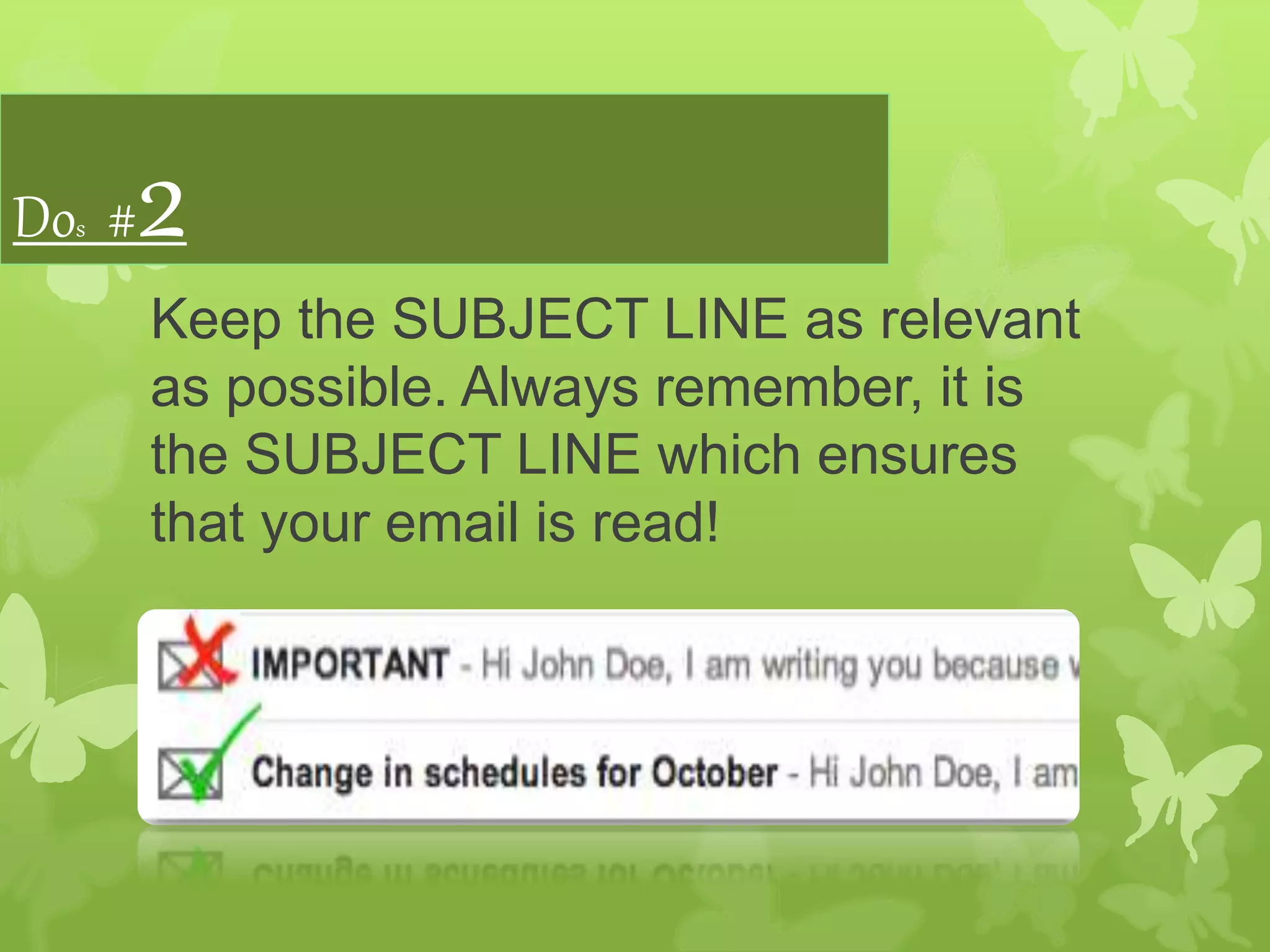
Keep the SUBJECT LINE as relevant
as possible. Always remember, it is
the SUBJECT LINE which ensures
that your email is read!
Dos #3
Break the content into POINTS and/or
PARAGRAPHS grouped together
based on subtopics instead of one big
chunk of text.
Dos #4
Break your sentences down. Use short
sentences. Avoid long sentences with 100s
of punctuations. I would usually forget the
first part of a sentence by the time I read
towards the end of a really long sentence.
Dos #5
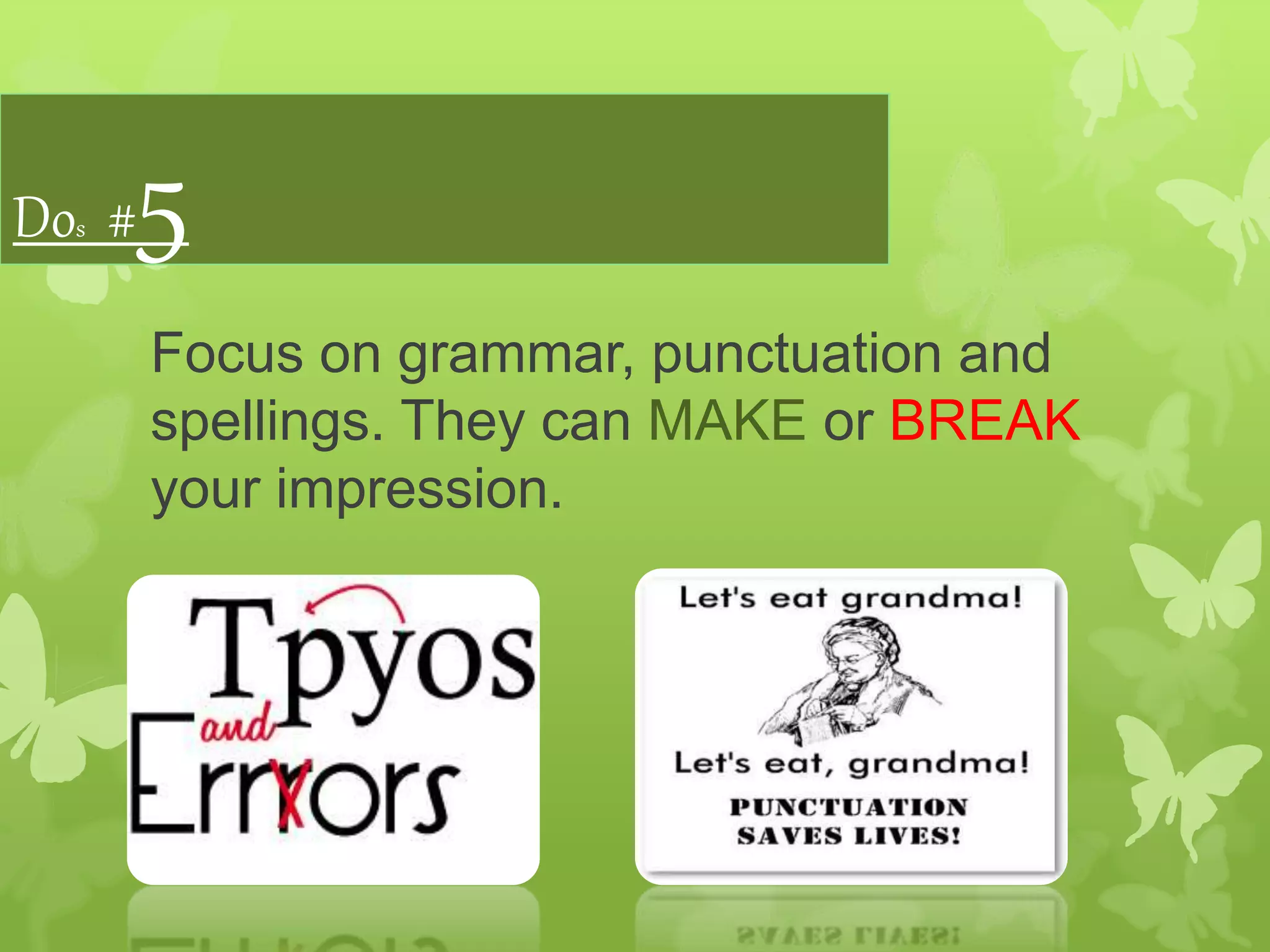
Focus on grammar, punctuation and
spellings. They can MAKE or BREAK
your impression.
Dos #6
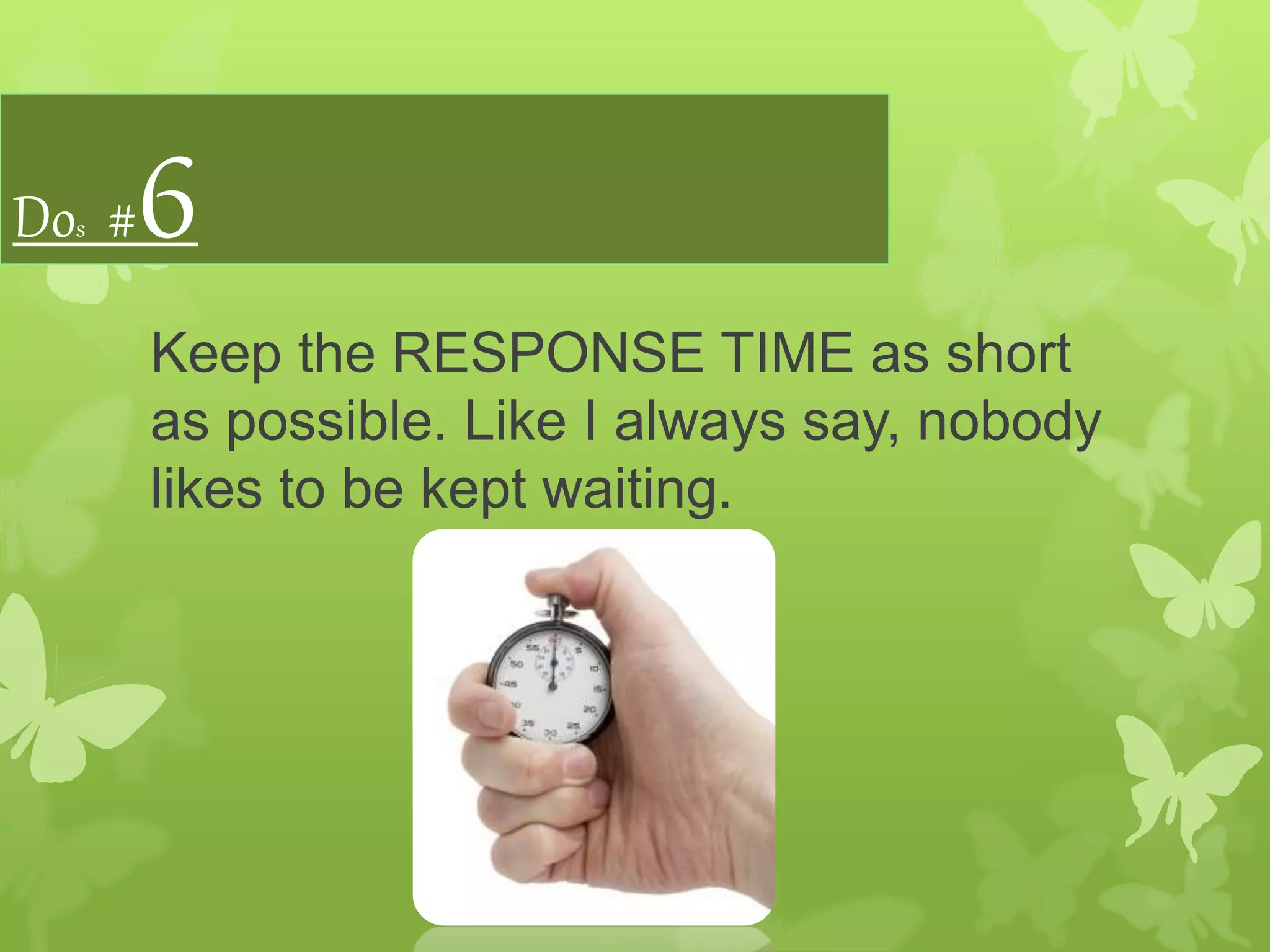
Keep the RESPONSE TIME as short
as possible. Like I always say, nobody
likes to be kept waiting.
Introduction to Don’ts
Double check your
emails before
hitting the SEND
button. Let us look
at some of the
DON’Ts.
Don’ts #1
Do not keep the subject line too long.
Emails with a mile long subject line
look spammy!
Don’ts #2
Do not use an email to show off your
vocabulary. Keep it simple! You don’t
have to be a lexicomane or
sesquipedalian. Go on, Google them!
Don’ts #3
Do not use negative words / phrases directly.
Instead churn them like -
 I am afraid I would not be able to...
 I would have loved to offer you a 20% but….
 Perhaps, I can agree to...
For example –
Client: I want a 20% discount on the monthly pricing.
You: We cannot offer a 20% discount.
You: I would have loved to offer you a 20% but the best we
can do is offer you our white label rates at a 15% discount.
Don’ts #4
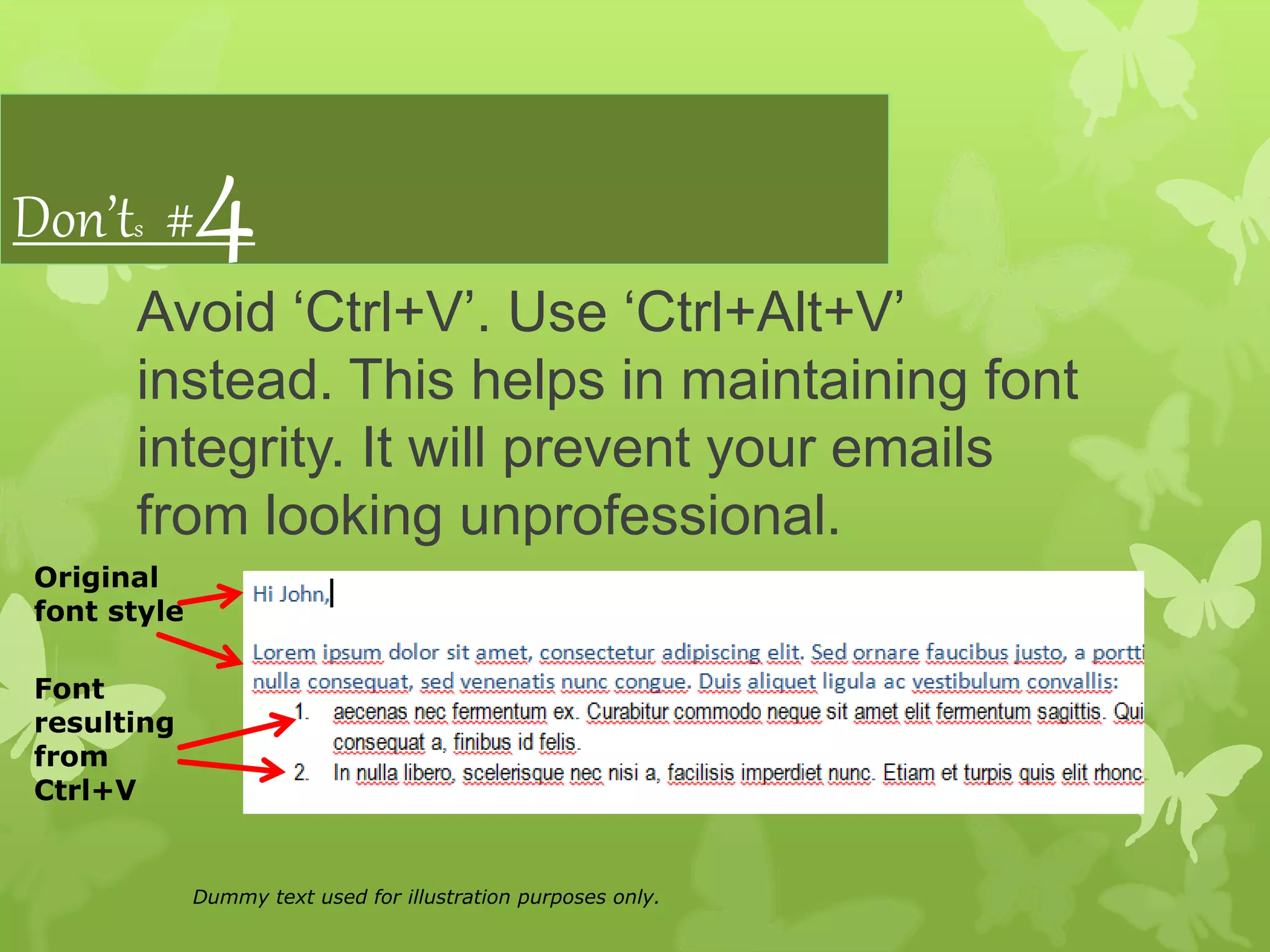
Avoid ‘Ctrl+V’. Use ‘Ctrl+Alt+V’
instead. This helps in maintaining font
integrity. It will prevent your emails
from looking unprofessional.
Original
font style
Font
resulting
from
Ctrl+V
Dummy text used for illustration purposes only.
Don’ts #5
Avoid using unusual colors. Traditional
plain black or the 'Outlook" blue are
the best!
Don’ts #6
Do not end an email abruptly. Use a
professional closing.
Thank You !

DOs and DON'Ts in Corporate Emails

  • 1.
    6 Do's and Don'tsin Corporate Emails A No-brainer! ArjunKumar| Sr. Manager– Sales& Marketing| eBrandzInc.
  • 2.
    Introduction to DOs Writeto others the way you would want others to write to you. Let us look at some of the DOs.
  • 3.
    Dos #1 Always beginyour email with a pleasant greeting like - Hope you are doing well. Hope you had a nice Easter weekend.
  • 4.
    Dos #2 Keep theSUBJECT LINE as relevant as possible. Always remember, it is the SUBJECT LINE which ensures that your email is read!
  • 5.
    Dos #3 Break thecontent into POINTS and/or PARAGRAPHS grouped together based on subtopics instead of one big chunk of text.
  • 6.
    Dos #4 Break yoursentences down. Use short sentences. Avoid long sentences with 100s of punctuations. I would usually forget the first part of a sentence by the time I read towards the end of a really long sentence.
  • 7.
    Dos #5 Focus ongrammar, punctuation and spellings. They can MAKE or BREAK your impression.
  • 8.
    Dos #6 Keep theRESPONSE TIME as short as possible. Like I always say, nobody likes to be kept waiting.
  • 9.
    Introduction to Don’ts Doublecheck your emails before hitting the SEND button. Let us look at some of the DON’Ts.
  • 10.
    Don’ts #1 Do notkeep the subject line too long. Emails with a mile long subject line look spammy!
  • 11.
    Don’ts #2 Do notuse an email to show off your vocabulary. Keep it simple! You don’t have to be a lexicomane or sesquipedalian. Go on, Google them!
  • 12.
    Don’ts #3 Do notuse negative words / phrases directly. Instead churn them like -  I am afraid I would not be able to...  I would have loved to offer you a 20% but….  Perhaps, I can agree to... For example – Client: I want a 20% discount on the monthly pricing. You: We cannot offer a 20% discount. You: I would have loved to offer you a 20% but the best we can do is offer you our white label rates at a 15% discount.
  • 13.
    Don’ts #4 Avoid ‘Ctrl+V’.Use ‘Ctrl+Alt+V’ instead. This helps in maintaining font integrity. It will prevent your emails from looking unprofessional. Original font style Font resulting from Ctrl+V Dummy text used for illustration purposes only.
  • 14.
    Don’ts #5 Avoid usingunusual colors. Traditional plain black or the 'Outlook" blue are the best!
  • 15.
    Don’ts #6 Do notend an email abruptly. Use a professional closing.
  • 16.