Ms. Amany H. ALKhayat
Lecturer,
English Department
Prince Sultan University, KSA
anaucian@hotmail.com
Quotation
 “Nobody's good in everything. Advantages and
disadvantages come in many forms.”
Charles Schwab: Founder of Schwab Learning
(He failed remedial English and came perilously close to
flunking out of college.)
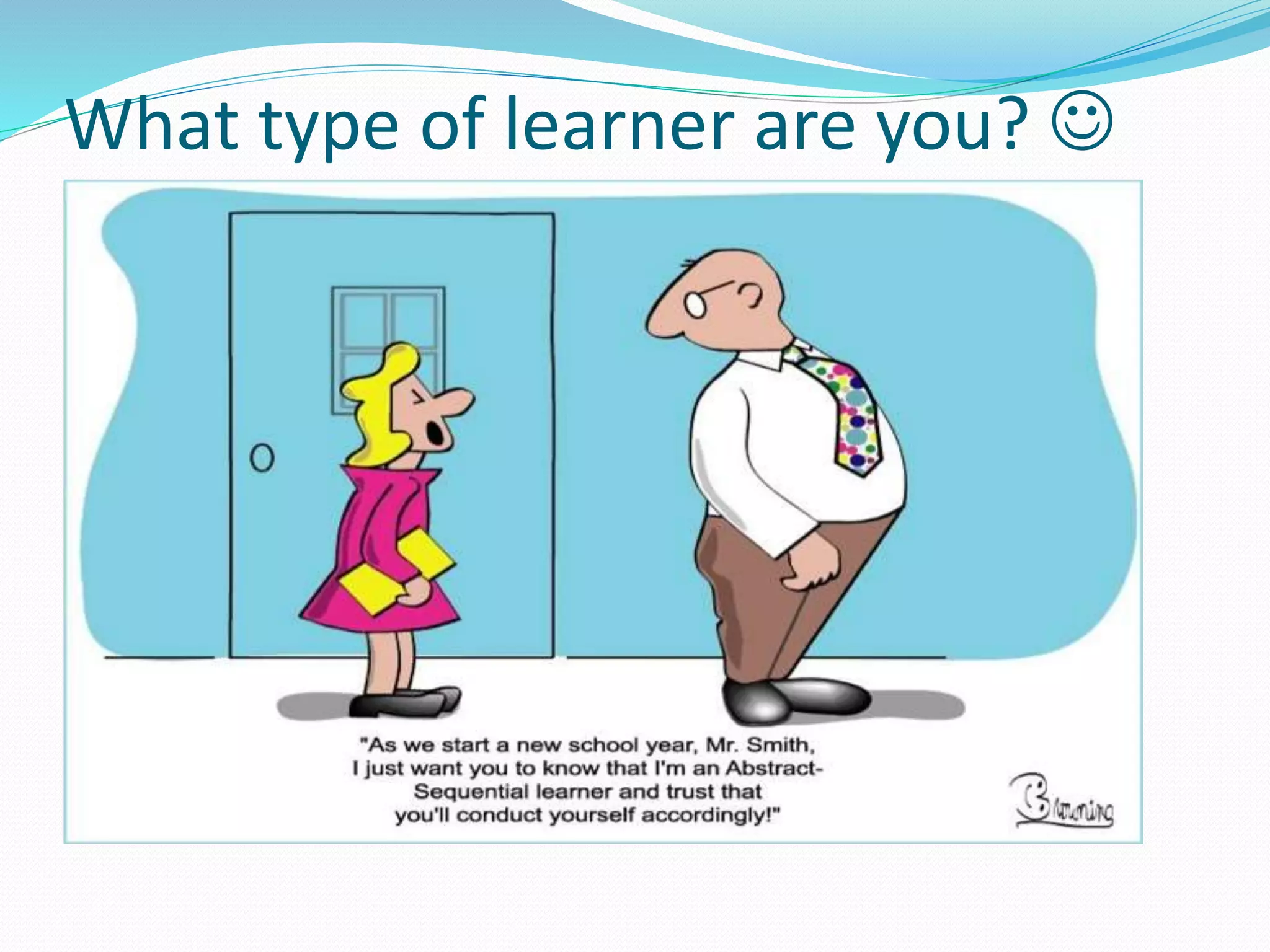
What type of learner are you? 
Learning styles
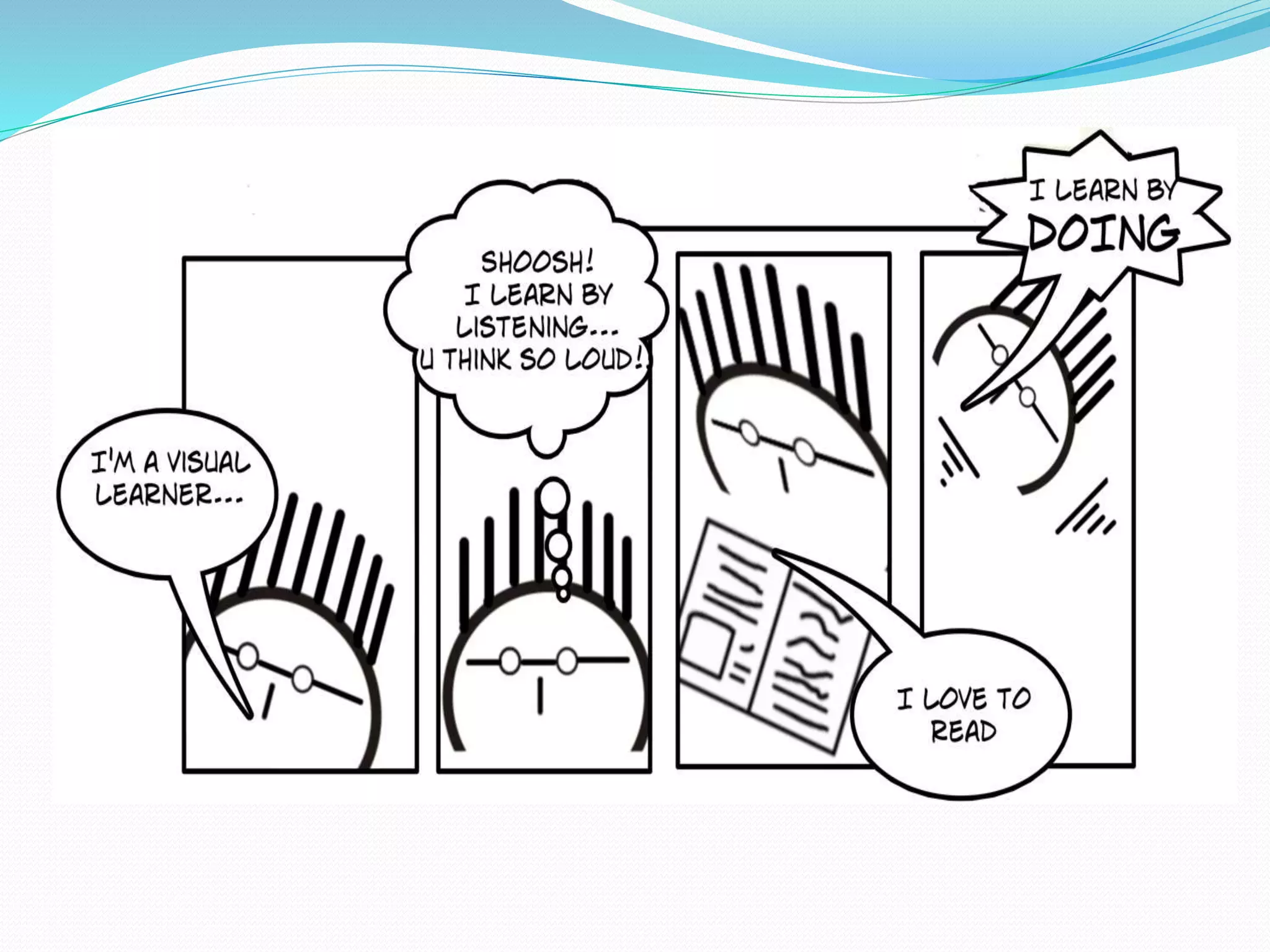
 A learning style: is how you learn best through
different approaches or ways of learning.
 Types of learning styles:
 Visual: prefer reading, drawing or studying diagrams
and charts.
 Auditory : learners who learn best by hearing
information such as responding to lectures they have
heard.
 Kinesthetic: learn best by involving bodily movement.
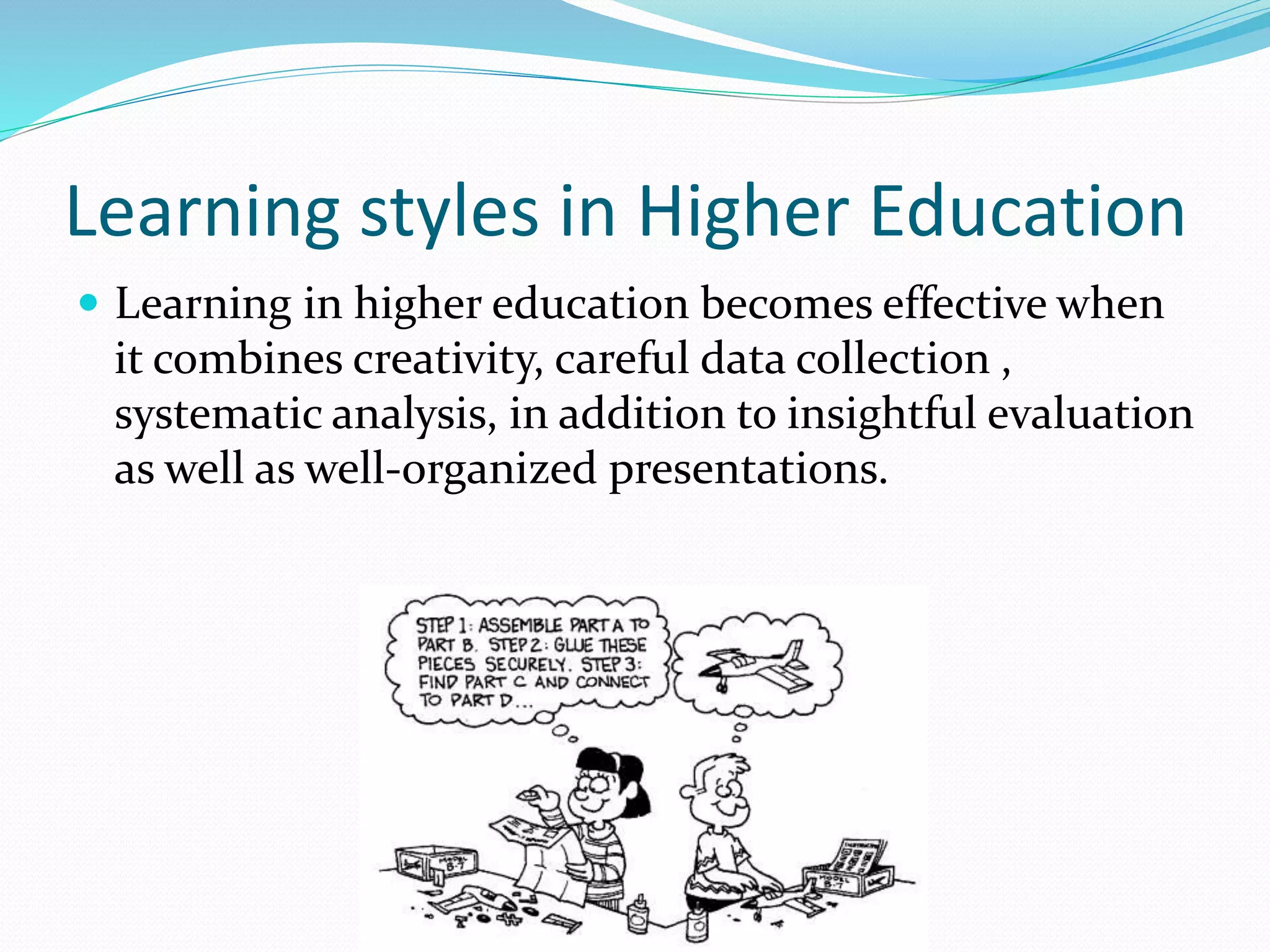
Learning styles in Higher Education
 Learning in higher education becomes effective when
it combines creativity, careful data collection ,
systematic analysis, in addition to insightful evaluation
as well as well-organized presentations.
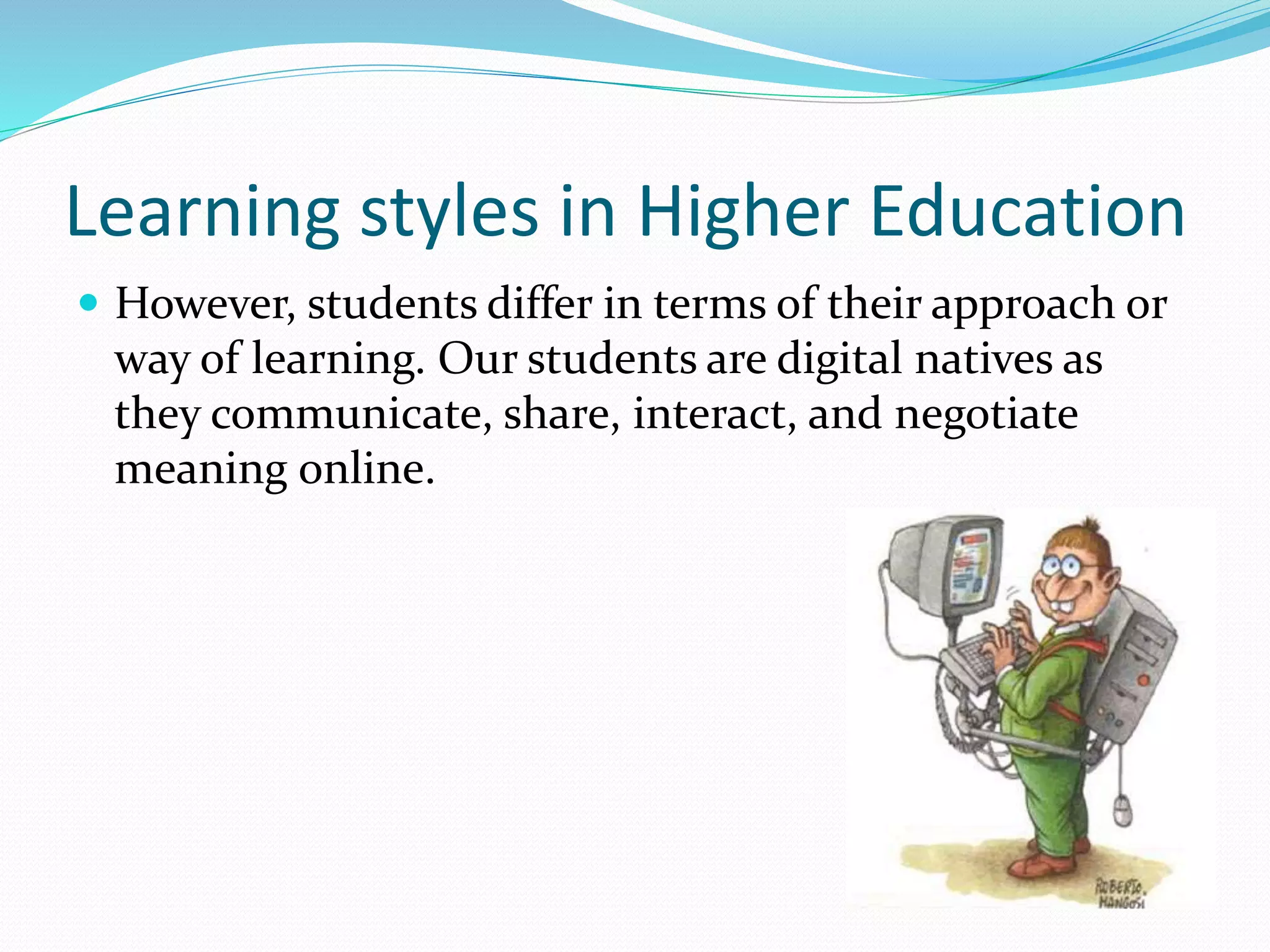
Learning styles in Higher Education
 However, students differ in terms of their approach or
way of learning. Our students are digital natives as
they communicate, share, interact, and negotiate
meaning online.
Why should we integrate
technology?
 To adapt to different learning styles.
 Active learning: that is conducive to learner autonomy;
students take responsibility for what they learn:
Projects
 Cooperative learning: Blogging
 Individualized learning: Reading speed, hotpotatoes
(different speeds, and needs)
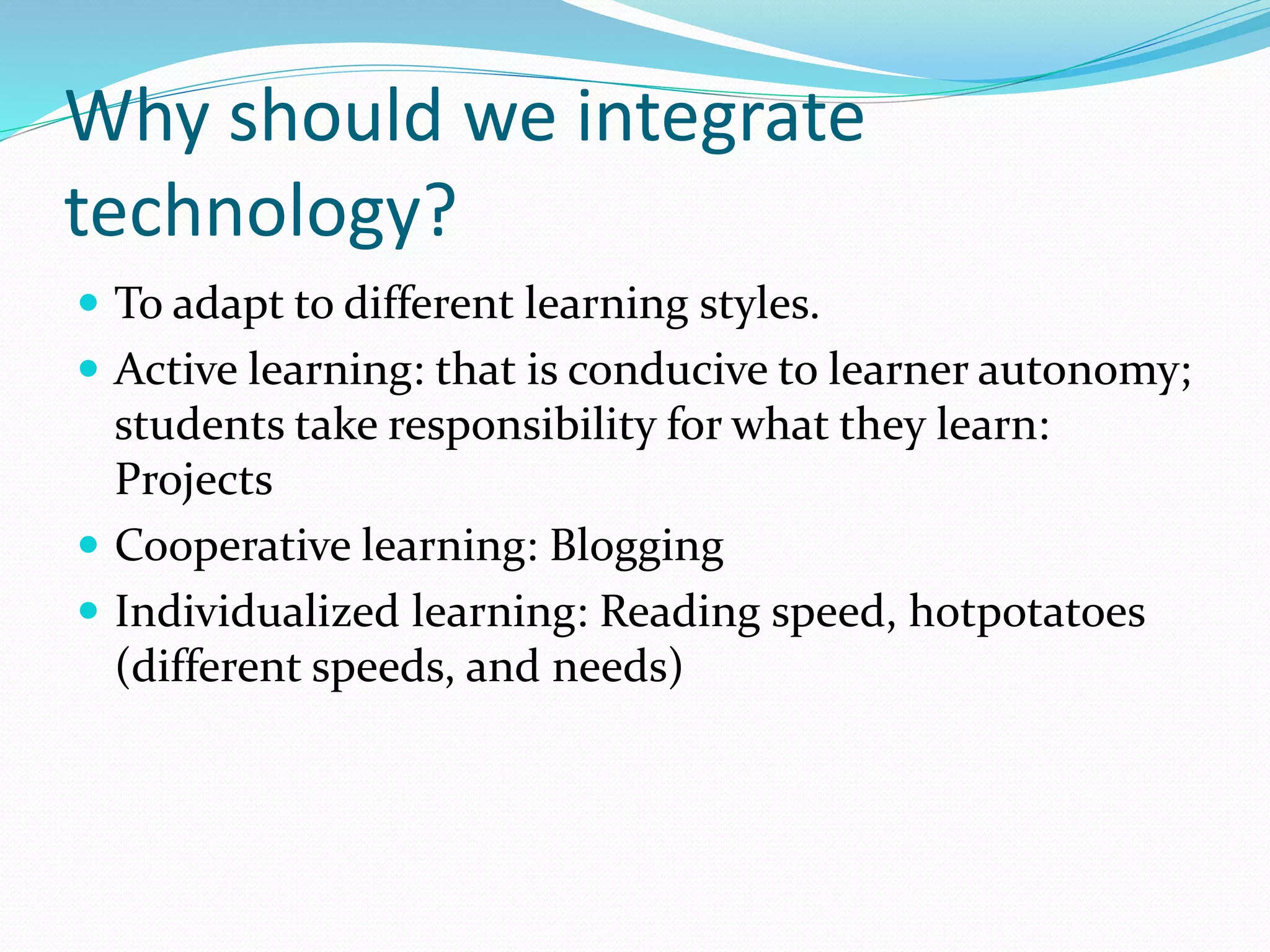
Characteristics of a Visual Learner
 Remember what they see rather than what they
hear
 Retain information through diagrams and pictures
 reading and writing is preferable to them than
listening
 Have trouble recalling
verbal instructions
 Short attention span .
Visual Tools:
 Online mindmapping software for students, business,
and individuals.
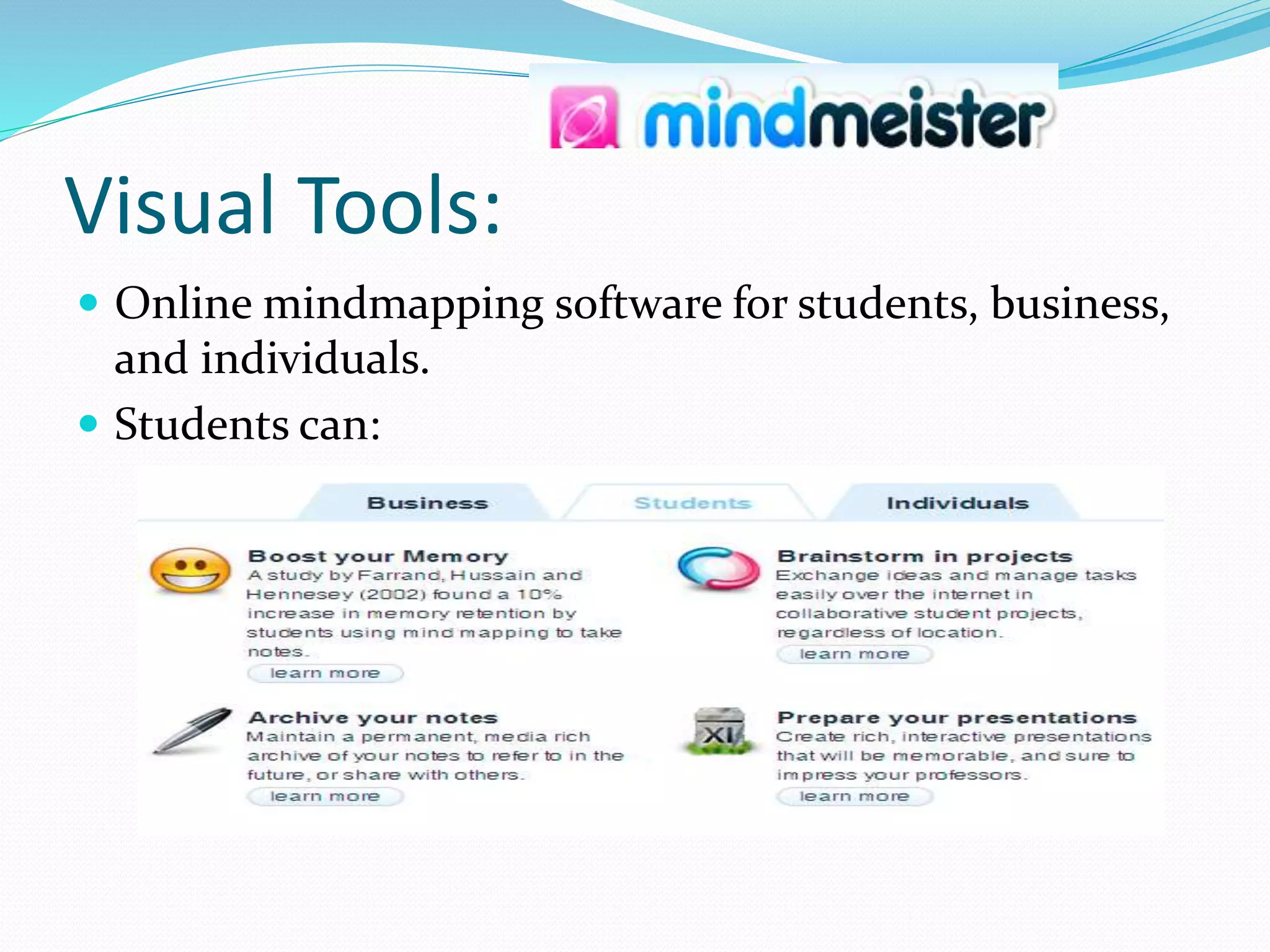
 Students can:
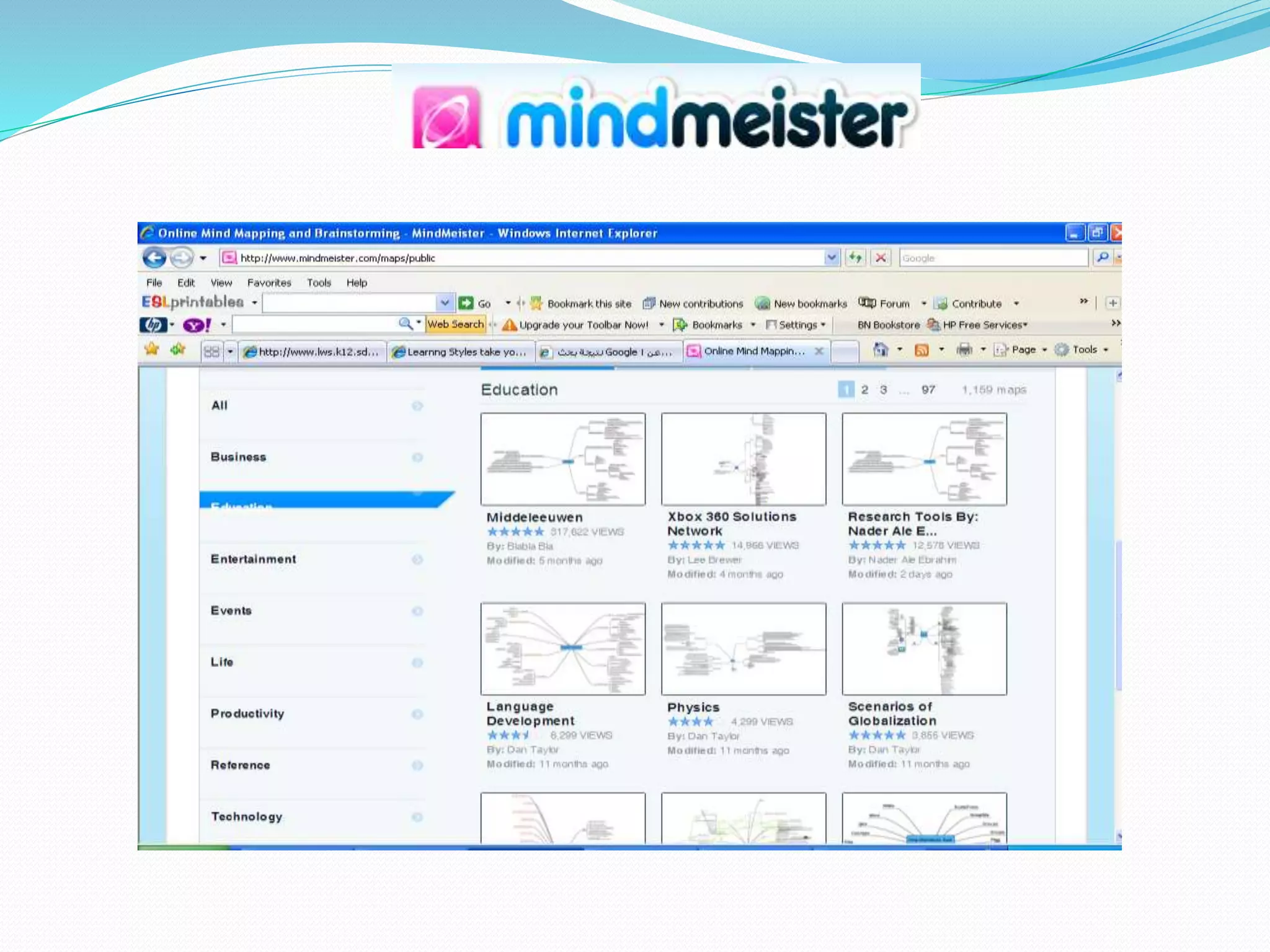
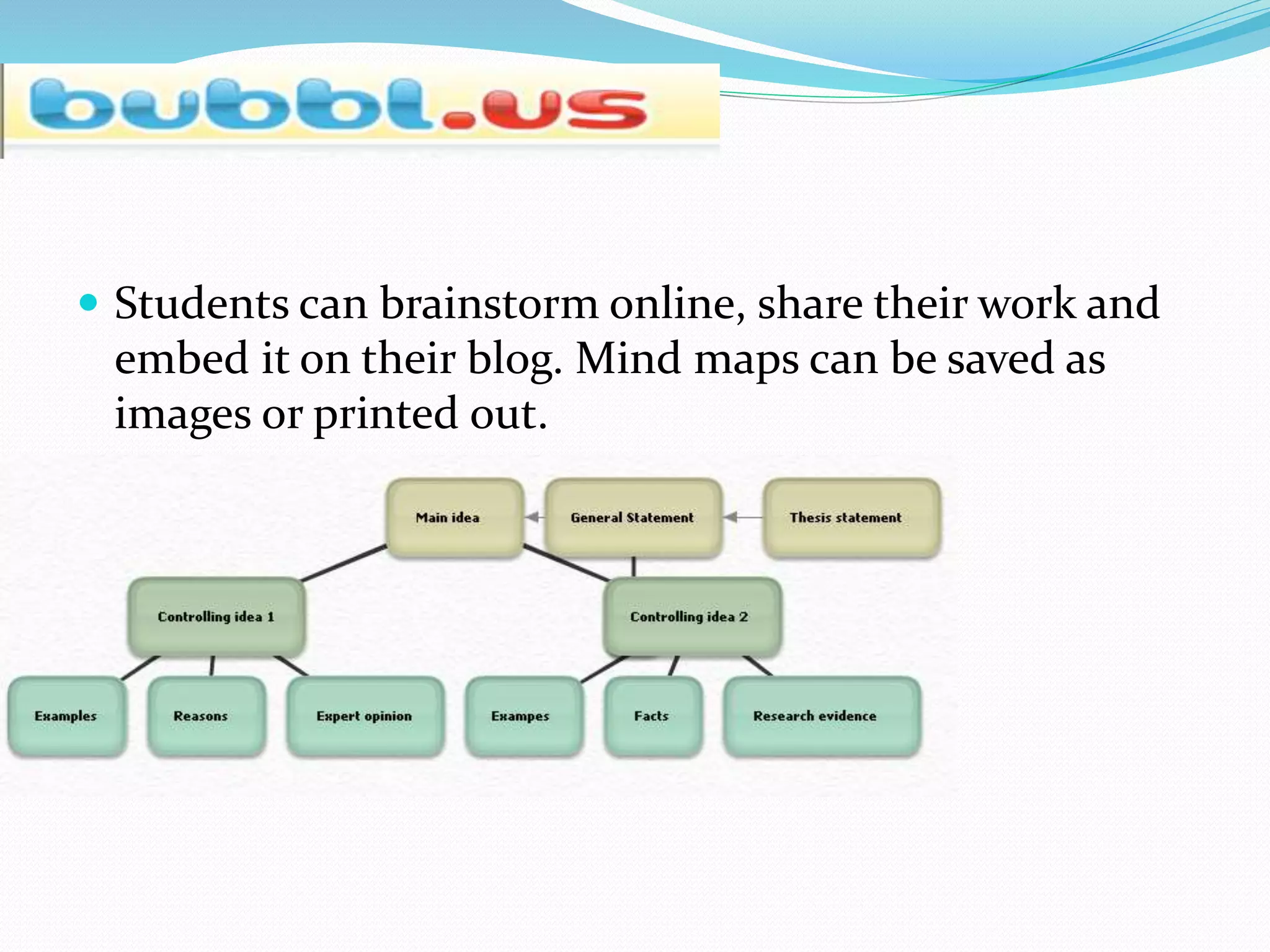
 Students can brainstorm online, share their work and
embed it on their blog. Mind maps can be saved as
images or printed out.
Graphical Dictionaries
 Visuwords:
http://www.visuwords.com/?word=democracy
 http://wordsift.com/
 Here’s an activity: action
 Attention combination confusion motion nation
permission production question quotation section
sensation tension vacation vision

Online videos
 Teacher Tube : For hosting instructional videos
 Also has many videos for a plethora of subjects.
Students and teachers can subscribe for the Scientist
magazine
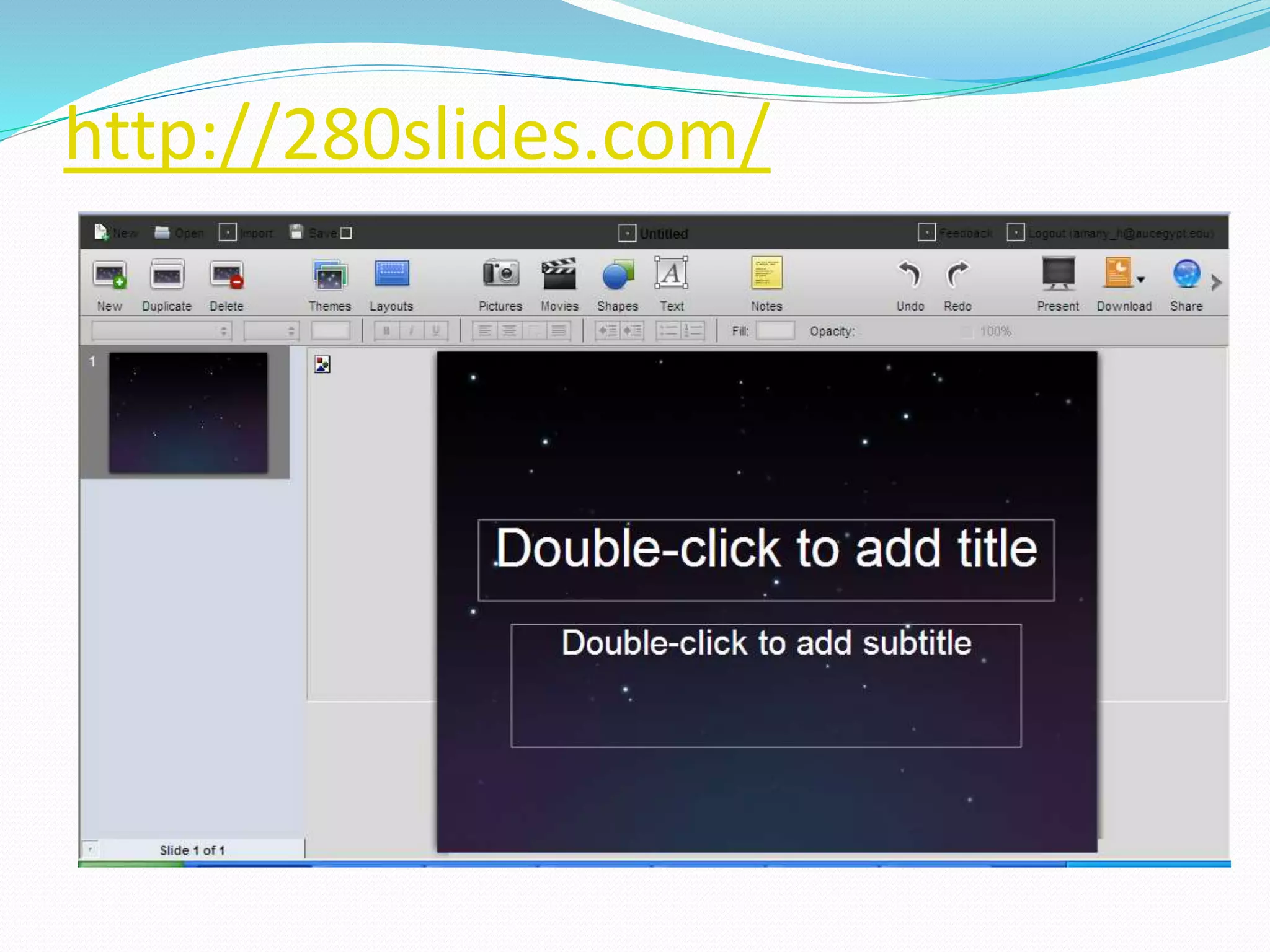
http://280slides.com/
Characteristics of Auditory learners
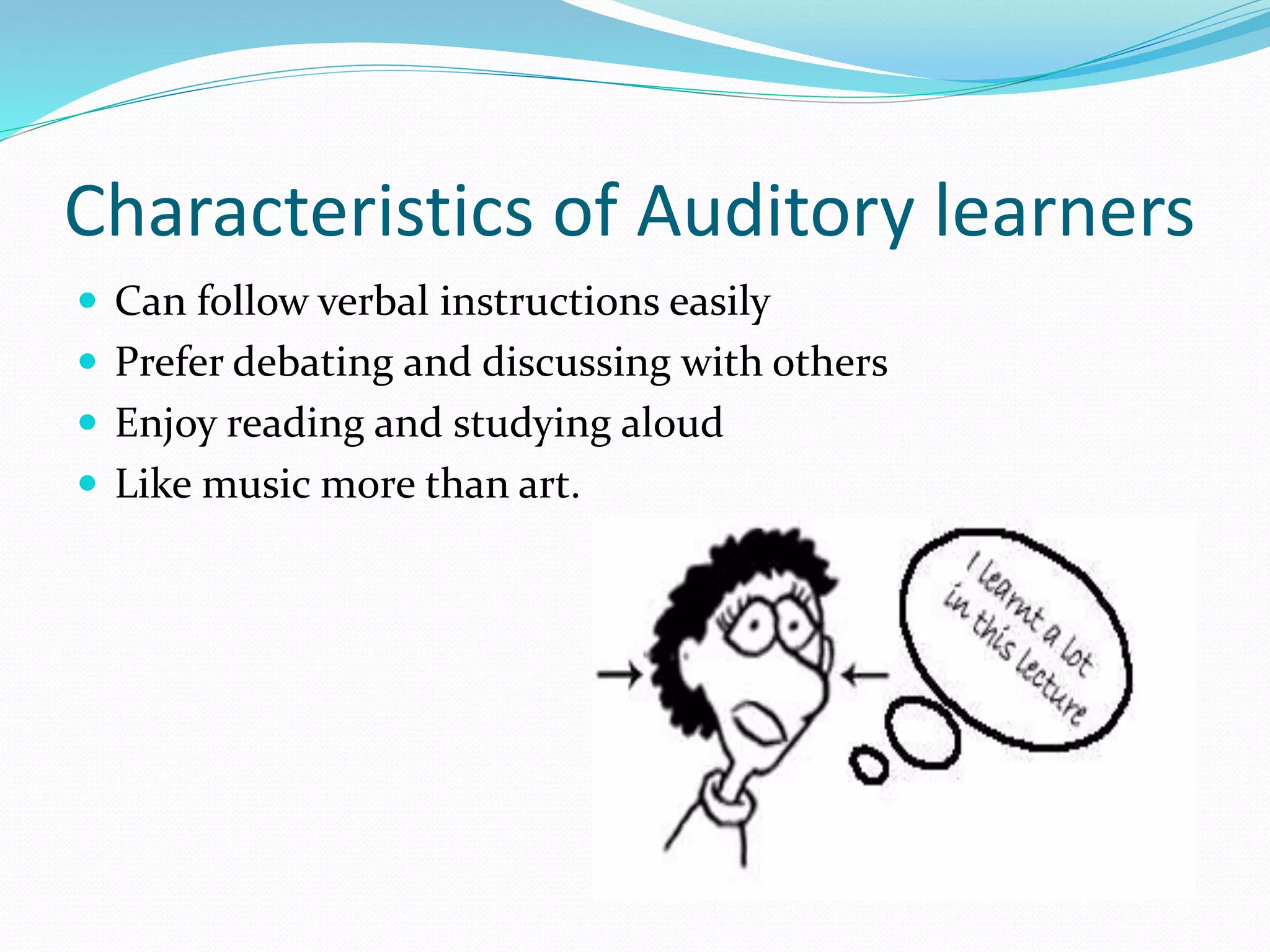
 Can follow verbal instructions easily
 Prefer debating and discussing with others
 Enjoy reading and studying aloud
 Like music more than art.
Tools for Auditory learners Free Audio books online:
 Project Gutenberg: Human-read
and computer-generated audio
Books. These audio books can also
be downloaded for free on the user’s iPad, Kindle, Nook,
Sony Reader, iPhone, iPod Touch, Android or other
mobile or cell phone.
Opportunity for MLearning
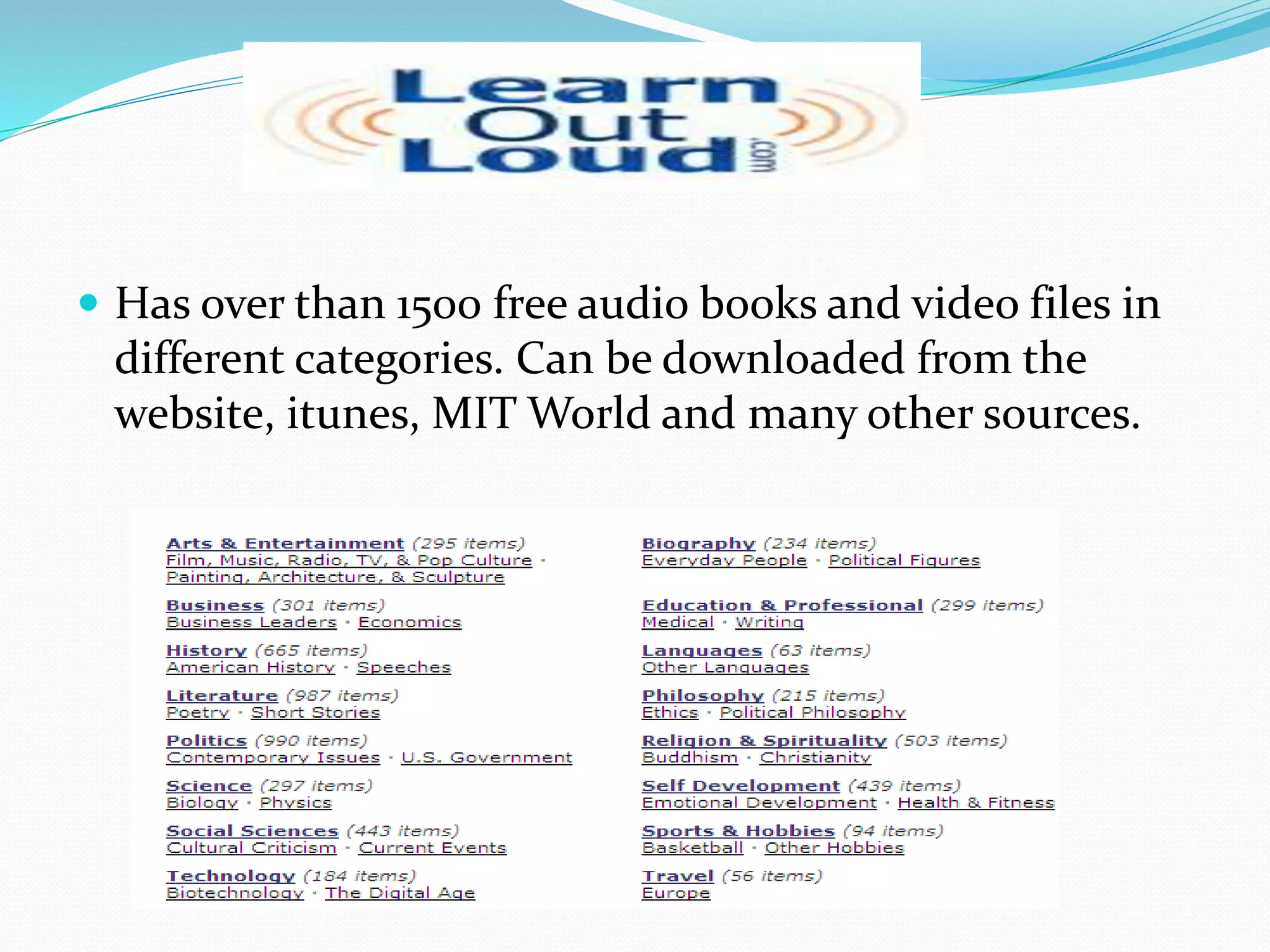
 Has over than 1500 free audio books and video files in
different categories. Can be downloaded from the
website, itunes, MIT World and many other sources.
Books should be Free
 Contains free audio books that can be downloadable in
mp3, ipods, or itunes everyday.
 Lists many genres and classifications
 Lists top 100 free popular audiobooks
 Award winning text to speech software.
 ReadPlease/ReadPlease Plus 2003 is a free version that
never ends.
 Other software Voki, and Vozme
Podcasts
 http://www.podomatic.com/featured
Podomatic: hosts the world's largest selection of
commercial-free podcasts
VOA special English Program, British council and BBC
podcasts
-Youtube: watching involves listening as well
-free podcasts by subject. Users can also search by
country, region, city, language and popularity level.
Kinesthetic learners
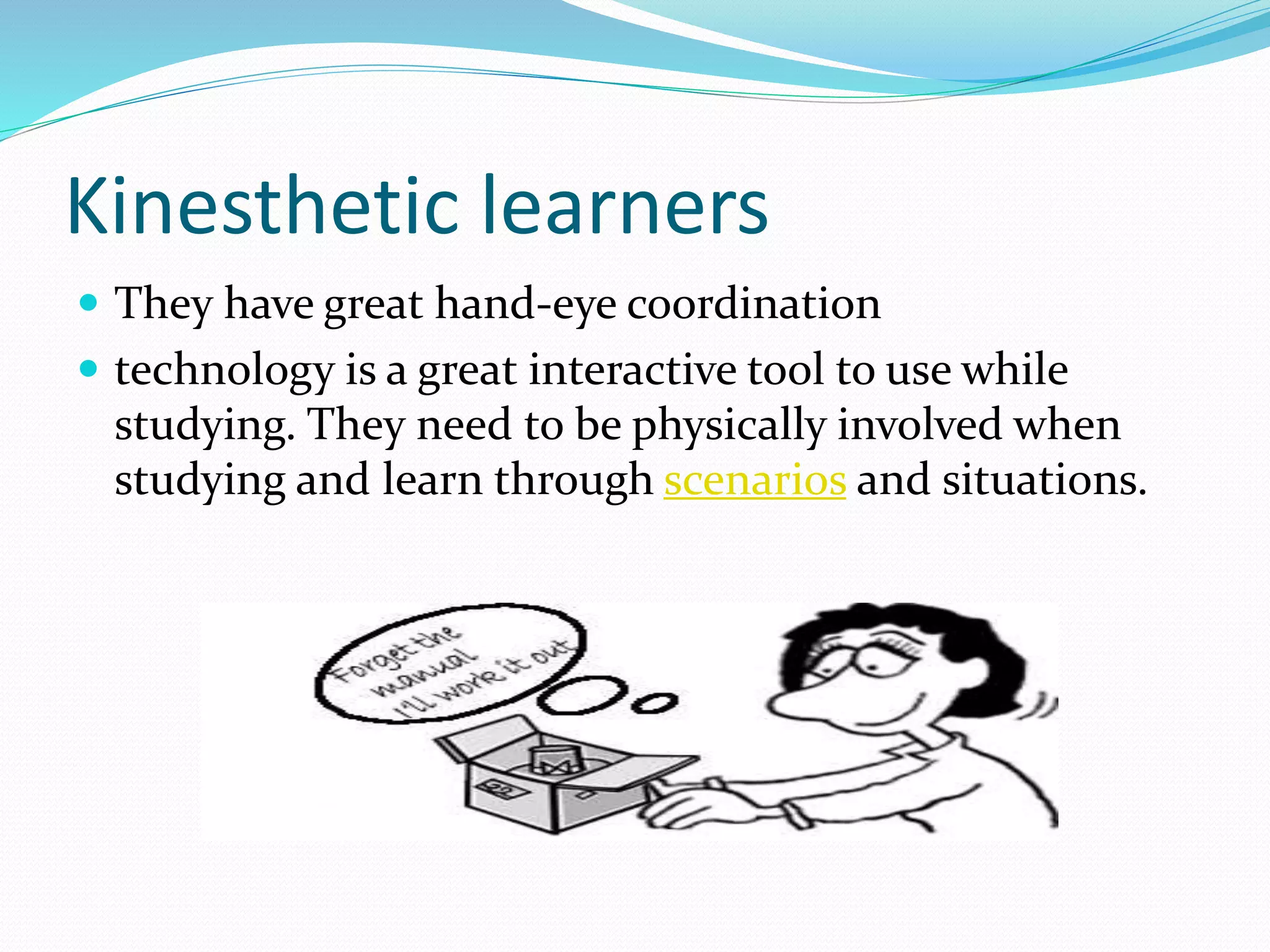
 They have great hand-eye coordination
 technology is a great interactive tool to use while
studying. They need to be physically involved when
studying and learn through scenarios and situations.
 http://www.youtube.com/watch?v=In00RelwHQ4&N
R=1 (00:50)
 http://www.youtube.com/watch?v=-Ig_MIlPQ5M
(2:10)
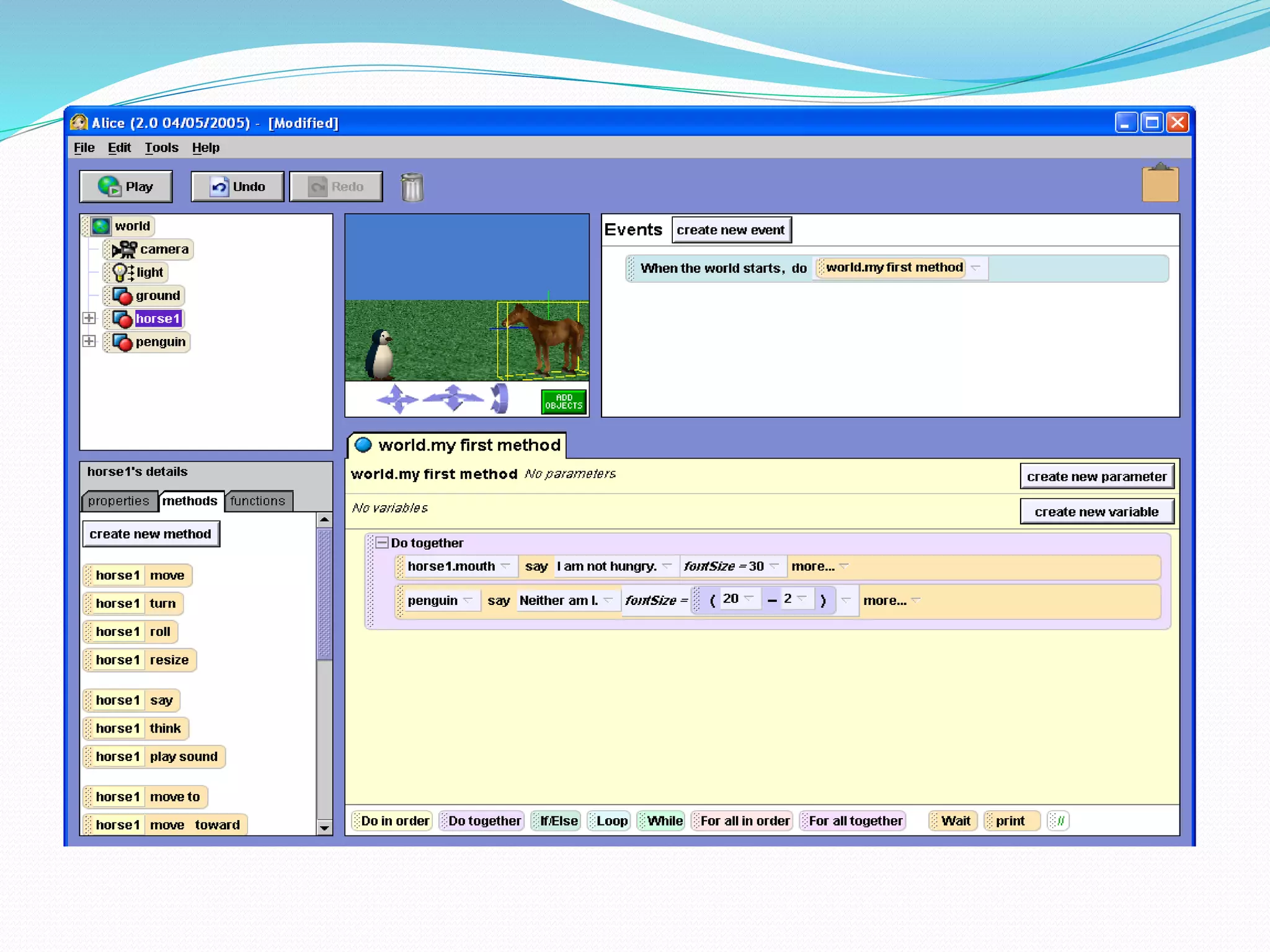
 www.alice.org
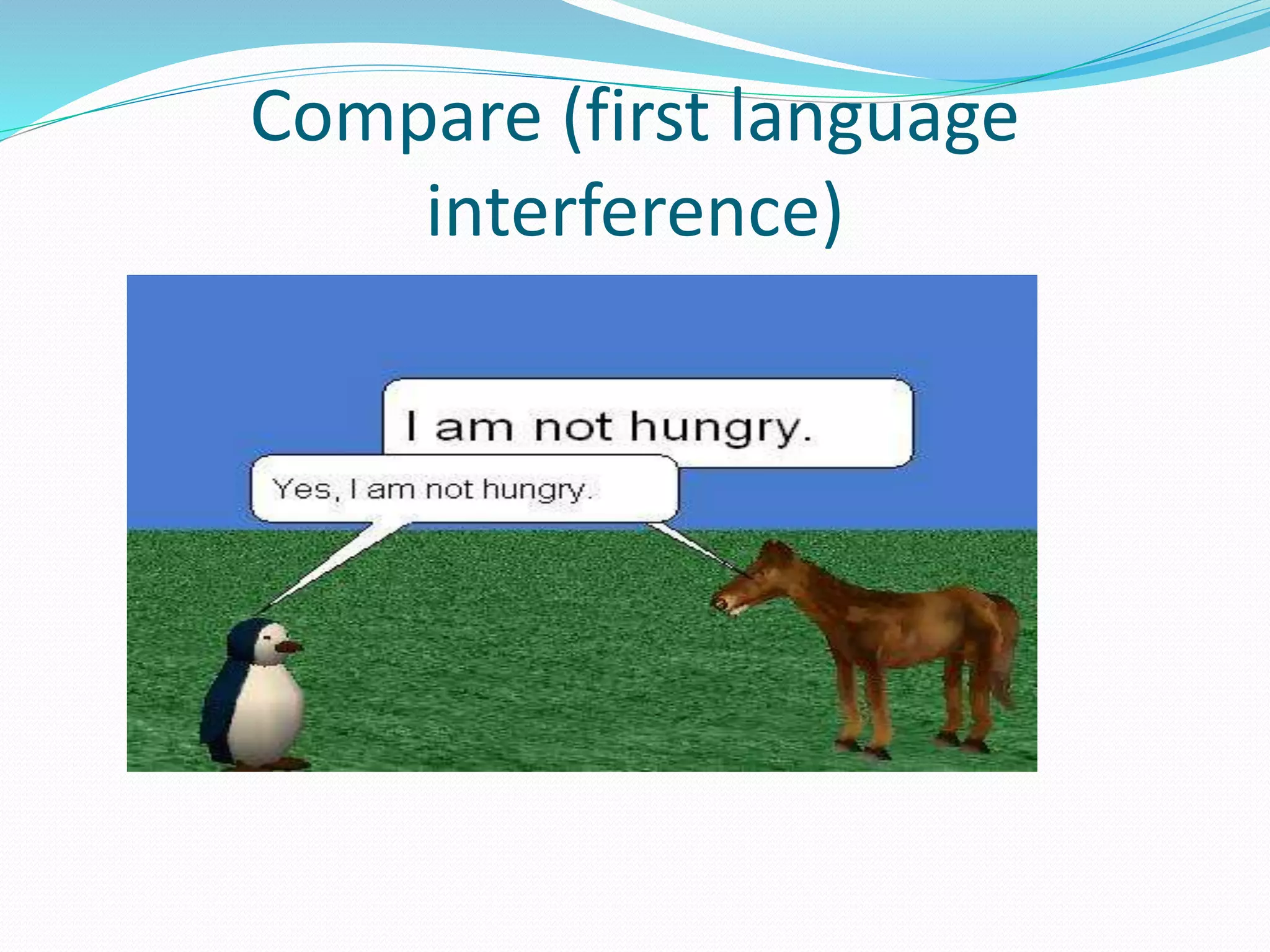
Compare (first language
interference)
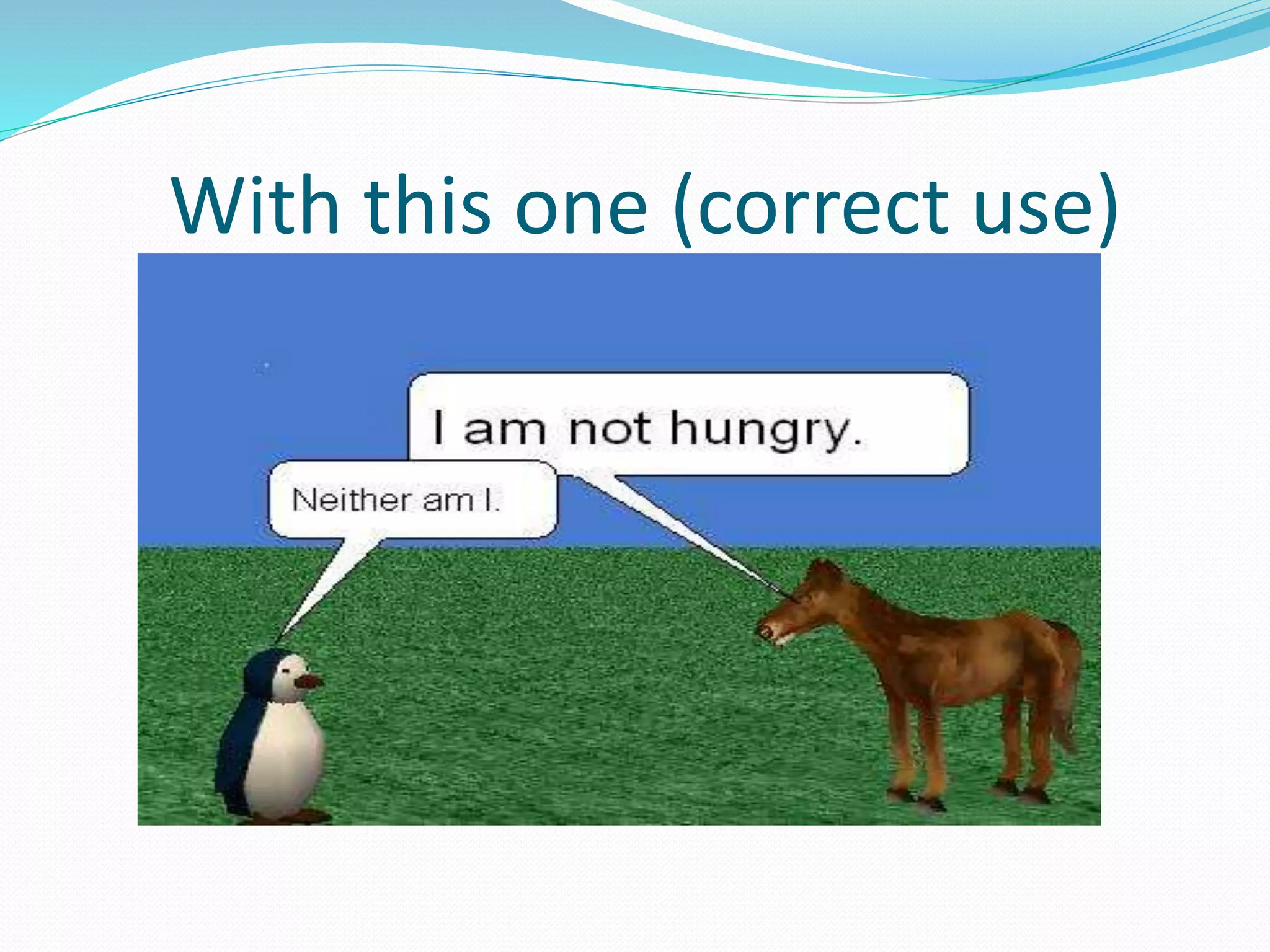
With this one (correct use)
 http://www.mynoteit.com/
 Students can take notes and share them online.
 search engine for notes
 To-do list
 Sharing notes and posting messages.
Flash Card Exchange
 With study features and cramming features
 Has many flash cards that suits all learners. It has also
flash cards that teaches sign language.
 Has flash cards for all subjects
Quizlet
 Flash cards and study games website that are designed
for students to learn almost anything.
 Can be an effective Mlearning tool
 Includes flashcards for exams such as SAT, GRE, or
subjacts such as Languages, history, arts, professions,
math and science.
So what?
 Undoubtedly, there will be some individual differences
in terms of the ability to do such skills. Therefore, it is
the role of the teacher to identify her students’
learning styles and assign roles for a group of learners
in which each one will work on a certain area and each
member will learn from one another.
 Another suggestion for teachers can be the the
following rule “ say it, write it and do it”
Lesson Plans Guidelines
 Integrating Technology in a lesson should be
motivating to the students and should cover the
objectives as well.
 Even if the teacher works in a place that is not
furnished with computer labs, many of these resources
can be printed out and used in the classroom or the
students can be given the URLs to these activities to be
done at home.
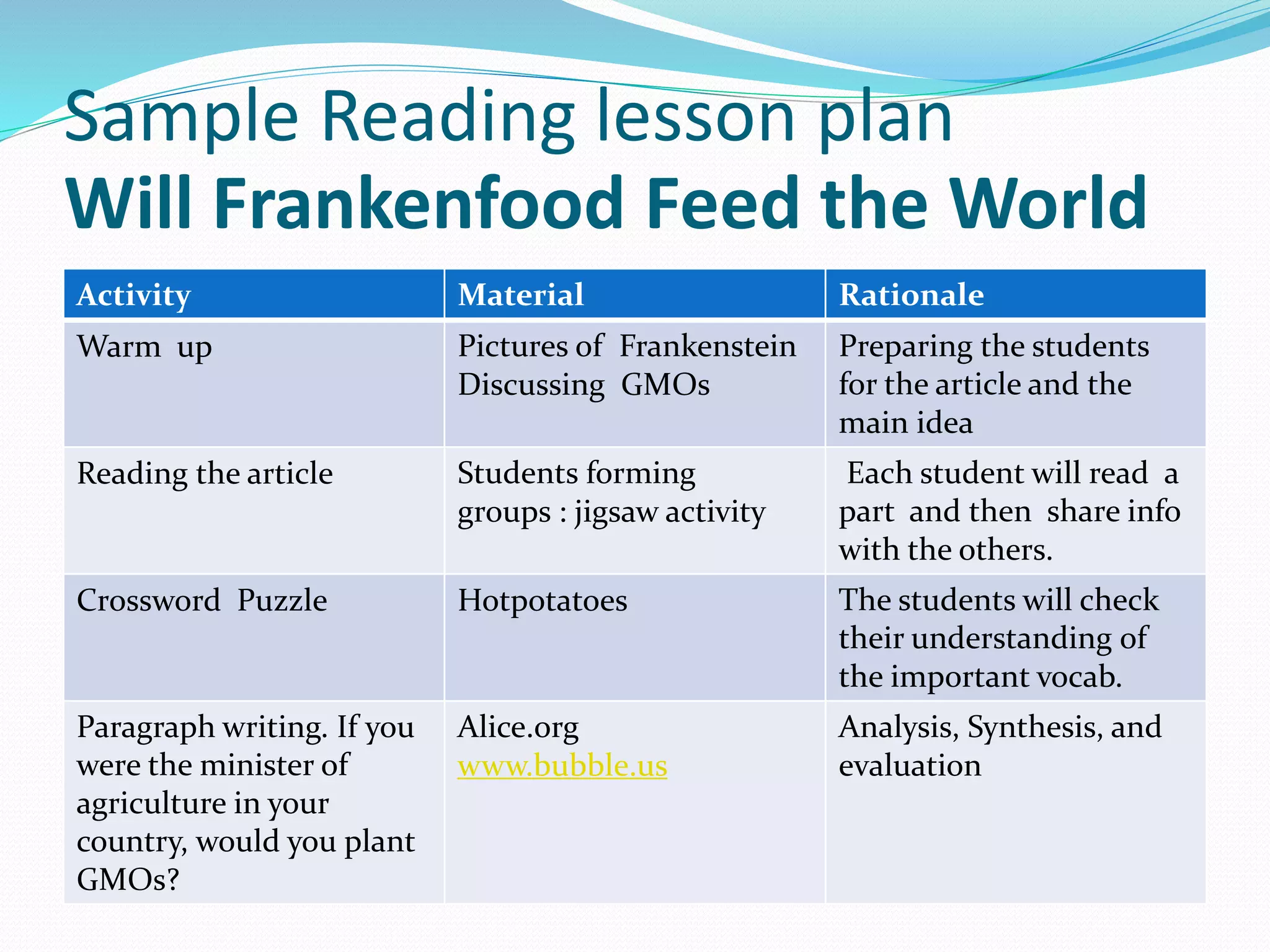
Sample Reading lesson plan
Will Frankenfood Feed the World
RationaleMaterialActivity
Preparing the students
for the article and the
main idea
Pictures of Frankenstein
Discussing GMOs
Warm up
Each student will read a
part and then share info
with the others.
Students forming
groups : jigsaw activity
Reading the article
The students will check
their understanding of
the important vocab.
HotpotatoesCrossword Puzzle
Analysis, Synthesis, and
evaluation
Alice.org
www.bubble.us
Paragraph writing. If you
were the minister of
agriculture in your
country, would you plant
GMOs?
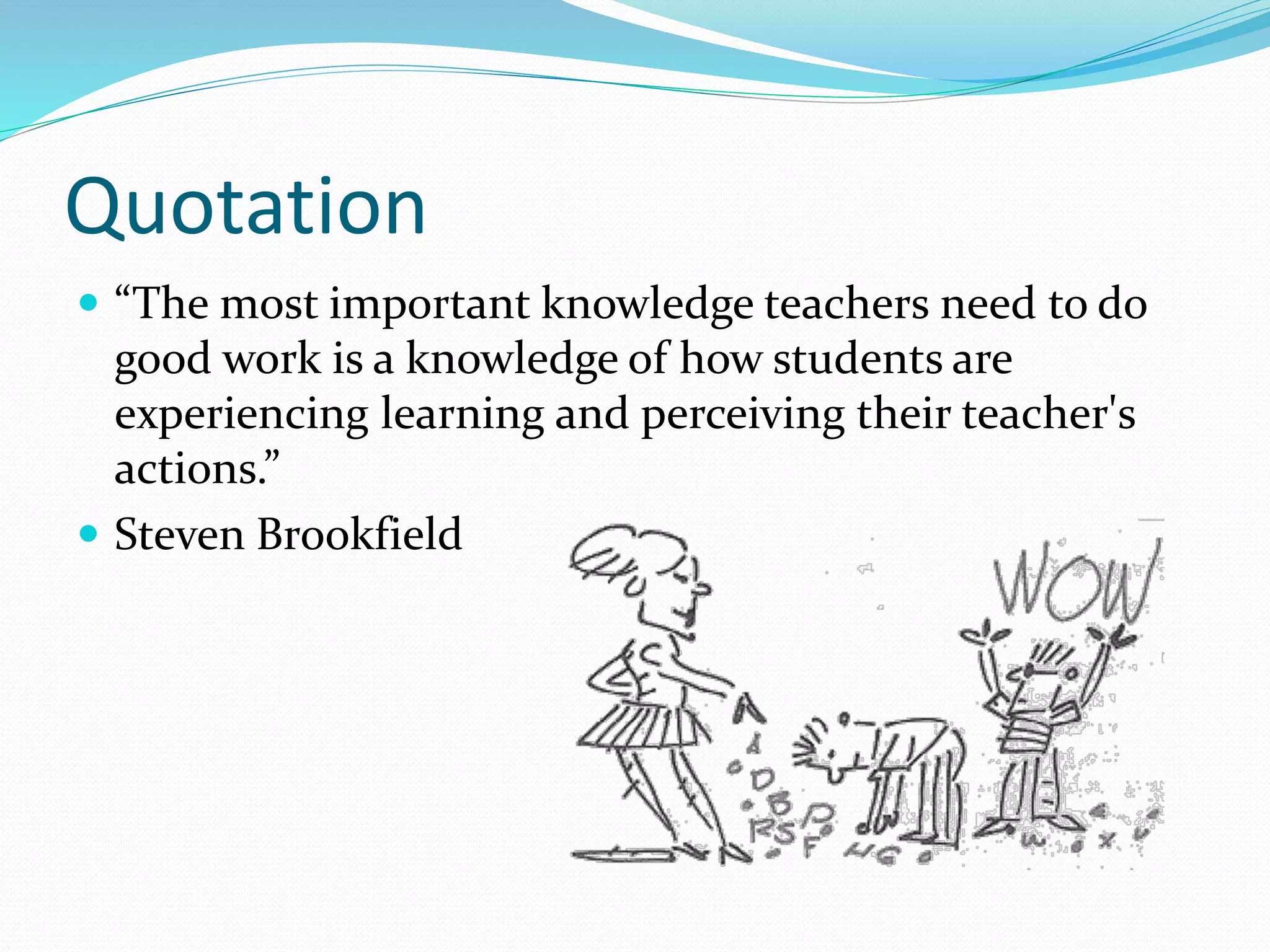
Quotation
 “The most important knowledge teachers need to do
good work is a knowledge of how students are
experiencing learning and perceiving their teacher's
actions.”
 Steven Brookfield
Refereces
Barlow, T. (2008). Creating Classrooms Without Walls.
Teaching Science 54 (1), 46-48
Batson, T. “A new social context for information.” Campus
Technology Magazine, Jan. 16, 2008. Retrieved from at
http://campustechnology.com/articles/57281 on 1/17/2008
Craig, E.(2007). Hanging Paradigms: Managed Learning
Environments and Web 2.0,” CampuswideInformation
Systems, 24(3), 152-161.
 Will Frakefood feed the world:
http://www.time.com/time/magazine/article/0,9171,99726
6,00.html
Contacts
 Facebook: Amany Haroun Ahmad
 Twitter: @akhayat
 Email: anaucian@hotmail.com
Thank you

Effective Web Tools for Visual, Auditory and Kinesthetic (VAK) Learners

  • 1.
    Ms. Amany H.ALKhayat Lecturer, English Department Prince Sultan University, KSA anaucian@hotmail.com
  • 3.
    Quotation  “Nobody's goodin everything. Advantages and disadvantages come in many forms.” Charles Schwab: Founder of Schwab Learning (He failed remedial English and came perilously close to flunking out of college.)
  • 5.
    What type oflearner are you? 
  • 6.
    Learning styles  Alearning style: is how you learn best through different approaches or ways of learning.  Types of learning styles:  Visual: prefer reading, drawing or studying diagrams and charts.  Auditory : learners who learn best by hearing information such as responding to lectures they have heard.  Kinesthetic: learn best by involving bodily movement.
  • 7.
    Learning styles inHigher Education  Learning in higher education becomes effective when it combines creativity, careful data collection , systematic analysis, in addition to insightful evaluation as well as well-organized presentations.
  • 8.
    Learning styles inHigher Education  However, students differ in terms of their approach or way of learning. Our students are digital natives as they communicate, share, interact, and negotiate meaning online.
  • 9.
    Why should weintegrate technology?  To adapt to different learning styles.  Active learning: that is conducive to learner autonomy; students take responsibility for what they learn: Projects  Cooperative learning: Blogging  Individualized learning: Reading speed, hotpotatoes (different speeds, and needs)
  • 10.
    Characteristics of aVisual Learner  Remember what they see rather than what they hear  Retain information through diagrams and pictures  reading and writing is preferable to them than listening  Have trouble recalling verbal instructions  Short attention span .
  • 11.
    Visual Tools:  Onlinemindmapping software for students, business, and individuals.  Students can:
  • 13.
     Students canbrainstorm online, share their work and embed it on their blog. Mind maps can be saved as images or printed out.
  • 14.
    Graphical Dictionaries  Visuwords: http://www.visuwords.com/?word=democracy http://wordsift.com/  Here’s an activity: action  Attention combination confusion motion nation permission production question quotation section sensation tension vacation vision 
  • 15.
    Online videos  TeacherTube : For hosting instructional videos  Also has many videos for a plethora of subjects. Students and teachers can subscribe for the Scientist magazine
  • 16.
  • 17.
    Characteristics of Auditorylearners  Can follow verbal instructions easily  Prefer debating and discussing with others  Enjoy reading and studying aloud  Like music more than art.
  • 18.
    Tools for Auditorylearners Free Audio books online:  Project Gutenberg: Human-read and computer-generated audio Books. These audio books can also be downloaded for free on the user’s iPad, Kindle, Nook, Sony Reader, iPhone, iPod Touch, Android or other mobile or cell phone. Opportunity for MLearning
  • 19.
     Has overthan 1500 free audio books and video files in different categories. Can be downloaded from the website, itunes, MIT World and many other sources.
  • 20.
    Books should beFree  Contains free audio books that can be downloadable in mp3, ipods, or itunes everyday.  Lists many genres and classifications  Lists top 100 free popular audiobooks
  • 21.
     Award winningtext to speech software.  ReadPlease/ReadPlease Plus 2003 is a free version that never ends.  Other software Voki, and Vozme
  • 22.
    Podcasts  http://www.podomatic.com/featured Podomatic: hoststhe world's largest selection of commercial-free podcasts VOA special English Program, British council and BBC podcasts -Youtube: watching involves listening as well -free podcasts by subject. Users can also search by country, region, city, language and popularity level.
  • 23.
    Kinesthetic learners  Theyhave great hand-eye coordination  technology is a great interactive tool to use while studying. They need to be physically involved when studying and learn through scenarios and situations.
  • 24.
     http://www.youtube.com/watch?v=In00RelwHQ4&N R=1 (00:50) http://www.youtube.com/watch?v=-Ig_MIlPQ5M (2:10)  www.alice.org
  • 25.
  • 26.
    With this one(correct use)
  • 28.
     http://www.mynoteit.com/  Studentscan take notes and share them online.  search engine for notes  To-do list  Sharing notes and posting messages.
  • 30.
    Flash Card Exchange With study features and cramming features  Has many flash cards that suits all learners. It has also flash cards that teaches sign language.  Has flash cards for all subjects
  • 31.
    Quizlet  Flash cardsand study games website that are designed for students to learn almost anything.  Can be an effective Mlearning tool  Includes flashcards for exams such as SAT, GRE, or subjacts such as Languages, history, arts, professions, math and science.
  • 32.
    So what?  Undoubtedly,there will be some individual differences in terms of the ability to do such skills. Therefore, it is the role of the teacher to identify her students’ learning styles and assign roles for a group of learners in which each one will work on a certain area and each member will learn from one another.  Another suggestion for teachers can be the the following rule “ say it, write it and do it”
  • 33.
    Lesson Plans Guidelines Integrating Technology in a lesson should be motivating to the students and should cover the objectives as well.  Even if the teacher works in a place that is not furnished with computer labs, many of these resources can be printed out and used in the classroom or the students can be given the URLs to these activities to be done at home.
  • 34.
    Sample Reading lessonplan Will Frankenfood Feed the World RationaleMaterialActivity Preparing the students for the article and the main idea Pictures of Frankenstein Discussing GMOs Warm up Each student will read a part and then share info with the others. Students forming groups : jigsaw activity Reading the article The students will check their understanding of the important vocab. HotpotatoesCrossword Puzzle Analysis, Synthesis, and evaluation Alice.org www.bubble.us Paragraph writing. If you were the minister of agriculture in your country, would you plant GMOs?
  • 35.
    Quotation  “The mostimportant knowledge teachers need to do good work is a knowledge of how students are experiencing learning and perceiving their teacher's actions.”  Steven Brookfield
  • 36.
    Refereces Barlow, T. (2008).Creating Classrooms Without Walls. Teaching Science 54 (1), 46-48 Batson, T. “A new social context for information.” Campus Technology Magazine, Jan. 16, 2008. Retrieved from at http://campustechnology.com/articles/57281 on 1/17/2008 Craig, E.(2007). Hanging Paradigms: Managed Learning Environments and Web 2.0,” CampuswideInformation Systems, 24(3), 152-161.  Will Frakefood feed the world: http://www.time.com/time/magazine/article/0,9171,99726 6,00.html
  • 37.
    Contacts  Facebook: AmanyHaroun Ahmad  Twitter: @akhayat  Email: anaucian@hotmail.com
  • 38.