











Delivery Pipeline for
Windows Machines
18.09.2017 @buzdin
for fun and profit
Working as a consultant
• DevOps
• Test Automation
• Software Architecture (aka Microservices)
• Java Development
• Web Development (not JavaScript)
Continuous Delivery
Getting a code change to production in a most efficient way
(preferably automated)
Lets build a delivery pipeline!
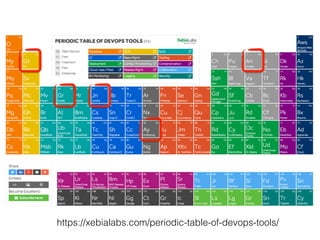
https://xebialabs.com/periodic-table-of-devops-tools/
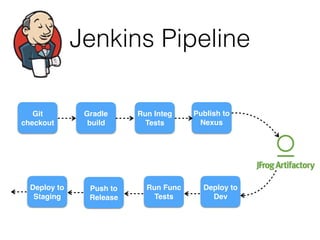
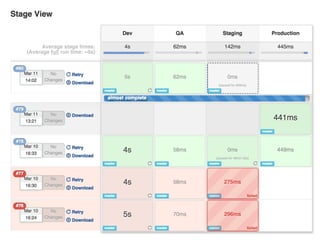
Jenkins Pipeline
Git
checkout
Gradle
build
Run Integ
Tests
Publish to
Nexus
Deploy to
Dev
Run Func
Tests
Push to
Release
Deploy to
Staging
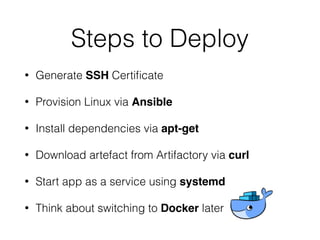
Steps to Deploy
• Generate SSH Certificate
• Provision Linux via Ansible
• Install dependencies via apt-get
• Download artefact from Artifactory via curl
• Start app as a service using systemd
• Think about switching to Docker later
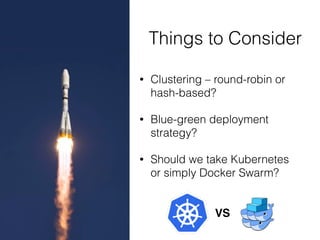
Things to Consider
• Clustering – round-robin or
hash-based?
• Blue-green deployment
strategy?
• Should we take Kubernetes
or simply Docker Swarm?
VS
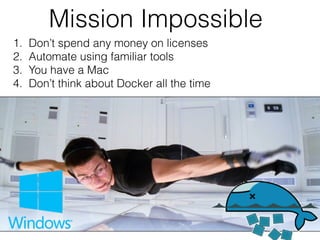
Mission Impossible
1. Don’t spend any money on licenses
2. Automate using familiar tools
3. You have a Mac
4. Don’t think about Docker all the time
Step #1 Where to get a
Windows VM?
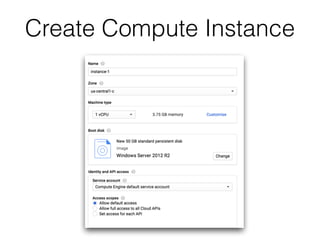
Create Compute Instance
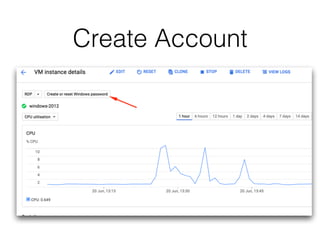
Create Account
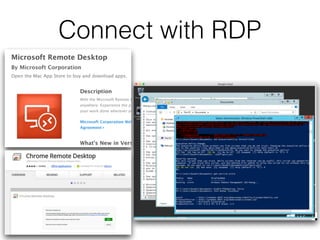
Connect with RDP
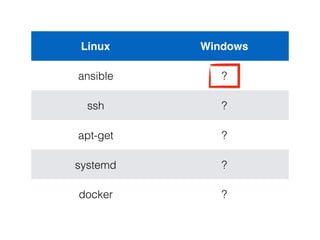
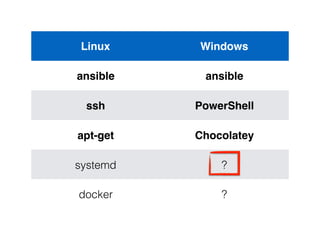
Linux Windows
ansible ?
ssh ?
apt-get ?
systemd ?
docker ?
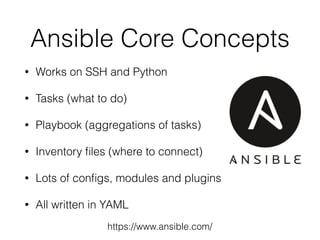
Ansible Core Concepts
• Works on SSH and Python
• Tasks (what to do)
• Playbook (aggregations of tasks)
• Inventory files (where to connect)
• Lots of configs, modules and plugins
• All written in YAML
https://www.ansible.com/
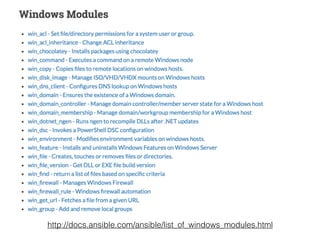
http://docs.ansible.com/ansible/list_of_windows_modules.html
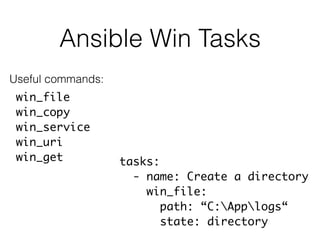
Ansible Win Tasks
win_file
win_copy
win_service
win_uri
win_get tasks:
- name: Create a directory
win_file:
path: “C:Applogs“
state: directory
Useful commands:
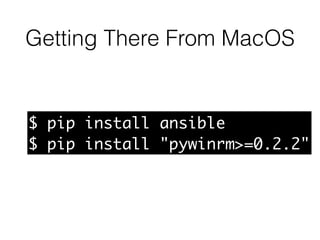
Getting There From MacOS
$ pip install ansible
$ pip install "pywinrm>=0.2.2"
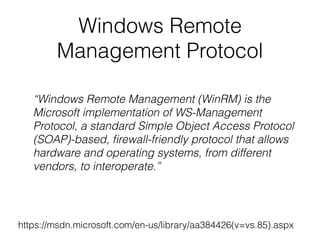
Windows Remote
Management Protocol
https://msdn.microsoft.com/en-us/library/aa384426(v=vs.85).aspx
“Windows Remote Management (WinRM) is the
Microsoft implementation of WS-Management
Protocol, a standard Simple Object Access Protocol
(SOAP)-based, firewall-friendly protocol that allows
hardware and operating systems, from different
vendors, to interoperate.”
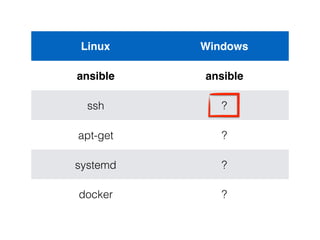
Linux Windows
ansible ansible
ssh ?
apt-get ?
systemd ?
docker ?
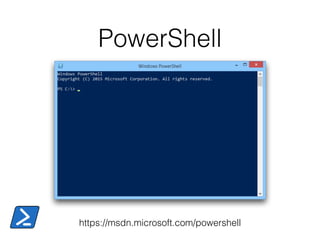
PowerShell
https://msdn.microsoft.com/powershell
PowerShell
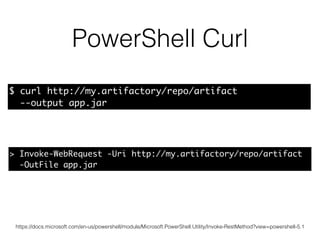
PowerShell Curl
https://docs.microsoft.com/en-us/powershell/module/Microsoft.PowerShell.Utility/Invoke-RestMethod?view=powershell-5.1
> Invoke-WebRequest -Uri http://my.artifactory/repo/artifact
-OutFile app.jar
$ curl http://my.artifactory/repo/artifact
--output app.jar
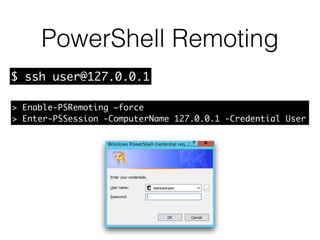
PowerShell Remoting
> Enable-PSRemoting –force
> Enter-PSSession -ComputerName 127.0.0.1 -Credential User
$ ssh user@127.0.0.1
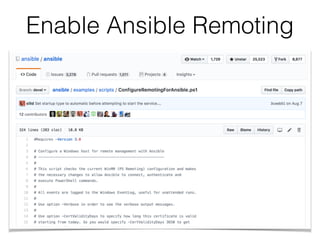
Enable Ansible Remoting
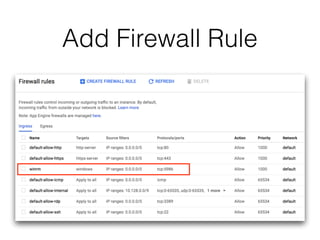
Add Firewall Rule
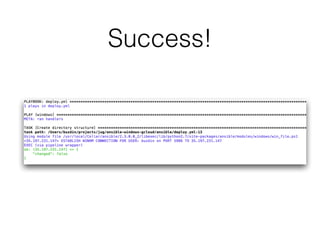
Success!
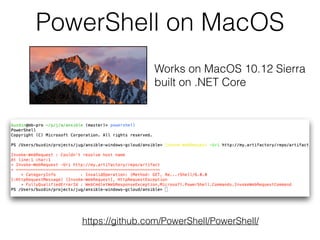
PowerShell on MacOS
https://github.com/PowerShell/PowerShell/
Works on MacOS 10.12 Sierra
built on .NET Core
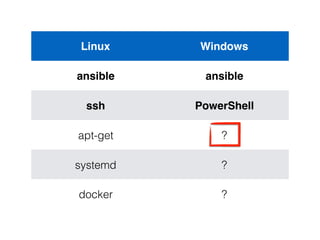
Linux Windows
ansible ansible
ssh PowerShell
apt-get ?
systemd ?
docker ?
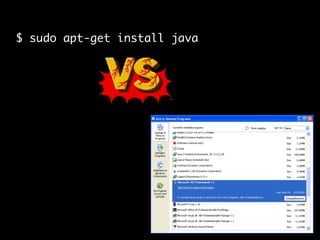
$ sudo apt-get install java
VS
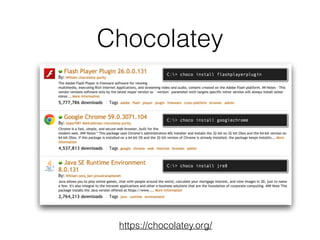
Chocolatey
https://chocolatey.org/
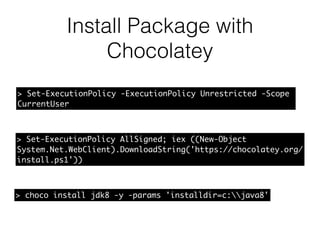
Install Package with
Chocolatey
> Set-ExecutionPolicy -ExecutionPolicy Unrestricted -Scope
CurrentUser
> choco install jdk8 -y -params 'installdir=c:java8'
> Set-ExecutionPolicy AllSigned; iex ((New-Object
System.Net.WebClient).DownloadString('https://chocolatey.org/
install.ps1'))
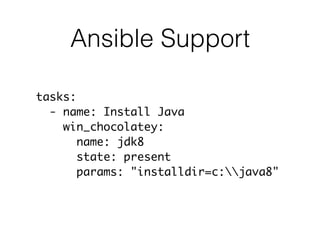
Ansible Support
tasks:
- name: Install Java
win_chocolatey:
name: jdk8
state: present
params: "installdir=c:java8"
Linux Windows
ansible ansible
ssh PowerShell
apt-get Chocolatey
systemd ?
docker ?
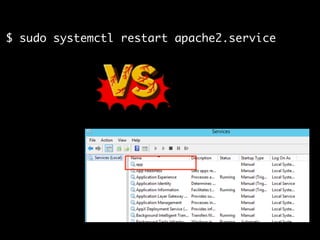
$ sudo systemctl restart apache2.service
VS
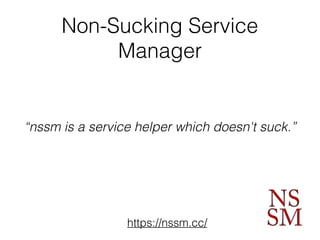
Non-Sucking Service
Manager
https://nssm.cc/
“nssm is a service helper which doesn't suck.”
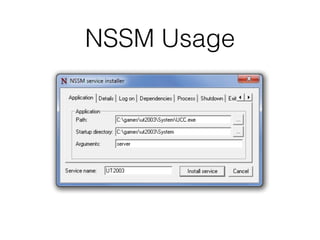
NSSM Usage
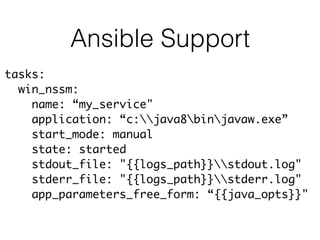
Ansible Support
tasks:
win_nssm:
name: “my_service"
application: “c:java8binjavaw.exe”
start_mode: manual
state: started
stdout_file: "{{logs_path}}stdout.log"
stderr_file: "{{logs_path}}stderr.log"
app_parameters_free_form: “{{java_opts}}"
DEMO TIME
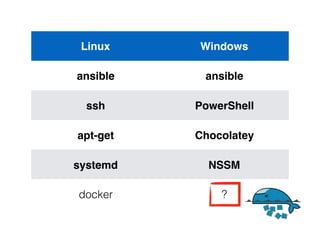
Linux Windows
ansible ansible
ssh PowerShell
apt-get Chocolatey
systemd NSSM
docker ?
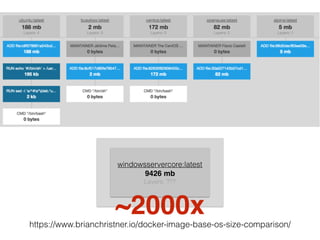
https://www.brianchristner.io/docker-image-base-os-size-comparison/
???
windowsservercore:latest
9426 mb
Layers: ???
~2000x
Nice to Know
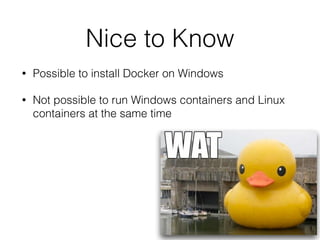
• Possible to install Docker on Windows
• Not possible to run Windows containers and Linux
containers at the same time
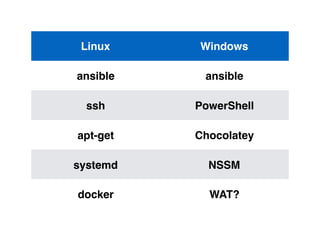
Linux Windows
ansible ansible
ssh PowerShell
apt-get Chocolatey
systemd NSSM
docker WAT?
What have we learned today?
Same Tools, Patterns &
Practices Apply
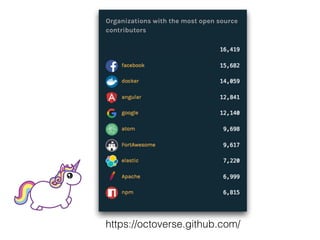
https://octoverse.github.com/
Microsoft DevOps
sort of…
https://github.com/buzdin/ansible-winows-gcloud

Delivery Pipeline for Windows Machines