Containerizing your SOC
@jimmesta
OWASP Santa Barbara Founder
AppSec California Organizer
Works at Invoca
Was consulting, now “defensing”
I really like containers
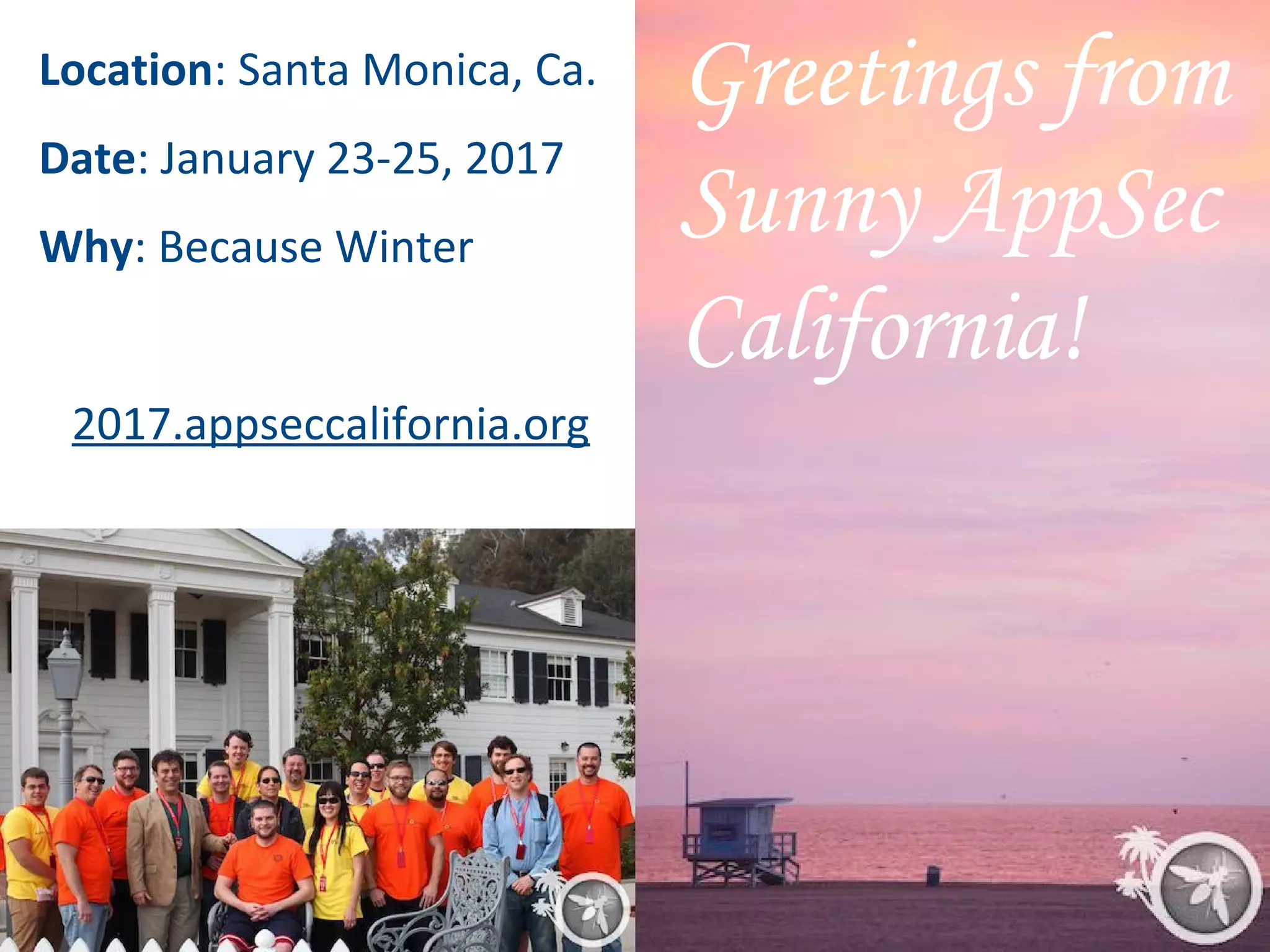
Greetings from
Sunny AppSec
California!
Location: Santa Monica, Ca.
Date: January 23-25, 2017
Why: Because Winter
2017.appseccalifornia.org
Security Confessions:
A Time for Healing
What are employees saying
about your security program?
Security as a [ ]
Security as a Service?
Security as a Magic Unicorn?
Security as a Bottleneck
Security as a Black Hole
Security as a “No” Machine
Security as a Hot Potato
Security as a PDF Generator
We are all under-staffed
We are all over budget
We are all too busy
Can we DevSecOps our way
out of this?
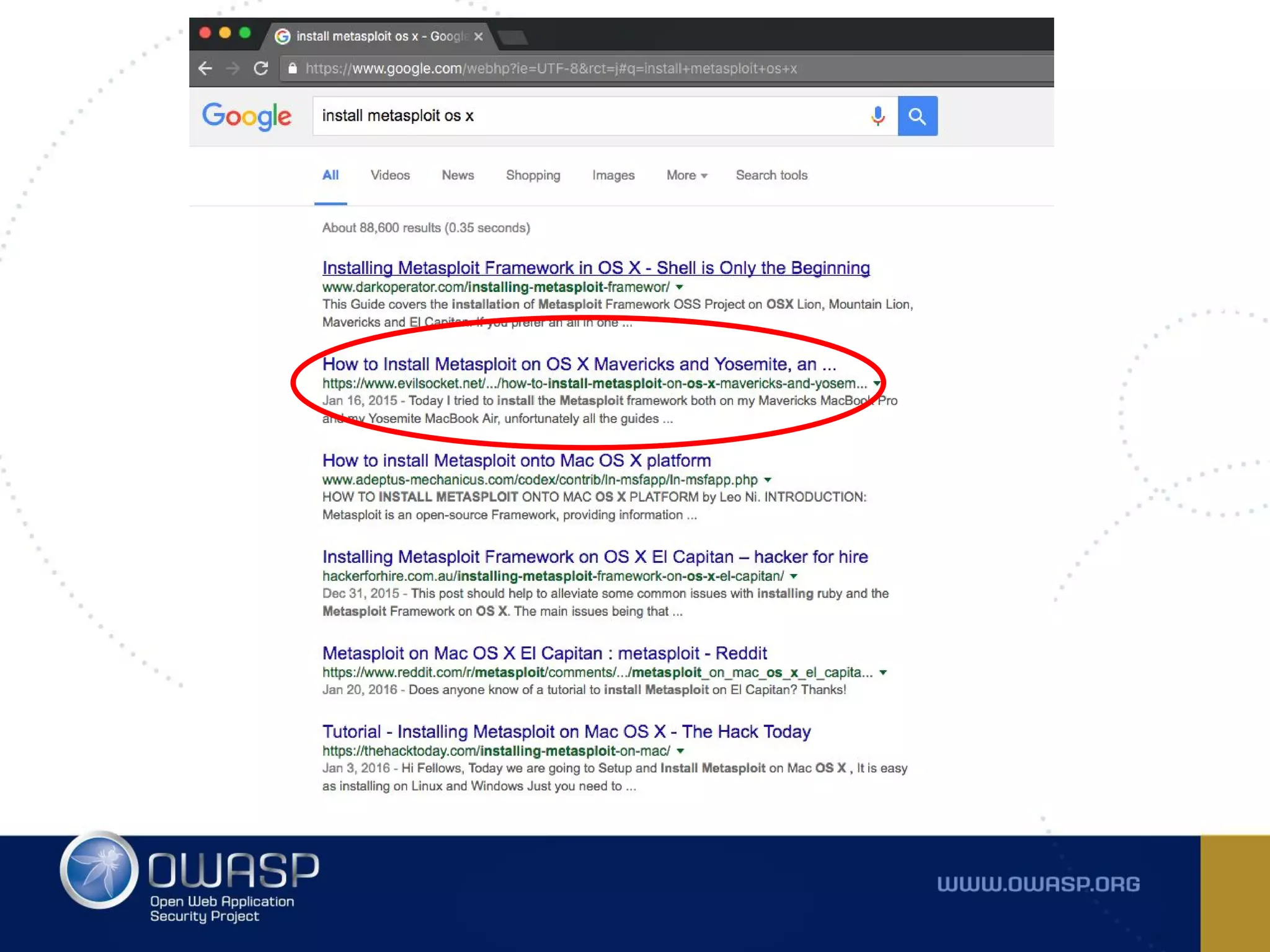
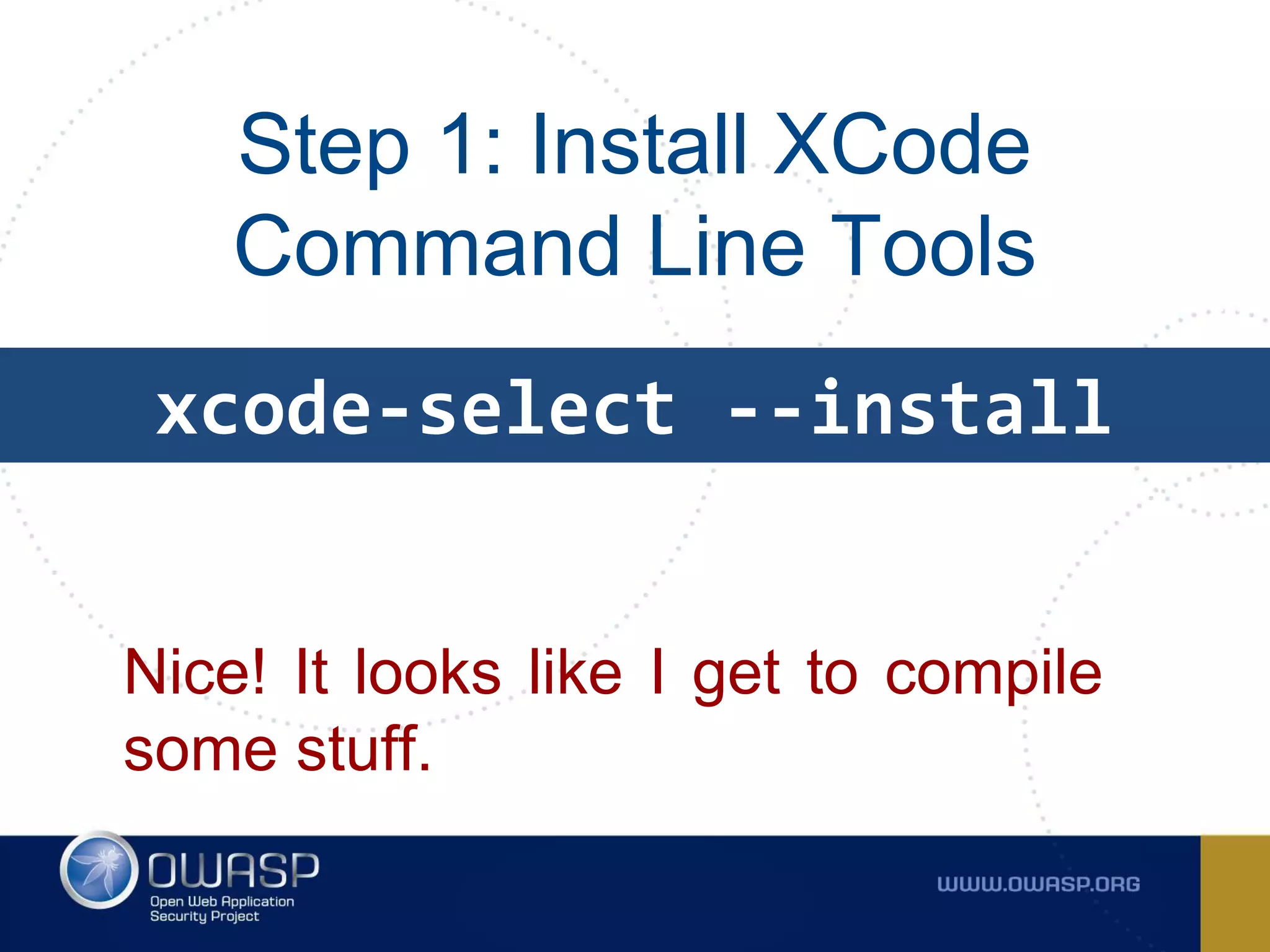
Step 1: Install XCode
Command Line Tools
xcode-select --install
Nice! It looks like I get to compile
some stuff.
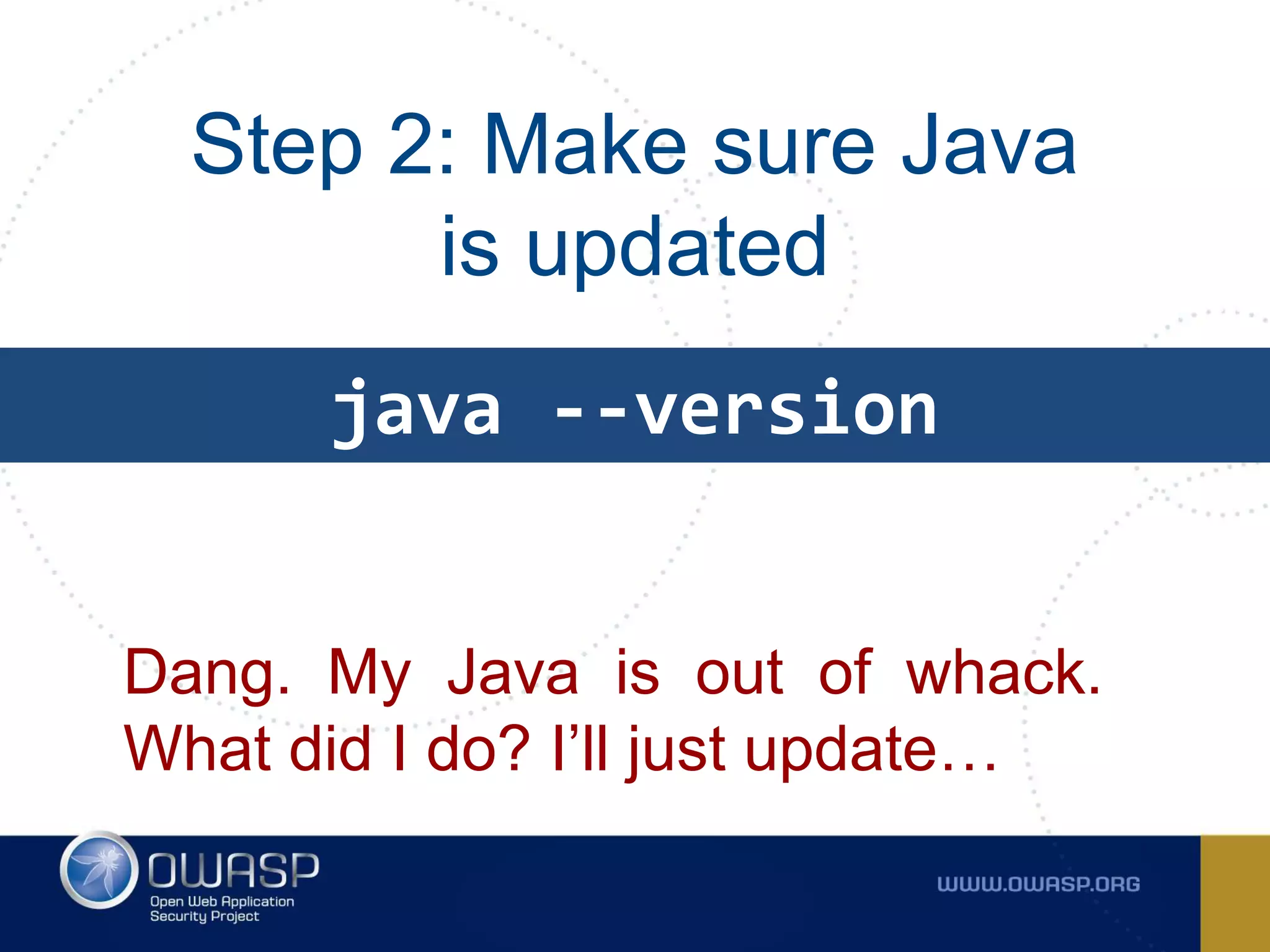
Step 2: Make sure Java
is updated
Dang. My Java is out of whack.
What did I do? I’ll just update…
java --version
20 minutes later...
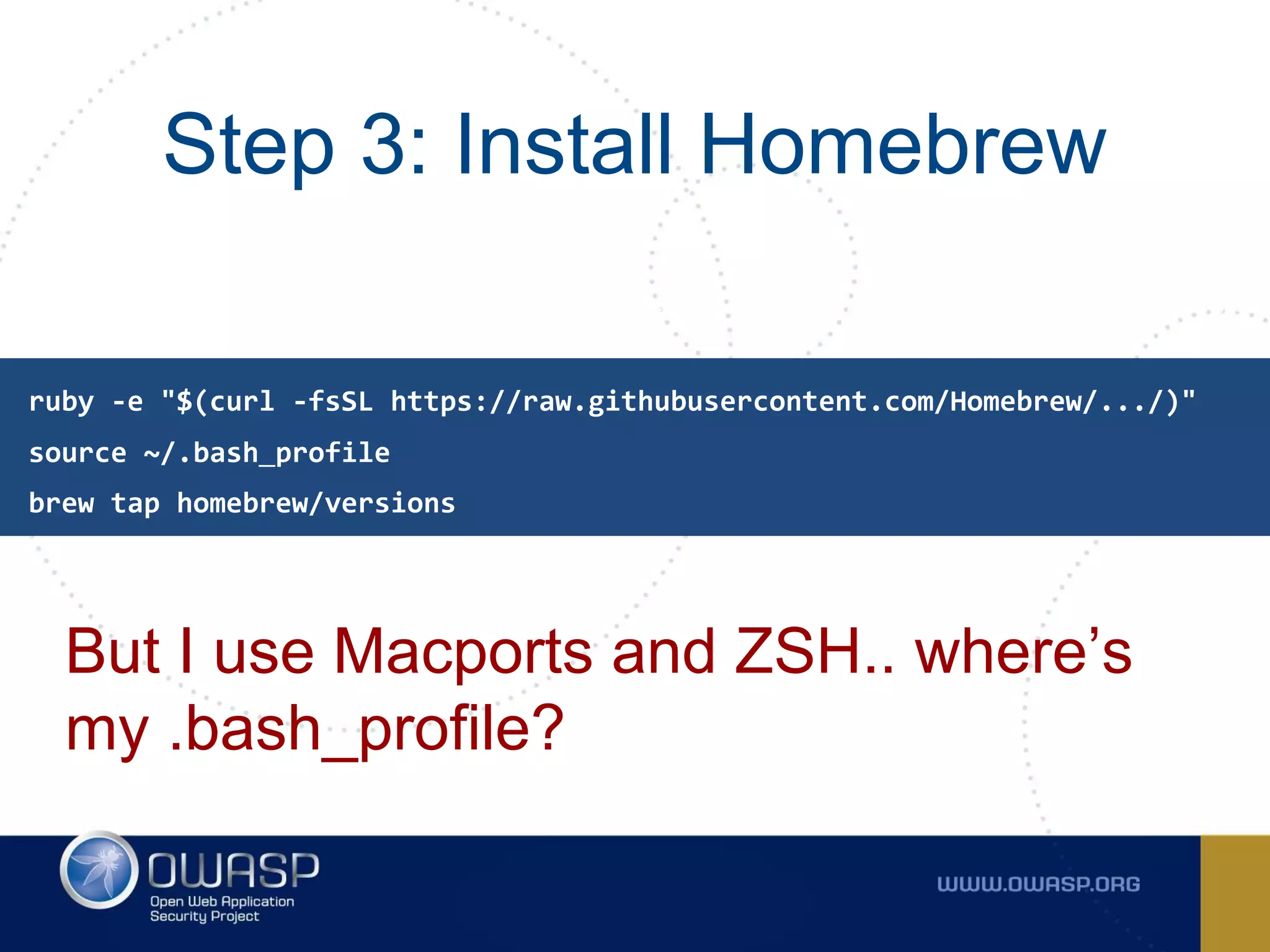
Step 3: Install Homebrew
But I use Macports and ZSH.. where’s
my .bash_profile?
source ~/.bash_profile
ruby -e "$(curl -fsSL https://raw.githubusercontent.com/Homebrew/.../)"
brew tap homebrew/versions
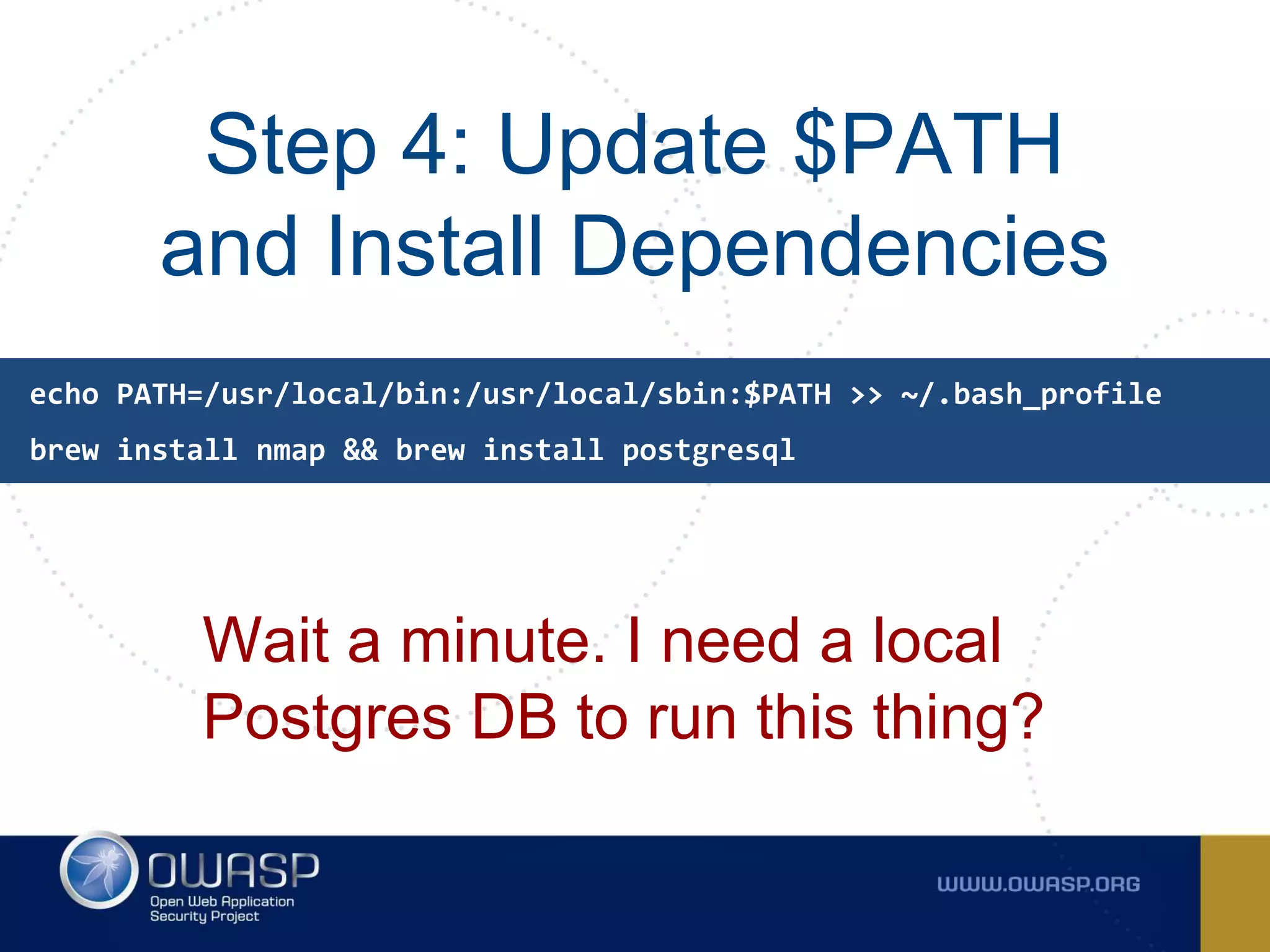
Step 4: Update $PATH
and Install Dependencies
Wait a minute. I need a local
Postgres DB to run this thing?
echo PATH=/usr/local/bin:/usr/local/sbin:$PATH >> ~/.bash_profile
brew install nmap && brew install postgresql
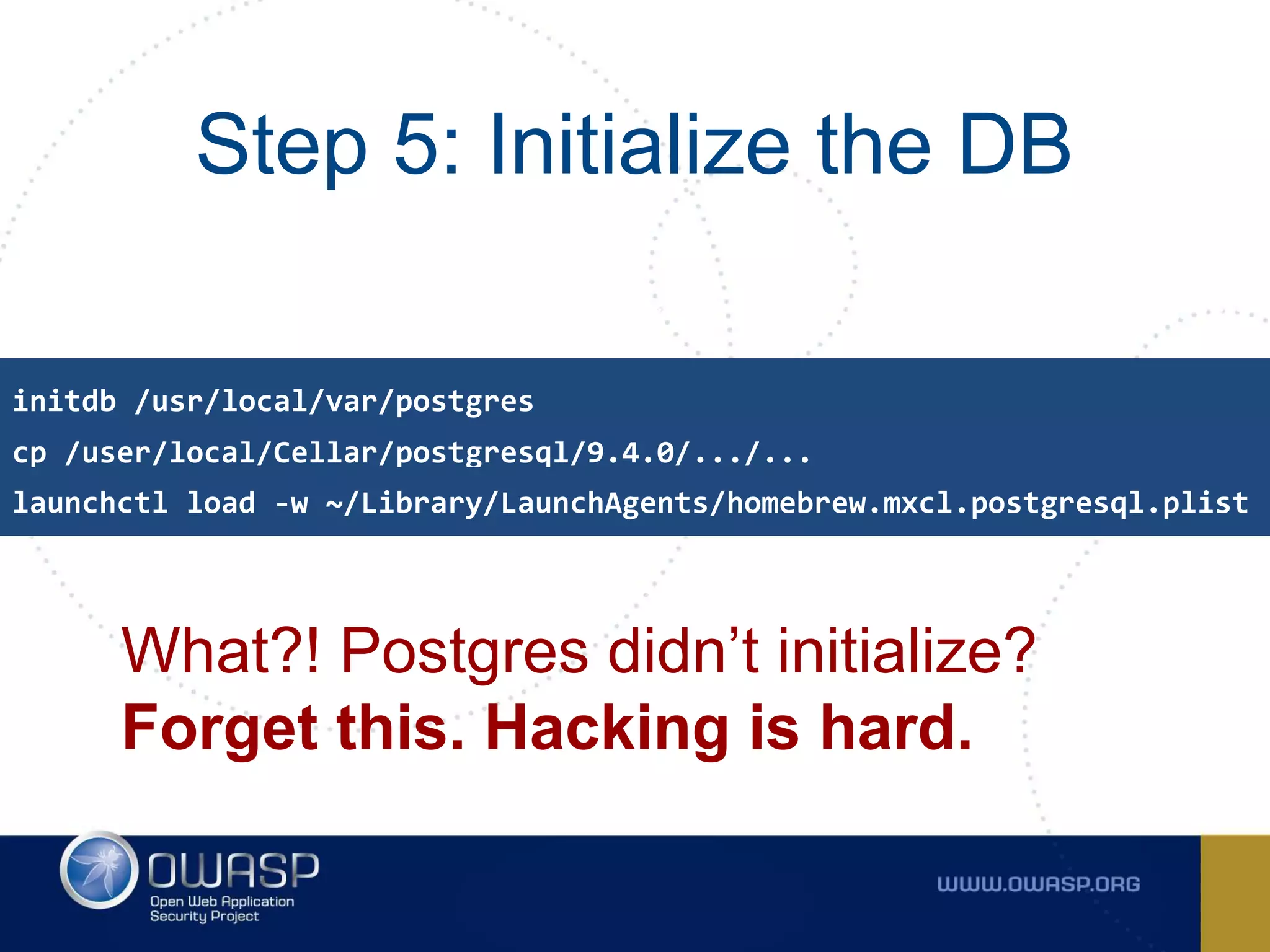
Step 5: Initialize the DB
What?! Postgres didn’t initialize?
Forget this. Hacking is hard.
cp /user/local/Cellar/postgresql/9.4.0/.../...
initdb /usr/local/var/postgres
launchctl load -w ~/Library/LaunchAgents/homebrew.mxcl.postgresql.plist
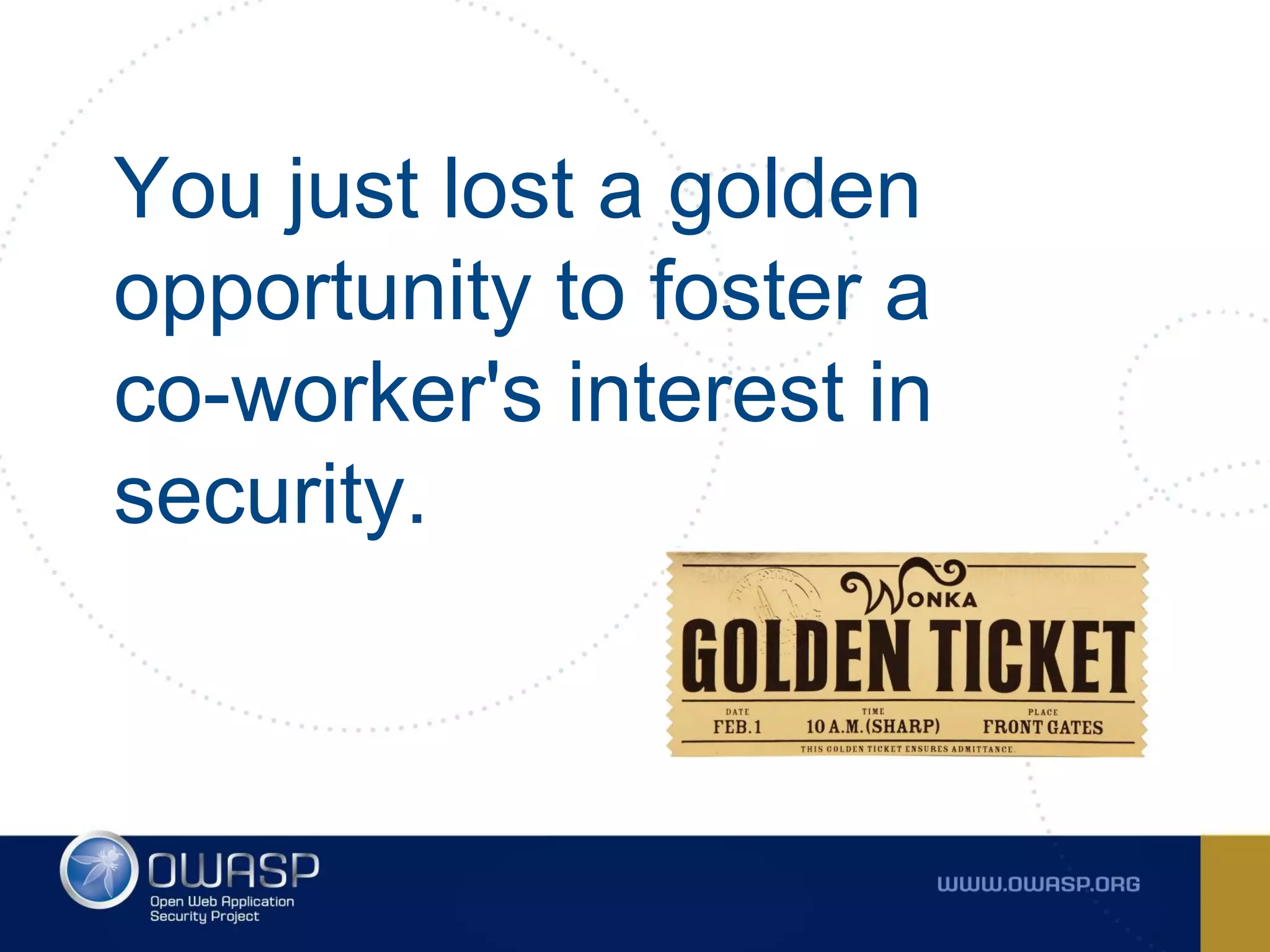
You just lost a golden
opportunity to foster a
co-worker's interest in
security.
How can we make our
security tooling more about
using the tool and less
about maintenance?
whitesourcesoftware.com
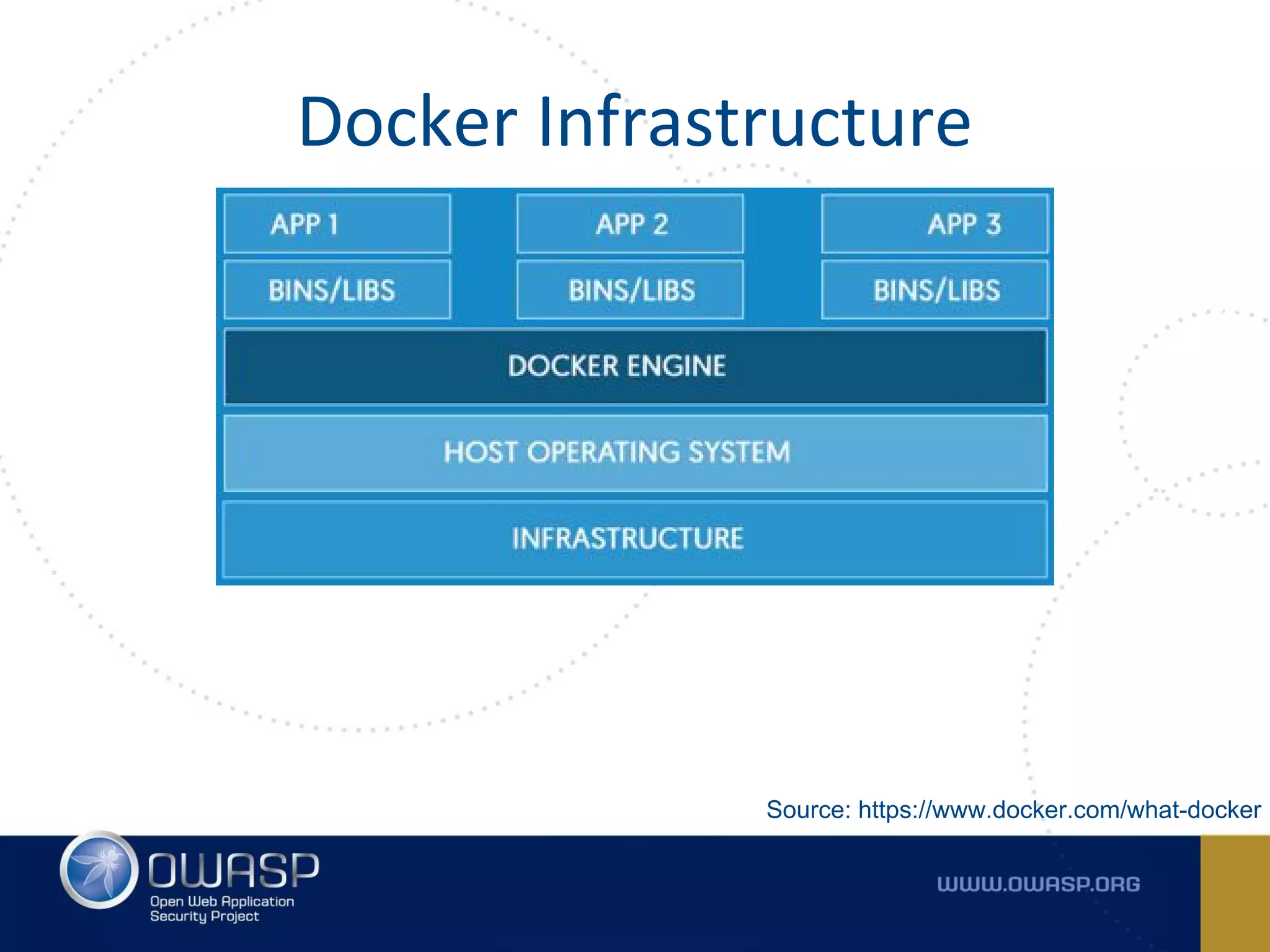
Docker is an Open Source
engine to pack, ship, and run
any application as a lightweight
container.
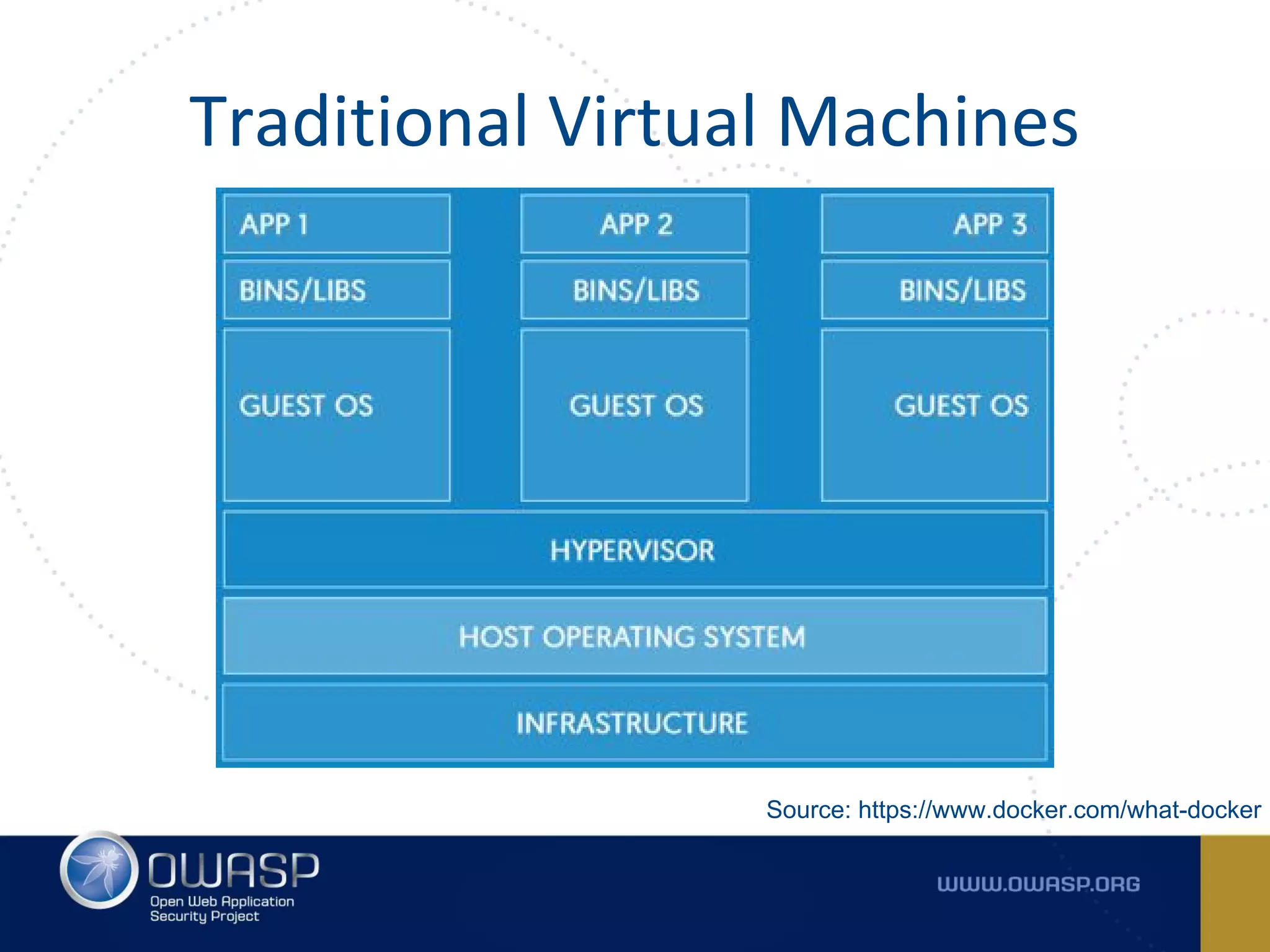
Why U No Just
Virtualbox!?
Traditional Virtual Machines
Source: https://www.docker.com/what-docker
Docker Infrastructure
Source: https://www.docker.com/what-docker
Docker provides a user friendly
API to create containers.
Images use layers for efficiency
and speed.
Build the Docker image once and
use it all over the place.
Minimize concerns around
compatibility and dependencies.
So what about our “Securious”
Dev who just wanted to run
Metasploit?
Step 1: Install Docker
Nice! That was super
easy to point and click.
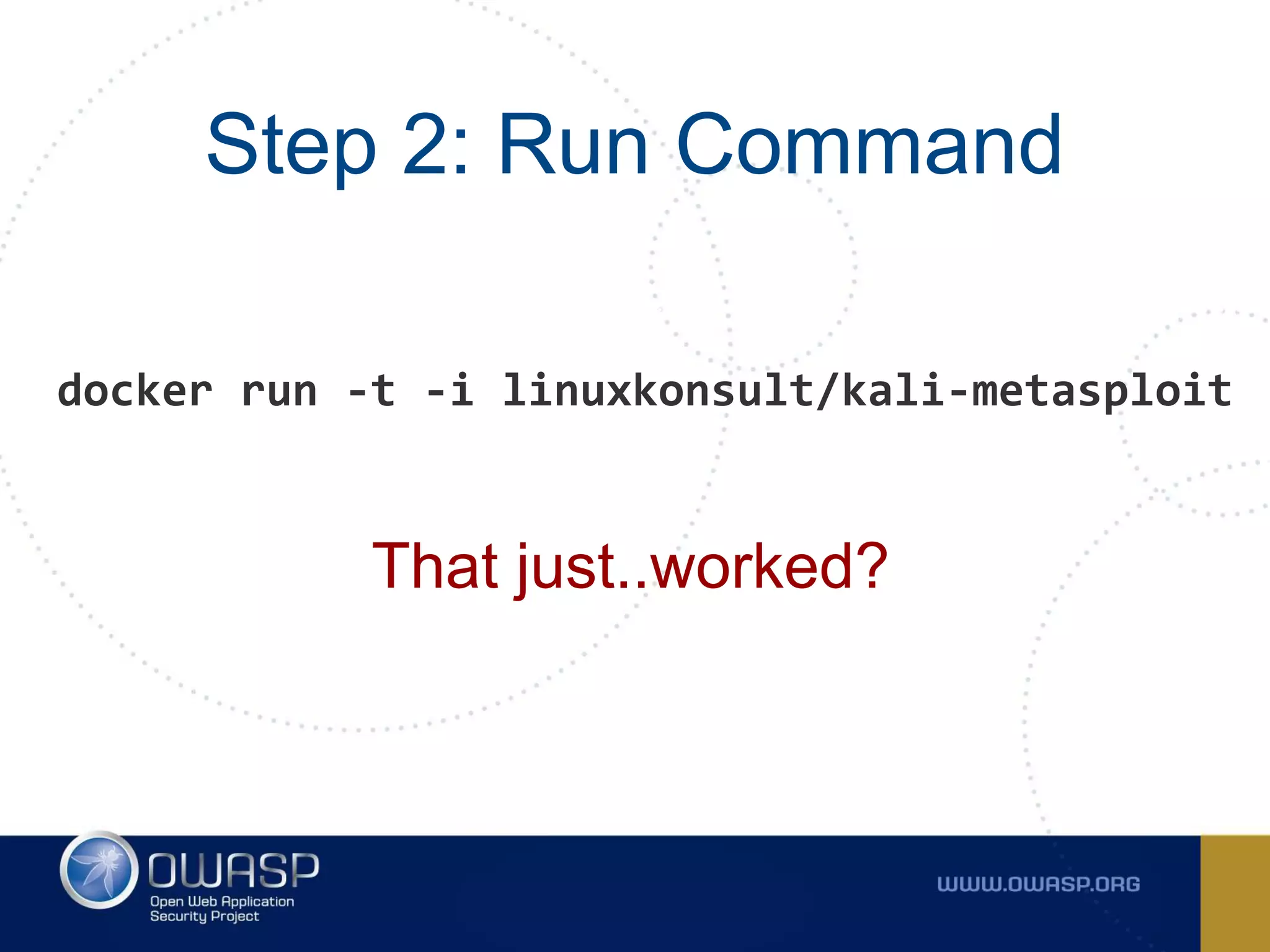
Step 2: Run Command
That just..worked?
docker run -t -i linuxkonsult/kali-metasploit
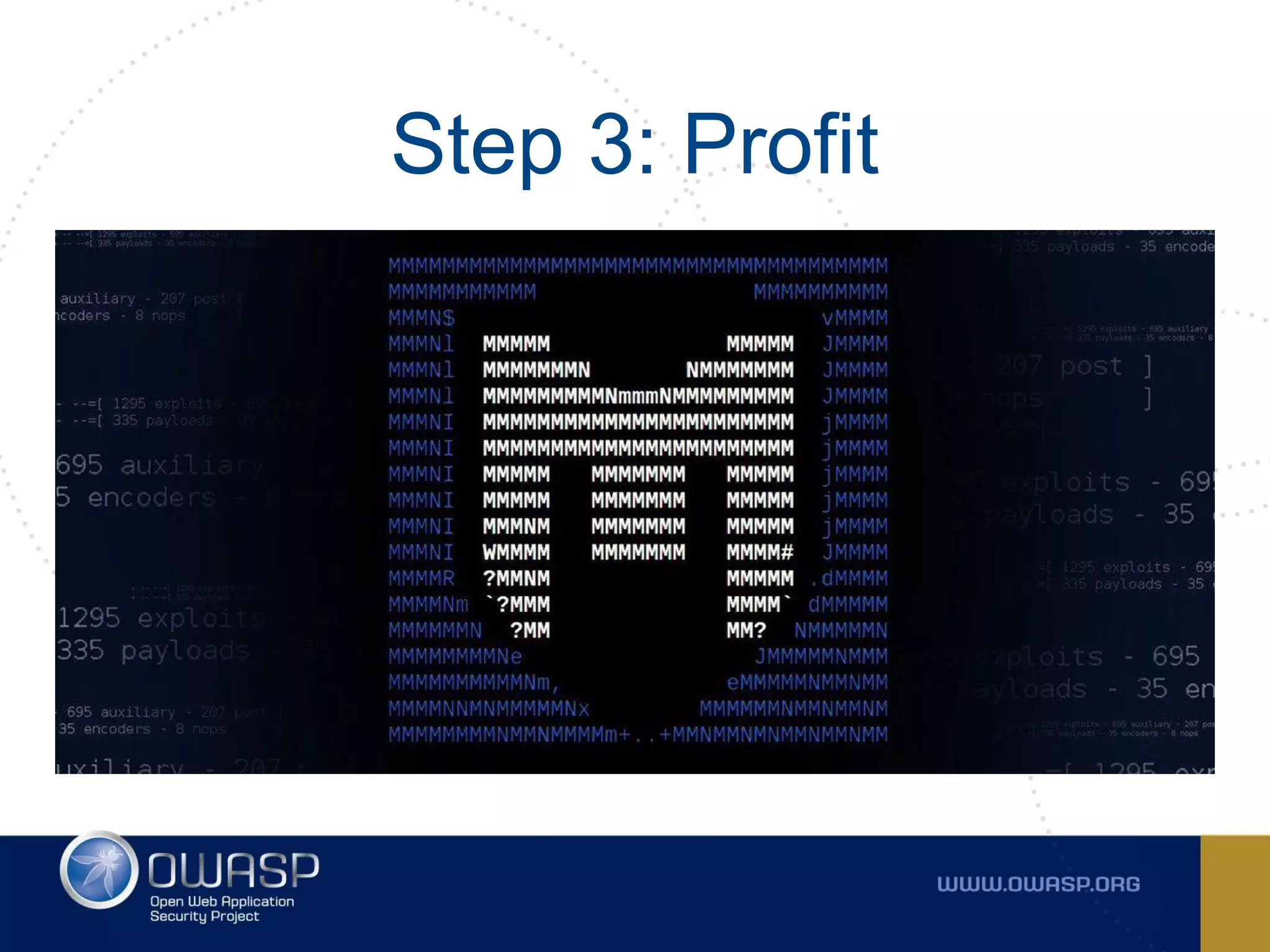
Step 3: Profit
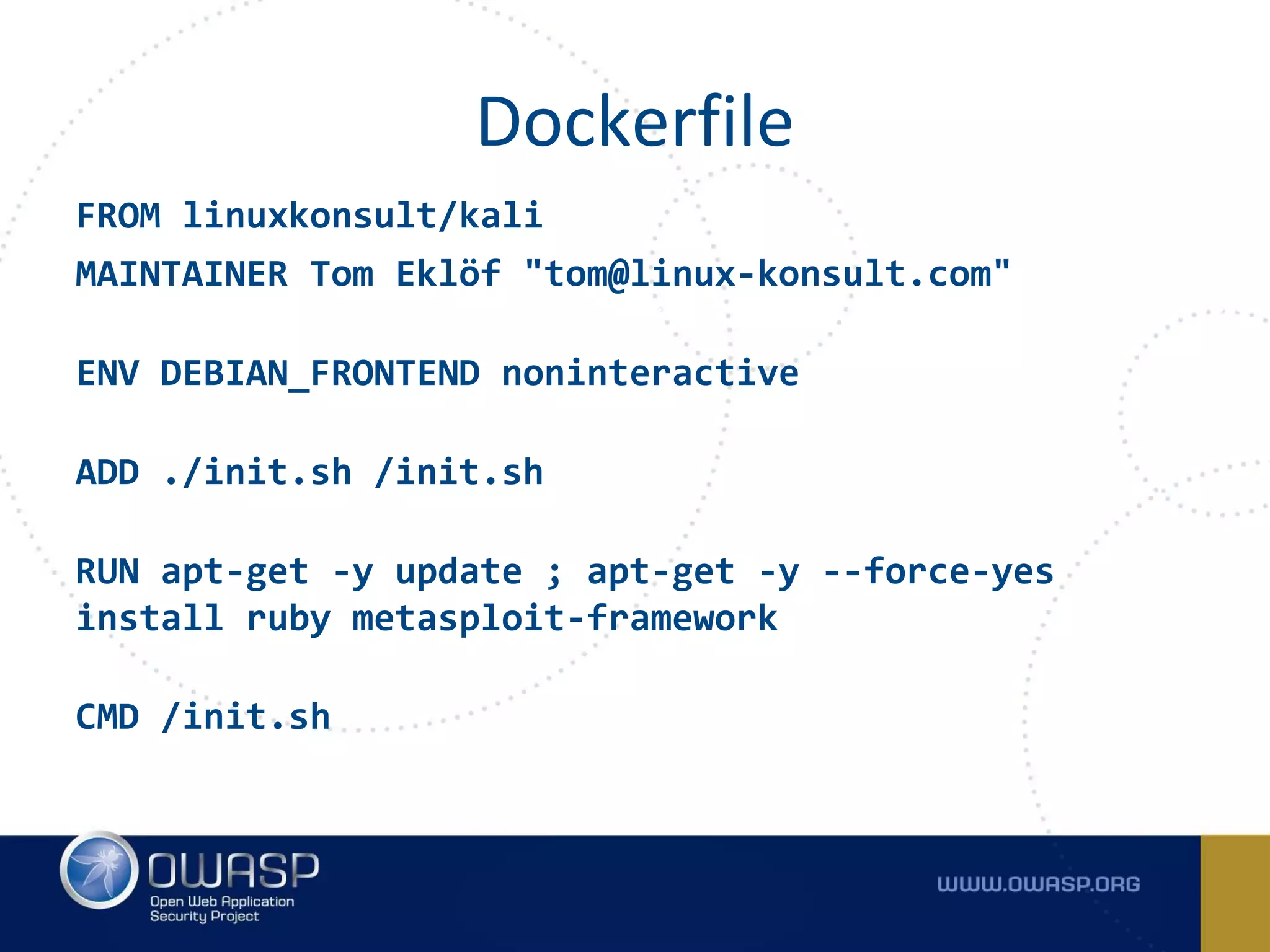
FROM linuxkonsult/kali
MAINTAINER Tom Eklöf "tom@linux-konsult.com"
ENV DEBIAN_FRONTEND noninteractive
ADD ./init.sh /init.sh
RUN apt-get -y update ; apt-get -y --force-yes
install ruby metasploit-framework
CMD /init.sh
Dockerfile
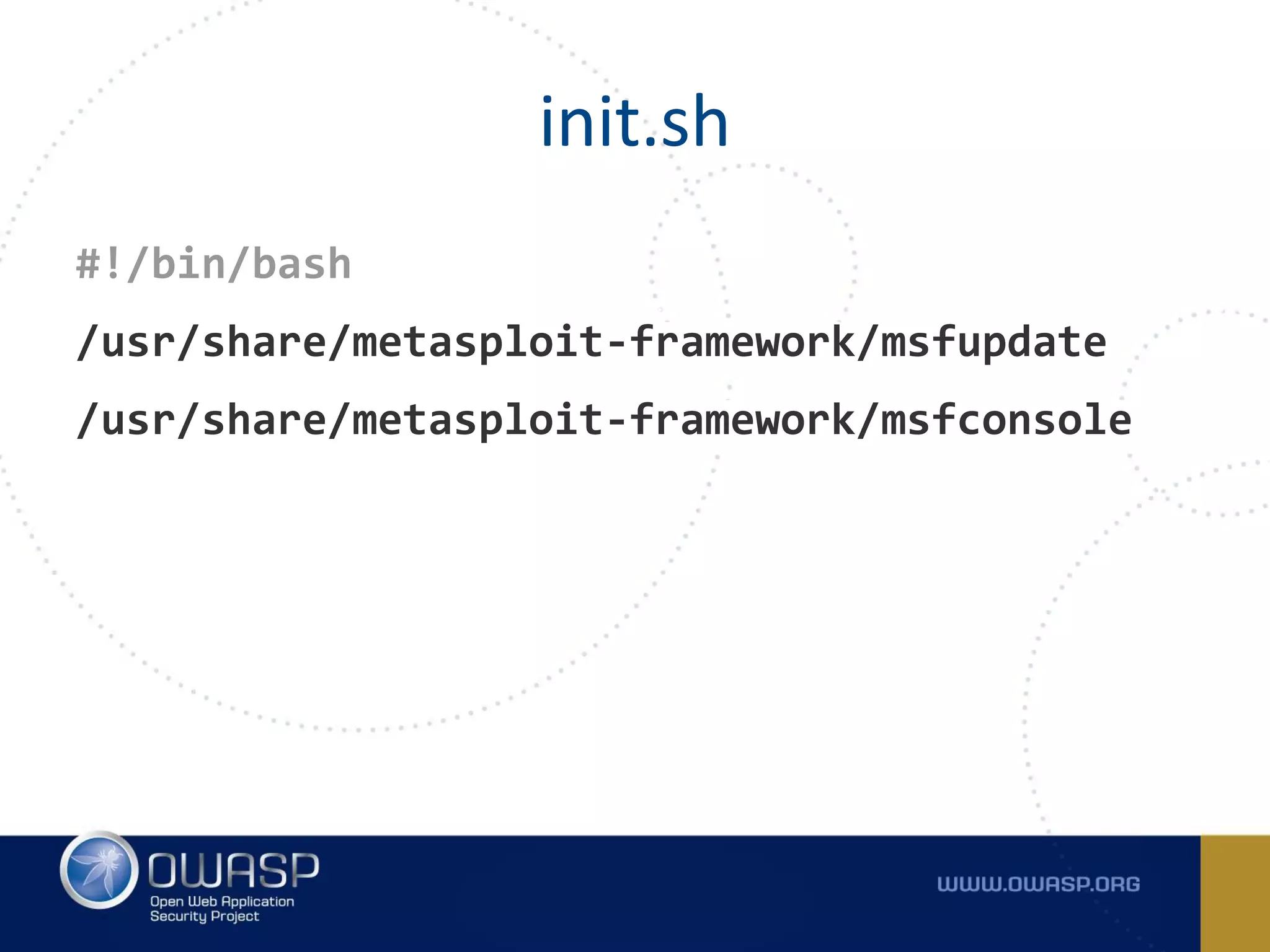
#!/bin/bash
/usr/share/metasploit-framework/msfupdate
/usr/share/metasploit-framework/msfconsole
init.sh
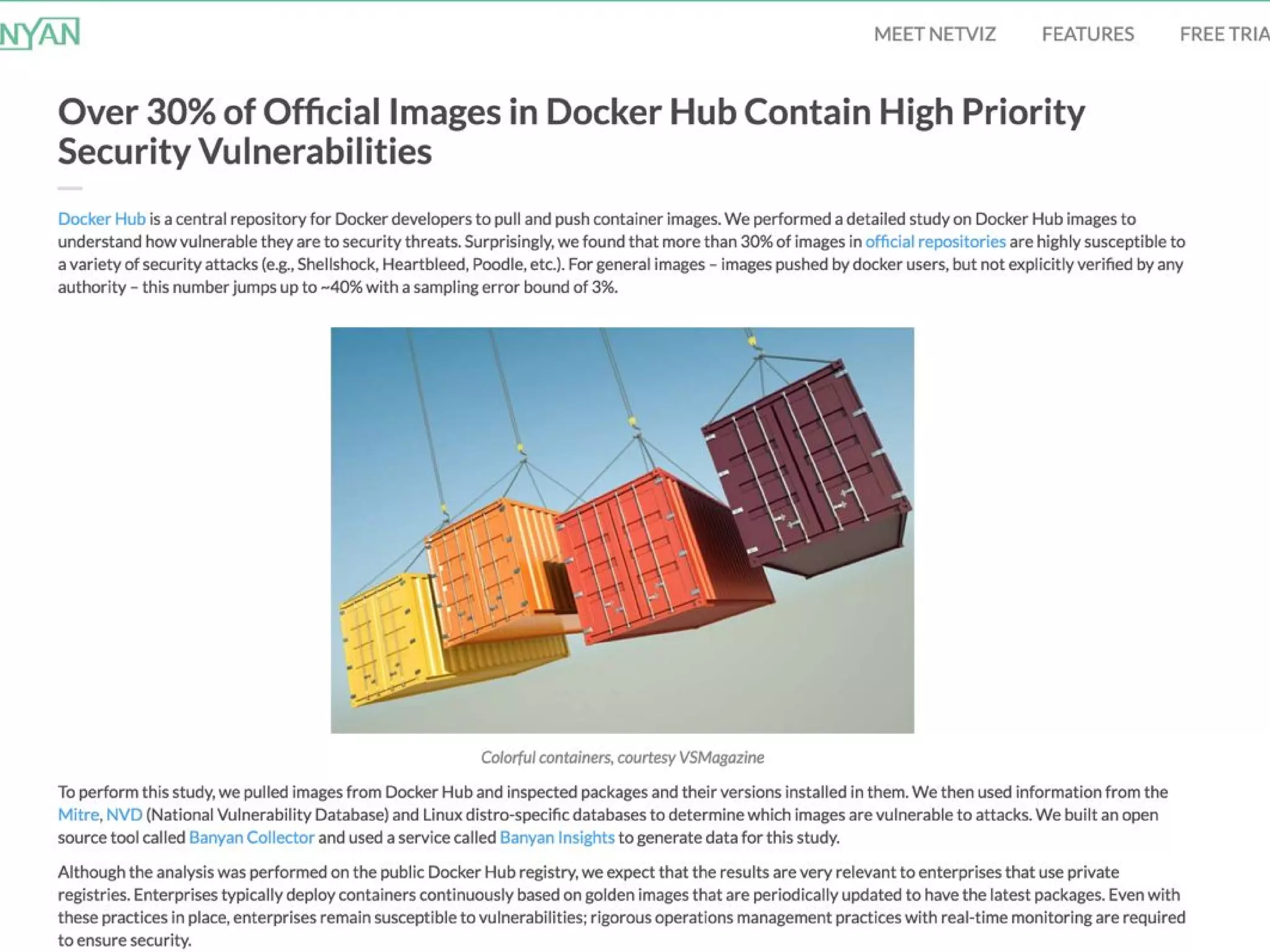
What could go wrong with
blindly pulling Docker images?
Always inspect and vet the
Dockerfile before blindly using it.
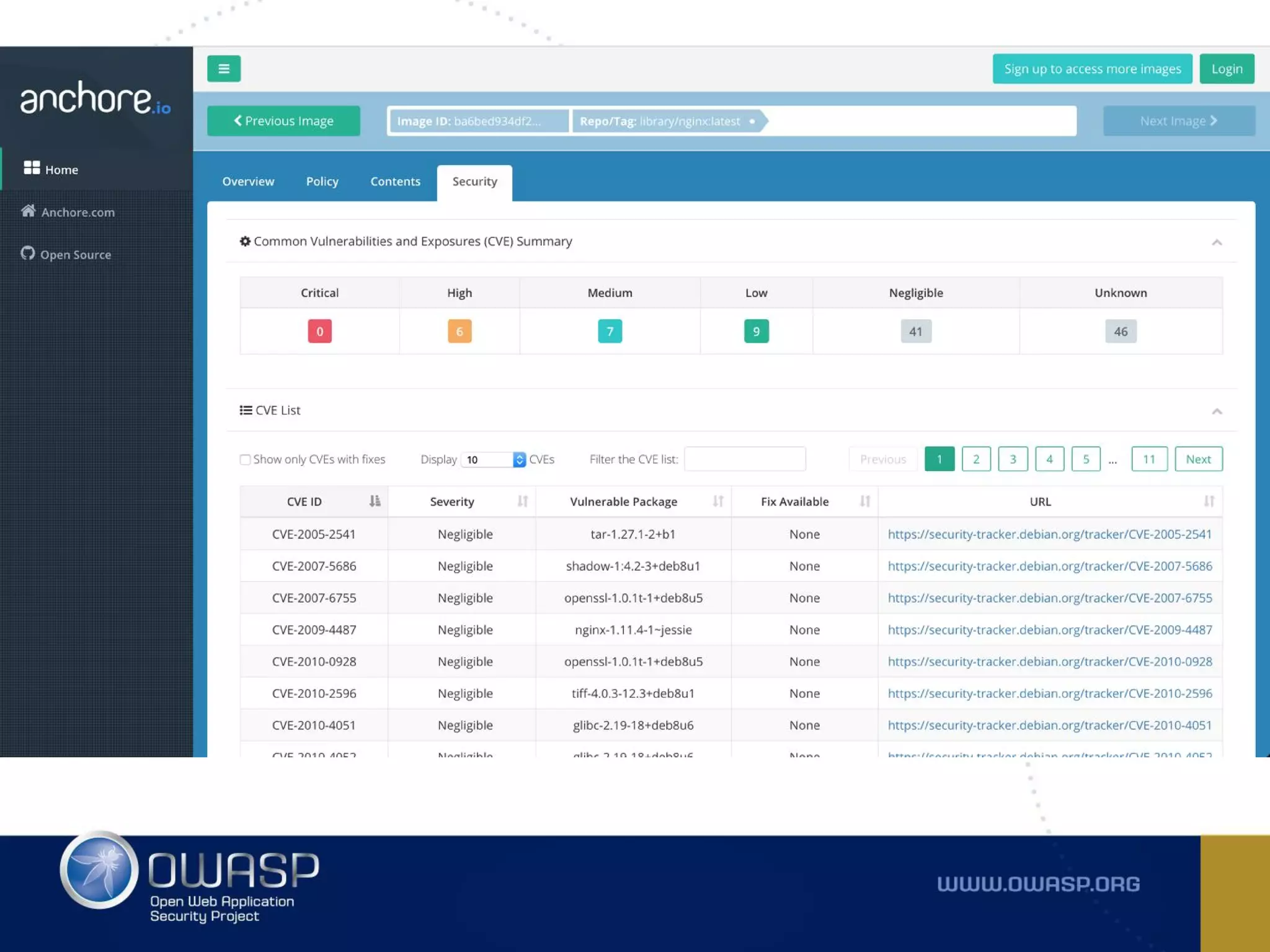
Tools like Clair, Quay, and Anchore
can help identify vulnerabilities in
images.
https://github.com/zaproxy/zaproxy/wiki/Docker
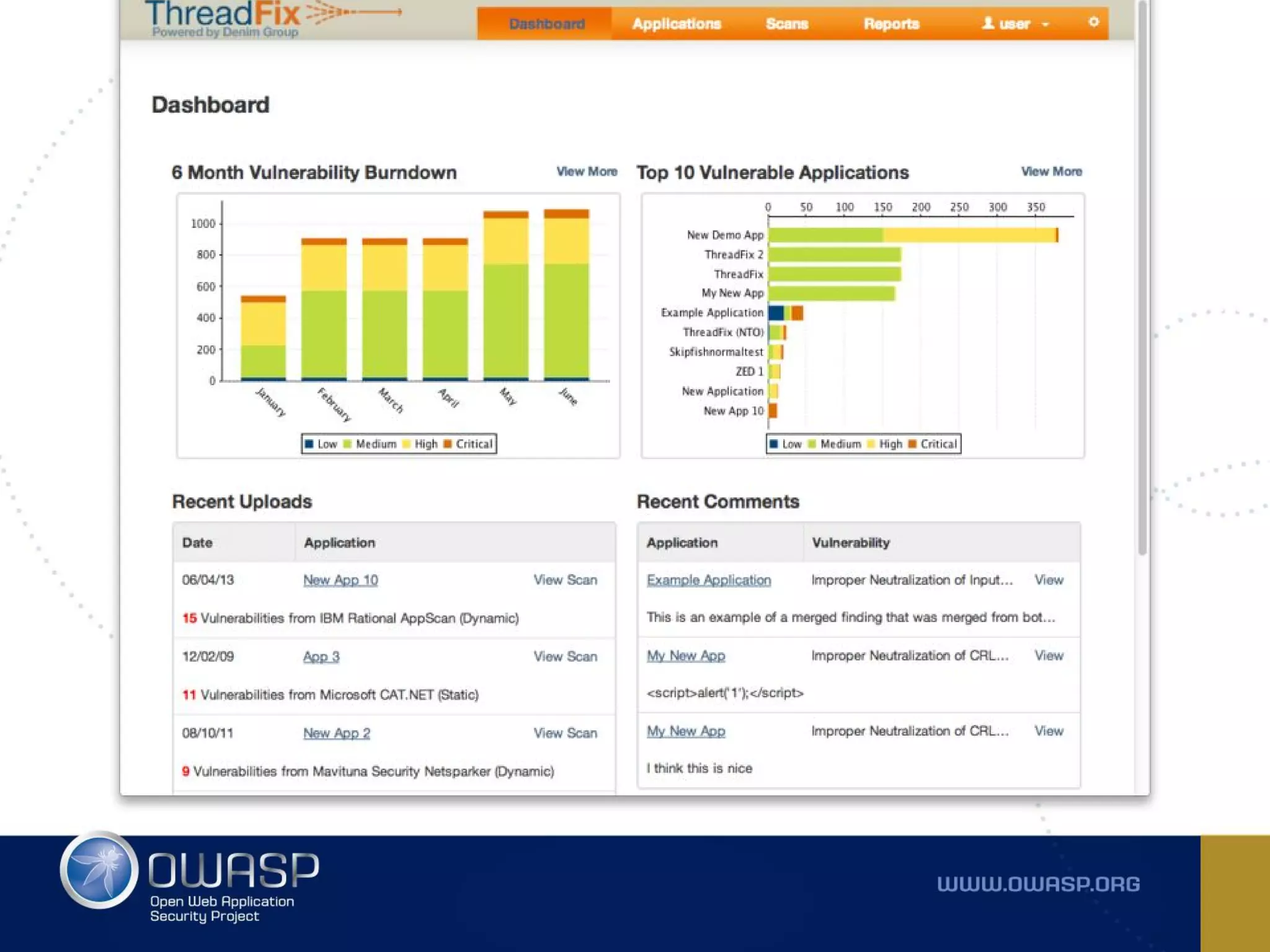
https://hub.docker.com/r/jmbmxer/threadfix/
https://github.com/blacktop/docker-cuckoo
https://github.com/wazuh/docker-ossec-elk
Security is Catching on
docker run is useful and all but
how do we get these containers out to
the world for others to use?
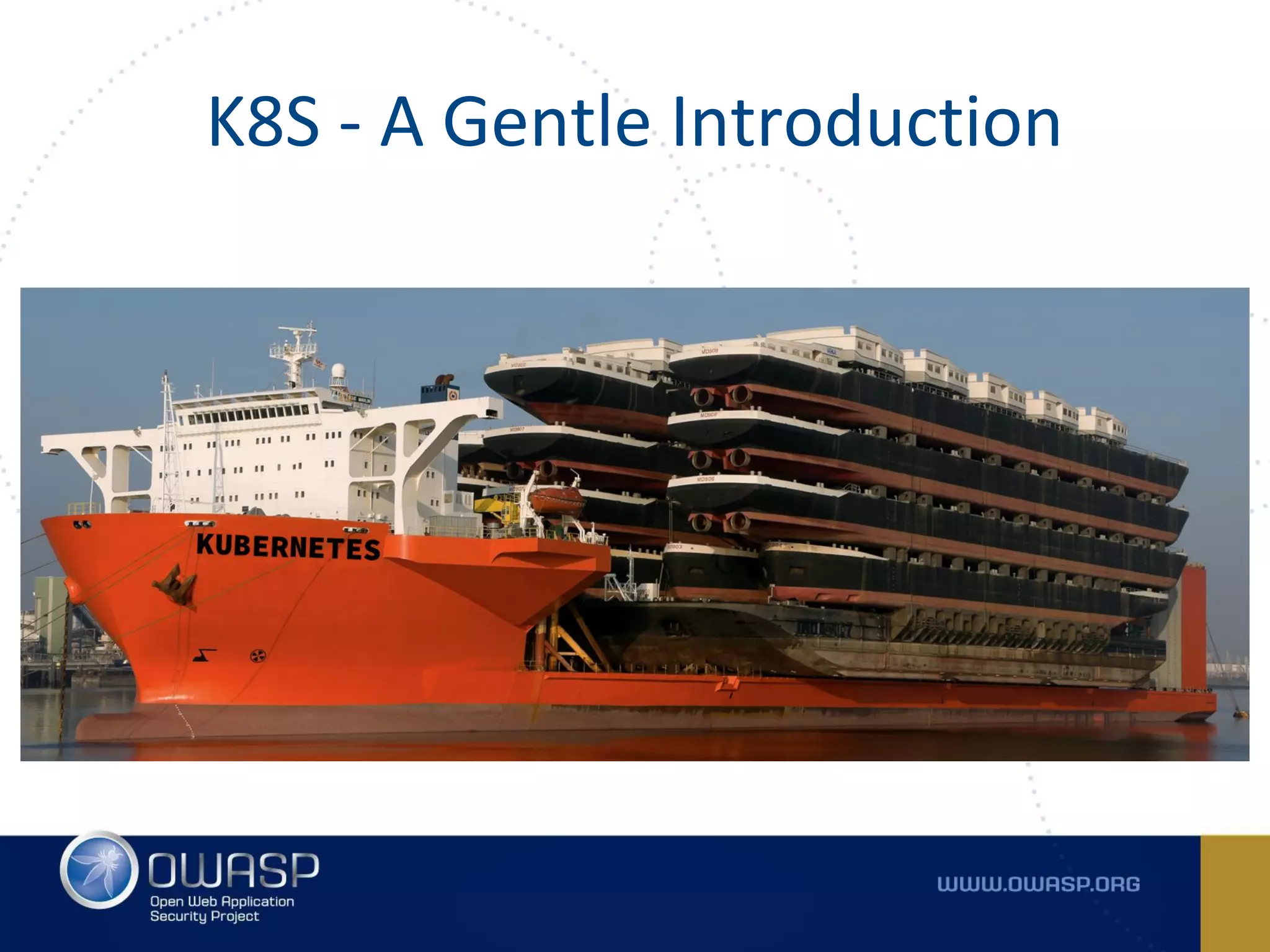
K8S - A Gentle Introduction
Kubernetes is an open-source
platform built to automate
deployment, scaling and
orchestration of containers.
K8S is portable. Clusters can be
deployed on a public/private
cloud, on prem, and even on
your laptop.
K8S is customizable. It is
modular and extensible to fit
nearly any use-case.
K8S is scalable. It provides
self-healing, auto scaling, and
replication.
There are others!
- Don’t orchestrate for the
sake of orchestration (or
because the cool kids are
doing it)
- Containers first, then
orchestration
- docker-compose does a
fine job for many things
Core Concepts
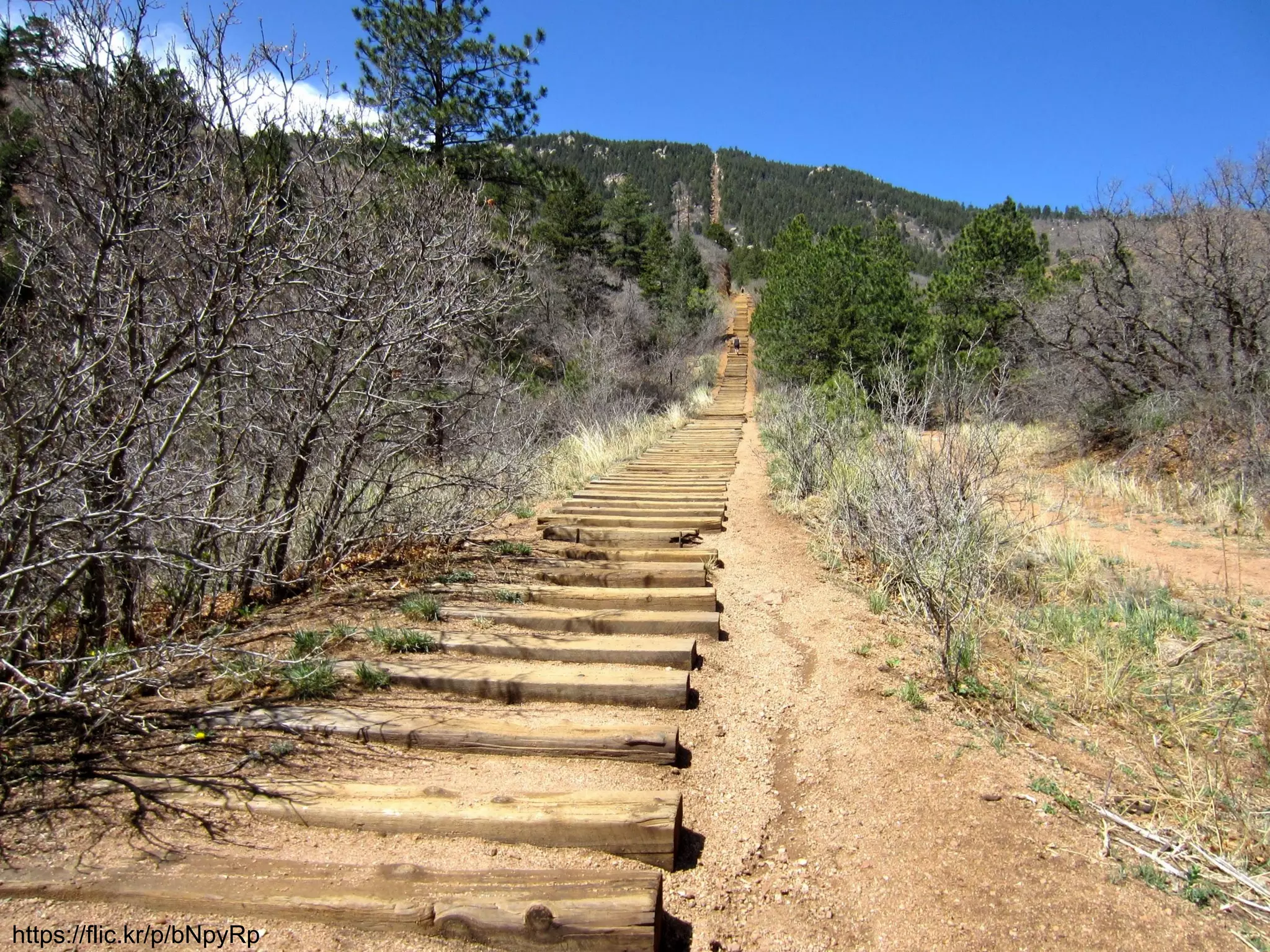
https://flic.kr/p/bNpyRp
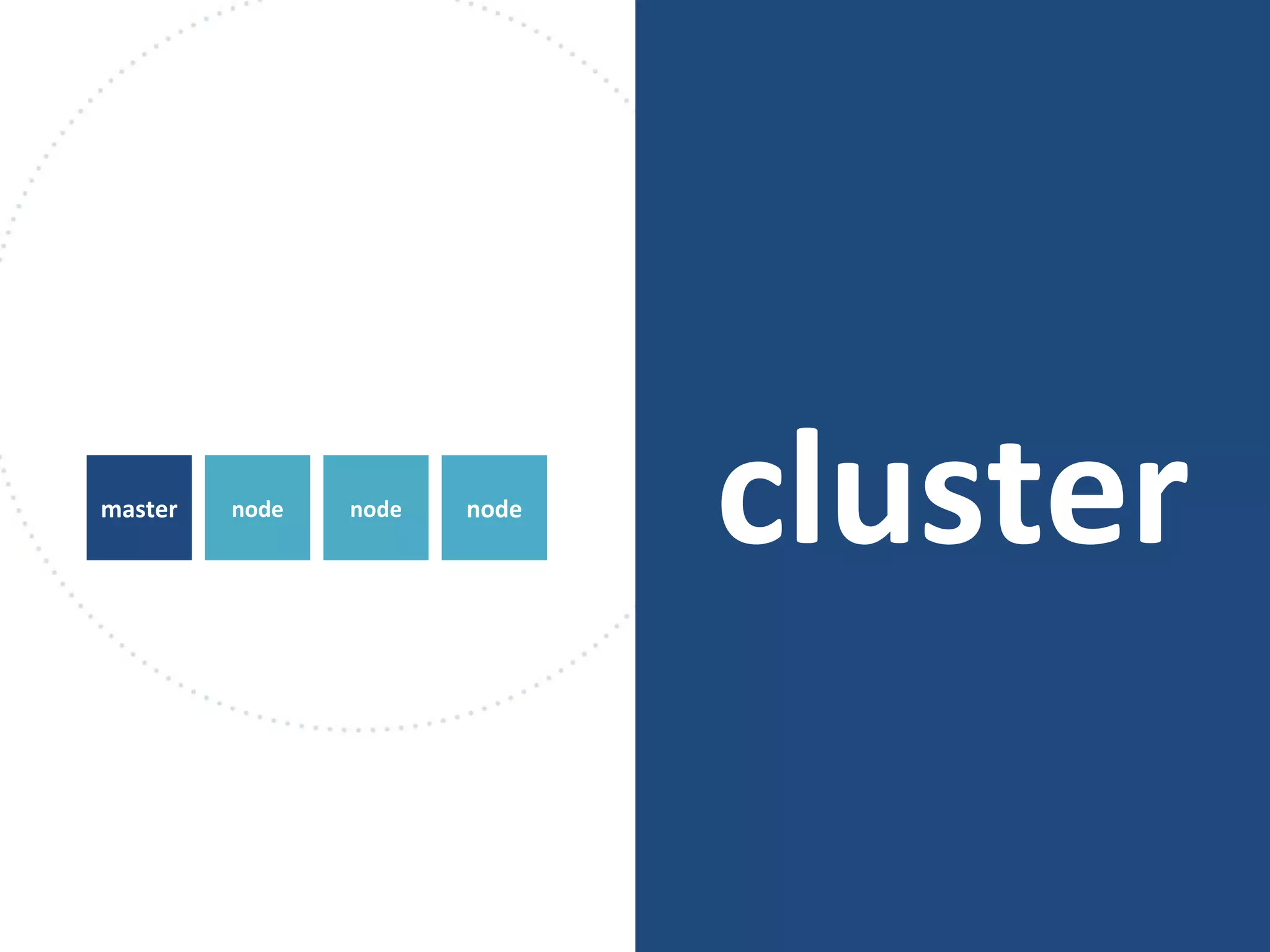
cluster
virtual machines
that Kubernetes
manages
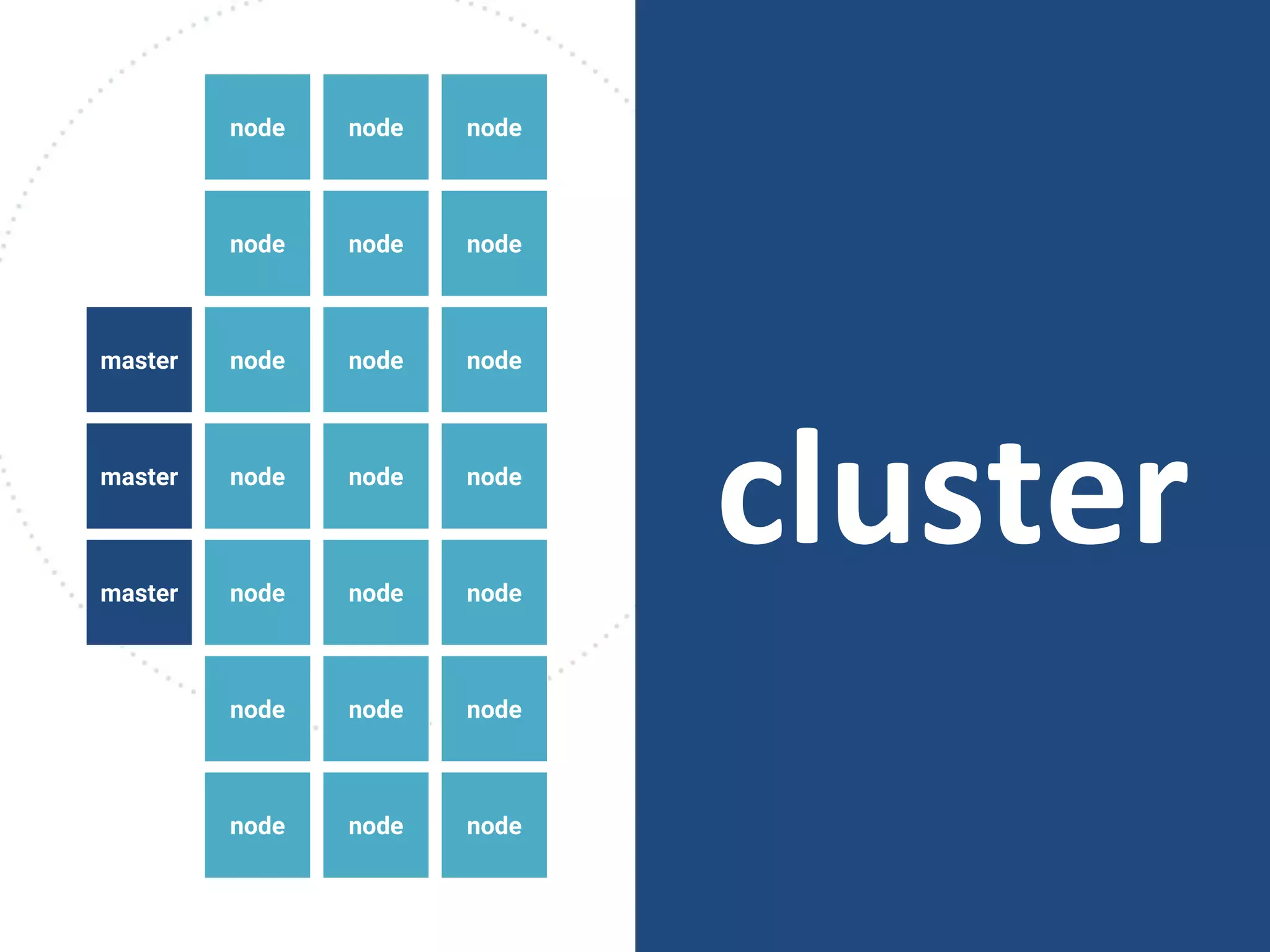
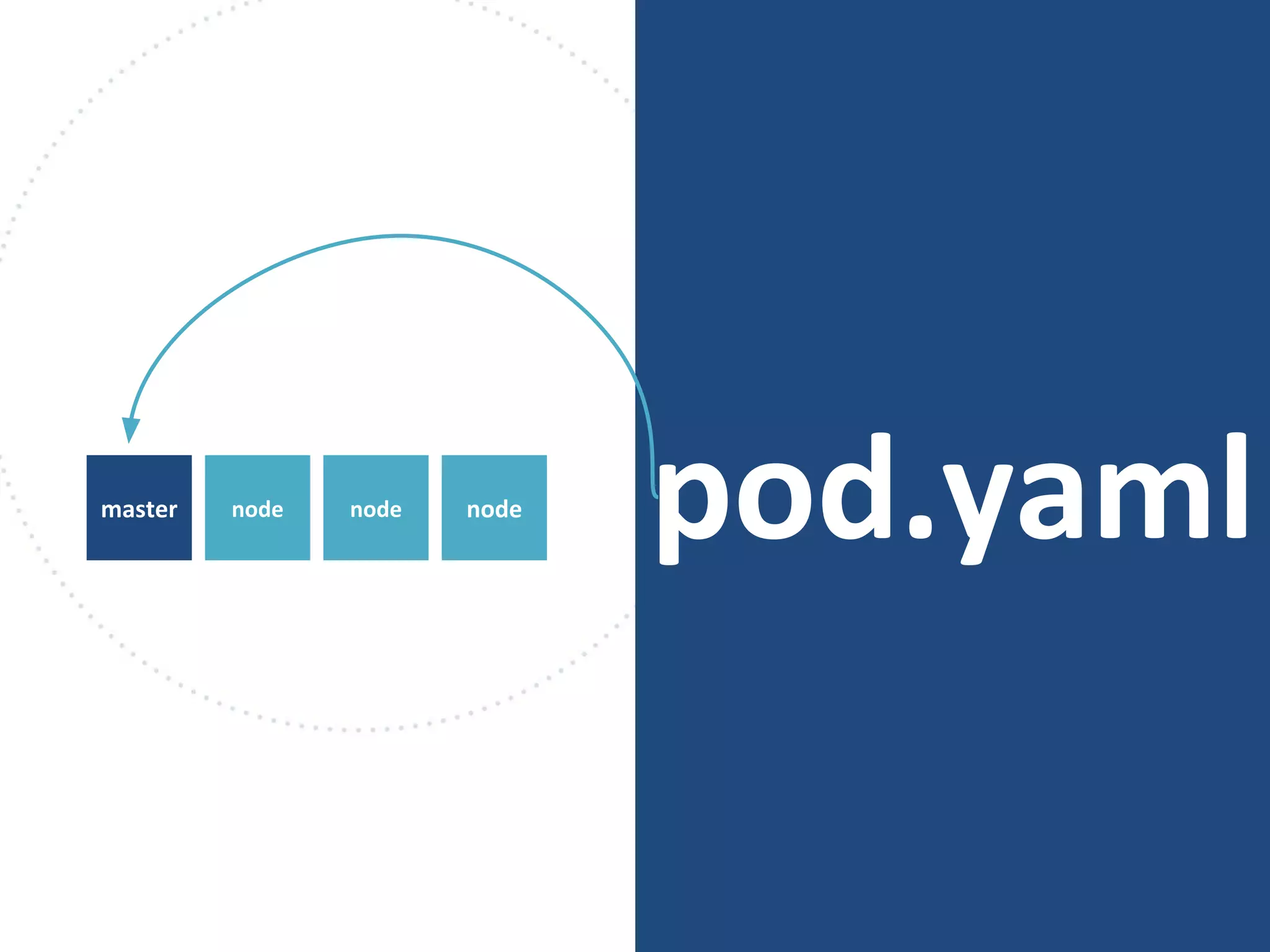
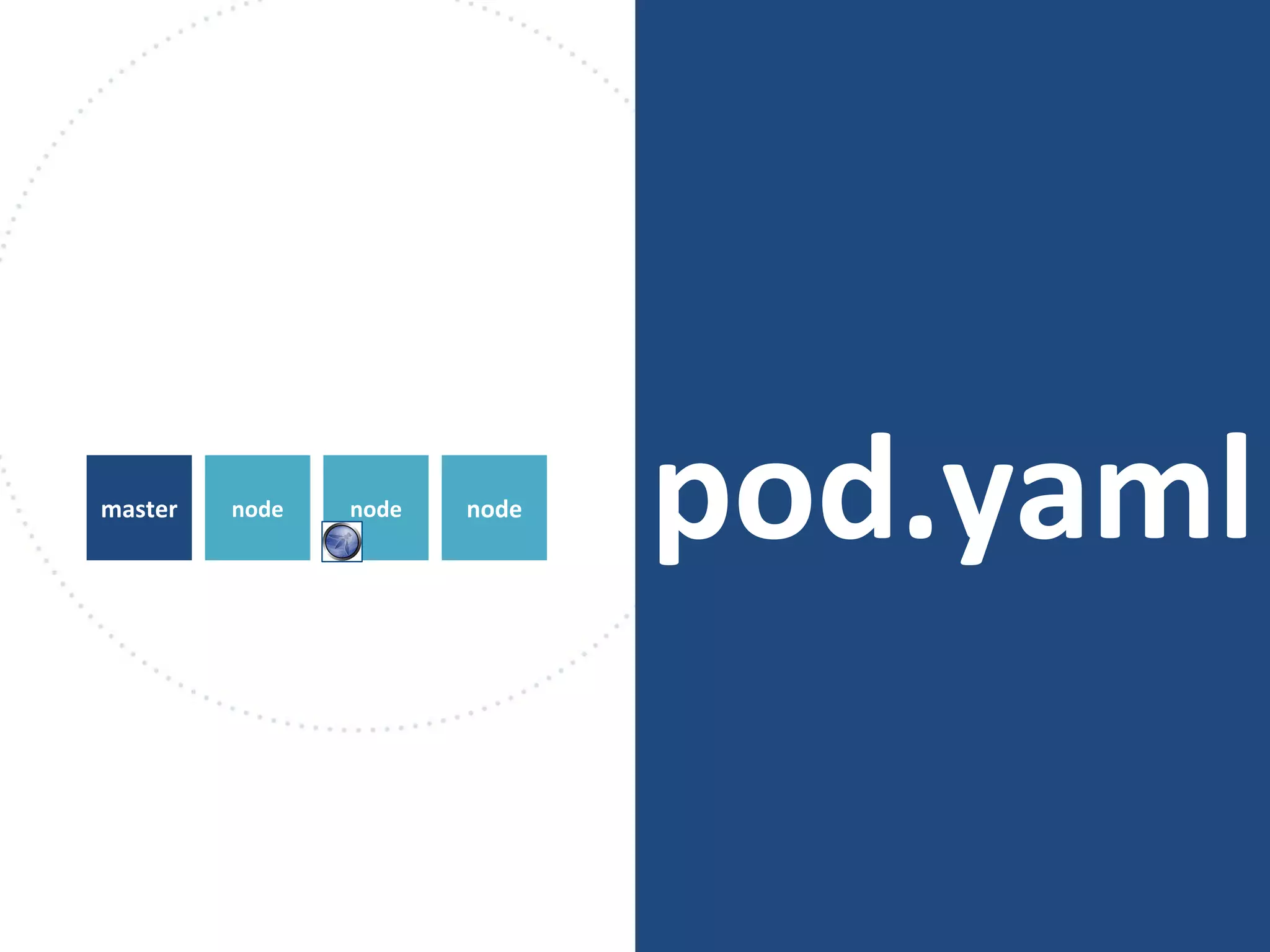
clusternodemaster node node
node node node
node node node
node node node
node node
node node node
node node nodemaster
master
node
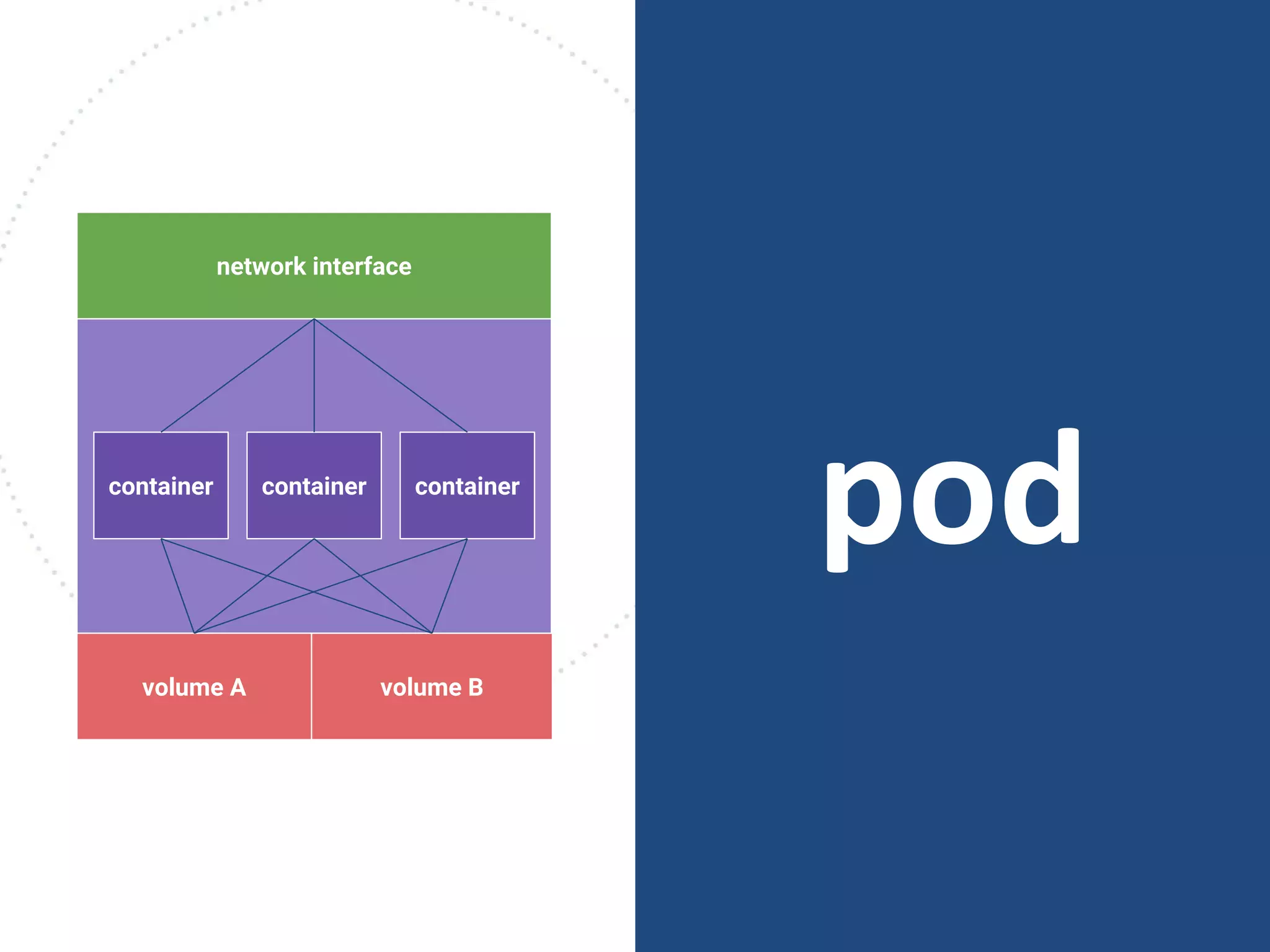
pod
group of
containers
sharing storage
and network
podcontainer container container
volume A volume B
network interface
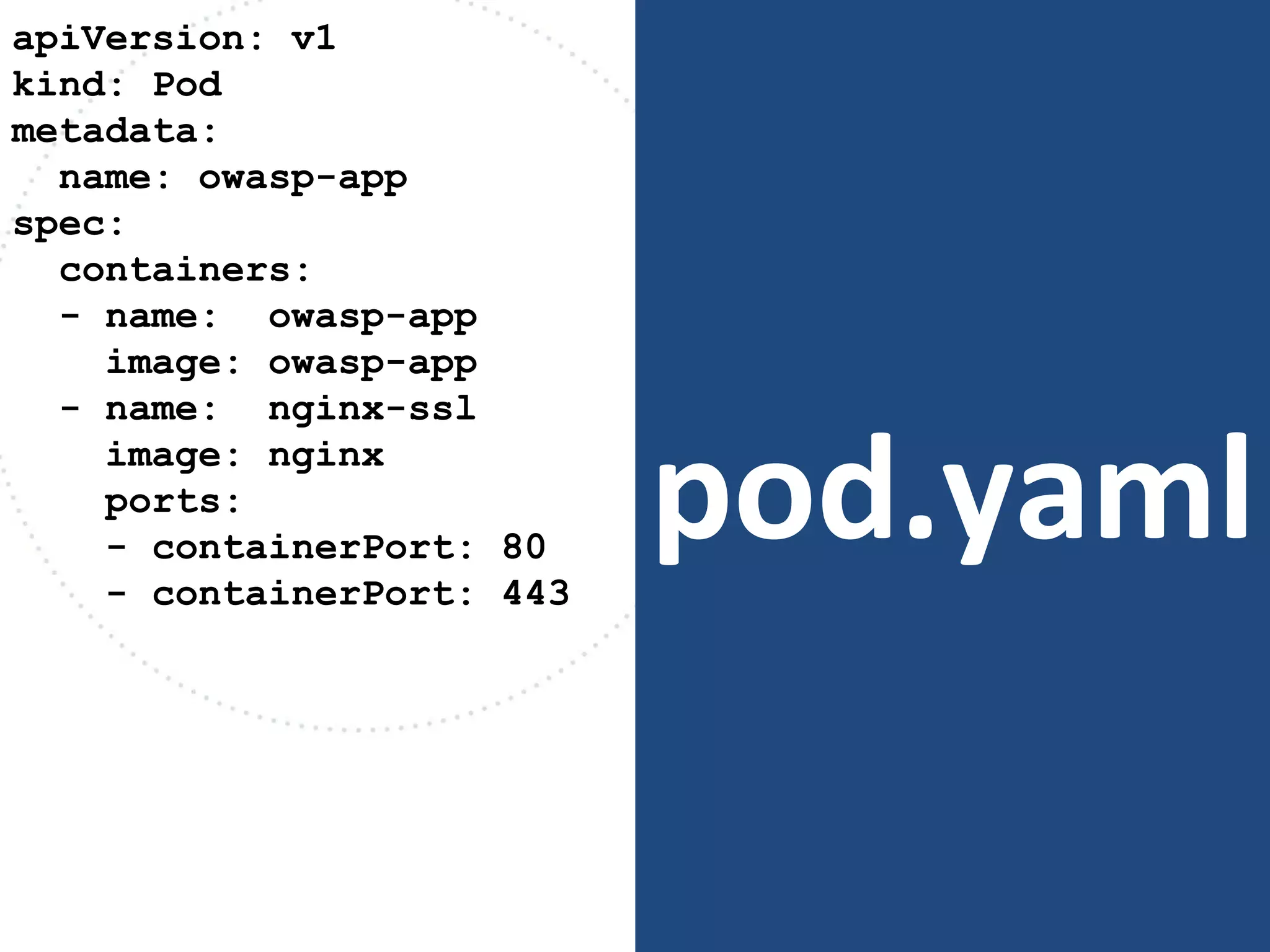
pod.yaml
apiVersion: v1
kind: Pod
metadata:
name: owasp-app
spec:
containers:
- name: owasp-app
image: owasp-app
- name: nginx-ssl
image: nginx
ports:
- containerPort: 80
- containerPort: 443
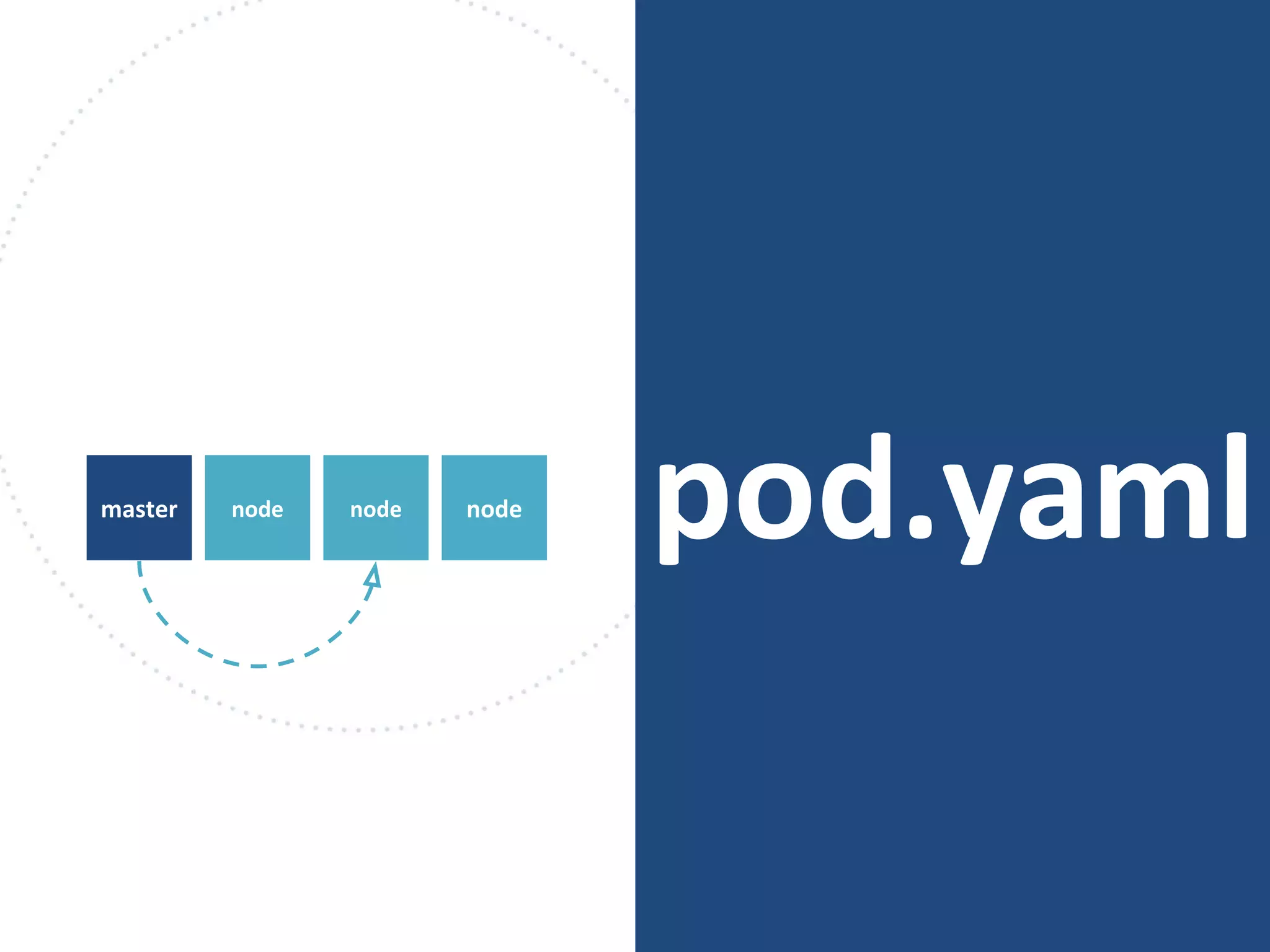
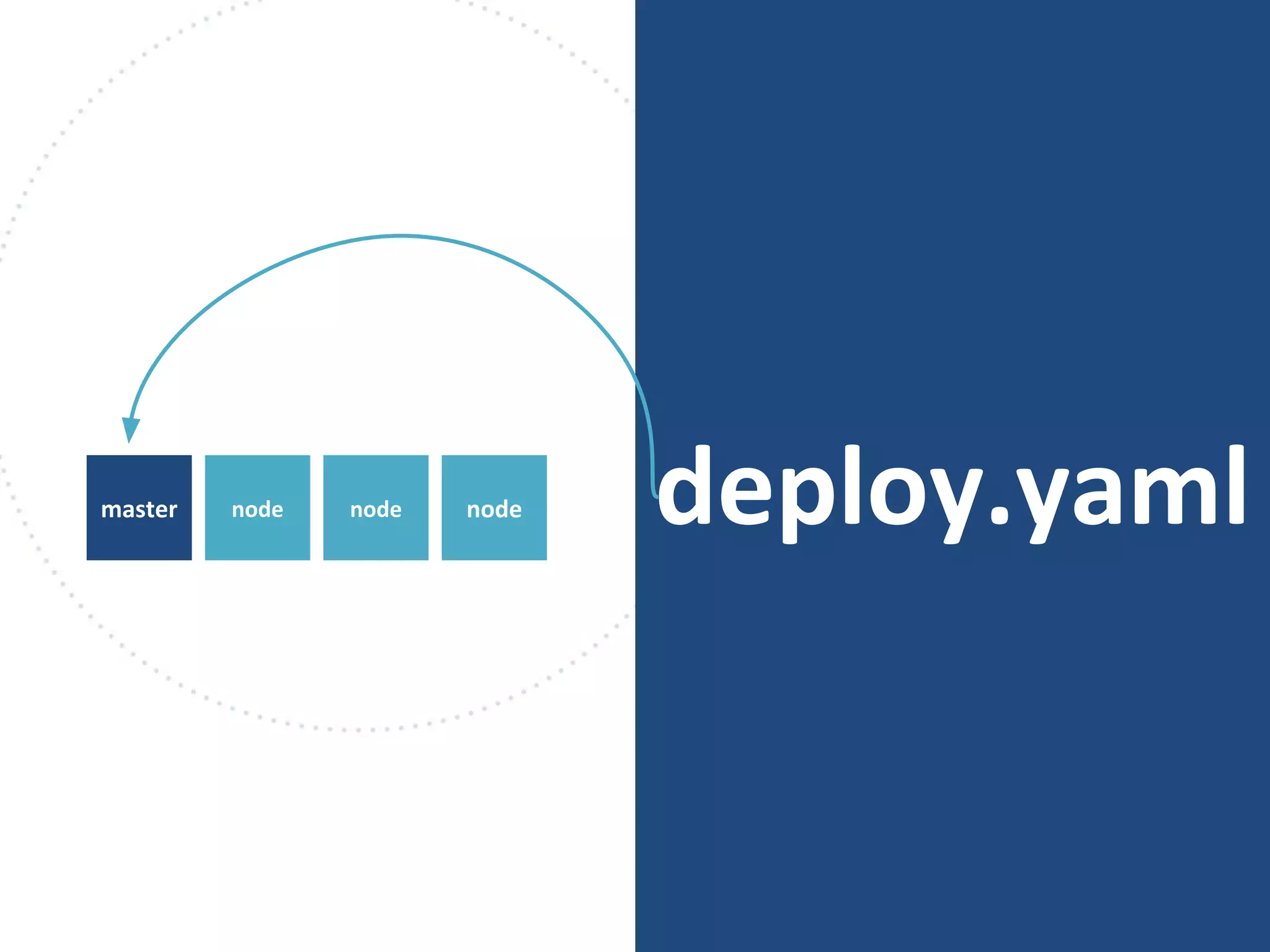
pod.yamlnodemaster node node
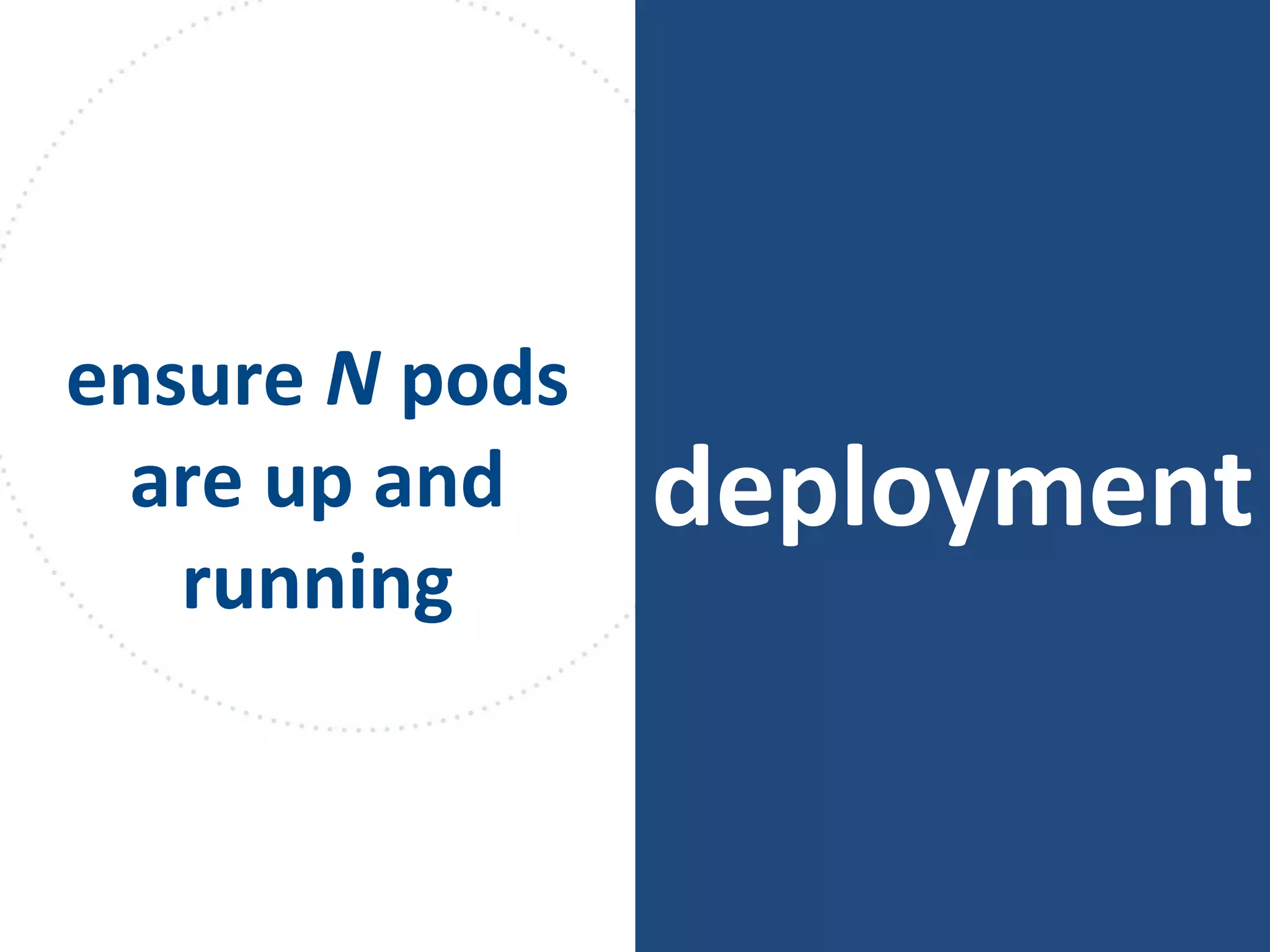
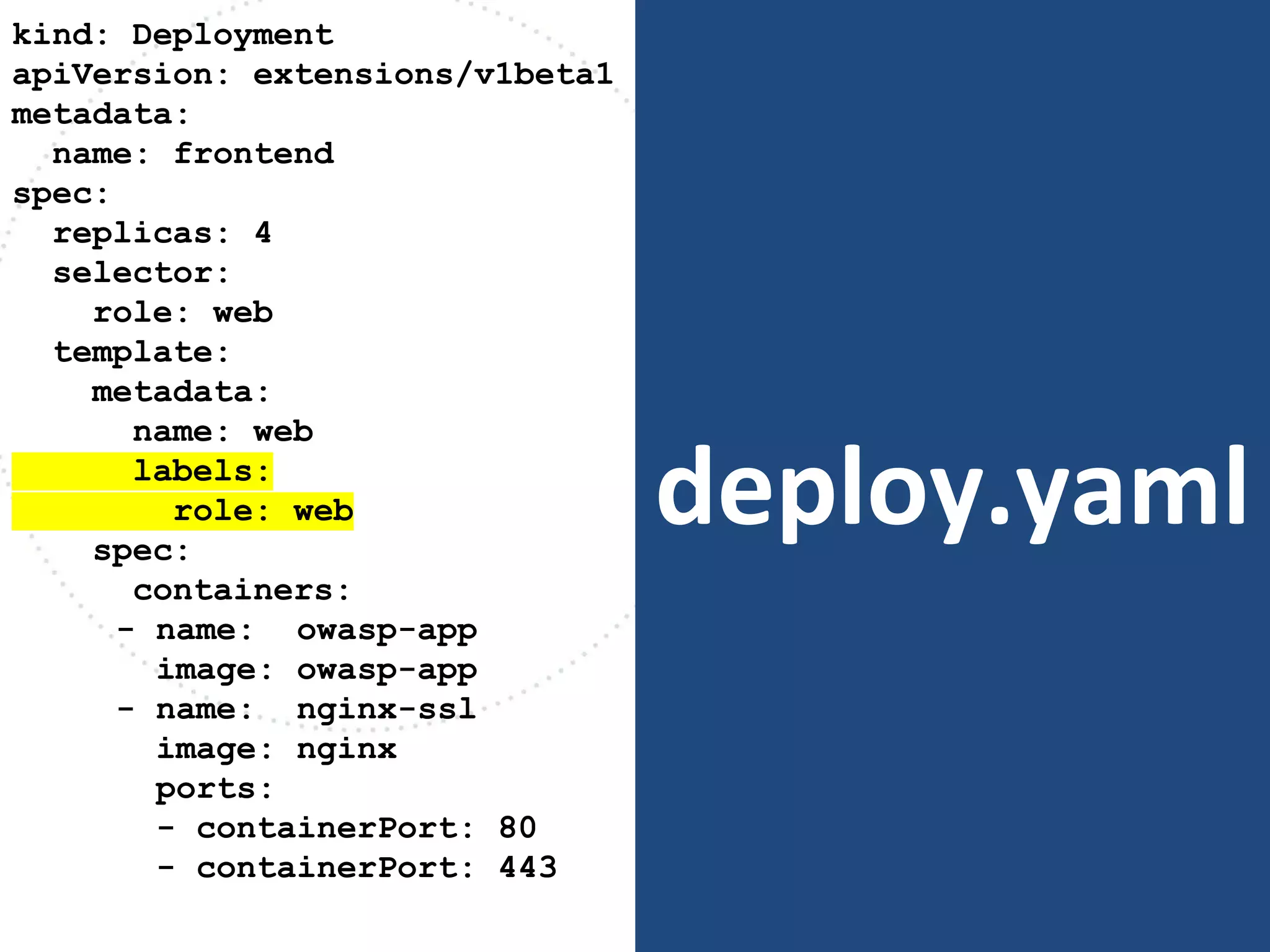
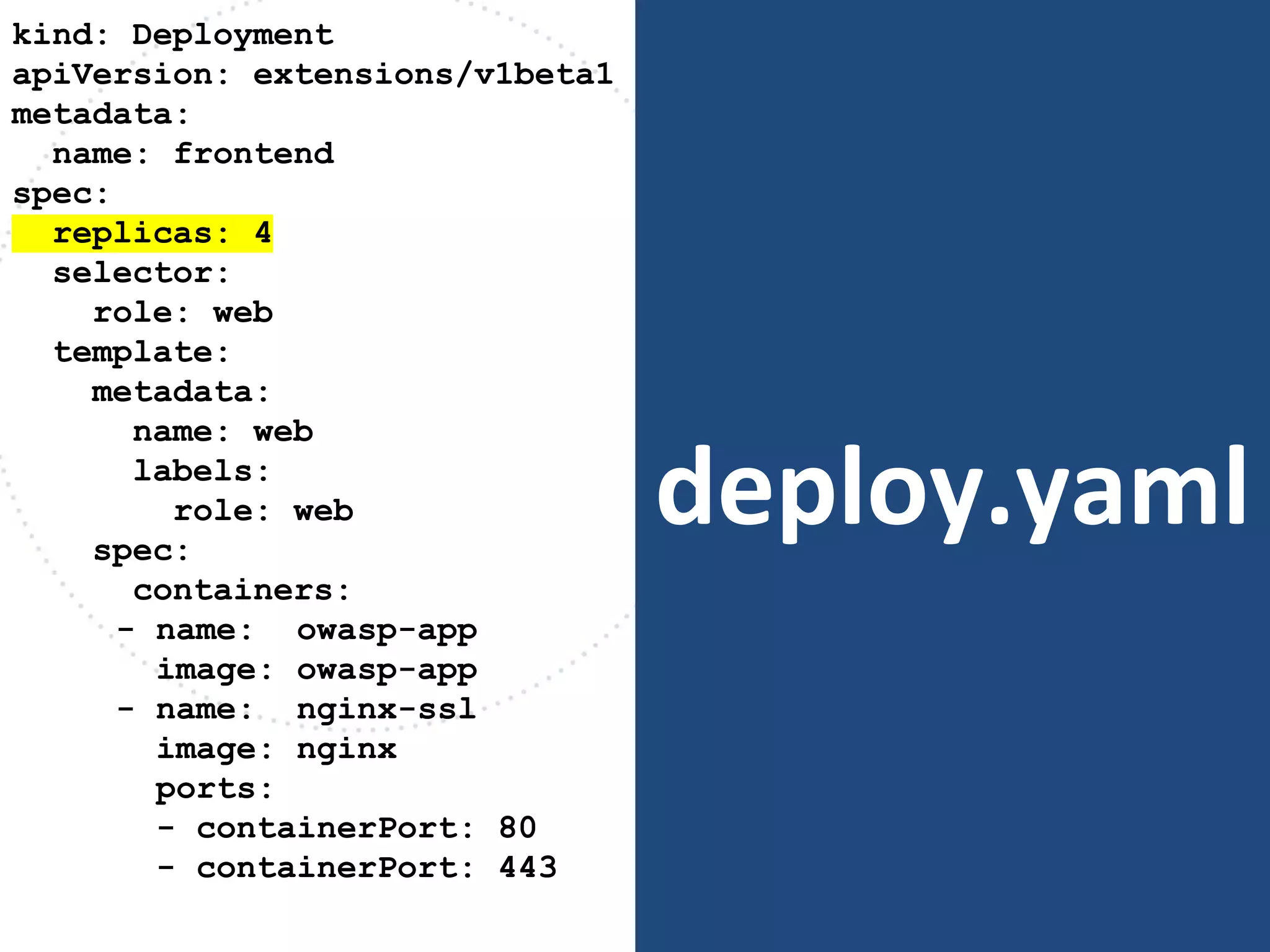
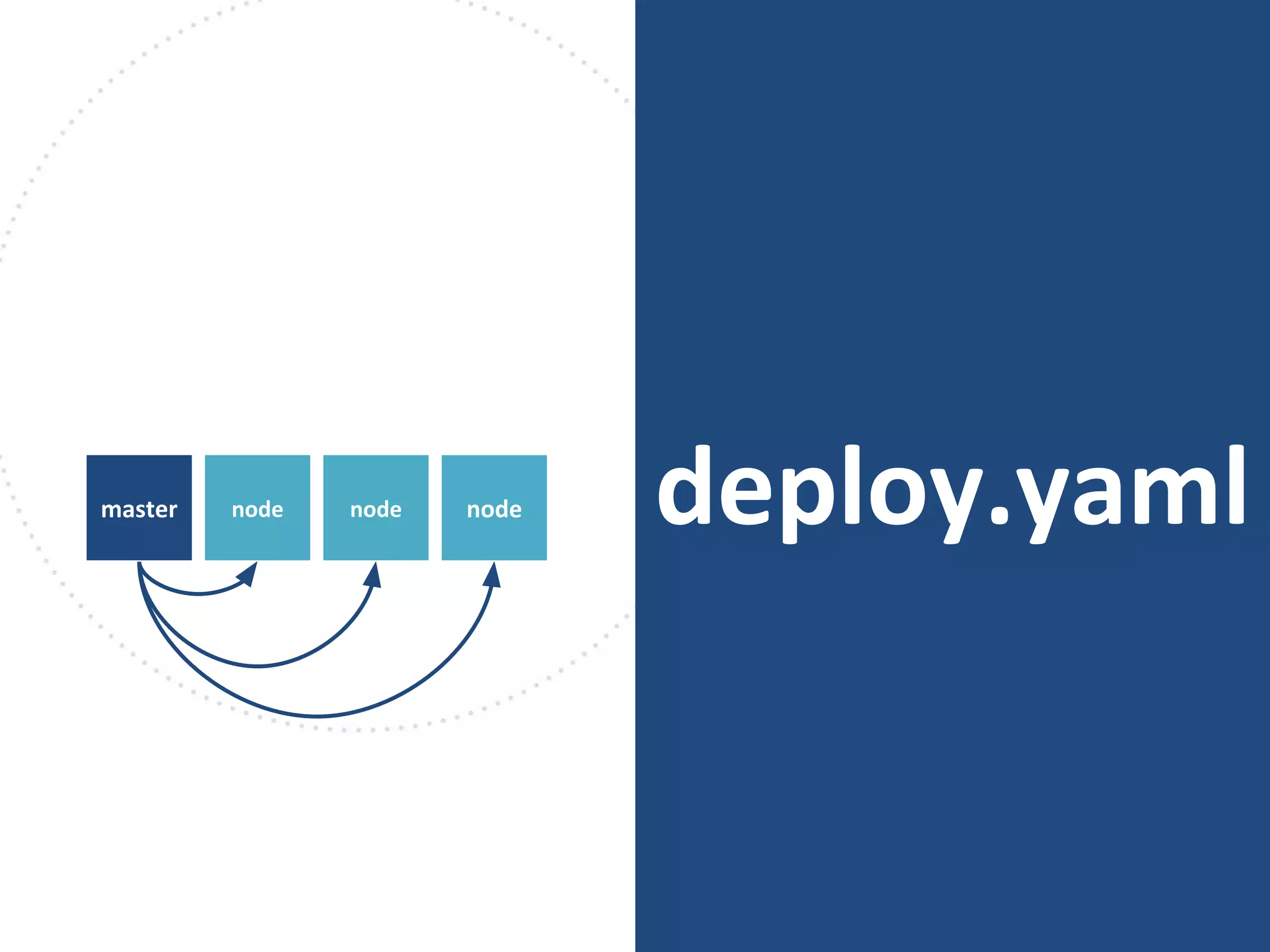
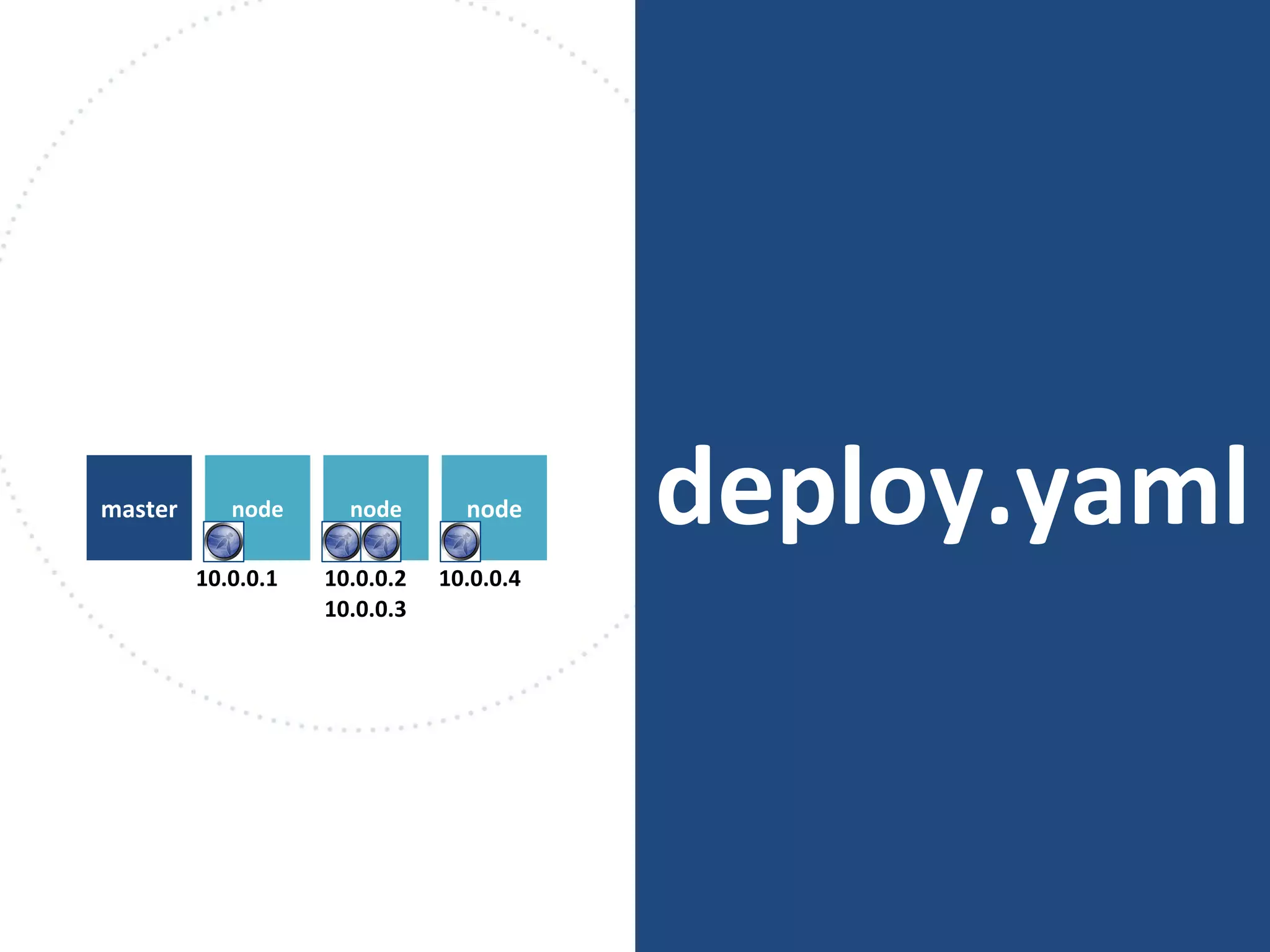
deployment
ensure N pods
are up and
running
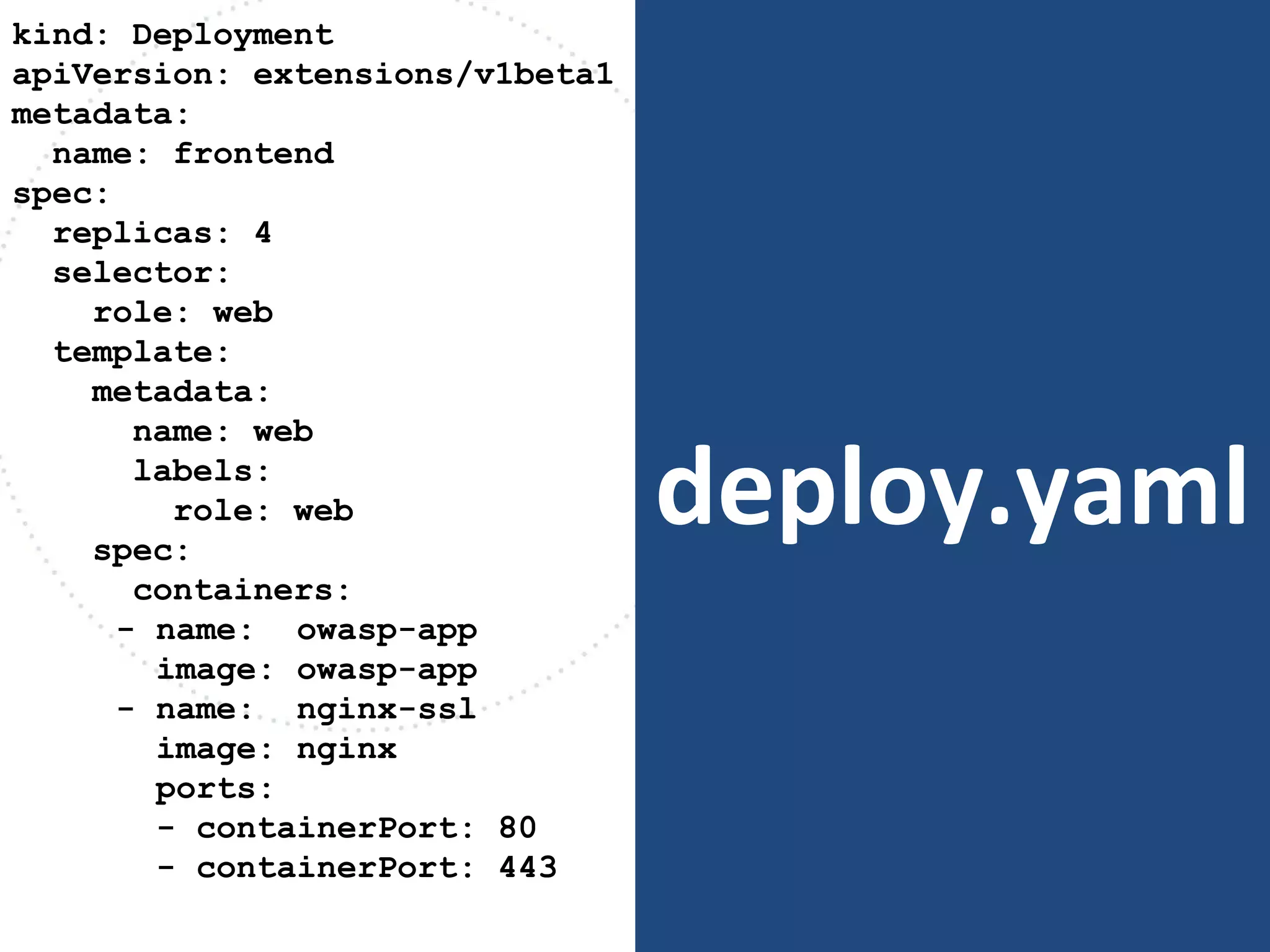
deploy.yaml
kind: Deployment
apiVersion: extensions/v1beta1
metadata:
name: frontend
spec:
replicas: 4
selector:
role: web
template:
metadata:
name: web
labels:
role: web
spec:
containers:
- name: owasp-app
image: owasp-app
- name: nginx-ssl
image: nginx
ports:
- containerPort: 80
- containerPort: 443
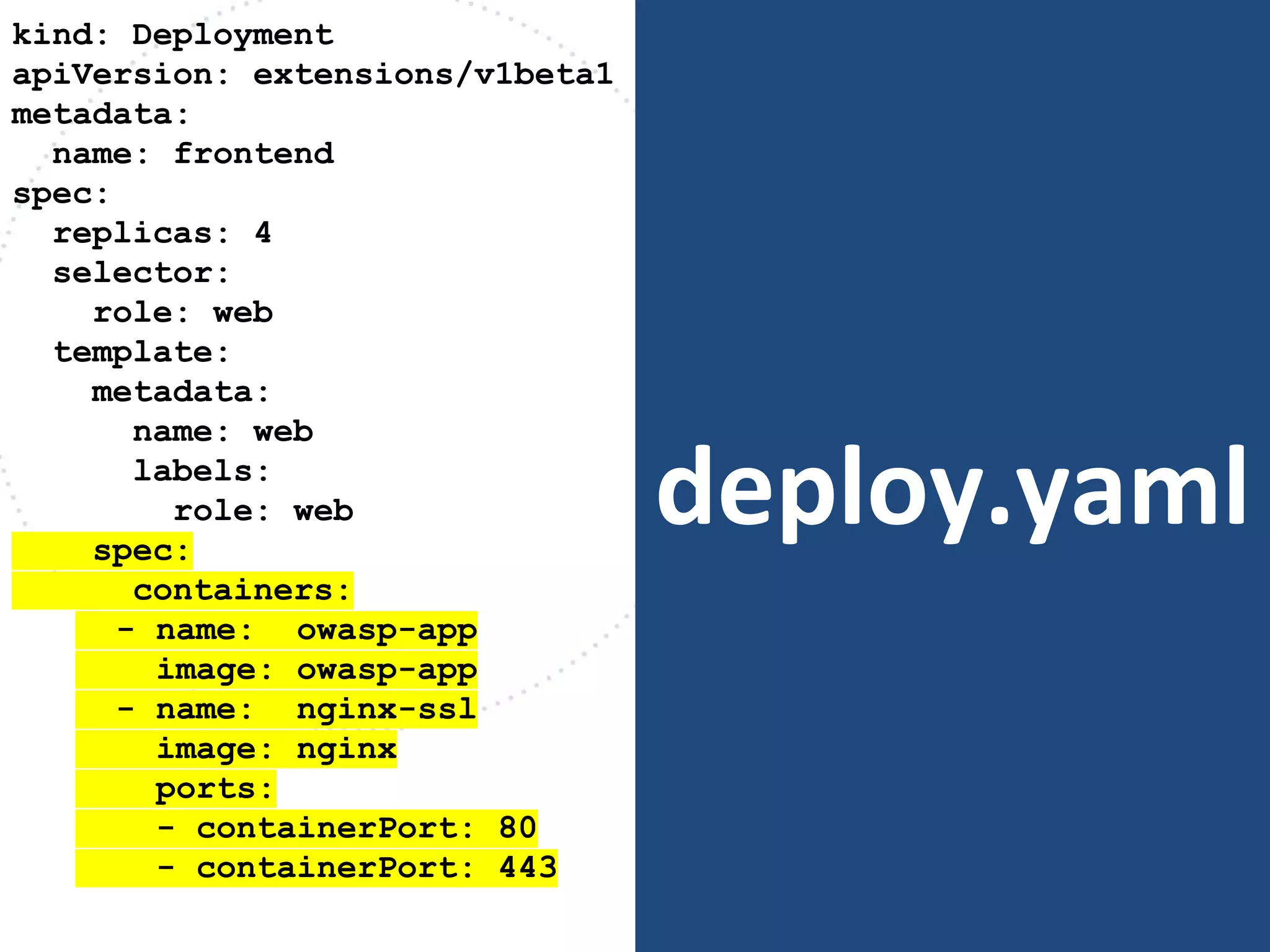
deploy.yaml
kind: Deployment
apiVersion: extensions/v1beta1
metadata:
name: frontend
spec:
replicas: 4
selector:
role: web
template:
metadata:
name: web
labels:
role: web
spec:
containers:
- name: owasp-app
image: owasp-app
- name: nginx-ssl
image: nginx
ports:
- containerPort: 80
- containerPort: 443
deploy.yaml
kind: Deployment
apiVersion: extensions/v1beta1
metadata:
name: frontend
spec:
replicas: 4
selector:
role: web
template:
metadata:
name: web
labels:
role: web
spec:
containers:
- name: owasp-app
image: owasp-app
- name: nginx-ssl
image: nginx
ports:
- containerPort: 80
- containerPort: 443
deploy.yaml
kind: Deployment
apiVersion: extensions/v1beta1
metadata:
name: frontend
spec:
replicas: 4
selector:
role: web
template:
metadata:
name: web
labels:
role: web
spec:
containers:
- name: owasp-app
image: owasp-app
- name: nginx-ssl
image: nginx
ports:
- containerPort: 80
- containerPort: 443
deploy.yamlnodemaster node node
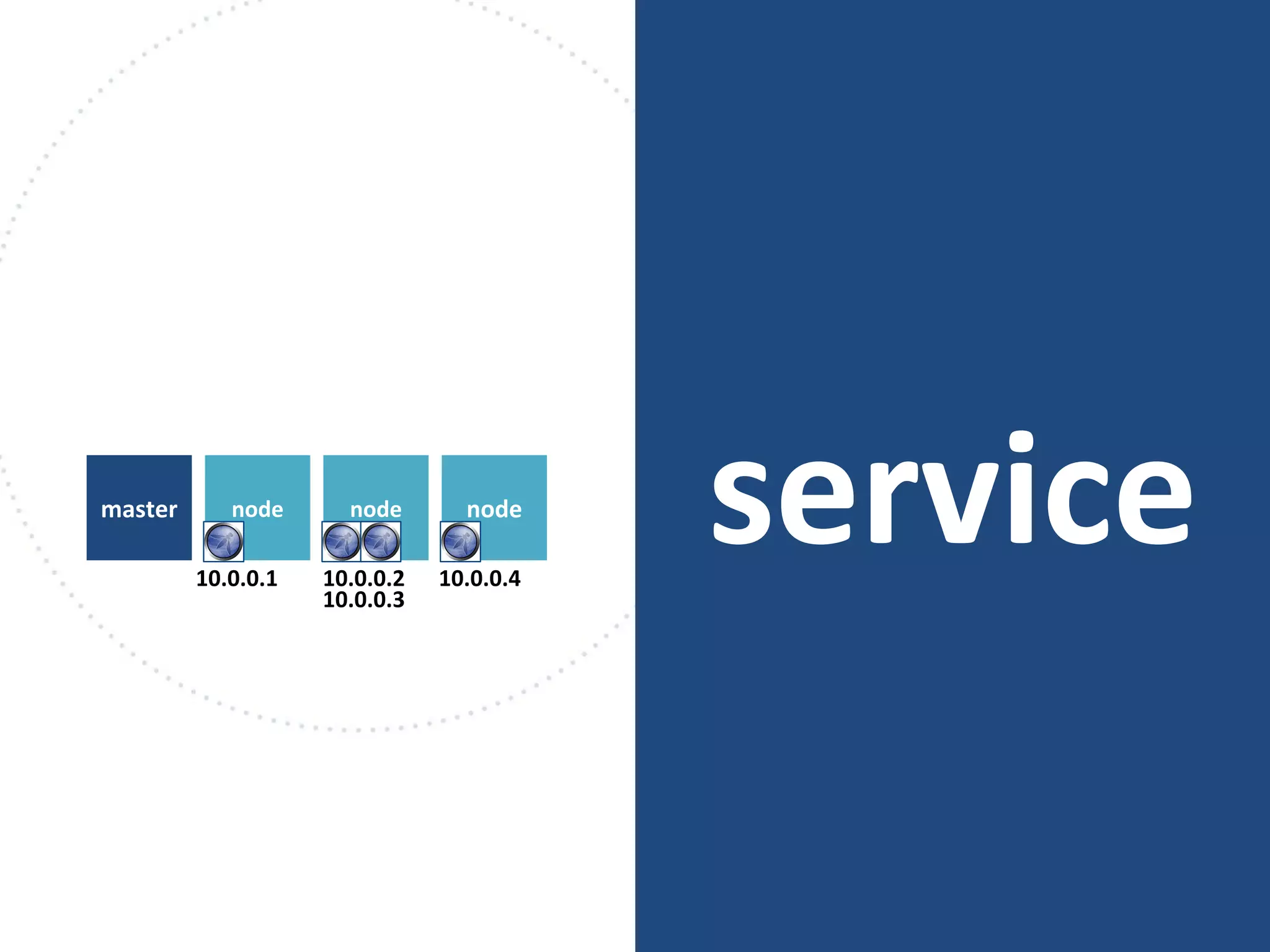
10.0.0.1 10.0.0.2
10.0.0.3
10.0.0.4
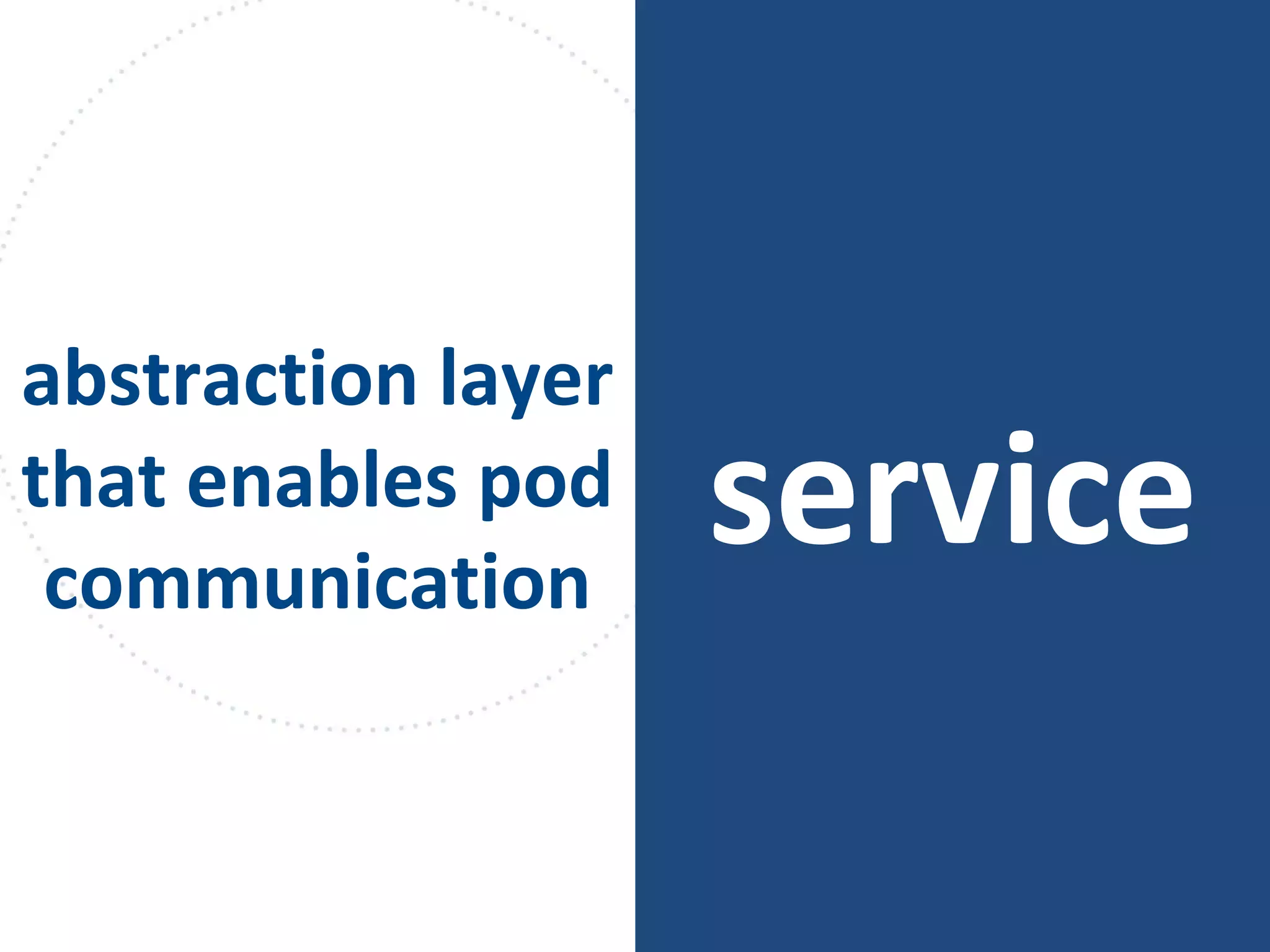
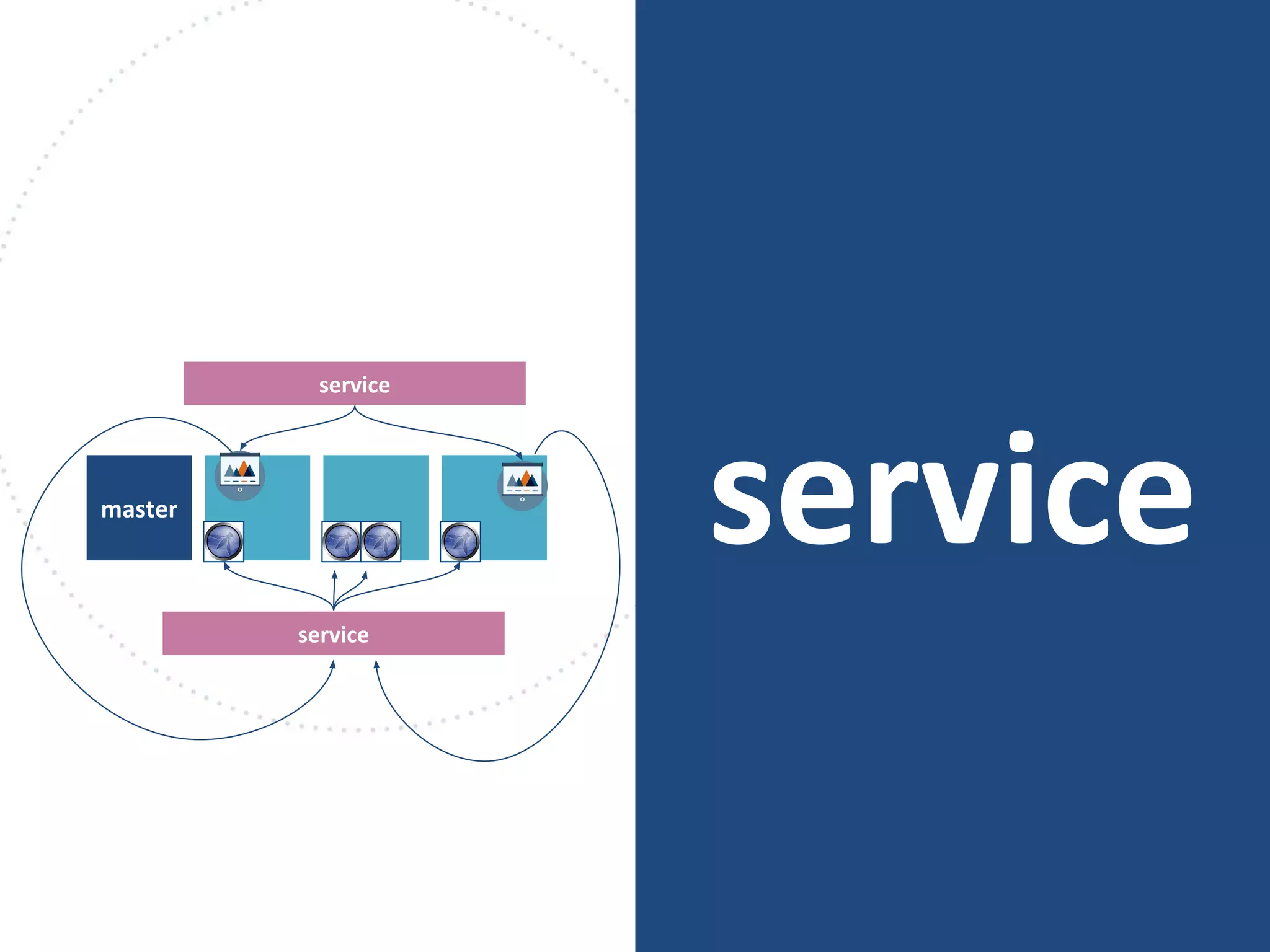
service
abstraction layer
that enables pod
communication
servicenodemaster node node
10.0.0.1 10.0.0.2
10.0.0.3
10.0.0.4
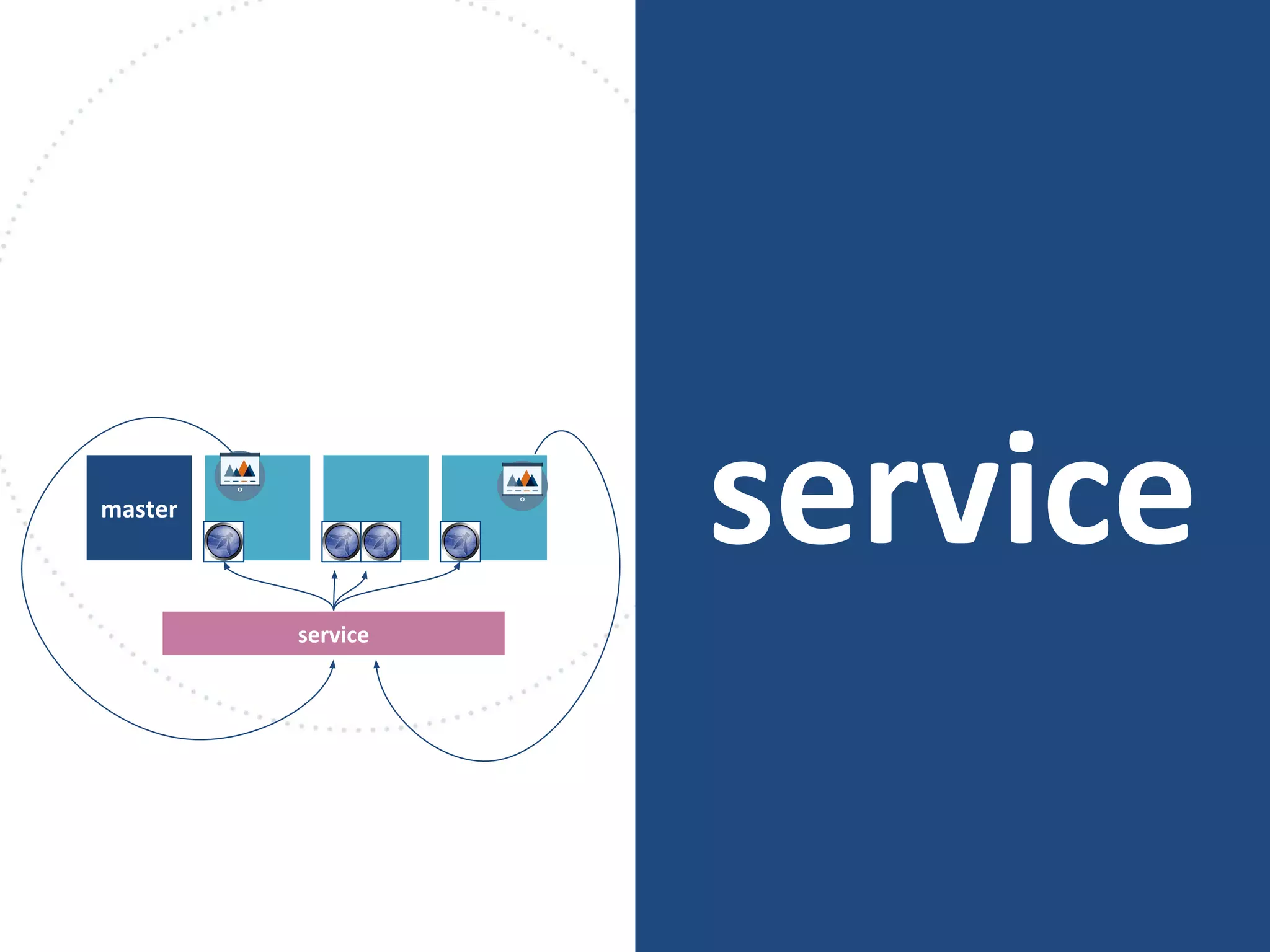
servicemaster
service
servicemaster
service
service
servicemaster
service
service
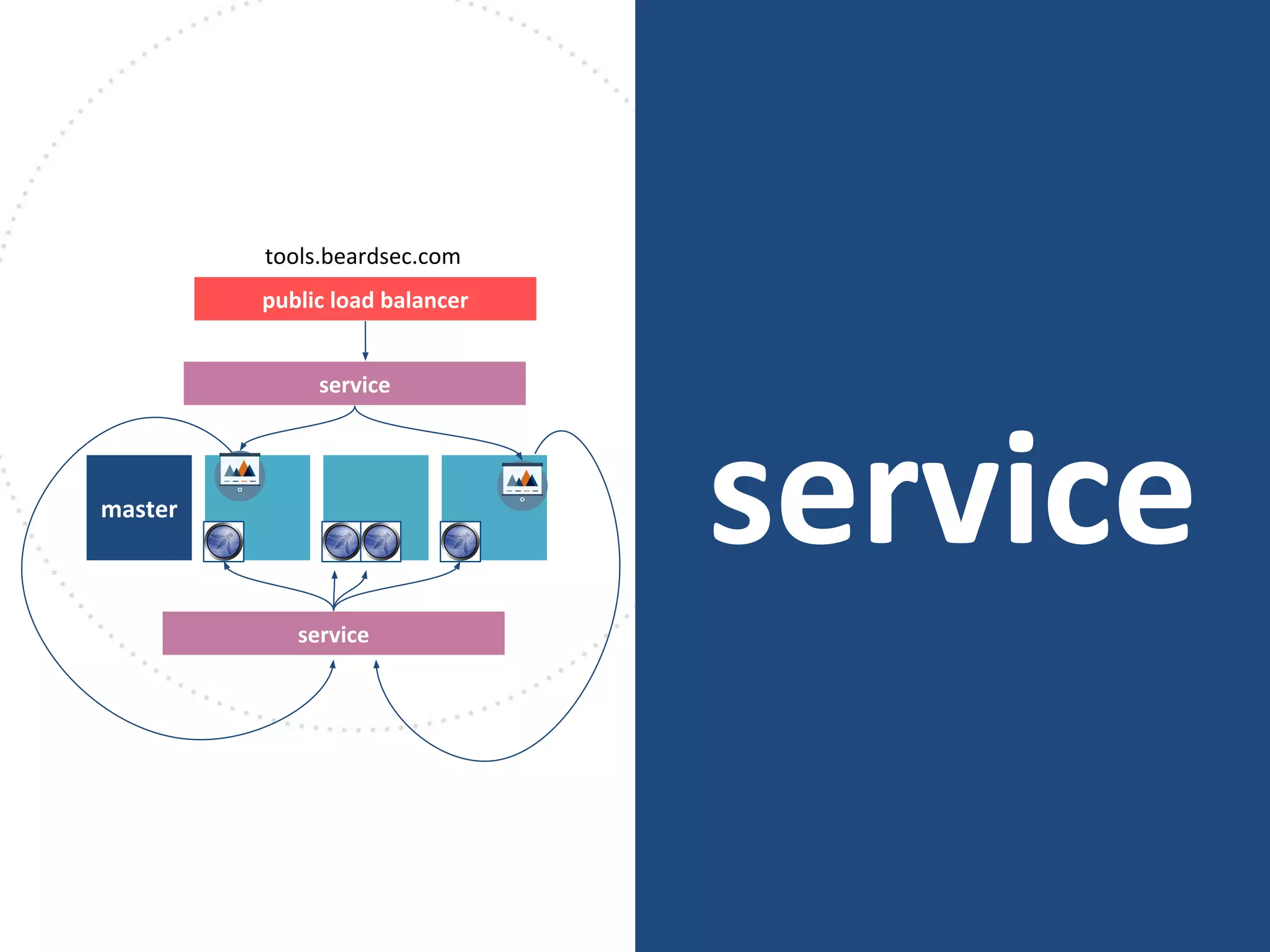
public load balancer
tools.beardsec.com
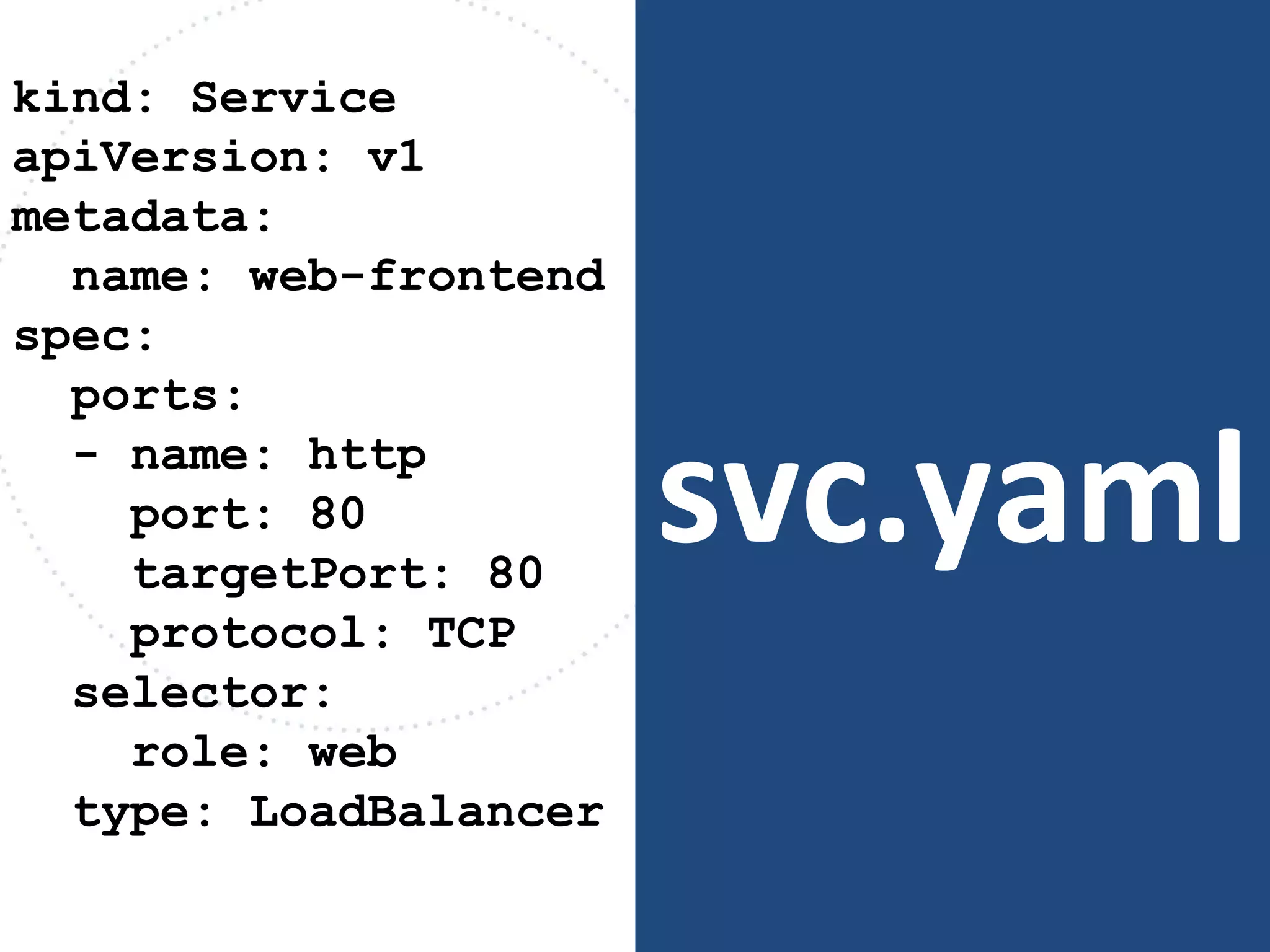
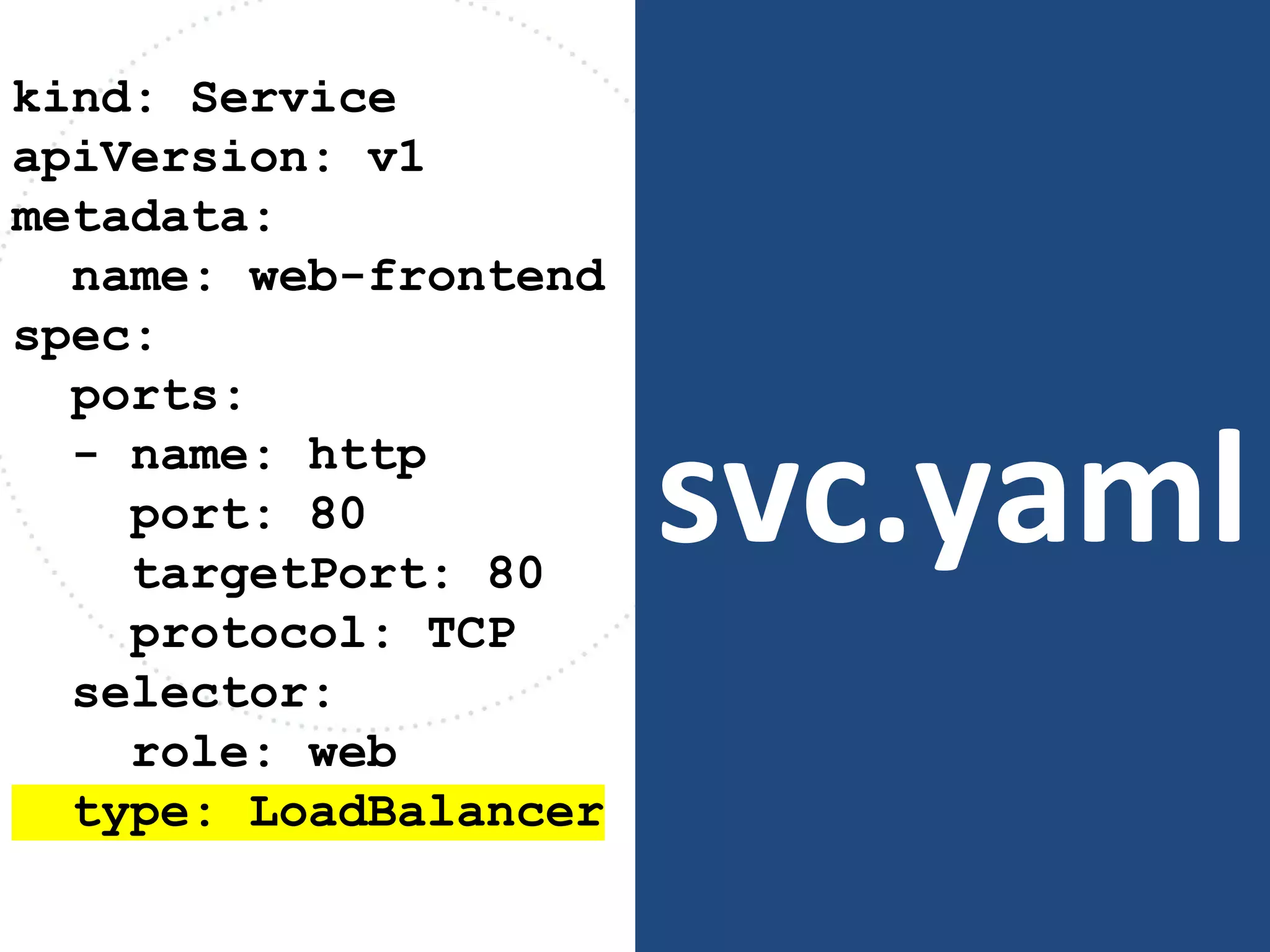
svc.yaml
kind: Service
apiVersion: v1
metadata:
name: web-frontend
spec:
ports:
- name: http
port: 80
targetPort: 80
protocol: TCP
selector:
role: web
type: LoadBalancer
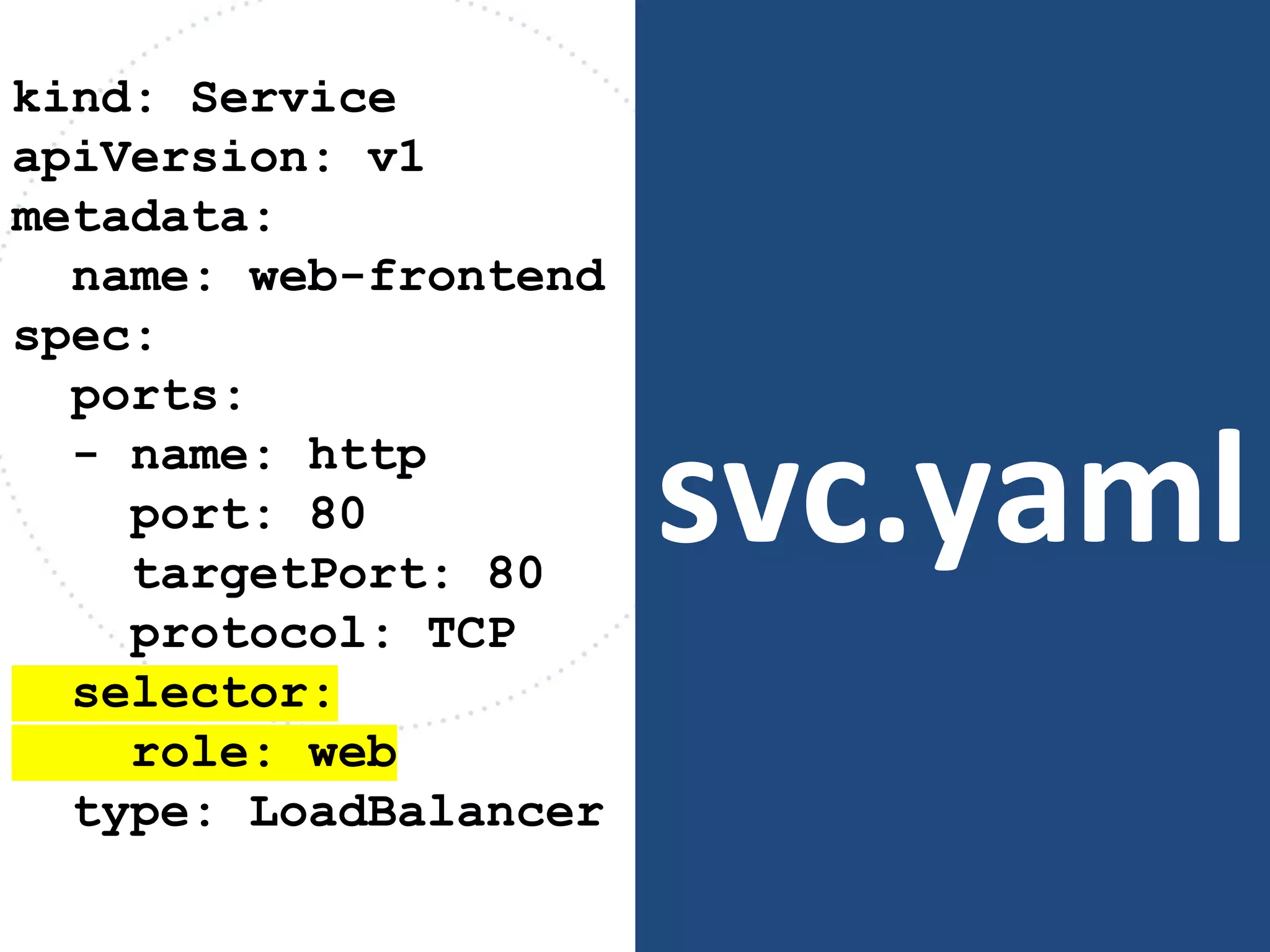
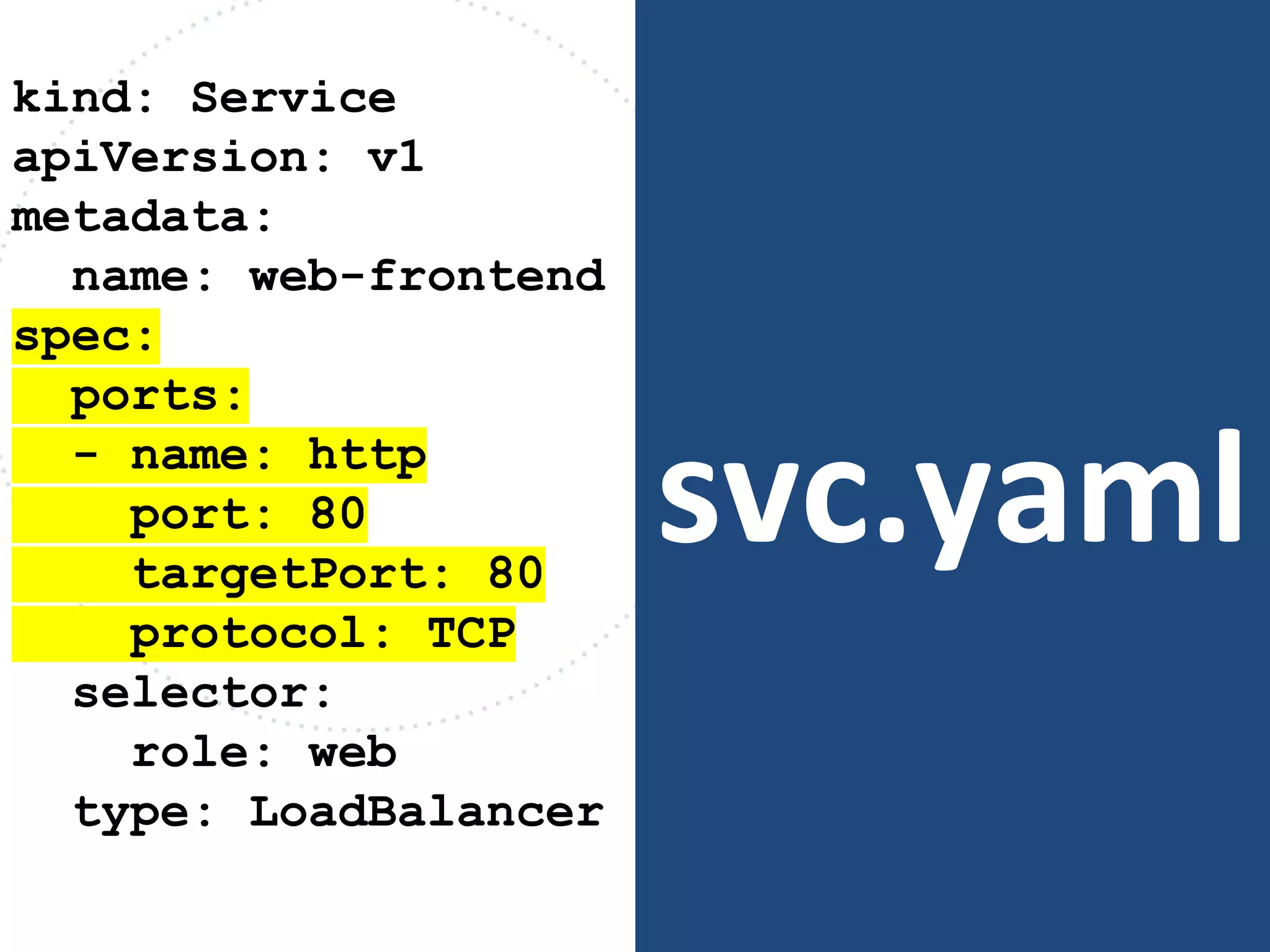
svc.yaml
kind: Service
apiVersion: v1
metadata:
name: web-frontend
spec:
ports:
- name: http
port: 80
targetPort: 80
protocol: TCP
selector:
role: web
type: LoadBalancer
svc.yaml
kind: Service
apiVersion: v1
metadata:
name: web-frontend
spec:
ports:
- name: http
port: 80
targetPort: 80
protocol: TCP
selector:
role: web
type: LoadBalancer
svc.yaml
kind: Service
apiVersion: v1
metadata:
name: web-frontend
spec:
ports:
- name: http
port: 80
targetPort: 80
protocol: TCP
selector:
role: web
type: LoadBalancer
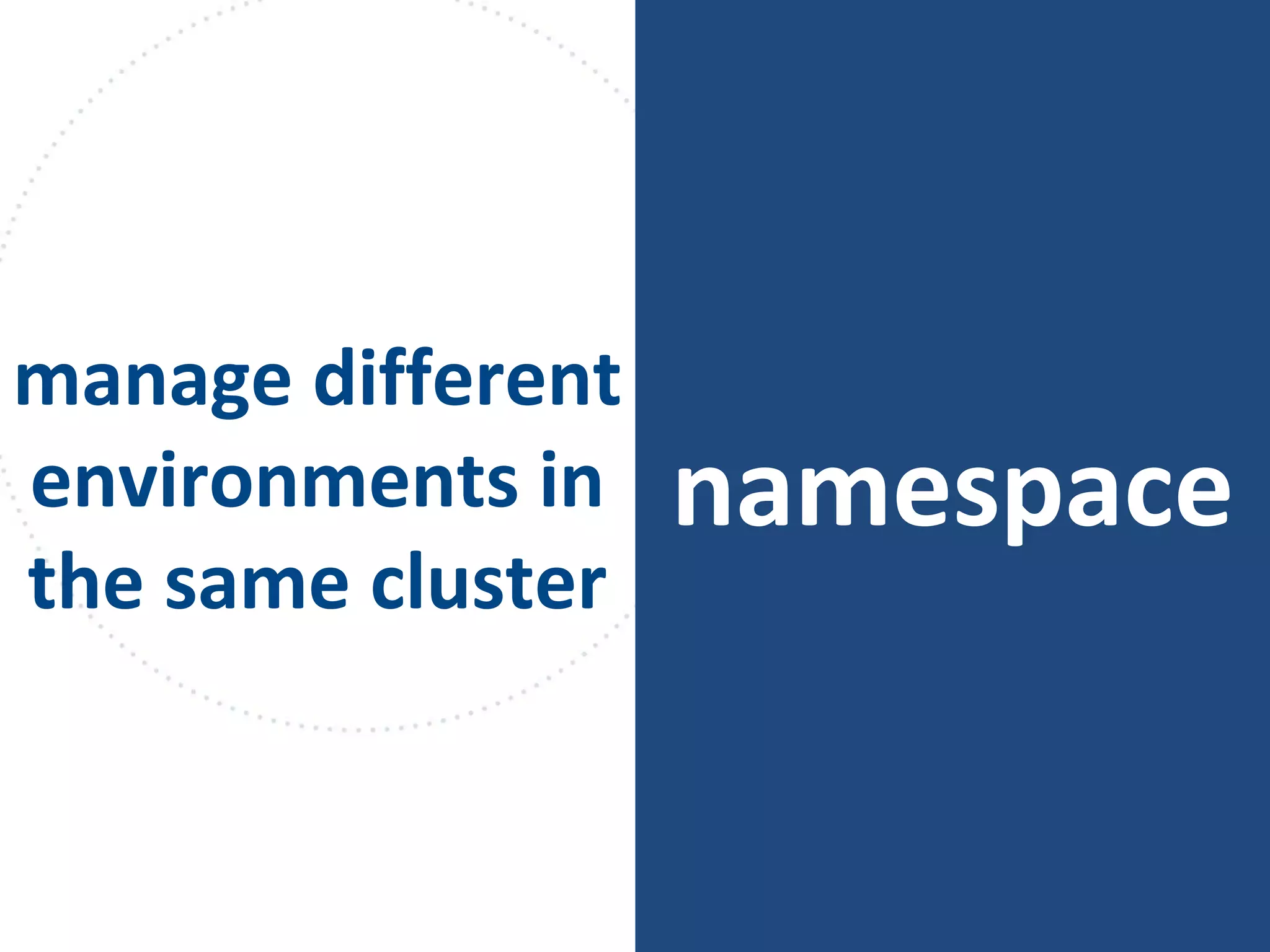
namespace
manage different
environments in
the same cluster
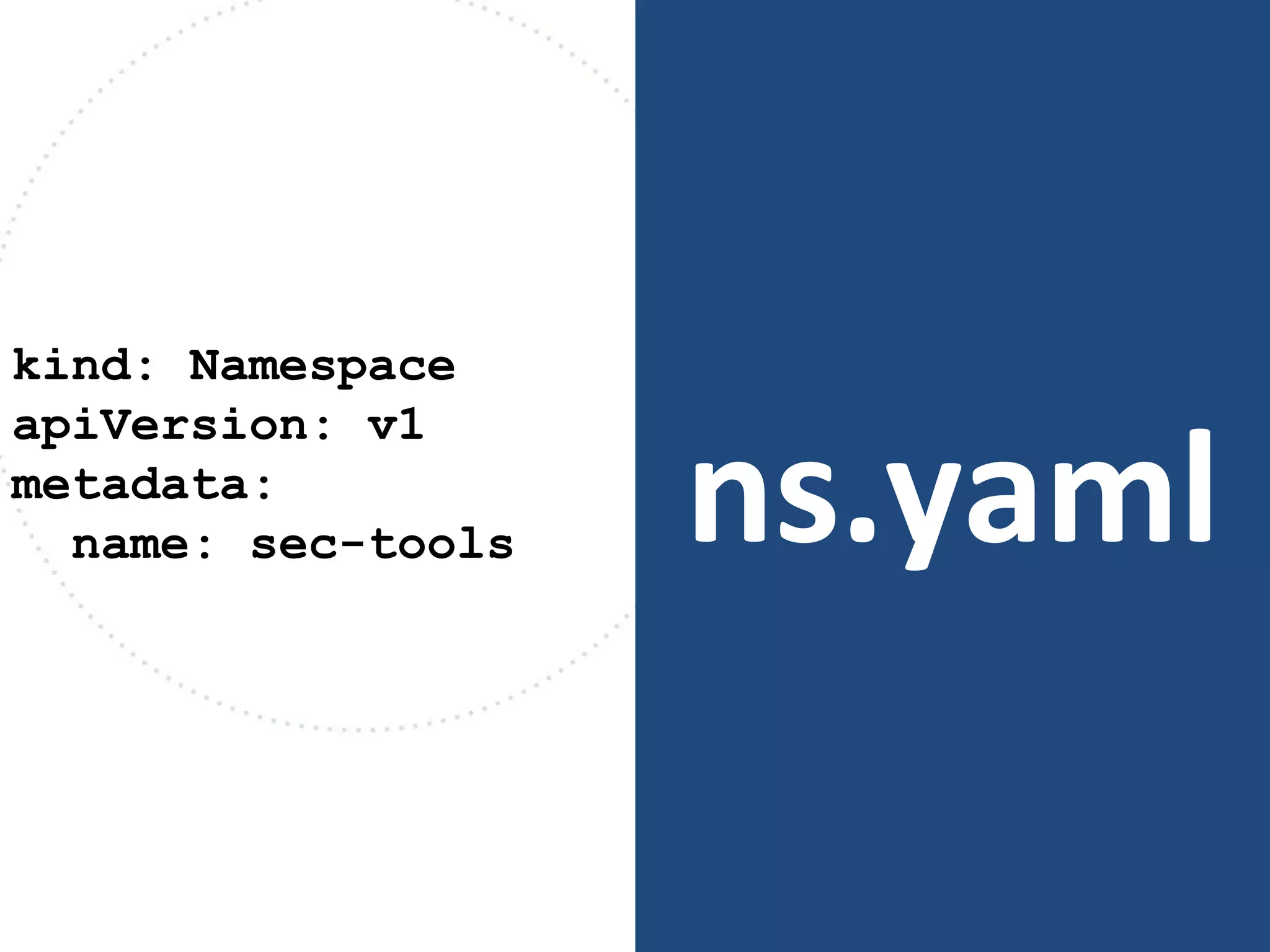
ns.yaml
kind: Namespace
apiVersion: v1
metadata:
name: sec-tools
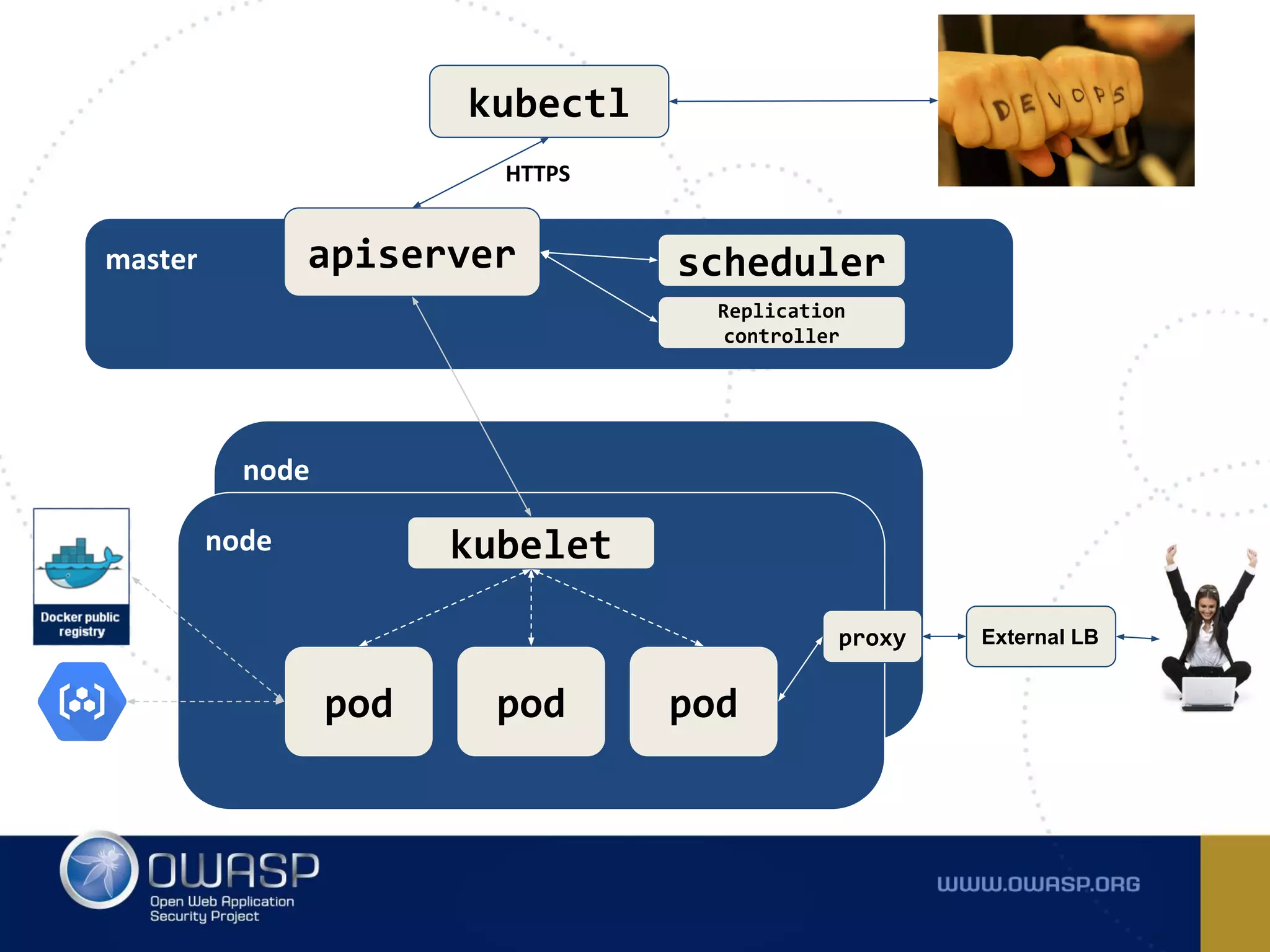
kubectl
master apiserver
HTTPS
scheduler
Replication
controller
node
node kubelet
pod pod pod
proxy External LB
Sounds great! What about
security?
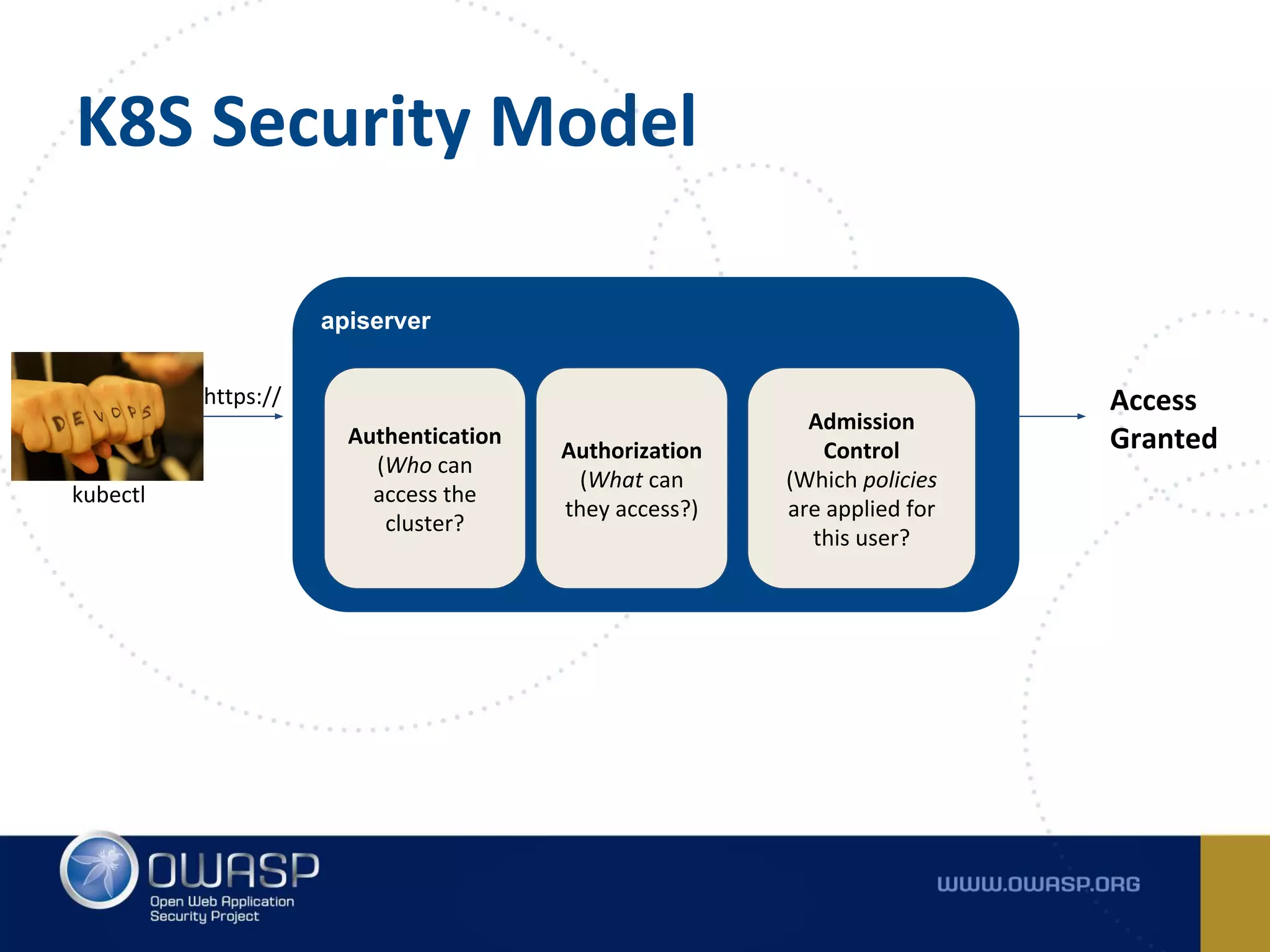
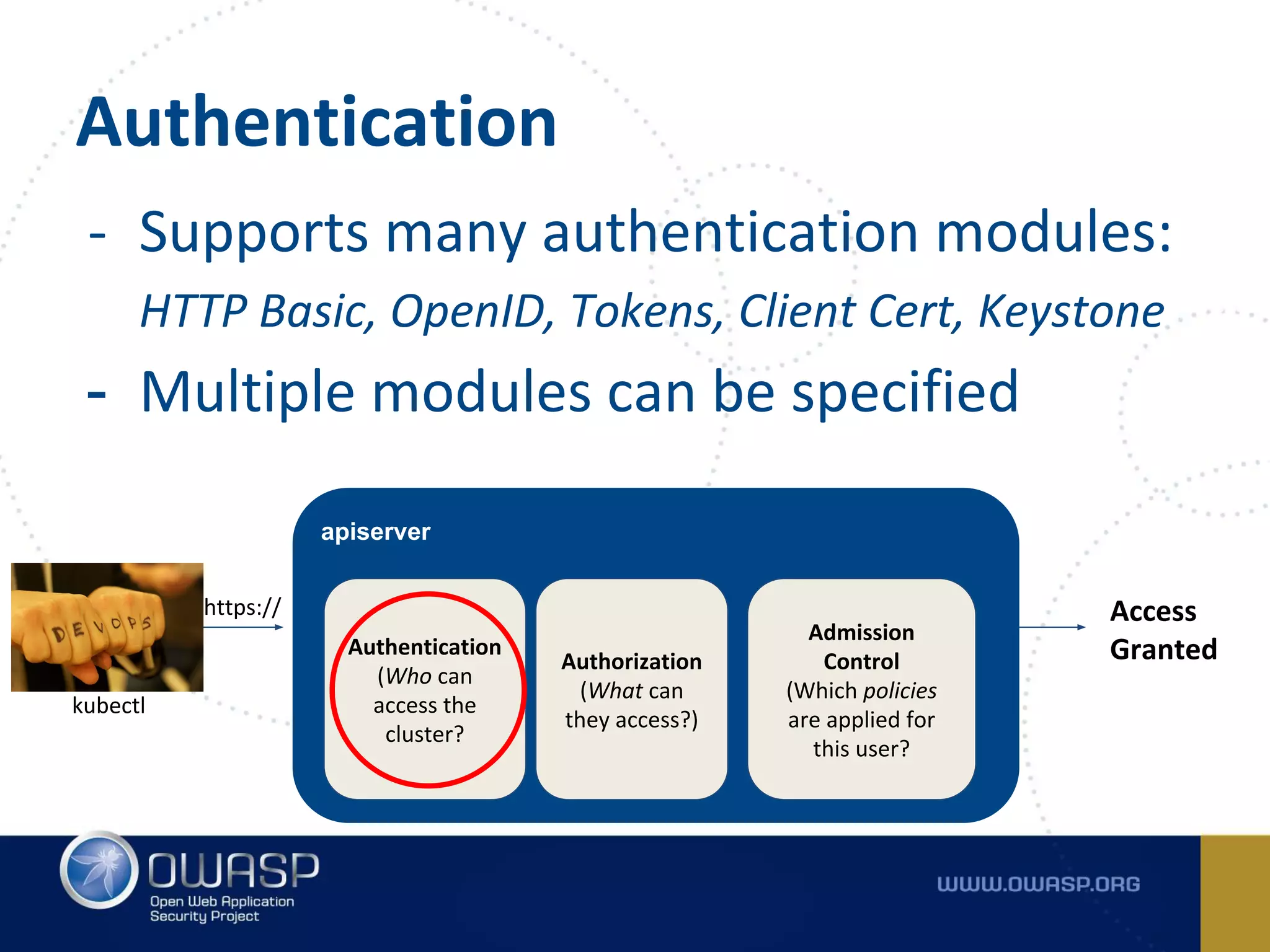
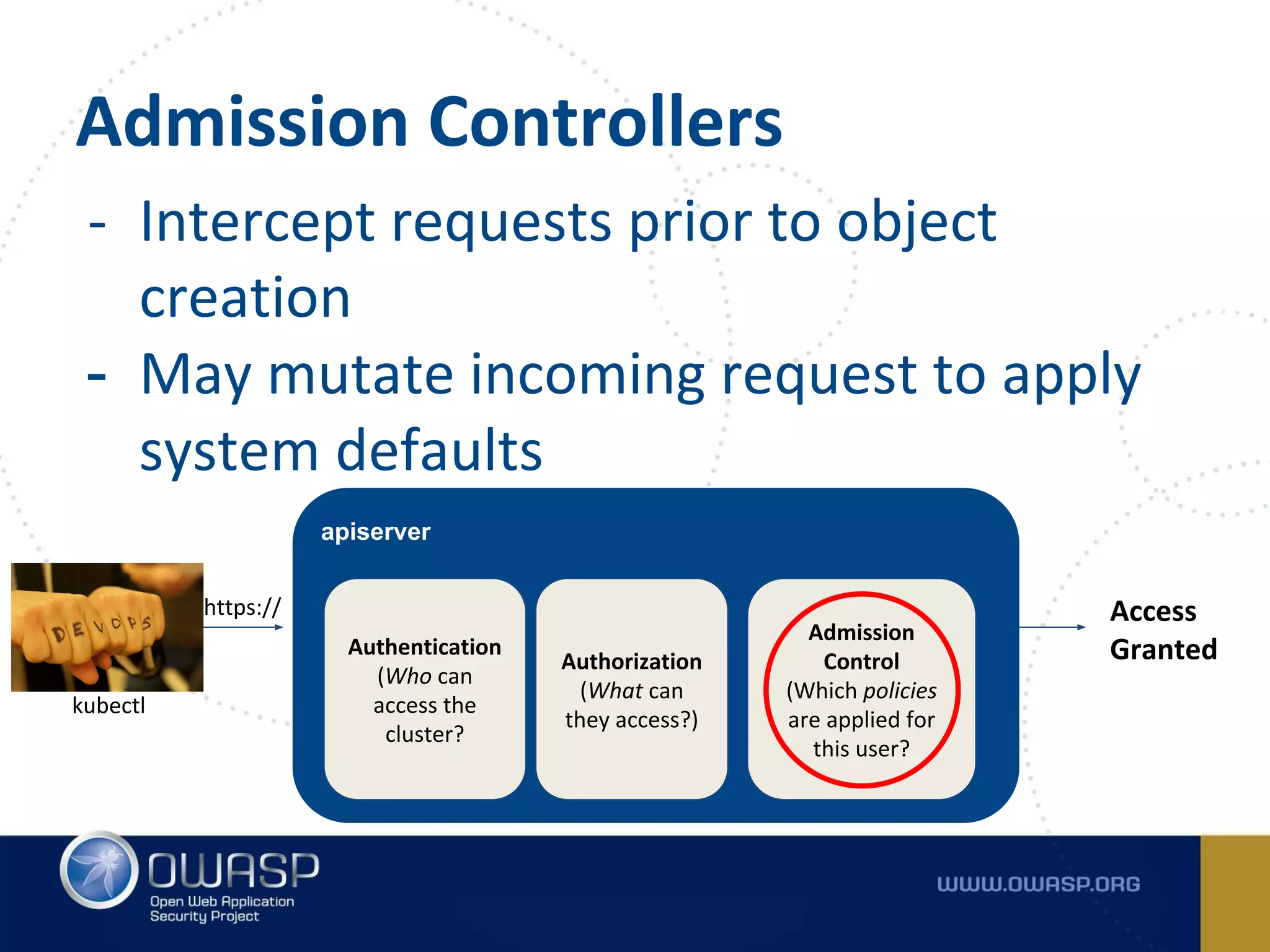
apiserver
Authentication
(Who can
access the
cluster?
kubectl
Authorization
(What can
they access?)
Admission
Control
(Which policies
are applied for
this user?
Access
Granted
https://
K8S Security Model
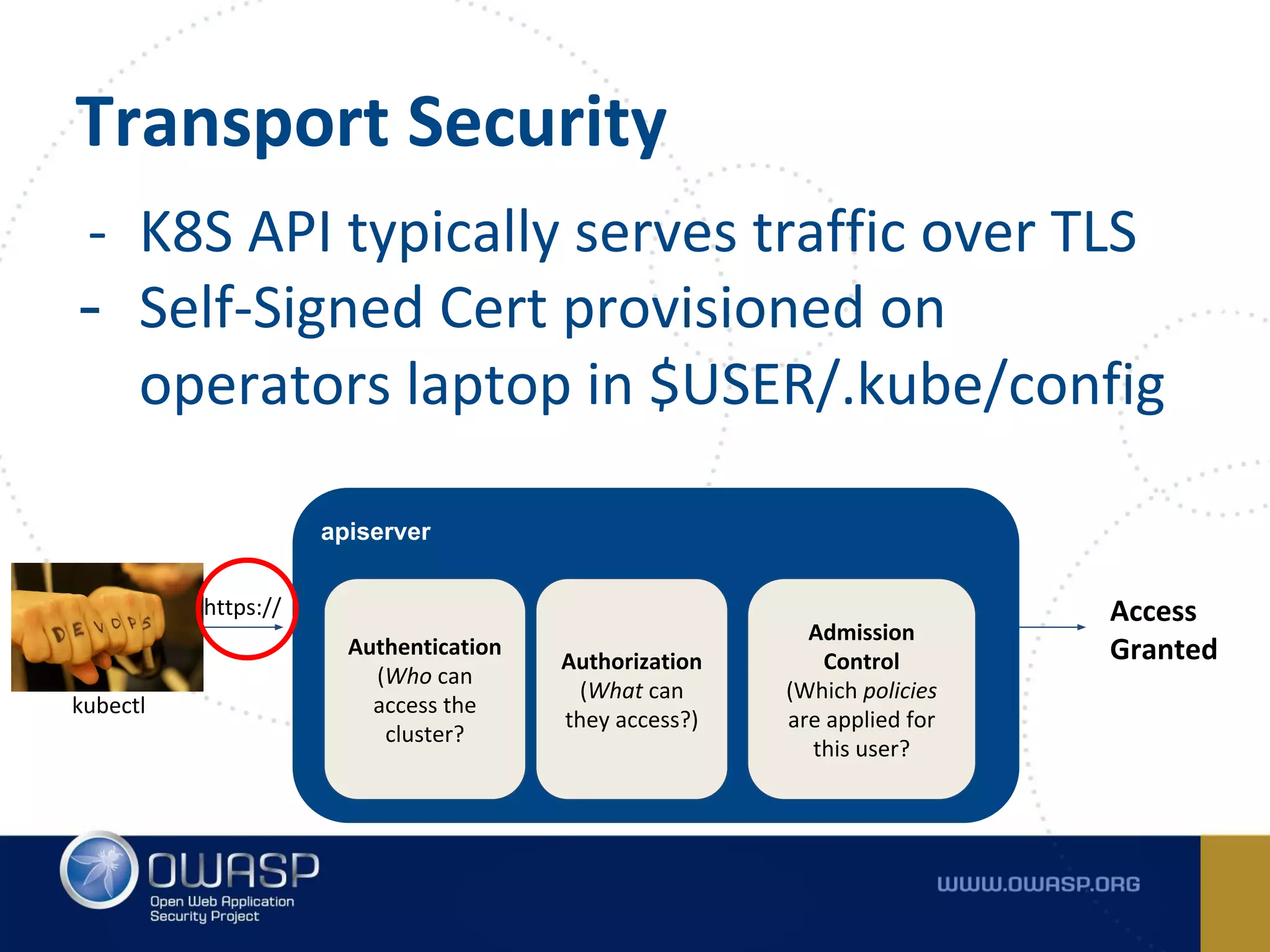
- K8S API typically serves traffic over TLS
- Self-Signed Cert provisioned on
operators laptop in $USER/.kube/config
Transport Security
apiserver
Authentication
(Who can
access the
cluster?
kubectl
Authorization
(What can
they access?)
Admission
Control
(Which policies
are applied for
this user?
Access
Granted
https://
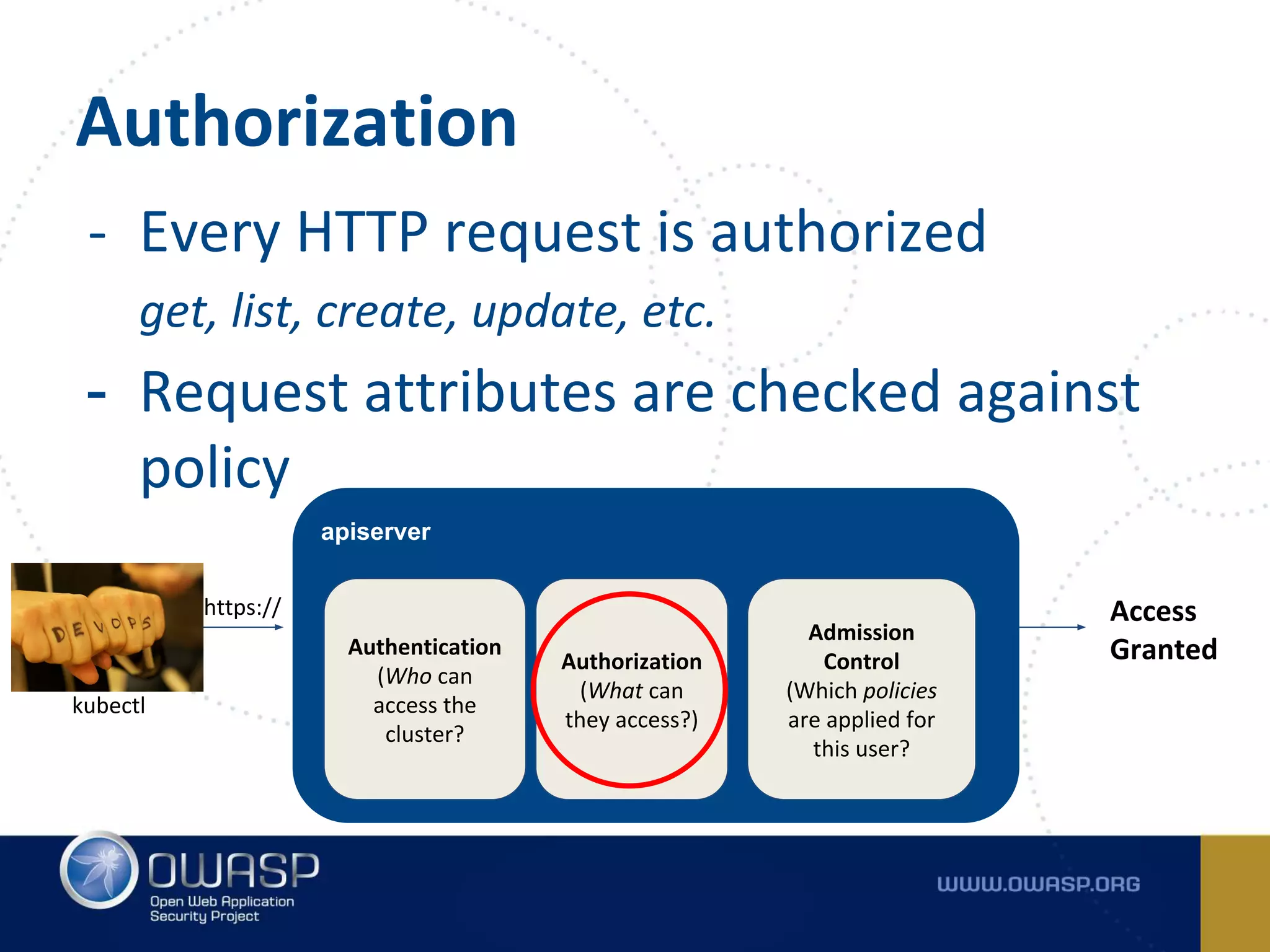
- Supports many authentication modules:
HTTP Basic, OpenID, Tokens, Client Cert, Keystone
- Multiple modules can be specified
Authentication
apiserver
Authentication
(Who can
access the
cluster?
kubectl
Authorization
(What can
they access?)
Admission
Control
(Which policies
are applied for
this user?
Access
Granted
https://
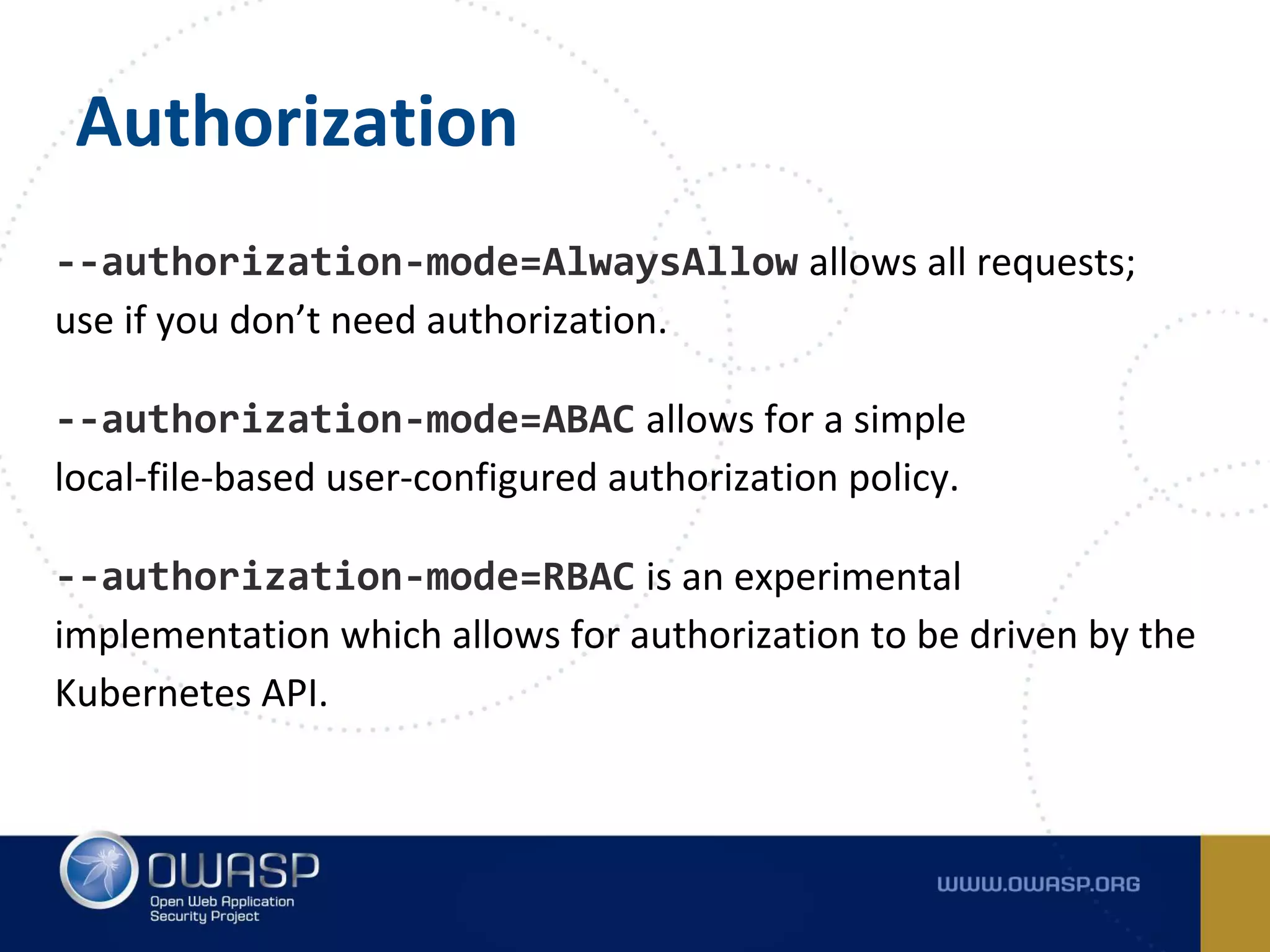
- Every HTTP request is authorized
get, list, create, update, etc.
- Request attributes are checked against
policy
Authorization
apiserver
Authentication
(Who can
access the
cluster?
kubectl
Authorization
(What can
they access?)
Admission
Control
(Which policies
are applied for
this user?
Access
Granted
https://
Authorization
--authorization-mode=AlwaysAllow allows all requests;
use if you don’t need authorization.
--authorization-mode=ABAC allows for a simple
local-file-based user-configured authorization policy.
--authorization-mode=RBAC is an experimental
implementation which allows for authorization to be driven by the
Kubernetes API.
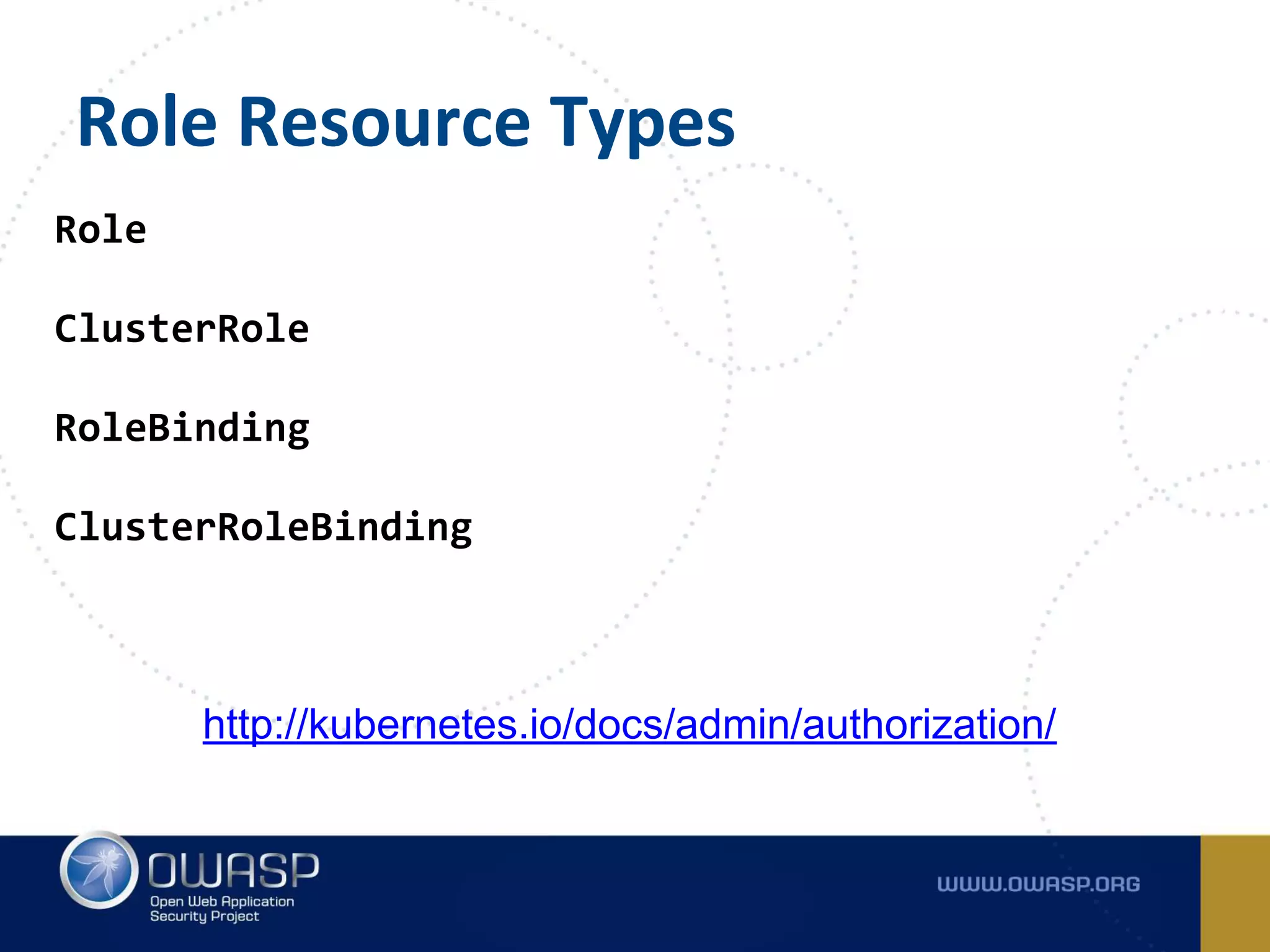
Role Resource Types
Role
ClusterRole
RoleBinding
ClusterRoleBinding
http://kubernetes.io/docs/admin/authorization/
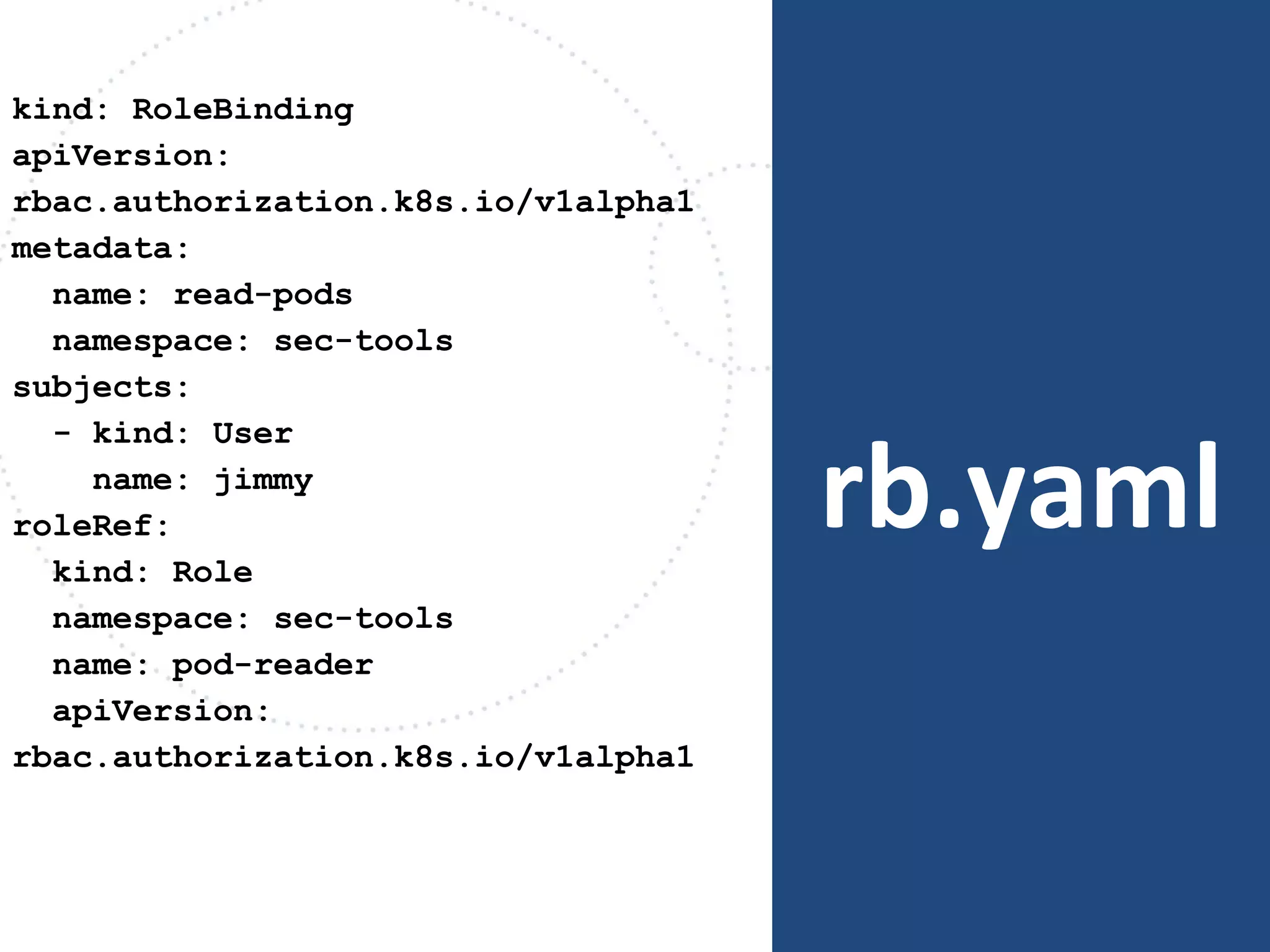
rb.yaml
kind: RoleBinding
apiVersion:
rbac.authorization.k8s.io/v1alpha1
metadata:
name: read-pods
namespace: sec-tools
subjects:
- kind: User
name: jimmy
roleRef:
kind: Role
namespace: sec-tools
name: pod-reader
apiVersion:
rbac.authorization.k8s.io/v1alpha1
- Intercept requests prior to object
creation
- May mutate incoming request to apply
system defaults
Admission Controllers
apiserver
Authentication
(Who can
access the
cluster?
kubectl
Authorization
(What can
they access?)
Admission
Control
(Which policies
are applied for
this user?
Access
Granted
https://
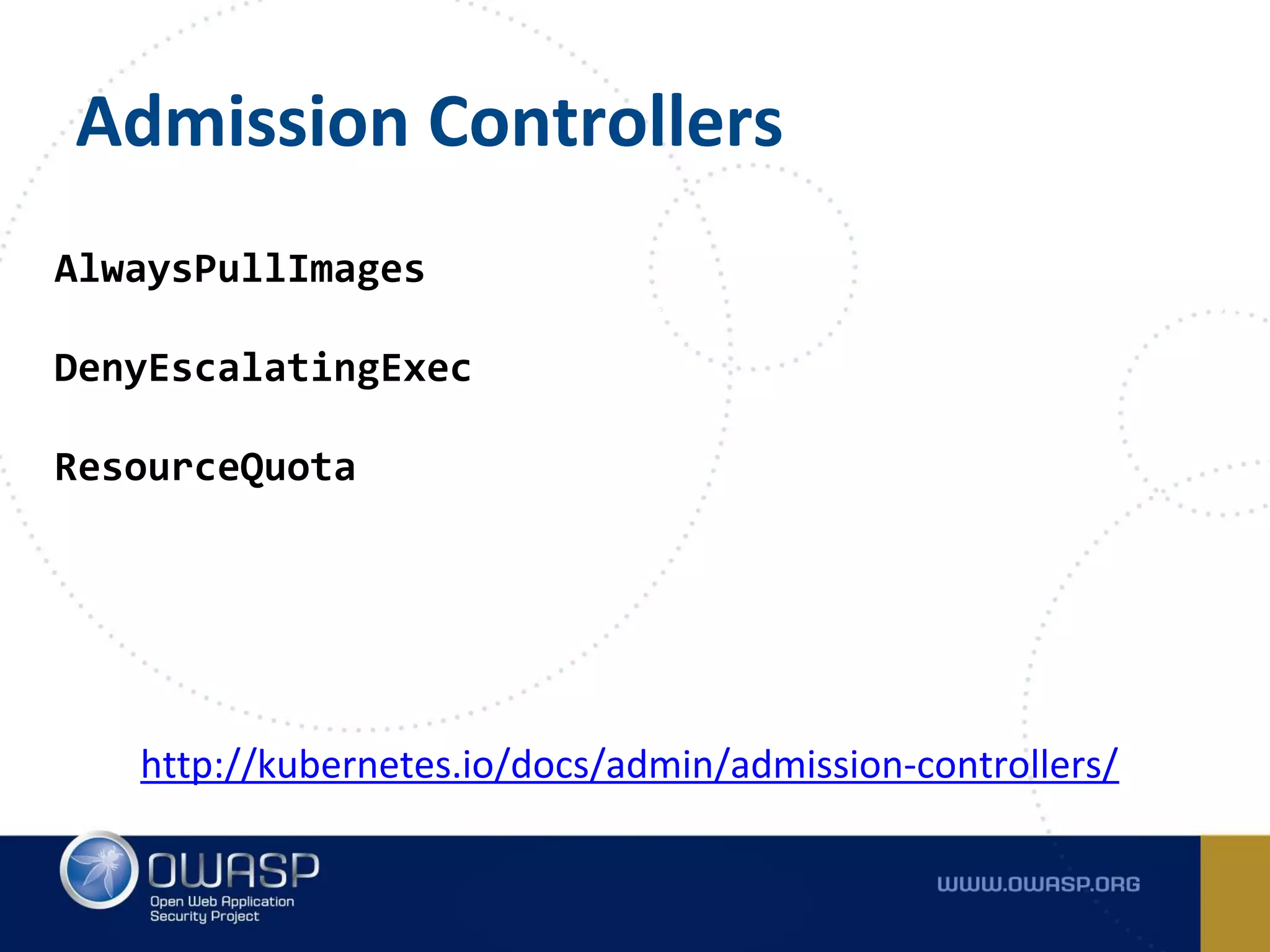
Admission Controllers
AlwaysPullImages
DenyEscalatingExec
ResourceQuota
http://kubernetes.io/docs/admin/admission-controllers/
Secrets Everywhere!
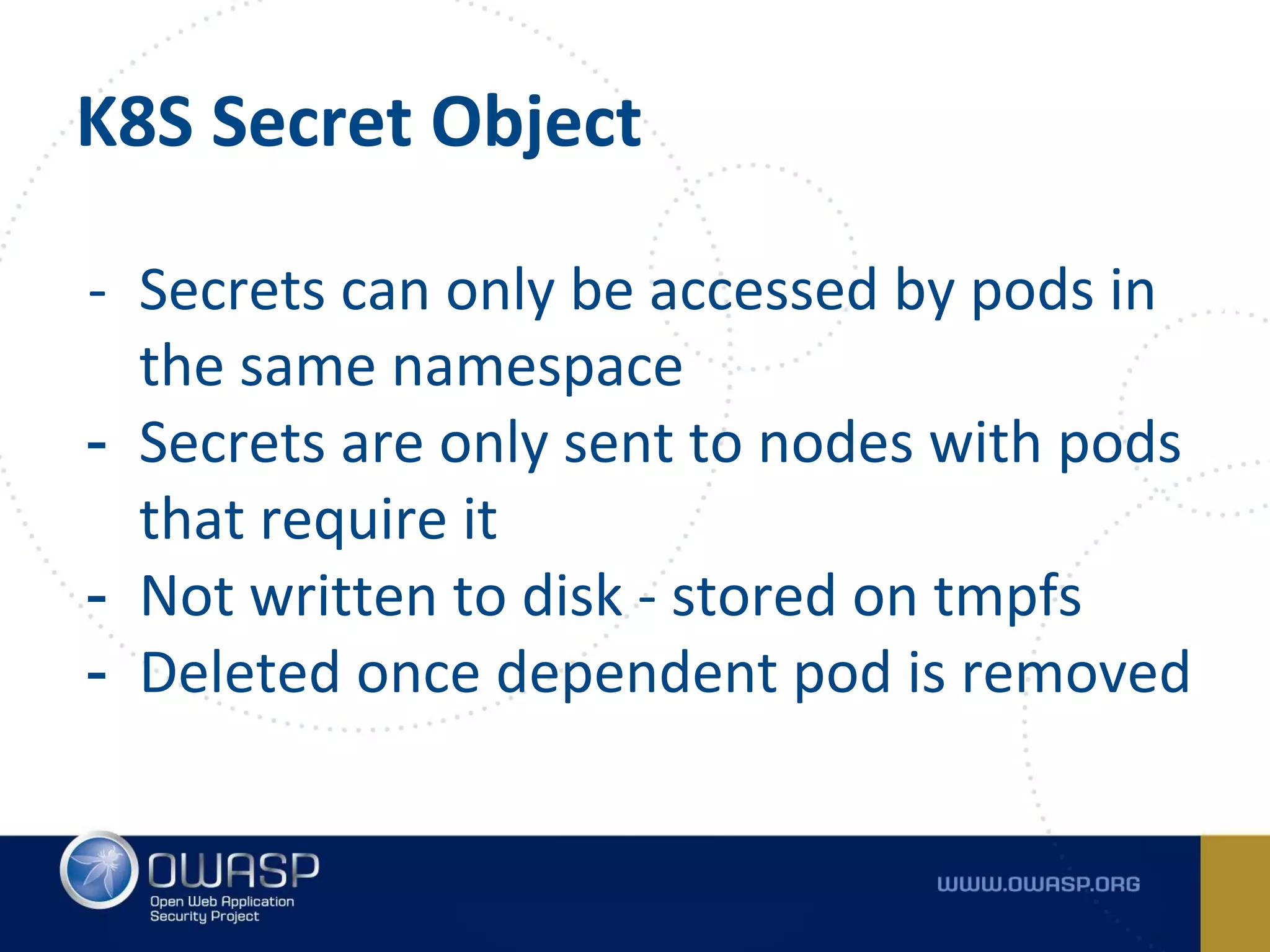
K8S Secret Object
- Secrets can only be accessed by pods in
the same namespace
- Secrets are only sent to nodes with pods
that require it
- Not written to disk - stored on tmpfs
- Deleted once dependent pod is removed
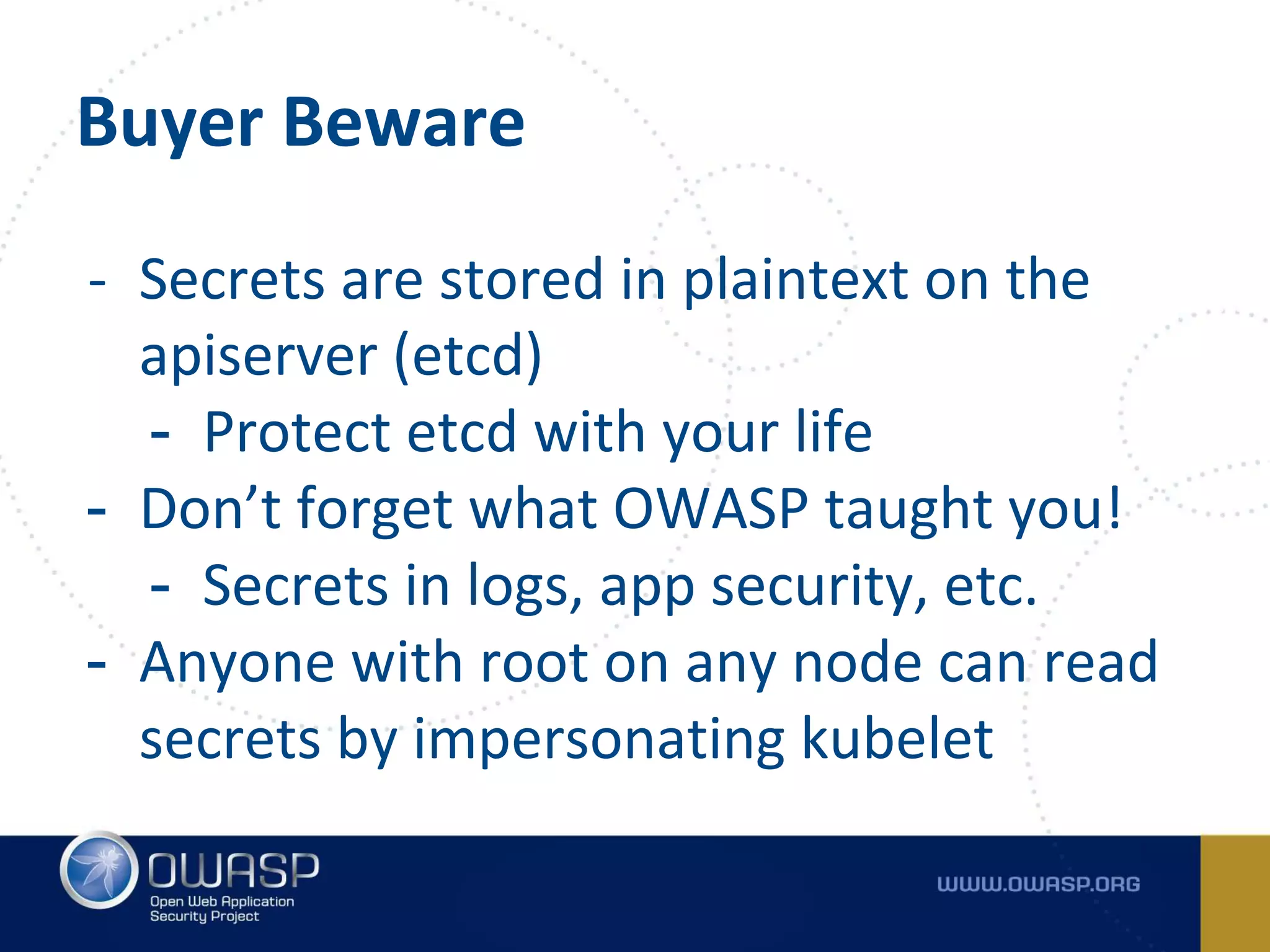
Buyer Beware
- Secrets are stored in plaintext on the
apiserver (etcd)
- Protect etcd with your life
- Don’t forget what OWASP taught you!
- Secrets in logs, app security, etc.
- Anyone with root on any node can read
secrets by impersonating kubelet
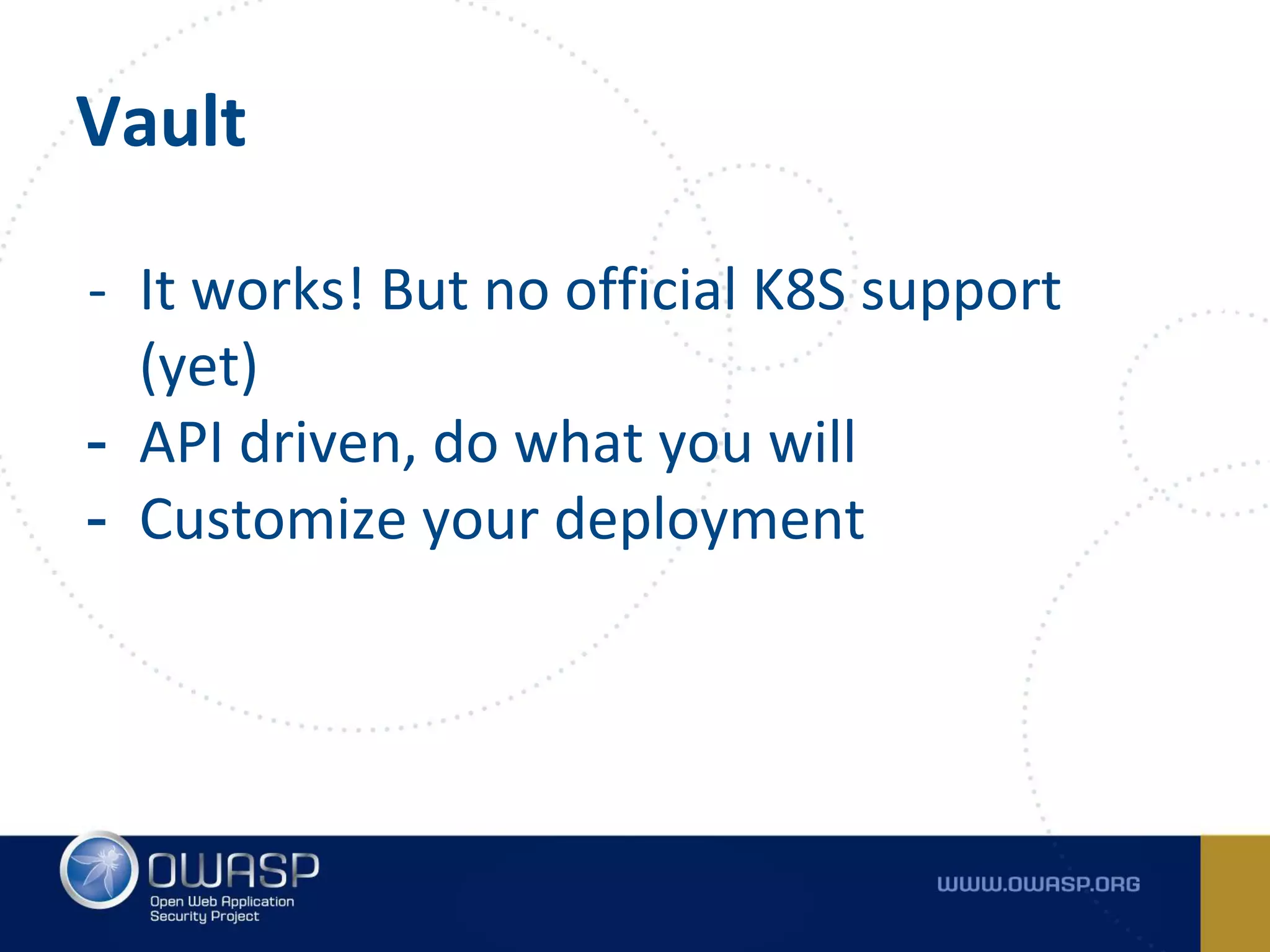
Vault
- It works! But no official K8S support
(yet)
- API driven, do what you will
- Customize your deployment
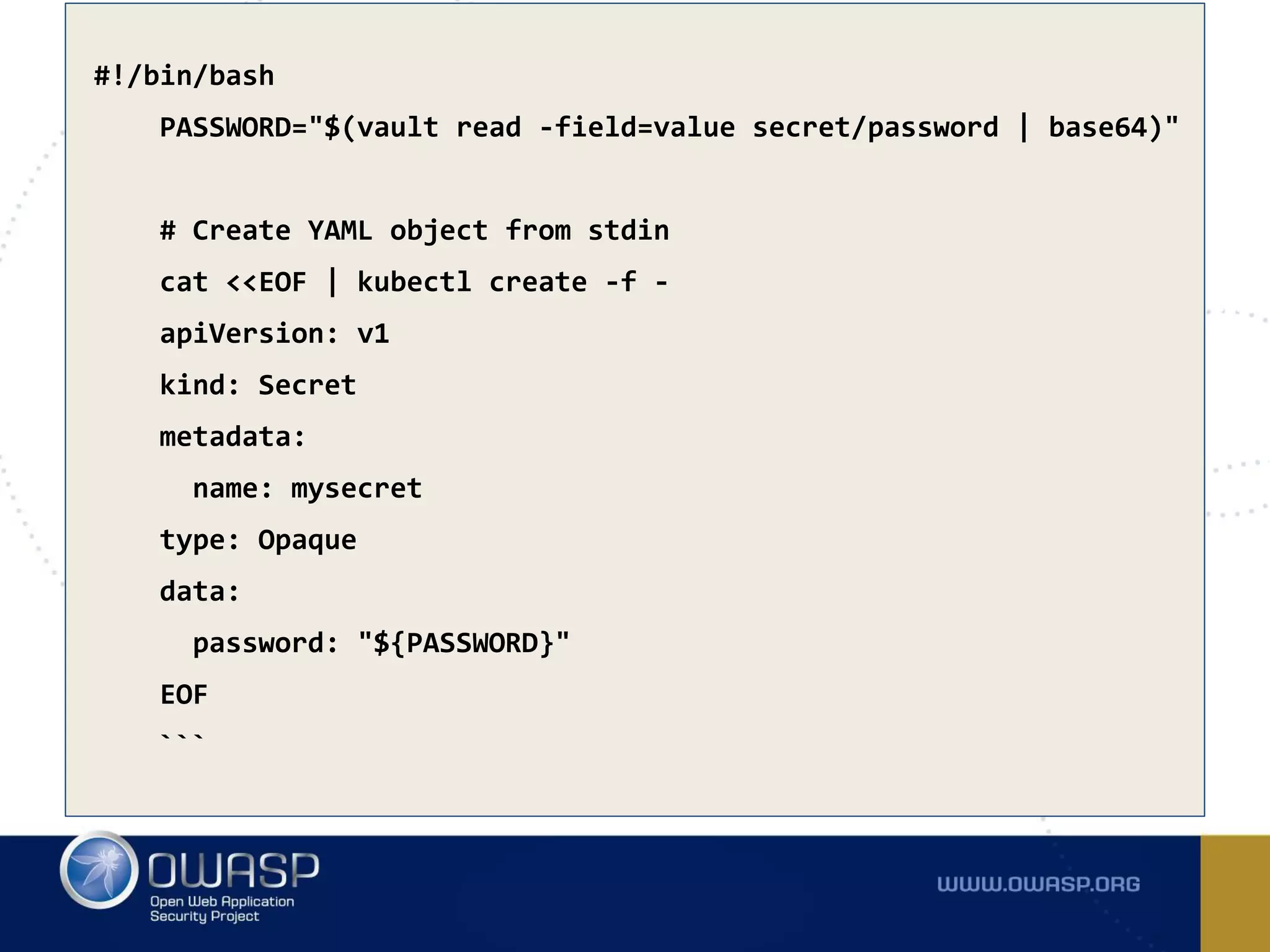
#!/bin/bash
PASSWORD="$(vault read -field=value secret/password | base64)"
# Create YAML object from stdin
cat <<EOF | kubectl create -f -
apiVersion: v1
kind: Secret
metadata:
name: mysecret
type: Opaque
data:
password: "${PASSWORD}"
EOF
```
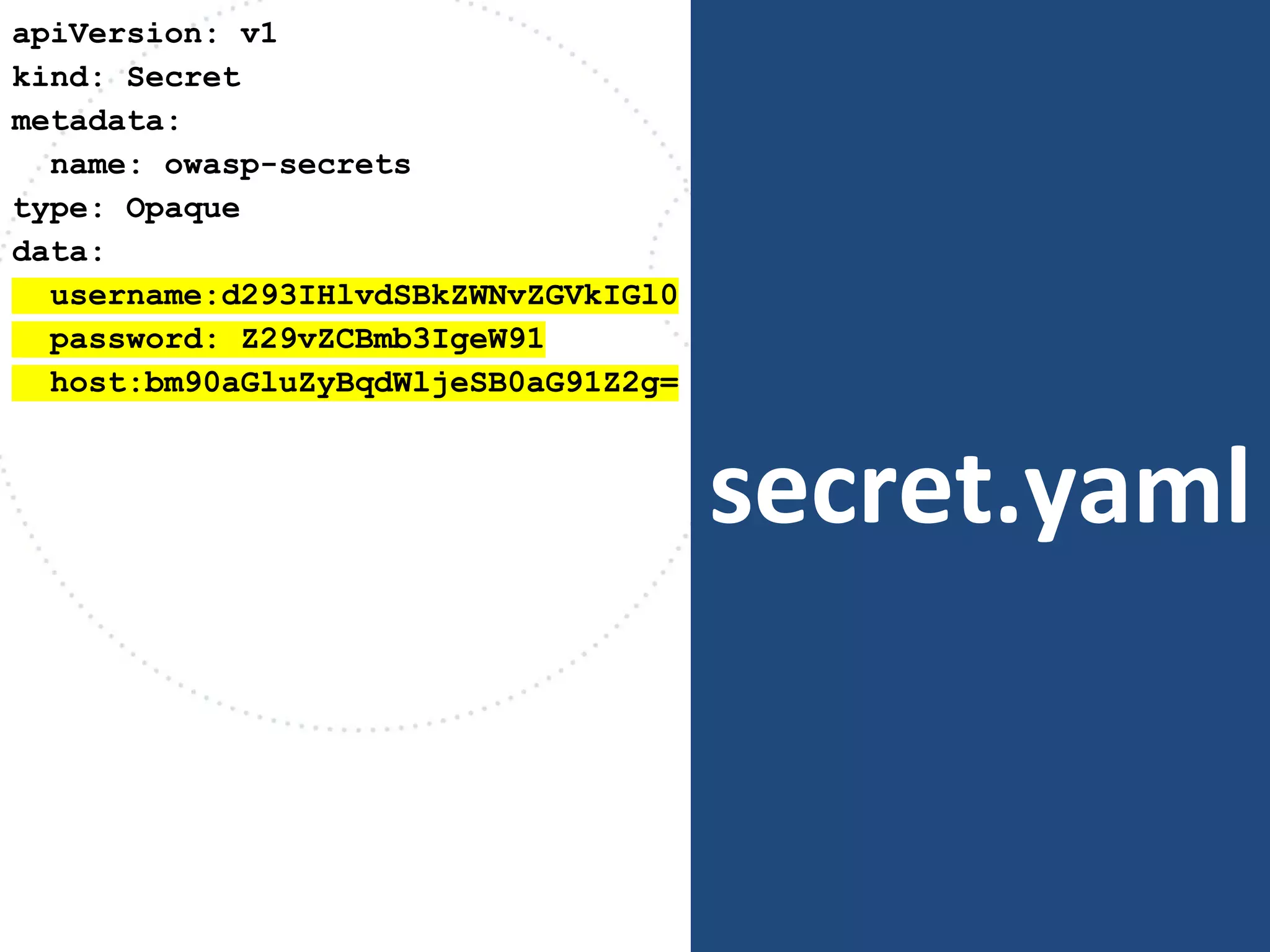
secret.yaml
apiVersion: v1
kind: Secret
metadata:
name: owasp-secrets
type: Opaque
data:
username:d293IHlvdSBkZWNvZGVkIGl0
password: Z29vZCBmb3IgeW91
host:bm90aGluZyBqdWljeSB0aG91Z2g=
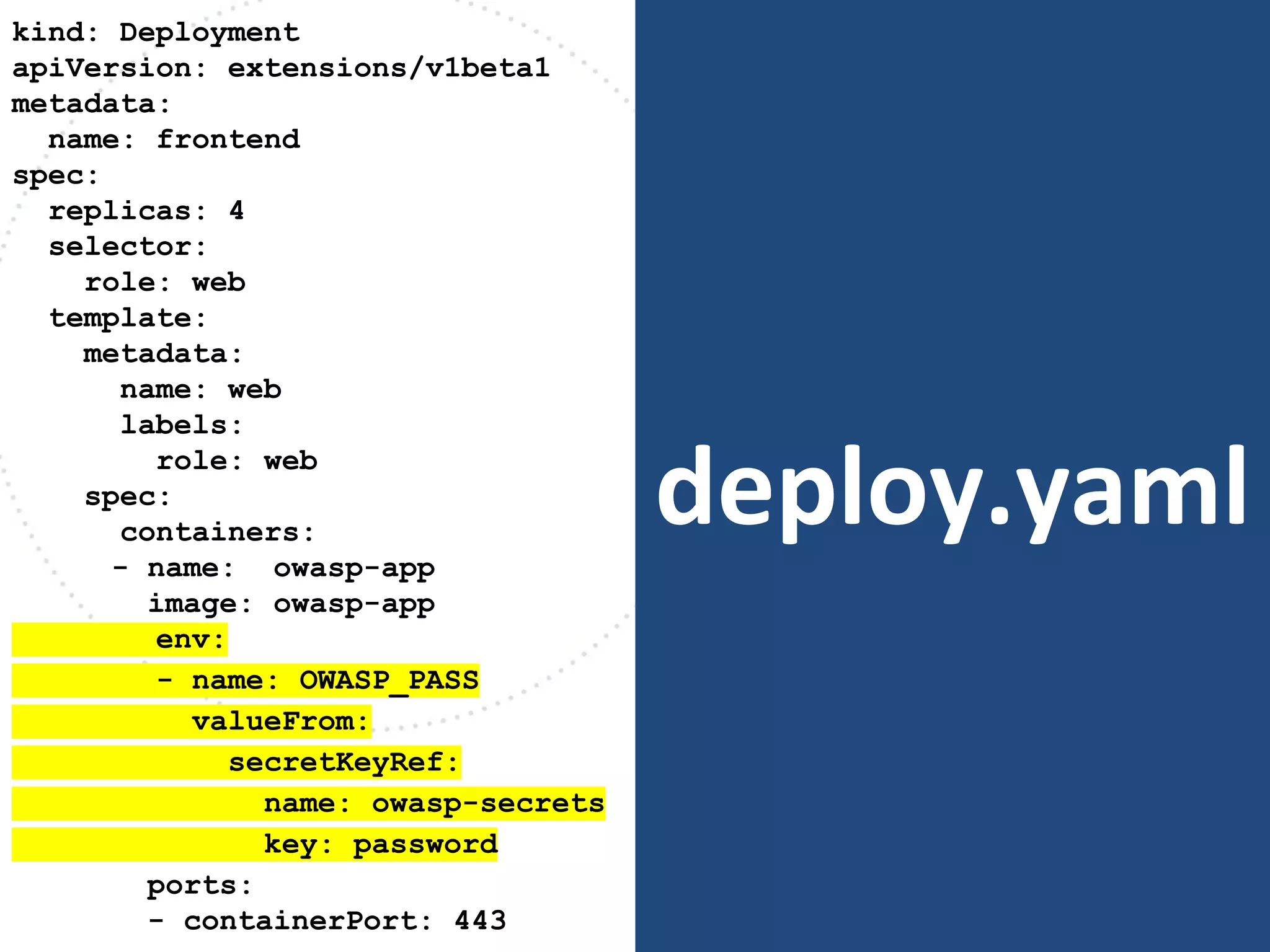
deploy.yaml
kind: Deployment
apiVersion: extensions/v1beta1
metadata:
name: frontend
spec:
replicas: 4
selector:
role: web
template:
metadata:
name: web
labels:
role: web
spec:
containers:
- name: owasp-app
image: owasp-app
env:
- name: OWASP_PASS
valueFrom:
secretKeyRef:
name: owasp-secrets
key: password
ports:
- containerPort: 443
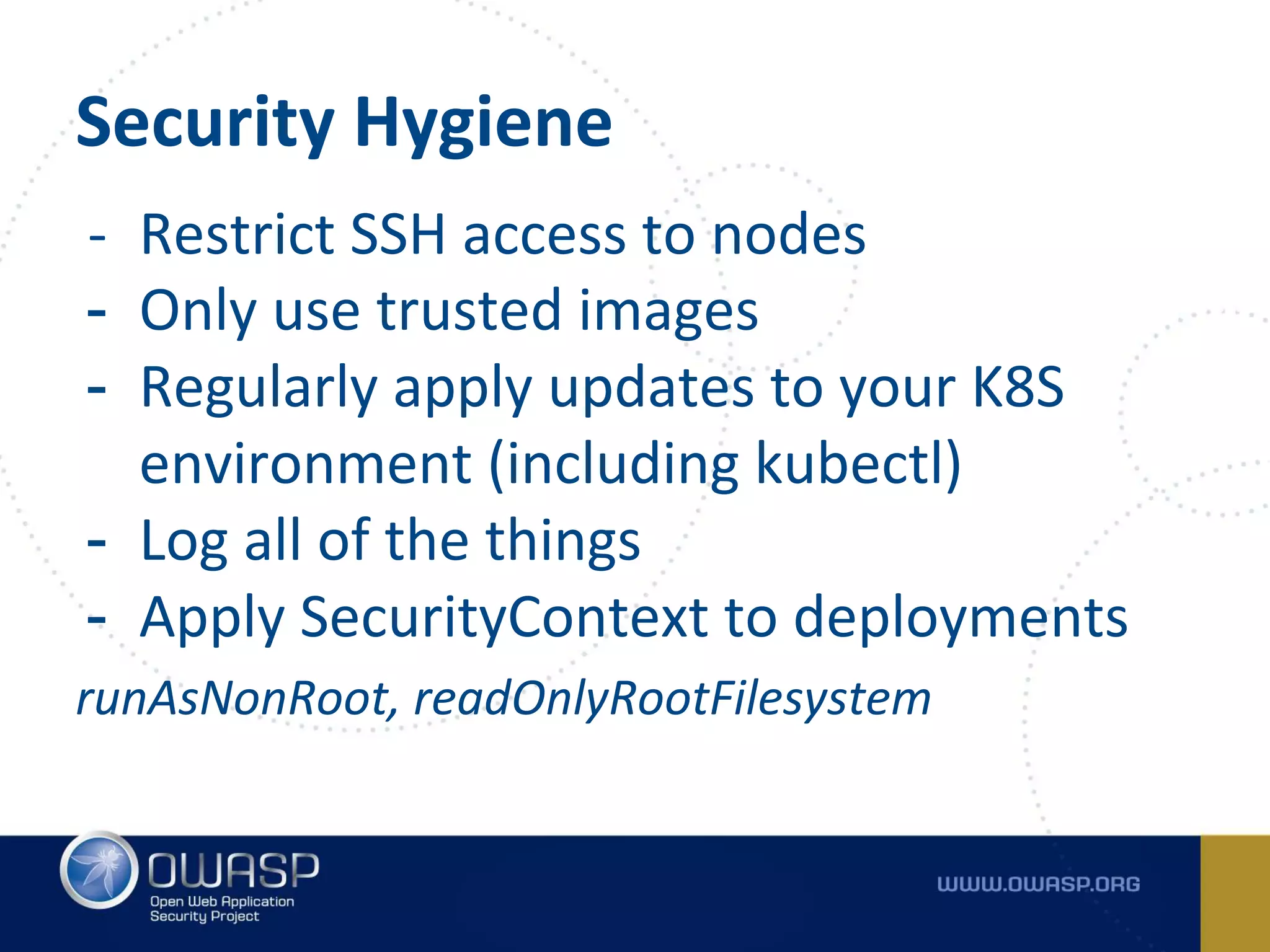
Security Hygiene
- Restrict SSH access to nodes
- Only use trusted images
- Regularly apply updates to your K8S
environment (including kubectl)
- Log all of the things
- Apply SecurityContext to deployments
runAsNonRoot, readOnlyRootFilesystem
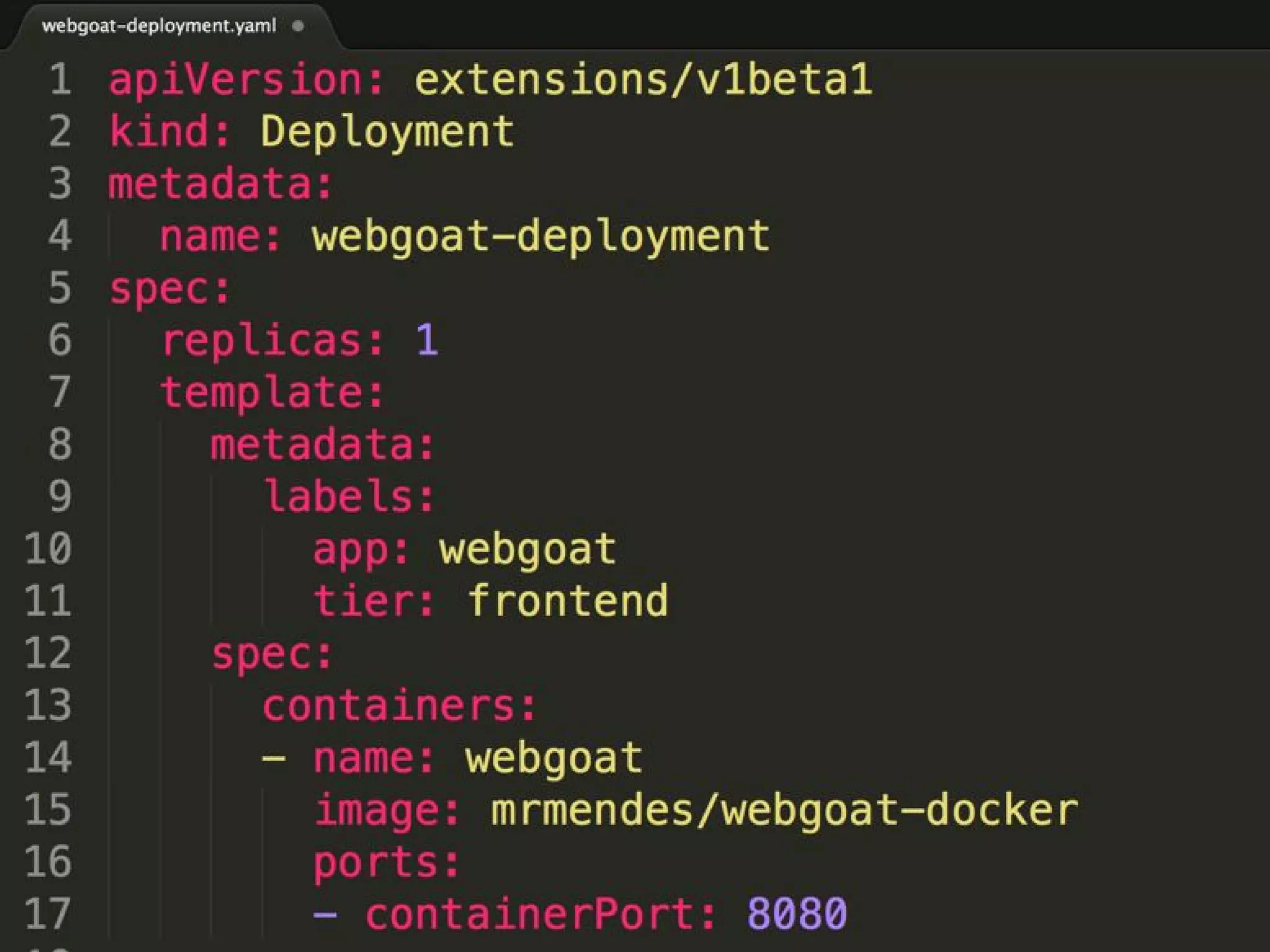
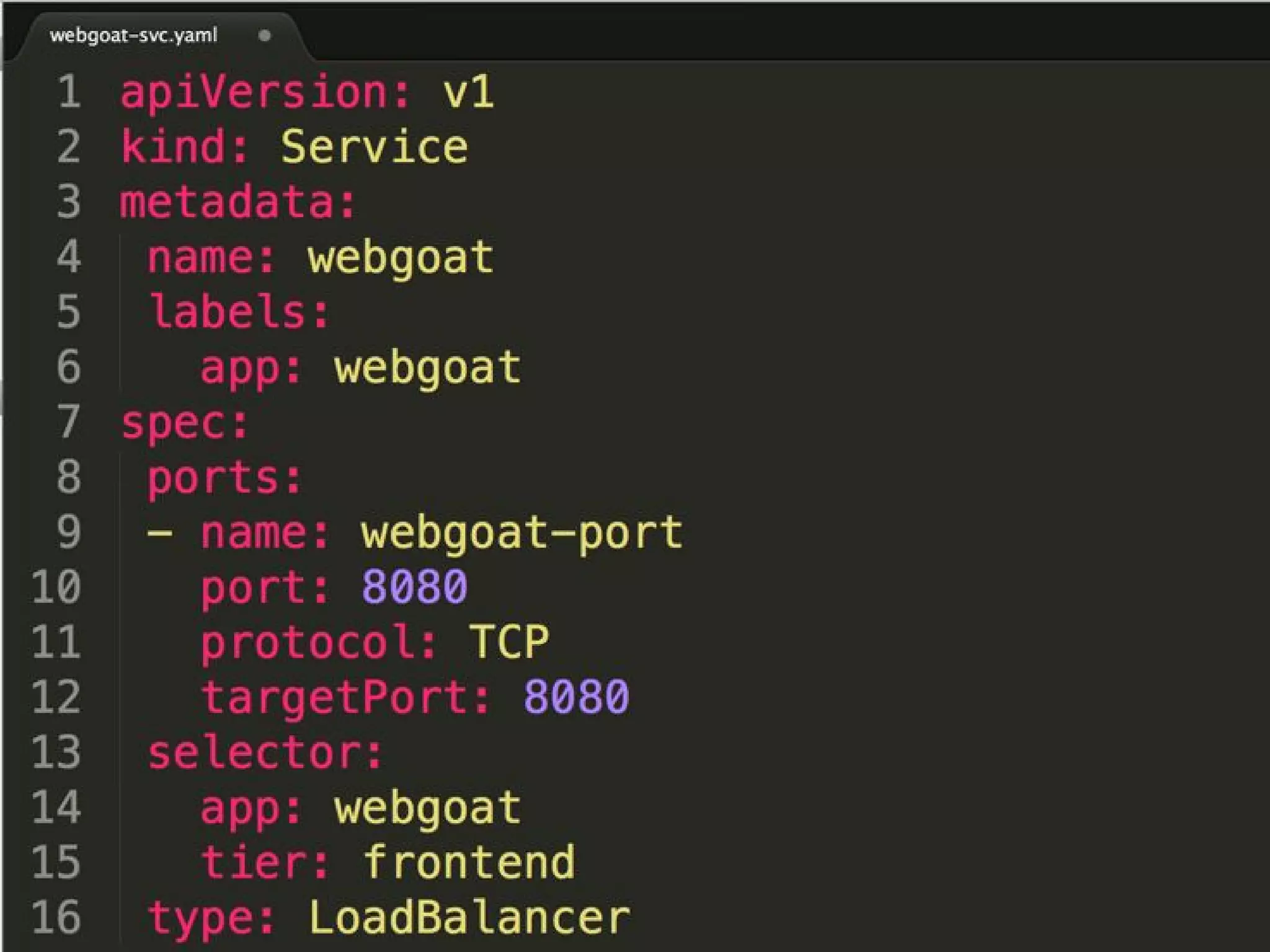
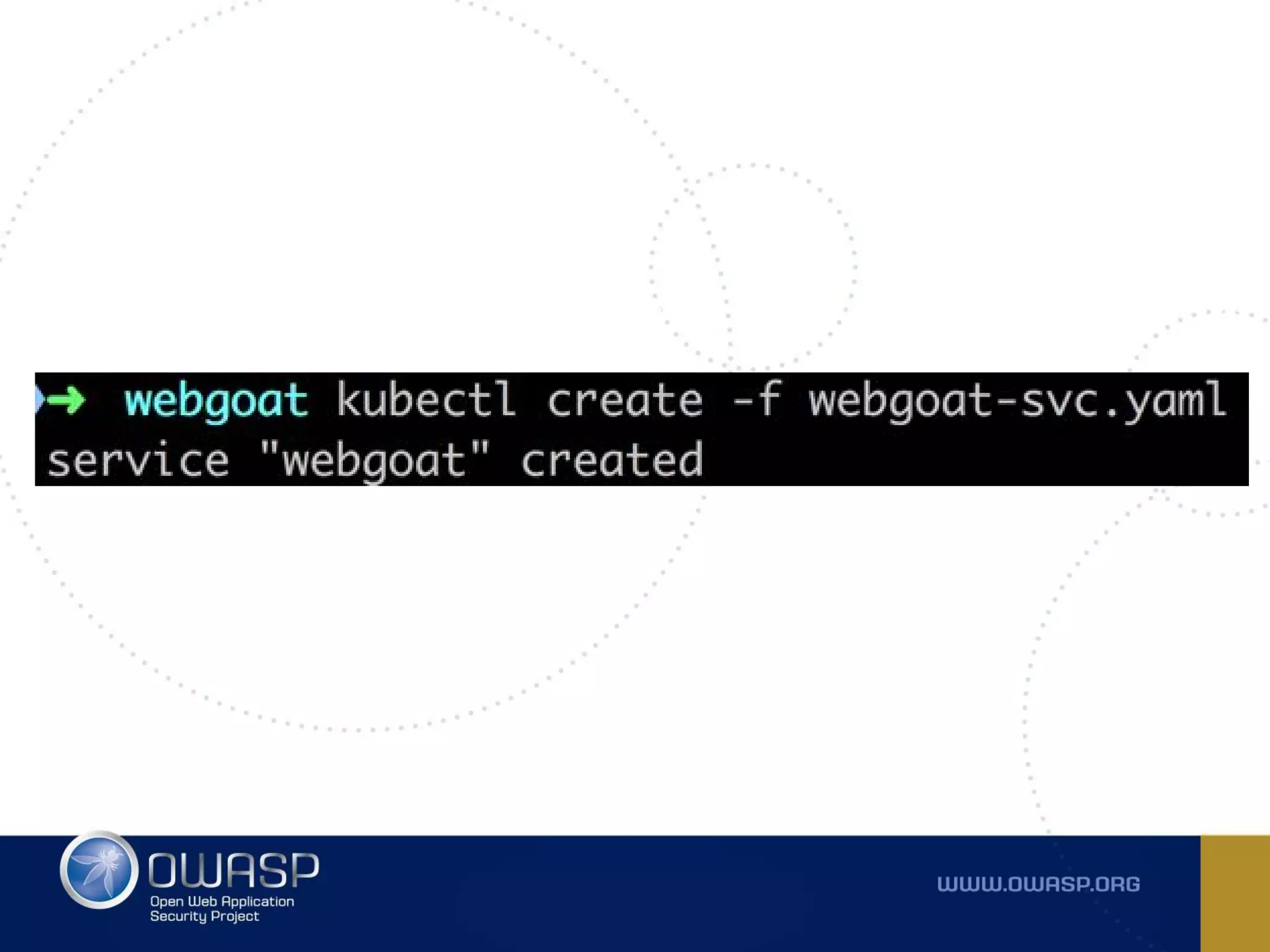
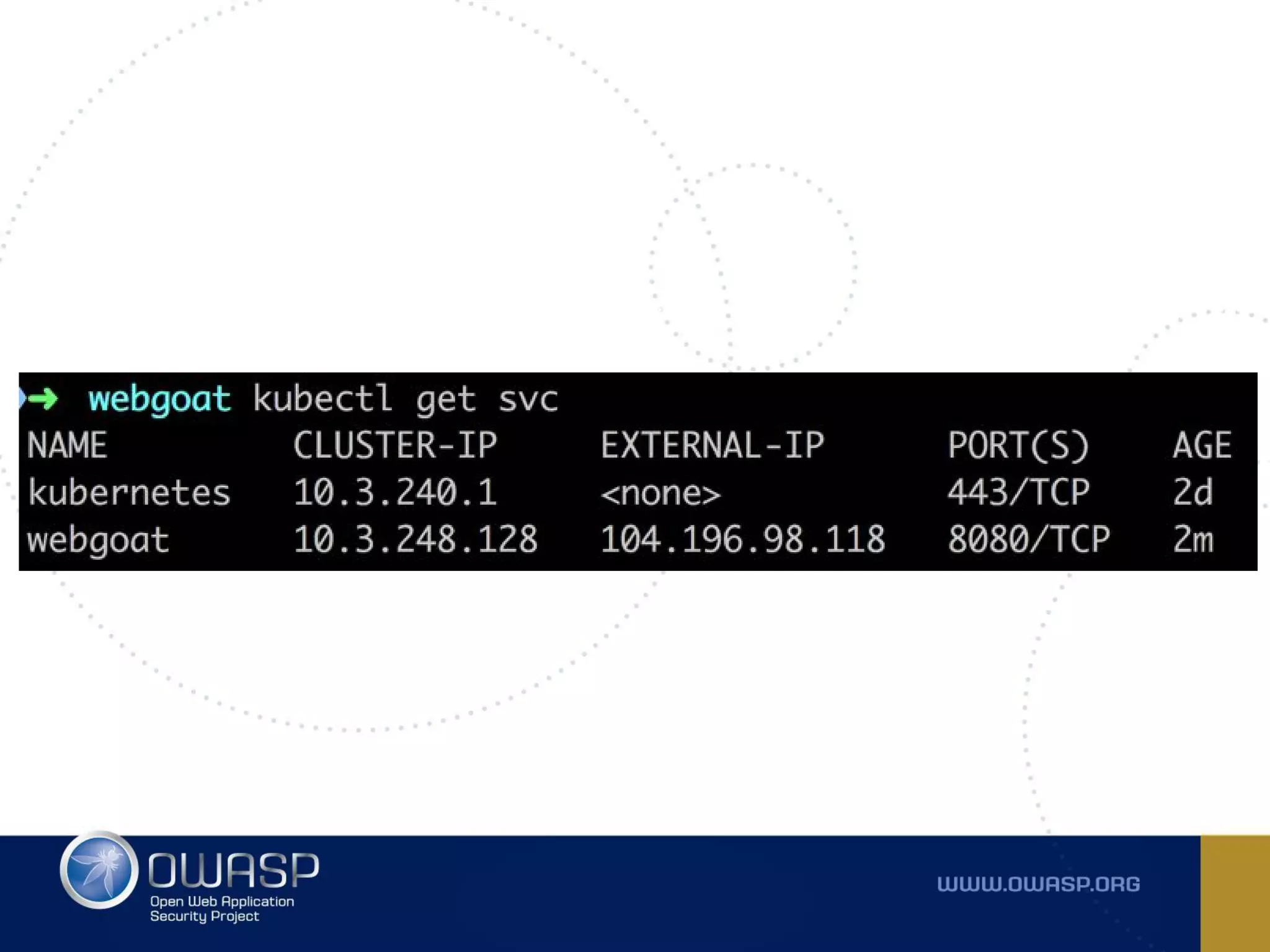
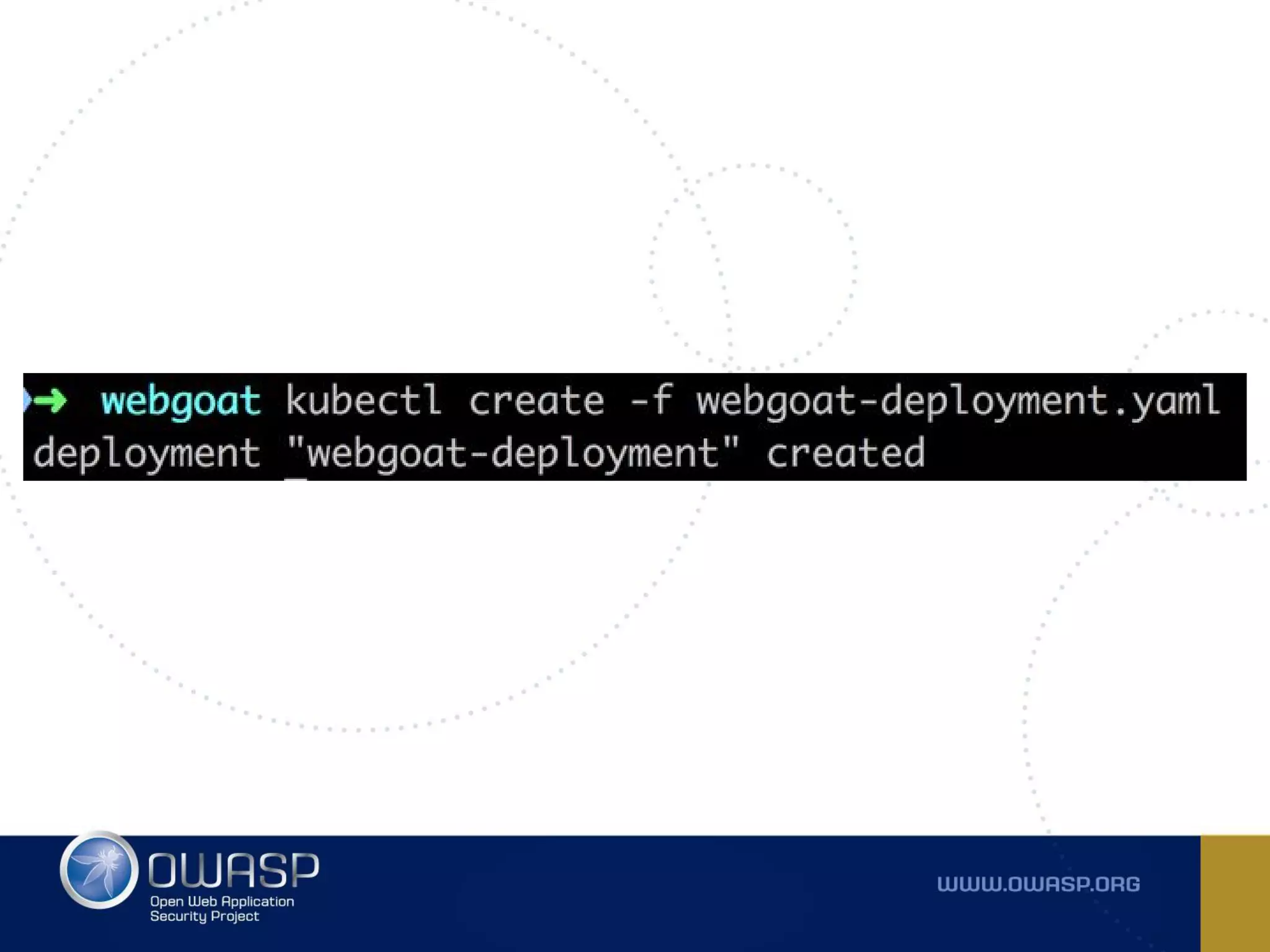
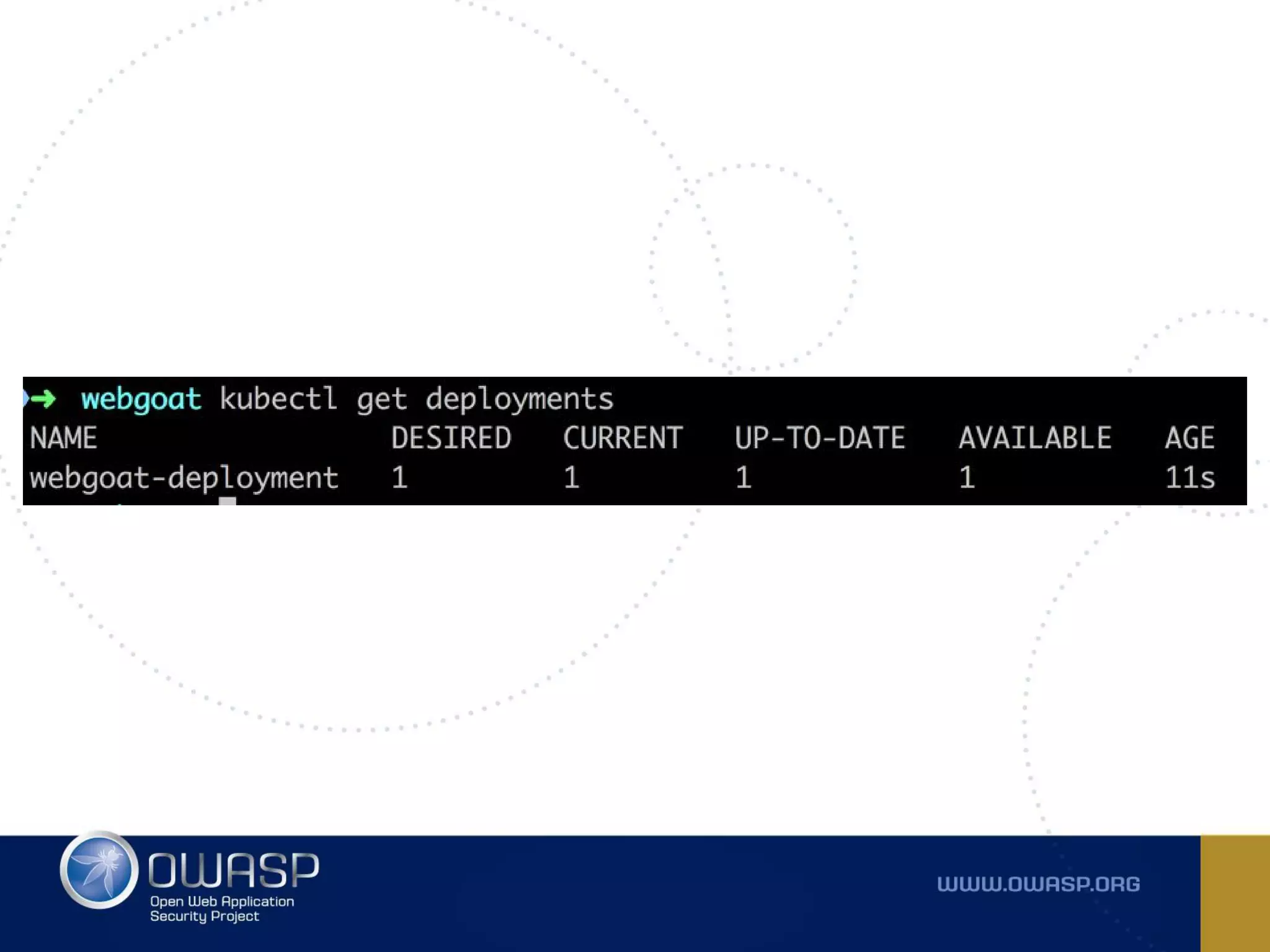
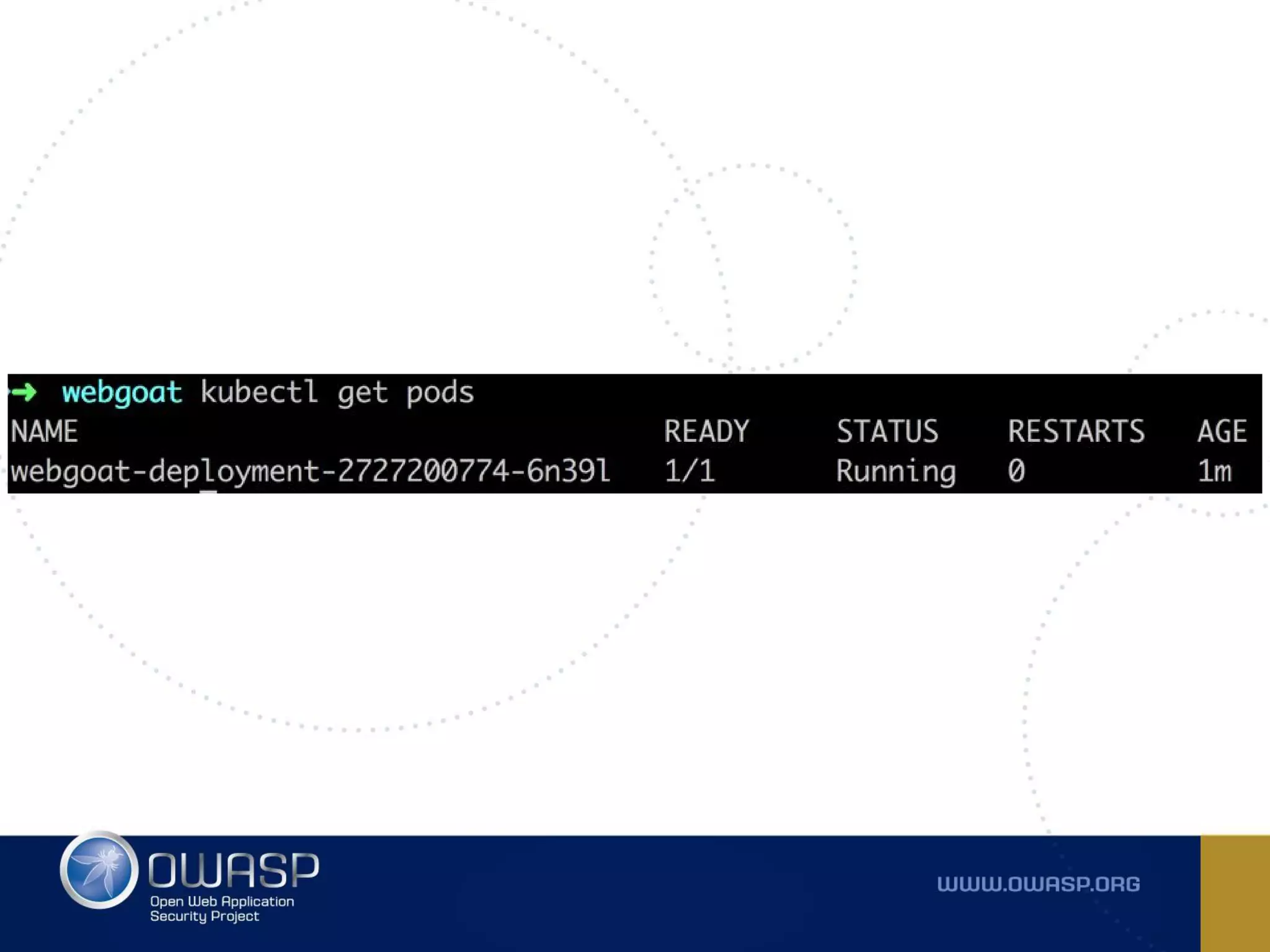
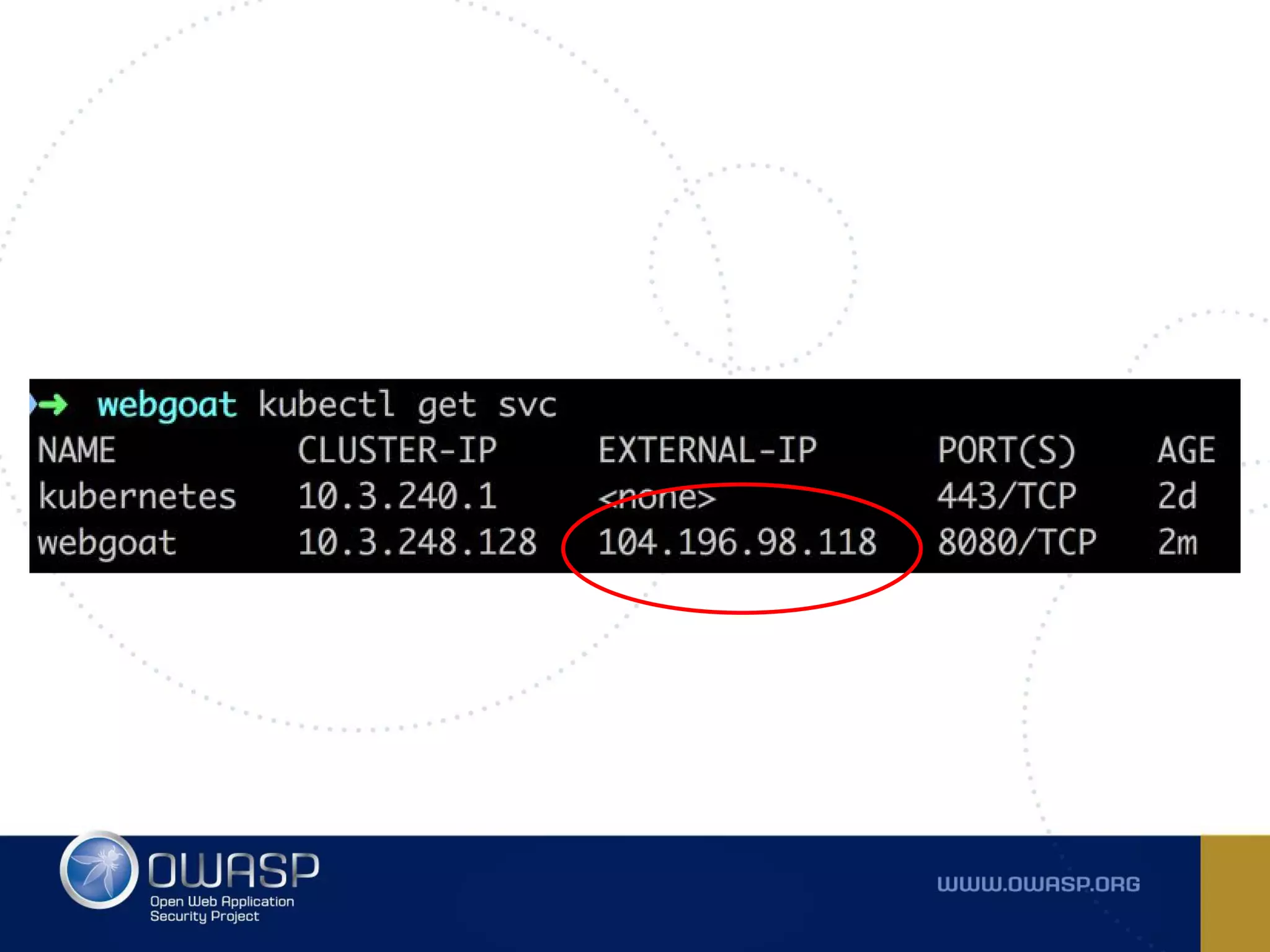
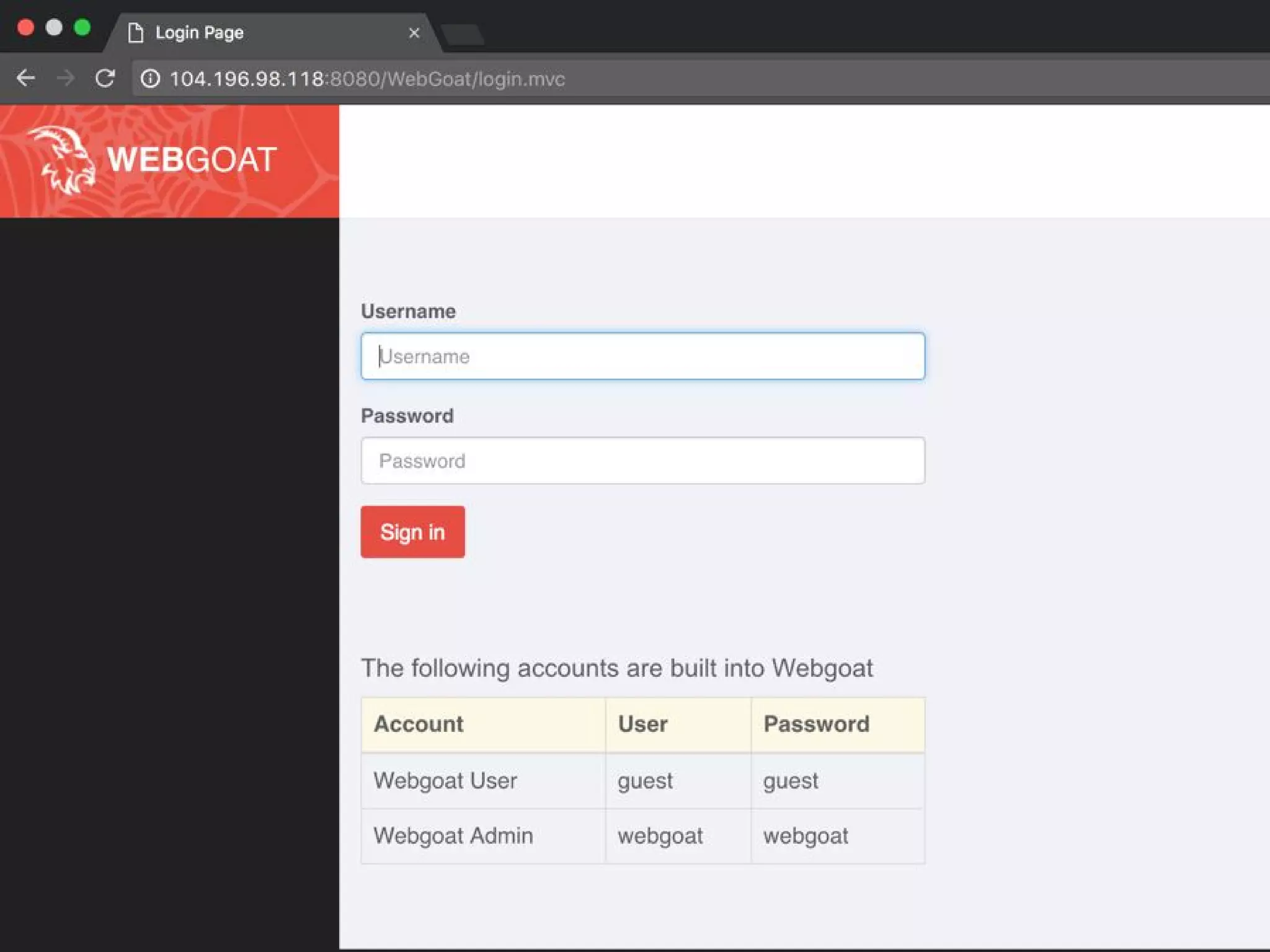
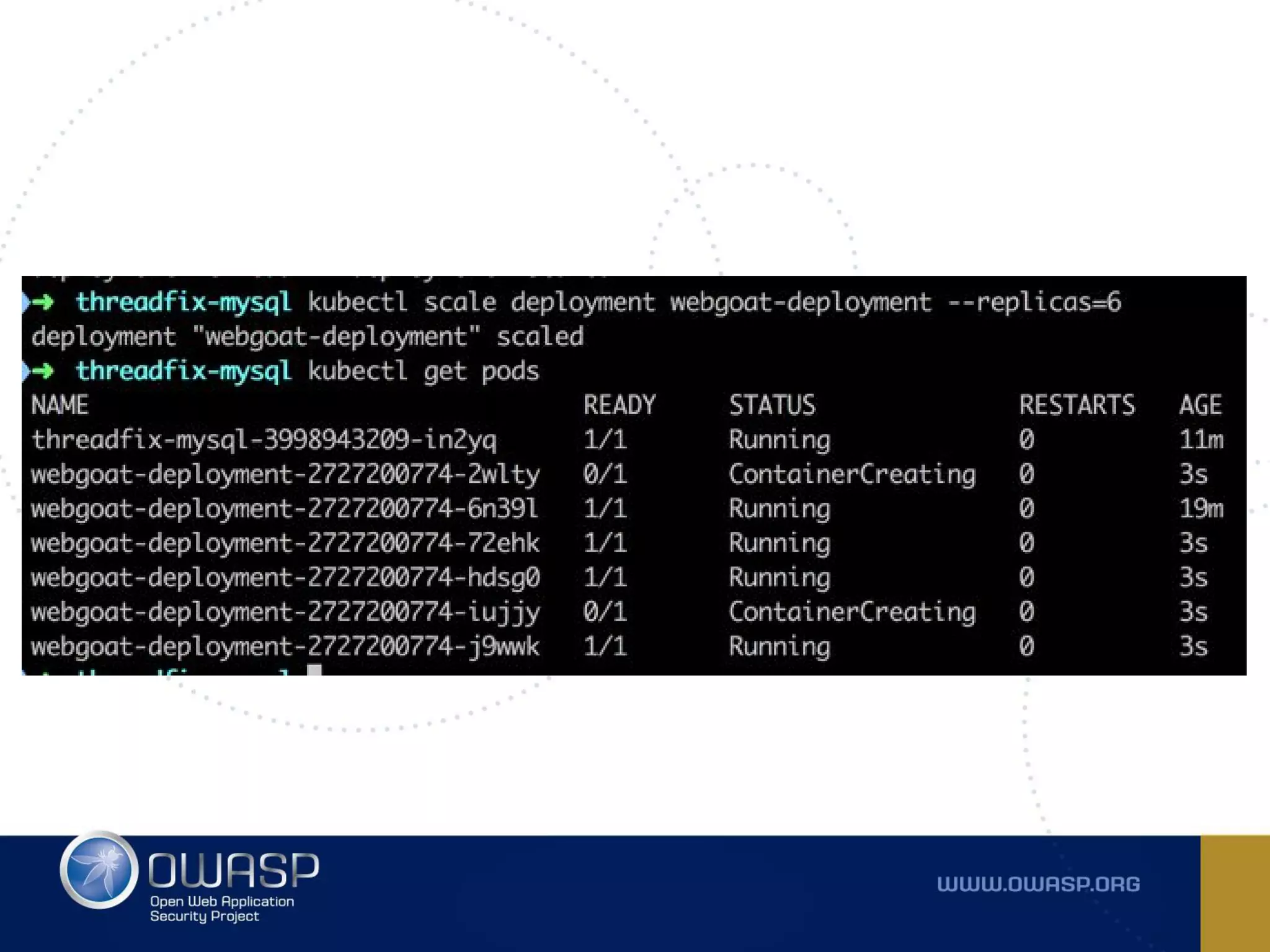
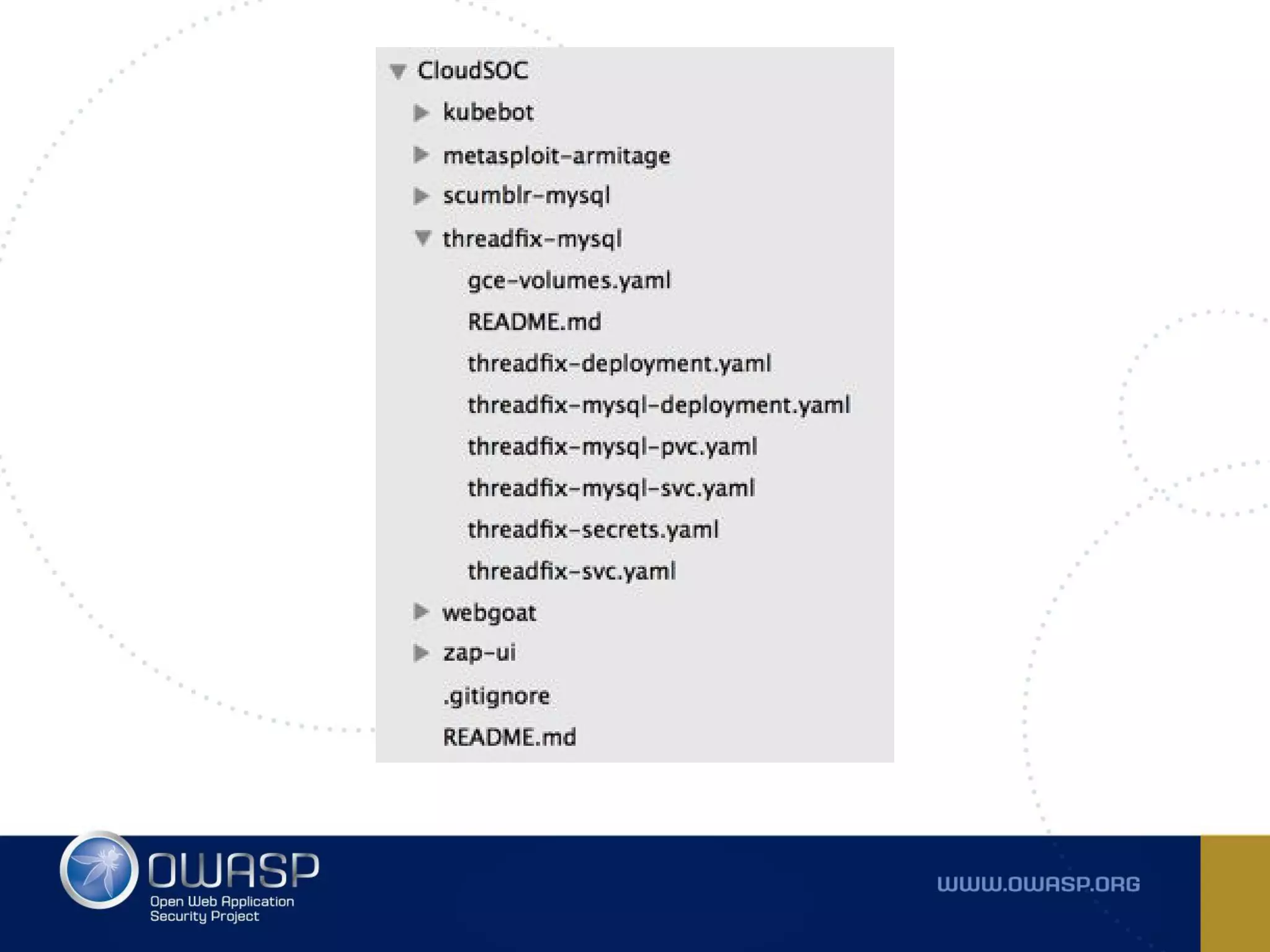
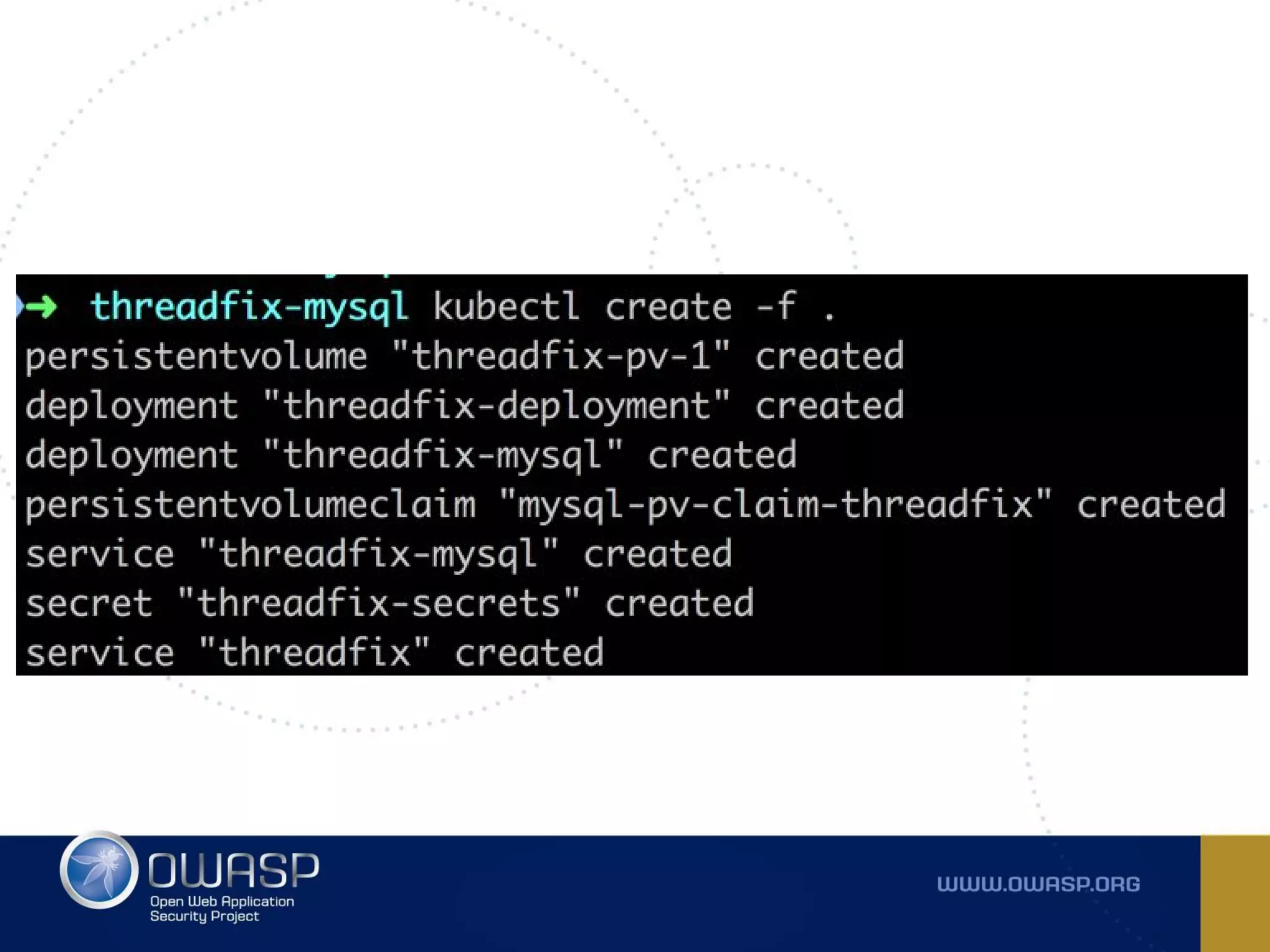
Demo (sort of)
- 2 node cluster running on GCE
- Kubernetes 1.4
- Maintain one K8S cluster
- Deploy and scale security tooling
- DevSecOps all the things
- We are part of this container journey
together
Security can be an enabler
Resources
Kubernetes Bootcamp
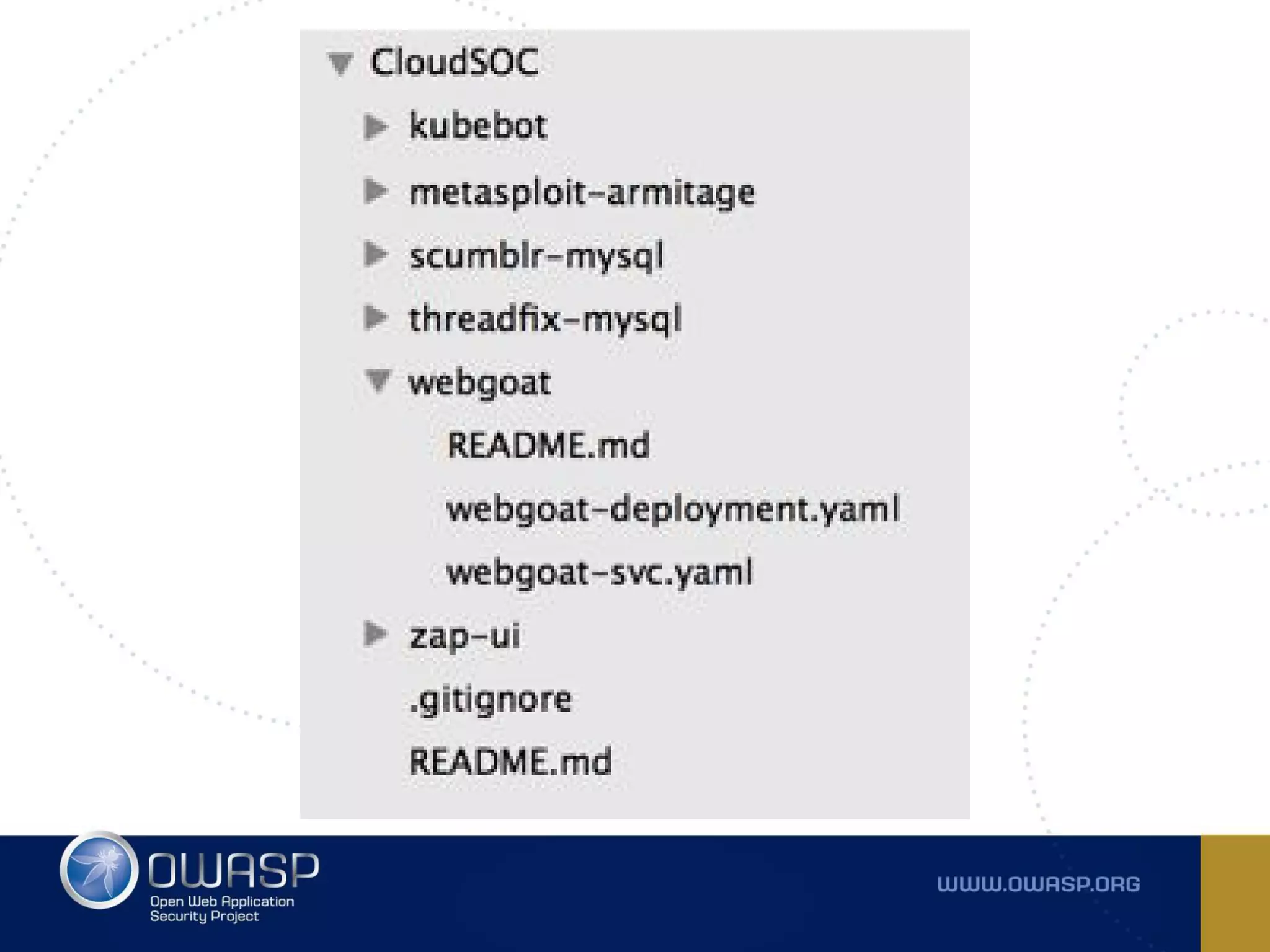
CloudSOC
Minikube
Questions?

Containerizing your Security Operations Center