Creating a Database Chapter 13
DDL - D ata  D efinition  L anguage Define or create a new table Remove a table Change definition/structure of an existing table Define a virtual table(view) Make index Control physical storage of data
DDL consists of Create – Defining or creating database objects Drop – Removing an existing database object Alter – Changing definition of a database object
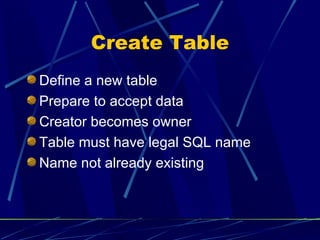
Create Table Define a new table Prepare to accept data  Creator becomes owner Table must have legal SQL name Name not already existing
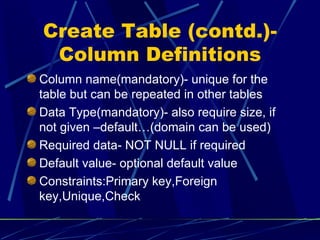
Create Table (contd.)-Column Definitions Column name(mandatory)- unique for the table but can be repeated in other tables Data Type(mandatory)- also require size, if not given –default…(domain can be used) Required data- NOT NULL if required Default value- optional default value Constraints:Primary key,Foreign key,Unique,Check
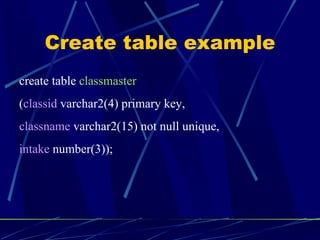
Create table example create table  classmaster ( classid  varchar2(4) primary key, classname  varchar2(15) not null unique, intake  number(3));
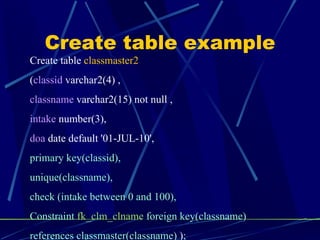
Create table example Create table  classmaster2 ( classid  varchar2(4) , classname  varchar2(15) not null , intake  number(3), doa  date default '01-JUL-10', primary key(classid), unique(classname), check (intake between 0 and 100), Constraint  fk_clm_clname  foreign key(classname)  references classmaster(classname)  ) ;
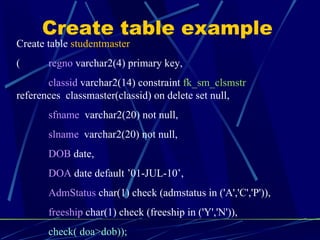
Create table example Create table  studentmaster (  regno  varchar2(4) primary key, classid  varchar2(14) constraint  fk_sm_clsmstr   references  classmaster(classid) on delete set null, sfname   varchar2(20) not null, slname   varchar2(20) not null, DOB  date, DOA  date default ’01-JUL-10’, AdmStatus  char(1) check (admstatus in ('A','C','P')), freeship  char(1) check (freeship in ('Y','N')), check( doa>dob)); );
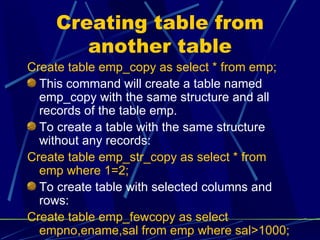
Creating table from another table Create table emp_copy as select * from emp; This command will create a table named emp_copy with the same structure and all records of the table emp. To create a table with the same structure without any records: Create table emp_str_copy as select * from emp where 1=2; To create table with selected columns and rows: Create table emp_fewcopy as select empno,ename,sal from emp where sal>1000;
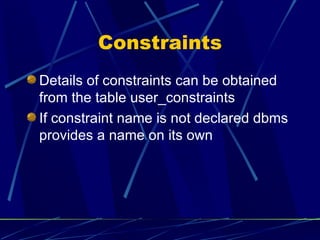
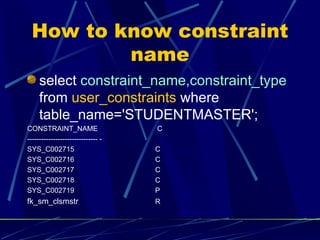
Constraints Details of constraints can be obtained from the table user_constraints If constraint name is not declared dbms provides a name on its own
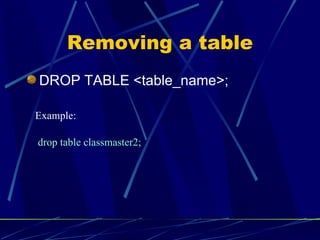
Removing a table DROP TABLE <table_name>; drop table classmaster2; Example:
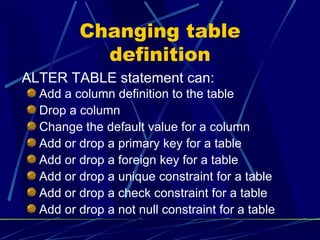
Changing table definition Add a column definition to the table Drop a column Change the default value for a column Add or drop a primary key for a table Add or drop a foreign key for a table Add or drop a unique constraint for a table Add or drop a check constraint for a table Add or drop a not null constraint for a table ALTER TABLE statement can:
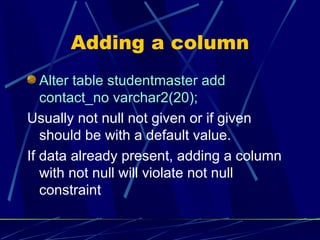
Adding a column Alter table studentmaster add contact_no varchar2(20); Usually not null not given or if given should be with a default value. If data already present, adding a column with not null will violate not null constraint
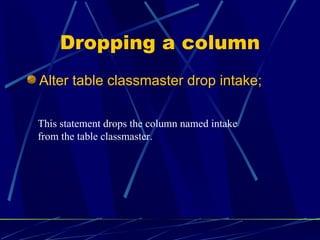
Dropping a column Alter table classmaster drop intake; This statement drops the column named intake from the table classmaster.
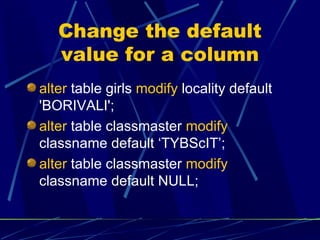
Change the default value for a column alter  table girls  modify  locality default 'BORIVALI'; alter  table classmaster  modify  classname default ‘TYBScIT’; alter  table classmaster  modify  classname default NULL;
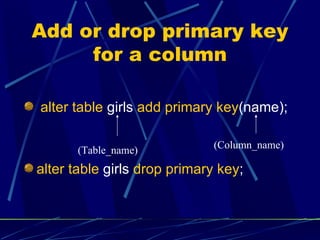
Add or drop primary key for a column alter table  girls  add primary key (name); alter table  girls  drop primary key ; (Column_name) (Table_name)
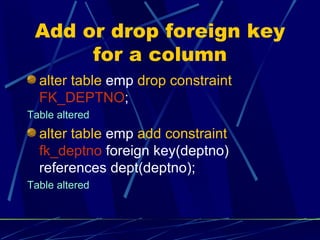
Add or drop foreign key for a column alter table  emp  drop constraint   FK_DEPTNO ; Table altered alter table  emp  add constraint   fk_deptno  foreign key(deptno) references dept(deptno); Table altered
How to know constraint name select  constraint_name,constraint_type  from  user_constraints  where table_name='STUDENTMASTER'; CONSTRAINT_NAME   C ------------------------------ - SYS_C002715    C SYS_C002716  C SYS_C002717  C SYS_C002718  C SYS_C002719  P fk_sm_clsmstr R
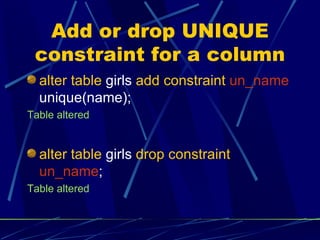
Add or drop UNIQUE constraint for a column alter table  girls  add constraint   un_name  unique(name); Table altered alter table  girls  drop constraint   un_name ; Table altered
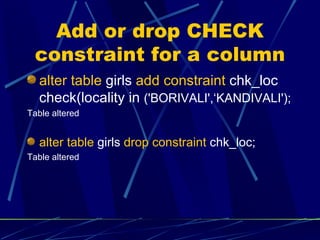
Add or drop CHECK constraint for a column alter table  girls  add constraint  chk_loc check(locality in  ('BORIVALI',‘KANDIVALI'); Table altered alter table  girls  drop constraint  chk_loc; Table altered
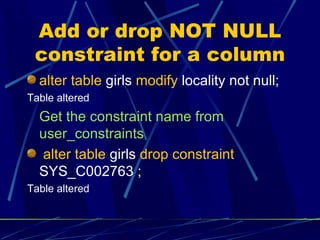
Add or drop NOT NULL constraint for a column alter table  girls  modify  locality not null; Table altered Get the constraint name from user_constraints alter table  girls  drop constraint  SYS_C002763 ; Table altered
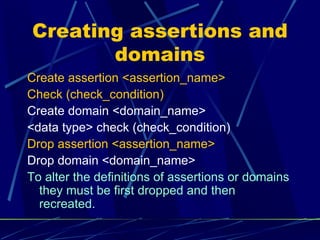
Creating assertions and domains Create assertion <assertion_name> Check (check_condition) Create domain <domain_name>  <data type> check (check_condition) Drop assertion <assertion_name> Drop domain <domain_name> To alter the definitions of assertions or domains they must be first dropped and then recreated.

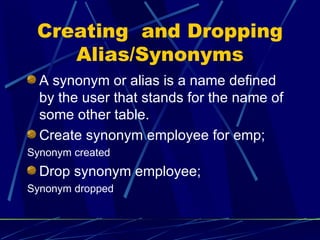
Creating  and Dropping Alias/Synonyms A synonym or alias is a name defined  by the user that stands for the name of some other table. Create synonym employee for emp; Synonym created Drop synonym employee; Synonym dropped
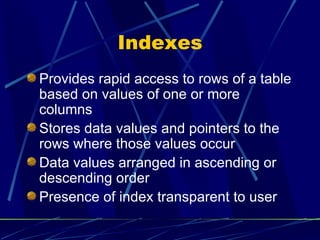
Indexes Provides rapid access to rows of a table based on values of one or more columns Stores data values and pointers to the rows where those values occur Data values arranged in ascending or descending order Presence of index transparent to user
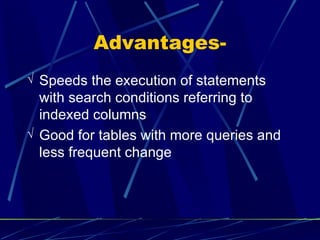
Advantages- Speeds the execution of statements with search conditions referring to indexed columns Good for tables with more queries and less frequent change
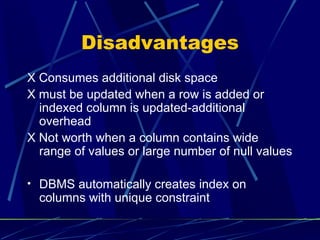
Disadvantages X  Consumes additional disk space X must be updated when a row is added or indexed column is updated-additional overhead X Not worth when a column contains wide range of values or large number of null values DBMS automatically creates index on columns with unique constraint
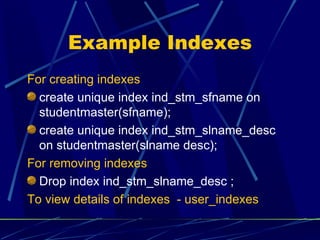
Example Indexes For creating indexes create unique index ind_stm_sfname on studentmaster(sfname); create unique index ind_stm_slname_desc on studentmaster(slname desc); For removing indexes Drop index ind_stm_slname_desc ; To view details of indexes  - user_indexes
Types of Indexes Normal Function based B-tree Hash Bit map
Database structure Single database architecture Multi database architecture Multi location architecture Databases on multiple servers
Single database architecture DBMS supports one system wide database Tables in various applications can reference one another No choice is to be made as only one database-easy access Database grows huge as more and more applications are added Managing databases becomes difficult Examples- Oracle,DB2
Multi database architecture Each database assigned unique name Each database dedicated to particular application Divides data management tasks into smaller , manageable chunks Requires no overall coordination New application added as a new database,no need to disturb existing db Users remember structure of their db easily
Multi database architecture(contd.) Individual db become unconnected Table in one db cannot contain a foreign key reference to table in another db Cross db queries usually not supported Where ever allowed extended notation- db_name.owner.table_name Commands used to connect to other db Connect db_name Use db_name
Multi Location Architecture Supports multiple dbs by using system’s directory structure to organize them Each application has own database Each db in same directory has unique name Dbs may have same name in different directories Flexible-suited for applications where user needs his/her own applications in separate dbs
Multi Location Architecture(contd.) Disadvantages same as that of multi db. No master db to keep track of all dbs Gaining access to db objects difficult as directory name is to be specified
Databases on multiple servers Databases on a network Databases associated with named servers on a network Within one server db’s with different names Mapping of server names to physical server locations done by network software Mapping of db names to physical files on a server done by dbms
THANKS

Creating a database

  • 1.
  • 2.
    DDL - Data D efinition L anguage Define or create a new table Remove a table Change definition/structure of an existing table Define a virtual table(view) Make index Control physical storage of data
  • 3.
    DDL consists ofCreate – Defining or creating database objects Drop – Removing an existing database object Alter – Changing definition of a database object
  • 4.
    Create Table Definea new table Prepare to accept data Creator becomes owner Table must have legal SQL name Name not already existing
  • 5.
    Create Table (contd.)-ColumnDefinitions Column name(mandatory)- unique for the table but can be repeated in other tables Data Type(mandatory)- also require size, if not given –default…(domain can be used) Required data- NOT NULL if required Default value- optional default value Constraints:Primary key,Foreign key,Unique,Check
  • 6.
    Create table examplecreate table classmaster ( classid varchar2(4) primary key, classname varchar2(15) not null unique, intake number(3));
  • 7.
    Create table exampleCreate table classmaster2 ( classid varchar2(4) , classname varchar2(15) not null , intake number(3), doa date default '01-JUL-10', primary key(classid), unique(classname), check (intake between 0 and 100), Constraint fk_clm_clname foreign key(classname) references classmaster(classname) ) ;
  • 8.
    Create table exampleCreate table studentmaster ( regno varchar2(4) primary key, classid varchar2(14) constraint fk_sm_clsmstr references classmaster(classid) on delete set null, sfname varchar2(20) not null, slname varchar2(20) not null, DOB date, DOA date default ’01-JUL-10’, AdmStatus char(1) check (admstatus in ('A','C','P')), freeship char(1) check (freeship in ('Y','N')), check( doa>dob)); );
  • 9.
    Creating table fromanother table Create table emp_copy as select * from emp; This command will create a table named emp_copy with the same structure and all records of the table emp. To create a table with the same structure without any records: Create table emp_str_copy as select * from emp where 1=2; To create table with selected columns and rows: Create table emp_fewcopy as select empno,ename,sal from emp where sal>1000;
  • 10.
    Constraints Details ofconstraints can be obtained from the table user_constraints If constraint name is not declared dbms provides a name on its own
  • 11.
    Removing a tableDROP TABLE <table_name>; drop table classmaster2; Example:
  • 12.
    Changing table definitionAdd a column definition to the table Drop a column Change the default value for a column Add or drop a primary key for a table Add or drop a foreign key for a table Add or drop a unique constraint for a table Add or drop a check constraint for a table Add or drop a not null constraint for a table ALTER TABLE statement can:
  • 13.
    Adding a columnAlter table studentmaster add contact_no varchar2(20); Usually not null not given or if given should be with a default value. If data already present, adding a column with not null will violate not null constraint
  • 14.
    Dropping a columnAlter table classmaster drop intake; This statement drops the column named intake from the table classmaster.
  • 15.
    Change the defaultvalue for a column alter table girls modify locality default 'BORIVALI'; alter table classmaster modify classname default ‘TYBScIT’; alter table classmaster modify classname default NULL;
  • 16.
    Add or dropprimary key for a column alter table girls add primary key (name); alter table girls drop primary key ; (Column_name) (Table_name)
  • 17.
    Add or dropforeign key for a column alter table emp drop constraint FK_DEPTNO ; Table altered alter table emp add constraint fk_deptno foreign key(deptno) references dept(deptno); Table altered
  • 18.
    How to knowconstraint name select constraint_name,constraint_type from user_constraints where table_name='STUDENTMASTER'; CONSTRAINT_NAME C ------------------------------ - SYS_C002715 C SYS_C002716 C SYS_C002717 C SYS_C002718 C SYS_C002719 P fk_sm_clsmstr R
  • 19.
    Add or dropUNIQUE constraint for a column alter table girls add constraint un_name unique(name); Table altered alter table girls drop constraint un_name ; Table altered
  • 20.
    Add or dropCHECK constraint for a column alter table girls add constraint chk_loc check(locality in ('BORIVALI',‘KANDIVALI'); Table altered alter table girls drop constraint chk_loc; Table altered
  • 21.
    Add or dropNOT NULL constraint for a column alter table girls modify locality not null; Table altered Get the constraint name from user_constraints alter table girls drop constraint SYS_C002763 ; Table altered
  • 22.
    Creating assertions anddomains Create assertion <assertion_name> Check (check_condition) Create domain <domain_name> <data type> check (check_condition) Drop assertion <assertion_name> Drop domain <domain_name> To alter the definitions of assertions or domains they must be first dropped and then recreated.
  • 23.
    Creating andDropping Alias/Synonyms A synonym or alias is a name defined by the user that stands for the name of some other table. Create synonym employee for emp; Synonym created Drop synonym employee; Synonym dropped
  • 24.
    Indexes Provides rapidaccess to rows of a table based on values of one or more columns Stores data values and pointers to the rows where those values occur Data values arranged in ascending or descending order Presence of index transparent to user
  • 25.
    Advantages- Speeds theexecution of statements with search conditions referring to indexed columns Good for tables with more queries and less frequent change
  • 26.
    Disadvantages X Consumes additional disk space X must be updated when a row is added or indexed column is updated-additional overhead X Not worth when a column contains wide range of values or large number of null values DBMS automatically creates index on columns with unique constraint
  • 27.
    Example Indexes Forcreating indexes create unique index ind_stm_sfname on studentmaster(sfname); create unique index ind_stm_slname_desc on studentmaster(slname desc); For removing indexes Drop index ind_stm_slname_desc ; To view details of indexes - user_indexes
  • 28.
    Types of IndexesNormal Function based B-tree Hash Bit map
  • 29.
    Database structure Singledatabase architecture Multi database architecture Multi location architecture Databases on multiple servers
  • 30.
    Single database architectureDBMS supports one system wide database Tables in various applications can reference one another No choice is to be made as only one database-easy access Database grows huge as more and more applications are added Managing databases becomes difficult Examples- Oracle,DB2
  • 31.
    Multi database architectureEach database assigned unique name Each database dedicated to particular application Divides data management tasks into smaller , manageable chunks Requires no overall coordination New application added as a new database,no need to disturb existing db Users remember structure of their db easily
  • 32.
    Multi database architecture(contd.)Individual db become unconnected Table in one db cannot contain a foreign key reference to table in another db Cross db queries usually not supported Where ever allowed extended notation- db_name.owner.table_name Commands used to connect to other db Connect db_name Use db_name
  • 33.
    Multi Location ArchitectureSupports multiple dbs by using system’s directory structure to organize them Each application has own database Each db in same directory has unique name Dbs may have same name in different directories Flexible-suited for applications where user needs his/her own applications in separate dbs
  • 34.
    Multi Location Architecture(contd.)Disadvantages same as that of multi db. No master db to keep track of all dbs Gaining access to db objects difficult as directory name is to be specified
  • 35.
    Databases on multipleservers Databases on a network Databases associated with named servers on a network Within one server db’s with different names Mapping of server names to physical server locations done by network software Mapping of db names to physical files on a server done by dbms
  • 36.