DATABAS
EDatabase to be a collection of related data
An organized collection of related information
so that it can easily be accessed managed
and updated .
e.g :dictionary ,airline database ,library
database ,railway timetable.
DBMS
DATABASE MANAGEMENT SYSTEM
DBM
S
A software system that enables users to
define ,create, ,maintain and control accessed
to the database to the DBMS is
the software that intract with users application
program and the database
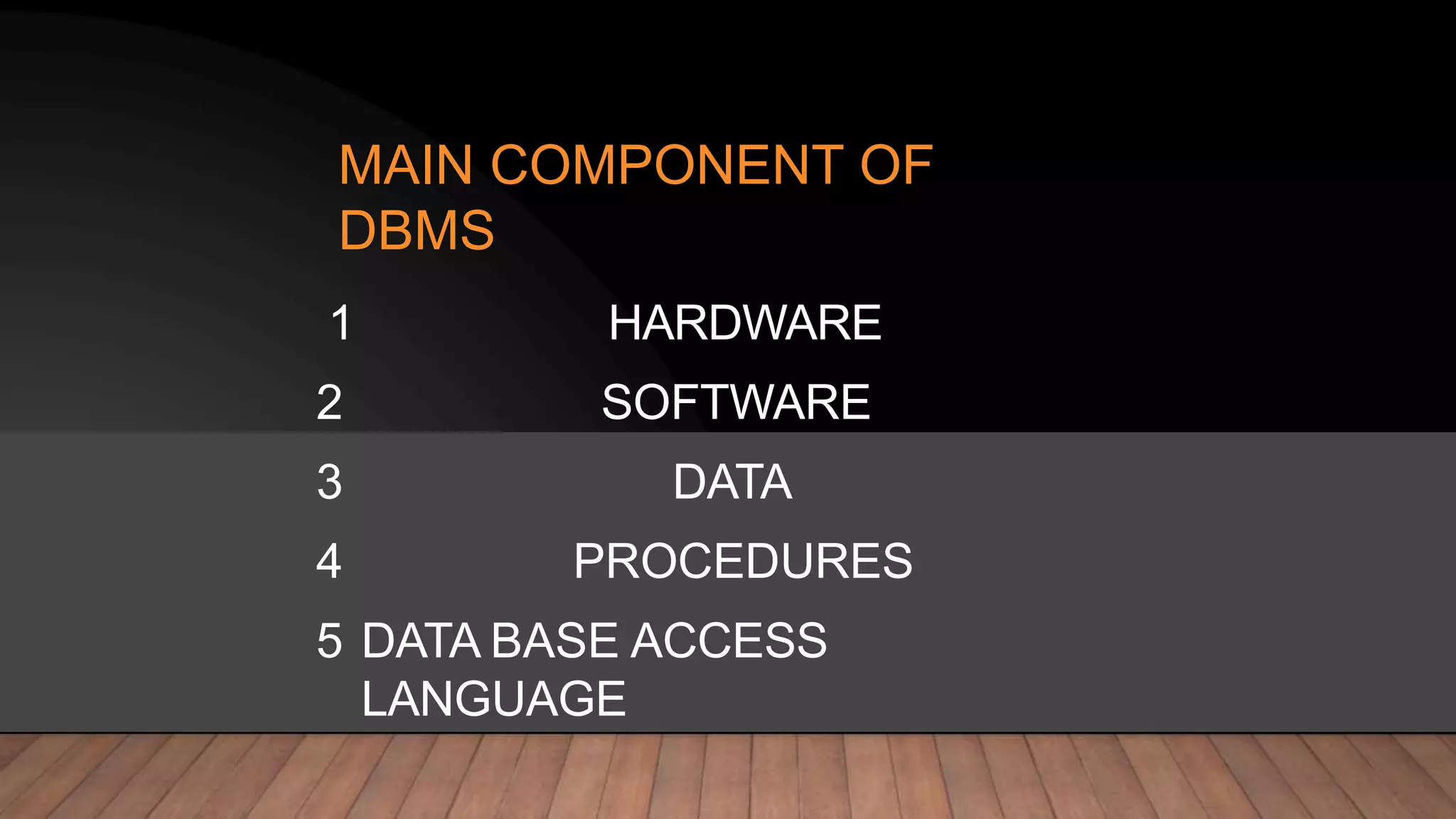
MAIN COMPONENT OF
DBMS
1 HARDWARE
2 SOFTWARE
3 DATA
4 PROCEDURES
5 DATA BASE ACCESS
LANGUAGE
HARDWAR
E
All the physical devices that are being used
in DBMS operations are called the hardware
For example : if we run MY SQL server then
the hard disk ram the key board comes under
hardware component
SOFTWAR
E
This is one of the most important component
as it contains all the program that will drive
the DBMS functionality .the job of the
software is to understand the data base
access language and interpret into actual
Database command to execute them
DATA
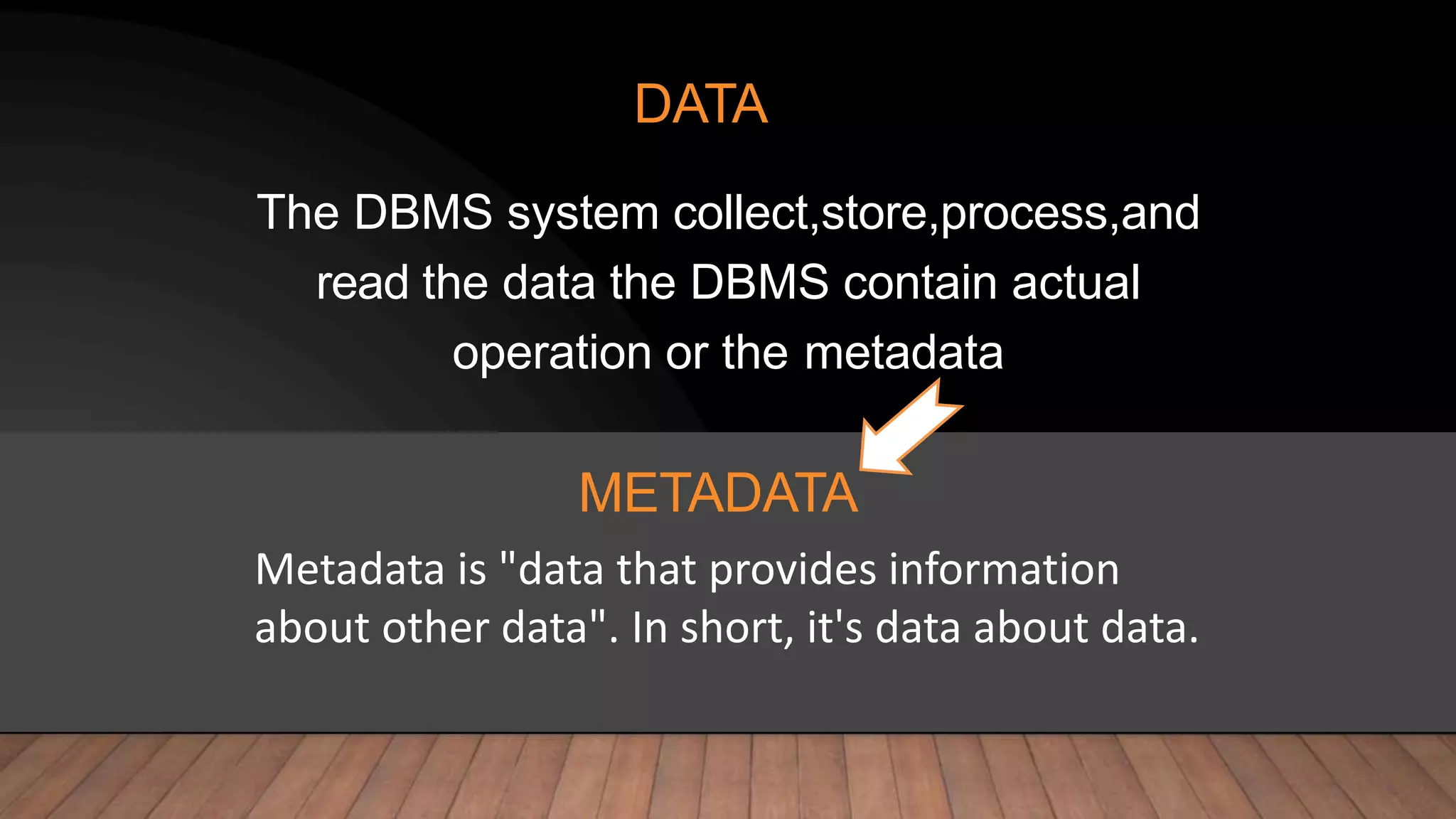
The DBMS system collect,store,process,and
read the data the DBMS contain actual
operation or the metadata
Metadata is "data that provides information
about other data". In short, it's data about data.
METADATA
PROCEDURE
S
Procedure is the general instructions and
rules that helps to use DBMS
DATABASE ACCESS
LANGUAGE
It is a query language which is use to write the commands to perform operations
like create,read ,update and delete
CHARACTERISTIC
S
It store any kind of data Automatically data
backup and support recovery .
it enable the sharing of the data much easy.
It support data security and prevent restrictions of
un authorized access
It also represent the complex relationship between data and
views.
APPLICATION
S
. Banking system
.Telecom
.Airline
.Educational & corporate
.manufacturing and industry
RELATIONAL DATABASE MANAGEMENT SYSTEM
RDBMS. Stands for "Relational Database
Management System." An RDBMS is a DBMS
designed specifically for relational databases.
Therefore, RDBMSes are a subset of DBMSes.
An RDBMS may also provide a visual representation of the
data. For example, it may display data in a tables like
a spreadsheet, allowing you to view and even edit individual
values in the table.
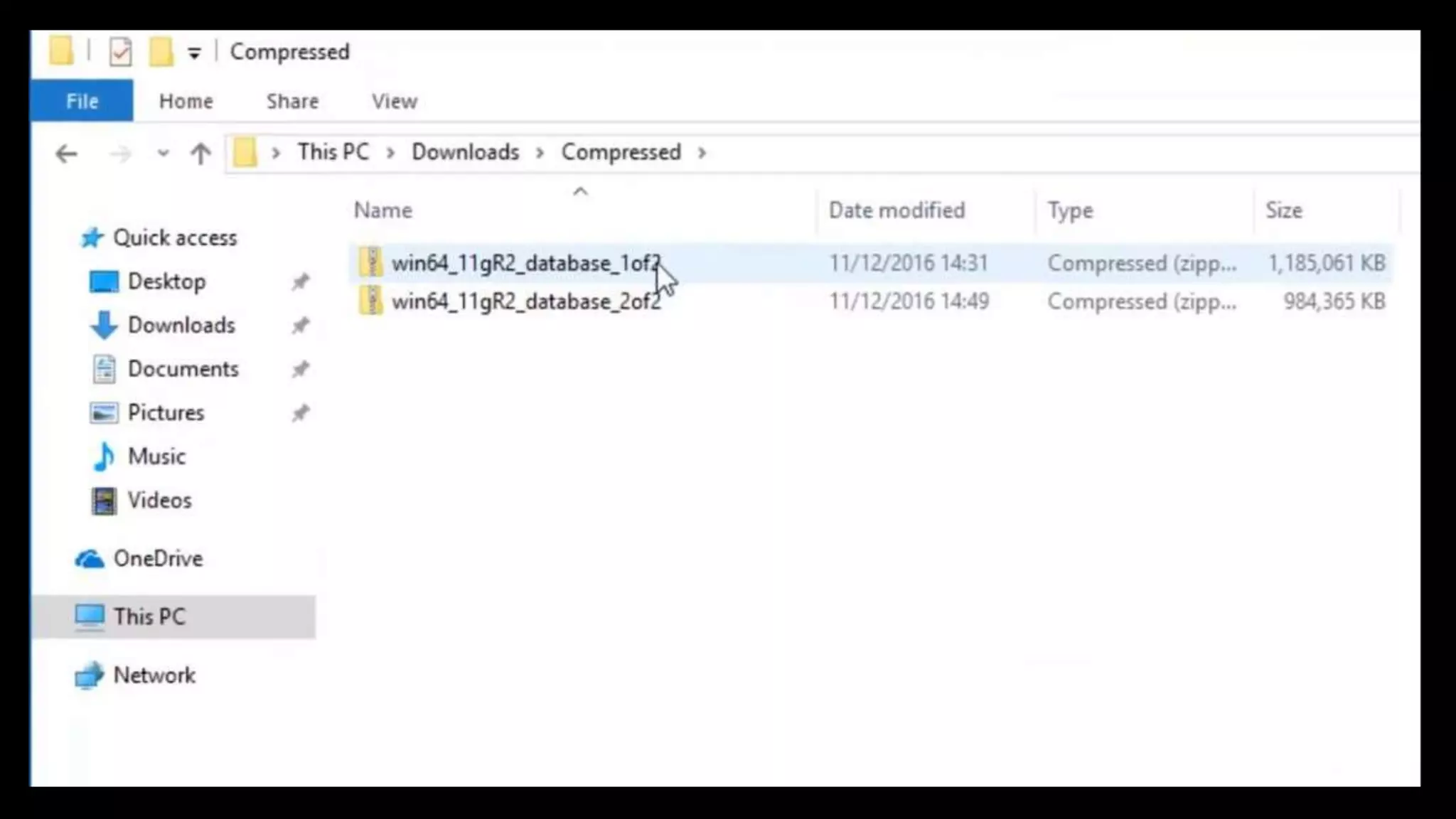
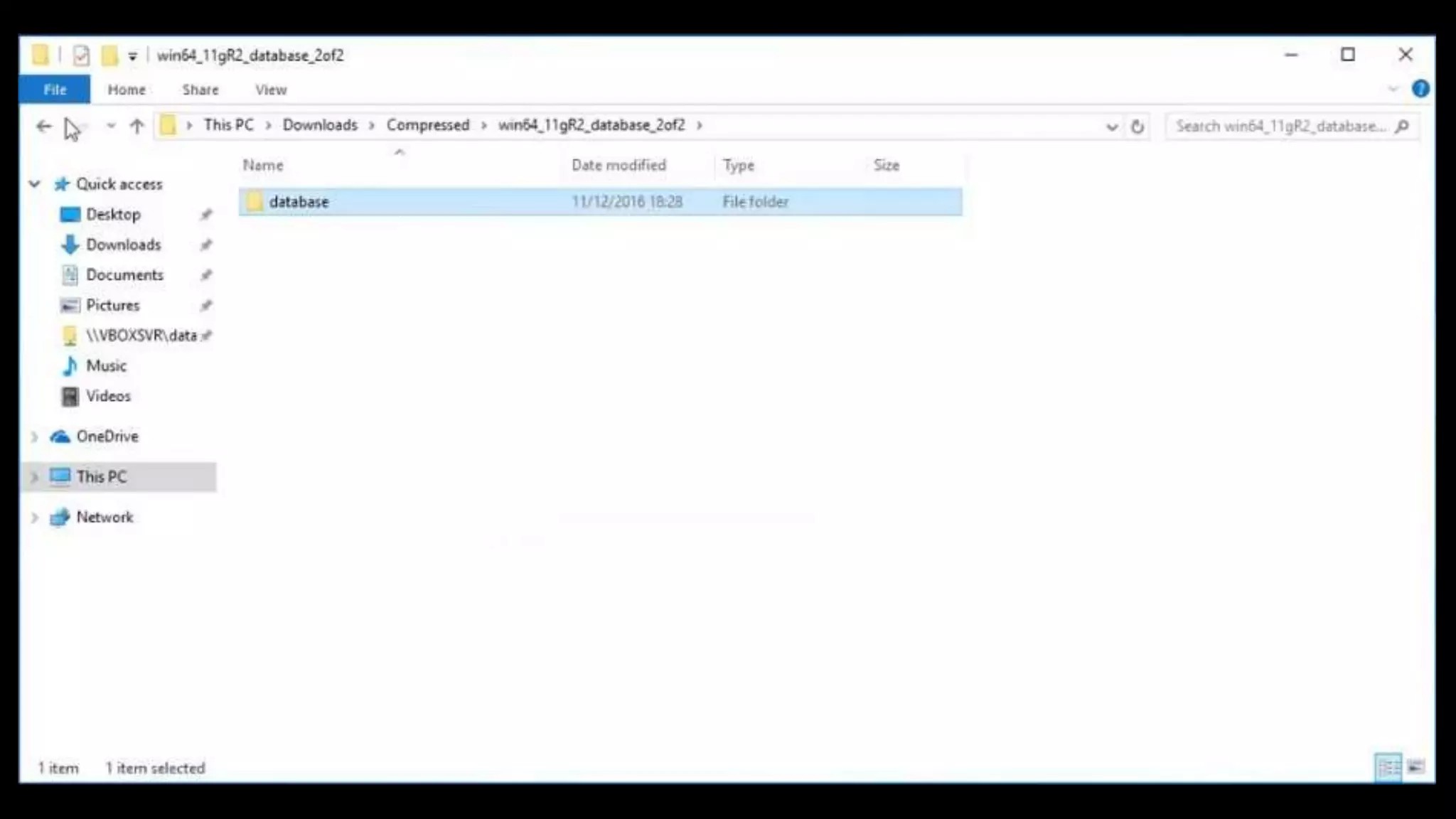
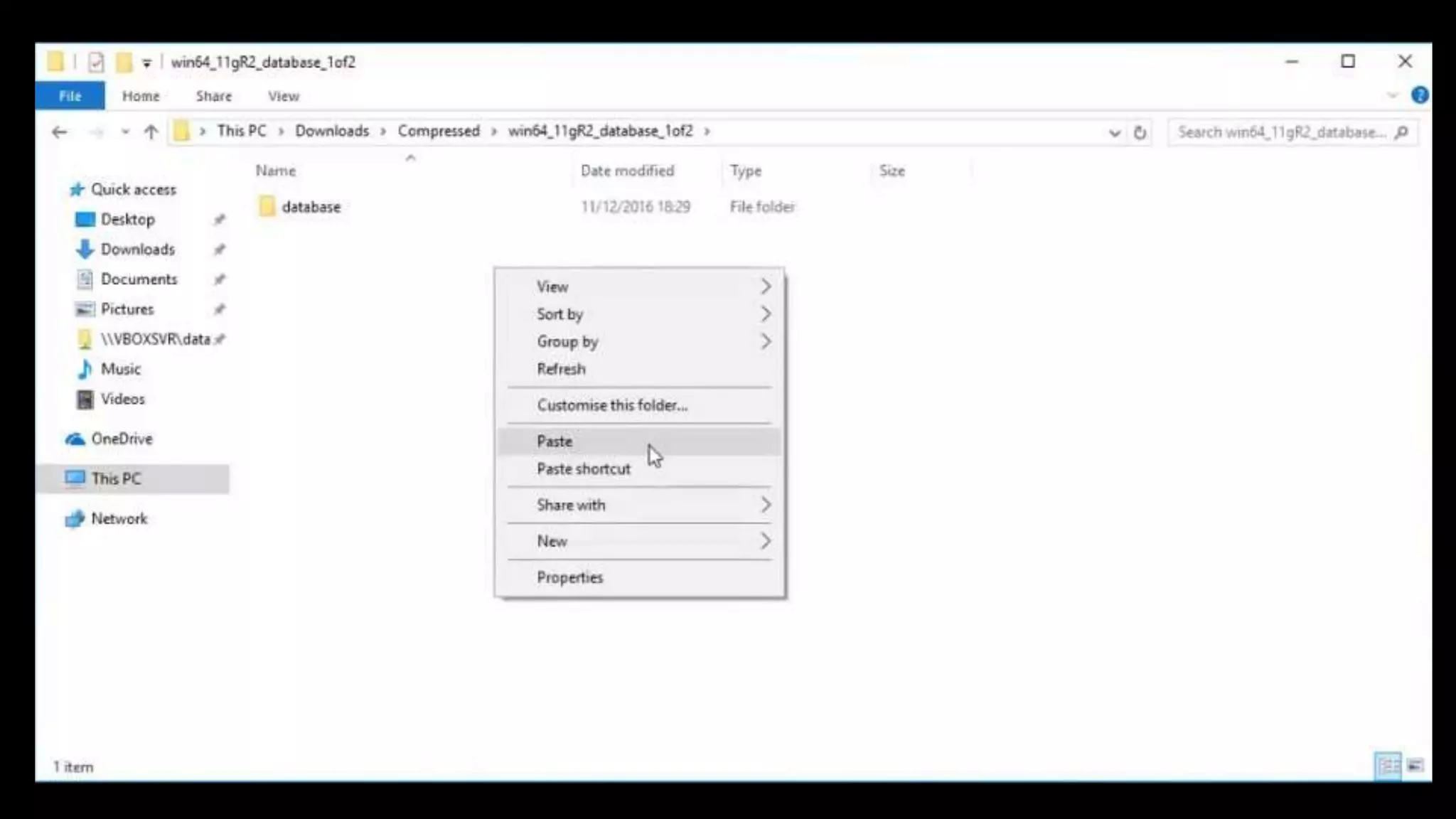
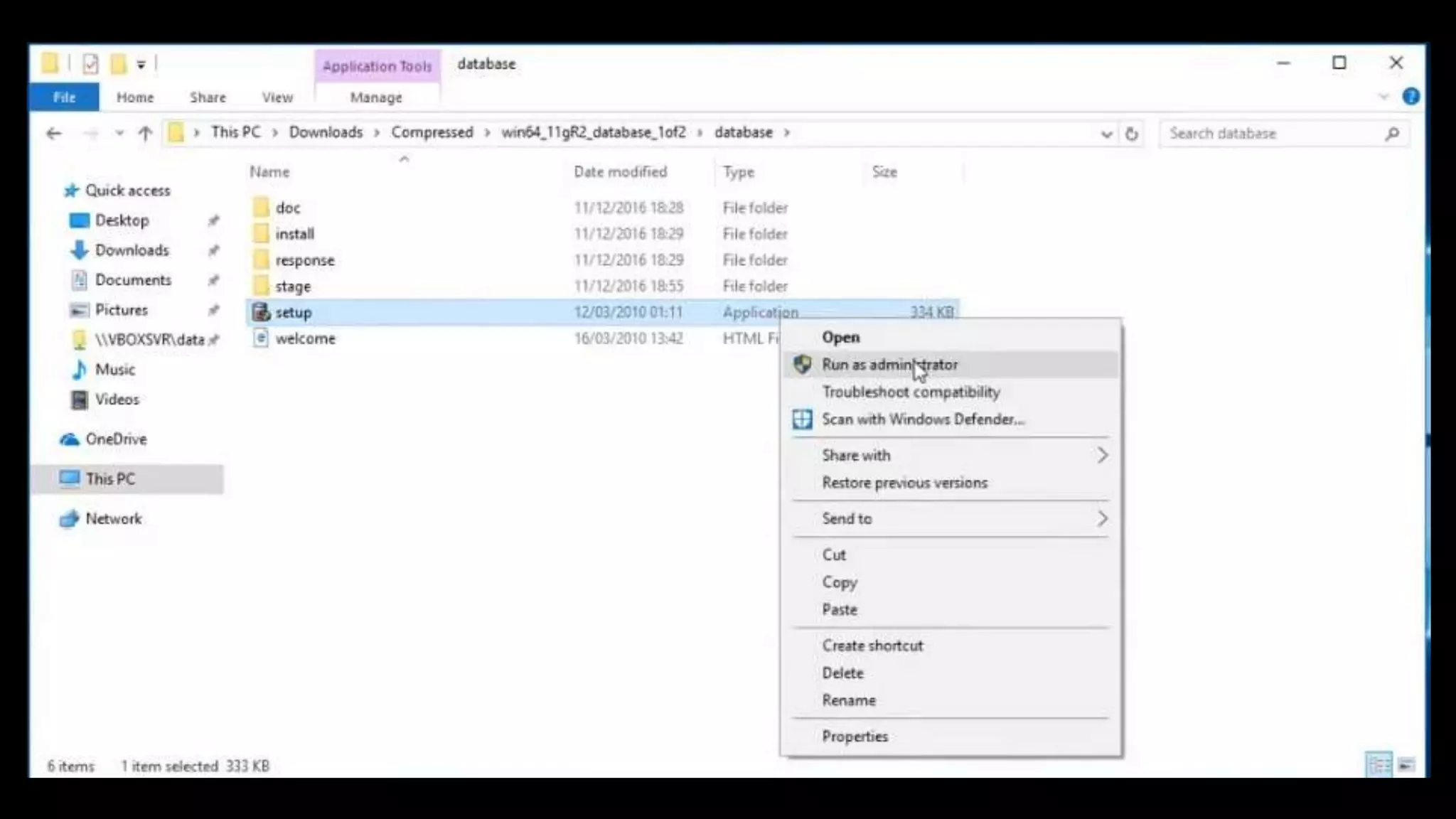
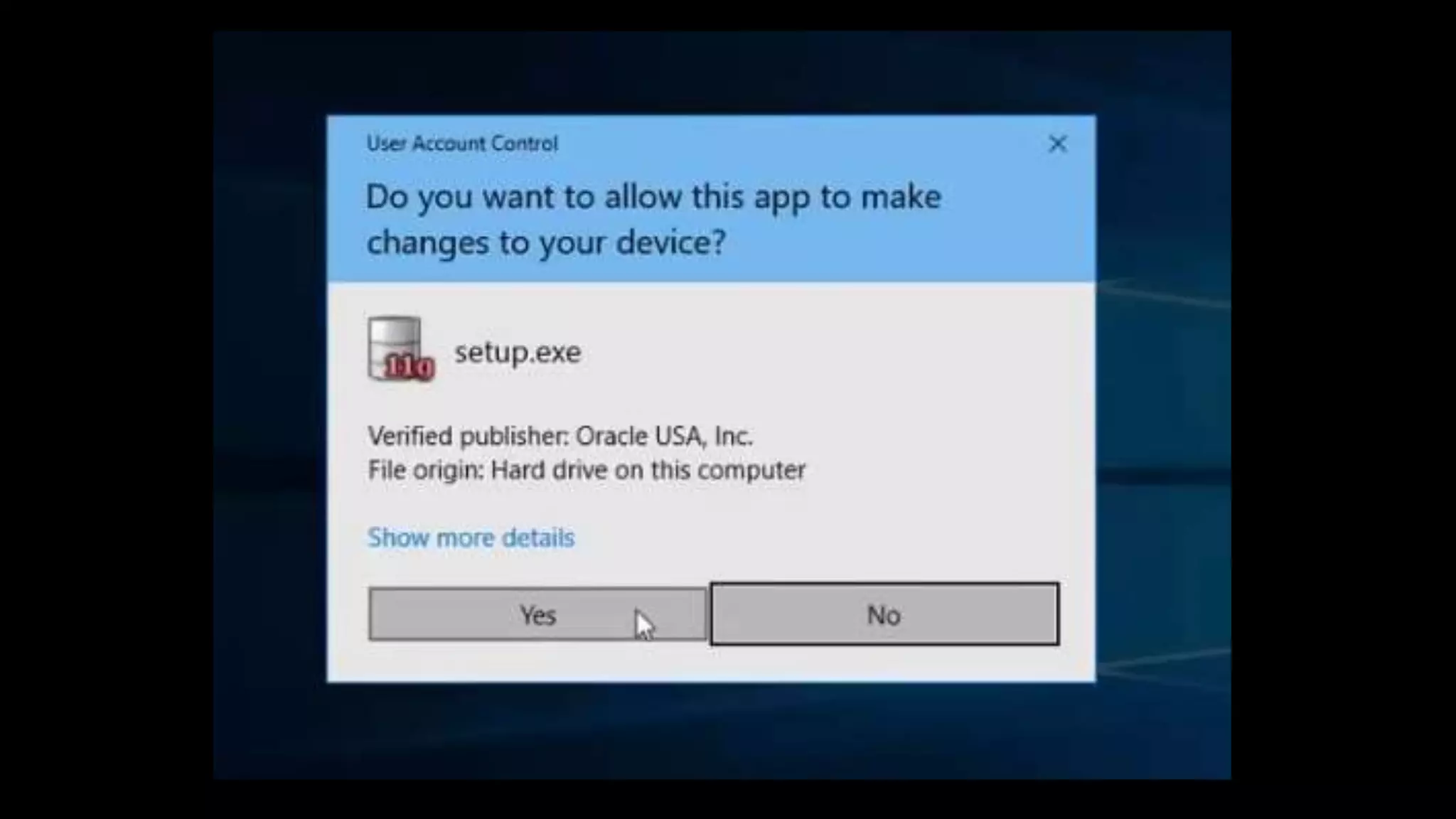
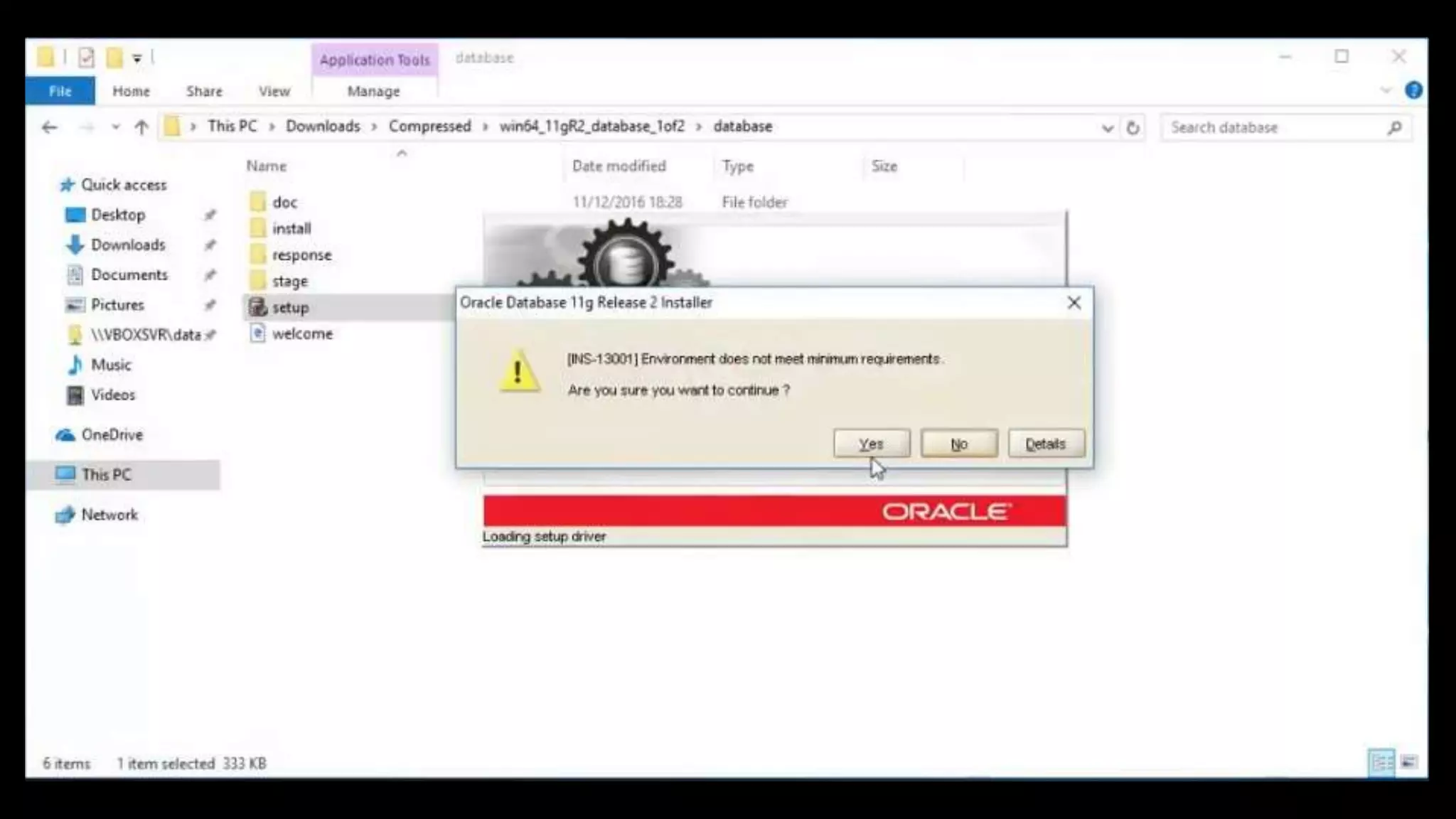
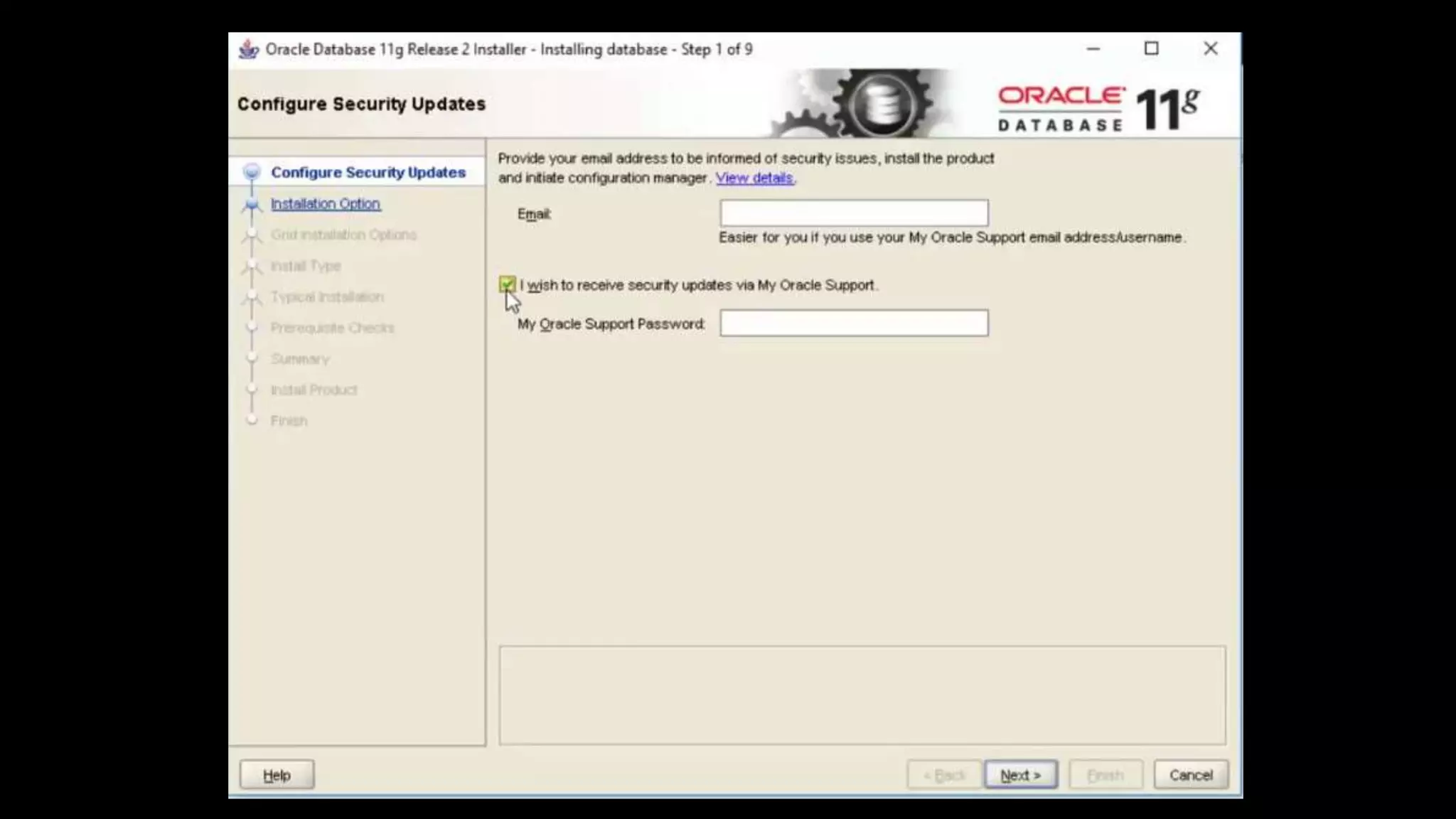
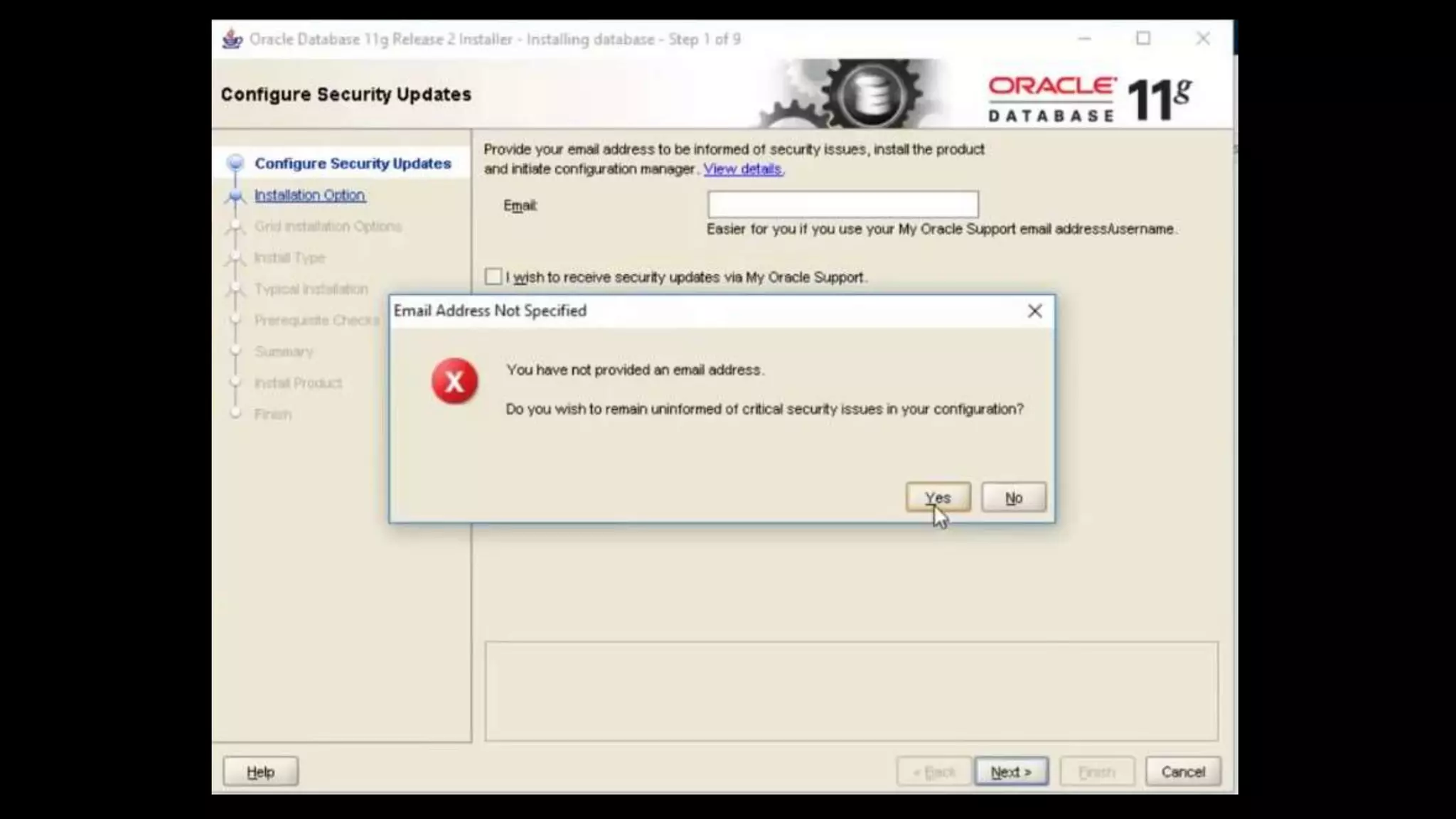
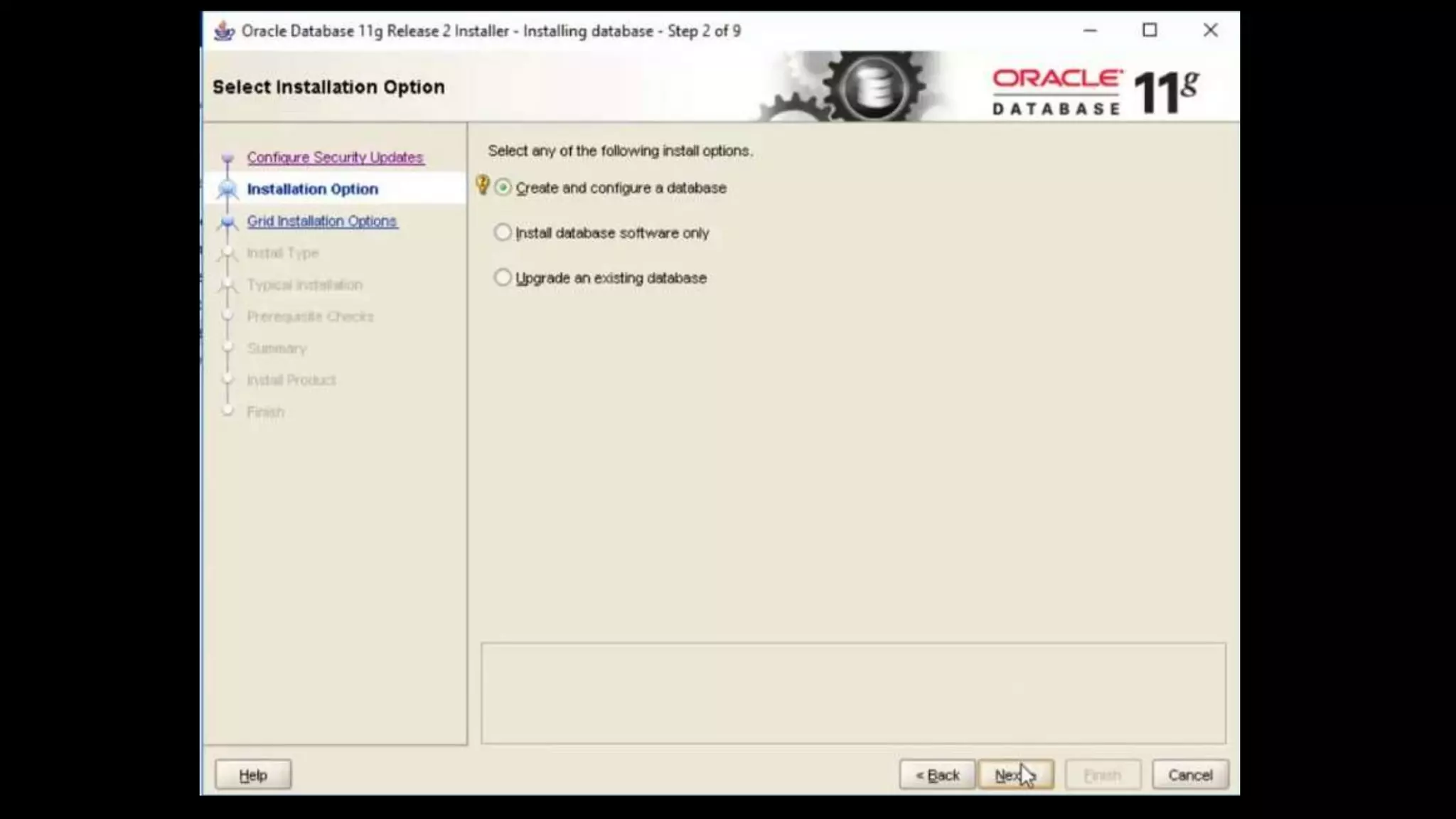
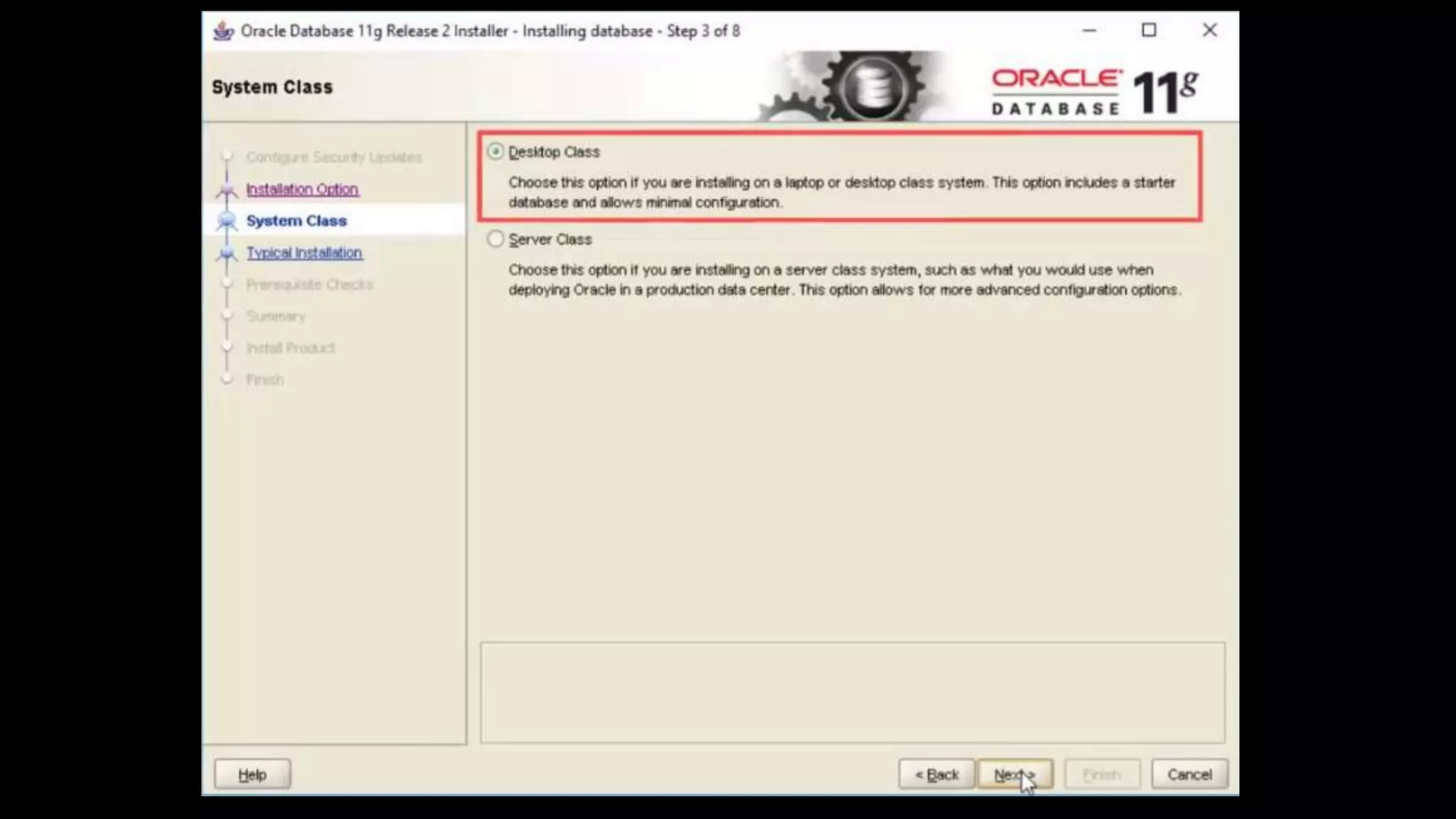
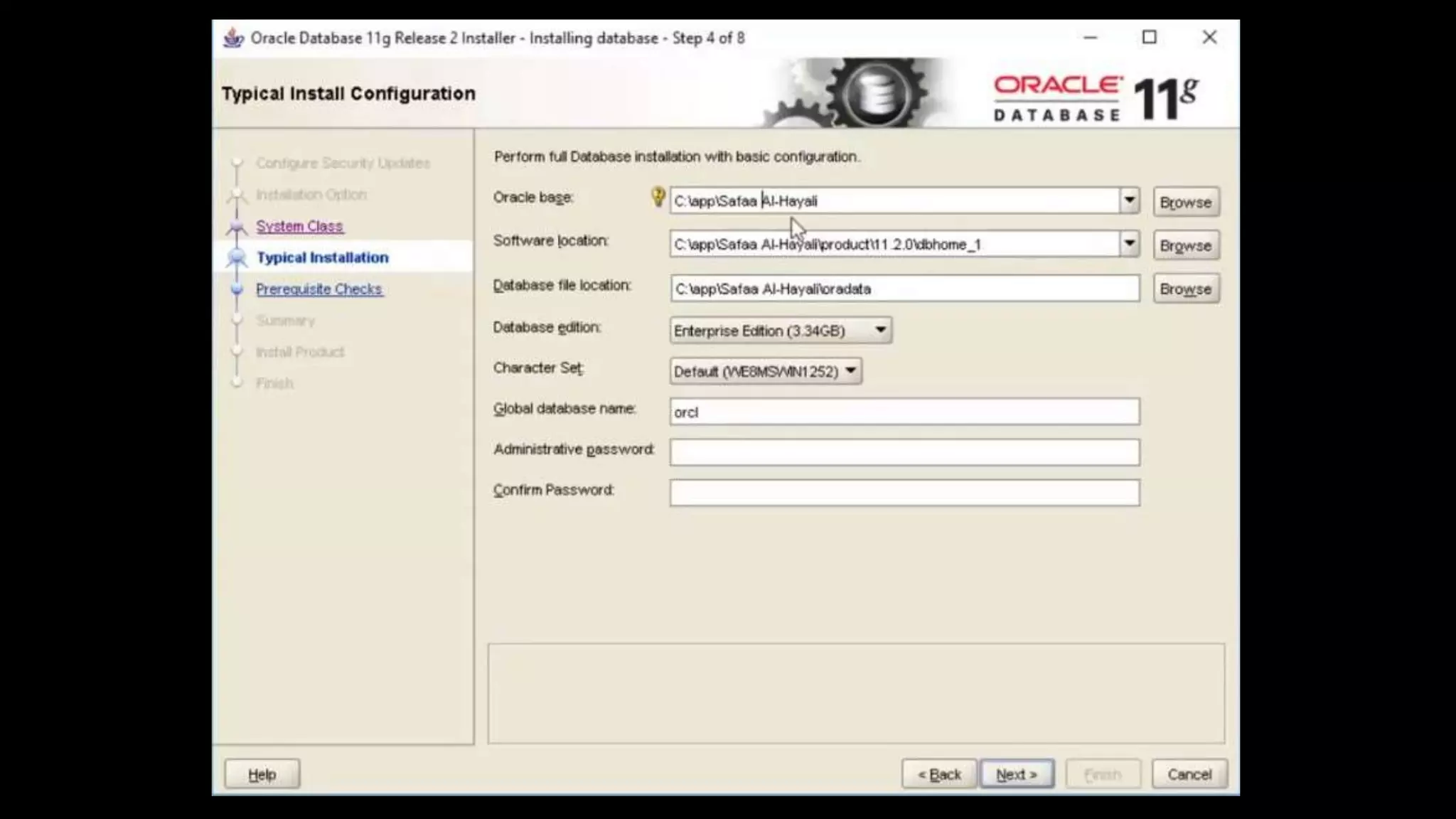
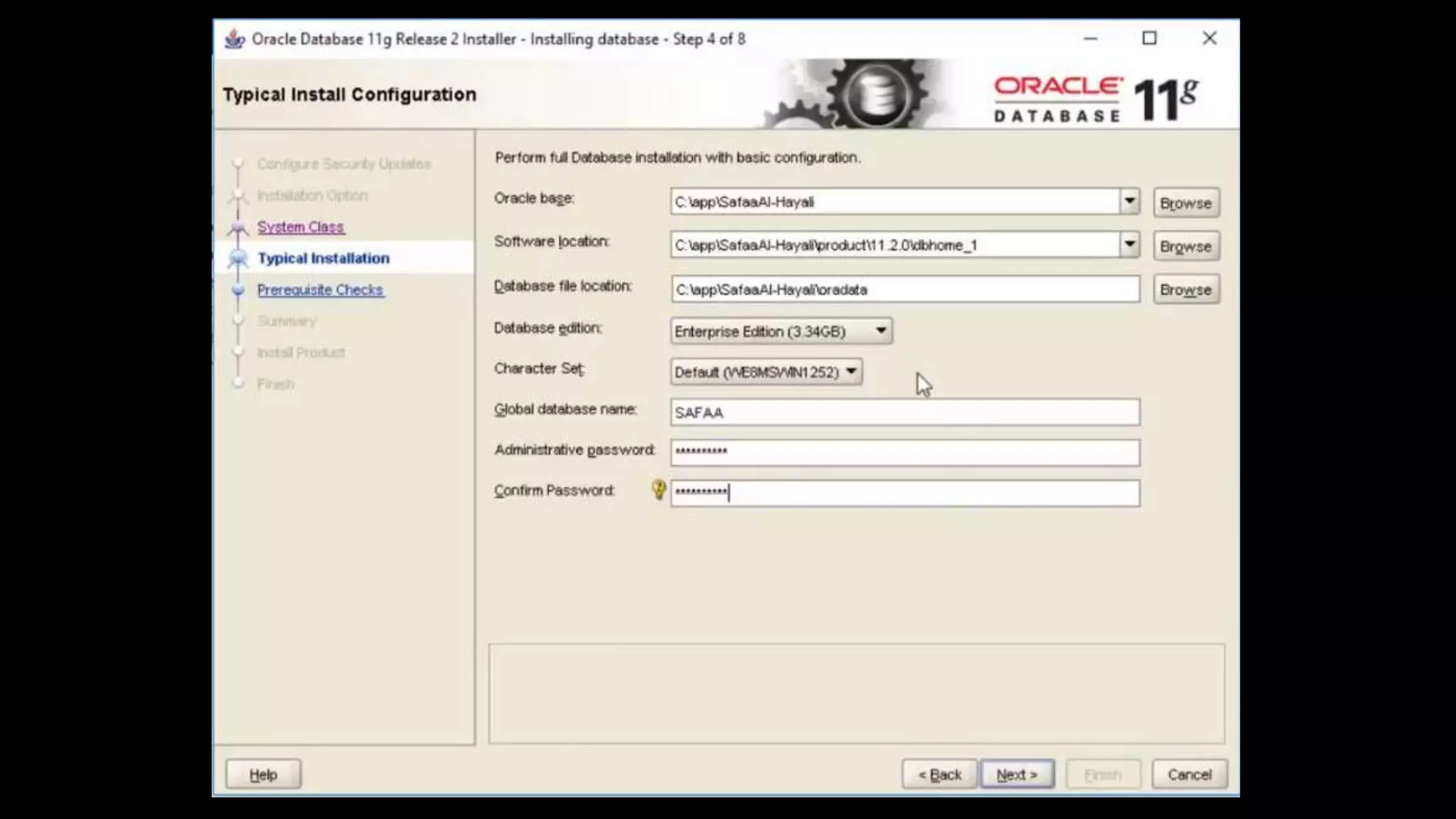
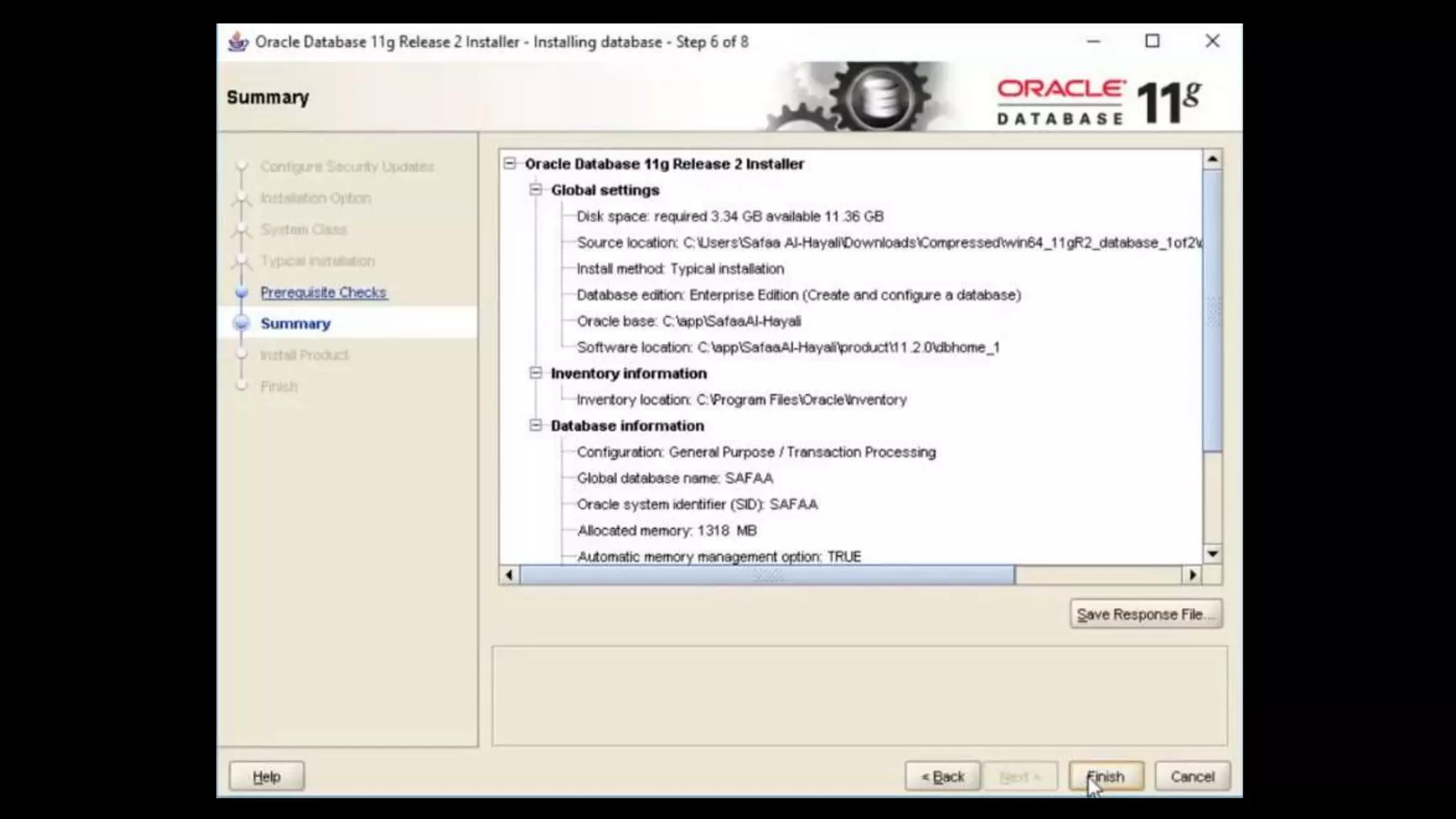
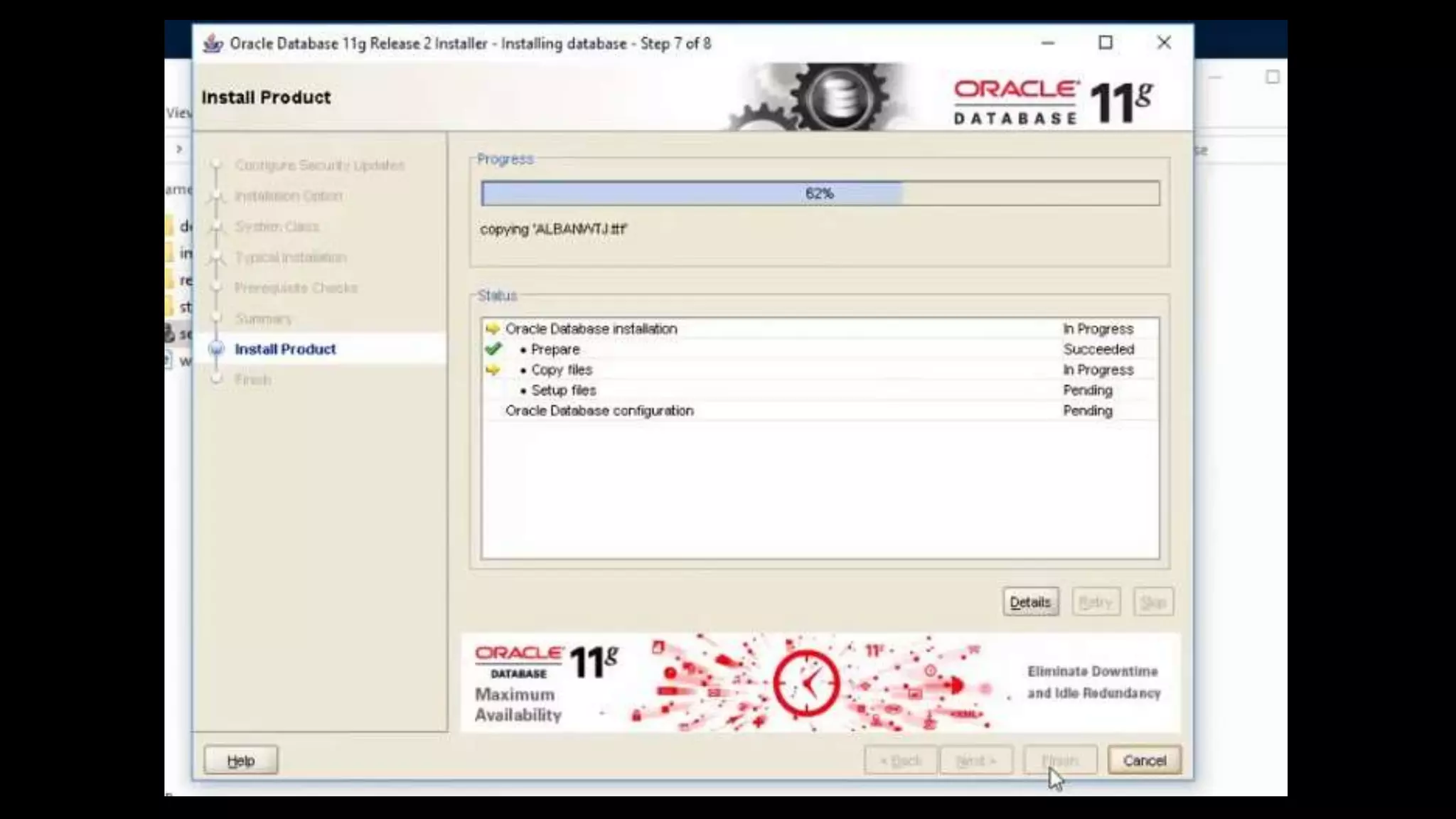
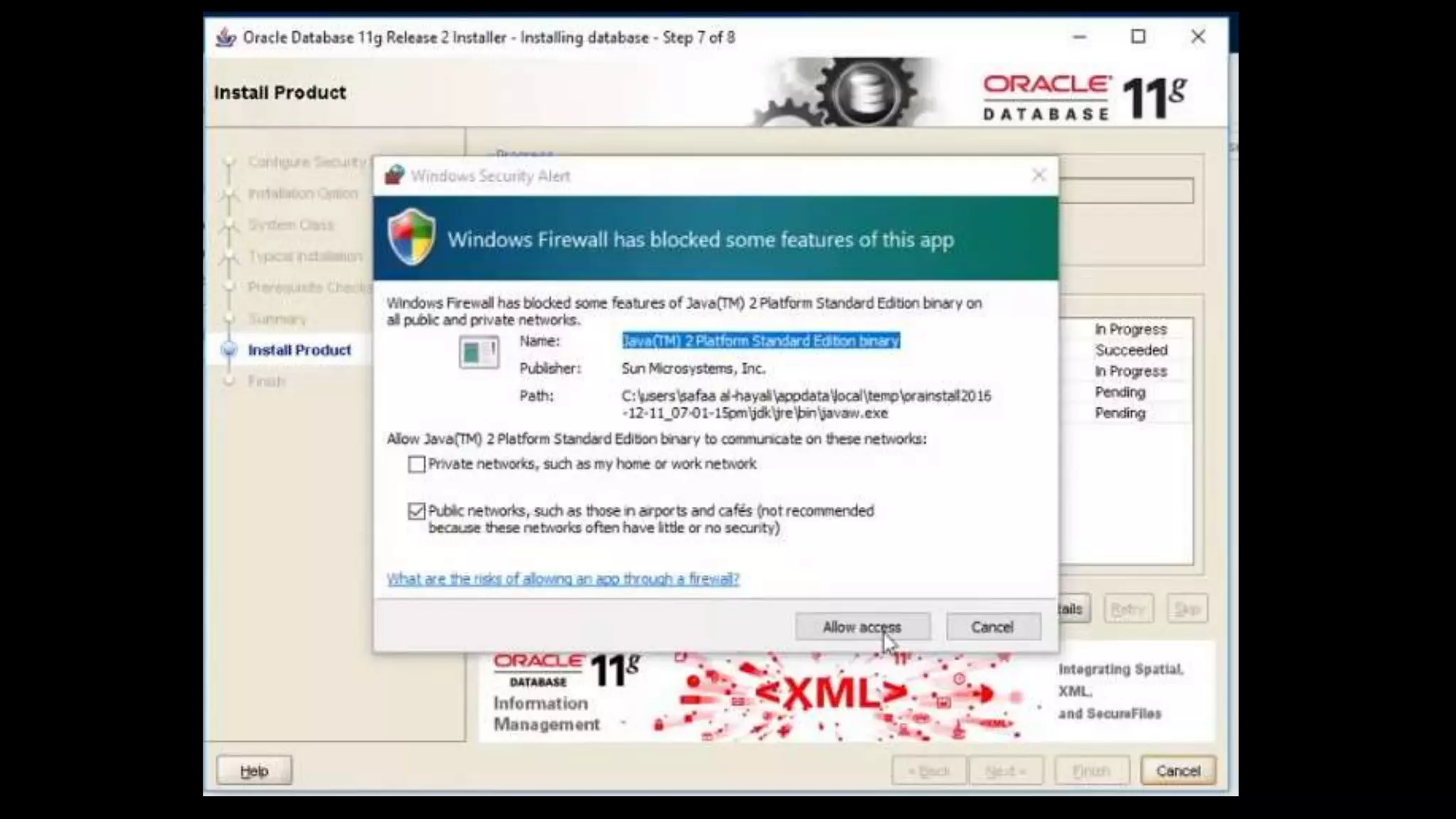
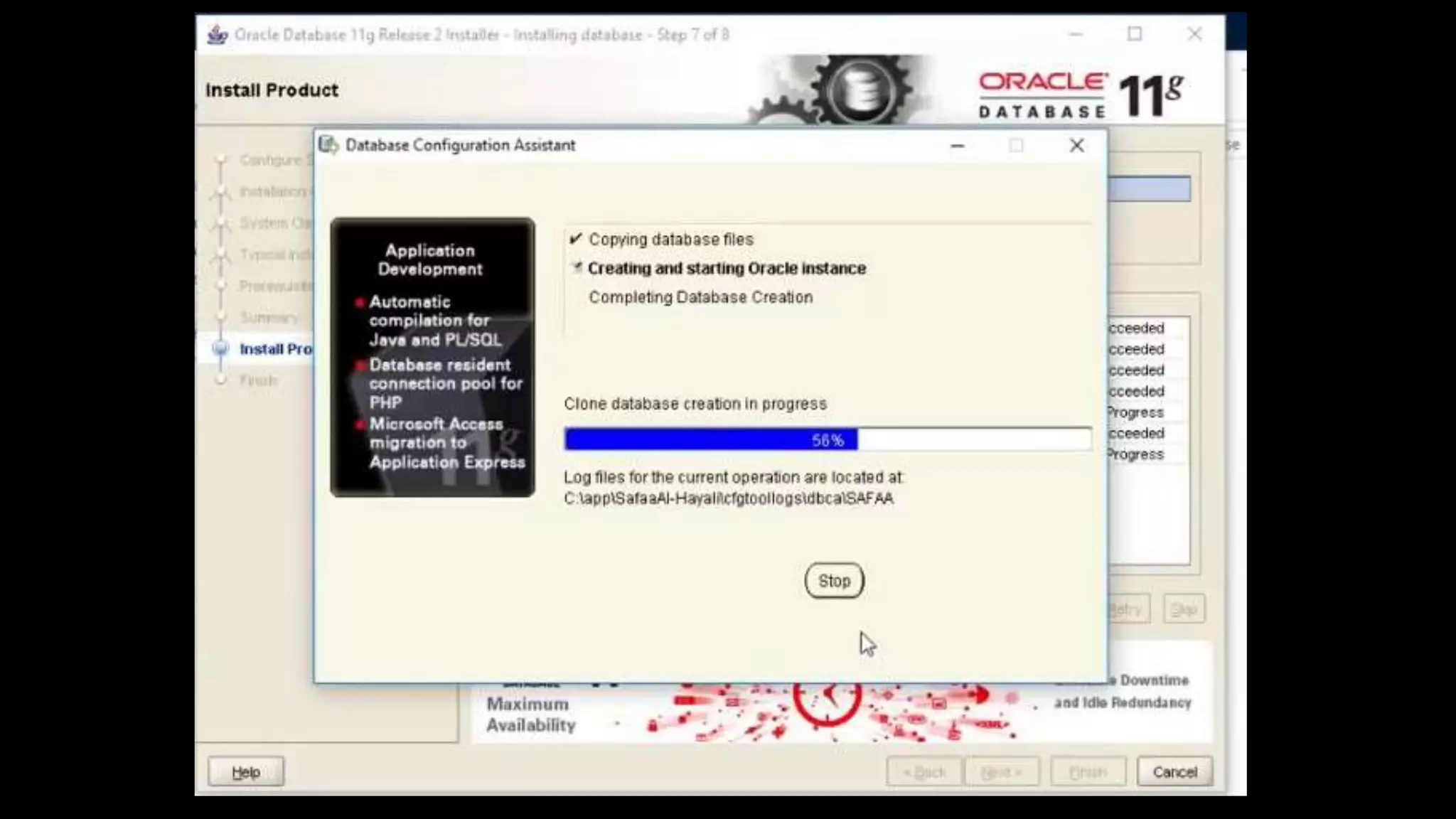
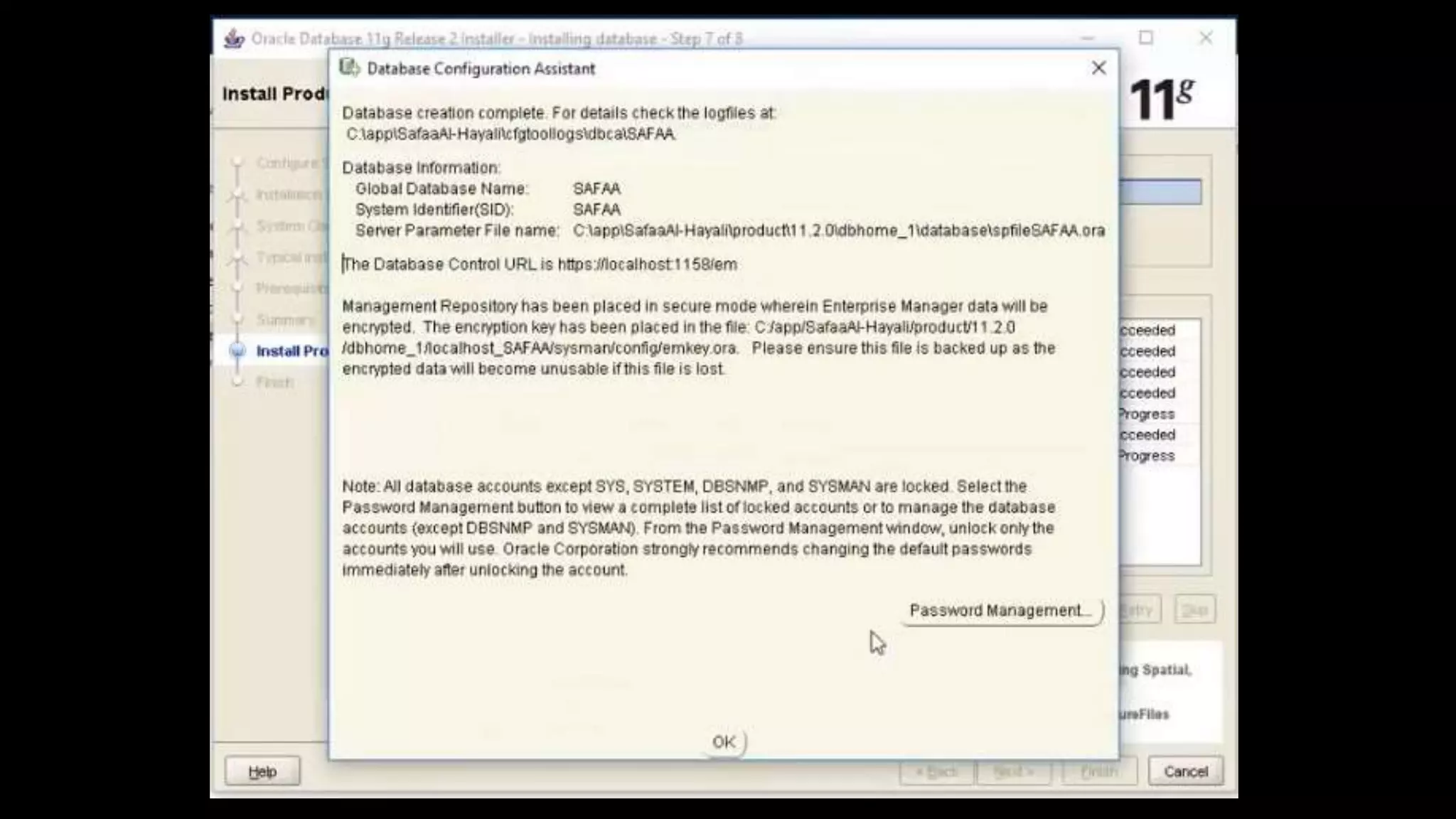
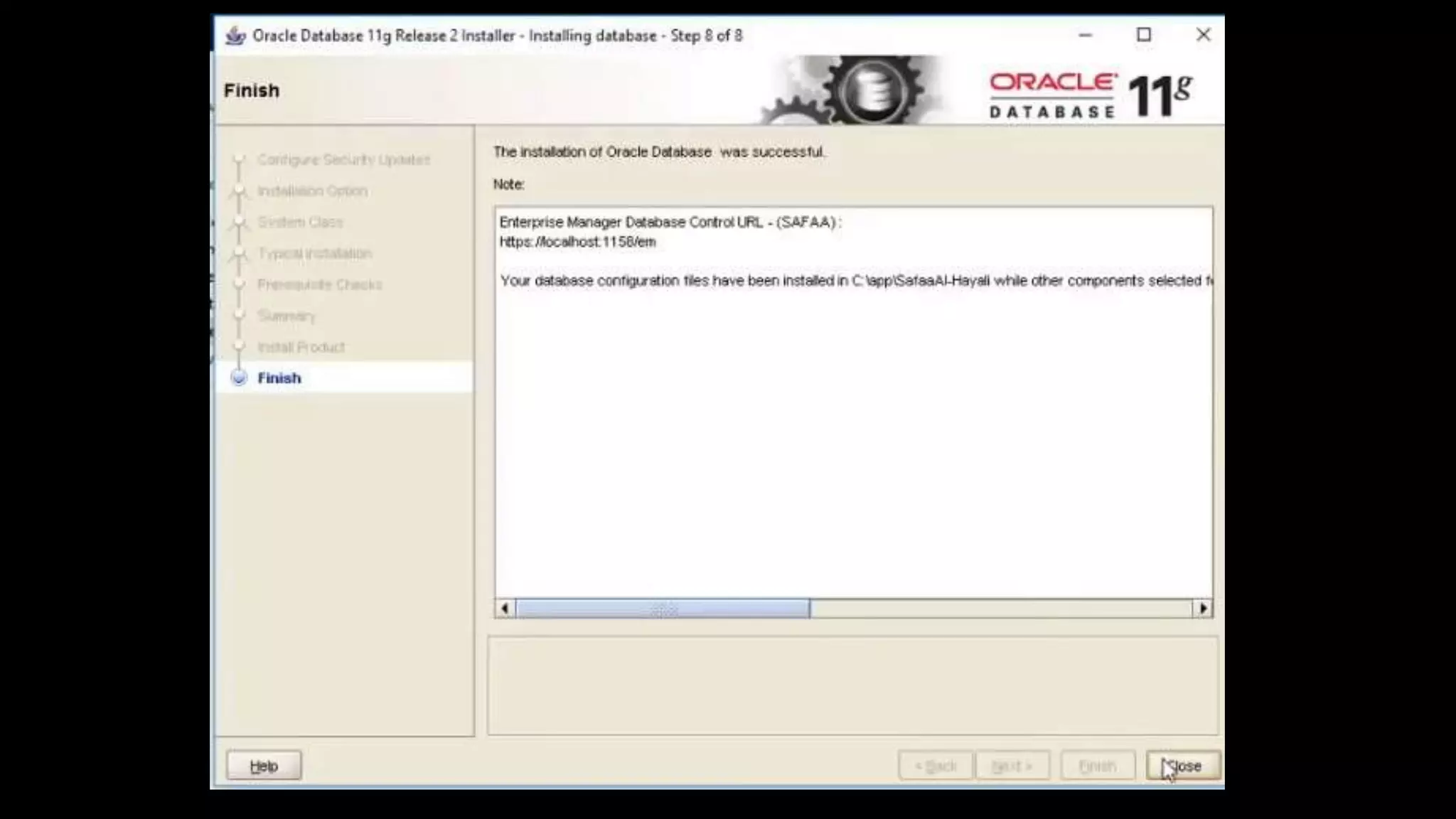
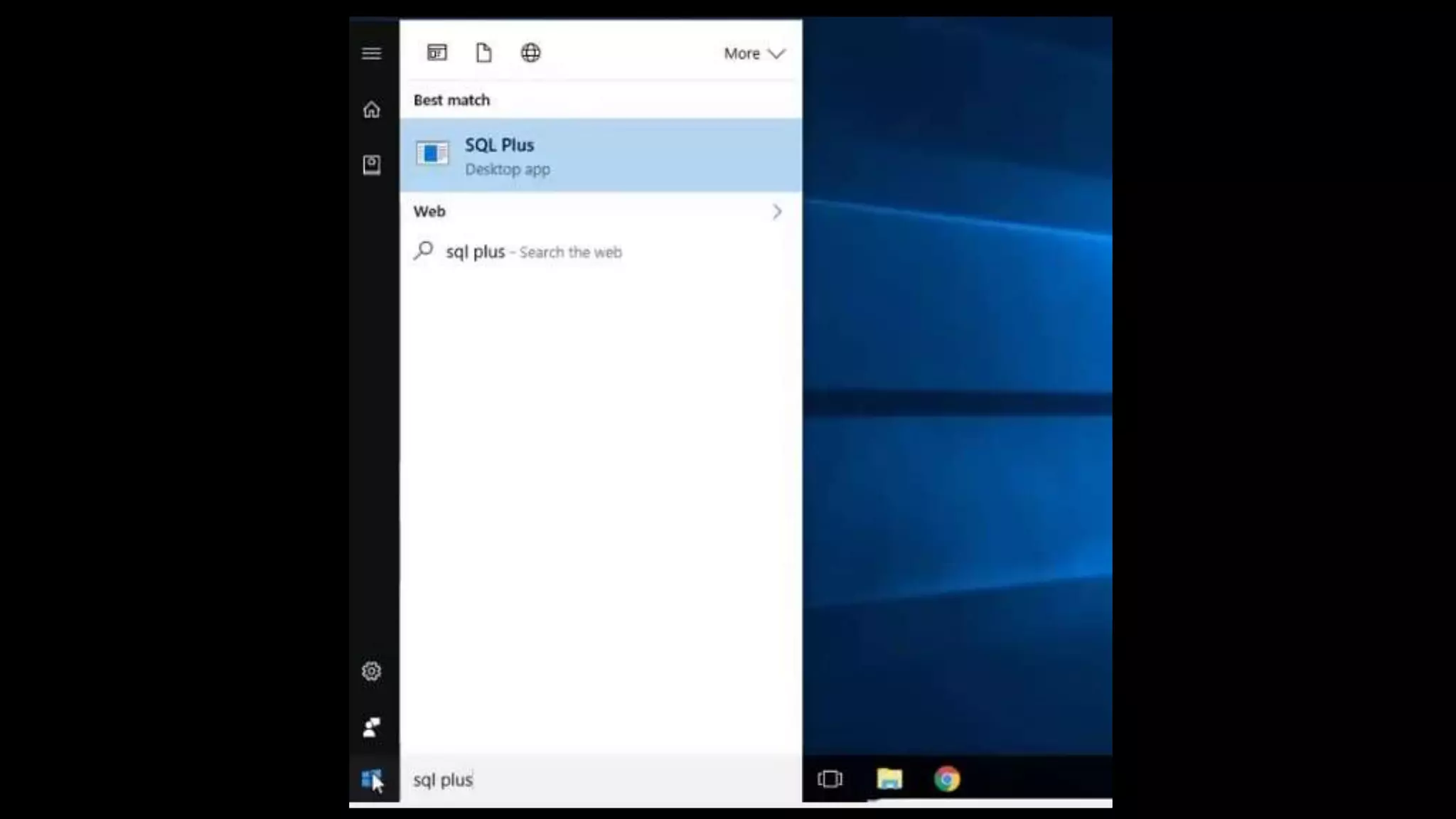
INSTALLATION OF ORACLE
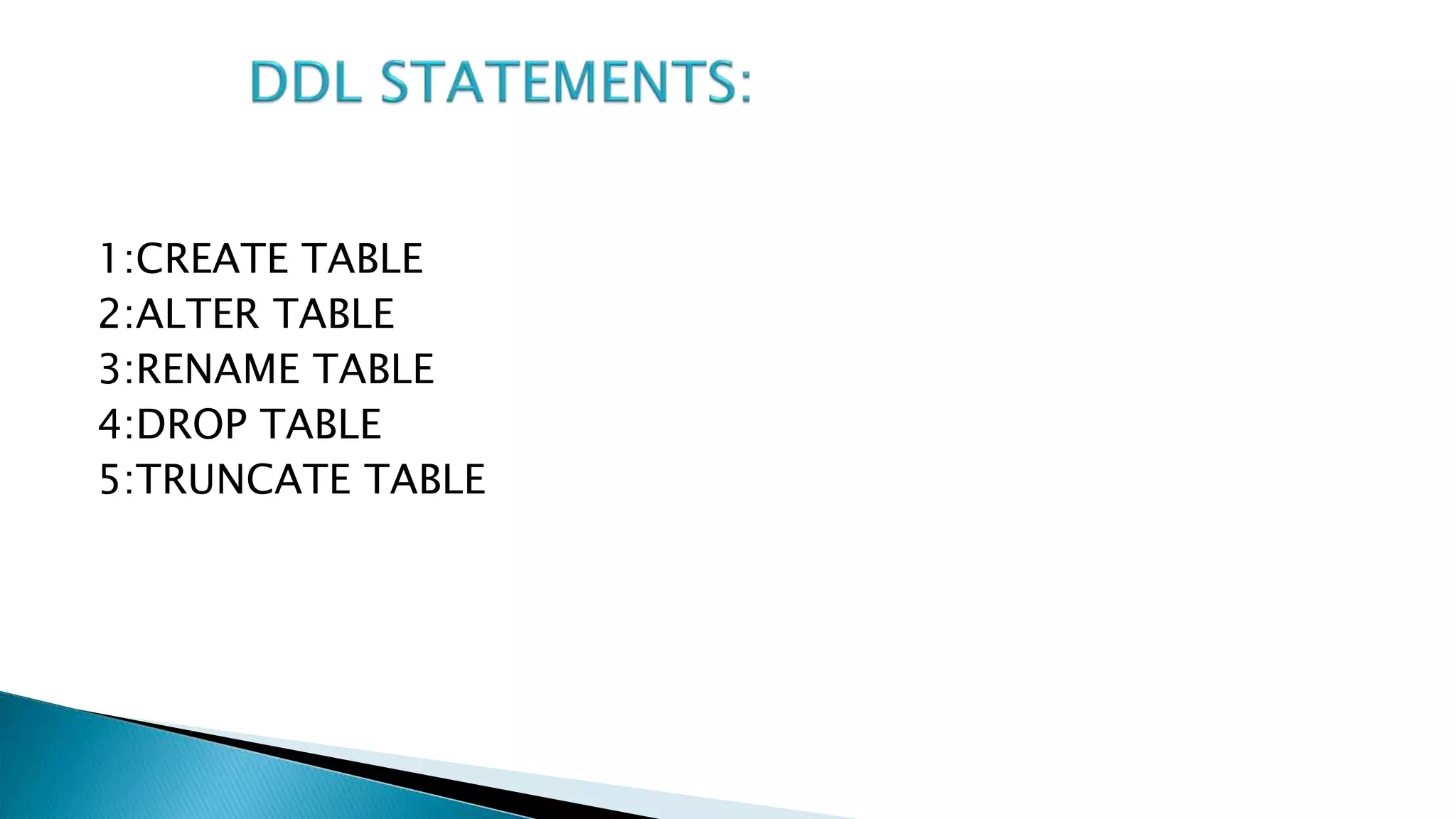
DDL(Data definition language):
(Oprations on table)
A data definition language is a syntax for defining data
structures, especially database. Common DDL statements are
CREATE, ALTER, RANAME,DROP AND TRUNCATE.
• Must begin with a letter
• Can be 1-30 characters long
• Must contain only A-Z,a-z,0-9,_,$,and #
• Must not duplicate the name of another object owned by the
same user
• Must not be an oracle server reserved word
1:CREATE TABLE
2:ALTER TABLE
3:RENAME TABLE
4:DROP TABLE
5:TRUNCATE TABLE
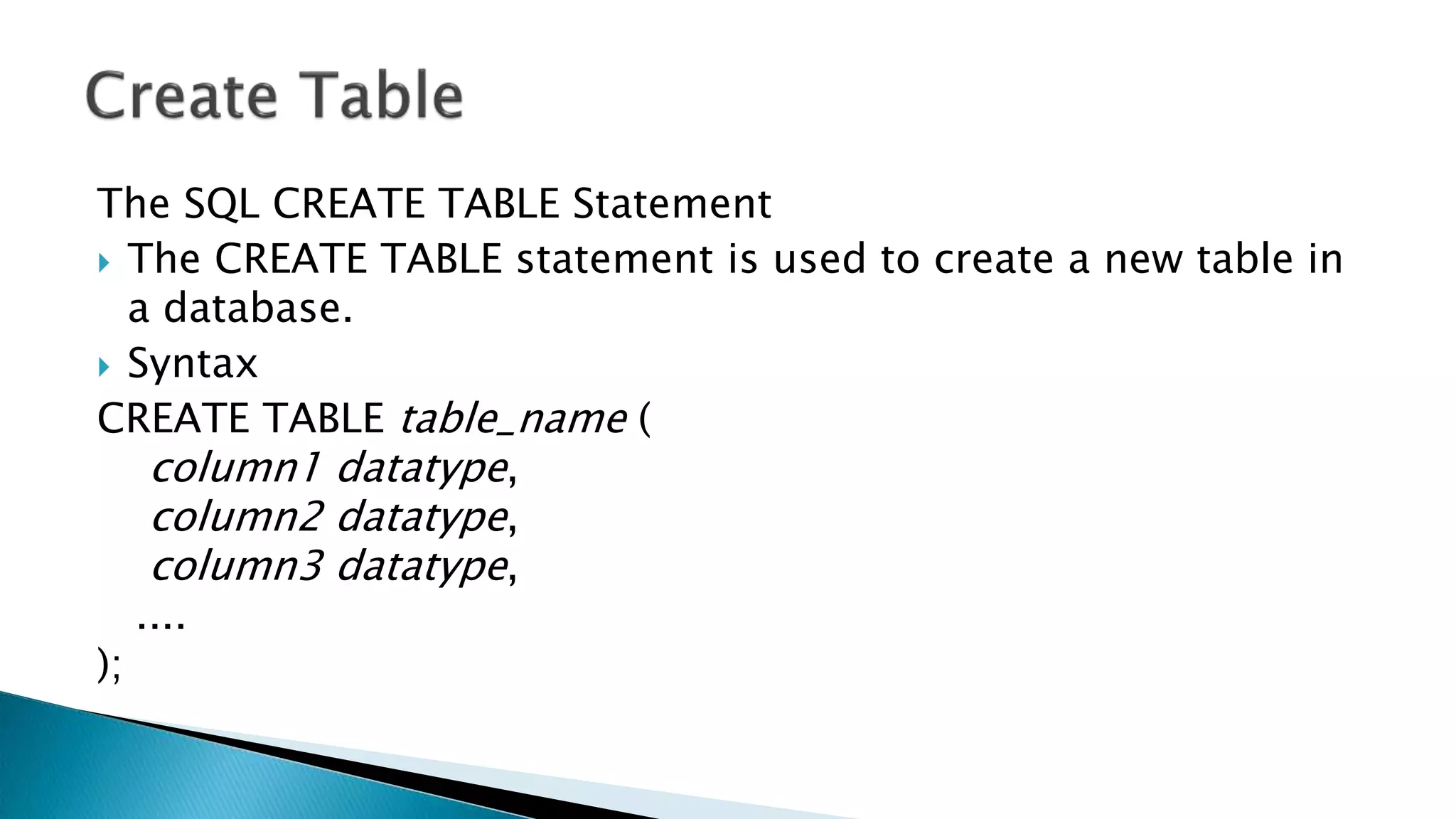
The SQL CREATE TABLE Statement
 The CREATE TABLE statement is used to create a new table in
a database.
 Syntax
CREATE TABLE table_name (
column1 datatype,
column2 datatype,
column3 datatype,
....
);
SQL ALTER TABLE Statement
 The ALTER TABLE statement is used to add, delete, or modify
columns in an existing table.
 ADD COLUMN
 Syntax
 ALTER TABLE table_name
ADD column_name datatype;
 DROP COLUMN
 The syntax to drop a column in an existing table in SQL.
 SYNTAX
ALTER TABLE table_name
DROP COLUMN column_name;
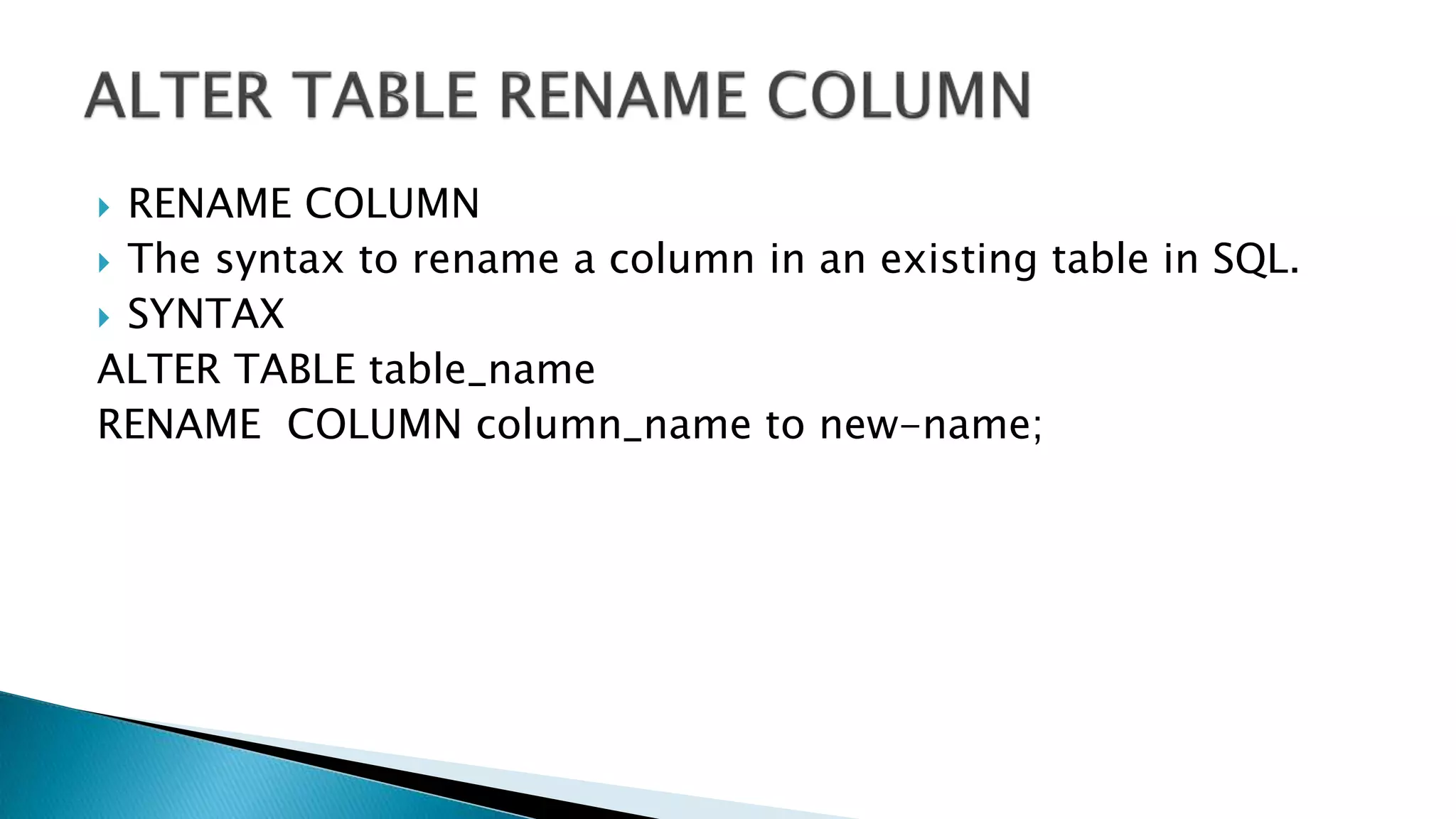
 RENAME COLUMN
 The syntax to rename a column in an existing table in SQL.
 SYNTAX
ALTER TABLE table_name
RENAME COLUMN column_name to new-name;
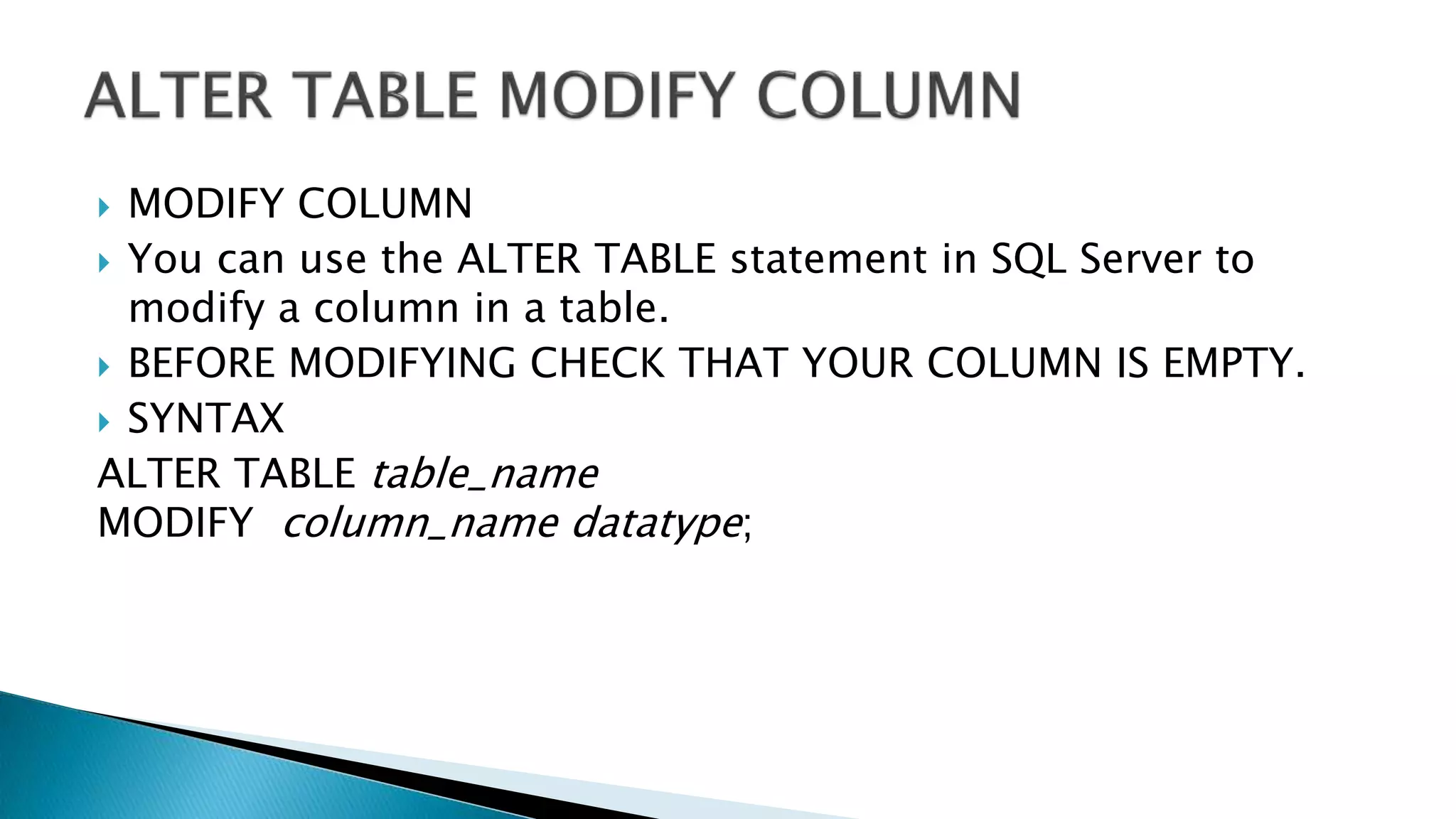
 MODIFY COLUMN
 You can use the ALTER TABLE statement in SQL Server to
modify a column in a table.
 BEFORE MODIFYING CHECK THAT YOUR COLUMN IS EMPTY.
 SYNTAX
ALTER TABLE table_name
MODIFY column_name datatype;
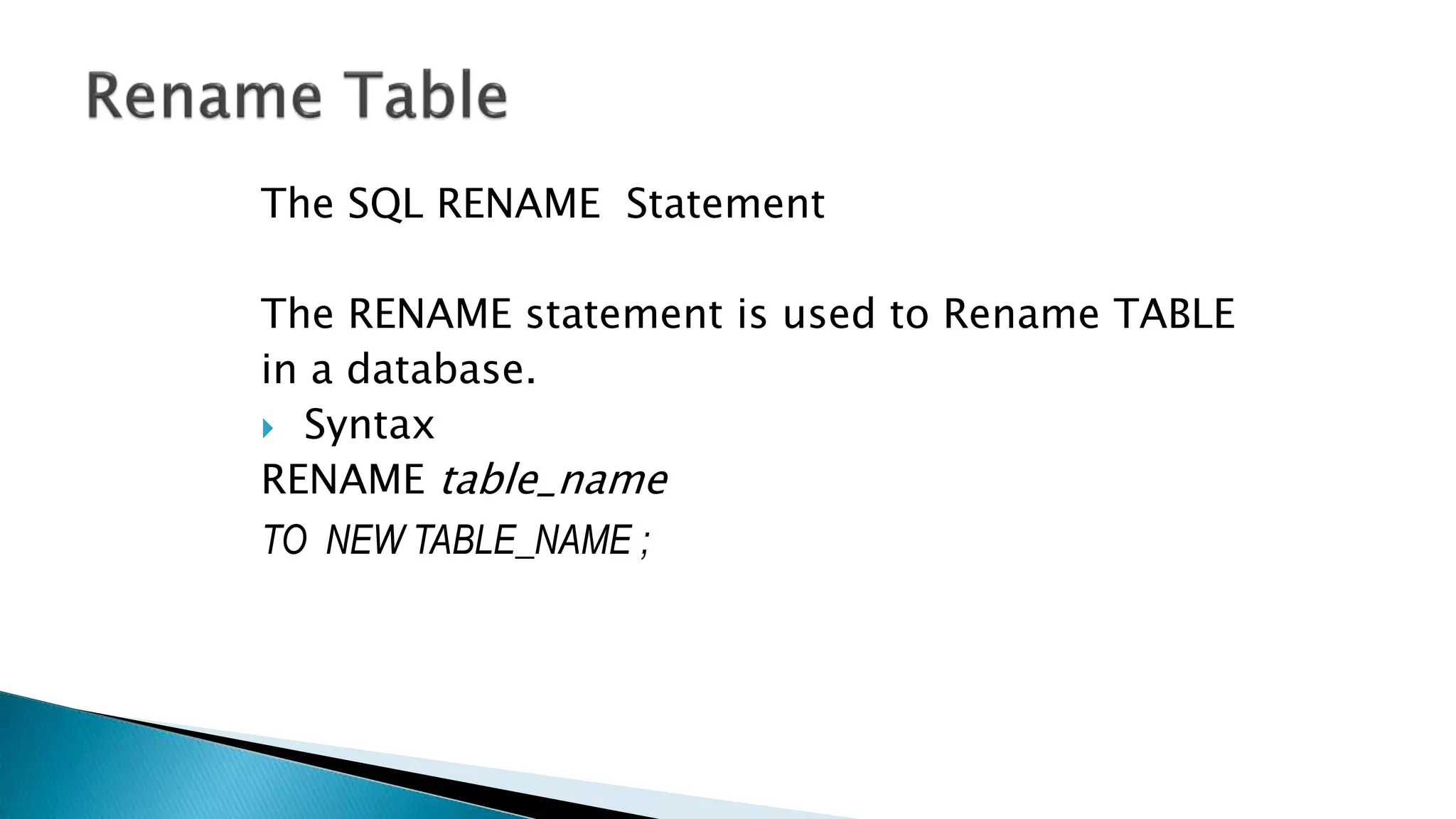
The SQL RENAME Statement
The RENAME statement is used to Rename TABLE
in a database.
 Syntax
RENAME table_name
TO NEW TABLE_NAME ;
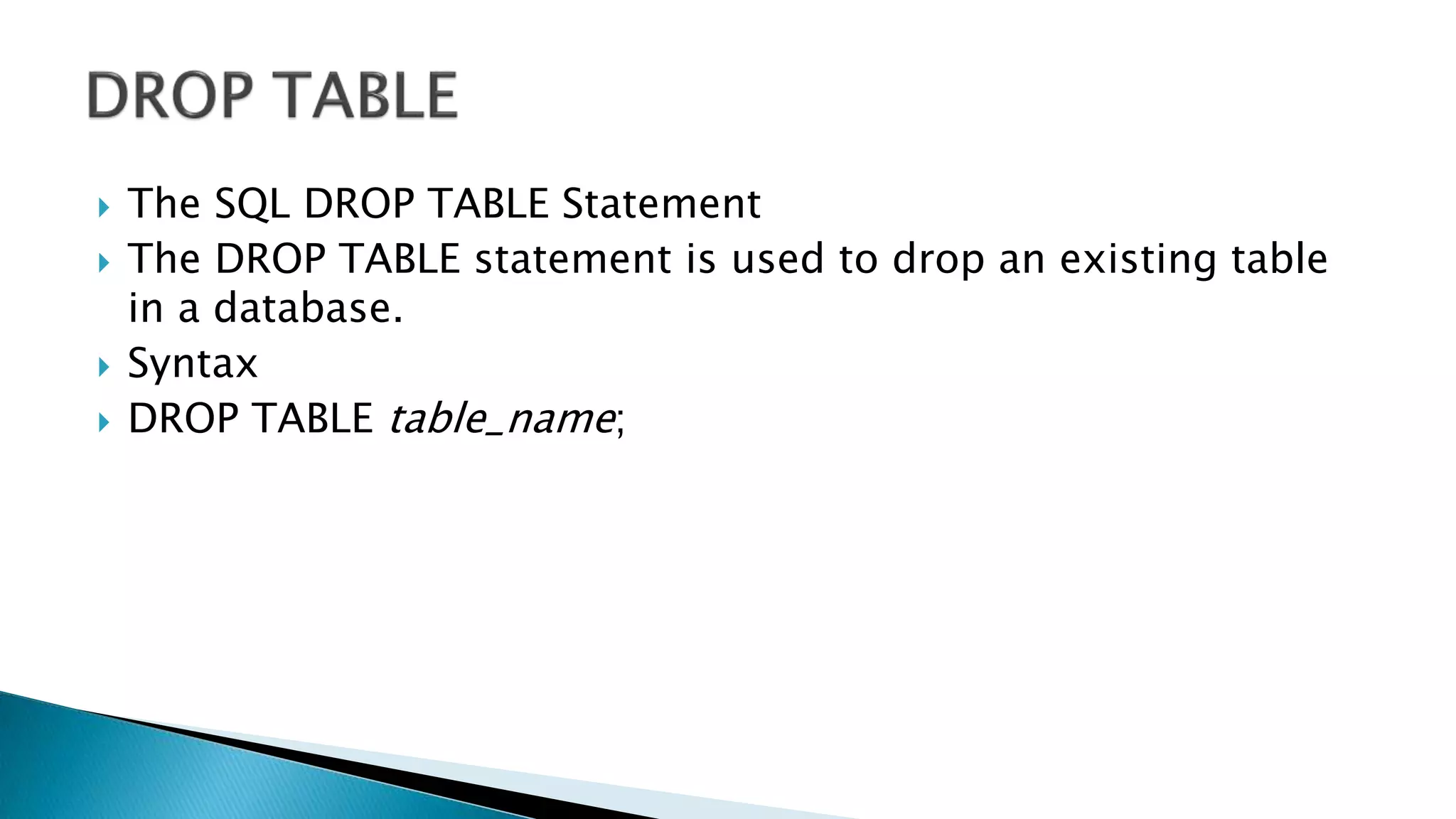
 The SQL DROP TABLE Statement
 The DROP TABLE statement is used to drop an existing table
in a database.
 Syntax
 DROP TABLE table_name;
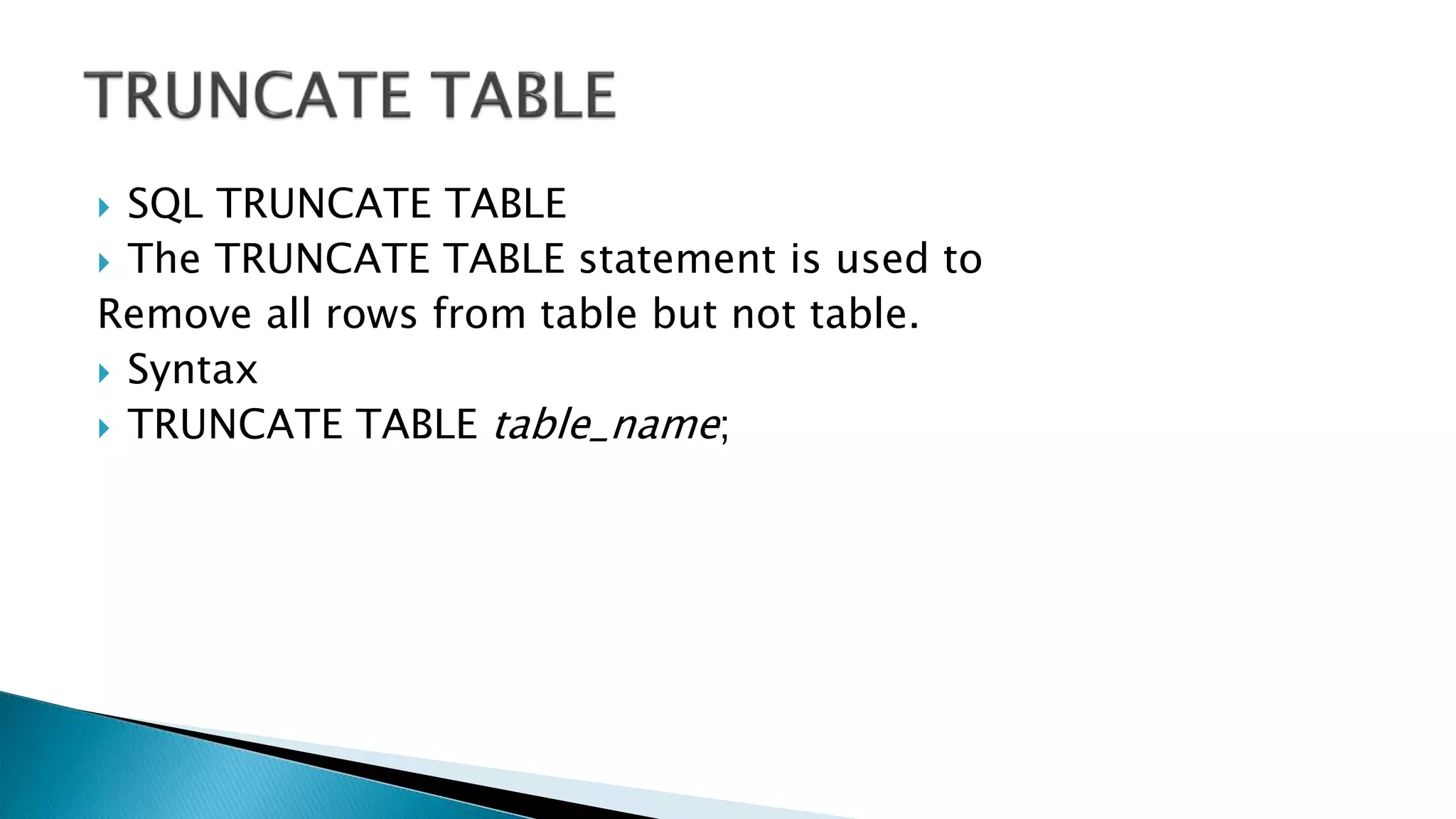
 SQL TRUNCATE TABLE
 The TRUNCATE TABLE statement is used to
Remove all rows from table but not table.
 Syntax
 TRUNCATE TABLE table_name;
DML
DATA MANIPULATION
LANGUAGE
WHAT IS DML
• A data manipulation language (DML) is a family of computer
languages including commands permitting users to manipulate data
in a database. This manipulation involves
• Select To Retrieve Data.
• Inserting Data Into Database Tables.
• Deleting Data From Existing Tables.
• Updating Existing Data.
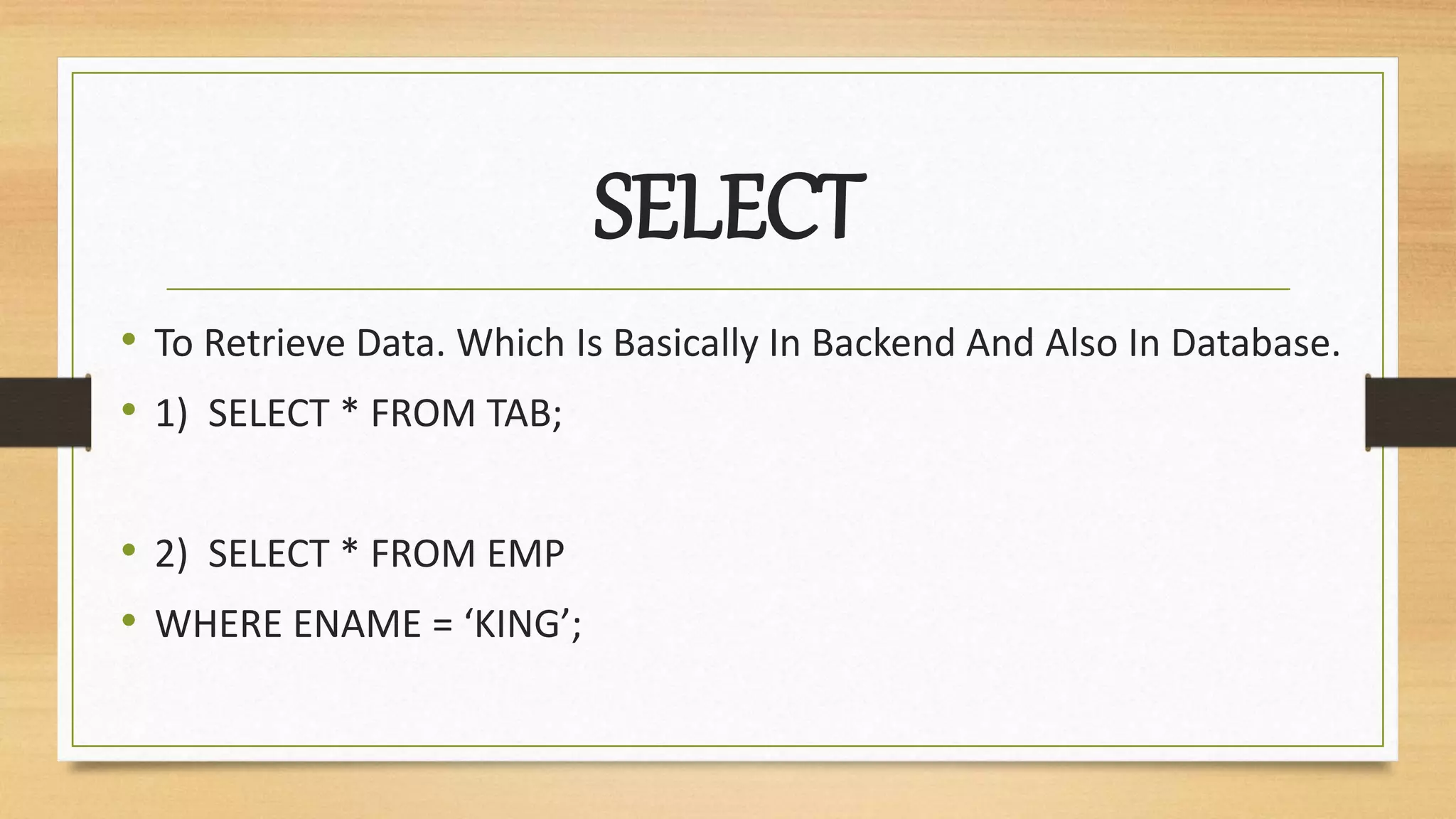
SELECT
• To Retrieve Data. Which Is Basically In Backend And Also In Database.
• 1) SELECT * FROM TAB;
• 2) SELECT * FROM EMP
• WHERE ENAME = ‘KING’;
WHAT IS INSERT
• Insert command Basically manipulates data in a
way/sense of adding/inserting rows into a table.
According To Rules Applied On Table Like Data Types
And Constraints.
Where we use Insert Command
• We Use Insert Command In SQL To Insert Rows.
• After We Created Table.
• When You Needed More Data To Be Saved In Backend.
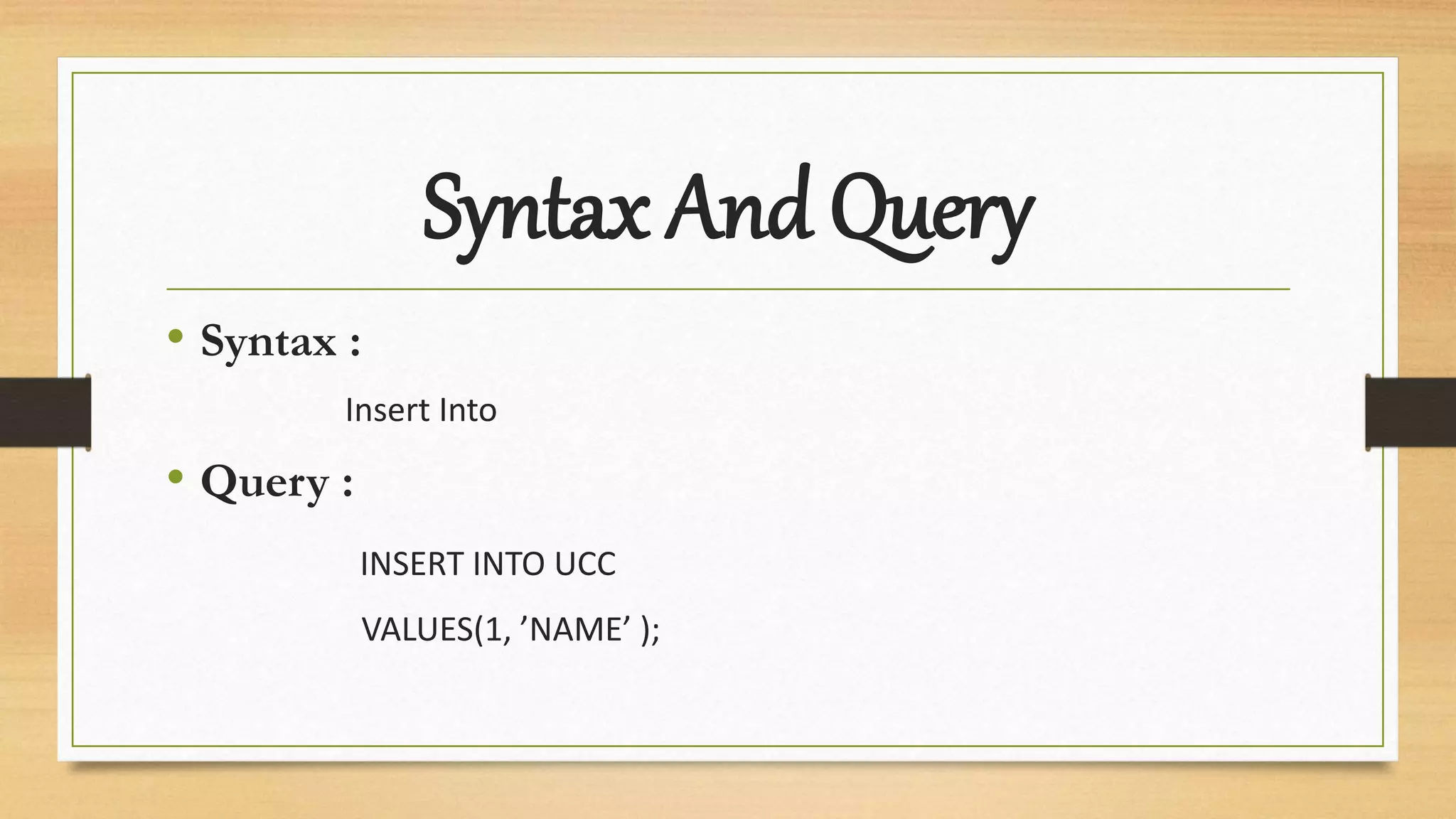
Syntax And Query
• Syntax :
Insert Into
• Query :
INSERT INTO UCC
VALUES(1, ’NAME’ );
WHAT IS UPDATE
• Update command Basically manipulates data in a
way/sense of modifying or updating rows from existing
tables.
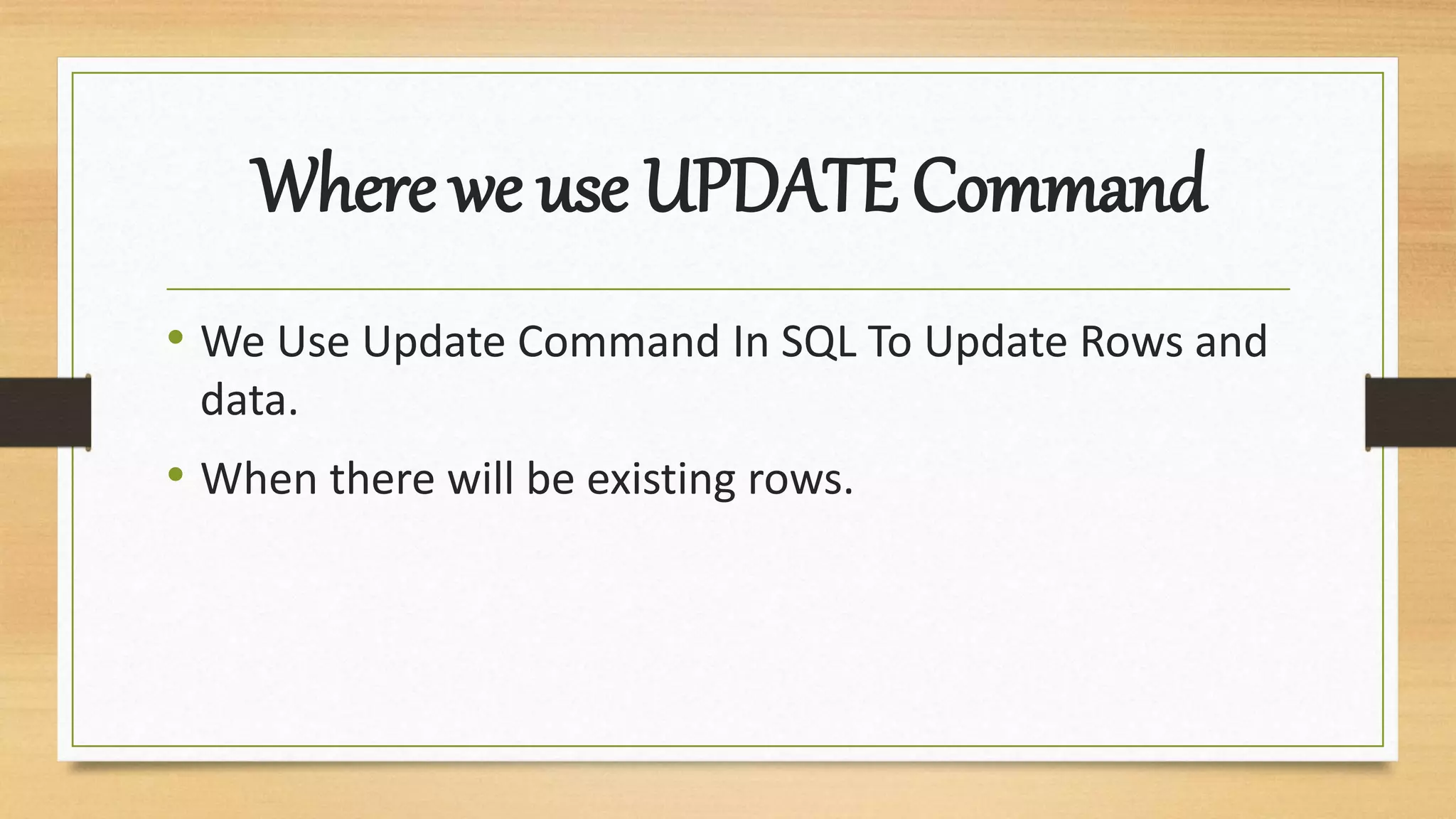
Where we use UPDATE Command
• We Use Update Command In SQL To Update Rows and
data.
• When there will be existing rows.
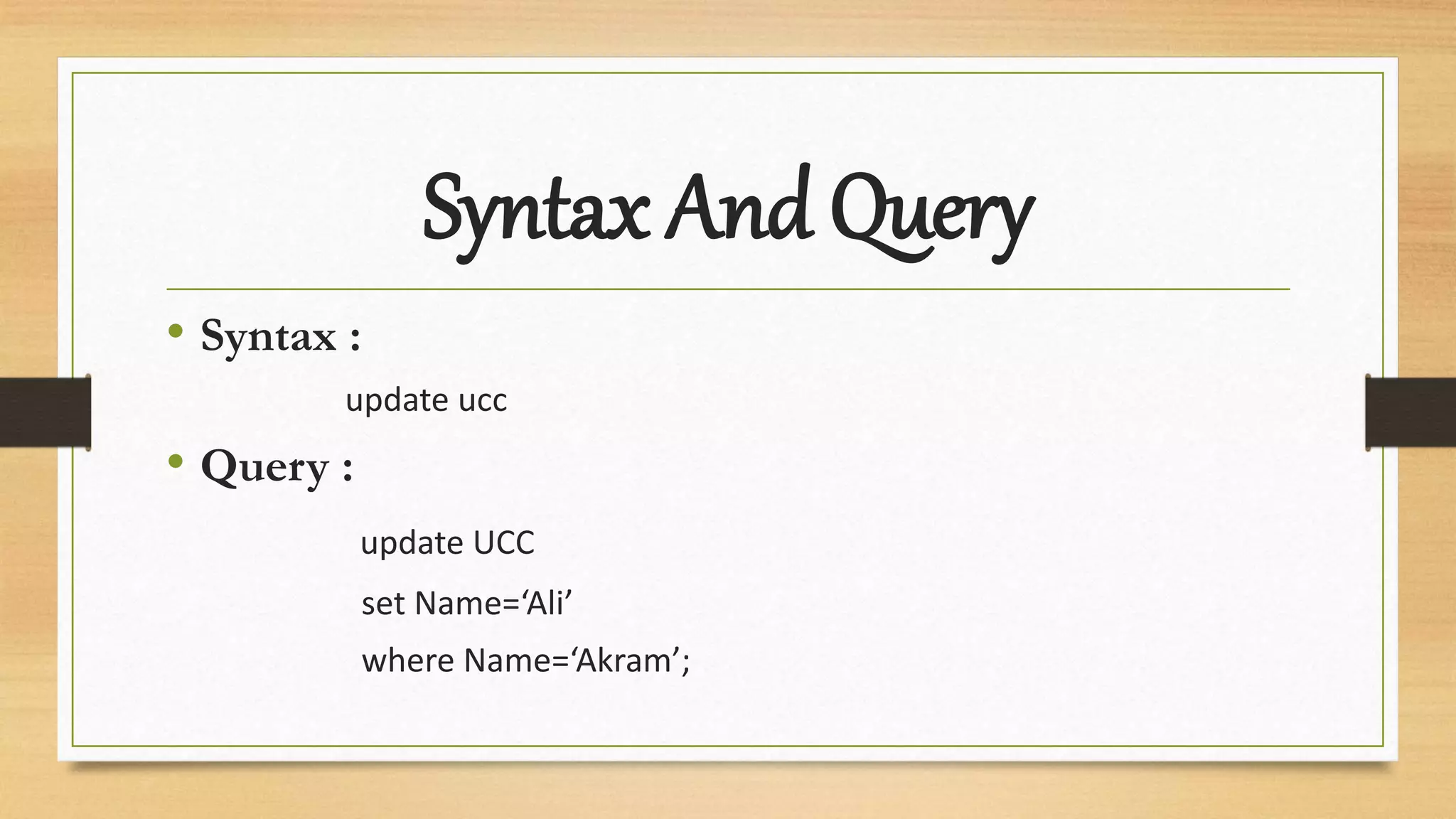
Syntax And Query
• Syntax :
update ucc
• Query :
update UCC
set Name=‘Ali’
where Name=‘Akram’;
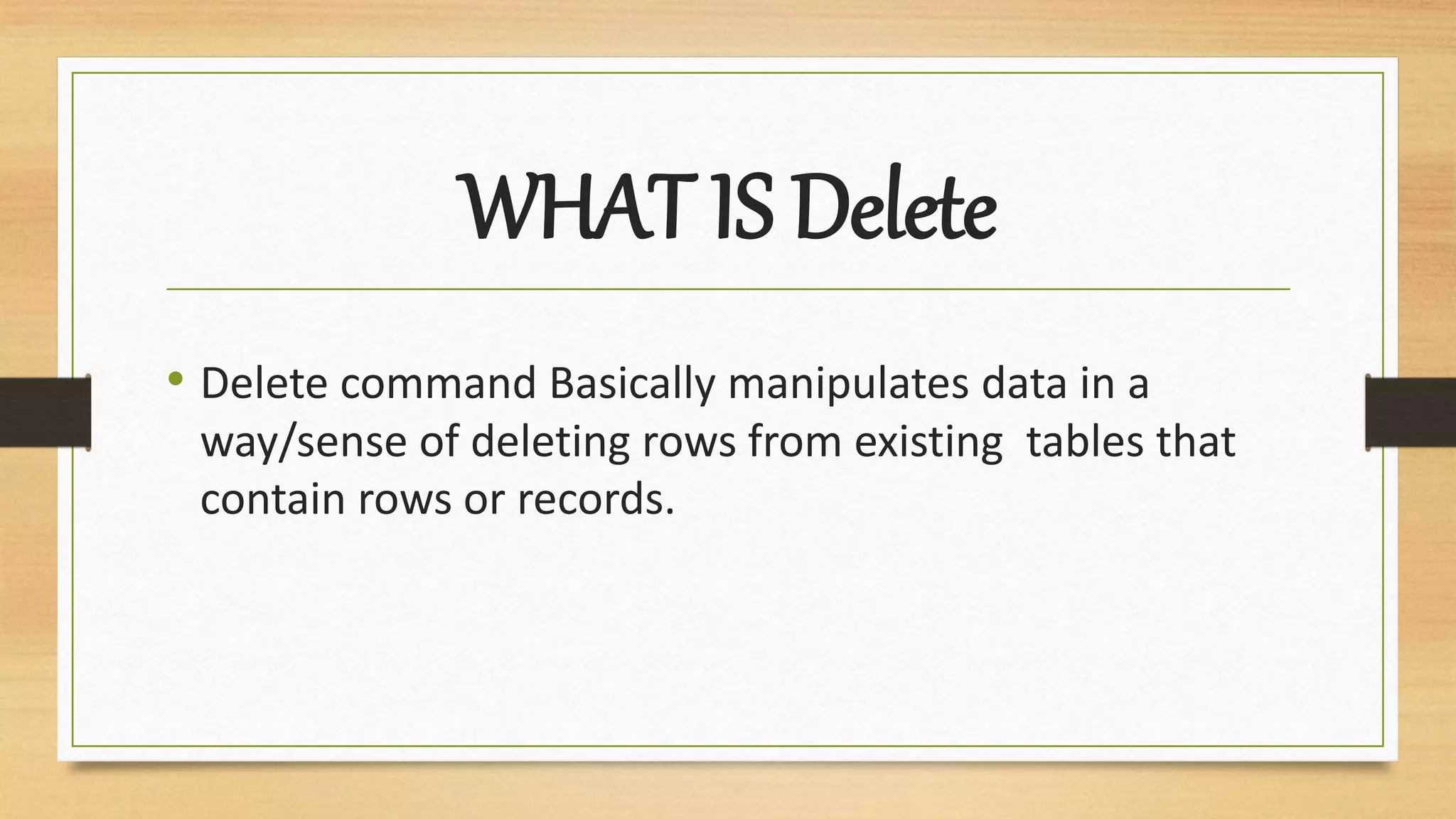
WHAT IS Delete
• Delete command Basically manipulates data in a
way/sense of deleting rows from existing tables that
contain rows or records.
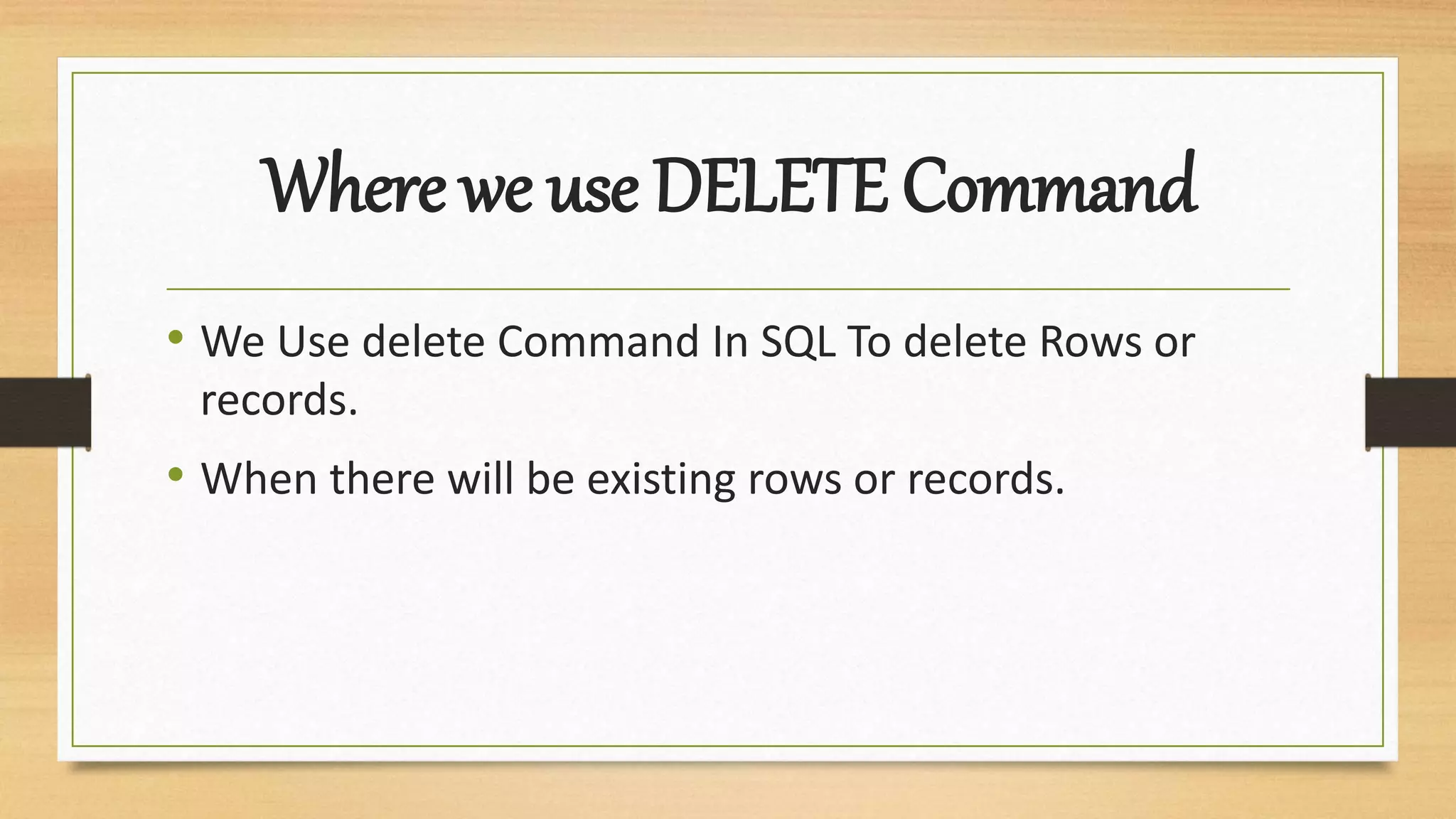
Where we use DELETE Command
• We Use delete Command In SQL To delete Rows or
records.
• When there will be existing rows or records.
Syntax And Query
• Syntax :
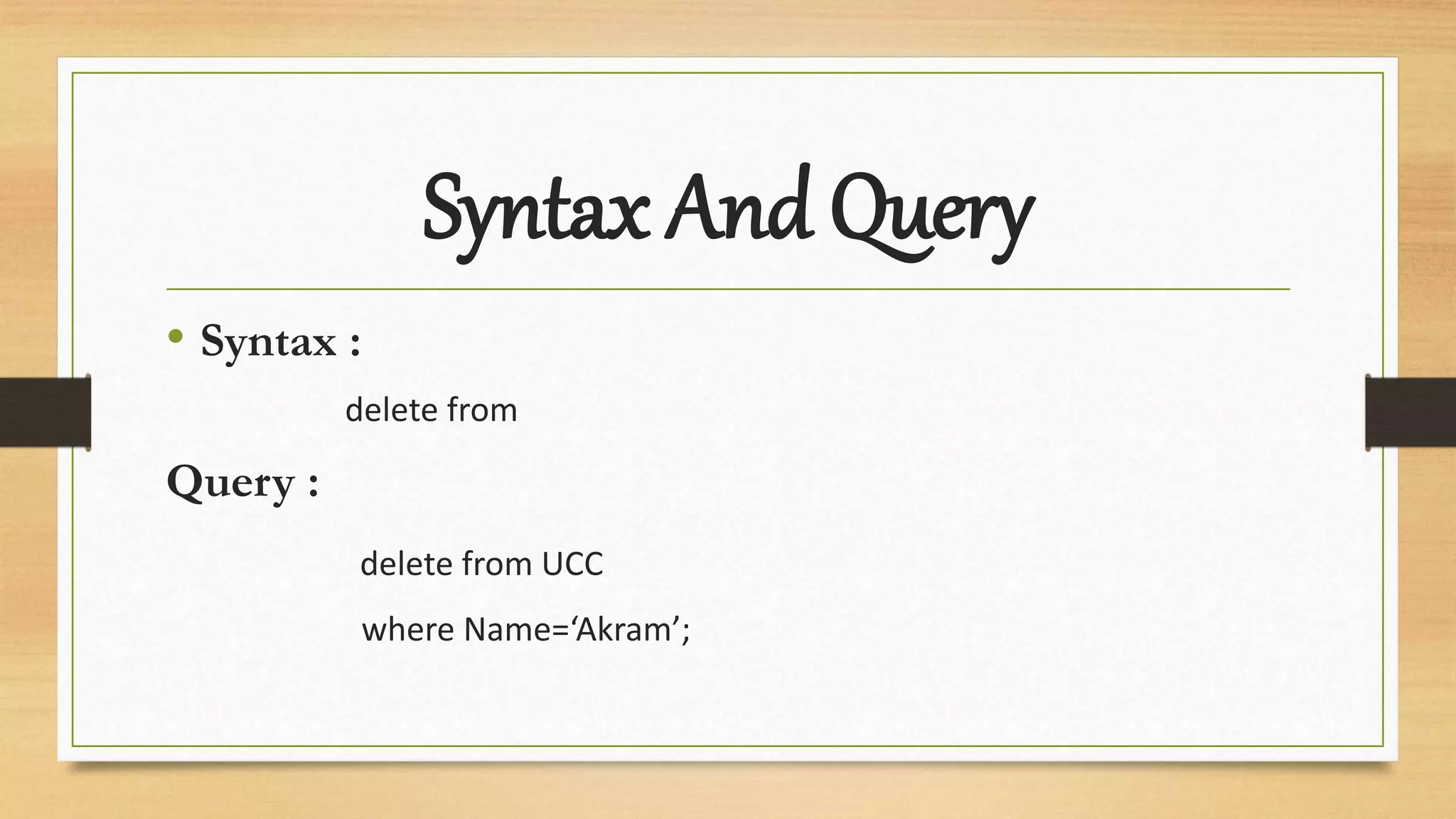
delete from
Query :
delete from UCC
where Name=‘Akram’;
SQL Functions
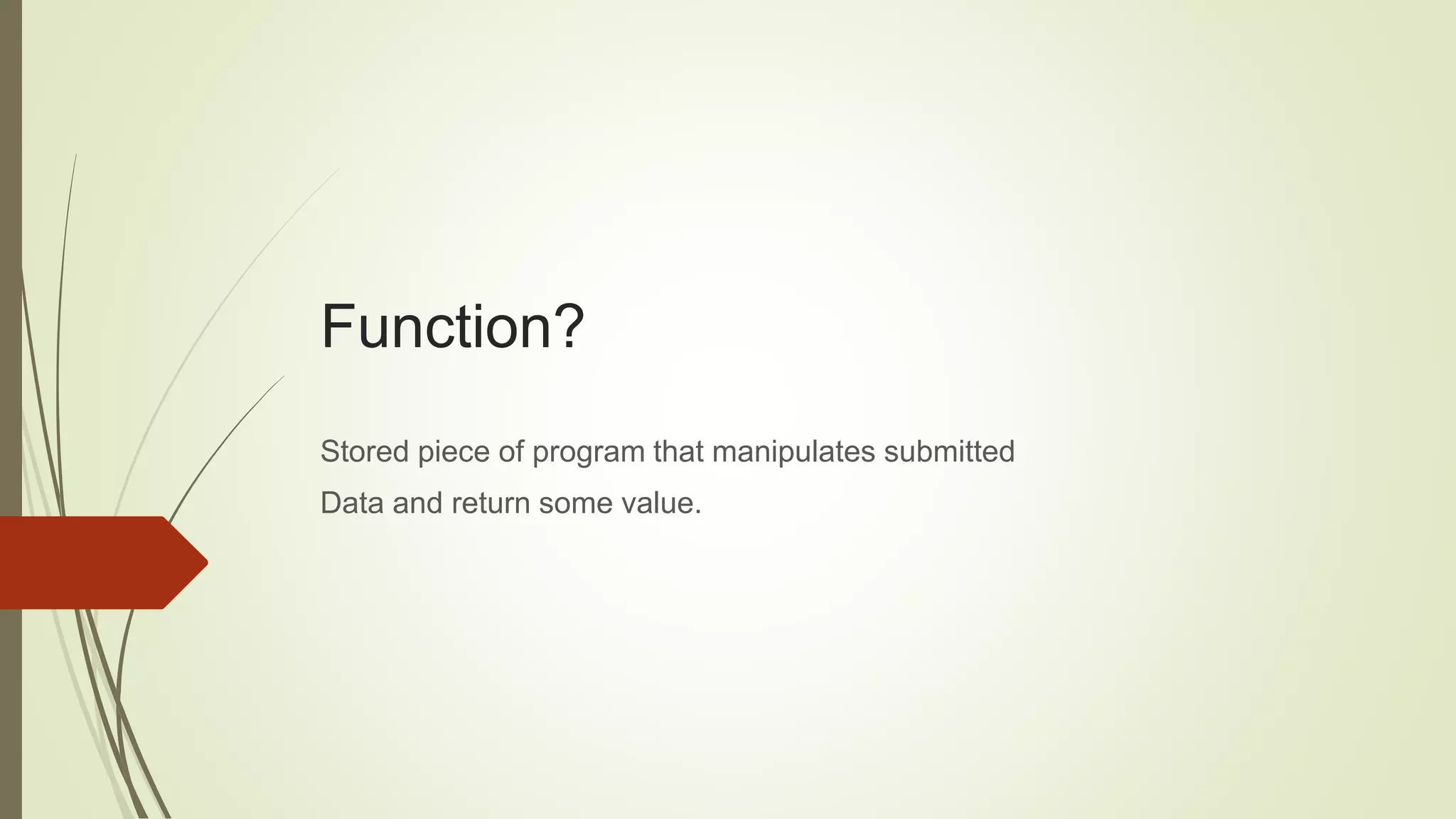
Function?
Stored piece of program that manipulates submitted
Data and return some value.
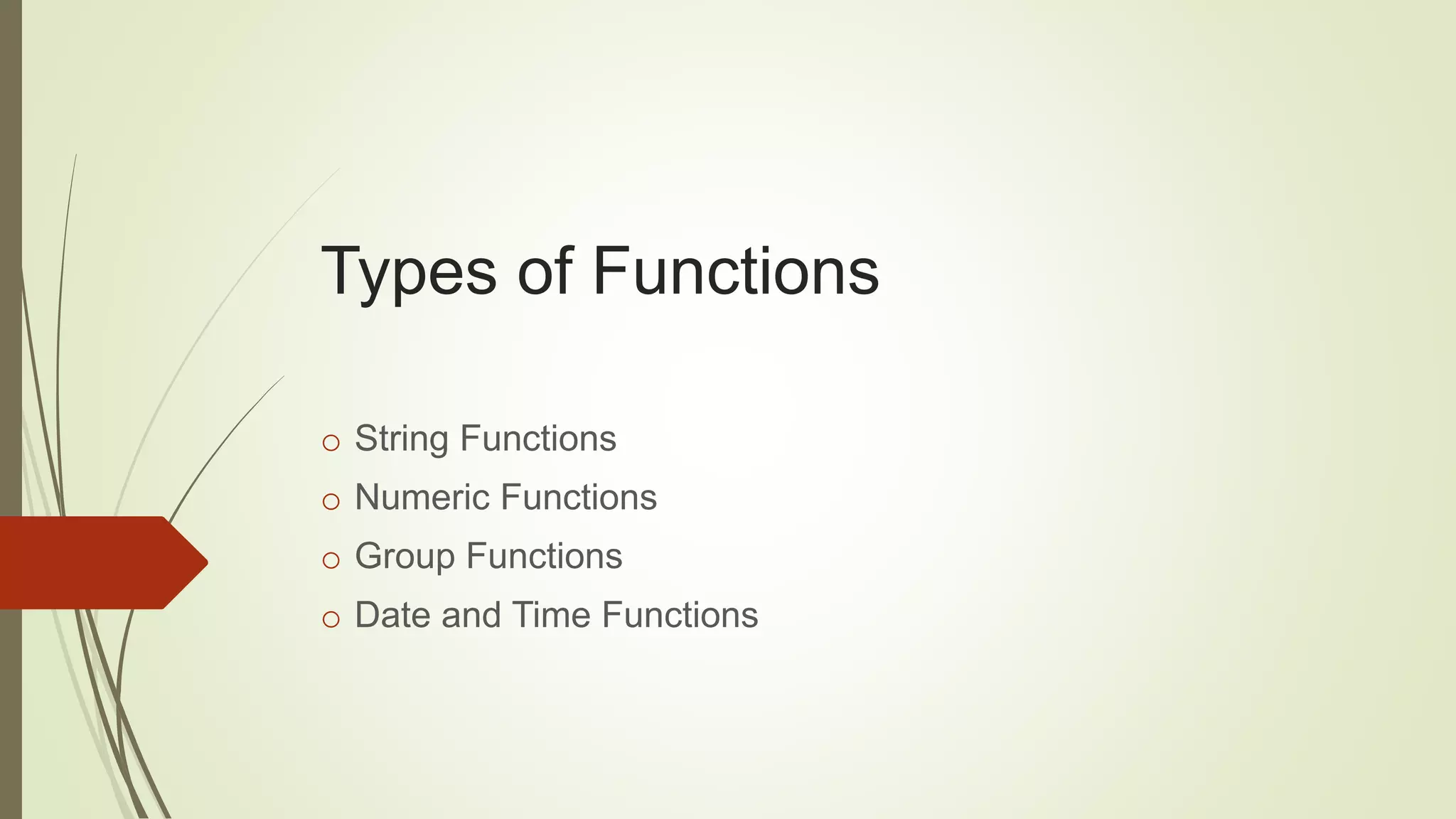
Types of Functions
o String Functions
o Numeric Functions
o Group Functions
o Date and Time Functions
Group Functions
Group functions are mathematical functions to operate on sets of rows to give
one result per set.
Types of Group functions
o AVG
o COUNT
o MAX
o MIN
o SUM
o TRUNC
o ROUND
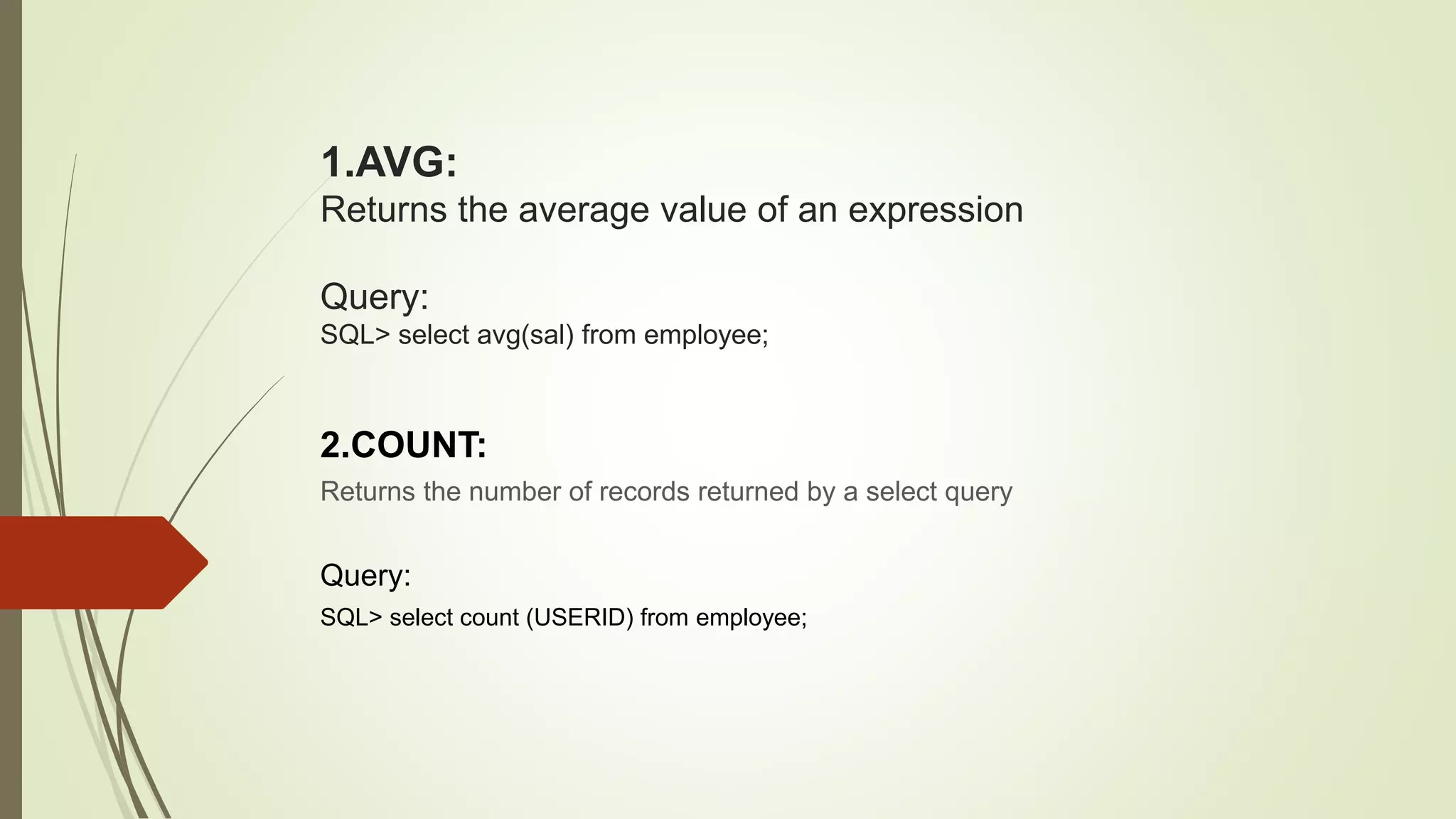
1.AVG:
Returns the average value of an expression
Query:
SQL> select avg(sal) from employee;
2.COUNT:
Returns the number of records returned by a select query
Query:
SQL> select count (USERID) from employee;
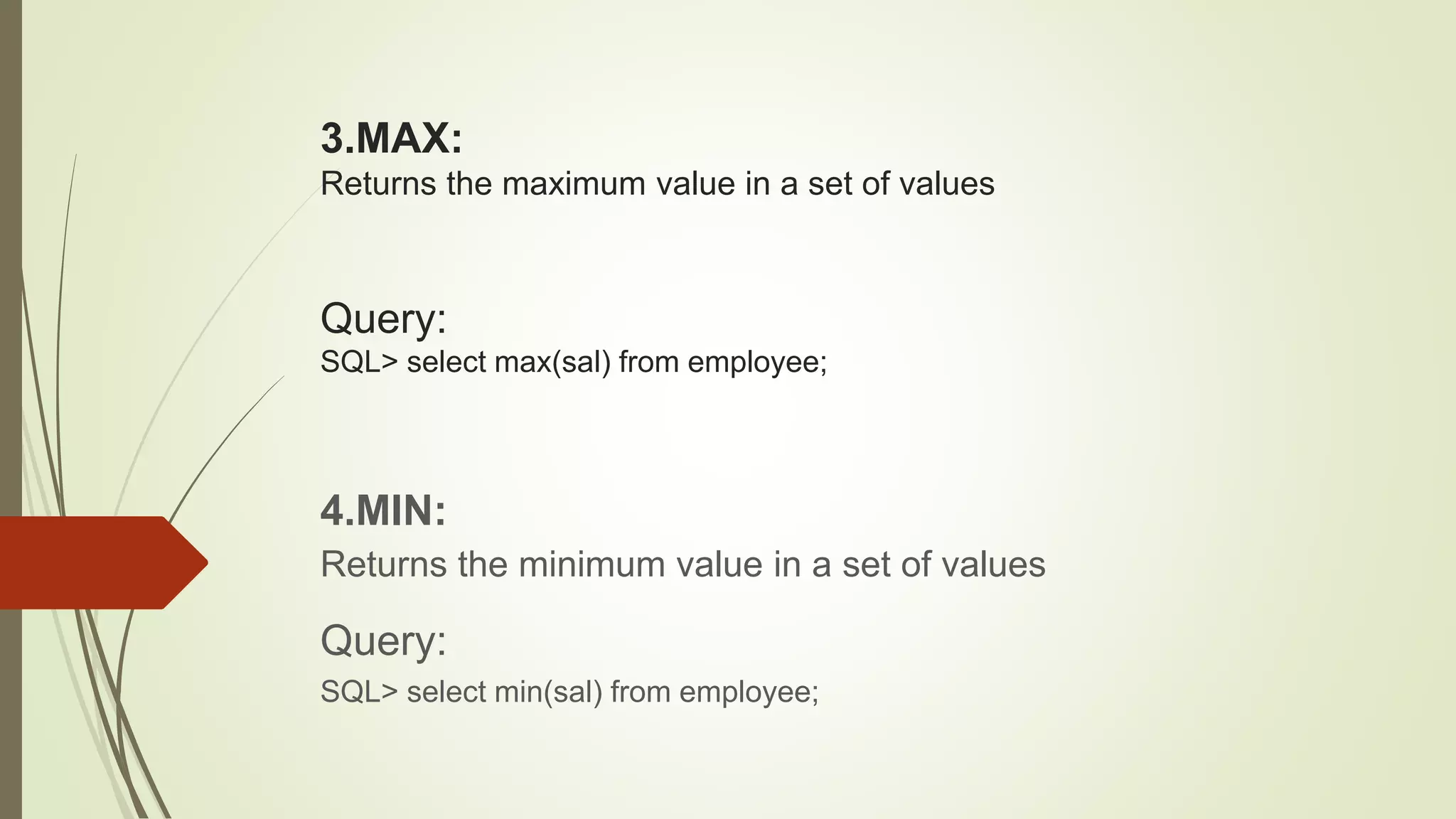
3.MAX:
Returns the maximum value in a set of values
Query:
SQL> select max(sal) from employee;
4.MIN:
Returns the minimum value in a set of values
Query:
SQL> select min(sal) from employee;
5.SUM:
Calculates the sum of a set of values
Query:
SQL> select sum(sal) from employee;
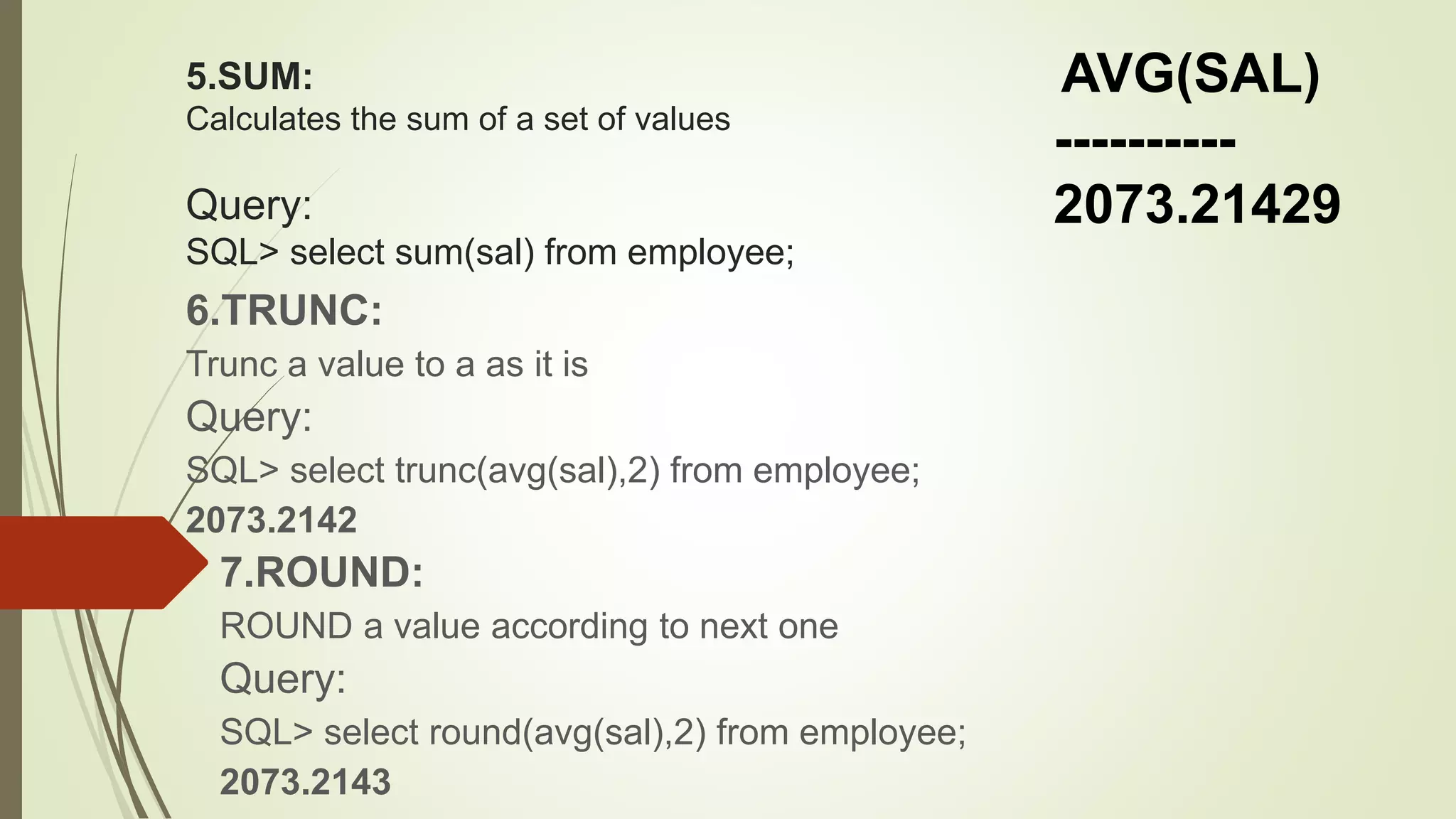
6.TRUNC:
Trunc a value to a as it is
Query:
SQL> select trunc(avg(sal),2) from employee;
2073.2142
7.ROUND:
ROUND a value according to next one
Query:
SQL> select round(avg(sal),2) from employee;
2073.2143
AVG(SAL)
----------
2073.21429
DATA BASE
SQL HAVING CLAUSE
WHAT IS A HAVING CLAUSE?
 A HAVING clause in SQL specifies that an SQL SELECT statement should
only return rows where aggregate values meet the specified conditions.
Group By
Then
Having clause
WHY USE A HAVING CLAUSE?
 The HAVING CLAUSE is used in an SQL statement because the WHERE
KEYWORD cannot be used with aggregate functions.
WHERE TO USE A HAVING
CLAUSE?
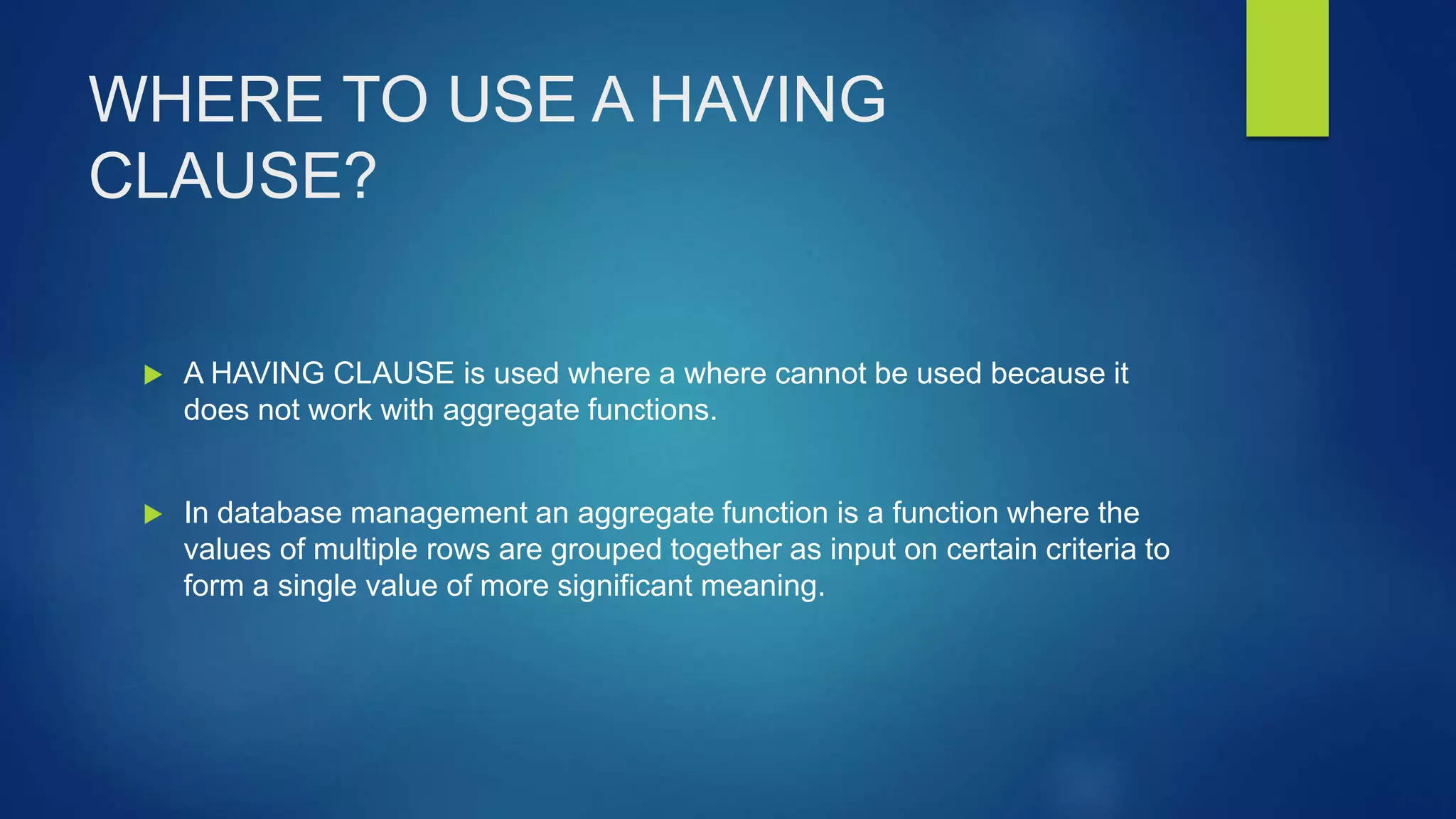
 A HAVING CLAUSE is used where a where cannot be used because it
does not work with aggregate functions.
 In database management an aggregate function is a function where the
values of multiple rows are grouped together as input on certain criteria to
form a single value of more significant meaning.
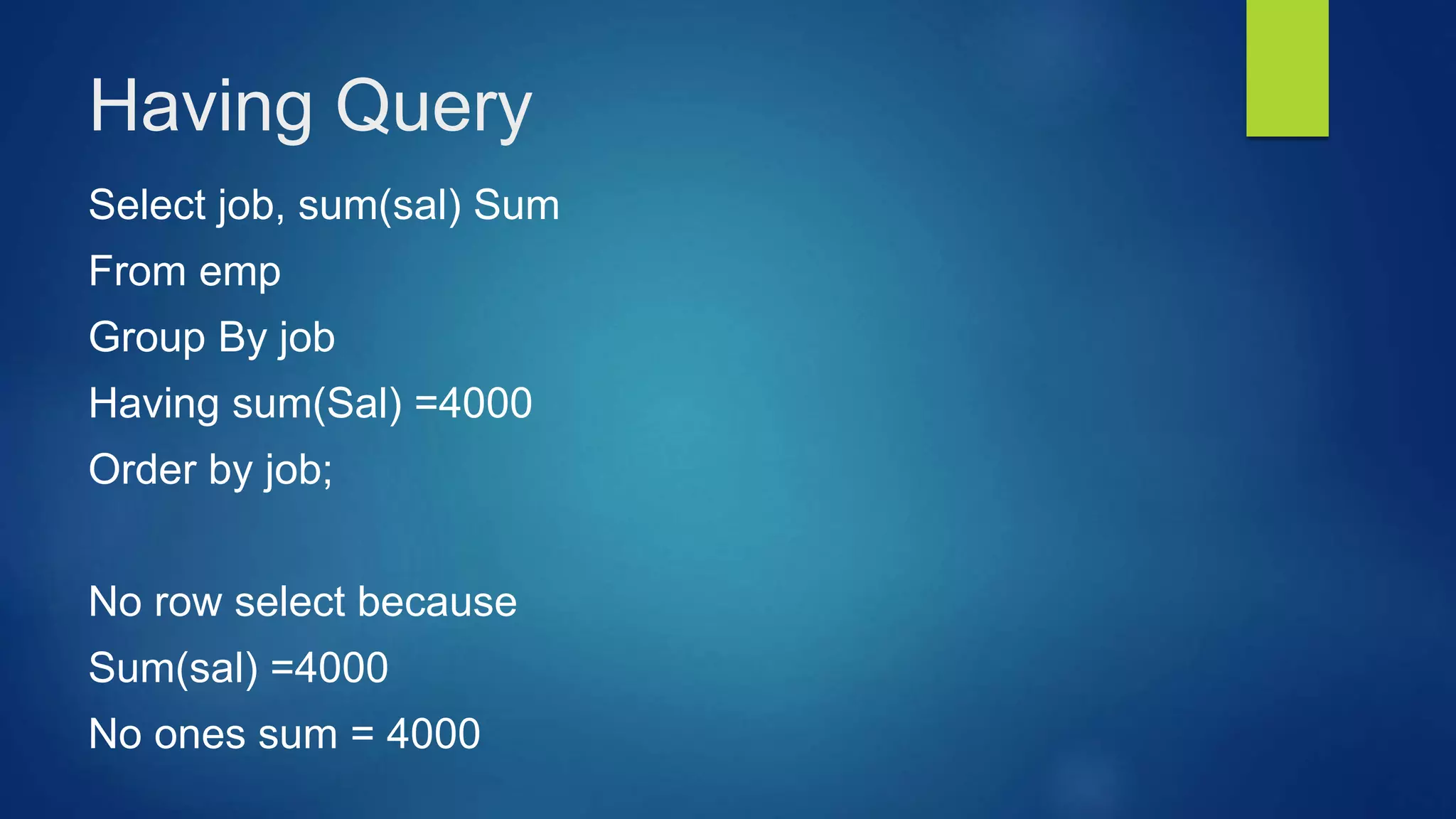
Having Query
Select job, sum(sal) Sum
From emp
Group By job
Having sum(Sal) =4000
Order by job;
No row select because
Sum(sal) =4000
No ones sum = 4000
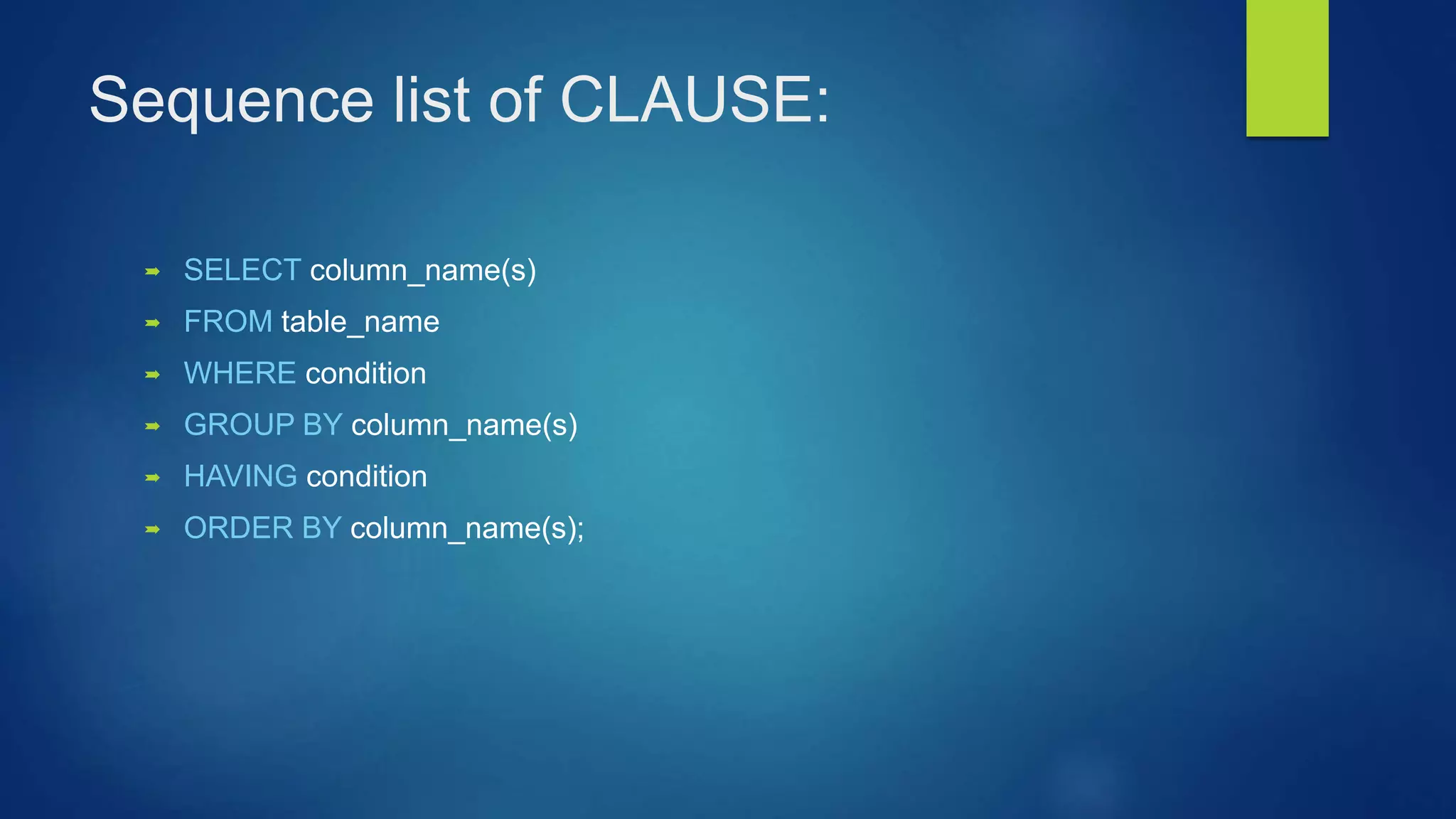
Sequence list of CLAUSE:
 SELECT column_name(s)
 FROM table_name
 WHERE condition
 GROUP BY column_name(s)
 HAVING condition
 ORDER BY column_name(s);
Constraints
Definition:
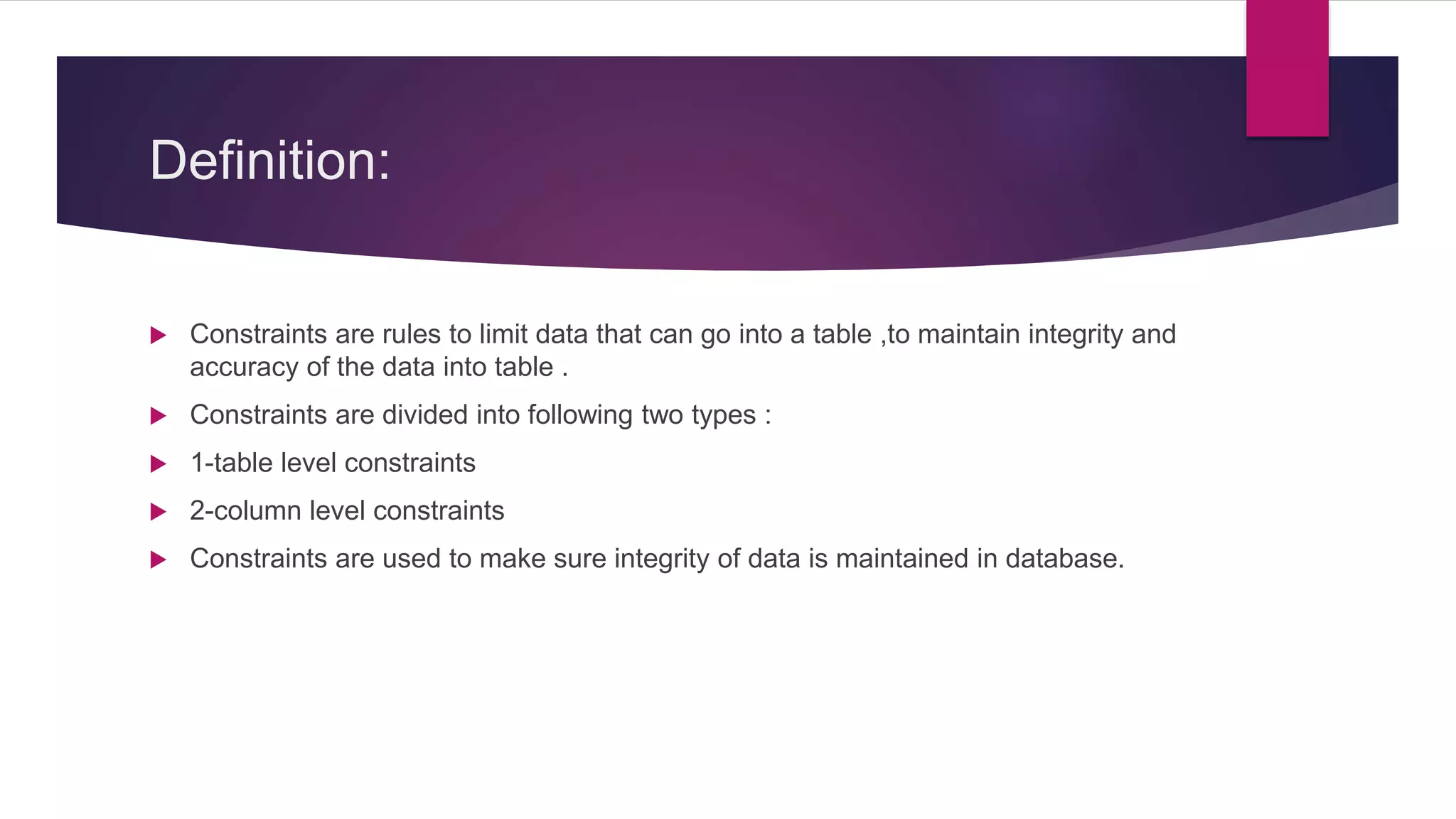
 Constraints are rules to limit data that can go into a table ,to maintain integrity and
accuracy of the data into table .
 Constraints are divided into following two types :
 1-table level constraints
 2-column level constraints
 Constraints are used to make sure integrity of data is maintained in database.
FOLLOWING ARE THE MOST USED
CONSTRAINTS :
 Not null
 Primary key
 Unique key
 Foreign key
NOT NULL:
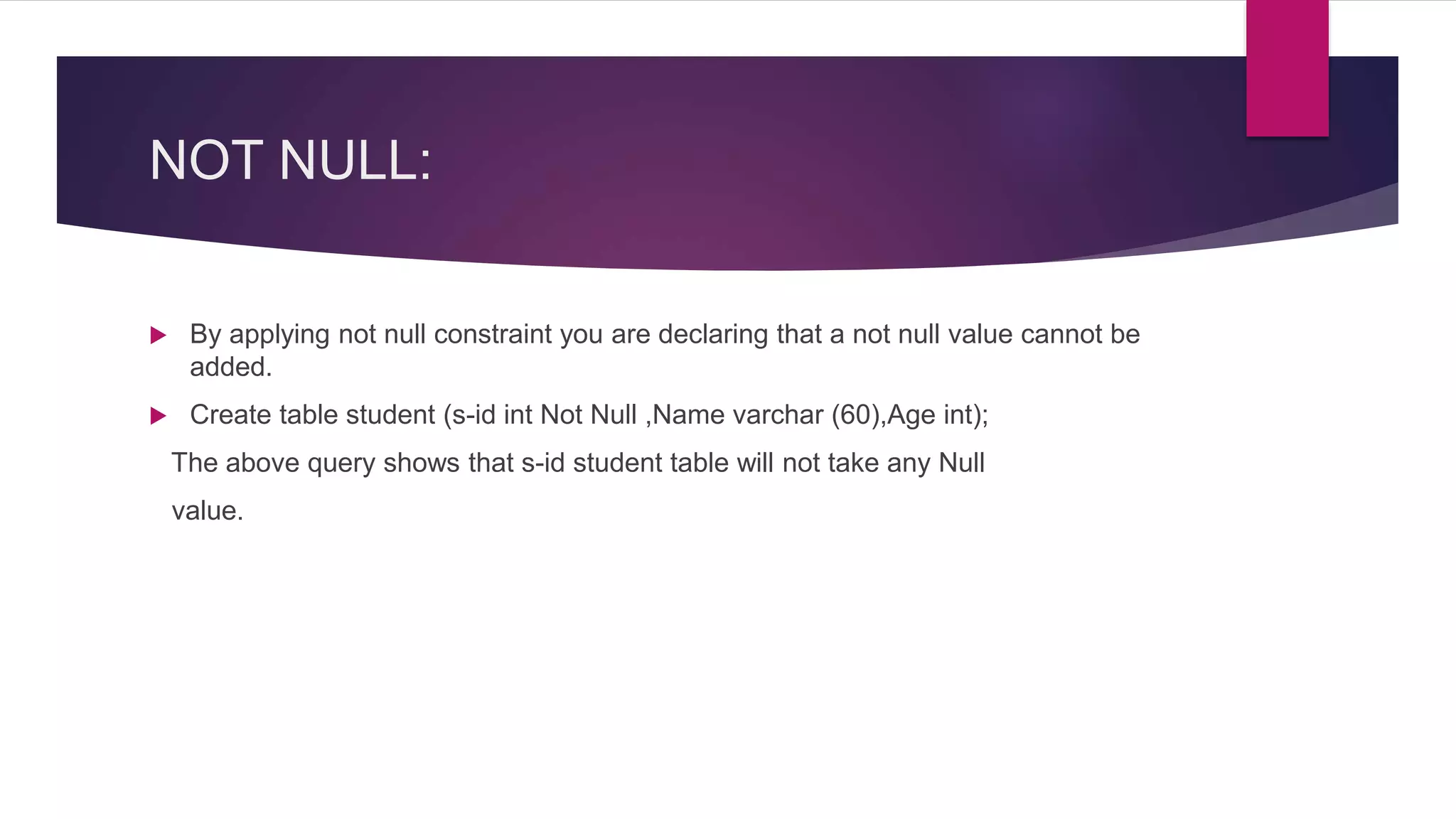
 By applying not null constraint you are declaring that a not null value cannot be
added.
 Create table student (s-id int Not Null ,Name varchar (60),Age int);
The above query shows that s-id student table will not take any Null
value.
UNIQUE CONSTRAINT:
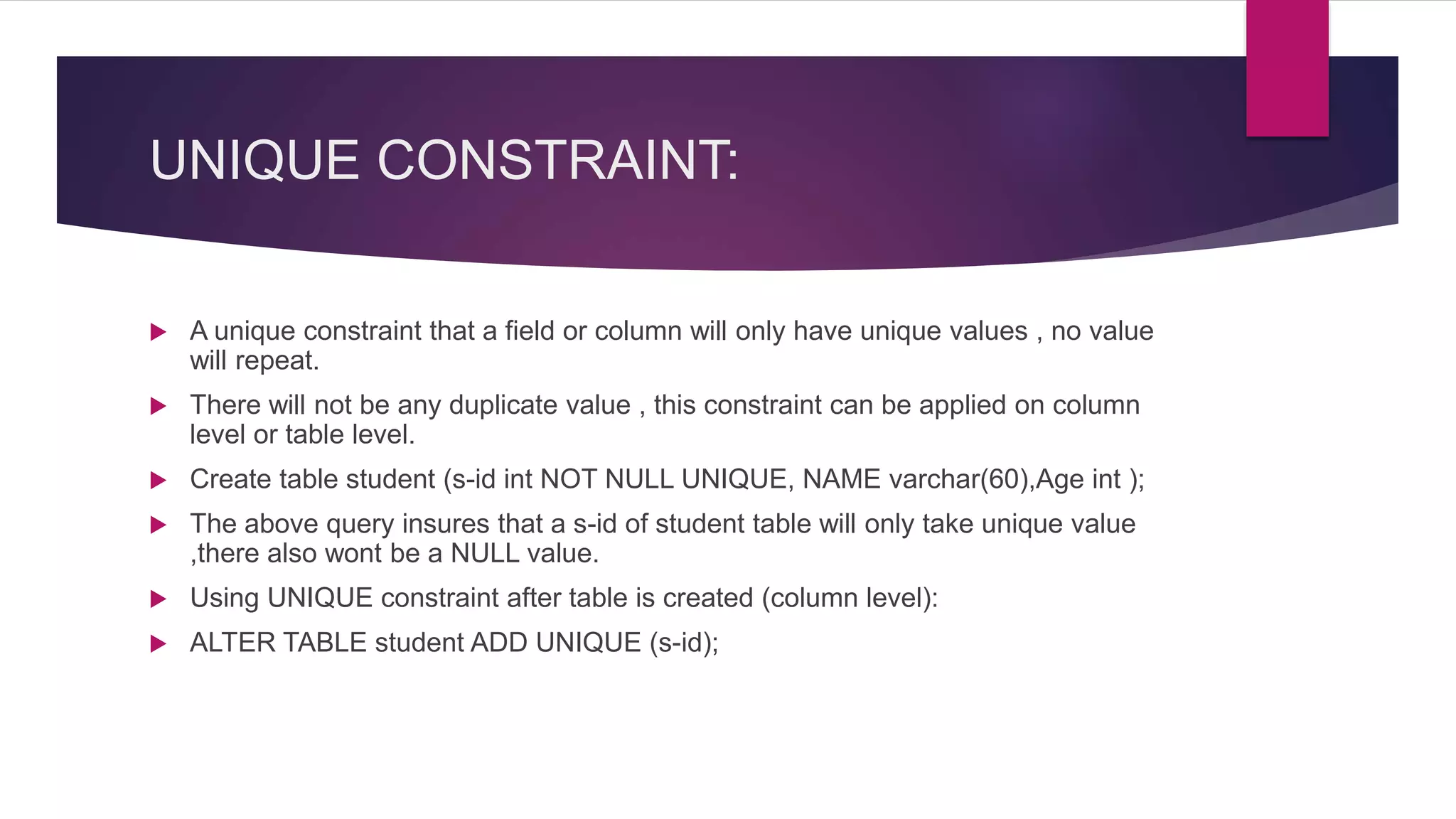
 A unique constraint that a field or column will only have unique values , no value
will repeat.
 There will not be any duplicate value , this constraint can be applied on column
level or table level.
 Create table student (s-id int NOT NULL UNIQUE, NAME varchar(60),Age int );
 The above query insures that a s-id of student table will only take unique value
,there also wont be a NULL value.
 Using UNIQUE constraint after table is created (column level):
 ALTER TABLE student ADD UNIQUE (s-id);
PRIMARY KEY :
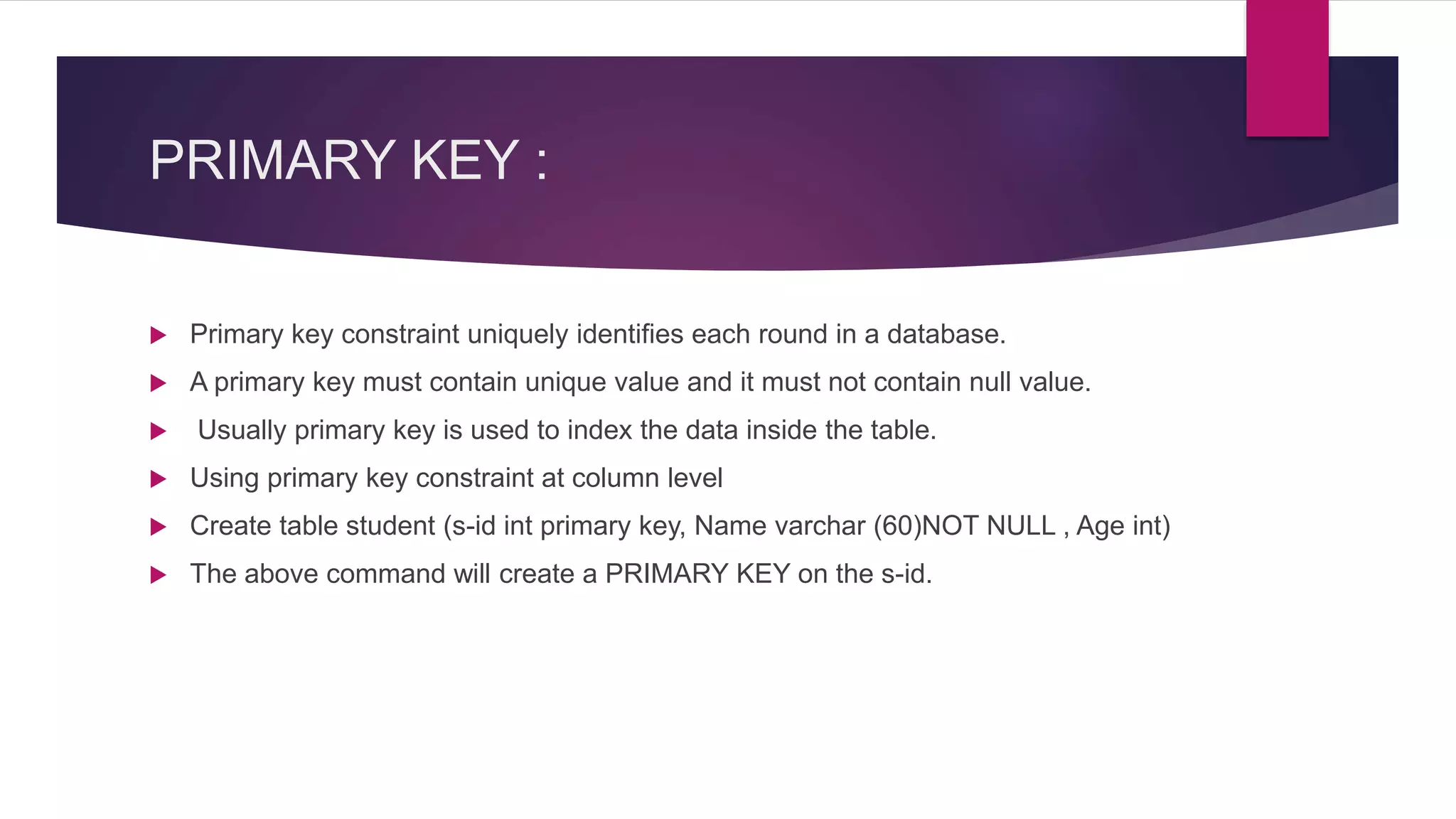
 Primary key constraint uniquely identifies each round in a database.
 A primary key must contain unique value and it must not contain null value.
 Usually primary key is used to index the data inside the table.
 Using primary key constraint at column level
 Create table student (s-id int primary key, Name varchar (60)NOT NULL , Age int)
 The above command will create a PRIMARY KEY on the s-id.
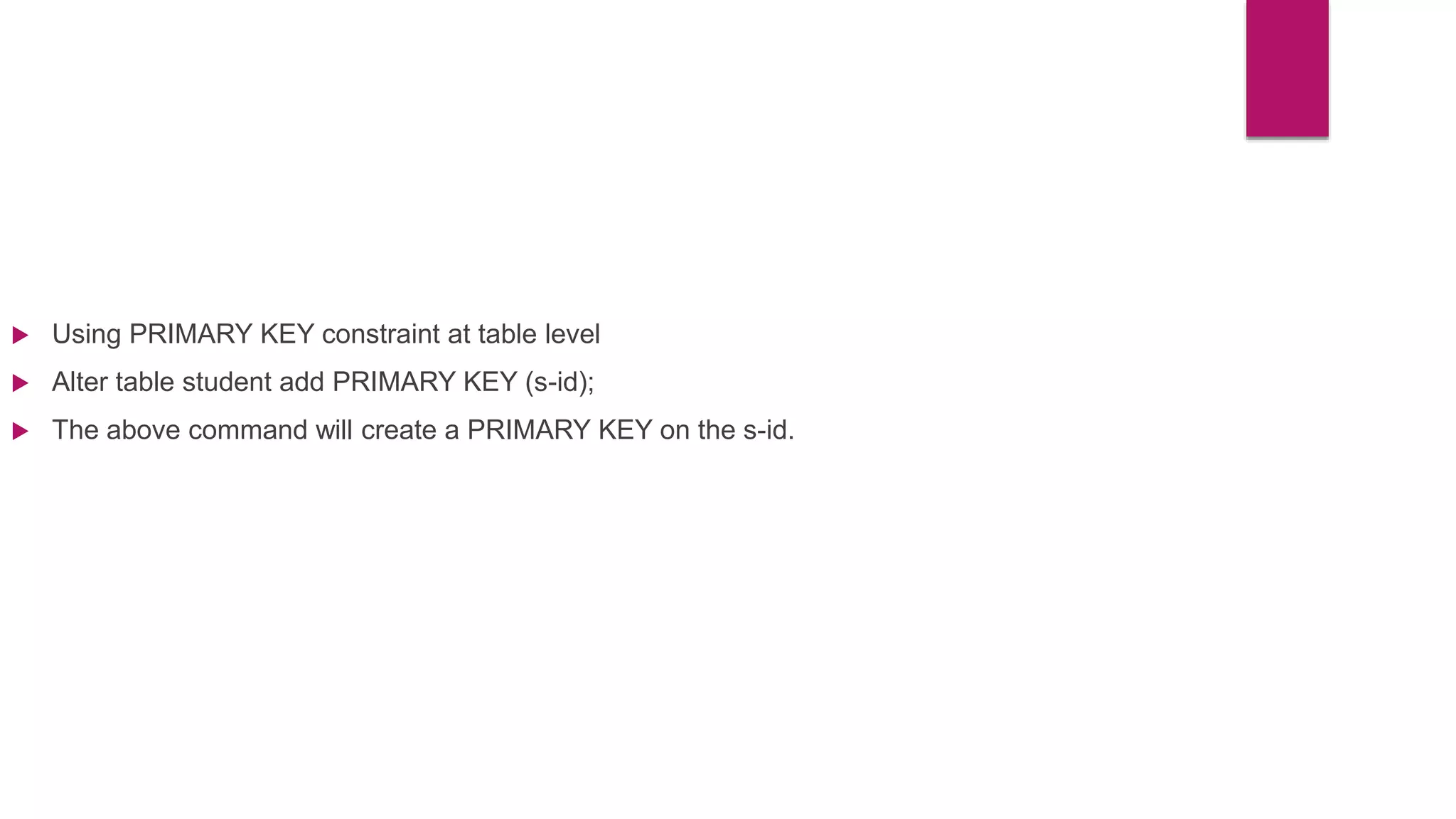
 Using PRIMARY KEY constraint at table level
 Alter table student add PRIMARY KEY (s-id);
 The above command will create a PRIMARY KEY on the s-id.
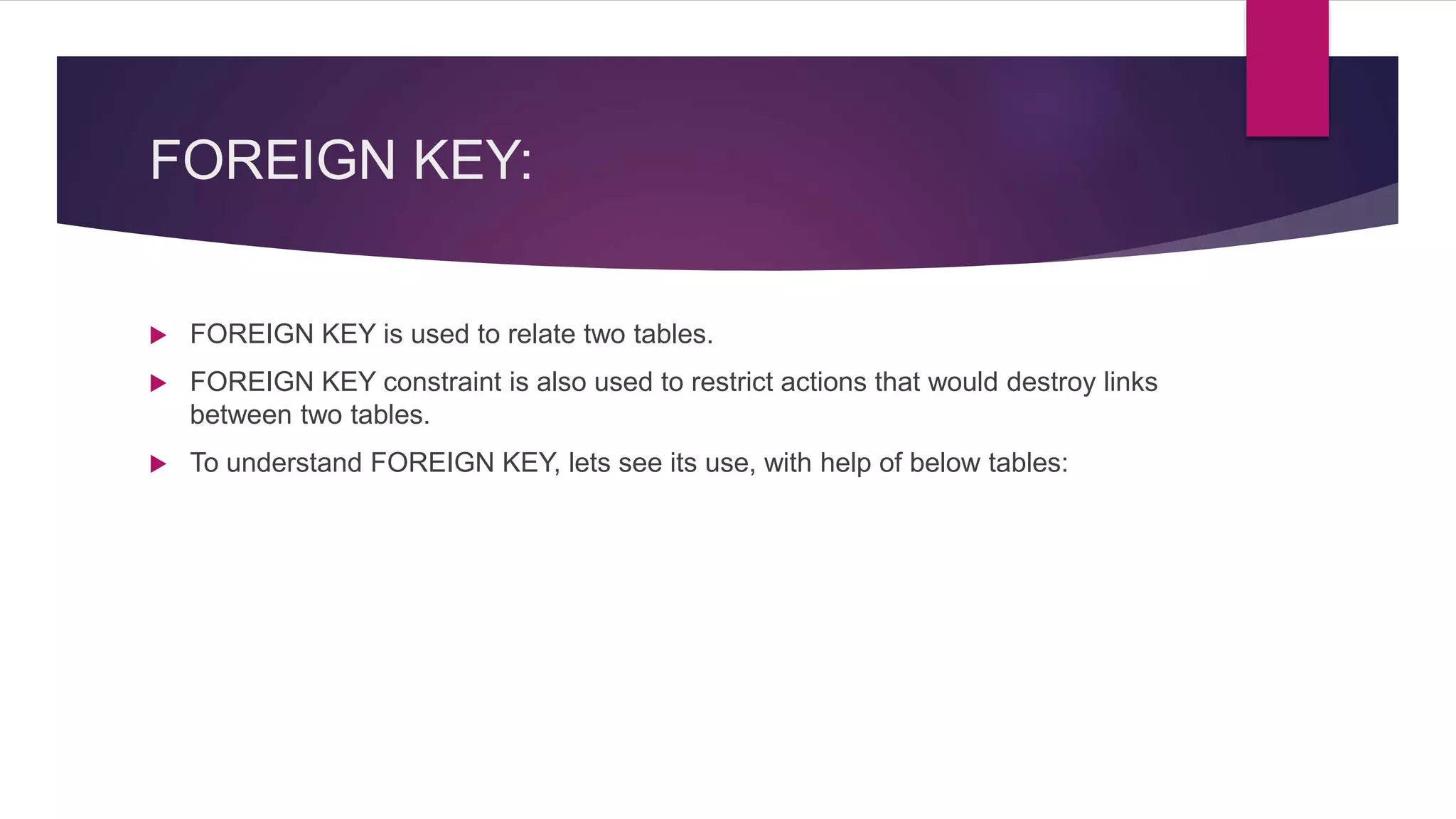
FOREIGN KEY:
 FOREIGN KEY is used to relate two tables.
 FOREIGN KEY constraint is also used to restrict actions that would destroy links
between two tables.
 To understand FOREIGN KEY, lets see its use, with help of below tables:
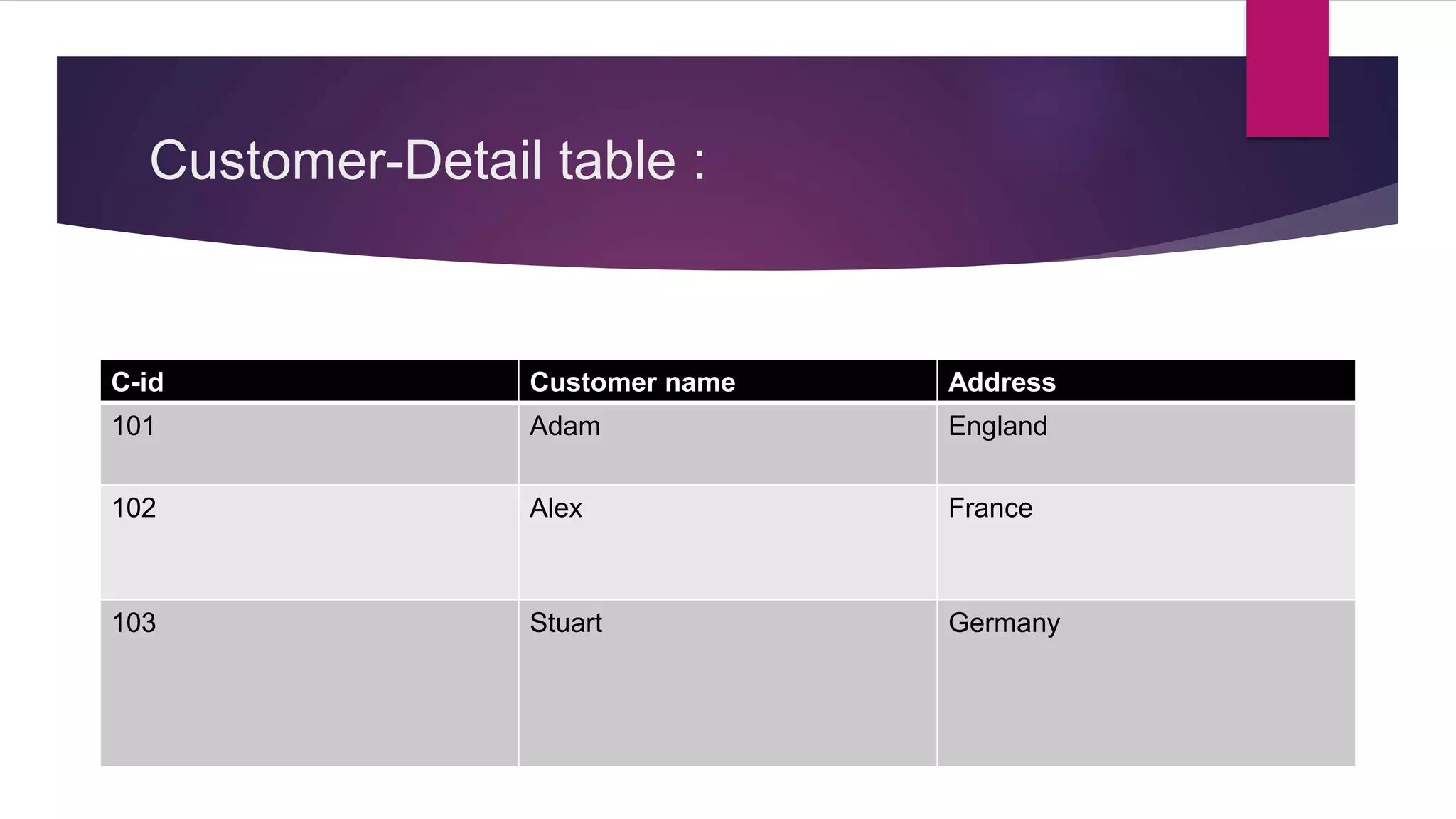
Customer-Detail table :
C-id Customer name Address
101 Adam England
102 Alex France
103 Stuart Germany
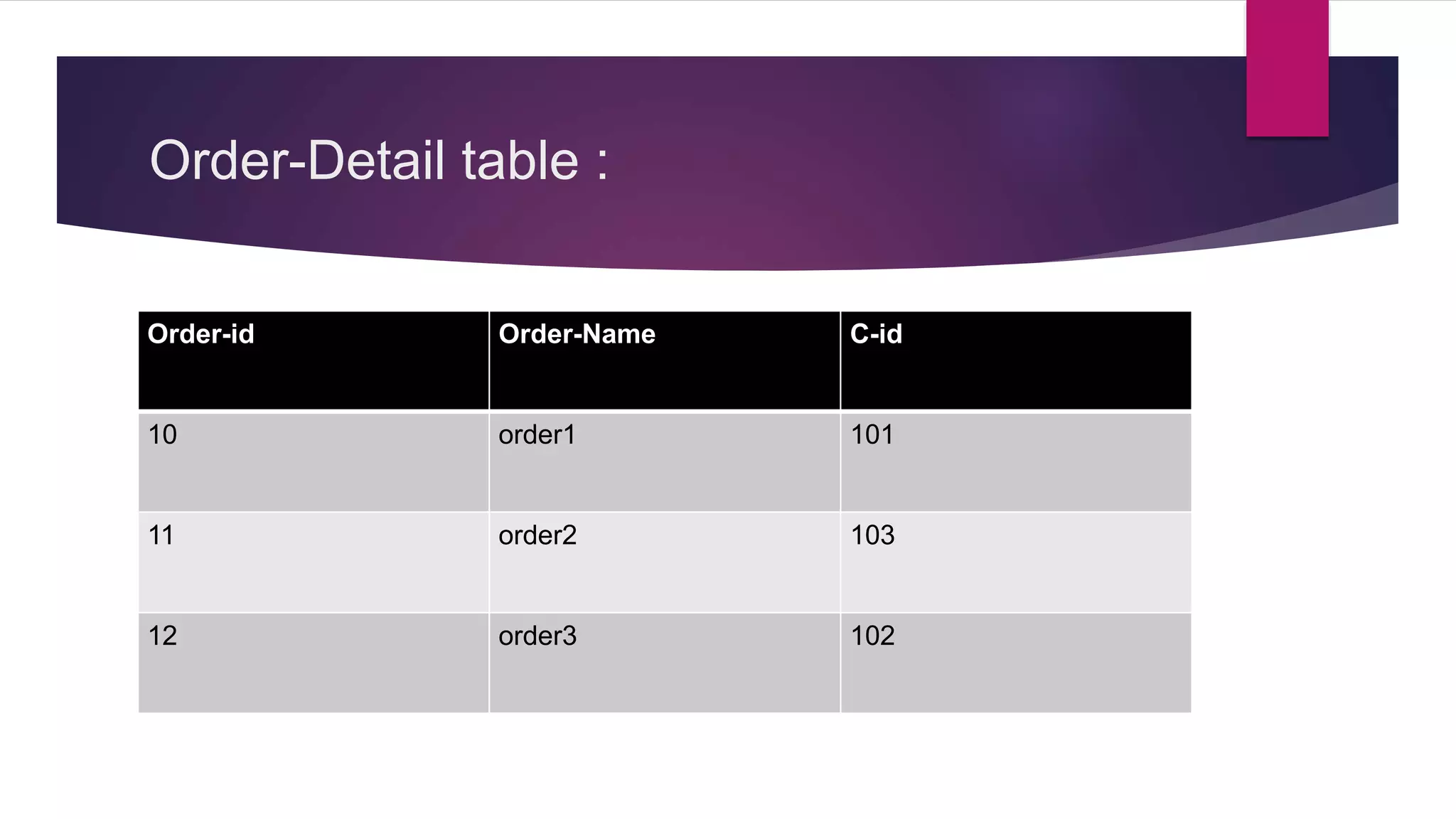
Order-Detail table :
Order-id Order-Name C-id
10 order1 101
11 order2 103
12 order3 102
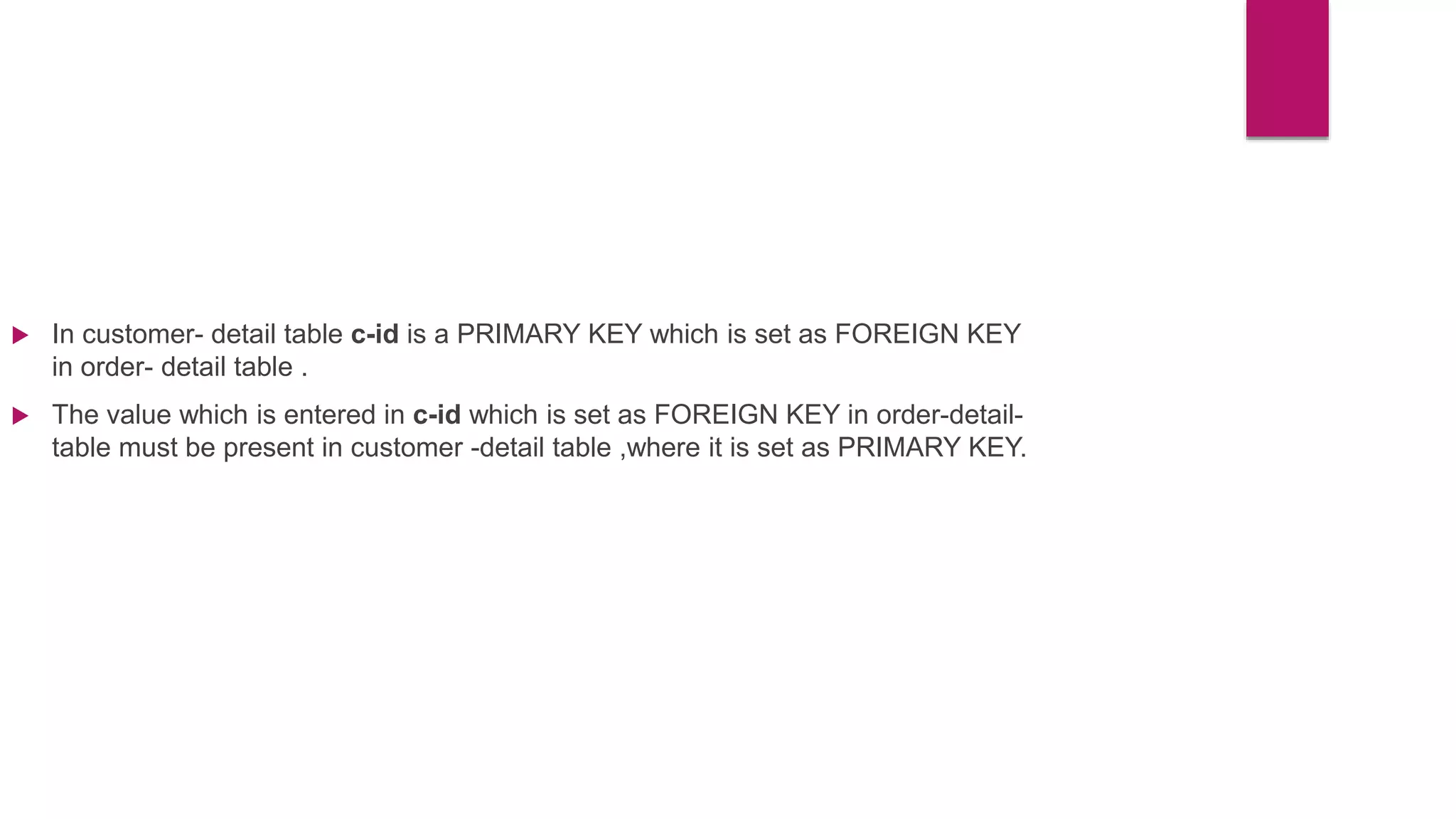
 In customer- detail table c-id is a PRIMARY KEY which is set as FOREIGN KEY
in order- detail table .
 The value which is entered in c-id which is set as FOREIGN KEY in order-detail-
table must be present in customer -detail table ,where it is set as PRIMARY KEY.
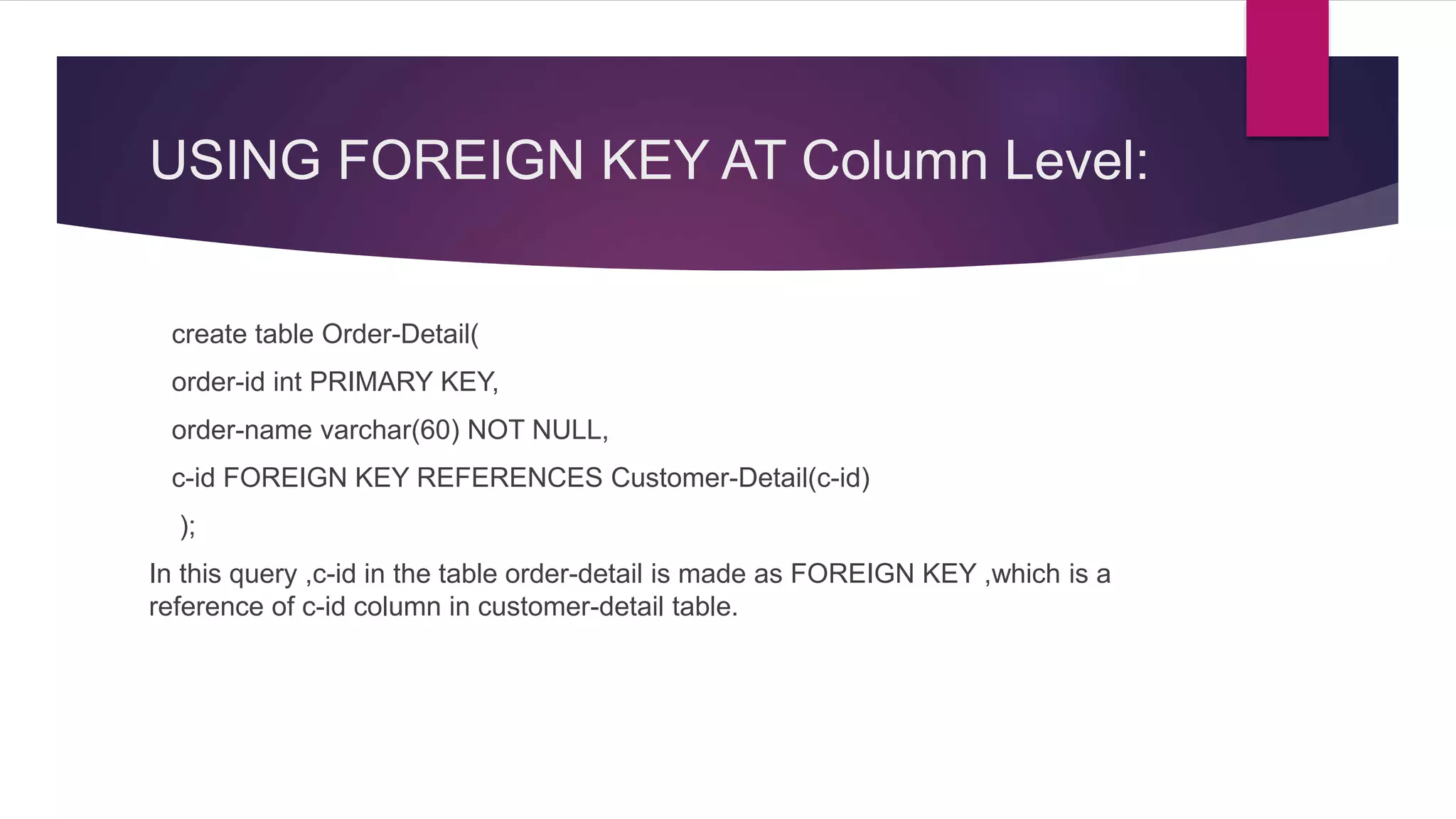
USING FOREIGN KEY AT Column Level:
create table Order-Detail(
order-id int PRIMARY KEY,
order-name varchar(60) NOT NULL,
c-id FOREIGN KEY REFERENCES Customer-Detail(c-id)
);
In this query ,c-id in the table order-detail is made as FOREIGN KEY ,which is a
reference of c-id column in customer-detail table.
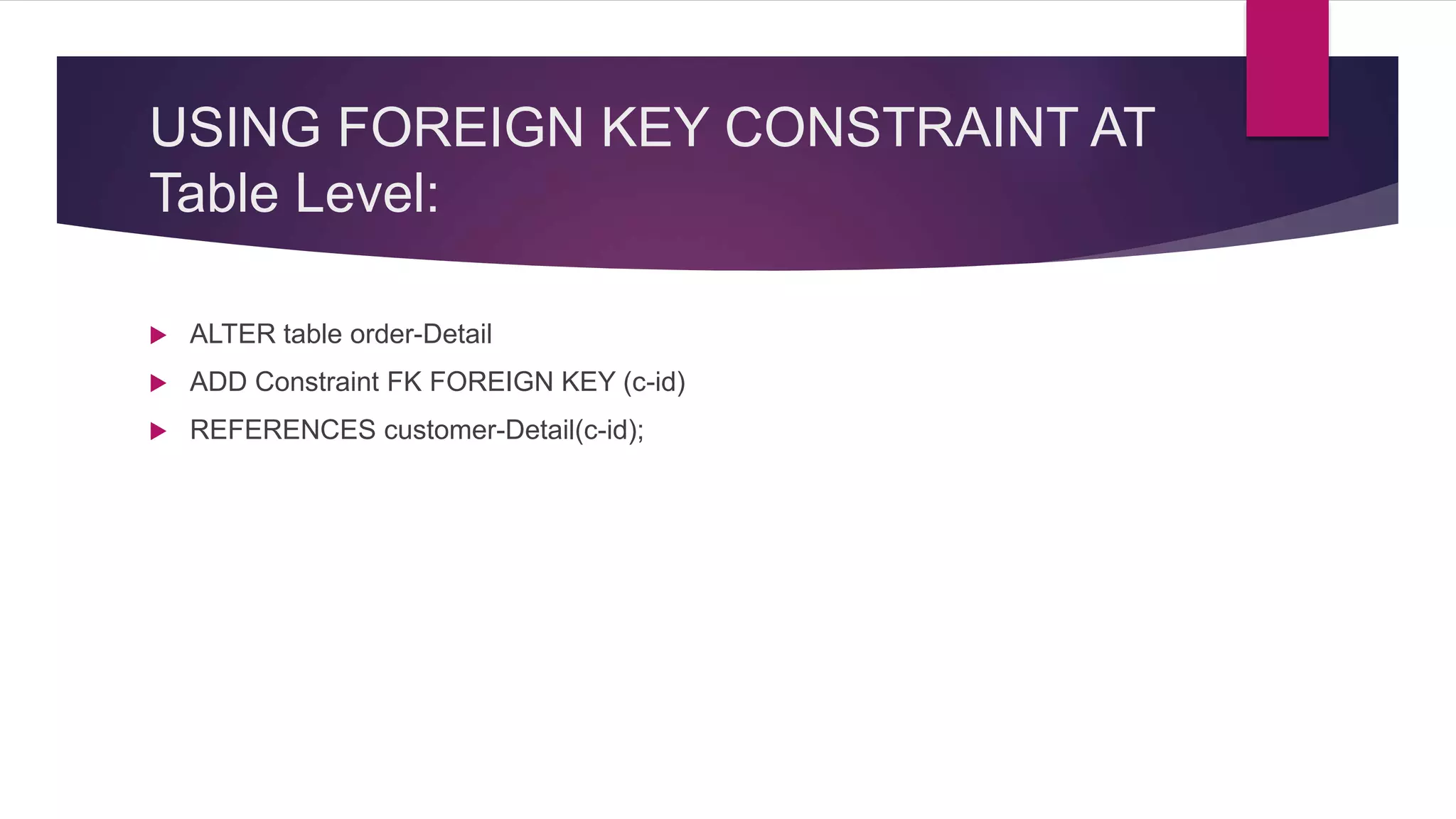
USING FOREIGN KEY CONSTRAINT AT
Table Level:
 ALTER table order-Detail
 ADD Constraint FK FOREIGN KEY (c-id)
 REFERENCES customer-Detail(c-id);
ADDING CONSTRAINT BY ALTER
DATA BASE
SQL SUBQUERIES
WHAT IS A SUBQUERY?
 In SQL a Subquery can be simply defined as a query within another query.
In other words we can say that a Subquery is a query that is embedded in
WHERE clause of another SQL query.
WHERE TO USE A SUBQUERY?
 A subquery is used to return data that will be used in the main query as a
condition to further restrict the data to be retrieved. Subqueries
can be used with the SELECT, INSERT, UPDATE, and DELETE
statements along with the operators like =, <, >, >=, <=, IN, BETWEEN,
etc.
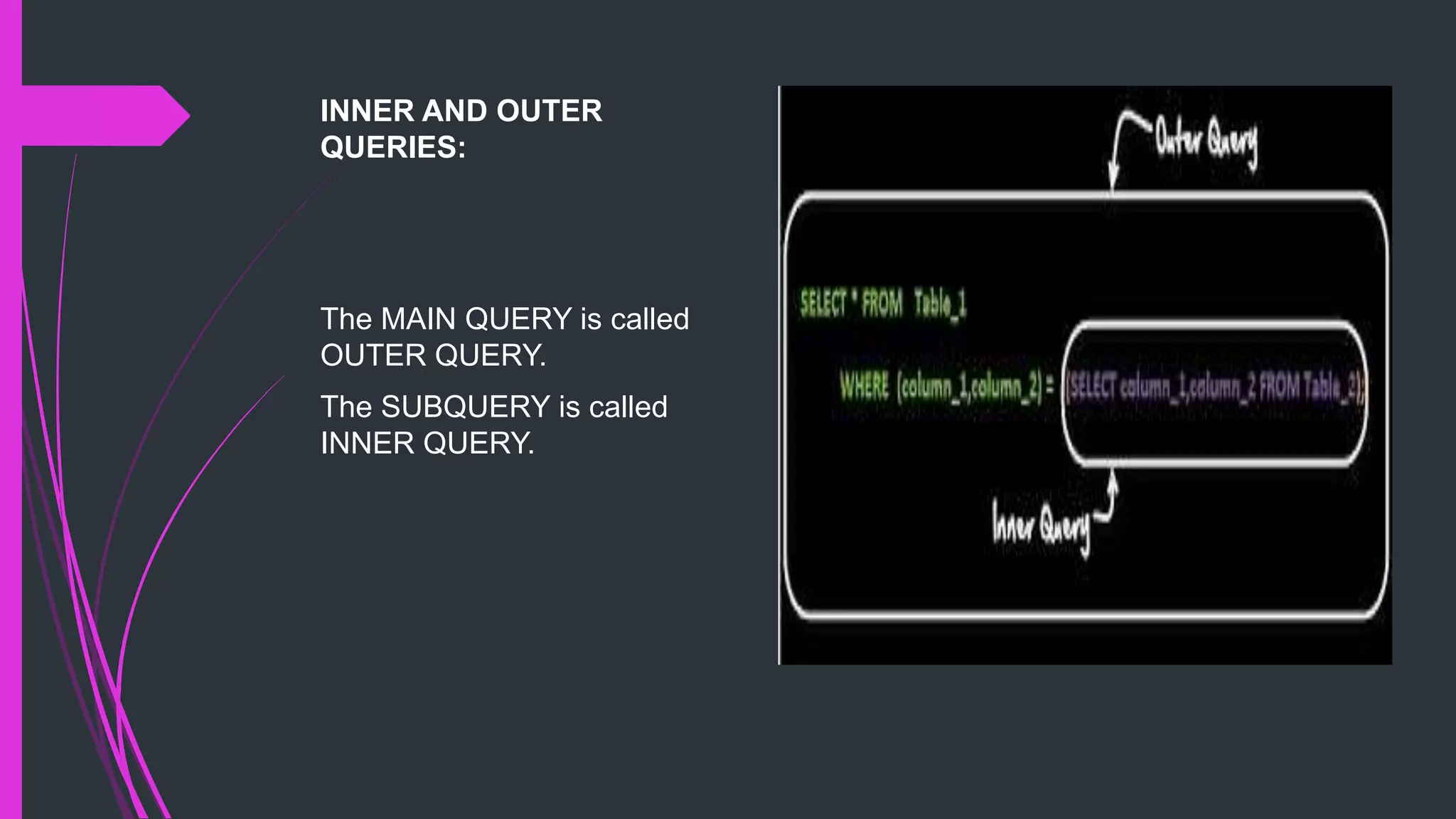
INNER AND OUTER
QUERIES:
The MAIN QUERY is called
OUTER QUERY.
The SUBQUERY is called
INNER QUERY.
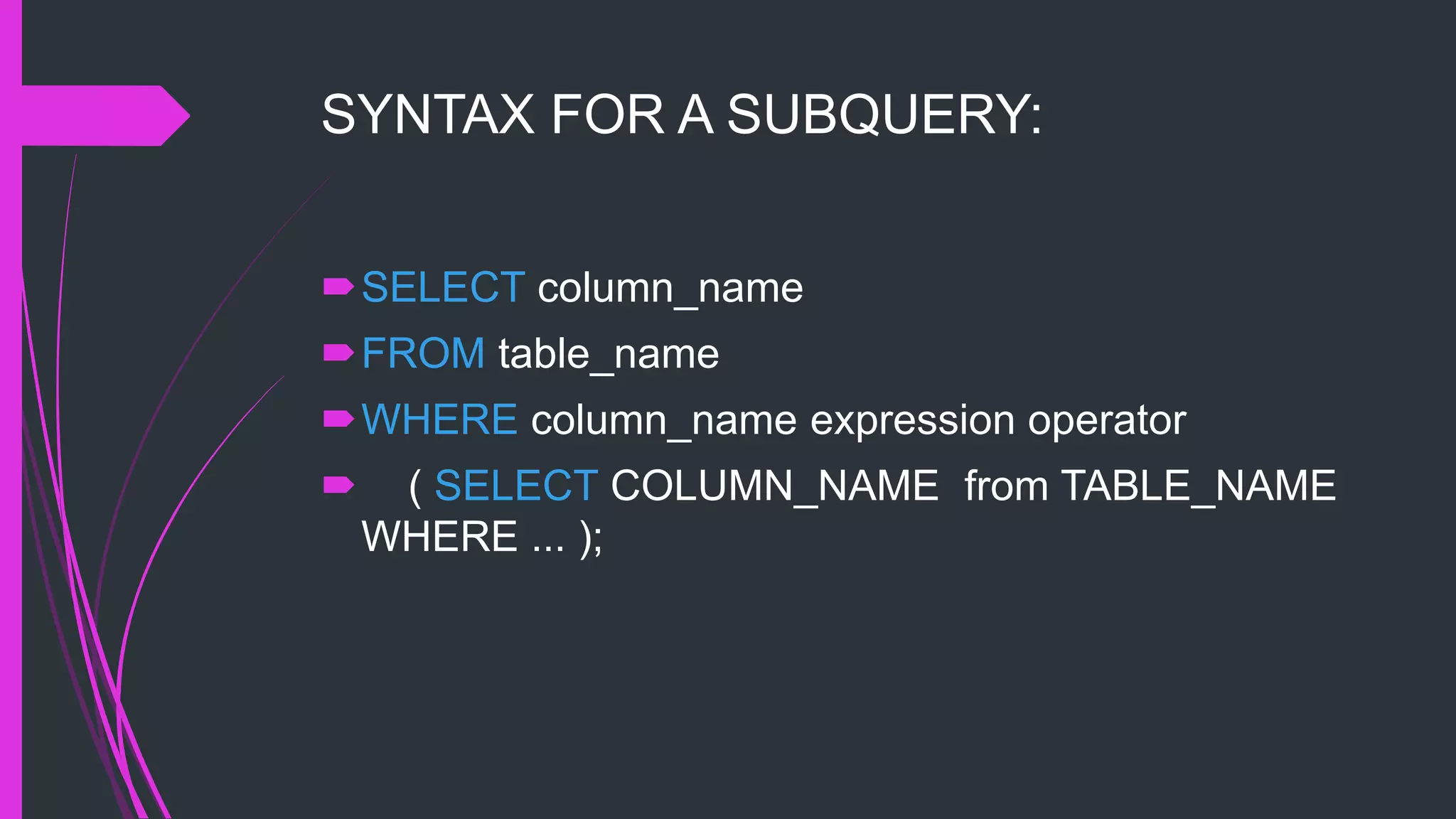
SYNTAX FOR A SUBQUERY:
SELECT column_name
FROM table_name
WHERE column_name expression operator
 ( SELECT COLUMN_NAME from TABLE_NAME
WHERE ... );
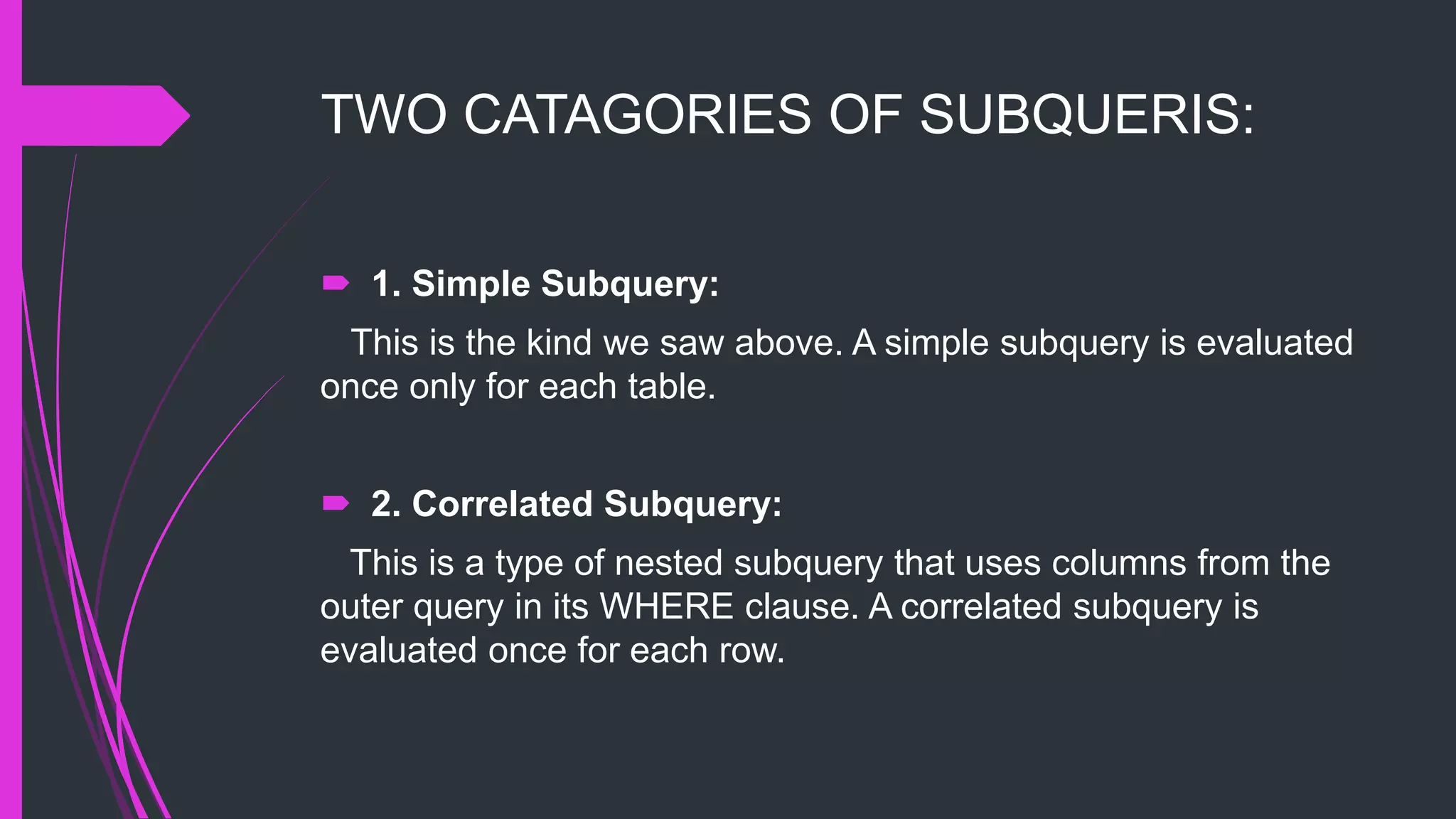
TWO CATAGORIES OF SUBQUERIS:
 1. Simple Subquery:
This is the kind we saw above. A simple subquery is evaluated
once only for each table.
 2. Correlated Subquery:
This is a type of nested subquery that uses columns from the
outer query in its WHERE clause. A correlated subquery is
evaluated once for each row.
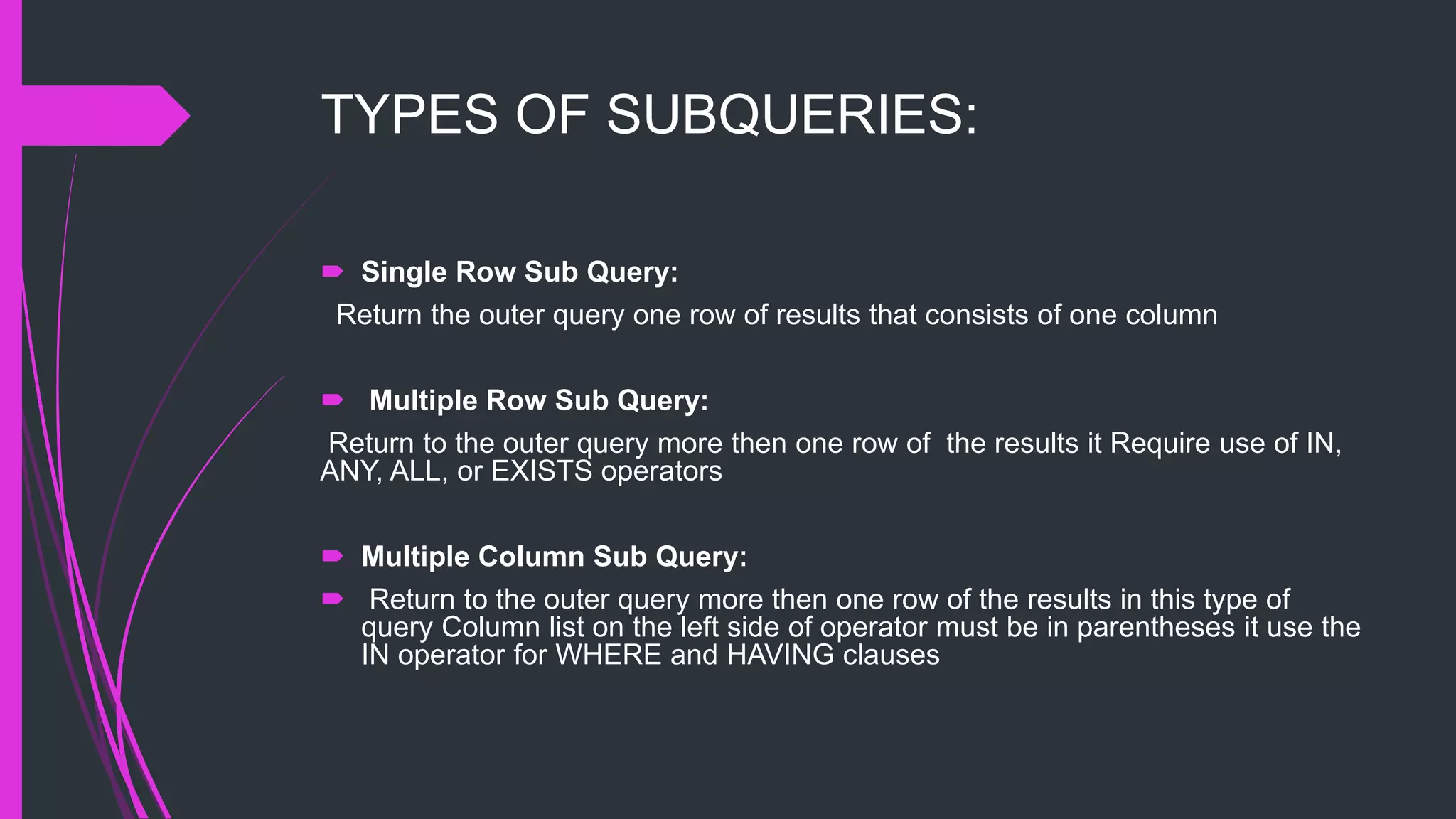
TYPES OF SUBQUERIES:
 Single Row Sub Query:
Return the outer query one row of results that consists of one column
 Multiple Row Sub Query:
Return to the outer query more then one row of the results it Require use of IN,
ANY, ALL, or EXISTS operators
 Multiple Column Sub Query:
 Return to the outer query more then one row of the results in this type of
query Column list on the left side of operator must be in parentheses it use the
IN operator for WHERE and HAVING clauses
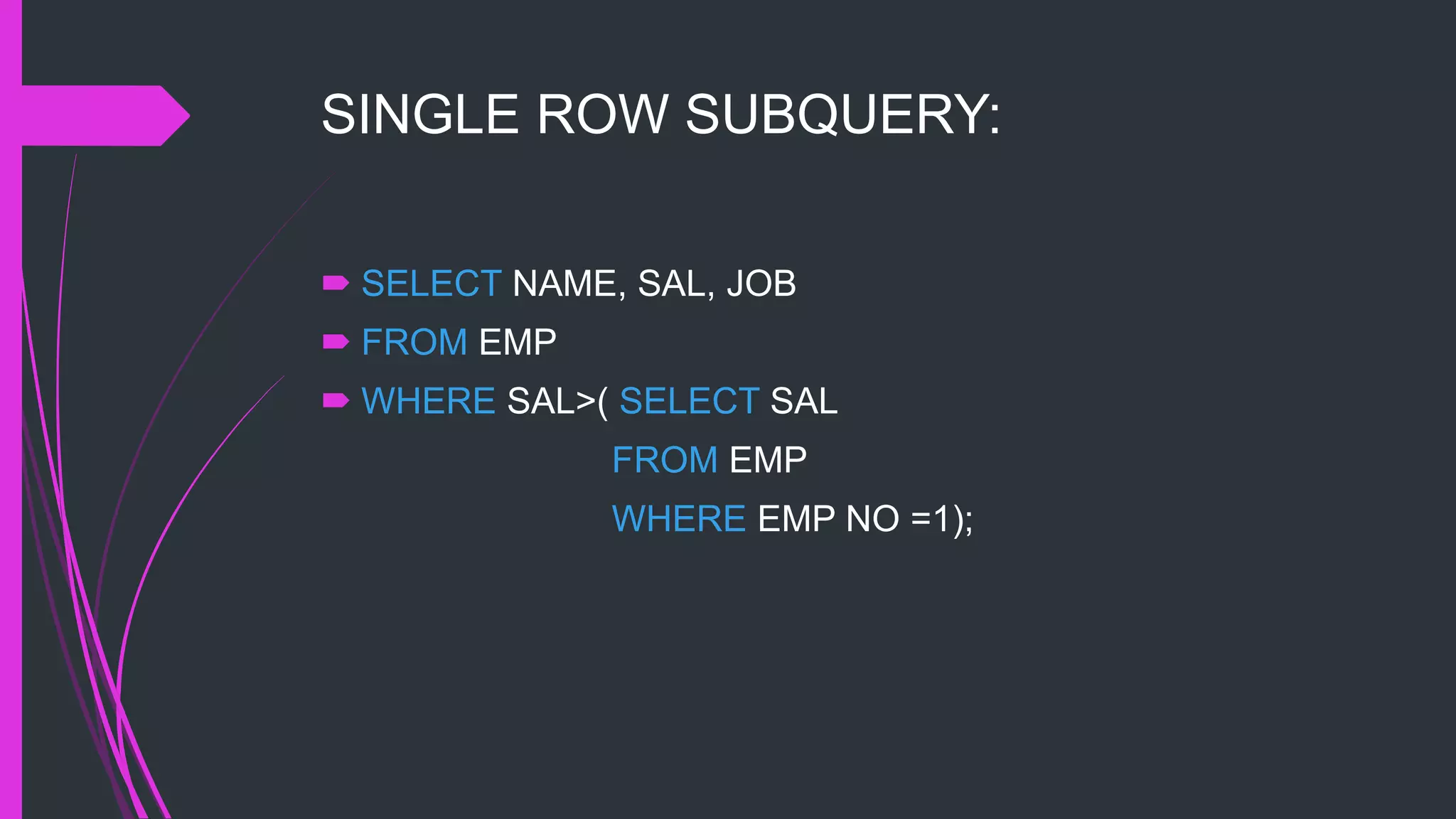
SINGLE ROW SUBQUERY:
 SELECT NAME, SAL, JOB
 FROM EMP
 WHERE SAL>( SELECT SAL
FROM EMP
WHERE EMP NO =1);
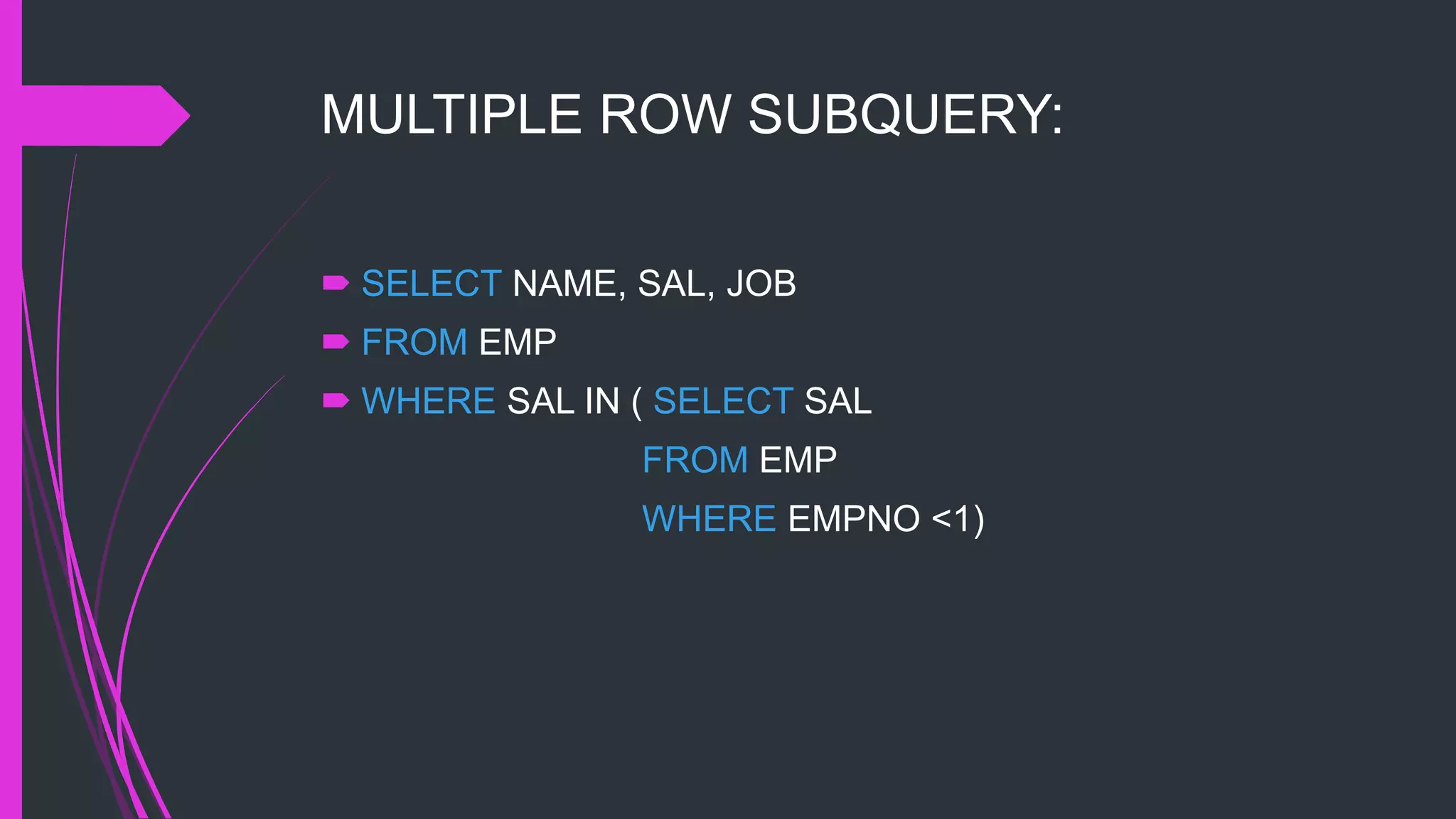
MULTIPLE ROW SUBQUERY:
 SELECT NAME, SAL, JOB
 FROM EMP
 WHERE SAL IN ( SELECT SAL
FROM EMP
WHERE EMPNO <1)
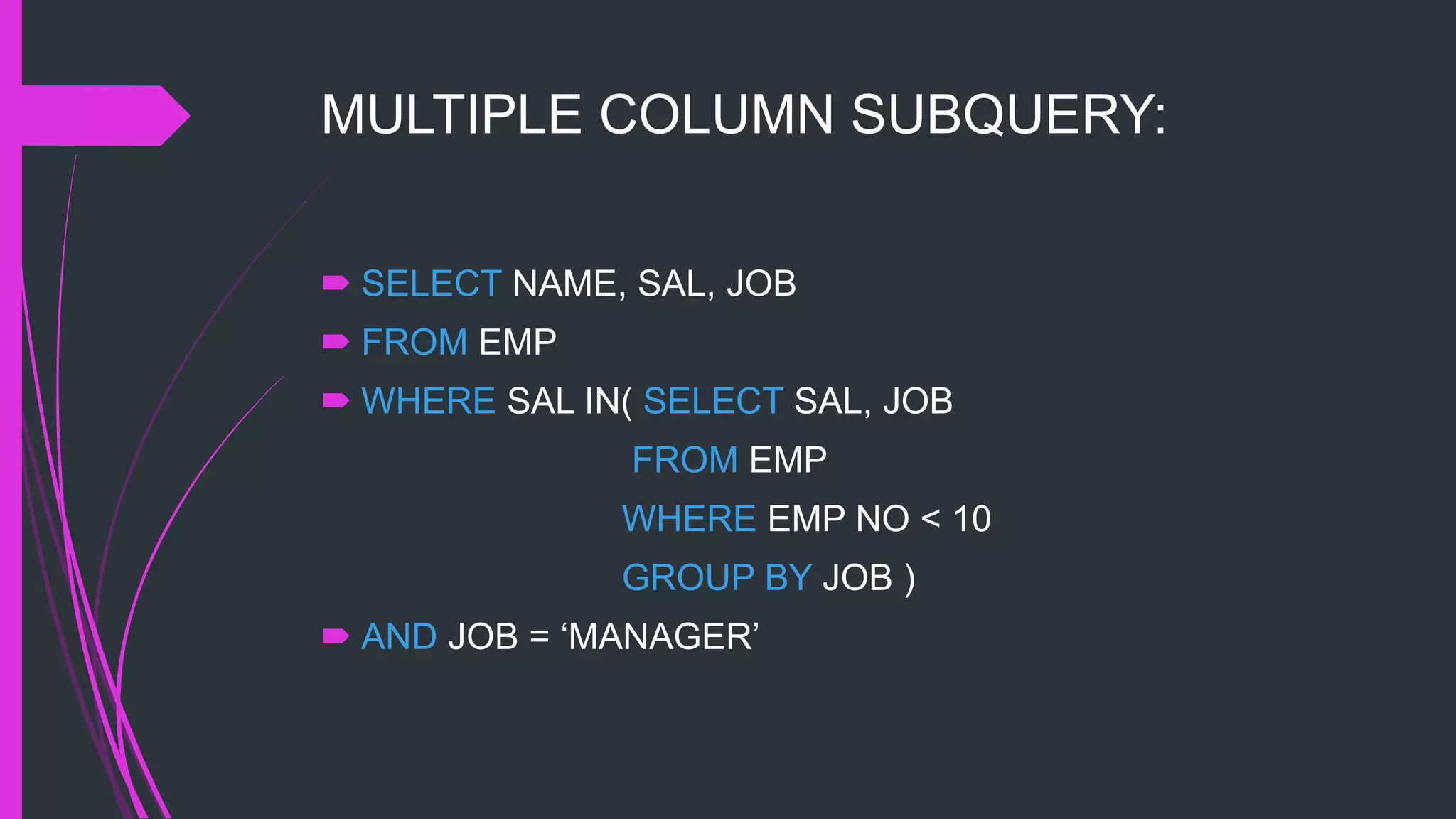
MULTIPLE COLUMN SUBQUERY:
 SELECT NAME, SAL, JOB
 FROM EMP
 WHERE SAL IN( SELECT SAL, JOB
FROM EMP
WHERE EMP NO < 10
GROUP BY JOB )
 AND JOB = ‘MANAGER’
JOIN
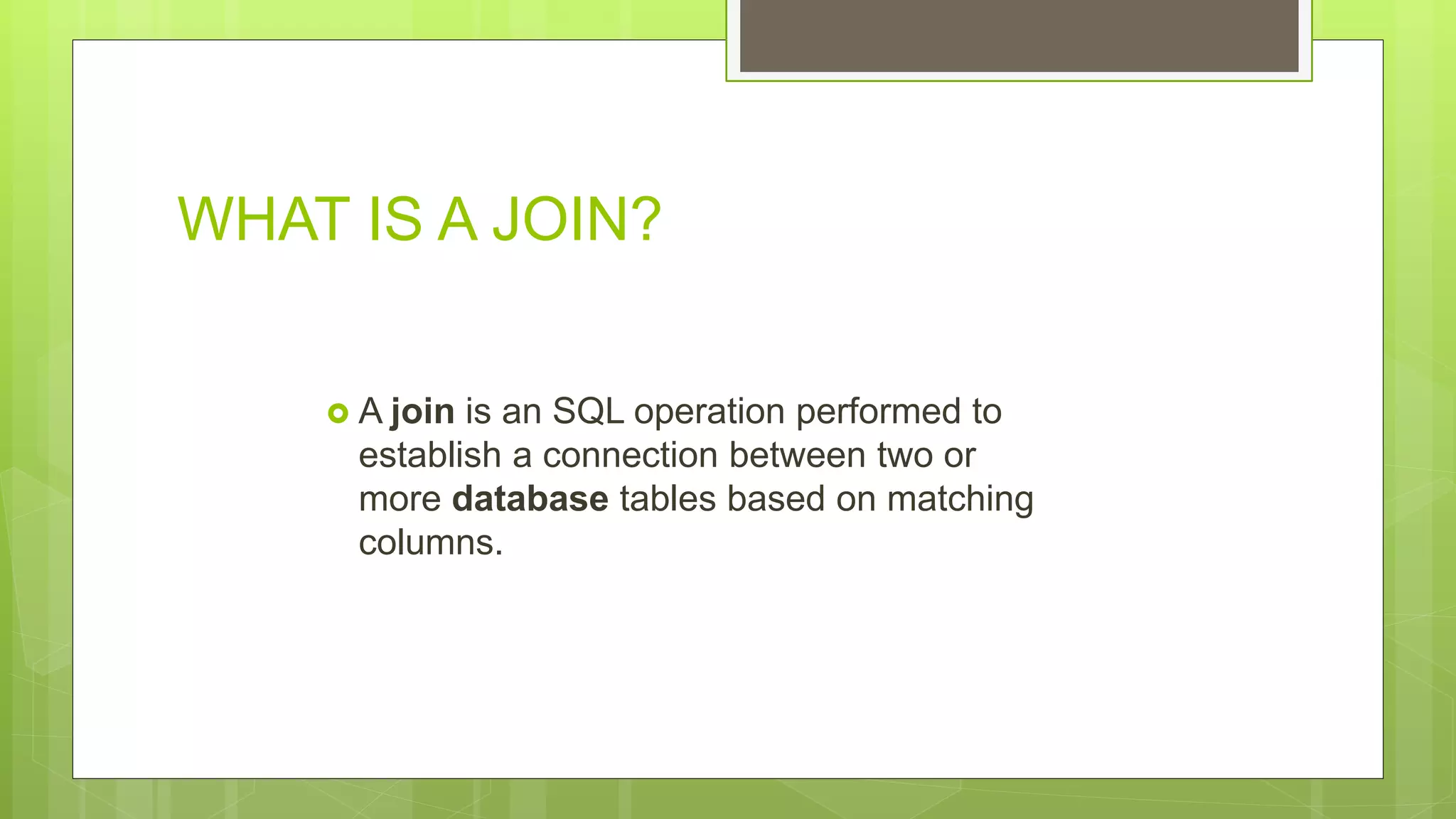
WHAT IS A JOIN?
 A join is an SQL operation performed to
establish a connection between two or
more database tables based on matching
columns.
WHERE TO USE SQL JOIN ?
 SQL JOIN is used when the data from two
tables is to be compared.
 Where clause used in joining.
TYPES OF JOINS:
EQUI JOIN
NON EQUI JOIN
OUTER JOIN
EQUI JOIN
An equijoin returns only the rows
that have equivalent values for the
specified columns.
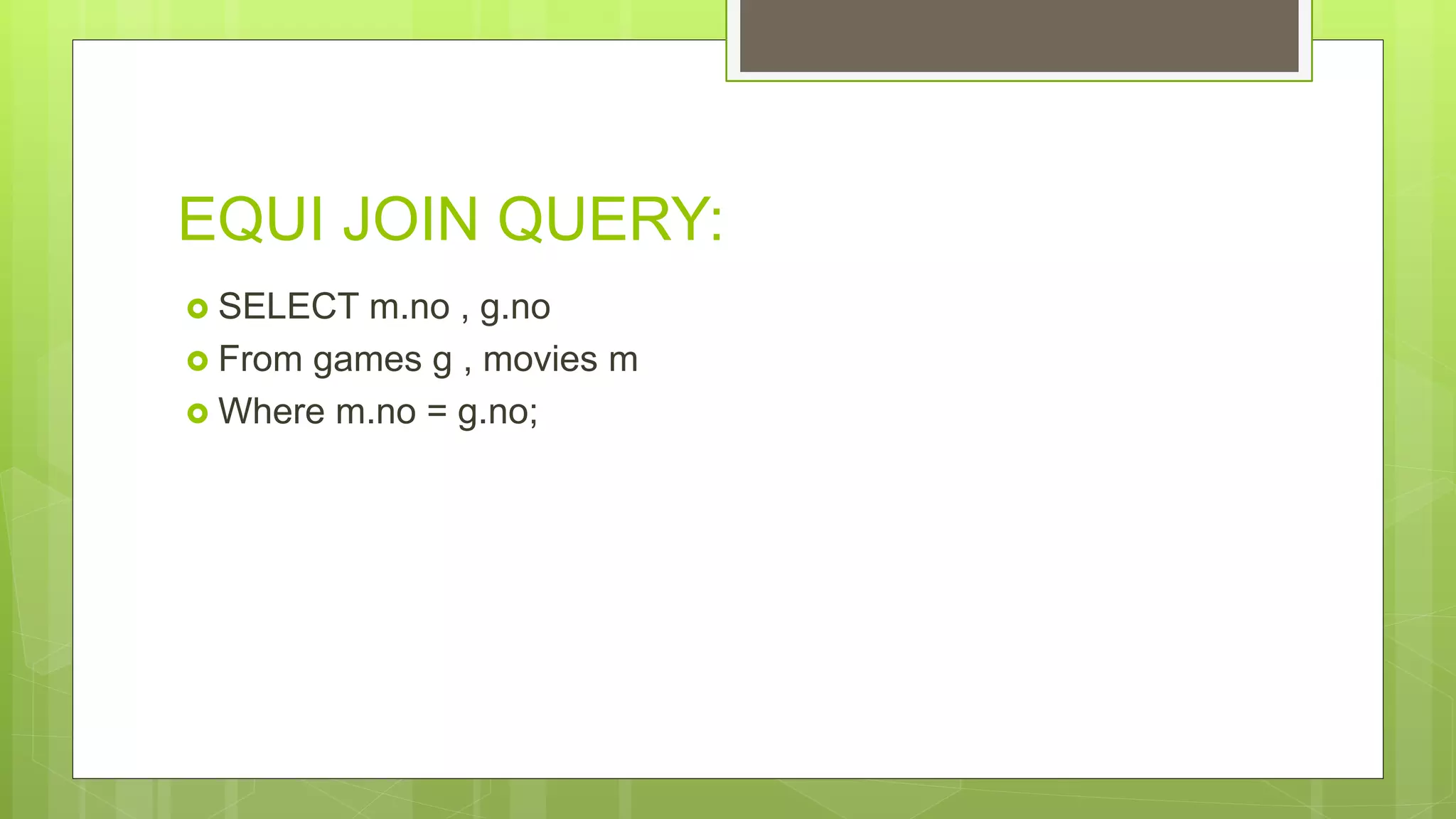
EQUI JOIN QUERY:
 SELECT m.no , g.no
 From games g , movies m
 Where m.no = g.no;
NON EQUI JOIN
A non-equi join doesn't use the equals
operator in all of it's join conditions.
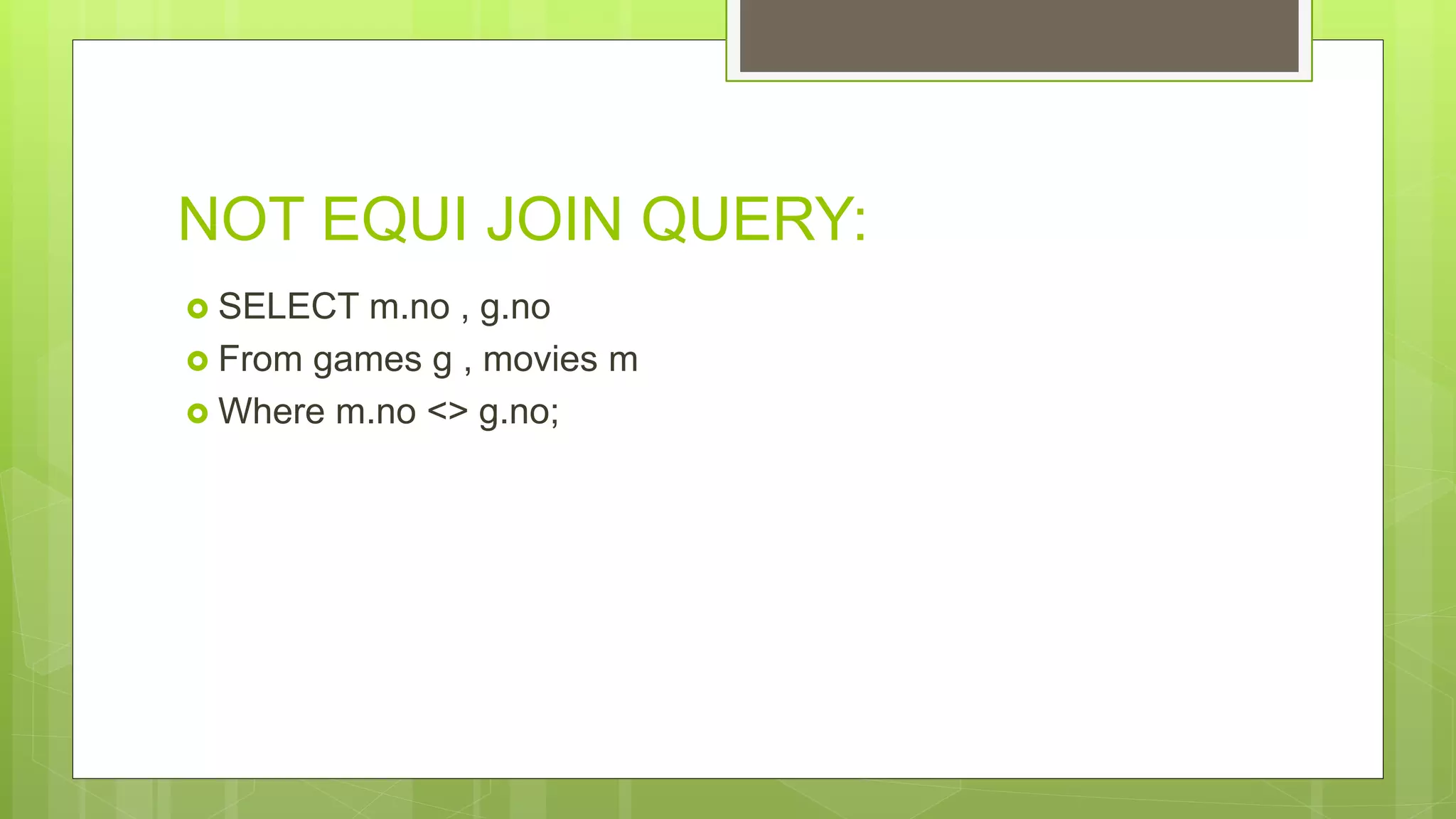
NOT EQUI JOIN QUERY:
 SELECT m.no , g.no
 From games g , movies m
 Where m.no <> g.no;
OUTER JOIN
 Outer Join is basically used for the deficiency column so that it
can show the other table data fully.
 Sign
 (+)
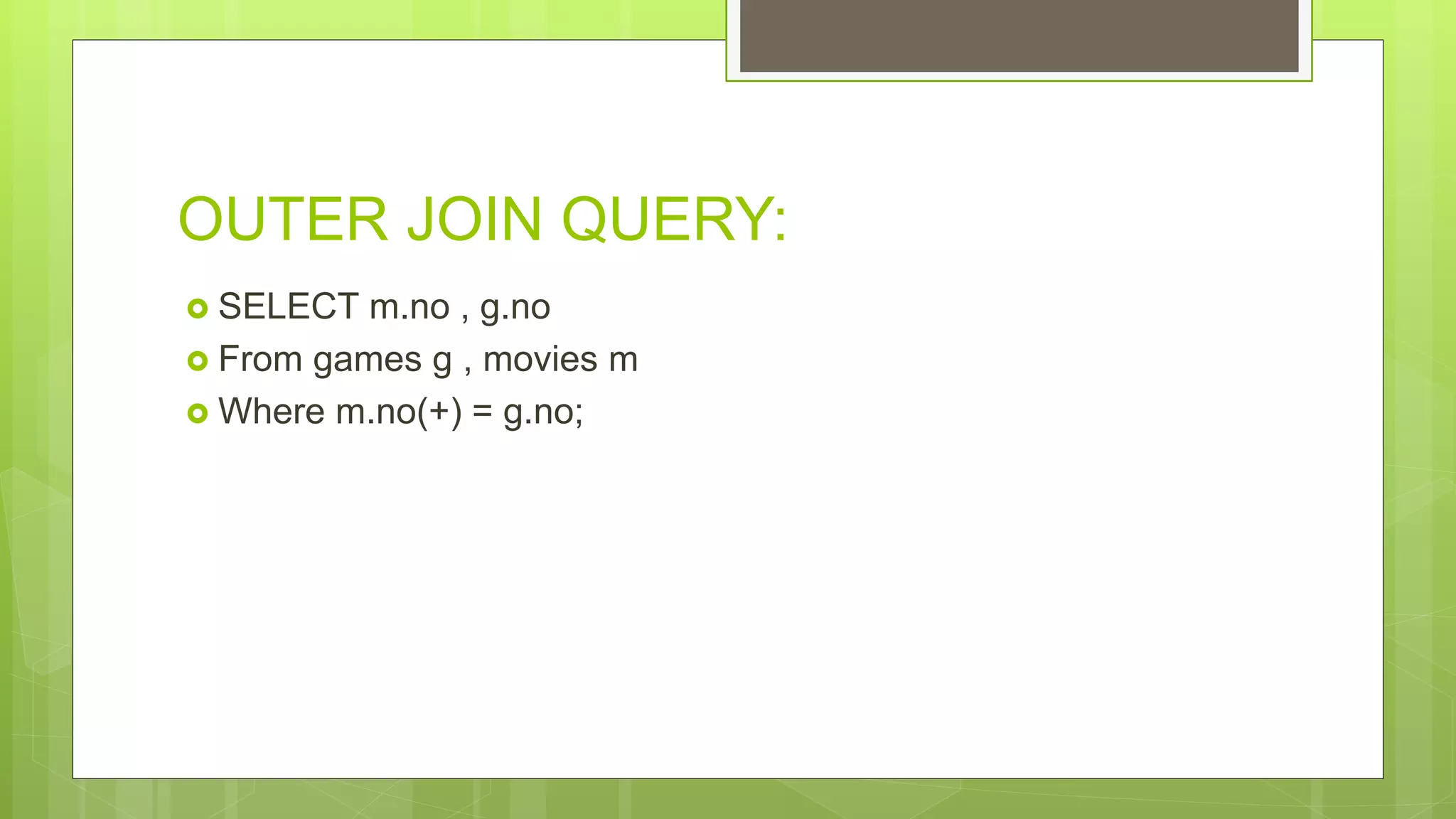
OUTER JOIN QUERY:
 SELECT m.no , g.no
 From games g , movies m
 Where m.no(+) = g.no;
SELF JOIN:
 A self JOIN is a regular join, but the table is joined with itself.
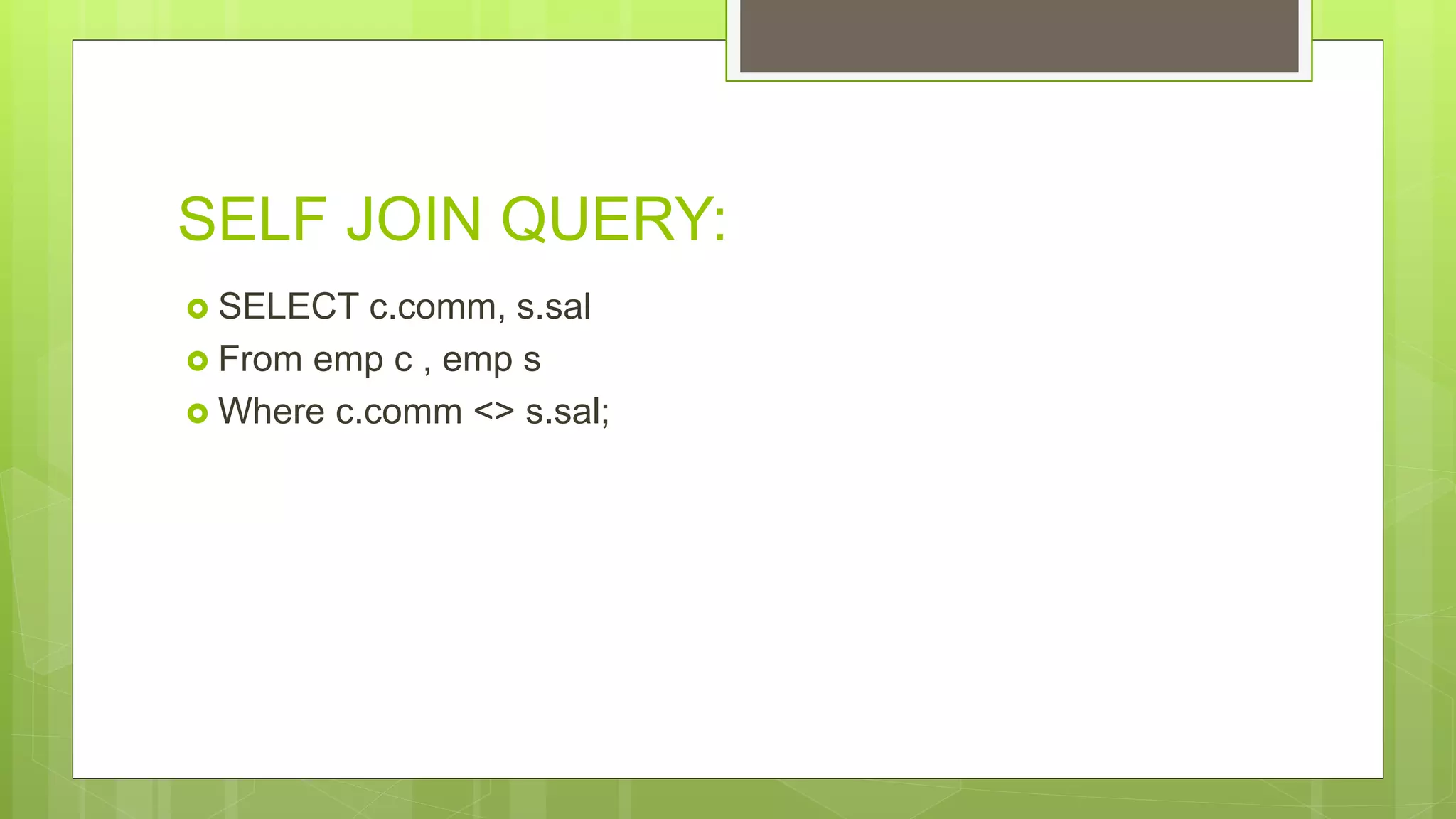
SELF JOIN QUERY:
 SELECT c.comm, s.sal
 From emp c , emp s
 Where c.comm <> s.sal;

Database COMPLETE

  • 2.
    DATABAS EDatabase to bea collection of related data An organized collection of related information so that it can easily be accessed managed and updated . e.g :dictionary ,airline database ,library database ,railway timetable.

  • 3.
  • 4.
    DBM S A software systemthat enables users to define ,create, ,maintain and control accessed to the database to the DBMS is the software that intract with users application program and the database
  • 5.
    MAIN COMPONENT OF DBMS 1HARDWARE 2 SOFTWARE 3 DATA 4 PROCEDURES 5 DATA BASE ACCESS LANGUAGE
  • 6.
    HARDWAR E All the physicaldevices that are being used in DBMS operations are called the hardware For example : if we run MY SQL server then the hard disk ram the key board comes under hardware component
  • 7.
    SOFTWAR E This is oneof the most important component as it contains all the program that will drive the DBMS functionality .the job of the software is to understand the data base access language and interpret into actual Database command to execute them
  • 8.
    DATA The DBMS systemcollect,store,process,and read the data the DBMS contain actual operation or the metadata Metadata is "data that provides information about other data". In short, it's data about data. METADATA
  • 9.
    PROCEDURE S Procedure is thegeneral instructions and rules that helps to use DBMS
  • 10.
    DATABASE ACCESS LANGUAGE It isa query language which is use to write the commands to perform operations like create,read ,update and delete
  • 11.
    CHARACTERISTIC S It store anykind of data Automatically data backup and support recovery . it enable the sharing of the data much easy. It support data security and prevent restrictions of un authorized access It also represent the complex relationship between data and views.
  • 12.
  • 13.
  • 14.
    RDBMS. Stands for"Relational Database Management System." An RDBMS is a DBMS designed specifically for relational databases. Therefore, RDBMSes are a subset of DBMSes.
  • 15.
    An RDBMS mayalso provide a visual representation of the data. For example, it may display data in a tables like a spreadsheet, allowing you to view and even edit individual values in the table.
  • 16.
  • 36.
    DDL(Data definition language): (Oprationson table) A data definition language is a syntax for defining data structures, especially database. Common DDL statements are CREATE, ALTER, RANAME,DROP AND TRUNCATE.
  • 37.
    • Must beginwith a letter • Can be 1-30 characters long • Must contain only A-Z,a-z,0-9,_,$,and # • Must not duplicate the name of another object owned by the same user • Must not be an oracle server reserved word
  • 38.
    1:CREATE TABLE 2:ALTER TABLE 3:RENAMETABLE 4:DROP TABLE 5:TRUNCATE TABLE
  • 39.
    The SQL CREATETABLE Statement  The CREATE TABLE statement is used to create a new table in a database.  Syntax CREATE TABLE table_name ( column1 datatype, column2 datatype, column3 datatype, .... );
  • 40.
    SQL ALTER TABLEStatement  The ALTER TABLE statement is used to add, delete, or modify columns in an existing table.  ADD COLUMN  Syntax  ALTER TABLE table_name ADD column_name datatype;
  • 41.
     DROP COLUMN The syntax to drop a column in an existing table in SQL.  SYNTAX ALTER TABLE table_name DROP COLUMN column_name;
  • 42.
     RENAME COLUMN The syntax to rename a column in an existing table in SQL.  SYNTAX ALTER TABLE table_name RENAME COLUMN column_name to new-name;
  • 43.
     MODIFY COLUMN You can use the ALTER TABLE statement in SQL Server to modify a column in a table.  BEFORE MODIFYING CHECK THAT YOUR COLUMN IS EMPTY.  SYNTAX ALTER TABLE table_name MODIFY column_name datatype;
  • 44.
    The SQL RENAMEStatement The RENAME statement is used to Rename TABLE in a database.  Syntax RENAME table_name TO NEW TABLE_NAME ;
  • 45.
     The SQLDROP TABLE Statement  The DROP TABLE statement is used to drop an existing table in a database.  Syntax  DROP TABLE table_name;
  • 46.
     SQL TRUNCATETABLE  The TRUNCATE TABLE statement is used to Remove all rows from table but not table.  Syntax  TRUNCATE TABLE table_name;
  • 47.
  • 48.
    WHAT IS DML •A data manipulation language (DML) is a family of computer languages including commands permitting users to manipulate data in a database. This manipulation involves • Select To Retrieve Data. • Inserting Data Into Database Tables. • Deleting Data From Existing Tables. • Updating Existing Data.
  • 49.
    SELECT • To RetrieveData. Which Is Basically In Backend And Also In Database. • 1) SELECT * FROM TAB; • 2) SELECT * FROM EMP • WHERE ENAME = ‘KING’;
  • 50.
    WHAT IS INSERT •Insert command Basically manipulates data in a way/sense of adding/inserting rows into a table. According To Rules Applied On Table Like Data Types And Constraints.
  • 51.
    Where we useInsert Command • We Use Insert Command In SQL To Insert Rows. • After We Created Table. • When You Needed More Data To Be Saved In Backend.
  • 52.
    Syntax And Query •Syntax : Insert Into • Query : INSERT INTO UCC VALUES(1, ’NAME’ );
  • 53.
    WHAT IS UPDATE •Update command Basically manipulates data in a way/sense of modifying or updating rows from existing tables.
  • 54.
    Where we useUPDATE Command • We Use Update Command In SQL To Update Rows and data. • When there will be existing rows.
  • 55.
    Syntax And Query •Syntax : update ucc • Query : update UCC set Name=‘Ali’ where Name=‘Akram’;
  • 56.
    WHAT IS Delete •Delete command Basically manipulates data in a way/sense of deleting rows from existing tables that contain rows or records.
  • 57.
    Where we useDELETE Command • We Use delete Command In SQL To delete Rows or records. • When there will be existing rows or records.
  • 58.
    Syntax And Query •Syntax : delete from Query : delete from UCC where Name=‘Akram’;
  • 59.
  • 60.
    Function? Stored piece ofprogram that manipulates submitted Data and return some value.
  • 61.
    Types of Functions oString Functions o Numeric Functions o Group Functions o Date and Time Functions
  • 62.
    Group Functions Group functionsare mathematical functions to operate on sets of rows to give one result per set.
  • 63.
    Types of Groupfunctions o AVG o COUNT o MAX o MIN o SUM o TRUNC o ROUND
  • 64.
    1.AVG: Returns the averagevalue of an expression Query: SQL> select avg(sal) from employee; 2.COUNT: Returns the number of records returned by a select query Query: SQL> select count (USERID) from employee;
  • 65.
    3.MAX: Returns the maximumvalue in a set of values Query: SQL> select max(sal) from employee; 4.MIN: Returns the minimum value in a set of values Query: SQL> select min(sal) from employee;
  • 66.
    5.SUM: Calculates the sumof a set of values Query: SQL> select sum(sal) from employee; 6.TRUNC: Trunc a value to a as it is Query: SQL> select trunc(avg(sal),2) from employee; 2073.2142 7.ROUND: ROUND a value according to next one Query: SQL> select round(avg(sal),2) from employee; 2073.2143 AVG(SAL) ---------- 2073.21429
  • 67.
  • 68.
    WHAT IS AHAVING CLAUSE?  A HAVING clause in SQL specifies that an SQL SELECT statement should only return rows where aggregate values meet the specified conditions. Group By Then Having clause
  • 69.
    WHY USE AHAVING CLAUSE?  The HAVING CLAUSE is used in an SQL statement because the WHERE KEYWORD cannot be used with aggregate functions.
  • 70.
    WHERE TO USEA HAVING CLAUSE?  A HAVING CLAUSE is used where a where cannot be used because it does not work with aggregate functions.  In database management an aggregate function is a function where the values of multiple rows are grouped together as input on certain criteria to form a single value of more significant meaning.
  • 71.
    Having Query Select job,sum(sal) Sum From emp Group By job Having sum(Sal) =4000 Order by job; No row select because Sum(sal) =4000 No ones sum = 4000
  • 72.
    Sequence list ofCLAUSE:  SELECT column_name(s)  FROM table_name  WHERE condition  GROUP BY column_name(s)  HAVING condition  ORDER BY column_name(s);
  • 73.
  • 74.
    Definition:  Constraints arerules to limit data that can go into a table ,to maintain integrity and accuracy of the data into table .  Constraints are divided into following two types :  1-table level constraints  2-column level constraints  Constraints are used to make sure integrity of data is maintained in database.
  • 75.
    FOLLOWING ARE THEMOST USED CONSTRAINTS :  Not null  Primary key  Unique key  Foreign key
  • 76.
    NOT NULL:  Byapplying not null constraint you are declaring that a not null value cannot be added.  Create table student (s-id int Not Null ,Name varchar (60),Age int); The above query shows that s-id student table will not take any Null value.
  • 77.
    UNIQUE CONSTRAINT:  Aunique constraint that a field or column will only have unique values , no value will repeat.  There will not be any duplicate value , this constraint can be applied on column level or table level.  Create table student (s-id int NOT NULL UNIQUE, NAME varchar(60),Age int );  The above query insures that a s-id of student table will only take unique value ,there also wont be a NULL value.  Using UNIQUE constraint after table is created (column level):  ALTER TABLE student ADD UNIQUE (s-id);
  • 78.
    PRIMARY KEY : Primary key constraint uniquely identifies each round in a database.  A primary key must contain unique value and it must not contain null value.  Usually primary key is used to index the data inside the table.  Using primary key constraint at column level  Create table student (s-id int primary key, Name varchar (60)NOT NULL , Age int)  The above command will create a PRIMARY KEY on the s-id.
  • 79.
     Using PRIMARYKEY constraint at table level  Alter table student add PRIMARY KEY (s-id);  The above command will create a PRIMARY KEY on the s-id.
  • 80.
    FOREIGN KEY:  FOREIGNKEY is used to relate two tables.  FOREIGN KEY constraint is also used to restrict actions that would destroy links between two tables.  To understand FOREIGN KEY, lets see its use, with help of below tables:
  • 81.
    Customer-Detail table : C-idCustomer name Address 101 Adam England 102 Alex France 103 Stuart Germany
  • 82.
    Order-Detail table : Order-idOrder-Name C-id 10 order1 101 11 order2 103 12 order3 102
  • 83.
     In customer-detail table c-id is a PRIMARY KEY which is set as FOREIGN KEY in order- detail table .  The value which is entered in c-id which is set as FOREIGN KEY in order-detail- table must be present in customer -detail table ,where it is set as PRIMARY KEY.
  • 84.
    USING FOREIGN KEYAT Column Level: create table Order-Detail( order-id int PRIMARY KEY, order-name varchar(60) NOT NULL, c-id FOREIGN KEY REFERENCES Customer-Detail(c-id) ); In this query ,c-id in the table order-detail is made as FOREIGN KEY ,which is a reference of c-id column in customer-detail table.
  • 85.
    USING FOREIGN KEYCONSTRAINT AT Table Level:  ALTER table order-Detail  ADD Constraint FK FOREIGN KEY (c-id)  REFERENCES customer-Detail(c-id);
  • 86.
  • 87.
  • 88.
    WHAT IS ASUBQUERY?  In SQL a Subquery can be simply defined as a query within another query. In other words we can say that a Subquery is a query that is embedded in WHERE clause of another SQL query.
  • 89.
    WHERE TO USEA SUBQUERY?  A subquery is used to return data that will be used in the main query as a condition to further restrict the data to be retrieved. Subqueries can be used with the SELECT, INSERT, UPDATE, and DELETE statements along with the operators like =, <, >, >=, <=, IN, BETWEEN, etc.
  • 90.
    INNER AND OUTER QUERIES: TheMAIN QUERY is called OUTER QUERY. The SUBQUERY is called INNER QUERY.
  • 91.
    SYNTAX FOR ASUBQUERY: SELECT column_name FROM table_name WHERE column_name expression operator  ( SELECT COLUMN_NAME from TABLE_NAME WHERE ... );
  • 92.
    TWO CATAGORIES OFSUBQUERIS:  1. Simple Subquery: This is the kind we saw above. A simple subquery is evaluated once only for each table.  2. Correlated Subquery: This is a type of nested subquery that uses columns from the outer query in its WHERE clause. A correlated subquery is evaluated once for each row.
  • 93.
    TYPES OF SUBQUERIES: Single Row Sub Query: Return the outer query one row of results that consists of one column  Multiple Row Sub Query: Return to the outer query more then one row of the results it Require use of IN, ANY, ALL, or EXISTS operators  Multiple Column Sub Query:  Return to the outer query more then one row of the results in this type of query Column list on the left side of operator must be in parentheses it use the IN operator for WHERE and HAVING clauses
  • 94.
    SINGLE ROW SUBQUERY: SELECT NAME, SAL, JOB  FROM EMP  WHERE SAL>( SELECT SAL FROM EMP WHERE EMP NO =1);
  • 95.
    MULTIPLE ROW SUBQUERY: SELECT NAME, SAL, JOB  FROM EMP  WHERE SAL IN ( SELECT SAL FROM EMP WHERE EMPNO <1)
  • 96.
    MULTIPLE COLUMN SUBQUERY: SELECT NAME, SAL, JOB  FROM EMP  WHERE SAL IN( SELECT SAL, JOB FROM EMP WHERE EMP NO < 10 GROUP BY JOB )  AND JOB = ‘MANAGER’
  • 97.
  • 98.
    WHAT IS AJOIN?  A join is an SQL operation performed to establish a connection between two or more database tables based on matching columns.
  • 99.
    WHERE TO USESQL JOIN ?  SQL JOIN is used when the data from two tables is to be compared.  Where clause used in joining.
  • 100.
    TYPES OF JOINS: EQUIJOIN NON EQUI JOIN OUTER JOIN
  • 101.
    EQUI JOIN An equijoinreturns only the rows that have equivalent values for the specified columns.
  • 102.
    EQUI JOIN QUERY: SELECT m.no , g.no  From games g , movies m  Where m.no = g.no;
  • 103.
    NON EQUI JOIN Anon-equi join doesn't use the equals operator in all of it's join conditions.
  • 104.
    NOT EQUI JOINQUERY:  SELECT m.no , g.no  From games g , movies m  Where m.no <> g.no;
  • 105.
    OUTER JOIN  OuterJoin is basically used for the deficiency column so that it can show the other table data fully.  Sign  (+)
  • 106.
    OUTER JOIN QUERY: SELECT m.no , g.no  From games g , movies m  Where m.no(+) = g.no;
  • 107.
    SELF JOIN:  Aself JOIN is a regular join, but the table is joined with itself.
  • 108.
    SELF JOIN QUERY: SELECT c.comm, s.sal  From emp c , emp s  Where c.comm <> s.sal;