VIEWS Chapter 14
What is a view? A VIRTUAL table in the database whose contents are defined by a query SQL query permanently stored in the database with a name To a user a view appears the same as a table But unlike a real table,records of the view are not stored in the database The data in the view comes from the source tables.
Creating a view Create view V_emp_dept as select  ename , dname from emp,dept where emp.deptno=dept.deptno; Once the view is defined it can be used in select statement like a table Select * from V_emp_dept ;
Advantages of Views Security:Users to be given permission to access db through views Query simplicity Structural simplicity Dynamic nature:definition of view unchanged when table updated Data Integrity maintained
Disadvantages of Views Performance issues Update restrictions:not always possible to update views
Types of views Horizontal view Vertical view Row/Column subset view Grouped view Joined view
Horizontal view Create view hvdept10 as select * from emp  where deptno=10; Access to Only selected rows  Slices source table horizontally to create view All columns of source table are part of the view
Vertical view Create view vvemp  as select ename,sal,comm from emp;  Access to Only selected columns  Slices source table vertically to create view All rows of source table are part of the view
Row/Column subset view Create view rcemp as select ename,sal,comm from emp where deptno=10; Access to selected columns and rows  Only the columns named in select list and rows that meet search condition form part of the view
Grouped View Create view gvemp(department,no_emp,total_sal, avg_sal,max_sal,min_sal)  as select deptno,count(*),sum(sal), avg(sal),max(sal),min(sal)  from emp  group by deptno; Select * from gvemp;
Grouped View(contd.) Select query has a group by clause Produce one row for each group Definition always includes a list of column names Do not have one to one correspondence with source table rows Summary of source table/tables Cannot be updated
Joined View Create view V_emp_dept as select  ename , dname from emp,dept where emp.deptno=dept.deptno; Draws data from two or more tables For the user ,querying becomes easy
Updating Views Whenever updates are made through the view the source table data is also updated Views may be updateable or non updateable Generally views made with simple queries are updateable
Restrictions on updating views No distinct used in select From clause must have one source table Each select item a simple column name Where clause should not have a sub query No group by or having clause
With Check Option To prevent updation of rows which are not visible through the view WITH CHECK OPTION is used SQL automatically checks each Insert and update operation for the view to make sure, resulting row meets search condition  in view definition
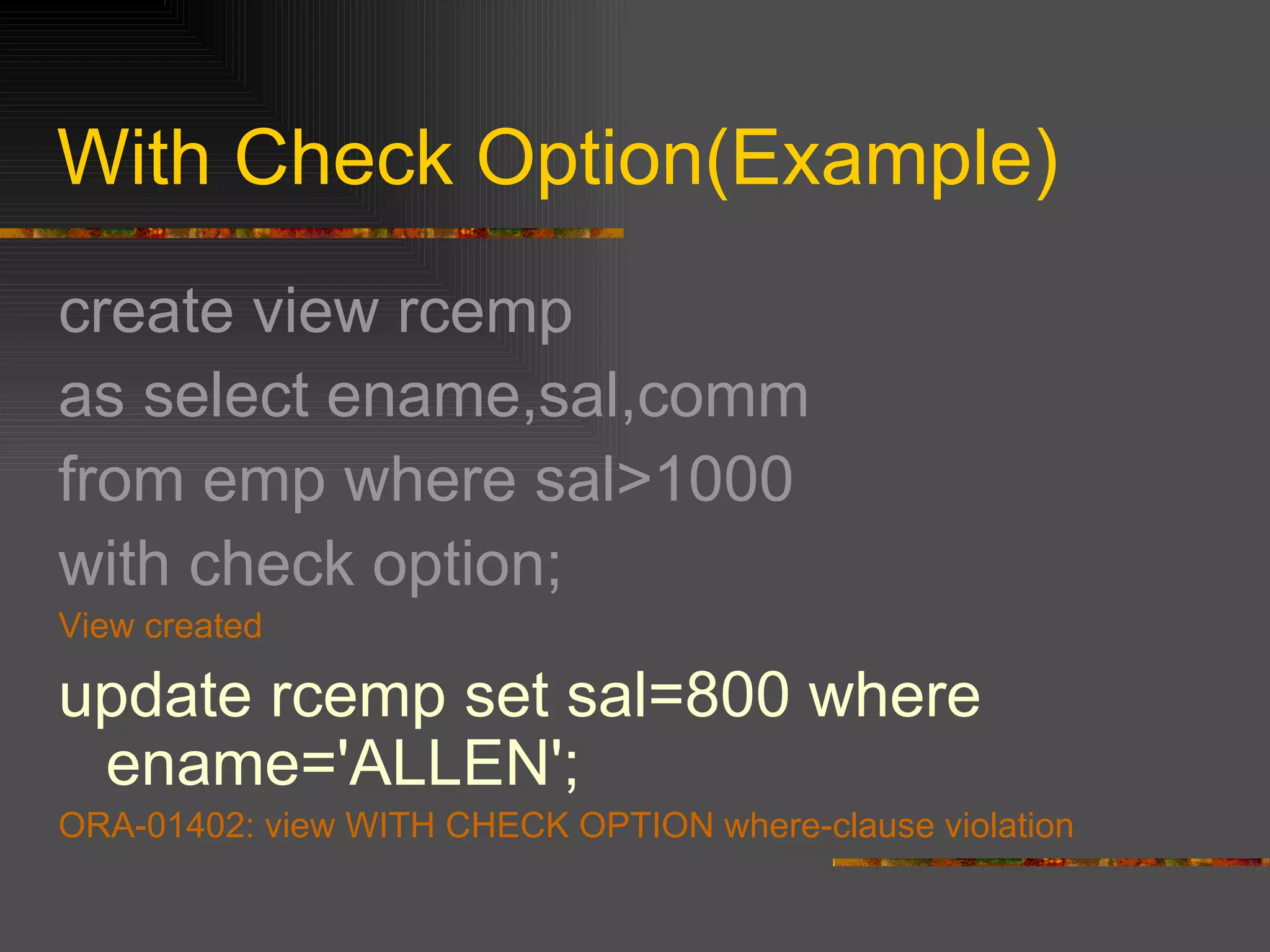
With Check Option(Example) create view rcemp  as select ename,sal,comm  from emp where sal>1000 with check option; View created update rcemp set sal=800 where ename='ALLEN'; ORA-01402: view WITH CHECK OPTION where-clause violation
Dropping a view Drop view <view_name>; Only view dropped not the source tables
Materialized views When the query defining a view is complex the dbms materializes the view Saves results of query temporarily in a table Discards the table when query is over Materialized view -query run once,data saved permanently,with every update to source table corresponding changes to view
THANKS

Views

  • 1.
  • 2.
    What is aview? A VIRTUAL table in the database whose contents are defined by a query SQL query permanently stored in the database with a name To a user a view appears the same as a table But unlike a real table,records of the view are not stored in the database The data in the view comes from the source tables.
  • 3.
    Creating a viewCreate view V_emp_dept as select ename , dname from emp,dept where emp.deptno=dept.deptno; Once the view is defined it can be used in select statement like a table Select * from V_emp_dept ;
  • 4.
    Advantages of ViewsSecurity:Users to be given permission to access db through views Query simplicity Structural simplicity Dynamic nature:definition of view unchanged when table updated Data Integrity maintained
  • 5.
    Disadvantages of ViewsPerformance issues Update restrictions:not always possible to update views
  • 6.
    Types of viewsHorizontal view Vertical view Row/Column subset view Grouped view Joined view
  • 7.
    Horizontal view Createview hvdept10 as select * from emp where deptno=10; Access to Only selected rows Slices source table horizontally to create view All columns of source table are part of the view
  • 8.
    Vertical view Createview vvemp as select ename,sal,comm from emp; Access to Only selected columns Slices source table vertically to create view All rows of source table are part of the view
  • 9.
    Row/Column subset viewCreate view rcemp as select ename,sal,comm from emp where deptno=10; Access to selected columns and rows Only the columns named in select list and rows that meet search condition form part of the view
  • 10.
    Grouped View Createview gvemp(department,no_emp,total_sal, avg_sal,max_sal,min_sal) as select deptno,count(*),sum(sal), avg(sal),max(sal),min(sal) from emp group by deptno; Select * from gvemp;
  • 11.
    Grouped View(contd.) Selectquery has a group by clause Produce one row for each group Definition always includes a list of column names Do not have one to one correspondence with source table rows Summary of source table/tables Cannot be updated
  • 12.
    Joined View Createview V_emp_dept as select ename , dname from emp,dept where emp.deptno=dept.deptno; Draws data from two or more tables For the user ,querying becomes easy
  • 13.
    Updating Views Wheneverupdates are made through the view the source table data is also updated Views may be updateable or non updateable Generally views made with simple queries are updateable
  • 14.
    Restrictions on updatingviews No distinct used in select From clause must have one source table Each select item a simple column name Where clause should not have a sub query No group by or having clause
  • 15.
    With Check OptionTo prevent updation of rows which are not visible through the view WITH CHECK OPTION is used SQL automatically checks each Insert and update operation for the view to make sure, resulting row meets search condition in view definition
  • 16.
    With Check Option(Example)create view rcemp as select ename,sal,comm from emp where sal>1000 with check option; View created update rcemp set sal=800 where ename='ALLEN'; ORA-01402: view WITH CHECK OPTION where-clause violation
  • 17.
    Dropping a viewDrop view <view_name>; Only view dropped not the source tables
  • 18.
    Materialized views Whenthe query defining a view is complex the dbms materializes the view Saves results of query temporarily in a table Discards the table when query is over Materialized view -query run once,data saved permanently,with every update to source table corresponding changes to view
  • 19.