Protocol, Queries, and 
Cell Names 
Tyler Hobbs 
©2014 DataStax 
1 
tyler@datastax.com @tylhobbs 
Friday, September 12, 14
Native Protocol 
•Driver <=> Cassandra Communications 
•doc/native_protocol_v3.spec 
Friday, September 12, 14
Native Protocol 
•Handshake 
•Set protocol version, compression, auth, etc 
Friday, September 12, 14
Native Protocol 
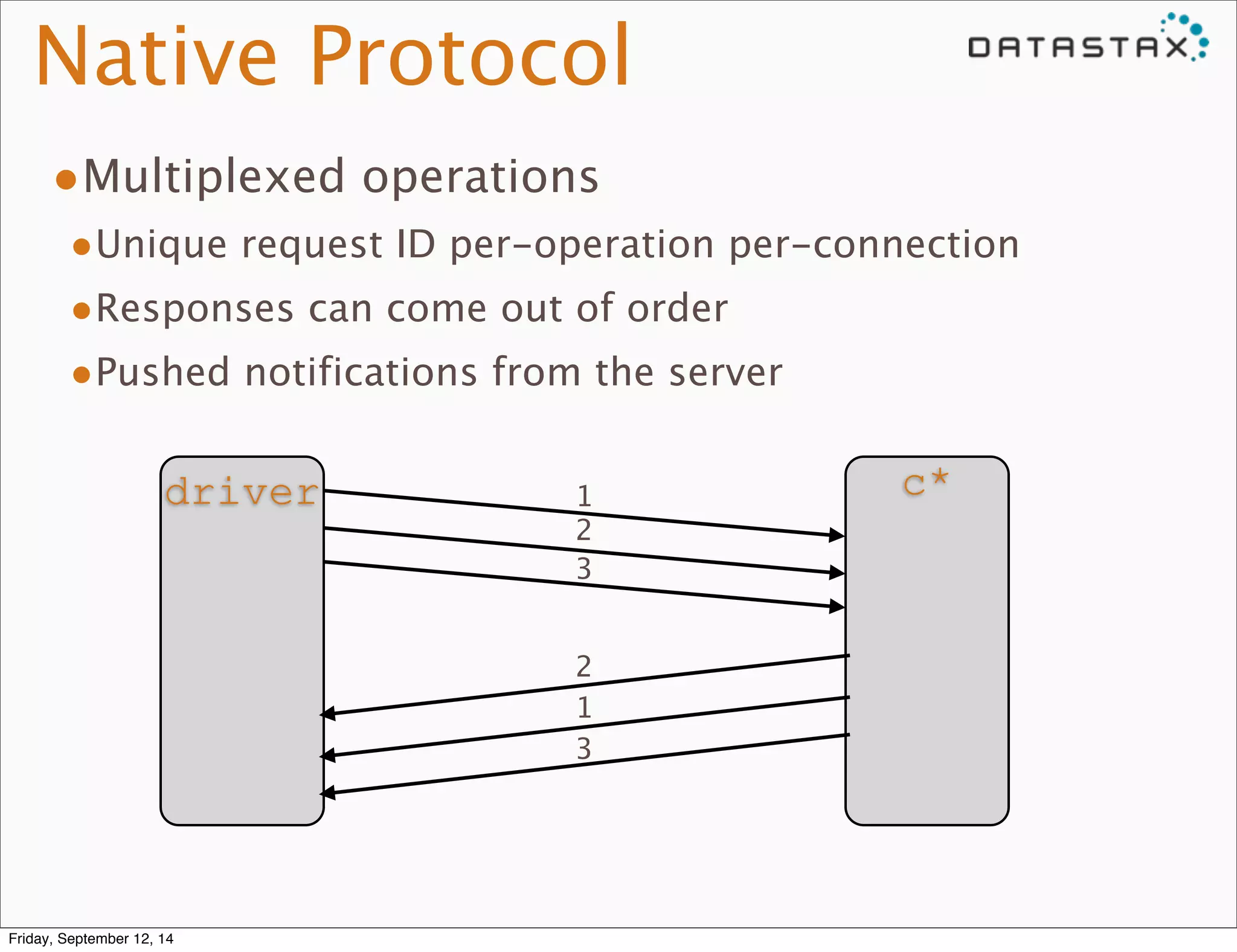
•Multiplexed operations 
•Unique request ID per-operation per-connection 
•Responses can come out of order 
•Pushed notifications from the server 
driver c* 12 
3 
2 
1 
3 
Friday, September 12, 14
Native Protocol 
•PREPARE 
•EXECUTE 
•QUERY 
•BATCH 
Friday, September 12, 14
Statement Preparation 
•Driver sends PREPARE with query 
•C* replies with: 
• Statement ID 
• Query parameter metadata 
• Result set metadata 
•Driver prepares against all nodes it will use 
Friday, September 12, 14
Lexing and Parsing 
•ANTLR 
•Cql.g is the grammar 
•Minimal checking of statement validity 
•Creates “Raw” statements and terms 
• No type checking yet 
Friday, September 12, 14
Raw -> Prepared 
•Term.Raw -> Term.(Non)Terminal 
• Terminal is fully processed, nothing to do after preparing 
• String literals, int literals, etc 
• Pure function calls (e.g. intAsBlob(42)) 
• NonTerminal has bind markers or non-pure function calls 
• Example: now() 
•Type checking performed where possible 
•Term.Raw.prepare() 
Friday, September 12, 14
Raw -> Prepared 
•Statement.Raw -> ParsedStatement.Prepared 
• Is the query valid and supported? 
• Organize restrictions on partitioning, clustering and 
normal columns 
• Check validity of restrictions, secondary indexes, 
ordering, filtering, etc. 
•SelectStatement.Raw.prepare() 
Friday, September 12, 14
Raw -> Prepared 
•ParsedStatement.Prepared is cached, ID returned 
to driver 
•QueryProcessor 
Friday, September 12, 14
Statement Execution 
•EXECUTE with ID and binary parameters 
Friday, September 12, 14
Statement Execution 
•Check permissions 
•QueryProcessor.processStatement -> 
Statement.checkAccess() 
•Check Statement Validity 
•Bind parameters 
• Term.NonTerminal -> Term.Terminal 
• Evaluate functions 
• Check parameter types 
Friday, September 12, 14
Statement Execution 
•Build slice ends for reads 
• Pick start, end based on reversal 
• Are we getting multiple slices? 
•SelectStatement.makeFilter() 
Friday, September 12, 14
Statement Execution 
•Set up paging 
• Use last seen primary key as starting point 
• Paging state held by driver 
Friday, September 12, 14
Statement Execution 
•Pass command to StorageProxy 
•StorageProxy.read(), mutate(), cas() 
• Dispatched to replicas 
• Low-level cells returned 
Friday, September 12, 14
Statement Execution 
•Process Results 
• Order columns correctly 
• Filter empty rows 
• Order rows 
• Trim excess rows to match LIMIT 
• Aggregate (count(), for now) 
Friday, September 12, 14
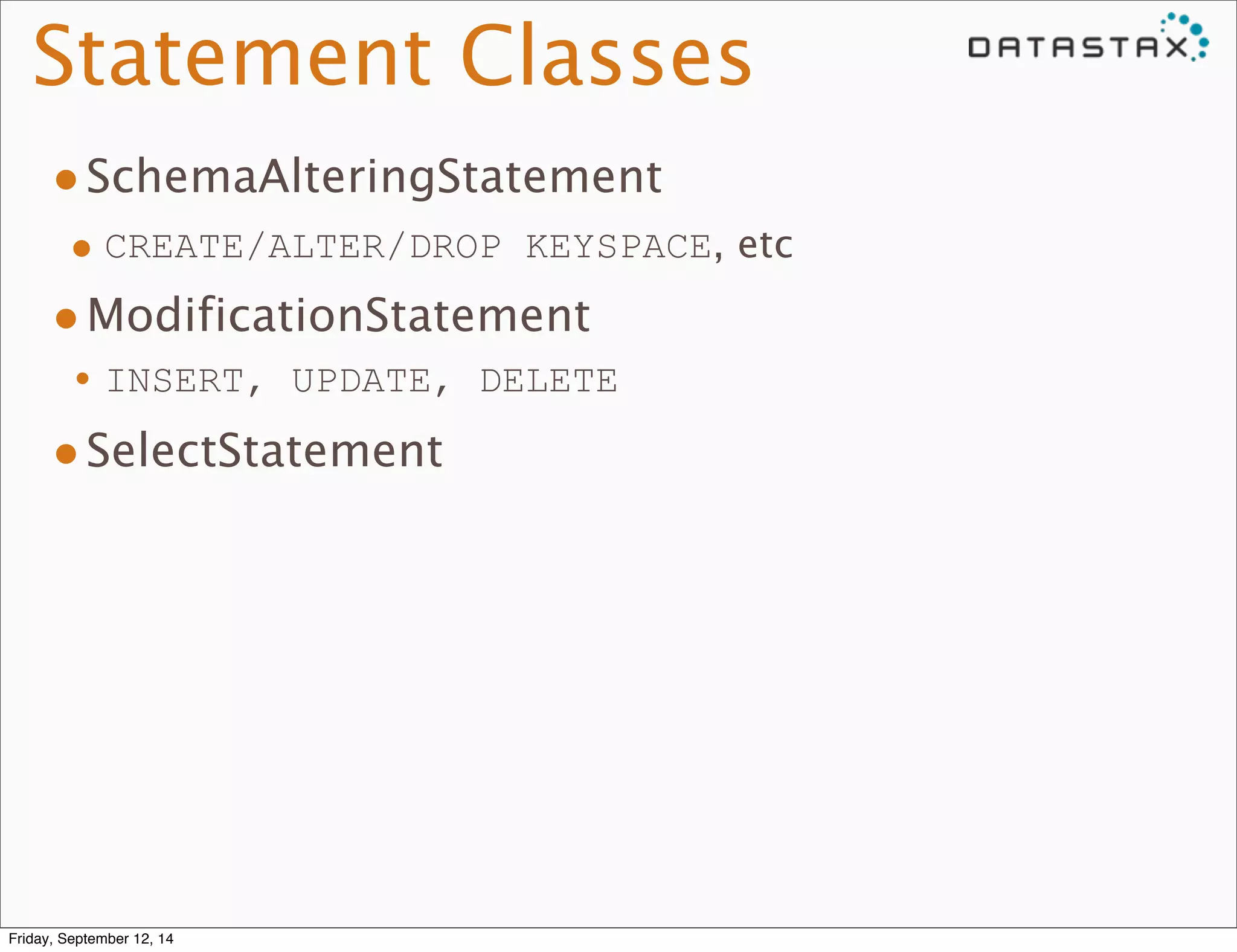
Statement Classes 
•SchemaAlteringStatement 
• CREATE/ALTER/DROP KEYSPACE, etc 
•ModificationStatement 
•INSERT, UPDATE, DELETE 
•SelectStatement 
Friday, September 12, 14
SchemaAlteringStatement 
•Update local schema 
•Broadcast to all live nodes 
•Notify drivers with pushed notification 
Friday, September 12, 14
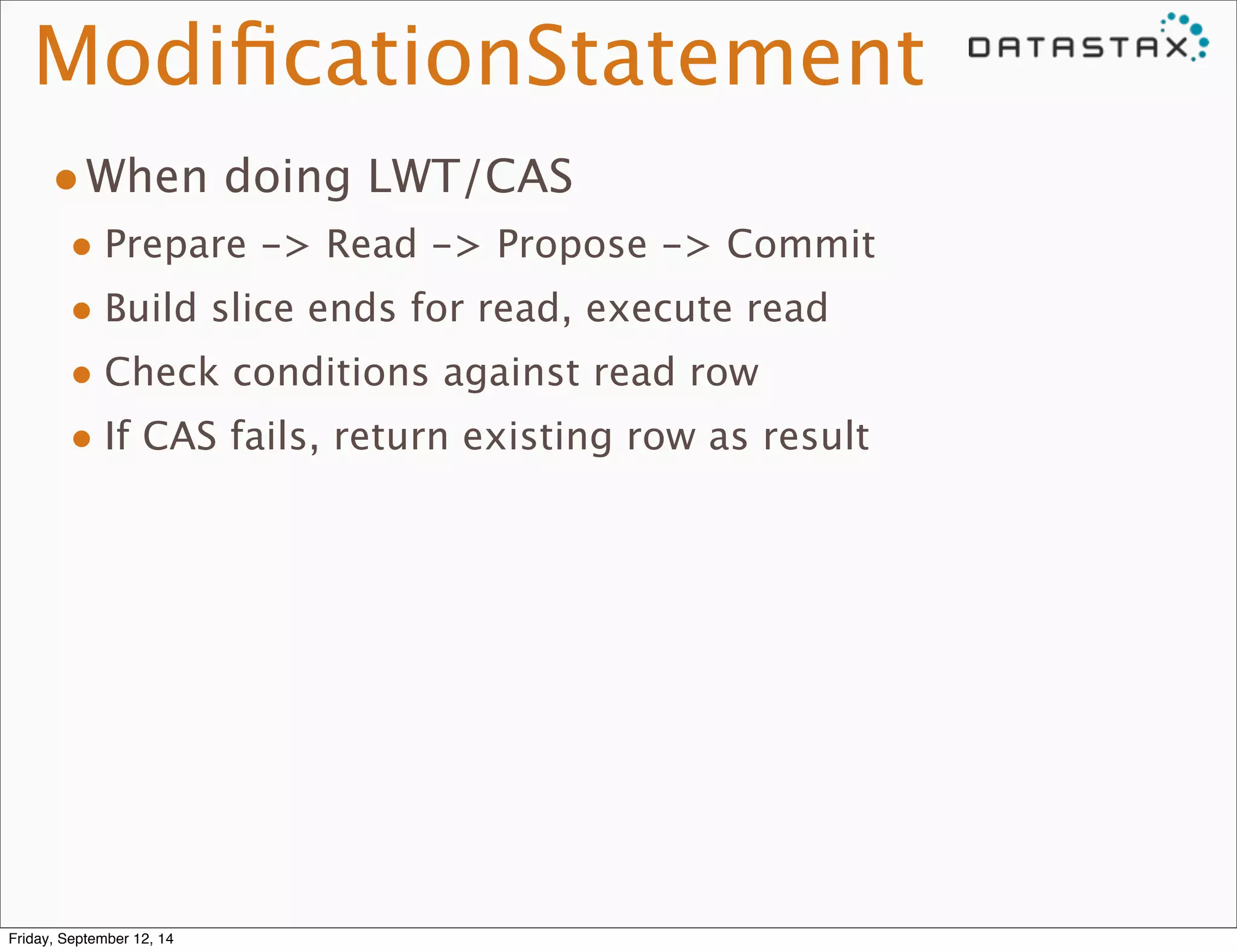
ModificationStatement 
•When doing LWT/CAS 
• Prepare -> Read -> Propose -> Commit 
• Build slice ends for read, execute read 
• Check conditions against read row 
• If CAS fails, return existing row as result 
Friday, September 12, 14
Cells 
•Subject to change for 3.0 
•Name/value pair 
• Sorted by name 
Friday, September 12, 14
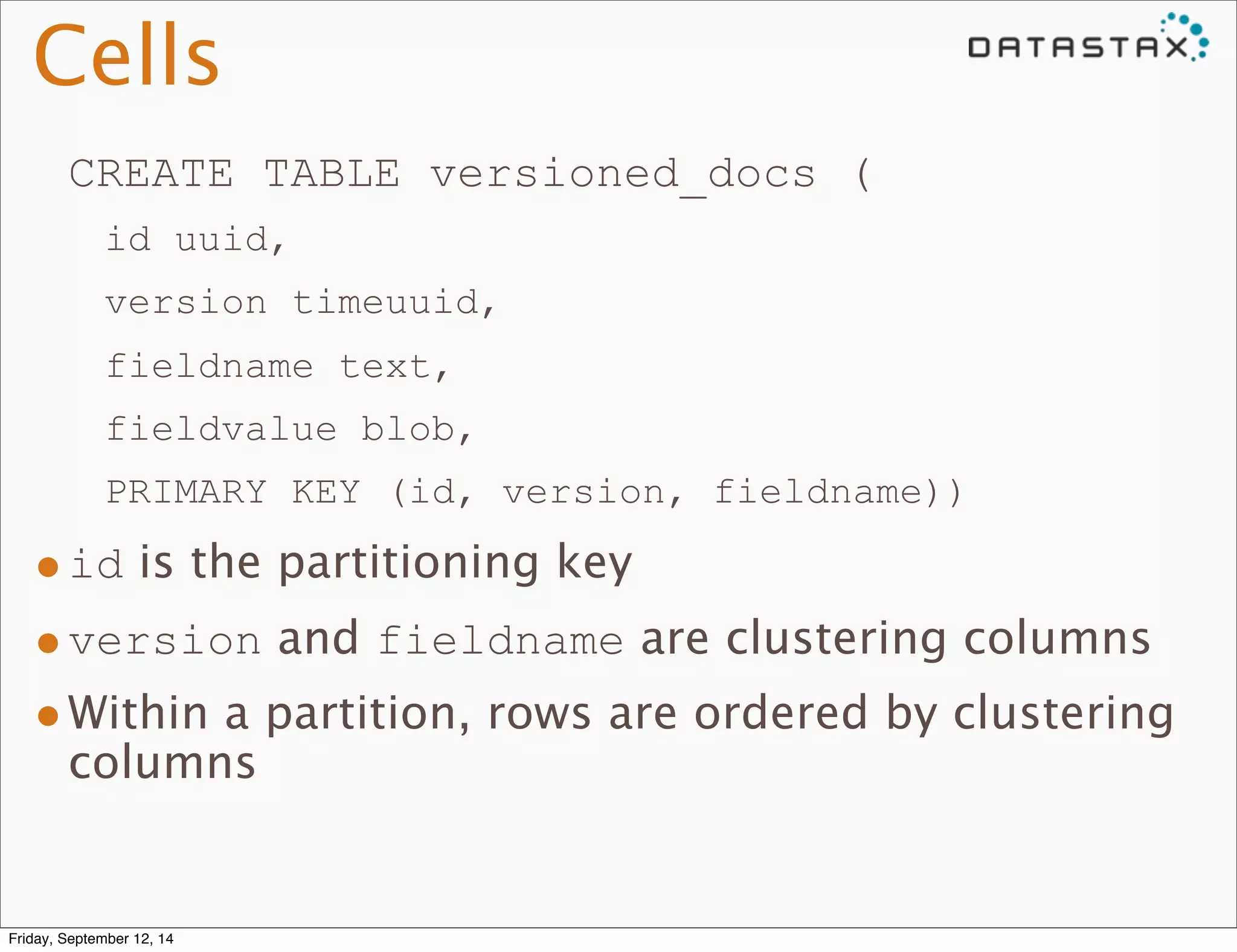
Cells 
CREATE TABLE versioned_docs ( 
id uuid, 
version timeuuid, 
fieldname text, 
fieldvalue blob, 
PRIMARY KEY (id, version, fieldname)) 
•id is the partitioning key 
•version and fieldname are clustering columns 
•Within a partition, rows are ordered by clustering 
columns 
Friday, September 12, 14
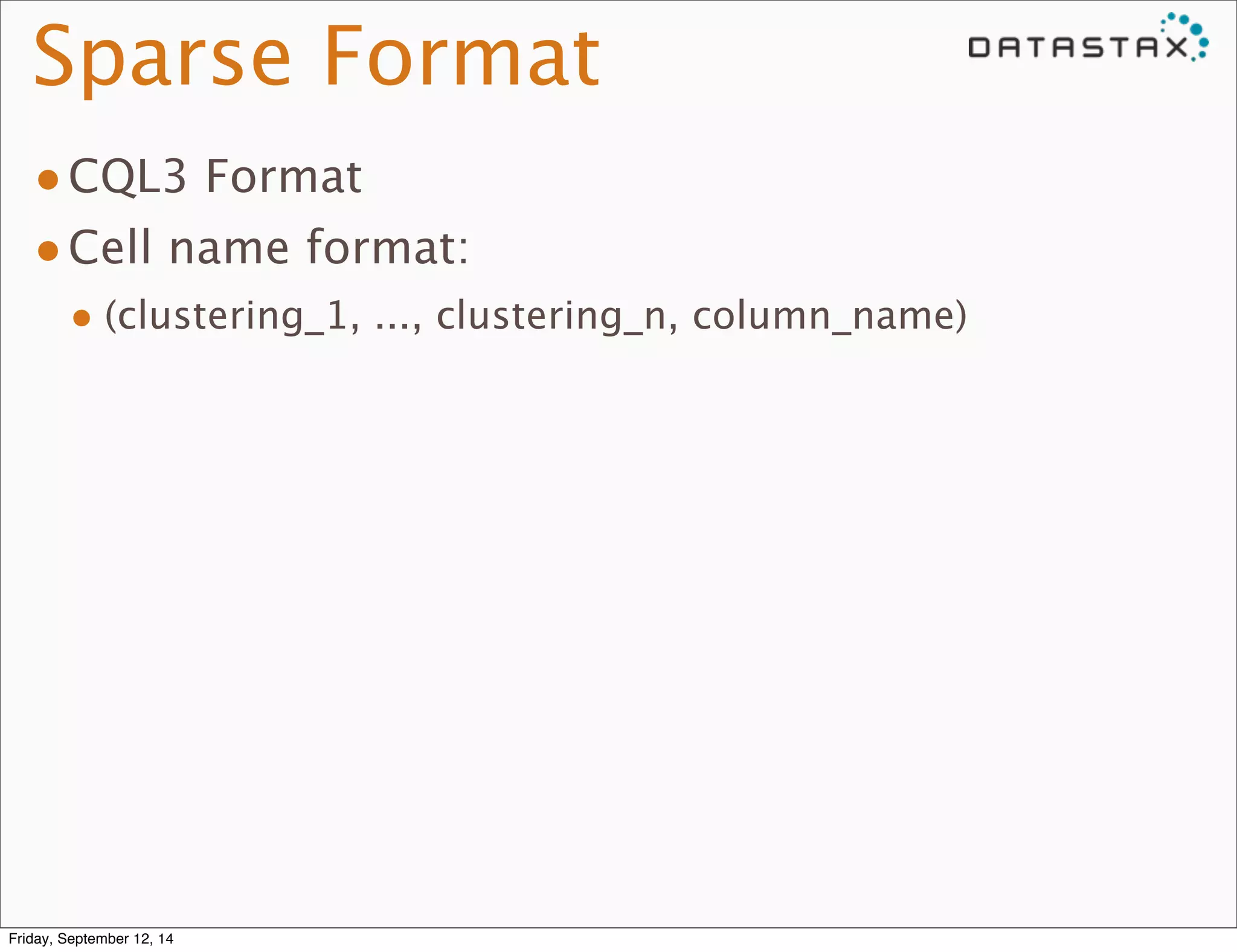
Sparse Format 
•CQL3 Format 
•Cell name format: 
• (clustering_1, ..., clustering_n, column_name) 
Friday, September 12, 14
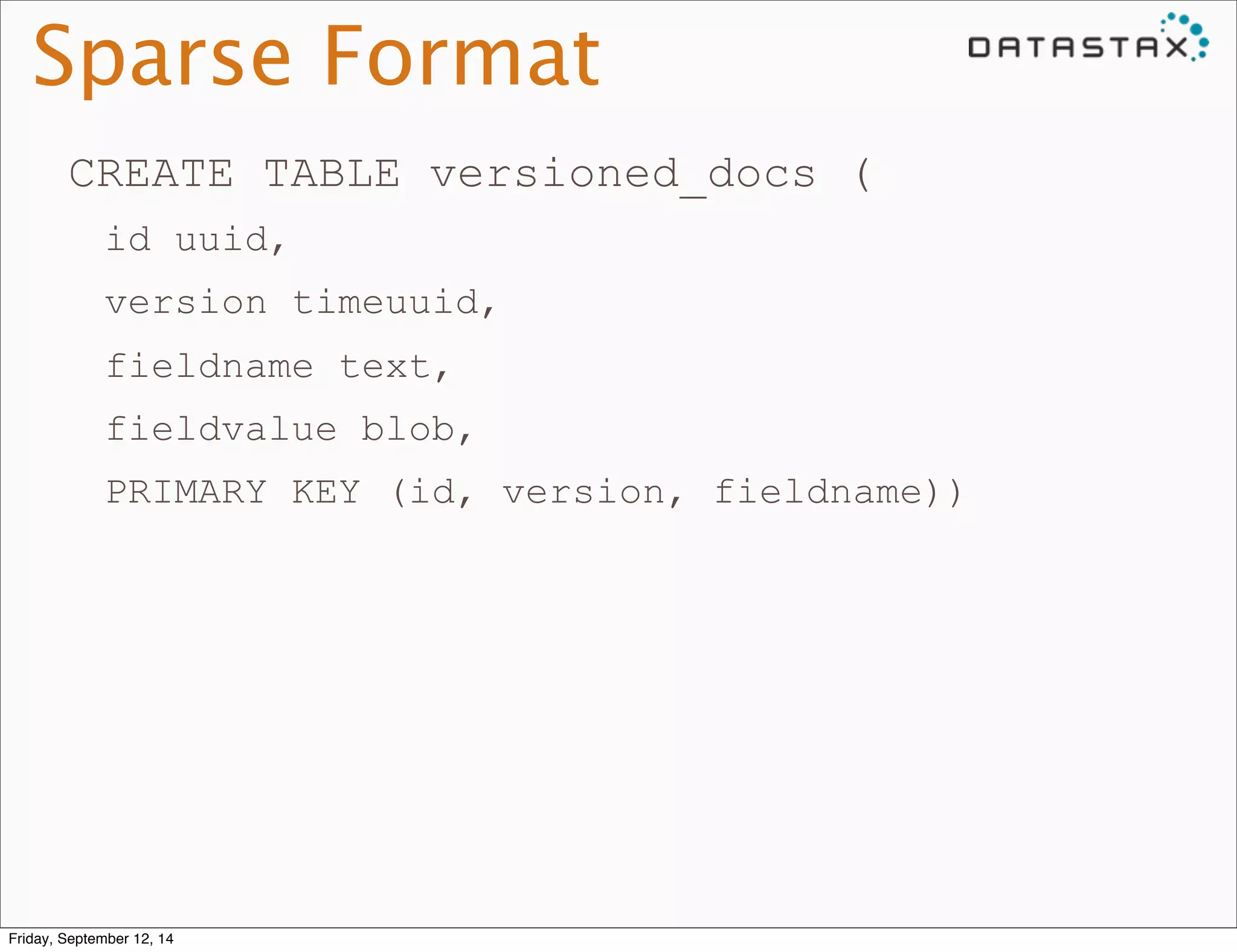
Sparse Format 
CREATE TABLE versioned_docs ( 
id uuid, 
version timeuuid, 
fieldname text, 
fieldvalue blob, 
PRIMARY KEY (id, version, fieldname)) 
Friday, September 12, 14
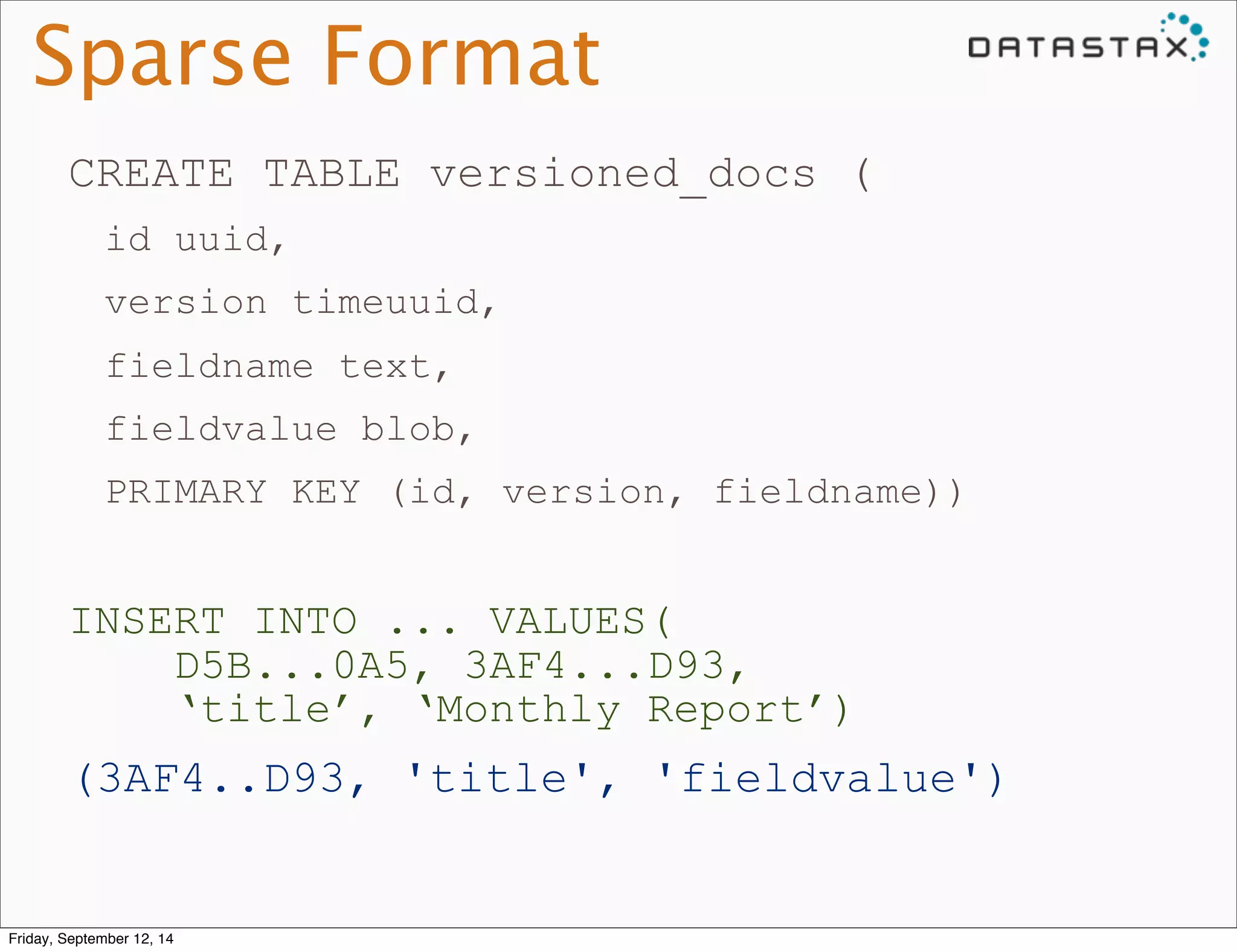
Sparse Format 
CREATE TABLE versioned_docs ( 
id uuid, 
version timeuuid, 
fieldname text, 
fieldvalue blob, 
PRIMARY KEY (id, version, fieldname)) 
INSERT INTO ... VALUES( 
D5B...0A5, 3AF4...D93, 
‘title’, ‘Monthly Report’) 
(3AF4..D93, 'title', 'fieldvalue') 
Friday, September 12, 14
Sparse Format 
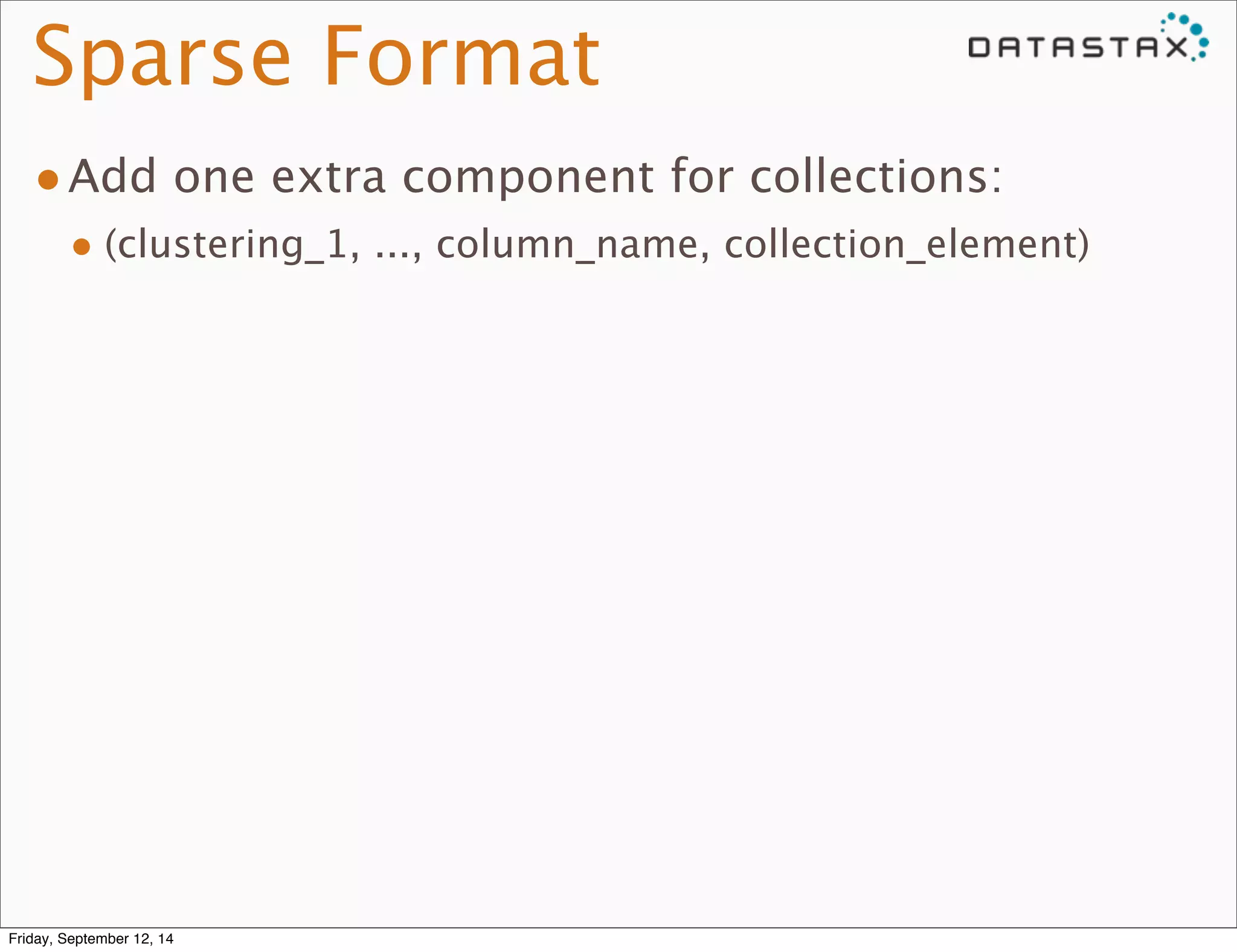
•Add one extra component for collections: 
• (clustering_1, ..., column_name, collection_element) 
Friday, September 12, 14
Sparse Format 
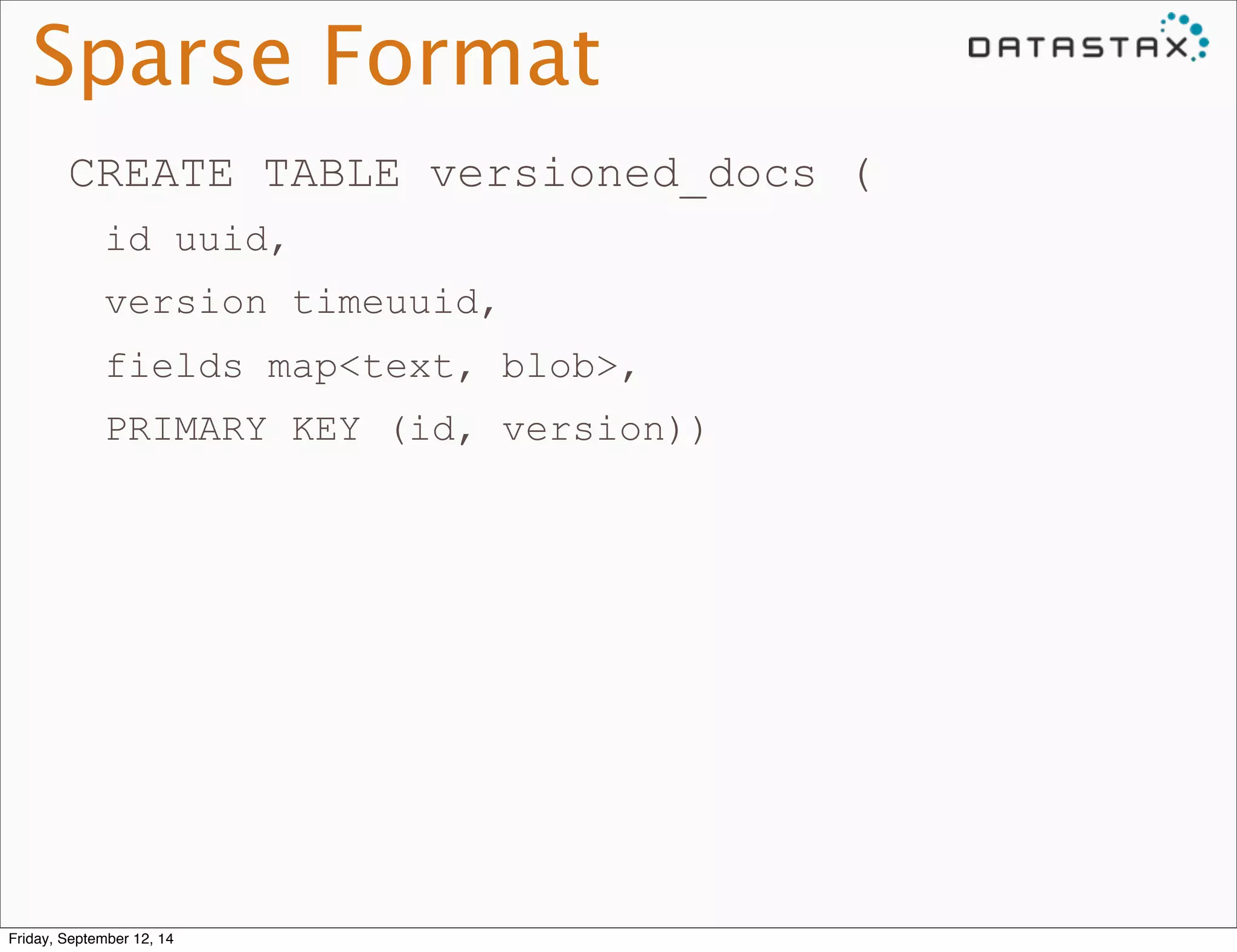
CREATE TABLE versioned_docs ( 
id uuid, 
version timeuuid, 
fields map<text, blob>, 
PRIMARY KEY (id, version)) 
Friday, September 12, 14
Sparse Format 
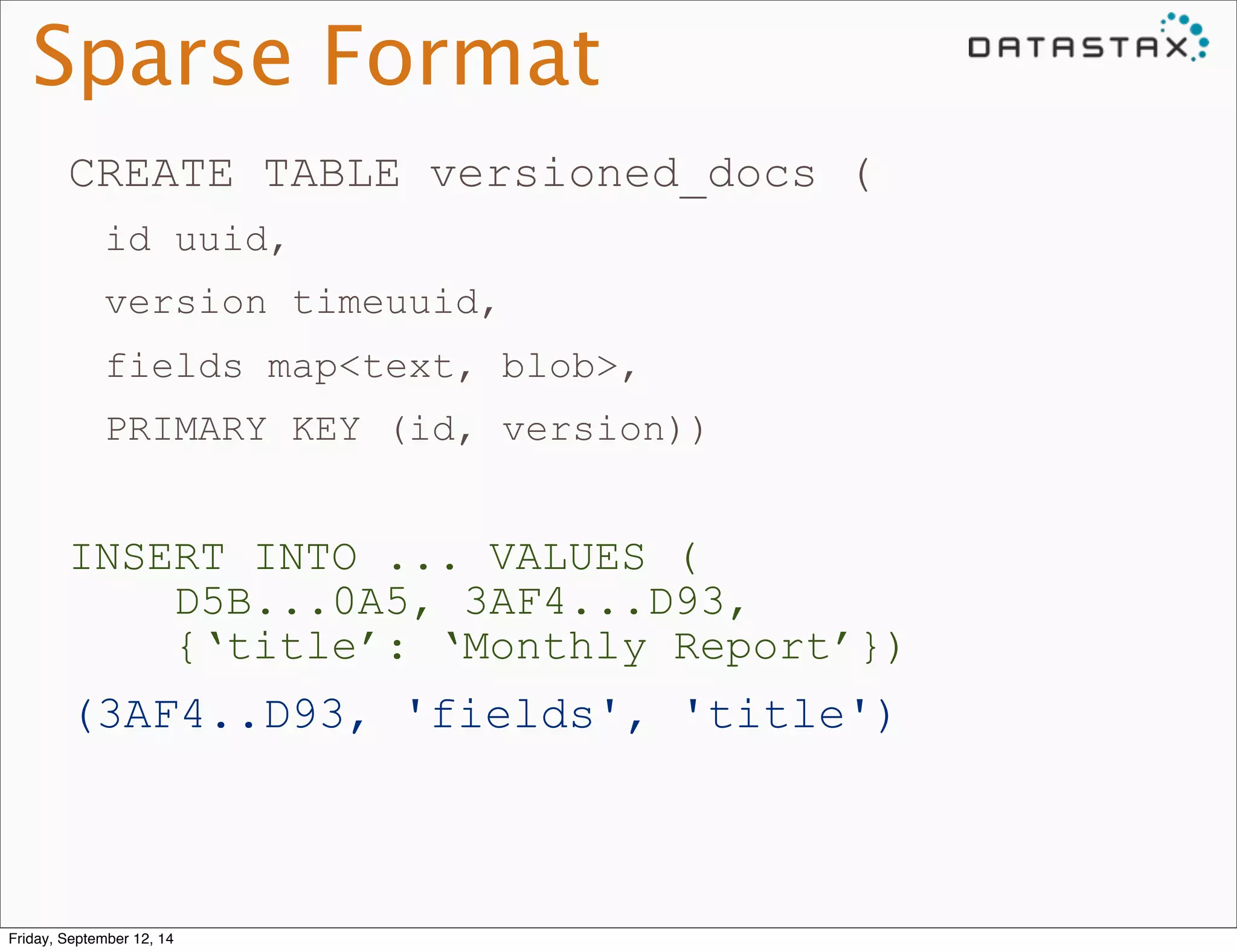
CREATE TABLE versioned_docs ( 
id uuid, 
version timeuuid, 
fields map<text, blob>, 
PRIMARY KEY (id, version)) 
INSERT INTO ... VALUES ( 
D5B...0A5, 3AF4...D93, 
{‘title’: ‘Monthly Report’}) 
(3AF4..D93, 'fields', 'title') 
Friday, September 12, 14
Sparse Format 
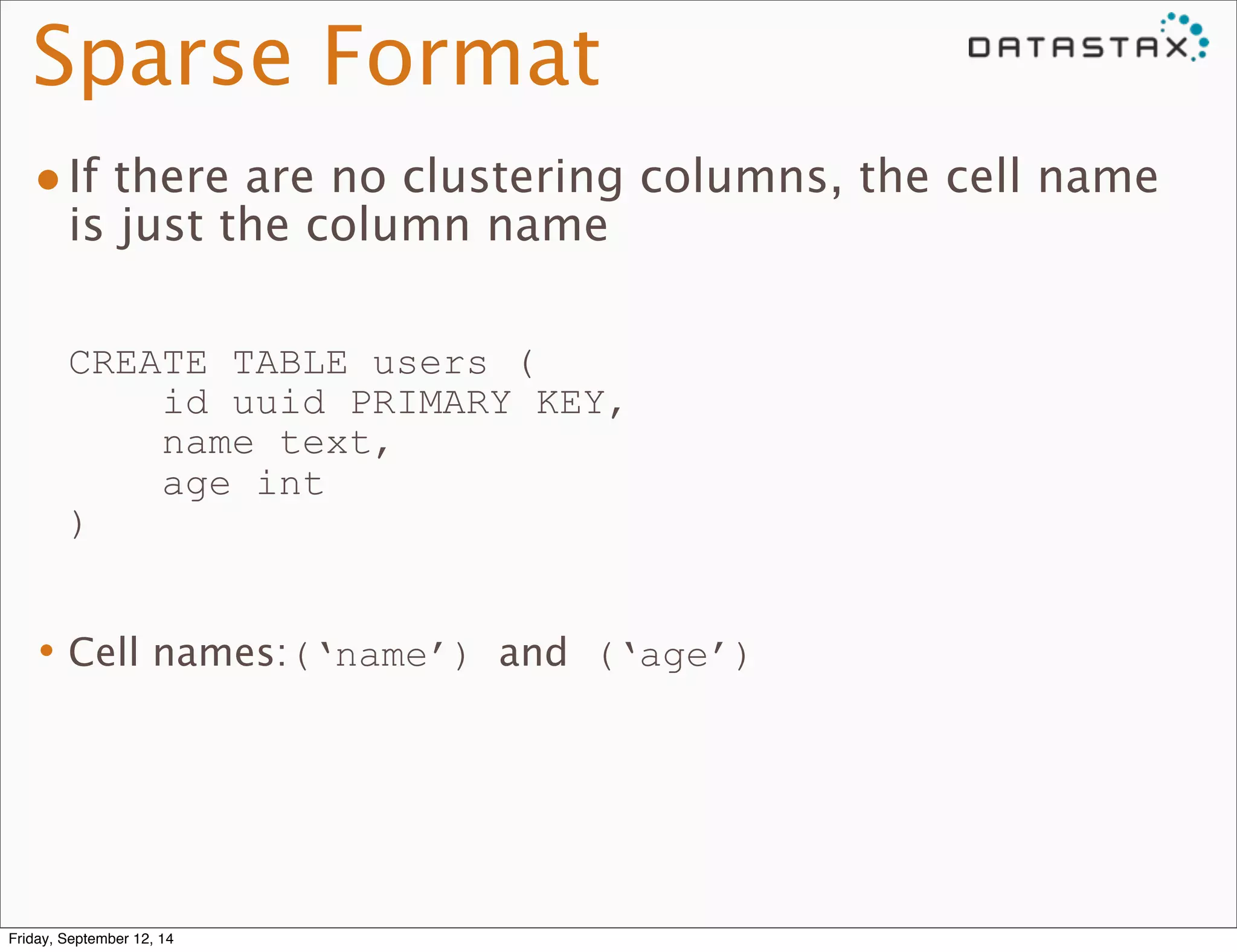
•If there are no clustering columns, the cell name 
is just the column name 
CREATE TABLE users ( 
id uuid PRIMARY KEY, 
name text, 
age int 
) 
•Cell names:(‘name’) and (‘age’) 
Friday, September 12, 14
Sparse Format 
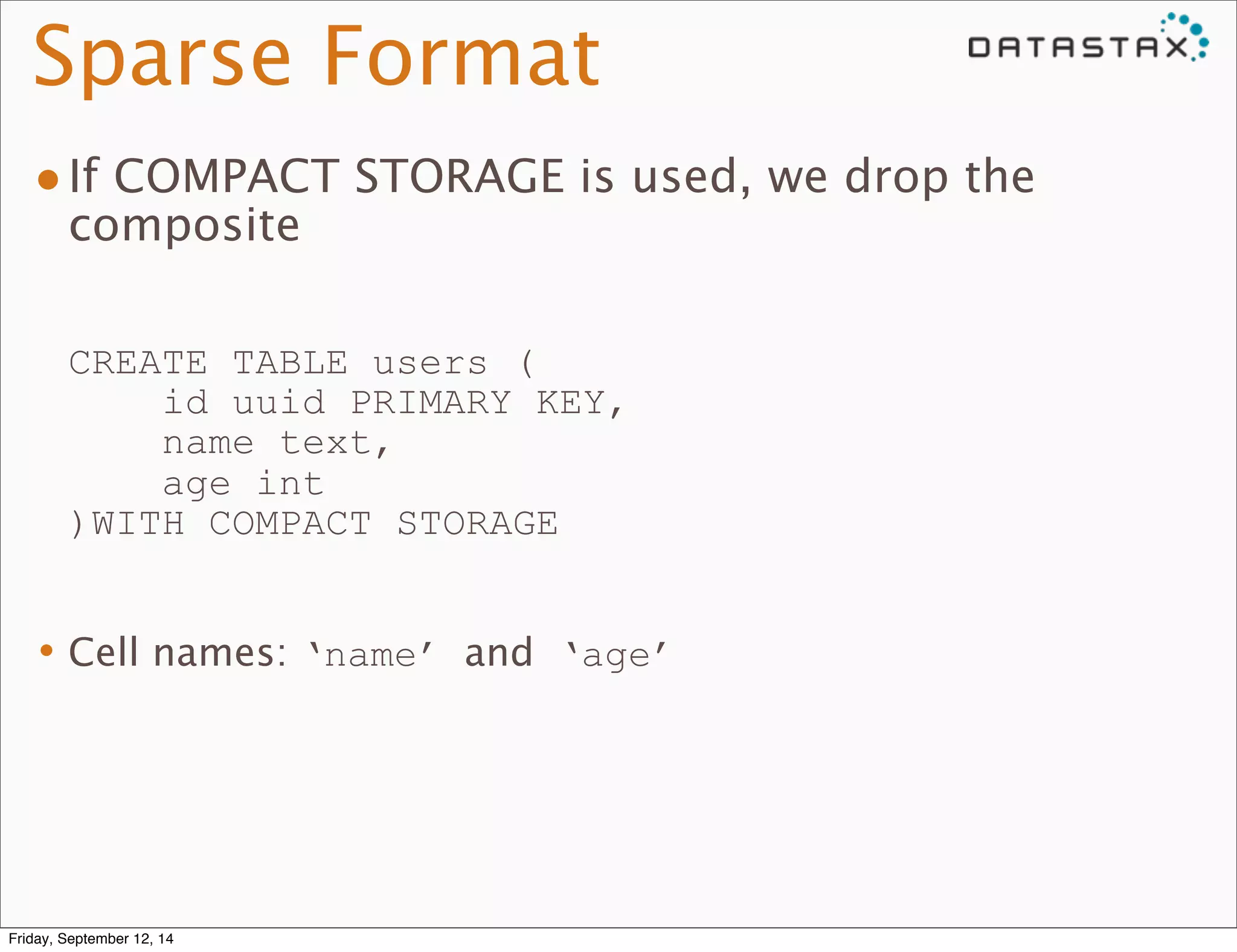
•If COMPACT STORAGE is used, we drop the 
composite 
CREATE TABLE users ( 
id uuid PRIMARY KEY, 
name text, 
age int 
)WITH COMPACT STORAGE 
•Cell names: ‘name’ and ‘age’ 
Friday, September 12, 14
Dense Format 
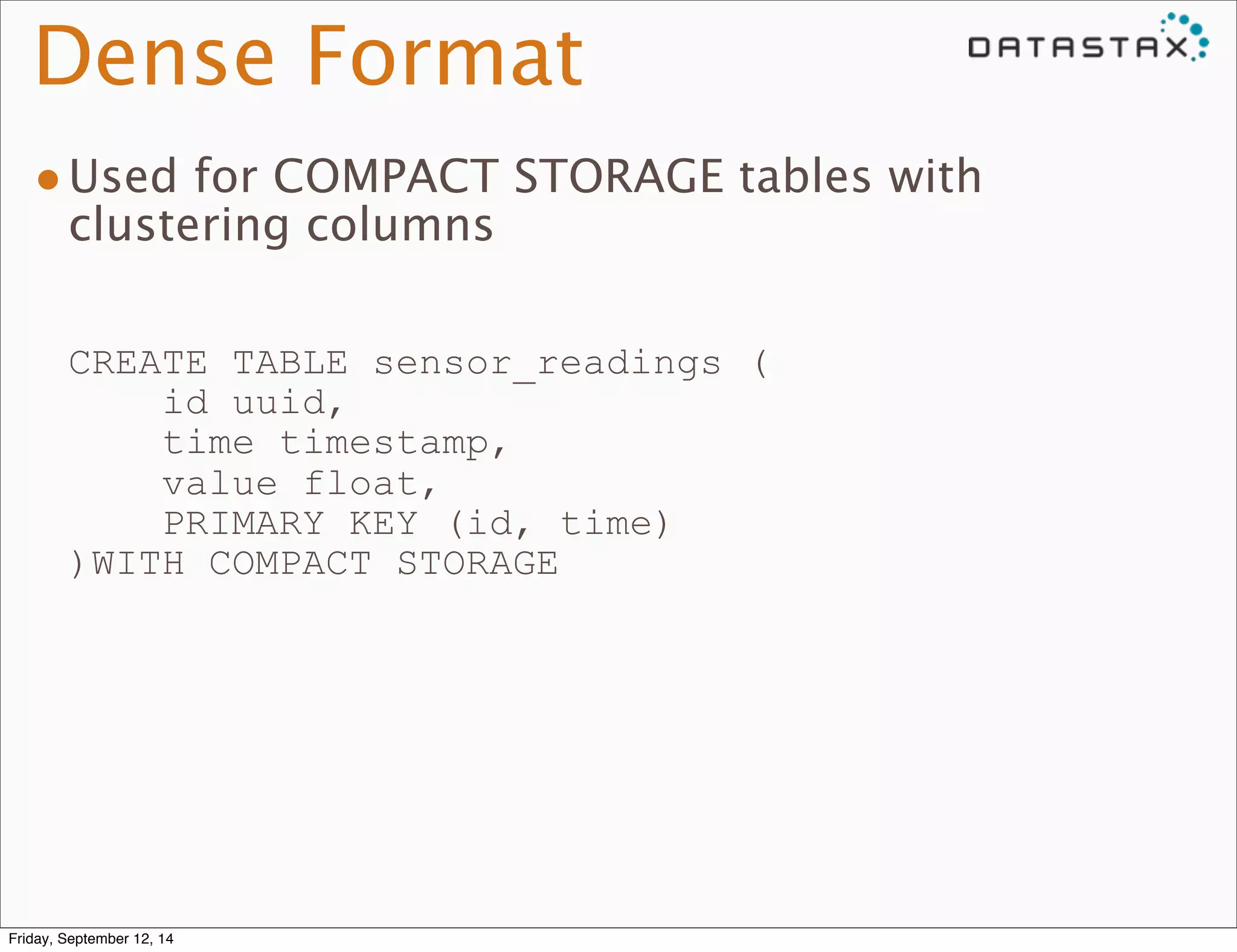
•Used for COMPACT STORAGE tables with 
clustering columns 
CREATE TABLE sensor_readings ( 
id uuid, 
time timestamp, 
value float, 
PRIMARY KEY (id, time) 
)WITH COMPACT STORAGE 
Friday, September 12, 14
Dense Format 
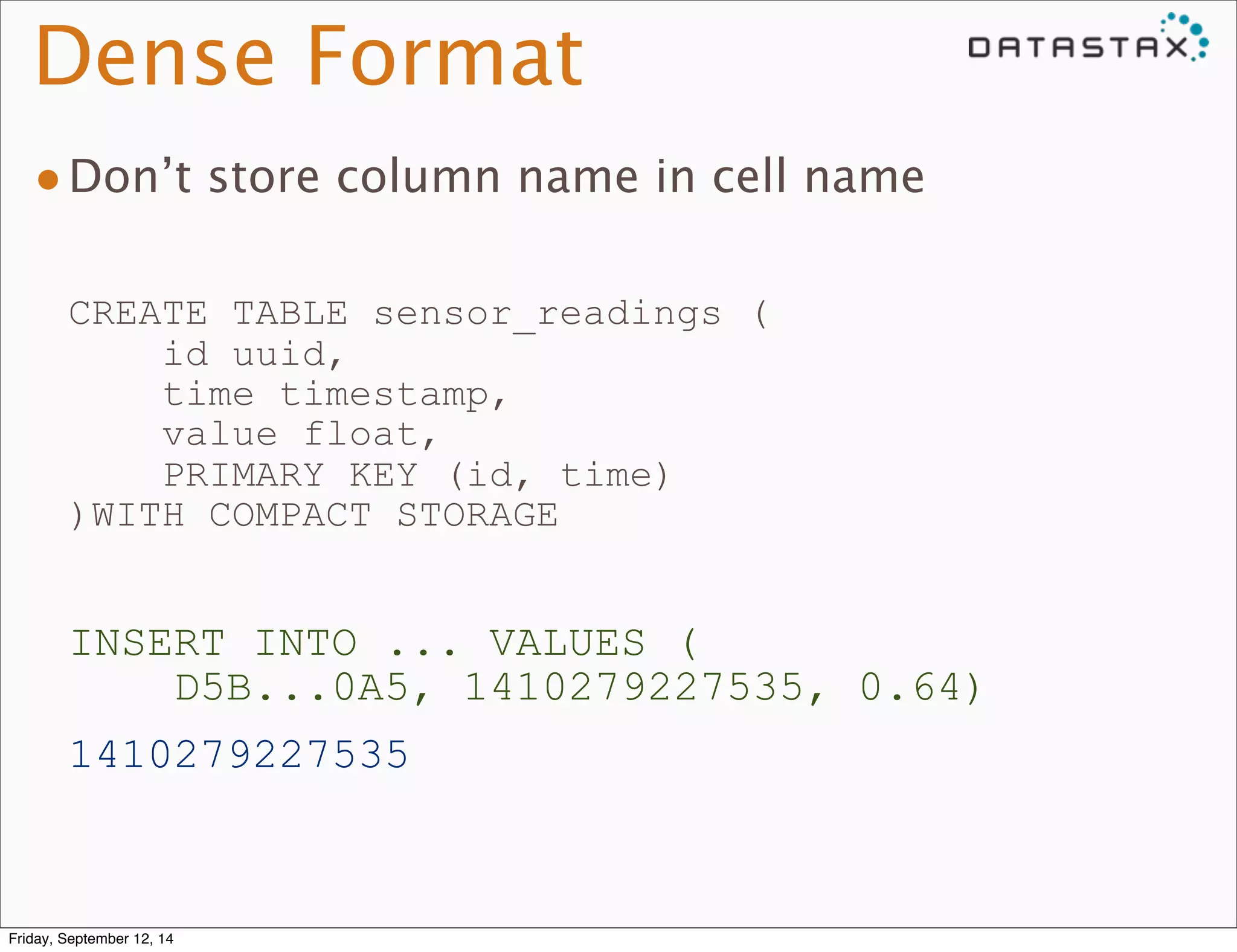
•Don’t store column name in cell name 
CREATE TABLE sensor_readings ( 
id uuid, 
time timestamp, 
value float, 
PRIMARY KEY (id, time) 
)WITH COMPACT STORAGE 
INSERT INTO ... VALUES ( 
D5B...0A5, 1410279227535, 0.64) 
1410279227535 
Friday, September 12, 14
Dense Format 
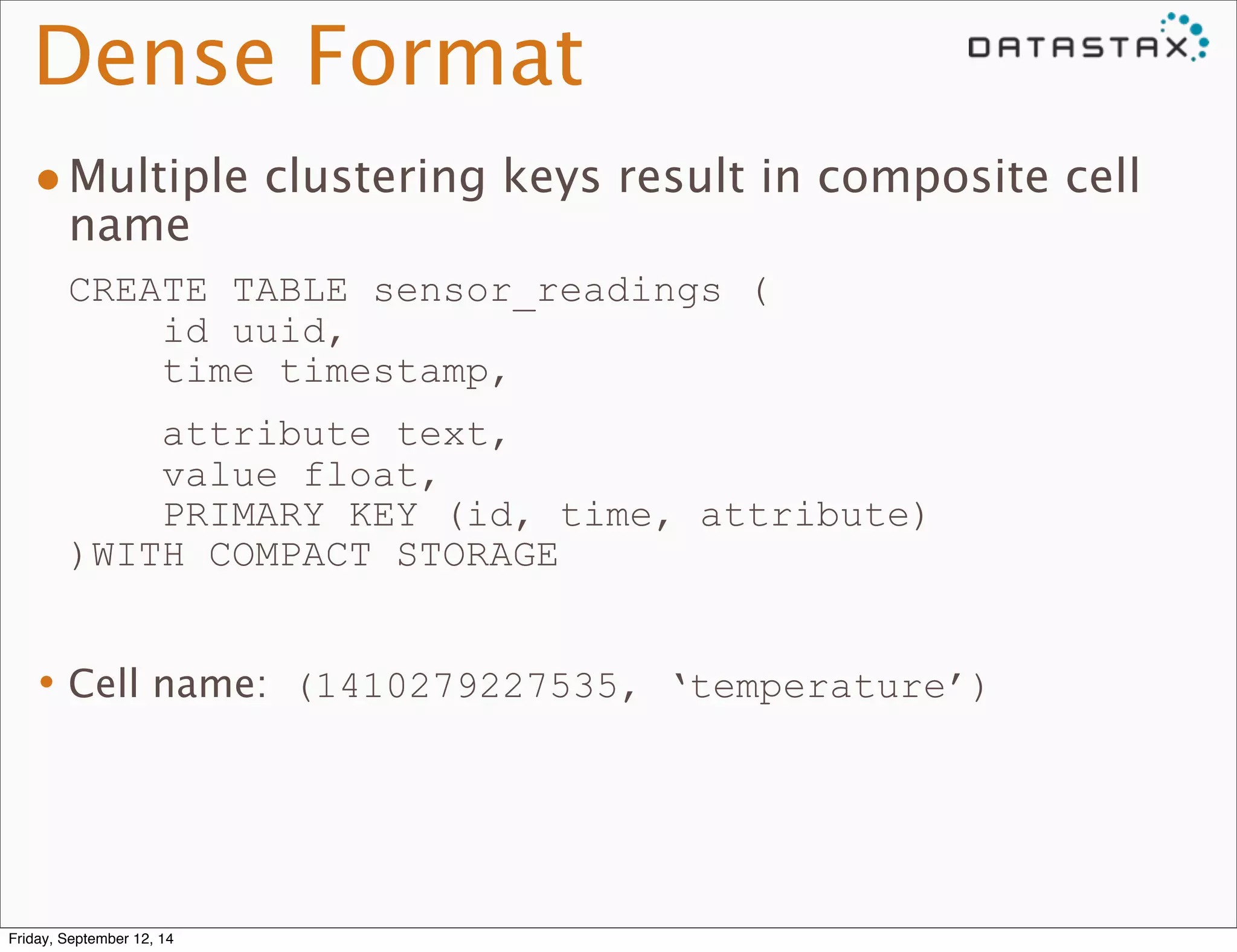
•Multiple clustering keys result in composite cell 
name 
CREATE TABLE sensor_readings ( 
id uuid, 
time timestamp, 
attribute text, 
value float, 
PRIMARY KEY (id, time, attribute) 
)WITH COMPACT STORAGE 
•Cell name: (1410279227535, ‘temperature’) 
Friday, September 12, 14
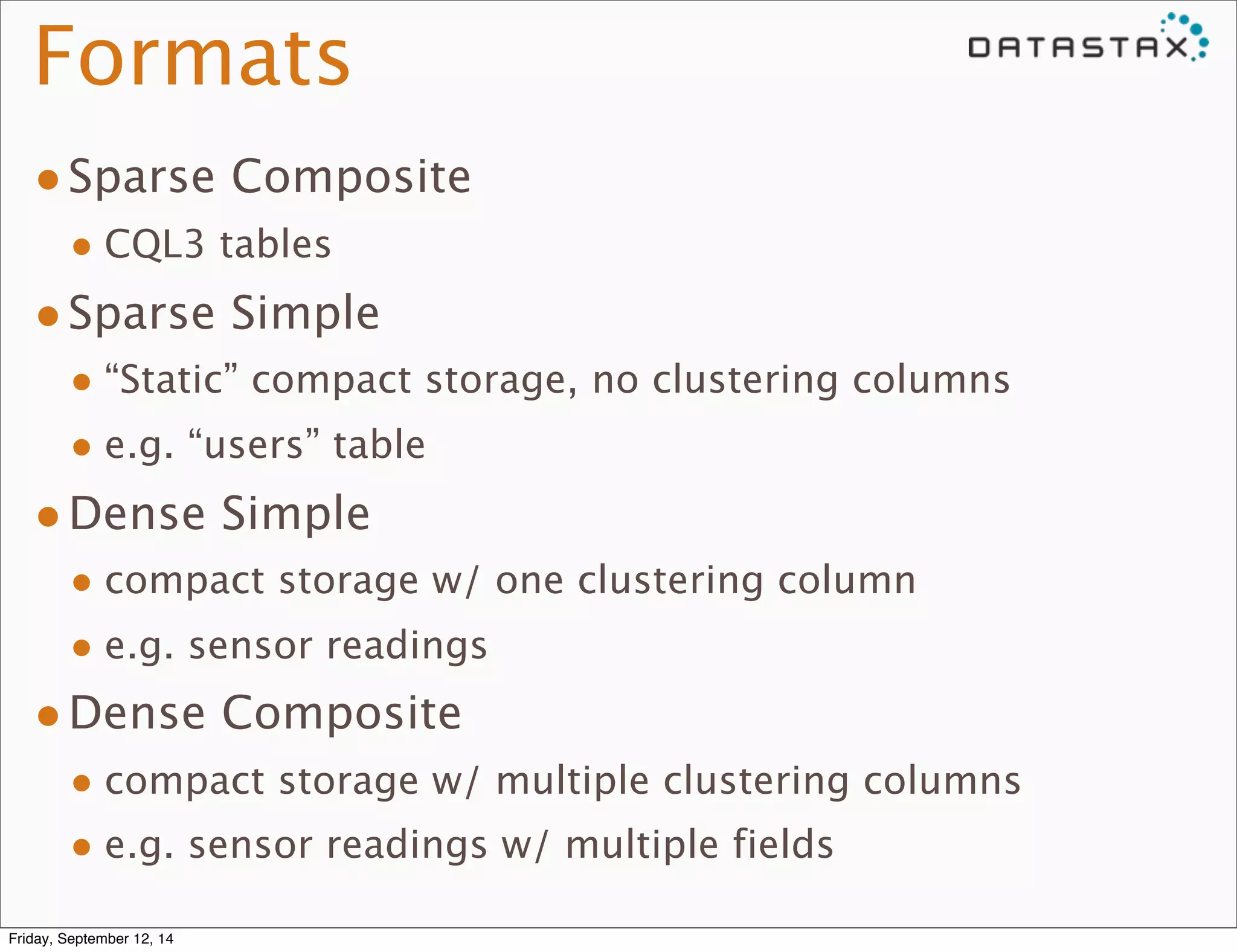
Formats 
•Sparse Composite 
• CQL3 tables 
•Sparse Simple 
• “Static” compact storage, no clustering columns 
• e.g. “users” table 
•Dense Simple 
• compact storage w/ one clustering column 
• e.g. sensor readings 
•Dense Composite 
• compact storage w/ multiple clustering columns 
• e.g. sensor readings w/ multiple fields 
Friday, September 12, 14
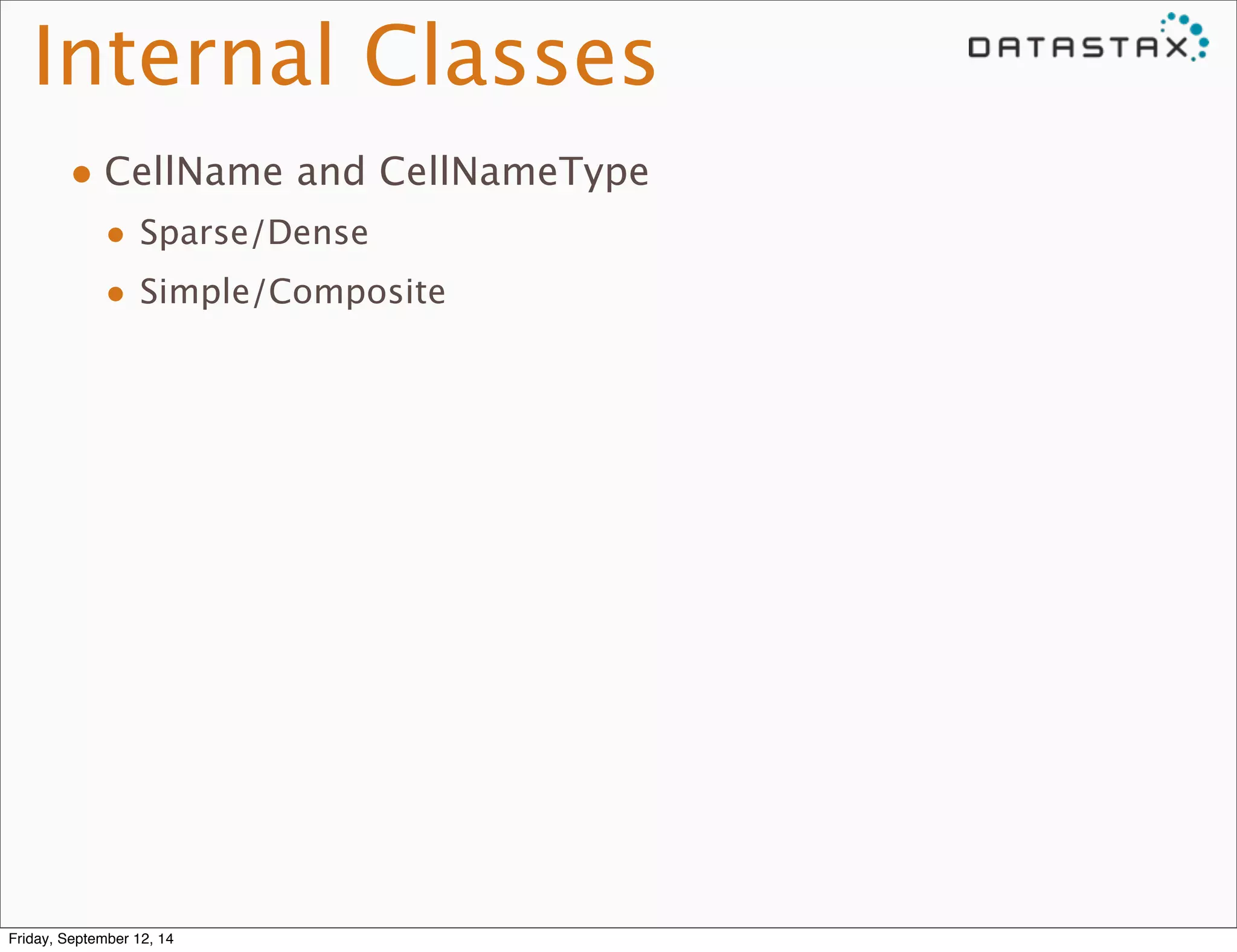
Internal Classes 
• CellName and CellNameType 
• Sparse/Dense 
• Simple/Composite 
Friday, September 12, 14
Questions? 
@tylhobbs 
tyler@datastax.com 
Friday, September 12, 14

Cassandra 2.1 boot camp, Protocol, Queries, CQL

  • 1.
    Protocol, Queries, and Cell Names Tyler Hobbs ©2014 DataStax 1 tyler@datastax.com @tylhobbs Friday, September 12, 14
  • 2.
    Native Protocol •Driver<=> Cassandra Communications •doc/native_protocol_v3.spec Friday, September 12, 14
  • 3.
    Native Protocol •Handshake •Set protocol version, compression, auth, etc Friday, September 12, 14
  • 4.
    Native Protocol •Multiplexedoperations •Unique request ID per-operation per-connection •Responses can come out of order •Pushed notifications from the server driver c* 12 3 2 1 3 Friday, September 12, 14
  • 5.
    Native Protocol •PREPARE •EXECUTE •QUERY •BATCH Friday, September 12, 14
  • 6.
    Statement Preparation •Driversends PREPARE with query •C* replies with: • Statement ID • Query parameter metadata • Result set metadata •Driver prepares against all nodes it will use Friday, September 12, 14
  • 7.
    Lexing and Parsing •ANTLR •Cql.g is the grammar •Minimal checking of statement validity •Creates “Raw” statements and terms • No type checking yet Friday, September 12, 14
  • 8.
    Raw -> Prepared •Term.Raw -> Term.(Non)Terminal • Terminal is fully processed, nothing to do after preparing • String literals, int literals, etc • Pure function calls (e.g. intAsBlob(42)) • NonTerminal has bind markers or non-pure function calls • Example: now() •Type checking performed where possible •Term.Raw.prepare() Friday, September 12, 14
  • 9.
    Raw -> Prepared •Statement.Raw -> ParsedStatement.Prepared • Is the query valid and supported? • Organize restrictions on partitioning, clustering and normal columns • Check validity of restrictions, secondary indexes, ordering, filtering, etc. •SelectStatement.Raw.prepare() Friday, September 12, 14
  • 10.
    Raw -> Prepared •ParsedStatement.Prepared is cached, ID returned to driver •QueryProcessor Friday, September 12, 14
  • 11.
    Statement Execution •EXECUTEwith ID and binary parameters Friday, September 12, 14
  • 12.
    Statement Execution •Checkpermissions •QueryProcessor.processStatement -> Statement.checkAccess() •Check Statement Validity •Bind parameters • Term.NonTerminal -> Term.Terminal • Evaluate functions • Check parameter types Friday, September 12, 14
  • 13.
    Statement Execution •Buildslice ends for reads • Pick start, end based on reversal • Are we getting multiple slices? •SelectStatement.makeFilter() Friday, September 12, 14
  • 14.
    Statement Execution •Setup paging • Use last seen primary key as starting point • Paging state held by driver Friday, September 12, 14
  • 15.
    Statement Execution •Passcommand to StorageProxy •StorageProxy.read(), mutate(), cas() • Dispatched to replicas • Low-level cells returned Friday, September 12, 14
  • 16.
    Statement Execution •ProcessResults • Order columns correctly • Filter empty rows • Order rows • Trim excess rows to match LIMIT • Aggregate (count(), for now) Friday, September 12, 14
  • 17.
    Statement Classes •SchemaAlteringStatement • CREATE/ALTER/DROP KEYSPACE, etc •ModificationStatement •INSERT, UPDATE, DELETE •SelectStatement Friday, September 12, 14
  • 18.
    SchemaAlteringStatement •Update localschema •Broadcast to all live nodes •Notify drivers with pushed notification Friday, September 12, 14
  • 19.
    ModificationStatement •When doingLWT/CAS • Prepare -> Read -> Propose -> Commit • Build slice ends for read, execute read • Check conditions against read row • If CAS fails, return existing row as result Friday, September 12, 14
  • 20.
    Cells •Subject tochange for 3.0 •Name/value pair • Sorted by name Friday, September 12, 14
  • 21.
    Cells CREATE TABLEversioned_docs ( id uuid, version timeuuid, fieldname text, fieldvalue blob, PRIMARY KEY (id, version, fieldname)) •id is the partitioning key •version and fieldname are clustering columns •Within a partition, rows are ordered by clustering columns Friday, September 12, 14
  • 22.
    Sparse Format •CQL3Format •Cell name format: • (clustering_1, ..., clustering_n, column_name) Friday, September 12, 14
  • 23.
    Sparse Format CREATETABLE versioned_docs ( id uuid, version timeuuid, fieldname text, fieldvalue blob, PRIMARY KEY (id, version, fieldname)) Friday, September 12, 14
  • 24.
    Sparse Format CREATETABLE versioned_docs ( id uuid, version timeuuid, fieldname text, fieldvalue blob, PRIMARY KEY (id, version, fieldname)) INSERT INTO ... VALUES( D5B...0A5, 3AF4...D93, ‘title’, ‘Monthly Report’) (3AF4..D93, 'title', 'fieldvalue') Friday, September 12, 14
  • 25.
    Sparse Format •Addone extra component for collections: • (clustering_1, ..., column_name, collection_element) Friday, September 12, 14
  • 26.
    Sparse Format CREATETABLE versioned_docs ( id uuid, version timeuuid, fields map<text, blob>, PRIMARY KEY (id, version)) Friday, September 12, 14
  • 27.
    Sparse Format CREATETABLE versioned_docs ( id uuid, version timeuuid, fields map<text, blob>, PRIMARY KEY (id, version)) INSERT INTO ... VALUES ( D5B...0A5, 3AF4...D93, {‘title’: ‘Monthly Report’}) (3AF4..D93, 'fields', 'title') Friday, September 12, 14
  • 28.
    Sparse Format •Ifthere are no clustering columns, the cell name is just the column name CREATE TABLE users ( id uuid PRIMARY KEY, name text, age int ) •Cell names:(‘name’) and (‘age’) Friday, September 12, 14
  • 29.
    Sparse Format •IfCOMPACT STORAGE is used, we drop the composite CREATE TABLE users ( id uuid PRIMARY KEY, name text, age int )WITH COMPACT STORAGE •Cell names: ‘name’ and ‘age’ Friday, September 12, 14
  • 30.
    Dense Format •Usedfor COMPACT STORAGE tables with clustering columns CREATE TABLE sensor_readings ( id uuid, time timestamp, value float, PRIMARY KEY (id, time) )WITH COMPACT STORAGE Friday, September 12, 14
  • 31.
    Dense Format •Don’tstore column name in cell name CREATE TABLE sensor_readings ( id uuid, time timestamp, value float, PRIMARY KEY (id, time) )WITH COMPACT STORAGE INSERT INTO ... VALUES ( D5B...0A5, 1410279227535, 0.64) 1410279227535 Friday, September 12, 14
  • 32.
    Dense Format •Multipleclustering keys result in composite cell name CREATE TABLE sensor_readings ( id uuid, time timestamp, attribute text, value float, PRIMARY KEY (id, time, attribute) )WITH COMPACT STORAGE •Cell name: (1410279227535, ‘temperature’) Friday, September 12, 14
  • 33.
    Formats •Sparse Composite • CQL3 tables •Sparse Simple • “Static” compact storage, no clustering columns • e.g. “users” table •Dense Simple • compact storage w/ one clustering column • e.g. sensor readings •Dense Composite • compact storage w/ multiple clustering columns • e.g. sensor readings w/ multiple fields Friday, September 12, 14
  • 34.
    Internal Classes •CellName and CellNameType • Sparse/Dense • Simple/Composite Friday, September 12, 14
  • 35.
    Questions? @tylhobbs tyler@datastax.com Friday, September 12, 14