Control Statements
Prepared by:
Jean Michael Castor
Introduction
• Control statements are used in programming
languages to cause the flow of control to
advance and branch based on changes to the
state of a program.
Introduction
• In Java, control statements can be divided
under the following three categories:
• Selection statements
• Iteration statements
• Jump statements
SELECTION STATEMENTS
• Selection statements are used in a program to
choose different paths of execution based
upon the outcome of an expression or the
state of a variable.
Using if and if...else
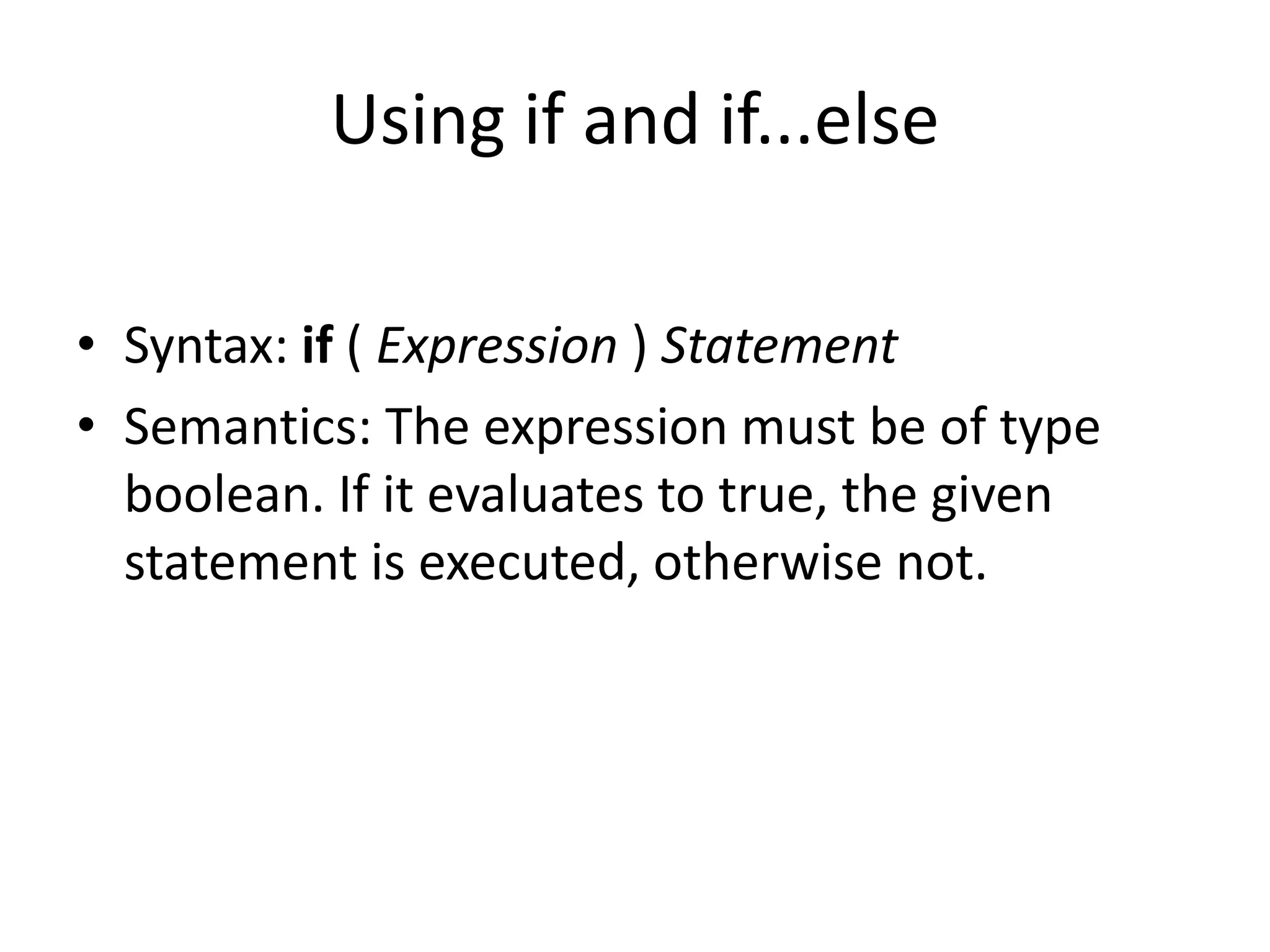
• Syntax: if ( Expression ) Statement
• Semantics: The expression must be of type
boolean. If it evaluates to true, the given
statement is executed, otherwise not.
Using if and if...else
• Note that there is only one statement. To
execute more than one statement
conditionally, a block statement is to be used.
Using if and if...else
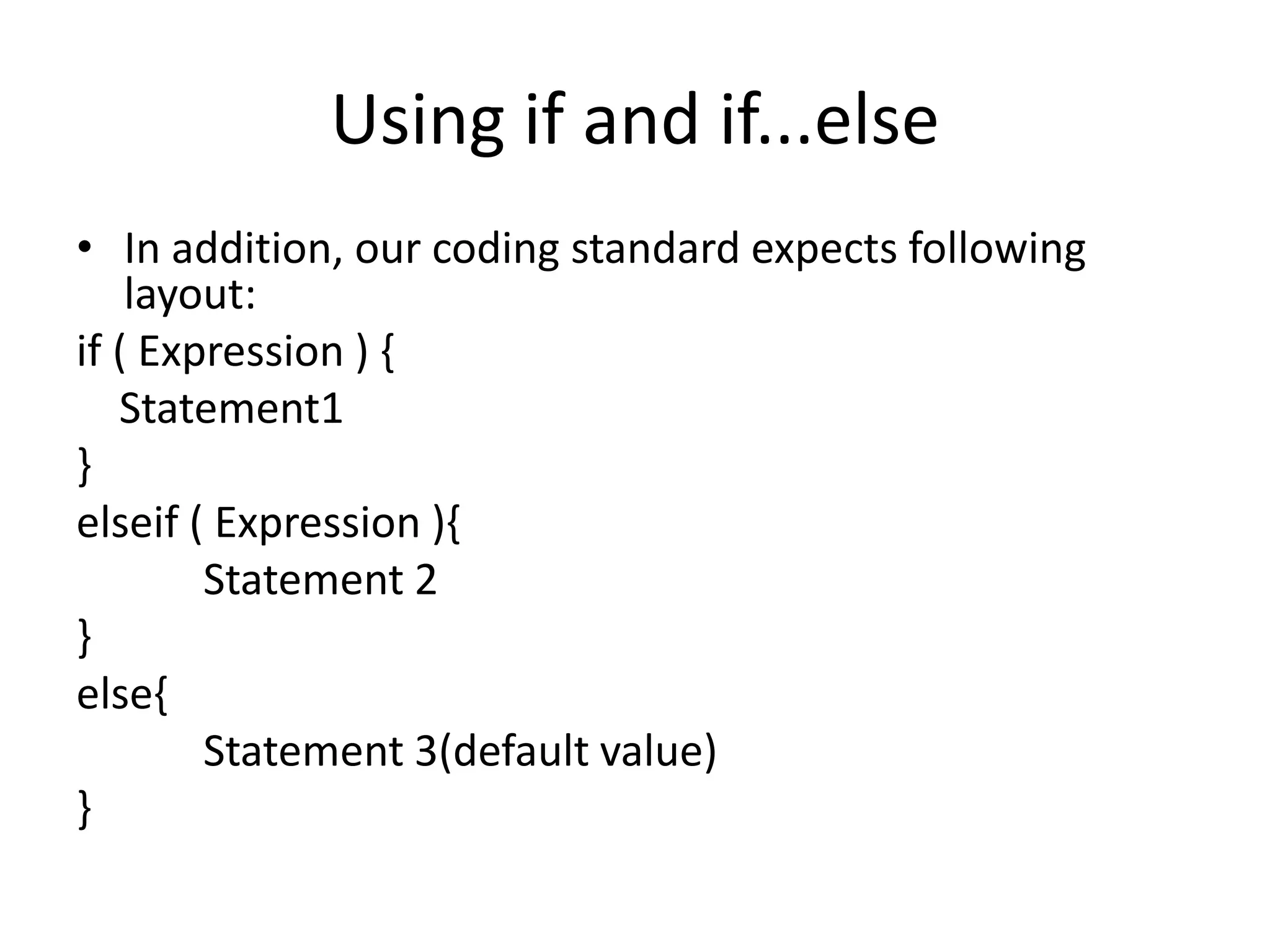
• In addition, our coding standard expects following
layout:
if ( Expression ) {
Statement1
}
elseif ( Expression ){
Statement 2
}
else{
Statement 3(default value)
}
Example Program
• Write a program that display grade as PASSED
if value is greater than or equal to 75,
otherwise, FAILED.
Solution
public class Grades{
public static void main (String [] args){
int grade;
grade = 10;
if(grade >=75) {
System.out.println(“PASSED”);
}
else if(grade < 75){
System.out.println(“FAILED”);
}
else{
System.out.println(“ ”);
}
}
}

Control statements in Java

  • 1.
  • 2.
    Introduction • Control statementsare used in programming languages to cause the flow of control to advance and branch based on changes to the state of a program.
  • 3.
    Introduction • In Java,control statements can be divided under the following three categories: • Selection statements • Iteration statements • Jump statements
  • 4.
  • 5.
    • Selection statementsare used in a program to choose different paths of execution based upon the outcome of an expression or the state of a variable.
  • 6.
    Using if andif...else • Syntax: if ( Expression ) Statement • Semantics: The expression must be of type boolean. If it evaluates to true, the given statement is executed, otherwise not.
  • 7.
    Using if andif...else • Note that there is only one statement. To execute more than one statement conditionally, a block statement is to be used.
  • 8.
    Using if andif...else • In addition, our coding standard expects following layout: if ( Expression ) { Statement1 } elseif ( Expression ){ Statement 2 } else{ Statement 3(default value) }
  • 9.
    Example Program • Writea program that display grade as PASSED if value is greater than or equal to 75, otherwise, FAILED.
  • 10.
    Solution public class Grades{ publicstatic void main (String [] args){ int grade; grade = 10; if(grade >=75) { System.out.println(“PASSED”); } else if(grade < 75){ System.out.println(“FAILED”); } else{ System.out.println(“ ”); } } }