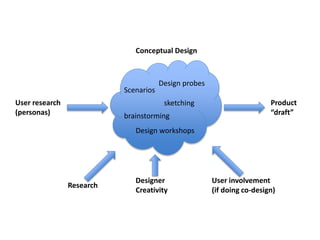
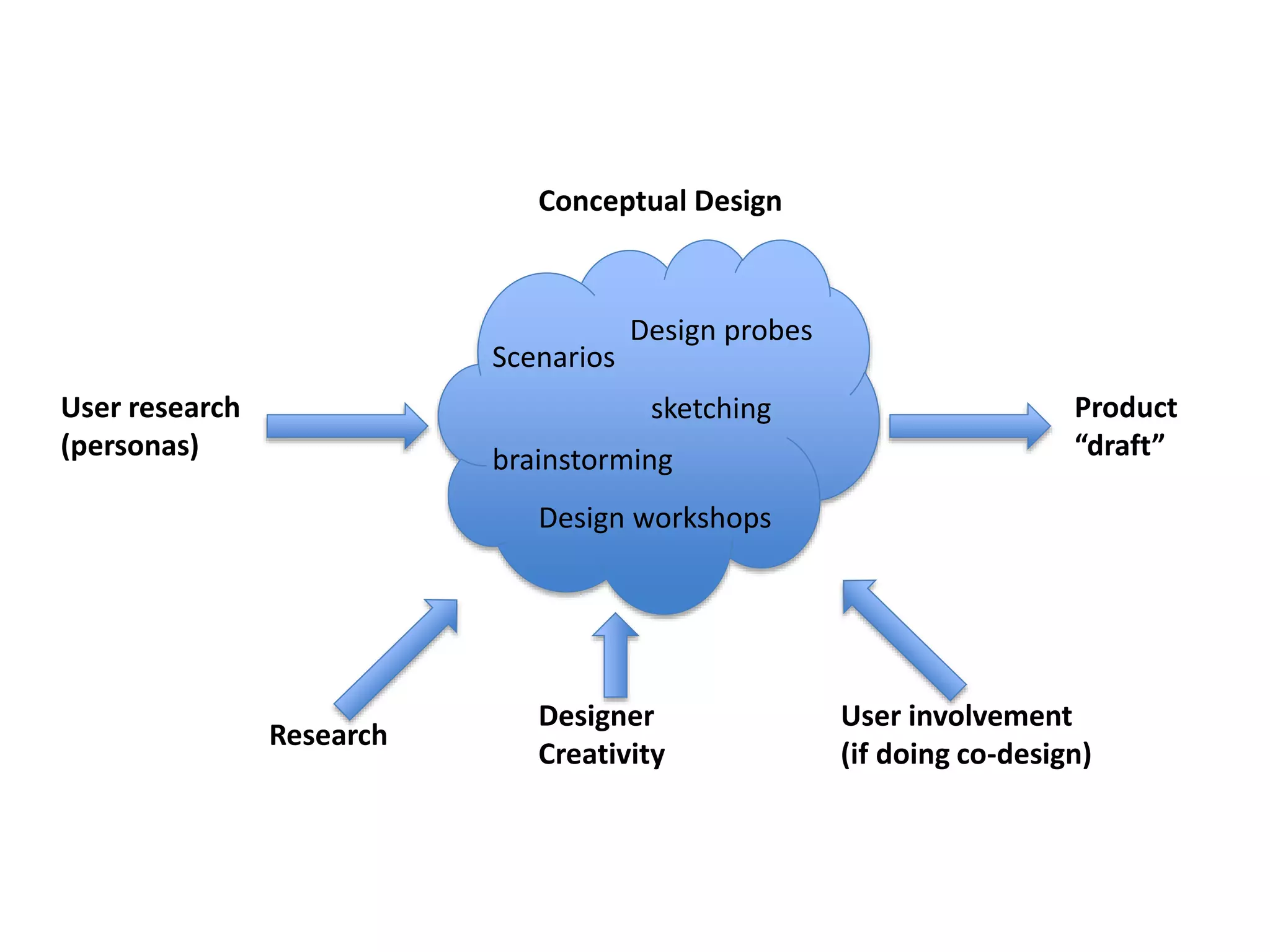
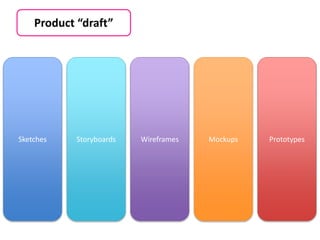
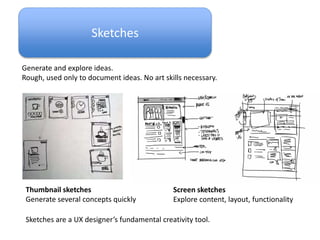
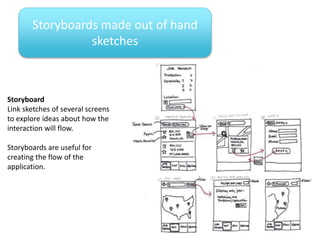
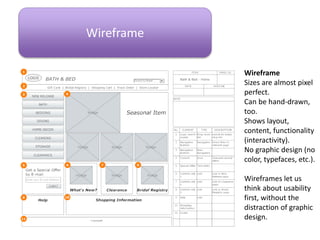
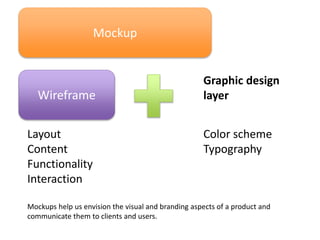
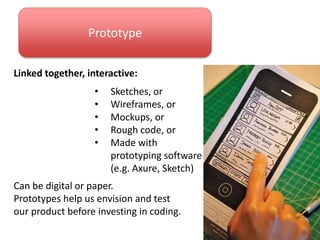

The document outlines the process of designing a product from initial user research through prototyping. It involves researching users through personas and scenarios, brainstorming design ideas through probes and workshops, sketching concepts, creating storyboards to explore interaction flows, wireframing screens with layout and functionality, adding graphic design elements to mockups, and developing interactive prototypes to test the product before coding. User involvement through co-design is recommended when possible. The process moves from loose sketches to explore ideas through increasingly refined representations to prototypes that can be tested.


![[iOS] Basic UI Elements](https://cdn.slidesharecdn.com/ss_thumbnails/nikmetrainingioslecture2-150129212941-conversion-gate01-thumbnail.jpg?width=640&height=640&fit=bounds)


