Using Web 2.0 Tools To Get Stuff Done! Robin Hastings Information Technology Manager Missouri River Regional Library robin.hastings@gmail.com
Agenda Definitions – What is collaboration 2.0? Why do it in a cloud?
Collaboration in the Cloud Tools
Putting it to use!
Wiki - http://litacollab2.pbworks.com/FrontPage
What is collaboration 2.0? Why do it in a cloud? Definitions
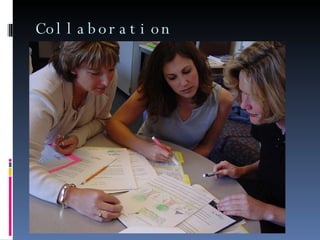
Collaboration
Collaboration 2.0 2.0 adds distributed computing & collaboration platforms: Distance
Asynchronicity
Distributed Computing
Collaboration Platforms
Cloud Computing
Cloud Computing Internet = Cloud (cloud of data)
PC = thin client  Not data storage
Just a connection to the cloud
Maybe backup storage… Collaboration happens “out there”
 
Benefits Social Networks = Professional Networks
Peer Networking Avoiding hierarchies (linkedin direct introductions, facebook friends, etc.) Blending Synchronous & Asynchronous Work
Collaboration In The Cloud Tools
Tools of the Trade Categories Social Calendars
Social Networking Sites
Social Bookmarking
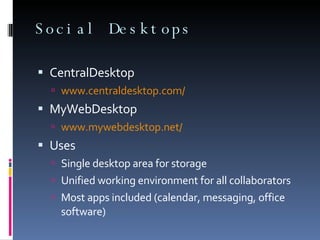
Social Desktops
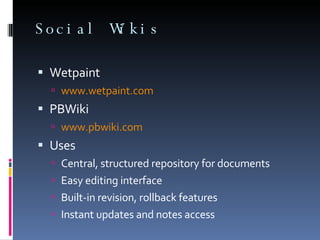
Social Wikis
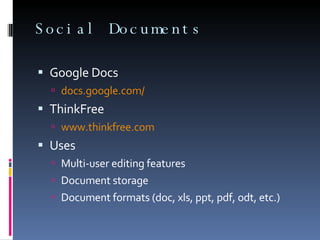
Social Documents http://web2.econsultant.com/collaboration-groups-teams-services.html  - 125 sites...
Social Calendars 30 Boxes www.30boxes.com Google Calendar www.google.com/calendar Uses Keep milestones, due dates, etc. where everyone can access them
Give others a look at your schedule so they can schedule meetings, etc. with your time constraints in mind (without a million emails)
 
Social Networking Sites Facebook www.facebook.com Ning www.ning.com Uses (Facebook) use as platform for custom apps (GTD app, etc.)

Collaborating In The Cloud - updated

Editor's Notes

  • #2 As Info Tech Manager, I’m responsible for the network within the library and connectivity outside of it, all PCs, printers and servers and the various websites we offer, as well as overseeing some of the Web 2.0 initiatives of the library (wikis & twitter). I also manage the training – both staff & public – for the library. Several small clients around the mid-missouri area Presenting on Web 2.0, RSS & other technical topics around the world Spreading the good news about how libraries and other organizations can use Web 2.0 and the upcoming 3.0 standards in their organizations. As Info Tech Manager, I’m responsible for the network within the library and connectivity outside of it, all PCs, printers and servers and the various websites we offer, as well as overseeing some of the Web 2.0 initiatives of the library (wikis & twitter). I also manage the training – both staff & public – for the library. Several small clients around the mid-missouri area Presenting on Web 2.0, RSS & other technical topics around the world Spreading the good news about how libraries and other organizations can use Web 2.0 and the upcoming 3.0 standards in their organizations. As Info Tech Manager, I’m responsible for the network within the library and connectivity outside of it, all PCs, printers and servers and the various websites we offer, as well as overseeing some of the Web 2.0 initiatives of the library (wikis & twitter). I also manage the training – both staff & public – for the library. Several small clients around the mid-missouri area Presenting on Web 2.0, RSS & other technical topics around the world Spreading the good news about how libraries and other organizations can use Web 2.0 and the upcoming 3.0 standards in their organizations. As Info Tech Manager, I’m responsible for the network within the library and connectivity outside of it, all PCs, printers and servers and the various websites we offer, as well as overseeing some of the Web 2.0 initiatives of the library (wikis & twitter). I also manage the training – both staff & public – for the library. Several small clients around the mid-missouri area Presenting on Web 2.0, RSS & other technical topics around the world Spreading the good news about how libraries and other organizations can use Web 2.0 and the upcoming 3.0 standards in their organizations. As Info Tech Manager, I’m responsible for the network within the library and connectivity outside of it, all PCs, printers and servers and the various websites we offer, as well as overseeing some of the Web 2.0 initiatives of the library (wikis & twitter). I also manage the training – both staff & public – for the library. Several small clients around the mid-missouri area Presenting on Web 2.0, RSS & other technical topics around the world Spreading the good news about how libraries and other organizations can use Web 2.0 and the upcoming 3.0 standards in their organizations
  • #3 Question time at the end, informal questions during!
  • #5 is a structured, recursive process where two or more people work together toward a common goal—typically an intellectual endeavor that is creative in nature—by sharing knowledge, learning and building consensus. (http://en.wikipedia.org/wiki/Collaboration) interaction among people, to achieve common goals without the exchange of goods and services (InfoTech Research Group – Collaboration Tools Revisted In a Web 2.0 world
  • #6 Synchronous collaboration – voice (VOIP, Skype, etc.) that allows for instant questioning and quick resolution of issues Asynchronous collaboration – messaging (forums, email, SMS) that allows for people in different time zones to work when convenient
  • #7 Distance 2 or more creators working on distant (2 feet or 2,000 miles) computers Same platform – Google Docs, Blog software, email (not very 2.0…)
  • #8 Asynchronous Allow people to work in their own time zone at their own time Common software (or site) that all participants agree to use
  • #10 Cloud- John Dvorak (in Cranky Geeks web show) once said it was named the “cloud” because nobody actually knows how anything beyond their network connection actually works. Backup storage – clouds don’t seem stable or permanent – use your own computer to backup as well!
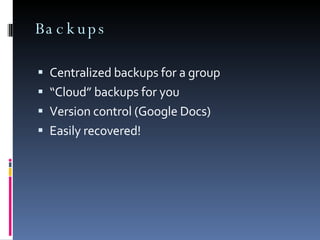
  • #11 Backing up “in the cloud” is a good idea, even if you are collaborating with yourself!
  • #12 Makes a case for allowing use of Facebook, MySpace, etc. at work – blending of social and professional “networking” Avoids bureaucracy! Offers time-sensitive channels or “whenever” channels of communication – whatever is needed.
  • #15 Team scheduling Reusable data - many ways to add data easily! Scheduling services
  • #17 Facebook - http://www.facebook.com/apps/application.php?id=8449172630 – GTD planning/organizing for FB Plan trips Plan moving projects Start a business Plan weddings/events Organize sports teams MyOffice – groupware on FB - http://www.facebook.com/apps/application.php?id=20196811016 MySpace has a new API for apps on it’s platform – too new to determine if there will be anything like FB’s tools
  • #19 For: feature in del.icio.us – send suggested links to other del.icio.us accounts Mag.nol.ia – similar to del.icio.us Collaborative tagging – choosing (top down) tags to use in all services (not just bookmarking services) – give you “group” tag clouds to help users understand the relationships between concepts in your projects.
  • #25 Docs – Ajax (not as many features) - Gears: the ability to save document spaces on your computer (while flying…) and re-connect after you are back on the ‘net – without downloading a copy of the doc and remembering to upload later Thinkfree – Java (laggy)
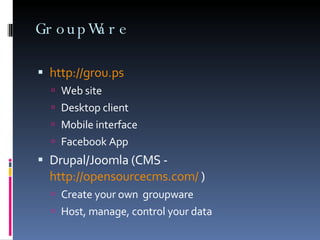
  • #27 Grou.ps – forums, wikis, maps, photo galleries, feed aggregator, etc.
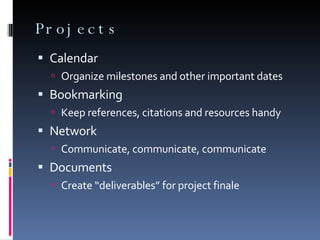
  • #29 Digitization project – images from all over the state, country in one repository Training day – get trainers, participants together (wikis for conferences – excellent idea!) Shelf moving – organize labor in easily accessible and easily editable calendar, organize layout in documents Research project – set due dates, share citations, create forums for discussion of problems, create final reports
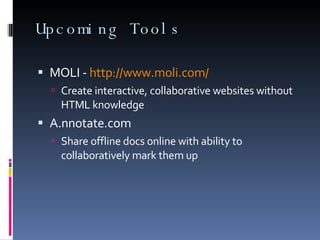
  • #30 Getdropbox.com