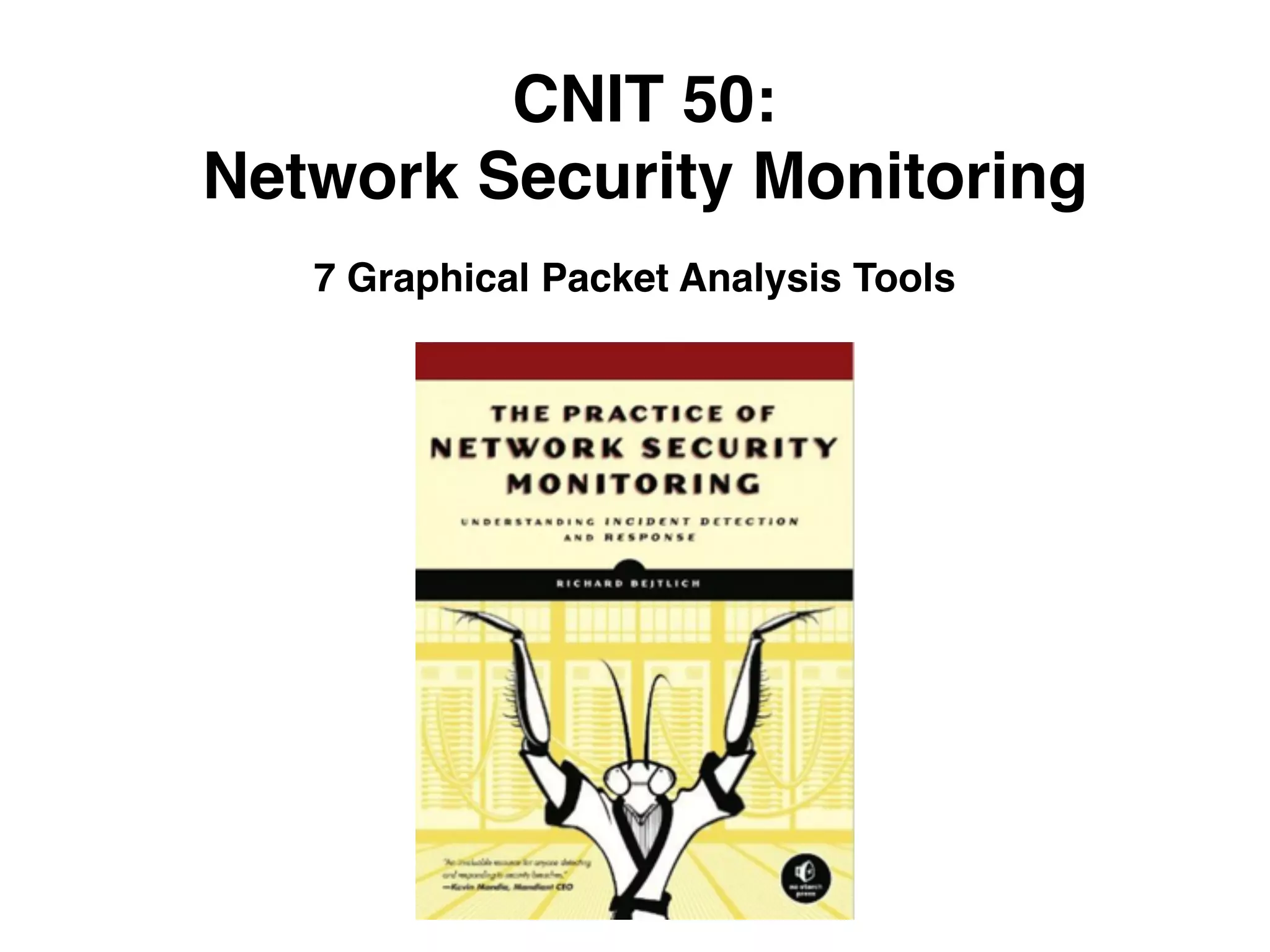
CNIT 50:
Network Security Monitoring
7 Graphical Packet Analysis Tools
Topics
• Using Wireshark
• Using Xplico
• Examining Content with NetworkMiner
Wireshark
Wireshark Limitations
• Slow for processing large data sets
• Best to first locate traffic of interest with another tool
such as session data
• And use Wireshark on that limited data
Useful Wireshark Features
• Viewing lower-level Protocol Features in Detail
• Omitting Traffic to See Remnants
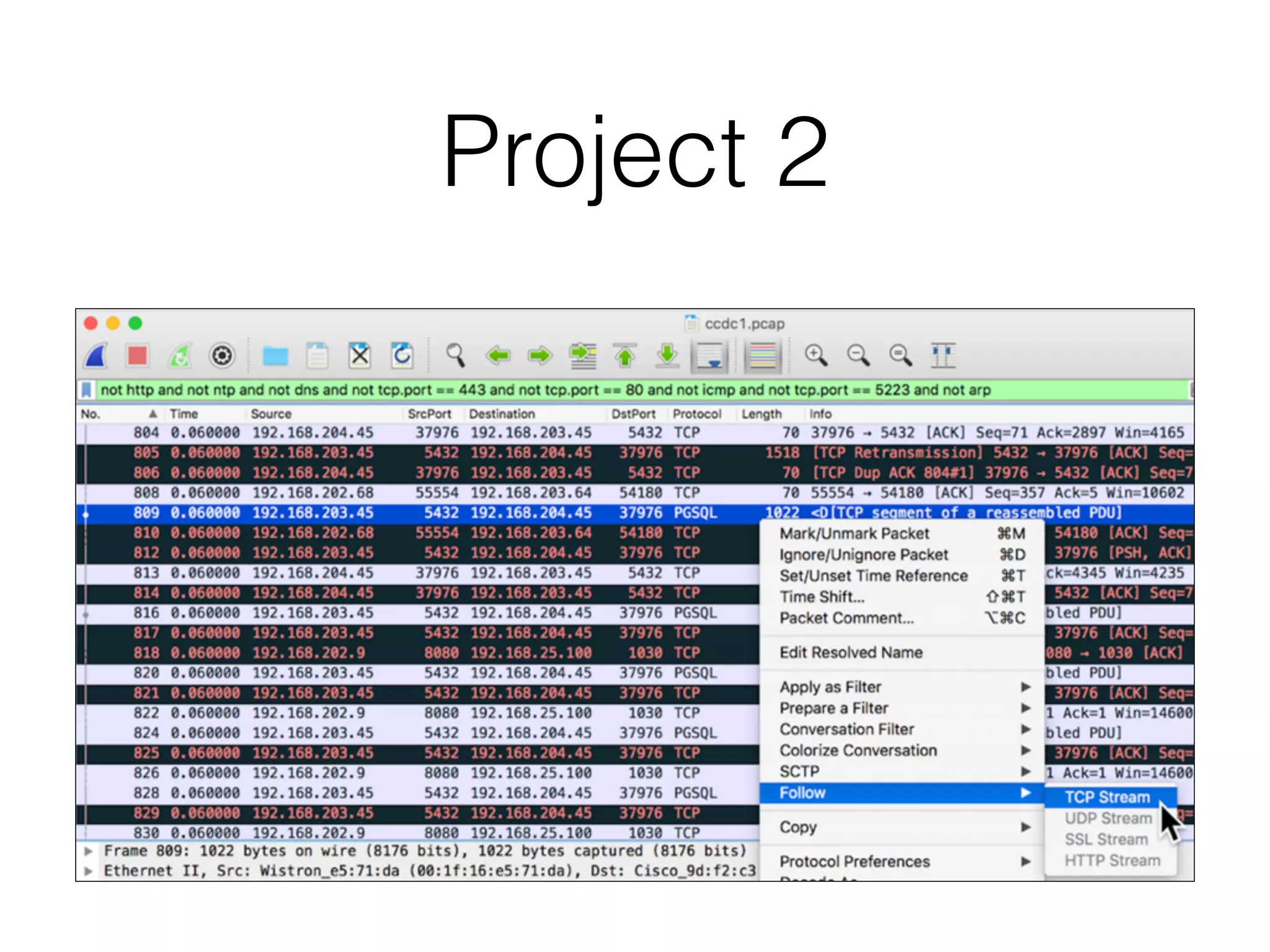
• Following Streams
• Setting the Protocol Decode Method with Decode
As
• Following Other Streams
Project 2
Xplico
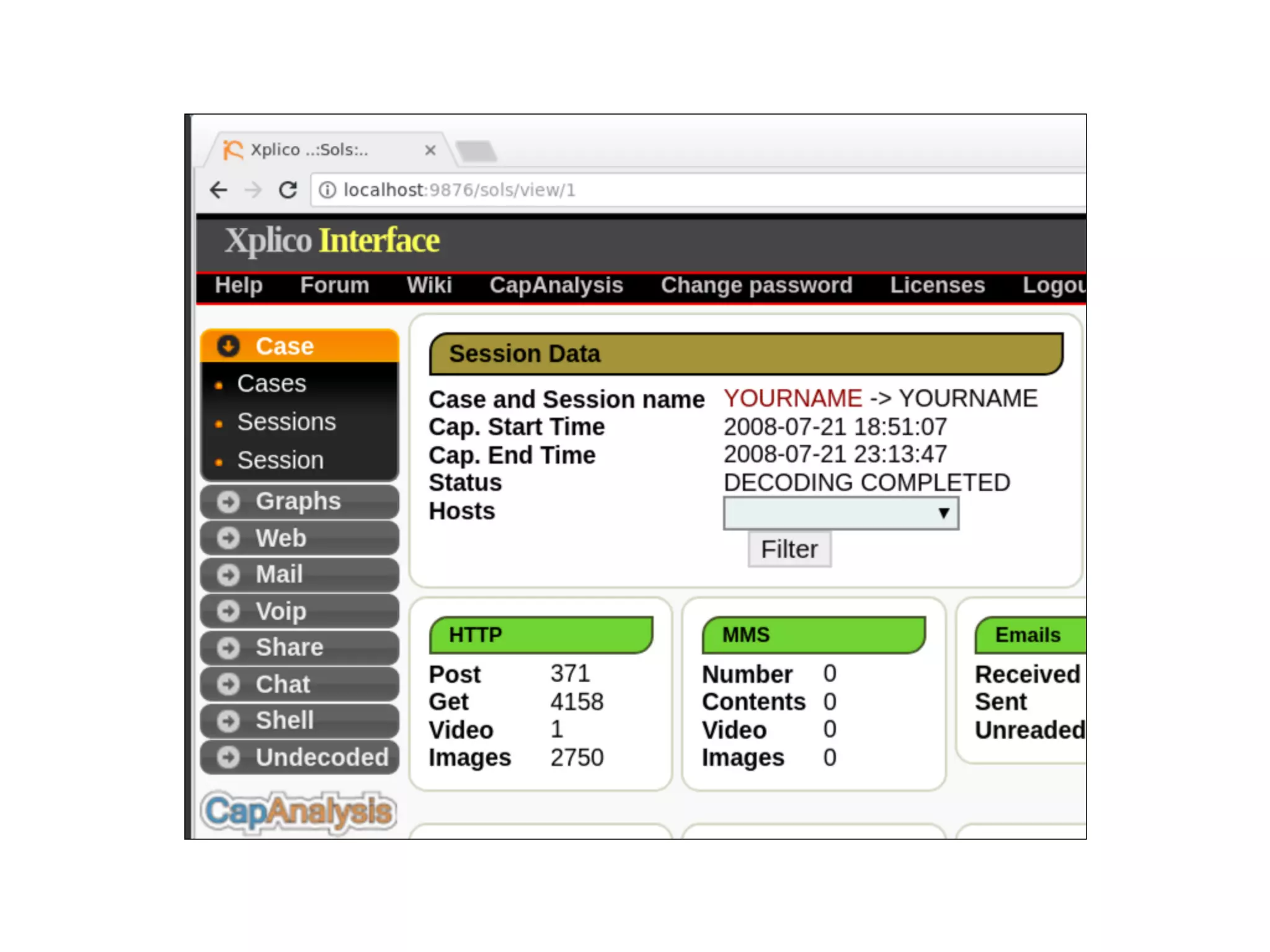
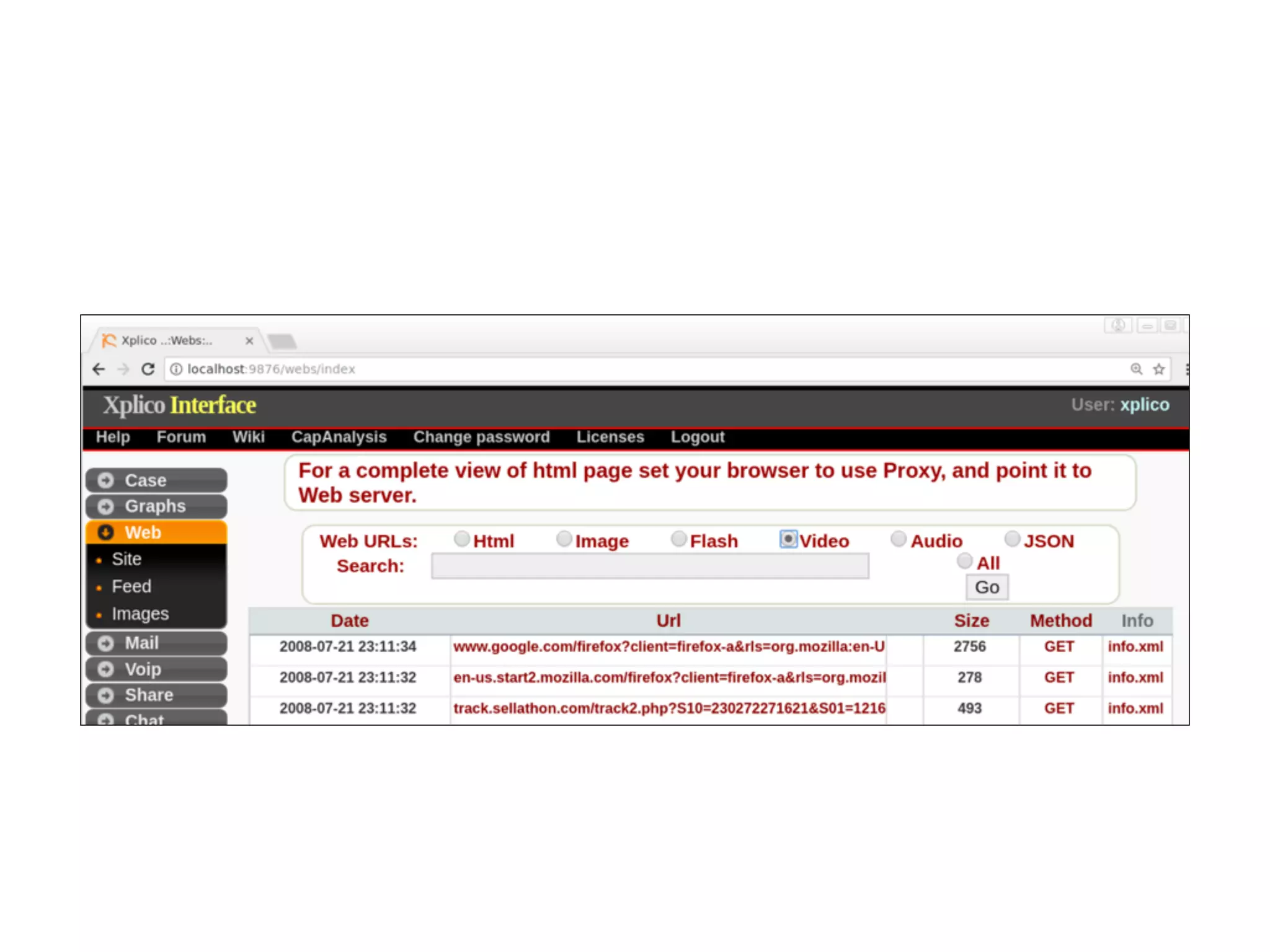
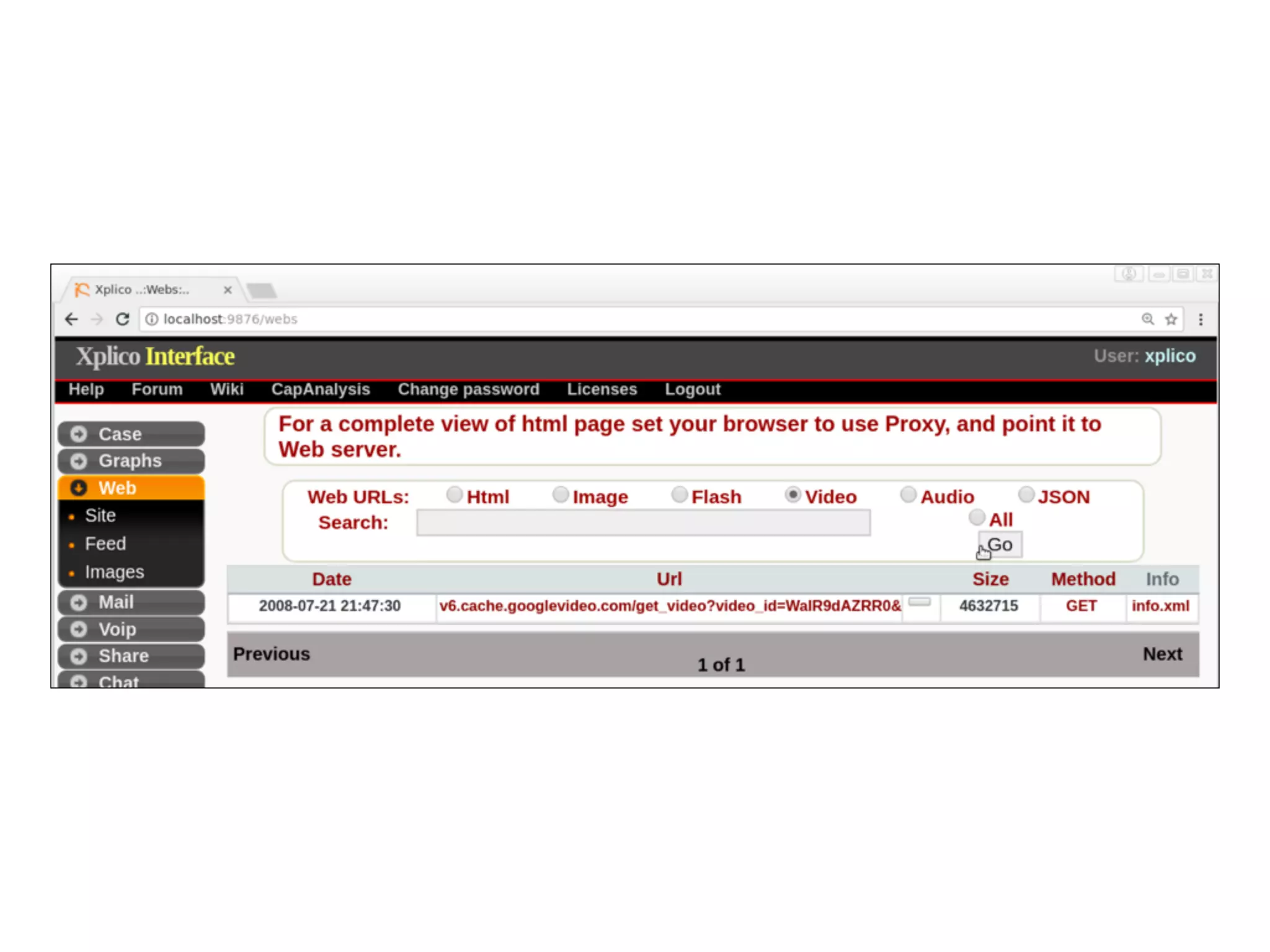
Using Xplico
• Not intended for live capture, although that is
possible
• Better for analyzing saved PCAPs
• Managed via a Web browser
• By default, SO only allows access from localhost
Flash Often Fails
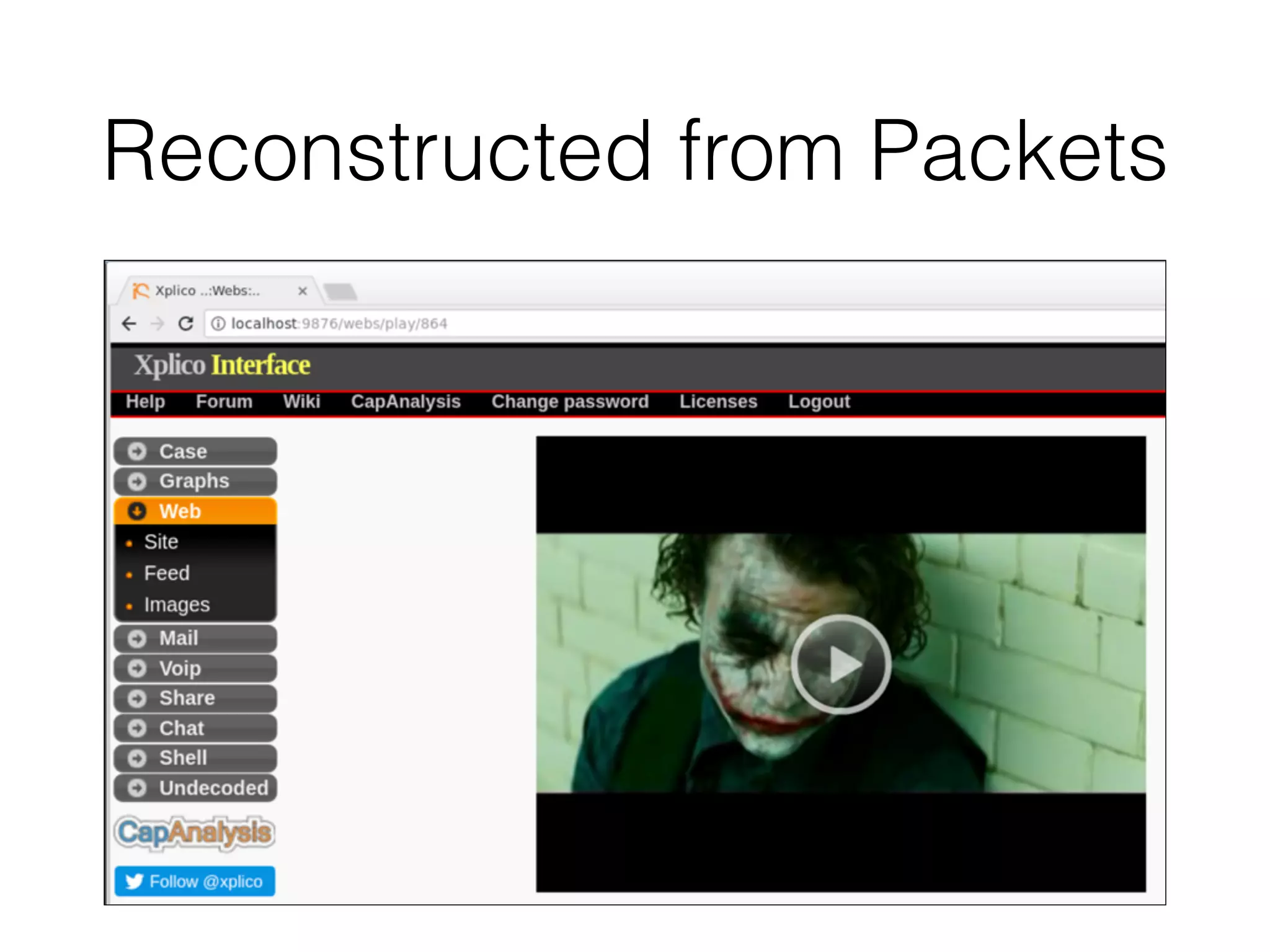
Reconstructed from Packets
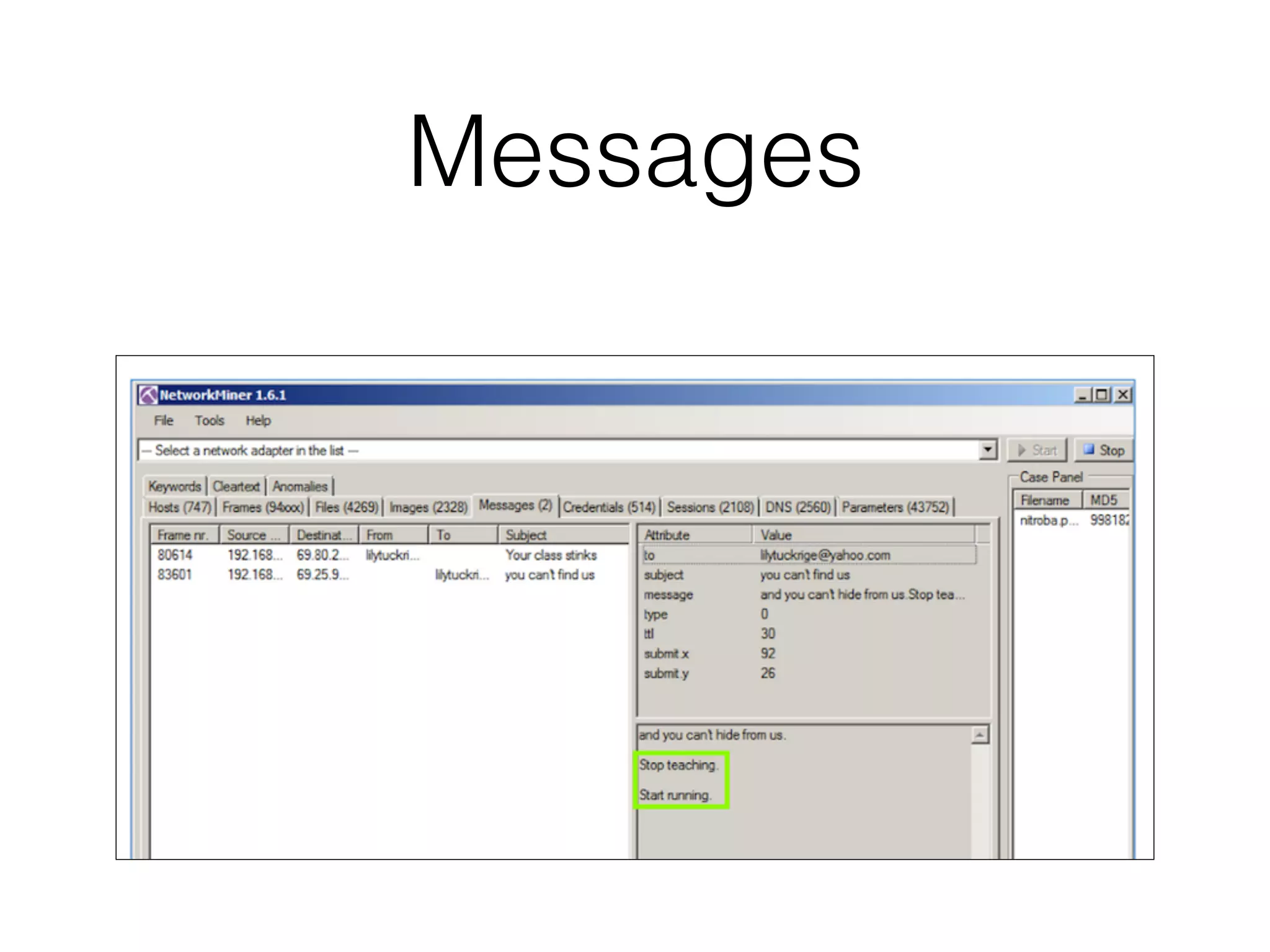
NetworkMiner
Windows Only!
• On Linux: takes more than two hours to load the
nitroba.pcap file, which is only 55 MB
• On Windows: < 5 min.
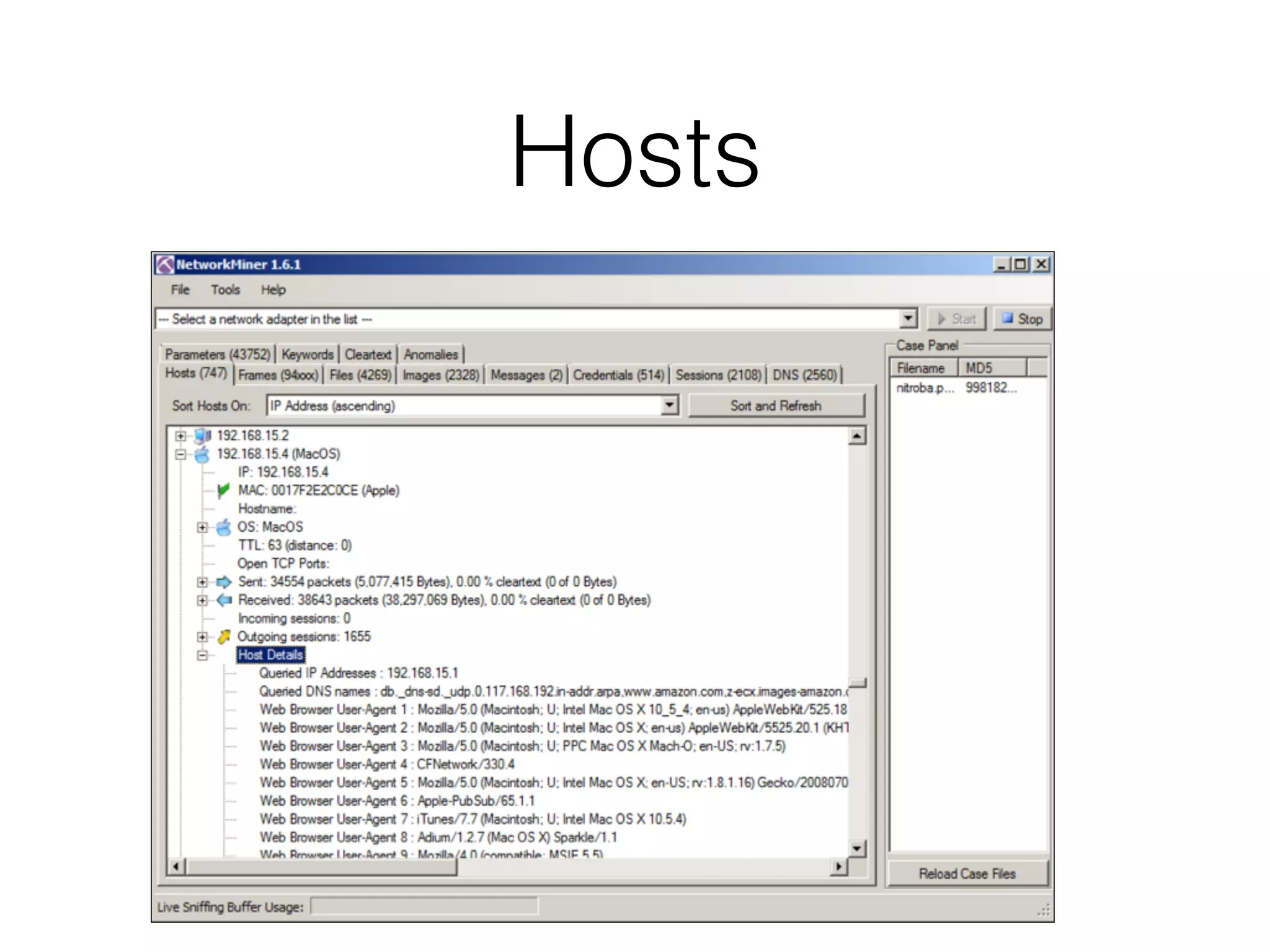
Hosts
Messages
CNIT 50:
Network Security Monitoring
8 NSM Consoles
Topics
• An NSM-centric Look at Network Traffic
• Using Sguil
• Using Squert
• Using Snorby (Removed from SO)
• Using ELSA
Sguil
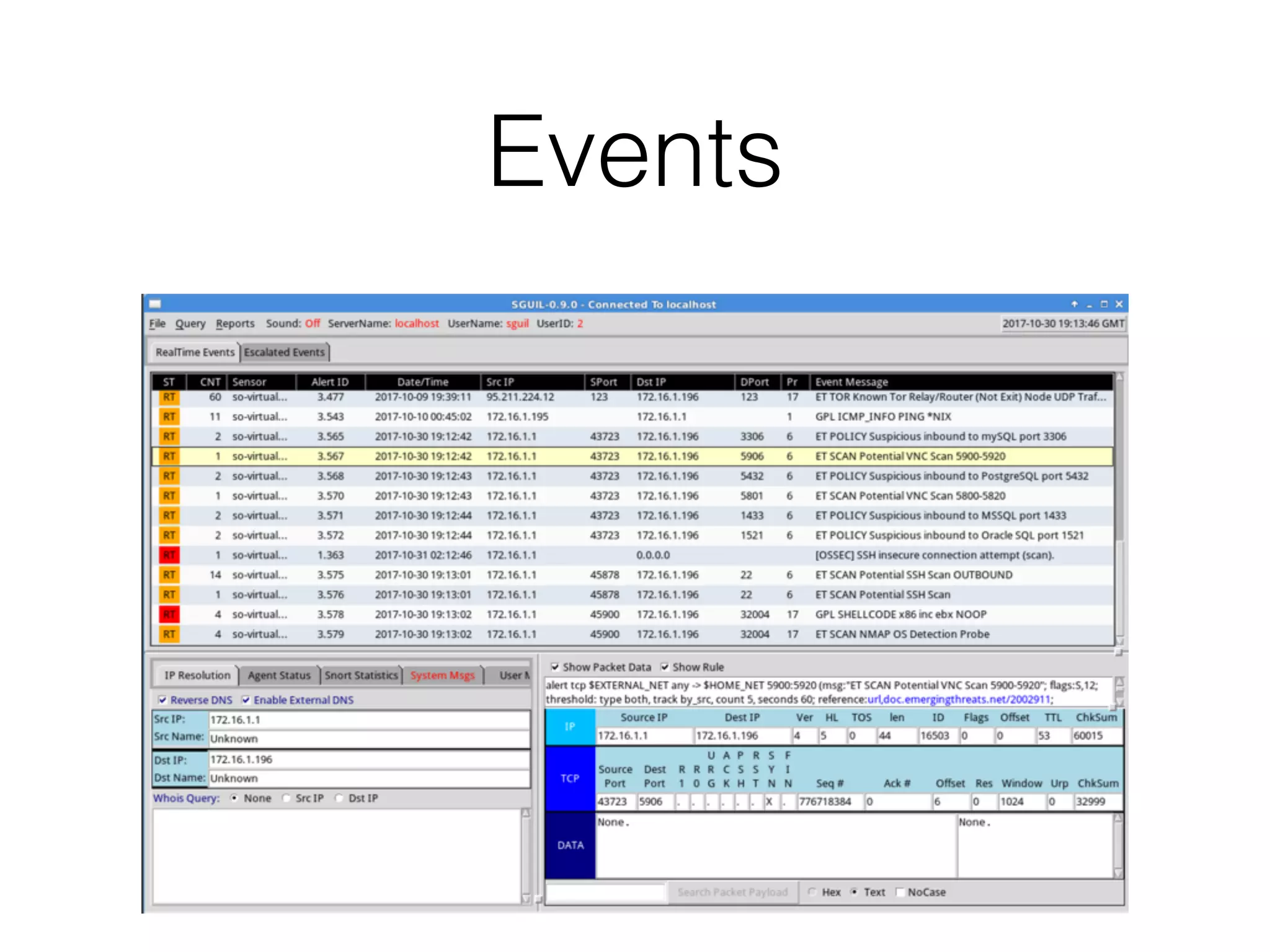
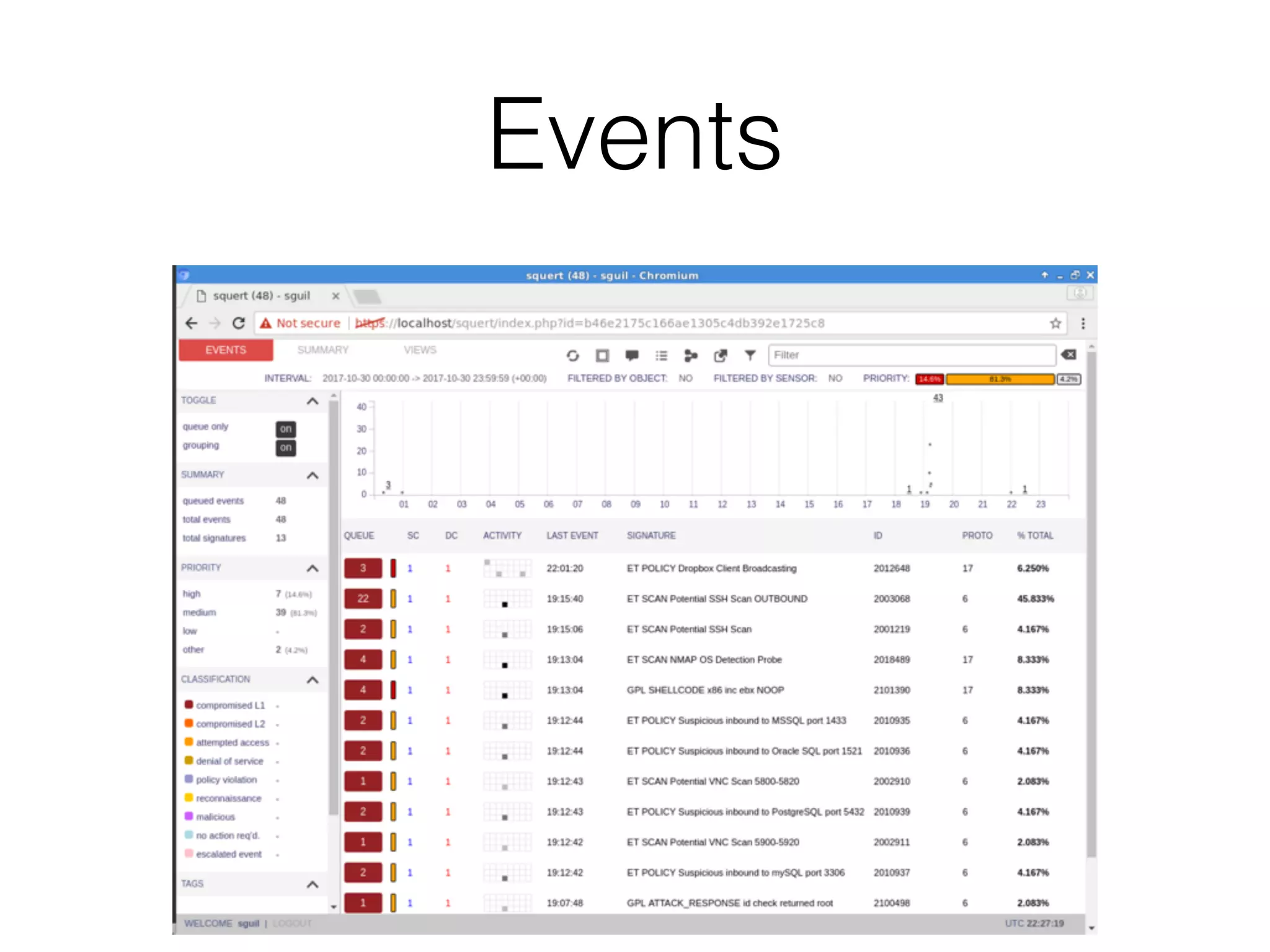
Events
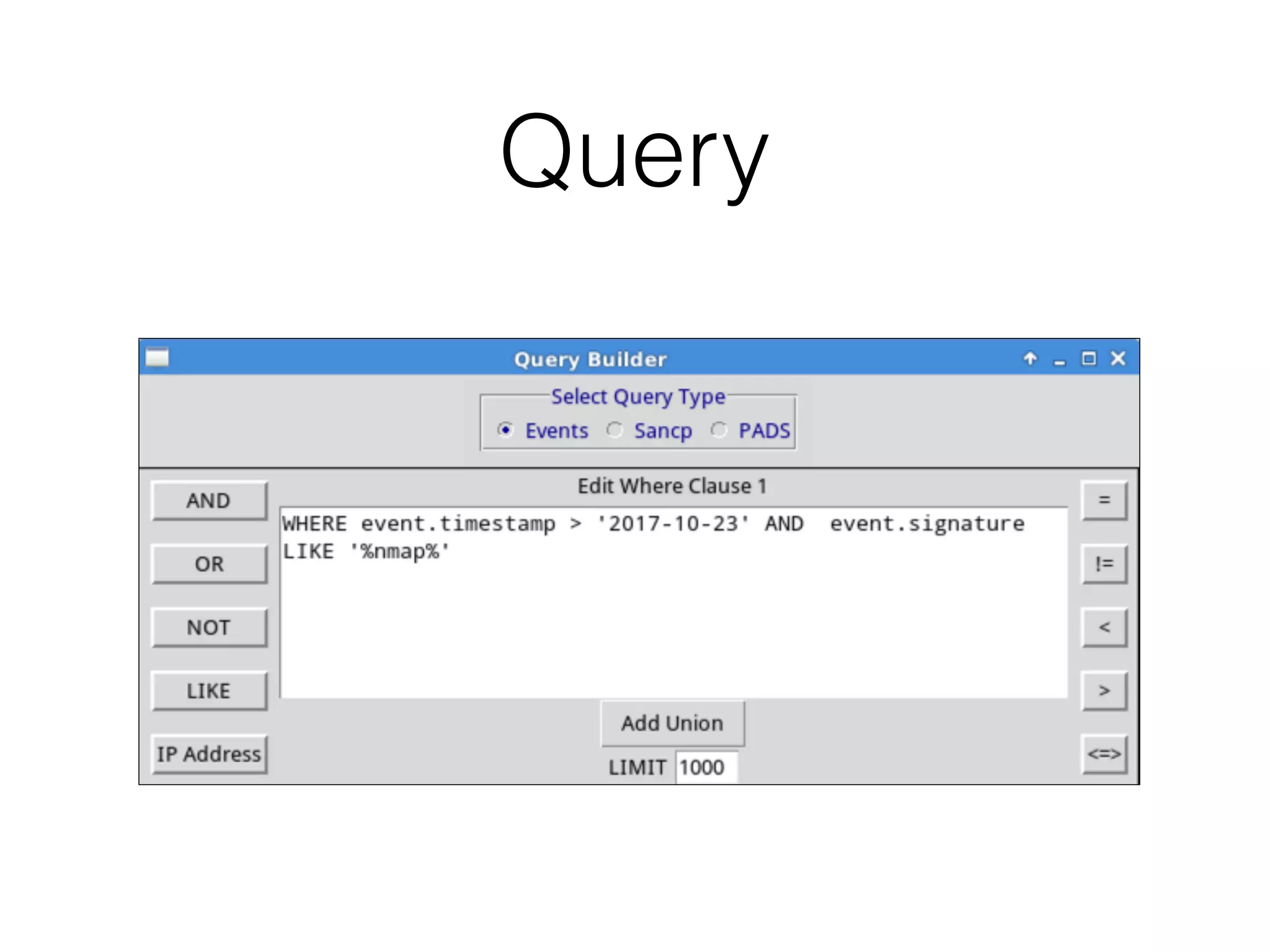
Query
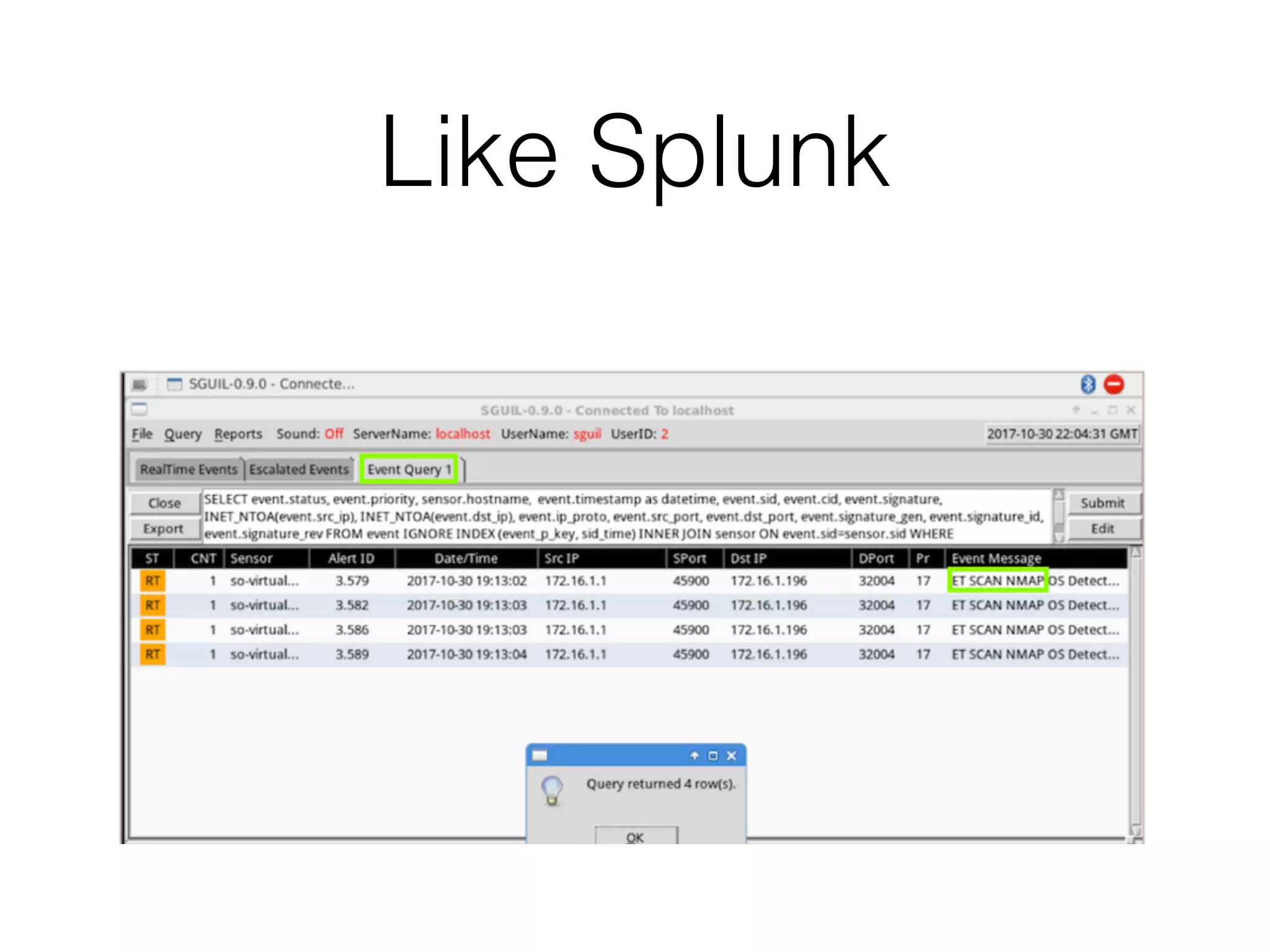
Like Splunk
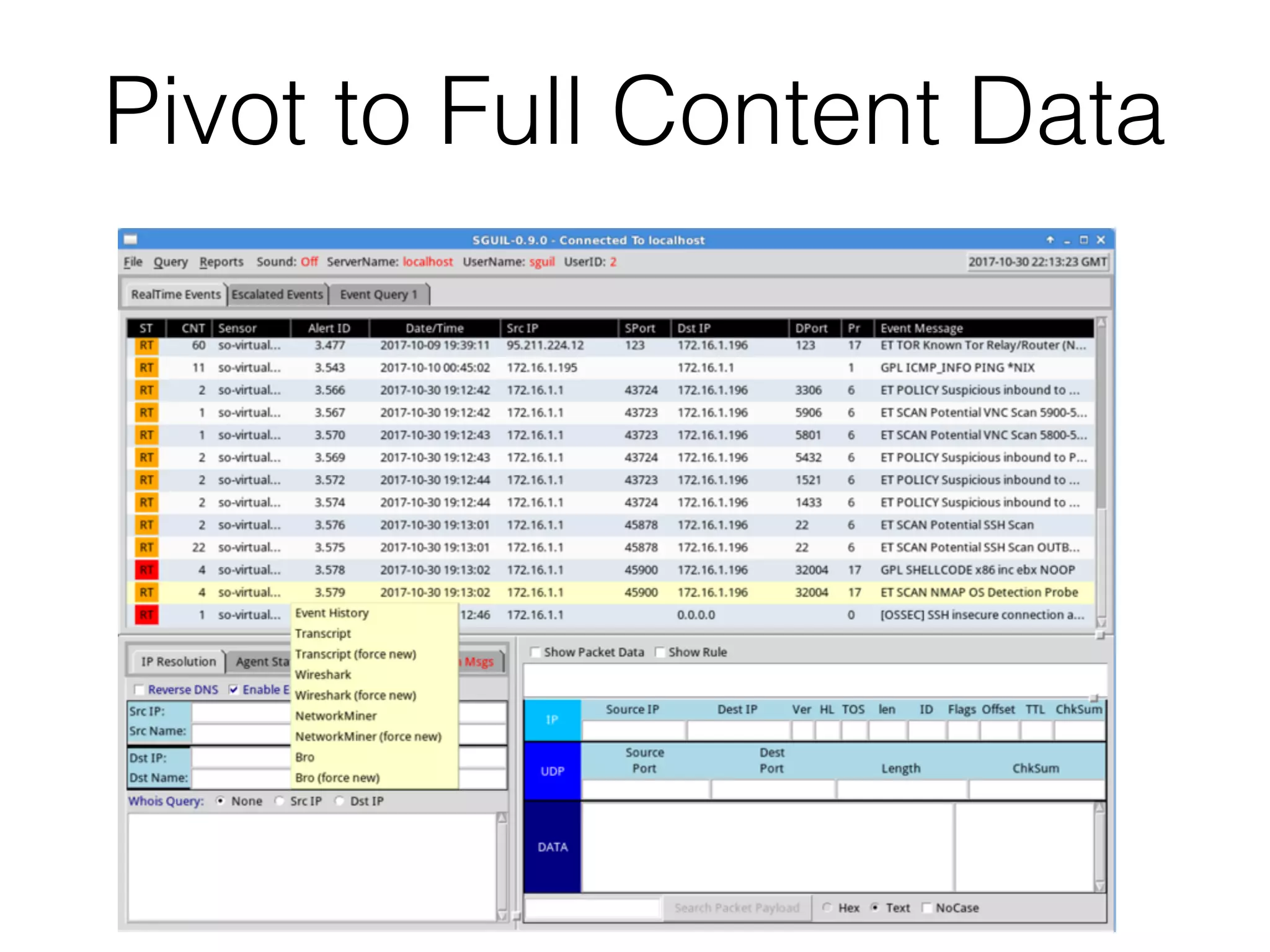
Pivot to Full Content Data
Squert
Squert
• Open-source web interface for NSM data
• Written to provide access to Sguil databases via a
Web browser
• Adds visualizations and supporting information
Events
Search
Snorby
Removed from SO
• Newer open-source Web interface for NSM data
• Abandoned by its developers and removed from
SO
ELSA
ELSA: Enterprise Log
Search and Archive
• Lets you search logs for strings like Splunk
• Fully asynchronous web-based query interface
• Closely tied to Bro
Programs
Visited IPs
Search
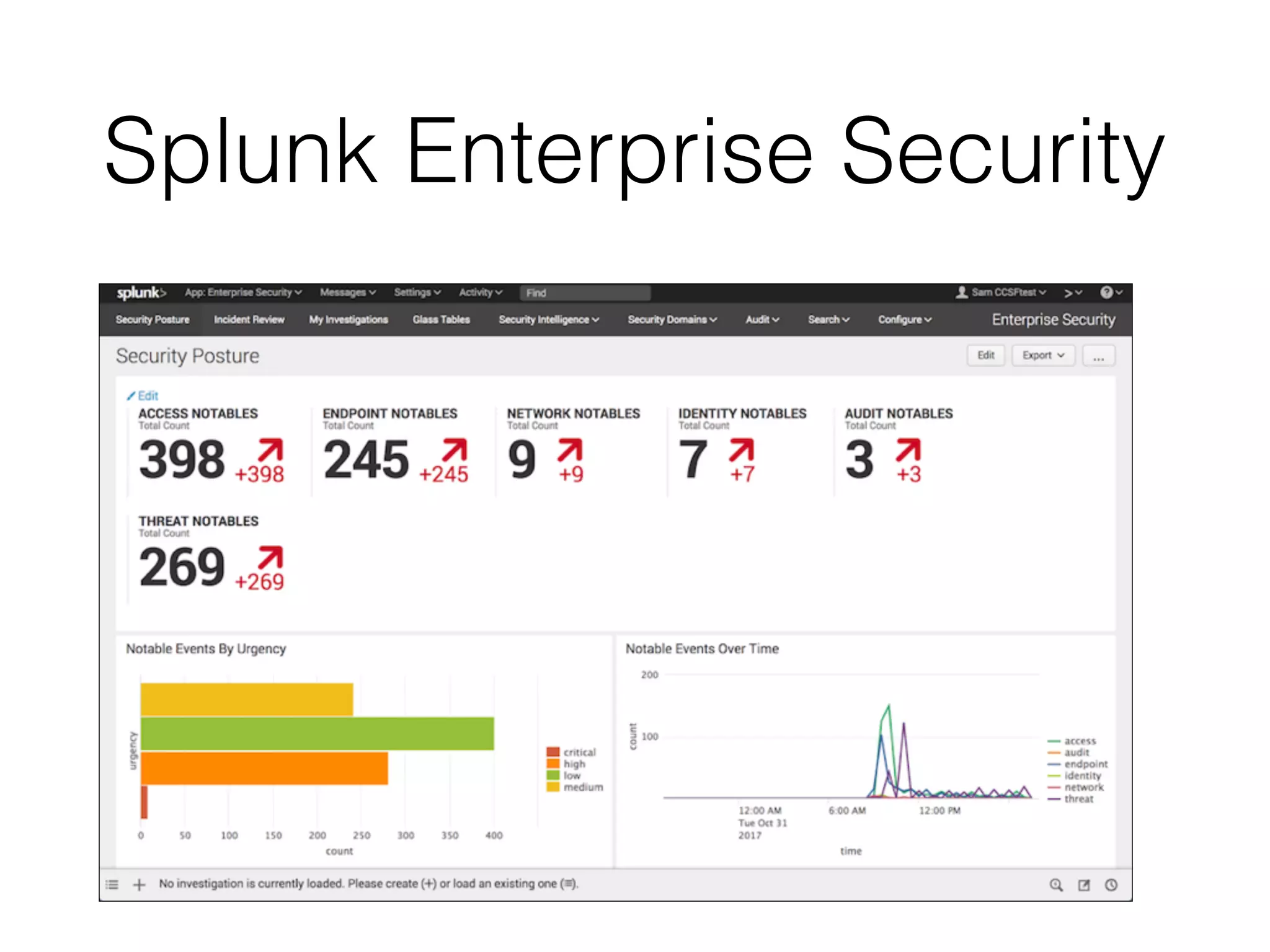
Splunk Enterprise Security
Splunk Cost

CNIT 50: 7. Graphical Tools & 8. NSM Consoles