
CNIT 127: Exploit Development


Ch 6: The Wild World of Windows

37
Revised 2-23-17
Topics
• Win32 API, DLLs, and PE Files
• Heaps
• Threading
• DCOM
• Exception Handling
• Debuggers
Win32 API, DLLs, and PE Files
Windows API

(Application Programming Interface)
• In Linux, a programmer can talk directly to
the kernel with syscalls (INT 0x80)
• But in Windows the kernel is only
accessible through the Windows API
• Implemented as a set of DLLs
• Changes with each Windows version and
Service Pack
Windows API

(Application Programming Interface)
• Every process using the Windows API must
use dynamic linking to the DLLs
• The Windows API changes more often than
Linux Syscalls do
• Here's an API call to make a window
DLLs

(Dynamic Link Libraries)
• Pre-compiled library code
• Loaded as needed when executable files
run
• You can see loaded DLLs with Process
Explorer
– View, Lower Pane View, DLLs
– Link Ch 6b
PE (Portable Executable) Files
• Format used for .EXE and .DLL files
– And some other extensions (link Ch 6c)
• Can be loaded on every 32-bit (or 64-bit)
Windows version
• Contains information about all required
DLLs
• Easy to see with PEView (link Ch 6d)
Import Table for Notepad
• Windows Server 2008 Version
Sections of a PE File
• .text – instructions to execute
• .data – global variables
• .idata – Import descriptors
• .rsrc – Resources (icons, etc.)
• .reloc – Relocation data
Relocating PE Files
• DLLs have a Base Address
– This is where they are designed to load
• But two DLLs might have the same Base
Address
– And both be used by the same EXE
• One of them must be moved--"Rebased"
• This process uses the .reloc section
Imports and Exports
• Imports
– Functions the program needs to use from
other code
– Both EXE and DLL files have imports
– The imports generally point to DLL's
• Exports
– Functions this program offers for others to
use
– DLL's have many exports, EXE's don't
Notepad.exe Imports
• Windows 10 Version
Advapi32.dll Exports
DLL Loading
• When an EXE launches, Windows hunts for the
required DLLs
• Looking first in the current working directory
• This allows a developer to include a DLL version
other than the one in C:WindowsSystem32
– Leads to DLL Hell; users may need to adjust PATH to
resolve DLL version conflicts
Stuxnet: LNK 0day
• Loaded a DLL
from a USB
thumbdrive
• Took over the
machine as soon
as the icons
appear
– Link Ch 6h
Relative Virtual Address (RVA)
• Windows EXE processes are loaded into
0x00400000 by default
– This is a Virtual Address, only visible to each
process
– Error on page 113 of textbook, too many
zeroes in 0x00400000
• RVA is used to aid in rebasing DLLs
– Loading them in non-preferred locations
Example of VA (Virtual Address)
• Link Ch 6g
OllyDbg: Code Starts Near 0x400000
Heaps
Many Heaps
• Heap is used for temporary storage of data
– Via malloc() and free()
• Linux uses one heap, but Windows uses
many heaps
• Each DLL that loads can set up its own
heap
• Heap corruption attacks are very confusing
Threading
One Process, Many Threads
• Each process is subdivided into threads
• Processor time slices are allocated to
threads, not processes
• This allows a single process to operate
more efficiently
– If one thread is waiting for something, other
threads can keep moving
Threads in Task Manager
Handles
• Handles are pointers to objects like open
files
• Each thread has many handles
• You can view details about every thread
with Process Explorer
The Genius and Idiocy of the DCOM

(Distributed Common Object
Model) 

and

DCE-RPC 

(Distributed Computing Environment
/ Remote Procedure Calls)
Follow the Money
• Microsoft's business model is to distribute
binary packages for money
• You can build a complex application by
purchasing third-party COM modules from
vendors
– And tying them together with Visual Basic
COM Objects
• Can be written in any supported language
• Interoperate seamlessly
• BUT a C++ integer is not the same as a
Visual Basic integer
• So you need to define the input and
outputs with an IDL (Interface Description
Language) file
DCOM Interface Description Language
(IDL) File
DCOM IDL File
• Specifies arguments and return values for
a particular function
– In a particular interface defined by UUID, also
called a GUID
– GUID is 128 bits long; 32 hex characters
Two Ways to Load a COM Object
• Load directly into process space as a DLL
• Launch as a service
– By the Service Control Manager (services.exe)
• Running as a service is more stable and
secure
– But much slower
• In-process calls are 1000 times faster than
calling a COM interface on the same
machine but in a different process
Service Control Manager (SCM)
• Appears in Task Manager as services.exe
DCOM Calls
• Microsoft's priority: make it easy for
developers to write software
• A simple registry or parameter change
tells a program to use a different process
– Or even a different machine
• A process can call a COM interface on a
different machine on the LAN
– 10x slower than calling a COM interface on
the same machine
RPC Endpoint Mapper
• Listening on port TCP 135
• An RPC request in Wireshark
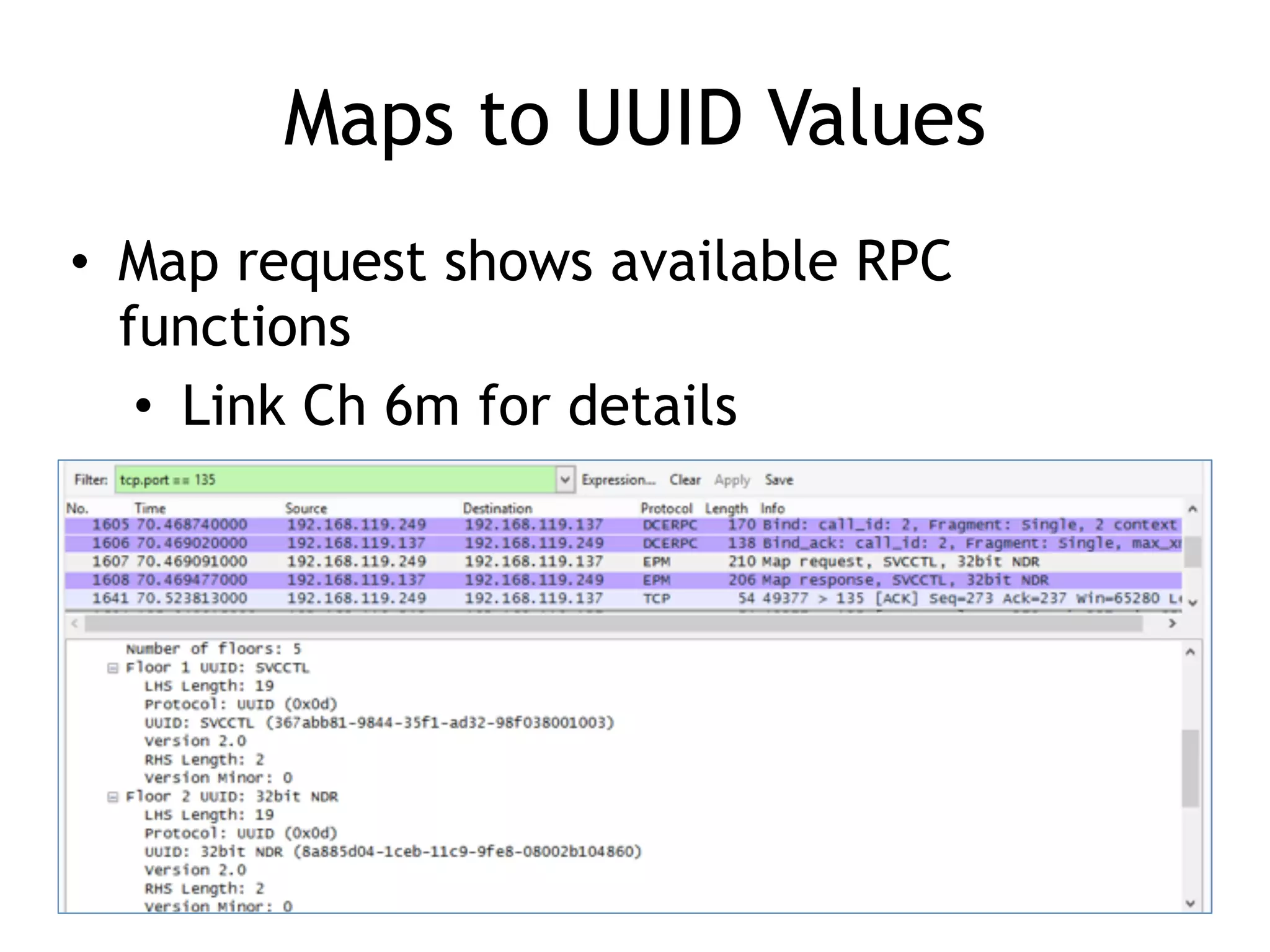
Maps to UUID Values
• Map request shows available RPC
functions
• Link Ch 6m for details
Components that Depend on RPC
• Open Services
• Double-click
"Remote
Procedure Call"
Security Implications
• Code can be designed to run in a trusted
environment
– Calling DLLs that are included in your
application, or Microsoft DLLs
• And easily adapted to run in an untrusted
environment
– Listening on a network port
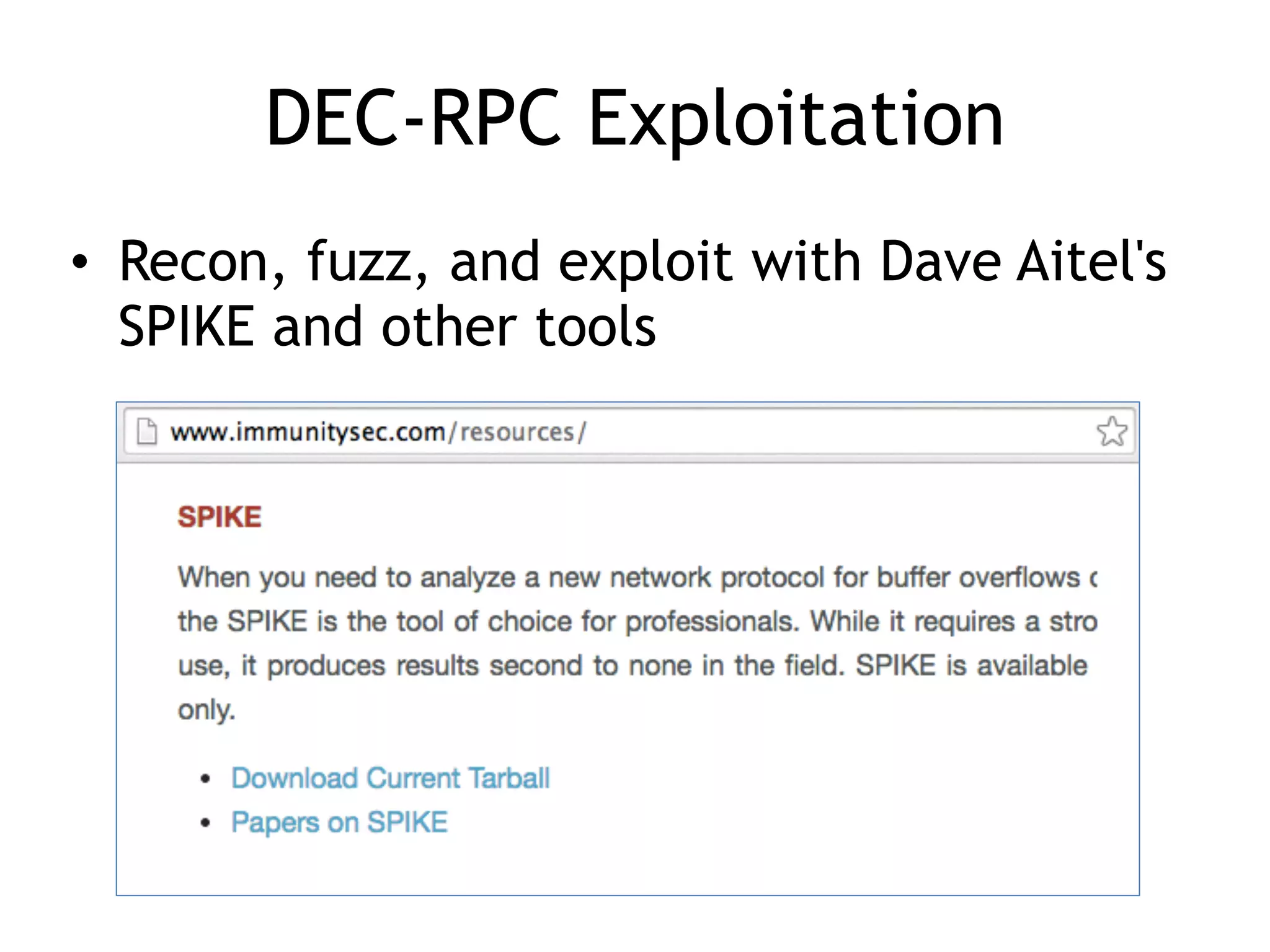
DEC-RPC Exploitation
• Recon, fuzz, and exploit with Dave Aitel's
SPIKE and other tools
Tokens and Impersonation
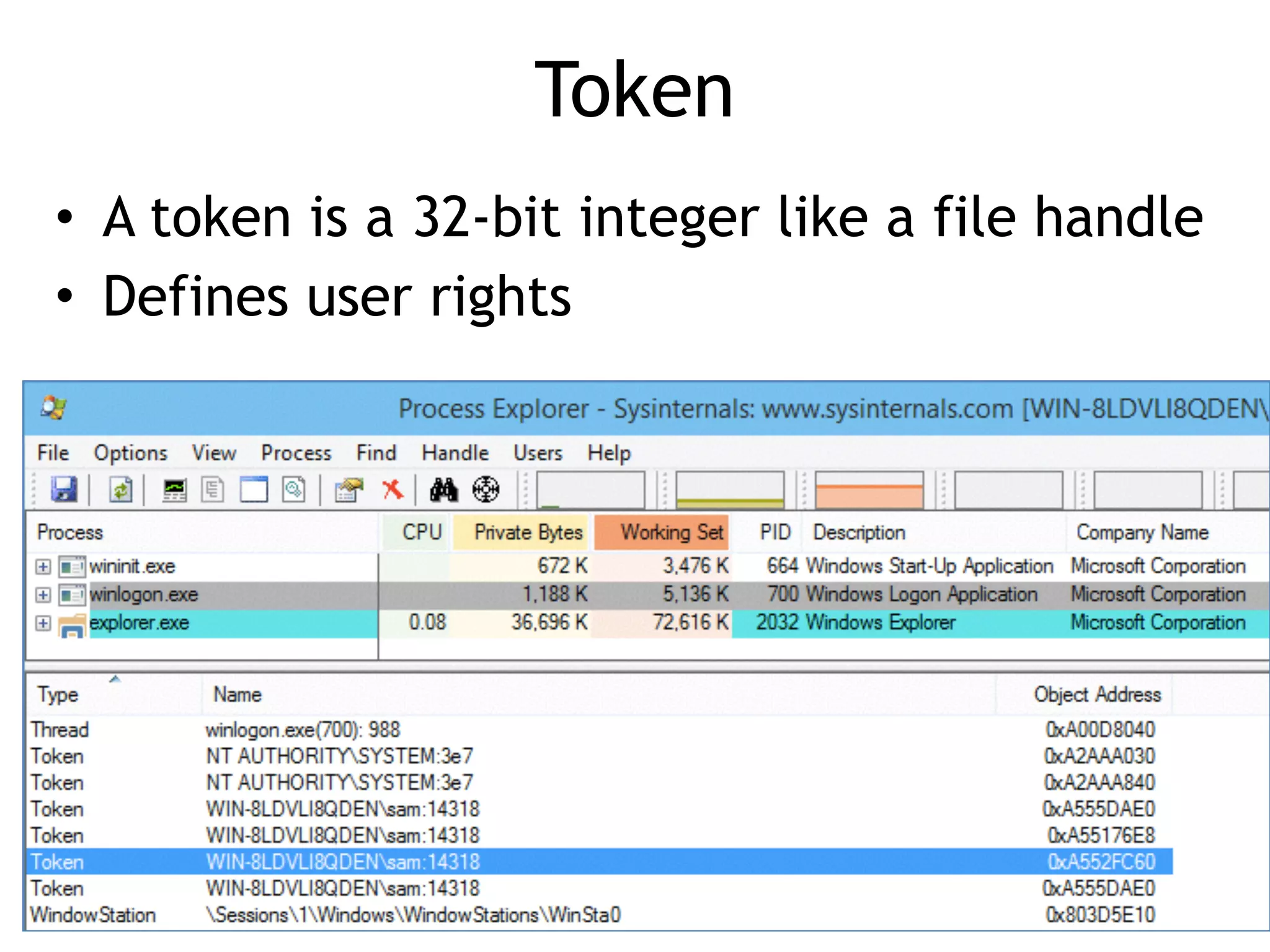
Token
• A token is a 32-bit integer like a file handle
• Defines user rights
Exploiting Token Handling
• Attacker can create threads and copy any
available token to them
• There are typically tokens available for
any user that has recently authenticated
Exception Handling
Structured Exception Handler (SEH)
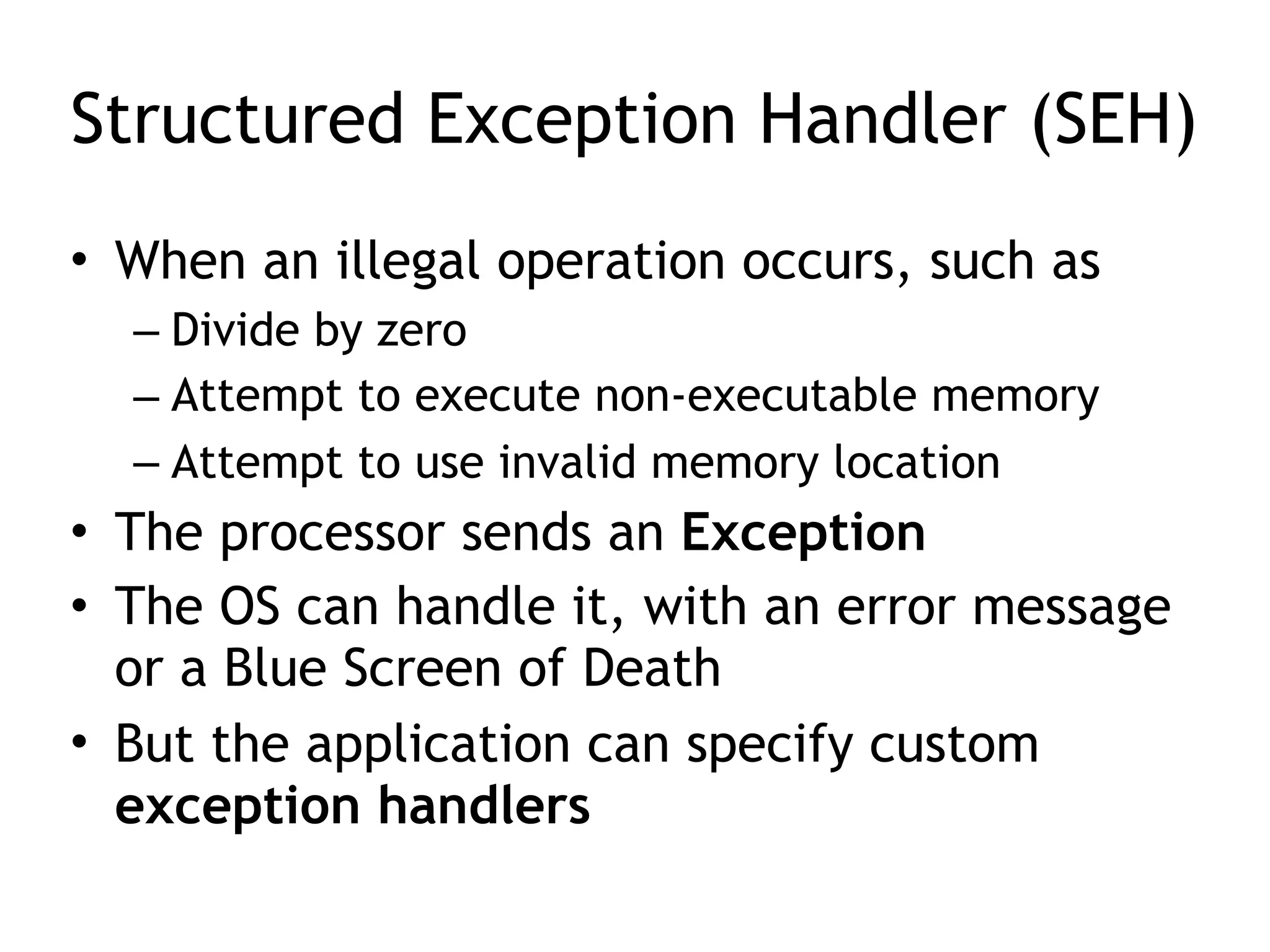
• When an illegal operation occurs, such as
– Divide by zero
– Attempt to execute non-executable memory
– Attempt to use invalid memory location
• The processor sends an Exception
• The OS can handle it, with an error message
or a Blue Screen of Death
• But the application can specify custom
exception handlers
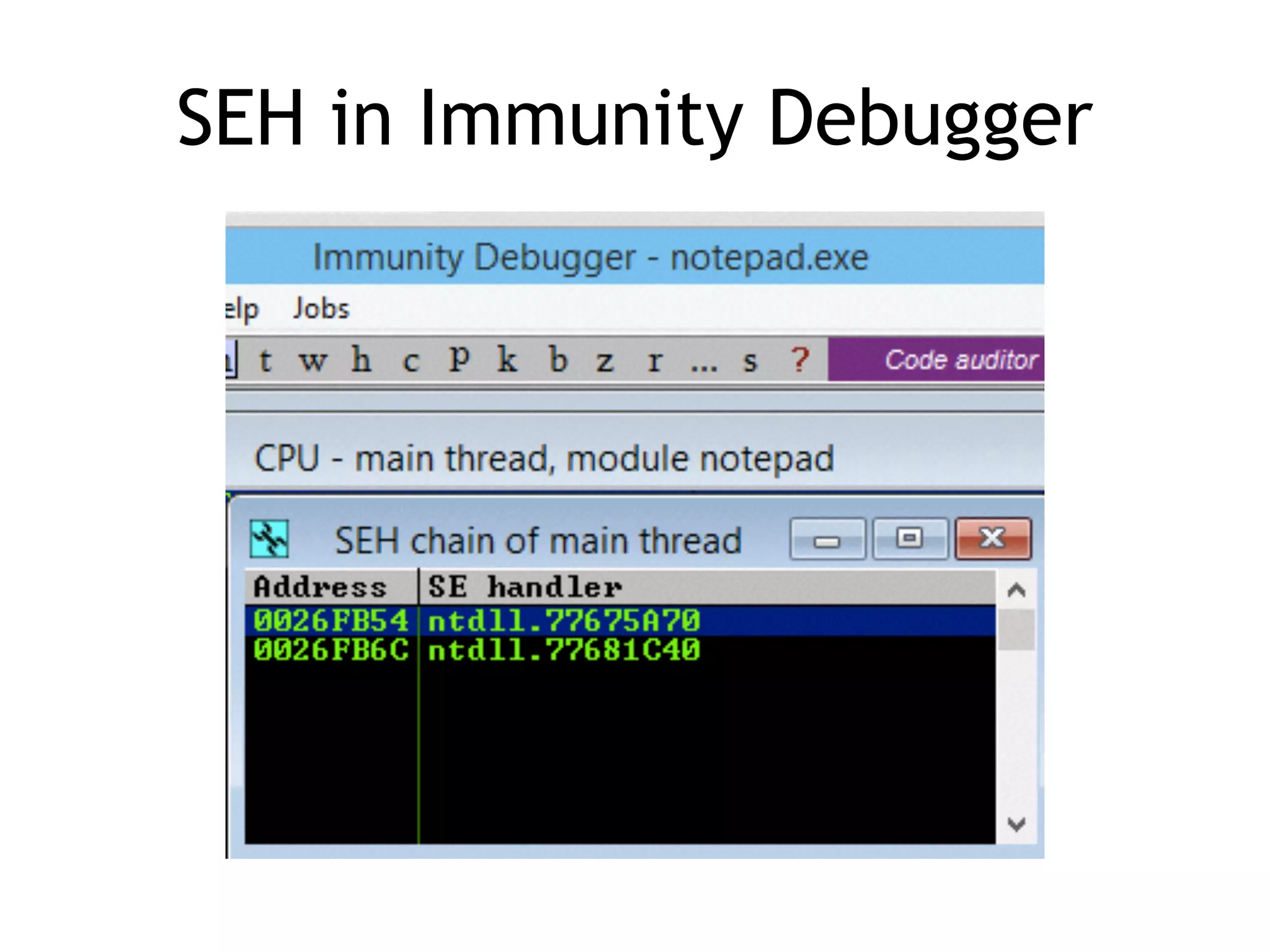
SEH in Immunity Debugger
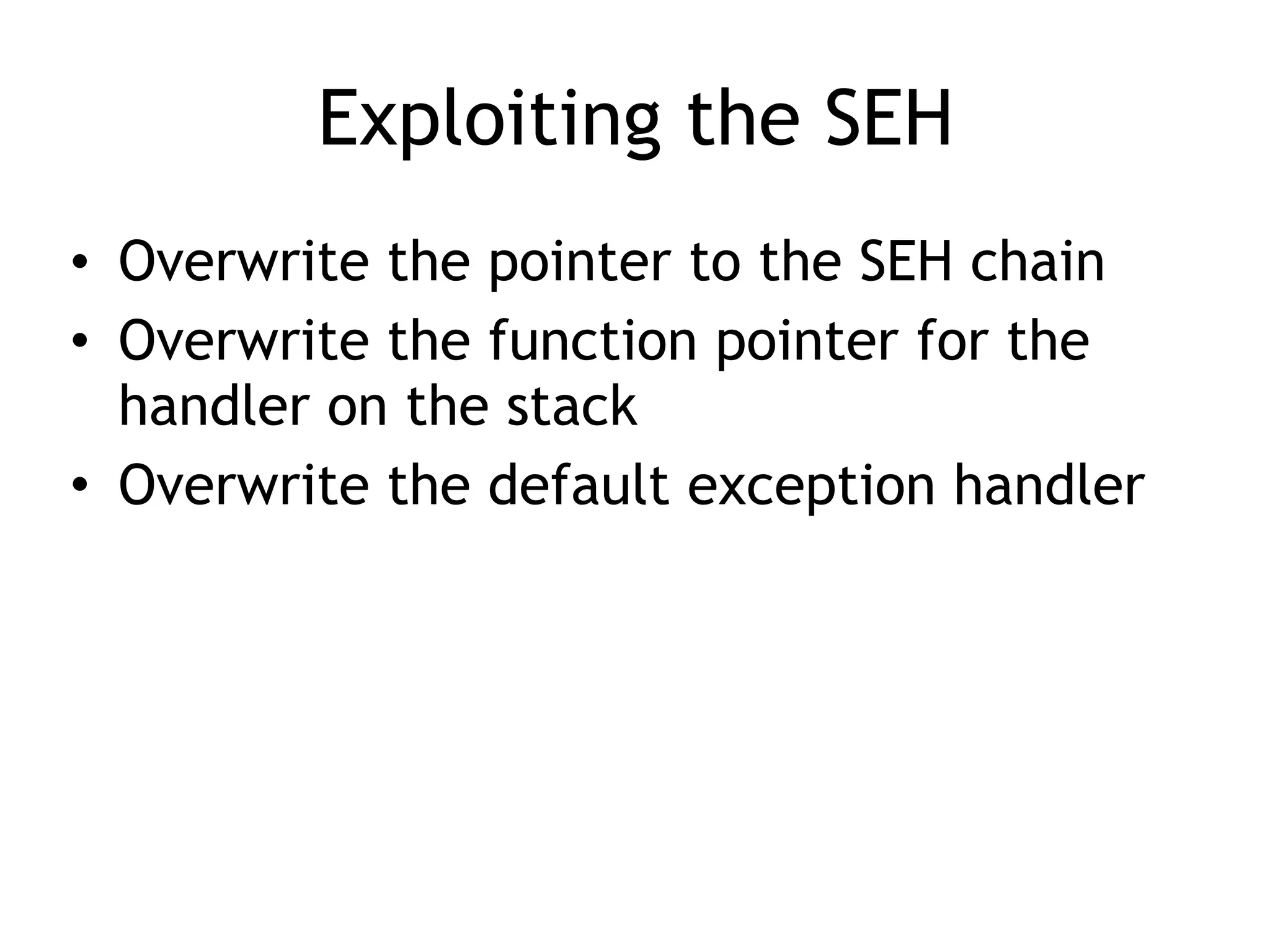
Exploiting the SEH
• Overwrite the pointer to the SEH chain
• Overwrite the function pointer for the
handler on the stack
• Overwrite the default exception handler
Debuggers
Three Options
• SoftICE
– Old, powerful, difficult to install
• WinDbg
– Use by Microsoft
– Can debug the kernel, using a serial cable and two
computers
• Or Ethernet, for Win 8 or later
• Or LiveKD and one machine
– UI is terrible
• OllyDbg
– Very popular but apparently abandoned
OllyDbg
• OllyDbg version 1.10 is very nice
• OllyDbg 2.x is terrible, giving false
results, and useless
• No later version seems to be available
Immunity Debugger
Immunity Debugger
• Based on OllyDbg
• Still alive and under development
• Used by many exploit developers
Immunity Debugger

CNIT 127 Ch 6: The Wild World of Windows

  • 1.
    CNIT 127: ExploitDevelopment
 
 Ch 6: The Wild World of Windows
 37 Revised 2-23-17
  • 2.
    Topics • Win32 API,DLLs, and PE Files • Heaps • Threading • DCOM • Exception Handling • Debuggers
  • 3.
    Win32 API, DLLs,and PE Files
  • 4.
    Windows API
 (Application ProgrammingInterface) • In Linux, a programmer can talk directly to the kernel with syscalls (INT 0x80) • But in Windows the kernel is only accessible through the Windows API • Implemented as a set of DLLs • Changes with each Windows version and Service Pack
  • 5.
    Windows API
 (Application ProgrammingInterface) • Every process using the Windows API must use dynamic linking to the DLLs • The Windows API changes more often than Linux Syscalls do • Here's an API call to make a window
  • 6.
    DLLs
 (Dynamic Link Libraries) •Pre-compiled library code • Loaded as needed when executable files run • You can see loaded DLLs with Process Explorer – View, Lower Pane View, DLLs – Link Ch 6b
  • 8.
    PE (Portable Executable)Files • Format used for .EXE and .DLL files – And some other extensions (link Ch 6c) • Can be loaded on every 32-bit (or 64-bit) Windows version • Contains information about all required DLLs • Easy to see with PEView (link Ch 6d)
  • 9.
    Import Table forNotepad • Windows Server 2008 Version
  • 10.
    Sections of aPE File • .text – instructions to execute • .data – global variables • .idata – Import descriptors • .rsrc – Resources (icons, etc.) • .reloc – Relocation data
  • 11.
    Relocating PE Files •DLLs have a Base Address – This is where they are designed to load • But two DLLs might have the same Base Address – And both be used by the same EXE • One of them must be moved--"Rebased" • This process uses the .reloc section
  • 12.
    Imports and Exports •Imports – Functions the program needs to use from other code – Both EXE and DLL files have imports – The imports generally point to DLL's • Exports – Functions this program offers for others to use – DLL's have many exports, EXE's don't
  • 13.
  • 14.
  • 15.
    DLL Loading • Whenan EXE launches, Windows hunts for the required DLLs • Looking first in the current working directory • This allows a developer to include a DLL version other than the one in C:WindowsSystem32 – Leads to DLL Hell; users may need to adjust PATH to resolve DLL version conflicts
  • 16.
    Stuxnet: LNK 0day •Loaded a DLL from a USB thumbdrive • Took over the machine as soon as the icons appear – Link Ch 6h
  • 17.
    Relative Virtual Address(RVA) • Windows EXE processes are loaded into 0x00400000 by default – This is a Virtual Address, only visible to each process – Error on page 113 of textbook, too many zeroes in 0x00400000 • RVA is used to aid in rebasing DLLs – Loading them in non-preferred locations
  • 18.
    Example of VA(Virtual Address) • Link Ch 6g
  • 19.
    OllyDbg: Code StartsNear 0x400000
  • 20.
  • 21.
    Many Heaps • Heapis used for temporary storage of data – Via malloc() and free() • Linux uses one heap, but Windows uses many heaps • Each DLL that loads can set up its own heap • Heap corruption attacks are very confusing
  • 22.
  • 23.
    One Process, ManyThreads • Each process is subdivided into threads • Processor time slices are allocated to threads, not processes • This allows a single process to operate more efficiently – If one thread is waiting for something, other threads can keep moving
  • 24.
  • 25.
    Handles • Handles arepointers to objects like open files • Each thread has many handles • You can view details about every thread with Process Explorer
  • 27.
    The Genius andIdiocy of the DCOM
 (Distributed Common Object Model) 
 and
 DCE-RPC 
 (Distributed Computing Environment / Remote Procedure Calls)
  • 28.
    Follow the Money •Microsoft's business model is to distribute binary packages for money • You can build a complex application by purchasing third-party COM modules from vendors – And tying them together with Visual Basic
  • 29.
    COM Objects • Canbe written in any supported language • Interoperate seamlessly • BUT a C++ integer is not the same as a Visual Basic integer • So you need to define the input and outputs with an IDL (Interface Description Language) file
  • 30.
    DCOM Interface DescriptionLanguage (IDL) File
  • 31.
    DCOM IDL File •Specifies arguments and return values for a particular function – In a particular interface defined by UUID, also called a GUID – GUID is 128 bits long; 32 hex characters
  • 32.
    Two Ways toLoad a COM Object • Load directly into process space as a DLL • Launch as a service – By the Service Control Manager (services.exe) • Running as a service is more stable and secure – But much slower • In-process calls are 1000 times faster than calling a COM interface on the same machine but in a different process
  • 33.
    Service Control Manager(SCM) • Appears in Task Manager as services.exe
  • 34.
    DCOM Calls • Microsoft'spriority: make it easy for developers to write software • A simple registry or parameter change tells a program to use a different process – Or even a different machine • A process can call a COM interface on a different machine on the LAN – 10x slower than calling a COM interface on the same machine
  • 35.
    RPC Endpoint Mapper •Listening on port TCP 135 • An RPC request in Wireshark
  • 36.
    Maps to UUIDValues • Map request shows available RPC functions • Link Ch 6m for details
  • 37.
    Components that Dependon RPC • Open Services • Double-click "Remote Procedure Call"
  • 38.
    Security Implications • Codecan be designed to run in a trusted environment – Calling DLLs that are included in your application, or Microsoft DLLs • And easily adapted to run in an untrusted environment – Listening on a network port
  • 39.
    DEC-RPC Exploitation • Recon,fuzz, and exploit with Dave Aitel's SPIKE and other tools
  • 40.
  • 41.
    Token • A tokenis a 32-bit integer like a file handle • Defines user rights
  • 42.
    Exploiting Token Handling •Attacker can create threads and copy any available token to them • There are typically tokens available for any user that has recently authenticated
  • 43.
  • 44.
    Structured Exception Handler(SEH) • When an illegal operation occurs, such as – Divide by zero – Attempt to execute non-executable memory – Attempt to use invalid memory location • The processor sends an Exception • The OS can handle it, with an error message or a Blue Screen of Death • But the application can specify custom exception handlers
  • 45.
  • 46.
    Exploiting the SEH •Overwrite the pointer to the SEH chain • Overwrite the function pointer for the handler on the stack • Overwrite the default exception handler
  • 47.
  • 48.
    Three Options • SoftICE –Old, powerful, difficult to install • WinDbg – Use by Microsoft – Can debug the kernel, using a serial cable and two computers • Or Ethernet, for Win 8 or later • Or LiveKD and one machine – UI is terrible • OllyDbg – Very popular but apparently abandoned
  • 49.
    OllyDbg • OllyDbg version1.10 is very nice • OllyDbg 2.x is terrible, giving false results, and useless • No later version seems to be available
  • 50.
  • 51.
    Immunity Debugger • Basedon OllyDbg • Still alive and under development • Used by many exploit developers
  • 52.