



CNIT 125:
Information Security
Professional
(CISSP
Preparation)
Ch 8. Security Operations
Administrative Security
Administrative Personnel Controls
• Least Privilege or Minimum Necessary
Access
• Need to Know (compartmentalizing)
• Separation of Duties
• Multiple people must approve critical
transactions
• Requires collusion of multiple people
to bypass
Administrative Personnel Controls
• Rotation of Duties/Job Rotation
• People move from one job to another
• Mitigates fraud
• Can be costly, however
• Mandatory Leave/Forced Vacation
• Non-Disclosure Agreement (NDA)
• Background Checks
Privilege Monitoring
• Scrutinize
• Account creation/deletion
• Reboots
• Backup and restore
• Source code access
• Audit log access
Forensics
Forensics
• Preserve the "crime scene"
• Collect evidence
• Antiforensics
• Makes forensics difficult or impossible
• Malware that is entirely memory-
resident
• Makes Live Forensics important
• Capturing RAM while system is still
on
Phases of Forensics
• Identification of potential evidence
• Acquisition of evidence
• Analysis of evidence
• Production of a report
Forensic Media Analysis
• Live capture
• Binary images of hard disks, USB flash
drives, CDs, DVDs, cell phones, MP3
players
• Binary image includes deleted files
• More complete than a normal backup
Four Types of Disk-Based Forensic
Data
• Allocated space (normal files)
• Unallocated space (deleted files)
• Slack space
• Leftover space at end of clusters
• Contains fragments of old files
• Bad bocks/clusters/sectors
• Ignored by operating systems
• May contain hidden data
Binary Backup Tools
• Norton Ghost (in forensic mode)
• FTK Imager
• EnCase
Network Forensics
• Legal-focused analysis of traffic
• Closely related to Network Intrusion
Detection
• Operations-focused analysis
• Emails, Web surfing, IM conversations,
and file transfers can be recovered from
network captures
Forensic Software Analysis
• Investigators have a binary file to analyze
• Reverse engineering malware
• Uses disassemblers and debuggers
• And virtual machines for dynamic
analysis
Embedded Device Forensics
• SSDs (Solid State Drives)
• Handheld devices
Electronic Discovery
eDiscovery
• Producing evidence for a lawsuit
• Can be difficult
• Backups may be inconvenient to access
Incident Response Management
Incident Response
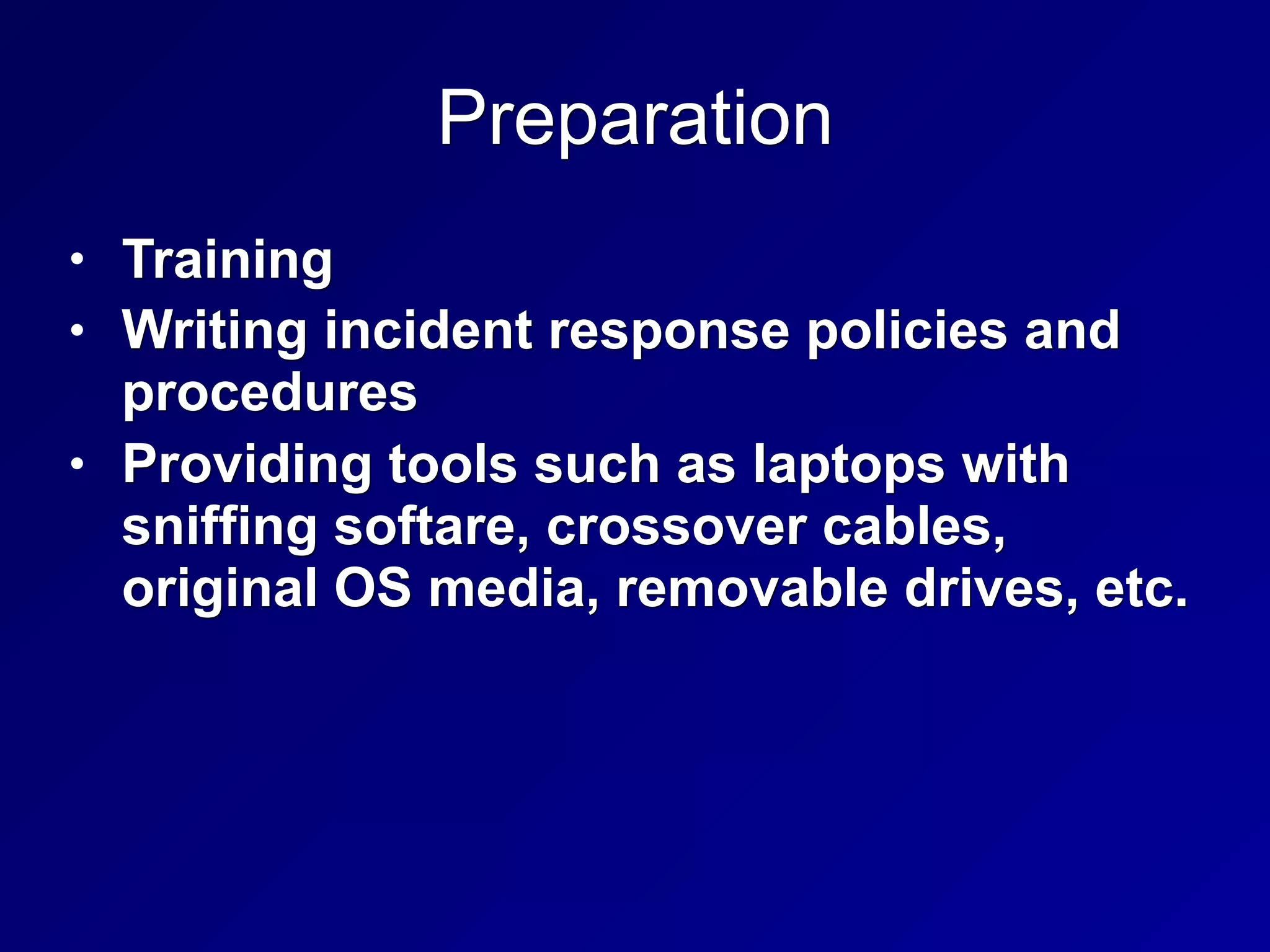
Preparation
• Training
• Writing incident response policies and
procedures
• Providing tools such as laptops with
sniffing softare, crossover cables,
original OS media, removable drives, etc.
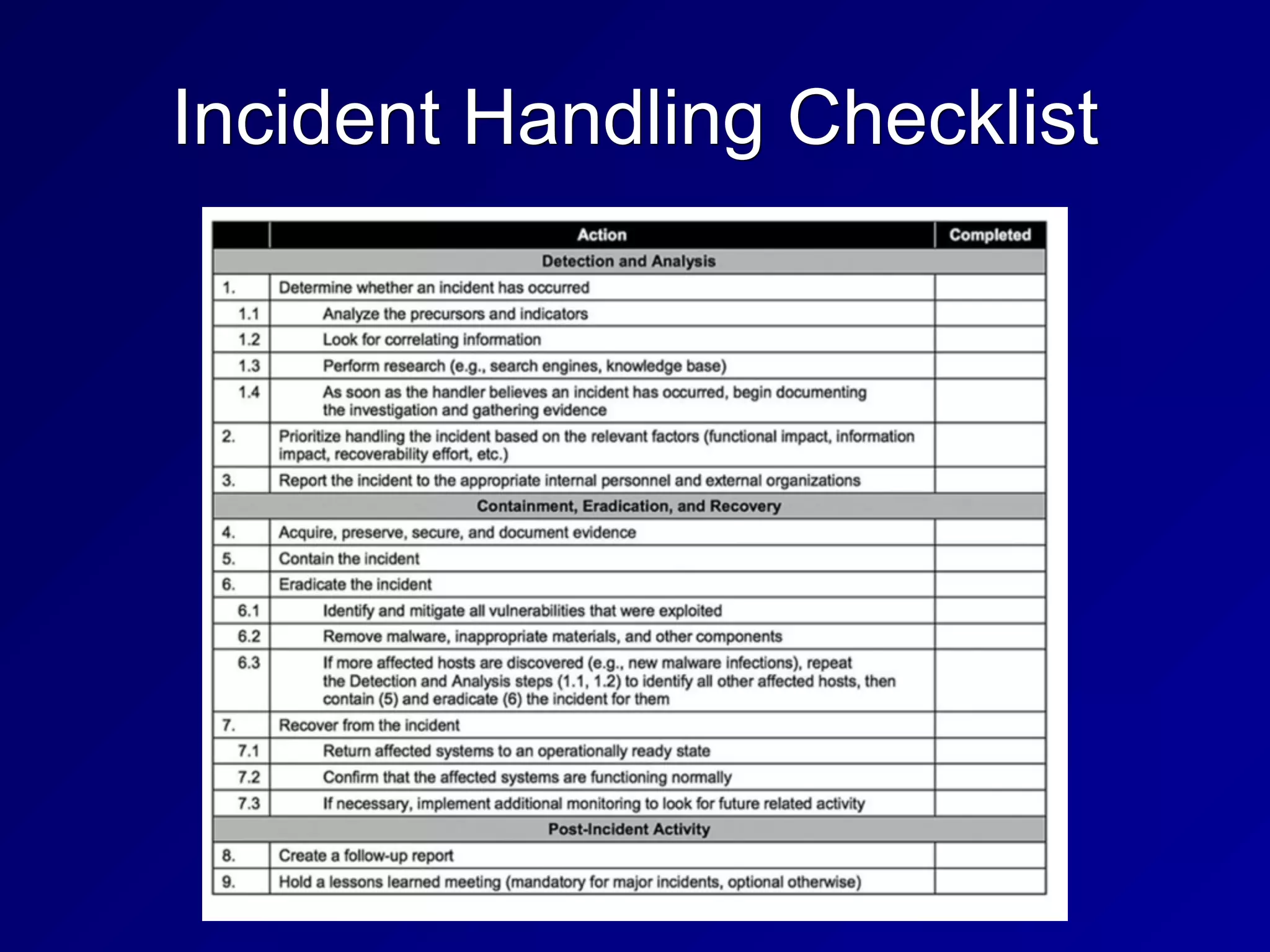
Incident Handling Checklist
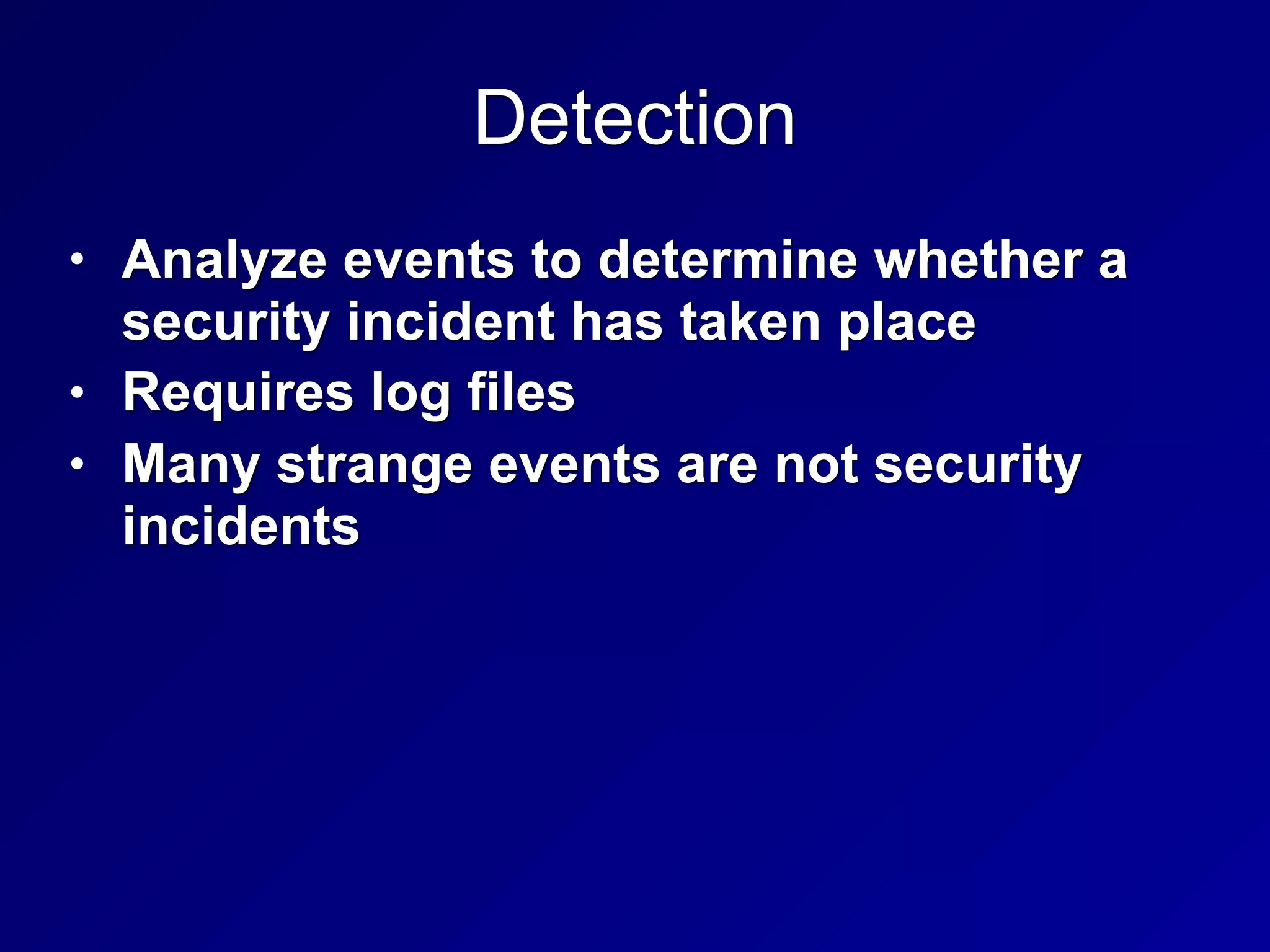
Detection
• Analyze events to determine whether a
security incident has taken place
• Requires log files
• Many strange events are not security
incidents
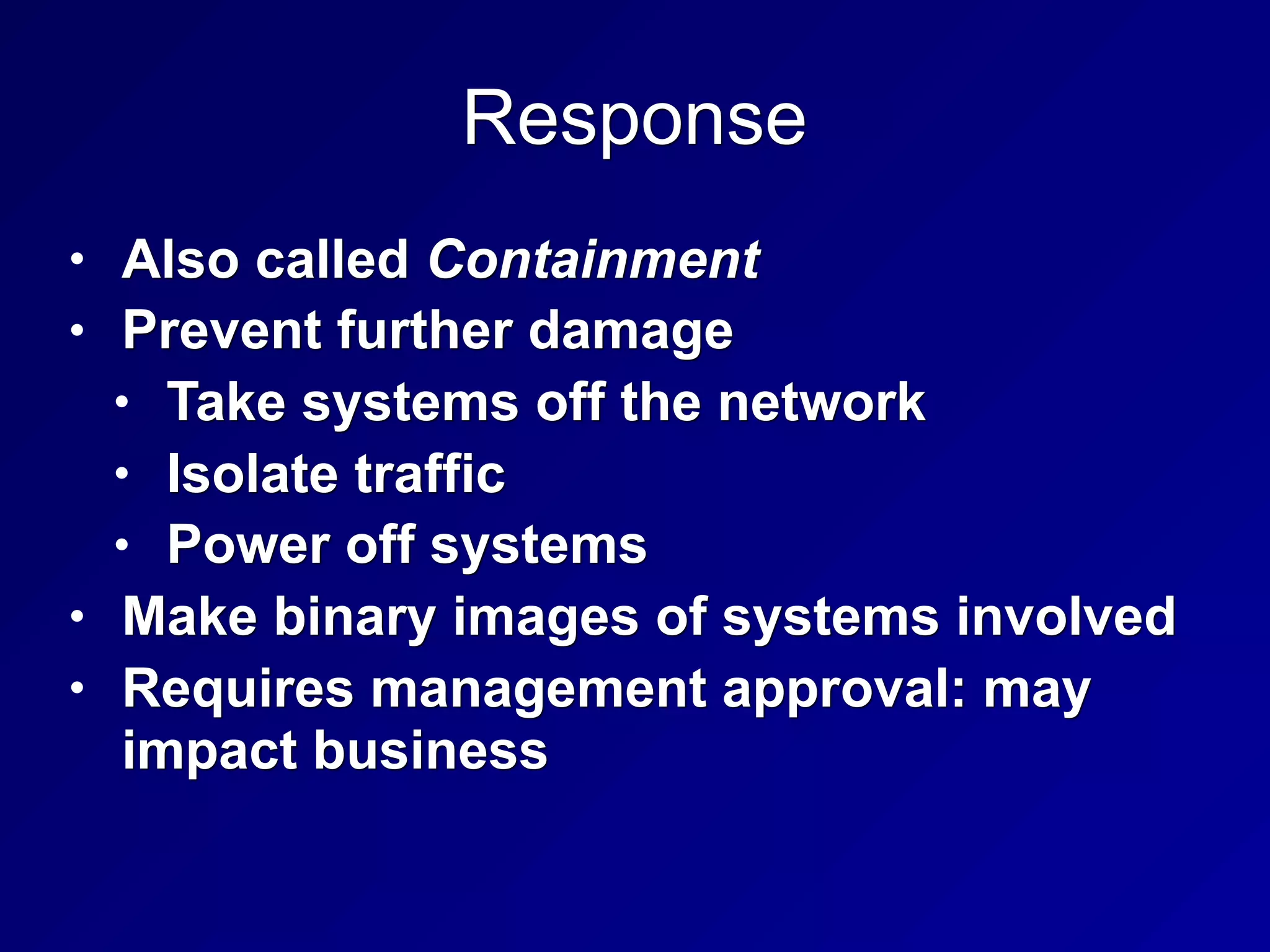
Response
• Also called Containment
• Prevent further damage
• Take systems off the network
• Isolate traffic
• Power off systems
• Make binary images of systems involved
• Requires management approval: may
impact business
Mitigation
• Also called eradication
• Determine cause of incident
• So systems can be cleaned
• Root cause analysis is required
Reporting
• Must begin immediately upon detection
of malicious activity
• Two types
• Technical
• Non-technical
• Often neglected, but very important
• Non-technical stakeholders include
business and mission owners
Recovery
• Restoring the affected systems to
operation
• Monitor systems to see if the infection or
attacker returns
Remediation
• Removal of the vulnerability that allowed
the incident
• Change passwords
• Switch to two-factor authentication
Lessons Learned
• Likely to be neglected
• Greatest potential to improve security
posture
• Create a final report to deliver to
management
• Detail ways the incident could have been
detected sooner, response could have
been quicker or more effective, and areas
for improvement
Root-Cause Analysis
• Determine the underlying weakness or
vulnerability that allowed the incident
• Without this, incident could repeat
A
Operational Preventive Detective
Controls
IDS & IPS
• Intrusion Detection System
• Detects malicious actions
• Intrusion Prevention System
• Prevents malicious actions
• Network-based
• Protects a whole network
• Host-based
• Protects only one host
• Ex: Tripwire
Types of IDS
• Pattern matching
• Compares events to static signatures
• Protocol behavior
• Detects protocol errors, like SYN/FIN
TCP packets
• Anomaly detection
• Reports traffic that varies from normal
baseline
Security Information and Event
Management (SIEM)
• Correlates data from many sources
• Continuous Monitoring
• Now recommended, replacing the
earlier Certification and Accreditation
approach of examining a system once
every 3 years
Data Loss Prevention
• Prevents sensitive data from leaving the
network
Endpoint Security
• Security suites, including
• Antivirus, application whitelisting,
removable media controls, disk
encryption, Host Intrusion Prevention
Systems, and firewalls
Antivirus
• Mostly depend on signature detectio
• Blacklisting
• Application whitelisting
• New technique
• Only allow known good software to run
• May use
• File path and name
• Hash
• Code signature
Removable Media Controls
• Disable Autorun (default on modern
Windows systems)
Disk Encryption
• Full Disk Encryption is best
Honeypots
• System designed to attract attackers
• May have legal risks
• Attacker may claim they were invited in
• Honey nets
• Real or simulated network of
honeypots
Asset Management
Configuration Management
• Consistent security configuration
• Hardened beyond the defaults
• Baselining
• Captures security configuration at a
point in time
Patch Management
• Must evaluate and test patch
• Deploying patches is best done with a
management system
Vulnerability Management
• Vulnerability scanning finds poor
configurations and missing patches
• Must remediate the vulnerabilities
• Zero Day Vulnerability and Zero Day
Exploits
• No patch available
Change Management
• Change control board oversees and
coordinates change control process
• Approves or denies changes based on
risk and cost management
Change Management Steps
B
Continuity of Operations
Service Level Agreements (SLA)
• Dictates what is acceptable
• Bandwidth, time to delivery, response
times, etc.
• Ex: 99.9% uptime
Fault Tolerance
• A device may fail; that is a fault
• If users no longer receive service, that's
a failure
• Fault-tolerant systems have redundant
systems
• So a fault does not lead to a failure
Backup
• Full Backup
• Incremental backup
• Data changed since last full backup of
any kind
• May take several tapes to recover
• Differential backup
• Data changed since last full backup
• May take two tapes to recover
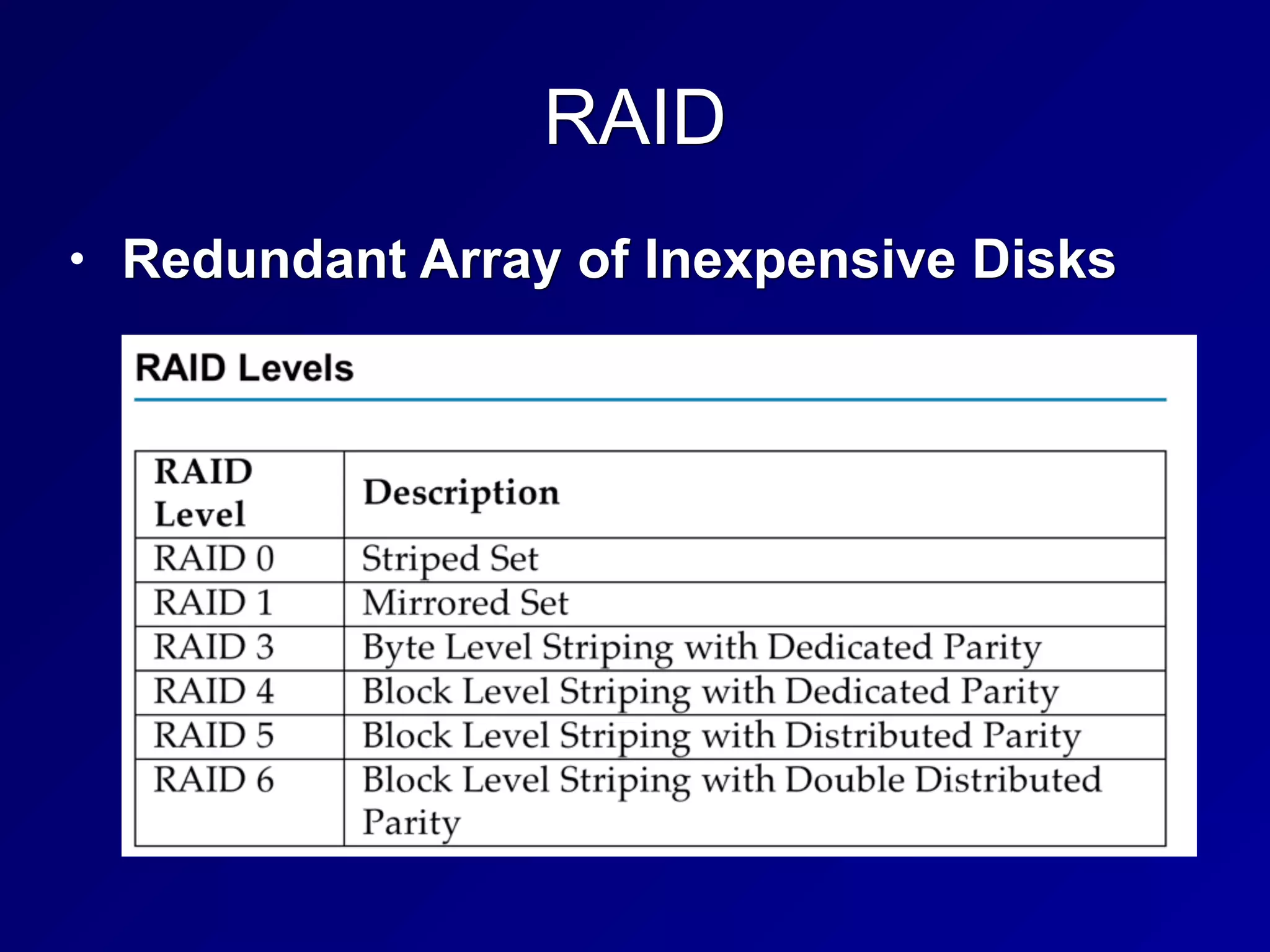
RAID
• Redundant Array of Inexpensive Disks
RAID Terms
• Mirroring
• Duplicating data on another disk
• Skipping
• Writing data across many disks
• Improves performance, but does not
provide fault tolerance
• Parity
• Saves XORed data from other drives
• Provides fault tolerance
RAID Levels
• RAID 0: Striped (no fault tolerance)
• RAID 1: Mirrored (fault tolerant)
• RAID 3: Parity on a single drive (fault
tolerant)
• RAID 5: Striped set with distributed
parity (fault tolerant)
• RAID 6: Striped set with dual distributed
parity (can recover even if two drives fail)
RAID Levels
• RAID 1+0 or RAID 10
• Striped set of mirrors
• Fault tolerant
System Redundancy
• Redundant Hardware
• Extra power supplies, NICs, disk controllers
• Redundant Systems
• High Availability Clusters
• Failover cluster uses another device when
the primary one fails
• Called "Active-Passive"
• Active-Active or Load Balancing cluster
• Uses all devices at all times
BCP and DRP Overview and Process
Business Continuity Planning (BCP)
• Ensures that business will continue to
operate before, throughout, and during a
disaster
• Ensures that critical services can be carried
out
• Strategic, long-term: focuses on business
as a whole
• An umbrella plan that includes multiple
plans, most importantly the Disaster
Recovery Plan (DRP)
Disaster Recovery Planning (DRP)
• Tactical, short-term
• Plan to deal with specific disruptions,
such as a malware infection
Maximum Tolerable Downtime (MTD)
• Used to determine how to allocate
resources for recovery
Disasters or Disruptive Events
• By Cause
• Natural (like earthquakes)
• Human
• Intentional like terrorism, rogue
insiders, DoS, phishing, etc.
• Inadvertent like errors, laziness,
carelessness
• Environmental (like power blackouts,
equipment failures, or software flaws)
Errors and Omissions
• Most common source of disruptive
events
• Easily avoided with controls, if they can
be identified
Temperature and Humidity Failures
• Without proper controls, the Mean Time
Between Failures (MTBF) for electrical
equipment will decrease
• Must test backup power and HVAC
• UPS (Uninterruptible Power Supply)
• Generators
Disasters
• Warfare, terrorism, and sabotage
• Financially motivated attackers
• Personnel shortages
• Pandemics and disease
• Strikes
• Loss of a critical individual worker
Communications Failure
• Physical line breaks
• Hurricanes
The Disaster Recovery Process
• Respond
• Activate Team
• Communicate
• Assess
• Reconstitution
Respond
• Initial assessment of damage
• Quickly determine if the event is a
disaster
• Is the facility safe for continued use?
Activate Team & Communicate
• Communicating with team may be
difficult
• Call Trees may help
• Timely updates must get back to the
central team
• Phones may be down
• Organization must be prepared with
external communications
Assess
• Disaster Recovery team will perform a
more detailed and thorough assessment
• Determine extent of damage
• Proper steps
• Consider Maximum Tolerable Downtime
(MTD)
• Protect safety of personnel
Reconstitution
• Recover critical business processes
• Either at a primary or secondary site
• Salvage team will begin recovery
process at primary site
C
Developing a BCP/DRP
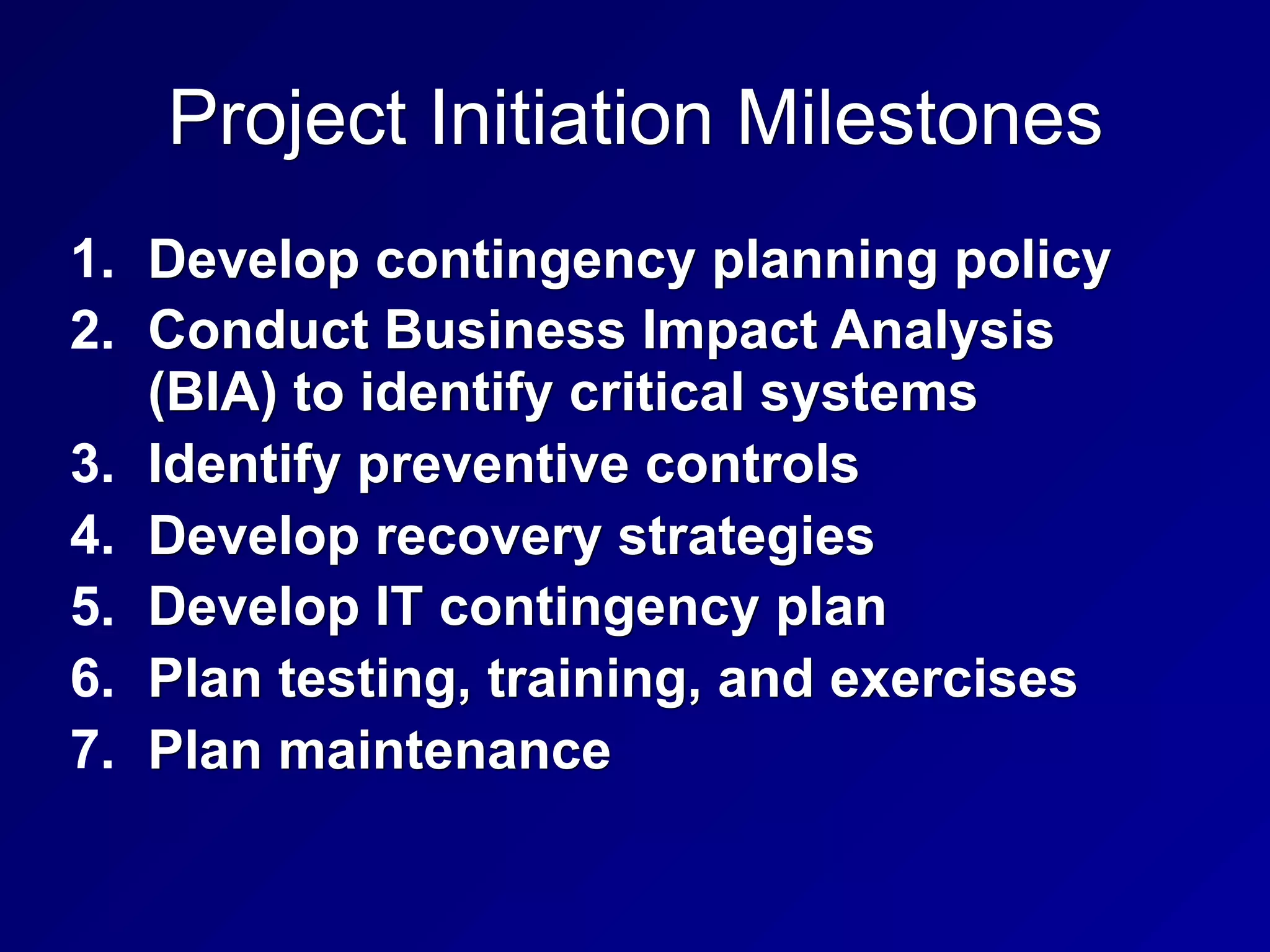
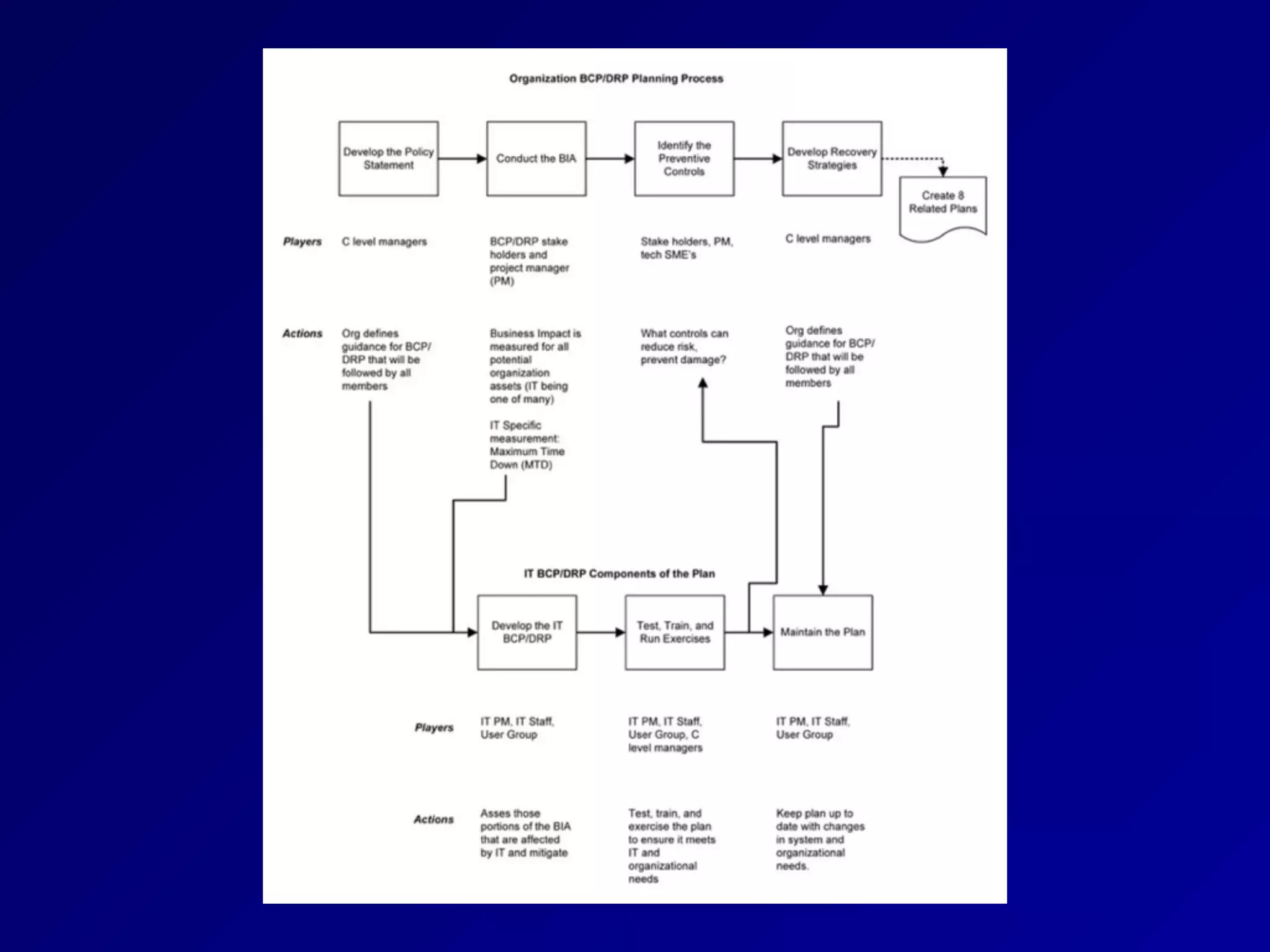
Project Initiation Milestones
1. Develop contingency planning policy
2. Conduct Business Impact Analysis
(BIA) to identify critical systems
3. Identify preventive controls
4. Develop recovery strategies
5. Develop IT contingency plan
6. Plan testing, training, and exercises
7. Plan maintenance
Management Support
• "C" level management must support the
plan
• They can allocate resources
• BCP / DRP planning may increase
company efficiency even if no disaster
occurs
BCP/DRP Project Manager
• Key point of contact to ensure that BCP/
DRP plan is completed and tested
• Must have good organizational skills
• And credibility and authority
• Does not need in-depth technical skills
• Main skills: negotiation and people skills
Building the BCP/DRP Team
• First establish a Continuity Planning
Project Team (CPPT) with stakeholders
• Human resources
• Public relations
• IT
• Physical security
• Line managers
• Anyone else responsible for essential
functions
Scoping the Project
• What assets are protected?
• Which emergency events are addressed?
• What resources are needed?
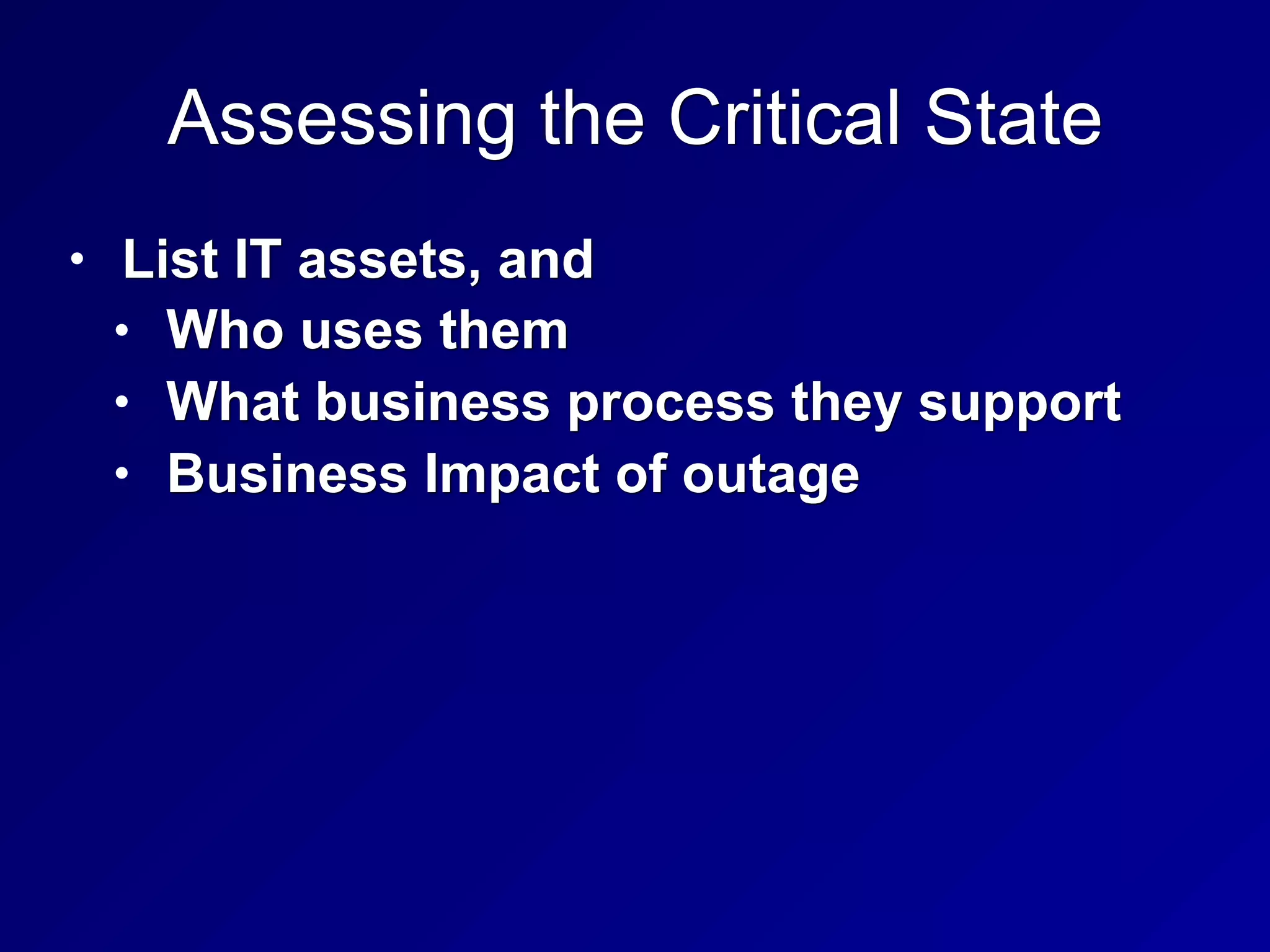
Assessing the Critical State
• List IT assets, and
• Who uses them
• What business process they support
• Business Impact of outage
Business Impact Analysis (BIA)
• Determine Maximum Tolerable Downtime
(MTD) for specific IT assets
• First, identify critical assets
• Second, comprehensive risk analysis
• Including vulnerability analysis
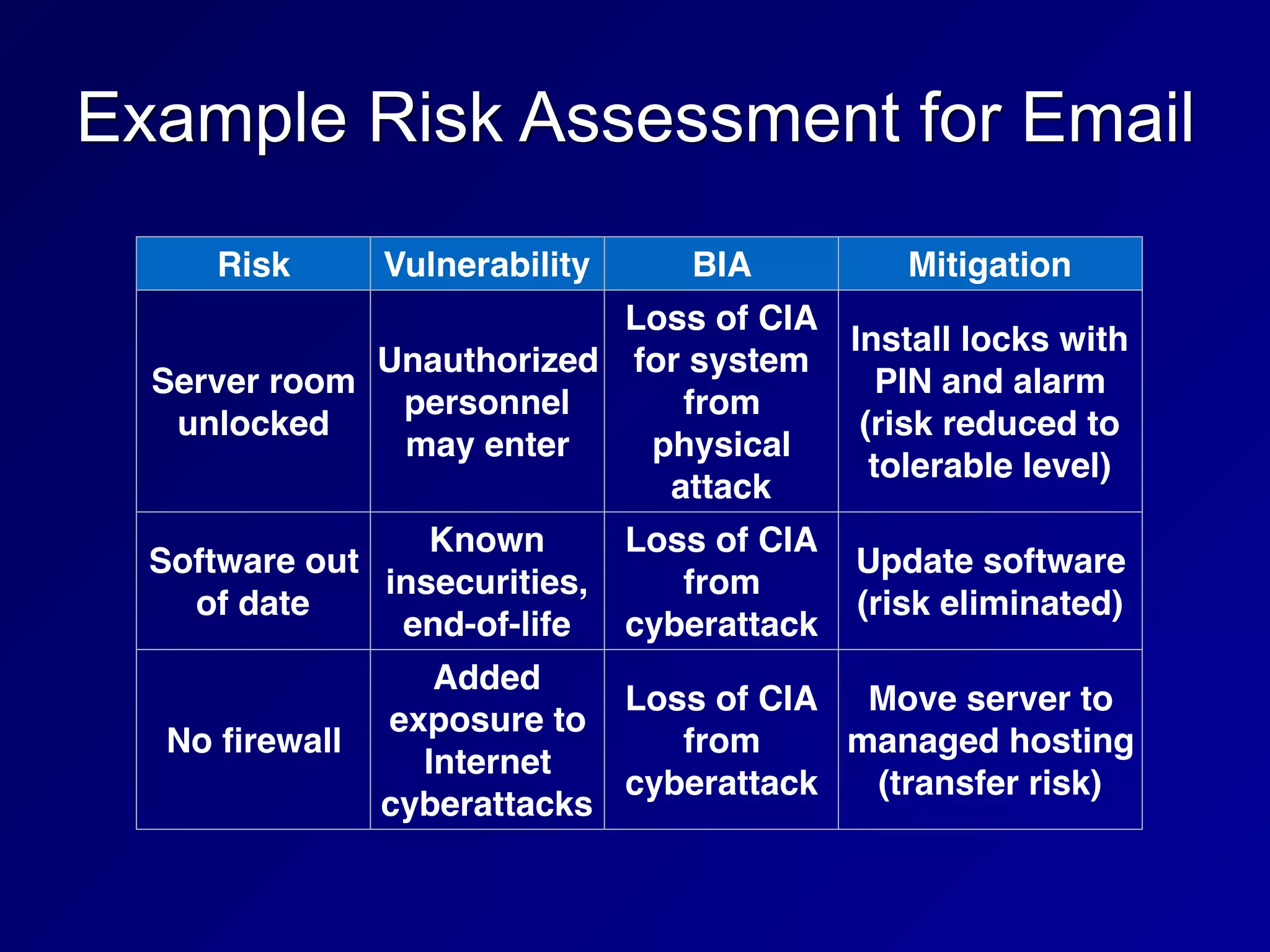
Example Risk Assessment for Email
Risk Vulnerability BIA Mitigation
Server room
unlocked
Unauthorized
personnel
may enter
Loss of CIA
for system
from
physical
attack
Install locks with
PIN and alarm
(risk reduced to
tolerable level)
Software out
of date
Known
insecurities,
end-of-life
Loss of CIA
from
cyberattack
Update software
(risk eliminated)
No firewall
Added
exposure to
Internet
cyberattacks
Loss of CIA
from
cyberattack
Move server to
managed hosting
(transfer risk)
Determine Maximum Tolerable
Downtime (MTD)
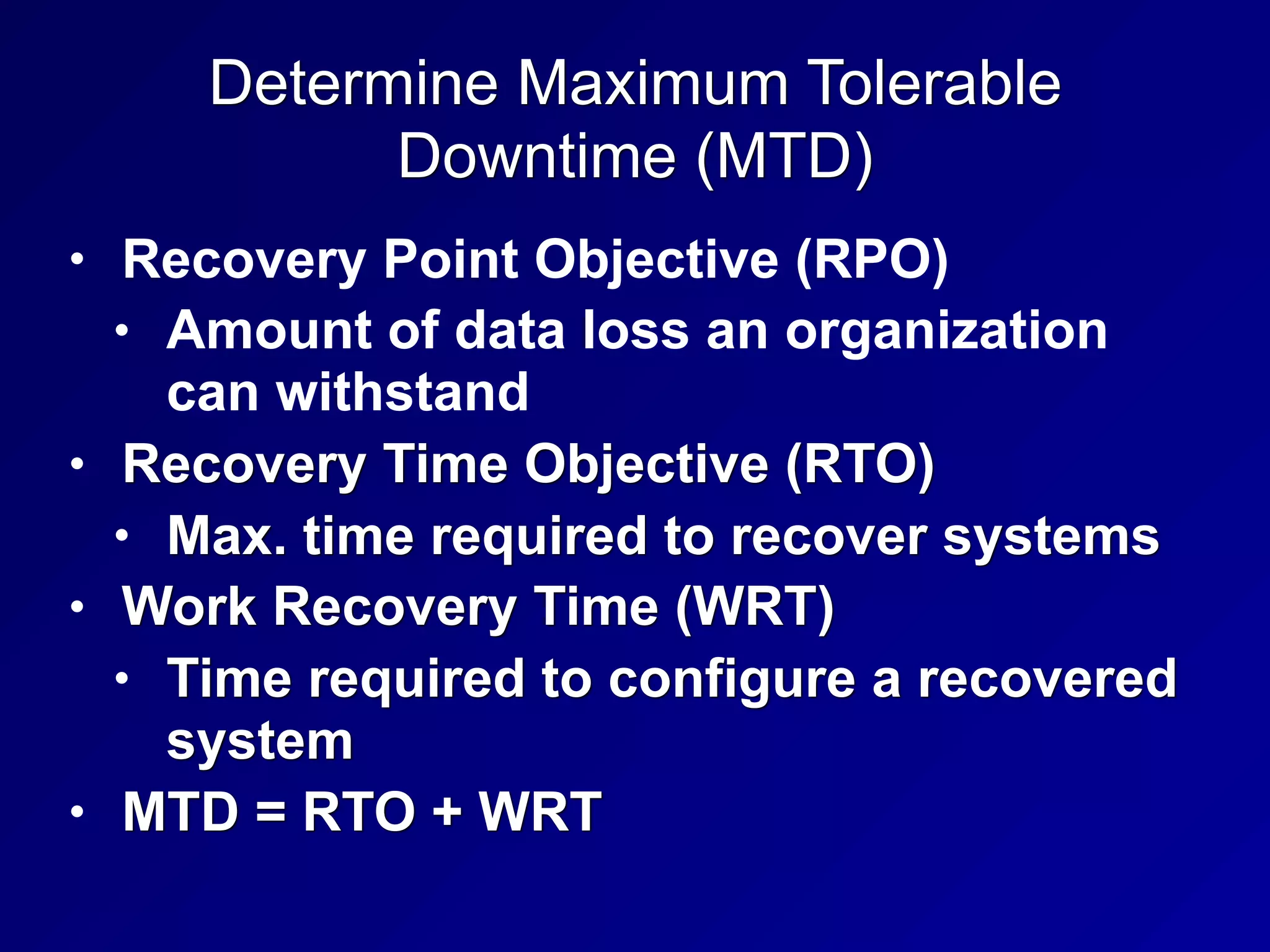
• Recovery Point Objective (RPO)
• Amount of data loss an organization
can withstand
• Recovery Time Objective (RTO)
• Max. time required to recover systems
• Work Recovery Time (WRT)
• Time required to configure a recovered
system
• MTD = RTO + WRT
MTBF
• Mean Time Between Failures (MTBF)
• Estimate, systems may fail sooner
• Mean Time to Repair (MTTR)
• Minimum Operating Requirements
• Minimum environmental and
connectivity requirements to operate
computer equipment
Supply Chain Management
• A large disaster may impact your
suppliers
• Some vendors offer guaranteed
replacement insurance
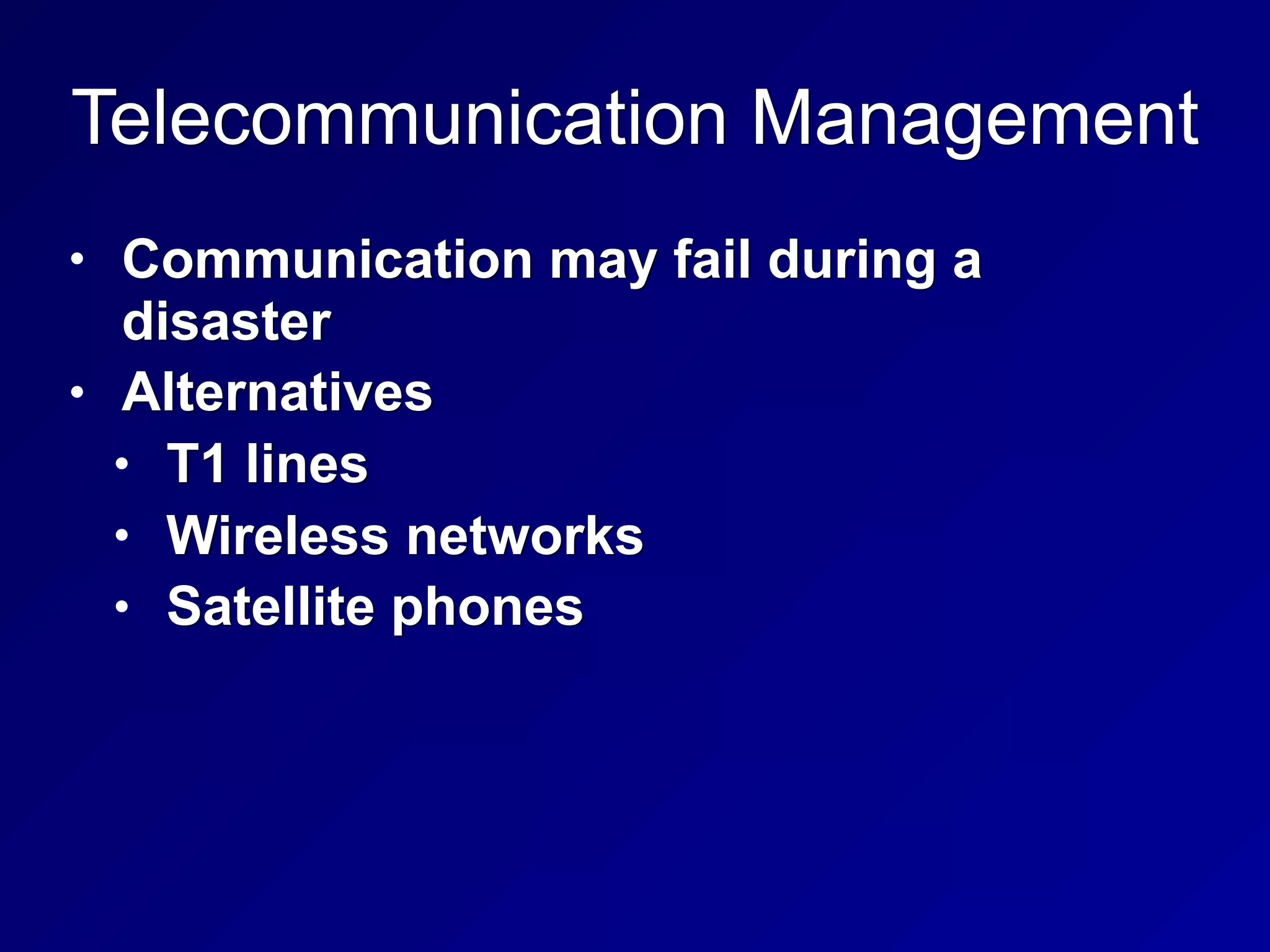
Telecommunication Management
• Communication may fail during a
disaster
• Alternatives
• T1 lines
• Wireless networks
• Satellite phones
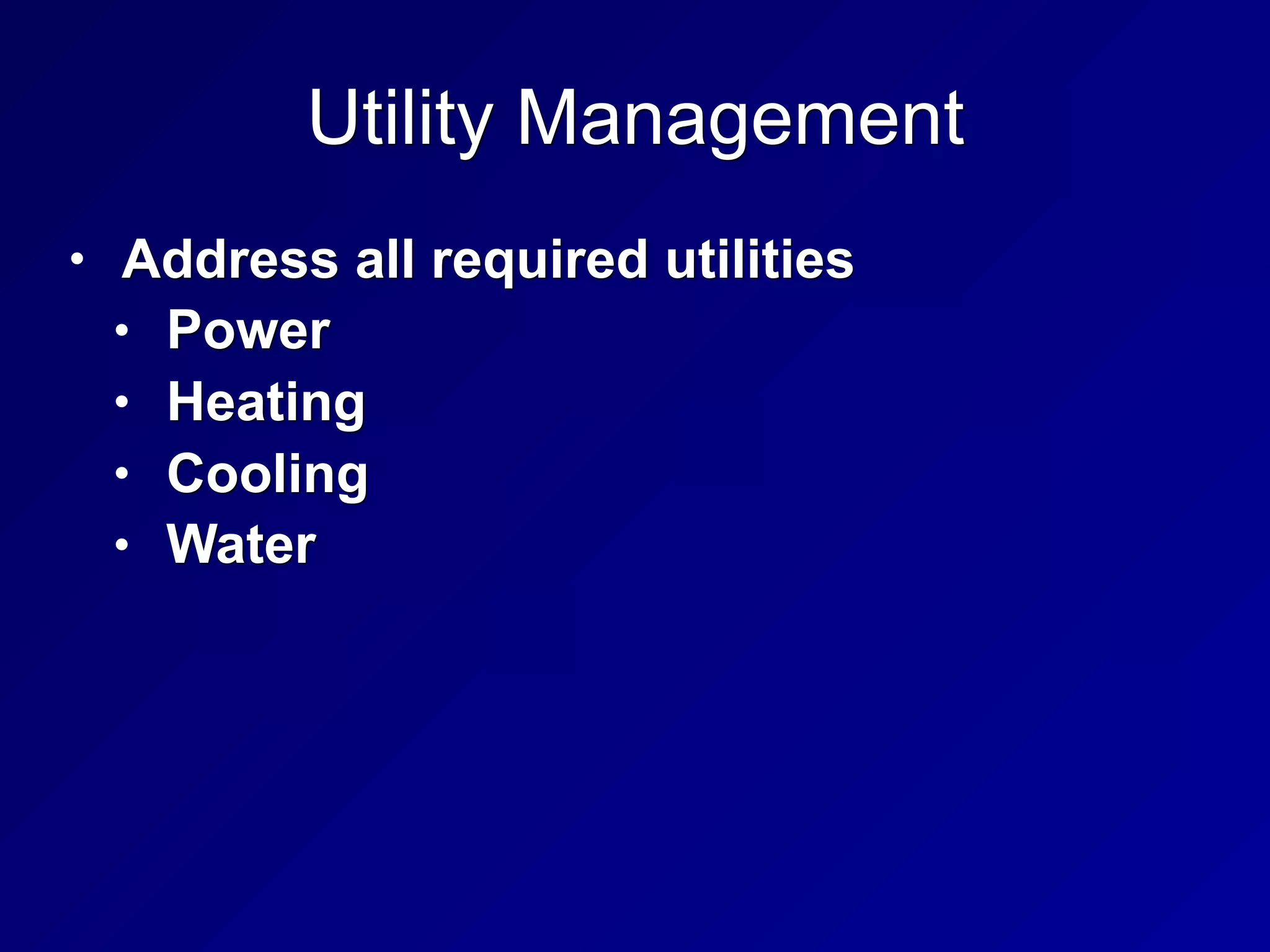
Utility Management
• Address all required utilities
• Power
• Heating
• Cooling
• Water
Recovery Strategy
Recovery Options
• Redundant Site: ready to go, including up-to-date
data
• Hot Site
• Equipment ready, but may take an hour or so to
load data
• Warm Site
• Has some equipment, but not exact duplicates;
1-3 days to bring it up
• Cold Site
• Datacenter but lacks hardware or data, may take
weeks to bring up
Recovery Options
• Reciprocal Agreement
• Use another organization's datacenter
• Mobile Site
• Datacenter on wheels, drive into
disaster area
• Subscription services
• Outsource BCP/DRP
• IBM's SunGard
Related Plans
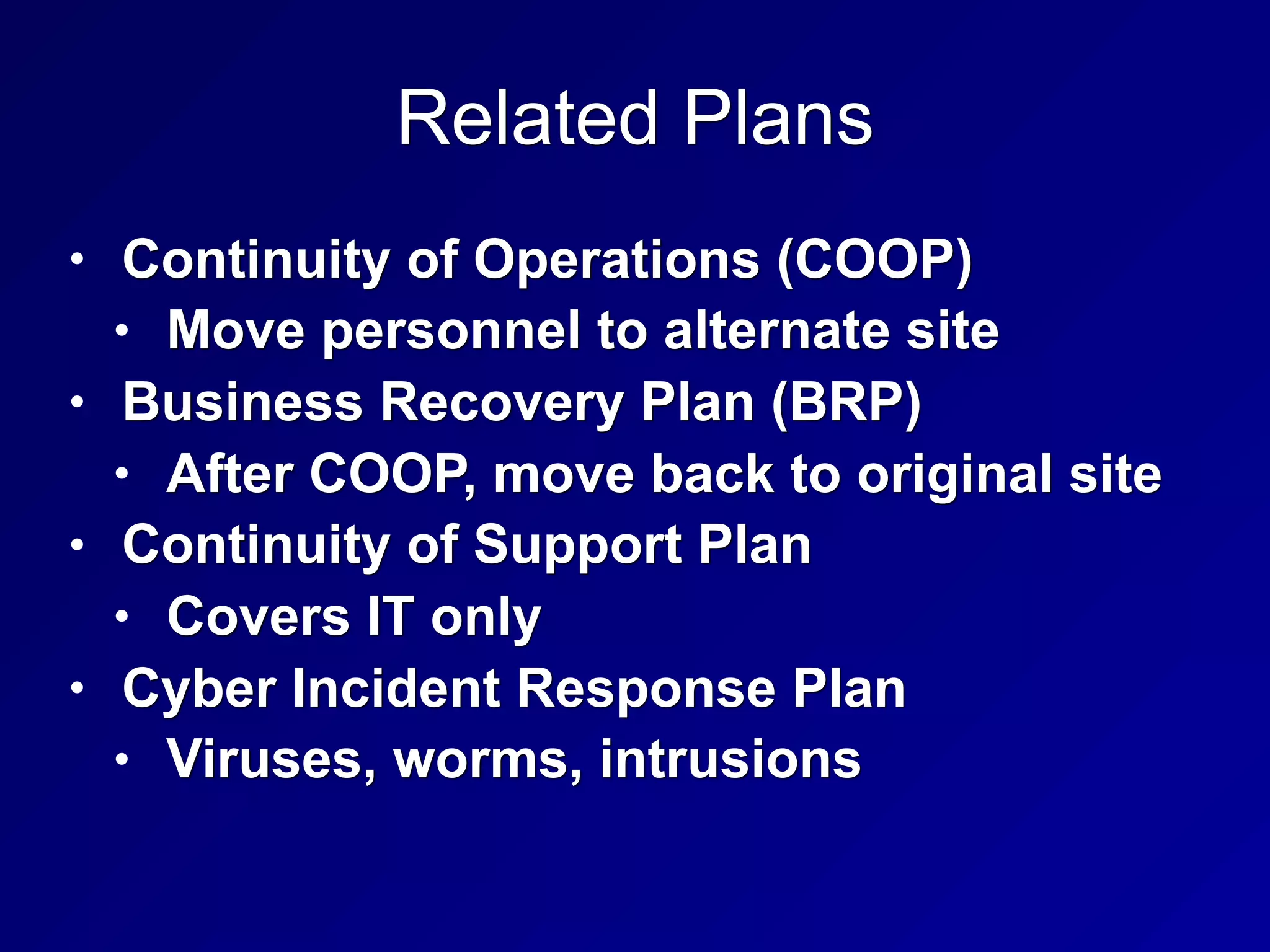
• Continuity of Operations (COOP)
• Move personnel to alternate site
• Business Recovery Plan (BRP)
• After COOP, move back to original site
• Continuity of Support Plan
• Covers IT only
• Cyber Incident Response Plan
• Viruses, worms, intrusions
Related Plans
• Occupant Emergency Plan
• Safety and evacuation of people
• Crisis Management Plan (CMP)
• Coordinate managers
Crisis Management Plan (CMP)
• Crisis Communications Plan
• Resist rumors by providing the truth
• Call Trees
• Employees call a list of other
employees
• Automated Call Trees
• Emergency Operations Center (EOC)
• Command post
• Vital Records (stored offsite)
Executive Succession Planning
• Some executive should be on-site at all
times
D
Backups and Availability
Continuous Availability
• Maximum Tolerable Downtime (MTD)
• Getting shorter
• Some systems require Continuous
Availability
• MTD of zero
Hardcopy Data
• Continue business using paper records
during a disaster
Backups
• Full backup (all data)
• Incremental backup
• All data changed since last full or
incremental backup
• May require several tapes to recover
• Differential backup
• All data changed since last full backup
• May require two tapes to recover
Tape Rotation Methods
• First In First Out (FIFO)
• 14 tapes--14 days of backups
• Grandfather-Father-Son (GFS)
• 7 daily tapes (son)
• 4 weekly tapes (father)
• 12 monthly tapes (grandfather)
• Once per week a son graduates to a father
• Once a month a father becomes a
grandfather
Electronic Vaulting
• Transmits backup data over the Internet
• Can backup at very short intervals
• Should be encrypted in transit
• Remote Journaling
• Saves database checkpoints
periodically
• Database Shadowing
• Maintains two identical databases on
different servers, for faster recovery
HA (High Availability) Options
• High Availability Cluster
• Active-Active has all systems working
• Also called load balancing
• Active-Passive
• Backup devices come up when main
device goes down
Software Escrow
• What happens if the company that wrote
your mission-critical software goes out
of business?
• Source code may be stored at a trusted
third party
DRP Testing, Training and Awareness
DRP Testing
• DRP Review
• DRP team reads the whole plan to find flaws
• Read-Through
• Lists all necessary components
• Ensures they are available
• Walkthrough/Tabletop
• Talk through steps
• Find omissions, gaps, erroneous
assumptions, etc.
DRP Testing
• Simulation Test/Walkthrough Drill
• Teams actually carry out the recovery
process
• Parallel Processing
• Duplicate real business transactions on
backup systems
• Partial and Complete Business Interruption
• Stop normal systems
• Can cause a disaster
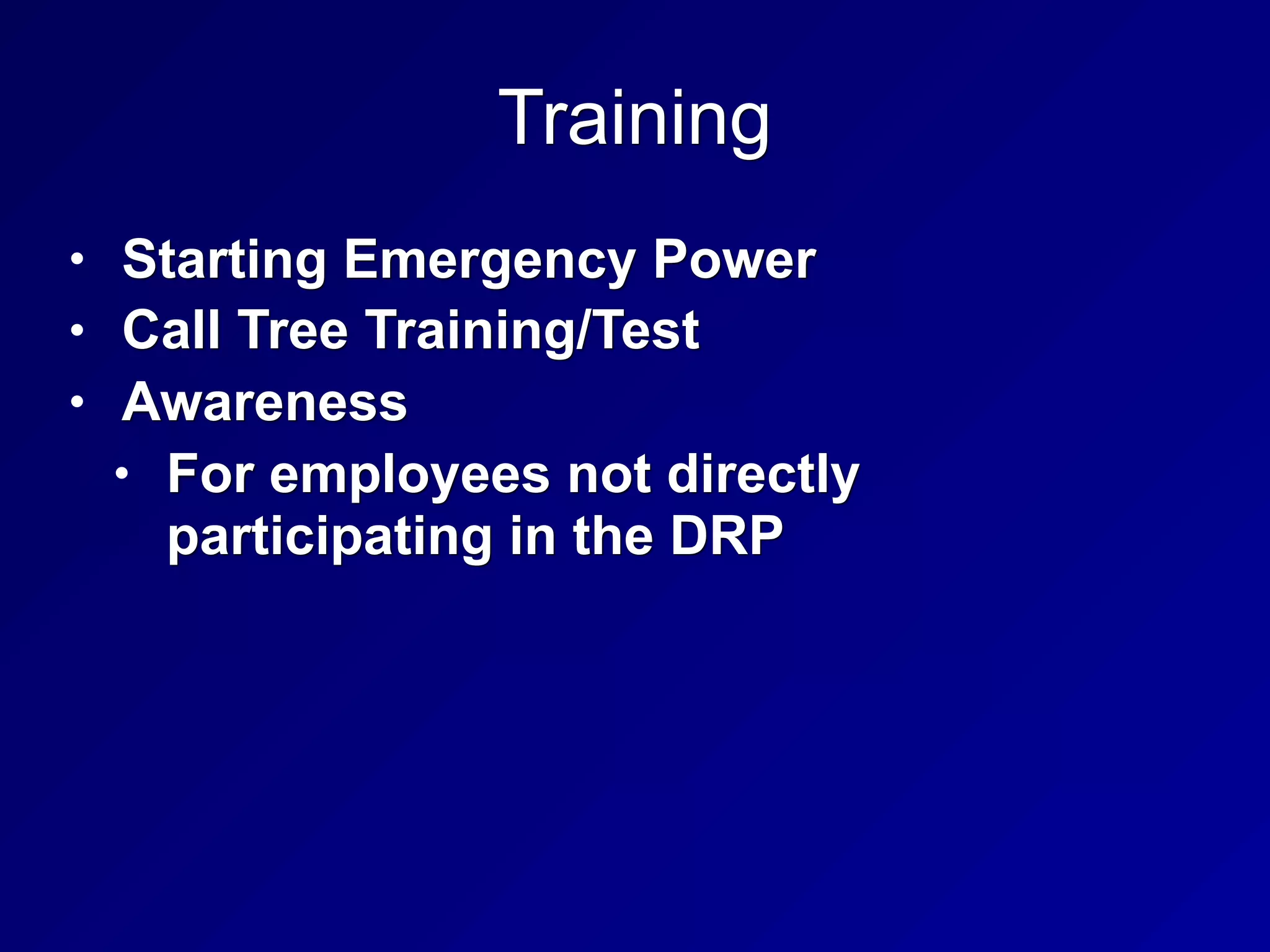
Training
• Starting Emergency Power
• Call Tree Training/Test
• Awareness
• For employees not directly
participating in the DRP
Continued BCP/DRP Maintenance
Change Management
• MCP team should be a member of the
Change Control board
• BCP/DRP Version Control
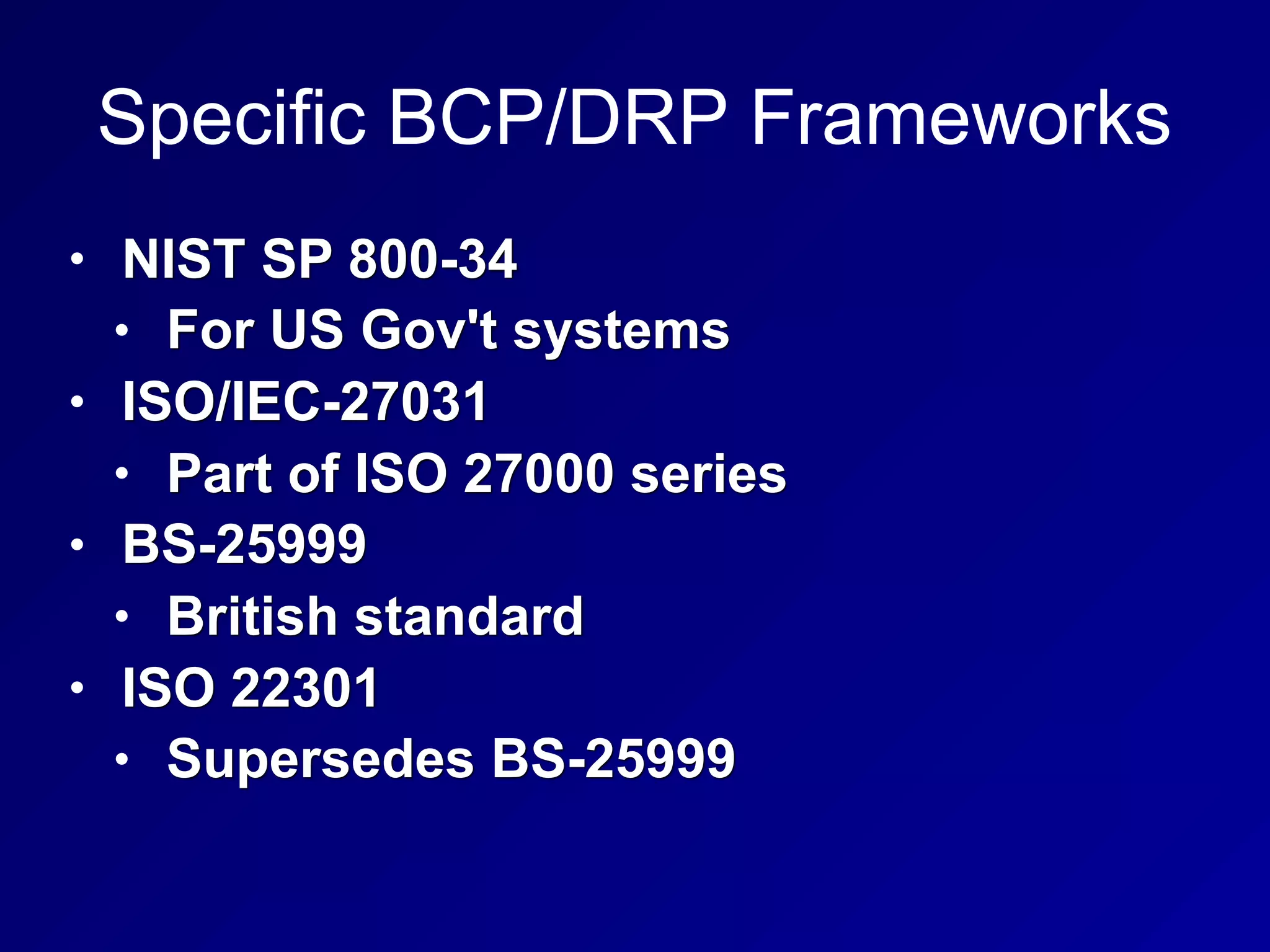
Specific BCP/DRP Frameworks
• NIST SP 800-34
• For US Gov't systems
• ISO/IEC-27031
• Part of ISO 27000 series
• BS-25999
• British standard
• ISO 22301
• Supersedes BS-25999
BCI
• Business Continuity Institute
• Six Professional Practices
A

CNIT 125 Ch 8. Security Operations

  • 1.
  • 2.
  • 3.
    Administrative Personnel Controls •Least Privilege or Minimum Necessary Access • Need to Know (compartmentalizing) • Separation of Duties • Multiple people must approve critical transactions • Requires collusion of multiple people to bypass
  • 4.
    Administrative Personnel Controls •Rotation of Duties/Job Rotation • People move from one job to another • Mitigates fraud • Can be costly, however • Mandatory Leave/Forced Vacation • Non-Disclosure Agreement (NDA) • Background Checks
  • 5.
    Privilege Monitoring • Scrutinize •Account creation/deletion • Reboots • Backup and restore • Source code access • Audit log access
  • 6.
  • 7.
    Forensics • Preserve the"crime scene" • Collect evidence • Antiforensics • Makes forensics difficult or impossible • Malware that is entirely memory- resident • Makes Live Forensics important • Capturing RAM while system is still on
  • 8.
    Phases of Forensics •Identification of potential evidence • Acquisition of evidence • Analysis of evidence • Production of a report
  • 9.
    Forensic Media Analysis •Live capture • Binary images of hard disks, USB flash drives, CDs, DVDs, cell phones, MP3 players • Binary image includes deleted files • More complete than a normal backup
  • 10.
    Four Types ofDisk-Based Forensic Data • Allocated space (normal files) • Unallocated space (deleted files) • Slack space • Leftover space at end of clusters • Contains fragments of old files • Bad bocks/clusters/sectors • Ignored by operating systems • May contain hidden data
  • 11.
    Binary Backup Tools •Norton Ghost (in forensic mode) • FTK Imager • EnCase
  • 12.
    Network Forensics • Legal-focusedanalysis of traffic • Closely related to Network Intrusion Detection • Operations-focused analysis • Emails, Web surfing, IM conversations, and file transfers can be recovered from network captures
  • 13.
    Forensic Software Analysis •Investigators have a binary file to analyze • Reverse engineering malware • Uses disassemblers and debuggers • And virtual machines for dynamic analysis
  • 14.
    Embedded Device Forensics •SSDs (Solid State Drives) • Handheld devices
  • 15.
    Electronic Discovery eDiscovery • Producingevidence for a lawsuit • Can be difficult • Backups may be inconvenient to access
  • 16.
  • 17.
  • 18.
    Preparation • Training • Writingincident response policies and procedures • Providing tools such as laptops with sniffing softare, crossover cables, original OS media, removable drives, etc.
  • 19.
  • 20.
    Detection • Analyze eventsto determine whether a security incident has taken place • Requires log files • Many strange events are not security incidents
  • 21.
    Response • Also calledContainment • Prevent further damage • Take systems off the network • Isolate traffic • Power off systems • Make binary images of systems involved • Requires management approval: may impact business
  • 22.
    Mitigation • Also callederadication • Determine cause of incident • So systems can be cleaned • Root cause analysis is required
  • 23.
    Reporting • Must beginimmediately upon detection of malicious activity • Two types • Technical • Non-technical • Often neglected, but very important • Non-technical stakeholders include business and mission owners
  • 24.
    Recovery • Restoring theaffected systems to operation • Monitor systems to see if the infection or attacker returns
  • 25.
    Remediation • Removal ofthe vulnerability that allowed the incident • Change passwords • Switch to two-factor authentication
  • 26.
    Lessons Learned • Likelyto be neglected • Greatest potential to improve security posture • Create a final report to deliver to management • Detail ways the incident could have been detected sooner, response could have been quicker or more effective, and areas for improvement
  • 27.
    Root-Cause Analysis • Determinethe underlying weakness or vulnerability that allowed the incident • Without this, incident could repeat
  • 28.
  • 29.
  • 30.
    IDS & IPS •Intrusion Detection System • Detects malicious actions • Intrusion Prevention System • Prevents malicious actions • Network-based • Protects a whole network • Host-based • Protects only one host • Ex: Tripwire
  • 33.
    Types of IDS •Pattern matching • Compares events to static signatures • Protocol behavior • Detects protocol errors, like SYN/FIN TCP packets • Anomaly detection • Reports traffic that varies from normal baseline
  • 34.
    Security Information andEvent Management (SIEM) • Correlates data from many sources • Continuous Monitoring • Now recommended, replacing the earlier Certification and Accreditation approach of examining a system once every 3 years
  • 35.
    Data Loss Prevention •Prevents sensitive data from leaving the network
  • 36.
    Endpoint Security • Securitysuites, including • Antivirus, application whitelisting, removable media controls, disk encryption, Host Intrusion Prevention Systems, and firewalls
  • 37.
    Antivirus • Mostly dependon signature detectio • Blacklisting • Application whitelisting • New technique • Only allow known good software to run • May use • File path and name • Hash • Code signature
  • 38.
    Removable Media Controls •Disable Autorun (default on modern Windows systems)
  • 39.
    Disk Encryption • FullDisk Encryption is best
  • 40.
    Honeypots • System designedto attract attackers • May have legal risks • Attacker may claim they were invited in • Honey nets • Real or simulated network of honeypots
  • 41.
  • 42.
    Configuration Management • Consistentsecurity configuration • Hardened beyond the defaults • Baselining • Captures security configuration at a point in time
  • 43.
    Patch Management • Mustevaluate and test patch • Deploying patches is best done with a management system
  • 44.
    Vulnerability Management • Vulnerabilityscanning finds poor configurations and missing patches • Must remediate the vulnerabilities • Zero Day Vulnerability and Zero Day Exploits • No patch available
  • 45.
    Change Management • Changecontrol board oversees and coordinates change control process • Approves or denies changes based on risk and cost management
  • 46.
  • 47.
  • 48.
  • 49.
    Service Level Agreements(SLA) • Dictates what is acceptable • Bandwidth, time to delivery, response times, etc. • Ex: 99.9% uptime
  • 50.
    Fault Tolerance • Adevice may fail; that is a fault • If users no longer receive service, that's a failure • Fault-tolerant systems have redundant systems • So a fault does not lead to a failure
  • 51.
    Backup • Full Backup •Incremental backup • Data changed since last full backup of any kind • May take several tapes to recover • Differential backup • Data changed since last full backup • May take two tapes to recover
  • 52.
    RAID • Redundant Arrayof Inexpensive Disks
  • 53.
    RAID Terms • Mirroring •Duplicating data on another disk • Skipping • Writing data across many disks • Improves performance, but does not provide fault tolerance • Parity • Saves XORed data from other drives • Provides fault tolerance
  • 54.
    RAID Levels • RAID0: Striped (no fault tolerance) • RAID 1: Mirrored (fault tolerant) • RAID 3: Parity on a single drive (fault tolerant) • RAID 5: Striped set with distributed parity (fault tolerant) • RAID 6: Striped set with dual distributed parity (can recover even if two drives fail)
  • 55.
    RAID Levels • RAID1+0 or RAID 10 • Striped set of mirrors • Fault tolerant
  • 56.
    System Redundancy • RedundantHardware • Extra power supplies, NICs, disk controllers • Redundant Systems • High Availability Clusters • Failover cluster uses another device when the primary one fails • Called "Active-Passive" • Active-Active or Load Balancing cluster • Uses all devices at all times
  • 57.
    BCP and DRPOverview and Process
  • 58.
    Business Continuity Planning(BCP) • Ensures that business will continue to operate before, throughout, and during a disaster • Ensures that critical services can be carried out • Strategic, long-term: focuses on business as a whole • An umbrella plan that includes multiple plans, most importantly the Disaster Recovery Plan (DRP)
  • 59.
    Disaster Recovery Planning(DRP) • Tactical, short-term • Plan to deal with specific disruptions, such as a malware infection
  • 61.
    Maximum Tolerable Downtime(MTD) • Used to determine how to allocate resources for recovery
  • 62.
    Disasters or DisruptiveEvents • By Cause • Natural (like earthquakes) • Human • Intentional like terrorism, rogue insiders, DoS, phishing, etc. • Inadvertent like errors, laziness, carelessness • Environmental (like power blackouts, equipment failures, or software flaws)
  • 64.
    Errors and Omissions •Most common source of disruptive events • Easily avoided with controls, if they can be identified
  • 65.
    Temperature and HumidityFailures • Without proper controls, the Mean Time Between Failures (MTBF) for electrical equipment will decrease • Must test backup power and HVAC • UPS (Uninterruptible Power Supply) • Generators
  • 66.
    Disasters • Warfare, terrorism,and sabotage • Financially motivated attackers • Personnel shortages • Pandemics and disease • Strikes • Loss of a critical individual worker
  • 67.
    Communications Failure • Physicalline breaks • Hurricanes
  • 68.
    The Disaster RecoveryProcess • Respond • Activate Team • Communicate • Assess • Reconstitution
  • 69.
    Respond • Initial assessmentof damage • Quickly determine if the event is a disaster • Is the facility safe for continued use?
  • 70.
    Activate Team &Communicate • Communicating with team may be difficult • Call Trees may help • Timely updates must get back to the central team • Phones may be down • Organization must be prepared with external communications
  • 71.
    Assess • Disaster Recoveryteam will perform a more detailed and thorough assessment • Determine extent of damage • Proper steps • Consider Maximum Tolerable Downtime (MTD) • Protect safety of personnel
  • 72.
    Reconstitution • Recover criticalbusiness processes • Either at a primary or secondary site • Salvage team will begin recovery process at primary site
  • 73.
  • 74.
  • 76.
    Project Initiation Milestones 1.Develop contingency planning policy 2. Conduct Business Impact Analysis (BIA) to identify critical systems 3. Identify preventive controls 4. Develop recovery strategies 5. Develop IT contingency plan 6. Plan testing, training, and exercises 7. Plan maintenance
  • 78.
    Management Support • "C"level management must support the plan • They can allocate resources • BCP / DRP planning may increase company efficiency even if no disaster occurs
  • 79.
    BCP/DRP Project Manager •Key point of contact to ensure that BCP/ DRP plan is completed and tested • Must have good organizational skills • And credibility and authority • Does not need in-depth technical skills • Main skills: negotiation and people skills
  • 80.
    Building the BCP/DRPTeam • First establish a Continuity Planning Project Team (CPPT) with stakeholders • Human resources • Public relations • IT • Physical security • Line managers • Anyone else responsible for essential functions
  • 81.
    Scoping the Project •What assets are protected? • Which emergency events are addressed? • What resources are needed?
  • 82.
    Assessing the CriticalState • List IT assets, and • Who uses them • What business process they support • Business Impact of outage
  • 83.
    Business Impact Analysis(BIA) • Determine Maximum Tolerable Downtime (MTD) for specific IT assets • First, identify critical assets • Second, comprehensive risk analysis • Including vulnerability analysis
  • 84.
    Example Risk Assessmentfor Email Risk Vulnerability BIA Mitigation Server room unlocked Unauthorized personnel may enter Loss of CIA for system from physical attack Install locks with PIN and alarm (risk reduced to tolerable level) Software out of date Known insecurities, end-of-life Loss of CIA from cyberattack Update software (risk eliminated) No firewall Added exposure to Internet cyberattacks Loss of CIA from cyberattack Move server to managed hosting (transfer risk)
  • 85.
    Determine Maximum Tolerable Downtime(MTD) • Recovery Point Objective (RPO) • Amount of data loss an organization can withstand • Recovery Time Objective (RTO) • Max. time required to recover systems • Work Recovery Time (WRT) • Time required to configure a recovered system • MTD = RTO + WRT
  • 86.
    MTBF • Mean TimeBetween Failures (MTBF) • Estimate, systems may fail sooner • Mean Time to Repair (MTTR) • Minimum Operating Requirements • Minimum environmental and connectivity requirements to operate computer equipment
  • 87.
    Supply Chain Management •A large disaster may impact your suppliers • Some vendors offer guaranteed replacement insurance
  • 88.
    Telecommunication Management • Communicationmay fail during a disaster • Alternatives • T1 lines • Wireless networks • Satellite phones
  • 89.
    Utility Management • Addressall required utilities • Power • Heating • Cooling • Water
  • 90.
  • 91.
    Recovery Options • RedundantSite: ready to go, including up-to-date data • Hot Site • Equipment ready, but may take an hour or so to load data • Warm Site • Has some equipment, but not exact duplicates; 1-3 days to bring it up • Cold Site • Datacenter but lacks hardware or data, may take weeks to bring up
  • 92.
    Recovery Options • ReciprocalAgreement • Use another organization's datacenter • Mobile Site • Datacenter on wheels, drive into disaster area • Subscription services • Outsource BCP/DRP • IBM's SunGard
  • 94.
    Related Plans • Continuityof Operations (COOP) • Move personnel to alternate site • Business Recovery Plan (BRP) • After COOP, move back to original site • Continuity of Support Plan • Covers IT only • Cyber Incident Response Plan • Viruses, worms, intrusions
  • 95.
    Related Plans • OccupantEmergency Plan • Safety and evacuation of people • Crisis Management Plan (CMP) • Coordinate managers
  • 96.
    Crisis Management Plan(CMP) • Crisis Communications Plan • Resist rumors by providing the truth • Call Trees • Employees call a list of other employees • Automated Call Trees • Emergency Operations Center (EOC) • Command post • Vital Records (stored offsite)
  • 97.
    Executive Succession Planning •Some executive should be on-site at all times
  • 98.
  • 99.
  • 100.
    Continuous Availability • MaximumTolerable Downtime (MTD) • Getting shorter • Some systems require Continuous Availability • MTD of zero
  • 101.
    Hardcopy Data • Continuebusiness using paper records during a disaster
  • 102.
    Backups • Full backup(all data) • Incremental backup • All data changed since last full or incremental backup • May require several tapes to recover • Differential backup • All data changed since last full backup • May require two tapes to recover
  • 103.
    Tape Rotation Methods •First In First Out (FIFO) • 14 tapes--14 days of backups • Grandfather-Father-Son (GFS) • 7 daily tapes (son) • 4 weekly tapes (father) • 12 monthly tapes (grandfather) • Once per week a son graduates to a father • Once a month a father becomes a grandfather
  • 104.
    Electronic Vaulting • Transmitsbackup data over the Internet • Can backup at very short intervals • Should be encrypted in transit • Remote Journaling • Saves database checkpoints periodically • Database Shadowing • Maintains two identical databases on different servers, for faster recovery
  • 105.
    HA (High Availability)Options • High Availability Cluster • Active-Active has all systems working • Also called load balancing • Active-Passive • Backup devices come up when main device goes down
  • 106.
    Software Escrow • Whathappens if the company that wrote your mission-critical software goes out of business? • Source code may be stored at a trusted third party
  • 107.
    DRP Testing, Trainingand Awareness
  • 108.
    DRP Testing • DRPReview • DRP team reads the whole plan to find flaws • Read-Through • Lists all necessary components • Ensures they are available • Walkthrough/Tabletop • Talk through steps • Find omissions, gaps, erroneous assumptions, etc.
  • 109.
    DRP Testing • SimulationTest/Walkthrough Drill • Teams actually carry out the recovery process • Parallel Processing • Duplicate real business transactions on backup systems • Partial and Complete Business Interruption • Stop normal systems • Can cause a disaster
  • 110.
    Training • Starting EmergencyPower • Call Tree Training/Test • Awareness • For employees not directly participating in the DRP
  • 111.
  • 112.
    Change Management • MCPteam should be a member of the Change Control board • BCP/DRP Version Control
  • 114.
  • 115.
    Specific BCP/DRP Frameworks •NIST SP 800-34 • For US Gov't systems • ISO/IEC-27031 • Part of ISO 27000 series • BS-25999 • British standard • ISO 22301 • Supersedes BS-25999
  • 116.
    BCI • Business ContinuityInstitute • Six Professional Practices
  • 117.