INTRODUCTION TO
COMPUTER
Lecture #3
Types of Computers
Types of Computers
 Computers can be classified into three categories.
 Classification of Computers by Typeof data they handled.
 Classification of Computers by Purpo se .
 Classification of Computers by capacity o r Size .
Classification of Computers by Type
 Analog Computers
 Digital Computers
 Hybrid Computers
Analog Computers
 The term analog is taken from the word analo g o us that means
sim ilar.
 It measures data varying continuously in value, such as
speed, temperature, pressure etc.
 Data are represented in an analog computer as voltages, a
very compact but not necessarily robust form of storage.
 These are the special purpose computers and can be used for
complex scientific and mathematical calculations.
 They have high speed but less accurate than digital
computers
Analog Computers
Digital Computers
 Digital computers are based on two states, logical
“on” and “off,” represented by two voltage levels
 They are general purpose computers.
 They accept data in the form of digits
 They can store large amount of data, compute data
with great accuracy but they have less speed than
analog computers.
 They are used in every field of daily life such as;
 Business, education and health etc.
Digital Computers
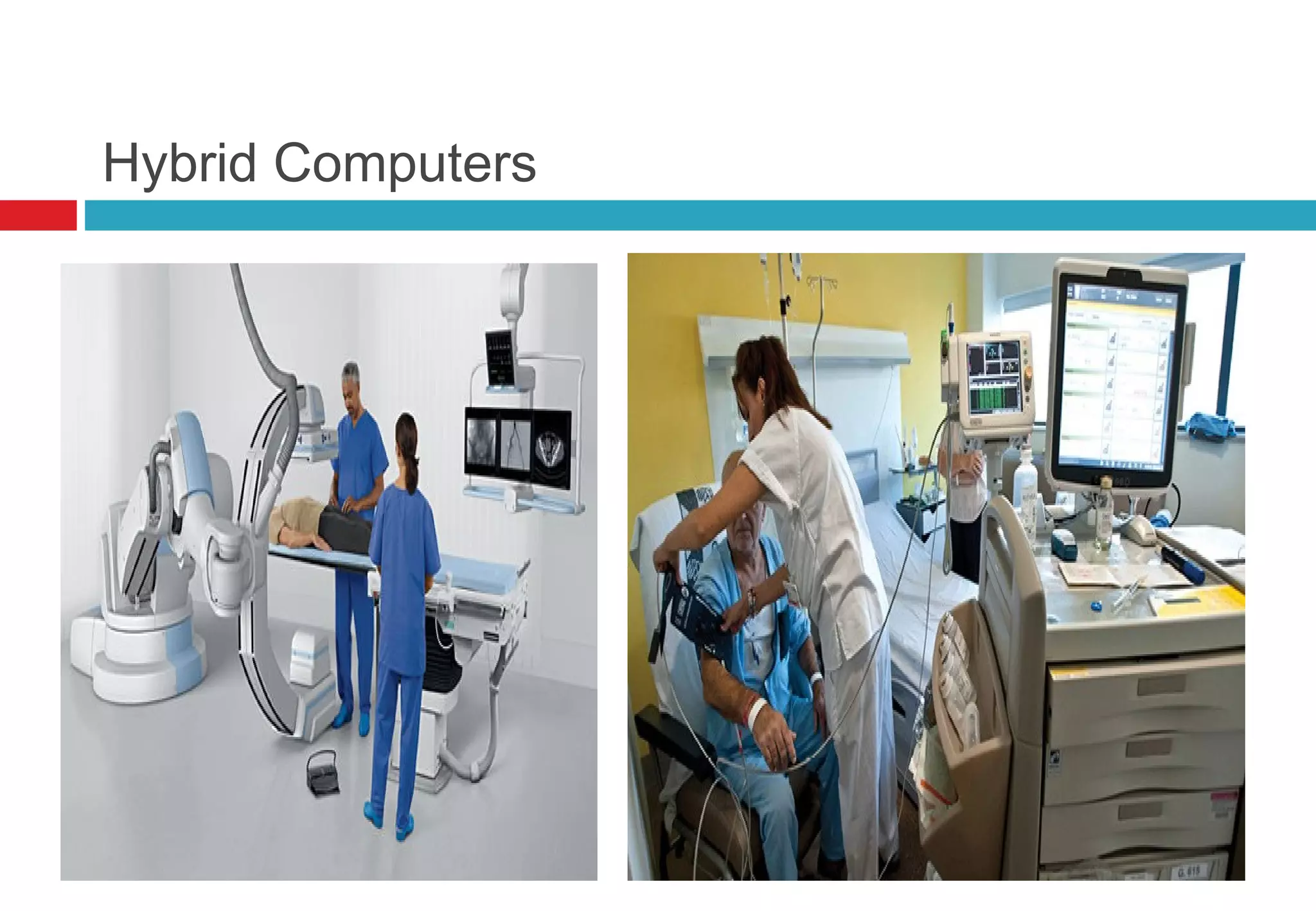
Hybrid Computers
 A computer that contains both digital and analog
circuits is called hybrid computer.
 They are special purpose computers
 They have speed of analog but accuracy of digital
computers.
 They are generally used for digital processing of
data collected in analog form.
  they are widely used in hospitals to monitor patient’s
health state.
Hybrid Computers
Classification of Computers by Purpose
 Special purpose Computers
 General purpose Computers
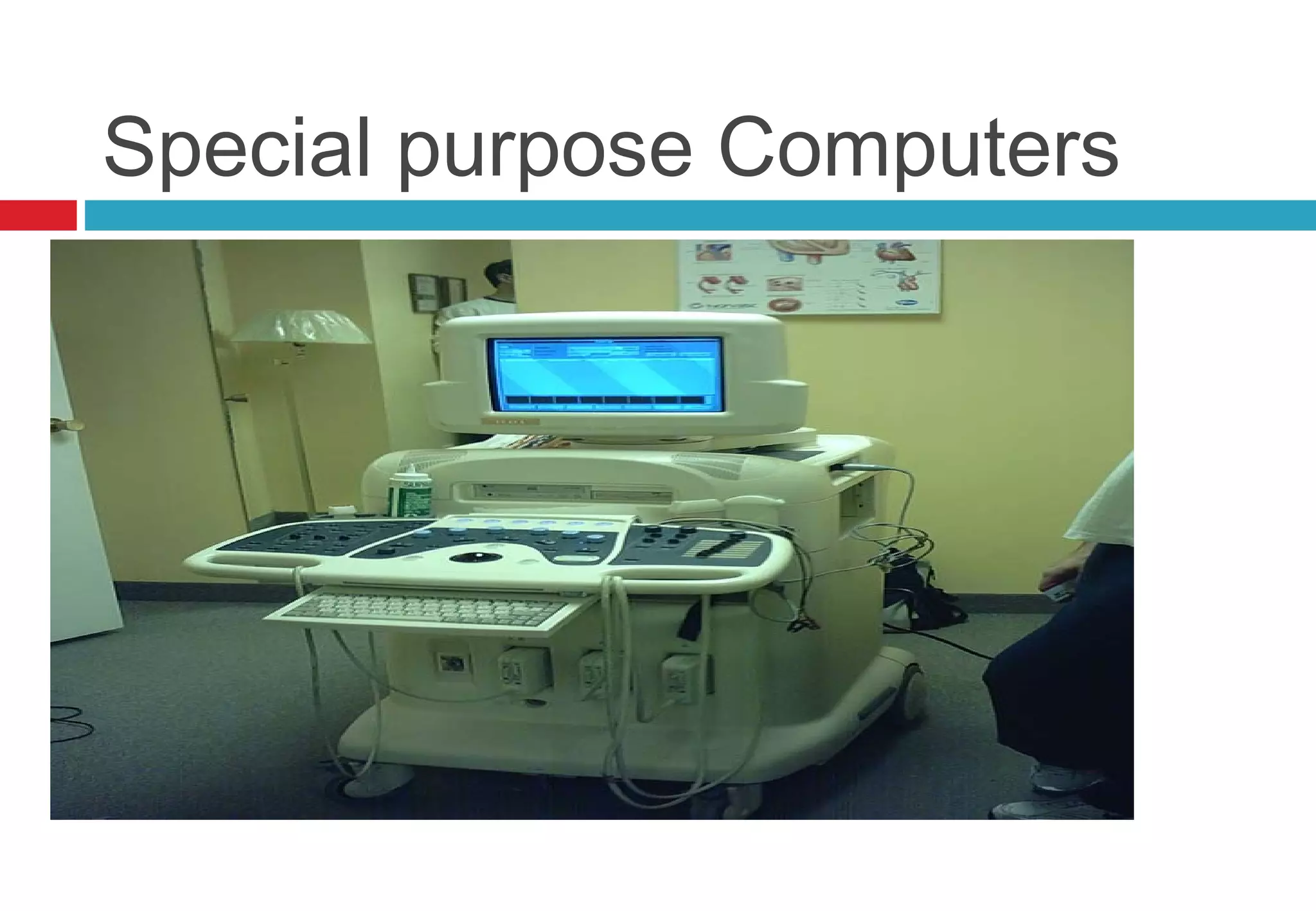
Special purpose Computers
 Special purpose computers are designed
to solve special problems like machine
control or process control. Most analog
computers are special purpose. They are
widely used in industrial robotics.
Special purpose Computers
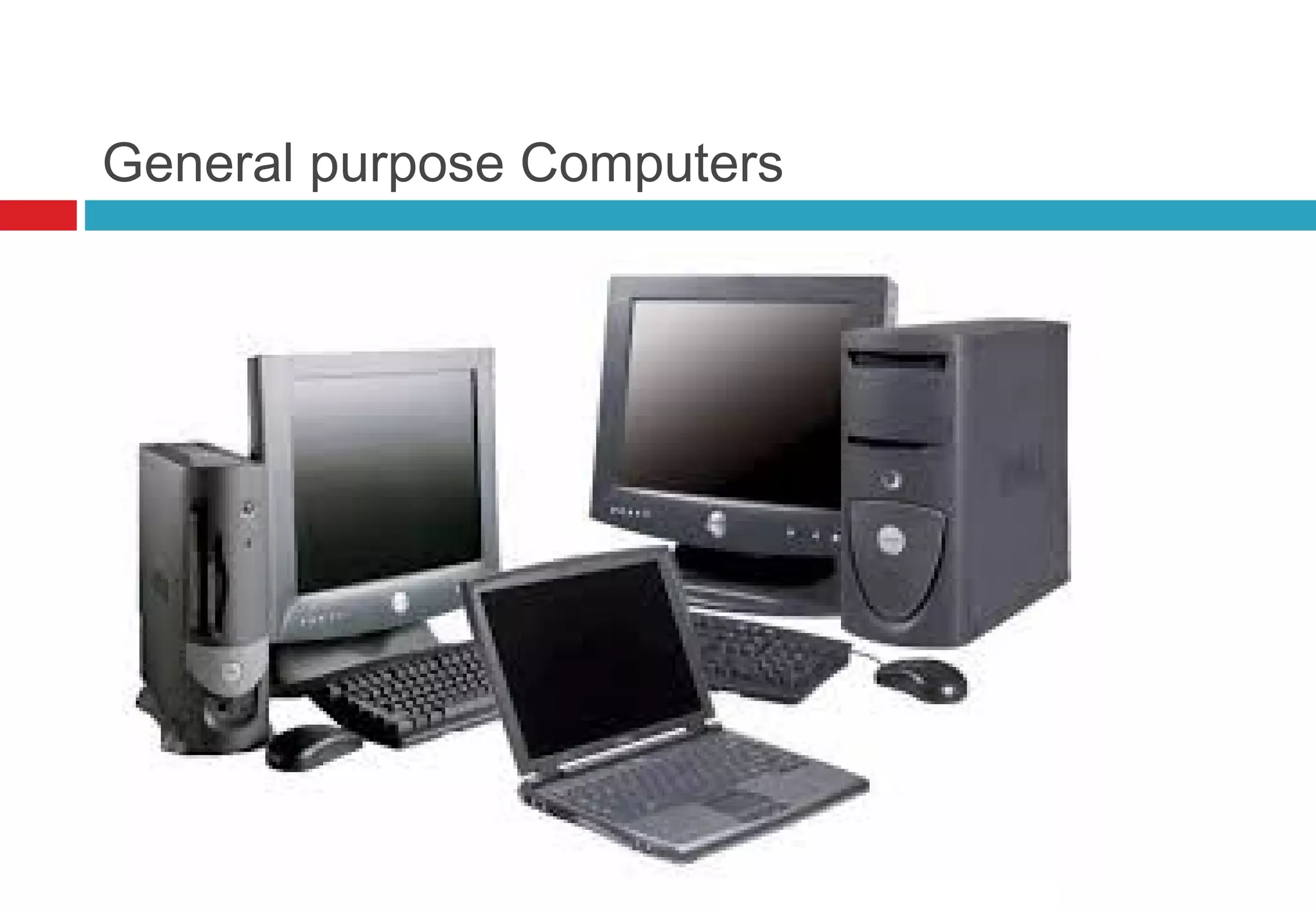
General purpose Computers
 They are designed to solve a large variety
of problems. Most of them are digital
computers. They are mostly used in
business and commercial data processing.
They are classified as follows
General purpose Computers
Classification of Computers by
capacity or Size
 Super Computers
 Main Frames Computers
 Mini Computers
 Micro Computers
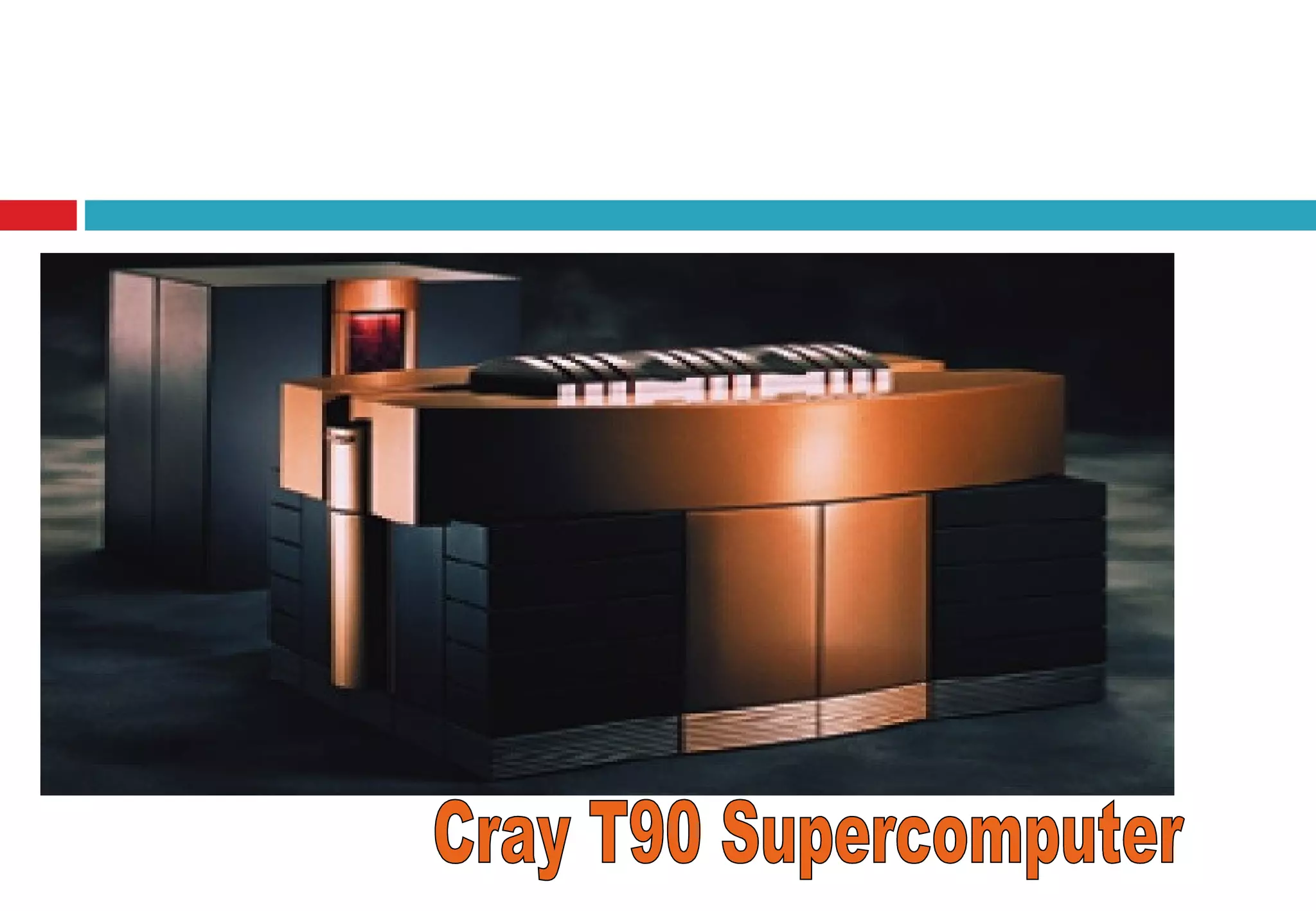
Super Computers
 Supper computer are the biggest, fastest and most
expensive computers Introduced in 1980 to handle
complicated problems.
 Typically priced from $500,000 to over & $350
millions.
 They are high capacity machines with hundreds of
thousands of processors that can process over
trillion of transactions per second.
 Thousands of users can access it simultaneously.
Super Computers
 They are used for processing enormous volume of
data such as doing the census calculations,
forecasting, designing aircraft, modeling molecules,
breaking codes, and simulating explosion of nuclear
bombs.
 Used for scientific simulations, (animated) graphics,
fluid dynamic calculations, nuclear energy research,
electronic design, and analysis of geological data
(e.g. in petrochemical prospecting
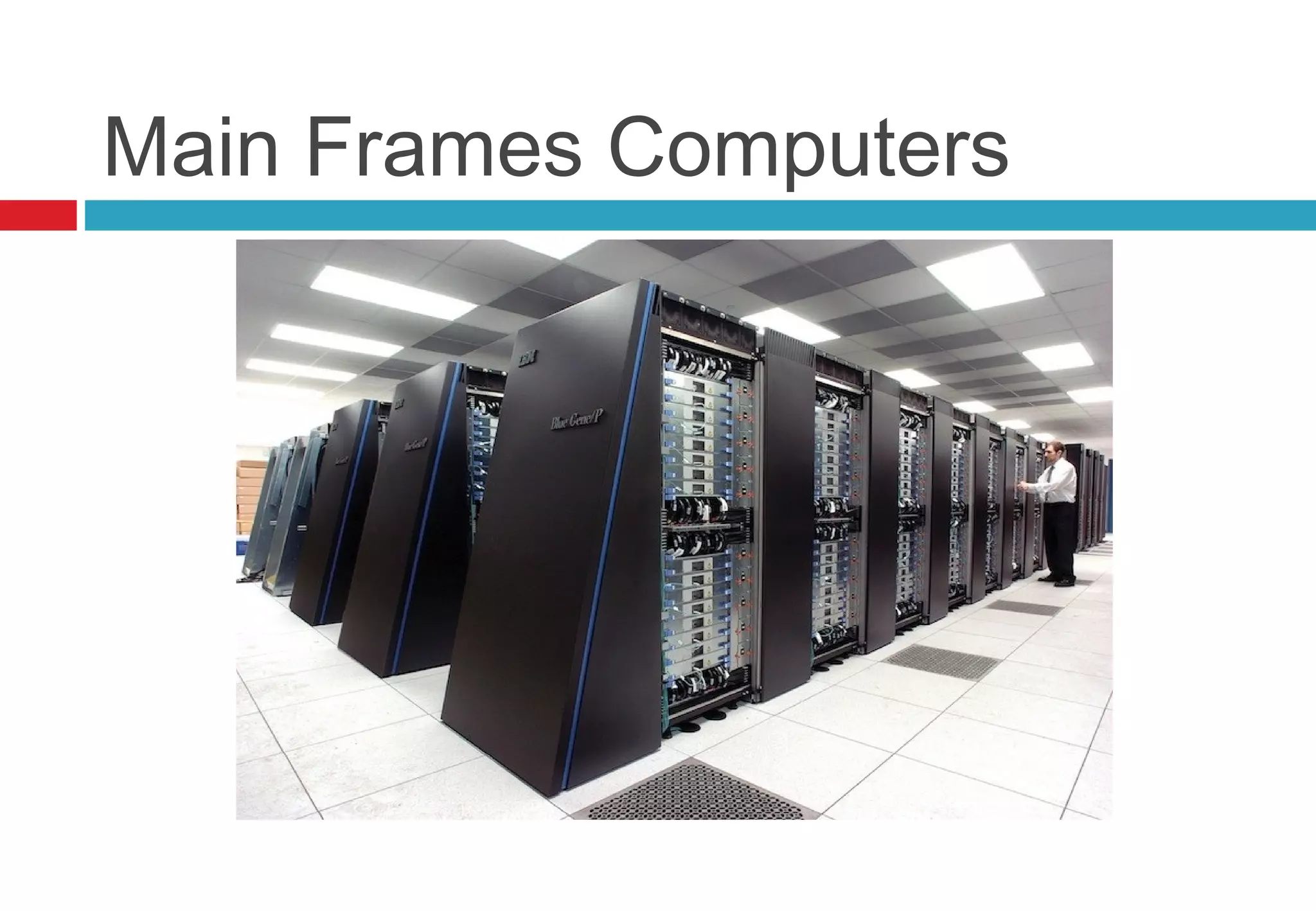
Main Frames Computers
 Introduced in 1975
 Its price is $5000 to $5 million.
 Mainframes are capable of processing data at very
high speed millions of instructions per second and
have to access to billions of characters of data.
 Mainframe computers are used in large
organizations where many users need access to
shared data and programs.
Main Frames Computers
 User often access to it by means of a terminal,
which has display screen, keyboard and I/O,
 They are used in Banks, insurance companies,
manufacturers, large mail-order house, airline with
space companies doing complex aircraft design,
and other like these
 It can serve up to 50,000 users simultaneously
Main Frames Computers
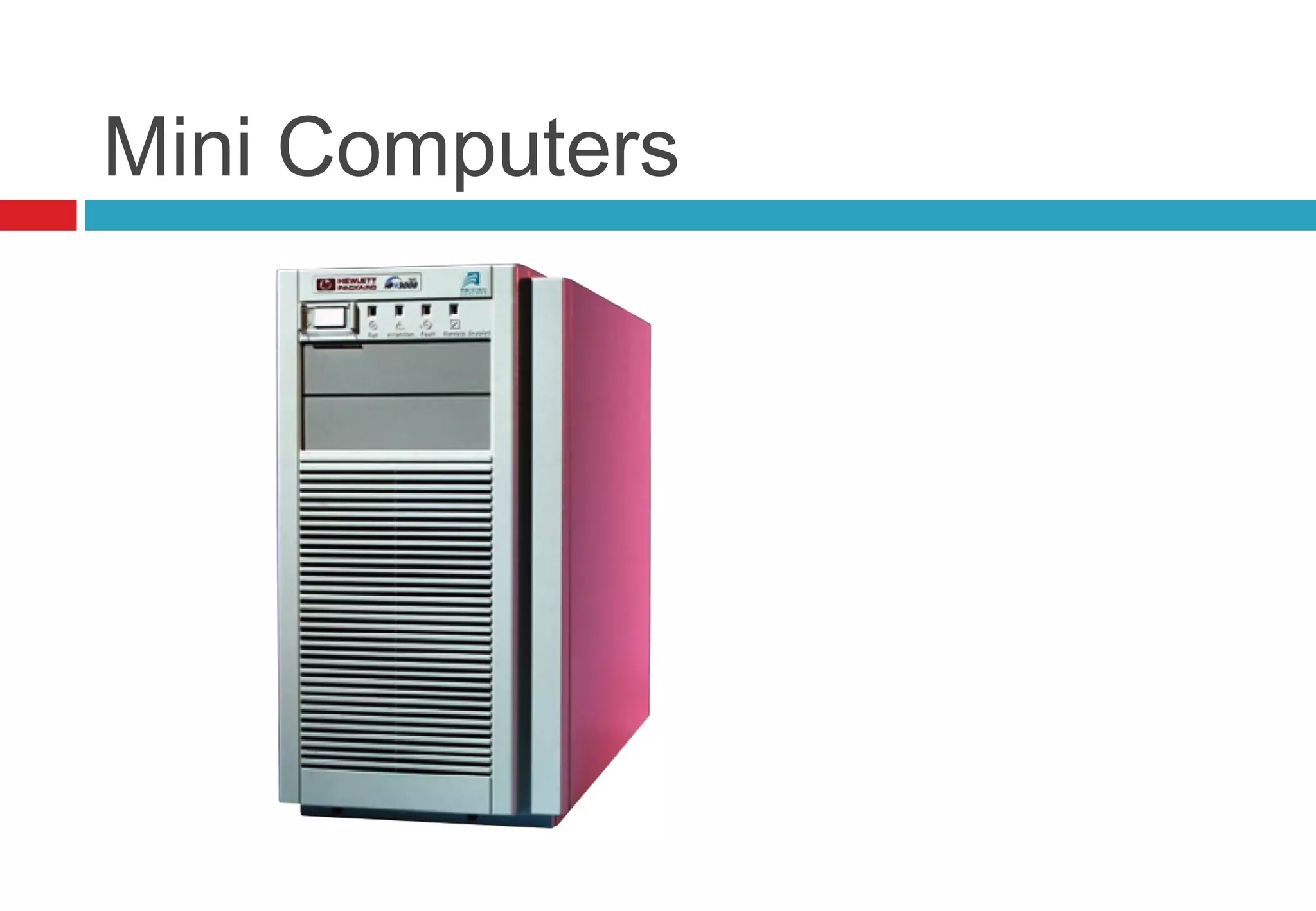
Mini Computers
 They are smaller than mainframes having less
memory and processing capabilities, so they were
cheaper than mainframes and are for medium size
business
 Minicomputers usually have multiple terminals
 Minicomputers may be used as network servers and
Internet servers
Mini Computers
Microcomputers/Personal
Computers
 Microcomputers are more commonly known as
personal computers. The term "PC" is applied to
IBM-PCs or compatible computers.
 A small digital computer based on a microprocessor
and designed to be used by one person at a time
 They are called micro because of their size and use
of small micro Chip
 Their price is low so they are popular in small
business and homes
Microcomputers/Personal
Computers
 They are of different sizes and purposes
Towermodel
 The term refers to a computer in which the power
supply, motherboard, and mass storage devices are
stacked on top of each other in a cabinet.
 narrow and tall
advantage of tower models is that there are fewer
space constraints, which makes installation of
additional storage devices easier.
Microcomputers/Personal
Computers
Desktop model
 Designed to fit comfortably on top of a desk, typically with
the monitor sitting on top of the computer.
 Desktop model computers are broad and low
 Because of their shape, limited to three internal mass
storage devices.
 Desktop models designed to be very small are sometimes
referred to as slimline models

Types of Computers

  • 1.
  • 2.
  • 3.
    Types of Computers Computers can be classified into three categories.  Classification of Computers by Typeof data they handled.  Classification of Computers by Purpo se .  Classification of Computers by capacity o r Size .
  • 4.
    Classification of Computersby Type  Analog Computers  Digital Computers  Hybrid Computers
  • 5.
    Analog Computers  Theterm analog is taken from the word analo g o us that means sim ilar.  It measures data varying continuously in value, such as speed, temperature, pressure etc.  Data are represented in an analog computer as voltages, a very compact but not necessarily robust form of storage.  These are the special purpose computers and can be used for complex scientific and mathematical calculations.  They have high speed but less accurate than digital computers
  • 6.
  • 7.
    Digital Computers  Digitalcomputers are based on two states, logical “on” and “off,” represented by two voltage levels  They are general purpose computers.  They accept data in the form of digits  They can store large amount of data, compute data with great accuracy but they have less speed than analog computers.  They are used in every field of daily life such as;  Business, education and health etc.
  • 8.
  • 9.
    Hybrid Computers  Acomputer that contains both digital and analog circuits is called hybrid computer.  They are special purpose computers  They have speed of analog but accuracy of digital computers.  They are generally used for digital processing of data collected in analog form.   they are widely used in hospitals to monitor patient’s health state.
  • 10.
  • 11.
    Classification of Computersby Purpose  Special purpose Computers  General purpose Computers
  • 12.
    Special purpose Computers Special purpose computers are designed to solve special problems like machine control or process control. Most analog computers are special purpose. They are widely used in industrial robotics.
  • 13.
  • 14.
    General purpose Computers They are designed to solve a large variety of problems. Most of them are digital computers. They are mostly used in business and commercial data processing. They are classified as follows
  • 15.
  • 16.
    Classification of Computersby capacity or Size  Super Computers  Main Frames Computers  Mini Computers  Micro Computers
  • 17.
    Super Computers  Suppercomputer are the biggest, fastest and most expensive computers Introduced in 1980 to handle complicated problems.  Typically priced from $500,000 to over & $350 millions.  They are high capacity machines with hundreds of thousands of processors that can process over trillion of transactions per second.  Thousands of users can access it simultaneously.
  • 18.
    Super Computers  Theyare used for processing enormous volume of data such as doing the census calculations, forecasting, designing aircraft, modeling molecules, breaking codes, and simulating explosion of nuclear bombs.  Used for scientific simulations, (animated) graphics, fluid dynamic calculations, nuclear energy research, electronic design, and analysis of geological data (e.g. in petrochemical prospecting
  • 20.
    Main Frames Computers Introduced in 1975  Its price is $5000 to $5 million.  Mainframes are capable of processing data at very high speed millions of instructions per second and have to access to billions of characters of data.  Mainframe computers are used in large organizations where many users need access to shared data and programs.
  • 21.
    Main Frames Computers User often access to it by means of a terminal, which has display screen, keyboard and I/O,  They are used in Banks, insurance companies, manufacturers, large mail-order house, airline with space companies doing complex aircraft design, and other like these  It can serve up to 50,000 users simultaneously
  • 22.
  • 23.
    Mini Computers  Theyare smaller than mainframes having less memory and processing capabilities, so they were cheaper than mainframes and are for medium size business  Minicomputers usually have multiple terminals  Minicomputers may be used as network servers and Internet servers
  • 24.
  • 25.
    Microcomputers/Personal Computers  Microcomputers aremore commonly known as personal computers. The term "PC" is applied to IBM-PCs or compatible computers.  A small digital computer based on a microprocessor and designed to be used by one person at a time  They are called micro because of their size and use of small micro Chip  Their price is low so they are popular in small business and homes
  • 26.
    Microcomputers/Personal Computers  They areof different sizes and purposes Towermodel  The term refers to a computer in which the power supply, motherboard, and mass storage devices are stacked on top of each other in a cabinet.  narrow and tall advantage of tower models is that there are fewer space constraints, which makes installation of additional storage devices easier.
  • 27.
    Microcomputers/Personal Computers Desktop model  Designedto fit comfortably on top of a desk, typically with the monitor sitting on top of the computer.  Desktop model computers are broad and low  Because of their shape, limited to three internal mass storage devices.  Desktop models designed to be very small are sometimes referred to as slimline models