CIB 3103
Object Oriented Analysis and Design
Requirements Determination
Learning Objectives
• Learn how to create a requirements definition
• Learn various requirements analysis techniques
• Learn when to use each requirements analysis techniques
• Learn how to gather requirements using interviews, JAD
sessions, questionnaires, document analysis & observation
• Learn various requirements documentation techniques such
as concept maps, story cards & task-lists
• Understand when to use each requirements-gathering
technique
• Be able to begin the creation of a system proposal
Introduction
The systems development process transforms the existing
(as is) system into the proposed (to be) system
Requirements determination
The single most critical step of the entire SDLC
Changes can be made easily in this stage
Most (>50%) system failures are due to problems with
requirements
The iterative process of OOSAD is effective because:
Small batches of requirements can be identified and
implemented incrementally
The system will evolve over time
Requirements Determination
Purpose: to convert high level business requirements
(from the system request) into detailed requirements that
can be used as inputs for creating models
What is a requirement?
A statement of what the system must do or a characteristic
it must have
Will later evolve into a technical description of how the
system will be implemented
Types:
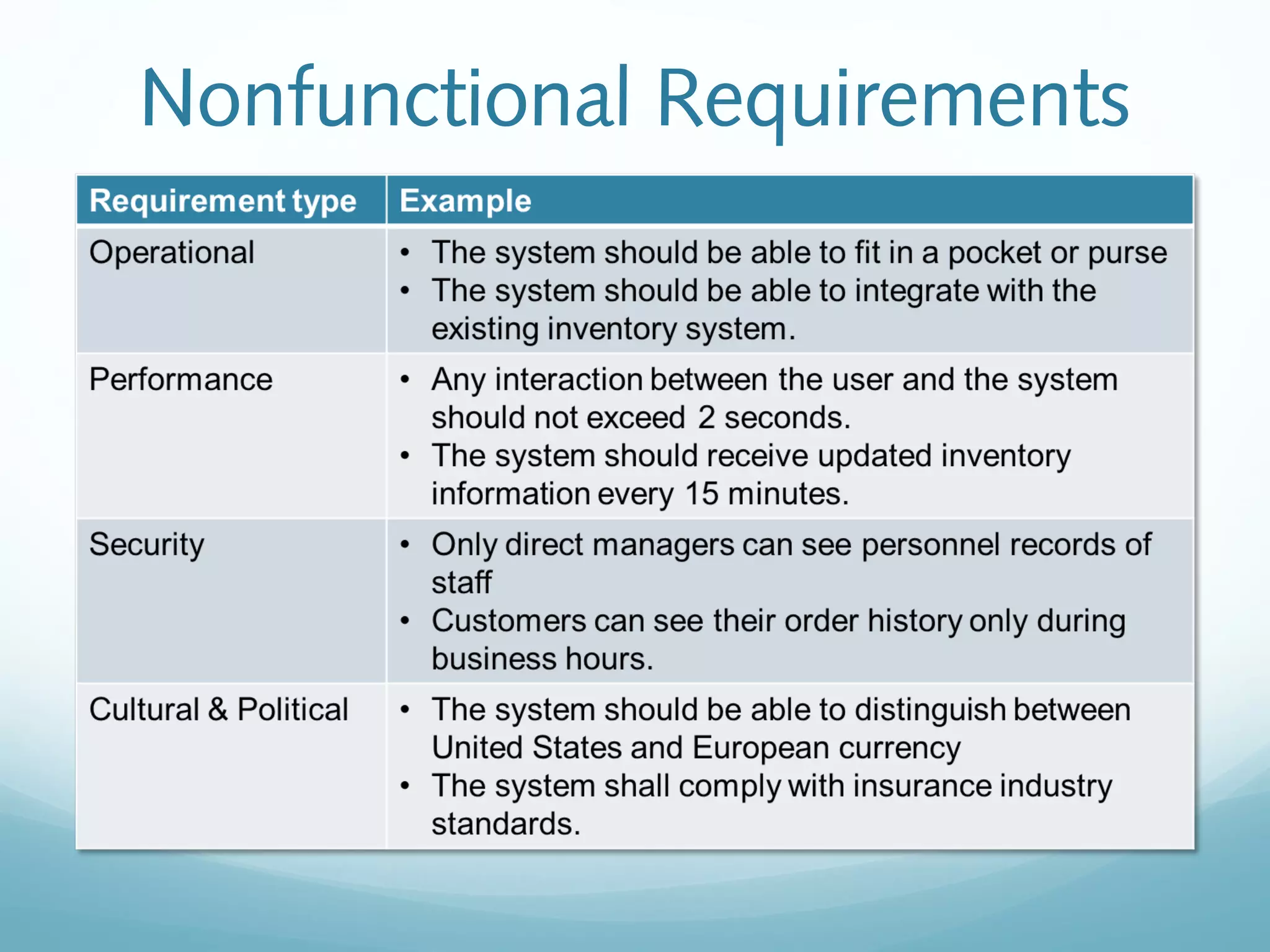
Functional: relates to a process or data
Non-functional: relates to performance or usability
Nonfunctional Requirements
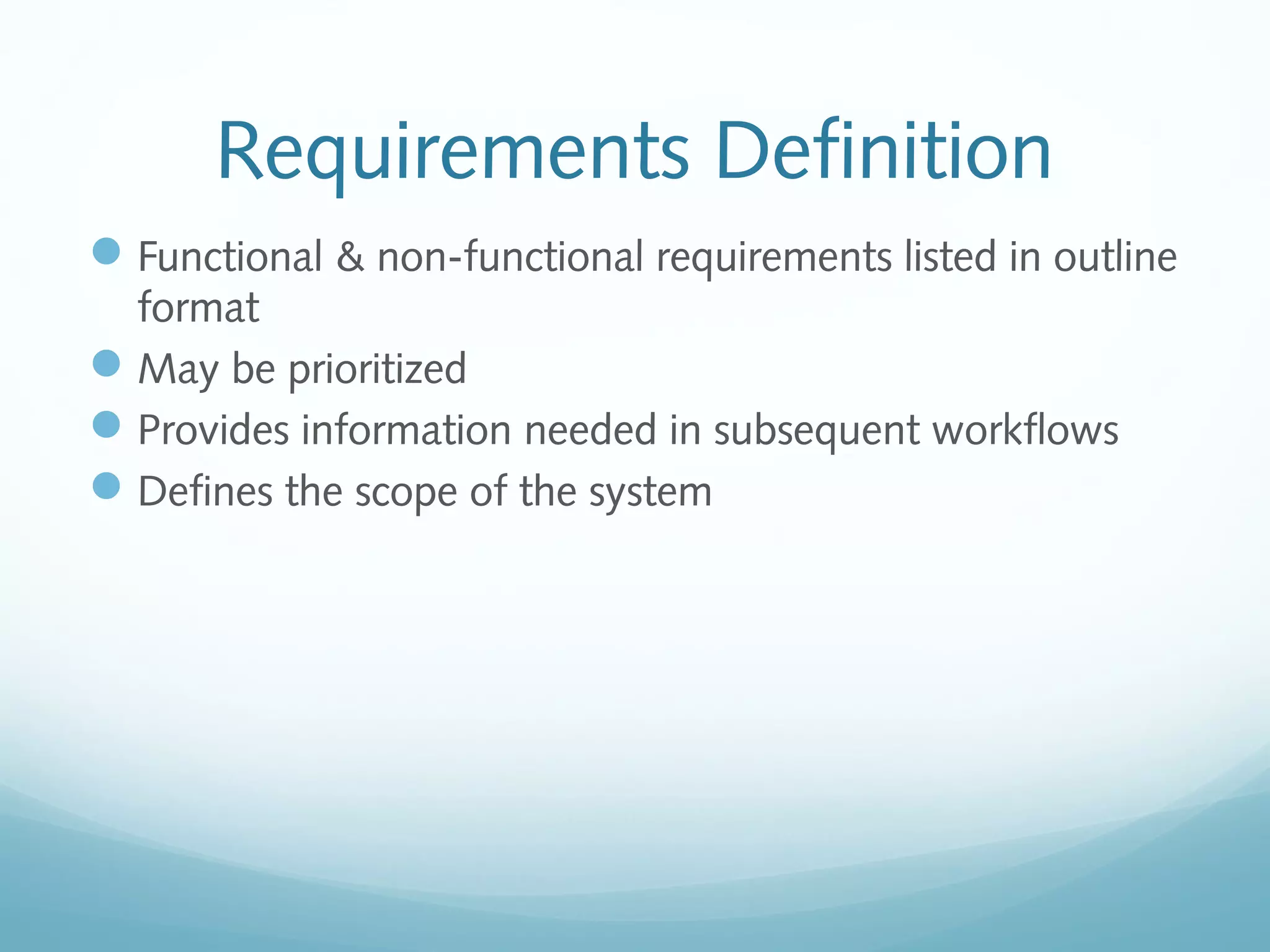
Requirements Definition
Functional & non-functional requirements listed in outline
format
May be prioritized
Provides information needed in subsequent workflows
Defines the scope of the system
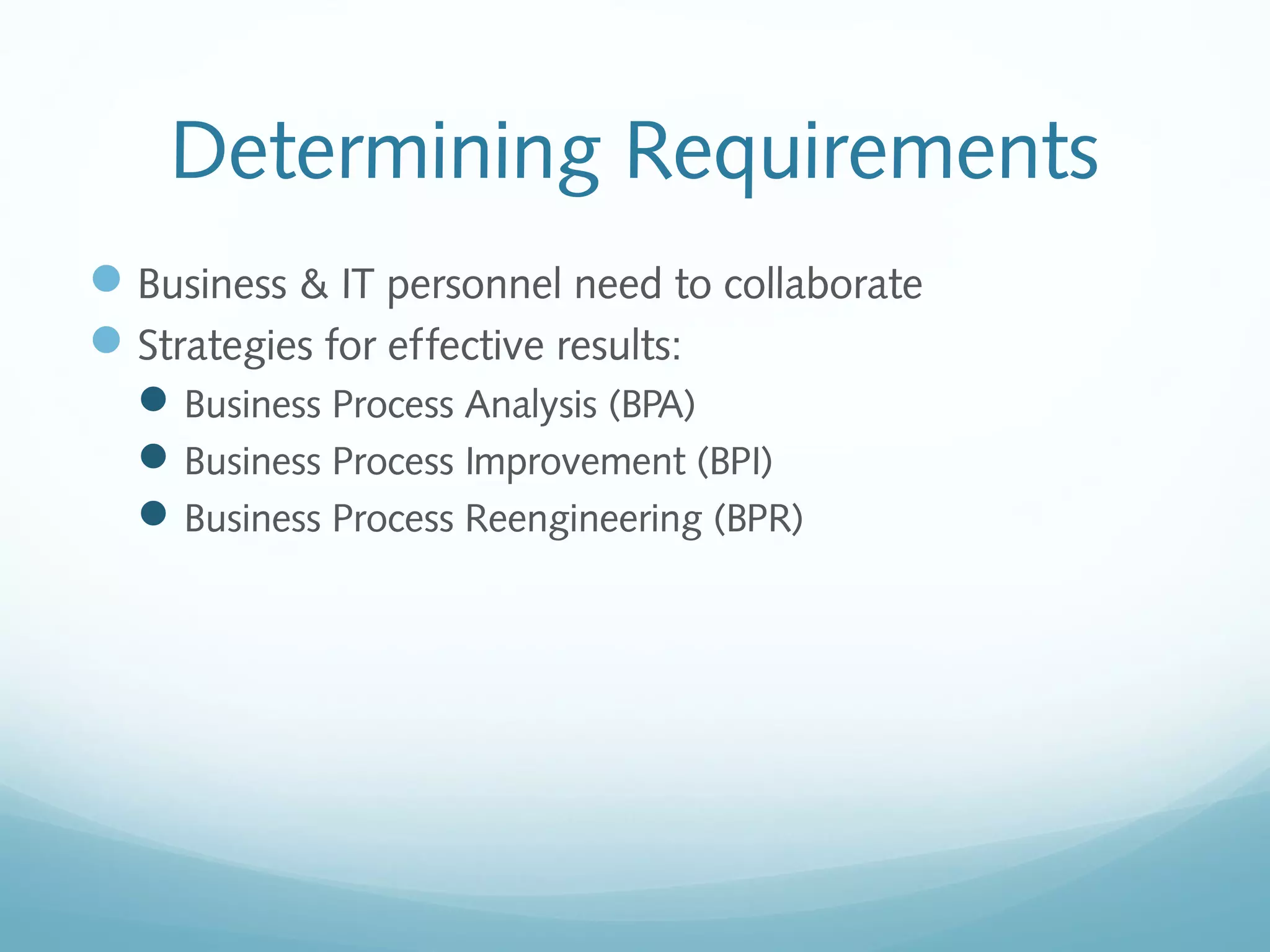
Determining Requirements
Business & IT personnel need to collaborate
Strategies for effective results:
Business Process Analysis (BPA)
Business Process Improvement (BPI)
Business Process Reengineering (BPR)
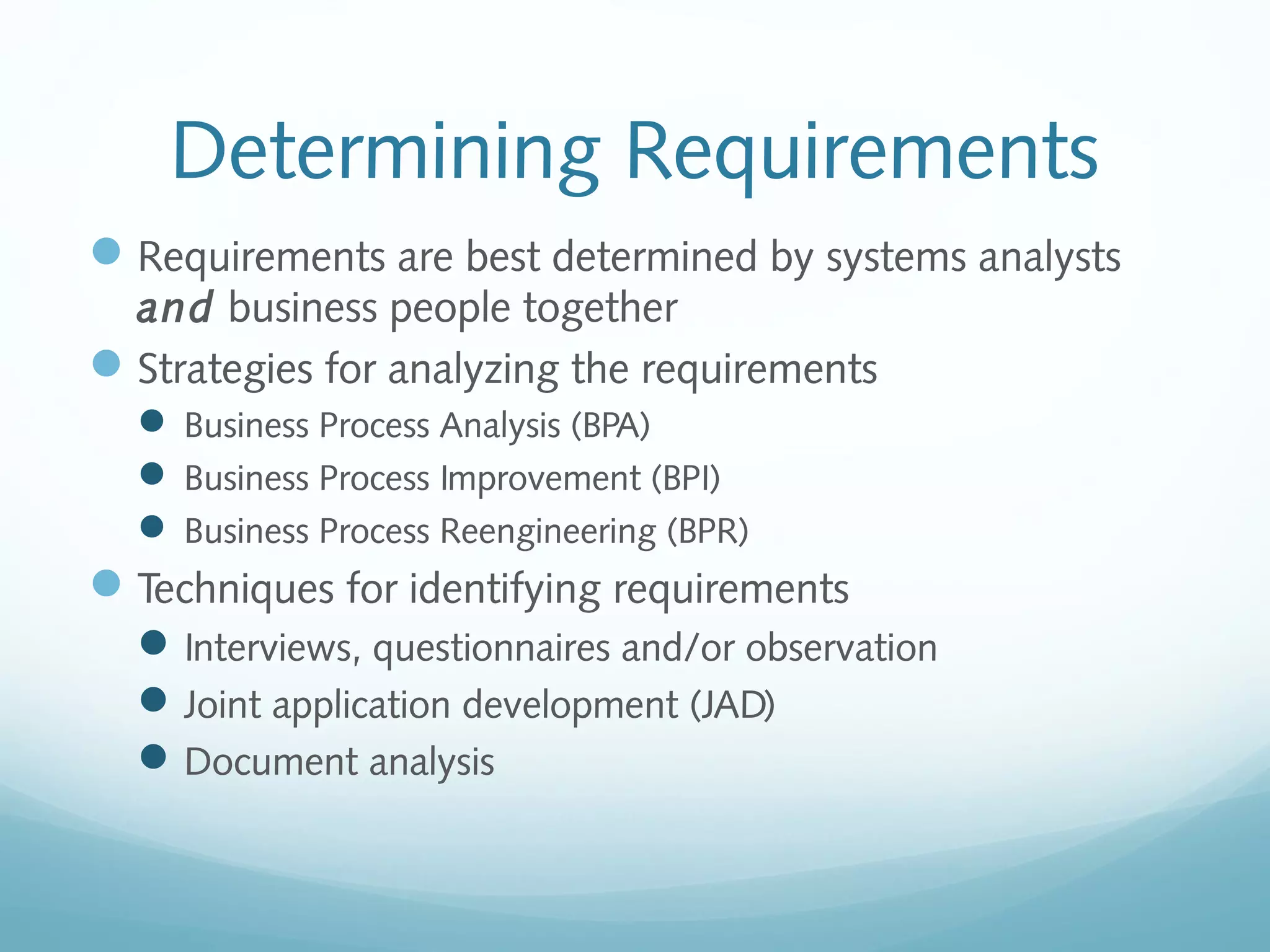
Determining Requirements
Requirements are best determined by systems analysts
and business people together
Strategies for analyzing the requirements
 Business Process Analysis (BPA)
 Business Process Improvement (BPI)
 Business Process Reengineering (BPR)
Techniques for identifying requirements
Interviews, questionnaires and/or observation
Joint application development (JAD)
Document analysis
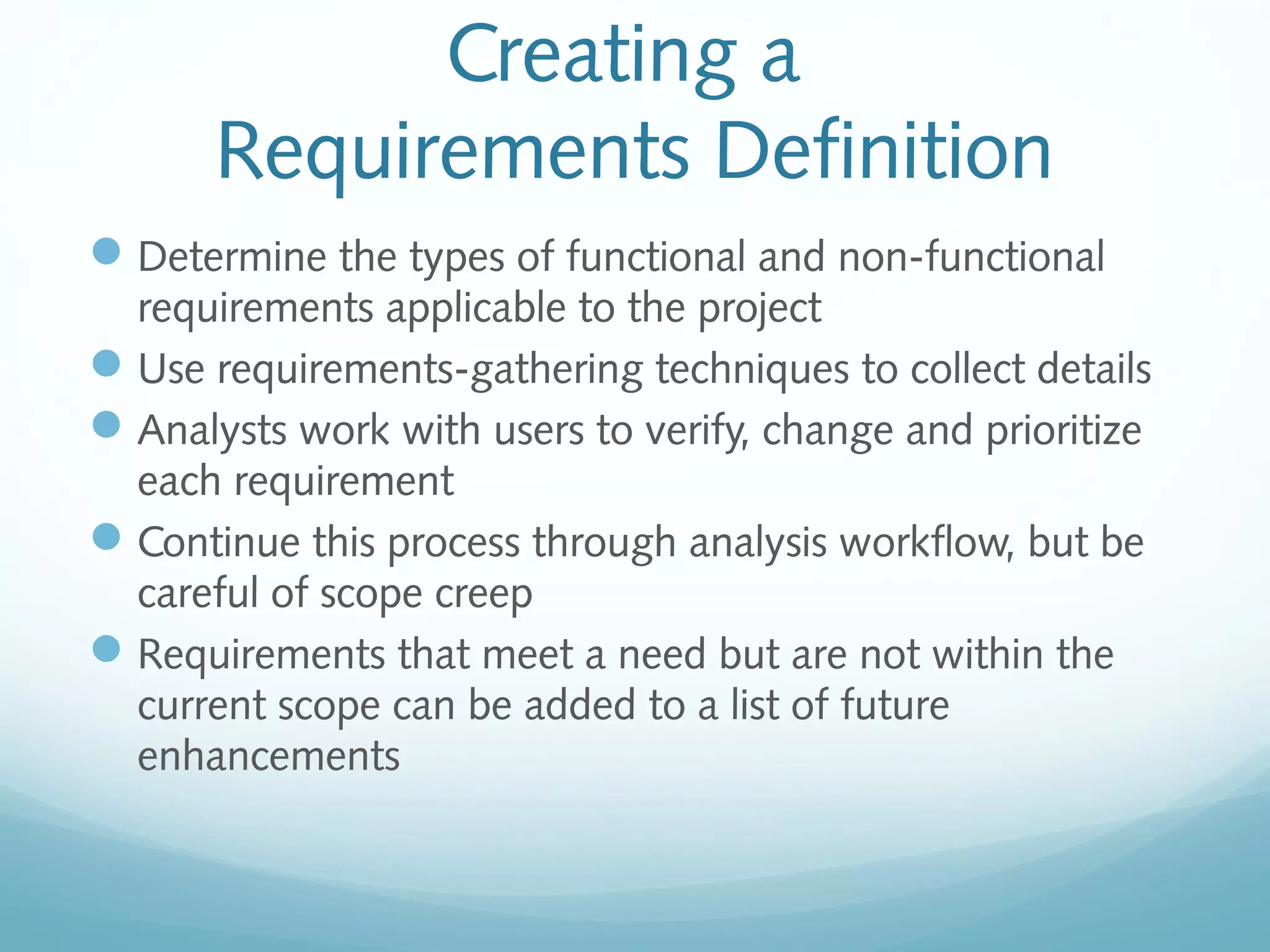
Creating a
Requirements Definition
Determine the types of functional and non-functional
requirements applicable to the project
Use requirements-gathering techniques to collect details
Analysts work with users to verify, change and prioritize
each requirement
Continue this process through analysis workflow, but be
careful of scope creep
Requirements that meet a need but are not within the
current scope can be added to a list of future
enhancements
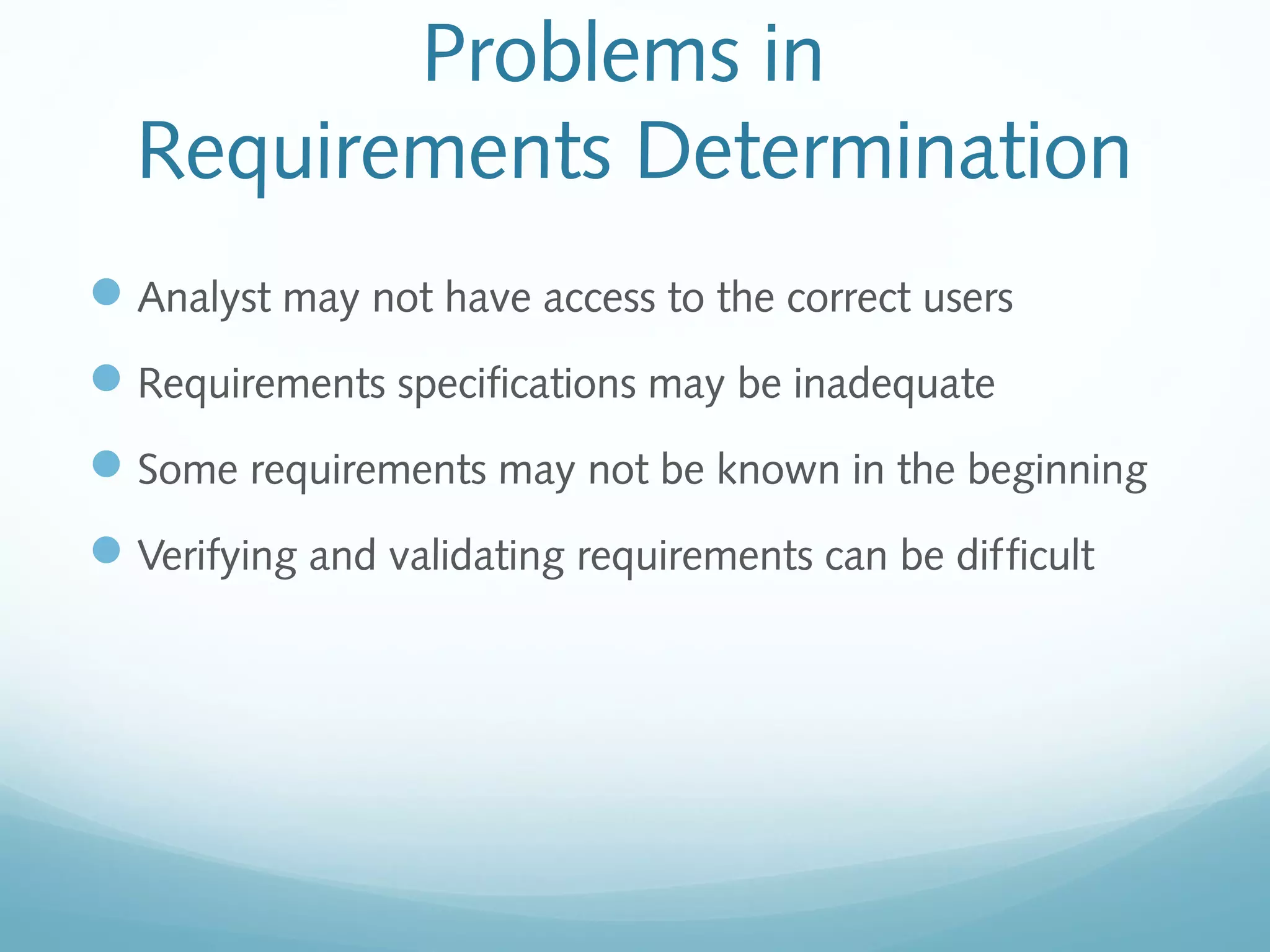
Problems in
Requirements Determination
Analyst may not have access to the correct users
Requirements specifications may be inadequate
Some requirements may not be known in the beginning
Verifying and validating requirements can be difficult
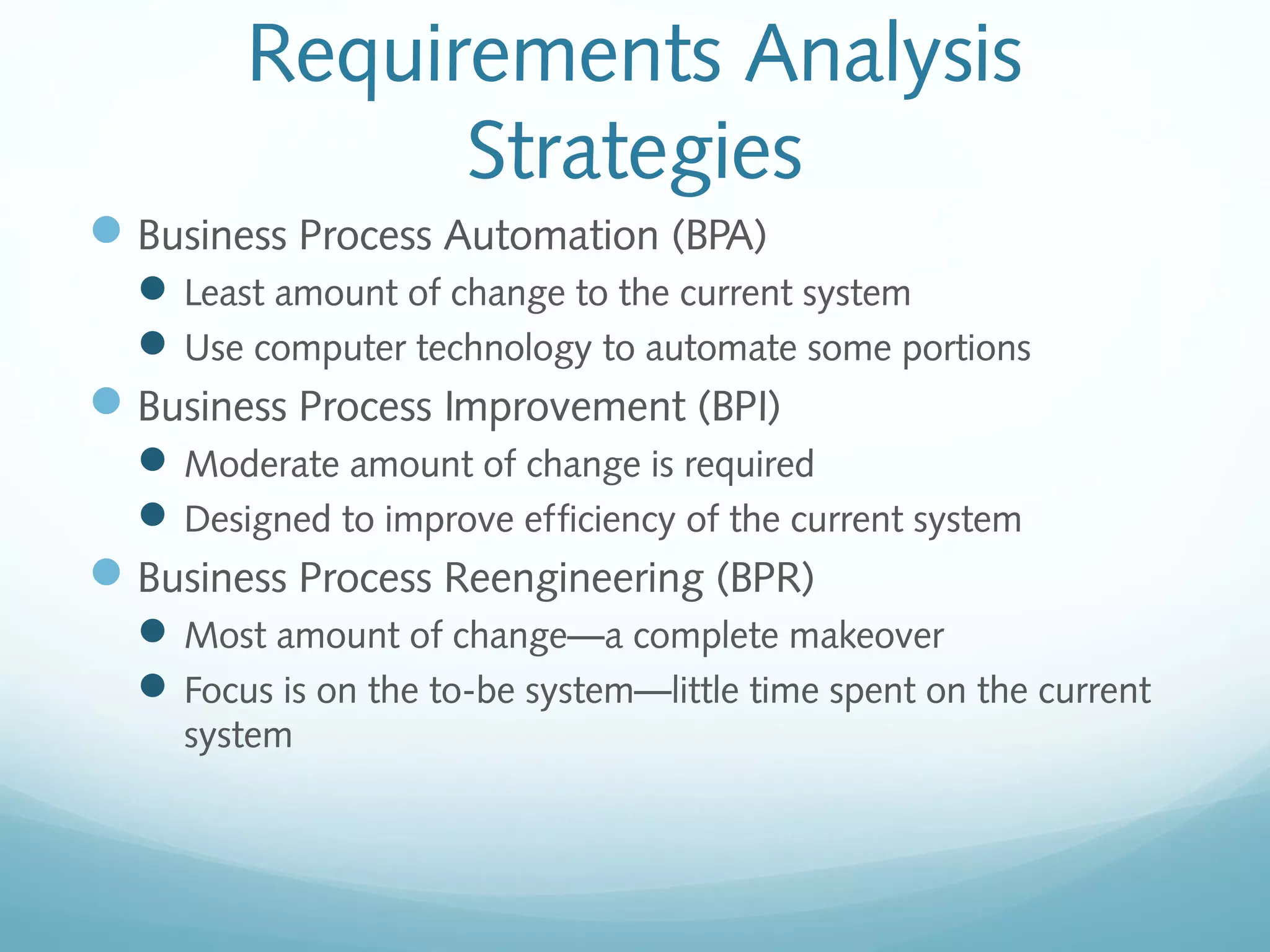
Requirements Analysis
Strategies
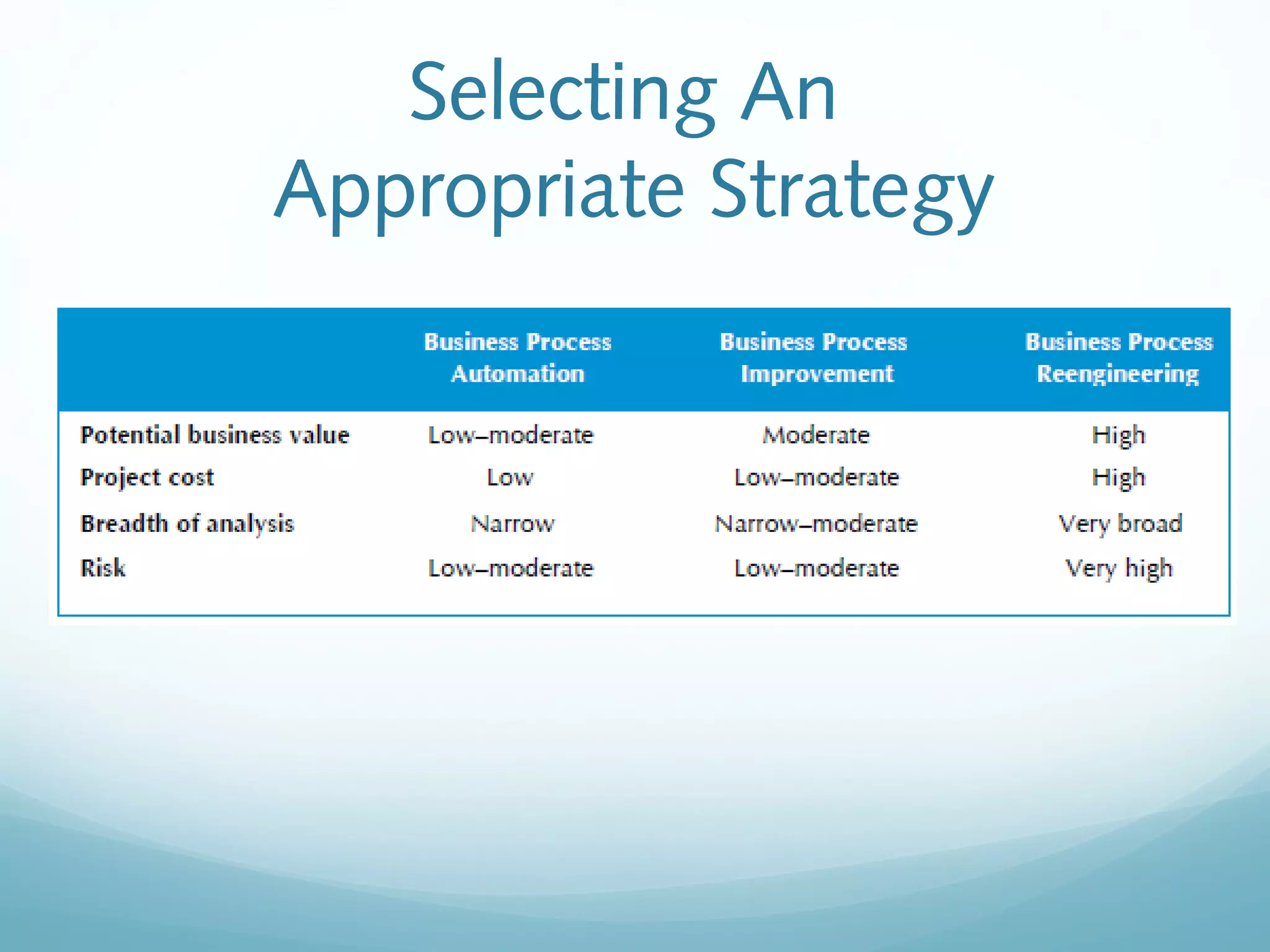
Business Process Automation (BPA)
Least amount of change to the current system
Use computer technology to automate some portions
Business Process Improvement (BPI)
Moderate amount of change is required
Designed to improve efficiency of the current system
Business Process Reengineering (BPR)
Most amount of change—a complete makeover
Focus is on the to-be system—little time spent on the current
system
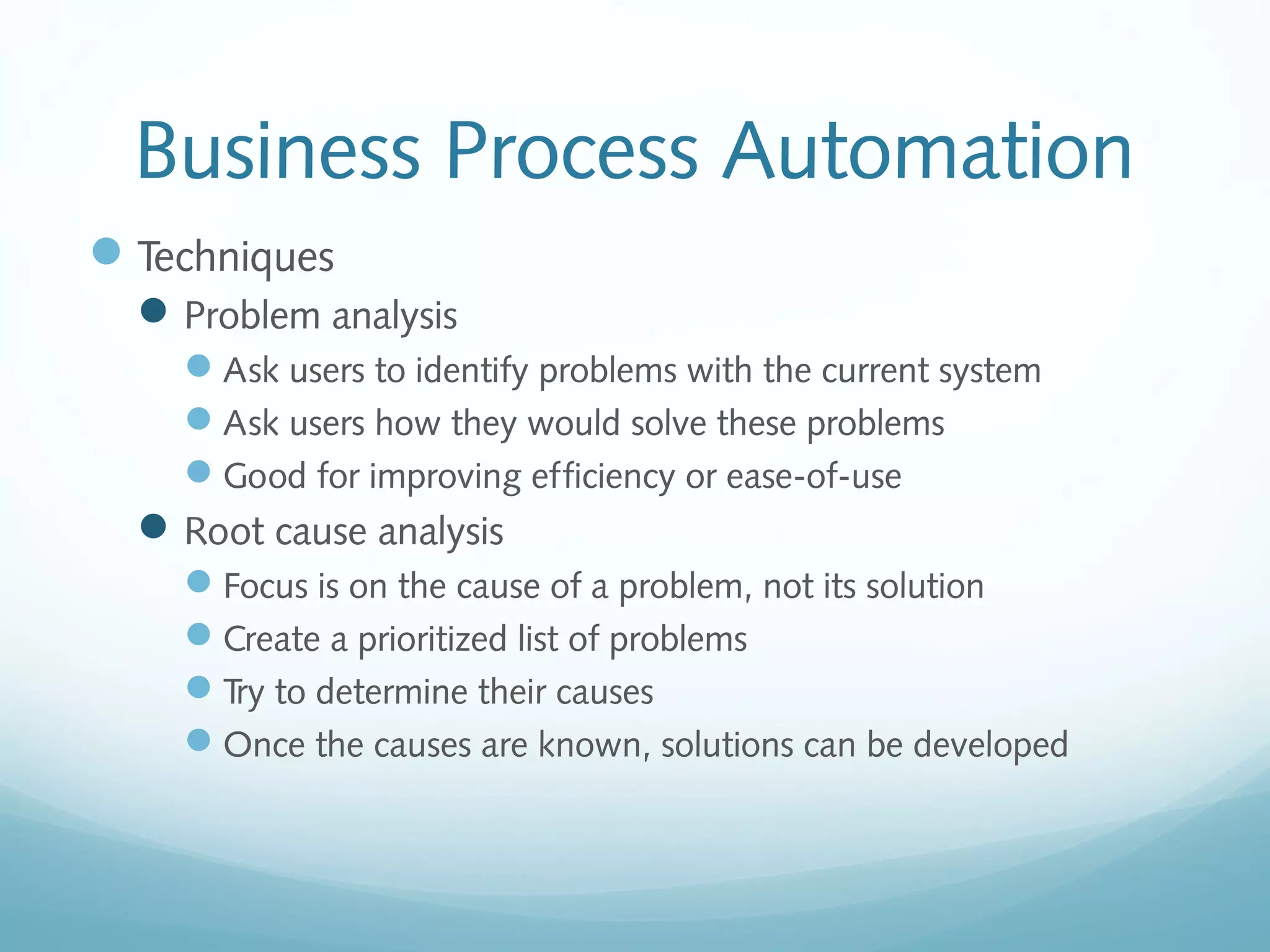
Business Process Automation
Techniques
Problem analysis
Ask users to identify problems with the current system
Ask users how they would solve these problems
Good for improving efficiency or ease-of-use
Root cause analysis
Focus is on the cause of a problem, not its solution
Create a prioritized list of problems
Try to determine their causes
Once the causes are known, solutions can be developed
Business Process Improvement
Techniques:
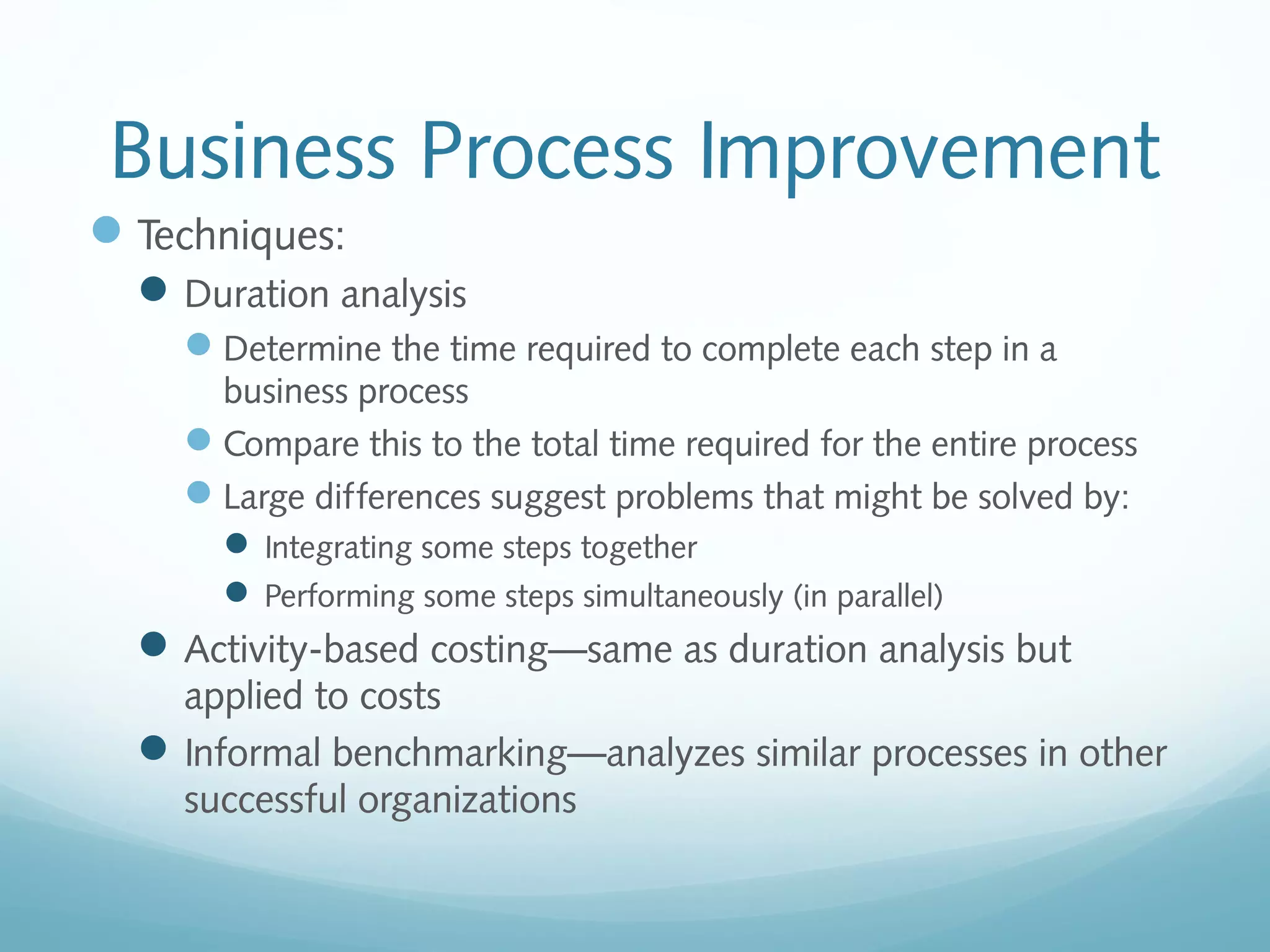
Duration analysis
Determine the time required to complete each step in a
business process
Compare this to the total time required for the entire process
Large differences suggest problems that might be solved by:
 Integrating some steps together
 Performing some steps simultaneously (in parallel)
Activity-based costing—same as duration analysis but
applied to costs
Informal benchmarking—analyzes similar processes in other
successful organizations
Business Process Reengineering
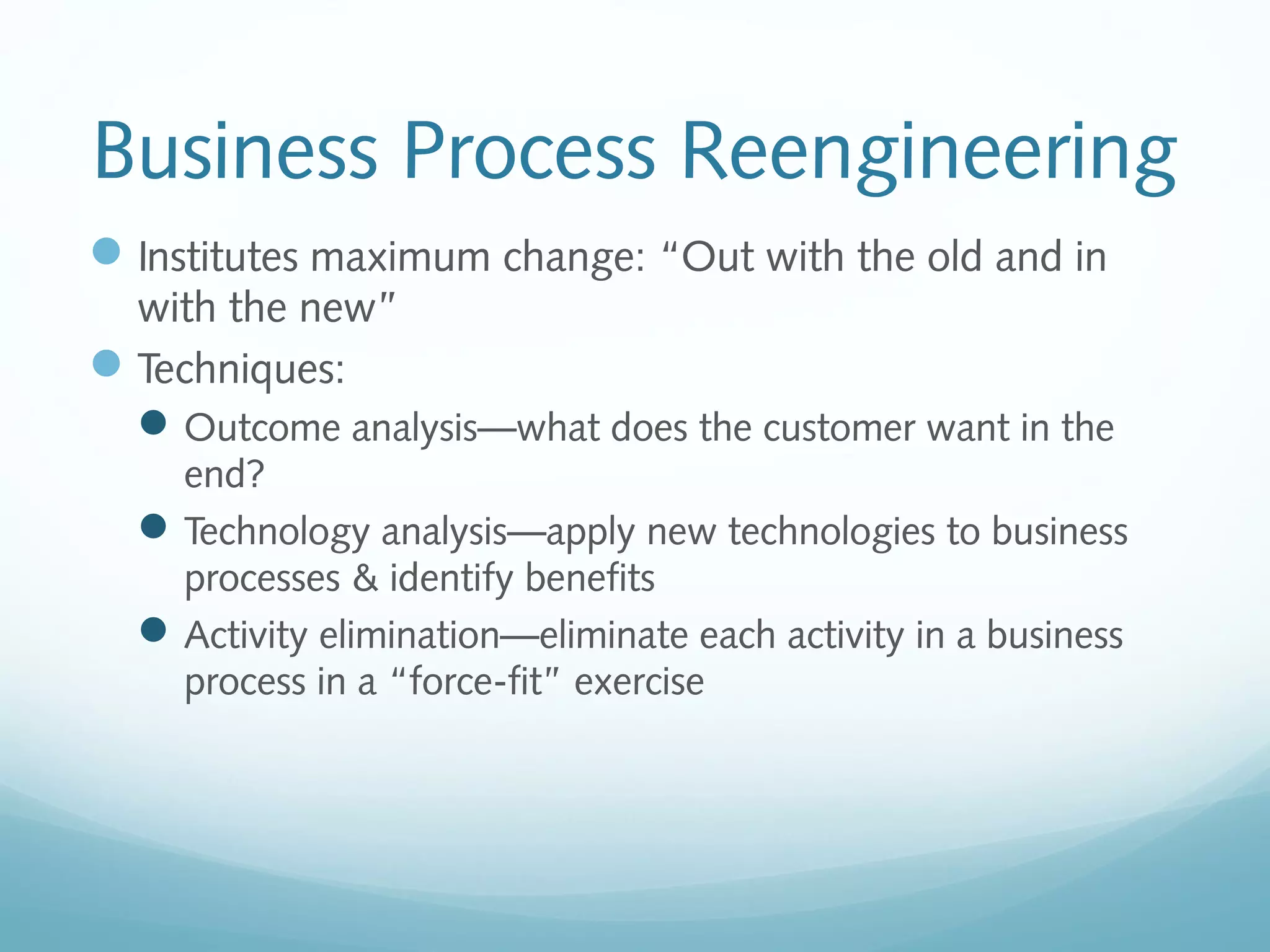
Institutes maximum change: “Out with the old and in
with the new”
Techniques:
Outcome analysis—what does the customer want in the
end?
Technology analysis—apply new technologies to business
processes & identify benefits
Activity elimination—eliminate each activity in a business
process in a “force-fit” exercise
Selecting An
Appropriate Strategy
Fact Finding Techniques
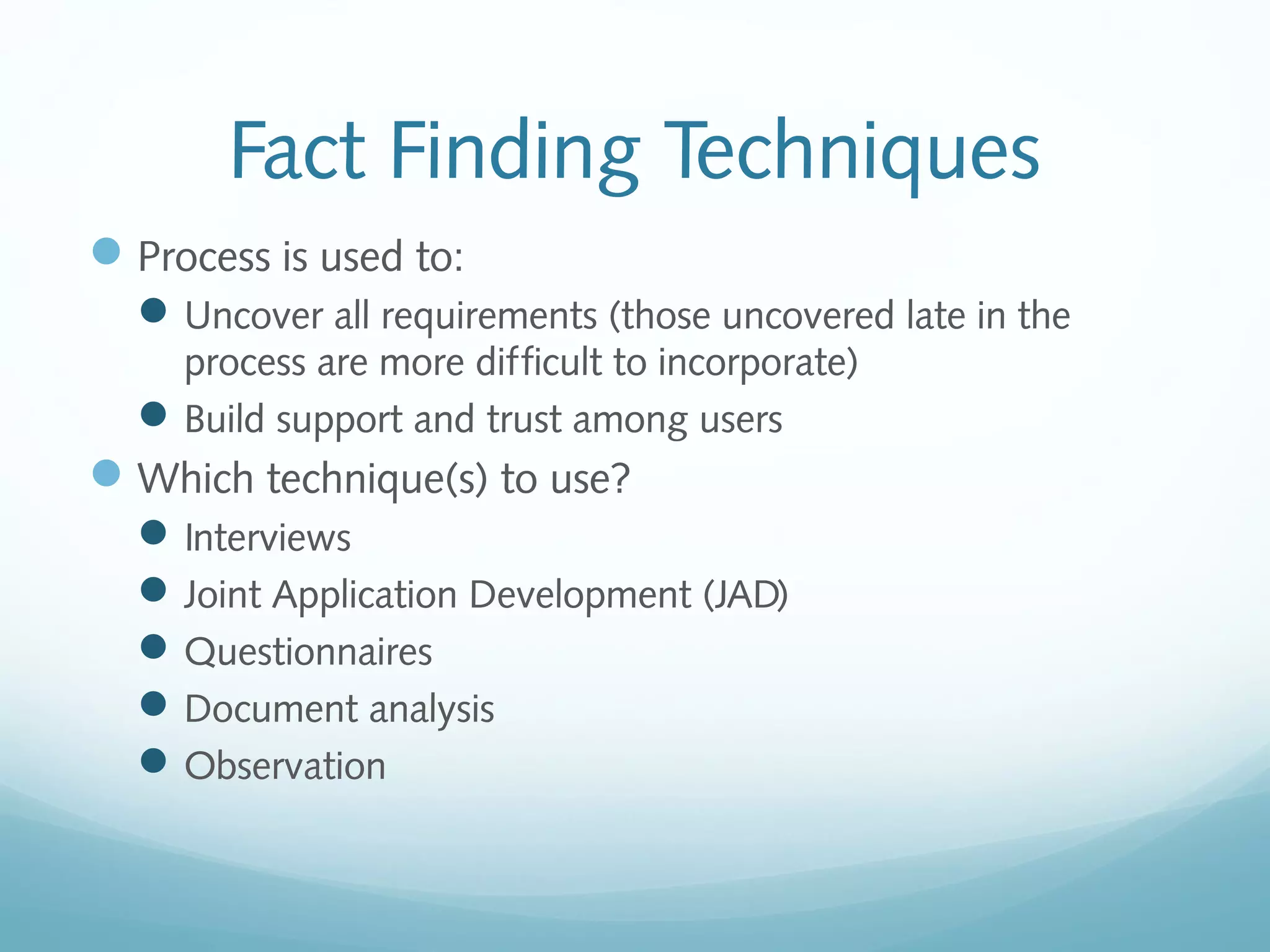
Process is used to:
Uncover all requirements (those uncovered late in the
process are more difficult to incorporate)
Build support and trust among users
Which technique(s) to use?
Interviews
Joint Application Development (JAD)
Questionnaires
Document analysis
Observation
Interviews
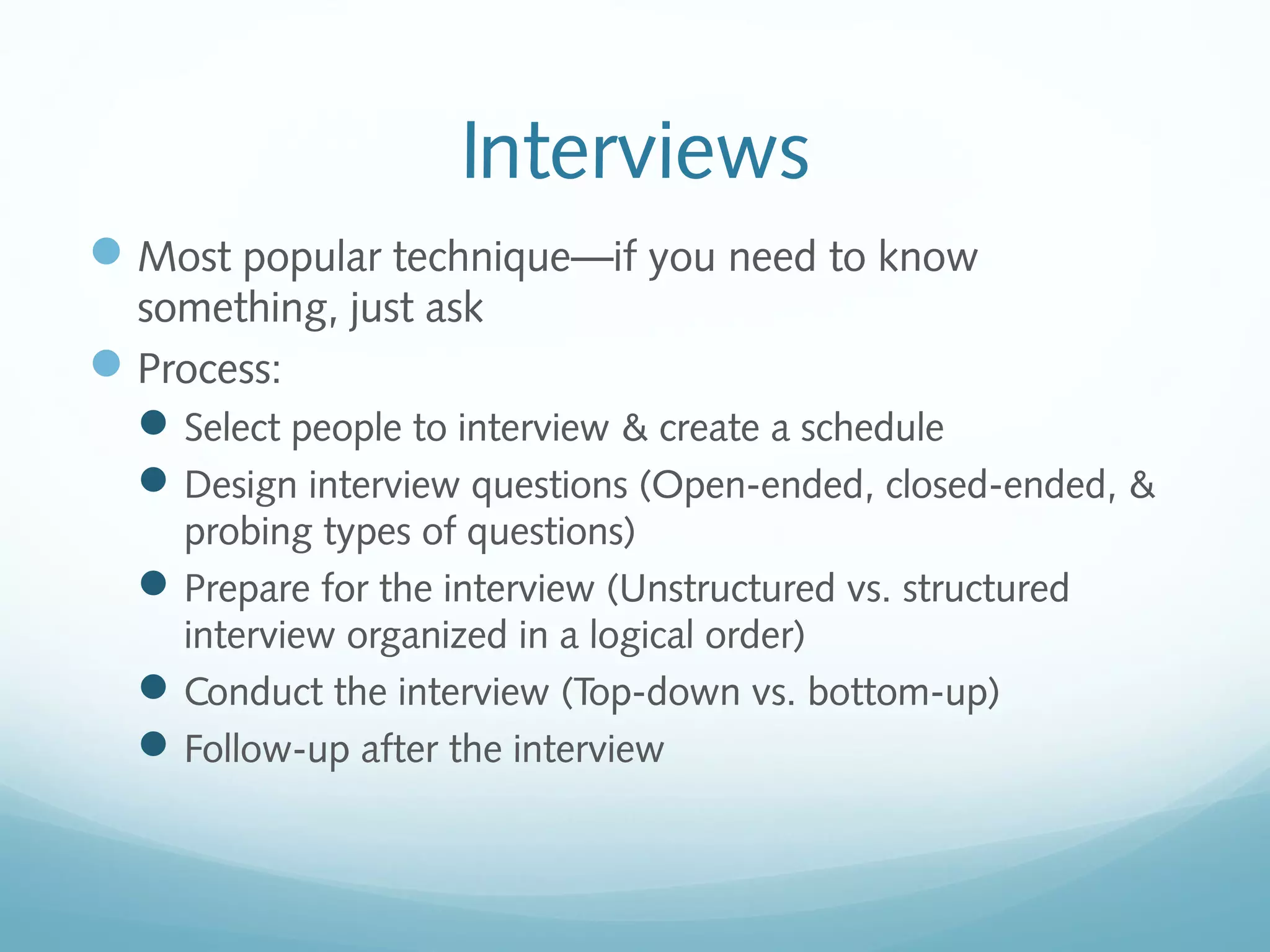
Most popular technique—if you need to know
something, just ask
Process:
Select people to interview & create a schedule
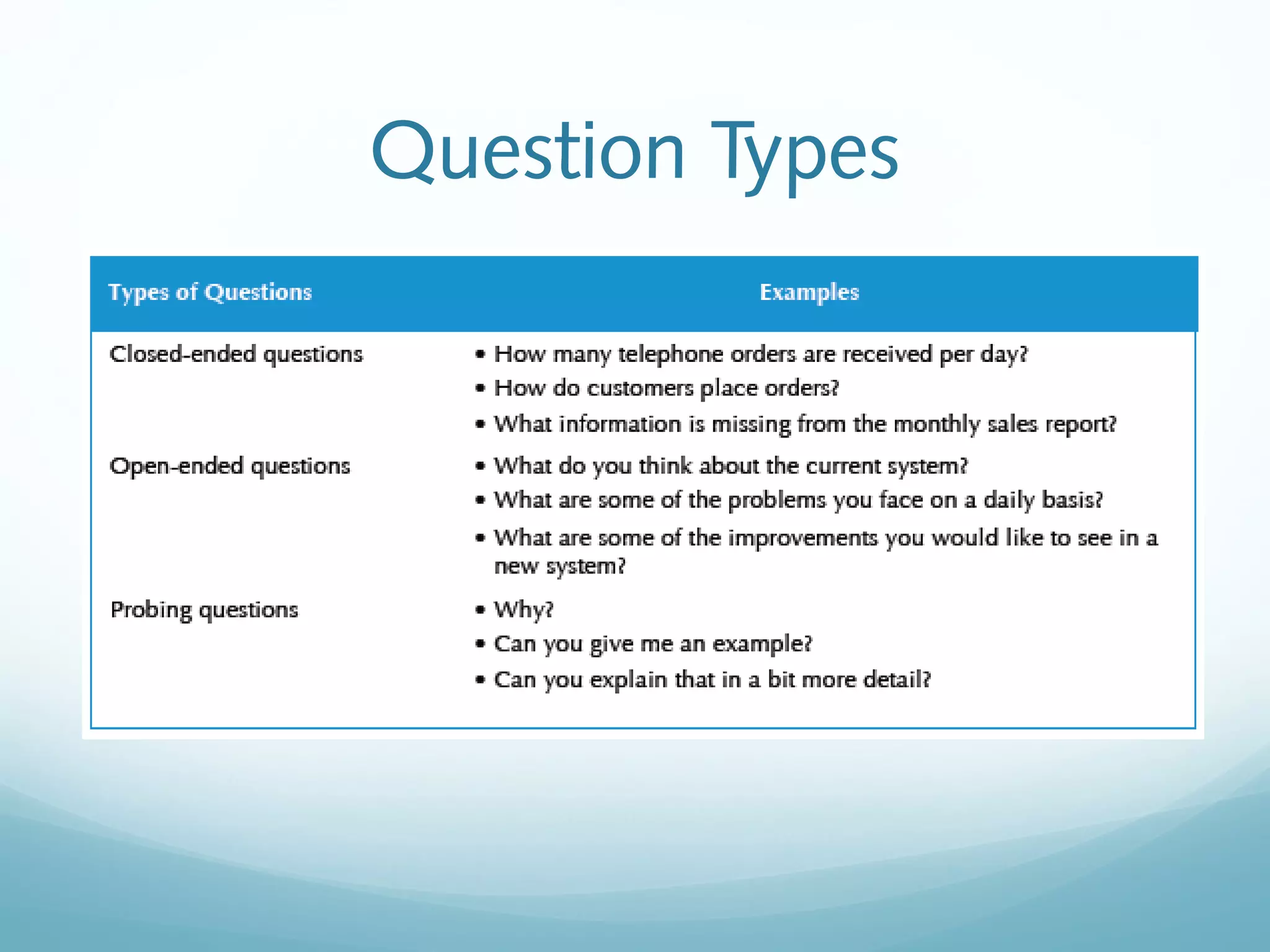
Design interview questions (Open-ended, closed-ended, &
probing types of questions)
Prepare for the interview (Unstructured vs. structured
interview organized in a logical order)
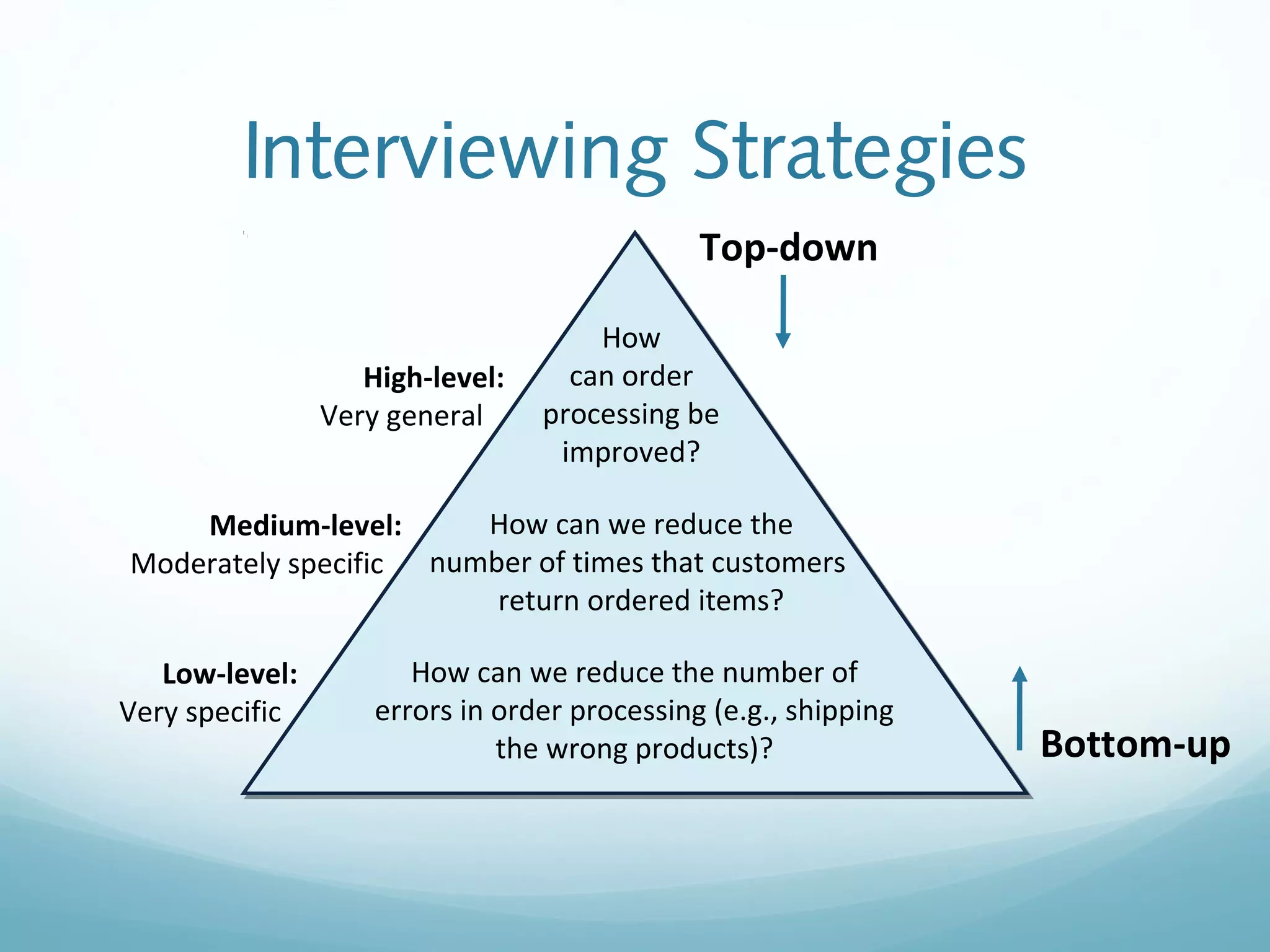
Conduct the interview (Top-down vs. bottom-up)
Follow-up after the interview
Question Types
Interviewing Strategies
How
can order
processing be
improved?
How can we reduce the
number of times that customers
return ordered items?
How can we reduce the number of
errors in order processing (e.g., shipping
the wrong products)?
Top-down
Bottom-up
High-level:
Very general
Medium-level:
Moderately specific
Low-level:
Very specific
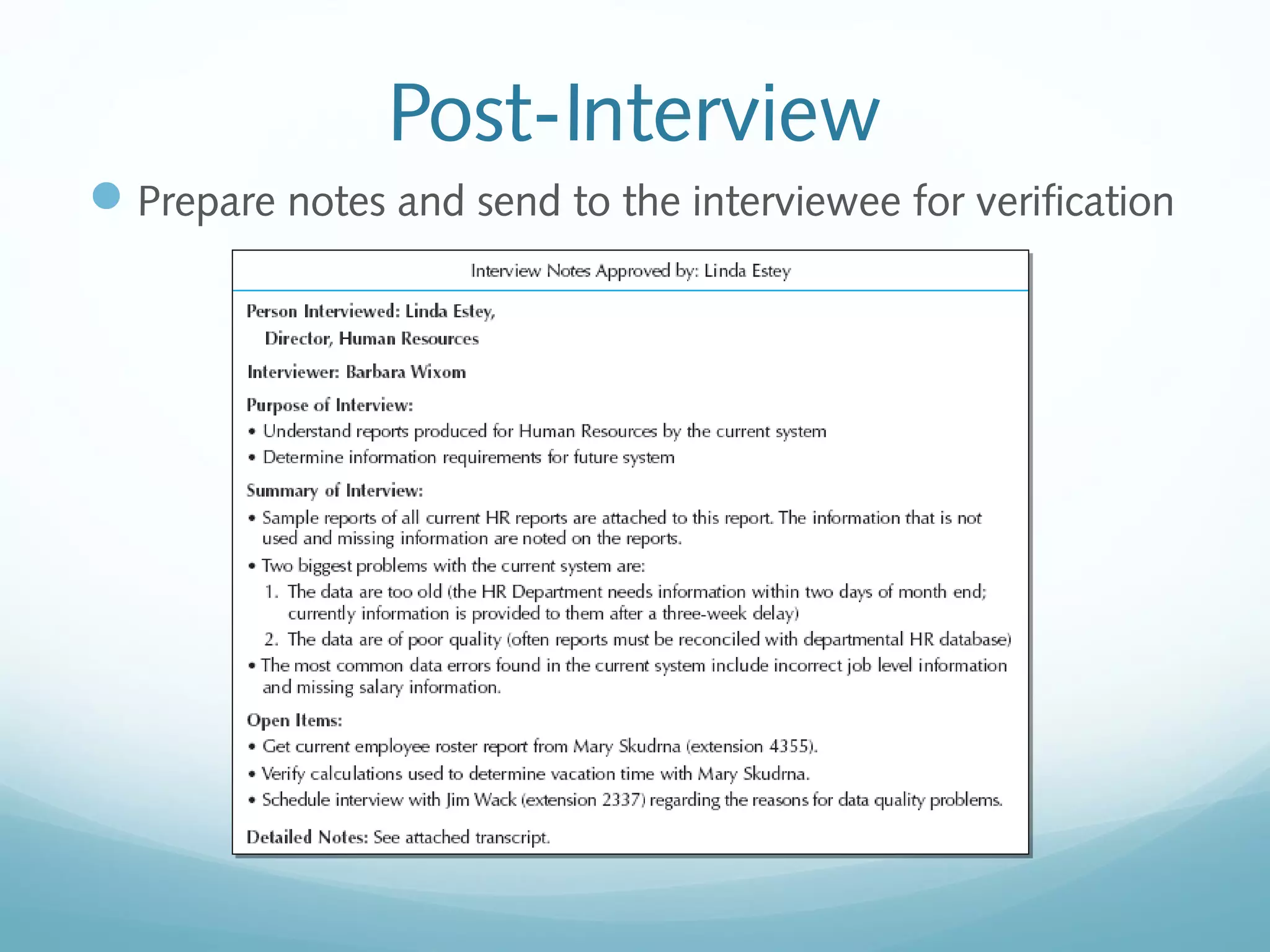
Post-Interview
Prepare notes and send to the interviewee for verification
Joint Application Development
(JAD)
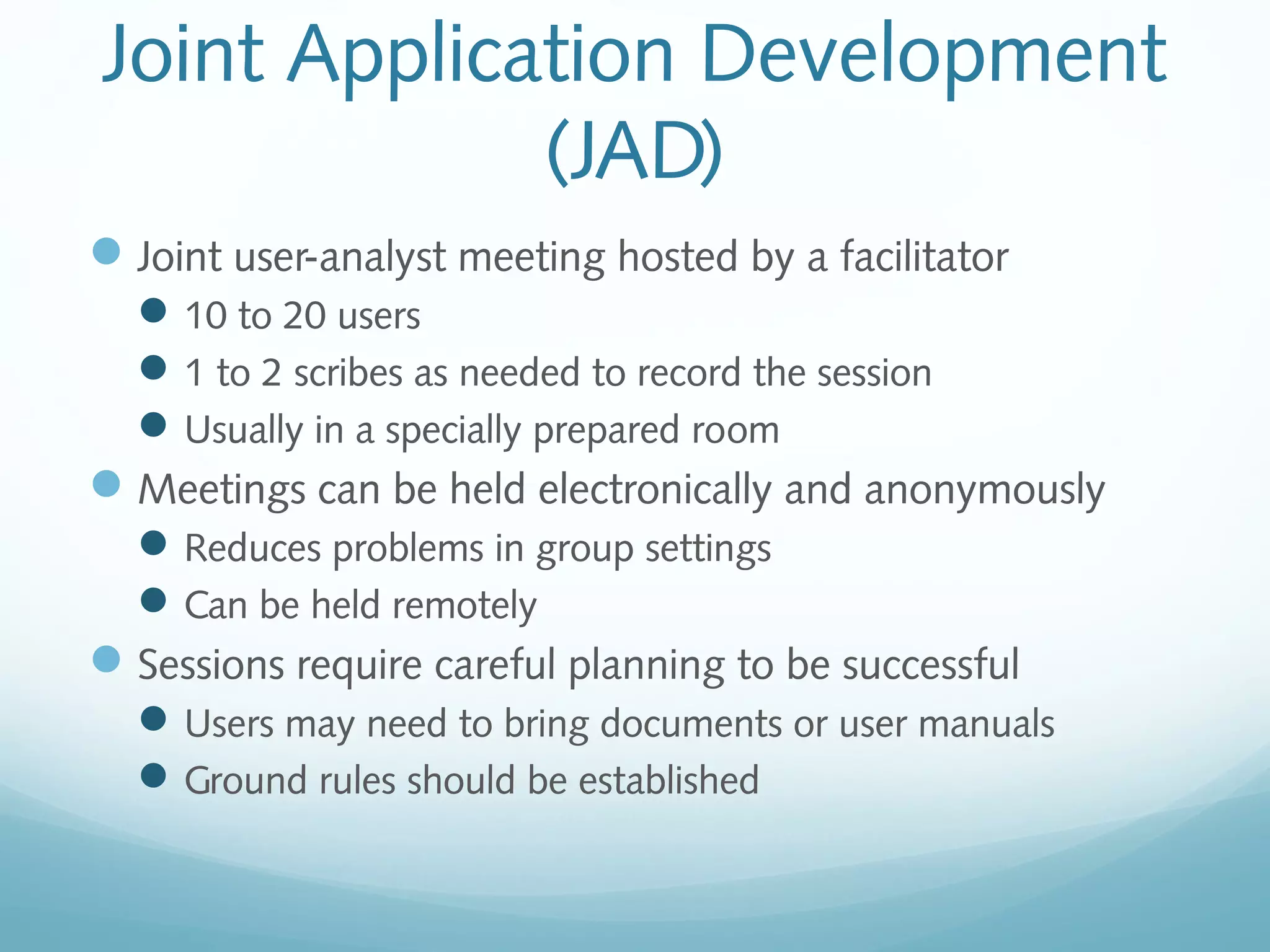
Joint user-analyst meeting hosted by a facilitator
10 to 20 users
1 to 2 scribes as needed to record the session
Usually in a specially prepared room
Meetings can be held electronically and anonymously
Reduces problems in group settings
Can be held remotely
Sessions require careful planning to be successful
Users may need to bring documents or user manuals
Ground rules should be established
Questionnaires
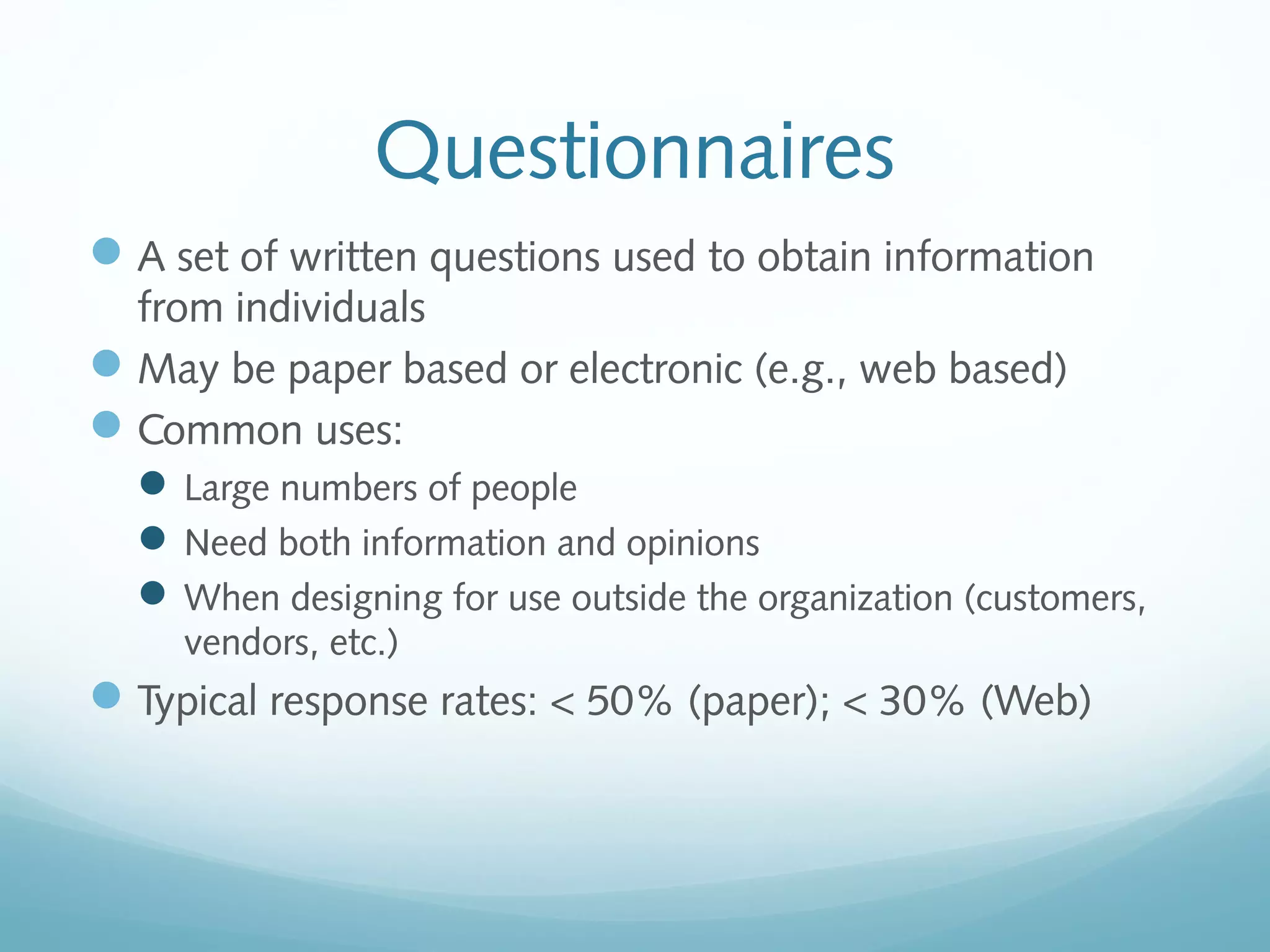
A set of written questions used to obtain information
from individuals
May be paper based or electronic (e.g., web based)
Common uses:
Large numbers of people
Need both information and opinions
When designing for use outside the organization (customers,
vendors, etc.)
Typical response rates: < 50% (paper); < 30% (Web)
Questionnaire Steps
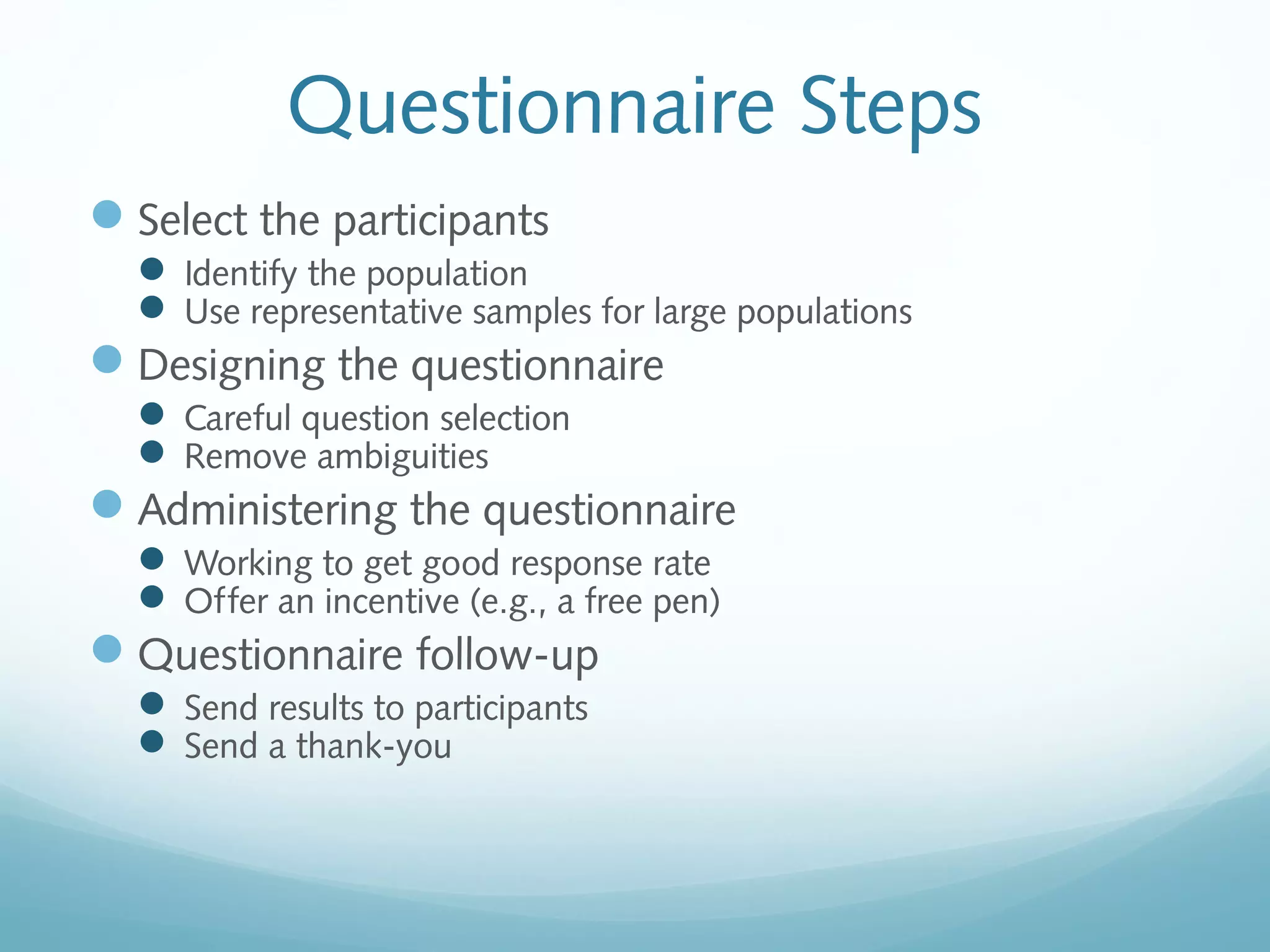
Select the participants
 Identify the population
 Use representative samples for large populations
Designing the questionnaire
 Careful question selection
 Remove ambiguities
Administering the questionnaire
 Working to get good response rate
 Offer an incentive (e.g., a free pen)
Questionnaire follow-up
 Send results to participants
 Send a thank-you
Good Questionnaire Design
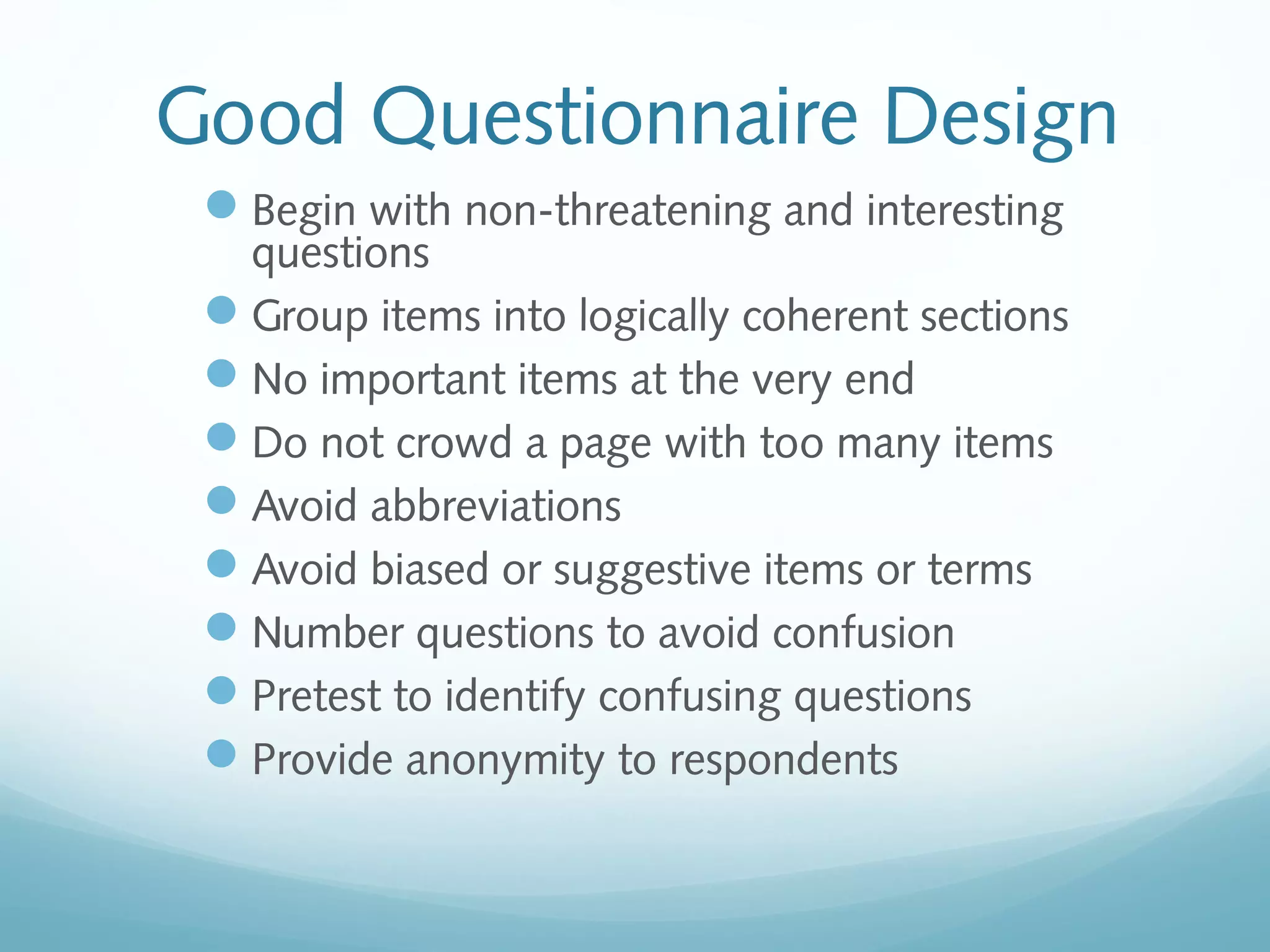
Begin with non-threatening and interesting
questions
Group items into logically coherent sections
No important items at the very end
Do not crowd a page with too many items
Avoid abbreviations
Avoid biased or suggestive items or terms
Number questions to avoid confusion
Pretest to identify confusing questions
Provide anonymity to respondents
Document Analysis
Provides information about the “as-is” system
Review technical documents when available
Review typical user documents:
Forms
Reports
Policy manuals
Look for user additions to forms
Look for unused form elements
Observation
Users/managers often don’t remember everything they
do
Checks validity of information gathered in other ways
Behaviors may change when people are watched
Workers tend to be very careful when watched
Keep a low profile
Try not to interrupt or influence workers
Be careful not to ignore periodic activities
Weekly … Monthly … Annually
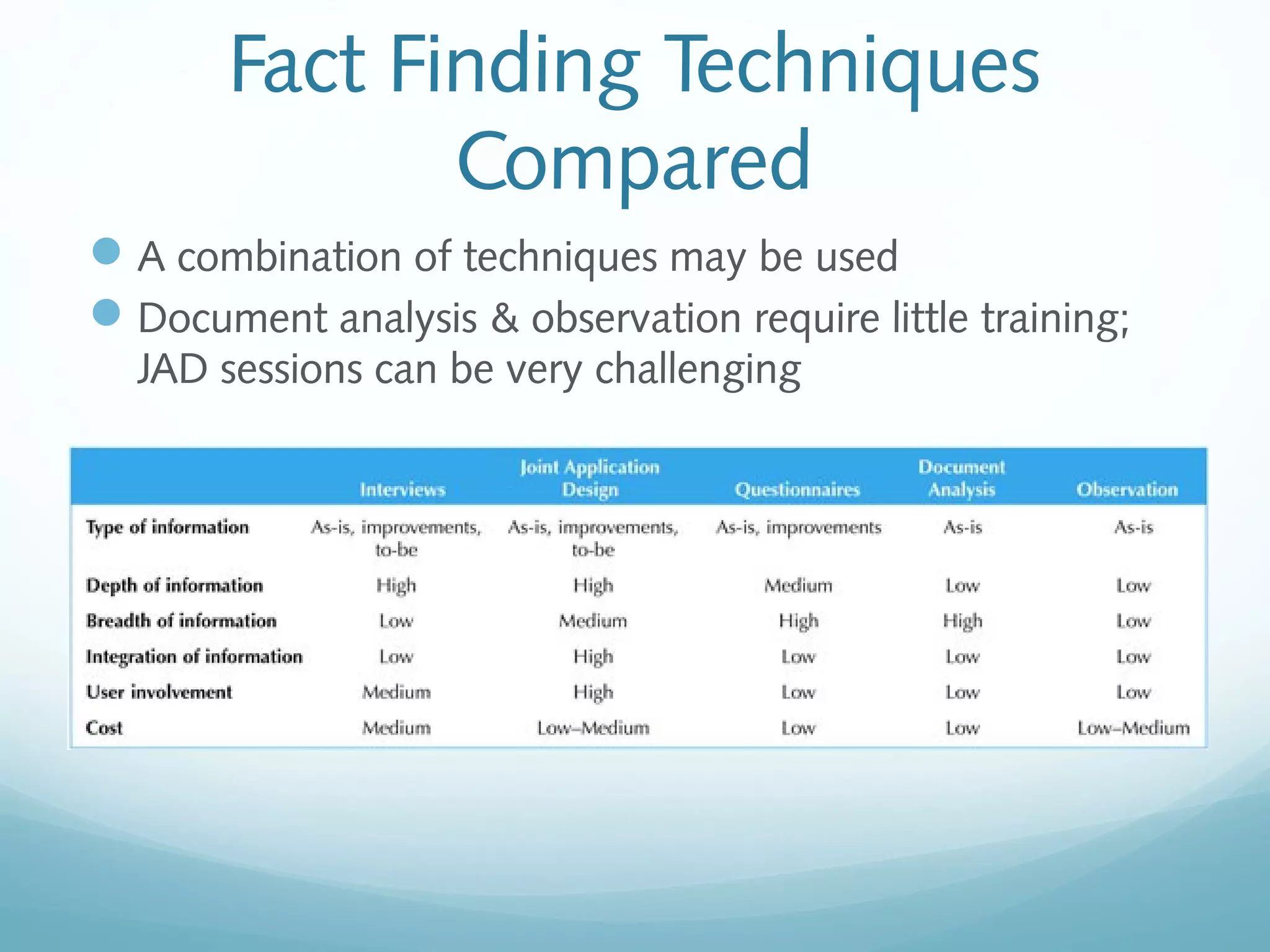
Fact Finding Techniques
Compared
A combination of techniques may be used
Document analysis & observation require little training;
JAD sessions can be very challenging
Alternative Techniques
Concept Maps
Represent meaningful relationships between concepts
Focus individuals on a small number of key ideas
Story Cards & Task Lists
Associated with agile development methods
File cards with a single requirement
Each requirement is discussed
How much effort is required to implement it
A task list is created for each requirement (story)
Large requirements can be split into smaller sections
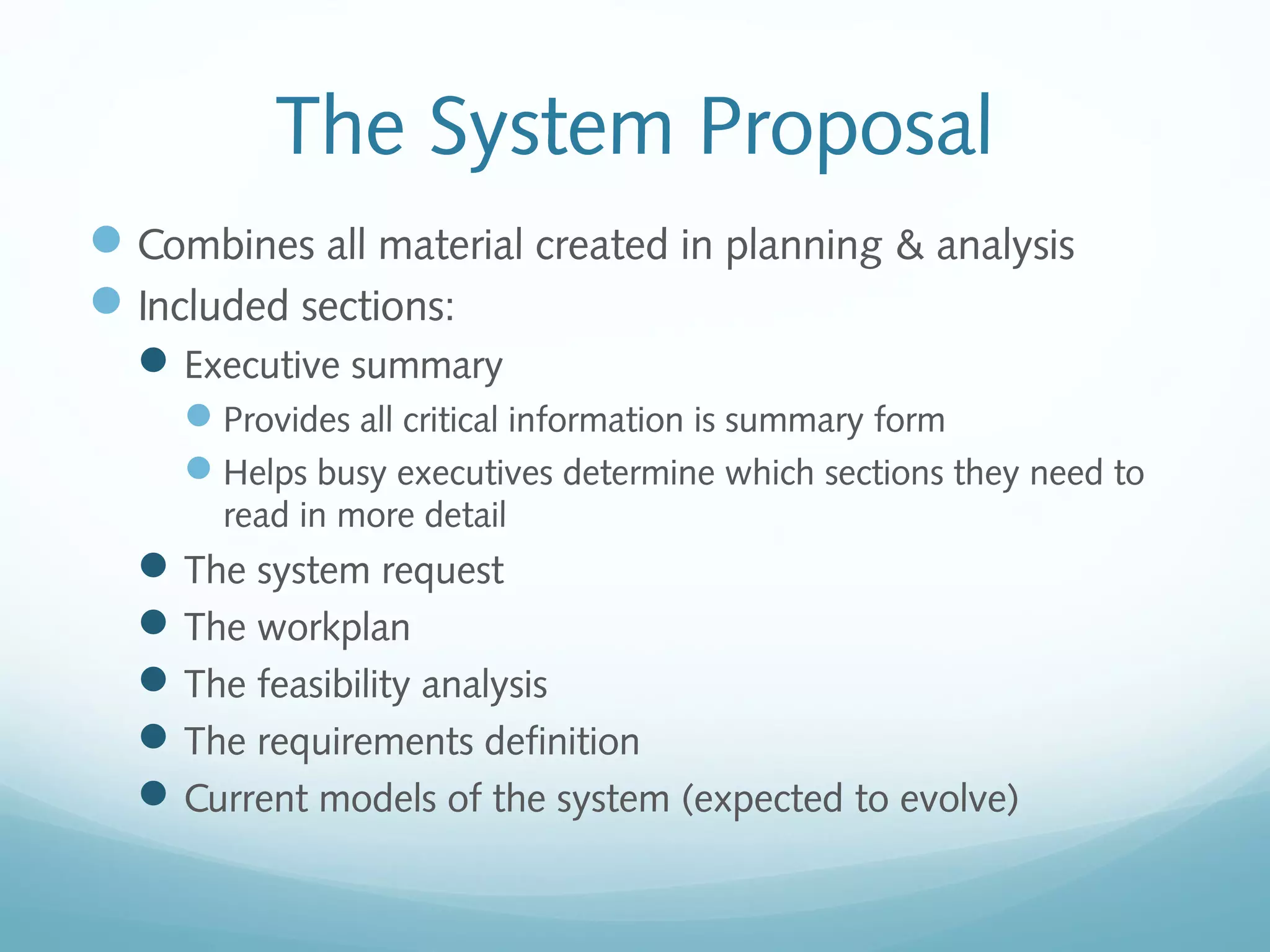
The System Proposal
Combines all material created in planning & analysis
Included sections:
Executive summary
Provides all critical information is summary form
Helps busy executives determine which sections they need to
read in more detail
The system request
The workplan
The feasibility analysis
The requirements definition
Current models of the system (expected to evolve)
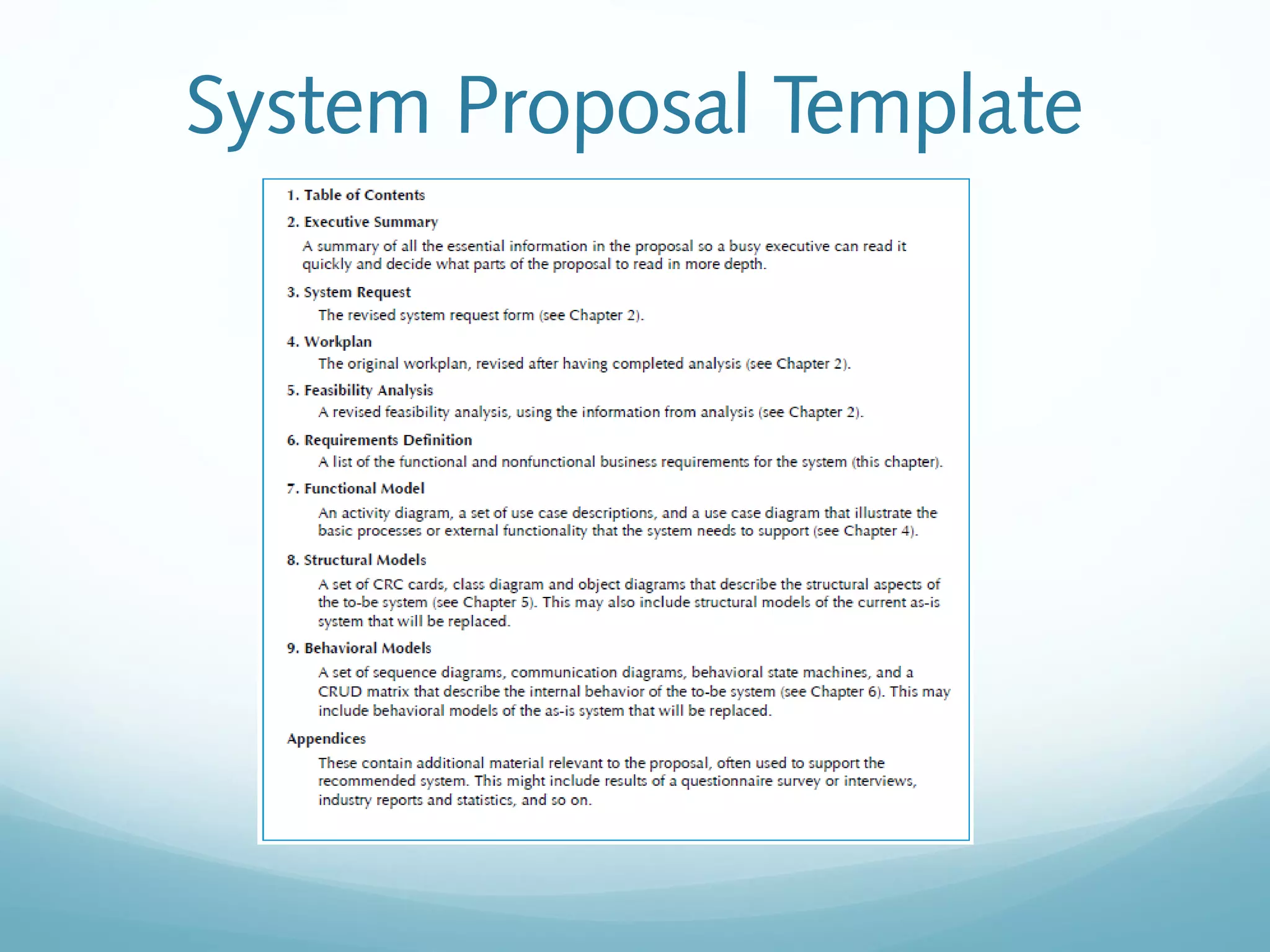
System Proposal Template
Summary
Presented in this chapter:
Discussion of functional and non-functional requirements
determination
Requirements analysis strategies
Requirements gathering techniques
Alternative requirements documentation techniques
The system proposal

CIB 3103: Requirements Capture

  • 1.
    CIB 3103 Object OrientedAnalysis and Design Requirements Determination
  • 2.
    Learning Objectives • Learnhow to create a requirements definition • Learn various requirements analysis techniques • Learn when to use each requirements analysis techniques • Learn how to gather requirements using interviews, JAD sessions, questionnaires, document analysis & observation • Learn various requirements documentation techniques such as concept maps, story cards & task-lists • Understand when to use each requirements-gathering technique • Be able to begin the creation of a system proposal
  • 3.
    Introduction The systems developmentprocess transforms the existing (as is) system into the proposed (to be) system Requirements determination The single most critical step of the entire SDLC Changes can be made easily in this stage Most (>50%) system failures are due to problems with requirements The iterative process of OOSAD is effective because: Small batches of requirements can be identified and implemented incrementally The system will evolve over time
  • 4.
    Requirements Determination Purpose: toconvert high level business requirements (from the system request) into detailed requirements that can be used as inputs for creating models What is a requirement? A statement of what the system must do or a characteristic it must have Will later evolve into a technical description of how the system will be implemented Types: Functional: relates to a process or data Non-functional: relates to performance or usability
  • 5.
  • 6.
    Requirements Definition Functional &non-functional requirements listed in outline format May be prioritized Provides information needed in subsequent workflows Defines the scope of the system
  • 7.
    Determining Requirements Business &IT personnel need to collaborate Strategies for effective results: Business Process Analysis (BPA) Business Process Improvement (BPI) Business Process Reengineering (BPR)
  • 8.
    Determining Requirements Requirements arebest determined by systems analysts and business people together Strategies for analyzing the requirements  Business Process Analysis (BPA)  Business Process Improvement (BPI)  Business Process Reengineering (BPR) Techniques for identifying requirements Interviews, questionnaires and/or observation Joint application development (JAD) Document analysis
  • 9.
    Creating a Requirements Definition Determinethe types of functional and non-functional requirements applicable to the project Use requirements-gathering techniques to collect details Analysts work with users to verify, change and prioritize each requirement Continue this process through analysis workflow, but be careful of scope creep Requirements that meet a need but are not within the current scope can be added to a list of future enhancements
  • 10.
    Problems in Requirements Determination Analystmay not have access to the correct users Requirements specifications may be inadequate Some requirements may not be known in the beginning Verifying and validating requirements can be difficult
  • 11.
    Requirements Analysis Strategies Business ProcessAutomation (BPA) Least amount of change to the current system Use computer technology to automate some portions Business Process Improvement (BPI) Moderate amount of change is required Designed to improve efficiency of the current system Business Process Reengineering (BPR) Most amount of change—a complete makeover Focus is on the to-be system—little time spent on the current system
  • 12.
    Business Process Automation Techniques Problemanalysis Ask users to identify problems with the current system Ask users how they would solve these problems Good for improving efficiency or ease-of-use Root cause analysis Focus is on the cause of a problem, not its solution Create a prioritized list of problems Try to determine their causes Once the causes are known, solutions can be developed
  • 13.
    Business Process Improvement Techniques: Durationanalysis Determine the time required to complete each step in a business process Compare this to the total time required for the entire process Large differences suggest problems that might be solved by:  Integrating some steps together  Performing some steps simultaneously (in parallel) Activity-based costing—same as duration analysis but applied to costs Informal benchmarking—analyzes similar processes in other successful organizations
  • 14.
    Business Process Reengineering Institutesmaximum change: “Out with the old and in with the new” Techniques: Outcome analysis—what does the customer want in the end? Technology analysis—apply new technologies to business processes & identify benefits Activity elimination—eliminate each activity in a business process in a “force-fit” exercise
  • 15.
  • 16.
    Fact Finding Techniques Processis used to: Uncover all requirements (those uncovered late in the process are more difficult to incorporate) Build support and trust among users Which technique(s) to use? Interviews Joint Application Development (JAD) Questionnaires Document analysis Observation
  • 17.
    Interviews Most popular technique—ifyou need to know something, just ask Process: Select people to interview & create a schedule Design interview questions (Open-ended, closed-ended, & probing types of questions) Prepare for the interview (Unstructured vs. structured interview organized in a logical order) Conduct the interview (Top-down vs. bottom-up) Follow-up after the interview
  • 18.
  • 19.
    Interviewing Strategies How can order processingbe improved? How can we reduce the number of times that customers return ordered items? How can we reduce the number of errors in order processing (e.g., shipping the wrong products)? Top-down Bottom-up High-level: Very general Medium-level: Moderately specific Low-level: Very specific
  • 20.
    Post-Interview Prepare notes andsend to the interviewee for verification
  • 21.
    Joint Application Development (JAD) Jointuser-analyst meeting hosted by a facilitator 10 to 20 users 1 to 2 scribes as needed to record the session Usually in a specially prepared room Meetings can be held electronically and anonymously Reduces problems in group settings Can be held remotely Sessions require careful planning to be successful Users may need to bring documents or user manuals Ground rules should be established
  • 22.
    Questionnaires A set ofwritten questions used to obtain information from individuals May be paper based or electronic (e.g., web based) Common uses: Large numbers of people Need both information and opinions When designing for use outside the organization (customers, vendors, etc.) Typical response rates: < 50% (paper); < 30% (Web)
  • 23.
    Questionnaire Steps Select theparticipants  Identify the population  Use representative samples for large populations Designing the questionnaire  Careful question selection  Remove ambiguities Administering the questionnaire  Working to get good response rate  Offer an incentive (e.g., a free pen) Questionnaire follow-up  Send results to participants  Send a thank-you
  • 24.
    Good Questionnaire Design Beginwith non-threatening and interesting questions Group items into logically coherent sections No important items at the very end Do not crowd a page with too many items Avoid abbreviations Avoid biased or suggestive items or terms Number questions to avoid confusion Pretest to identify confusing questions Provide anonymity to respondents
  • 25.
    Document Analysis Provides informationabout the “as-is” system Review technical documents when available Review typical user documents: Forms Reports Policy manuals Look for user additions to forms Look for unused form elements
  • 26.
    Observation Users/managers often don’tremember everything they do Checks validity of information gathered in other ways Behaviors may change when people are watched Workers tend to be very careful when watched Keep a low profile Try not to interrupt or influence workers Be careful not to ignore periodic activities Weekly … Monthly … Annually
  • 27.
    Fact Finding Techniques Compared Acombination of techniques may be used Document analysis & observation require little training; JAD sessions can be very challenging
  • 28.
    Alternative Techniques Concept Maps Representmeaningful relationships between concepts Focus individuals on a small number of key ideas Story Cards & Task Lists Associated with agile development methods File cards with a single requirement Each requirement is discussed How much effort is required to implement it A task list is created for each requirement (story) Large requirements can be split into smaller sections
  • 29.
    The System Proposal Combinesall material created in planning & analysis Included sections: Executive summary Provides all critical information is summary form Helps busy executives determine which sections they need to read in more detail The system request The workplan The feasibility analysis The requirements definition Current models of the system (expected to evolve)
  • 30.
  • 31.
    Summary Presented in thischapter: Discussion of functional and non-functional requirements determination Requirements analysis strategies Requirements gathering techniques Alternative requirements documentation techniques The system proposal