CALL 
Ms:Lama
“Computers will not replace teachers. However, teachers 
who use computers will replace those who don’t” 
Ray Clifford, Defense Language Institute
What is 
“Educational Technology”? 
Educational technology is a combination of the 
processes and tools involved in addressing 
educational needs and problems, with an emphasis 
on applying the most current tools: computers and 
their related technologies
The evolution of computers 
A SHORT COMPUTER STORY
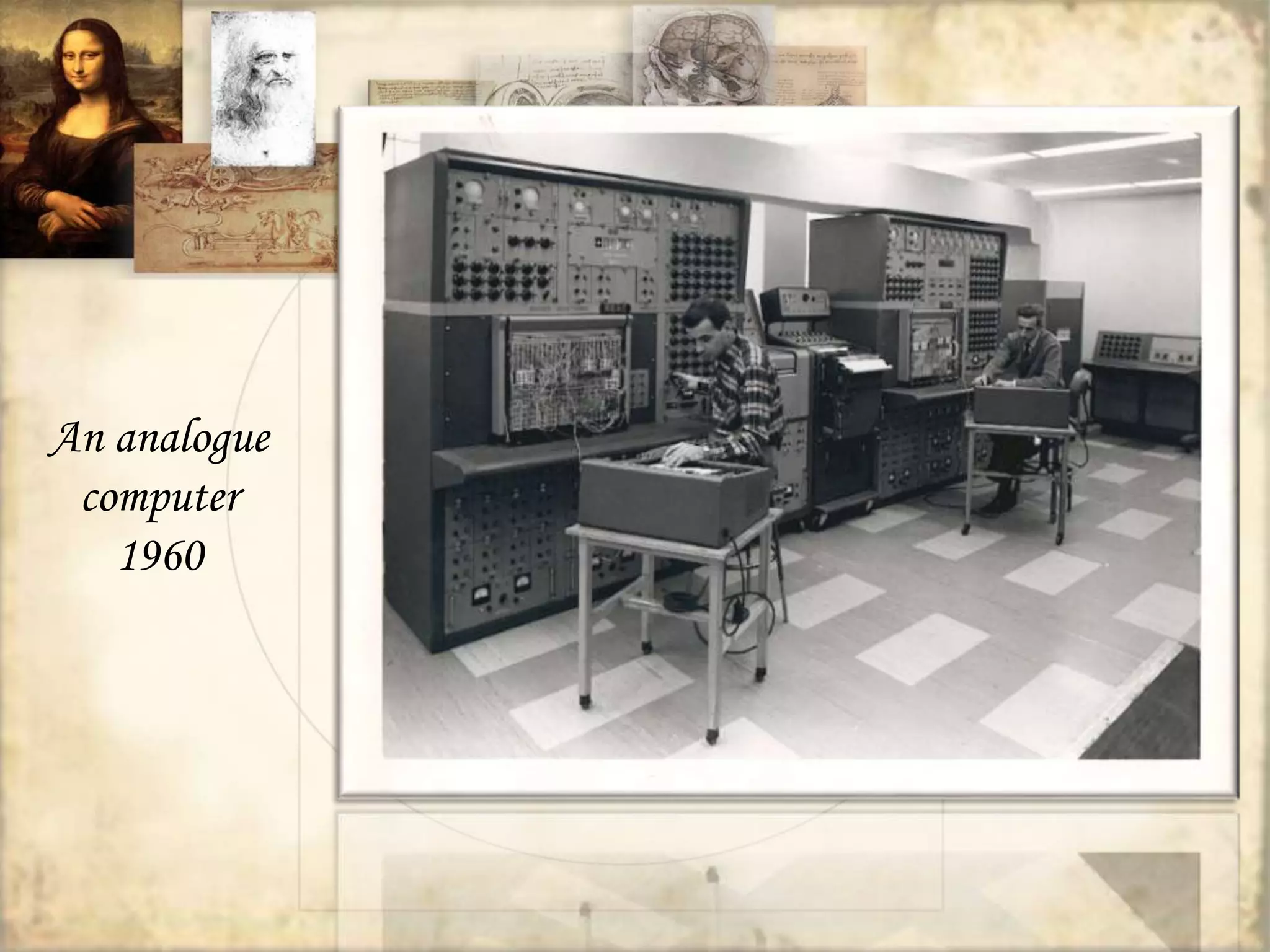
An analogue 
computer 
1960
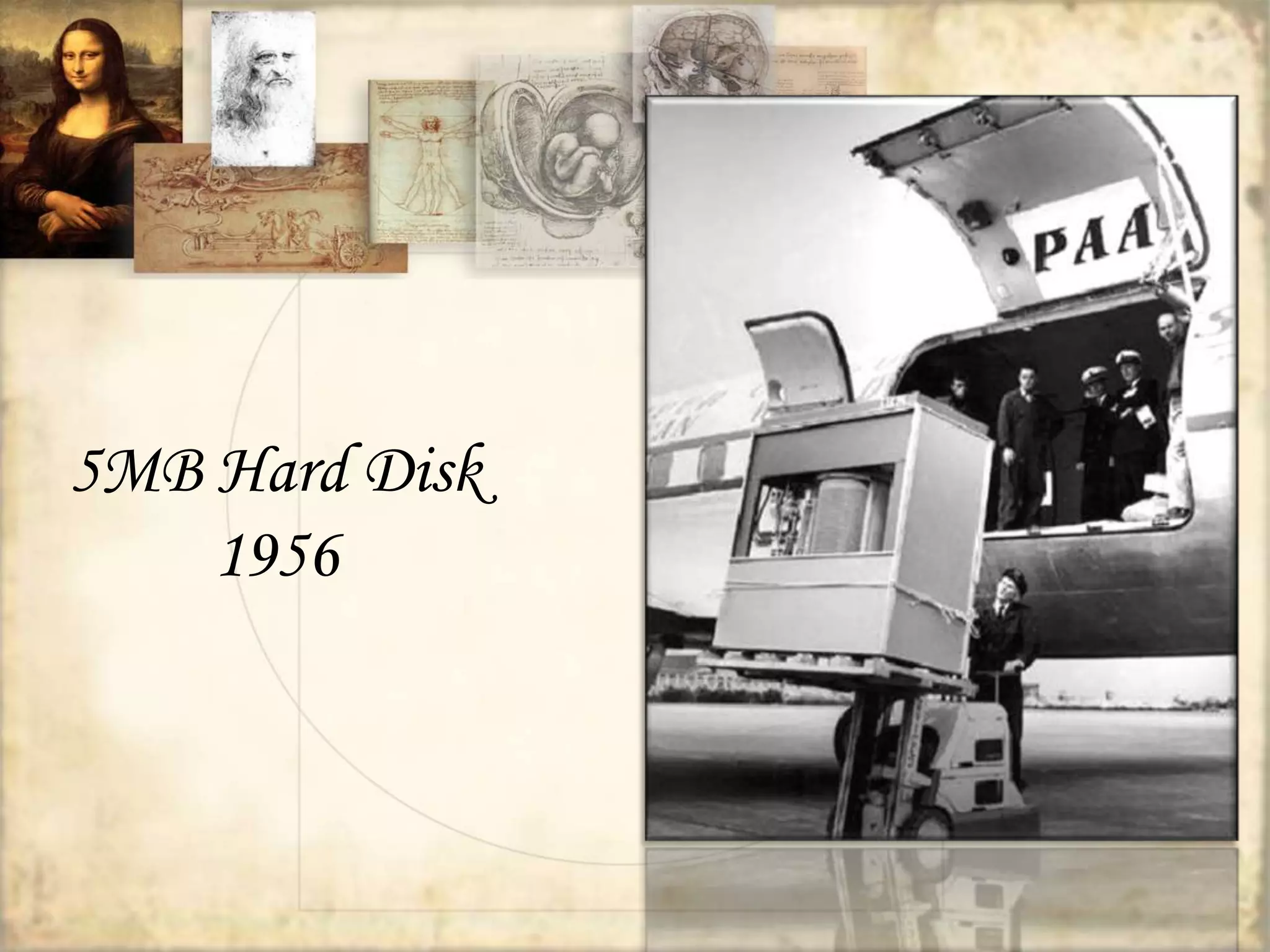
5MB Hard Disk 
1956
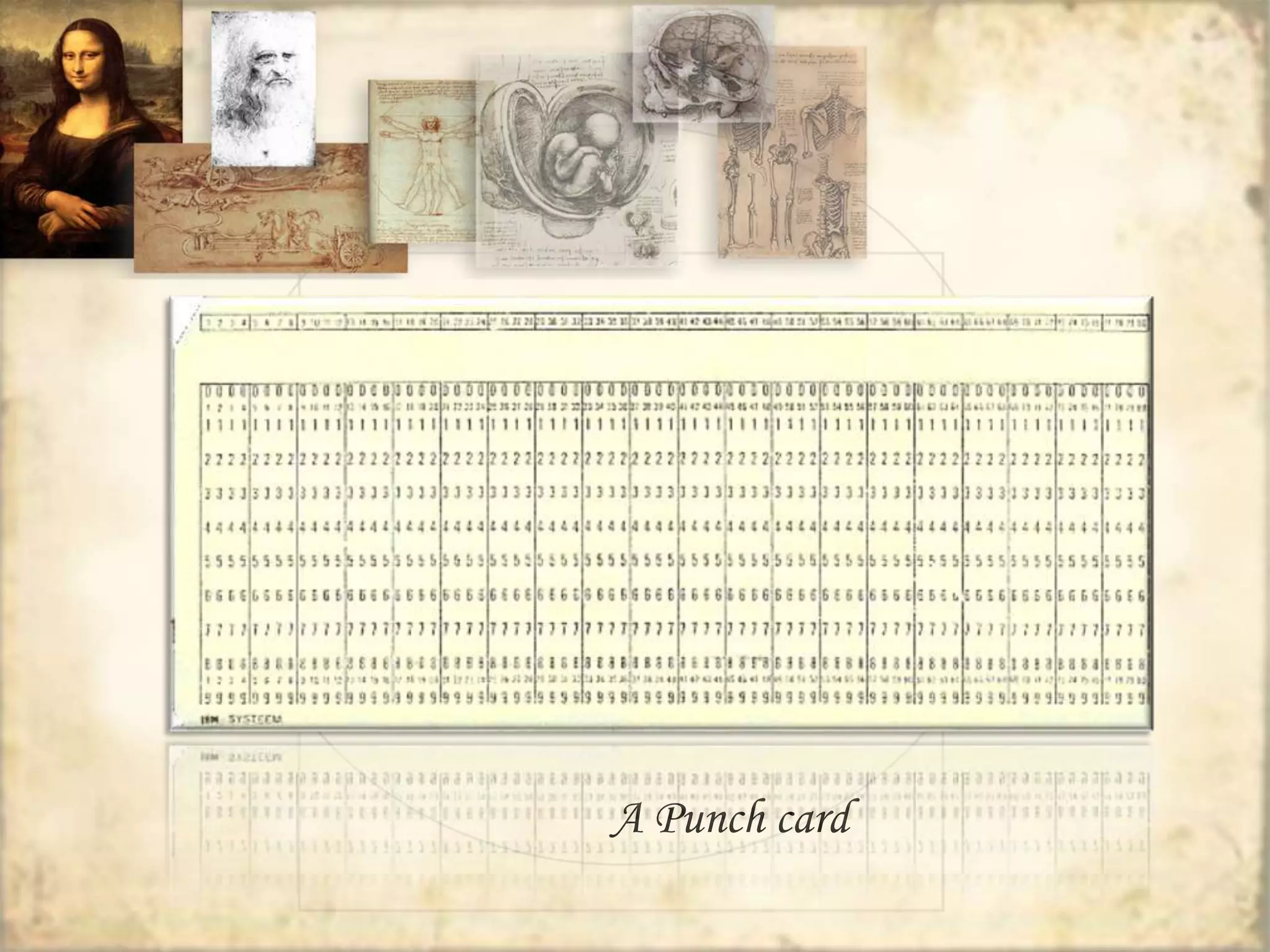
A Punch card
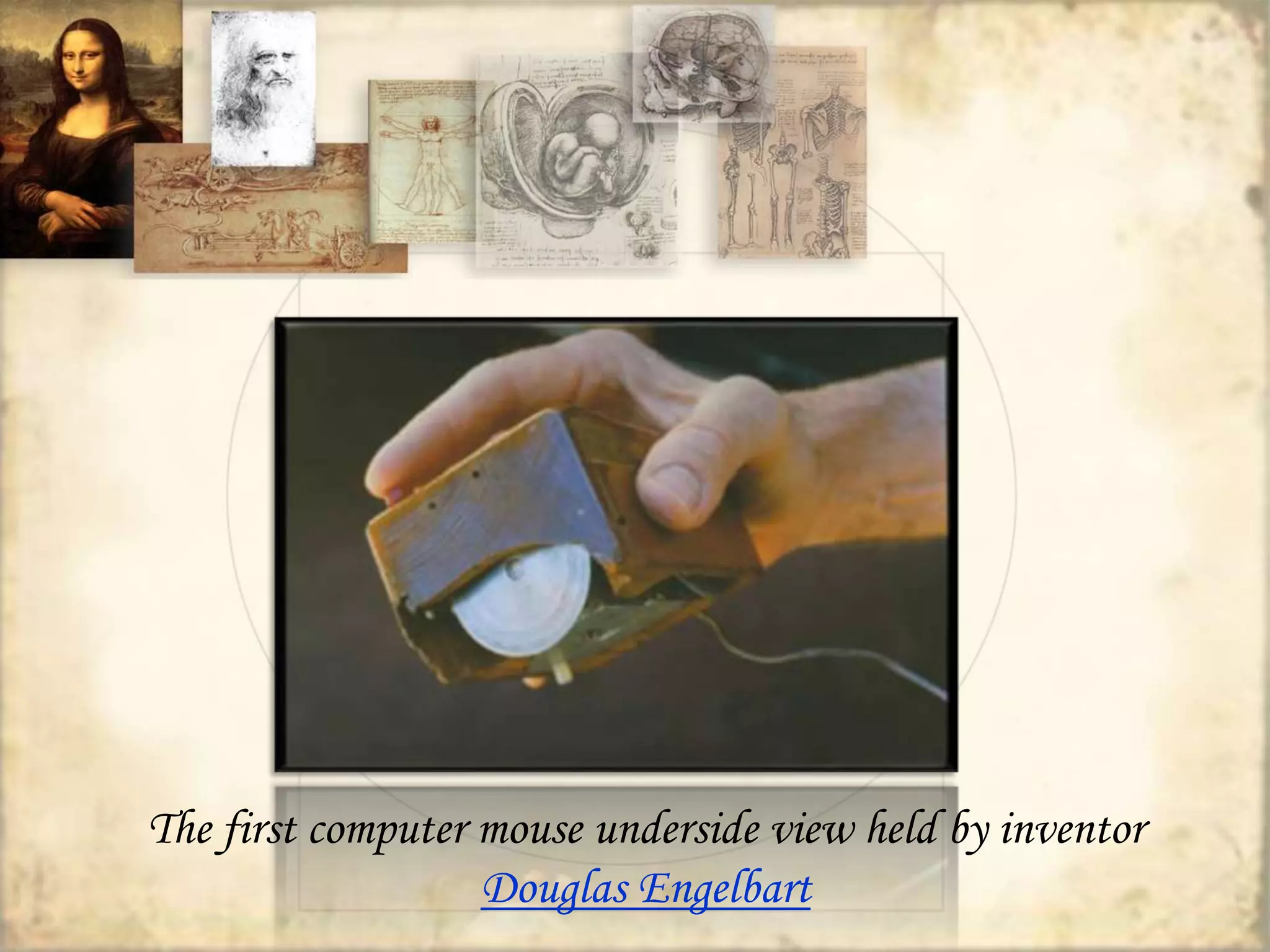
The first computer mouse underside view held by inventor 
Douglas Engelbart
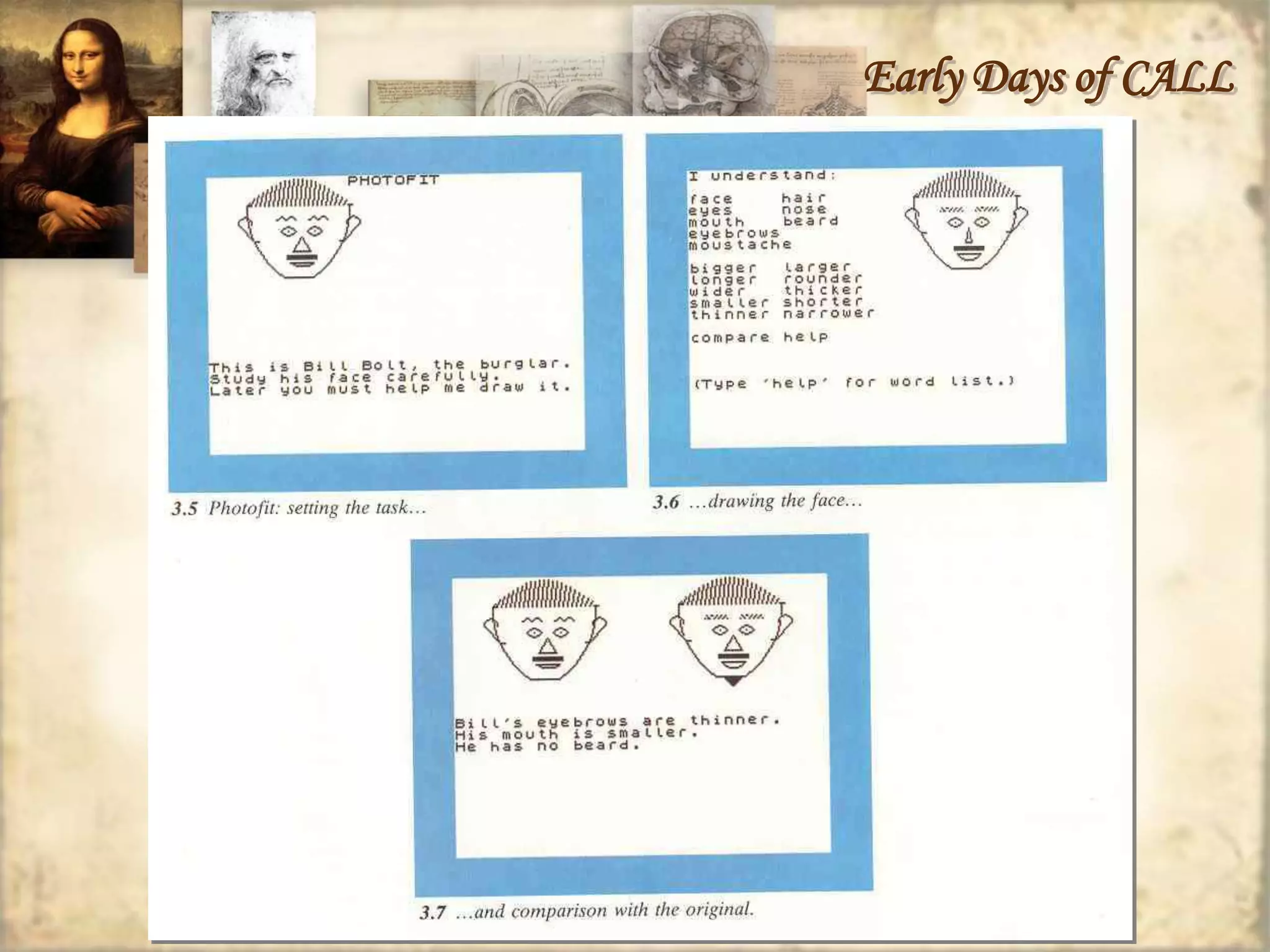
Early Days of CALL 
 CALL was influenced by Skinner’s “programmed 
learning” 
 CALL revolves around presenting and testing 
forms
Early Days of CALL
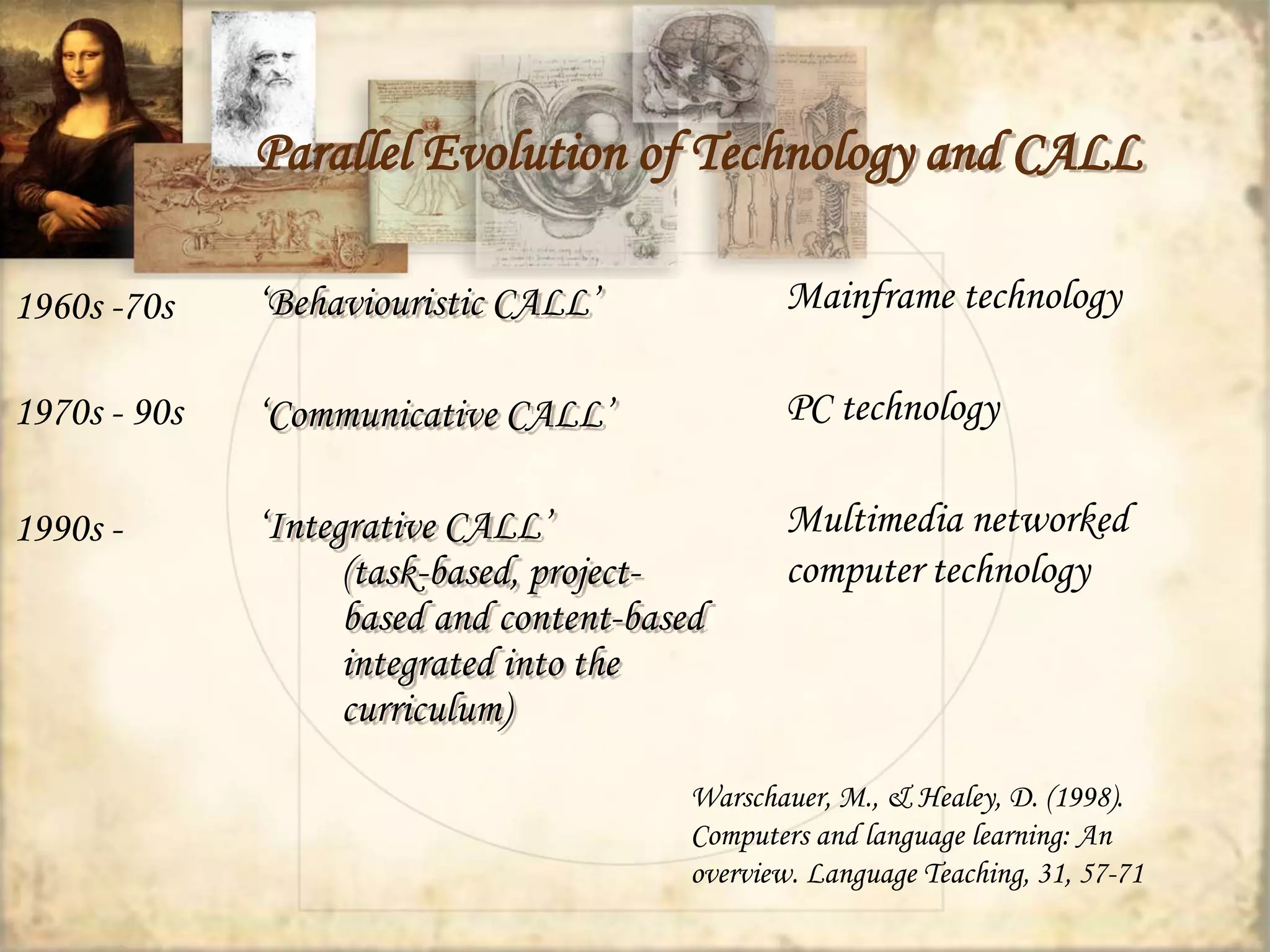
Parallel Evolution of Technology and CALL 
‘Behaviouristic CALL’ 
‘Communicative CALL’ 
‘Integrative CALL’ 
(task-based, project-based 
and content-based 
integrated into the 
curriculum) 
Mainframe technology 
PC technology 
Multimedia networked 
computer technology 
1960s -70s 
1970s - 90s 
1990s - 
Warschauer, M., & Healey, D. (1998). 
Computers and language learning: An 
overview. Language Teaching, 31, 57-71
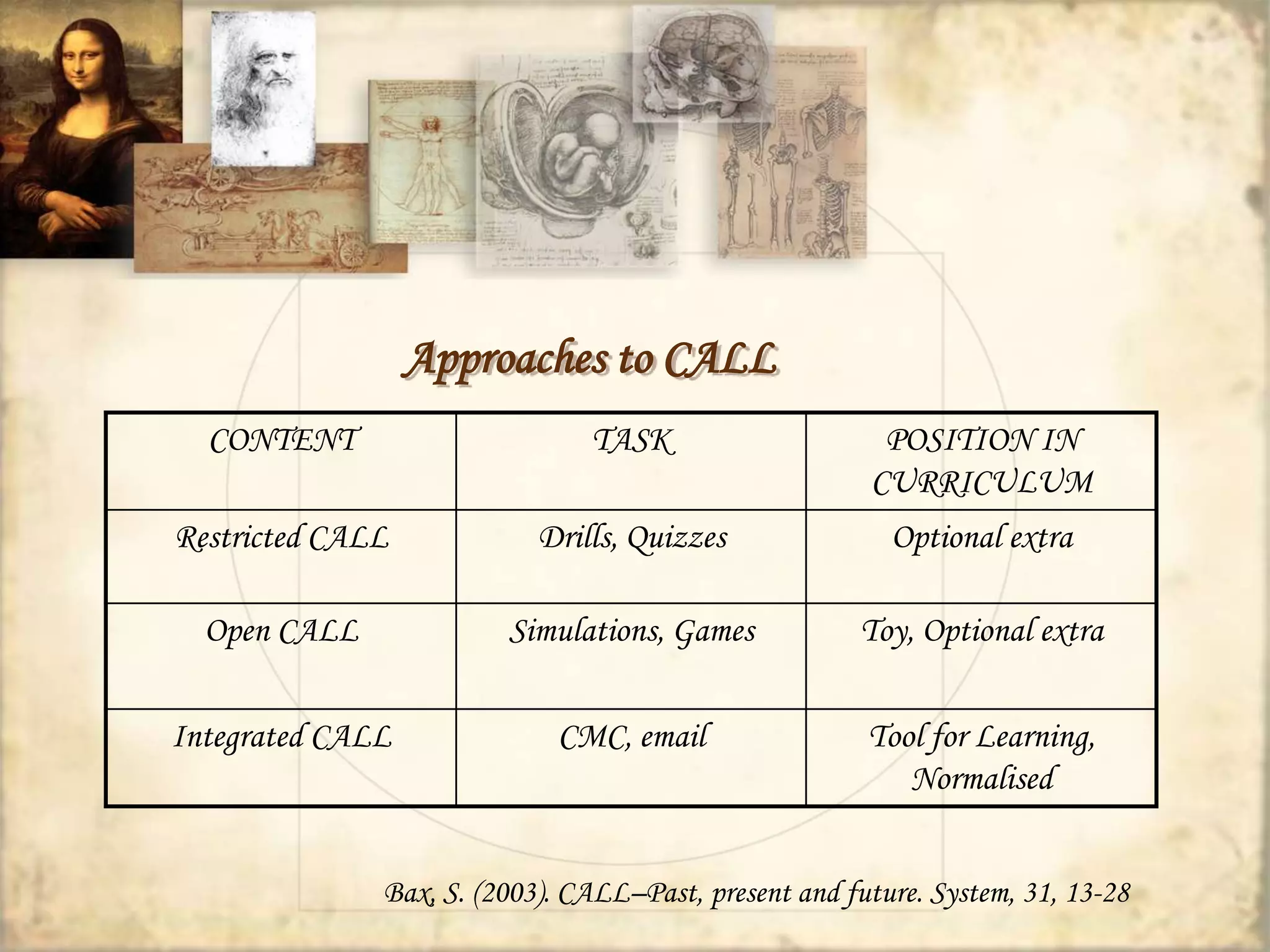
Approaches to CALL 
CONTENT TASK POSITION IN 
CURRICULUM 
Restricted CALL Drills, Quizzes Optional extra 
Open CALL Simulations, Games Toy, Optional extra 
Integrated CALL CMC, email Tool for Learning, 
Normalised 
Bax, S. (2003). CALL–Past, present and future. System, 31, 13-28
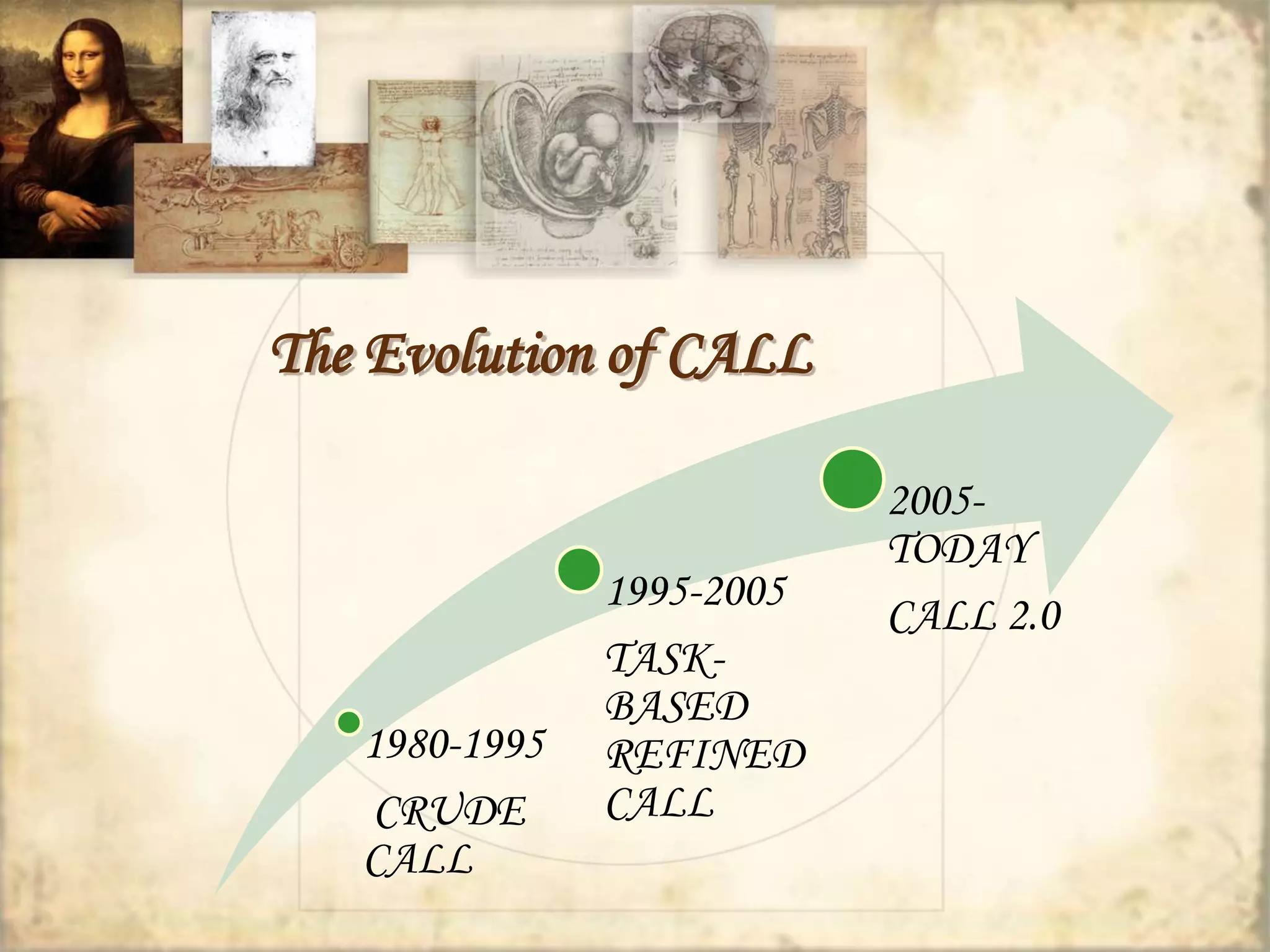
The Evolution of CALL 
1980-1995 
CRUDE 
CALL 
1995-2005 
TASK-BASED 
REFINED 
CALL 
2005- 
TODAY 
CALL 2.0
Educational Software can be… 
Authorable or Non-authorable 
CALL can be employed… 
in Synchronous or Asynchronous mode
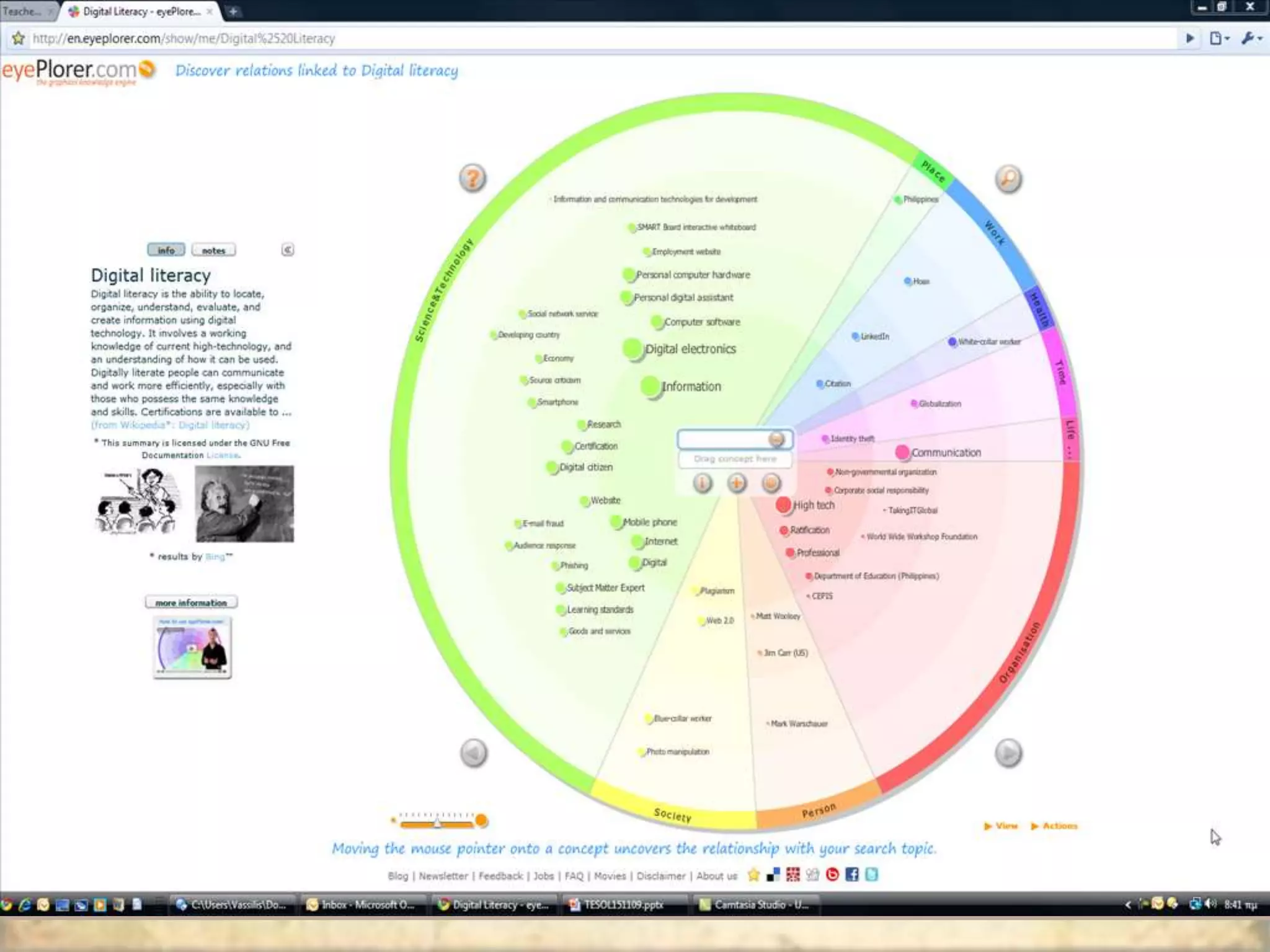
New/Digital literacies 
 computer literacy 
(comfort and fluency in keyboarding and using 
computers) 
 information literacy 
(the ability to find and critically evaluate online 
information) 
 multimedia literacy 
(the ability to produce and interpret complex documents 
comprising texts, images, and sounds) 
 computer-mediated communication literacy (knowledge 
of the pragmatics of individual and group online 
interaction)
New Literacies 
 Multimodality in communication services 
 Read/Write web (Web 2.0) 
 Encyclopaedia Britannica  Britannica online  
Wikipedia 
 Publication vs. Participation 
 Digital natives vs. digital immigrants
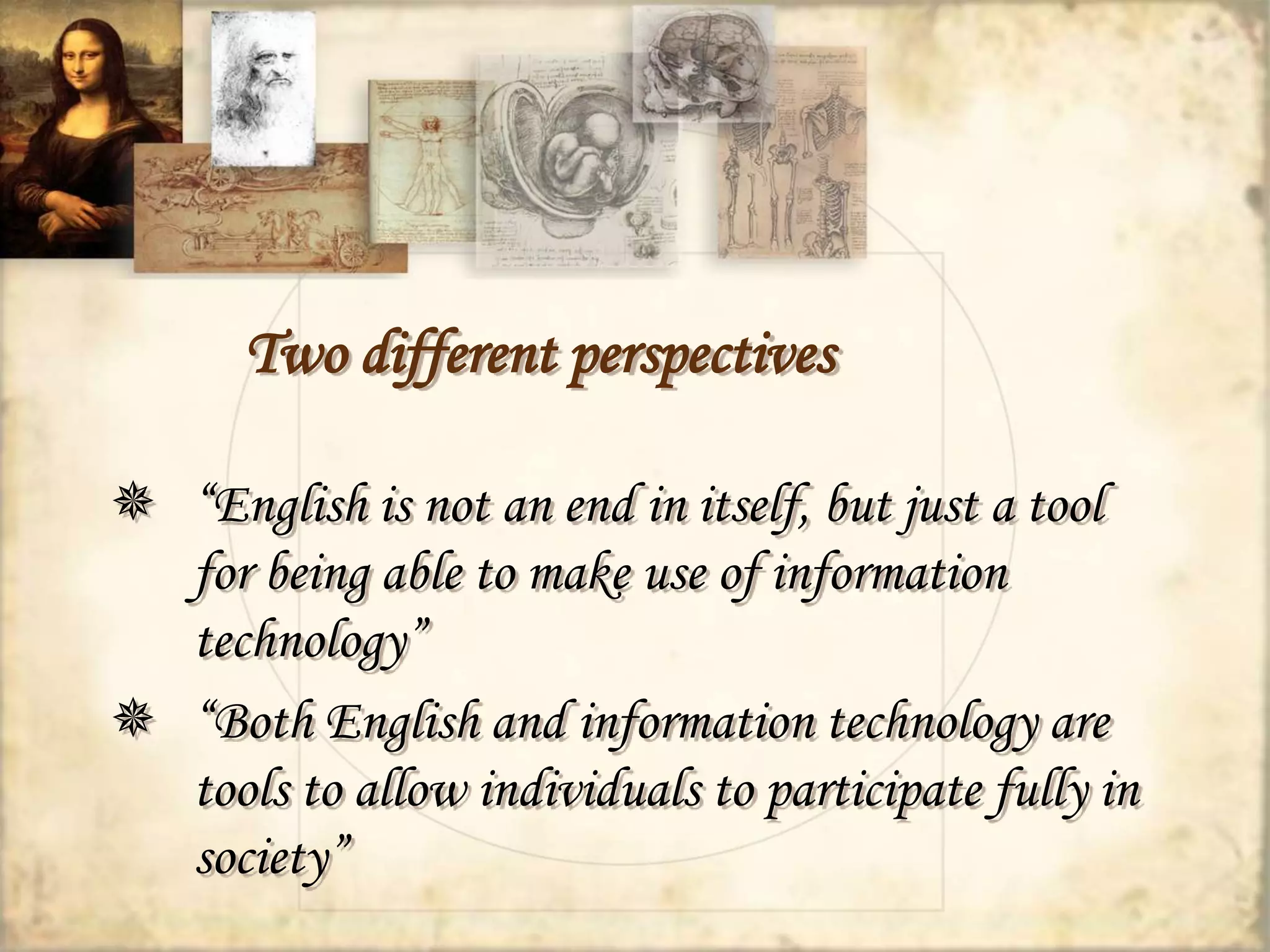
Two different perspectives 
 “English is not an end in itself, but just a tool 
for being able to make use of information 
technology” 
 “Both English and information technology are 
tools to allow individuals to participate fully in 
society”
What else can I do with the 
Internet? 
Example Activities
Trivia Quiz 
(level: Lower-Intermediate) 
Source: The Internet and the Language Classroom, 
Gavin Dudeney, CUP 2000 
Sites needed: 
www.google.com, www.yahoo.com, www.ask.com 
Materials: 
A sheet with a trivia quiz 
(maybe two or three different quizzes for different groups)
Trivia Quiz 
 What’s the name of the President 
of the US? 
 Who invented the aspirin? 
 How many players are there in a 
baseball team? 
 What’s the capital of Australia? 
 What’s the weather like in Paris 
today? 
 How many albums has Britney 
Spears recorded? 
 What product is Jamaica 
famous for? 
 Which film won the Oscar for 
Best Picture in 1996? 
 Who was the first person in 
space? 
 Who wrote One Hundred Years 
of Solitude?
Trivia Quiz 
Lesson Plan 
 Introduce Search Engines 
 In groups let students finish the trivia quiz 
(maybe in limited time as a competition for extra 
motivation) 
 Let students prepare a trivia quiz themselves 
(and practise question forms)
Blogs 
WEBLOGS
Blogs (Weblogs) 
 Easy to setup 
 Easy to update 
 Interactive 
 Multiple authors allowed 
 The above lead to… 
o Flexible aims 
o Content and purpose modification
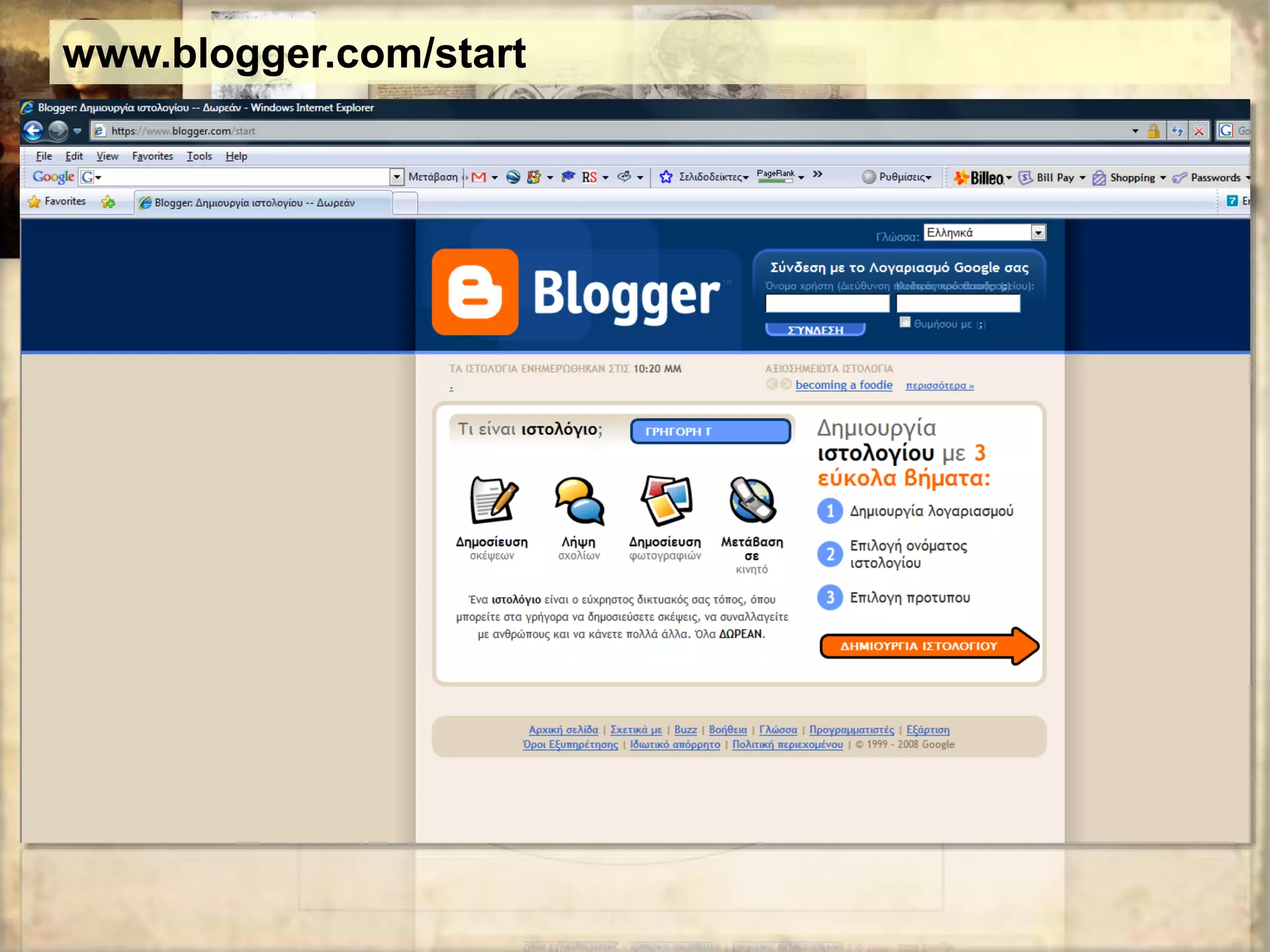
www.blogger.com/start
Blogs - Applications 
 Class portal (online filing cabinet, publishing projects, store 
materials) 
 E-Portfolio 
 Collaborative Space 
 A New Writing Genre: “Connective writing” 
 Posting Assignments 
 Journaling (“This is what I did today”) 
 Links with descriptive annotation 
(teach students how to describe websites and ask them to find 
interesting sites of information) 
 Links with analysis of content
FLICKR
Flickr.com 
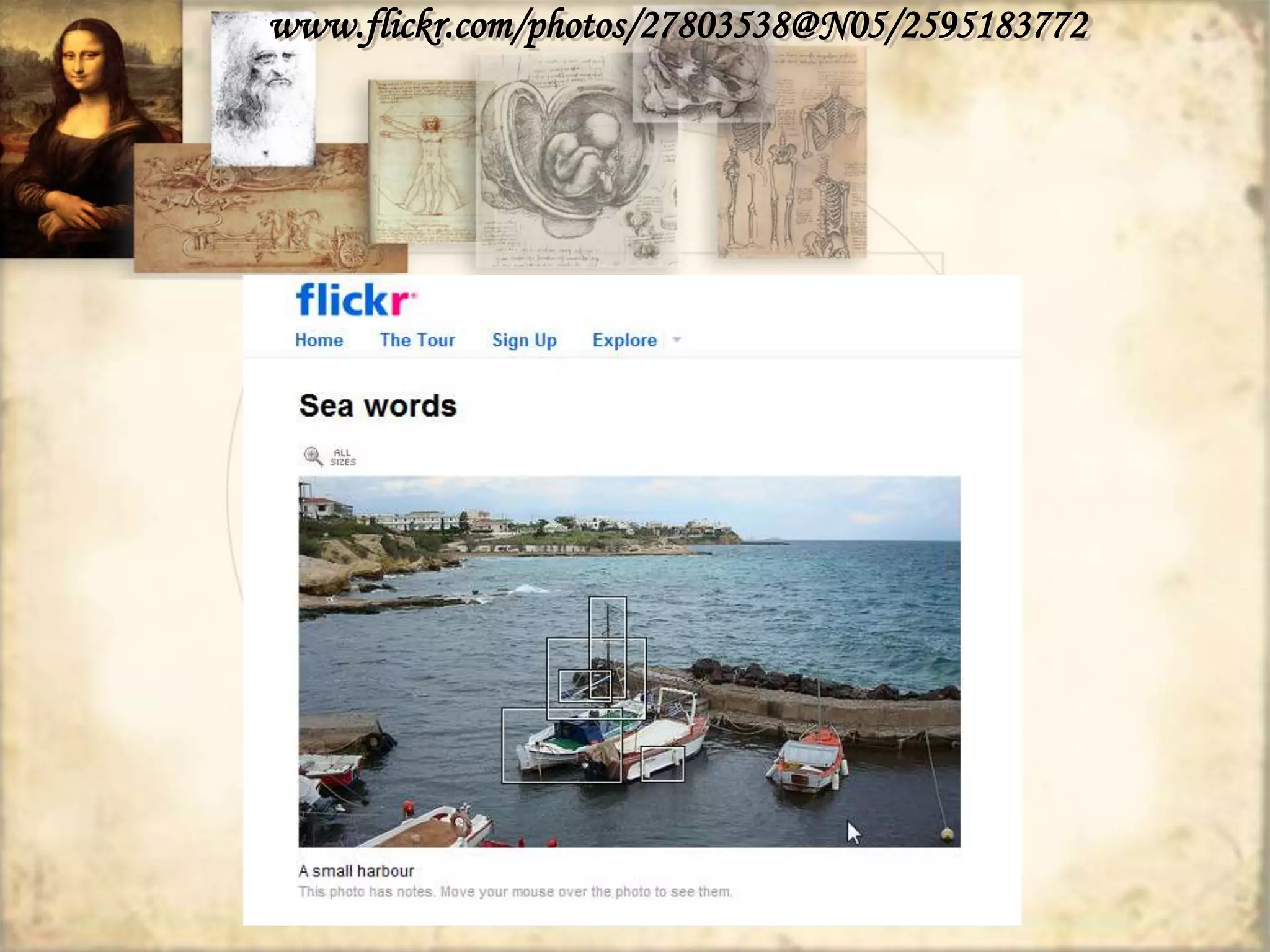
 Publishing photos 
 Annotating published photos 
 Inviting visitors to add comments 
 Setting up groups of students to publish photos on a given topic
Flickr in class 
 Real life use of photos to communicate with people 
 Publishing a photo requires some writing on the part of the 
author 
 Title, short desciprtion 
 Key words (to help visitors find the photo and 
comment on it) 
 Comments on the photos
www.flickr.com/photos/27803538@N05/2595183772
WEBQUESTS
Parts of a Webquest 
 introduction 
 task (the problem) 
 resources 
 Process (activities and research tasks) 
 guidance 
 conclusion
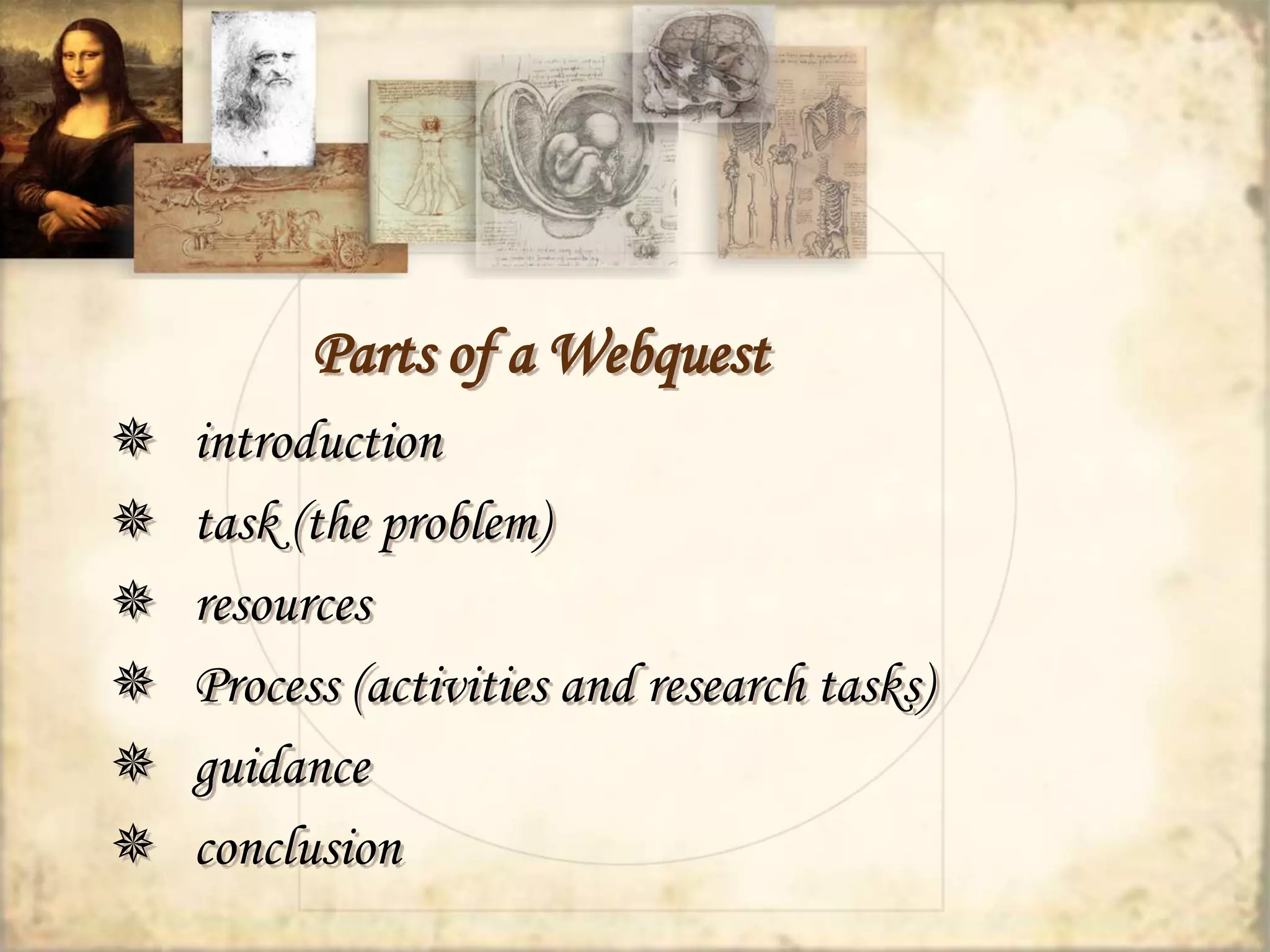
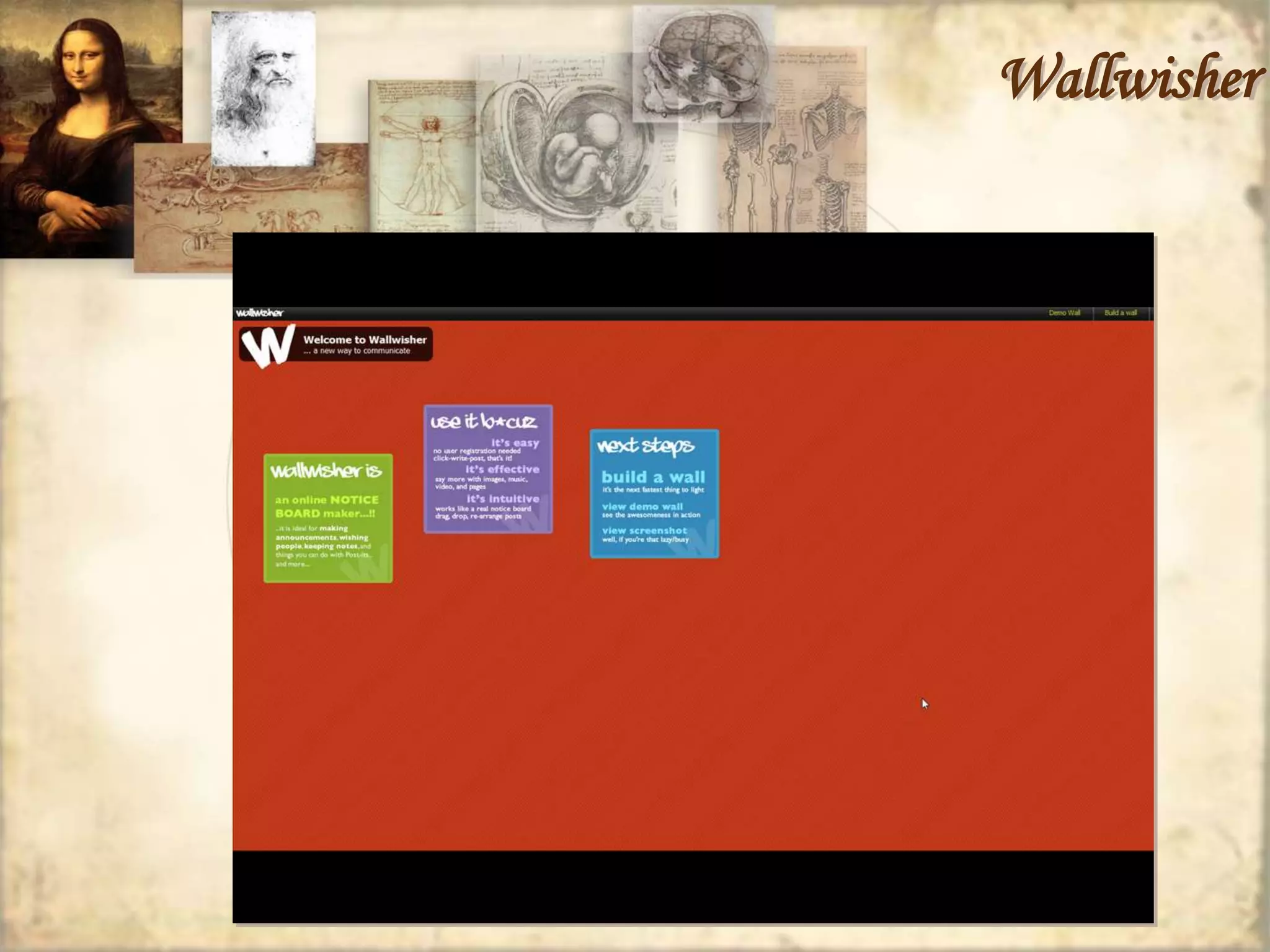
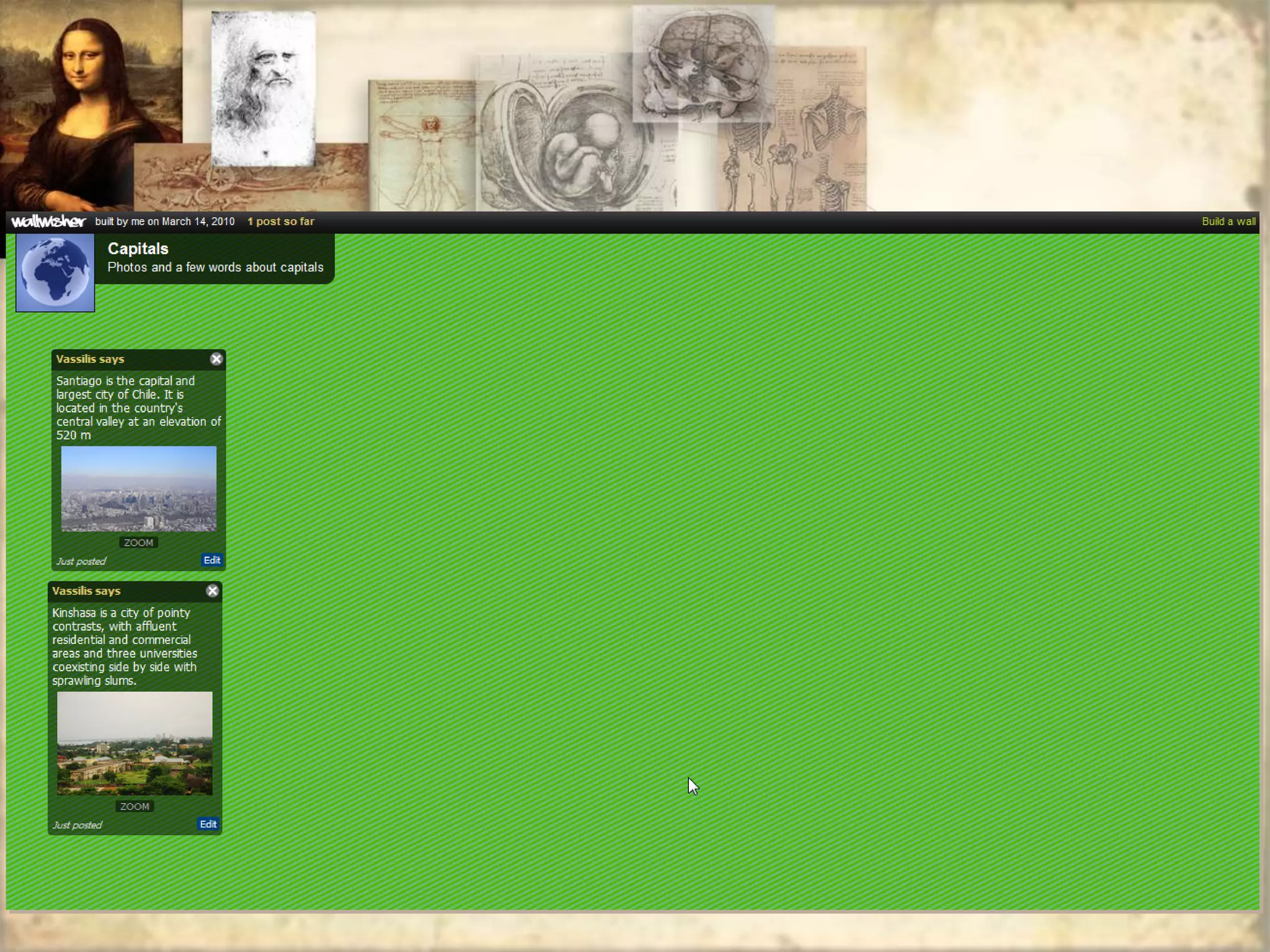
Wallwisher
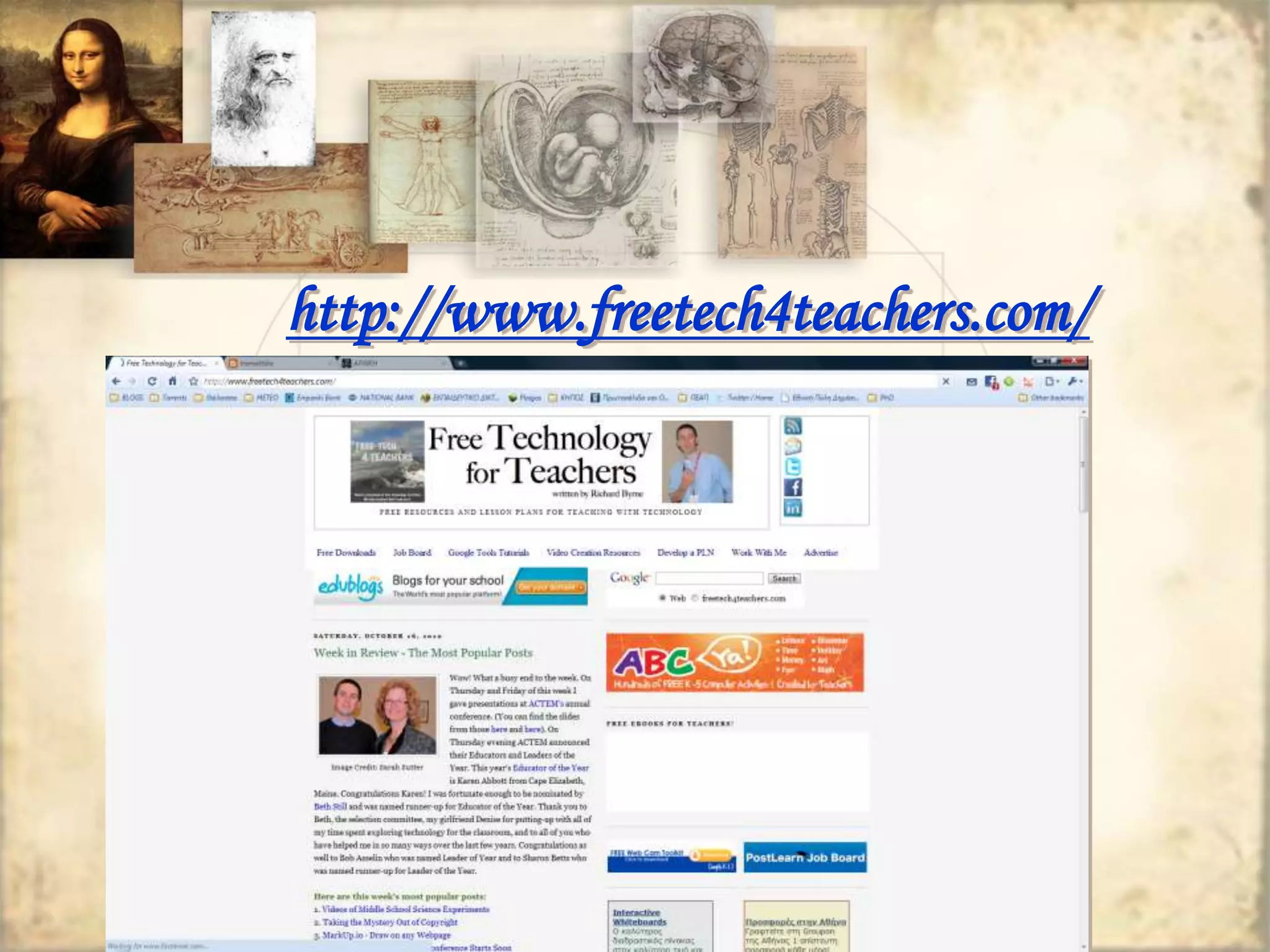
http://www.freetech4teachers.com/

Call ict-educational technology-brief overview-2010 Nov (1)

  • 1.
  • 2.
    “Computers will notreplace teachers. However, teachers who use computers will replace those who don’t” Ray Clifford, Defense Language Institute
  • 3.
    What is “EducationalTechnology”? Educational technology is a combination of the processes and tools involved in addressing educational needs and problems, with an emphasis on applying the most current tools: computers and their related technologies
  • 4.
    The evolution ofcomputers A SHORT COMPUTER STORY
  • 5.
  • 6.
  • 7.
  • 8.
    The first computermouse underside view held by inventor Douglas Engelbart
  • 9.
    Early Days ofCALL  CALL was influenced by Skinner’s “programmed learning”  CALL revolves around presenting and testing forms
  • 10.
  • 11.
    Parallel Evolution ofTechnology and CALL ‘Behaviouristic CALL’ ‘Communicative CALL’ ‘Integrative CALL’ (task-based, project-based and content-based integrated into the curriculum) Mainframe technology PC technology Multimedia networked computer technology 1960s -70s 1970s - 90s 1990s - Warschauer, M., & Healey, D. (1998). Computers and language learning: An overview. Language Teaching, 31, 57-71
  • 12.
    Approaches to CALL CONTENT TASK POSITION IN CURRICULUM Restricted CALL Drills, Quizzes Optional extra Open CALL Simulations, Games Toy, Optional extra Integrated CALL CMC, email Tool for Learning, Normalised Bax, S. (2003). CALL–Past, present and future. System, 31, 13-28
  • 13.
    The Evolution ofCALL 1980-1995 CRUDE CALL 1995-2005 TASK-BASED REFINED CALL 2005- TODAY CALL 2.0
  • 14.
    Educational Software canbe… Authorable or Non-authorable CALL can be employed… in Synchronous or Asynchronous mode
  • 15.
    New/Digital literacies computer literacy (comfort and fluency in keyboarding and using computers)  information literacy (the ability to find and critically evaluate online information)  multimedia literacy (the ability to produce and interpret complex documents comprising texts, images, and sounds)  computer-mediated communication literacy (knowledge of the pragmatics of individual and group online interaction)
  • 16.
    New Literacies Multimodality in communication services  Read/Write web (Web 2.0)  Encyclopaedia Britannica  Britannica online  Wikipedia  Publication vs. Participation  Digital natives vs. digital immigrants
  • 17.
    Two different perspectives  “English is not an end in itself, but just a tool for being able to make use of information technology”  “Both English and information technology are tools to allow individuals to participate fully in society”
  • 20.
    What else canI do with the Internet? Example Activities
  • 21.
    Trivia Quiz (level:Lower-Intermediate) Source: The Internet and the Language Classroom, Gavin Dudeney, CUP 2000 Sites needed: www.google.com, www.yahoo.com, www.ask.com Materials: A sheet with a trivia quiz (maybe two or three different quizzes for different groups)
  • 22.
    Trivia Quiz What’s the name of the President of the US?  Who invented the aspirin?  How many players are there in a baseball team?  What’s the capital of Australia?  What’s the weather like in Paris today?  How many albums has Britney Spears recorded?  What product is Jamaica famous for?  Which film won the Oscar for Best Picture in 1996?  Who was the first person in space?  Who wrote One Hundred Years of Solitude?
  • 23.
    Trivia Quiz LessonPlan  Introduce Search Engines  In groups let students finish the trivia quiz (maybe in limited time as a competition for extra motivation)  Let students prepare a trivia quiz themselves (and practise question forms)
  • 24.
  • 25.
    Blogs (Weblogs) Easy to setup  Easy to update  Interactive  Multiple authors allowed  The above lead to… o Flexible aims o Content and purpose modification
  • 26.
  • 27.
    Blogs - Applications  Class portal (online filing cabinet, publishing projects, store materials)  E-Portfolio  Collaborative Space  A New Writing Genre: “Connective writing”  Posting Assignments  Journaling (“This is what I did today”)  Links with descriptive annotation (teach students how to describe websites and ask them to find interesting sites of information)  Links with analysis of content
  • 28.
  • 29.
    Flickr.com  Publishingphotos  Annotating published photos  Inviting visitors to add comments  Setting up groups of students to publish photos on a given topic
  • 30.
    Flickr in class  Real life use of photos to communicate with people  Publishing a photo requires some writing on the part of the author  Title, short desciprtion  Key words (to help visitors find the photo and comment on it)  Comments on the photos
  • 31.
  • 32.
  • 33.
    Parts of aWebquest  introduction  task (the problem)  resources  Process (activities and research tasks)  guidance  conclusion
  • 34.
  • 38.