CALL , ICT & TELL  What to consider…? Benefits & shortcomings of ICT Two Basic IT Skills Internet. The ICT weapon of choice Web 2.0 tools The Web based lesson Why ICT in ELT?
What do CALL, ICT & TELL stand for? What’s Web 1.0? Web 2.0? Web 3.0? Why integrate technology in ELT? What are multiliteracies? What should EFL teachers take into account  when integrating technology in ELT? Which web 2.0 tools do you know?
 
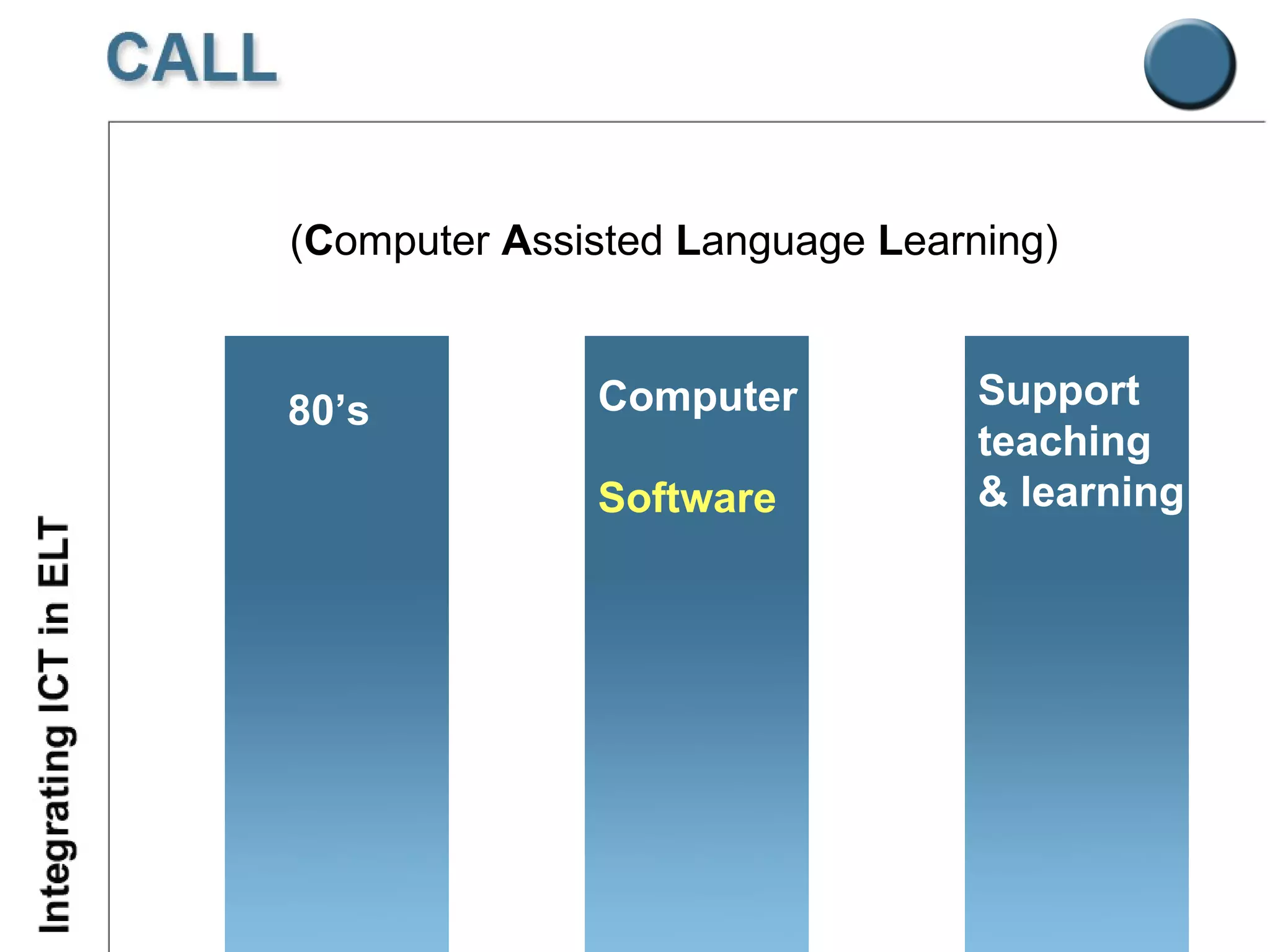
( C omputer  A ssisted  L anguage  L earning) Support teaching & learning Computer Software 80’s
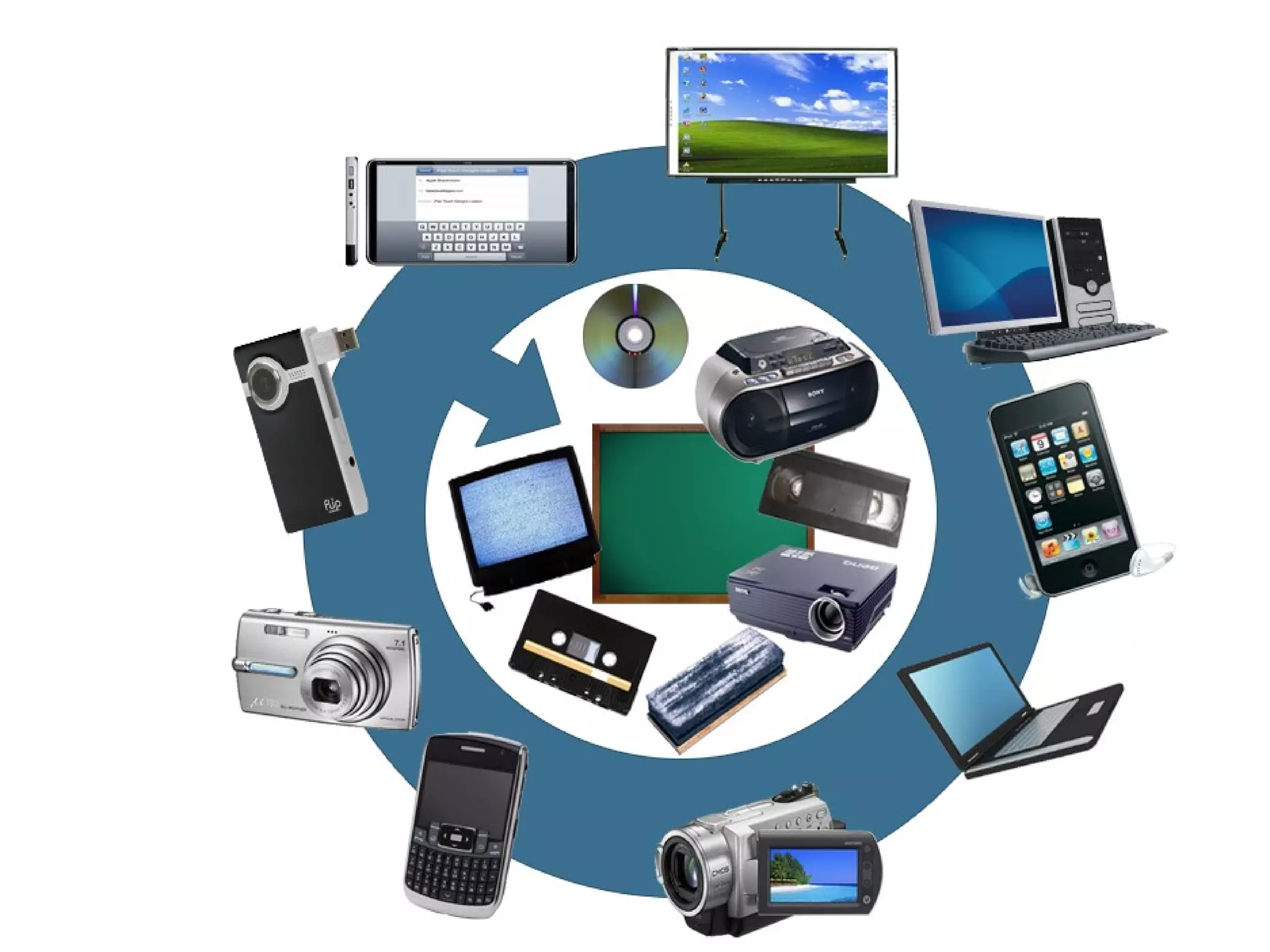
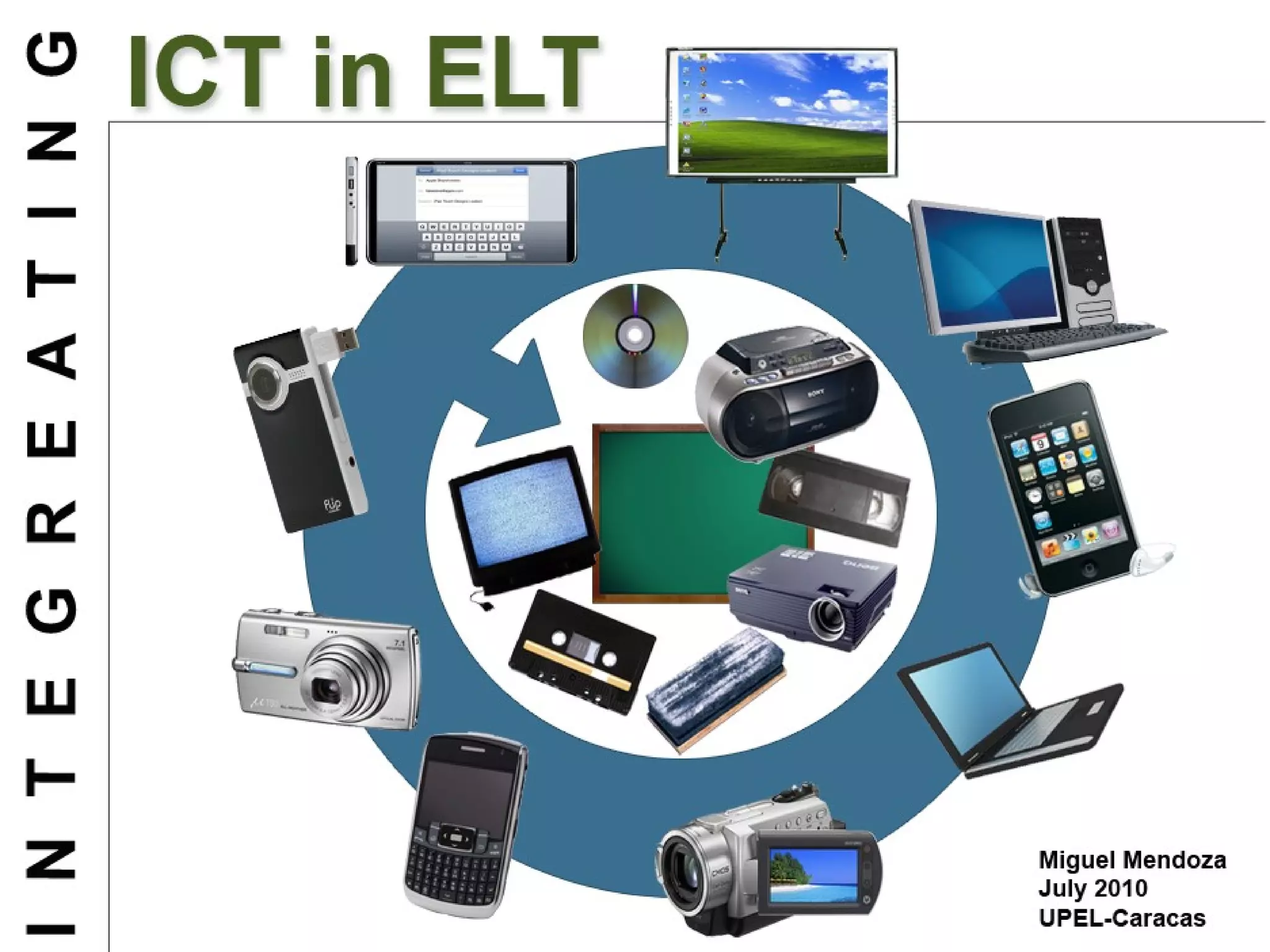
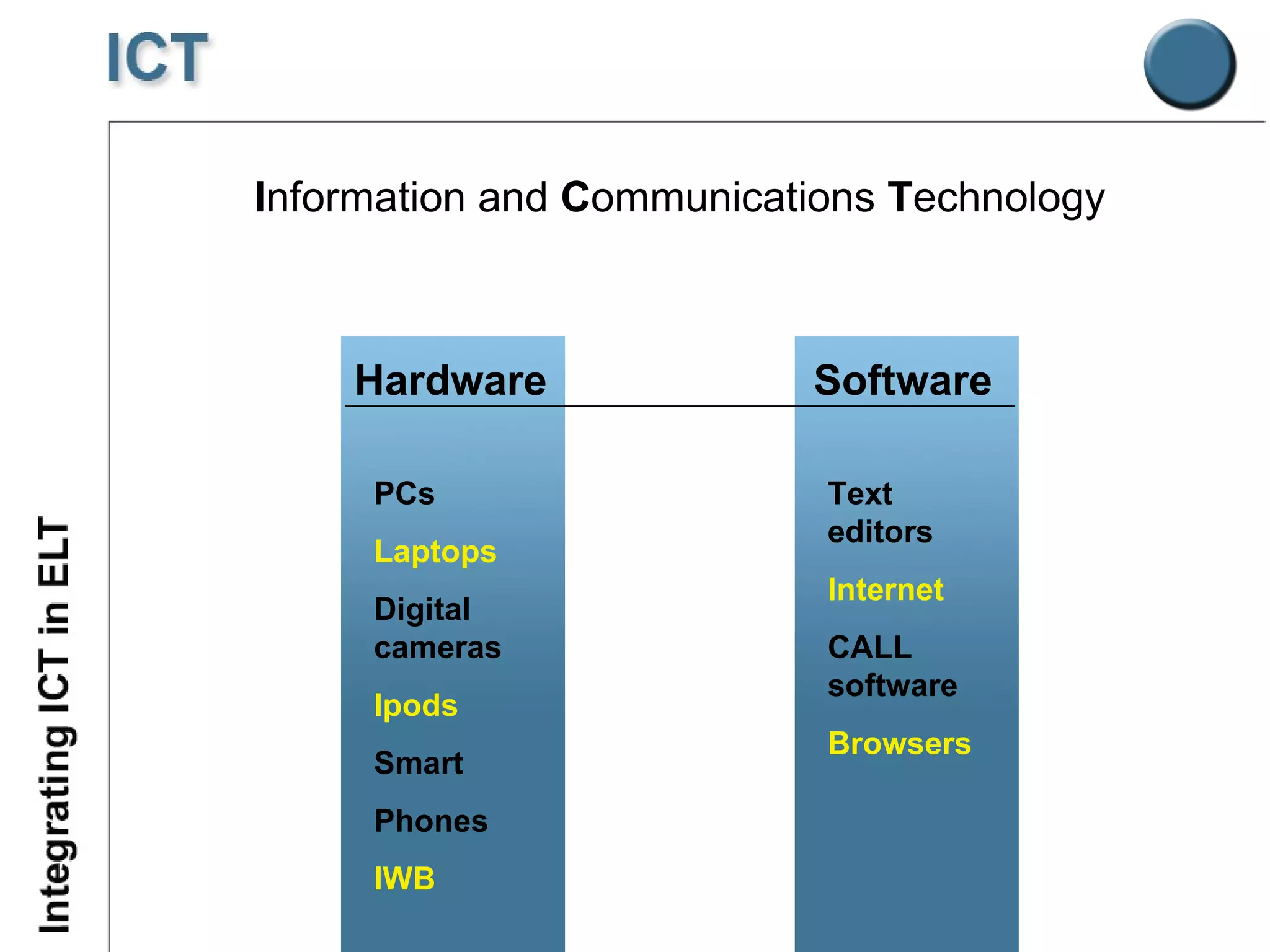
I nformation and  C ommunications  T echnology Hardware PCs Laptops Digital cameras Ipods Smart Phones IWB Software Text editors Internet CALL software Browsers
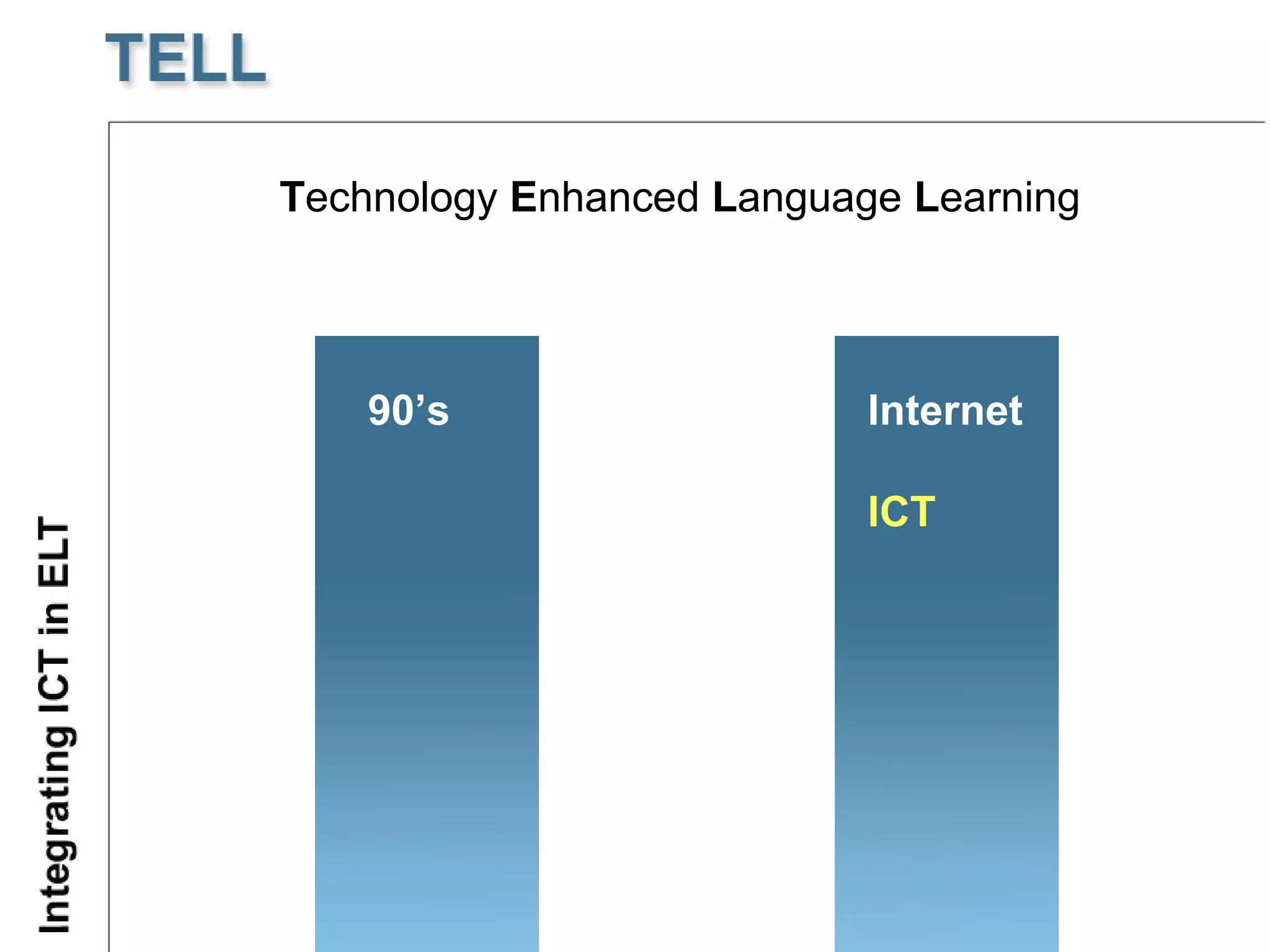
T echnology  E nhanced  L anguage  L earning 90’s Internet ICT
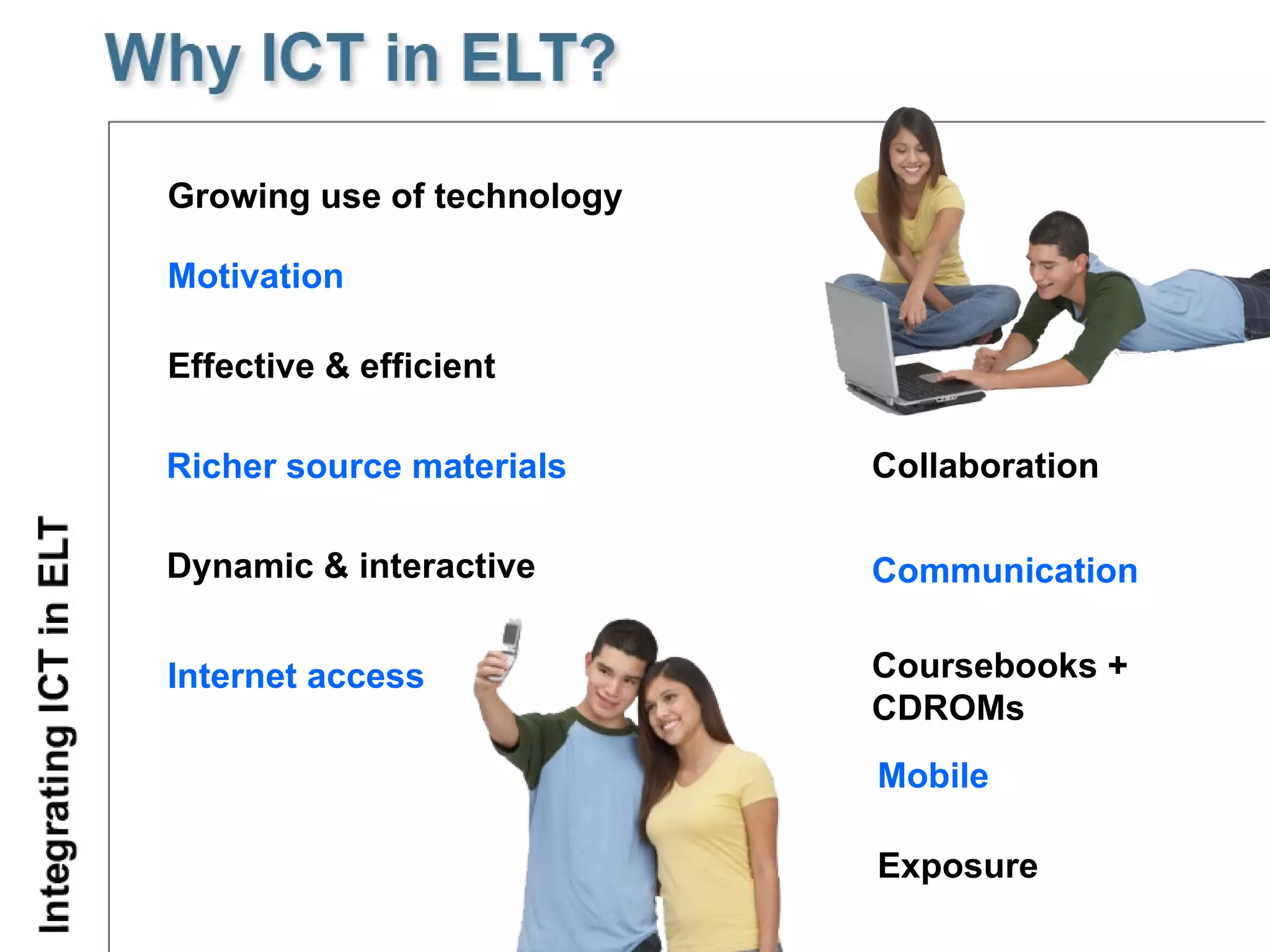
G rowing use of technology Dynamic & interactive Richer source materials   Effective & efficient M otivat ion   Internet access Collaboration Communication Coursebooks + CDROMs Mobile Exposure
Repetition of activities Individual and collaborative work Motivation Interactivity Multimedia Adquisition of IT skills   Flexibility Authenticity Fun
IT skills as prerequisite System failure Software familiarisation Careful lesson planning Computer phobia Integration problems Level quality of language Content
Students’ needs and interests In class or self-access Pedagogical aims Integration with the course programme and lesson  Careful lesson planning Technical support Back-up lesson
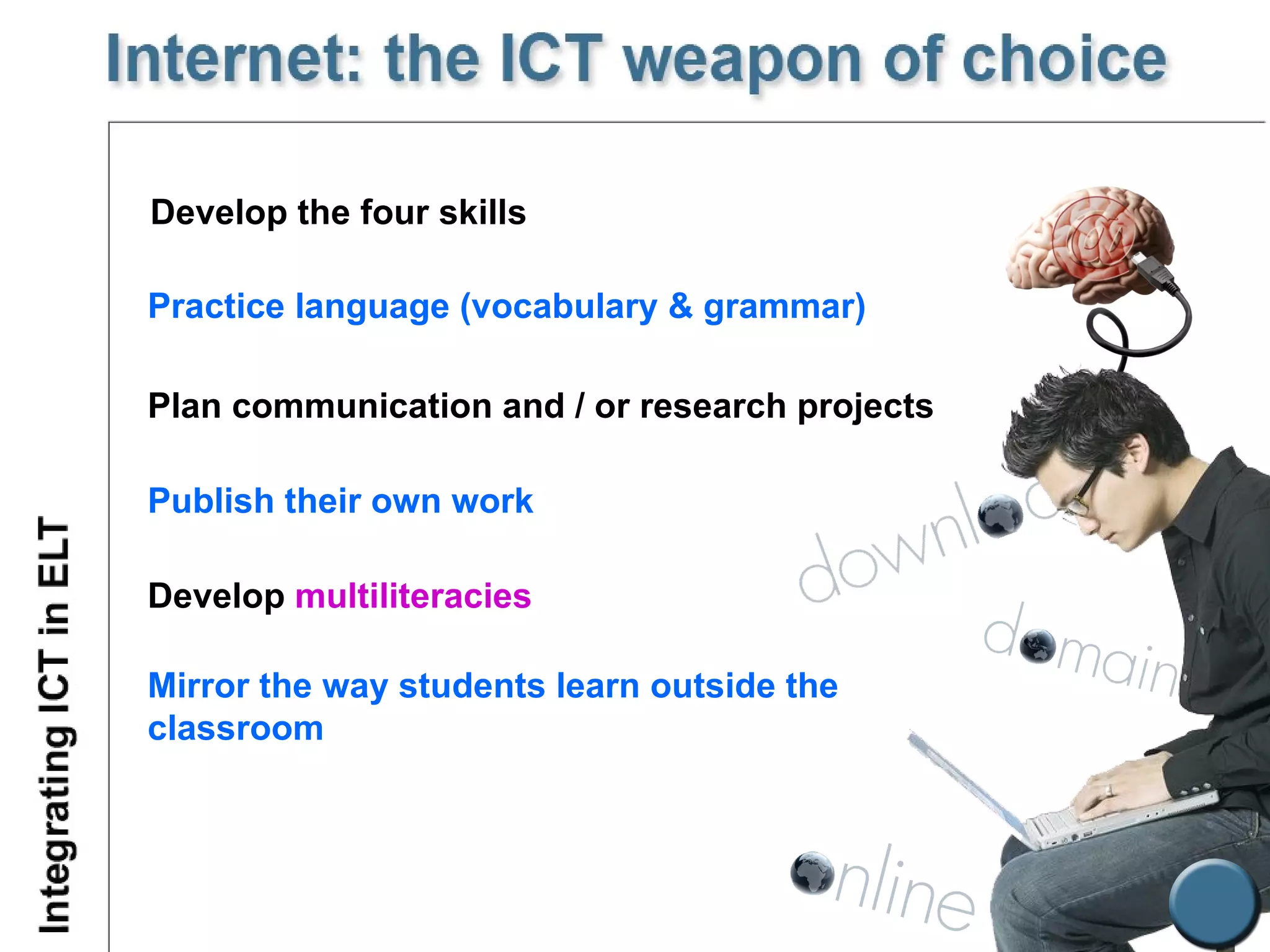
Develop the four skills Plan communication and / or research projects Publish their own work Practice language (vocabulary & grammar) Develop  multiliteracies Mirror the way students learn outside the classroom
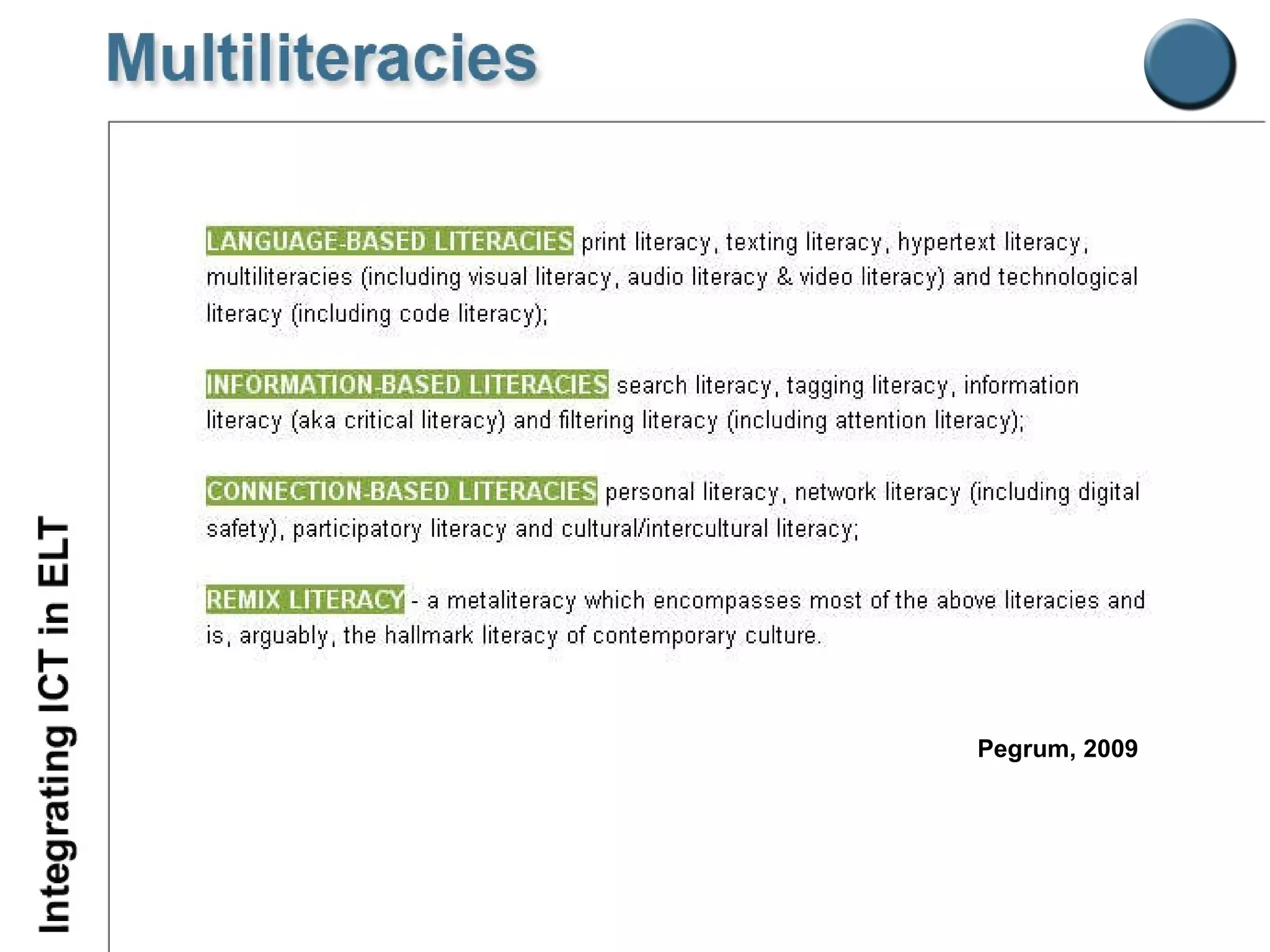
Pegrum, 2009
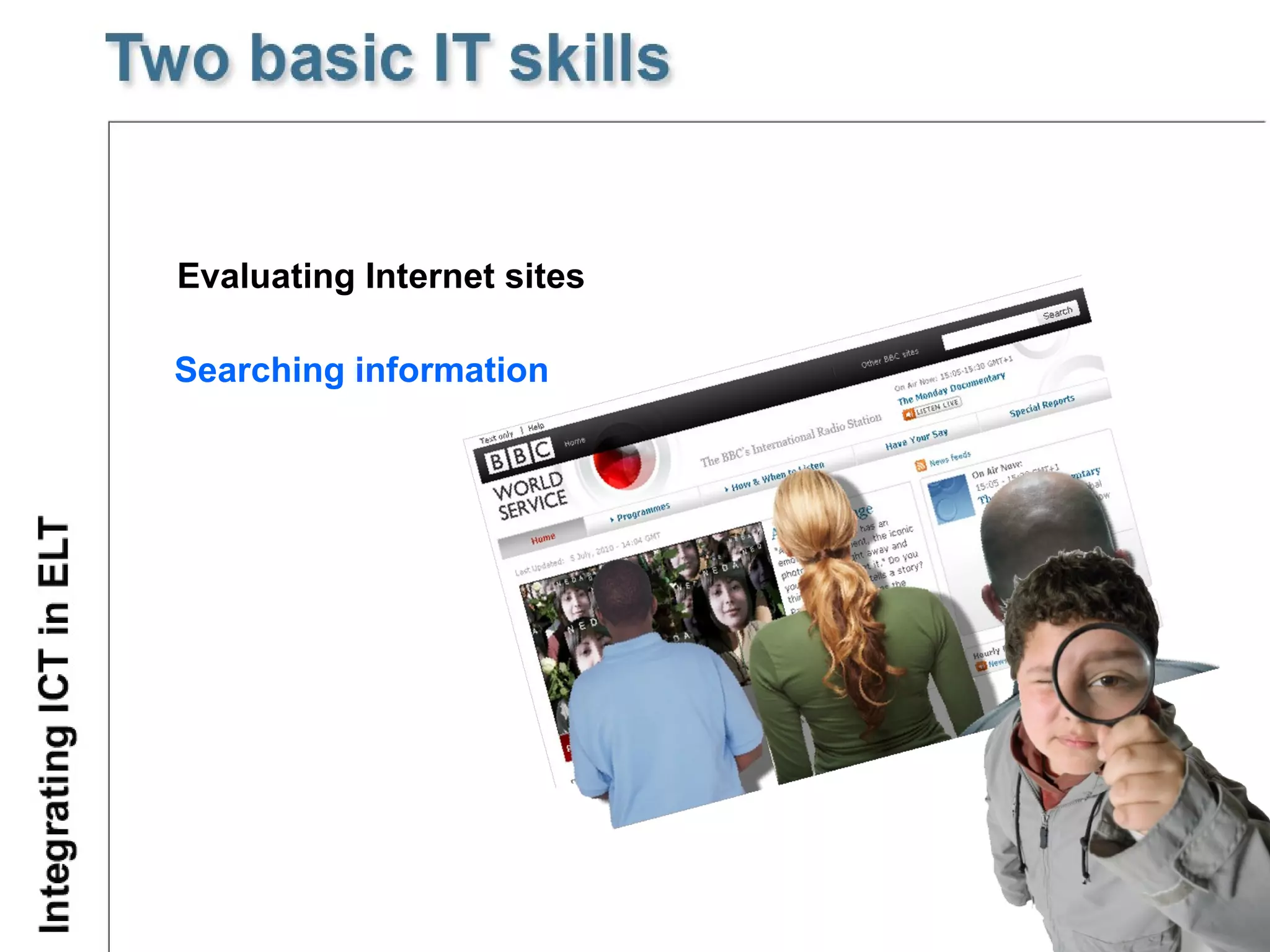
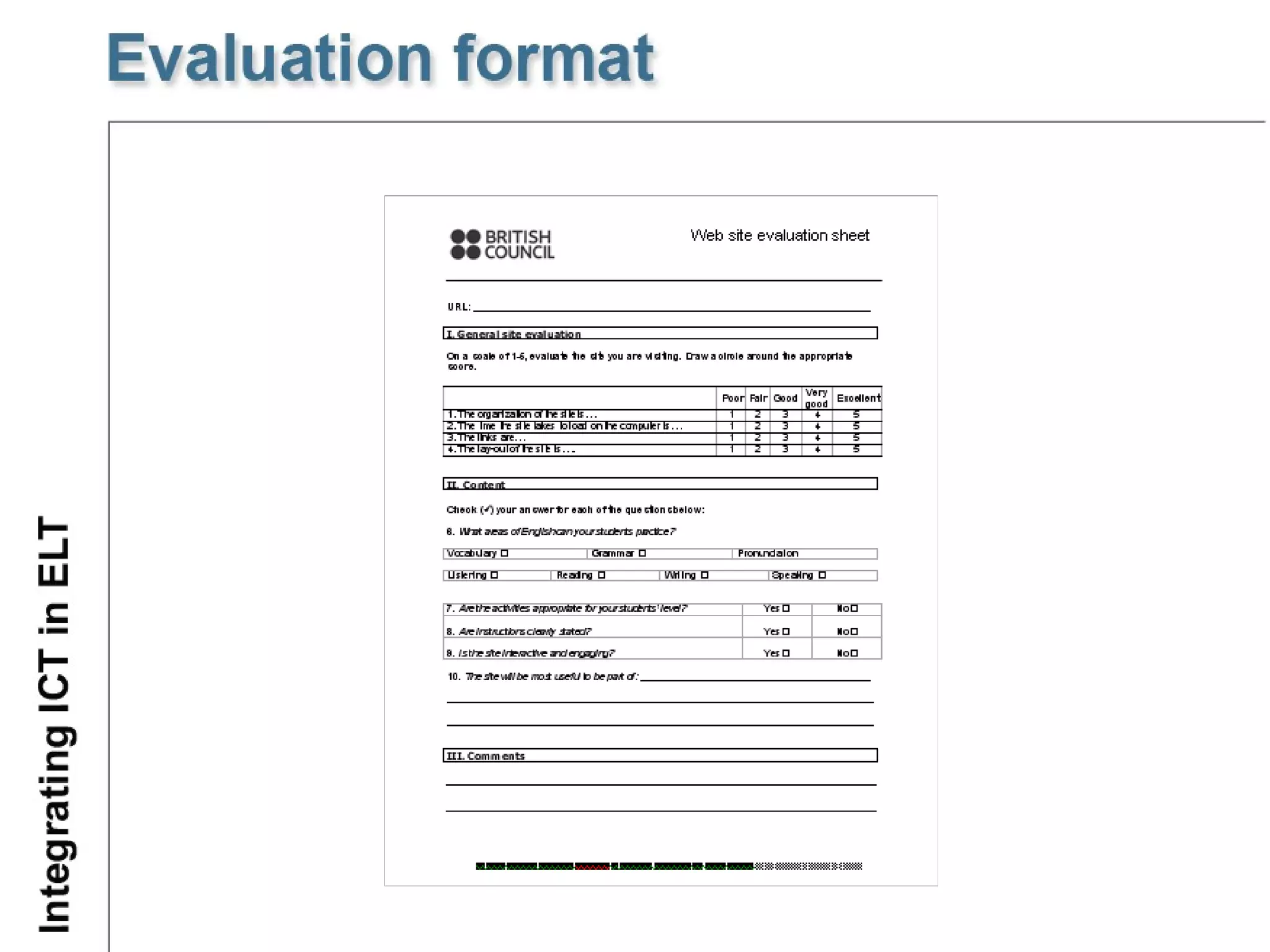
Evaluating Internet sites Searching information
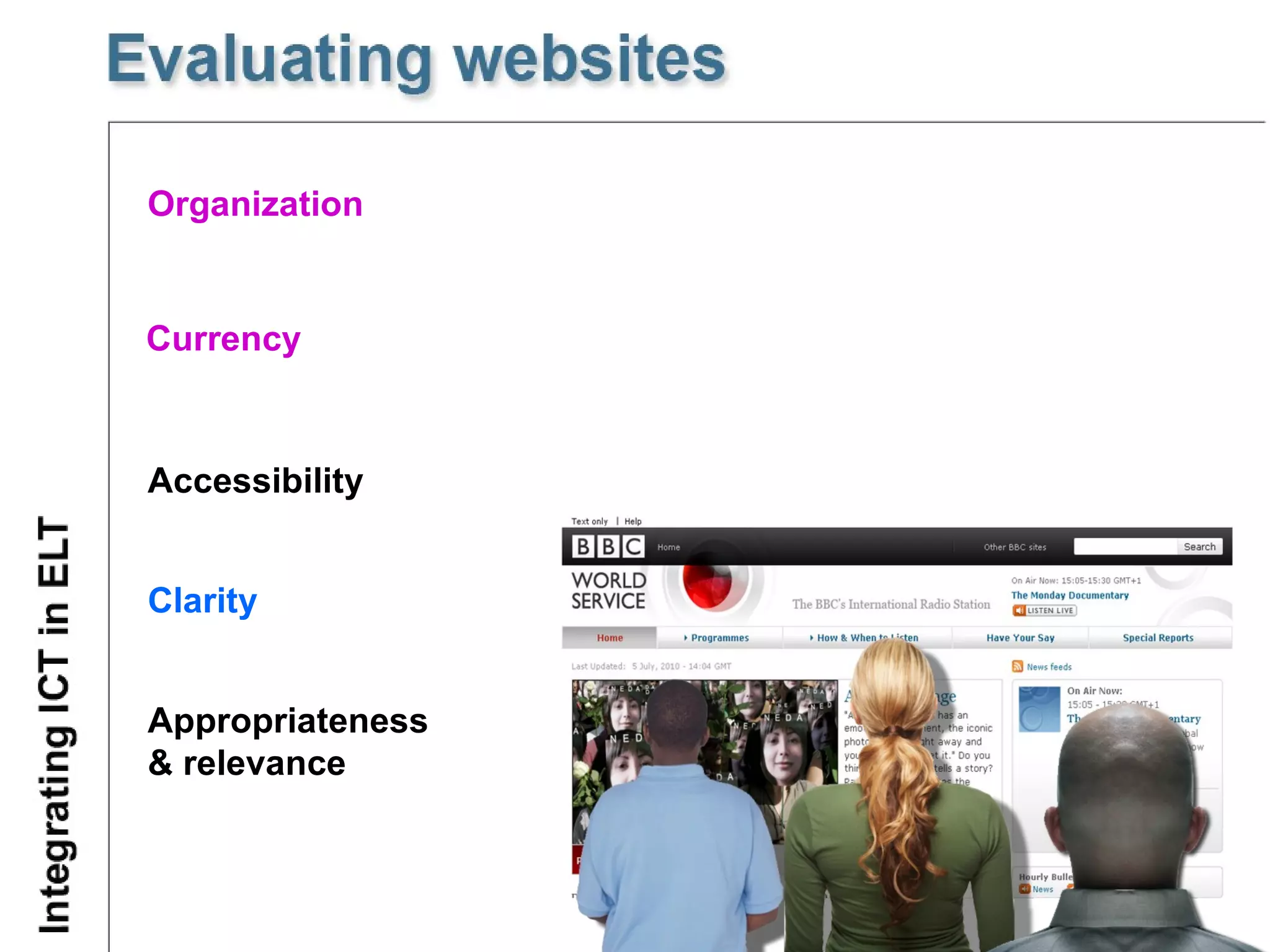
Organization Currency Accessibility  Clarity Appropriateness &  relevance
 
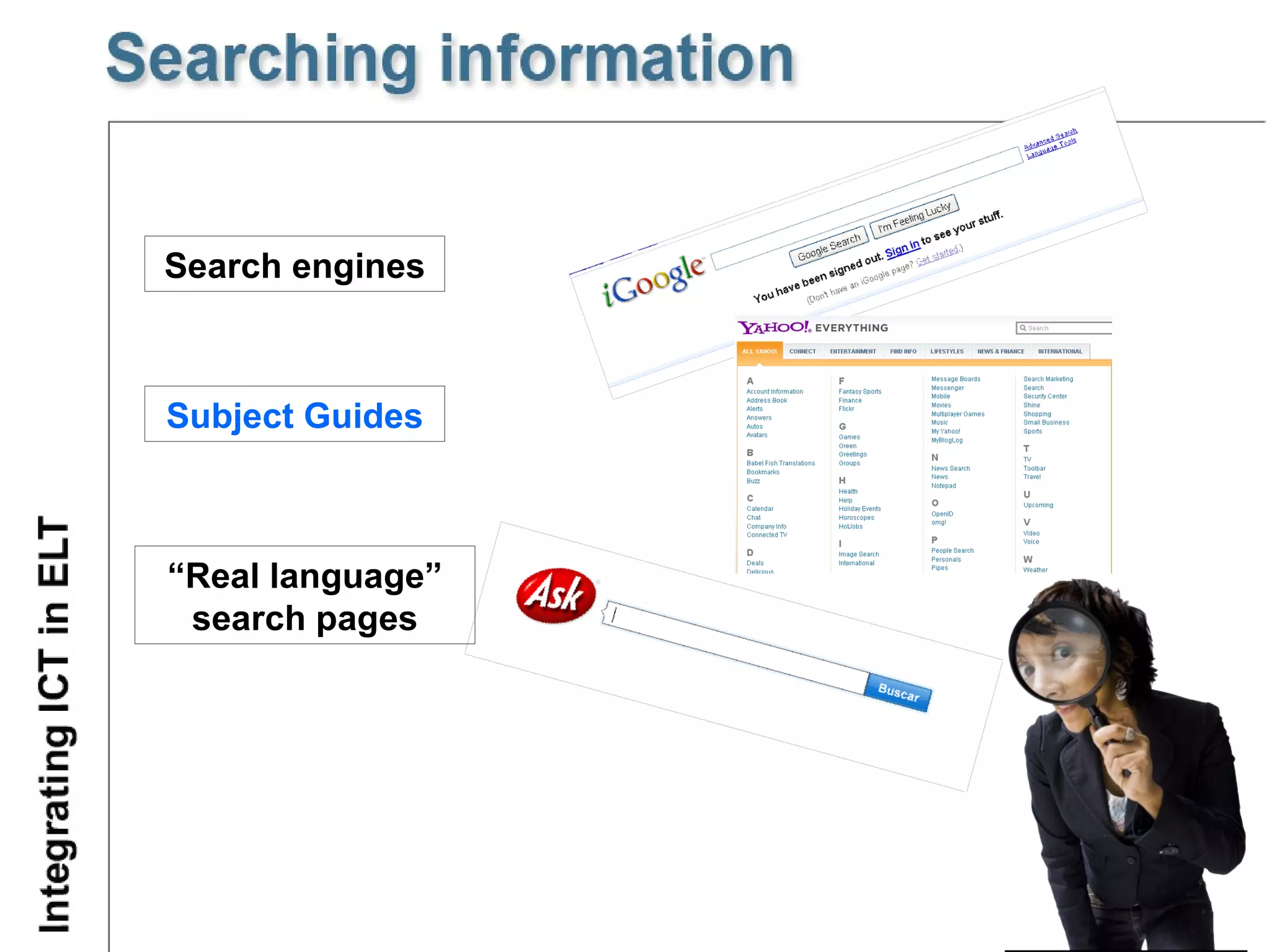
Search engines Subject Guides “ Real language” search pages
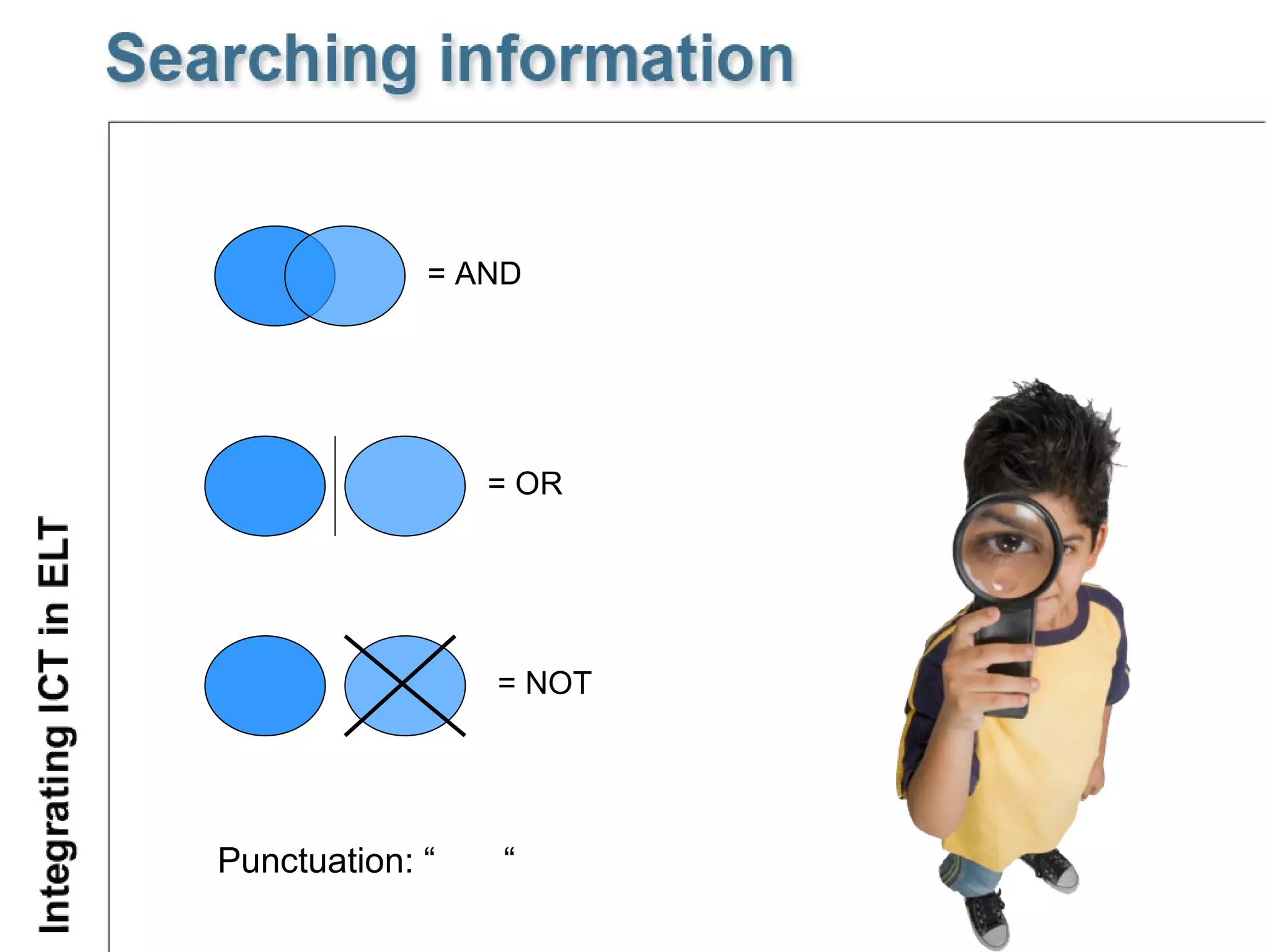
Punctuation: “  “ = AND = OR = NOT
 
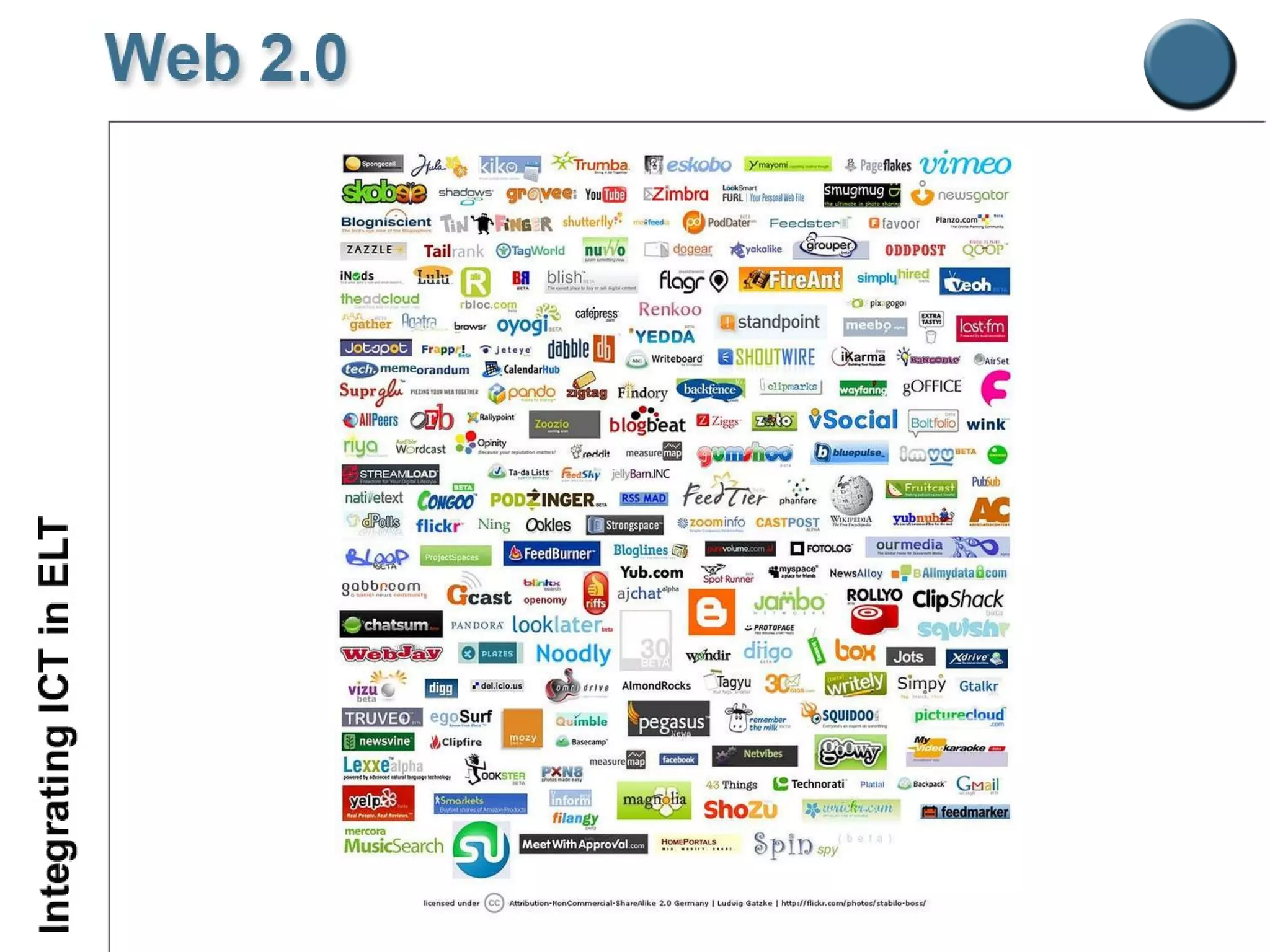
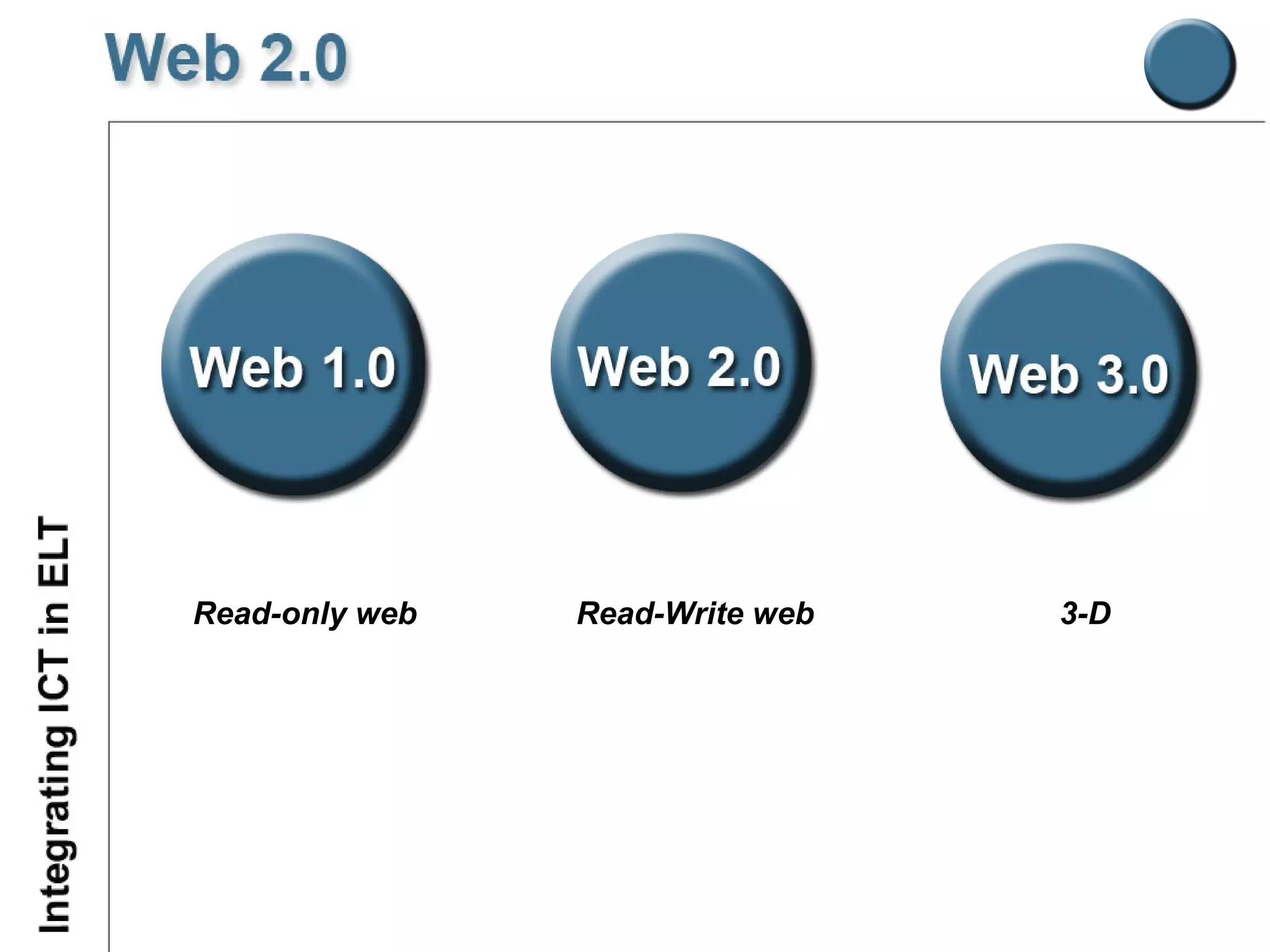
Read-only web Read-Write web 3-D
Web-based lesson design Pedagogical approach (Task-based approach) Stages of task-based activities e-lesson
Student-centered Real life tasks Fun Interactive Autonomous work Recycling / Reinforcing Multiliteracies
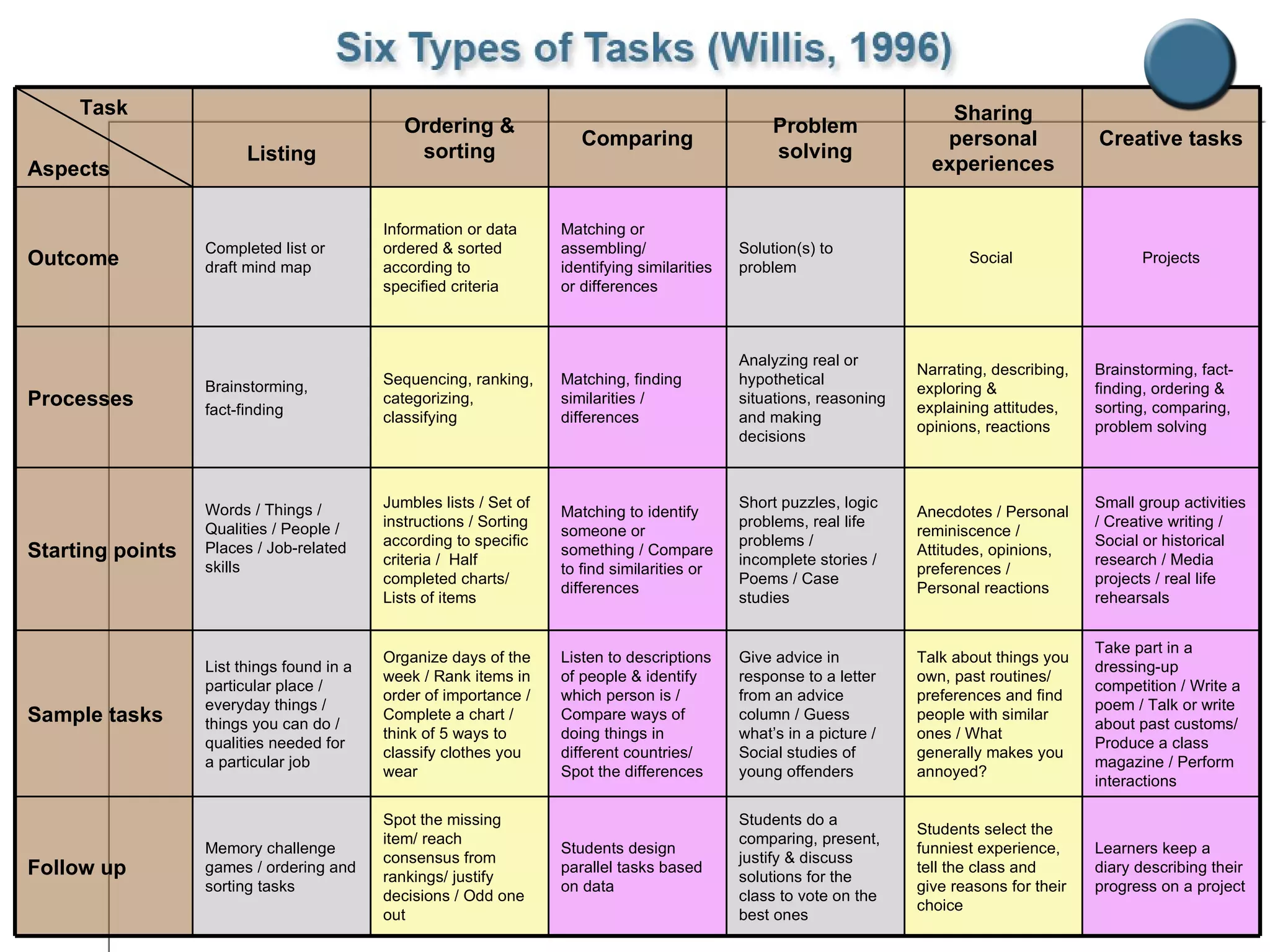
Take part in a dressing-up competition / Write a poem / Talk or write about past customs/ Produce a class magazine / Perform interactions Talk about things you own, past routines/ preferences and find people with similar ones / What generally makes you annoyed? Give advice in response to a letter from an advice column / Guess what’s in a picture / Social studies of young offenders Listen to descriptions of people & identify which person is / Compare ways of doing things in different countries/ Spot the differences Organize days of the week / Rank items in order of importance / Complete a chart / think of 5 ways to classify clothes you wear List things found in a particular place / everyday things / things you can do / qualities needed for a particular job Sample tasks Memory challenge games / ordering and sorting tasks Words / Things / Qualities / People / Places / Job-related skills Brainstorming,  fact-finding Completed list or draft mind map Listing Students select the funniest experience, tell the class and give reasons for their choice Anecdotes / Personal reminiscence / Attitudes, opinions, preferences / Personal reactions Narrating, describing, exploring & explaining attitudes, opinions, reactions Social  Sharing personal experiences Learners keep a diary describing their progress on a project Students do a comparing, present, justify & discuss solutions for the class to vote on the best ones Students design parallel tasks based on data  Spot the missing item/ reach consensus from rankings/ justify decisions / Odd one out Follow up Small group activities / Creative writing / Social or historical research / Media projects / real life rehearsals Short puzzles, logic problems, real life problems / incomplete stories / Poems / Case studies Matching to identify someone or something / Compare to find similarities or differences  Jumbles lists / Set of instructions / Sorting according to specific criteria /  Half completed charts/ Lists of items Starting points Brainstorming, fact-finding, ordering & sorting, comparing, problem solving Analyzing real or hypothetical situations, reasoning and making decisions Matching, finding similarities / differences Sequencing, ranking, categorizing, classifying Processes Projects Solution(s) to problem Matching or assembling/ identifying similarities or differences Information or data ordered & sorted according to specified criteria Outcome Creative tasks Problem solving Comparing Ordering & sorting Task Aspects
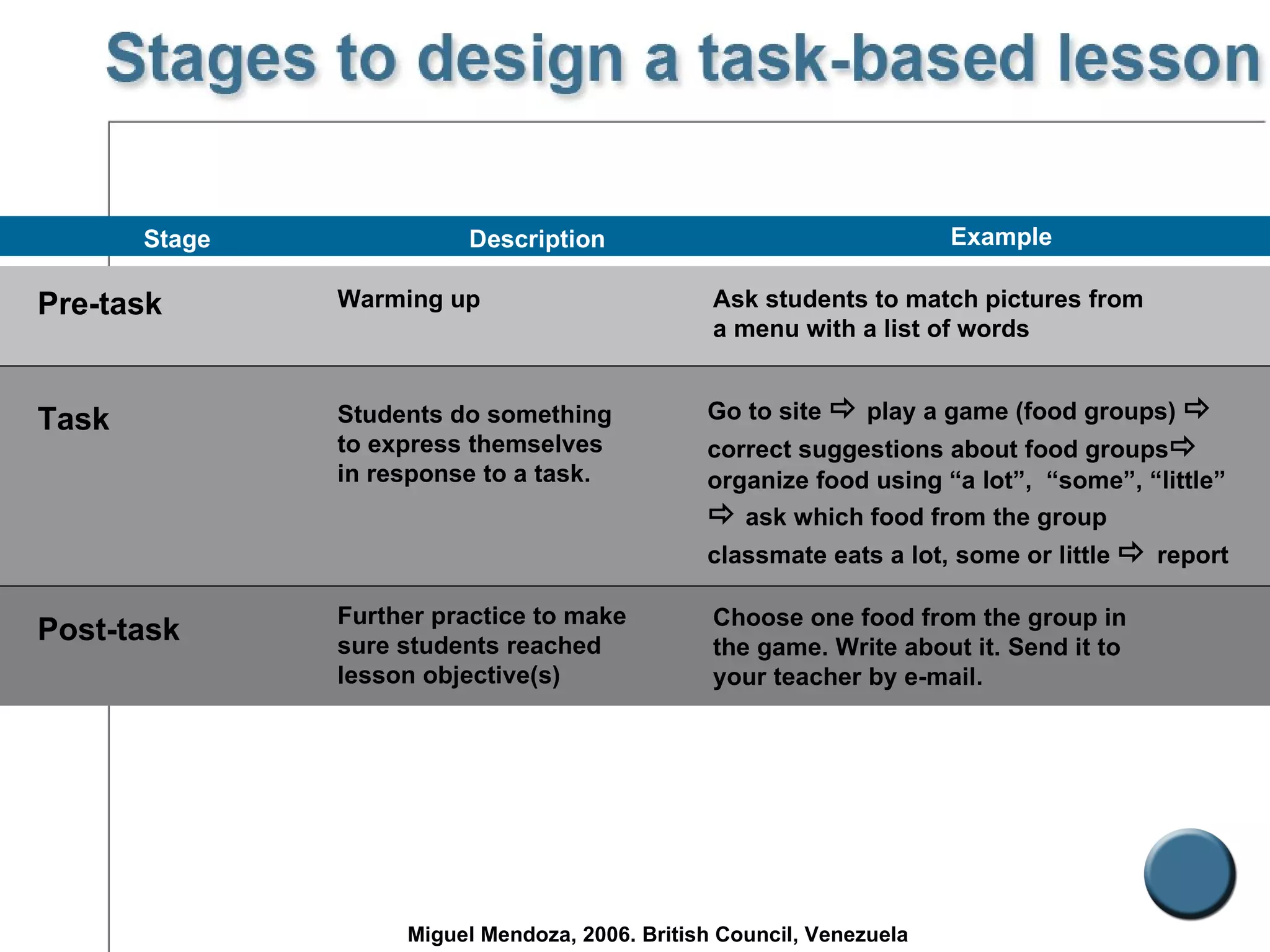
Pre-task Warming up Stage Example   Task Post-task Students do something to express themselves in response to a task. Further practice to make sure students reached lesson objective(s)  Ask students to match pictures from a menu with a list of words   Go to site    play a game (food groups)     correct suggestions about food groups   organize food using “a lot”,  “some”, “little”    ask which food from the group classmate eats a lot, some or little     report   Choose one food from the group in the game. Write about it. Send it to your teacher by e-mail.   Description Miguel Mendoza, 2006. British Council, Venezuela
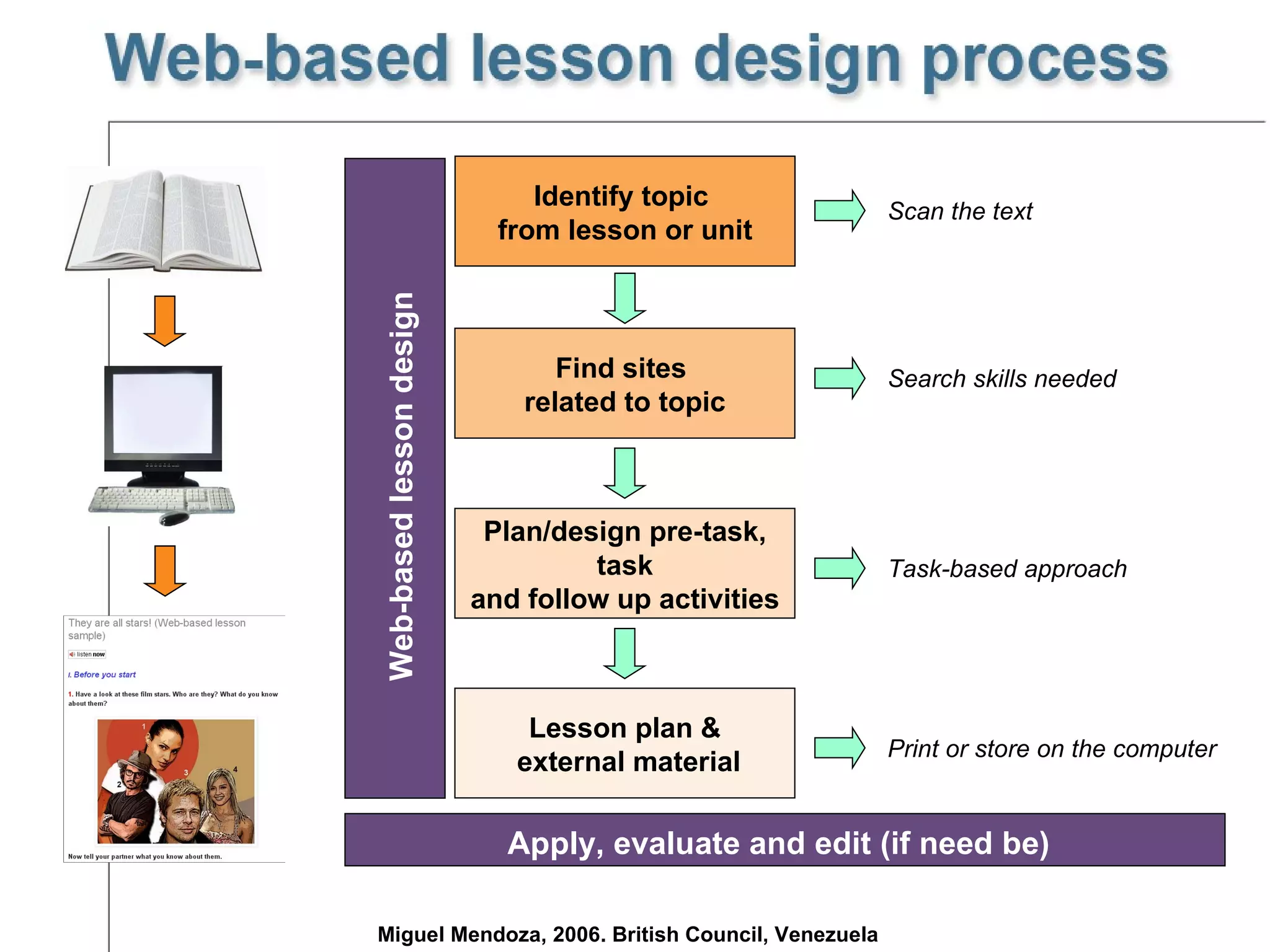
Identify topic  from lesson or unit Find sites  related to topic Plan/design pre-task, task  and follow up activities Lesson plan & external material Web-based lesson design Scan the text Search skills needed Task-based approach Print or store on the computer Miguel Mendoza, 2006. British Council, Venezuela Apply, evaluate and edit (if need be)
 
Egbert, J. (2005).  CALL essentials . TESOL. USA Technologies for languages.  British Council. Retrieved information January 17th, 2006.  http://searchenglish.britishcouncil.org/SuggestFrame.asp?newURL='http://www.languagesict.org.uk/users/technology_for_languages.htm'&UserID= Chapelle, C. (2001).  Computer applications in second language acquisition . Cambridge University Press Information and Communications technologies for language teachers (ICT4LT).  Retrieved  information January 10th, 2006.  http://www.ict4lt.org/en/index.htm   Dudeney, G. & Hockly, N. (2007):  How to teach English with technology . England: Pearson.  Hockly, N. (2010). Web 2.0. Ict & teachers.  [PowerPoint slides]  Istek Conference 27/03/2010. Pegrum, M. (2009).  From blogs to bombs .  Perth  :  UWA  Publishing
Miguel Mendoza [email_address] mike08 (Twitter) Miguel Mendoza (Gtalk) Miguel Mendoza (Facebook) miguel.mendoza98 (Skype) Orwell Mineff (Second Life)

ICT in ELT 2010 (revisited)

  • 1.
  • 2.
  • 3.
    CALL , ICT& TELL What to consider…? Benefits & shortcomings of ICT Two Basic IT Skills Internet. The ICT weapon of choice Web 2.0 tools The Web based lesson Why ICT in ELT?
  • 4.
    What do CALL,ICT & TELL stand for? What’s Web 1.0? Web 2.0? Web 3.0? Why integrate technology in ELT? What are multiliteracies? What should EFL teachers take into account when integrating technology in ELT? Which web 2.0 tools do you know?
  • 5.
  • 6.
    ( C omputer A ssisted L anguage L earning) Support teaching & learning Computer Software 80’s
  • 7.
    I nformation and C ommunications T echnology Hardware PCs Laptops Digital cameras Ipods Smart Phones IWB Software Text editors Internet CALL software Browsers
  • 8.
    T echnology E nhanced L anguage L earning 90’s Internet ICT
  • 9.
    G rowing useof technology Dynamic & interactive Richer source materials Effective & efficient M otivat ion Internet access Collaboration Communication Coursebooks + CDROMs Mobile Exposure
  • 10.
    Repetition of activitiesIndividual and collaborative work Motivation Interactivity Multimedia Adquisition of IT skills Flexibility Authenticity Fun
  • 11.
    IT skills asprerequisite System failure Software familiarisation Careful lesson planning Computer phobia Integration problems Level quality of language Content
  • 12.
    Students’ needs andinterests In class or self-access Pedagogical aims Integration with the course programme and lesson Careful lesson planning Technical support Back-up lesson
  • 13.
    Develop the fourskills Plan communication and / or research projects Publish their own work Practice language (vocabulary & grammar) Develop multiliteracies Mirror the way students learn outside the classroom
  • 14.
  • 15.
    Evaluating Internet sitesSearching information
  • 16.
    Organization Currency Accessibility Clarity Appropriateness & relevance
  • 17.
  • 18.
    Search engines SubjectGuides “ Real language” search pages
  • 19.
    Punctuation: “ “ = AND = OR = NOT
  • 20.
  • 21.
  • 22.
    Web-based lesson designPedagogical approach (Task-based approach) Stages of task-based activities e-lesson
  • 23.
    Student-centered Real lifetasks Fun Interactive Autonomous work Recycling / Reinforcing Multiliteracies
  • 24.
    Take part ina dressing-up competition / Write a poem / Talk or write about past customs/ Produce a class magazine / Perform interactions Talk about things you own, past routines/ preferences and find people with similar ones / What generally makes you annoyed? Give advice in response to a letter from an advice column / Guess what’s in a picture / Social studies of young offenders Listen to descriptions of people & identify which person is / Compare ways of doing things in different countries/ Spot the differences Organize days of the week / Rank items in order of importance / Complete a chart / think of 5 ways to classify clothes you wear List things found in a particular place / everyday things / things you can do / qualities needed for a particular job Sample tasks Memory challenge games / ordering and sorting tasks Words / Things / Qualities / People / Places / Job-related skills Brainstorming, fact-finding Completed list or draft mind map Listing Students select the funniest experience, tell the class and give reasons for their choice Anecdotes / Personal reminiscence / Attitudes, opinions, preferences / Personal reactions Narrating, describing, exploring & explaining attitudes, opinions, reactions Social Sharing personal experiences Learners keep a diary describing their progress on a project Students do a comparing, present, justify & discuss solutions for the class to vote on the best ones Students design parallel tasks based on data Spot the missing item/ reach consensus from rankings/ justify decisions / Odd one out Follow up Small group activities / Creative writing / Social or historical research / Media projects / real life rehearsals Short puzzles, logic problems, real life problems / incomplete stories / Poems / Case studies Matching to identify someone or something / Compare to find similarities or differences Jumbles lists / Set of instructions / Sorting according to specific criteria / Half completed charts/ Lists of items Starting points Brainstorming, fact-finding, ordering & sorting, comparing, problem solving Analyzing real or hypothetical situations, reasoning and making decisions Matching, finding similarities / differences Sequencing, ranking, categorizing, classifying Processes Projects Solution(s) to problem Matching or assembling/ identifying similarities or differences Information or data ordered & sorted according to specified criteria Outcome Creative tasks Problem solving Comparing Ordering & sorting Task Aspects
  • 25.
    Pre-task Warming upStage Example Task Post-task Students do something to express themselves in response to a task. Further practice to make sure students reached lesson objective(s) Ask students to match pictures from a menu with a list of words Go to site  play a game (food groups)  correct suggestions about food groups  organize food using “a lot”, “some”, “little”  ask which food from the group classmate eats a lot, some or little  report Choose one food from the group in the game. Write about it. Send it to your teacher by e-mail. Description Miguel Mendoza, 2006. British Council, Venezuela
  • 26.
    Identify topic from lesson or unit Find sites related to topic Plan/design pre-task, task and follow up activities Lesson plan & external material Web-based lesson design Scan the text Search skills needed Task-based approach Print or store on the computer Miguel Mendoza, 2006. British Council, Venezuela Apply, evaluate and edit (if need be)
  • 27.
  • 28.
    Egbert, J. (2005). CALL essentials . TESOL. USA Technologies for languages. British Council. Retrieved information January 17th, 2006. http://searchenglish.britishcouncil.org/SuggestFrame.asp?newURL='http://www.languagesict.org.uk/users/technology_for_languages.htm'&UserID= Chapelle, C. (2001). Computer applications in second language acquisition . Cambridge University Press Information and Communications technologies for language teachers (ICT4LT). Retrieved information January 10th, 2006. http://www.ict4lt.org/en/index.htm Dudeney, G. & Hockly, N. (2007): How to teach English with technology . England: Pearson. Hockly, N. (2010). Web 2.0. Ict & teachers. [PowerPoint slides] Istek Conference 27/03/2010. Pegrum, M. (2009). From blogs to bombs . Perth : UWA Publishing
  • 29.
    Miguel Mendoza [email_address]mike08 (Twitter) Miguel Mendoza (Gtalk) Miguel Mendoza (Facebook) miguel.mendoza98 (Skype) Orwell Mineff (Second Life)