December 8, 2014
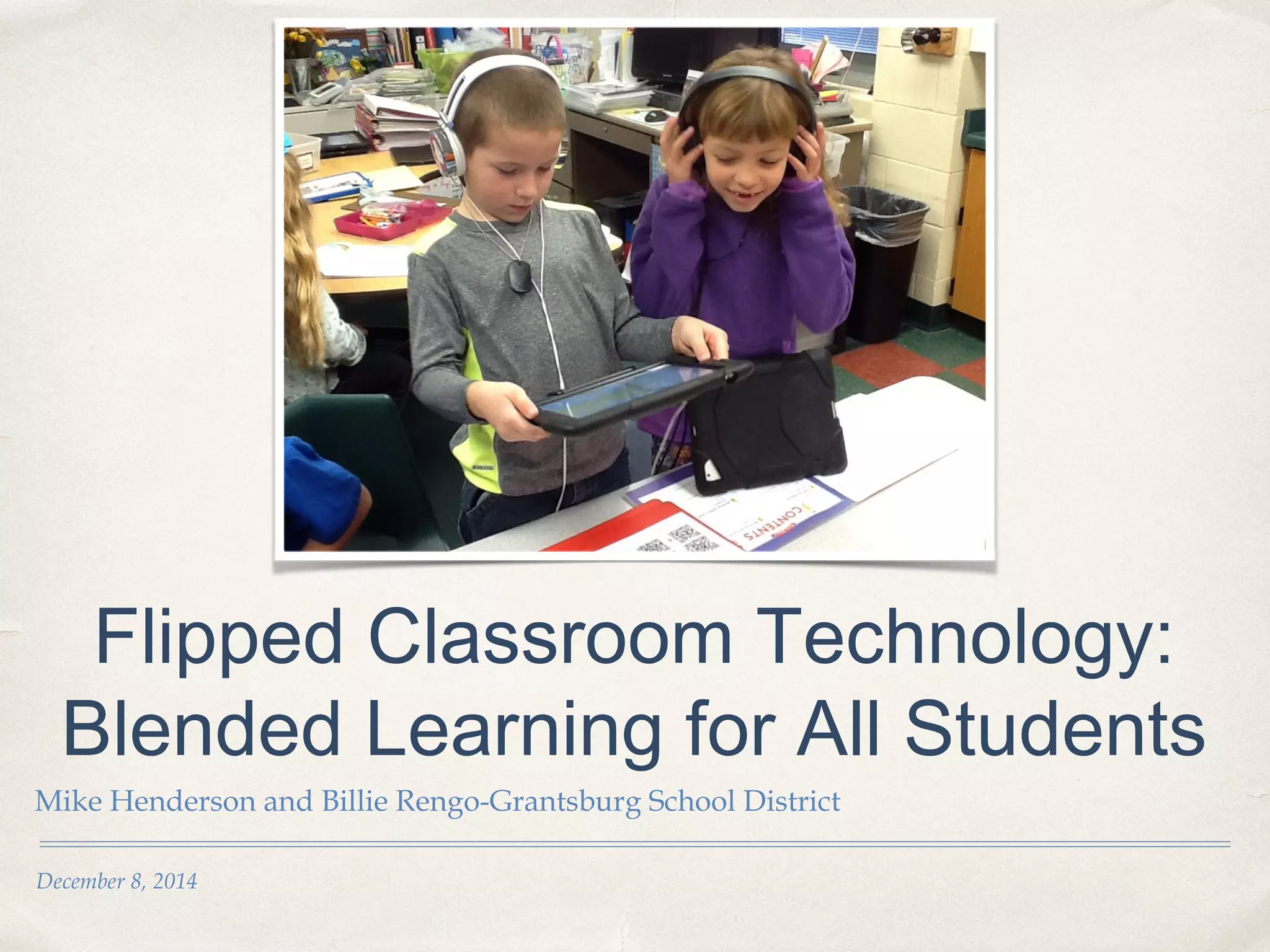
Flipped Classroom Technology:
Blended Learning for All Students
Mike Henderson and Billie Rengo-Grantsburg School District
Today’s Purpose
Learning Intentions: By the end of this session, you will:
✤ Understand how to clearly set and communicate instructional outcomes for flipped
lessons (Danielson Framework Ic: Setting instructional outcomes).
✤ Understand how to produce clear and sequenced lessons (Danielson Framework
1e: Planning and preparation).
✤ Understand how to create engaging instructional activities that propel student
learning (Danielson Framework 1e: Planning and preparation).
✤ Success Criteria: By the end of this session, you will have:
✤ Identified lesson components that increase student learning.
✤ Identified key teaching strategies that will facilitate learning and engagement.
✤ Identified a lesson that you can flip and recognized your “next step.”
Making Connections
✤ What are your current views and understandings
about blended learning?
✤ What do you already know?
Where are you going?
✤ What do you want or need to know?
Student Voice
✤ Student Voice
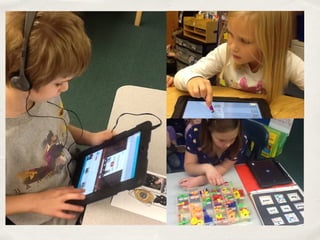
The future according to children
21st Century Learning
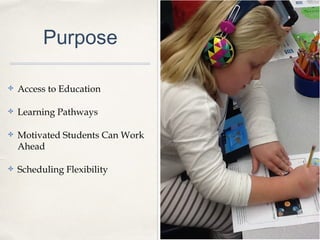
Purpose
✤ Access to Education
✤ Learning Pathways
✤ Motivated Students Can Work
Ahead
✤ Scheduling Flexibility
Making Learning Visible
✤ Learning Intentions
✤ Success Criteria
✤ Instructional Strategies
✤ Educational Revolution
✤ Metacognition
✤ Reflection
✤ What are some possible stumbling blocks to blending
or flipping lessons for students?
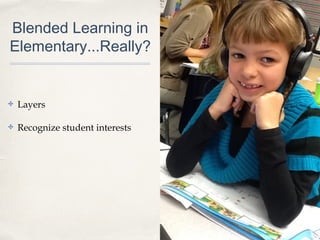
Blended Learning in
Elementary...Really?
✤ Layers
✤ Recognize student interests
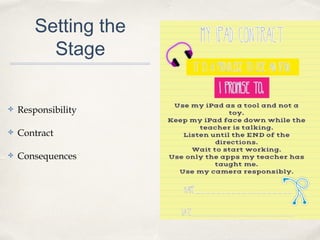
Setting the
Stage
✤ Responsibility
✤ Contract
✤ Consequences
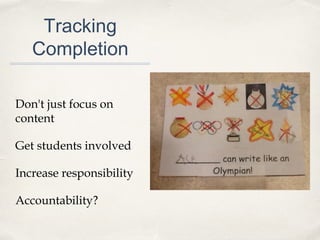
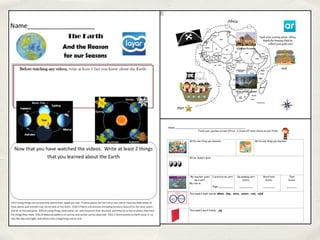
Tracking
Completion
Don't just focus on
content
Get students involved
Increase responsibility
Accountability?
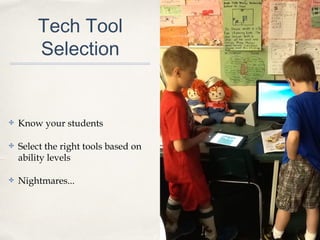
Tech Tool
Selection
✤ Know your students
✤ Select the right tools based on
ability levels
✤ Nightmares...
Screen Casting
Preparing content
Advanced planning
Screencasts of PowerPoints
Upload to the web to make accessible for
students
✤ Screen-cast-o-matic (from your
computer)
✤ Use your PowerPoints in a new way
✤ Great for any age (especially young
readers)
✤ Appeals to visual learners
Now can conveniently be done from
your mobile device!
Check out "Presentation Recorder"
in the App Store.
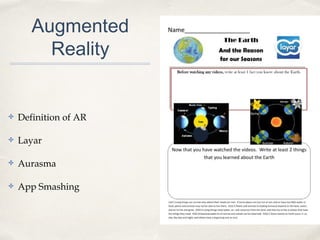
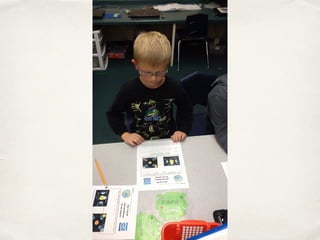
Augmented
Reality
✤ Definition of AR
✤ Layar
✤ Aurasma
✤ App Smashing
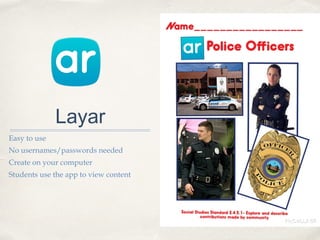
Layar
Easy to use
No usernames/passwords needed
Create on your computer
Students use the app to view content
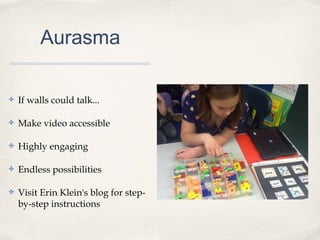
Aurasma
✤ If walls could talk...
✤ Make video accessible
✤ Highly engaging
✤ Endless possibilities
✤ Visit Erin Klein's blog for step-
by-step instructions
Aurasma
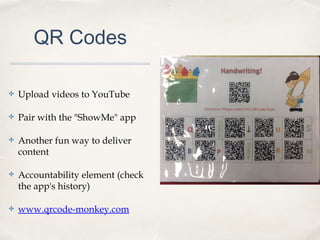
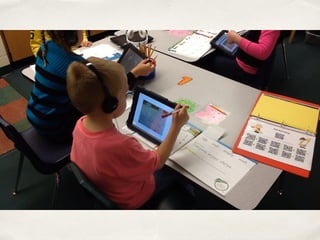
QR Codes
✤ Upload videos to YouTube
✤ Pair with the "ShowMe" app
✤ Another fun way to deliver
content
✤ Accountability element (check
the app's history)
✤ www.qrcode-monkey.com
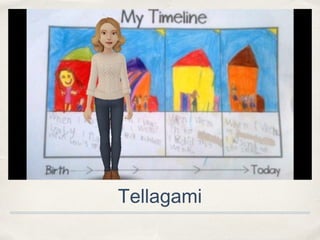
Tellagami
✤ Create engaging videos
✤ Set the purpose for an activity
✤ Customizable with different
backgrounds and voices
✤ Lesson Clarity
Tellagami
Nearpod
✤ Take your PowerPoints to a
whole new level.
✤ Interactive qualities
✤ Teacher can monitor activity
(feedback about learning)
✤ Students can check their answers
and compare their answers with
the rest of the class
✤ Homework feature
Effect size of .75
Can nearly double the speed of learning
Types of feedback
Self/praise
Task
Process
Self-regulation
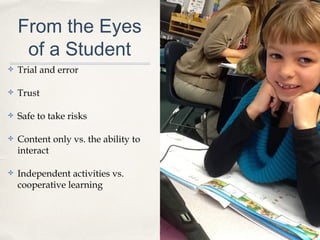
From the Eyes
of a Student
✤ Trial and error
✤ Trust
✤ Safe to take risks
✤ Content only vs. the ability to
interact
✤ Independent activities vs.
cooperative learning
Evaluation Time!
✤ Choose a lesson to evaluate.
✤ Are key criteria evident? (clarity in organization,
clarity in assessment, obvious learning intentions and
success criteria, effective instructional strategies)
✤ What suggestions for improvement can you make?
Reflect
✤ Share what spoke to you from our session.
✤ What did you think about?
✤ What will you do next?

Blending lessons effectively

  • 1.
    December 8, 2014 FlippedClassroom Technology: Blended Learning for All Students Mike Henderson and Billie Rengo-Grantsburg School District
  • 2.
    Today’s Purpose Learning Intentions:By the end of this session, you will: ✤ Understand how to clearly set and communicate instructional outcomes for flipped lessons (Danielson Framework Ic: Setting instructional outcomes). ✤ Understand how to produce clear and sequenced lessons (Danielson Framework 1e: Planning and preparation). ✤ Understand how to create engaging instructional activities that propel student learning (Danielson Framework 1e: Planning and preparation). ✤ Success Criteria: By the end of this session, you will have: ✤ Identified lesson components that increase student learning. ✤ Identified key teaching strategies that will facilitate learning and engagement. ✤ Identified a lesson that you can flip and recognized your “next step.”
  • 3.
    Making Connections ✤ Whatare your current views and understandings about blended learning? ✤ What do you already know?
  • 4.
    Where are yougoing? ✤ What do you want or need to know?
  • 5.
    Student Voice ✤ StudentVoice The future according to children
  • 7.
  • 8.
    Purpose ✤ Access toEducation ✤ Learning Pathways ✤ Motivated Students Can Work Ahead ✤ Scheduling Flexibility
  • 9.
    Making Learning Visible ✤Learning Intentions ✤ Success Criteria ✤ Instructional Strategies ✤ Educational Revolution ✤ Metacognition ✤ Reflection
  • 10.
    ✤ What aresome possible stumbling blocks to blending or flipping lessons for students?
  • 11.
    Blended Learning in Elementary...Really? ✤Layers ✤ Recognize student interests
  • 12.
  • 13.
    Tracking Completion Don't just focuson content Get students involved Increase responsibility Accountability?
  • 15.
    Tech Tool Selection ✤ Knowyour students ✤ Select the right tools based on ability levels ✤ Nightmares...
  • 16.
    Screen Casting Preparing content Advancedplanning Screencasts of PowerPoints Upload to the web to make accessible for students ✤ Screen-cast-o-matic (from your computer) ✤ Use your PowerPoints in a new way ✤ Great for any age (especially young readers) ✤ Appeals to visual learners Now can conveniently be done from your mobile device! Check out "Presentation Recorder" in the App Store.
  • 17.
    Augmented Reality ✤ Definition ofAR ✤ Layar ✤ Aurasma ✤ App Smashing
  • 18.
    Layar Easy to use Nousernames/passwords needed Create on your computer Students use the app to view content
  • 20.
    Aurasma ✤ If wallscould talk... ✤ Make video accessible ✤ Highly engaging ✤ Endless possibilities ✤ Visit Erin Klein's blog for step- by-step instructions
  • 21.
  • 22.
    QR Codes ✤ Uploadvideos to YouTube ✤ Pair with the "ShowMe" app ✤ Another fun way to deliver content ✤ Accountability element (check the app's history) ✤ www.qrcode-monkey.com
  • 24.
    Tellagami ✤ Create engagingvideos ✤ Set the purpose for an activity ✤ Customizable with different backgrounds and voices ✤ Lesson Clarity
  • 25.
  • 26.
    Nearpod ✤ Take yourPowerPoints to a whole new level. ✤ Interactive qualities ✤ Teacher can monitor activity (feedback about learning) ✤ Students can check their answers and compare their answers with the rest of the class ✤ Homework feature
  • 27.
    Effect size of.75 Can nearly double the speed of learning Types of feedback Self/praise Task Process Self-regulation
  • 28.
    From the Eyes ofa Student ✤ Trial and error ✤ Trust ✤ Safe to take risks ✤ Content only vs. the ability to interact ✤ Independent activities vs. cooperative learning
  • 29.
    Evaluation Time! ✤ Choosea lesson to evaluate. ✤ Are key criteria evident? (clarity in organization, clarity in assessment, obvious learning intentions and success criteria, effective instructional strategies) ✤ What suggestions for improvement can you make?
  • 30.
    Reflect ✤ Share whatspoke to you from our session. ✤ What did you think about? ✤ What will you do next?