
contents
 Internet Backbone
 World wide web (WWW)
 Hypertext
 Hyperlink
 Universal resource locator
 Hyper text transfer protocol
 Domain name system
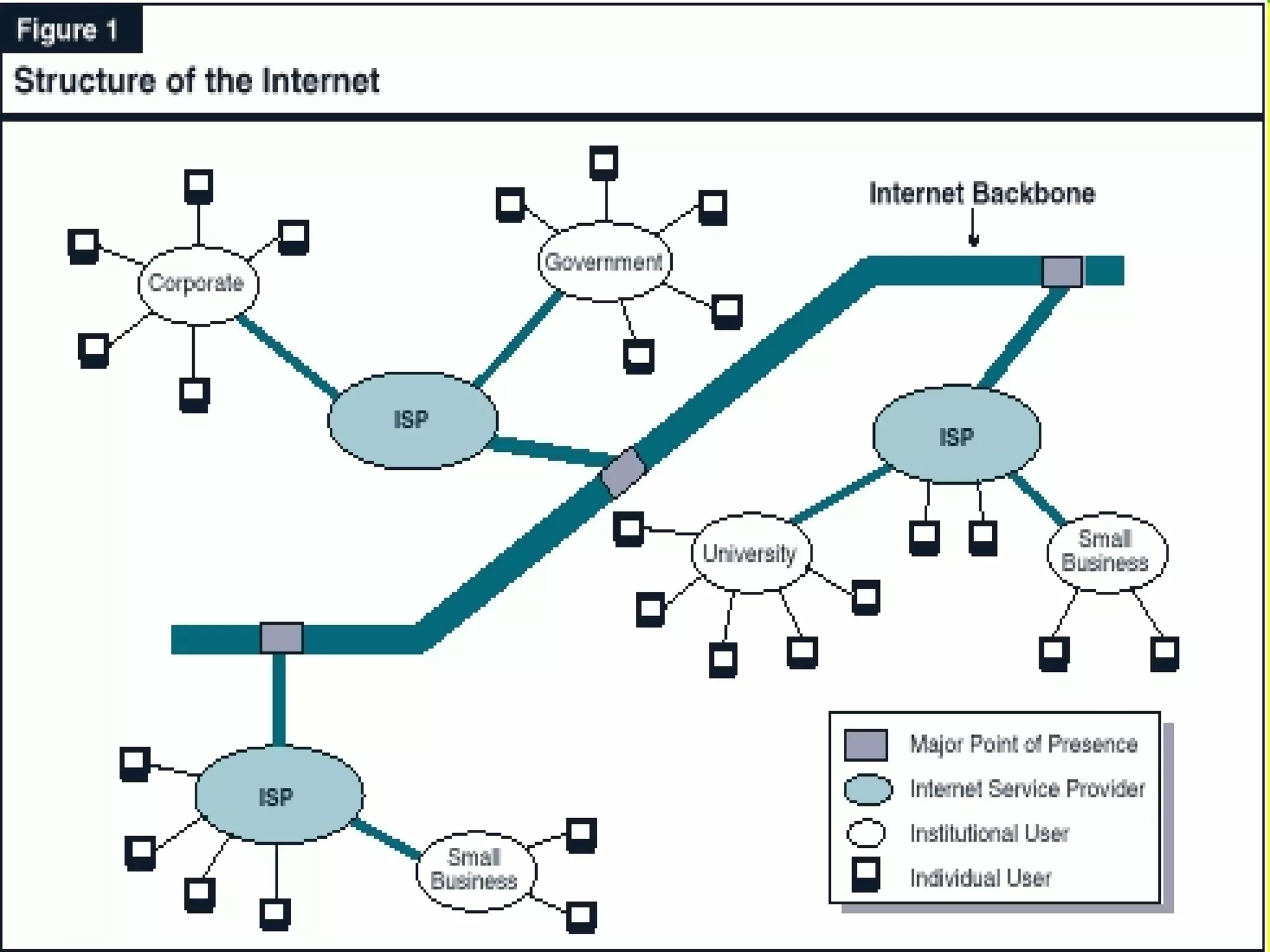
Internet backbone?
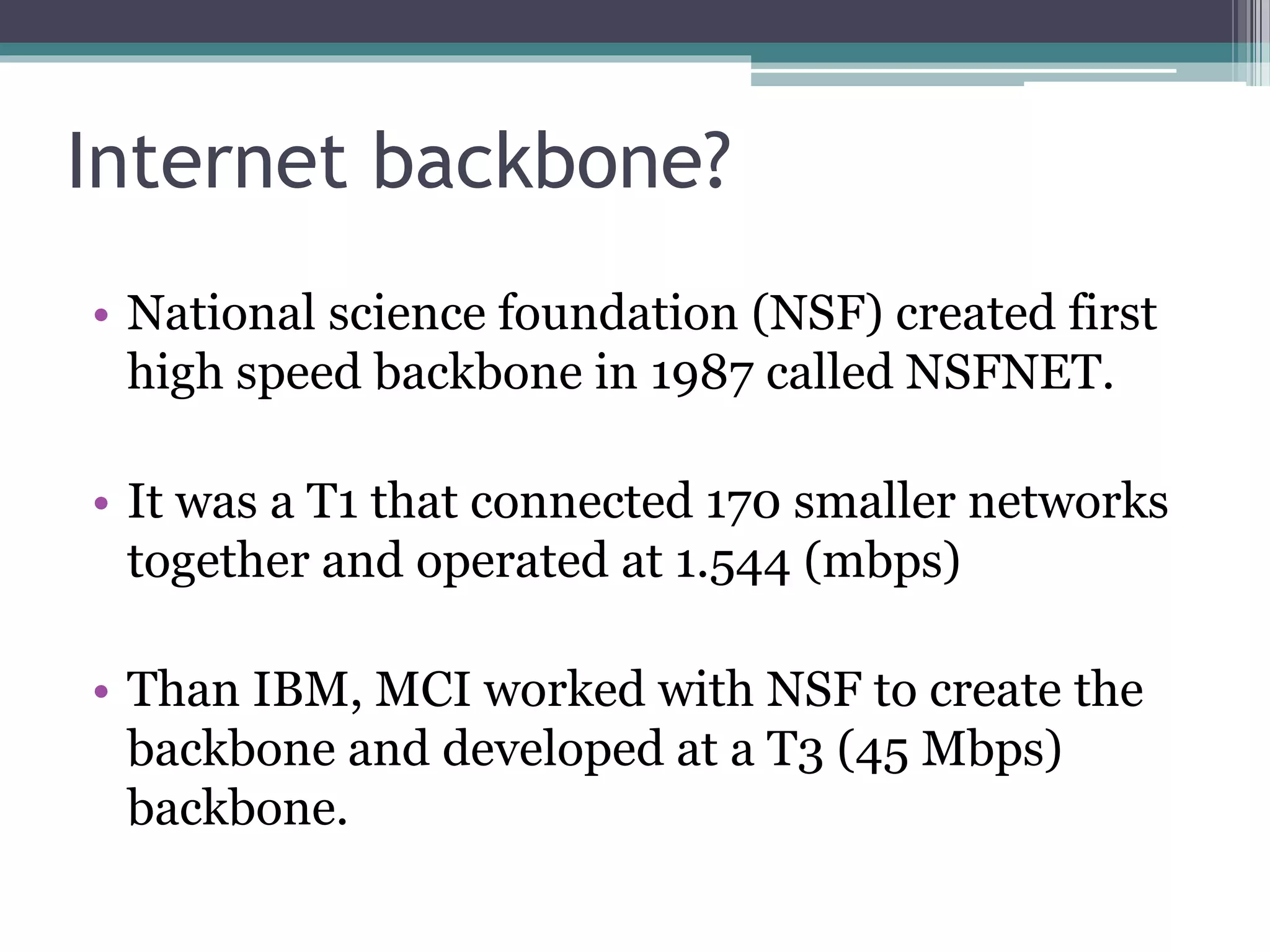
• National science foundation (NSF) created first
high speed backbone in 1987 called NSFNET.
• It was a T1 that connected 170 smaller networks
together and operated at 1.544 (mbps)
• Than IBM, MCI worked with NSF to create the
backbone and developed at a T3 (45 Mbps)
backbone.
Continued…..
 Backbones are typically fiber optic
trunk lines.
 The trunk line has multiple fiber optic
cables to increase the capacity.
 It is the central structure that connects
other elements of the network.
 Tim berners-lee invented the web in 1989.
 The web is a service a system for accessing
documents that is supported by the internet.
 The web’s creators wanted to create a
simple way to access any document that was
stored on a network without having to search
through indexes or directories of files.
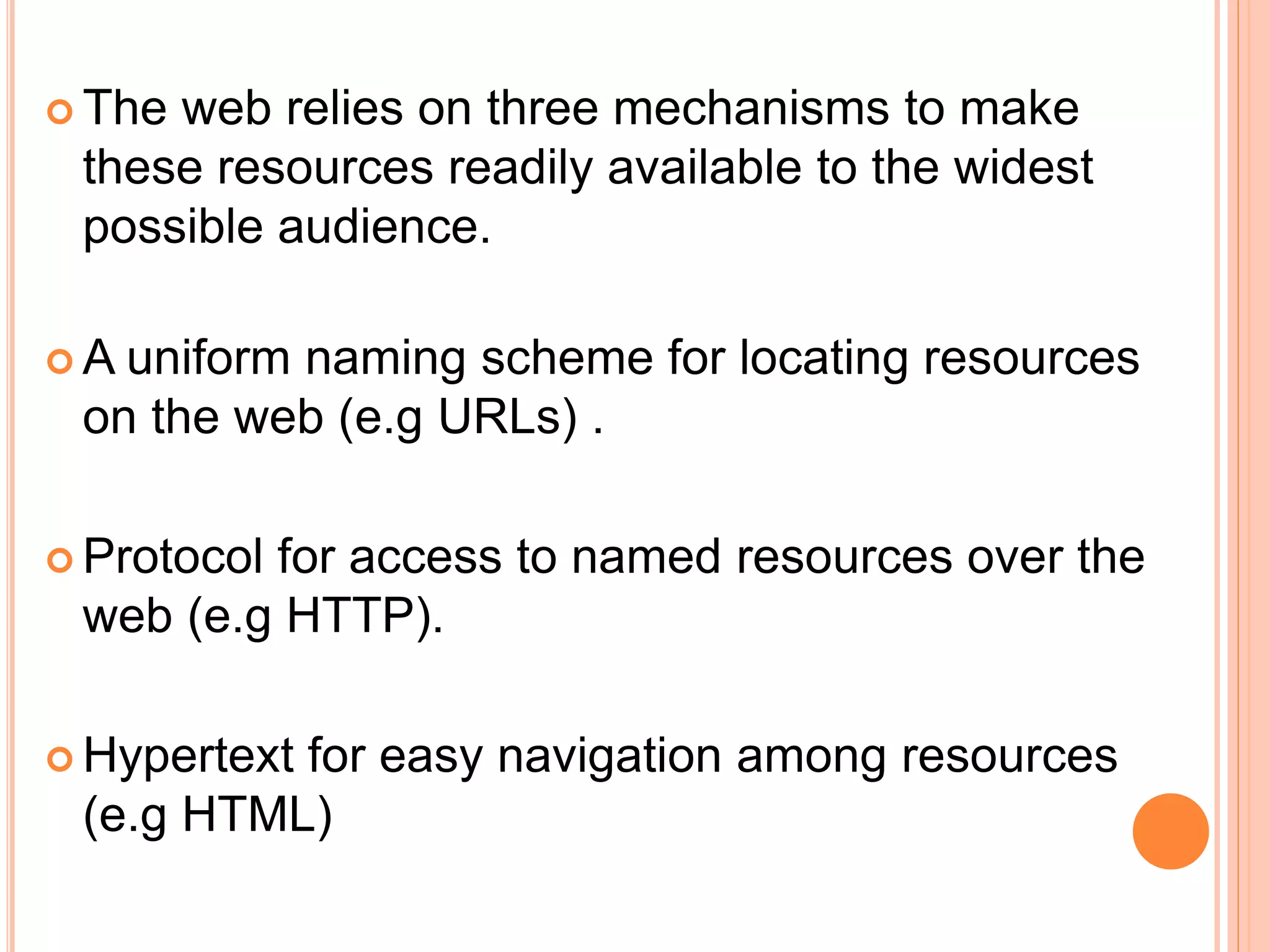
 The web relies on three mechanisms to make
these resources readily available to the widest
possible audience.
 A uniform naming scheme for locating resources
on the web (e.g URLs) .
 Protocol for access to named resources over the
web (e.g HTTP).
 Hypertext for easy navigation among resources
(e.g HTML)
Hypertext
 A hypertext document Is a specially encoded
file that uses the HTML.
 Hypertext more commonly called as webpage.
 HTML allows a document’s author to embed
hypertext links.
 Hypertext systems provide an easy way to
manage large collections of data, either image,
movie, audio, or text.
 Web documents are linked together because
they are created in a hypertext format.
Hyperlink
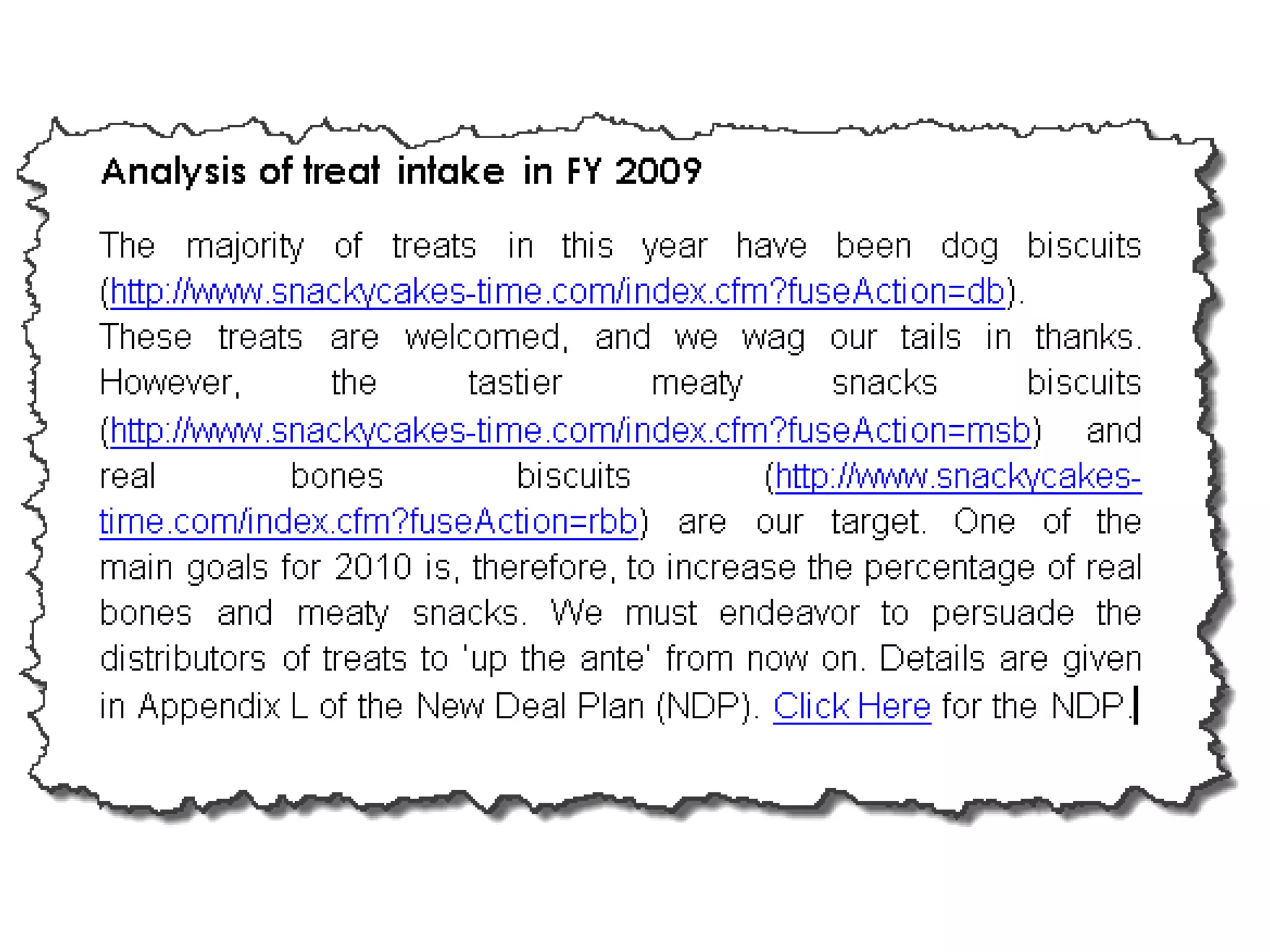
 A hyperlink is simply a part of the web page
that is linked to a URL.
 A hyperlink can appear as text, an image etc.
 By clicking an hyperlink you jump from present
location to the URL specified by the hyperlink.
 When pointer touches hyperlink text, the
hyperlink URL appears in the browser’s status
bar.
HTTP
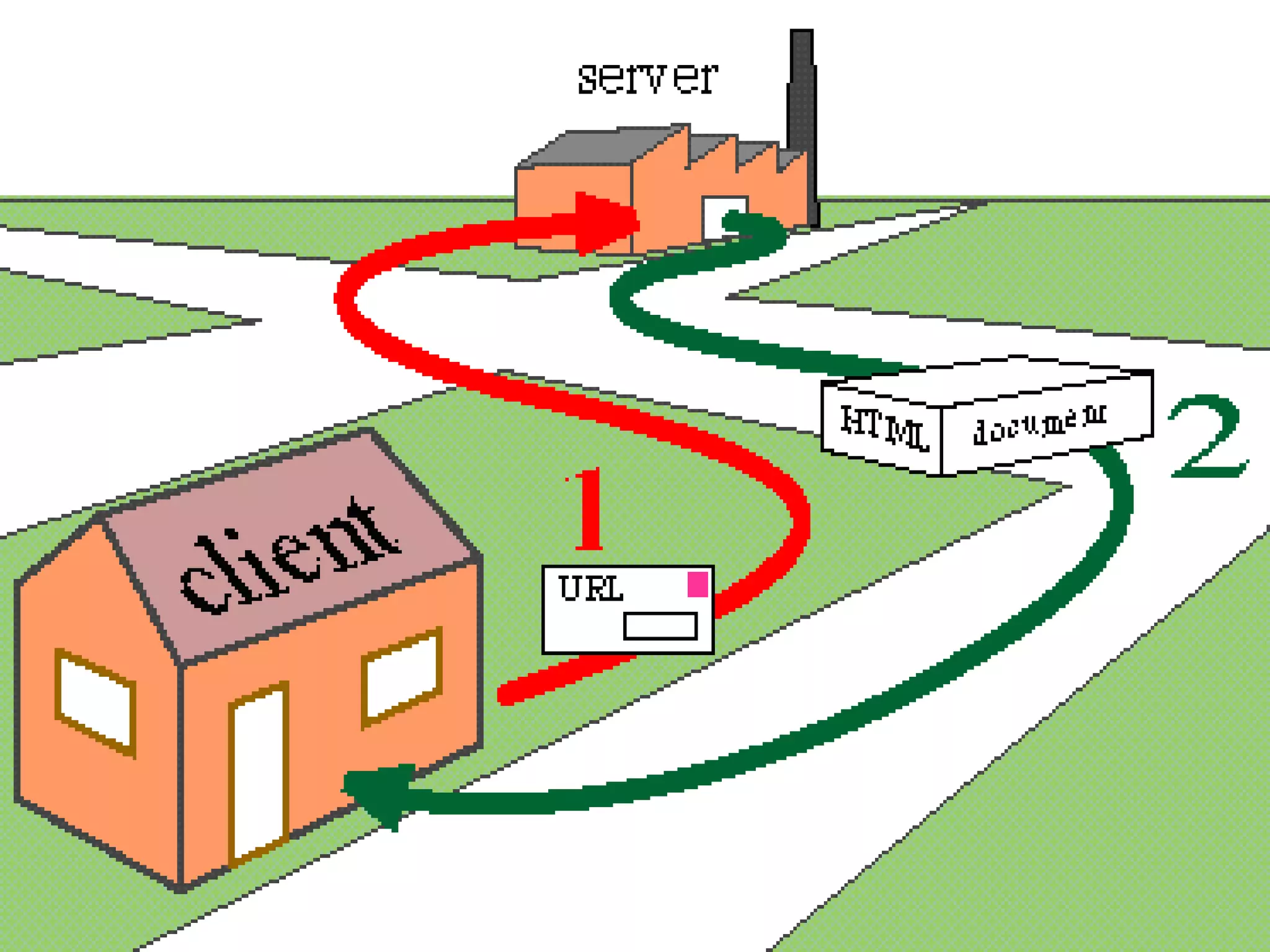
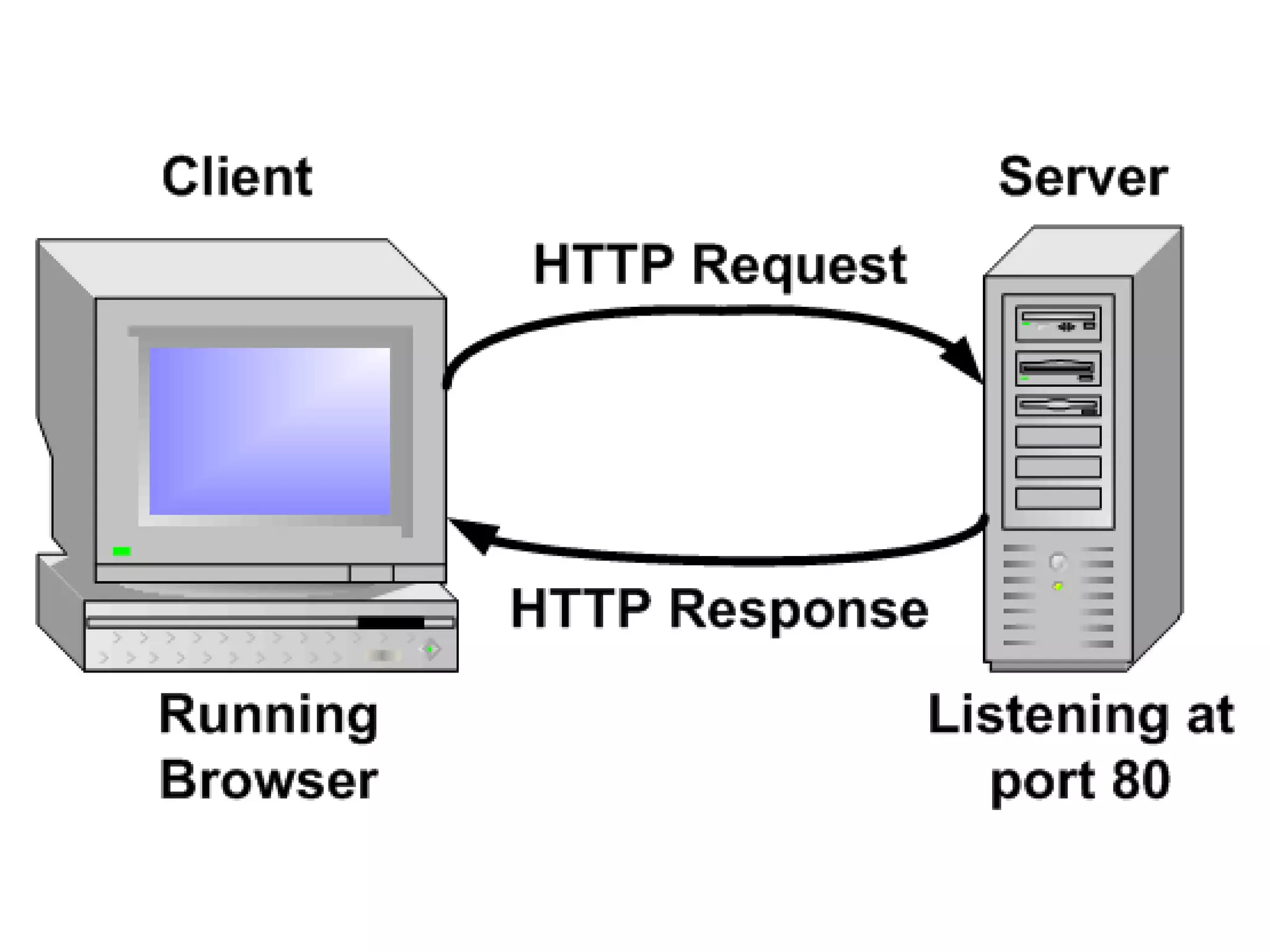
 To support hypertext document web uses a special
protocol HTTP.
 HTTP is an application protocol.
 It is the protocol used to exchange or transfer
hypertext.
 Used by web browser and web server to
communicate.
Universal resource locator (URL)
 The HTTP uses internet addresses in a special
format called a uniform resource locator.
 The intent was to take the idea of telephone
numbers, and apply them to addressing millions of
web pages and machines.
 Today, an estimated 65 billion web pages and
internet transmitters are addressed using URL
names.
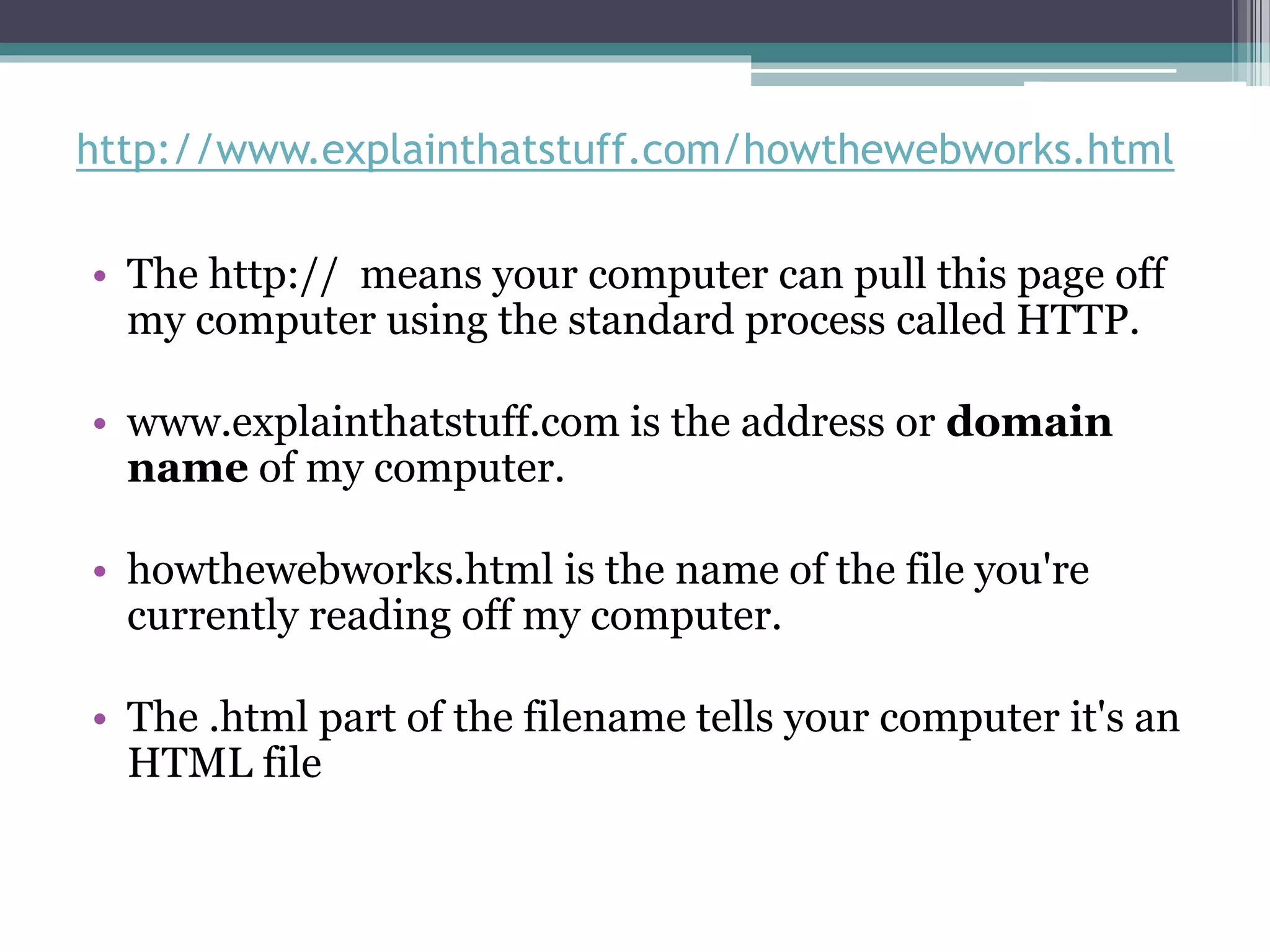
http://www.explainthatstuff.com/howthewebworks.html
• The http:// means your computer can pull this page off
my computer using the standard process called HTTP.
• www.explainthatstuff.com is the address or domain
name of my computer.
• howthewebworks.html is the name of the file you're
currently reading off my computer.
• The .html part of the filename tells your computer it's an
HTML file
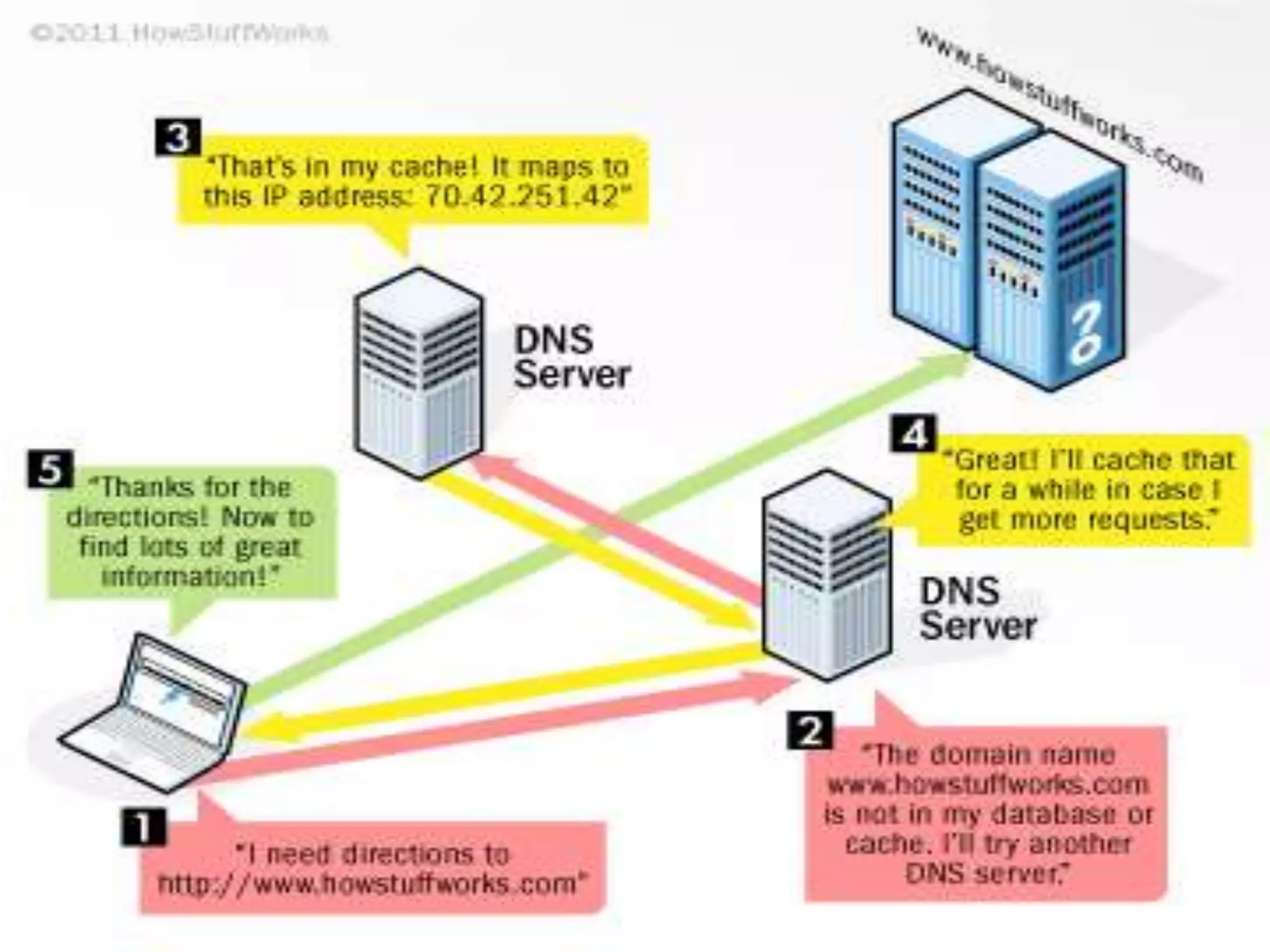
Domain name system (DNS)
 The domain name system (DNS) is the way
that Internet domain names are located and
translated into Internet Protocol addresses.
 an Internet service that translates domain
names into IP addresses.
 the domain name www.example.com might
translate to198.105.232.4.
Basics of internet
Basics of internet

Basics of internet

  • 2.
    contents  Internet Backbone World wide web (WWW)  Hypertext  Hyperlink  Universal resource locator  Hyper text transfer protocol  Domain name system
  • 3.
    Internet backbone? • Nationalscience foundation (NSF) created first high speed backbone in 1987 called NSFNET. • It was a T1 that connected 170 smaller networks together and operated at 1.544 (mbps) • Than IBM, MCI worked with NSF to create the backbone and developed at a T3 (45 Mbps) backbone.
  • 4.
    Continued…..  Backbones aretypically fiber optic trunk lines.  The trunk line has multiple fiber optic cables to increase the capacity.  It is the central structure that connects other elements of the network.
  • 6.
     Tim berners-leeinvented the web in 1989.  The web is a service a system for accessing documents that is supported by the internet.  The web’s creators wanted to create a simple way to access any document that was stored on a network without having to search through indexes or directories of files.
  • 7.
     The webrelies on three mechanisms to make these resources readily available to the widest possible audience.  A uniform naming scheme for locating resources on the web (e.g URLs) .  Protocol for access to named resources over the web (e.g HTTP).  Hypertext for easy navigation among resources (e.g HTML)
  • 9.
    Hypertext  A hypertextdocument Is a specially encoded file that uses the HTML.  Hypertext more commonly called as webpage.  HTML allows a document’s author to embed hypertext links.  Hypertext systems provide an easy way to manage large collections of data, either image, movie, audio, or text.  Web documents are linked together because they are created in a hypertext format.
  • 10.
    Hyperlink  A hyperlinkis simply a part of the web page that is linked to a URL.  A hyperlink can appear as text, an image etc.  By clicking an hyperlink you jump from present location to the URL specified by the hyperlink.  When pointer touches hyperlink text, the hyperlink URL appears in the browser’s status bar.
  • 12.
    HTTP  To supporthypertext document web uses a special protocol HTTP.  HTTP is an application protocol.  It is the protocol used to exchange or transfer hypertext.  Used by web browser and web server to communicate.
  • 14.
    Universal resource locator(URL)  The HTTP uses internet addresses in a special format called a uniform resource locator.  The intent was to take the idea of telephone numbers, and apply them to addressing millions of web pages and machines.  Today, an estimated 65 billion web pages and internet transmitters are addressed using URL names.
  • 15.
    http://www.explainthatstuff.com/howthewebworks.html • The http://means your computer can pull this page off my computer using the standard process called HTTP. • www.explainthatstuff.com is the address or domain name of my computer. • howthewebworks.html is the name of the file you're currently reading off my computer. • The .html part of the filename tells your computer it's an HTML file
  • 16.
    Domain name system(DNS)  The domain name system (DNS) is the way that Internet domain names are located and translated into Internet Protocol addresses.  an Internet service that translates domain names into IP addresses.  the domain name www.example.com might translate to198.105.232.4.