Backing Storage
What is backing storage?
• When the computer is switched off, the contents
of main memory are lost unless they have been
saved to a permanent storage device.
• Storage device such as hard drives and USB flash
drives are used to keep a permanent copy of
program and data files.
Types of Storage Devices - Magnetic
• Called magnetic storage devices because their
recording surfaces are coated with a material
that enables data to be stored digitally by using
different forms of magnetisation.
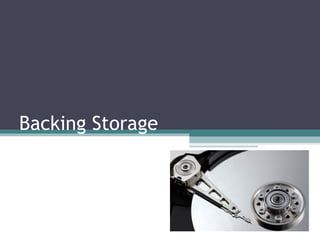
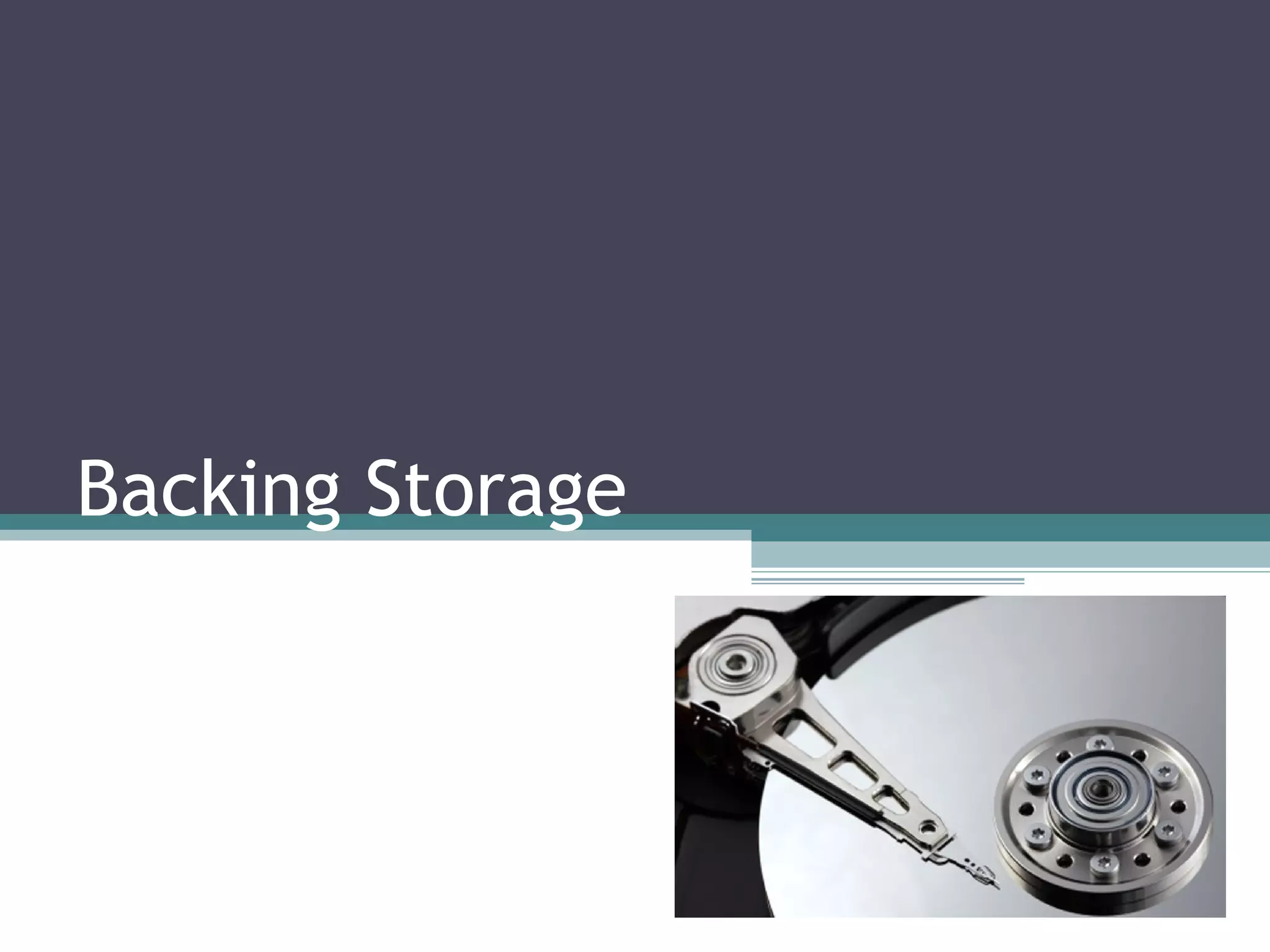
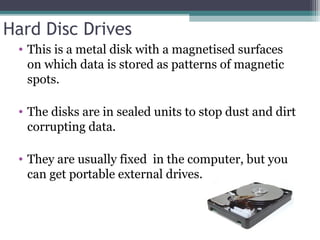
Hard Disc Drives
• This is a metal disk with a magnetised surfaces
on which data is stored as patterns of magnetic
spots.
• The disks are in sealed units to stop dust and dirt
corrupting data.
• They are usually fixed in the computer, but you
can get portable external drives.
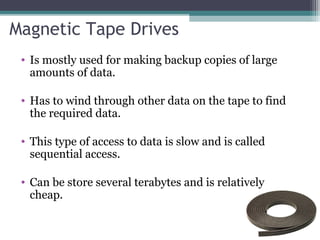
Magnetic Tape Drives
• Is mostly used for making backup copies of large
amounts of data.
• Has to wind through other data on the tape to find
the required data.
• This type of access to data is slow and is called
sequential access.
• Can be store several terabytes and is relatively
cheap.
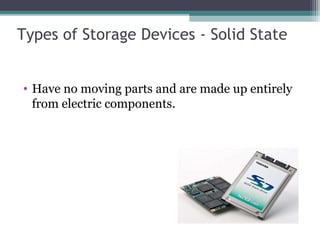
Types of Storage Devices - Solid State
• Have no moving parts and are made up entirely
from electric components.
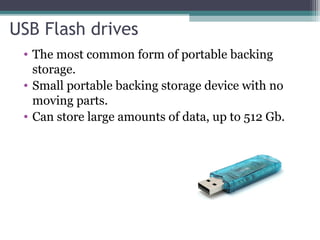
USB Flash drives
• The most common form of portable backing
storage.
• Small portable backing storage device with no
moving parts.
• Can store large amounts of data, up to 512 Gb.
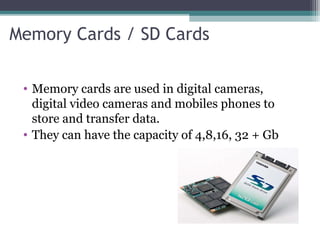
Memory Cards / SD Cards
• Memory cards are used in digital cameras,
digital video cameras and mobiles phones to
store and transfer data.
• They can have the capacity of 4,8,16, 32 + Gb
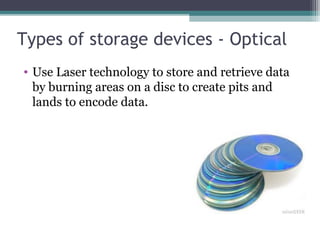
Types of storage devices - Optical
• Use Laser technology to store and retrieve data
by burning areas on a disc to create pits and
lands to encode data.
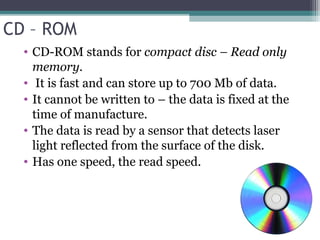
CD – ROM
• CD-ROM stands for compact disc – Read only
memory.
• It is fast and can store up to 700 Mb of data.
• It cannot be written to – the data is fixed at the
time of manufacture.
• The data is read by a sensor that detects laser
light reflected from the surface of the disk.
• Has one speed, the read speed.
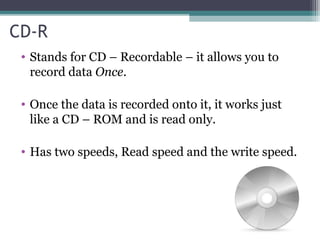
CD-R
• Stands for CD – Recordable – it allows you to
record data Once.
• Once the data is recorded onto it, it works just
like a CD – ROM and is read only.
• Has two speeds, Read speed and the write speed.
CD-RW
• Stands for CD- Rewritable.
• Record data over and over again.
• Can be used to make backups of large files.
• Has three speeds, one for writing, one for
rewriting and one for reading.
DVD-ROM
• Like a CD-ROM it is read only.
• Has a much larger capacity than a CD – ROM.
• Single layer DVD-ROMS have a capacity of 4.7
Gb.
• Double sided, multi-layer DVDs have the
capacity of 17 Gb.
• DVD-R - stands for recordable, and can only be
done one.
• DVD-RW – data to be stored over and over
again.

Backing storage

  • 1.
  • 2.
    What is backingstorage? • When the computer is switched off, the contents of main memory are lost unless they have been saved to a permanent storage device. • Storage device such as hard drives and USB flash drives are used to keep a permanent copy of program and data files.
  • 3.
    Types of StorageDevices - Magnetic • Called magnetic storage devices because their recording surfaces are coated with a material that enables data to be stored digitally by using different forms of magnetisation.
  • 4.
    Hard Disc Drives •This is a metal disk with a magnetised surfaces on which data is stored as patterns of magnetic spots. • The disks are in sealed units to stop dust and dirt corrupting data. • They are usually fixed in the computer, but you can get portable external drives.
  • 5.
    Magnetic Tape Drives •Is mostly used for making backup copies of large amounts of data. • Has to wind through other data on the tape to find the required data. • This type of access to data is slow and is called sequential access. • Can be store several terabytes and is relatively cheap.
  • 6.
    Types of StorageDevices - Solid State • Have no moving parts and are made up entirely from electric components.
  • 7.
    USB Flash drives •The most common form of portable backing storage. • Small portable backing storage device with no moving parts. • Can store large amounts of data, up to 512 Gb.
  • 8.
    Memory Cards /SD Cards • Memory cards are used in digital cameras, digital video cameras and mobiles phones to store and transfer data. • They can have the capacity of 4,8,16, 32 + Gb
  • 9.
    Types of storagedevices - Optical • Use Laser technology to store and retrieve data by burning areas on a disc to create pits and lands to encode data.
  • 10.
    CD – ROM •CD-ROM stands for compact disc – Read only memory. • It is fast and can store up to 700 Mb of data. • It cannot be written to – the data is fixed at the time of manufacture. • The data is read by a sensor that detects laser light reflected from the surface of the disk. • Has one speed, the read speed.
  • 11.
    CD-R • Stands forCD – Recordable – it allows you to record data Once. • Once the data is recorded onto it, it works just like a CD – ROM and is read only. • Has two speeds, Read speed and the write speed.
  • 12.
    CD-RW • Stands forCD- Rewritable. • Record data over and over again. • Can be used to make backups of large files. • Has three speeds, one for writing, one for rewriting and one for reading.
  • 13.
    DVD-ROM • Like aCD-ROM it is read only. • Has a much larger capacity than a CD – ROM. • Single layer DVD-ROMS have a capacity of 4.7 Gb. • Double sided, multi-layer DVDs have the capacity of 17 Gb. • DVD-R - stands for recordable, and can only be done one. • DVD-RW – data to be stored over and over again.