Storage and Retrieval of Information Unit 3
Why Do We File Documents? To find them easily & quickly To satisfy legal requirements To keep them secure To ensure data is available to answer queries To protect from wear & tear So up-to-date data can be provided
Features of a Good Filing System Simple and quick to use Conveniently located Appropriate for type of information held Flexible, able to expand easily Easy to monitor Secure Safe
Manual Filing Procedures Collect documents for filing Check for release mark Pre-sort into order Remove file from cabinet Place document in file in chronological order and replace in file cabinet
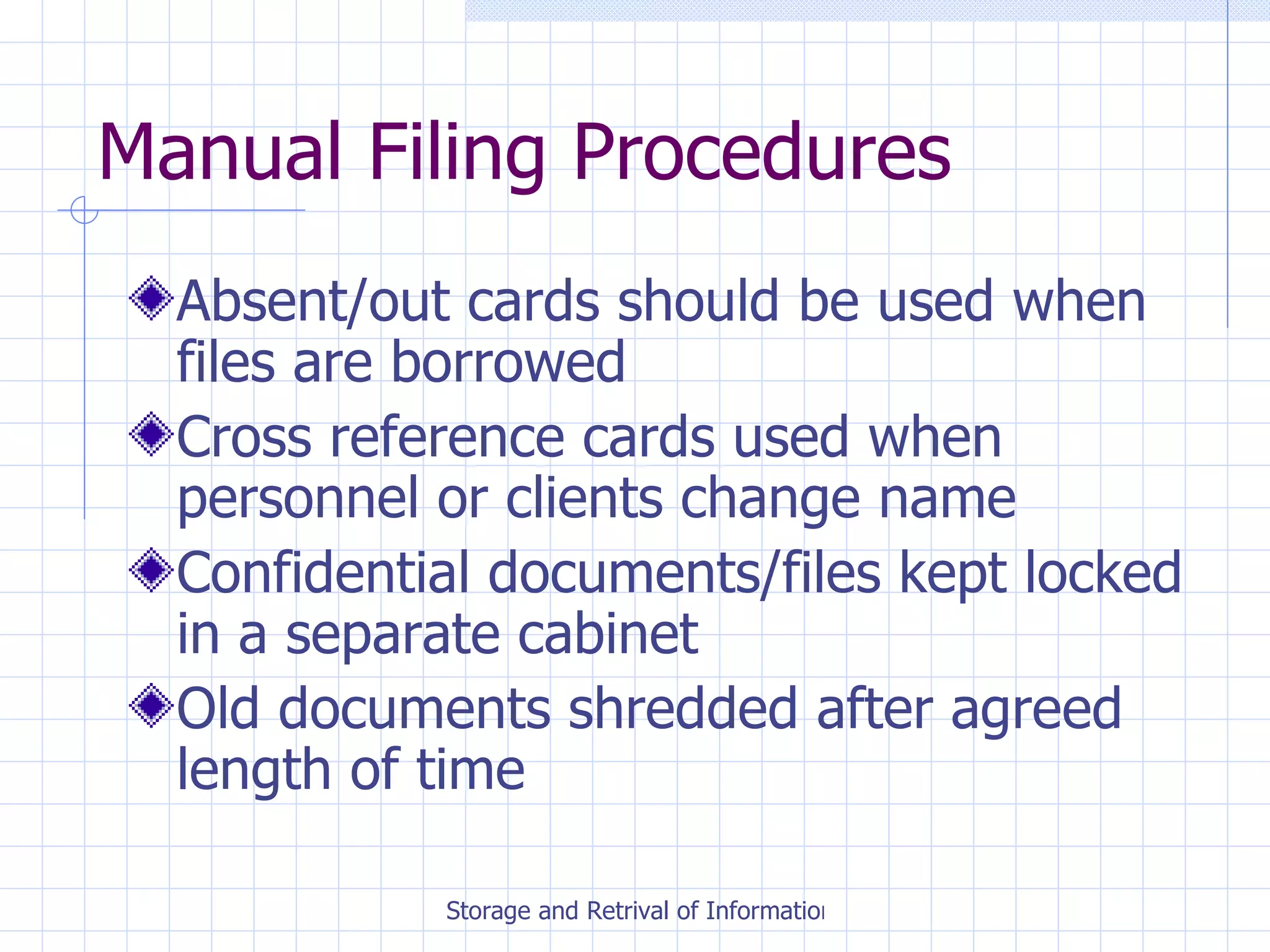
Manual Filing Procedures Absent/out cards should be used when files are borrowed Cross reference cards used when personnel or clients change name Confidential documents/files kept locked in a separate cabinet Old documents shredded after agreed length of time
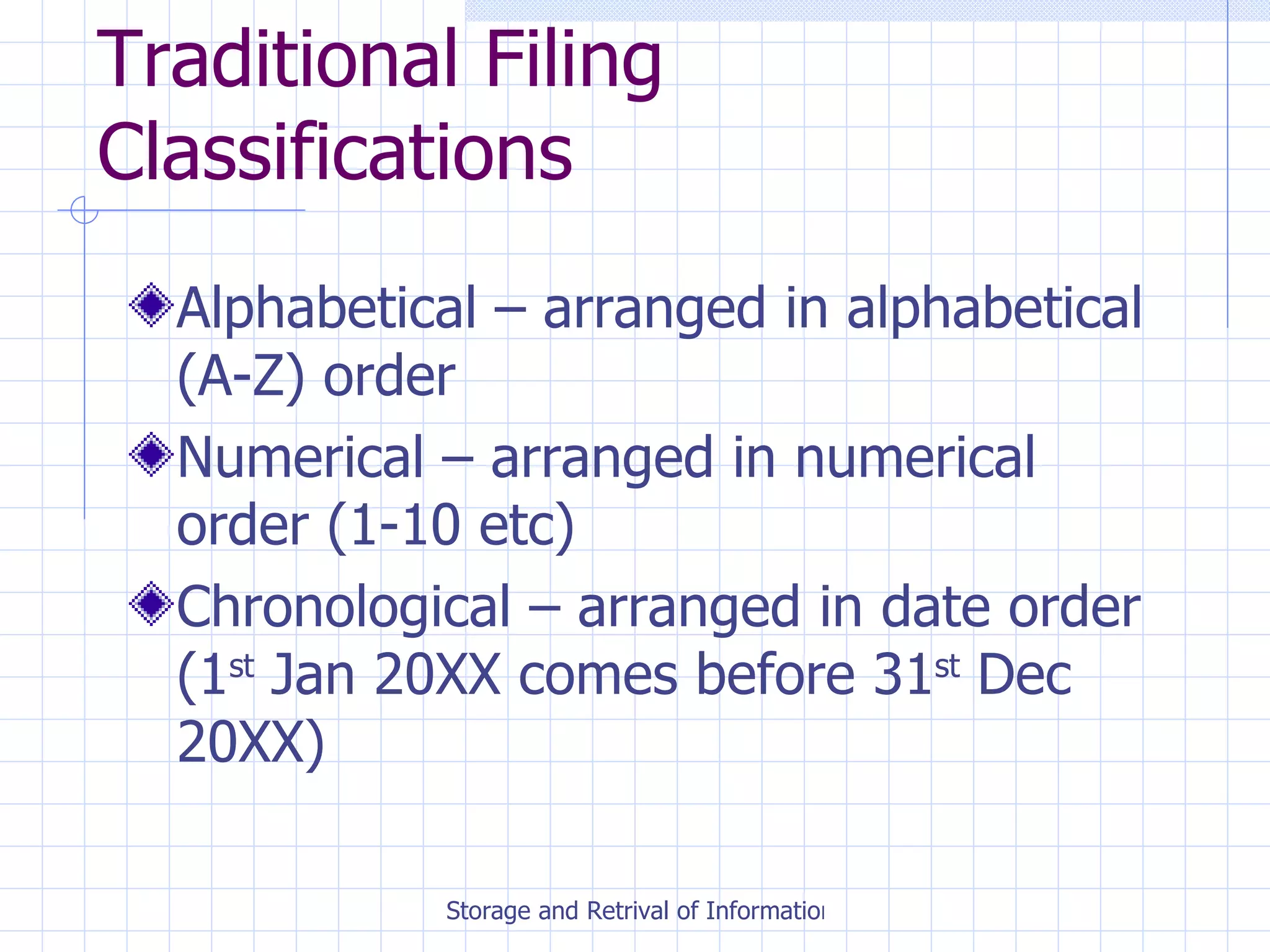
Traditional Filing Classifications Alphabetical – arranged in alphabetical (A-Z) order Numerical – arranged in numerical order (1-10 etc) Chronological – arranged in date order (1 st  Jan 20XX comes before 31 st  Dec 20XX)
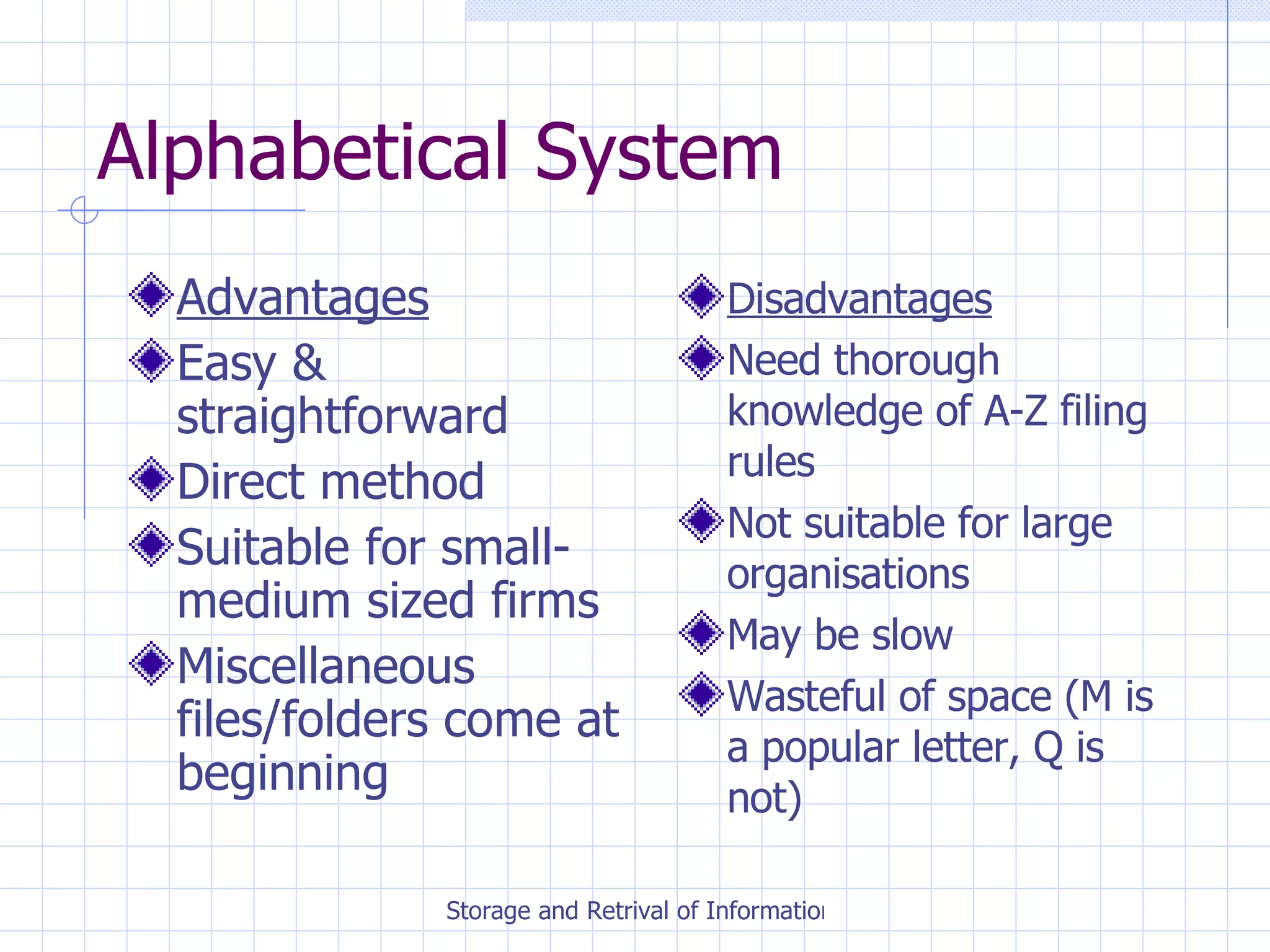
Alphabetical System Advantages Easy & straightforward Direct method Suitable for small-medium sized firms Miscellaneous files/folders come at beginning Disadvantages Need thorough knowledge of A-Z filing rules Not suitable for large organisations May be slow Wasteful of space (M is a popular letter, Q is not)
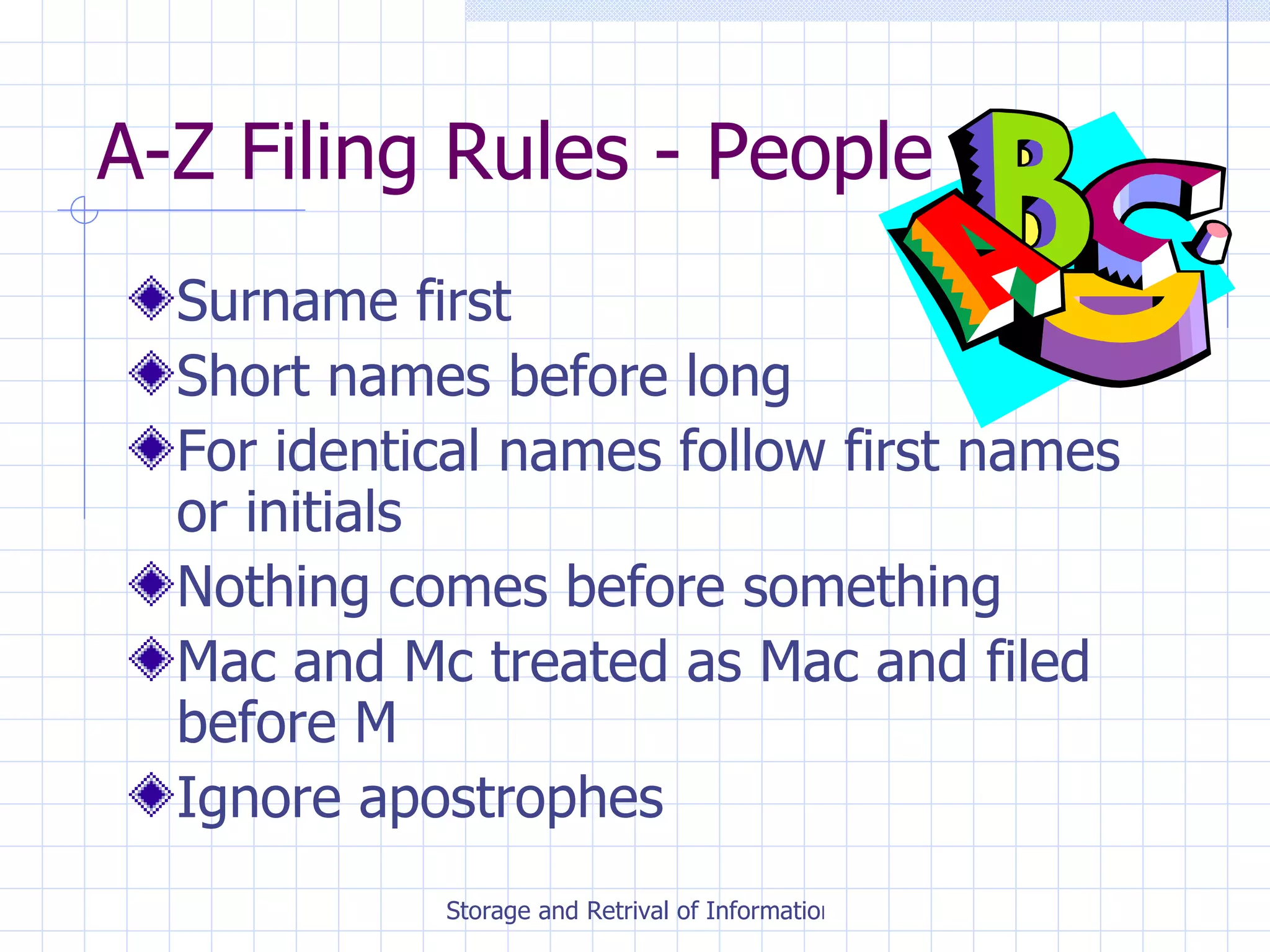
A-Z Filing Rules - People Surname first Short names before long For identical names follow first names or initials Nothing comes before something Mac and Mc treated as Mac and filed before M Ignore apostrophes
A-Z Filing Rules - Organisations Ignore word ‘The’ Numbers change to words Names identical, use street or town to determine order Initials come before full names Treat ‘Saint’ and ‘St’ as Saint Public bodies filed under town, city or department name
Numerical System Advantages Suitable for large organisations Can be used with reference number Easy to expand Disadvantages Indirect method Difficult to provide miscellaneous files/folders
Chronological Advantages Useful when date is most important item May be used along with another method Disadvantages Unlikely to be main filing method Needs an index to help retrieve information
Manual Filing Forms Vertical Filing Cabinet Lateral Filing Cabinet Filing Trays Lever Arch Files Filoxfax
Manual Filing Advantages Staff familiar with equipment Protection against wear and tear People like reading original documents Files clearly labelled Disadvantages Metal filing cabinets expensive May take time to find files Can become overloaded No back-ups
Electronic Filing Forms Floppy Disk Hard Disk Zip Drive CD Rom DVD
Databases A Database is an electronic filing system Databases are tables which consist of records and fields
Records and Fields A record is a collection of data about one person/thing  e.g. Bilbo Baggins record within Employee Database A field is a piece of information contained within a record  e.g. Name, D.O.B., Salary
Database Functions Create records & fields Enter information Add, delete alter records & fields Search for information Sort alphabetically or numerically Mail merge
Spreadsheets A Spreadsheet is an  electronic  worksheet used to manage numbers and carry out calculations. Spreadsheets are made up of  lettered columns  and  numbered rows  which form a grid
Uses of Spreadsheets Budgets Wages Sales Stock Records
Electronic Filing Advantages Saves filing space Documents can be scanned in Can use search criteria Same file can be accessed by others Security passwords restricts access Back-ups used Disdvantages Inappropriate for small firms IT training required Faults and breakdowns Compliance with Data Protection Act
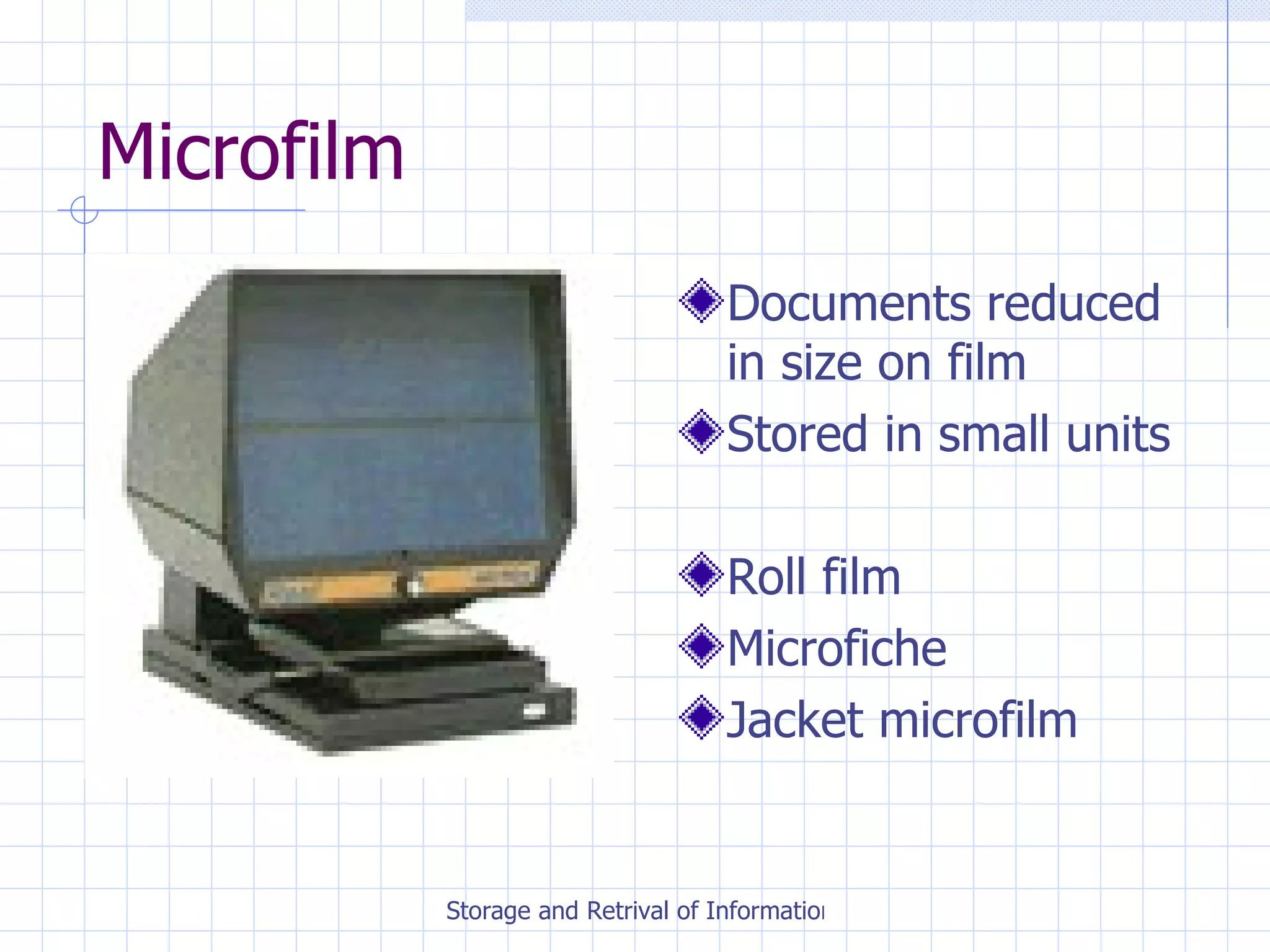
Microfilm Documents reduced in size on film Stored in small units Roll film Microfiche Jacket microfilm
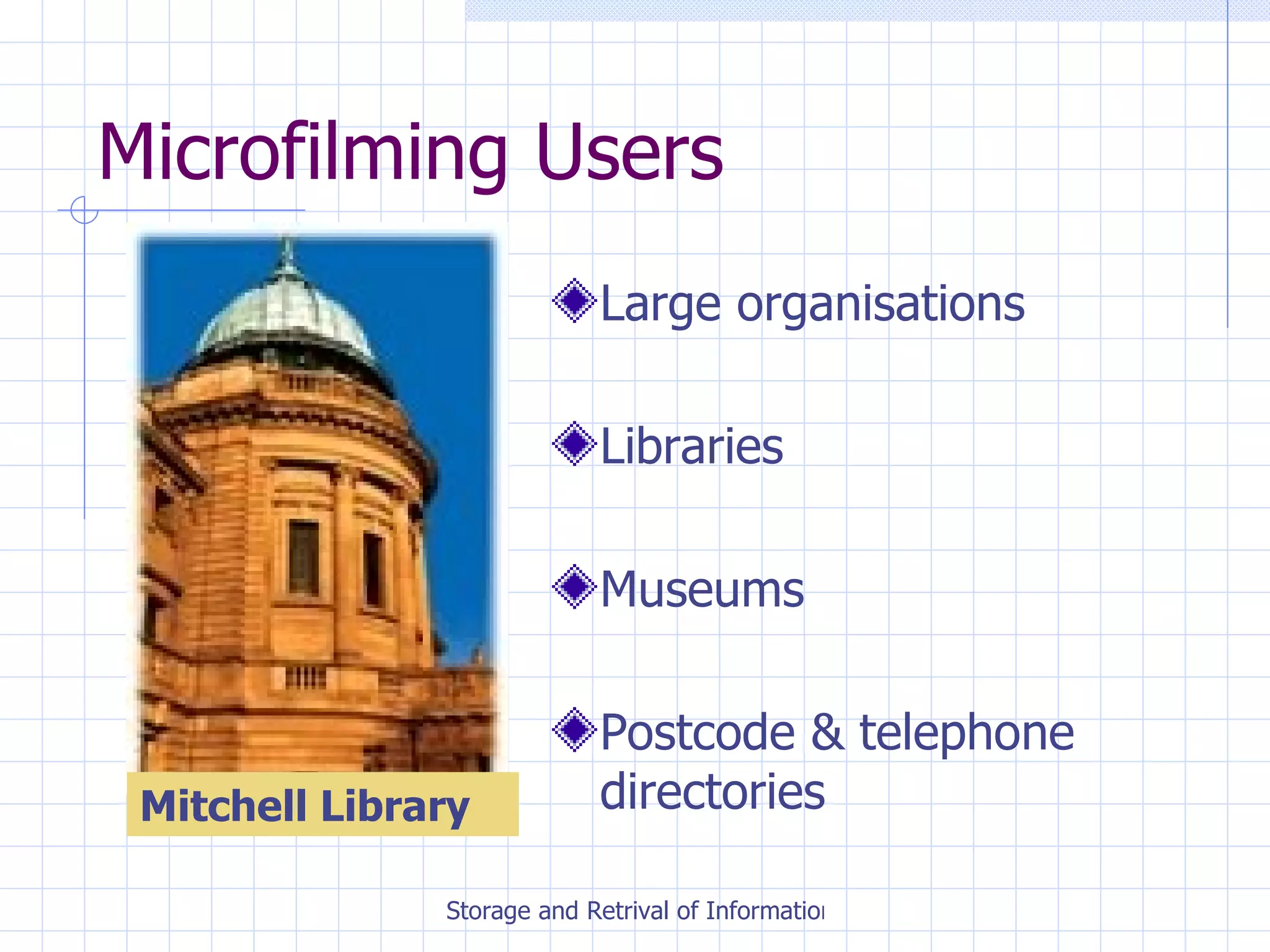
Microfilming Users Large organisations Libraries Museums Postcode & telephone directories Mitchell Library
What equipment is needed? Camera Viewer Printer Processor
Microfilm +/- Saves space Saves cost of filing and indexing equipment Lasts longer than paper Copies easily made Loss of documents rare High equipment cost Time taken to film and index documents Special equipment needed to view documents
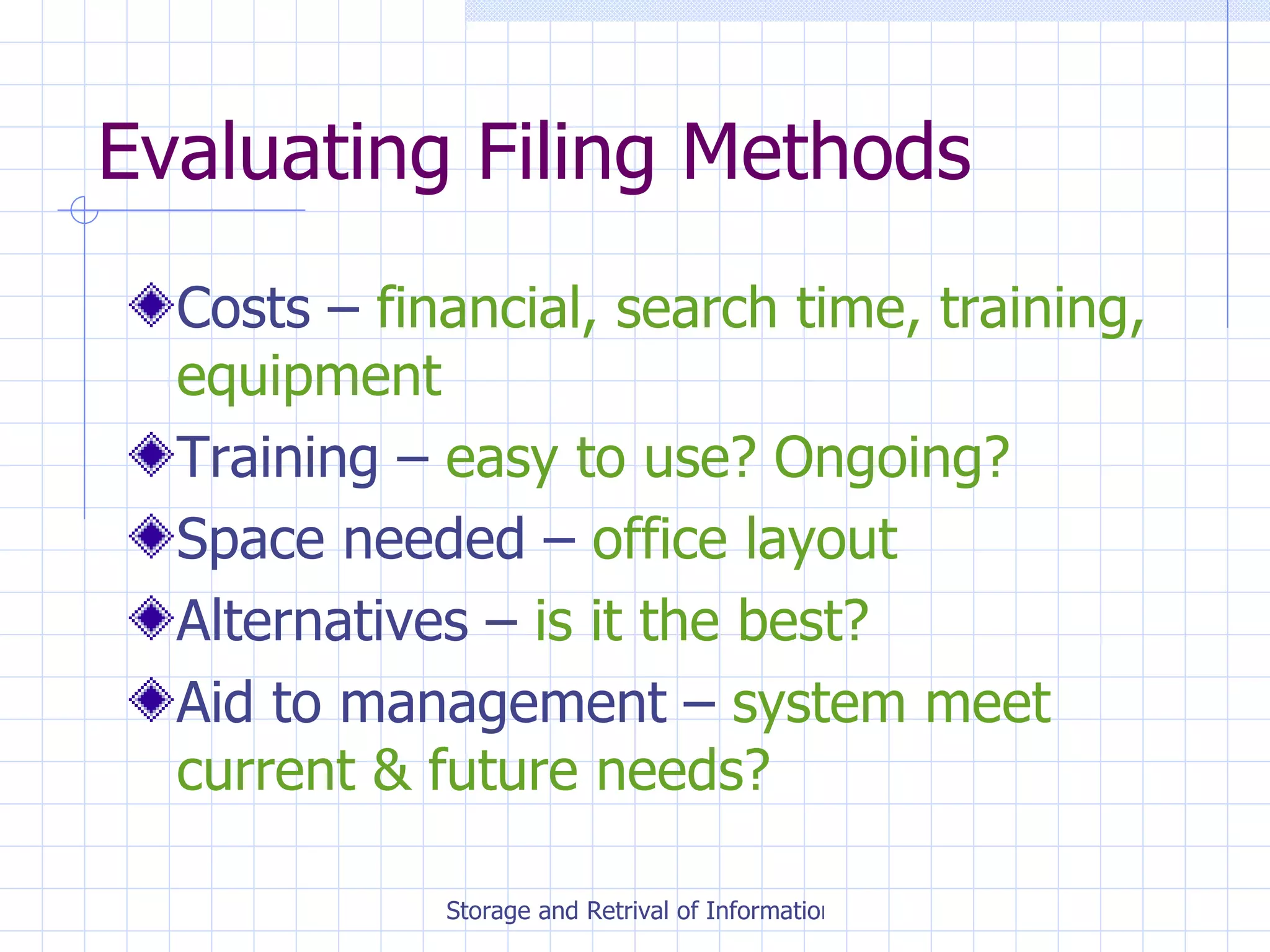
Evaluating Filing Methods Costs –  financial, search time, training, equipment Training –  easy to use? Ongoing? Space needed –  office layout Alternatives –  is it the best? Aid to management –  system meet current & future needs?
Manual Filing System Considerations Cost Training Space Benefits
Electronic Filing Considerations Cost Training Space Benefits
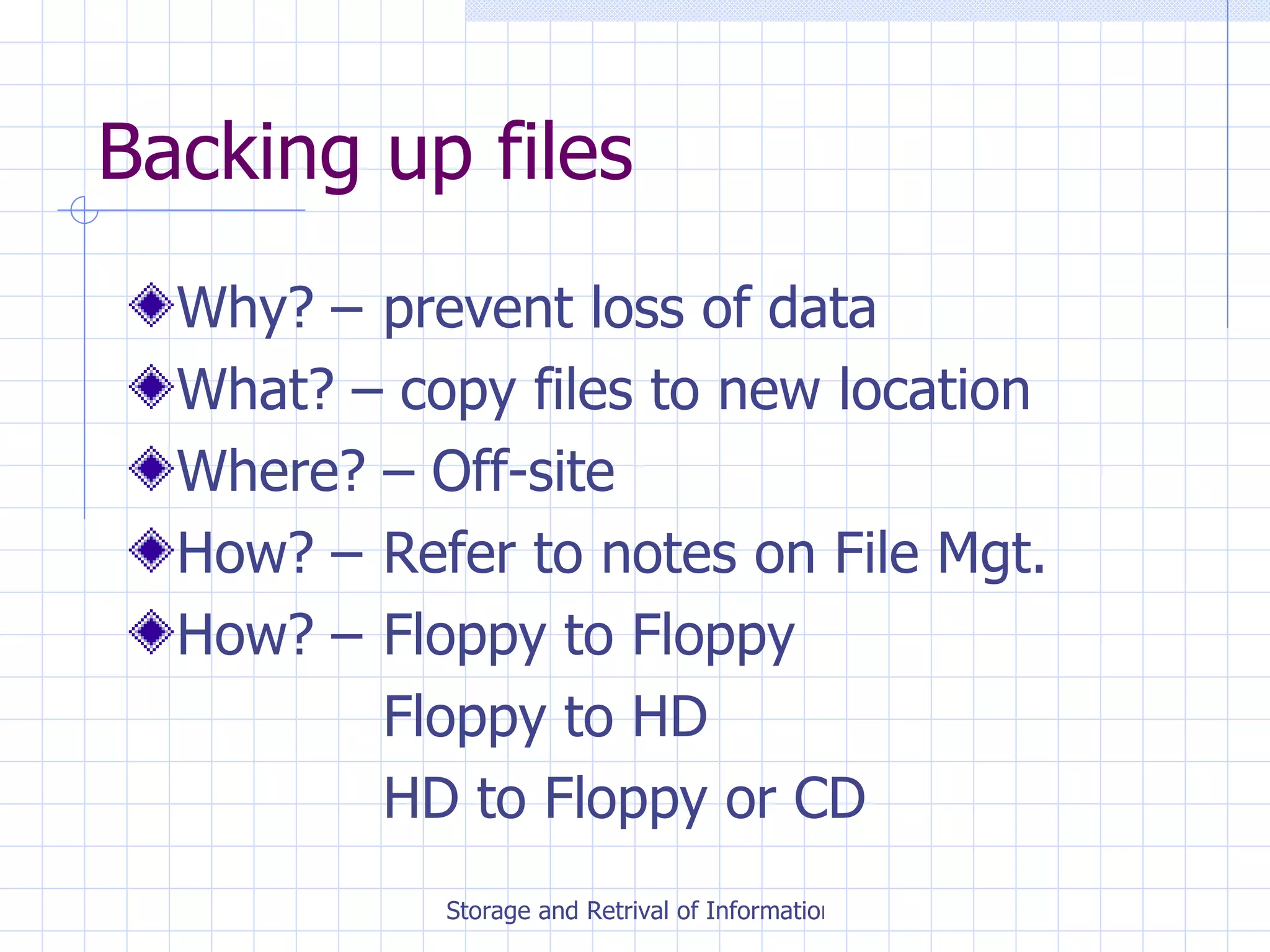
Backing up files Why? –  prevent loss of data What? – copy files to new location Where? – Off-site How? –  Refer to notes on File Mgt. How? –  Floppy to Floppy Floppy to HD HD to Floppy or CD
Ensuring security of information Passwords restricts access Change passwords regularly Put locks on disk drives Place certain terminals in restricted areas Floppy disks and CDs kept in lockable boxes
Data Protection Act
Principles of Data Protection fairly and lawfully processed;  processed for limited purposes;  adequate, relevant and not excessive;  accurate;  not kept longer than necessary;  processed in accordance with the data subject's rights;  secure;  not transferred to countries without adequate protection.

Storage And Retrieval Of Information

  • 1.
    Storage and Retrievalof Information Unit 3
  • 2.
    Why Do WeFile Documents? To find them easily & quickly To satisfy legal requirements To keep them secure To ensure data is available to answer queries To protect from wear & tear So up-to-date data can be provided
  • 3.
    Features of aGood Filing System Simple and quick to use Conveniently located Appropriate for type of information held Flexible, able to expand easily Easy to monitor Secure Safe
  • 4.
    Manual Filing ProceduresCollect documents for filing Check for release mark Pre-sort into order Remove file from cabinet Place document in file in chronological order and replace in file cabinet
  • 5.
    Manual Filing ProceduresAbsent/out cards should be used when files are borrowed Cross reference cards used when personnel or clients change name Confidential documents/files kept locked in a separate cabinet Old documents shredded after agreed length of time
  • 6.
    Traditional Filing ClassificationsAlphabetical – arranged in alphabetical (A-Z) order Numerical – arranged in numerical order (1-10 etc) Chronological – arranged in date order (1 st Jan 20XX comes before 31 st Dec 20XX)
  • 7.
    Alphabetical System AdvantagesEasy & straightforward Direct method Suitable for small-medium sized firms Miscellaneous files/folders come at beginning Disadvantages Need thorough knowledge of A-Z filing rules Not suitable for large organisations May be slow Wasteful of space (M is a popular letter, Q is not)
  • 8.
    A-Z Filing Rules- People Surname first Short names before long For identical names follow first names or initials Nothing comes before something Mac and Mc treated as Mac and filed before M Ignore apostrophes
  • 9.
    A-Z Filing Rules- Organisations Ignore word ‘The’ Numbers change to words Names identical, use street or town to determine order Initials come before full names Treat ‘Saint’ and ‘St’ as Saint Public bodies filed under town, city or department name
  • 10.
    Numerical System AdvantagesSuitable for large organisations Can be used with reference number Easy to expand Disadvantages Indirect method Difficult to provide miscellaneous files/folders
  • 11.
    Chronological Advantages Usefulwhen date is most important item May be used along with another method Disadvantages Unlikely to be main filing method Needs an index to help retrieve information
  • 12.
    Manual Filing FormsVertical Filing Cabinet Lateral Filing Cabinet Filing Trays Lever Arch Files Filoxfax
  • 13.
    Manual Filing AdvantagesStaff familiar with equipment Protection against wear and tear People like reading original documents Files clearly labelled Disadvantages Metal filing cabinets expensive May take time to find files Can become overloaded No back-ups
  • 14.
    Electronic Filing FormsFloppy Disk Hard Disk Zip Drive CD Rom DVD
  • 15.
    Databases A Databaseis an electronic filing system Databases are tables which consist of records and fields
  • 16.
    Records and FieldsA record is a collection of data about one person/thing e.g. Bilbo Baggins record within Employee Database A field is a piece of information contained within a record e.g. Name, D.O.B., Salary
  • 17.
    Database Functions Createrecords & fields Enter information Add, delete alter records & fields Search for information Sort alphabetically or numerically Mail merge
  • 18.
    Spreadsheets A Spreadsheetis an electronic worksheet used to manage numbers and carry out calculations. Spreadsheets are made up of lettered columns and numbered rows which form a grid
  • 19.
    Uses of SpreadsheetsBudgets Wages Sales Stock Records
  • 20.
    Electronic Filing AdvantagesSaves filing space Documents can be scanned in Can use search criteria Same file can be accessed by others Security passwords restricts access Back-ups used Disdvantages Inappropriate for small firms IT training required Faults and breakdowns Compliance with Data Protection Act
  • 21.
    Microfilm Documents reducedin size on film Stored in small units Roll film Microfiche Jacket microfilm
  • 22.
    Microfilming Users Largeorganisations Libraries Museums Postcode & telephone directories Mitchell Library
  • 23.
    What equipment isneeded? Camera Viewer Printer Processor
  • 24.
    Microfilm +/- Savesspace Saves cost of filing and indexing equipment Lasts longer than paper Copies easily made Loss of documents rare High equipment cost Time taken to film and index documents Special equipment needed to view documents
  • 25.
    Evaluating Filing MethodsCosts – financial, search time, training, equipment Training – easy to use? Ongoing? Space needed – office layout Alternatives – is it the best? Aid to management – system meet current & future needs?
  • 26.
    Manual Filing SystemConsiderations Cost Training Space Benefits
  • 27.
    Electronic Filing ConsiderationsCost Training Space Benefits
  • 28.
    Backing up filesWhy? – prevent loss of data What? – copy files to new location Where? – Off-site How? – Refer to notes on File Mgt. How? – Floppy to Floppy Floppy to HD HD to Floppy or CD
  • 29.
    Ensuring security ofinformation Passwords restricts access Change passwords regularly Put locks on disk drives Place certain terminals in restricted areas Floppy disks and CDs kept in lockable boxes
  • 30.
  • 31.
    Principles of DataProtection fairly and lawfully processed; processed for limited purposes; adequate, relevant and not excessive; accurate; not kept longer than necessary; processed in accordance with the data subject's rights; secure; not transferred to countries without adequate protection.