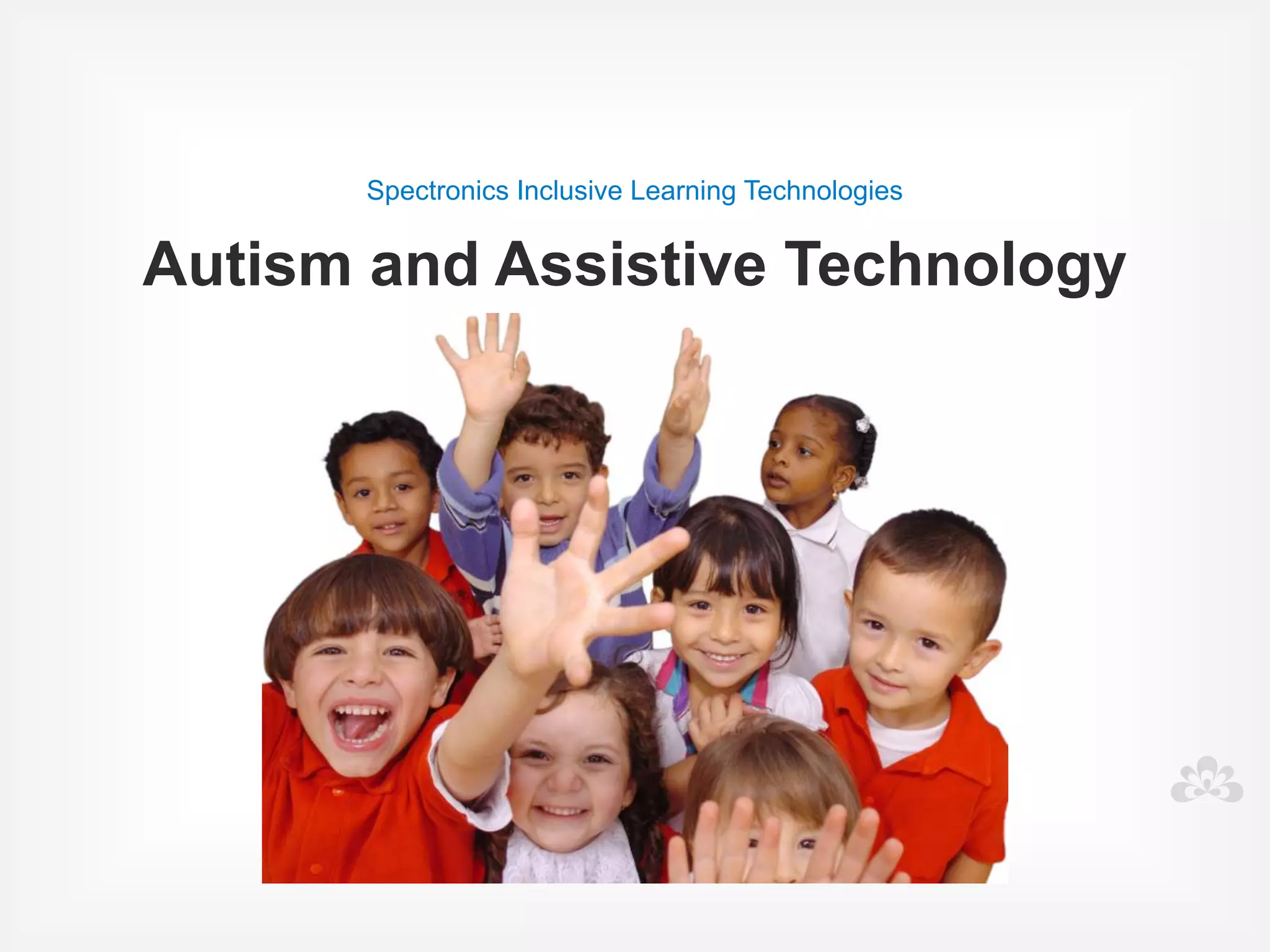
Spectronics Inclusive Learning Technologies


Autism Masterclass
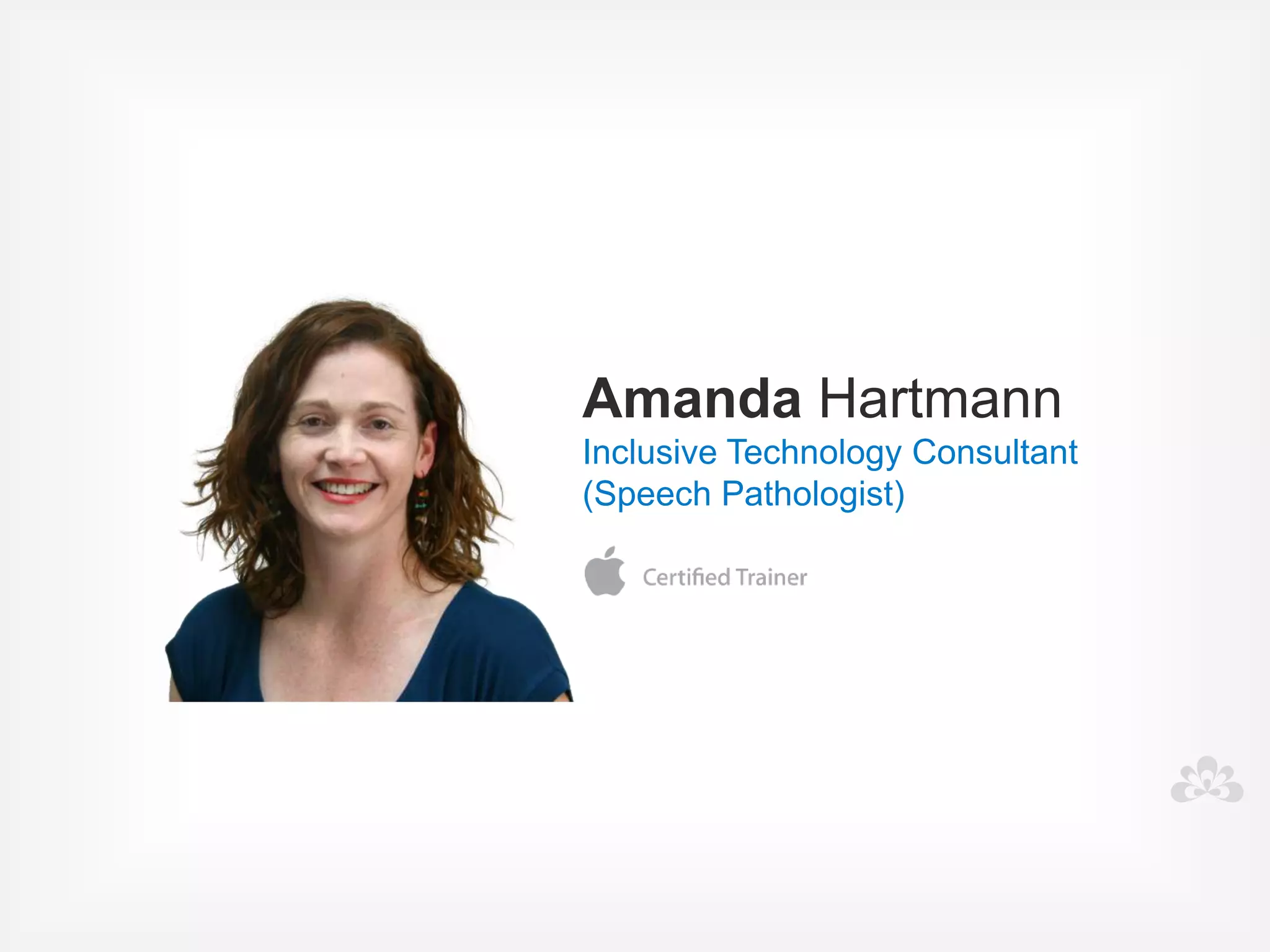
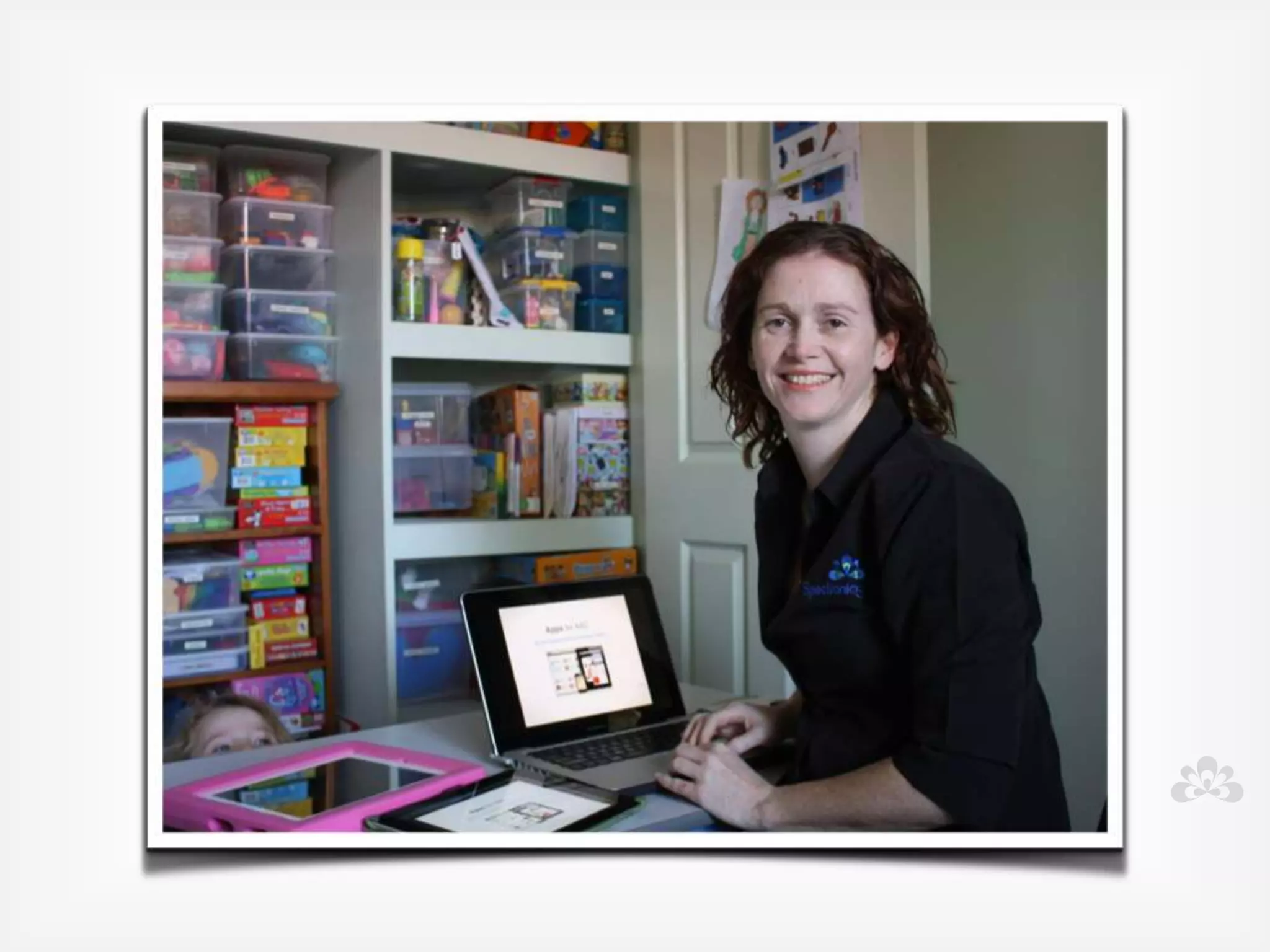
Amanda Hartmann
Inclusive Technology Consultant

(Speech Pathologist)
What do you hope 
 to learn today?


              Goals
I want to change your cycle.....


                Crazy or success?
OVERVIEW
• What is Autism?

• Technology

• Communication

• Behaviour

• Social development

• Questions
What is Autism?
            Part 1
Autism
  Autism Spectrum Disorder (ASD)


Range of conditions that share common characteristics,
  including difficulties with communicating, problem
                 solving and interacting.
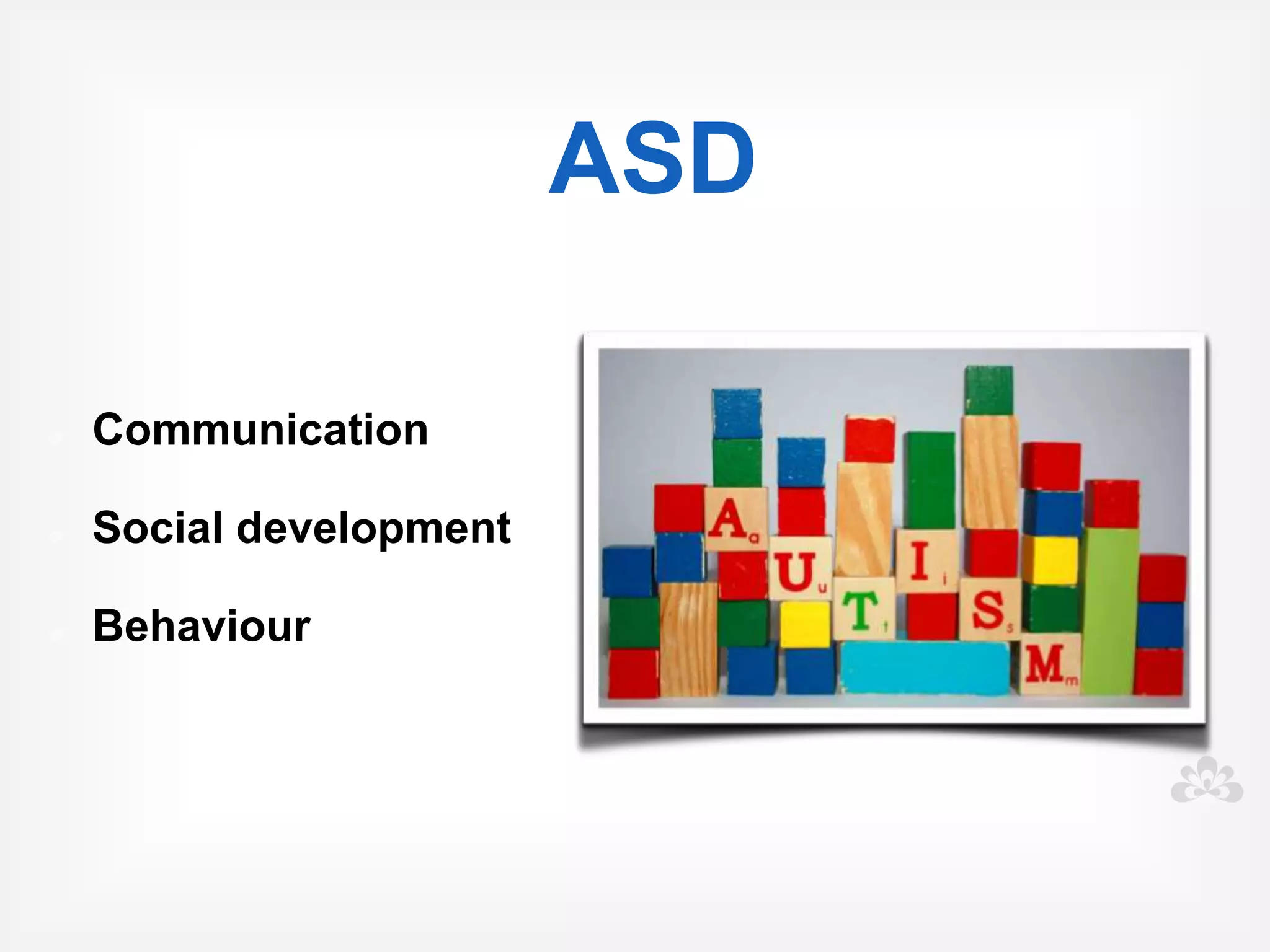
ASD

Communication

Social development

Behaviour
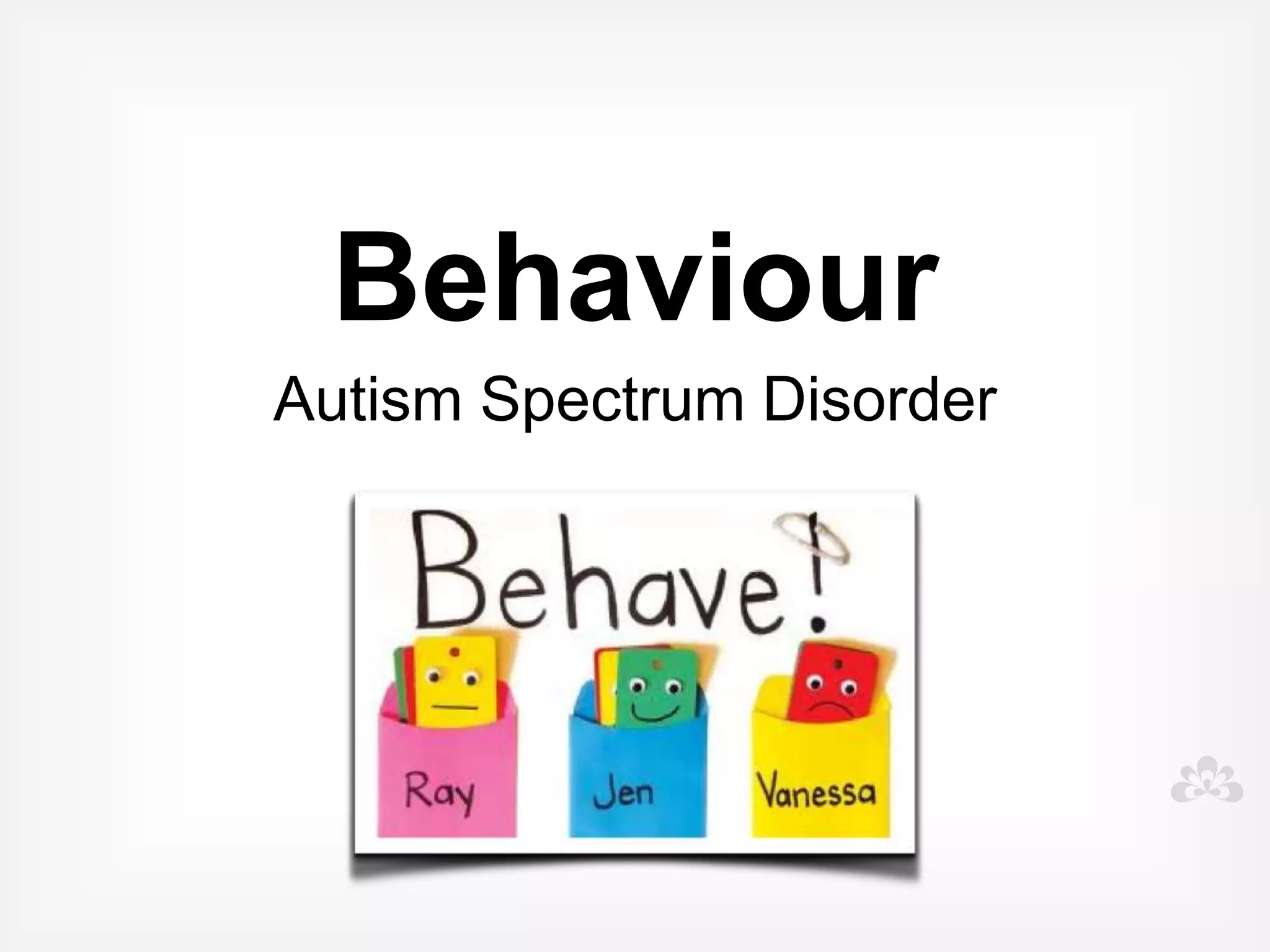
Behaviour
Your student


                    Social
                 Development
 Communication
Early warning signs    Seek advice if you see some or
                         many of these behaviours:

  • Doesn't smile at familiar people

  • Doesn't respond to name

  • Doesn't easily engage in or even enjoy
    games

  • Doesn't use eye contact

  • Doesn't point to things

  • Doesn't understand instructions
Early warning signs, more...
                         Seek advice if you see some or
                           many of these behaviours:

     • Intense interest in narrow range of topics

     • Obsessed with one game or toy

     • Easily upset by change, demands routine

     • Unusual body movements

     • Extremely sensitive to sensory
       experiences

     • Seeks sensory stimulation
Functional
assessment
                  Needs
               Strengths
               Motivators
  Challenging behaviours
Translates...
Into meaningful goals
Functional assessment

• Look at the child in context, and the behaviour
  in a real context

• What are the functions of the behaviour- what
  and why is the child achieving?

• Plan and implement strategies
Behaviours
• Make descriptions of behaviour specific

• What exactly, when exactly, where?

• Record frequency and duration

• Record reactions and consequences to
  intervention
Functions of the
          behaviour...
• Escape/ avoidance of a situation

• Attention gained from the action

• Getting access to a tangible item or activity

• Automatic personal reinforcement or sensory
  input
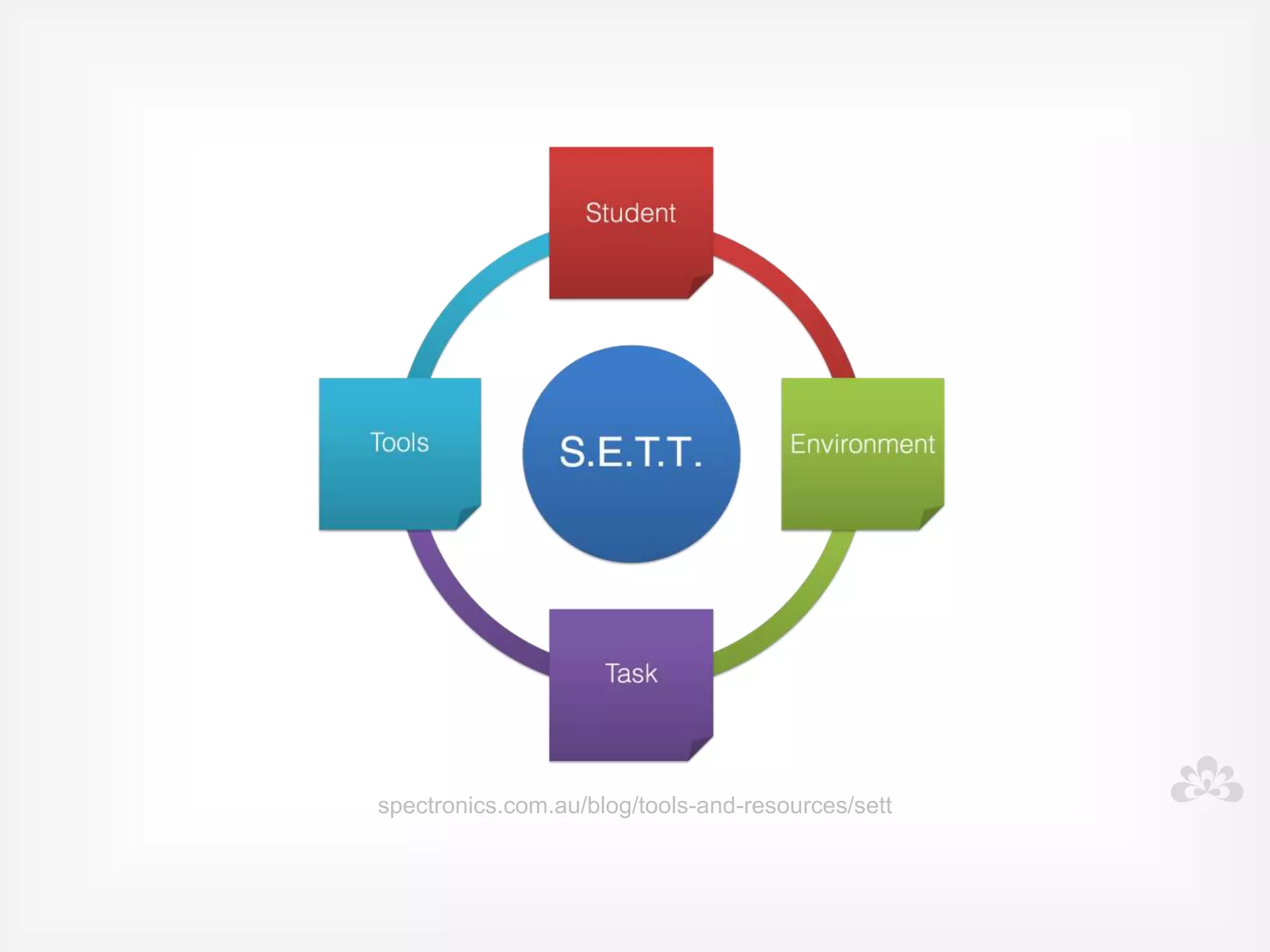
spectronics.com.au/blog/tools-and-resources/sett
Other disability groups
• Speech and language impairments

• Physical impairments

• Intellectual impairments

• Learning difficulties

• Sensory impairments
Overview of the
 Technology
            Part 2
Technology
                       Currently being used:
• Computers/ laptops

• Specialised software

• Websites

• Mobile tablet technologies, eg iPad

• Growing and expanding
Key principles to using technology
     for students with Autism

• Must be VISUAL

• Be implemented with positive behavioural
  supports

• Must be functional, motivating and interactive
Technology
                             Integrate use to:


• Improve and develop a communication
  system

• Assist development of social skills

• Enhance ability to learn
Low tech
     Symbol cards
     Symbol boards
       Visual tools
     Sign language
Range of technology
 for communication
              Symbols
              Software
         Communication devices
             iPad apps
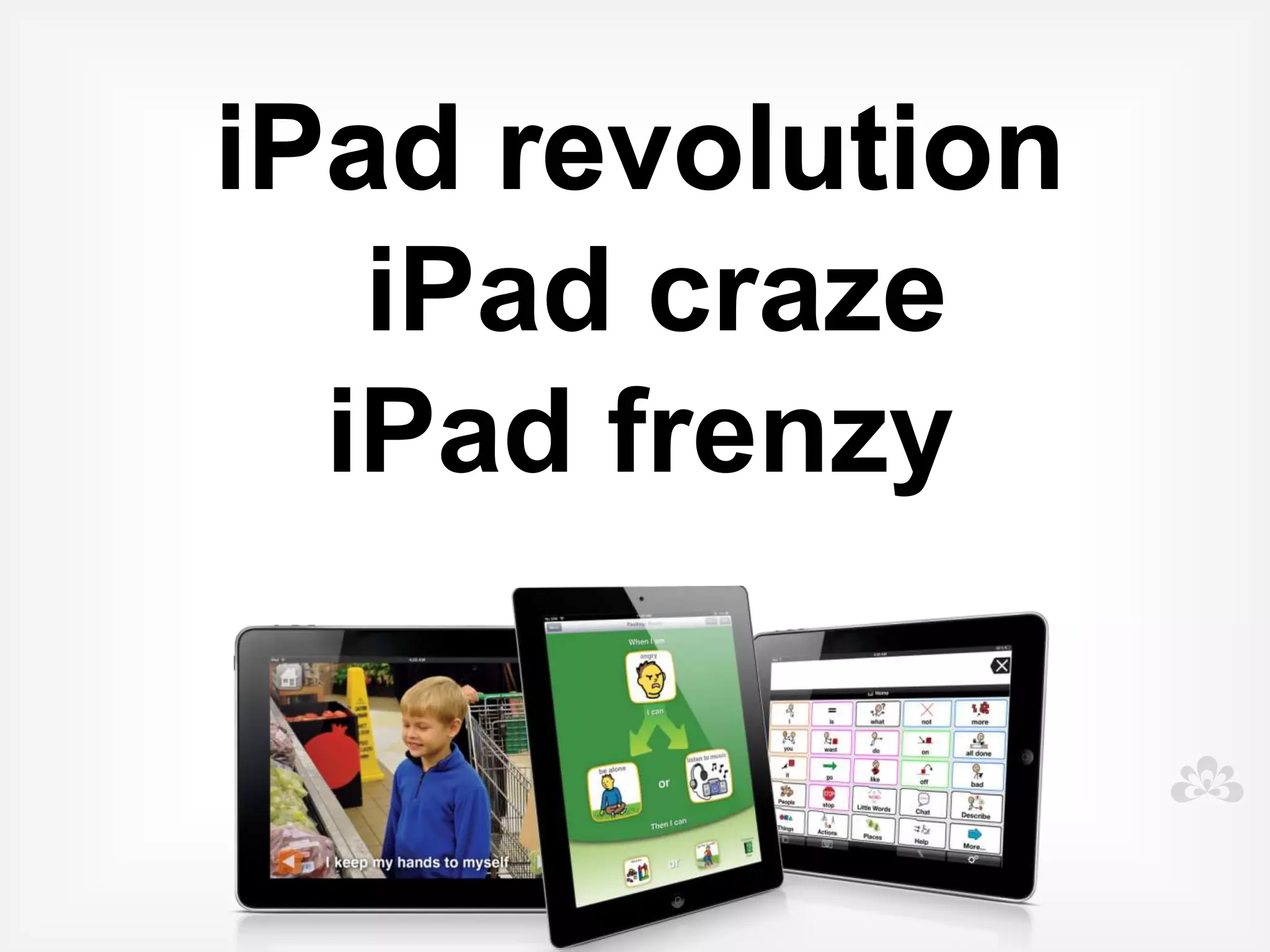
iPad revolution


   iPad craze
  iPad frenzy
• User-friendly

    • Engaging

    • Multi-Functional

New technologies
    • Mobile and portable

    • Easily accessed

    • "Normal"

    • Motivating

    • Cost effective
Challenges
                           and solutions...


• Durability


        Solution: protective cases and coverings
Challenges
 
                          and solutions...
• Finding the right Apps/program's


         Solution: access blogs and websites that
         review apps, Autism Apps.
Challenges
                             and solutions...


• One size fits all?

         Solution: no quick fix, no single solution, team
         assessment and problem solving
Challenges
                             and solutions...


• Abandonment of other valuable strategies


         Solution: don't throw the baby out with the
         bath water.. The iPad is just one tool in our
         tool kit.
spectronics.com.au/blog/tools-and-resources/sett
Challenges
                                  and solutions...

• ICT .... ie... It Can't Teach


         Solution: not the total solution, success relies
         on the teacher still teaching
Challenges
                          and solutions...


• Training and support


         Solution: funding to support ongoing and
         continuing professional development, access
         to the right training
Challenges
                          and solutions...


• Ongoing support to implement


        Solution: access to regular support services
        and therapies, collect and review data
Challenges
                           and solutions...


• iPad obsession and keeping kids on task


        Solution: Limited music, video and entertainment
        apps, Use within structured time limits, Use
        together, encouraging interaction and
        engagement, iOS 6 - Guided Access
REMEMBER....
             Continue to support students:

• With clear goals and objectives

• While continuing to collect data

• While reviewing what works and what doesn't

• And stay flexible and ready to make changes
  on the run
Communication
           Part 3
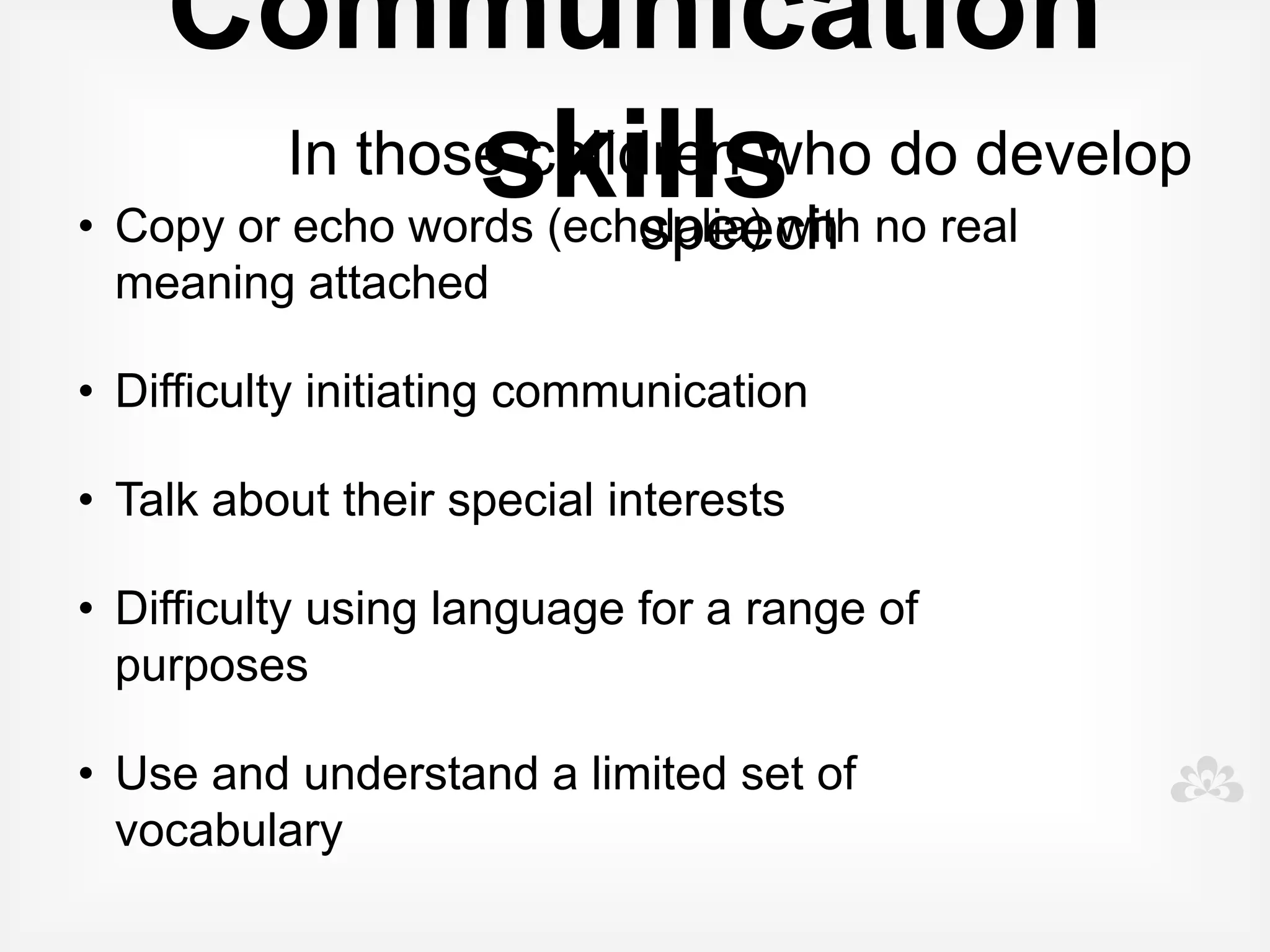
Communication skills
        Affected in different ways


• Significant delays in speaking, use and
  understand fewer words

• Not speaking at all (nonverbal)
Communication
        In those children who do develop speech


• Copy or echo words (echolalia) with no real
  meaning attached

• Difficulty initiating communication

• Talk about their special interests

• Difficulty using language for a range of purposes

• Use and understand a limited set of vocabulary
Goals

• Increase use and understanding of words

• Improve comprehension and listening skills

• Develop and extend vocabulary

• Develop and extend spoken language skills
Software plus
              To expand and support oral language

• Practical examples

• Clicker

• Symwriter

• Symbol activities- language activities, songs
  and stories
Language activities
Songs
Stories
Apps for oral
 language
Interactive apps

• Create a car

• Cookie doodle

• My PlayHome

• ClickySticky

• Toca Tea Party
Structured learning apps


• Special words

• Splingo!

• ABA flashcards

• Speech with Milo
Sentence building apps

• Sentences builder

• Rainbow sentences

• The bag game
Communication
                                      Nonverbal

• Children with little or no speech

• Need to be given alternative ways to
  communicate (commonly called AAC)

• Devices and apps

• Don't forget low tech

• Multimodal approach
Alternative and augmentative
    communication (AAC)
Augmentative communication is the use of
materials or techniques that supplement
existing verbal abilities.

Alternative communication is communication
methods used by a person without any verbal
ability.

       (Vanderheiden and Yoder, 1986)
Goals

• Establish a system of communication

• Present a range of modes as the person
  selects their preferred method
Before you do anything....

 • Consult with team

 • Trial and test apps/devices if possible

 • Be prepared to invest time and money into
   programming, training team members and
   implementation
Tips for success..


• Specific Vocabulary selection and design

• To be engaging, interactive, fun, motivating and
  purposeful

• Modelling of device/ board/ book
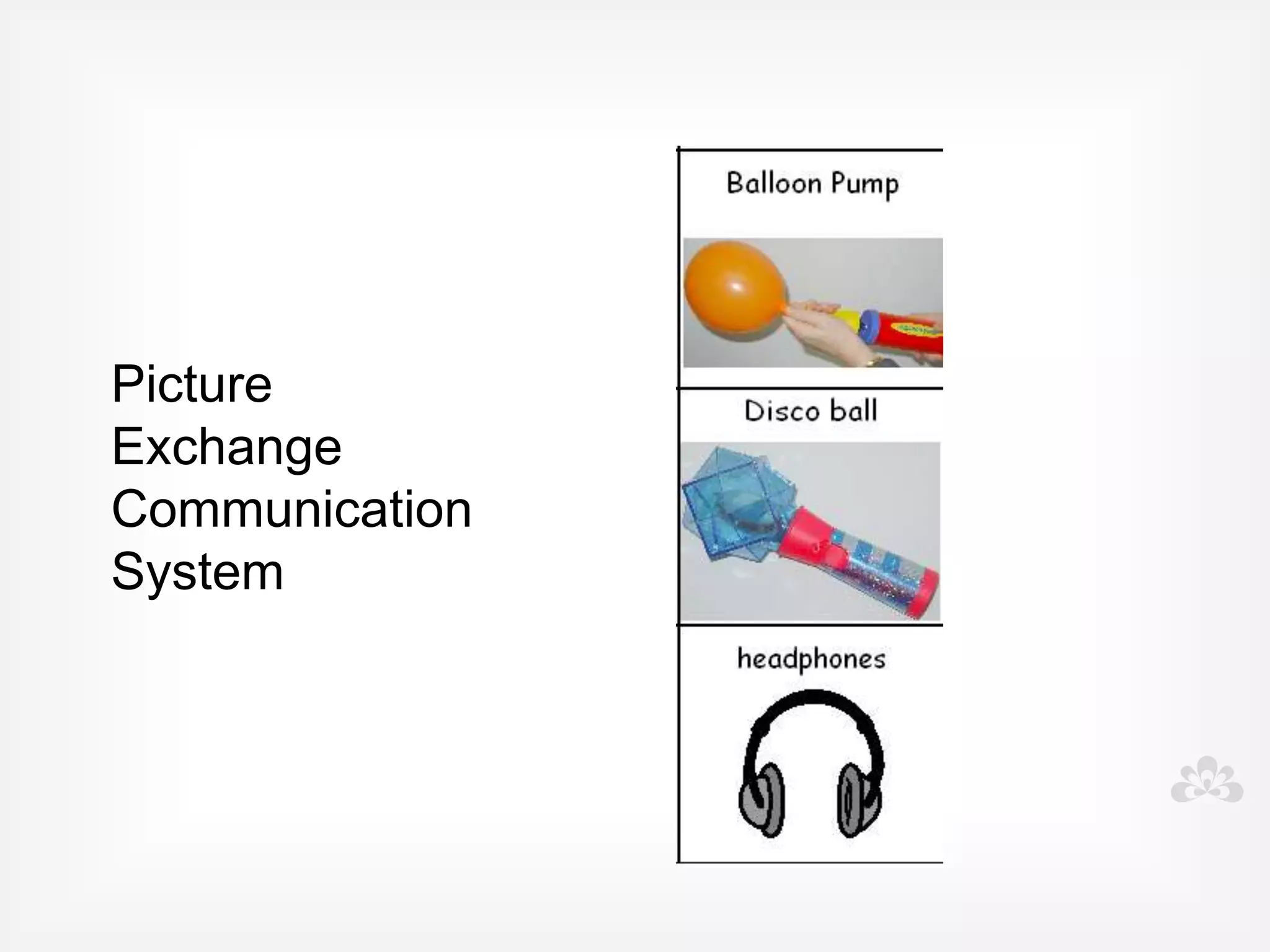
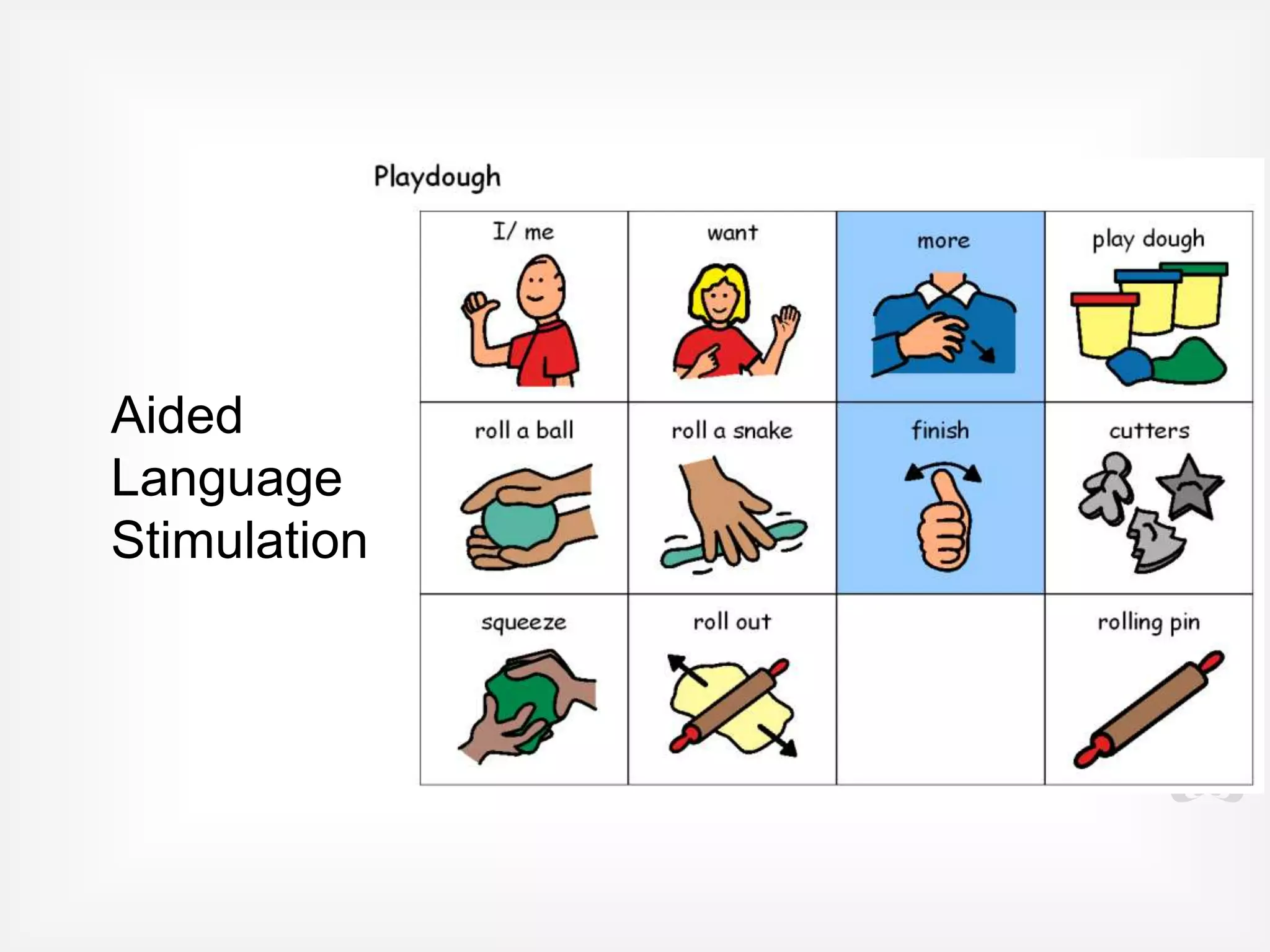
Picture exchange


              Low tech
                   Aided Language boards
Communication
   Devices
 Practical ideas and suggestions
IPads and Apps for AAC
Apps for AAC list


http://www.spectronicsinoz.com/iphoneipad-apps-for-aac
Apps for AAC
                   Symbol based

• Proloquo2go

• Sonoflex

• Grid player

• Sounding board

• Alexicom
Apps for AAC
                      Text-based


• Verbally

• Predictable
Apps for AAC
                          Social communication


• Pictello

• Creative Book Builder
Behaviour
        Part 4
Behaviour
                    Complex and variable
• Prefer routines and sameness and dislike change

• Meltdowns

• Repetitive behaviours

• Obsess over particular interest areas

• Sensory challenges affect behaviours

• Seek sensory stimulation
Behaviour
supported with
  Visual tools
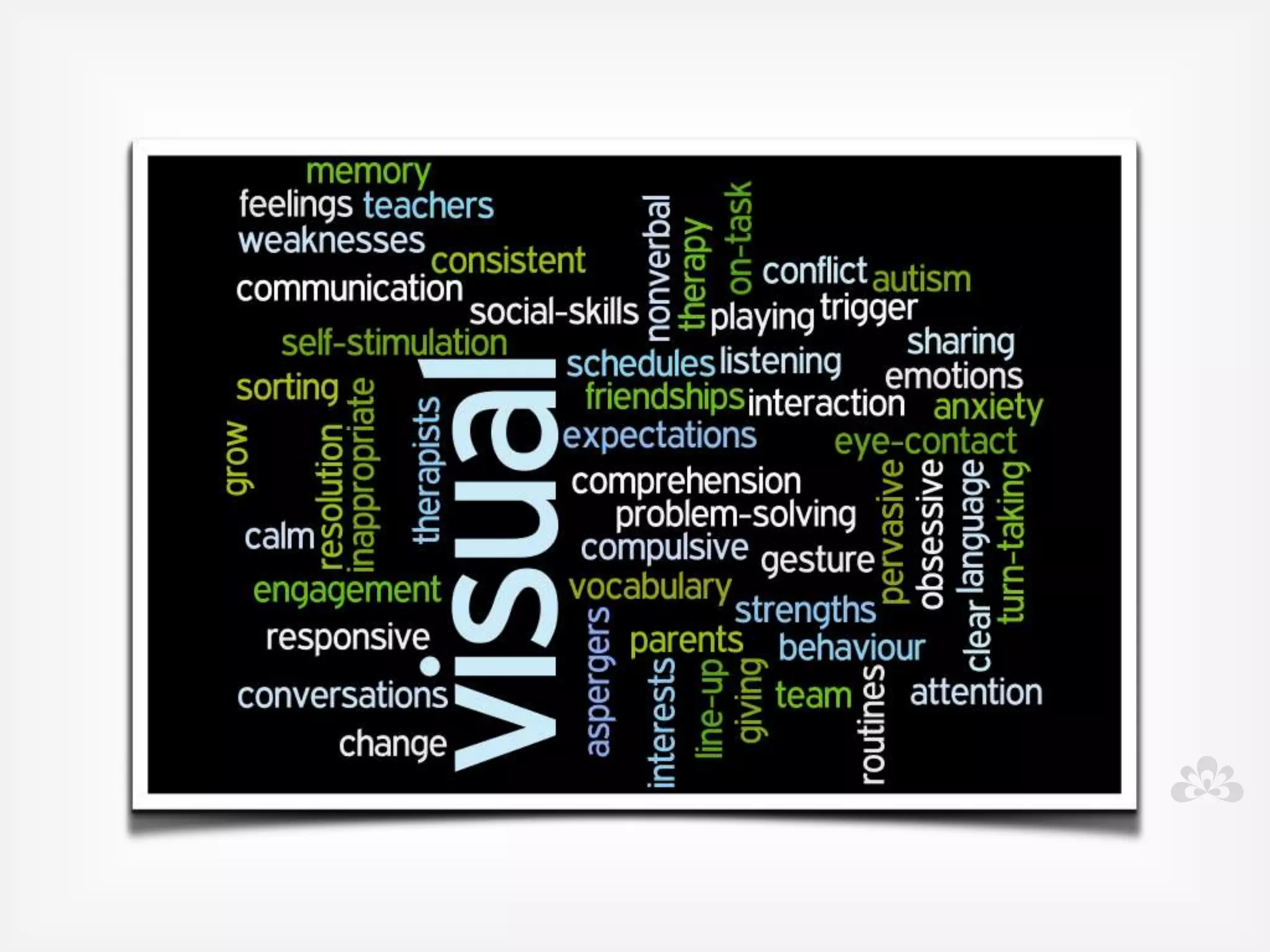
Benefits of visual tools
• Provides positive behaviour support

• Maintains routines and schedules but also can visually show
  when changes occur

• Provides clear expectations

• Steps within task are made clear

• Keeps student on task

• Allows team to use consistent language and provide
  consistent feedback to students
Visual tools are useful for:
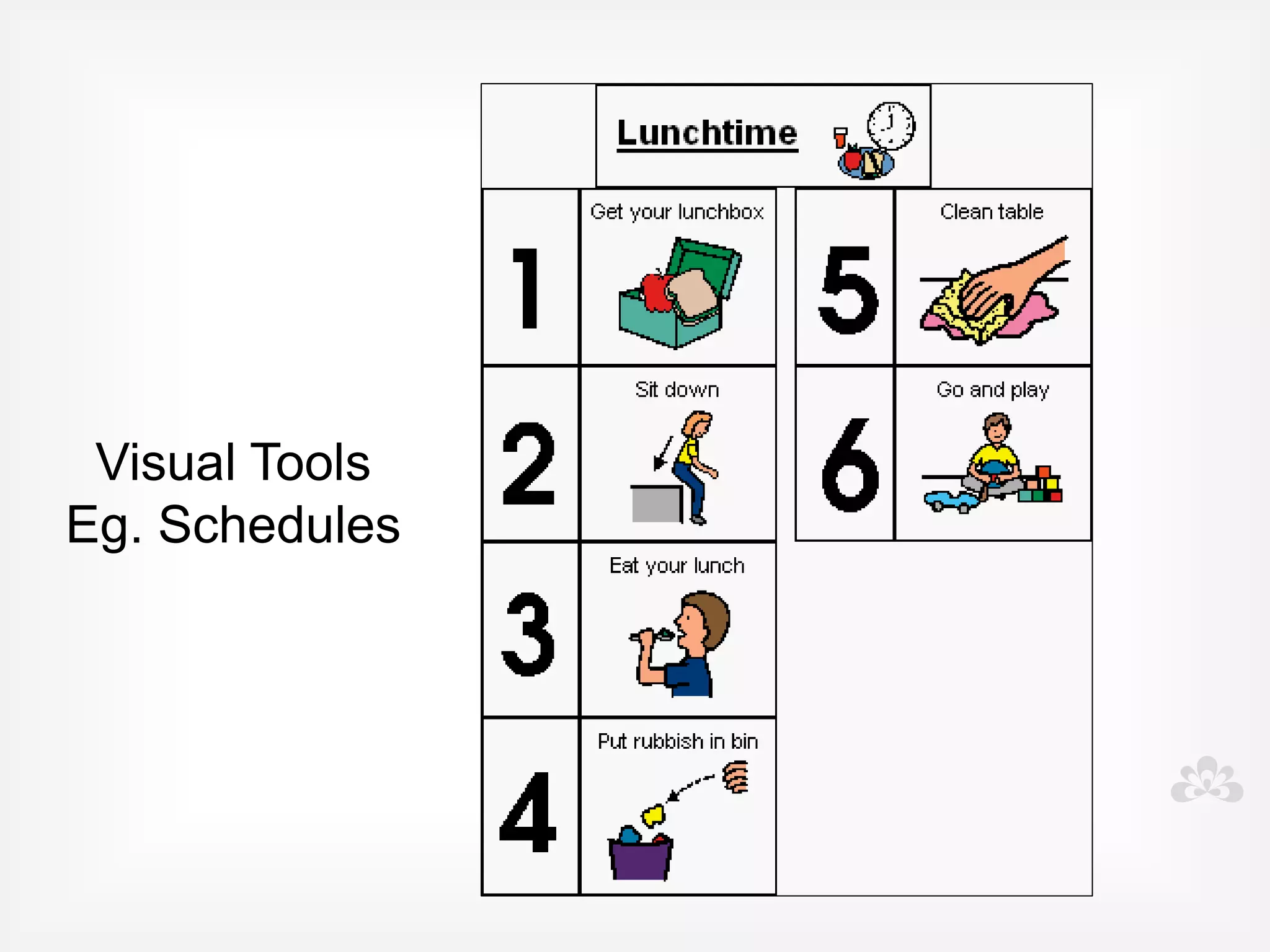
• Schedules, timetables and routines

• Class rules

• First -then

• Visual timers

• Rewards

• Organising the environment
Created in...

• Symwriter

• Boardmaker

• On iPad using variety of apps
Schedules
Schedules
Timetables
Rules
Rules
First - then
Apps for schedules, timetables,
routines,class rules and first-then
   • Proloquo2Go

   • iCommunicate

   • Visual routines

   • iPrompts XL

   • Choiceworks

   • First Then
Visual Timers
• APPS:

• Bang! boom! Buzzer

• Visual Timer

• iPrompts XL

• Time Timer

• Sharing timer
Rewards

• Low tech

• iPad as the reward

• App: iEarntThat

• App: Token board
Rewards
Rewards
Organise the
             environment

• Photos

• Symbols

• Pictello
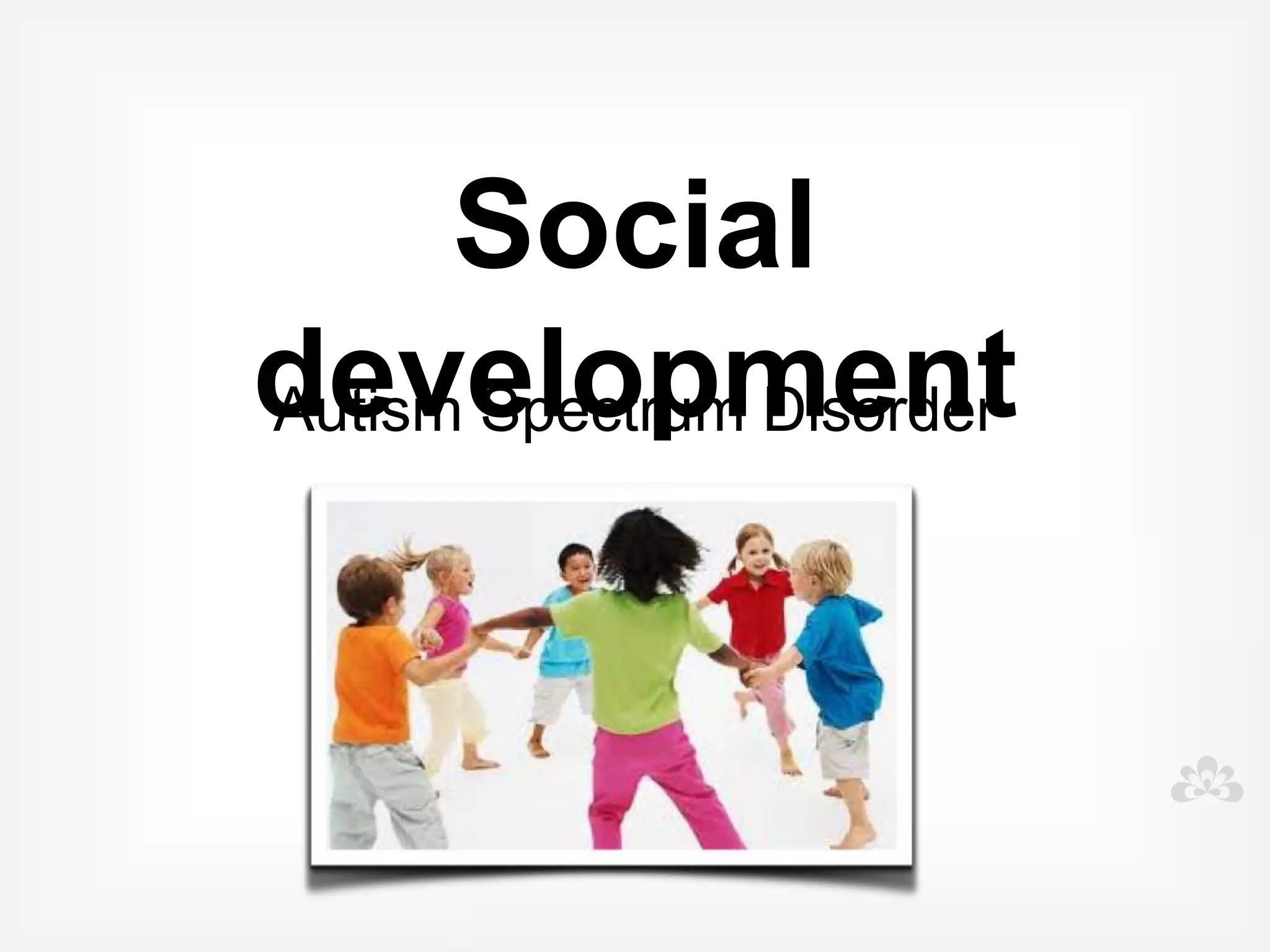
Social development
               Part 5
Social development
            Early social interaction is difficult

• Appear uninterested in social contact

• Difficult to engage and interact with

• Rarely show interest in others

• May not respond to others

• Little eye contact

• Rarely chat or play with others
Goals for interaction
• Engagement

• Eye contact and interaction

• Turn taking

• Language stimulation

• Listening and following directions

• Requesting and commenting

• Learning in a fun way!
Low tech/ no tech

• Intensive interaction

• Imitating

• Following the child's lead

• Motivators
Apps for interaction

• Toca Boca

• Sound Touch

• Playschool Art Maker

• Aunty Maggie's recipe

• Stop & Go
Social development
         In those children who do develop speech

• Difficulty using language appropriately in conversations

• Difficulty understanding social rules and expected
  behaviours

• Cannot initiate and maintain conversations

• Difficulty making and keeping friends

• Unable to effectively solve social problems and negotiate

• Problems expressing and understanding feelings and
  emotions
Teaching Social skills requires:
  • Team determining target behaviours

  • Pre teaching of social skills in small groups, and in
    natural, familiar and real settings

  • Rewarding and recognising behaviours

  • Consistent feedback about behaviours

  • Feedback can be given immediately after a social
    error

  • Then reviewed at a calm and responsive time
SEE THINK DO SAY
   Build internal dialogue
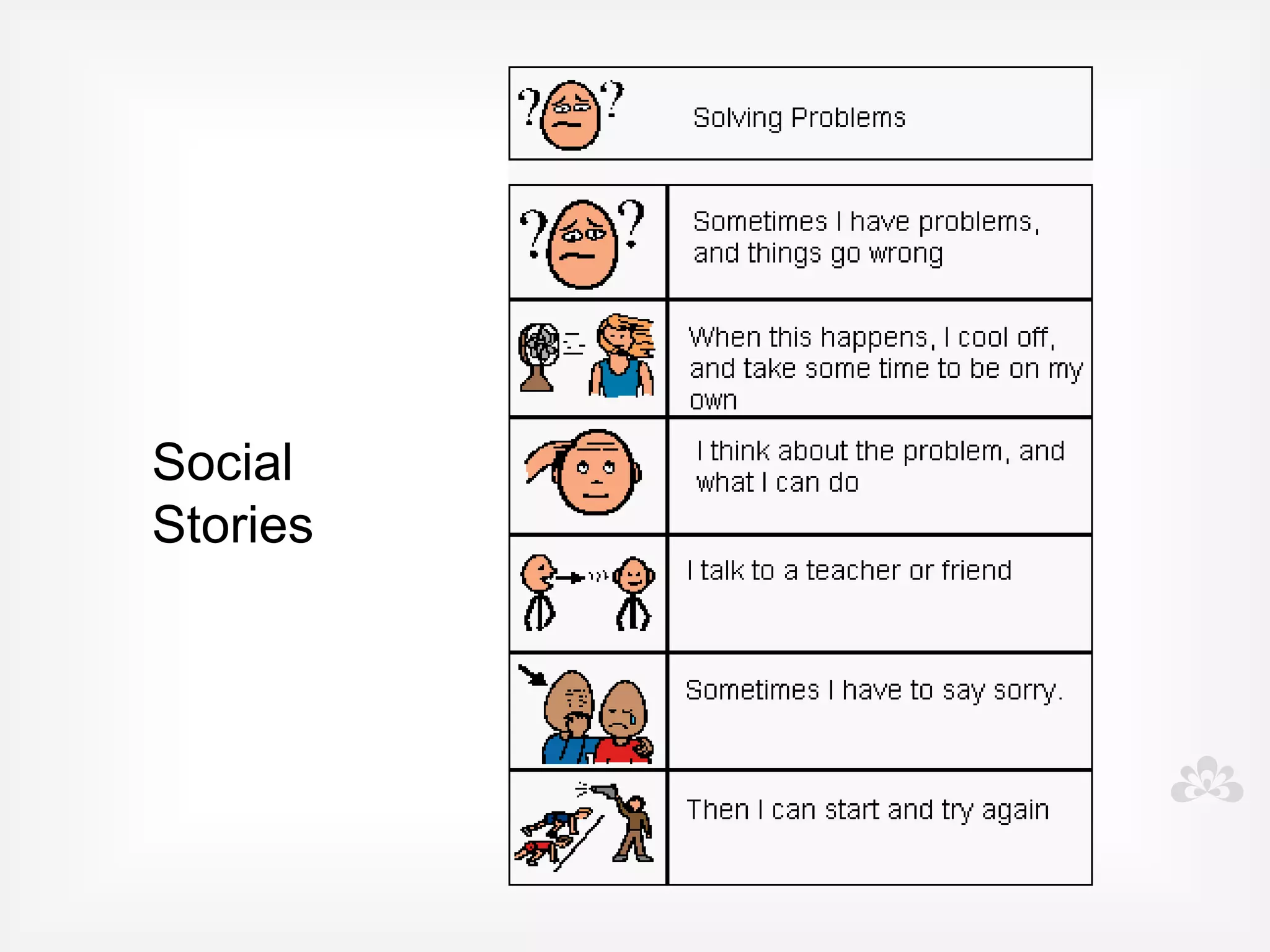
Social Stories

Visual, video, photo
stories created for
specific learning of
specific social
behaviours

         Originally developed by Carol Gray
               www.thegraycentre.org
Can be used:

• To prepare someone for new
  events and experiences

• To teach positive behaviour
• To teach a new skill
The structure
• 3 types of sentences

• Descriptive - provide information

• Perspective - describe internal states

• Directive - tells the person what to do
  to be successful
Tips and tricks
• Write from the individual's perspective
• Write in present tense
• Use positive language
• One skill per story
• Visual supports
• Involve the person or their team
Tips for implementing
• One at a time
• Practice BEFORE the challenging
  situation occurs
• Clear instructions for use
• Consistent across all support
• Review and revise
Create with
• Clicker

• PowerPoint

• A variety of Apps: Pictello, Puppet Pals
Super low tech...
Super low tech....
Convert to symbols
Goals and target areas

• Feelings

• Friendships

• Conversations

• Conflict resolution

• Classroom behaviour
Feelings

• Recognising and
  identifying feelings

• Expressing feelings

• Handling feelings of anger,
  anxiety, stress
Friendships

• Making friends

• Maintaining friendships

• Sharing, winning and
  losing

• Eye contact, body
  language, talking and
  listening.
Conversations
• Conversation rules

• Initiating, maintaining and
  ending conversations

• Topics

• Taking turns

• Asking questions
Conflict Resolution
• Negotiation

• Problem solving

• Accept ways to resolve
  conflict

• Choices when faced
  with conflict

• Bullying and teasing
Classroom Behaviours
• Listening and attention,
  following directions

• Asking for help

• When you don't understand

• Interrupting

• Asking permission

• Answering questions
Apps for Social
    Skills
App suggestions


• Emotions                • Calm counter

• Emotion x               • Choiceworks

• Smarty Pants            • Conversation builder

• My life skills box      • Friends Book

• Social skills builder   • iPrompts XL
Questions
Specific technology questions and solutions
Write 123......
• 1 thing you are going to do tomorrow that will
  make a difference immediately

• 2 things that you are going to get more
  information on

• 3 things that you are going show other people
  where you work
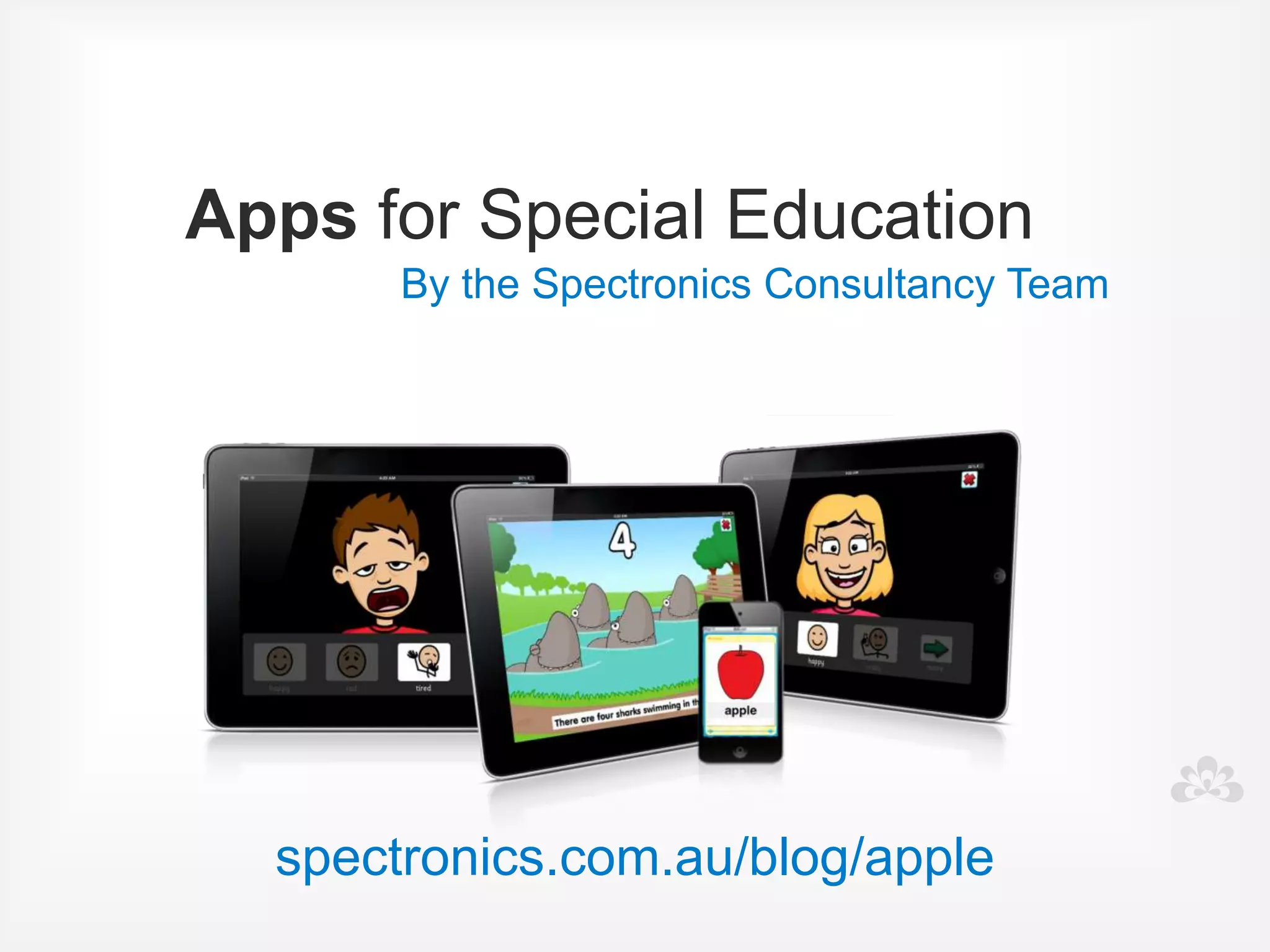
Apps for Special Education
      By the Spectronics Consultancy Team


  spectronics.com.au/blog/apple
Subscription
spectronics.com.au/online
facebook.com/Spectronics

twitter.com/Spectronics

Spectronics.com.au/Blog
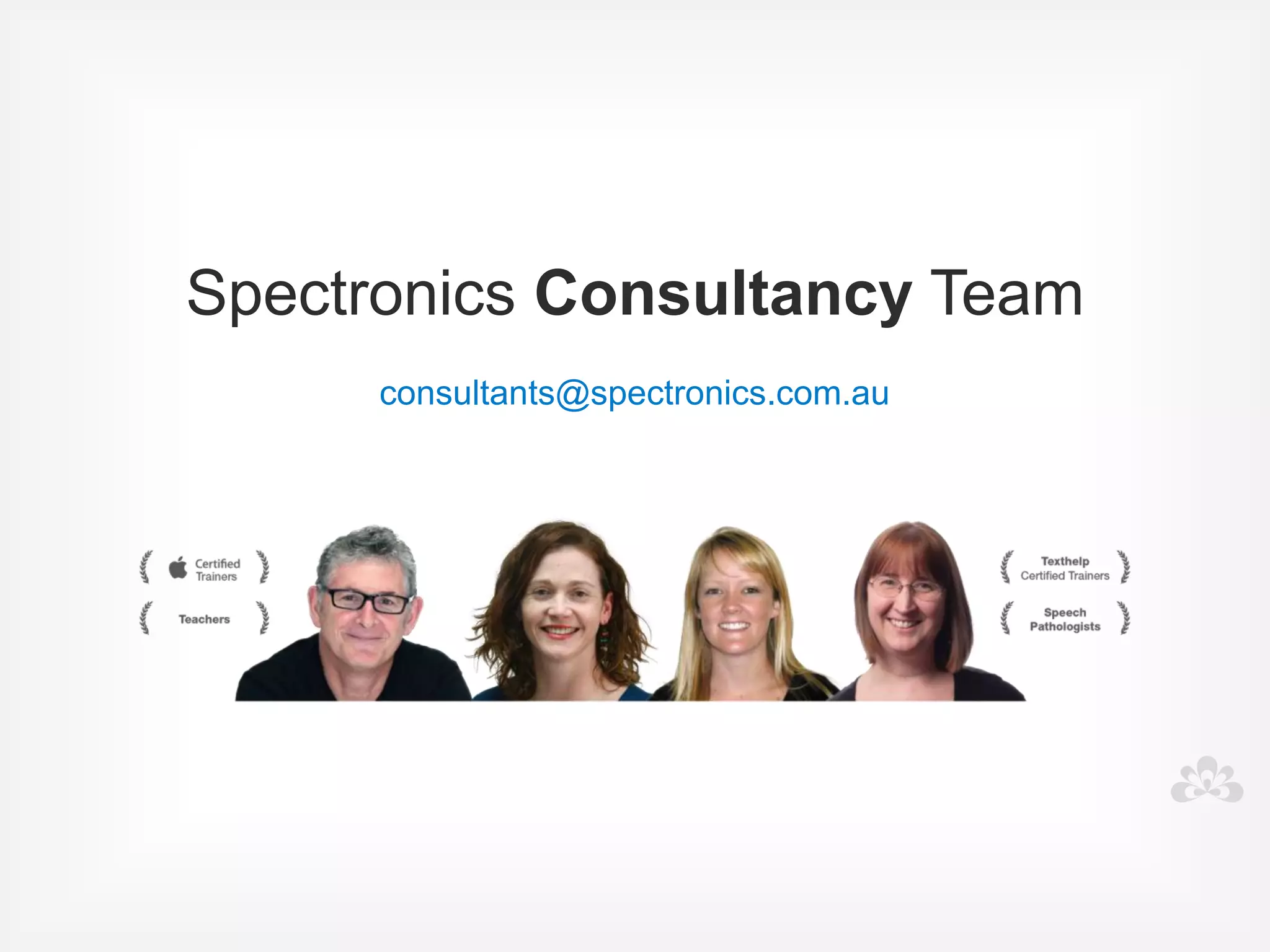
Spectronics Consultancy Team
                    
      consultants@spectronics.com.au

Autism and Assistive Technology

  • 1.
    Spectronics Inclusive LearningTechnologies Autism Masterclass
  • 2.
    Amanda Hartmann Inclusive TechnologyConsultant
 (Speech Pathologist)
  • 13.
    What do youhope to learn today? Goals
  • 14.
    I want tochange your cycle..... Crazy or success?
  • 15.
    OVERVIEW • What isAutism? • Technology • Communication • Behaviour • Social development • Questions
  • 16.
  • 17.
    Autism AutismSpectrum Disorder (ASD) Range of conditions that share common characteristics, including difficulties with communicating, problem solving and interacting.
  • 18.
  • 19.
    Behaviour Your student Social Development Communication
  • 21.
    Early warning signs Seek advice if you see some or many of these behaviours: • Doesn't smile at familiar people • Doesn't respond to name • Doesn't easily engage in or even enjoy games • Doesn't use eye contact • Doesn't point to things • Doesn't understand instructions
  • 22.
    Early warning signs,more... Seek advice if you see some or many of these behaviours: • Intense interest in narrow range of topics • Obsessed with one game or toy • Easily upset by change, demands routine • Unusual body movements • Extremely sensitive to sensory experiences • Seeks sensory stimulation
  • 23.
    Functional assessment Needs Strengths Motivators Challenging behaviours
  • 24.
  • 25.
    Functional assessment • Lookat the child in context, and the behaviour in a real context • What are the functions of the behaviour- what and why is the child achieving? • Plan and implement strategies
  • 26.
    Behaviours • Make descriptionsof behaviour specific • What exactly, when exactly, where? • Record frequency and duration • Record reactions and consequences to intervention
  • 27.
    Functions of the behaviour... • Escape/ avoidance of a situation • Attention gained from the action • Getting access to a tangible item or activity • Automatic personal reinforcement or sensory input
  • 28.
  • 29.
    Other disability groups •Speech and language impairments • Physical impairments • Intellectual impairments • Learning difficulties • Sensory impairments
  • 30.
    Overview of the Technology Part 2
  • 31.
    Technology Currently being used: • Computers/ laptops • Specialised software • Websites • Mobile tablet technologies, eg iPad • Growing and expanding
  • 32.
    Key principles tousing technology for students with Autism • Must be VISUAL • Be implemented with positive behavioural supports • Must be functional, motivating and interactive
  • 33.
    Technology Integrate use to: • Improve and develop a communication system • Assist development of social skills • Enhance ability to learn
  • 34.
    Low tech Symbol cards Symbol boards Visual tools Sign language
  • 35.
    Range of technology for communication Symbols Software Communication devices iPad apps
  • 36.
    iPad revolution iPad craze iPad frenzy
  • 37.
    • User-friendly • Engaging • Multi-Functional New technologies • Mobile and portable • Easily accessed • "Normal" • Motivating • Cost effective
  • 38.
    Challenges and solutions... • Durability Solution: protective cases and coverings
  • 39.
    Challenges and solutions... • Finding the right Apps/program's Solution: access blogs and websites that review apps, Autism Apps.
  • 40.
    Challenges and solutions... • One size fits all? Solution: no quick fix, no single solution, team assessment and problem solving
  • 41.
    Challenges and solutions... • Abandonment of other valuable strategies Solution: don't throw the baby out with the bath water.. The iPad is just one tool in our tool kit.
  • 42.
  • 43.
    Challenges and solutions... • ICT .... ie... It Can't Teach Solution: not the total solution, success relies on the teacher still teaching
  • 44.
    Challenges and solutions... • Training and support Solution: funding to support ongoing and continuing professional development, access to the right training
  • 45.
    Challenges and solutions... • Ongoing support to implement Solution: access to regular support services and therapies, collect and review data
  • 46.
    Challenges and solutions... • iPad obsession and keeping kids on task Solution: Limited music, video and entertainment apps, Use within structured time limits, Use together, encouraging interaction and engagement, iOS 6 - Guided Access
  • 47.
    REMEMBER.... Continue to support students: • With clear goals and objectives • While continuing to collect data • While reviewing what works and what doesn't • And stay flexible and ready to make changes on the run
  • 48.
  • 49.
    Communication skills Affected in different ways • Significant delays in speaking, use and understand fewer words • Not speaking at all (nonverbal)
  • 50.
    Communication In those children who do develop speech • Copy or echo words (echolalia) with no real meaning attached • Difficulty initiating communication • Talk about their special interests • Difficulty using language for a range of purposes • Use and understand a limited set of vocabulary
  • 51.
    Goals • Increase useand understanding of words • Improve comprehension and listening skills • Develop and extend vocabulary • Develop and extend spoken language skills
  • 52.
    Software plus To expand and support oral language • Practical examples • Clicker • Symwriter • Symbol activities- language activities, songs and stories
  • 53.
  • 54.
  • 55.
  • 57.
  • 58.
    Interactive apps • Createa car • Cookie doodle • My PlayHome • ClickySticky • Toca Tea Party
  • 59.
    Structured learning apps •Special words • Splingo! • ABA flashcards • Speech with Milo
  • 60.
    Sentence building apps •Sentences builder • Rainbow sentences • The bag game
  • 61.
    Communication Nonverbal • Children with little or no speech • Need to be given alternative ways to communicate (commonly called AAC) • Devices and apps • Don't forget low tech • Multimodal approach
  • 62.
    Alternative and augmentative communication (AAC) Augmentative communication is the use of materials or techniques that supplement existing verbal abilities. Alternative communication is communication methods used by a person without any verbal ability.        (Vanderheiden and Yoder, 1986)
  • 63.
    Goals • Establish asystem of communication • Present a range of modes as the person selects their preferred method
  • 64.
    Before you doanything.... • Consult with team • Trial and test apps/devices if possible • Be prepared to invest time and money into programming, training team members and implementation
  • 65.
    Tips for success.. • Specific Vocabulary selection and design • To be engaging, interactive, fun, motivating and purposeful • Modelling of device/ board/ book
  • 66.
    Picture exchange Low tech Aided Language boards
  • 67.
    Communication Devices Practical ideas and suggestions
  • 68.
  • 69.
    Apps for AAClist http://www.spectronicsinoz.com/iphoneipad-apps-for-aac
  • 70.
    Apps for AAC Symbol based • Proloquo2go • Sonoflex • Grid player • Sounding board • Alexicom
  • 71.
    Apps for AAC Text-based • Verbally • Predictable
  • 72.
    Apps for AAC Social communication • Pictello • Creative Book Builder
  • 73.
    Behaviour Part 4
  • 74.
    Behaviour Complex and variable • Prefer routines and sameness and dislike change • Meltdowns • Repetitive behaviours • Obsess over particular interest areas • Sensory challenges affect behaviours • Seek sensory stimulation
  • 75.
  • 76.
    Benefits of visualtools • Provides positive behaviour support • Maintains routines and schedules but also can visually show when changes occur • Provides clear expectations • Steps within task are made clear • Keeps student on task • Allows team to use consistent language and provide consistent feedback to students
  • 77.
    Visual tools areuseful for: • Schedules, timetables and routines • Class rules • First -then • Visual timers • Rewards • Organising the environment
  • 78.
    Created in... • Symwriter •Boardmaker • On iPad using variety of apps
  • 79.
  • 80.
  • 81.
  • 82.
  • 83.
  • 84.
  • 85.
    Apps for schedules,timetables, routines,class rules and first-then • Proloquo2Go • iCommunicate • Visual routines • iPrompts XL • Choiceworks • First Then
  • 86.
    Visual Timers • APPS: •Bang! boom! Buzzer • Visual Timer • iPrompts XL • Time Timer • Sharing timer
  • 87.
    Rewards • Low tech •iPad as the reward • App: iEarntThat • App: Token board
  • 88.
  • 89.
  • 90.
    Organise the environment • Photos • Symbols • Pictello
  • 91.
  • 92.
    Social development Early social interaction is difficult • Appear uninterested in social contact • Difficult to engage and interact with • Rarely show interest in others • May not respond to others • Little eye contact • Rarely chat or play with others
  • 93.
    Goals for interaction •Engagement • Eye contact and interaction • Turn taking • Language stimulation • Listening and following directions • Requesting and commenting • Learning in a fun way!
  • 94.
    Low tech/ notech • Intensive interaction • Imitating • Following the child's lead • Motivators
  • 95.
    Apps for interaction •Toca Boca • Sound Touch • Playschool Art Maker • Aunty Maggie's recipe • Stop & Go
  • 96.
    Social development In those children who do develop speech • Difficulty using language appropriately in conversations • Difficulty understanding social rules and expected behaviours • Cannot initiate and maintain conversations • Difficulty making and keeping friends • Unable to effectively solve social problems and negotiate • Problems expressing and understanding feelings and emotions
  • 97.
    Teaching Social skillsrequires: • Team determining target behaviours • Pre teaching of social skills in small groups, and in natural, familiar and real settings • Rewarding and recognising behaviours • Consistent feedback about behaviours • Feedback can be given immediately after a social error • Then reviewed at a calm and responsive time
  • 98.
    SEE THINK DOSAY Build internal dialogue
  • 99.
    Social Stories Visual, video,photo stories created for specific learning of specific social behaviours Originally developed by Carol Gray www.thegraycentre.org
  • 100.
    Can be used: •To prepare someone for new events and experiences • To teach positive behaviour • To teach a new skill
  • 101.
    The structure • 3types of sentences • Descriptive - provide information • Perspective - describe internal states • Directive - tells the person what to do to be successful
  • 103.
    Tips and tricks •Write from the individual's perspective • Write in present tense • Use positive language • One skill per story • Visual supports • Involve the person or their team
  • 104.
    Tips for implementing •One at a time • Practice BEFORE the challenging situation occurs • Clear instructions for use • Consistent across all support • Review and revise
  • 105.
    Create with • Clicker •PowerPoint • A variety of Apps: Pictello, Puppet Pals
  • 106.
  • 107.
  • 108.
  • 109.
    Goals and targetareas • Feelings • Friendships • Conversations • Conflict resolution • Classroom behaviour
  • 110.
    Feelings • Recognising and identifying feelings • Expressing feelings • Handling feelings of anger, anxiety, stress
  • 111.
    Friendships • Making friends •Maintaining friendships • Sharing, winning and losing • Eye contact, body language, talking and listening.
  • 112.
    Conversations • Conversation rules •Initiating, maintaining and ending conversations • Topics • Taking turns • Asking questions
  • 113.
    Conflict Resolution • Negotiation •Problem solving • Accept ways to resolve conflict • Choices when faced with conflict • Bullying and teasing
  • 114.
    Classroom Behaviours • Listeningand attention, following directions • Asking for help • When you don't understand • Interrupting • Asking permission • Answering questions
  • 115.
  • 116.
    App suggestions • Emotions • Calm counter • Emotion x • Choiceworks • Smarty Pants • Conversation builder • My life skills box • Friends Book • Social skills builder • iPrompts XL
  • 117.
  • 118.
    Write 123...... • 1thing you are going to do tomorrow that will make a difference immediately • 2 things that you are going to get more information on • 3 things that you are going show other people where you work
  • 119.
    Apps for SpecialEducation By the Spectronics Consultancy Team spectronics.com.au/blog/apple
  • 120.
  • 121.
  • 122.
    Spectronics Consultancy Team consultants@spectronics.com.au