Assistive Technology
           and
High Incidence Disabilities


                     Karen Janowski
                   Simmons College
            2nd weekend SPND 456
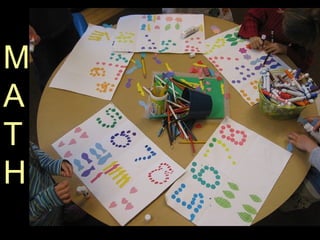
M
A
T
H
Where is the
   Breakdown?
                http://www.flickr.com/photos/doviende/403
http://www.flickr.com/photos/maisonbisson/201844037/
5-8% of students are
identified as having
  Math disabilities
The technology for remediating
 and accommodating for Math
 disabilities is not as well
 developed as for reading and
 writing.
may see math disabilities in
 combination with reading
   disabilities or ADHD
Difficulties may be due
to problems with:

  mechanics of writing
  computation skills
  understanding concepts
  math fact mastery
  left/right orientation
  confusing or transposing numbers
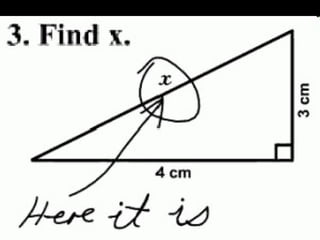
Where is the breakdown?


Where is the
   Breakdown?
   http://farm4.staticflickr.com/3405/3270428419_5e15d6653f_z.jpg
Difficulties may be due
to problems with:


  Math Calculations – typically
   due to memory or cognitive
   difficulties
Students with difficulties with
math calculations

  Identifying signs and their meanings

  Math fact recall

  Problems with commutative property
  (3 + 4 = 7, 4 +3 =7)
Students with difficulties with
math calculations

  Borrowing and carrying

  Misaligning numbers when copying

  Ignoring decimal points

  Forgetting steps in calculation
Students with learning disabilities
     may have challenges
    with math word problems
Where is the breakdown?


Where is the
   Breakdown?
   http://farm4.staticflickr.com/3405/3270428419_5e15d6653f_z.jpg
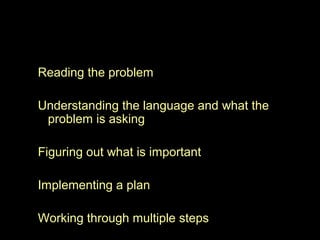
Reading the problem

Understanding the language and what the
 problem is asking

Figuring out what is important

Implementing a plan

Working through multiple steps
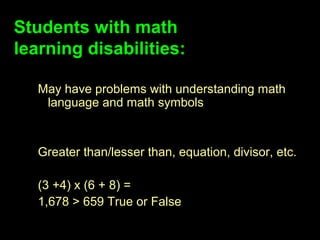
Students with math
learning disabilities:

   May have problems with understanding math
    language and math symbols


   Greater than/lesser than, equation, divisor, etc.

   (3 +4) x (6 + 8) =
   1,678 > 659 True or False
The technology for remediating

      and accommodating for

   Math disabilities is not as well
developed as for reading and writing.
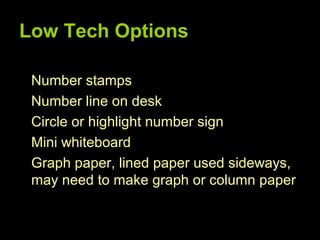
Low Tech Options

 Number stamps
 Number line on desk
 Circle or highlight number sign
 Mini whiteboard
 Graph paper, lined paper used sideways,
 may need to make graph or column paper
Low Tech Options
color coding for maintaining columns

hand-held calculators/large button
 calculators

talking calculators

• special-feature calculators
Assistive Technology
for Math
 Digitized textbooks
 Math Casts
Math Casts

• video-taped math lessons

• Screen capture – Interactive White Boards

• Screen Casts

• iPad Screen Casts
Dicussion about
  Screencasts
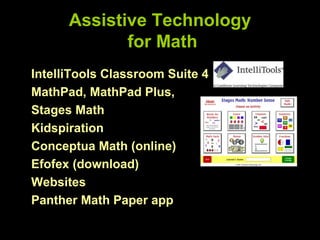
Assistive Technology
             for Math
IntelliTools Classroom Suite 4
MathPad, MathPad Plus,
Stages Math
Kidspiration
Conceptua Math (online)
Efofex (download)
Websites
Panther Math Paper app
Tech Matrix
Assistive Technology for
             Math
Free Online Tools

Udltechtoolkit.wikispaces.com
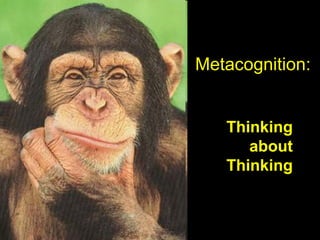
Metacognition:


   Thinking
      about
   Thinking
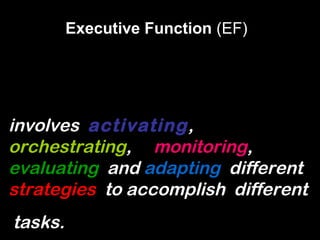
Executive Function (EF)


involves activating,
orchestrating, monitoring,
evaluating and adapting different
strategies to accomplish different
tasks.
It’s all about the Plan
Develop a PLAN of action
Maintain/Monitor the PLAN
Evaluate the PLAN
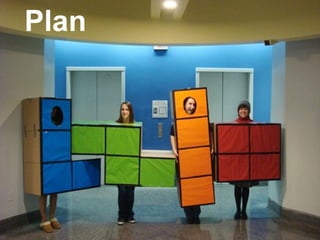
Plan
Plan
Strategize
P lan B
Reflect
Students with learning
      struggles:
– Don’t make connections
– Don’t stop to evaluate their learning

– Avoid revisions
– Have difficulty strategizing
What do we do to
help us plan?
Teach
Strategies
Reduce
cognitive
overload
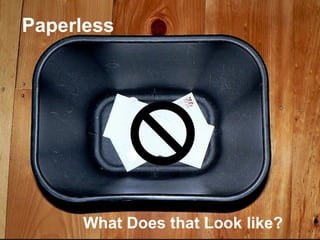
Paperless


     What Does that Look like?
Promote
Independ
           Flexible,
ence
           Easy to
           Use
Tools
Alternatives to the Assignment
Notebook – Let’s get Digital!
    Vocaroo
    Audacity
    VoiceThread
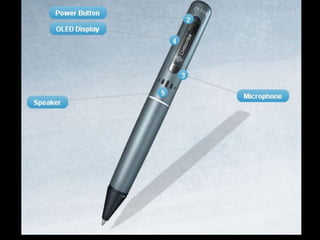
    Livescribe SmartPen
    HW online proactively
Tools

Alternatives to the Checklist
Organizer


PBL Checklist for Teachers
KEYS TO MEMORY
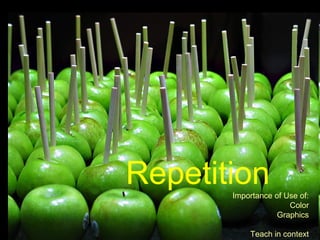
Repetition
       Importance of Use of:
                      Color
                   Graphics

           Teach in context
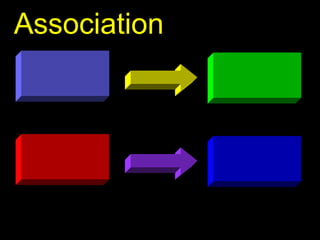
Association
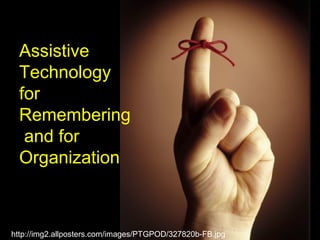
Assistive
  Technology
  for
  Remembering
   and for
  Organization


http://img2.allposters.com/images/PTGPOD/327820b-FB.jpg
What do we do to help us
remember?
Tools

Alternatives

bit.ly/ATIAEF2
Where is the breakdown?


Where is the
   Breakdown?
   http://farm4.staticflickr.com/3405/3270428419_5e15d6653f_z.jpg
LOW TECH OPTIONS
Highlighters
index cards, post-it notes
color-coding
graph paper
beepers/buzzers

talking watches

timers
headphones or earplugs to shut out
 distractions

iPod/smartphones - allow the user to verbally
 store and retrieve information, use camera
 features
•   Visual Schedules
•   Visual Cues
•   Verbal Cues (“This is really imp.”)
•   Cell phones - to do or Did I? list with alarm
Calendar Tools
APPS
Notetaking
What do we do to help us
with notetaking?
•   Carbonless paper
•   Peer’s notes
•   Copies from teacher
•   Structured Outline to be filled out by
    student
• Two-column Templates in Word
• Student Historian summarizes on class
  blog or wiki
• Podcasting
• SmartBoard files
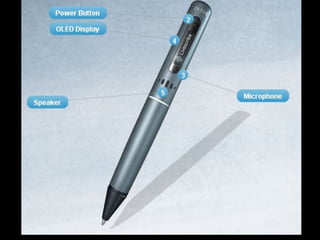
• Smart Pen
• Apps
What do we do to help us
      study?
• Inspiration – Collapse/expand

• Outline View in Microsoft

• Flash card sites/apps
Assistive Technology for
             Math
Free Online Tools

udltechtoolkit.wikispaces.com
newtonassistivetech.wikispaces.com
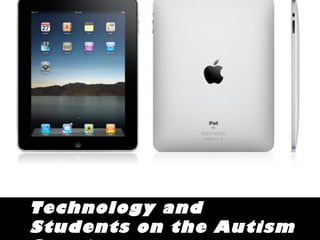
Technology and
Students on the Autism
How are you currently

using Technology
with your students on
the spectrum?
            Three minute discussion
Why use technology?
Research Suggests:

    Students are engaged
Research Suggests:

    Computers are predictable
Research Suggests:

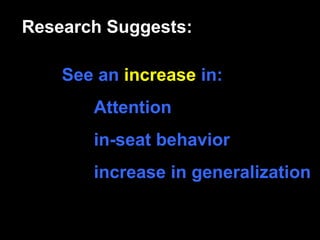
    See an increase in:
       Attention
       in-seat behavior
       increase in generalization
Research Suggests:

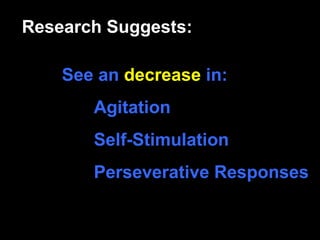
    See an decrease in:
       Agitation
       Self-Stimulation
       Perseverative Responses
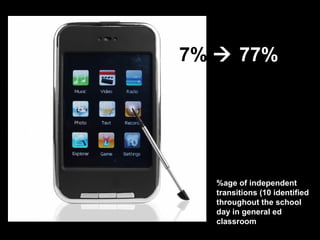
7%  77%


   %age of independent
   transitions (10 identified
   throughout the school
   day in general ed
   classroom
Research
 Video modeling with video captions

 More similar the video or computer-based
 to the target setting, see increased
 likelihood transfer will occur
Baron-Cohen described individuals w/ autism
show superior skills in systemizing – the drive to
analyze or build systems in order to understand
and predict they system’s behavior and
underlying rules.
Hyperattentive to detail,
Affinity for systems – rules, predictability, routines
Computers are predictable and
systems oriented visual technologies
        – tap into strengths
Research Suggests:

    Systemize – attention to
    detail, to find meaning in
    detail


    STRENGTH!
Research
 Technology holds great promise

Improved generalization and transfer of
  skills
Research


 Generalization is more likely to occur
 when common stimuli are presented within
 numerous learning trials
Research


 to increase generalization, use real
 objects, photographic or video
 representations rather than unrealistic
 drawings on worksheets

Thoughts about symbols?
Conclusion

 Need to explore computer-based and
 video-supported strategies that
 supplement actual instruction in realistic
 environments where the actual skills occur
Conclusion

 Video models help learners
 acquire target skills and
 generalize those target skills to
 community settings.

Vidoe Supports for Teaching Students with Developmental Disabilities
and Autism: Twenty-five years of Research and Development. Ayres et
al, Journal of Special Education Technology, 2008.
Research On Virtual Environments and
Students with Autism

WHY?
Theorized that virtual environments/ technology provides
opportunities for communication with others and
circumvent their social and communication impairments
and sense of isolation

Enables social skills to be practiced and rehearsed in
realistic settings in real time
Offers environments that are realistic, yet safe and
controlled.
Use of emoticons
Virtual Environments – positive impact

       Exploratory study conducted to determine if
children with autism could understand emotions as
represented by an avator. Thirty-four students
(ages 8 – 16 years) interacted with software
designed to evaluate their ability to identify and
make inferences from facial expression.


90% of participants accurately recognized
emotions displayed by avatar representations.

Collaborative Virtual Environment Technology for People with Autism   Moore, et al.
Focus on Autism and other Developmental Disabilities, Winter 2005)
Social stories
low to high tech


What are we currently doing?
Comic strip conversations

   Perspective Taking
Video modeling
AT for Children with Autism
– Susan Stokes
Google Sketch up for Educators
       (Project Spectrum)
Tech for ASD
Software
       DTTrainer
       Activity Trainer
       TeachTown – online
tool
       Vizzle – online tool
Explore
So what?
AT Assessment
Three Components


Information Gathering
Decision Making
Trial Use
AT Assessment
    Guide
ATEval2Go
EXAMPLES
IMPLEMENTATION
What have
  we learned?
Final Project
Evaluation


Final Thoughts?
To Infinity and beyond……….
Scales http://www.flickr.com/photos/captkodak/272746539/
Keyboard -
http://weblogs.baltimoresun.com/business/consuminginterests/blo
g/keyboard.jpg
Crawling - http://www.flickr.com/photos/lf-photodesign/337715955/

Spnd 456 EF, Autism and Evaluation

Editor's Notes

  • #90 Typical methods – flashcard/paper based strategies do not provide learners with sufficient number of exemplars depicting or referencing actual community contexts.
  • #91 Typical methods – flashcard/paper based strategies do not provide learners with sufficient number of exemplars depicting or referencing actual community contexts.