Integrating iPads 
into the Classroom: 
Primary Schools 
Day 1 
Spectronics Consultancy team 
for AISACT, September 2014
2
Amanda Hartmann 
Inclusive Technology Consultant 
(Speech Pathologist) 
amandah@spectronics.com.au
4 
Spectronics Consultancy Team 
consultants@spectronics.com.au
facebook.com/Spectronics 
twitter.com/Spectronics 
Spectronics.com.au/Blog
http://www.facebook.com/groups/iPadMasterClasses/
Slides available: 
on SLIDE SHARE
QR Code
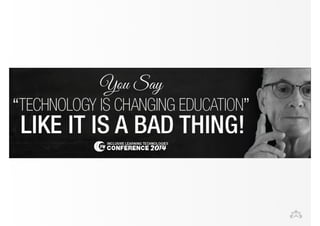
changing 
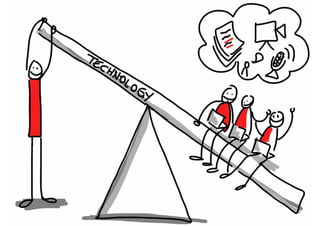
technology
Differentiation
Chris Windsor / Getty Images 
one size fits all
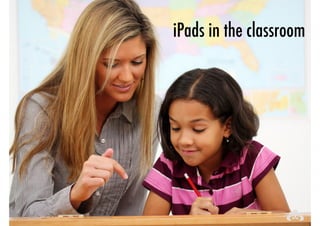
iPads in the classroom
It Can't Teach
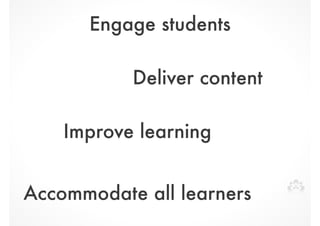
Engage students 
Deliver content 
Improve learning 
Accommodate all learners
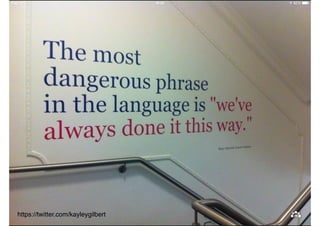
https://twitter.com/kayleygilbert
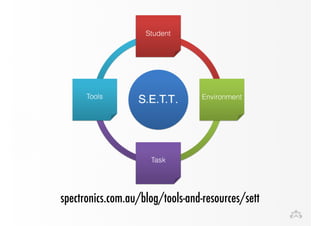
spectronics.com.au/blog/tools-and-resources/sett
! 
! 
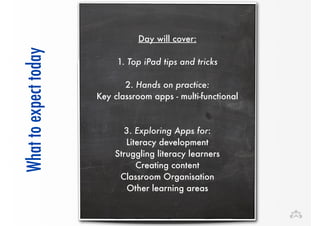
Day will cover: 
today 
! 
expect to What ! 1. Top iPad tips and tricks 
! 
2. Hands on practice: 
Key classroom apps - multi-functional 
! 
! 
3. Exploring Apps for: 
Literacy development 
Struggling literacy learners 
Creating content 
Classroom Organisation 
Other learning areas
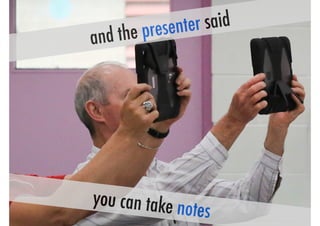
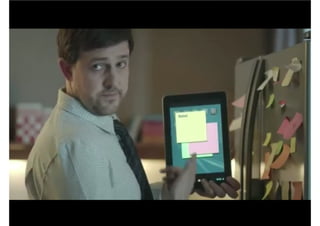
and the presenter said 
you can take notes
Top iPad Tips
What you already know 
bit.ly/ipad101webinar
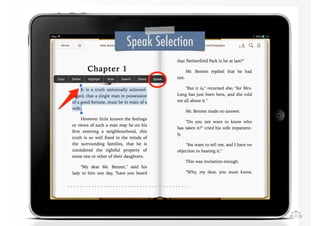
Speak Selection
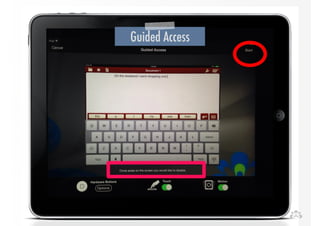
Guided Access
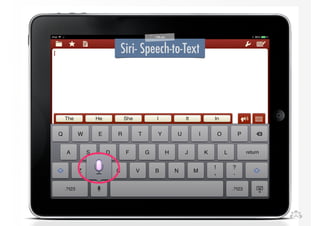
Siri- Speech-to-Text
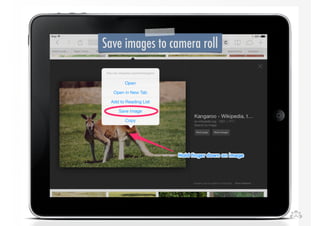
Save images to camera roll
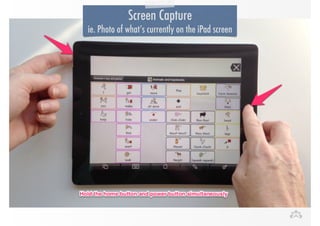
Screen Capture 
ie. Photo of what’s currently on the iPad screen
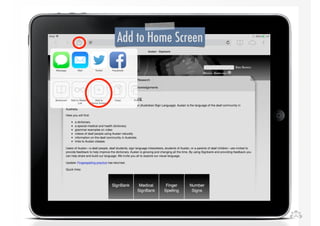
Add to Home Screen
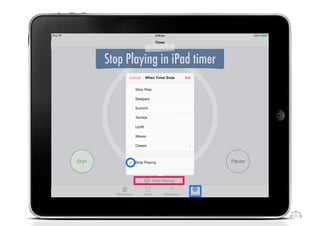
Stop Playing in iPad timer
30 
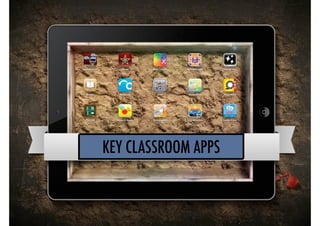
KEY CLASSROOM APPS
Multipurpose 
! 
Easy to use (us and students) 
! 
Easy to share and publish 
! 
Create to suit you, classrooms & students
1. Book Creator
2. 30 hands
3. Explain Everything
4. Popplet
5. Puppet Pals
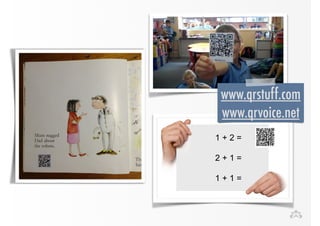
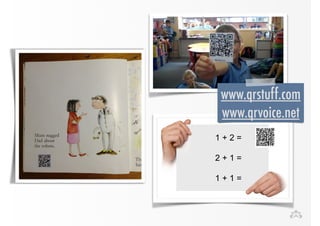
6. QR codes
www.qrstuff.com 
www.qrvoice.net
Apps for 
Literacy Development
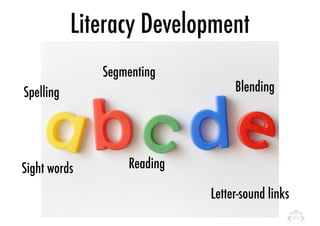
Literacy Development 
Spelling Blending 
Letter-sound links 
Sight words 
Segmenting 
Reading
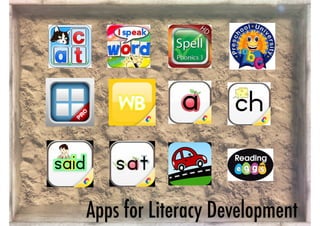
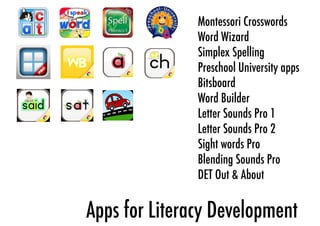
Apps for Literacy Development
Montessori Crosswords 
Word Wizard 
Simplex Spelling 
Preschool University apps 
Bitsboard 
Word Builder 
Letter Sounds Pro 1 
Letter Sounds Pro 2 
Sight words Pro 
Blending Sounds Pro 
DET Out & About 
Apps for Literacy Development
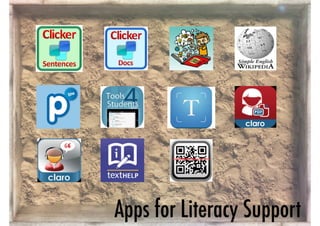
Apps for Literacy Support 
-for struggling learners
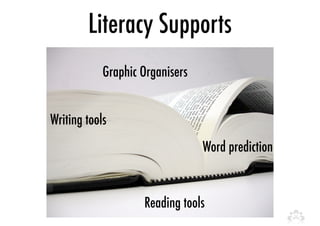
Literacy Supports 
Word prediction 
Graphic Organisers 
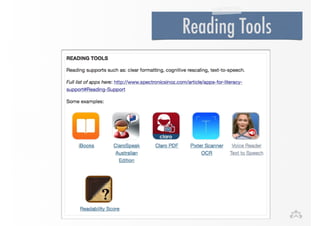
Reading tools 
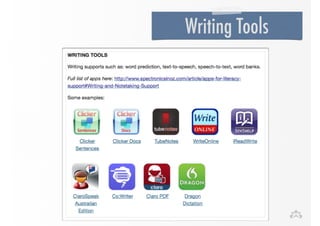
Writing tools
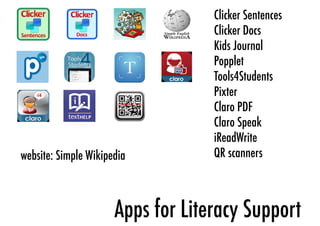
Apps for Literacy Support
Clicker Sentences 
Clicker Docs 
Kids Journal 
Popplet 
Tools4Students 
Pixter 
Claro PDF 
Claro Speak 
iReadWrite 
website: Simple Wikipedia QR scanners 
Apps for Literacy Support
www.qrstuff.com 
www.qrvoice.net
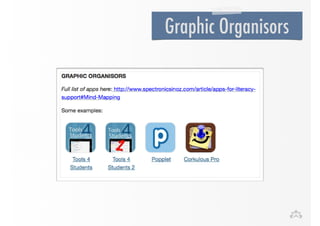
Graphic Organisors
Reading Tools
Writing Tools
Students as Authors
CREATE
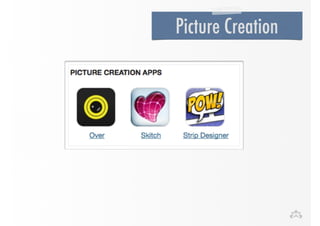
Picture Creation
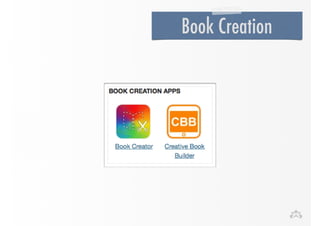
Book Creation
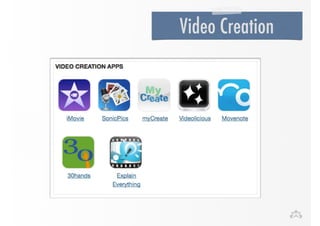
Video Creation
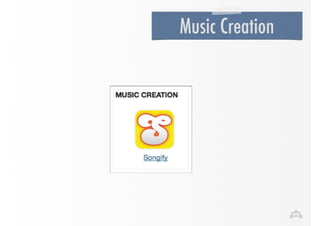
Music Creation
Apps for Classroom 
Organisation
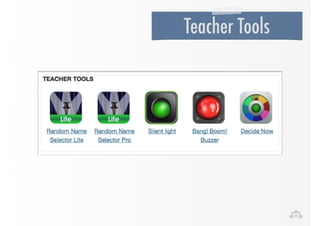
Teacher Tools
Teacher Tools 
• Kahoot 
•Todays Meet 
• Padlet
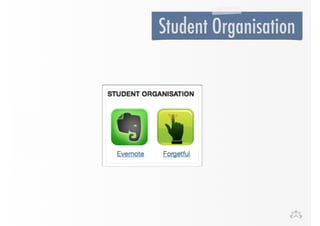
Student Organisation
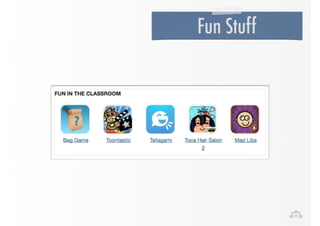
Fun Stuff
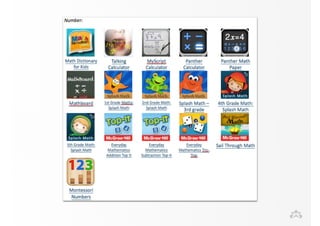
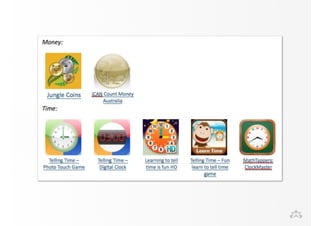
Apps for other 
learning areas
Moving forward
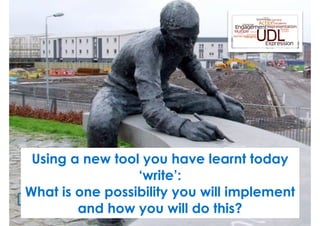
Using a new tool you have learnt today 
write 
‘write’: 
What is one possibility you will implement 
and how you will do this?
Set a reminder for 2 weeks time
44 
Where to get more information
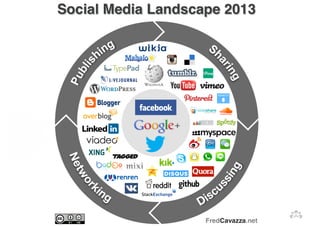
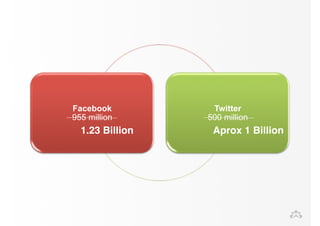
Facebook 
955 million 
Twitter 
500 million 
1.23 Billion Aprox 1 Billion
bit.ly/PLNSpecEd
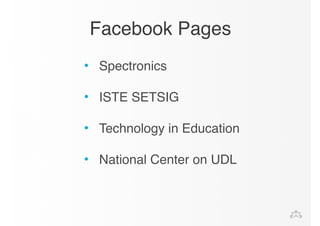
Facebook Pages 
• Spectronics! 
! 
• ISTE SETSIG! 
! 
• Technology in Education! 
! 
• National Center on UDL!
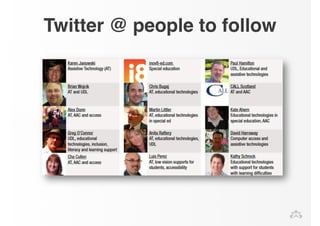
Twitter @ people to follow
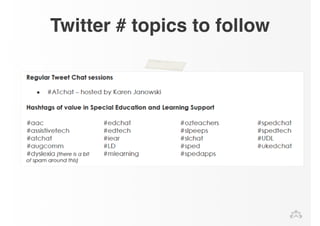
Twitter # topics to follow
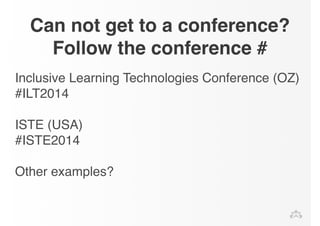
Can not get to a conference? 
Follow the conference # 
Inclusive Learning Technologies Conference (OZ) 
#ILT2014! 
! 
ISTE (USA)! 
#ISTE2014! 
! 
Other examples?
Social Bookmarking 
www.delicious.com! 
! 
! 
! 
www.diigo.com
www.pinterest.com/gregoconnor/
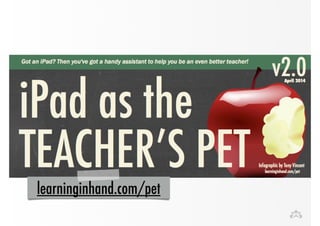
learninginhand.com/pet
facebook.com/Spectronics 
twitter.com/Spectronics 
Spectronics.com.au/Blog
Subscription 
spectronics.com.au/online
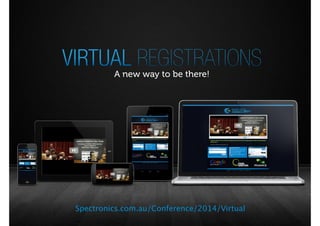
Spectronics.com.au/Conference/2014/Virtual
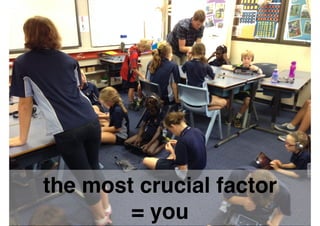
the most crucial factor " 
= you
Possibilities
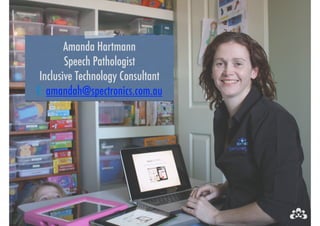
Amanda Hartmann 
Speech Pathologist 
Inclusive Technology Consultant 
E: amandah@spectronics.com.au

Integrating Ipads into the Classroom: Primary Schools