Develop on Android
Android Lab Test
www.AndroidLabTest.com
Youku
By Bruno Delb
www.weibo.com/brunodelb
i.youku.com/brunodelb | www.weibo.com/brunodelb | blog.delb.cn
http://i.youku.com/brunoparis
Weibo
Officialsite
Lesson : The gyroscope sensor
The gyroscope sensor
• In this lesson, you will learn to use the gyroscope sensor.
• For this, you will use the SensorManager and the sensor
type TYPE_GYROSCOPE.
The gyroscope sensor
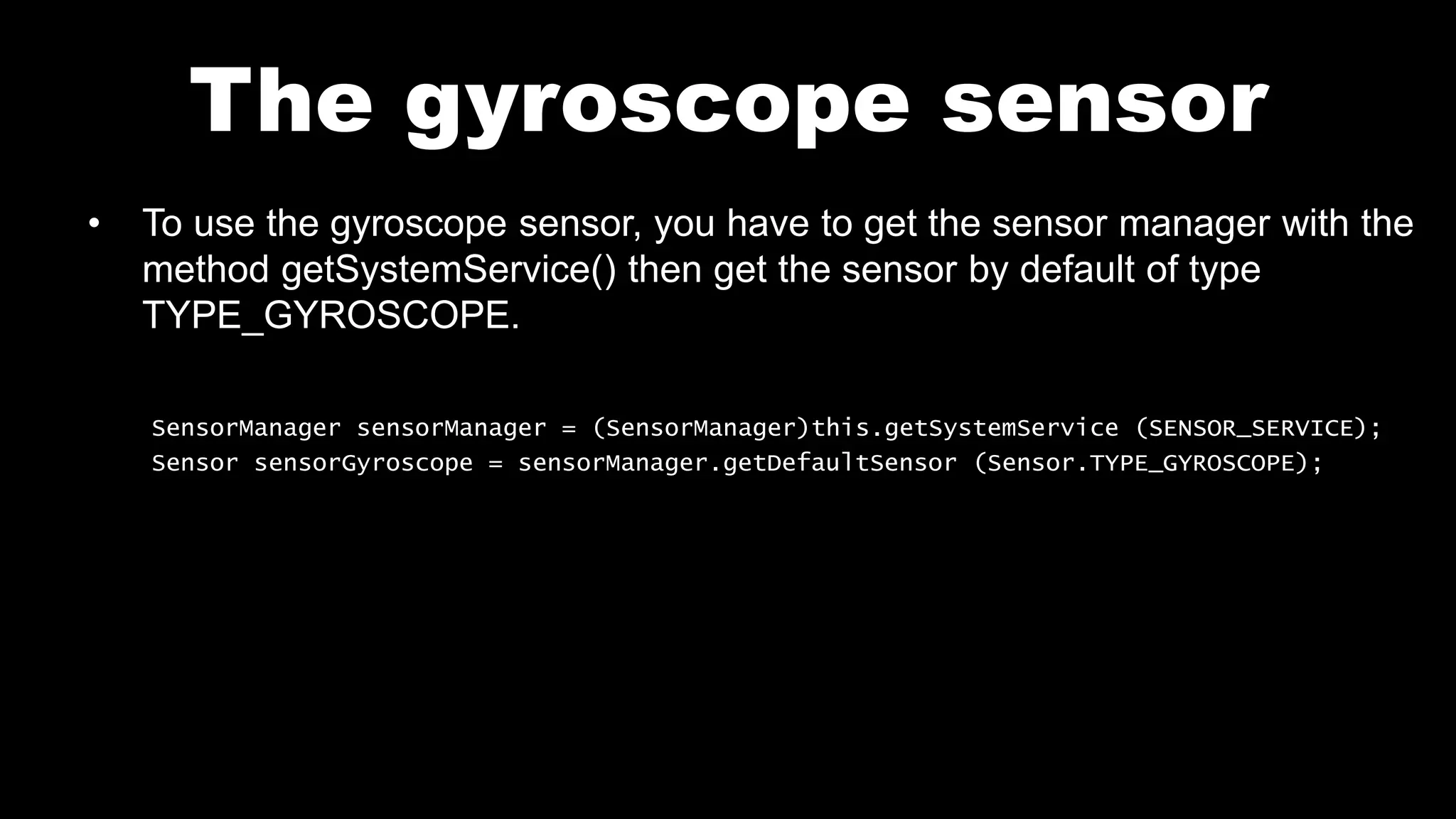
• To use the gyroscope sensor, you have to get the sensor manager with the
method getSystemService() then get the sensor by default of type
TYPE_GYROSCOPE.
SensorManager sensorManager = (SensorManager)this.getSystemService (SENSOR_SERVICE);
Sensor sensorGyroscope = sensorManager.getDefaultSensor (Sensor.TYPE_GYROSCOPE);
The gyroscope sensor
• To get the values ofthe gyroscope, you have to implement
SensorEventListener and the methods onAccuracyChanged() and
onSensorChanged(). With this method, you can get the values of the
sensor :
extends Activity implements SensorEventListener {
public void onAccuracyChanged (Sensor sensor, int accuracy) {
}
public void onSensorChanged (SensorEvent event) {
// Values : event.values [0], event.values [1], event.values [2]
}
The gyroscope sensor
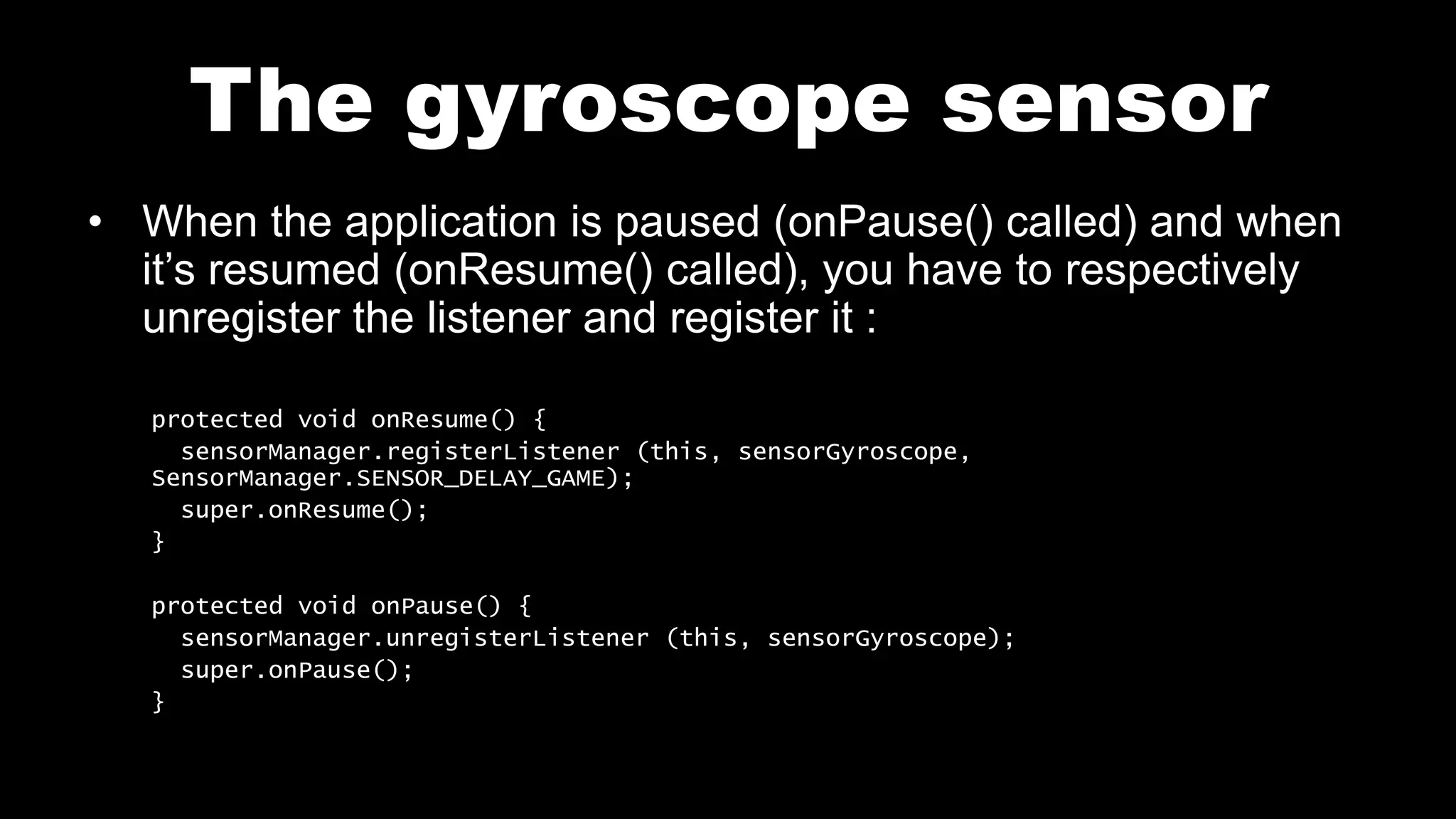
• When the application is paused (onPause() called) and when
it’s resumed (onResume() called), you have to respectively
unregister the listener and register it :
protected void onResume() {
sensorManager.registerListener (this, sensorGyroscope,
SensorManager.SENSOR_DELAY_GAME);
super.onResume();
}
protected void onPause() {
sensorManager.unregisterListener (this, sensorGyroscope);
super.onPause();
}
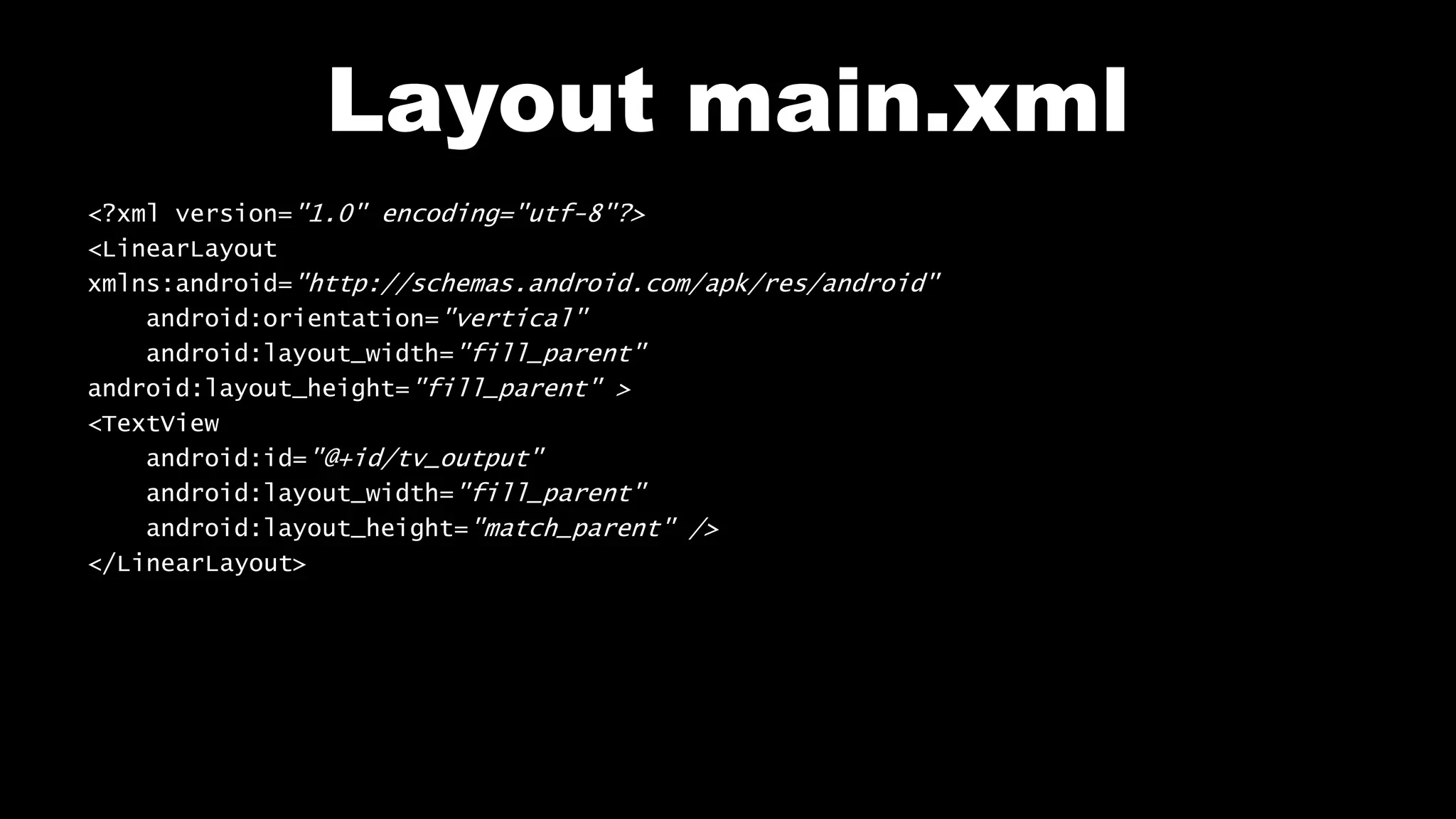
Layout main.xml
<?xml version="1.0" encoding="utf-8"?>
<LinearLayout
xmlns:android="http://schemas.android.com/apk/res/android"
android:orientation="vertical"
android:layout_width="fill_parent"
android:layout_height="fill_parent" >
<TextView
android:id="@+id/tv_output"
android:layout_width="fill_parent"
android:layout_height="match_parent" />
</LinearLayout>
File Main.java
public class Main extends Activity implements SensorEventListener {
private SensorManager sensorManager;
private Sensor sensorGyroscope;
private TextView tv_output;
public void onCreate (Bundle savedInstanceState) {
super.onCreate (savedInstanceState);
setContentView (R.layout.main);
tv_output = (TextView)findViewById (R.id.tv_output);
sensorManager = (SensorManager)this.getSystemService (SENSOR_SERVICE);
sensorGyroscope = sensorManager.getDefaultSensor (Sensor.TYPE_GYROSCOPE);
}
public void onSensorChanged (SensorEvent event) {
tv_output.setText ("0: " + event.values [0] + "n" + "1: " + event.values [1] + "n"
+ "2: " + event.values [2] + "n");
}
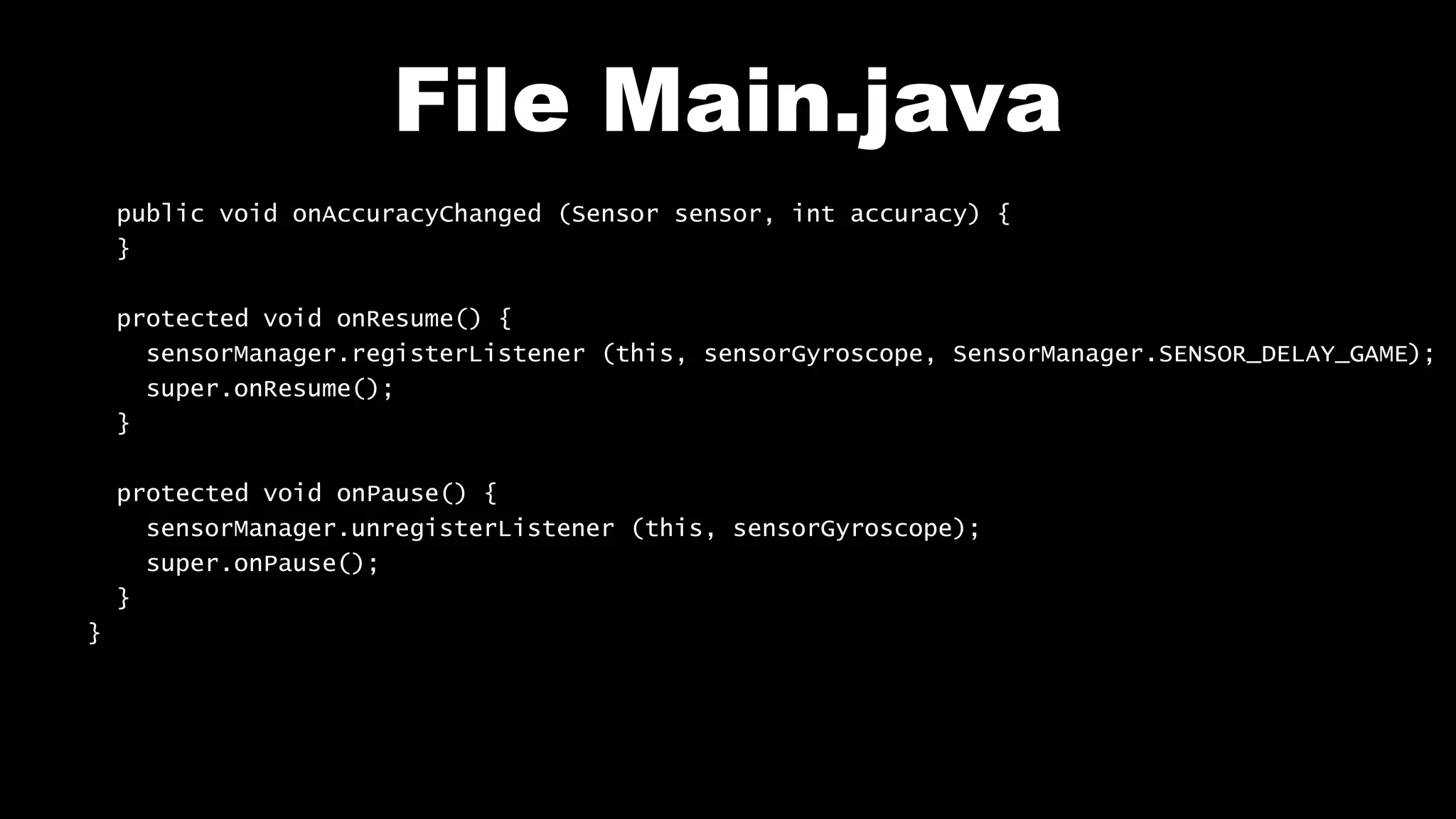
File Main.java
public void onAccuracyChanged (Sensor sensor, int accuracy) {
}
protected void onResume() {
sensorManager.registerListener (this, sensorGyroscope, SensorManager.SENSOR_DELAY_GAME);
super.onResume();
}
protected void onPause() {
sensorManager.unregisterListener (this, sensorGyroscope);
super.onPause();
}
}
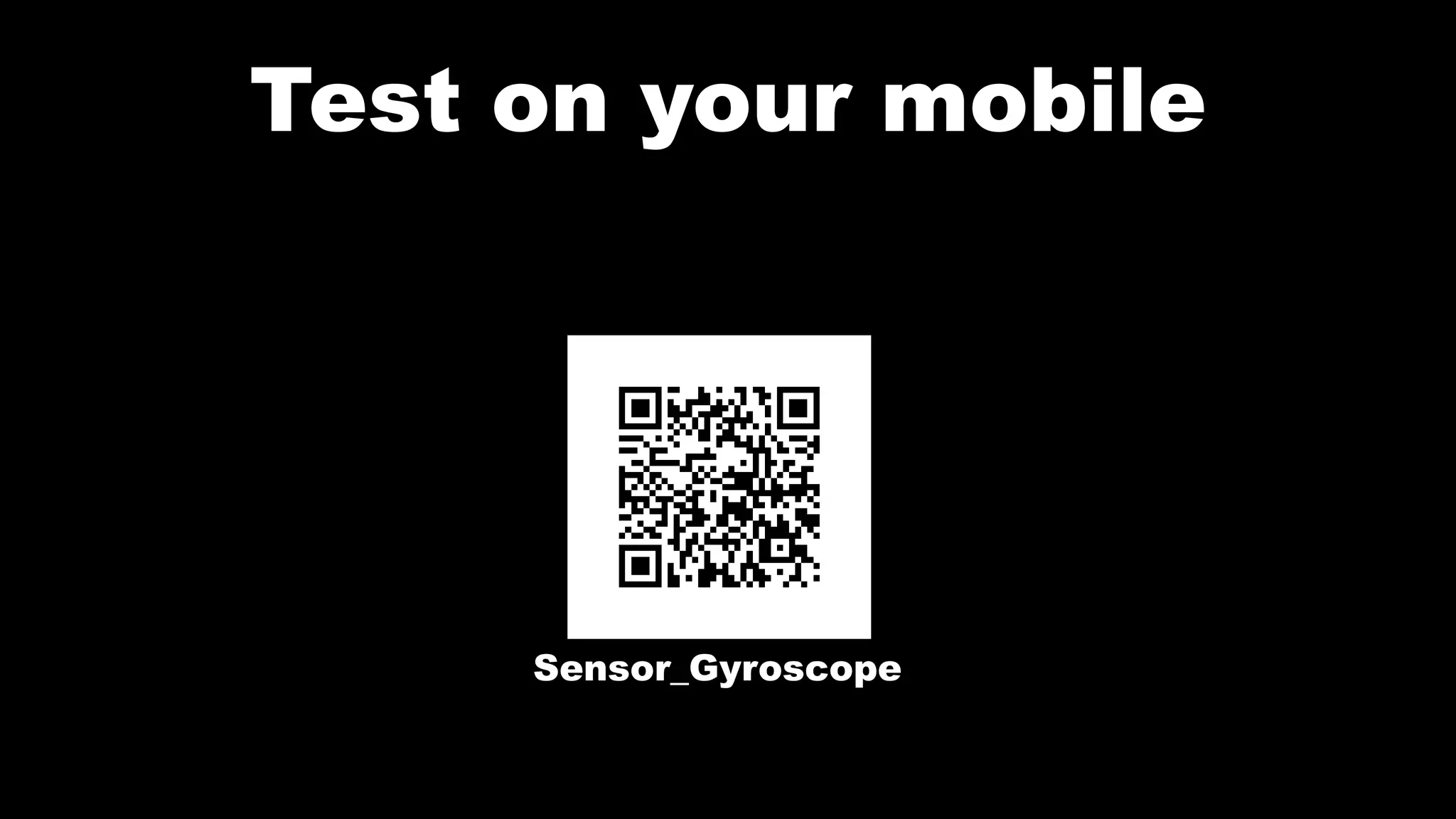
Test on your mobile
Sensor_Gyroscope
Follow me on my channel PengYooTV …
On my Youku channel
http://i.youku.com/brunoparis
Who am I ?
Bruno Delb (www.delb.cn),
Author of the first french book of development of Java mobile application (2002),
Consultant, project manager and developer of social & mobile applications,
let’s talk about your needs ...
And on Weibo :
http://www.weibo.com/brunodelb

Android Lab Test : Using the sensor gyroscope (english)

  • 1.
    Develop on Android AndroidLab Test www.AndroidLabTest.com Youku By Bruno Delb www.weibo.com/brunodelb i.youku.com/brunodelb | www.weibo.com/brunodelb | blog.delb.cn http://i.youku.com/brunoparis Weibo Officialsite Lesson : The gyroscope sensor
  • 2.
    The gyroscope sensor •In this lesson, you will learn to use the gyroscope sensor. • For this, you will use the SensorManager and the sensor type TYPE_GYROSCOPE.
  • 3.
    The gyroscope sensor •To use the gyroscope sensor, you have to get the sensor manager with the method getSystemService() then get the sensor by default of type TYPE_GYROSCOPE. SensorManager sensorManager = (SensorManager)this.getSystemService (SENSOR_SERVICE); Sensor sensorGyroscope = sensorManager.getDefaultSensor (Sensor.TYPE_GYROSCOPE);
  • 4.
    The gyroscope sensor •To get the values ofthe gyroscope, you have to implement SensorEventListener and the methods onAccuracyChanged() and onSensorChanged(). With this method, you can get the values of the sensor : extends Activity implements SensorEventListener { public void onAccuracyChanged (Sensor sensor, int accuracy) { } public void onSensorChanged (SensorEvent event) { // Values : event.values [0], event.values [1], event.values [2] }
  • 5.
    The gyroscope sensor •When the application is paused (onPause() called) and when it’s resumed (onResume() called), you have to respectively unregister the listener and register it : protected void onResume() { sensorManager.registerListener (this, sensorGyroscope, SensorManager.SENSOR_DELAY_GAME); super.onResume(); } protected void onPause() { sensorManager.unregisterListener (this, sensorGyroscope); super.onPause(); }
  • 6.
    Layout main.xml <?xml version="1.0"encoding="utf-8"?> <LinearLayout xmlns:android="http://schemas.android.com/apk/res/android" android:orientation="vertical" android:layout_width="fill_parent" android:layout_height="fill_parent" > <TextView android:id="@+id/tv_output" android:layout_width="fill_parent" android:layout_height="match_parent" /> </LinearLayout>
  • 7.
    File Main.java public classMain extends Activity implements SensorEventListener { private SensorManager sensorManager; private Sensor sensorGyroscope; private TextView tv_output; public void onCreate (Bundle savedInstanceState) { super.onCreate (savedInstanceState); setContentView (R.layout.main); tv_output = (TextView)findViewById (R.id.tv_output); sensorManager = (SensorManager)this.getSystemService (SENSOR_SERVICE); sensorGyroscope = sensorManager.getDefaultSensor (Sensor.TYPE_GYROSCOPE); } public void onSensorChanged (SensorEvent event) { tv_output.setText ("0: " + event.values [0] + "n" + "1: " + event.values [1] + "n" + "2: " + event.values [2] + "n"); }
  • 8.
    File Main.java public voidonAccuracyChanged (Sensor sensor, int accuracy) { } protected void onResume() { sensorManager.registerListener (this, sensorGyroscope, SensorManager.SENSOR_DELAY_GAME); super.onResume(); } protected void onPause() { sensorManager.unregisterListener (this, sensorGyroscope); super.onPause(); } }
  • 9.
    Test on yourmobile Sensor_Gyroscope
  • 10.
    Follow me onmy channel PengYooTV … On my Youku channel http://i.youku.com/brunoparis Who am I ? Bruno Delb (www.delb.cn), Author of the first french book of development of Java mobile application (2002), Consultant, project manager and developer of social & mobile applications, let’s talk about your needs ... And on Weibo : http://www.weibo.com/brunodelb