Android Sensor Framework
Yucheng Jin, Sven Charleer, Robin De Croon
Joris Klerkx
Augment Human @ HCI
7 October 2015
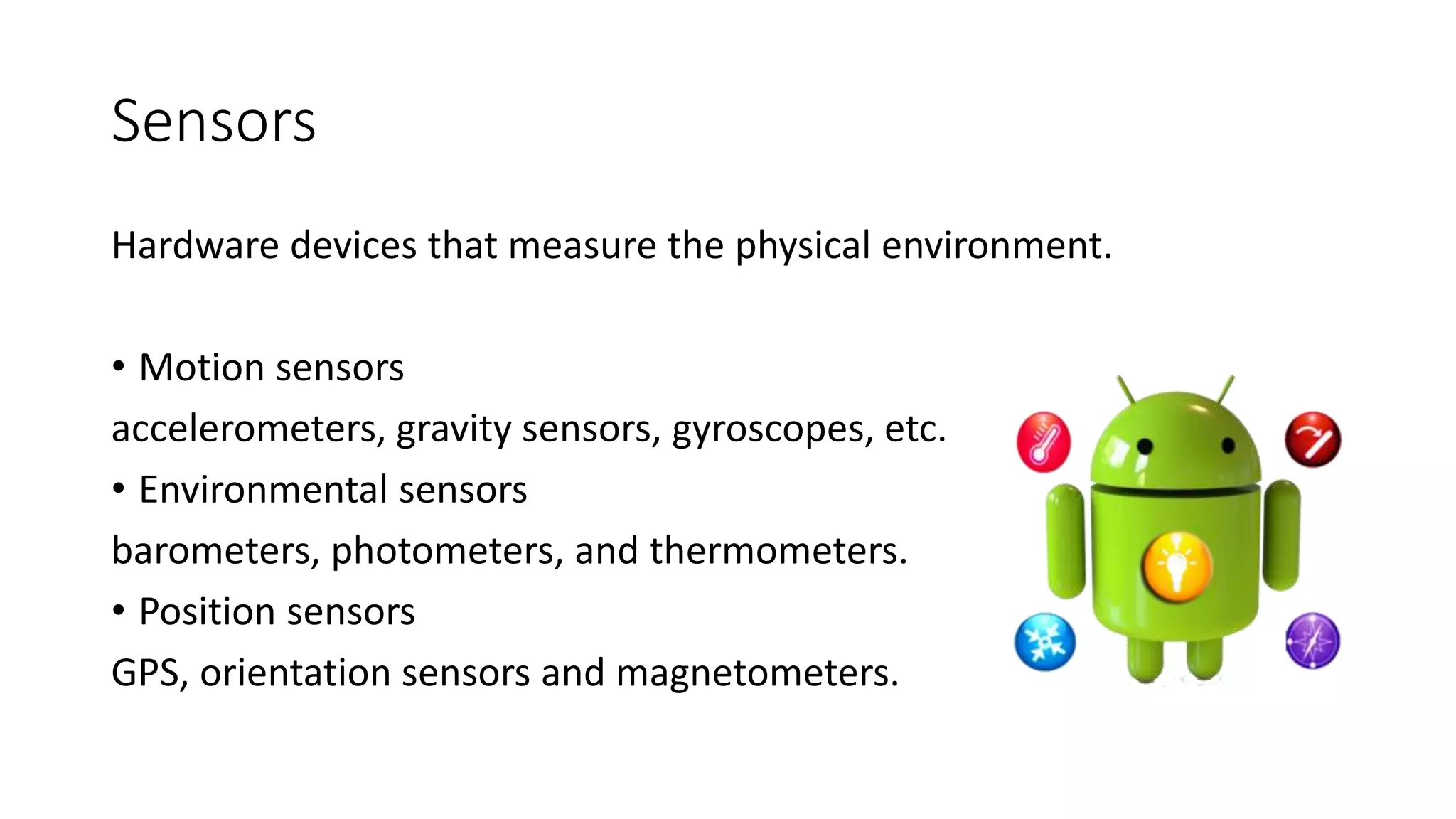
Sensors
Hardware devices that measure the physical environment.
• Motion sensors
accelerometers, gravity sensors, gyroscopes, etc.
• Environmental sensors
barometers, photometers, and thermometers.
• Position sensors
GPS, orientation sensors and magnetometers.
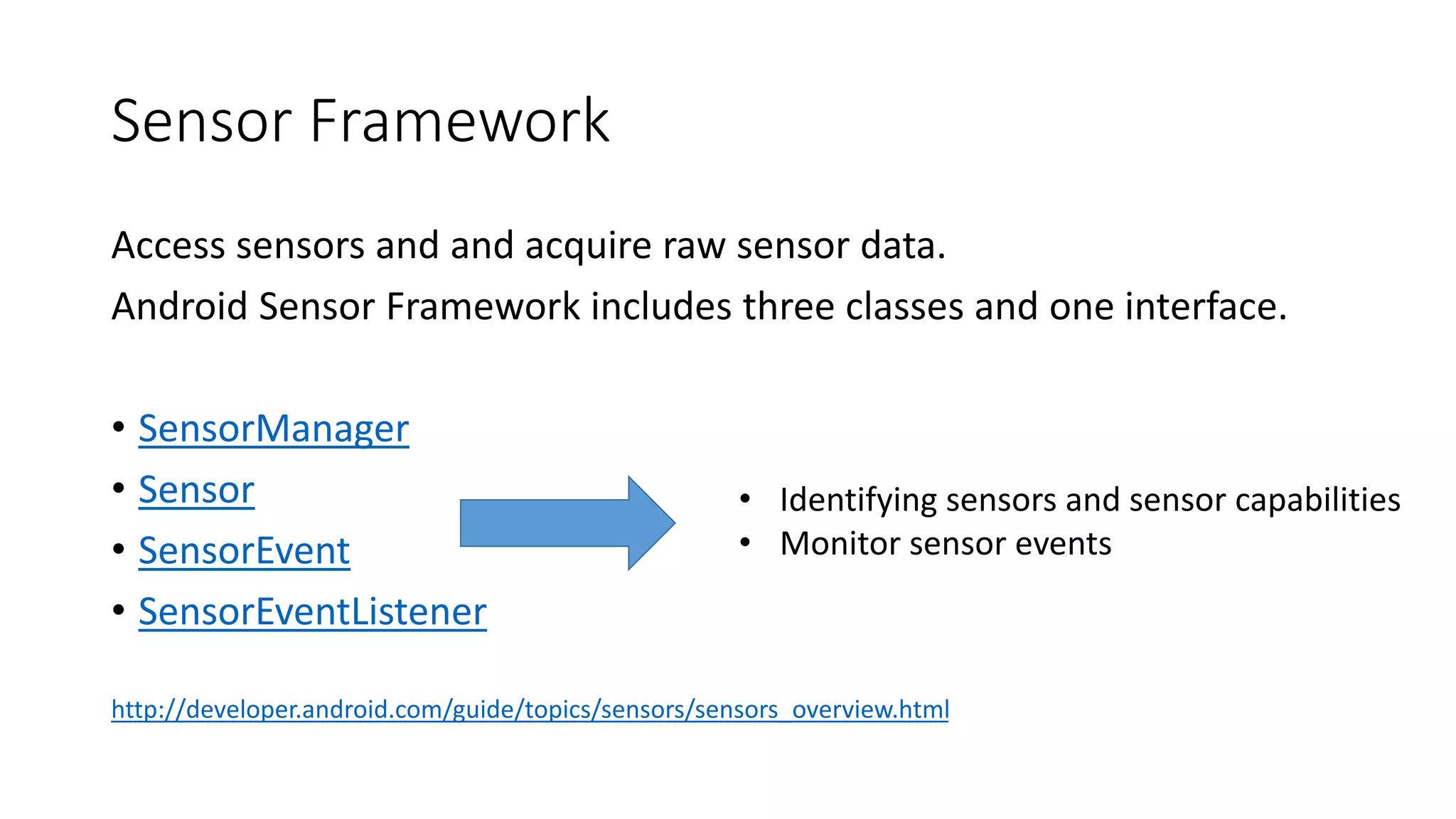
Sensor Framework
Access sensors and and acquire raw sensor data.
Android Sensor Framework includes three classes and one interface.
• SensorManager
• Sensor
• SensorEvent
• SensorEventListener
http://developer.android.com/guide/topics/sensors/sensors_overview.html
• Identifying sensors and sensor capabilities
• Monitor sensor events
SensorManager
• Methods
Access the device's sensors
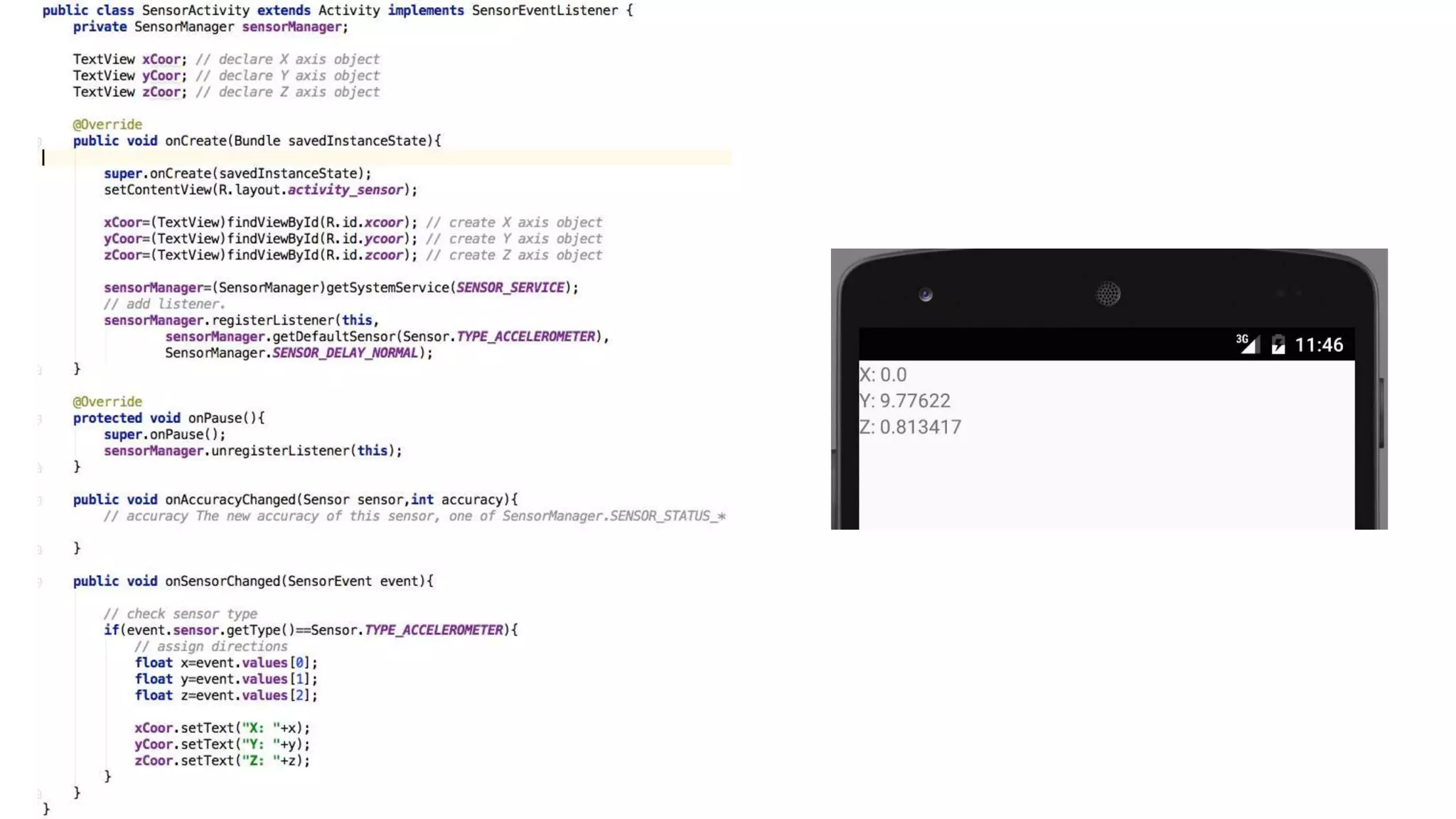
mSensorManager = (SensorManager)getSystemService(SENSOR_SERVICE);
mAccelerometer = mSensorManager.getDefaultSensor(Sensor.TYPE_ACCELEROMETER);
Registering and unregistering sensor event listeners
mSensorManager.registerListener(this, mAccelerometer, SensorManager.SENSOR_DELAY_NORMAL);
mSensorManager.unregisterListener(this);
• Constants
Sensor accuracy,
Set data acquisition rates
Calibrate sensors
http://developer.android.com/reference/android/hardware/SensorManager.html
Sensor
Create an specific sensor object.
• Methods
Check a sensor's capabilities.
e.g. getStringType ()
• Constants
……
http://developer.android.com/reference/android/hardware/Sensor.html
SensorEvent
This class represents a sensor event and holds information
such as the sensor's type, the time-stamp, accuracy and sensor's data.
• Methods
event.sensor.getType()
event.values[]
• Constants
……
http://developer.android.com/reference/android/hardware/SensorEvent.html
SensorEventListener
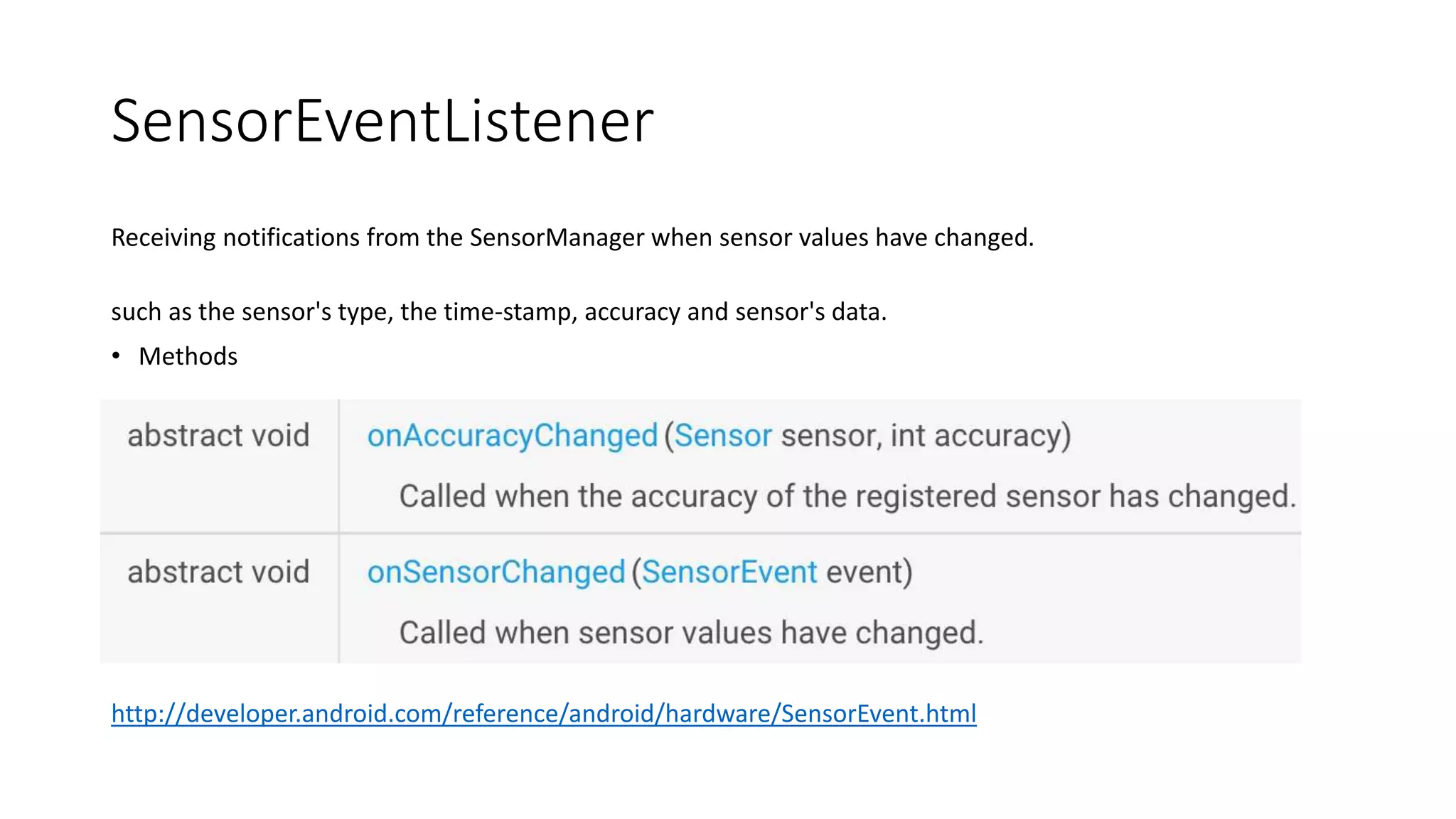
Receiving notifications from the SensorManager when sensor values have changed.
such as the sensor's type, the time-stamp, accuracy and sensor's data.
• Methods
http://developer.android.com/reference/android/hardware/SensorEventListener.html
Practice
Modify the app and show the actual values of listed sensors on your
device.
http://www.tutorialspoint.com/android/android_sensors.htm
http://developer.android.com/guide/topics/sensors/sensors_overview.
html
Thanks & Questions?

Peno sensor

  • 1.
    Android Sensor Framework YuchengJin, Sven Charleer, Robin De Croon Joris Klerkx Augment Human @ HCI 7 October 2015
  • 2.
    Sensors Hardware devices thatmeasure the physical environment. • Motion sensors accelerometers, gravity sensors, gyroscopes, etc. • Environmental sensors barometers, photometers, and thermometers. • Position sensors GPS, orientation sensors and magnetometers.
  • 3.
    Sensor Framework Access sensorsand and acquire raw sensor data. Android Sensor Framework includes three classes and one interface. • SensorManager • Sensor • SensorEvent • SensorEventListener http://developer.android.com/guide/topics/sensors/sensors_overview.html • Identifying sensors and sensor capabilities • Monitor sensor events
  • 4.
    SensorManager • Methods Access thedevice's sensors mSensorManager = (SensorManager)getSystemService(SENSOR_SERVICE); mAccelerometer = mSensorManager.getDefaultSensor(Sensor.TYPE_ACCELEROMETER); Registering and unregistering sensor event listeners mSensorManager.registerListener(this, mAccelerometer, SensorManager.SENSOR_DELAY_NORMAL); mSensorManager.unregisterListener(this); • Constants Sensor accuracy, Set data acquisition rates Calibrate sensors http://developer.android.com/reference/android/hardware/SensorManager.html
  • 5.
    Sensor Create an specificsensor object. • Methods Check a sensor's capabilities. e.g. getStringType () • Constants …… http://developer.android.com/reference/android/hardware/Sensor.html
  • 6.
    SensorEvent This class representsa sensor event and holds information such as the sensor's type, the time-stamp, accuracy and sensor's data. • Methods event.sensor.getType() event.values[] • Constants …… http://developer.android.com/reference/android/hardware/SensorEvent.html
  • 7.
    SensorEventListener Receiving notifications fromthe SensorManager when sensor values have changed. such as the sensor's type, the time-stamp, accuracy and sensor's data. • Methods http://developer.android.com/reference/android/hardware/SensorEventListener.html
  • 9.
    Practice Modify the appand show the actual values of listed sensors on your device. http://www.tutorialspoint.com/android/android_sensors.htm http://developer.android.com/guide/topics/sensors/sensors_overview. html
  • 10.

Editor's Notes

  • #3 measure acceleration forces and rotational forces along three axes ambient air temperature and pressure, illumination, and humidity
  • #4 You can use this class to create an instance of the sensor service. This class provides various methods for accessing and listing sensors, registering and unregistering sensor event listeners, and acquiring orientation information. This class also provides several sensor constants that are used to report sensor accuracy, set data acquisition rates, and calibrate sensors. You can use this class to create an instance of a specific sensor. This class provides various methods that let you determine a sensor's capabilities. The system uses this class to create a sensor event object, which provides information about a sensor event. A sensor event object includes the following information: the raw sensor data, the type of sensor that generated the event, the accuracy of the data, and the timestamp for the event. You can use this interface to create two callback methods that receive notifications (sensor events) when sensor values change or when sensor accuracy changes.