Sensing Mobile Devices


and what it means for app developers
Why the “Sensory Smartphone”?

 Smartphones are becoming more and more
  powerful
 And near ubiquitous
 They are adding all the capabilities that we
  have as sensing human
   And augmenting them in ways that humans
    don’t have
Developments in Sensory Smartphones

 Accelerometer/Gyroscope
 Magnetometer
 Locationing
 Ambient light
 Ambient temperature
 Air pressure
 Proximity
 Humidity
 Force Sensitivity
Accelerometer/Gyroscope

  Accelerometer
    acceleration as three values (x,y,z axes) in m/s2
    almost every smartphone has one now
  Gyroscope
    acceleration as three values (x,y,z axes) in radians/s2
    can be done with accelerometer and magnetometer but not as
     smooth
    iPhones and most highend Android devices have gyroscopes
Accelerometer/Magnetometer
for Real World Coordinates
if(SensorManager.getRotationMatrix(R, null, AccelerometerValues_last,
    MagneticFieldValues_last))
{
  SensorManager.remapCoordinateSystem(R, SensorManager.AXIS_Y,
    SensorManager.AXIS_MINUS_X, remapR);
  SensorManager.getOrientation(remapR, orientationValues);

    Matrix.multiplyMV(orientationVector, 0, remapR, 0, sZVector, 0);
    pitch = (float) (-Math.atan2(orientationVector[1], orientationVector[2]) *
       RADIANS_TO_DEGREES);

    orientation = (float) (-Math.atan2(orientationVector[0], orientationVector[1]) *
       RADIANS_TO_DEGREES);

    Matrix.invertM(remapR_inv, 0, remapR, 0);
    Matrix.multiplyMV(azimuthVector, 0, remapR_inv, 0, sZVector, 0);
    azimuth = (float) (180 + Math.atan2(azimuthVector[0], azimuthVector[1]) *
      RADIANS_TO_DEGREES);
}
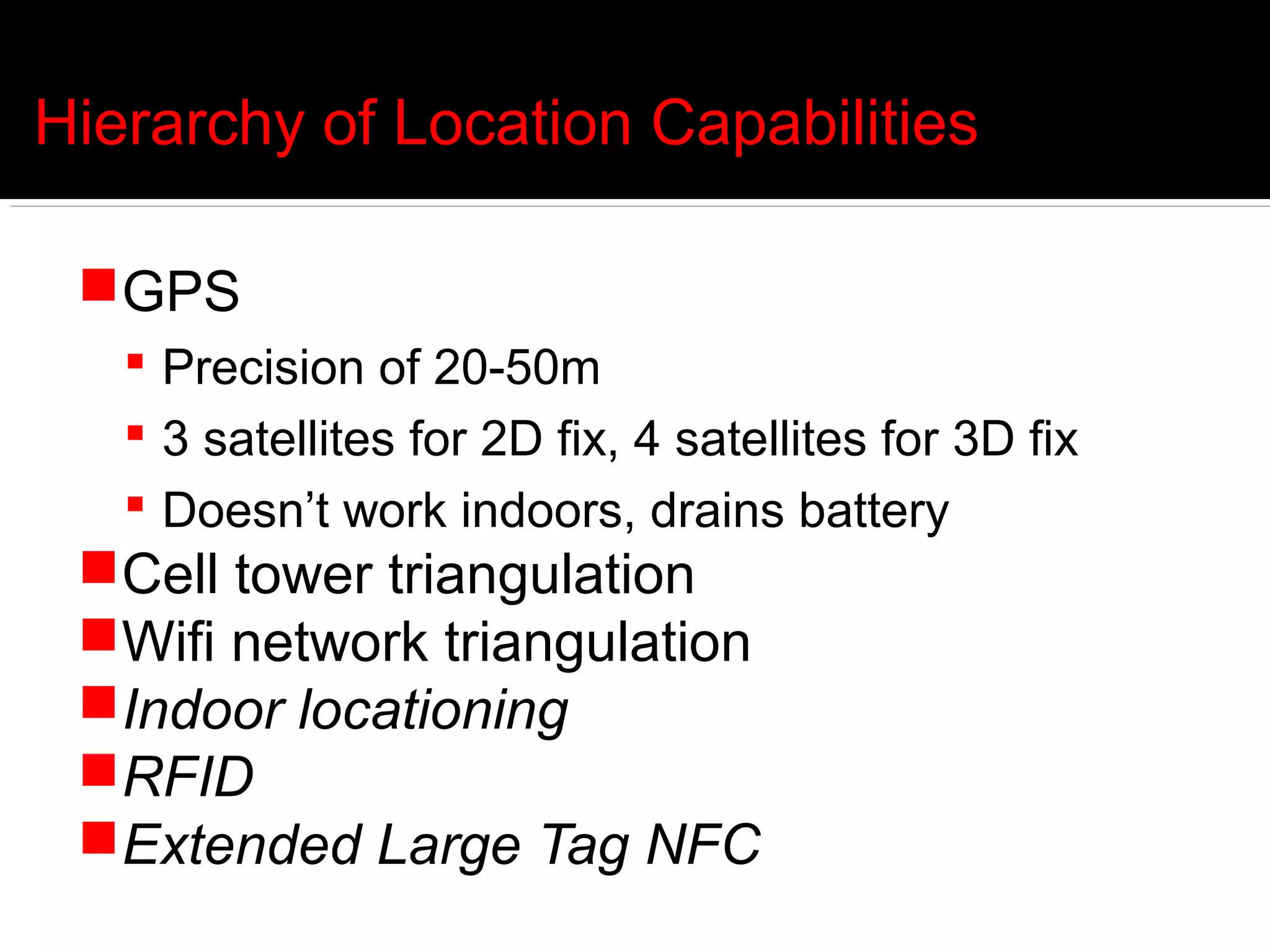
Hierarchy of Location Capabilities

 GPS
    Precision of 20-50m
    3 satellites for 2D fix, 4 satellites for 3D fix
    Doesn’t work indoors, drains battery
 Cell tower triangulation
 Wifi network triangulation
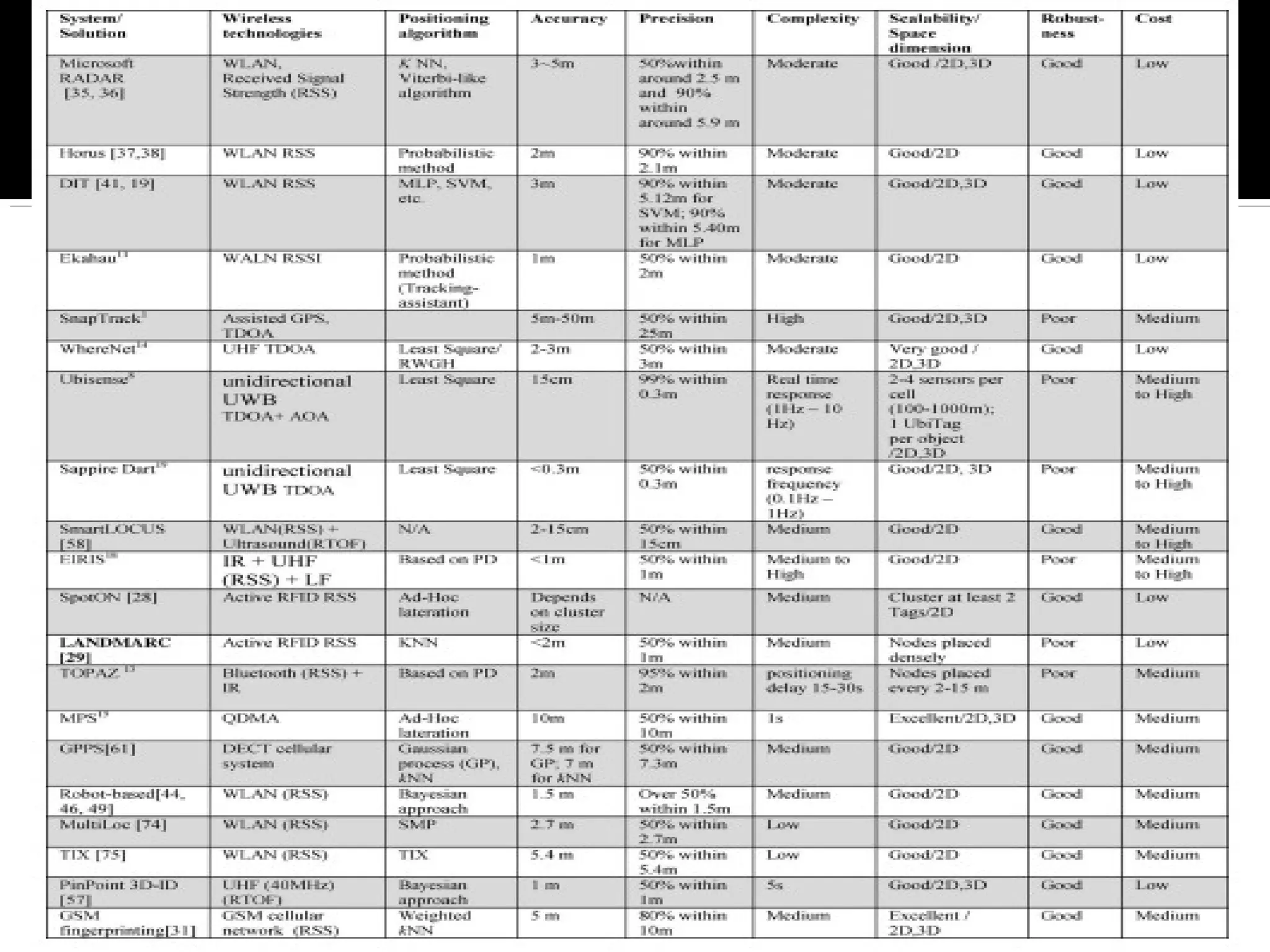
 Indoor locationing
 RFID
 Extended Large Tag NFC
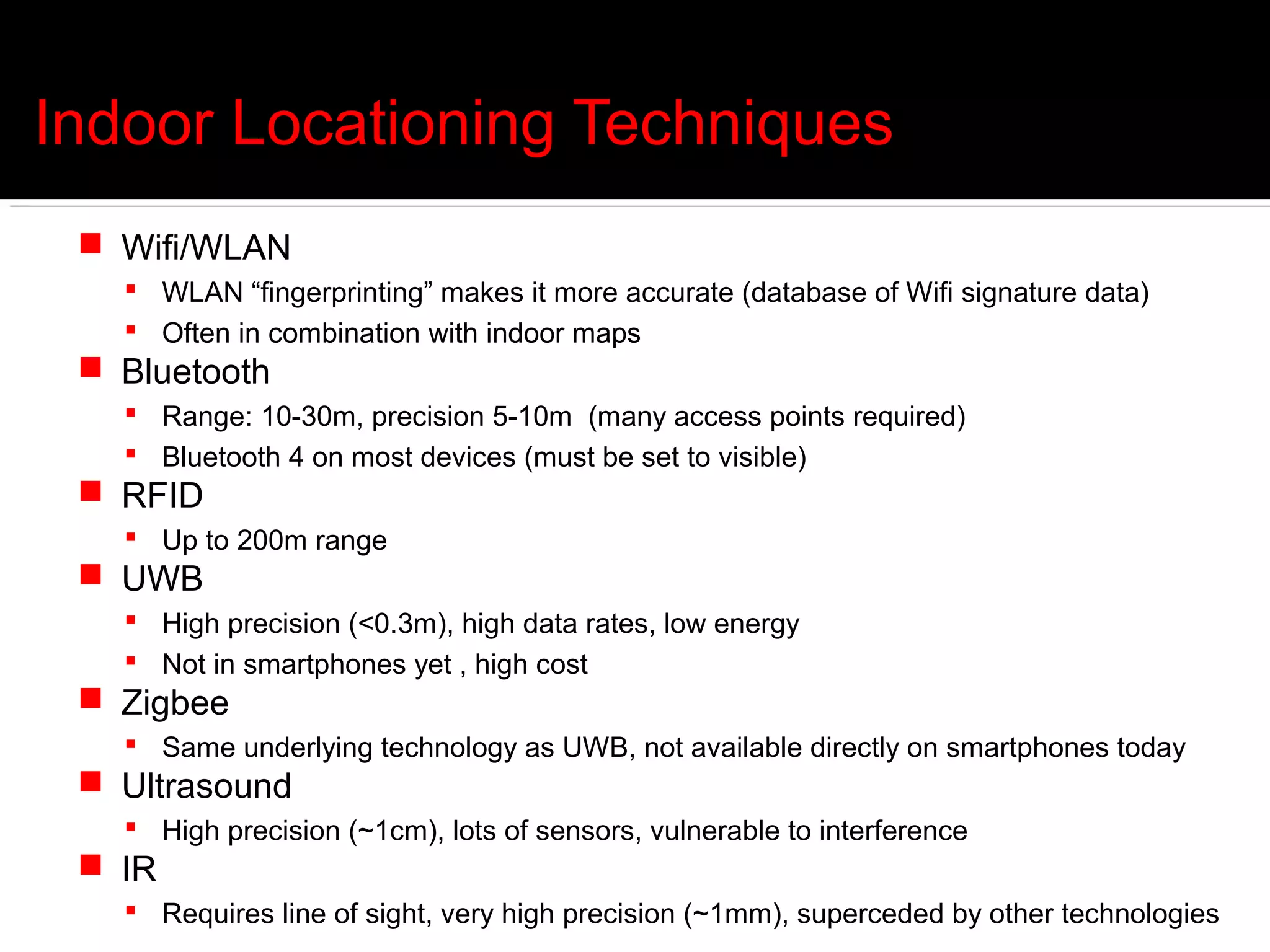
Indoor Locationing Techniques
  Wifi/WLAN
    WLAN “fingerprinting” makes it more accurate (database of Wifi signature data)
    Often in combination with indoor maps
  Bluetooth
    Range: 10-30m, precision 5-10m (many access points required)
    Bluetooth 4 on most devices (must be set to visible)
  RFID
    Up to 200m range
  UWB
    High precision (<0.3m), high data rates, low energy
    Not in smartphones yet , high cost
  Zigbee
    Same underlying technology as UWB, not available directly on smartphones today
  Ultrasound
    High precision (~1cm), lots of sensors, vulnerable to interference
  IR
    Requires line of sight, very high precision (~1mm), superceded by other technologies
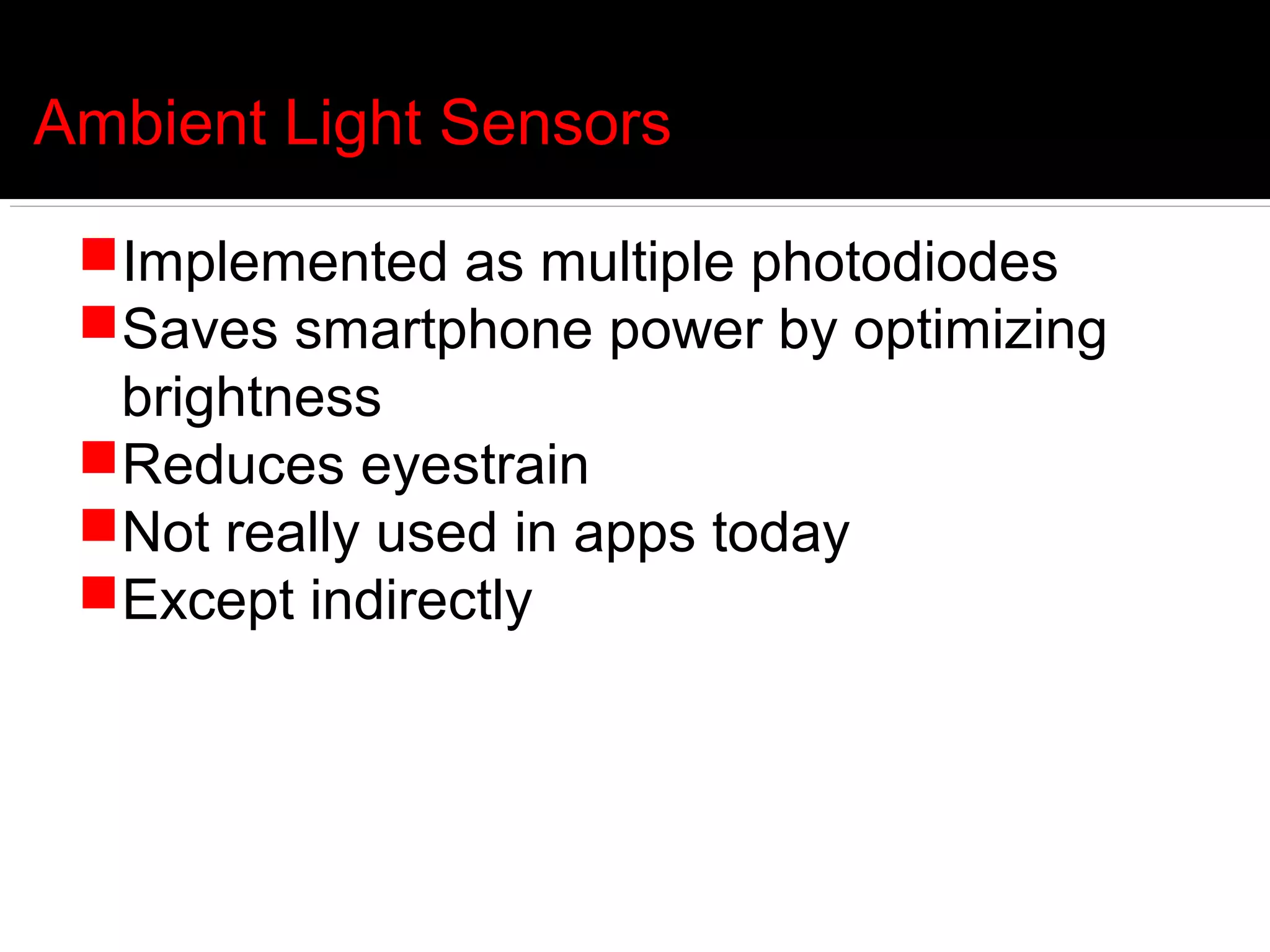
Ambient Light Sensors

 Implemented as multiple photodiodes
 Saves smartphone power by optimizing
  brightness
 Reduces eyestrain
 Not really used in apps today
 Except indirectly
Ambient Light Sensor Code
public class AndroidLightSensorActivity extends Activity {
 public void onCreate(Bundle savedInstanceState) {
       SensorManager sensorManager = (SensorManager)getSystemService(Context.SENSOR_SERVICE);
        Sensor lightSensor = sensorManager.getDefaultSensor(Sensor.TYPE_LIGHT);
        if (lightSensor == null){
         Toast.makeText(AndroidLightSensorActivity.this,
           "No Light Sensor! quit-",
           Toast.LENGTH_LONG).show();
        }else{
         float max = lightSensor.getMaximumRange();
         lightMeter.setMax((int)max);
         textMax.setText("Max Reading: " + String.valueOf(max));
         sensorManager.registerListener(lightSensorEventListener,
           lightSensor,
           SensorManager.SENSOR_DELAY_NORMAL);
          }
    }
    SensorEventListener lightSensorEventListener
    = new SensorEventListener(){
    public void onSensorChanged(SensorEvent event) {
       if(event.sensor.getType()==Sensor.TYPE_LIGHT){
         float currentReading = event.values[0];
       lightMeter.setProgress((int)currentReading);
       textReading.setText("Current Reading: " + String.valueOf(currentReading));
     }
   }
};
Ambient Temperature

  Temperature measures battery temperature and is available on most
   devices
    But its deprecated as of Android 4.0
  Ambient Temperature measures ambient air temperature
    new in Android 4.0 (Ice Cream Sandwich)
  Few devices today
    Arrows Z ISW13F
  But Sensirion has ambient temperature/humidity chip
Relative Humidity

  Combined with ambient temperature get dew point:
                 ln(RH/100%) + m·t/(Tn+t)
 td(t,RH) = Tn · ------------------------------------
                 m - [ln(RH/100%) + m·t/(Tn+t)]

  Absolute humidity

                       (RH/100%) · A · exp(m·t/(Tn+t)
 dv(t,RH) = 216.7 ·     ------------------------------------
                                  273.15 + t
Ambient Air Pressure

  Barometer showing up on more and more devices
     Xperia Active. Xperia Go. Galaxy S3. Galaxy Nexus. Galaxy Note. Galaxy Note2.
      Motorola Xoom

  Provides altitude information WITHOUT GPS

  Accelerates GPS calculations as it provides first cut guess at altitude
   before satellite fix

  Predicting impending storms when out in the field

  See Barometer and Altimeter apps on Google Play
Proximity

  On Android, returns number of centimeters distant
     Not exposed on iPhone formally (but some apps use it anyway)

  Most often implemented on Android as light sensor
     Specifically ISL29003/23 or GP2A chip

  Note that most sensors return only “near” or “far” (high or low) values

  public void onSensorChanged(SensorEvent event) {
       if (event.sensor.getType() == Sensor.TYPE_PROXIMITY) {
        if (event.values[0] <
    proximitySensor.getMaximumRange()){
     startSpeechRecognition();
        }
     }
  }
Force Sensors
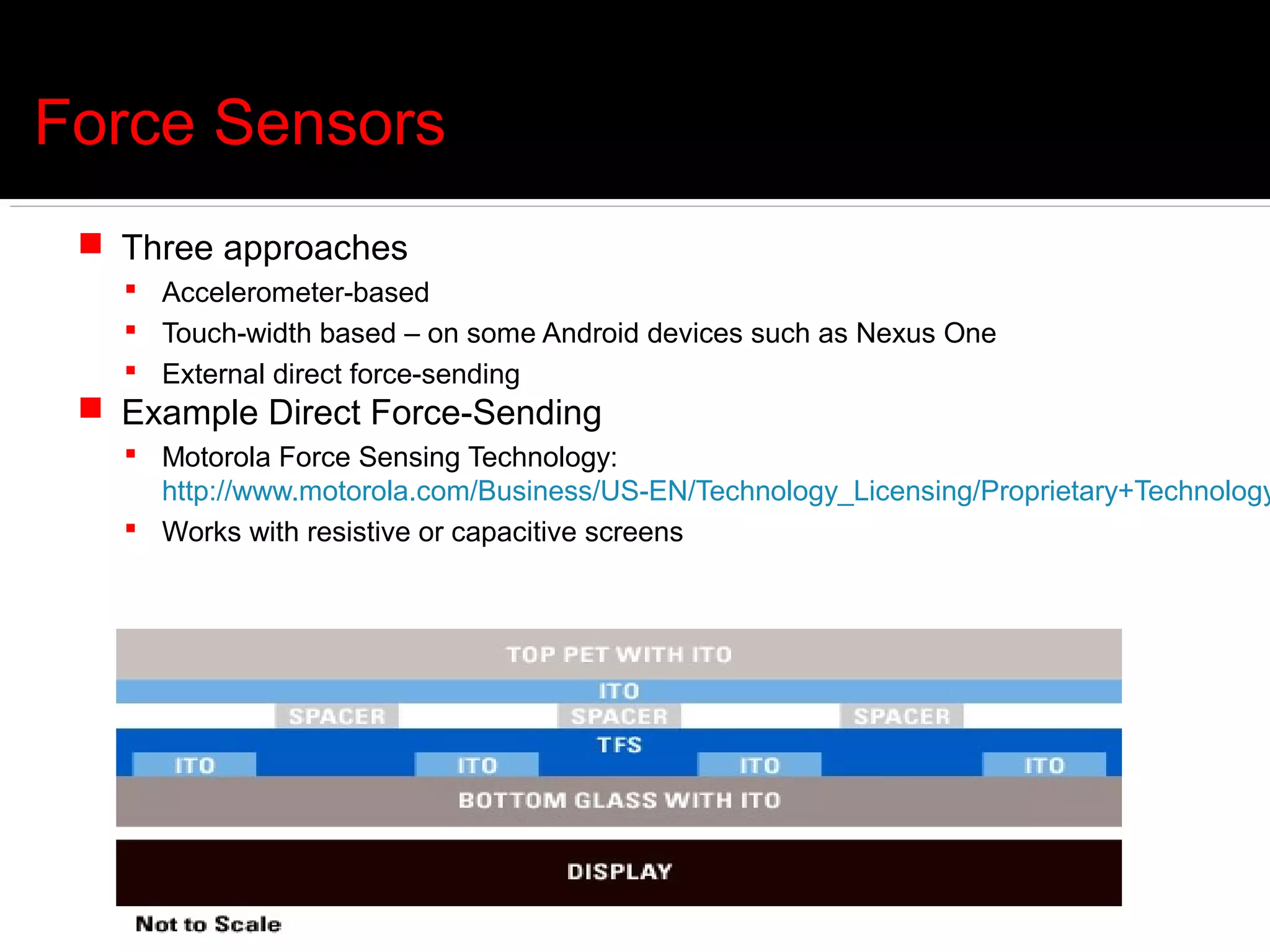
  Three approaches
    Accelerometer-based
    Touch-width based – on some Android devices such as Nexus One
    External direct force-sending
  Example Direct Force-Sending
    Motorola Force Sensing Technology:
     http://www.motorola.com/Business/US-EN/Technology_Licensing/Proprietary+Technology
    Works with resistive or capacitive screens
SensorDrone
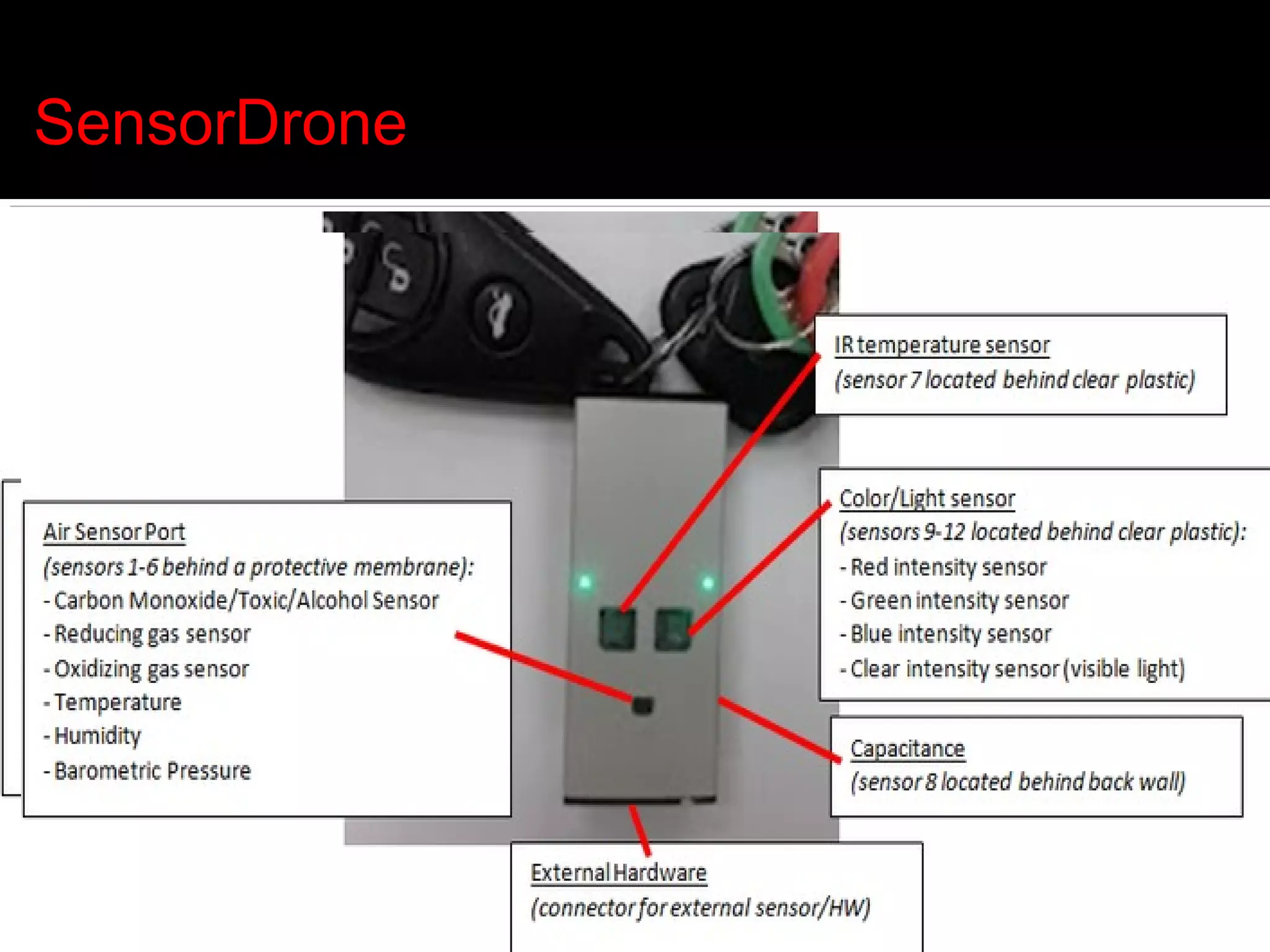
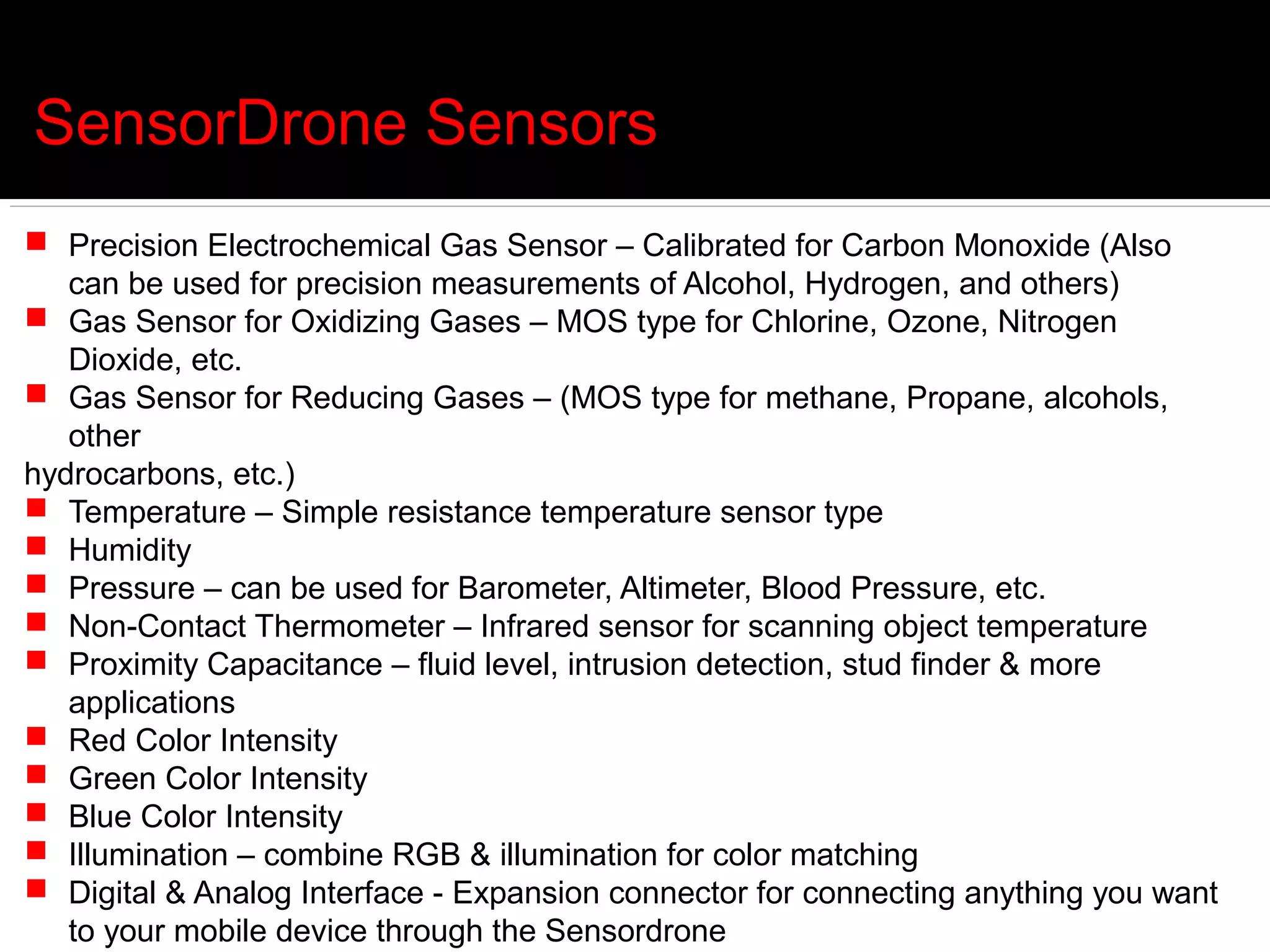
SensorDrone Sensors
 Precision Electrochemical Gas Sensor – Calibrated for Carbon Monoxide (Also
   can be used for precision measurements of Alcohol, Hydrogen, and others)
 Gas Sensor for Oxidizing Gases – MOS type for Chlorine, Ozone, Nitrogen
   Dioxide, etc.
 Gas Sensor for Reducing Gases – (MOS type for methane, Propane, alcohols,
   other
hydrocarbons, etc.)
 Temperature – Simple resistance temperature sensor type
 Humidity
 Pressure – can be used for Barometer, Altimeter, Blood Pressure, etc.
 Non-Contact Thermometer – Infrared sensor for scanning object temperature
 Proximity Capacitance – fluid level, intrusion detection, stud finder & more
   applications
 Red Color Intensity
 Green Color Intensity
 Blue Color Intensity
 Illumination – combine RGB & illumination for color matching
 Digital & Analog Interface - Expansion connector for connecting anything you want
   to your mobile device through the Sensordrone
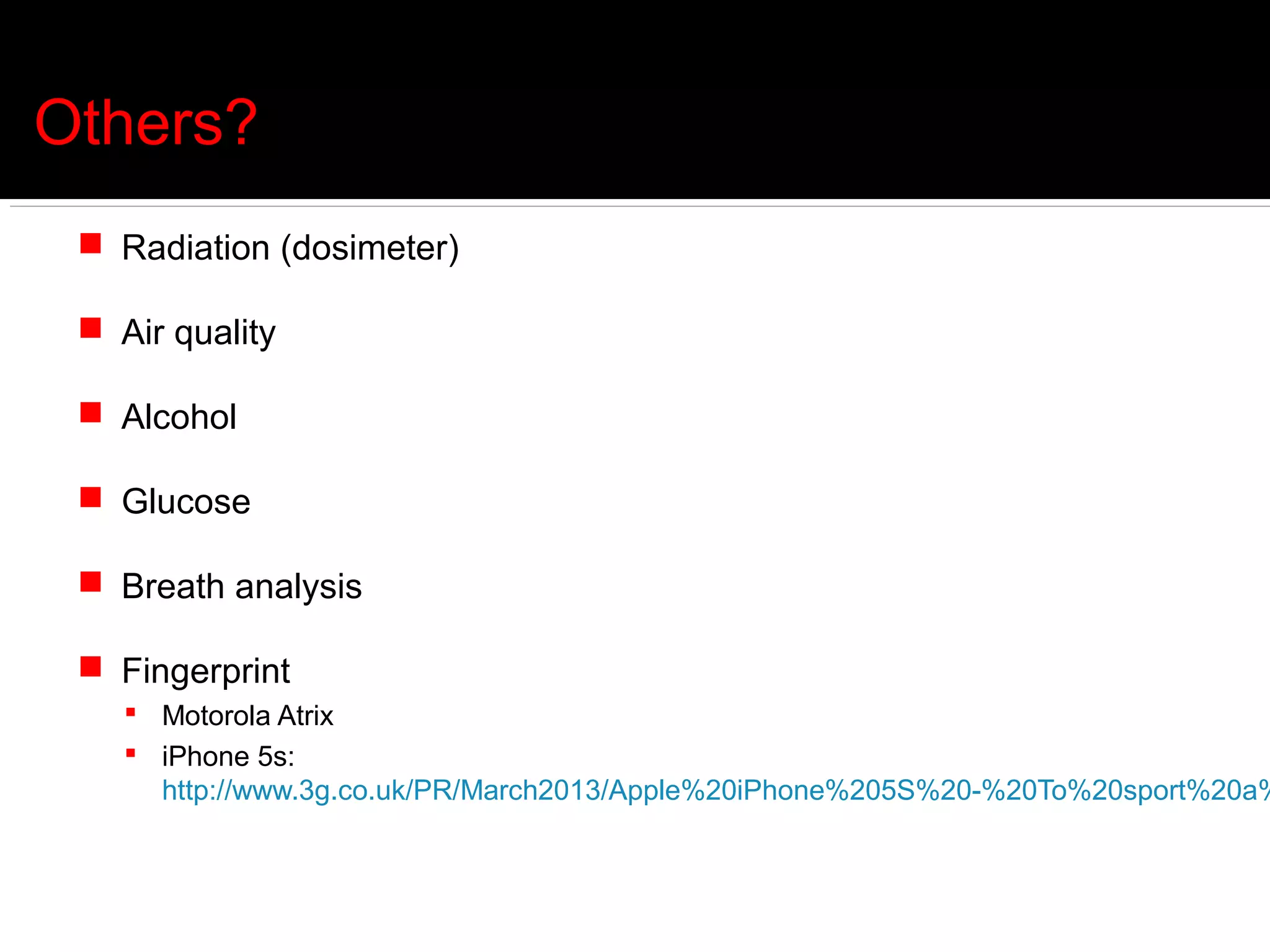
Others?
  Radiation (dosimeter)

  Air quality

  Alcohol

  Glucose

  Breath analysis

  Fingerprint
     Motorola Atrix
     iPhone 5s:
      http://www.3g.co.uk/PR/March2013/Apple%20iPhone%205S%20-%20To%20sport%20a%
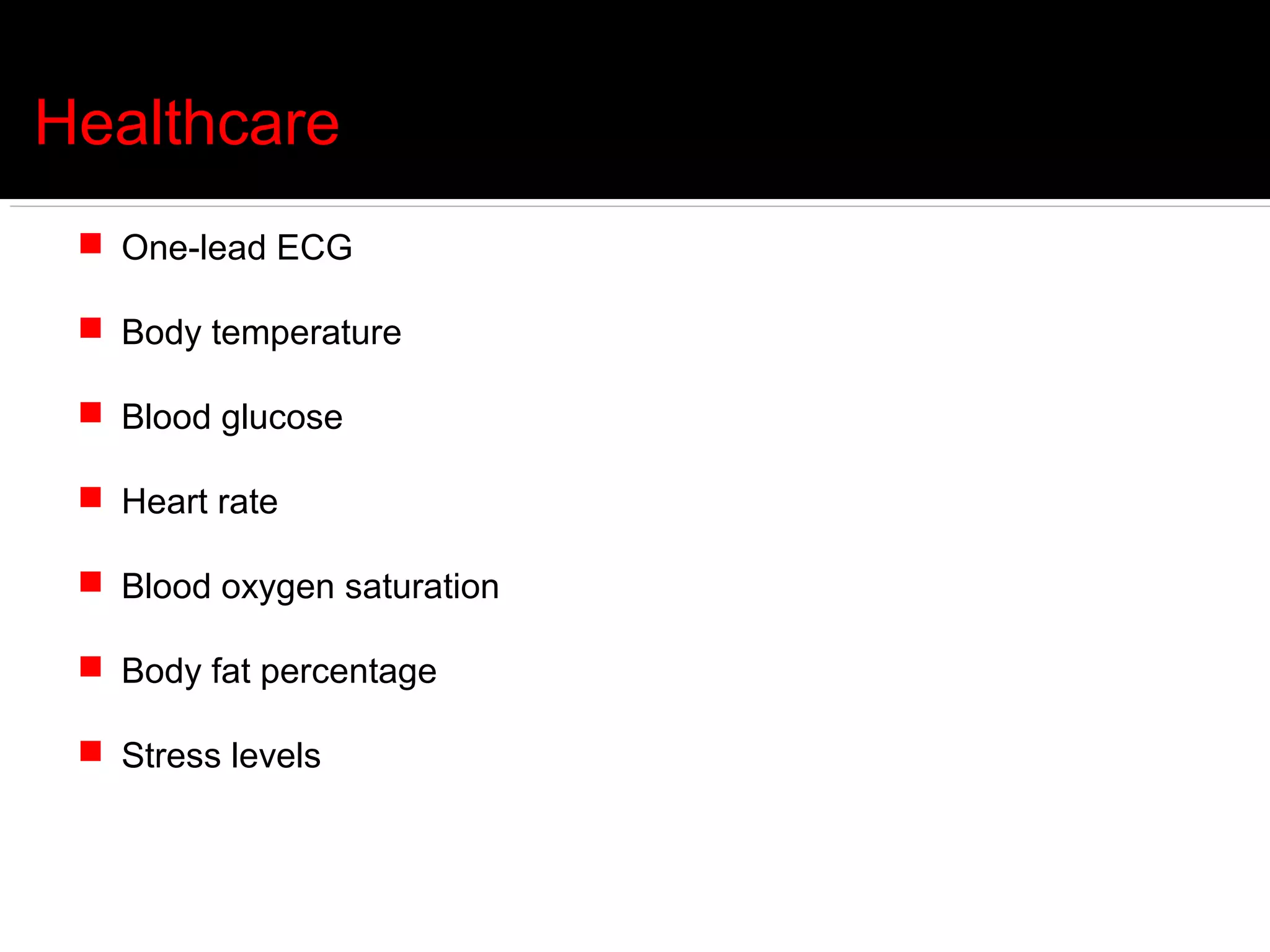
Healthcare
  One-lead ECG

  Body temperature

  Blood glucose

  Heart rate

  Blood oxygen saturation

  Body fat percentage

  Stress levels
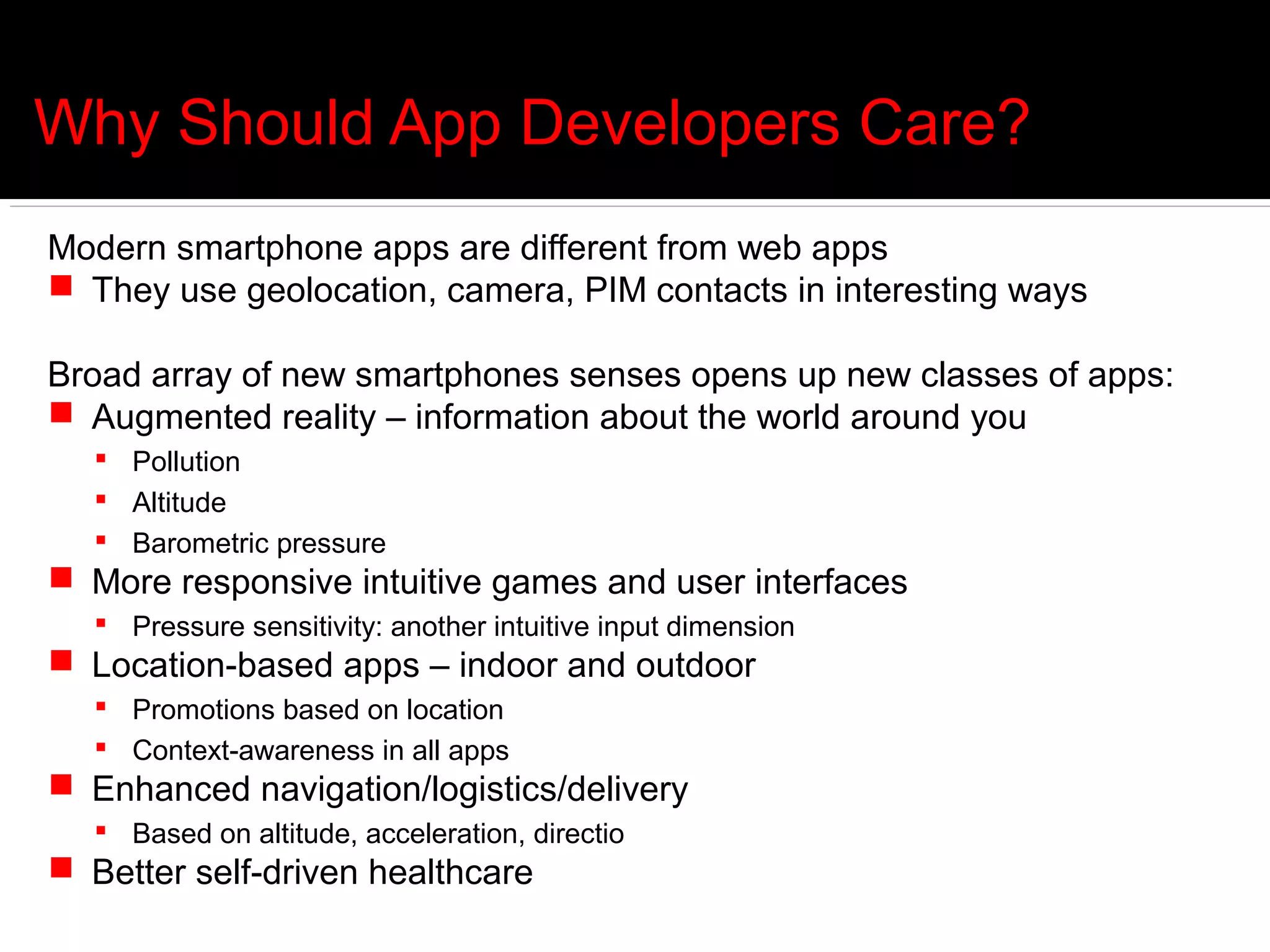
Why Should App Developers Care?
Modern smartphone apps are different from web apps
 They use geolocation, camera, PIM contacts in interesting ways

Broad array of new smartphones senses opens up new classes of apps:
 Augmented reality – information about the world around you
   Pollution
   Altitude
   Barometric pressure
 More responsive intuitive games and user interfaces
   Pressure sensitivity: another intuitive input dimension
 Location-based apps – indoor and outdoor
   Promotions based on location
   Context-awareness in all apps
 Enhanced navigation/logistics/delivery
   Based on altitude, acceleration, directio
 Better self-driven healthcare
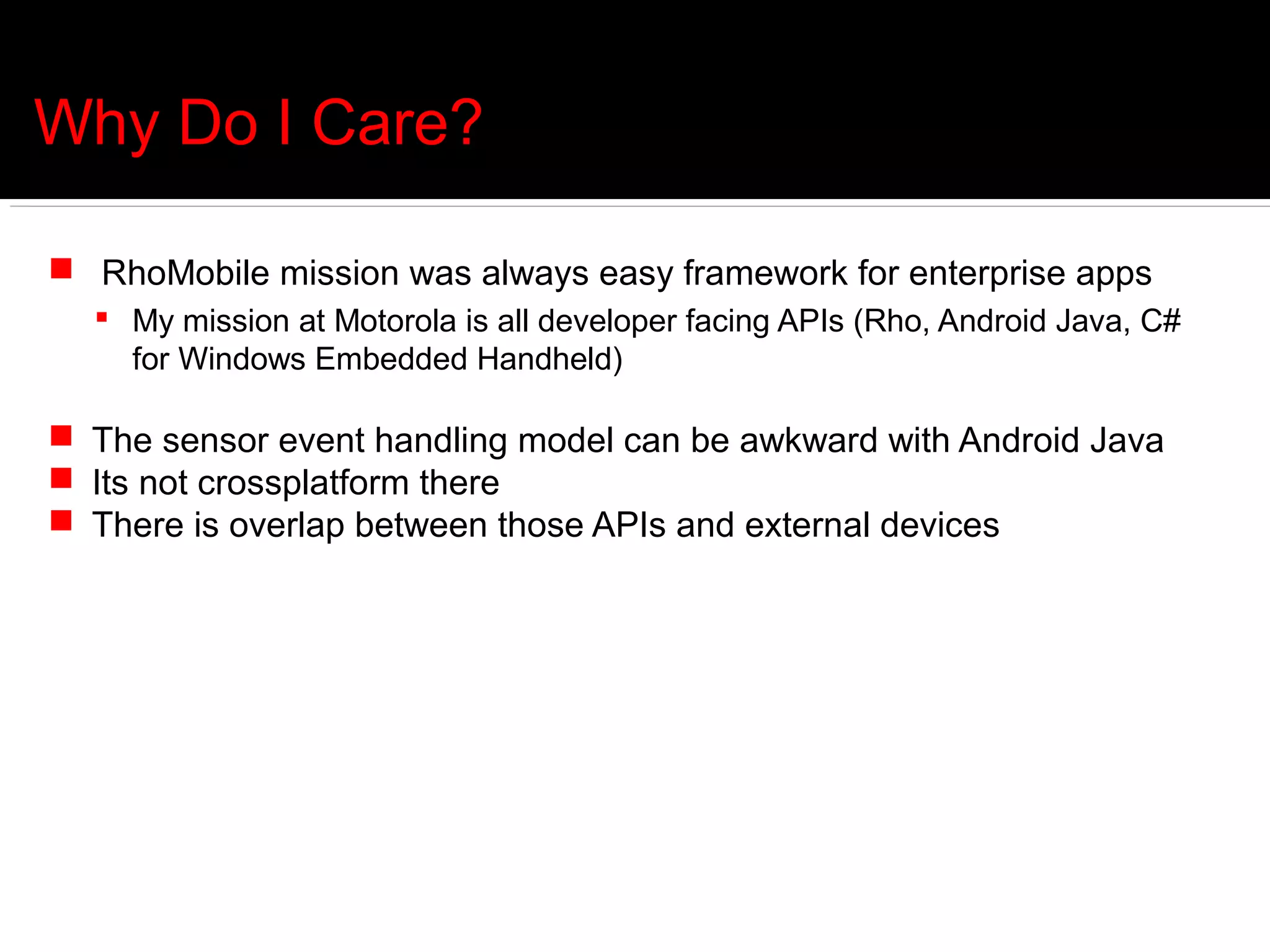
Why Do I Care?

 RhoMobile mission was always easy framework for enterprise apps
   My mission at Motorola is all developer facing APIs (Rho, Android Java, C#
    for Windows Embedded Handheld)

 The sensor event handling model can be awkward with Android Java
 Its not crossplatform there
 There is overlap between those APIs and external devices
Sensor Handling in Android
public class SensorActivity extends Activity implements SensorEventListener {
  private SensorManager mSensorManager;
  private Sensor mPressure;
  @Override public final void onCreate(Bundle savedInstanceState) {
    super.onCreate(savedInstanceState);
    setContentView(R.layout.main);
   // Get an instance of the sensor service, and use that to get an instance of/ a particular sensor.
    mSensorManager = (SensorManager) getSystemService(Context.SENSOR_SERVICE);
    mPressure = mSensorManager.getDefaultSensor(Sensor.TYPE_PRESSURE);
  }
  @Override public final void onAccuracyChanged(Sensor sensor, int accuracy) {
    // Do something here if sensor accuracy changes.
  }
  @Override public final void onSensorChanged(SensorEvent event) {
    float millibars_of_pressure = event.values[0];
    // Do something with this sensor data.
  }
  @Override protected void onResume() {
    // Register a listener for the sensor.
    super.onResume();
    mSensorManager.registerListener(this, mPressure, SensorManager.SENSOR_DELAY_NORMAL);
  }
  @Override protected void onPause() {
    // Be sure to unregister the sensor when the activity pauses.
    super.onPause();
    mSensorManager.unregisterListener(this);
  }
}
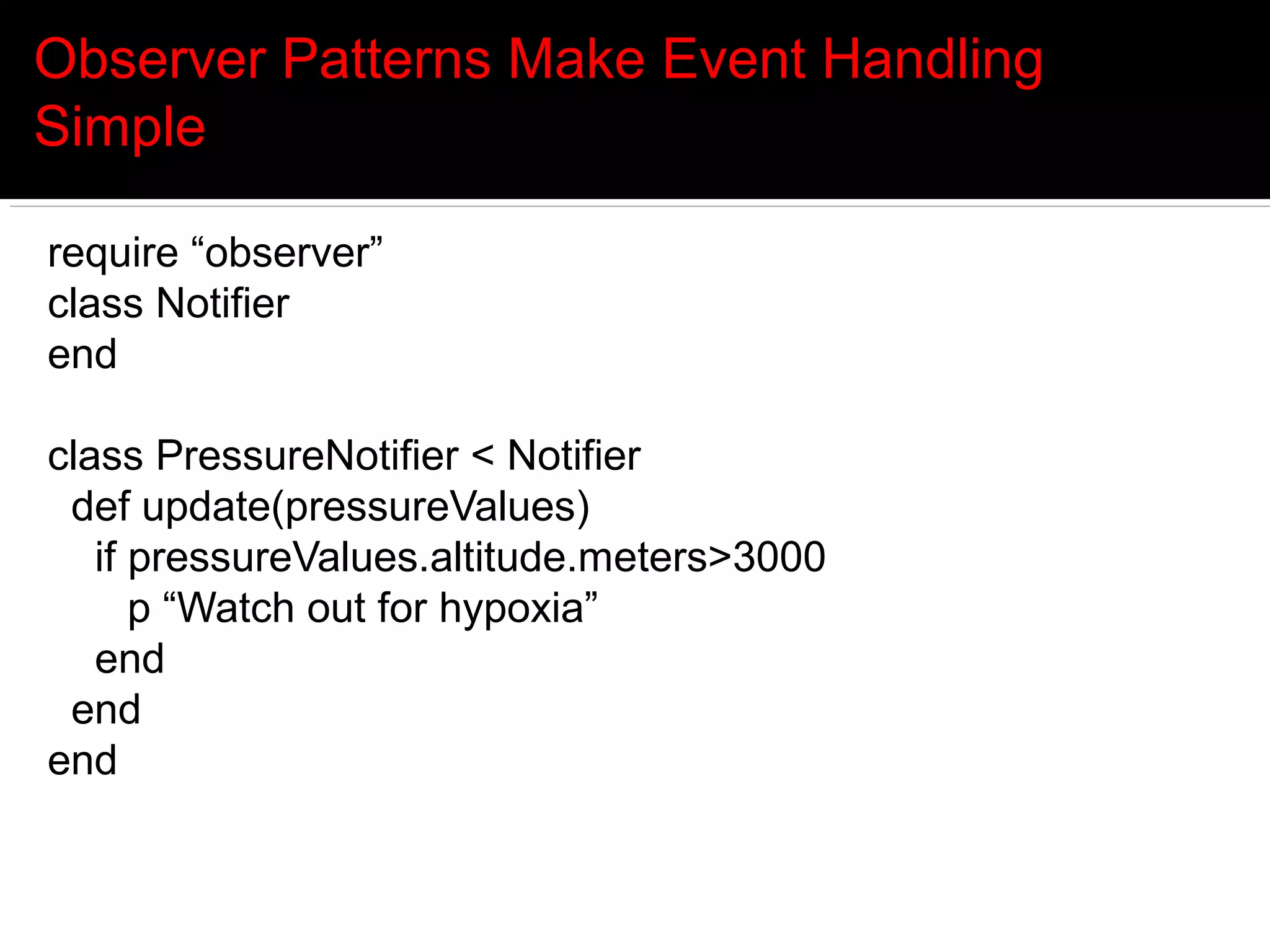
Observer Patterns Make Event Handling
Simple

require “observer”
class Notifier
end

class PressureNotifier < Notifier
 def update(pressureValues)
   if pressureValues.altitude.meters>3000
      p “Watch out for hypoxia”
   end
 end
end
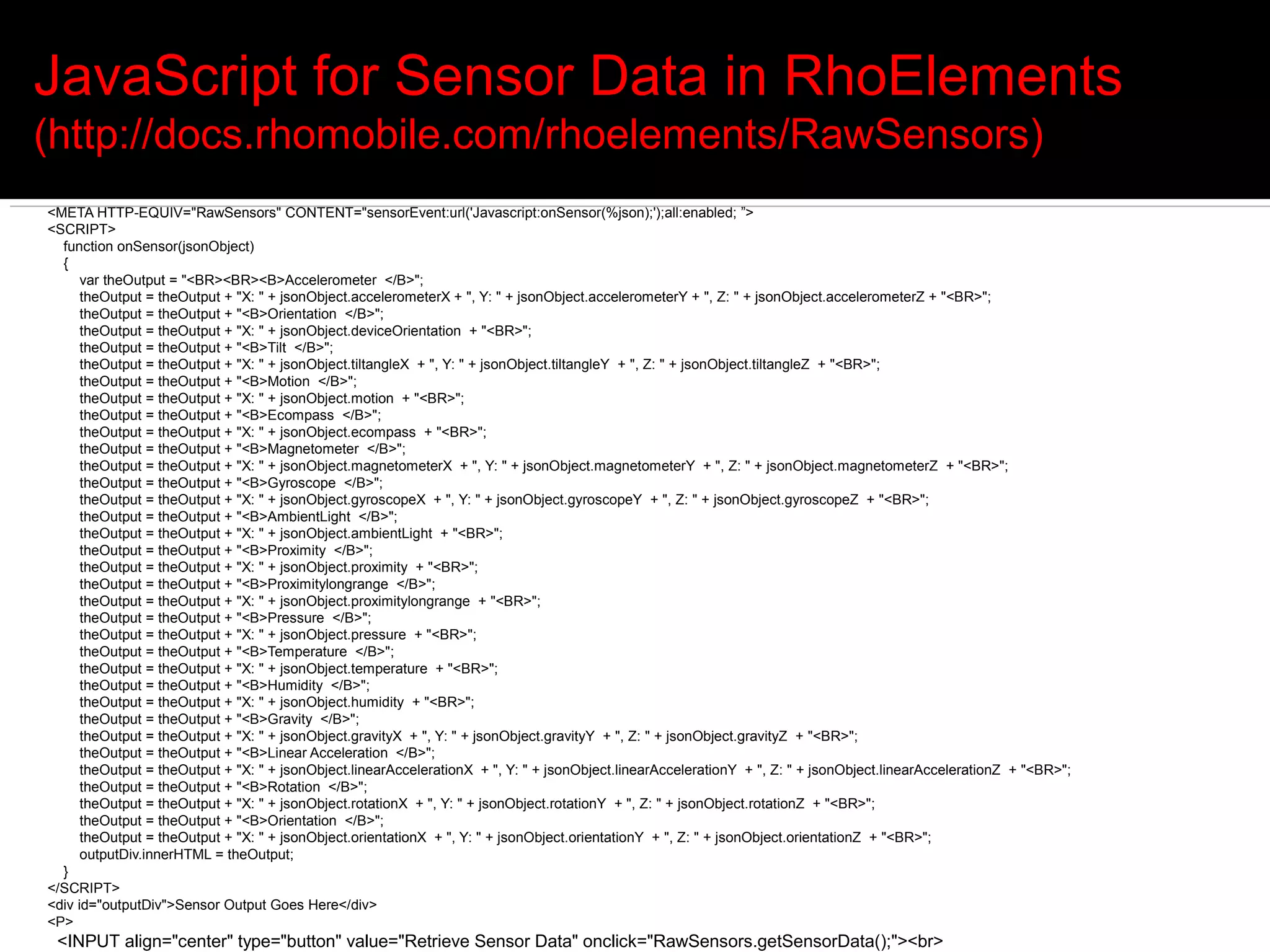
JavaScript for Sensor Data in RhoElements
(http://docs.rhomobile.com/rhoelements/RawSensors)
<META HTTP-EQUIV="RawSensors" CONTENT="sensorEvent:url('Javascript:onSensor(%json);');all:enabled; ”>
<SCRIPT>
  function onSensor(jsonObject)
  {
      var theOutput = "<BR><BR><B>Accelerometer </B>";
      theOutput = theOutput + "X: " + jsonObject.accelerometerX + ", Y: " + jsonObject.accelerometerY + ", Z: " + jsonObject.accelerometerZ + "<BR>";
      theOutput = theOutput + "<B>Orientation </B>";
      theOutput = theOutput + "X: " + jsonObject.deviceOrientation + "<BR>";
      theOutput = theOutput + "<B>Tilt </B>";
      theOutput = theOutput + "X: " + jsonObject.tiltangleX + ", Y: " + jsonObject.tiltangleY + ", Z: " + jsonObject.tiltangleZ + "<BR>";
      theOutput = theOutput + "<B>Motion </B>";
      theOutput = theOutput + "X: " + jsonObject.motion + "<BR>";
      theOutput = theOutput + "<B>Ecompass </B>";
      theOutput = theOutput + "X: " + jsonObject.ecompass + "<BR>";
      theOutput = theOutput + "<B>Magnetometer </B>";
      theOutput = theOutput + "X: " + jsonObject.magnetometerX + ", Y: " + jsonObject.magnetometerY + ", Z: " + jsonObject.magnetometerZ + "<BR>";
      theOutput = theOutput + "<B>Gyroscope </B>";
      theOutput = theOutput + "X: " + jsonObject.gyroscopeX + ", Y: " + jsonObject.gyroscopeY + ", Z: " + jsonObject.gyroscopeZ + "<BR>";
      theOutput = theOutput + "<B>AmbientLight </B>";
      theOutput = theOutput + "X: " + jsonObject.ambientLight + "<BR>";
      theOutput = theOutput + "<B>Proximity </B>";
      theOutput = theOutput + "X: " + jsonObject.proximity + "<BR>";
      theOutput = theOutput + "<B>Proximitylongrange </B>";
      theOutput = theOutput + "X: " + jsonObject.proximitylongrange + "<BR>";
      theOutput = theOutput + "<B>Pressure </B>";
      theOutput = theOutput + "X: " + jsonObject.pressure + "<BR>";
      theOutput = theOutput + "<B>Temperature </B>";
      theOutput = theOutput + "X: " + jsonObject.temperature + "<BR>";
      theOutput = theOutput + "<B>Humidity </B>";
      theOutput = theOutput + "X: " + jsonObject.humidity + "<BR>";
      theOutput = theOutput + "<B>Gravity </B>";
      theOutput = theOutput + "X: " + jsonObject.gravityX + ", Y: " + jsonObject.gravityY + ", Z: " + jsonObject.gravityZ + "<BR>";
      theOutput = theOutput + "<B>Linear Acceleration </B>";
      theOutput = theOutput + "X: " + jsonObject.linearAccelerationX + ", Y: " + jsonObject.linearAccelerationY + ", Z: " + jsonObject.linearAccelerationZ + "<BR>";
      theOutput = theOutput + "<B>Rotation </B>";
      theOutput = theOutput + "X: " + jsonObject.rotationX + ", Y: " + jsonObject.rotationY + ", Z: " + jsonObject.rotationZ + "<BR>";
      theOutput = theOutput + "<B>Orientation </B>";
      theOutput = theOutput + "X: " + jsonObject.orientationX + ", Y: " + jsonObject.orientationY + ", Z: " + jsonObject.orientationZ + "<BR>";
      outputDiv.innerHTML = theOutput;
  }
</SCRIPT>
<div id="outputDiv">Sensor Output Goes Here</div>
<P>
 <INPUT align="center" type="button" value="Retrieve Sensor Data" onclick="RawSensors.getSensorData();"><br>
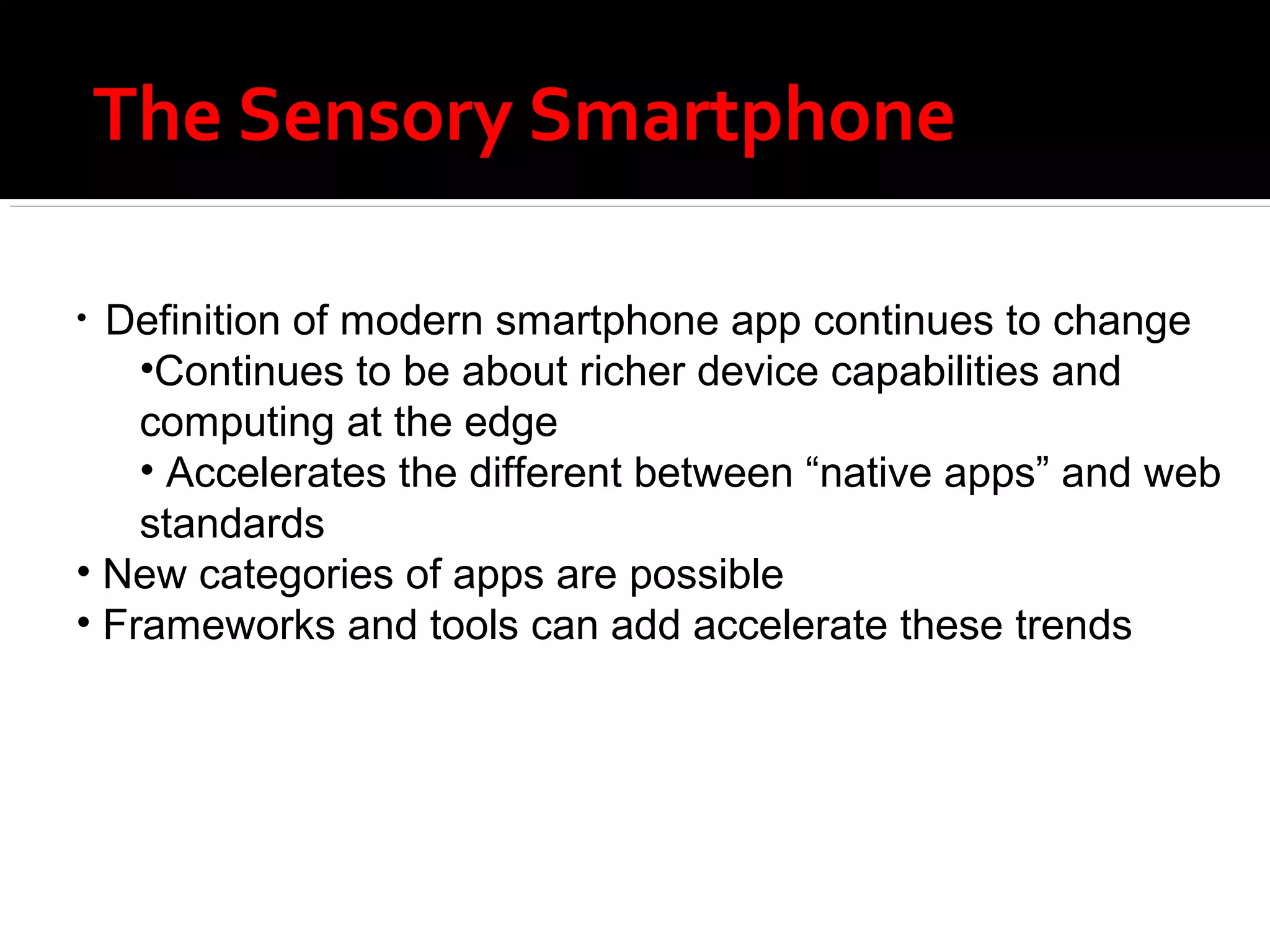
The Sensory Smartphone

• Definition of modern smartphone app continues to change
    •Continues to be about richer device capabilities and
    computing at the edge
    • Accelerates the different between “native apps” and web
    standards
• New categories of apps are possible
• Frameworks and tools can add accelerate these trends

Sensing Mobile Devices talk from QCon London 2013

  • 1.
    Sensing Mobile Devices andwhat it means for app developers
  • 2.
    Why the “SensorySmartphone”? Smartphones are becoming more and more powerful And near ubiquitous They are adding all the capabilities that we have as sensing human  And augmenting them in ways that humans don’t have
  • 3.
    Developments in SensorySmartphones Accelerometer/Gyroscope Magnetometer Locationing Ambient light Ambient temperature Air pressure Proximity Humidity Force Sensitivity
  • 4.
    Accelerometer/Gyroscope  Accelerometer  acceleration as three values (x,y,z axes) in m/s2  almost every smartphone has one now  Gyroscope  acceleration as three values (x,y,z axes) in radians/s2  can be done with accelerometer and magnetometer but not as smooth  iPhones and most highend Android devices have gyroscopes
  • 5.
    Accelerometer/Magnetometer for Real WorldCoordinates if(SensorManager.getRotationMatrix(R, null, AccelerometerValues_last, MagneticFieldValues_last)) { SensorManager.remapCoordinateSystem(R, SensorManager.AXIS_Y, SensorManager.AXIS_MINUS_X, remapR); SensorManager.getOrientation(remapR, orientationValues); Matrix.multiplyMV(orientationVector, 0, remapR, 0, sZVector, 0); pitch = (float) (-Math.atan2(orientationVector[1], orientationVector[2]) * RADIANS_TO_DEGREES); orientation = (float) (-Math.atan2(orientationVector[0], orientationVector[1]) * RADIANS_TO_DEGREES); Matrix.invertM(remapR_inv, 0, remapR, 0); Matrix.multiplyMV(azimuthVector, 0, remapR_inv, 0, sZVector, 0); azimuth = (float) (180 + Math.atan2(azimuthVector[0], azimuthVector[1]) * RADIANS_TO_DEGREES); }
  • 6.
    Hierarchy of LocationCapabilities GPS  Precision of 20-50m  3 satellites for 2D fix, 4 satellites for 3D fix  Doesn’t work indoors, drains battery Cell tower triangulation Wifi network triangulation Indoor locationing RFID Extended Large Tag NFC
  • 7.
    Indoor Locationing Techniques  Wifi/WLAN  WLAN “fingerprinting” makes it more accurate (database of Wifi signature data)  Often in combination with indoor maps  Bluetooth  Range: 10-30m, precision 5-10m (many access points required)  Bluetooth 4 on most devices (must be set to visible)  RFID  Up to 200m range  UWB  High precision (<0.3m), high data rates, low energy  Not in smartphones yet , high cost  Zigbee  Same underlying technology as UWB, not available directly on smartphones today  Ultrasound  High precision (~1cm), lots of sensors, vulnerable to interference  IR  Requires line of sight, very high precision (~1mm), superceded by other technologies
  • 9.
    Ambient Light Sensors Implemented as multiple photodiodes Saves smartphone power by optimizing brightness Reduces eyestrain Not really used in apps today Except indirectly
  • 10.
    Ambient Light SensorCode public class AndroidLightSensorActivity extends Activity { public void onCreate(Bundle savedInstanceState) { SensorManager sensorManager = (SensorManager)getSystemService(Context.SENSOR_SERVICE); Sensor lightSensor = sensorManager.getDefaultSensor(Sensor.TYPE_LIGHT); if (lightSensor == null){ Toast.makeText(AndroidLightSensorActivity.this, "No Light Sensor! quit-", Toast.LENGTH_LONG).show(); }else{ float max = lightSensor.getMaximumRange(); lightMeter.setMax((int)max); textMax.setText("Max Reading: " + String.valueOf(max)); sensorManager.registerListener(lightSensorEventListener, lightSensor, SensorManager.SENSOR_DELAY_NORMAL); } } SensorEventListener lightSensorEventListener = new SensorEventListener(){ public void onSensorChanged(SensorEvent event) { if(event.sensor.getType()==Sensor.TYPE_LIGHT){ float currentReading = event.values[0]; lightMeter.setProgress((int)currentReading); textReading.setText("Current Reading: " + String.valueOf(currentReading)); } } };
  • 11.
    Ambient Temperature Temperature measures battery temperature and is available on most devices  But its deprecated as of Android 4.0  Ambient Temperature measures ambient air temperature  new in Android 4.0 (Ice Cream Sandwich)  Few devices today  Arrows Z ISW13F  But Sensirion has ambient temperature/humidity chip
  • 12.
    Relative Humidity Combined with ambient temperature get dew point: ln(RH/100%) + m·t/(Tn+t) td(t,RH) = Tn · ------------------------------------ m - [ln(RH/100%) + m·t/(Tn+t)]  Absolute humidity (RH/100%) · A · exp(m·t/(Tn+t) dv(t,RH) = 216.7 · ------------------------------------ 273.15 + t
  • 13.
    Ambient Air Pressure  Barometer showing up on more and more devices  Xperia Active. Xperia Go. Galaxy S3. Galaxy Nexus. Galaxy Note. Galaxy Note2. Motorola Xoom  Provides altitude information WITHOUT GPS  Accelerates GPS calculations as it provides first cut guess at altitude before satellite fix  Predicting impending storms when out in the field  See Barometer and Altimeter apps on Google Play
  • 14.
    Proximity  OnAndroid, returns number of centimeters distant  Not exposed on iPhone formally (but some apps use it anyway)  Most often implemented on Android as light sensor  Specifically ISL29003/23 or GP2A chip  Note that most sensors return only “near” or “far” (high or low) values public void onSensorChanged(SensorEvent event) { if (event.sensor.getType() == Sensor.TYPE_PROXIMITY) { if (event.values[0] < proximitySensor.getMaximumRange()){ startSpeechRecognition(); } } }
  • 15.
    Force Sensors Three approaches  Accelerometer-based  Touch-width based – on some Android devices such as Nexus One  External direct force-sending  Example Direct Force-Sending  Motorola Force Sensing Technology: http://www.motorola.com/Business/US-EN/Technology_Licensing/Proprietary+Technology  Works with resistive or capacitive screens
  • 16.
  • 17.
    SensorDrone Sensors  PrecisionElectrochemical Gas Sensor – Calibrated for Carbon Monoxide (Also can be used for precision measurements of Alcohol, Hydrogen, and others)  Gas Sensor for Oxidizing Gases – MOS type for Chlorine, Ozone, Nitrogen Dioxide, etc.  Gas Sensor for Reducing Gases – (MOS type for methane, Propane, alcohols, other hydrocarbons, etc.)  Temperature – Simple resistance temperature sensor type  Humidity  Pressure – can be used for Barometer, Altimeter, Blood Pressure, etc.  Non-Contact Thermometer – Infrared sensor for scanning object temperature  Proximity Capacitance – fluid level, intrusion detection, stud finder & more applications  Red Color Intensity  Green Color Intensity  Blue Color Intensity  Illumination – combine RGB & illumination for color matching  Digital & Analog Interface - Expansion connector for connecting anything you want to your mobile device through the Sensordrone
  • 18.
    Others?  Radiation(dosimeter)  Air quality  Alcohol  Glucose  Breath analysis  Fingerprint  Motorola Atrix  iPhone 5s: http://www.3g.co.uk/PR/March2013/Apple%20iPhone%205S%20-%20To%20sport%20a%
  • 19.
    Healthcare  One-leadECG  Body temperature  Blood glucose  Heart rate  Blood oxygen saturation  Body fat percentage  Stress levels
  • 20.
    Why Should AppDevelopers Care? Modern smartphone apps are different from web apps  They use geolocation, camera, PIM contacts in interesting ways Broad array of new smartphones senses opens up new classes of apps:  Augmented reality – information about the world around you  Pollution  Altitude  Barometric pressure  More responsive intuitive games and user interfaces  Pressure sensitivity: another intuitive input dimension  Location-based apps – indoor and outdoor  Promotions based on location  Context-awareness in all apps  Enhanced navigation/logistics/delivery  Based on altitude, acceleration, directio  Better self-driven healthcare
  • 21.
    Why Do ICare?  RhoMobile mission was always easy framework for enterprise apps  My mission at Motorola is all developer facing APIs (Rho, Android Java, C# for Windows Embedded Handheld)  The sensor event handling model can be awkward with Android Java  Its not crossplatform there  There is overlap between those APIs and external devices
  • 22.
    Sensor Handling inAndroid public class SensorActivity extends Activity implements SensorEventListener { private SensorManager mSensorManager; private Sensor mPressure; @Override public final void onCreate(Bundle savedInstanceState) { super.onCreate(savedInstanceState); setContentView(R.layout.main); // Get an instance of the sensor service, and use that to get an instance of/ a particular sensor. mSensorManager = (SensorManager) getSystemService(Context.SENSOR_SERVICE); mPressure = mSensorManager.getDefaultSensor(Sensor.TYPE_PRESSURE); } @Override public final void onAccuracyChanged(Sensor sensor, int accuracy) { // Do something here if sensor accuracy changes. } @Override public final void onSensorChanged(SensorEvent event) { float millibars_of_pressure = event.values[0]; // Do something with this sensor data. } @Override protected void onResume() { // Register a listener for the sensor. super.onResume(); mSensorManager.registerListener(this, mPressure, SensorManager.SENSOR_DELAY_NORMAL); } @Override protected void onPause() { // Be sure to unregister the sensor when the activity pauses. super.onPause(); mSensorManager.unregisterListener(this); } }
  • 23.
    Observer Patterns MakeEvent Handling Simple require “observer” class Notifier end class PressureNotifier < Notifier def update(pressureValues) if pressureValues.altitude.meters>3000 p “Watch out for hypoxia” end end end
  • 24.
    JavaScript for SensorData in RhoElements (http://docs.rhomobile.com/rhoelements/RawSensors) <META HTTP-EQUIV="RawSensors" CONTENT="sensorEvent:url('Javascript:onSensor(%json);');all:enabled; ”> <SCRIPT> function onSensor(jsonObject) { var theOutput = "<BR><BR><B>Accelerometer </B>"; theOutput = theOutput + "X: " + jsonObject.accelerometerX + ", Y: " + jsonObject.accelerometerY + ", Z: " + jsonObject.accelerometerZ + "<BR>"; theOutput = theOutput + "<B>Orientation </B>"; theOutput = theOutput + "X: " + jsonObject.deviceOrientation + "<BR>"; theOutput = theOutput + "<B>Tilt </B>"; theOutput = theOutput + "X: " + jsonObject.tiltangleX + ", Y: " + jsonObject.tiltangleY + ", Z: " + jsonObject.tiltangleZ + "<BR>"; theOutput = theOutput + "<B>Motion </B>"; theOutput = theOutput + "X: " + jsonObject.motion + "<BR>"; theOutput = theOutput + "<B>Ecompass </B>"; theOutput = theOutput + "X: " + jsonObject.ecompass + "<BR>"; theOutput = theOutput + "<B>Magnetometer </B>"; theOutput = theOutput + "X: " + jsonObject.magnetometerX + ", Y: " + jsonObject.magnetometerY + ", Z: " + jsonObject.magnetometerZ + "<BR>"; theOutput = theOutput + "<B>Gyroscope </B>"; theOutput = theOutput + "X: " + jsonObject.gyroscopeX + ", Y: " + jsonObject.gyroscopeY + ", Z: " + jsonObject.gyroscopeZ + "<BR>"; theOutput = theOutput + "<B>AmbientLight </B>"; theOutput = theOutput + "X: " + jsonObject.ambientLight + "<BR>"; theOutput = theOutput + "<B>Proximity </B>"; theOutput = theOutput + "X: " + jsonObject.proximity + "<BR>"; theOutput = theOutput + "<B>Proximitylongrange </B>"; theOutput = theOutput + "X: " + jsonObject.proximitylongrange + "<BR>"; theOutput = theOutput + "<B>Pressure </B>"; theOutput = theOutput + "X: " + jsonObject.pressure + "<BR>"; theOutput = theOutput + "<B>Temperature </B>"; theOutput = theOutput + "X: " + jsonObject.temperature + "<BR>"; theOutput = theOutput + "<B>Humidity </B>"; theOutput = theOutput + "X: " + jsonObject.humidity + "<BR>"; theOutput = theOutput + "<B>Gravity </B>"; theOutput = theOutput + "X: " + jsonObject.gravityX + ", Y: " + jsonObject.gravityY + ", Z: " + jsonObject.gravityZ + "<BR>"; theOutput = theOutput + "<B>Linear Acceleration </B>"; theOutput = theOutput + "X: " + jsonObject.linearAccelerationX + ", Y: " + jsonObject.linearAccelerationY + ", Z: " + jsonObject.linearAccelerationZ + "<BR>"; theOutput = theOutput + "<B>Rotation </B>"; theOutput = theOutput + "X: " + jsonObject.rotationX + ", Y: " + jsonObject.rotationY + ", Z: " + jsonObject.rotationZ + "<BR>"; theOutput = theOutput + "<B>Orientation </B>"; theOutput = theOutput + "X: " + jsonObject.orientationX + ", Y: " + jsonObject.orientationY + ", Z: " + jsonObject.orientationZ + "<BR>"; outputDiv.innerHTML = theOutput; } </SCRIPT> <div id="outputDiv">Sensor Output Goes Here</div> <P> <INPUT align="center" type="button" value="Retrieve Sensor Data" onclick="RawSensors.getSensorData();"><br>
  • 25.
    The Sensory Smartphone •Definition of modern smartphone app continues to change •Continues to be about richer device capabilities and computing at the edge • Accelerates the different between “native apps” and web standards • New categories of apps are possible • Frameworks and tools can add accelerate these trends

Editor's Notes

  • #4 First two are commonplace. Rest of them have devices but are just starting to emerge