Wi-Fi For Beginners - Module 3 - Access Points (APs)
This podcast module provided an overview of wireless access points (APs). It discussed what an AP is and its main function of converting radio signals to Ethernet data. Key AP components like antennas, radios, and Ethernet ports were examined. The module covered AP installation considerations like mounting locations and cabling. It also reviewed configuring AP settings such as IP addresses, SSIDs, VLANs, and security. Finally, it provided an overview of IEEE 802.11 wireless networking standards and common amendments.
Introduction to the module about Wi-Fi basics, presented by Nigel Bowden, focusing on wireless LAN networking fundamentals.
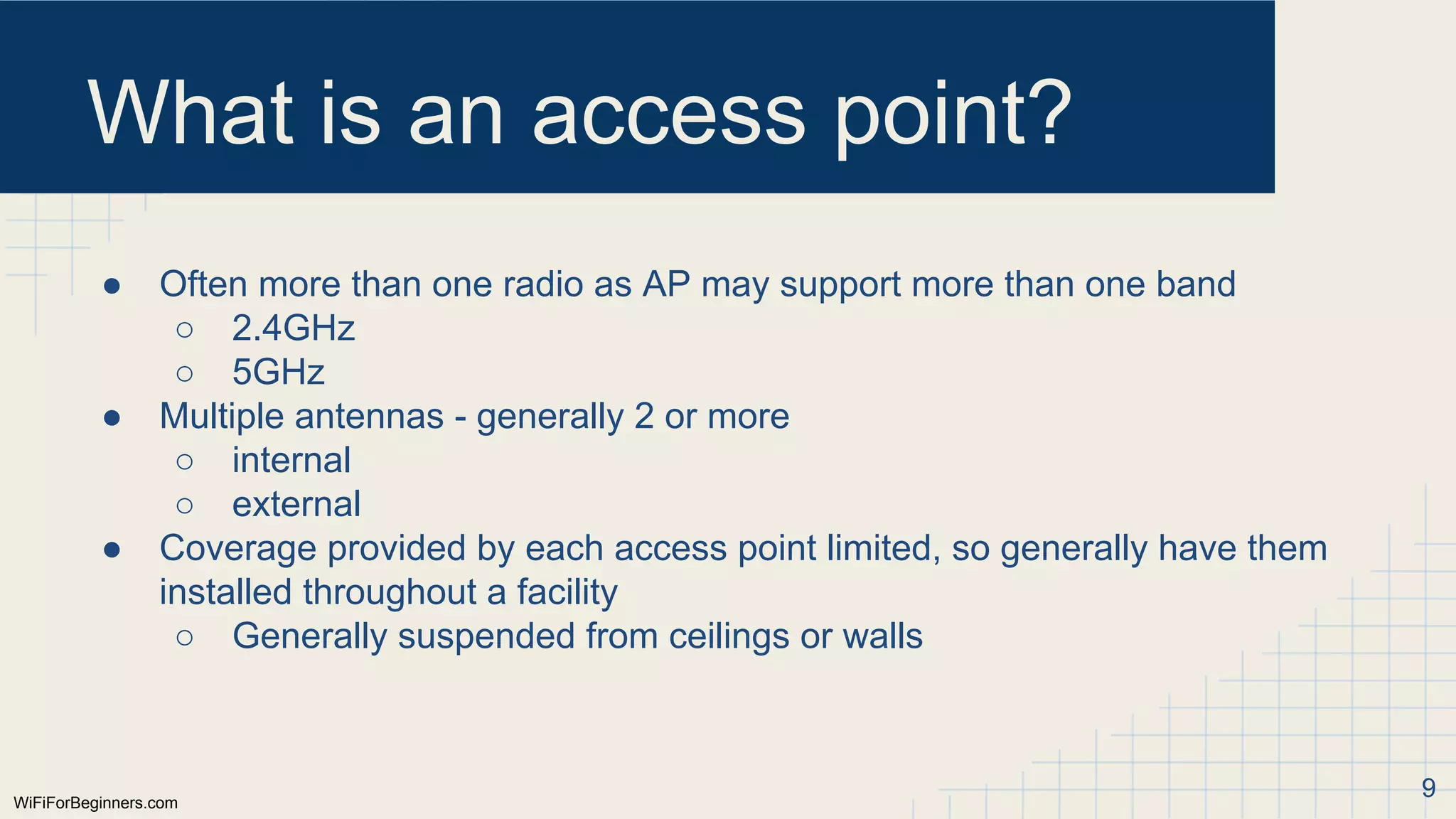
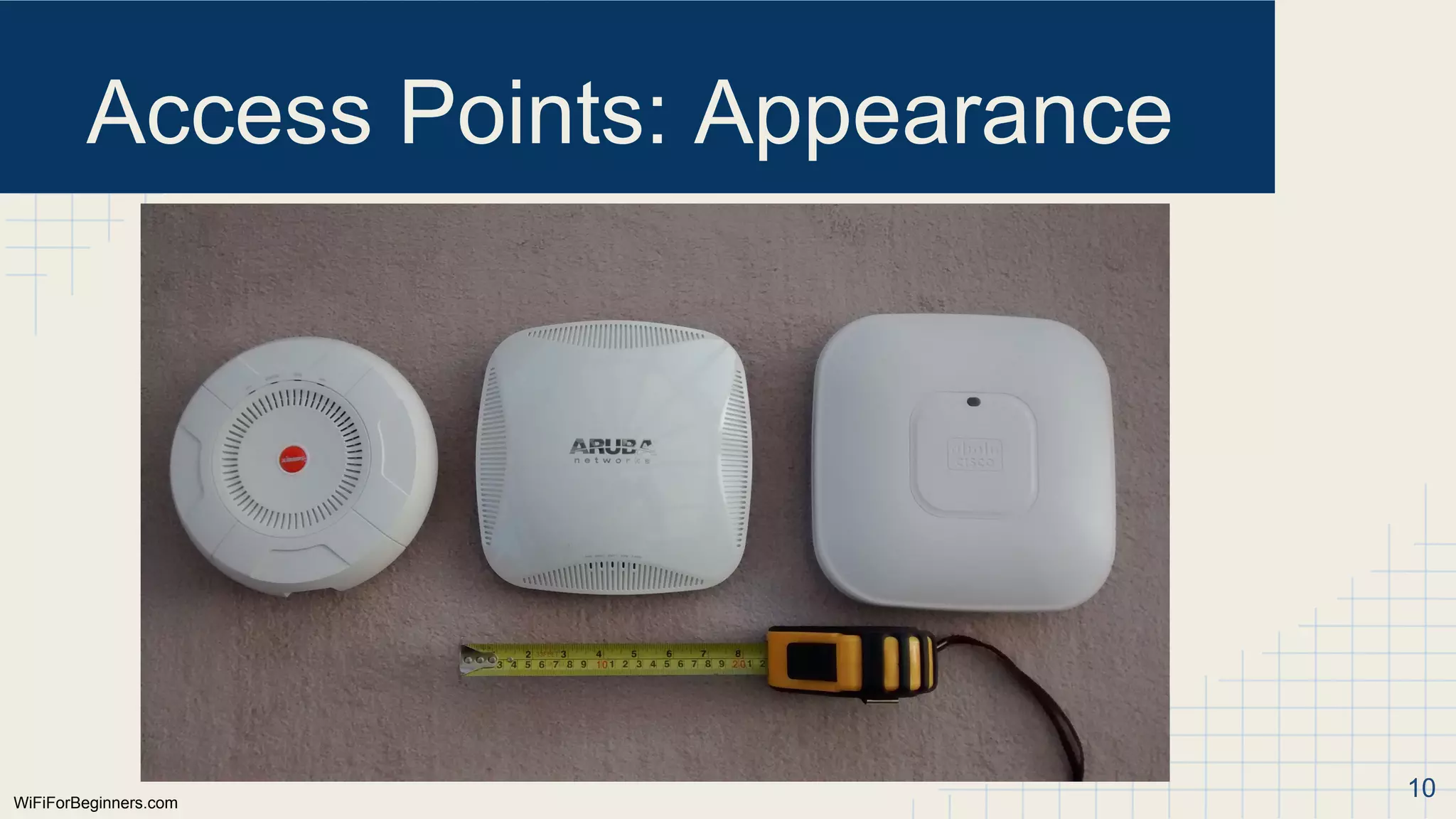
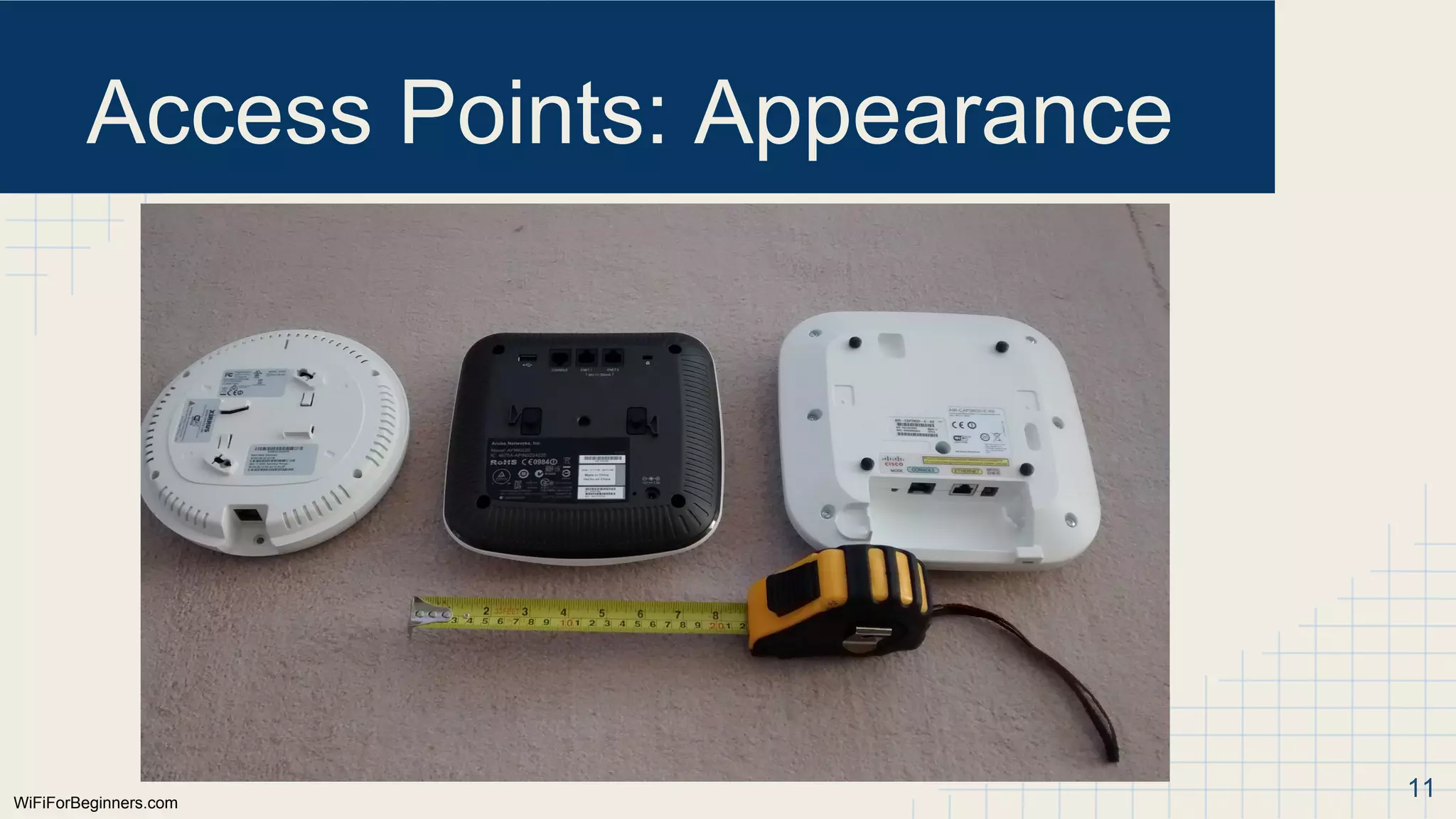
Overview of access points (AP), their functions, components, and appearance including physical attributes and operational roles.
Explains AP components focusing on antennas, their types (internal/external, omnidirectional/directional), and their roles in wireless signal transmission.
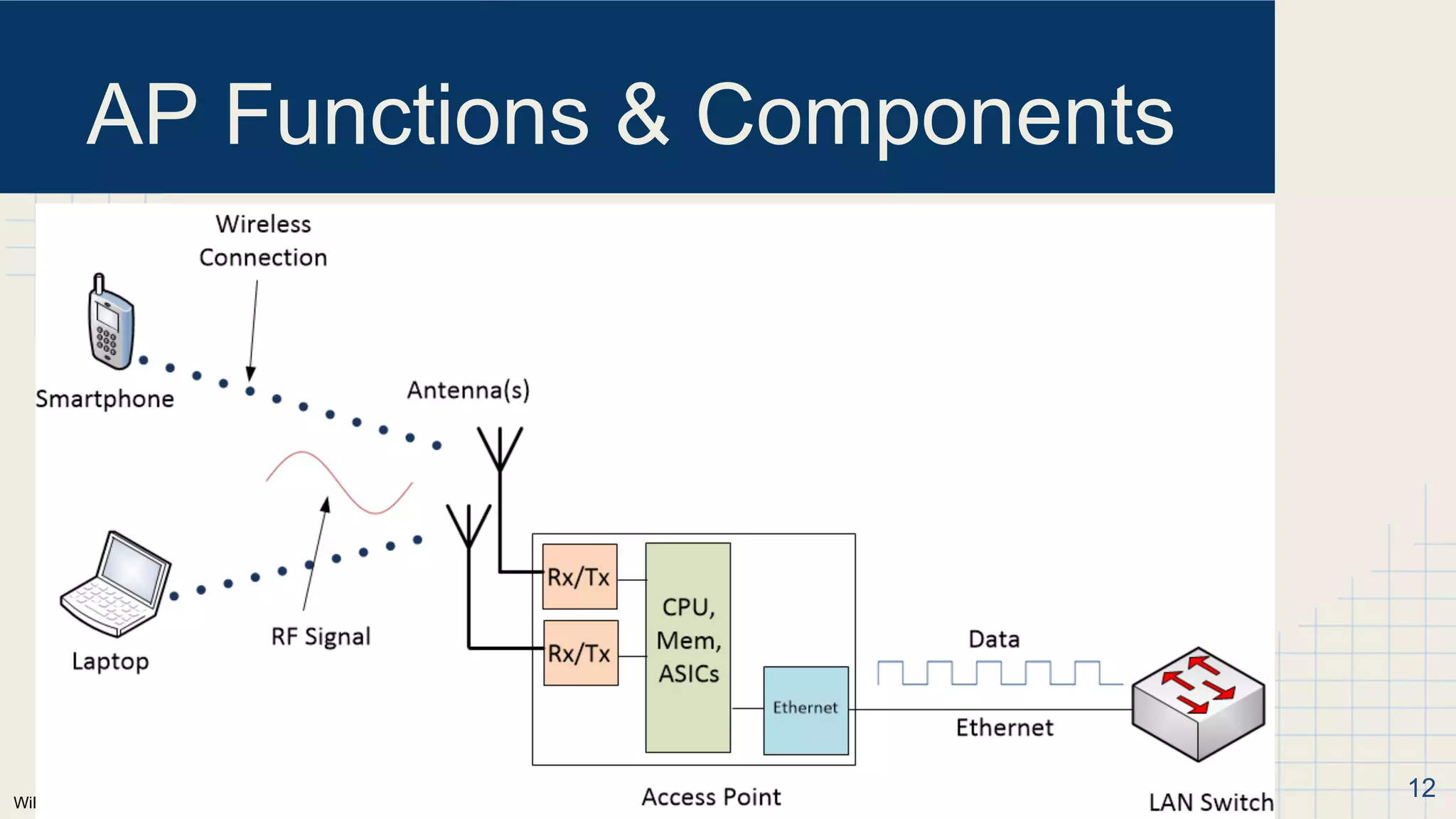
Details the radio functionalities, additional components like CPU and Ethernet port, and installation considerations to ensure effective AP coverage.
Discusses installation best practices, configurations for IP, VLANs, SSIDs, and security settings for optimal AP operation.
Advanced configuration options available for APs along with IEEE 802.11 standards evolution and implications on networking capabilities.
WiFiForBeginners.com
Introduction
Hello, my name’sNigel Bowden. Welcome to module 3 of the Wi-Fi for beginners
podcast. This is a series of podcasts discussing the fundamentals of wireless LAN
networking.
In each episode, we’ll take a look at a different aspect of Wi-Fi to build your
understanding and knowledge of wireless LAN networks.
Each episode is be accompanied by a set of slides describing the topics covered in
that episode. Although you don’t need to review these slides whilst listening to the
podcast, they will be useful for reviewing the material we discuss and may provide
some visual aids to more fully understand some of the concepts and equipment
described.
All recordings and supporting material can be found at WiFiForBeginners.com
2
3.
WiFiForBeginners.com
Aims of PodcastSeries
● Present the fundamentals of Wi-Fi in a series of audio presentations
○ Hopefully in an easy-to-understand format
○ Useful to those on a daily commute, driving, running etc.
● Who is it aimed at?
○ Most likely IT professionals, students, people interested in career
move
● Assumed knowledge:
○ Fundamentals of the 7 layer OSI model
○ Ethernet, switching and routing
○ IP addressing
○ Local Area Networks (LAN)
○ You have reviewed previous episodes! :)
● WiFi in commercial/professional environment - not home 3
4.
WiFiForBeginners.com
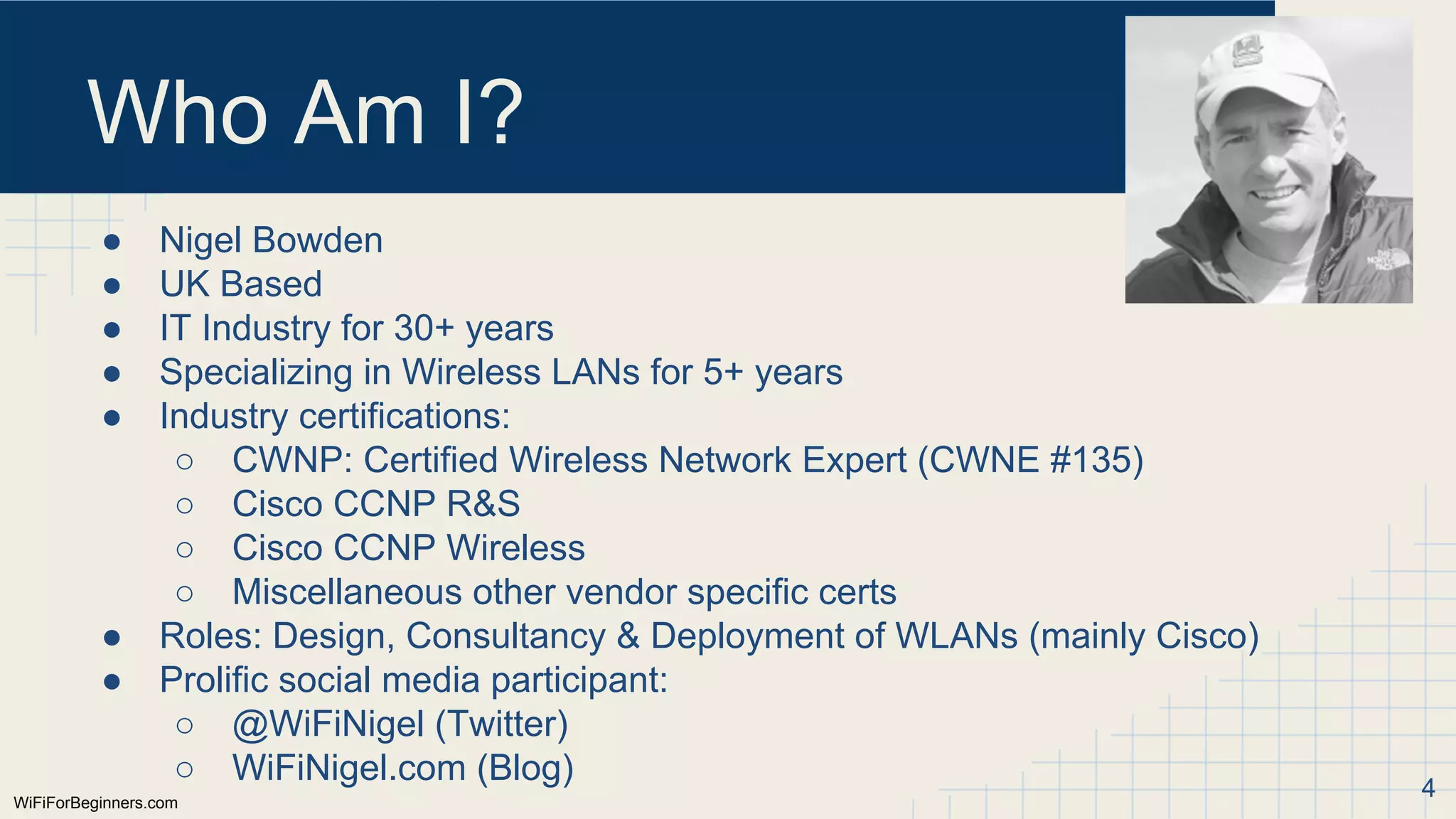
Who Am I?
●Nigel Bowden
● UK Based
● IT Industry for 30+ years
● Specializing in Wireless LANs for 5+ years
● Industry certifications:
○ CWNP: Certified Wireless Network Expert (CWNE #135)
○ Cisco CCNP R&S
○ Cisco CCNP Wireless
○ Miscellaneous other vendor specific certs
● Roles: Design, Consultancy & Deployment of WLANs (mainly Cisco)
● Prolific social media participant:
○ @WiFiNigel (Twitter)
○ WiFiNigel.com (Blog) 4
5.
In This Module
●What is an Access Point?
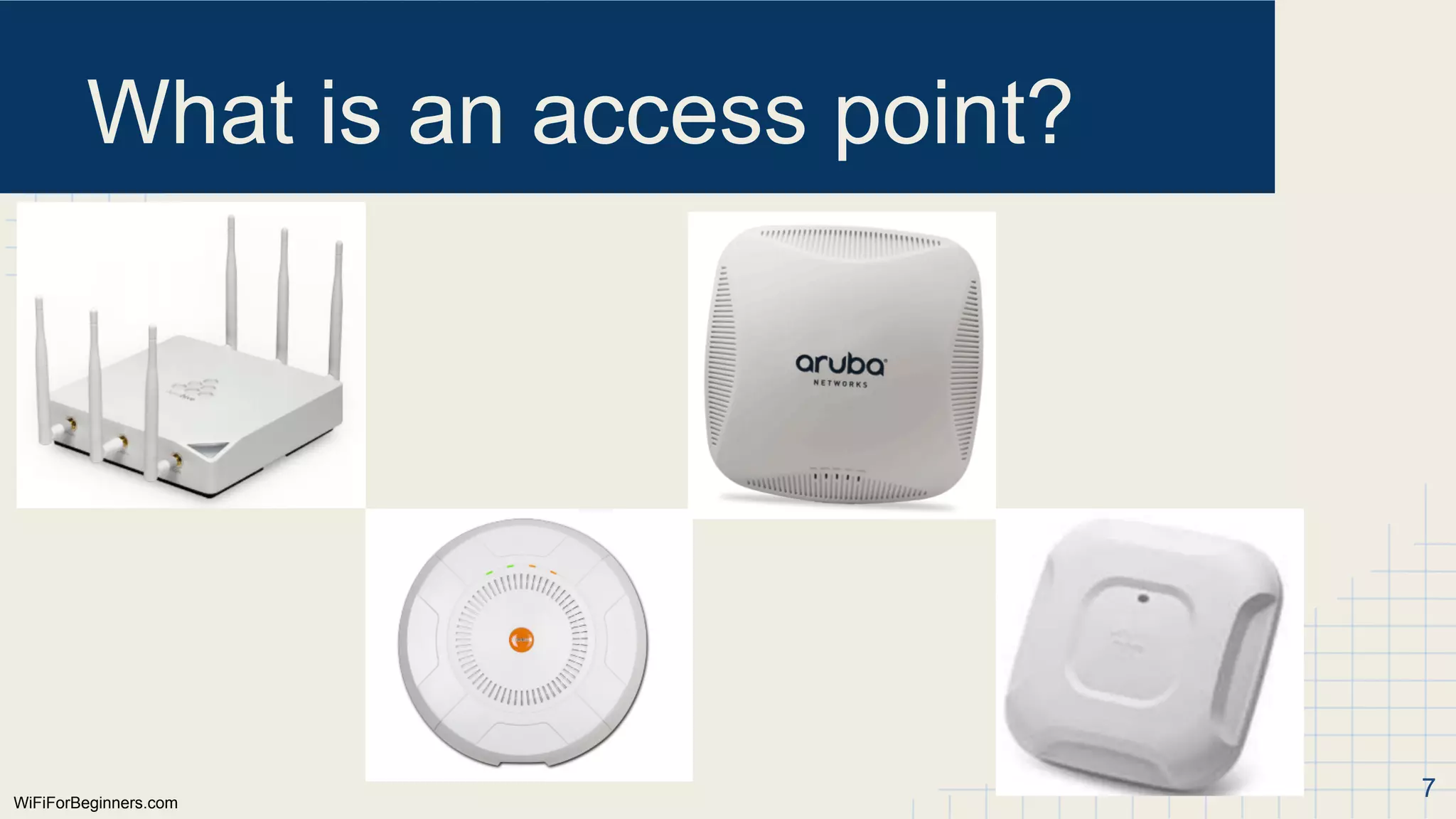
● What does an AP look like?
● AP Functions
● AP Components
● AP Installation
● AP Configuration
● IEEE Standards
5
WiFiForBeginners.com
What is anaccess point?
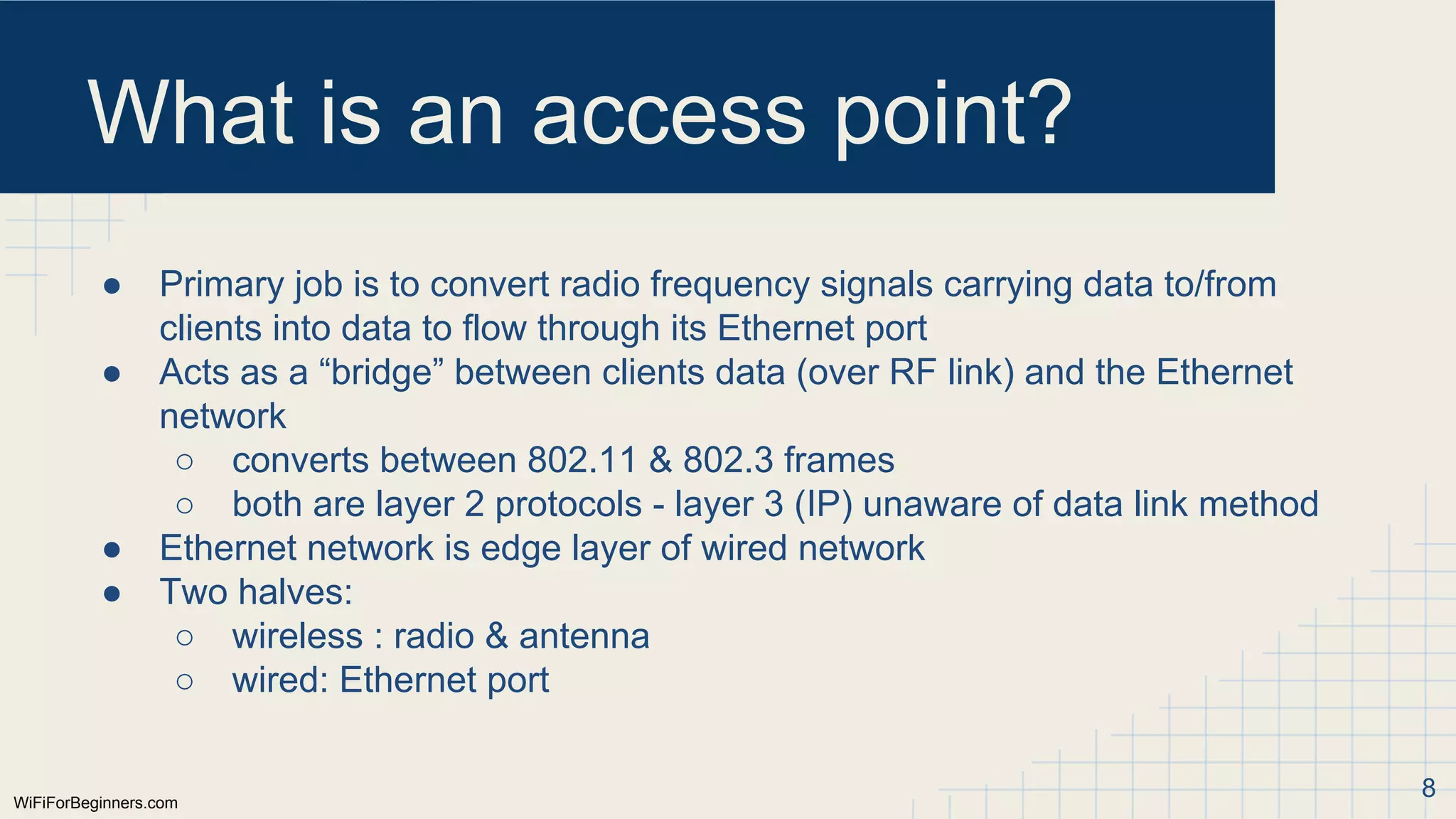
● Primary job is to convert radio frequency signals carrying data to/from
clients into data to flow through its Ethernet port
● Acts as a “bridge” between clients data (over RF link) and the Ethernet
network
○ converts between 802.11 & 802.3 frames
○ both are layer 2 protocols - layer 3 (IP) unaware of data link method
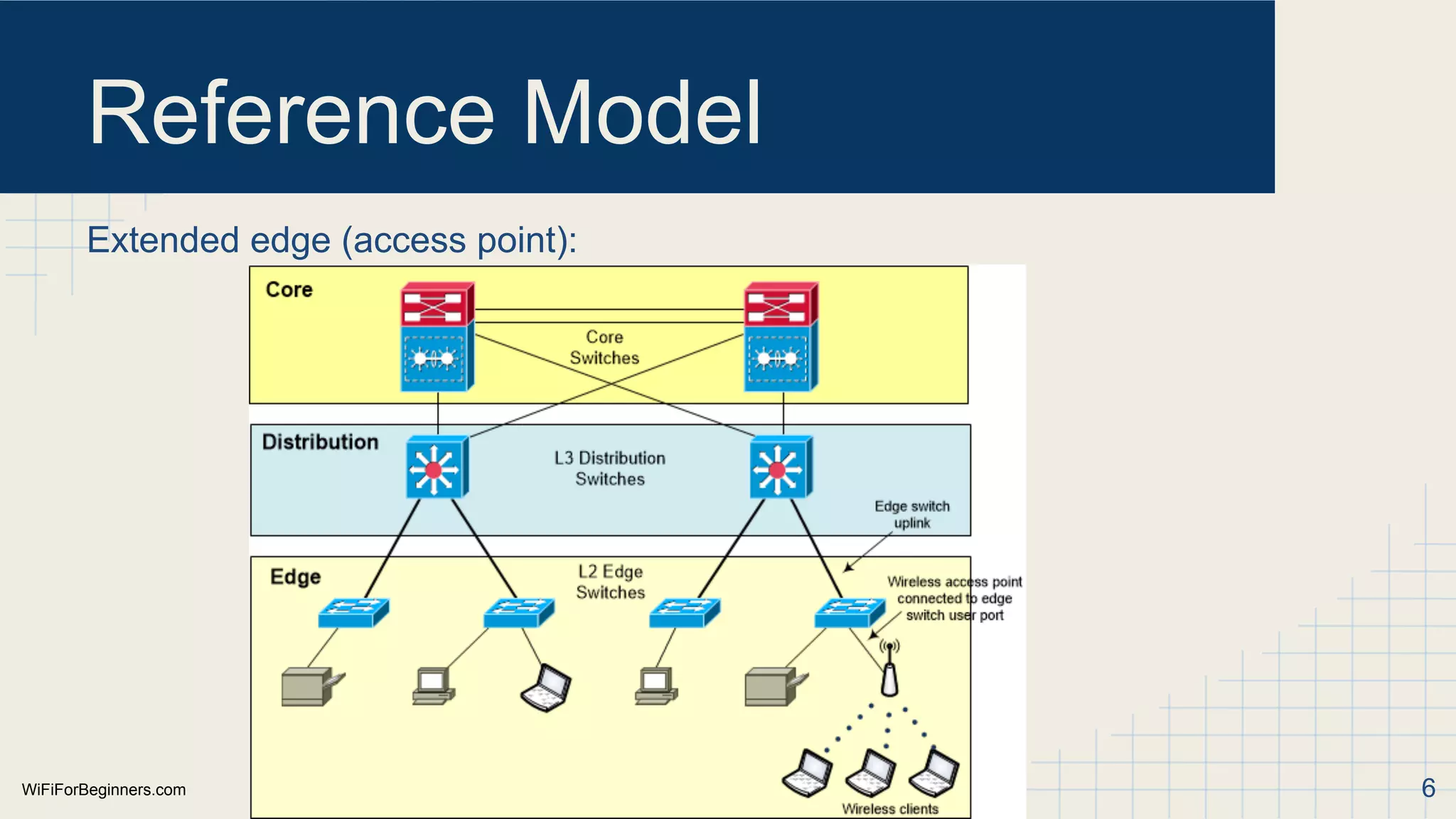
● Ethernet network is edge layer of wired network
● Two halves:
○ wireless : radio & antenna
○ wired: Ethernet port
8
9.
WiFiForBeginners.com
What is anaccess point?
● Often more than one radio as AP may support more than one band
○ 2.4GHz
○ 5GHz
● Multiple antennas - generally 2 or more
○ internal
○ external
● Coverage provided by each access point limited, so generally have them
installed throughout a facility
○ Generally suspended from ceilings or walls
9
WiFiForBeginners.com
AP Functions
● Corefunction:
○ Convert “modulated” RF signals to or from clients in to Ethernet data
■ layer 2 translation: 802.11 → 802.3
○ Allows client device data to be handled by wired network even though
using a wireless link
● Modulation: change a characteristic of the radio signal to represent data
○ an RF signal on its own carries no data - just an AC signal
○ if we can change it in response to an incoming binary data stream of
‘1’s and ‘0’s, we can use it to convey binary data
○ example, use two frequencies very close to each other - one
represents ‘1’, other represents ‘0’.
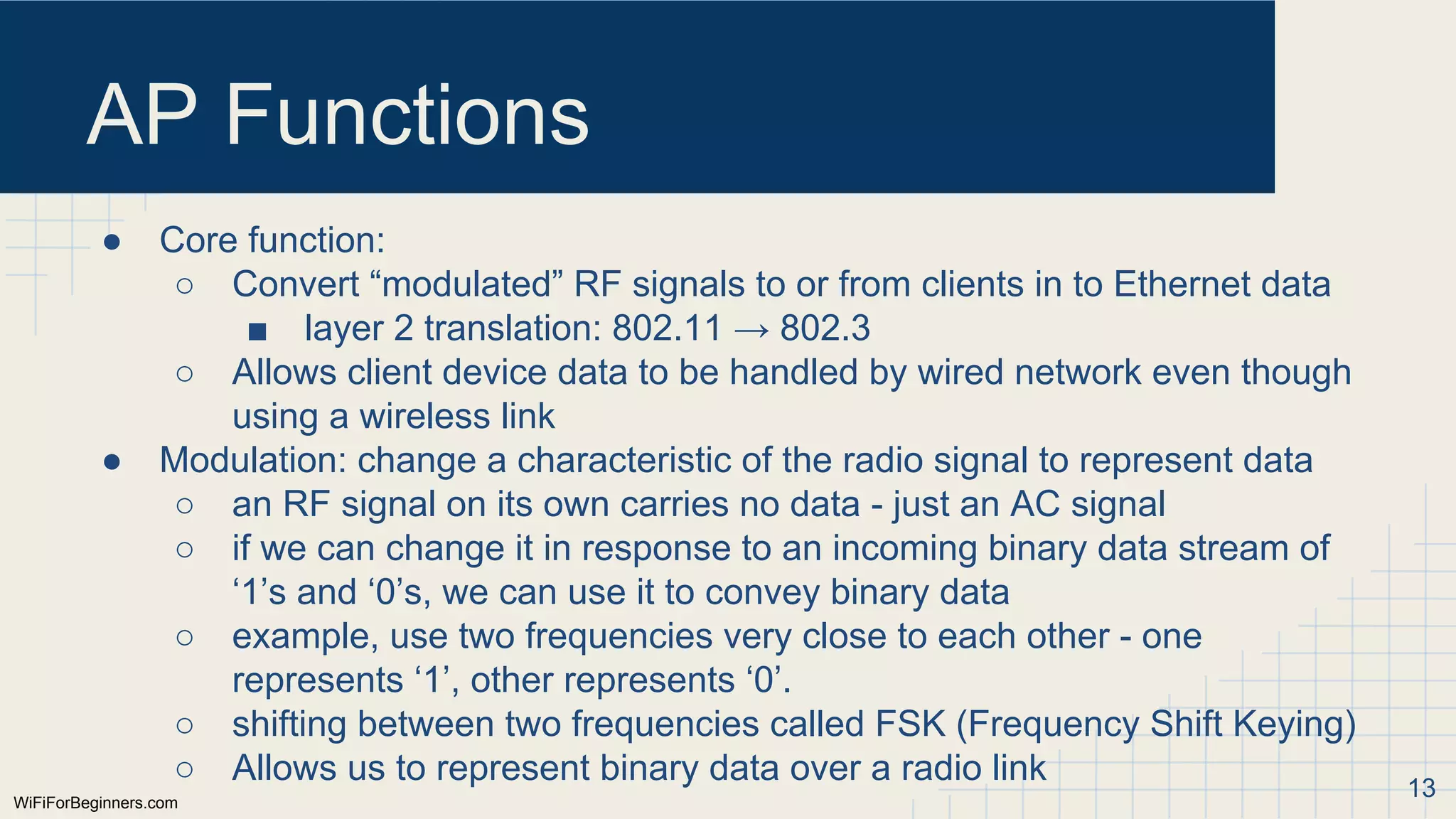
○ shifting between two frequencies called FSK (Frequency Shift Keying)
○ Allows us to represent binary data over a radio link 13
14.
WiFiForBeginners.com
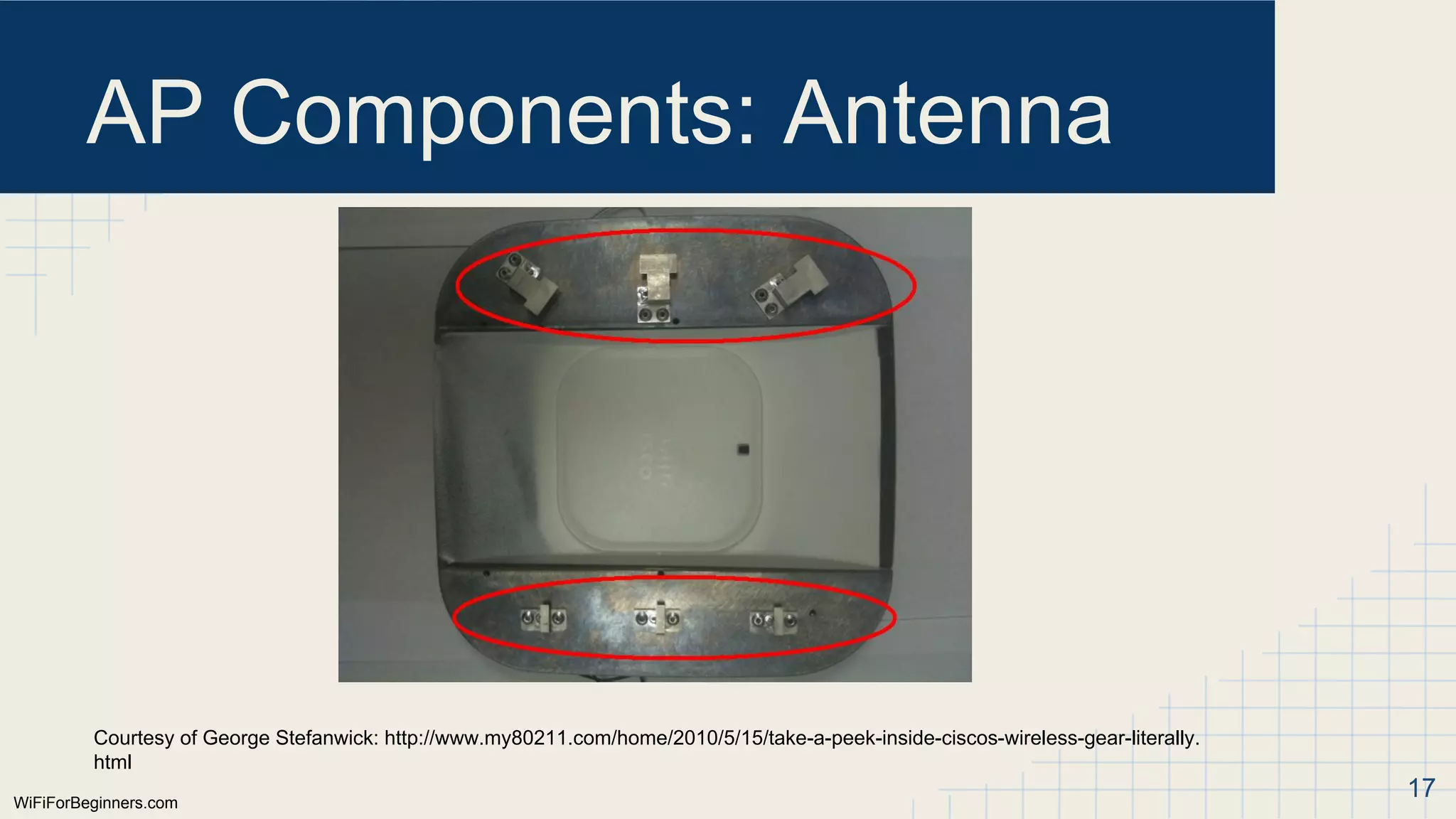
AP Components: Antenna
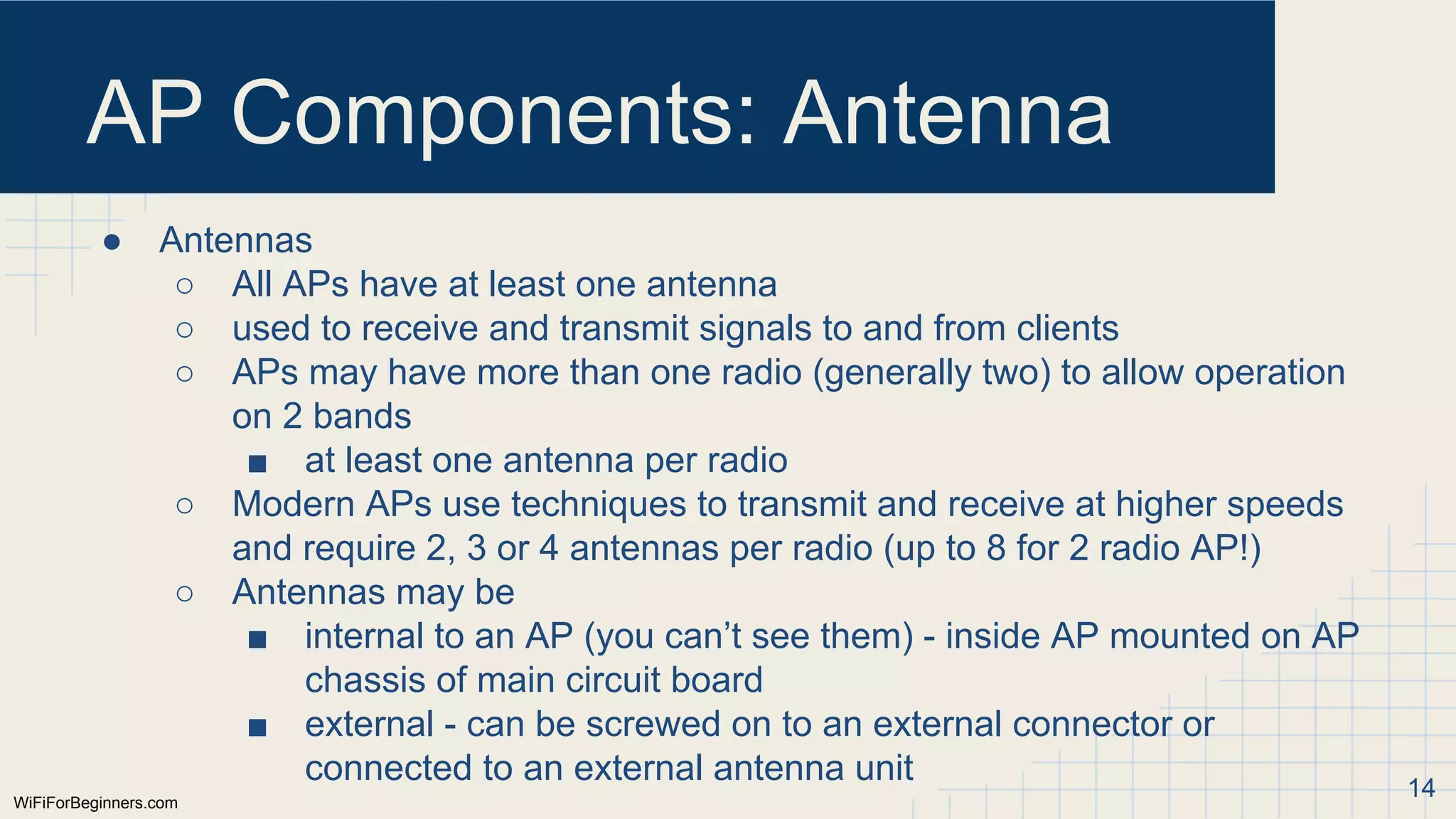
●Antennas
○ All APs have at least one antenna
○ used to receive and transmit signals to and from clients
○ APs may have more than one radio (generally two) to allow operation
on 2 bands
■ at least one antenna per radio
○ Modern APs use techniques to transmit and receive at higher speeds
and require 2, 3 or 4 antennas per radio (up to 8 for 2 radio AP!)
○ Antennas may be
■ internal to an AP (you can’t see them) - inside AP mounted on AP
chassis of main circuit board
■ external - can be screwed on to an external connector or
connected to an external antenna unit 14
15.
WiFiForBeginners.com
AP Components: Antenna
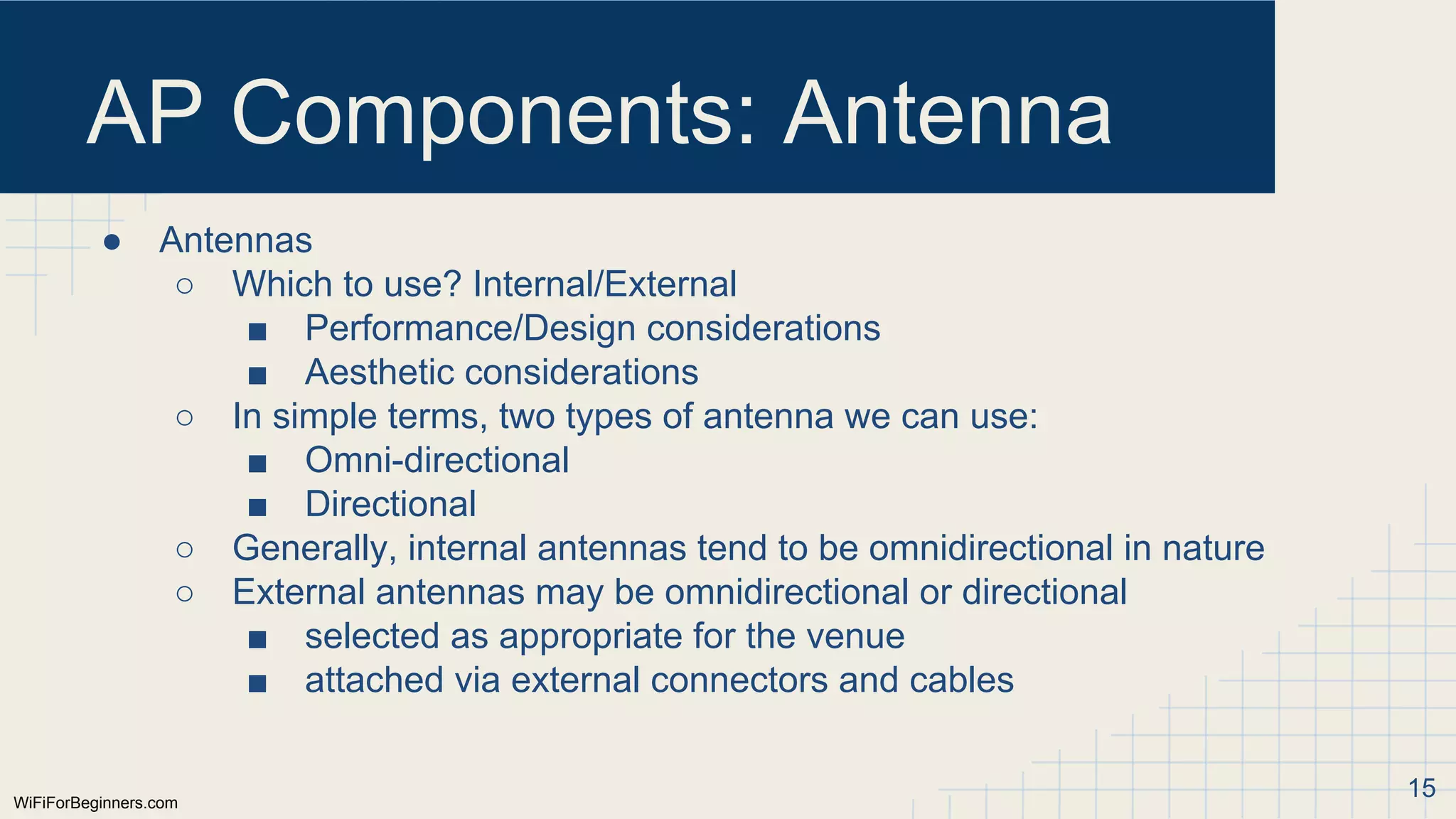
●Antennas
○ Which to use? Internal/External
■ Performance/Design considerations
■ Aesthetic considerations
○ In simple terms, two types of antenna we can use:
■ Omni-directional
■ Directional
○ Generally, internal antennas tend to be omnidirectional in nature
○ External antennas may be omnidirectional or directional
■ selected as appropriate for the venue
■ attached via external connectors and cables
15
16.
WiFiForBeginners.com
AP Components: Antenna
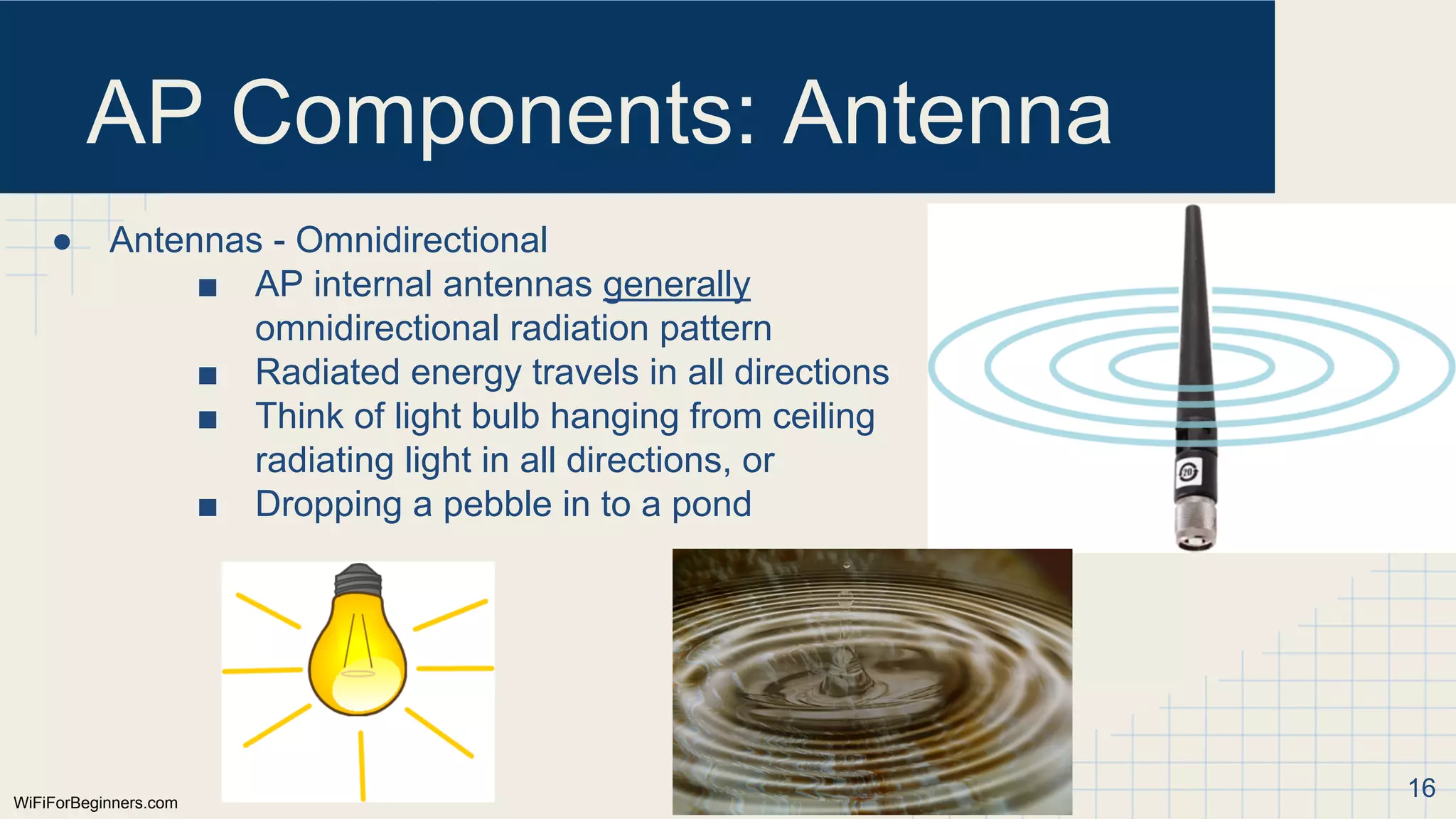
●Antennas - Omnidirectional
■ AP internal antennas generally
omnidirectional radiation pattern
■ Radiated energy travels in all directions
■ Think of light bulb hanging from ceiling
radiating light in all directions, or
■ Dropping a pebble in to a pond
16
WiFiForBeginners.com
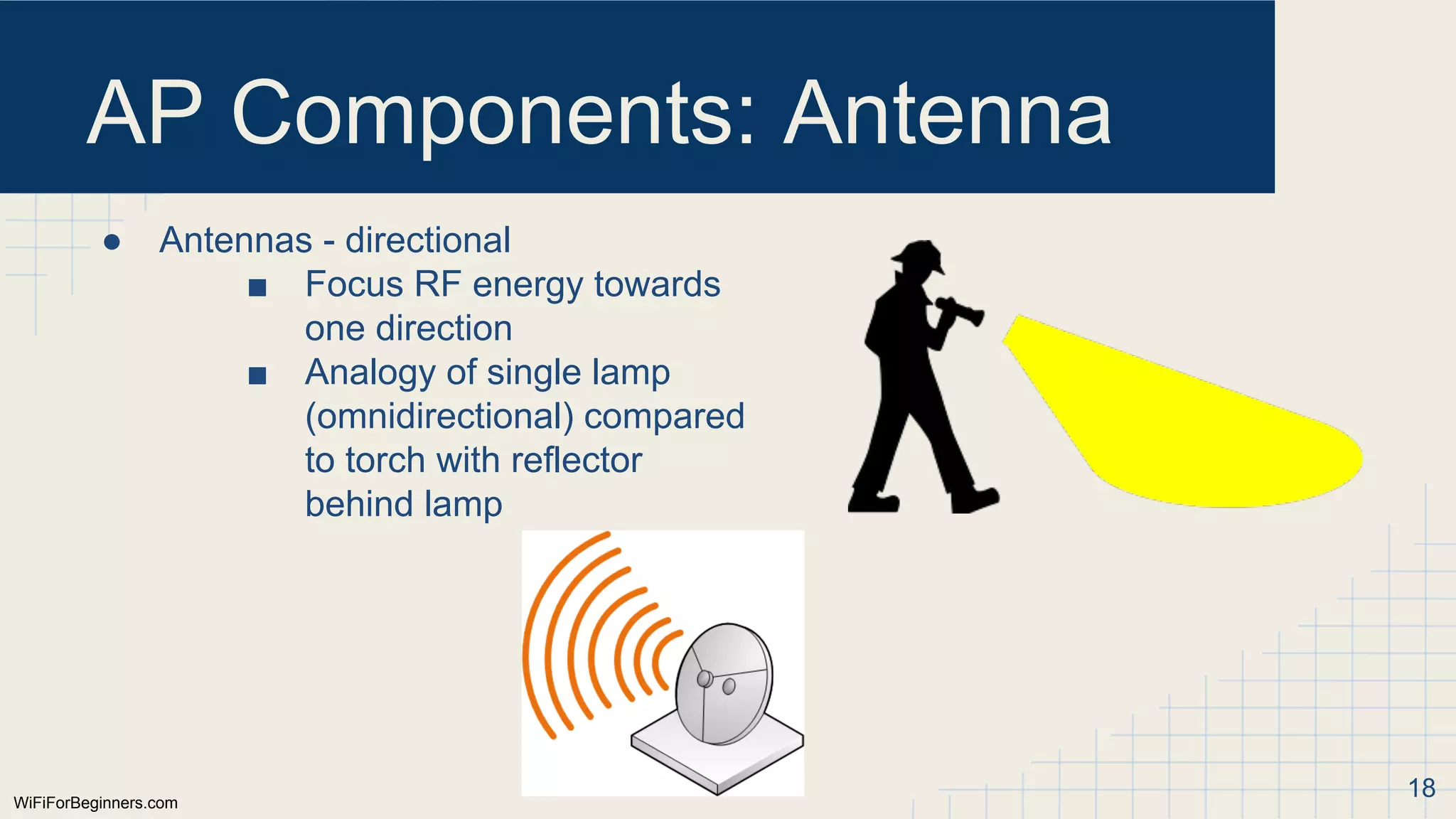
AP Components: Antenna
●Antennas - directional
■ Focus RF energy towards
one direction
■ Analogy of single lamp
(omnidirectional) compared
to torch with reflector
behind lamp
18
19.
WiFiForBeginners.com
AP Components: Radio
●Radio:
○ Signal from clients are received by antenna and passed to “receiver”
circuitry of AP radio
○ Signals to be sent to client from AP generated by the “transmitter”
circuitry of the AP
○ Each AP radio can transmit or receive signals
■ even though a radio may have multiple antennas, only
transmitting or receiving at any point in time
■ known as “half duplex”
● talking or listening, but never both
■ MAJOR difference between WiFi and Ethernet networks:
● Ethernet: full duplex, tx & rx and same time
● WiFi: half duplex: tx or rx, but never both - lower speed 19
20.
WiFiForBeginners.com
AP Components: Radio
●Radio:
○ Most times, an AP radio can only operate on one band (fixed to one
band)
■ 2.4GHz
■ 5GHz
○ If AP has two radios, generally have one radio which can operate on
2.4GHz band, one that operates on 5GHz band
○ Although both radio are half duplex, both radios may pass data at the
same time, independant of each other
■ AP will tx & rx data on both the 5GHz and 2.4GHz radio at same
time
20
21.
WiFiForBeginners.com
AP Components
● CPU,Memory, ASICs
○ Although we have talked about core function of converting wireless
data to Ethernet, many other functions
■ traffic filtering
■ rate limiting
■ IP stack
■ VLAN support etc...
○ Like any other processor-based item, needs memory to operate
○ Often has custom silicon (ASICs) to perform in-silicon functions for
high-speed or specialized functions
21
22.
WiFiForBeginners.com
AP Components: Ethernet
●Ethernet interface
○ Provides connection to the edge of the wired network for user data
and management/control traffic
○ Speed: 1Gbps or greater (mGig)
■ Higher rates support by WiFi now require Gig Ethernet connection
○ POE: Many APs powered by power over Ethernet as locally providing
mains power cost prohibitive
■ Two main POE standards
● 802.3af (up to 15.4W)
● 802.3at (up to 25.2W)
■ Most recent standard APs tend to need higher spec of 802.3at
● (may need new switches!)
22
23.
WiFiForBeginners.com
AP Components: Console
●Console:
○ Many APs have a serial console port
■ Configuration - initial setup
■ Diagnosis of issues
■ Out of band management
○ Access speeds of console ports vary across products:
■ 9600bps - 115200bps
23
24.
WiFiForBeginners.com
AP Installation
● Ascoverage area of each AP limited, need to deploy APs throughout a
facility
○ provide “cells” or pools of coverage
○ client devices will “roam” from cell to cell as a user moves through a
facility
● Generally, want to mount APs high up - e.g. ceiling height
○ light bulb analogy - think how light travels
○ if you can see AP, AP can see you
● APs often mounted on
○ ceilings - suspended ceiling grids
■ many APs supplied with mounting kit for this
○ solid ceilings
○ walls 24
25.
WiFiForBeginners.com
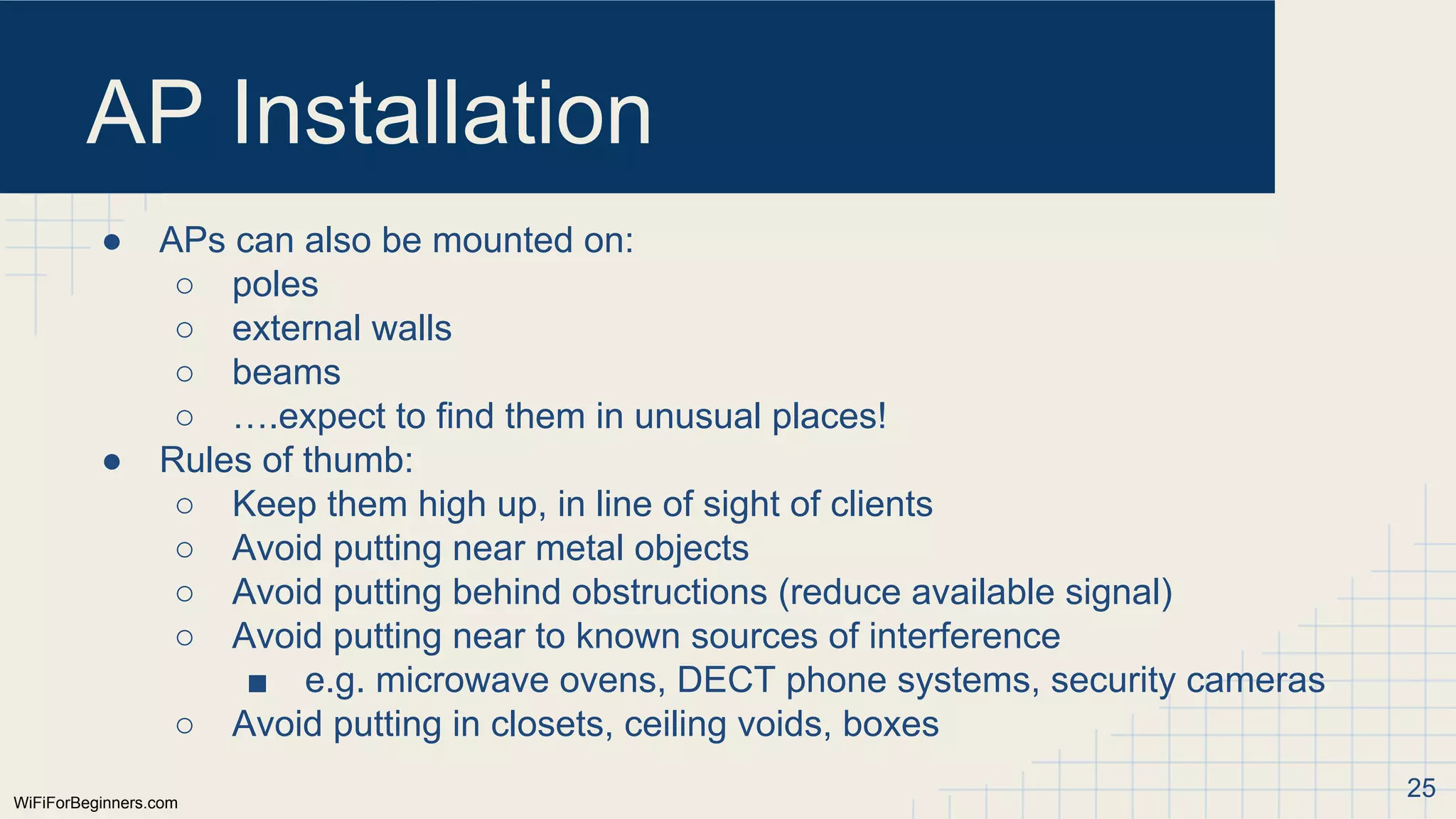
AP Installation
● APscan also be mounted on:
○ poles
○ external walls
○ beams
○ ….expect to find them in unusual places!
● Rules of thumb:
○ Keep them high up, in line of sight of clients
○ Avoid putting near metal objects
○ Avoid putting behind obstructions (reduce available signal)
○ Avoid putting near to known sources of interference
■ e.g. microwave ovens, DECT phone systems, security cameras
○ Avoid putting in closets, ceiling voids, boxes
25
26.
WiFiForBeginners.com
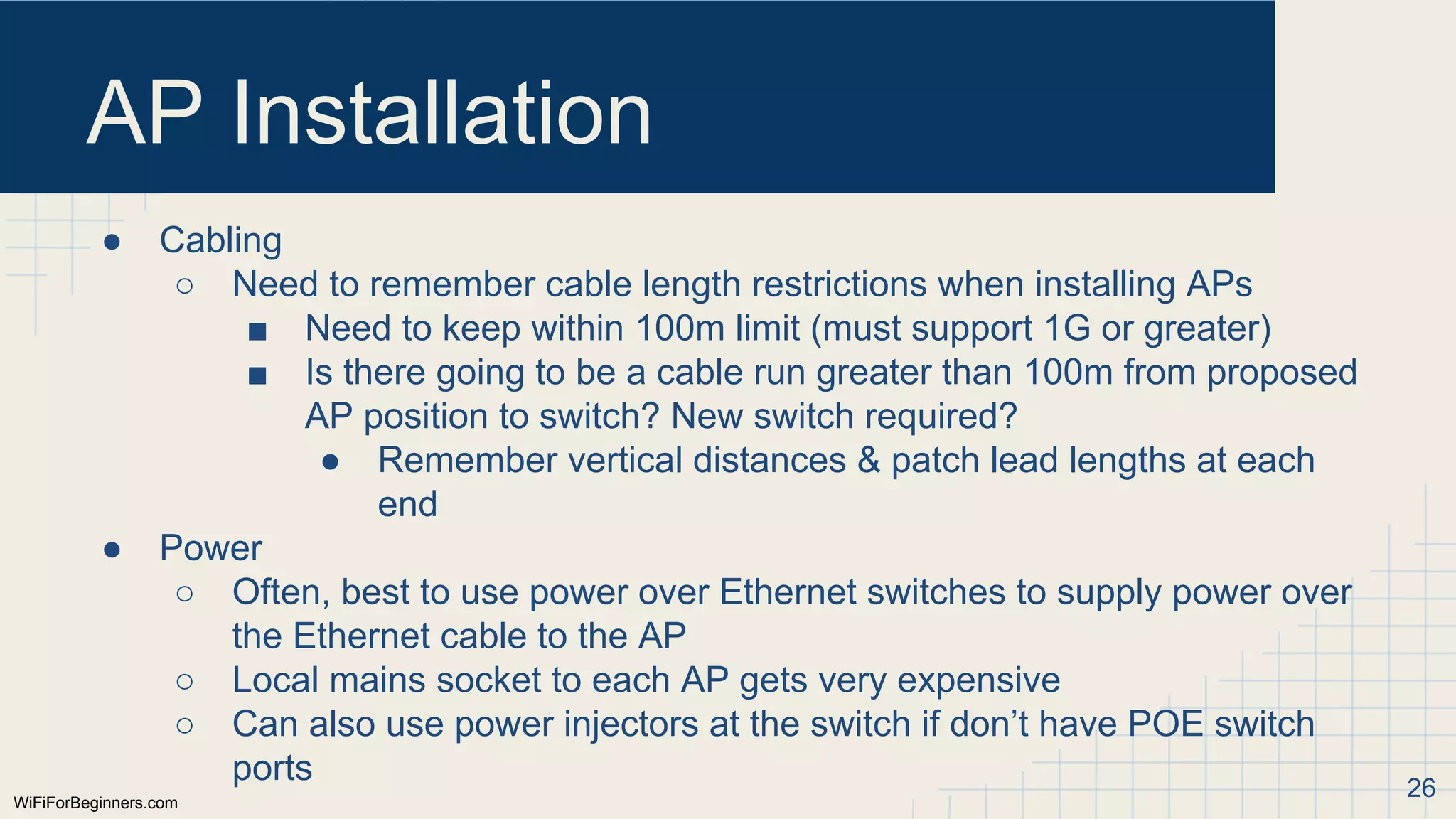
AP Installation
● Cabling
○Need to remember cable length restrictions when installing APs
■ Need to keep within 100m limit (must support 1G or greater)
■ Is there going to be a cable run greater than 100m from proposed
AP position to switch? New switch required?
● Remember vertical distances & patch lead lengths at each
end
● Power
○ Often, best to use power over Ethernet switches to supply power over
the Ethernet cable to the AP
○ Local mains socket to each AP gets very expensive
○ Can also use power injectors at the switch if don’t have POE switch
ports 26
27.
WiFiForBeginners.com
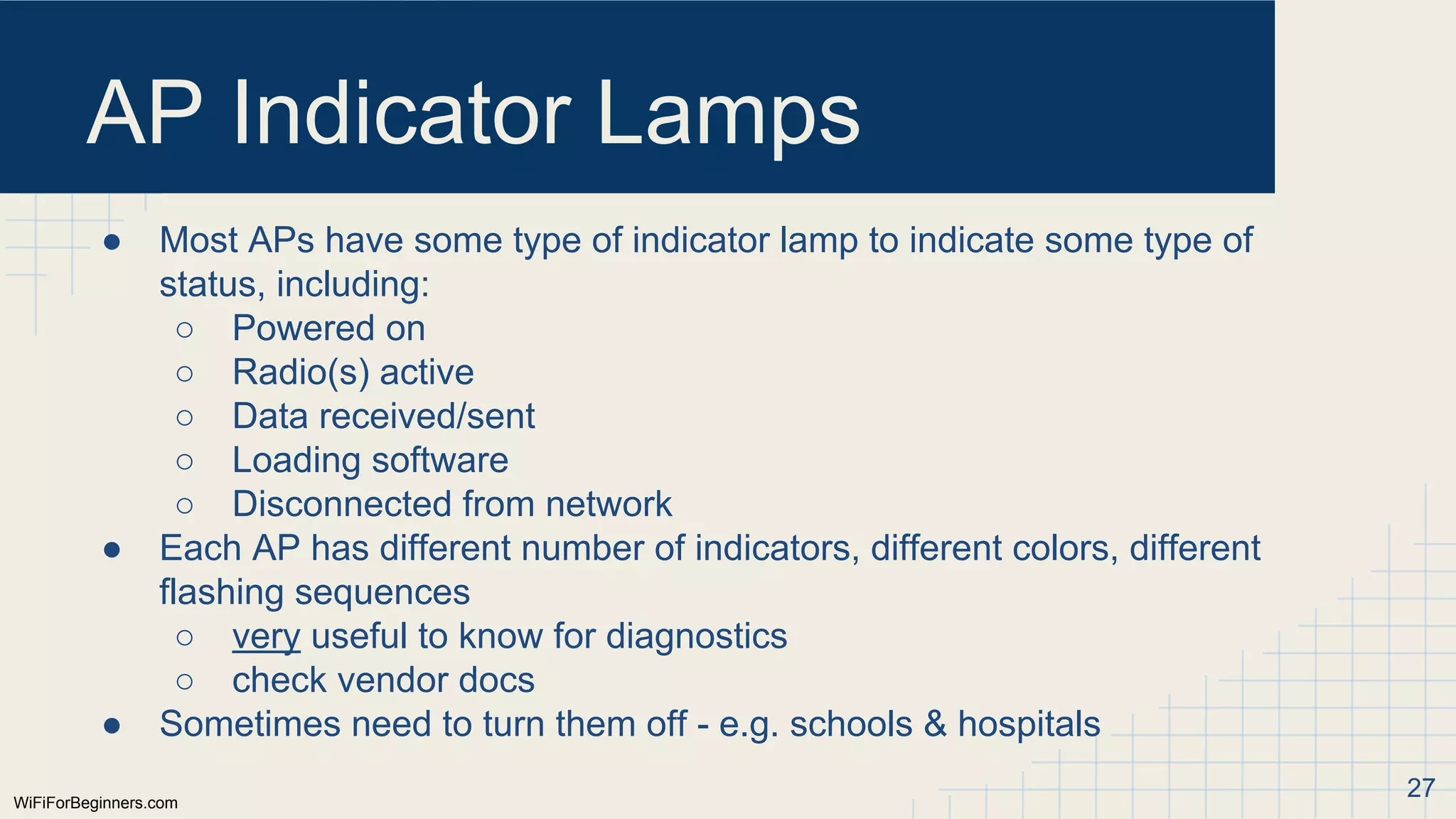
AP Indicator Lamps
●Most APs have some type of indicator lamp to indicate some type of
status, including:
○ Powered on
○ Radio(s) active
○ Data received/sent
○ Loading software
○ Disconnected from network
● Each AP has different number of indicators, different colors, different
flashing sequences
○ very useful to know for diagnostics
○ check vendor docs
● Sometimes need to turn them off - e.g. schools & hospitals
27
28.
WiFiForBeginners.com
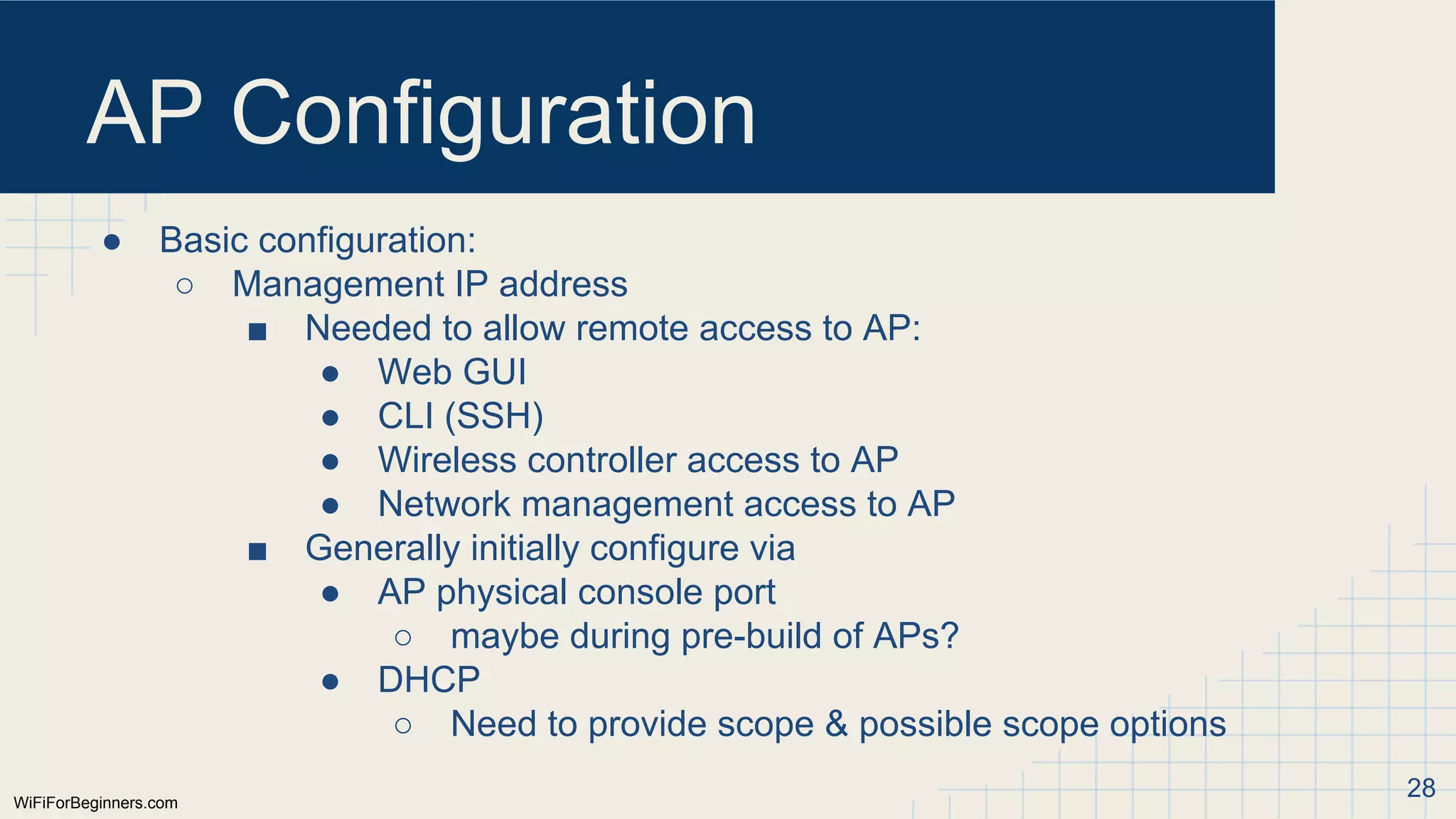
AP Configuration
● Basicconfiguration:
○ Management IP address
■ Needed to allow remote access to AP:
● Web GUI
● CLI (SSH)
● Wireless controller access to AP
● Network management access to AP
■ Generally initially configure via
● AP physical console port
○ maybe during pre-build of APs?
● DHCP
○ Need to provide scope & possible scope options
28
29.
WiFiForBeginners.com
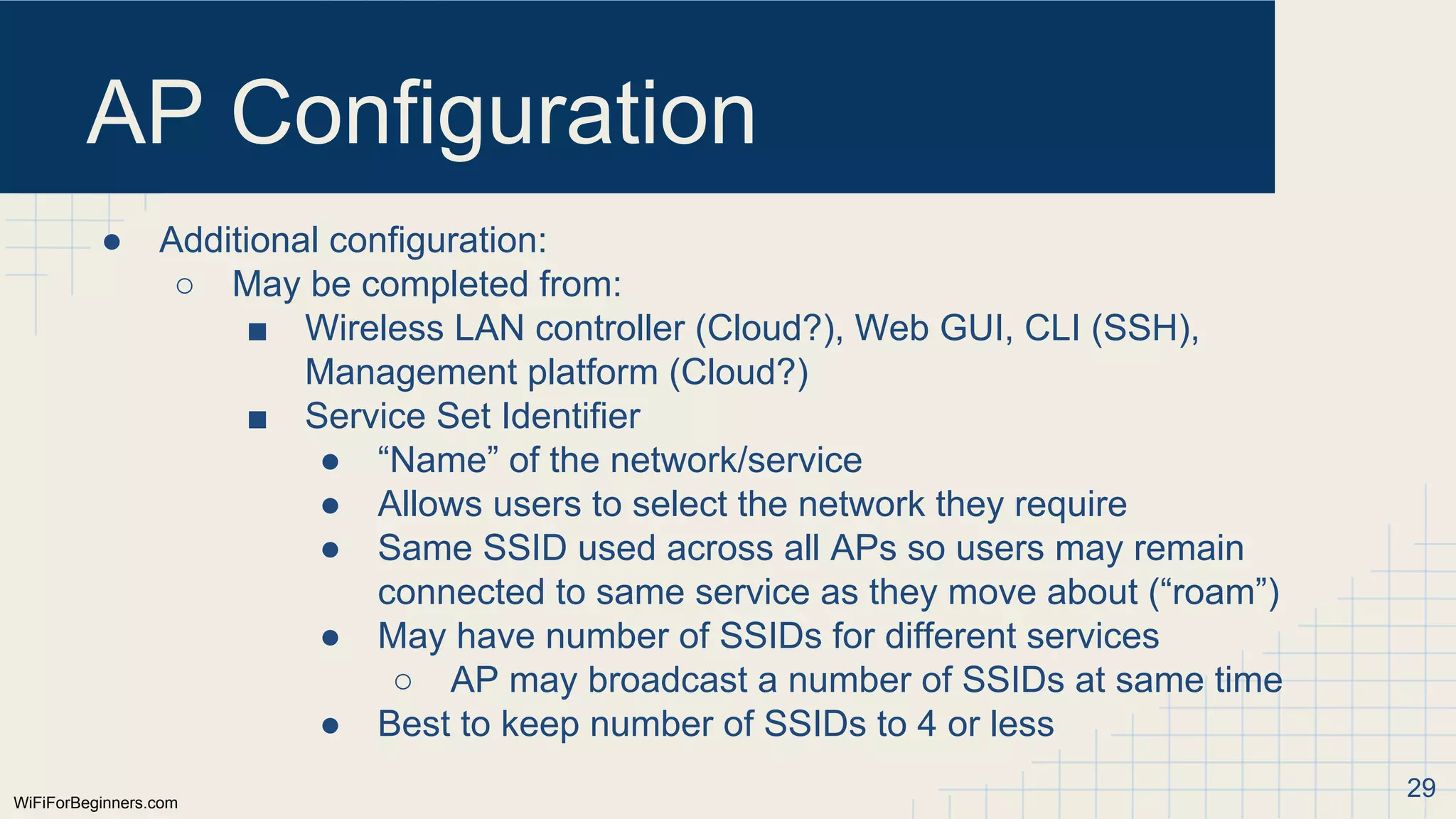
AP Configuration
● Additionalconfiguration:
○ May be completed from:
■ Wireless LAN controller (Cloud?), Web GUI, CLI (SSH),
Management platform (Cloud?)
■ Service Set Identifier
● “Name” of the network/service
● Allows users to select the network they require
● Same SSID used across all APs so users may remain
connected to same service as they move about (“roam”)
● May have number of SSIDs for different services
○ AP may broadcast a number of SSIDs at same time
● Best to keep number of SSIDs to 4 or less
29
30.
WiFiForBeginners.com
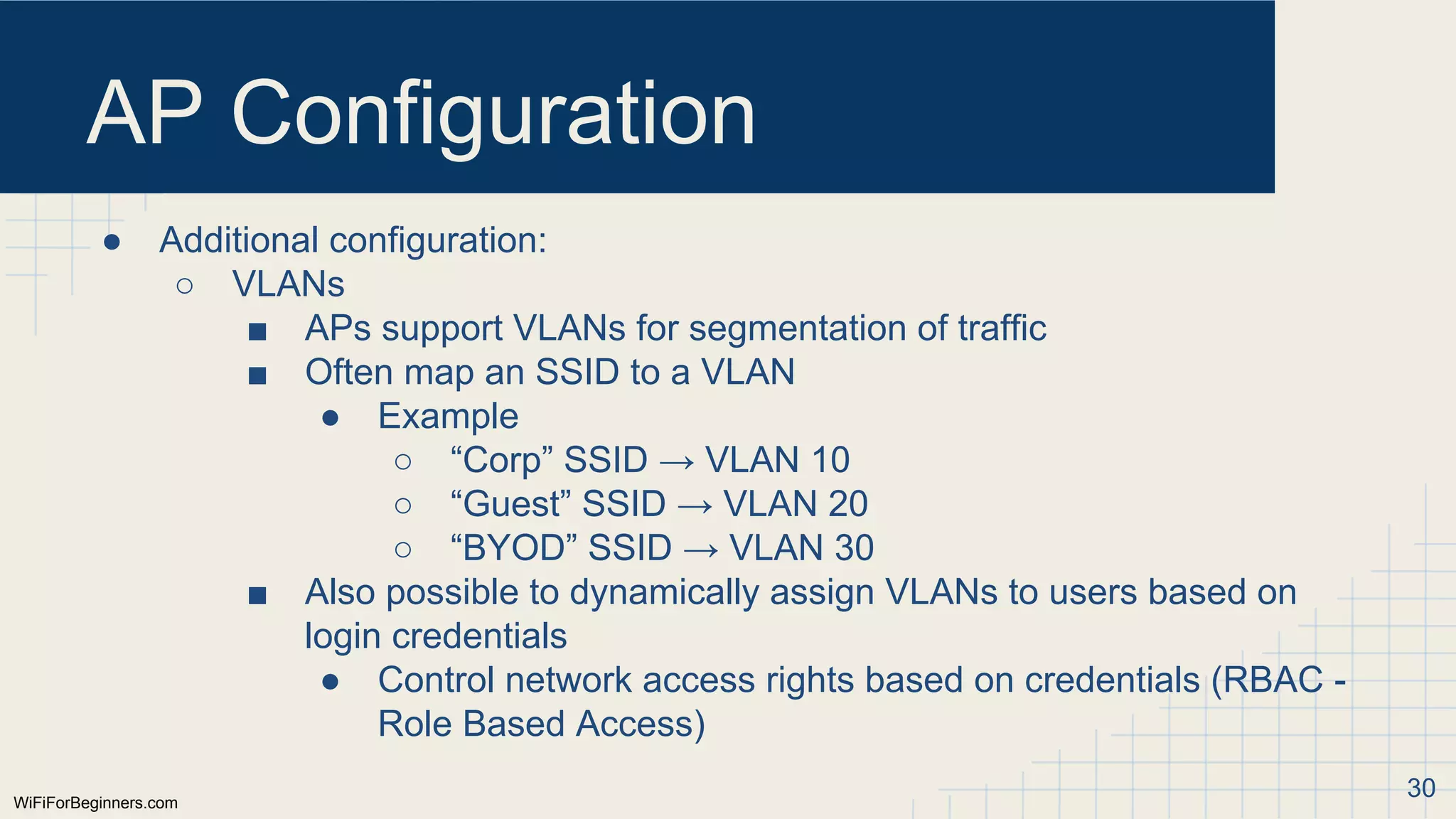
AP Configuration
● Additionalconfiguration:
○ VLANs
■ APs support VLANs for segmentation of traffic
■ Often map an SSID to a VLAN
● Example
○ “Corp” SSID → VLAN 10
○ “Guest” SSID → VLAN 20
○ “BYOD” SSID → VLAN 30
■ Also possible to dynamically assign VLANs to users based on
login credentials
● Control network access rights based on credentials (RBAC -
Role Based Access)
30
31.
WiFiForBeginners.com
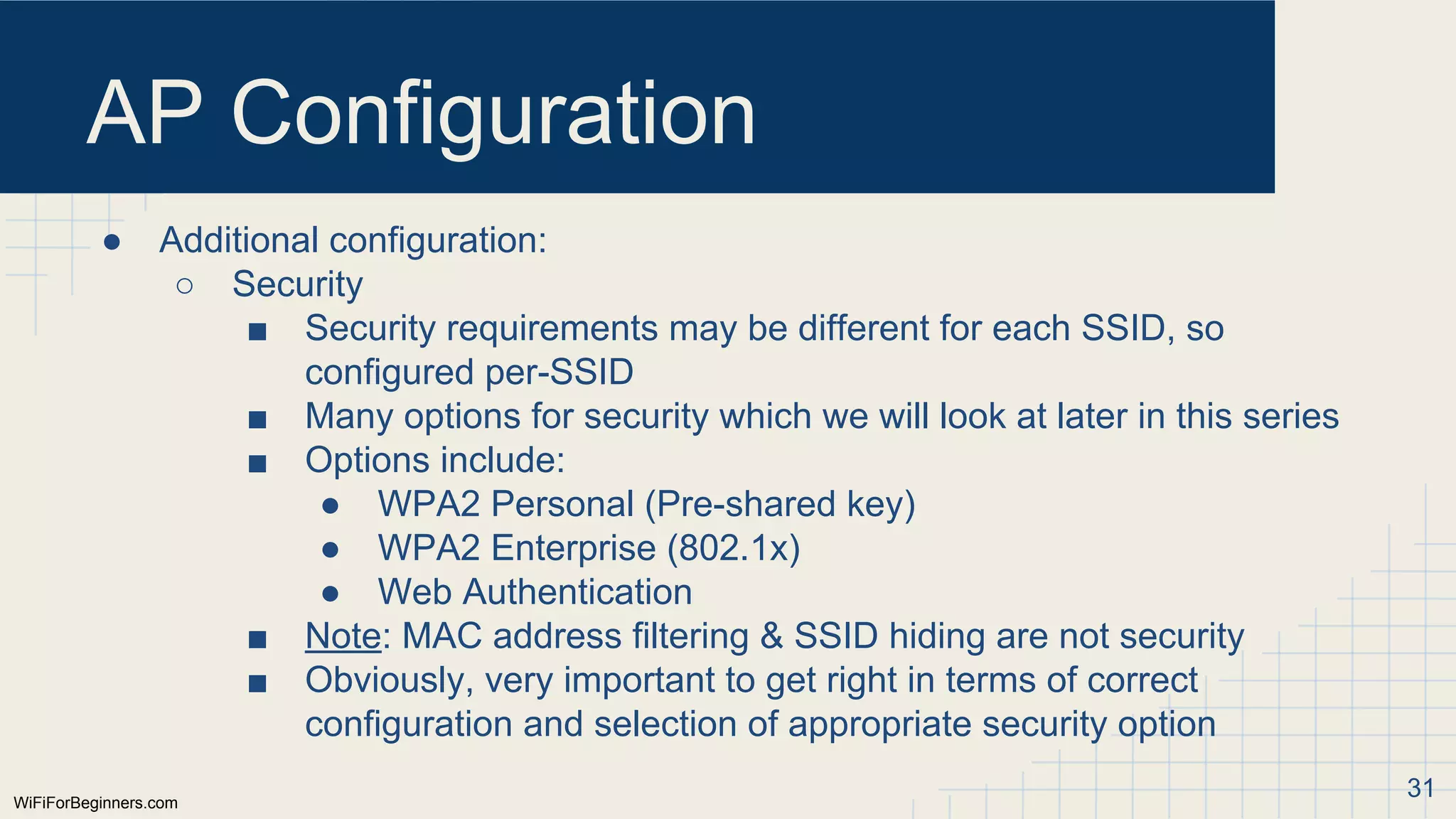
AP Configuration
● Additionalconfiguration:
○ Security
■ Security requirements may be different for each SSID, so
configured per-SSID
■ Many options for security which we will look at later in this series
■ Options include:
● WPA2 Personal (Pre-shared key)
● WPA2 Enterprise (802.1x)
● Web Authentication
■ Note: MAC address filtering & SSID hiding are not security
■ Obviously, very important to get right in terms of correct
configuration and selection of appropriate security option
31
32.
WiFiForBeginners.com
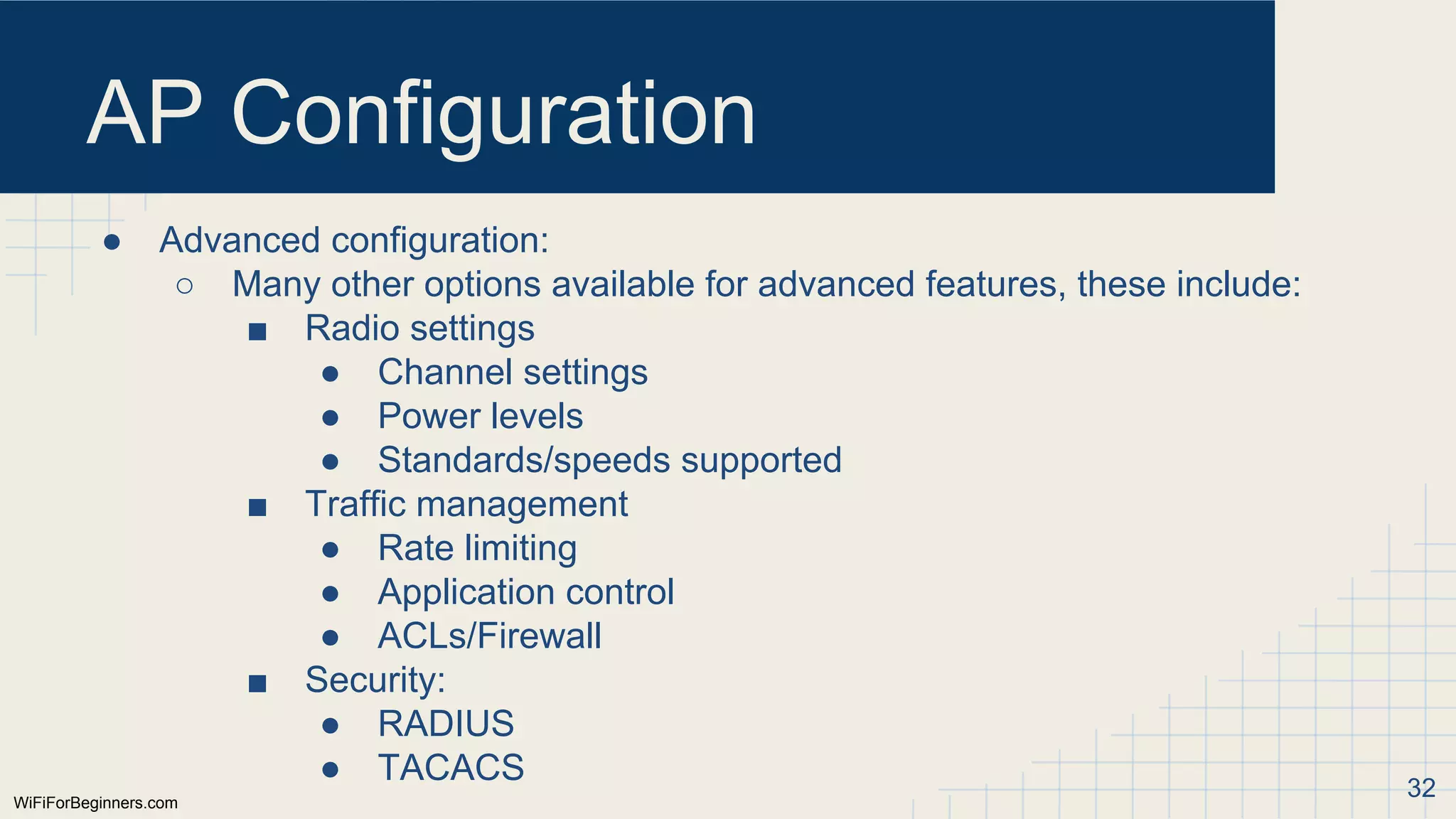
AP Configuration
● Advancedconfiguration:
○ Many other options available for advanced features, these include:
■ Radio settings
● Channel settings
● Power levels
● Standards/speeds supported
■ Traffic management
● Rate limiting
● Application control
● ACLs/Firewall
■ Security:
● RADIUS
● TACACS 32
WiFiForBeginners.com
Standards Support
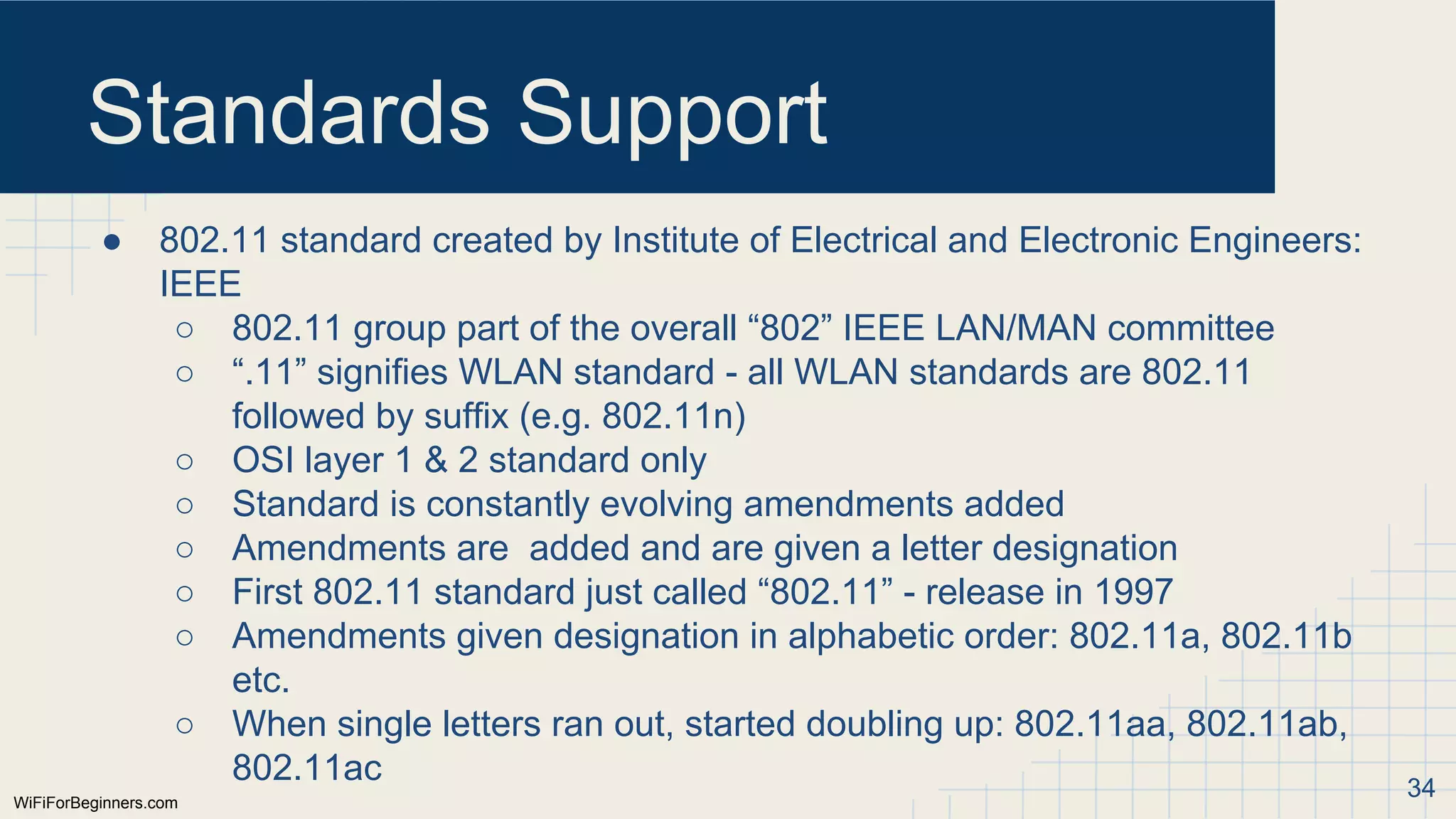
● 802.11standard created by Institute of Electrical and Electronic Engineers:
IEEE
○ 802.11 group part of the overall “802” IEEE LAN/MAN committee
○ “.11” signifies WLAN standard - all WLAN standards are 802.11
followed by suffix (e.g. 802.11n)
○ OSI layer 1 & 2 standard only
○ Standard is constantly evolving amendments added
○ Amendments are added and are given a letter designation
○ First 802.11 standard just called “802.11” - release in 1997
○ Amendments given designation in alphabetic order: 802.11a, 802.11b
etc.
○ When single letters ran out, started doubling up: 802.11aa, 802.11ab,
802.11ac 34
35.
WiFiForBeginners.com
Standards Support
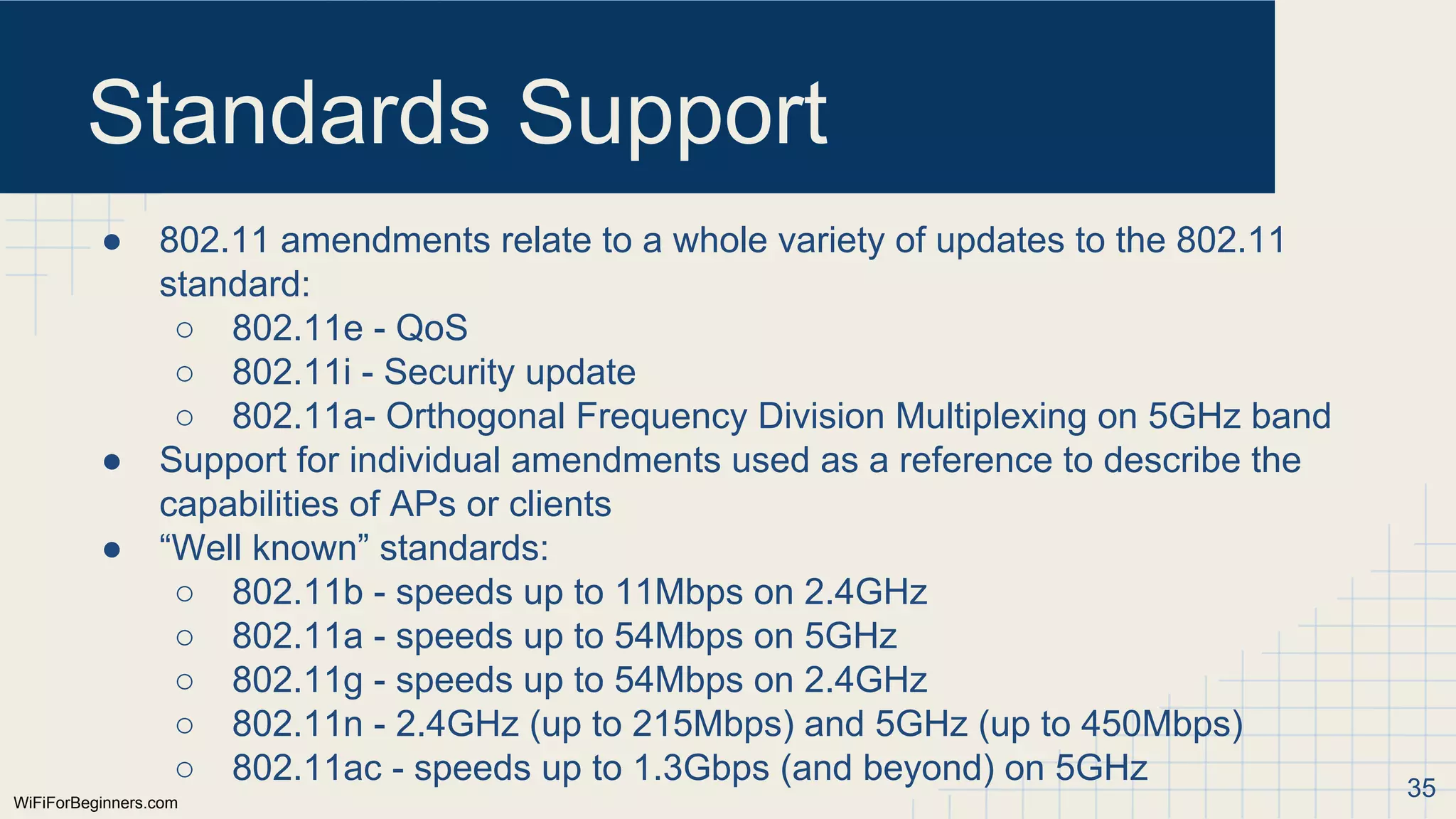
● 802.11amendments relate to a whole variety of updates to the 802.11
standard:
○ 802.11e - QoS
○ 802.11i - Security update
○ 802.11a- Orthogonal Frequency Division Multiplexing on 5GHz band
● Support for individual amendments used as a reference to describe the
capabilities of APs or clients
● “Well known” standards:
○ 802.11b - speeds up to 11Mbps on 2.4GHz
○ 802.11a - speeds up to 54Mbps on 5GHz
○ 802.11g - speeds up to 54Mbps on 2.4GHz
○ 802.11n - 2.4GHz (up to 215Mbps) and 5GHz (up to 450Mbps)
○ 802.11ac - speeds up to 1.3Gbps (and beyond) on 5GHz 35
36.
Summary
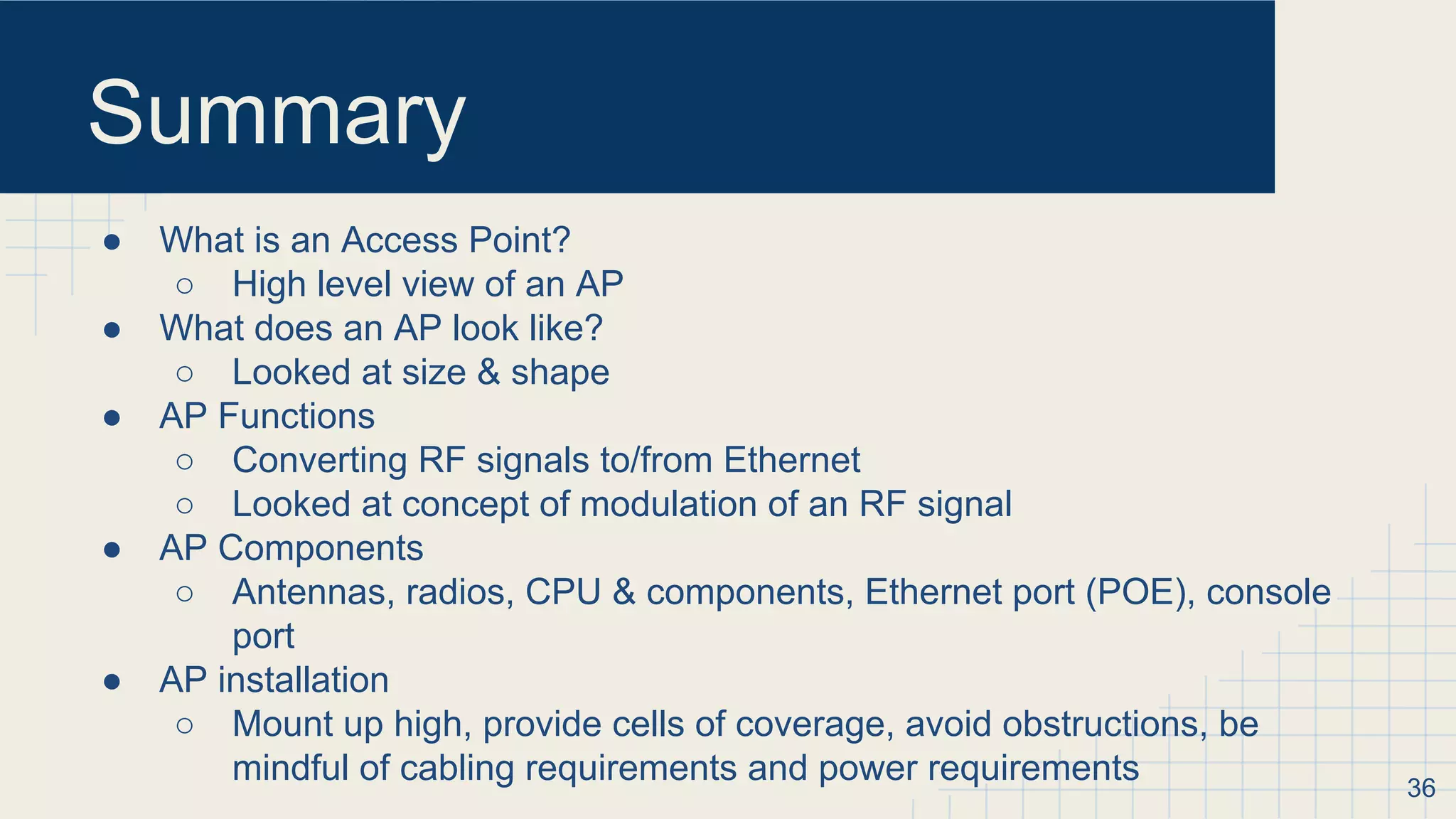
● What isan Access Point?
○ High level view of an AP
● What does an AP look like?
○ Looked at size & shape
● AP Functions
○ Converting RF signals to/from Ethernet
○ Looked at concept of modulation of an RF signal
● AP Components
○ Antennas, radios, CPU & components, Ethernet port (POE), console
port
● AP installation
○ Mount up high, provide cells of coverage, avoid obstructions, be
mindful of cabling requirements and power requirements 36
37.
Summary
● AP Configuration
○Basic IP configuration, console access, SSIDs, VLANs, Security
○ Advanced configuration: RF settings, traffic management, admin
authentication
○ Guest portals & accounts
● IEEE Standards
○ 802.11 IEEE committee defines WLAN standard
○ Additions made through amendments which are give letter designation
○ Amendment support often used when describing device capabilities
○ 802.11 OSI layer 1 & 2 only
37