











7 Keys to Simplify
Your Data Conversion
July 9, 2014
AboutWebLink
• SaaS company (Software as a Service), leading software
provider to business associations and chambers of commerce
• Established in 1996, 60 employees, based in Indianapolis, IN
• 94% customer retention rate
2
AboutWebLink
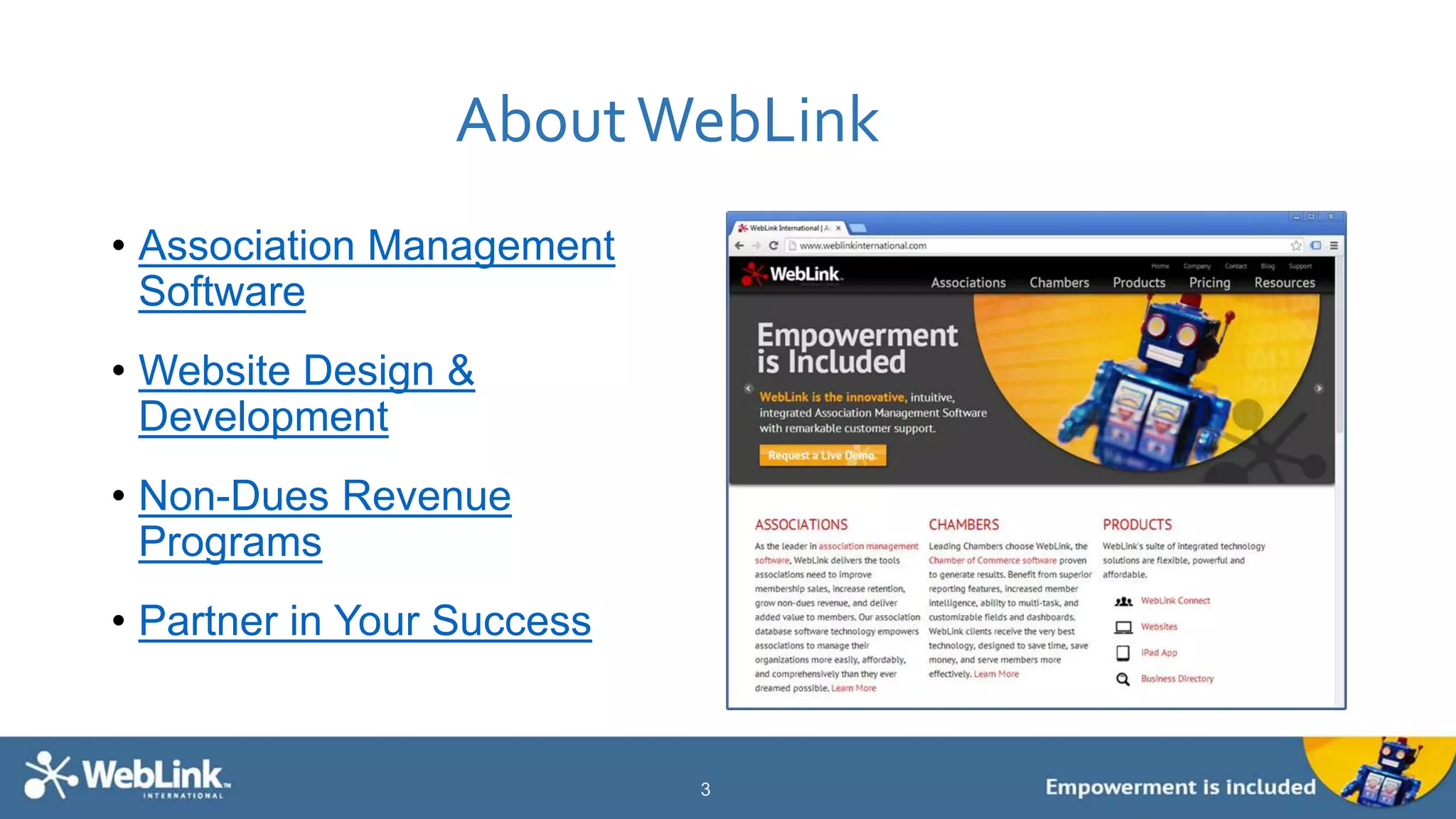
• Association Management
Software
• Website Design &
Development
• Non-Dues Revenue
Programs
• Partner in Your Success
3
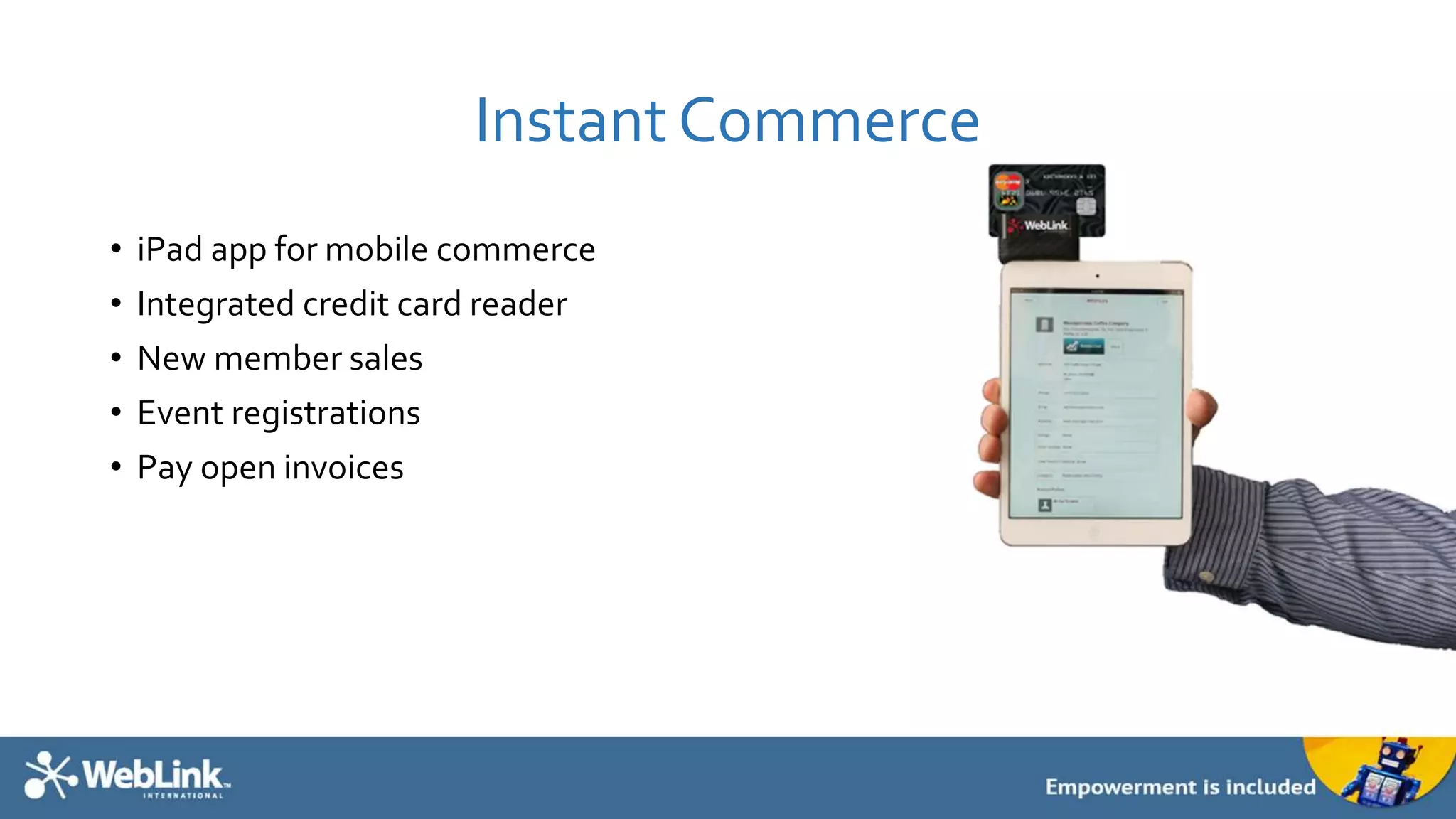
Instant Commerce
• iPad app for mobile commerce
• Integrated credit card reader
• New member sales
• Event registrations
• Pay open invoices
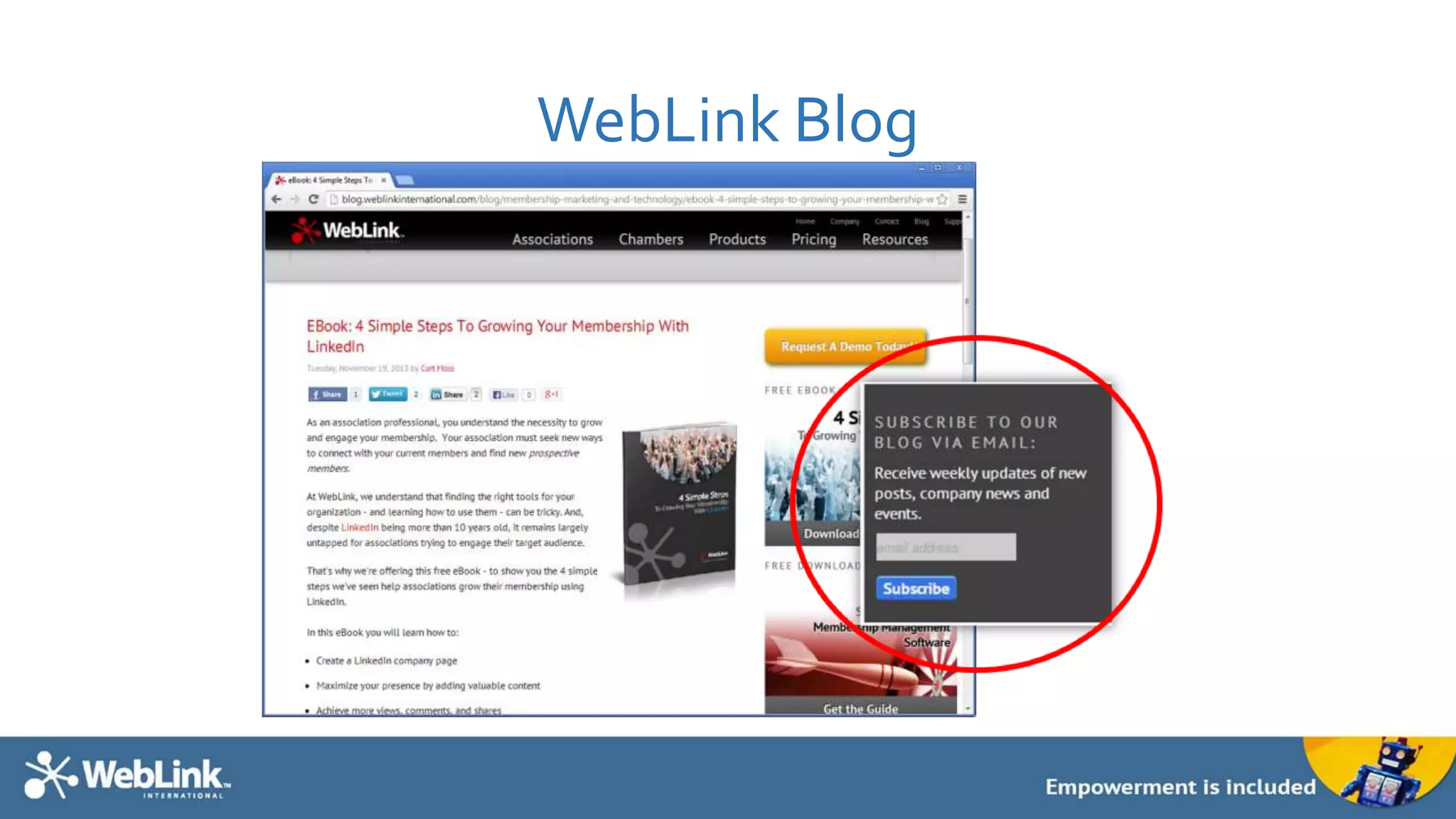
WebLink Blog
Why Data Conversion?
• Your current solution may:
• Be expensive
• Be hard to use
• Lack reporting
• Lack features and upgrades
• Not offer flexibility and configurability
• Not integrate your website, membership data, events, email marketing, and financials into a
seamless, centralized database
Rather than rekey all of your data, data conversion provides a way to more easily move data
from one format to another.
Your association database is the single most important asset your
organization owns.
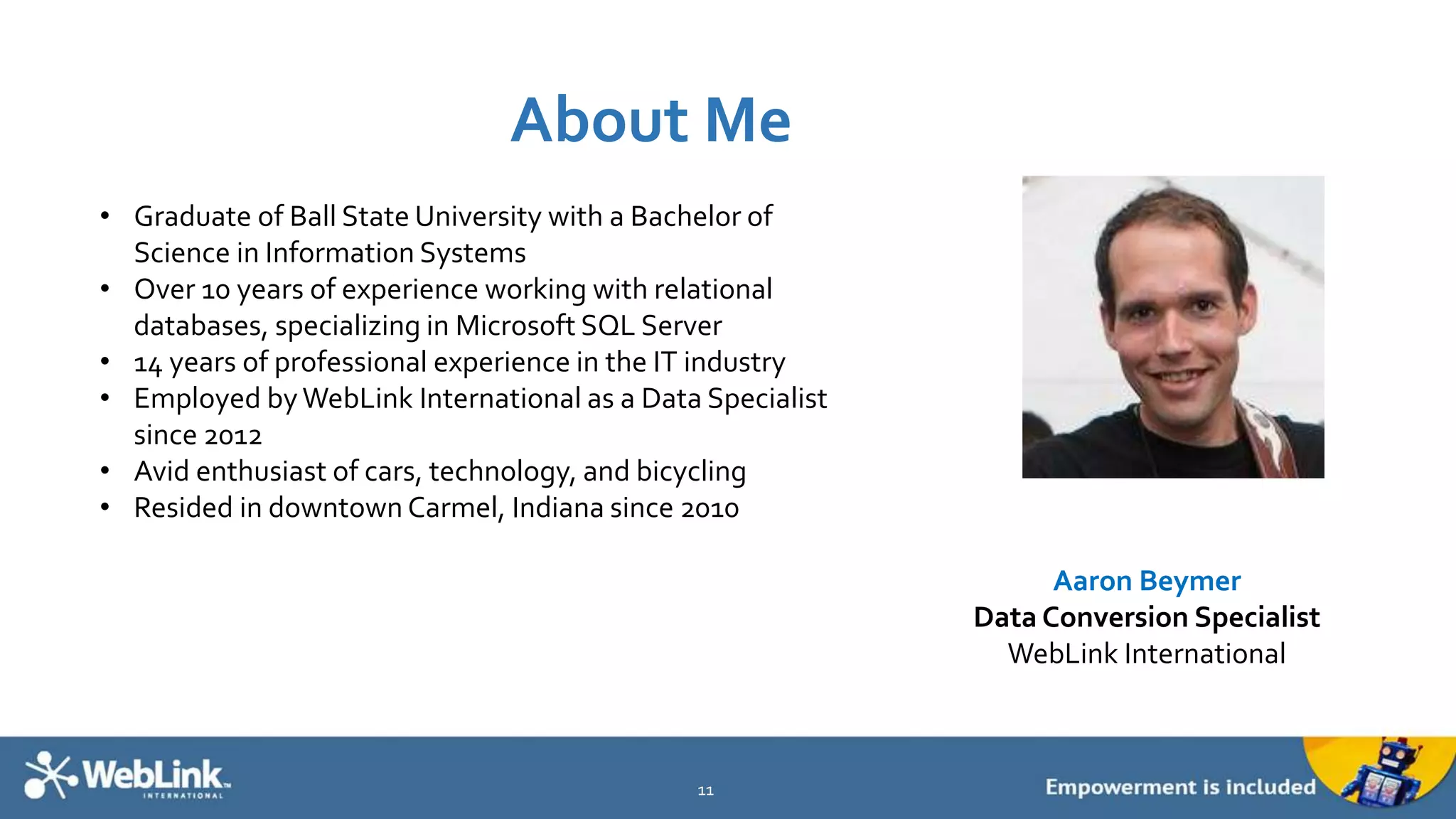
About Me
11
Aaron Beymer
Data Conversion Specialist
WebLink International
• Graduate of Ball State University with a Bachelor of
Science in Information Systems
• Over 10 years of experience working with relational
databases, specializing in Microsoft SQL Server
• 14 years of professional experience in the IT industry
• Employed byWebLink International as a Data Specialist
since 2012
• Avid enthusiast of cars, technology, and bicycling
• Resided in downtown Carmel, Indiana since 2010
Session Agenda: 7 Keys to SimplifyYour Data
Conversion
1. Get Familiar
2. Establish Buy-In
3. UnderstandYour Needs, Role andTime Commitment
4. Avoid Complexities and Pitfalls
5. Prioritize
6. KnowWhen It’sTime to Move On
7. Prepare for the Future
12
Get Familiar
How Do Computer Programmed
Data Conversions Work?
They’re Fast
But the Conversion Can Only Be As Good asThe
Data
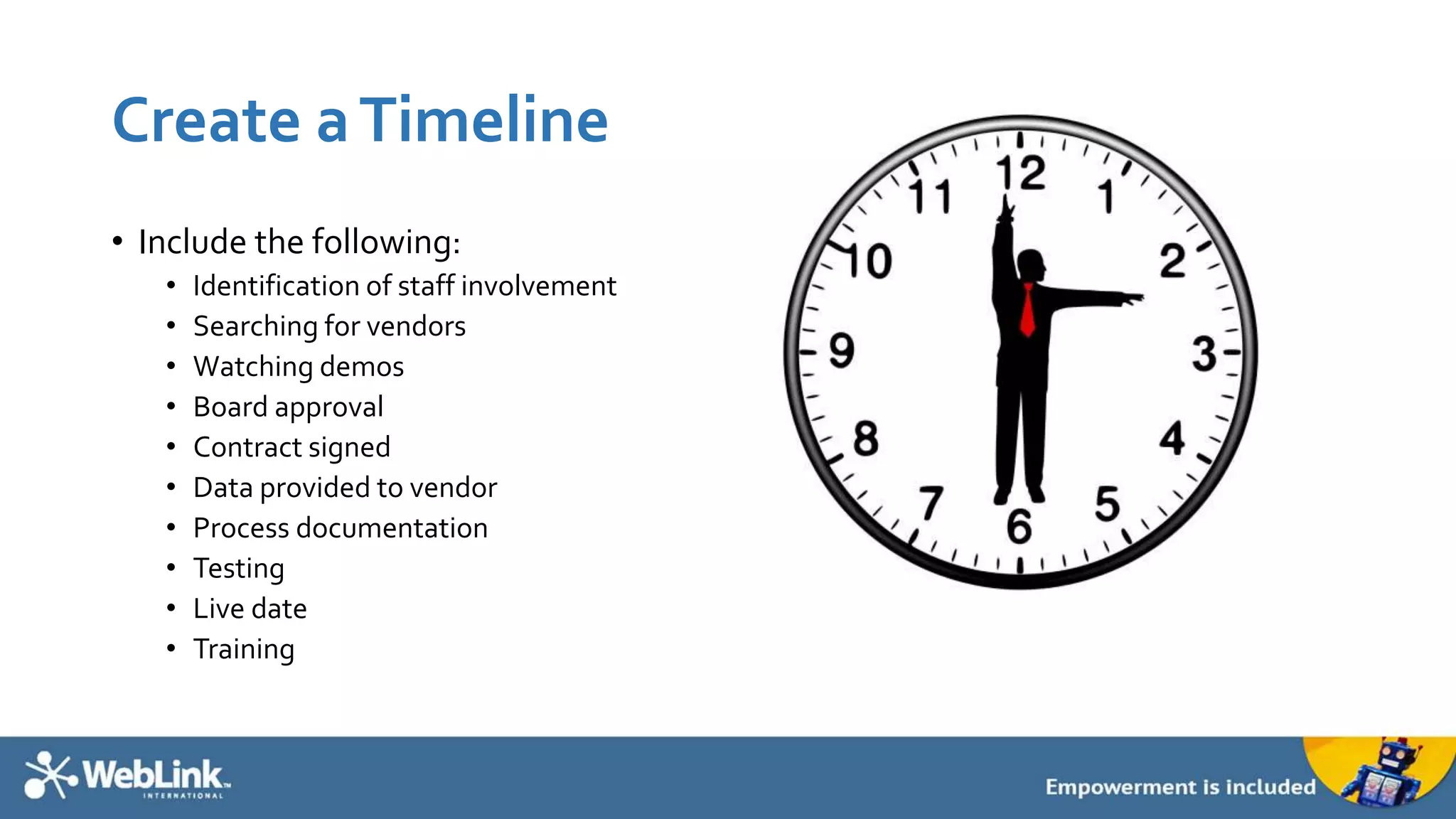
Create aTimeline
• Include the following:
• Identification of staff involvement
• Searching for vendors
• Watching demos
• Board approval
• Contract signed
• Data provided to vendor
• Process documentation
• Testing
• Live date
• Training
Establish Buy-In
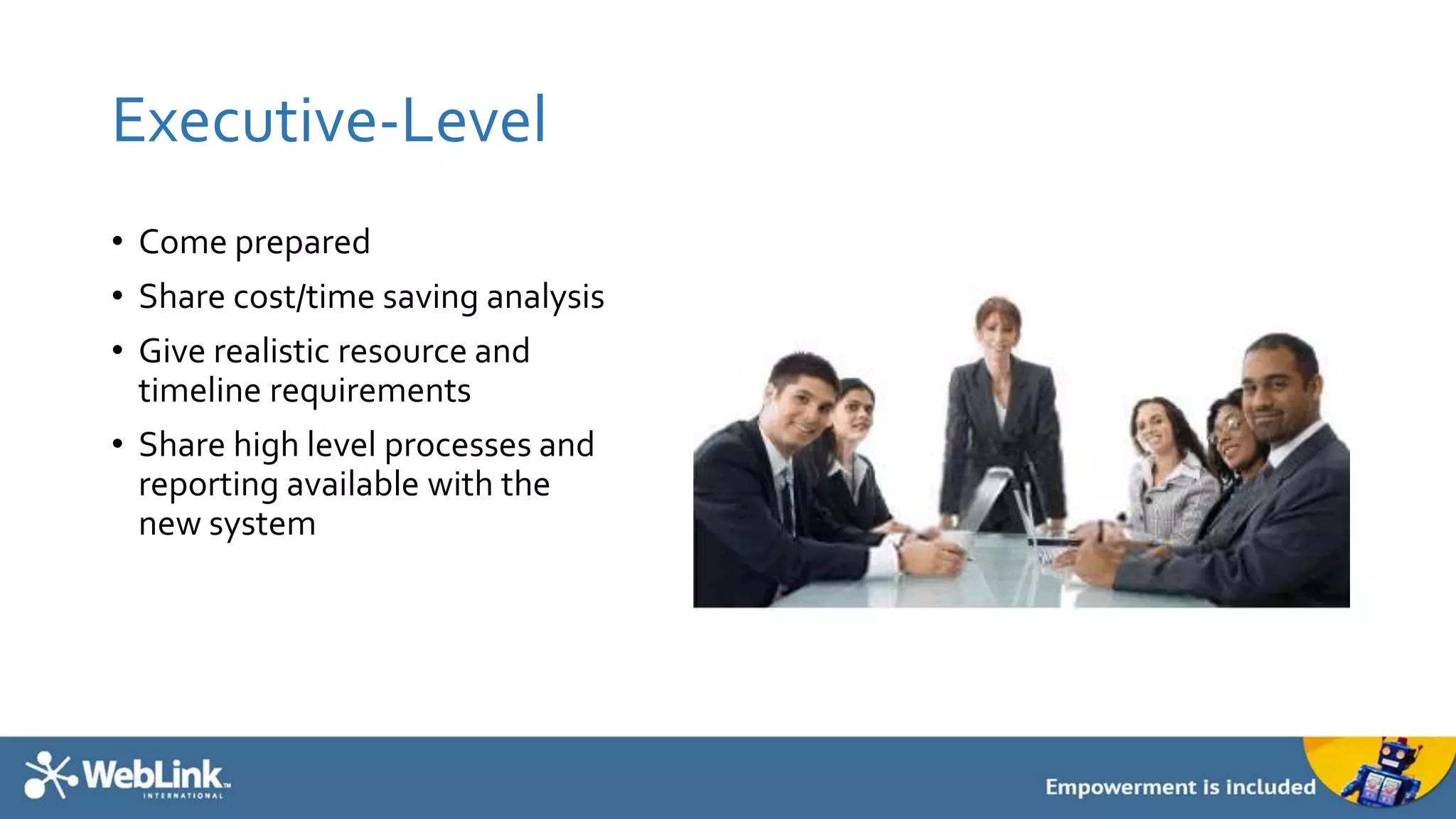
Executive-Level
• Come prepared
• Share cost/time saving analysis
• Give realistic resource and
timeline requirements
• Share high level processes and
reporting available with the
new system
Staff
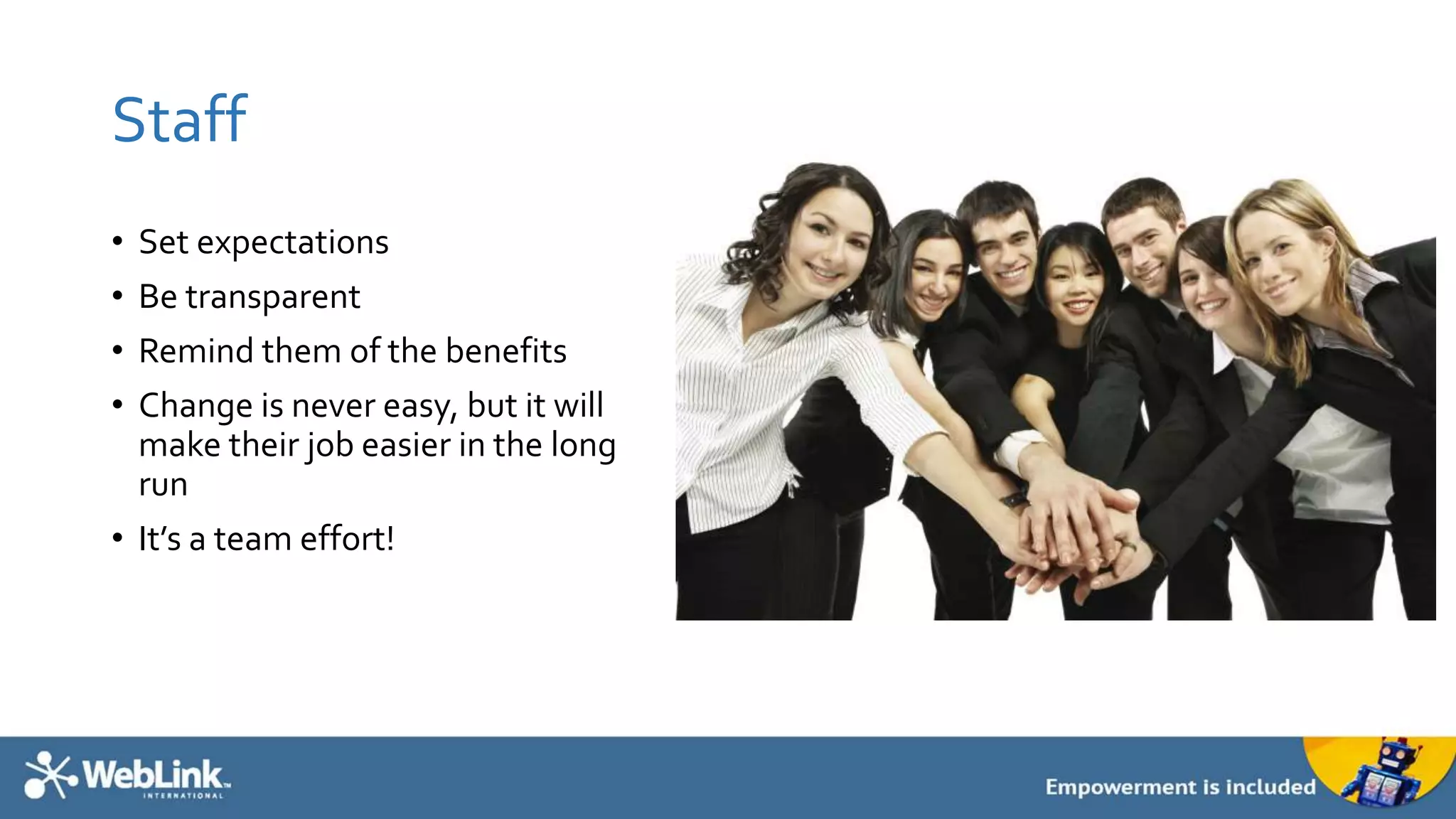
• Set expectations
• Be transparent
• Remind them of the benefits
• Change is never easy, but it will
make their job easier in the long
run
• It’s a team effort!
UnderstandYour Needs,
Role andTime
Commitment
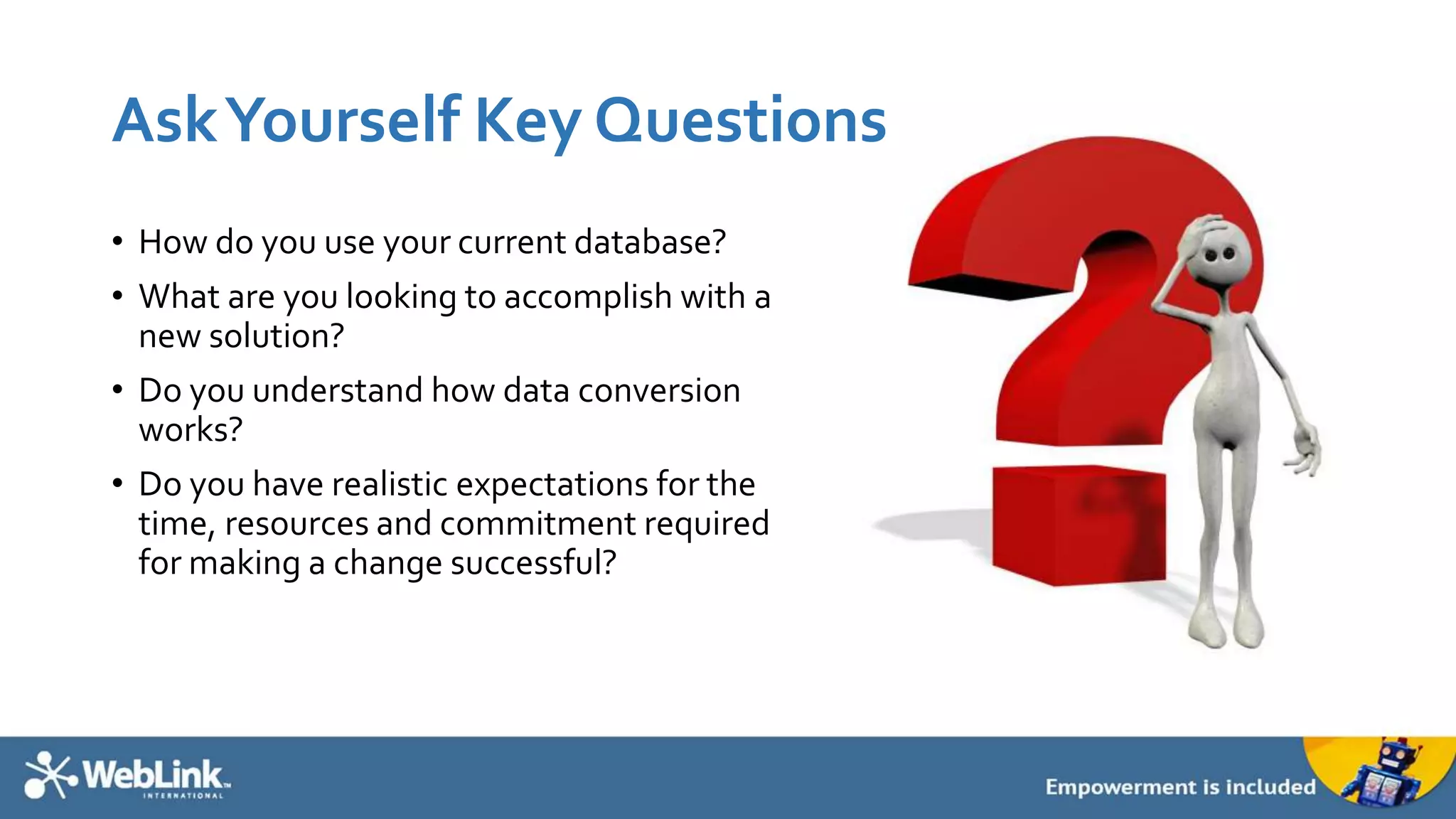
AskYourself Key Questions
• How do you use your current database?
• What are you looking to accomplish with a
new solution?
• Do you understand how data conversion
works?
• Do you have realistic expectations for the
time, resources and commitment required
for making a change successful?
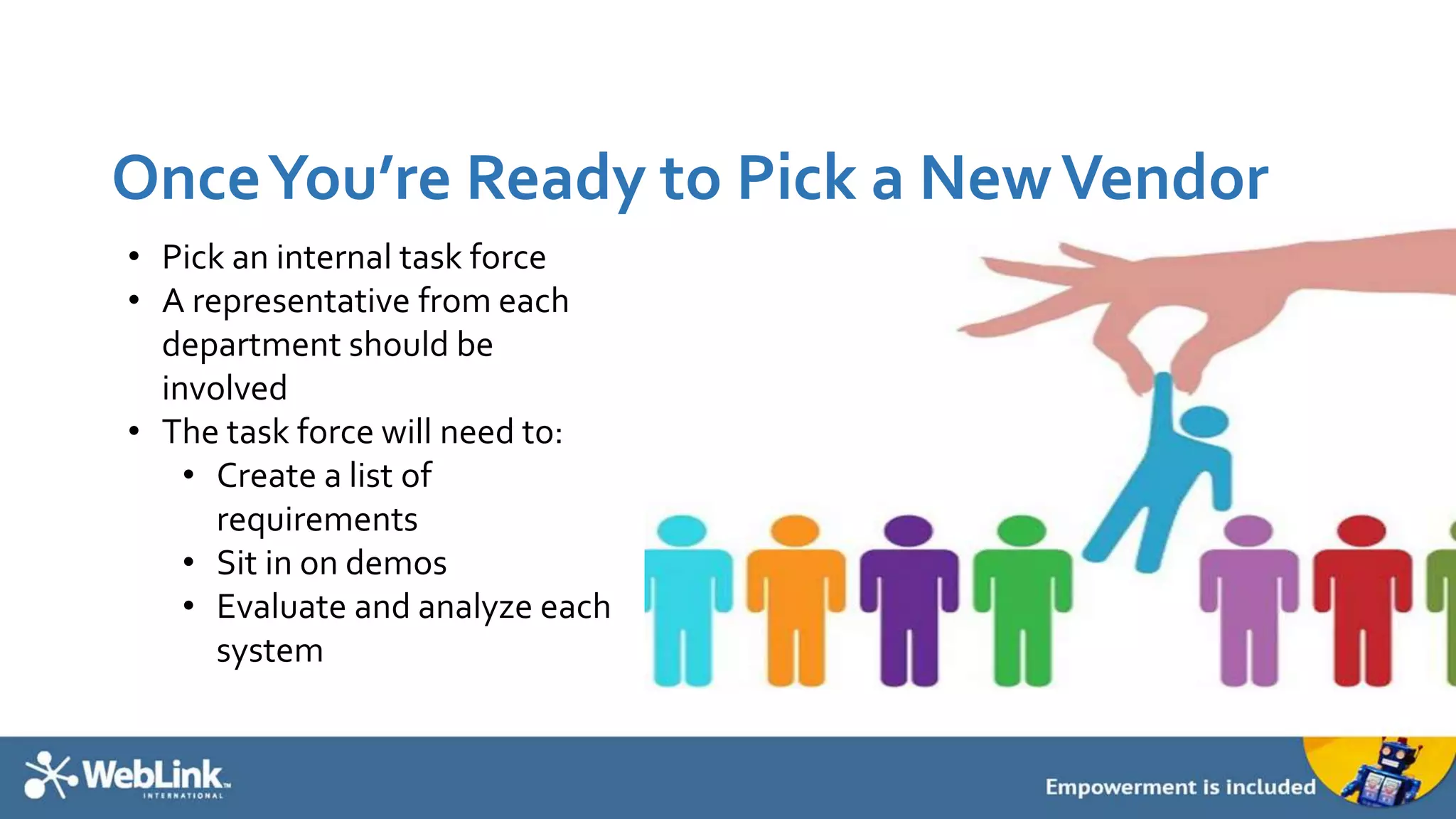
OnceYou’re Ready to Pick a NewVendor
• Pick an internal task force
• A representative from each
department should be
involved
• The task force will need to:
• Create a list of
requirements
• Sit in on demos
• Evaluate and analyze each
system
During the Conversion
• Pick a project manager
• One point person for gathering data
• Be available as questions arise
After the Conversion
• Additional setup
• Manual entry
• TRAINING
• Data integrity is an ongoing process and
requires buy-in from all staff
Avoid Complexities and
Pitfalls
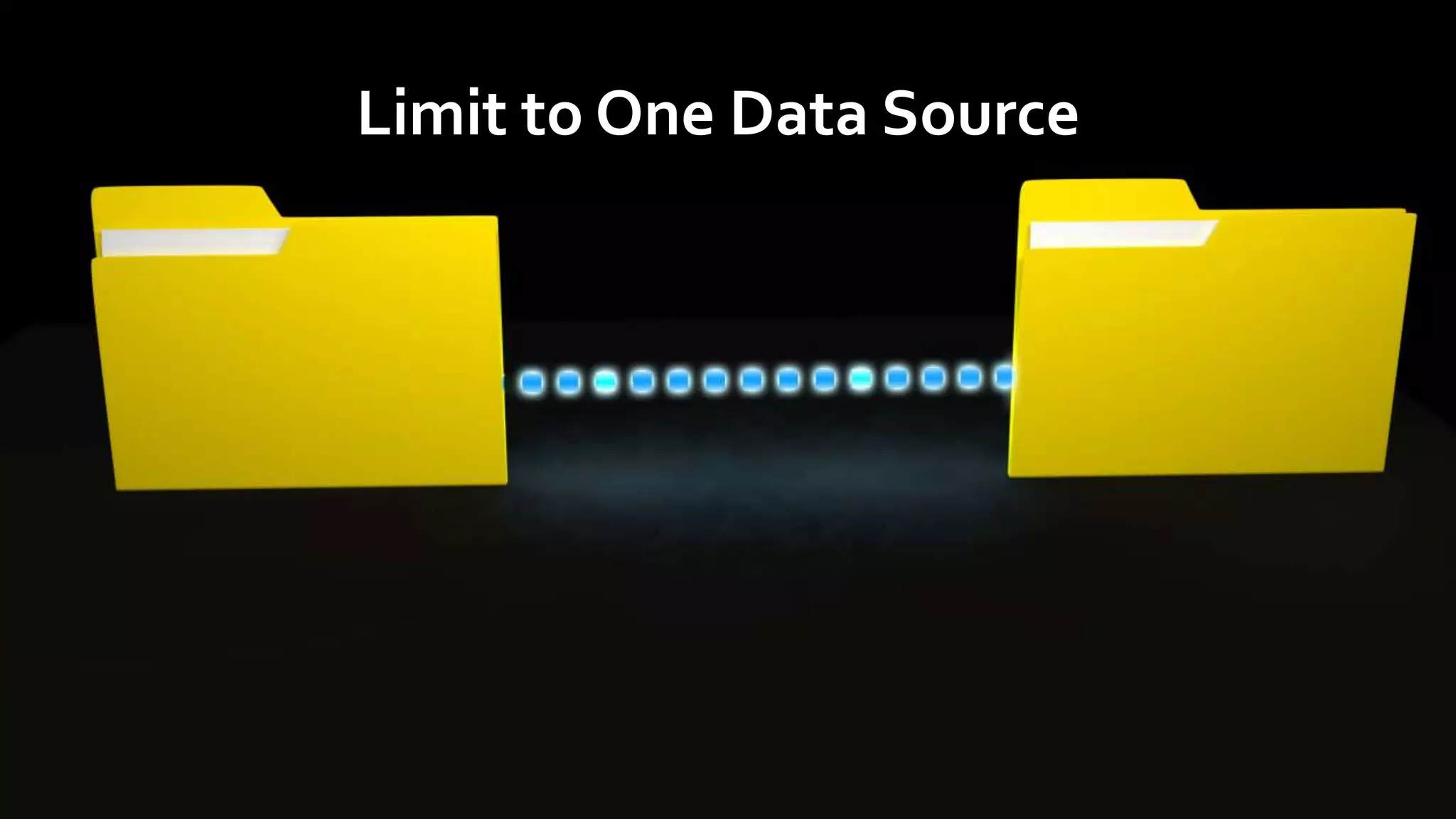
Limit to One Data Source
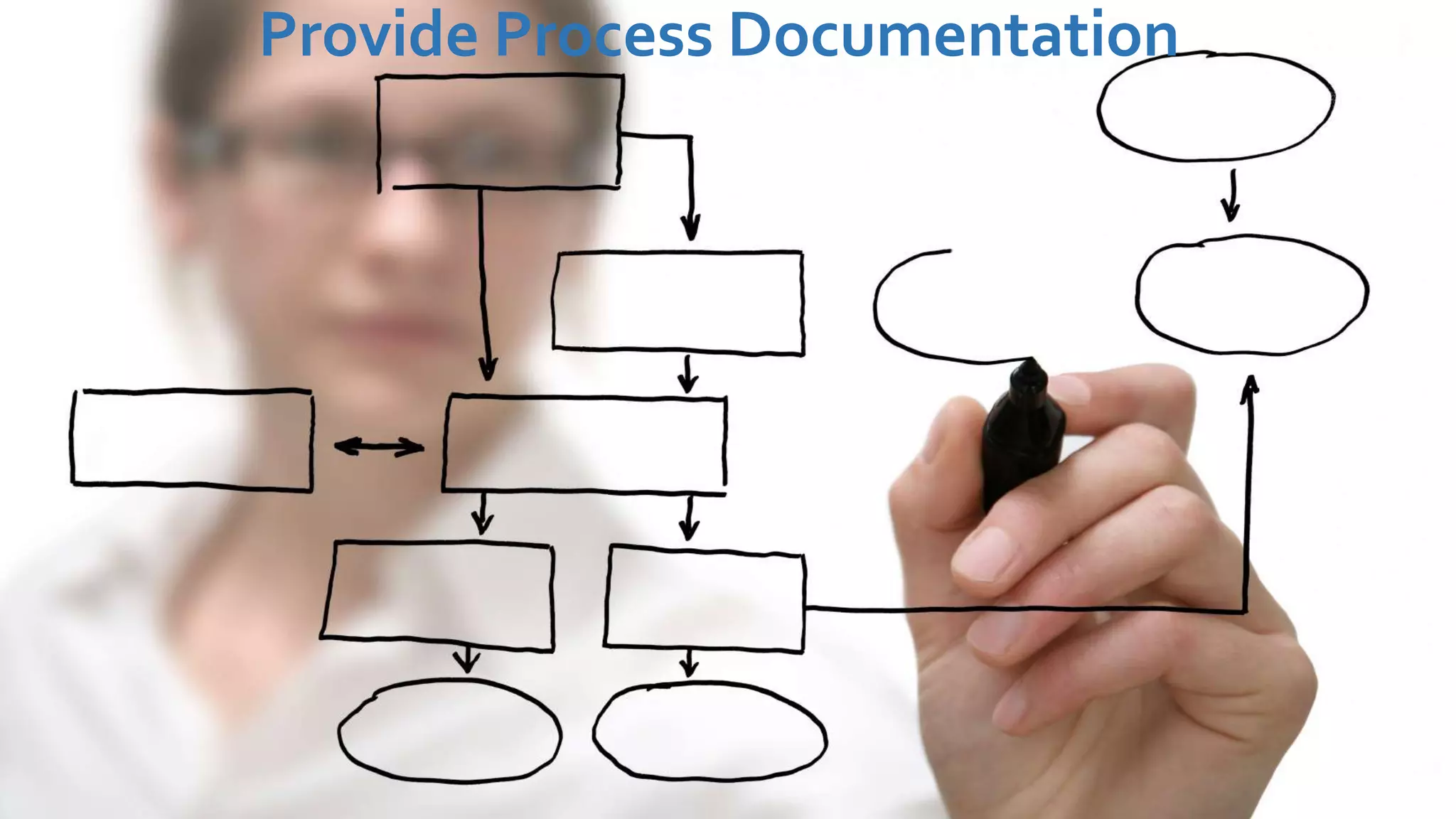
Provide Process Documentation
Avoid Inconsistencies
Prioritize
Know Where to Start
Leave Some Behind
Historical Records
KnowWhen It’sTime to
Move On
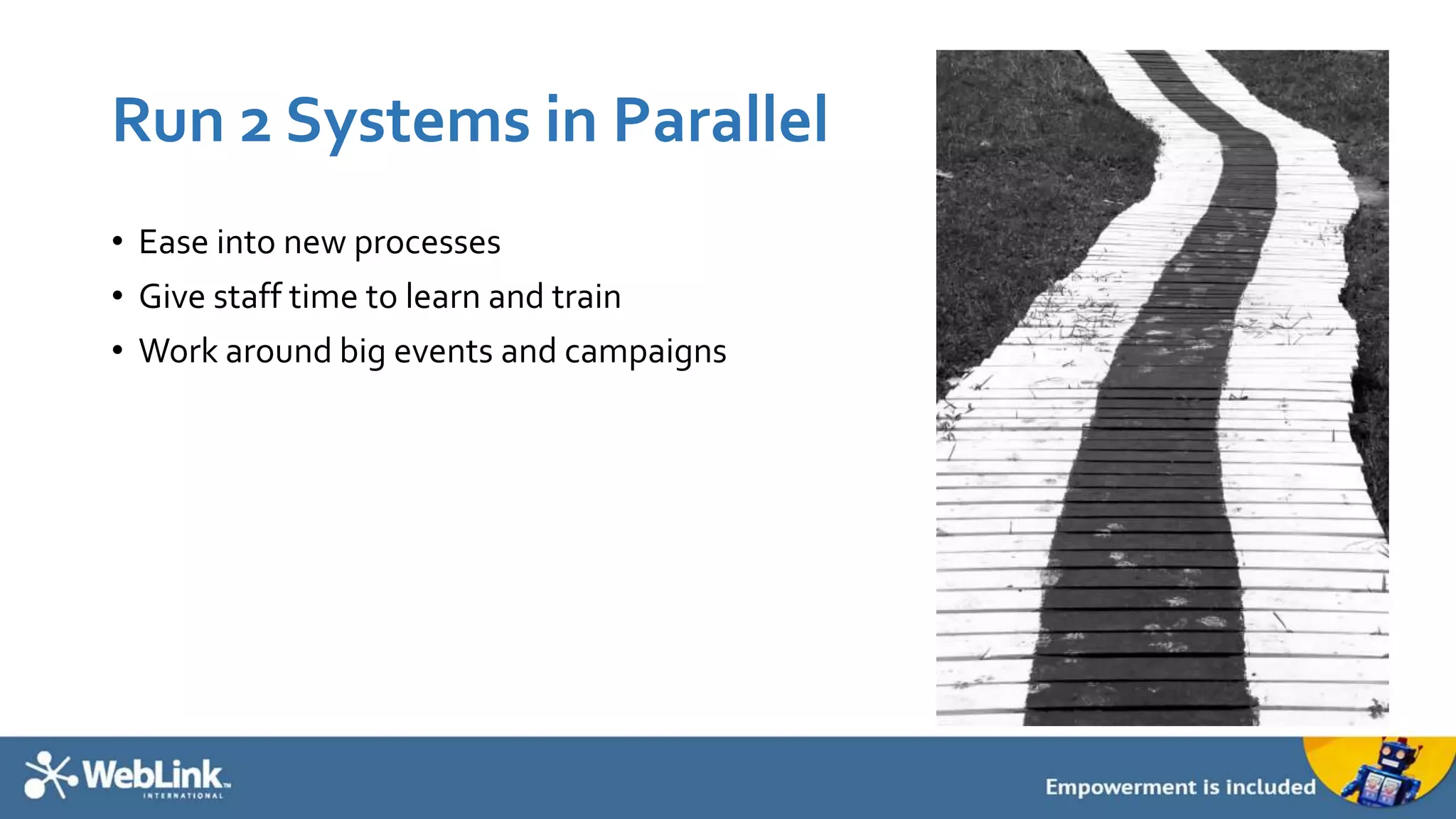
Run 2 Systems in Parallel
• Ease into new processes
• Give staff time to learn and train
• Work around big events and campaigns
Or, Rip Off the Band-Aid
• Is there ever a “good time” to
make the official switch?
• Pick a day, and stick to it
• No confusion over whether or
not processes have changed
• No period of time to enter data
into multiple systems.
Prepare for the Future
Your Data Will Probably Never Be Perfect
(ButYou ShouldTry)
• Address any adjustments that need
to be made immediately after the
conversion
• Your technology partner should help
you fix any major concerns
• Maintenance and following of
processes ensures clean data
• Don’t fall back on old, bad habits
• Utilize ONLY ONE data platform
Teach New Staff
• As you hire new people, they will have to be trained
• Create a process for getting new people up to speed
• Documentation of processes is key
• Share what the data is used for so staff understand
the importance
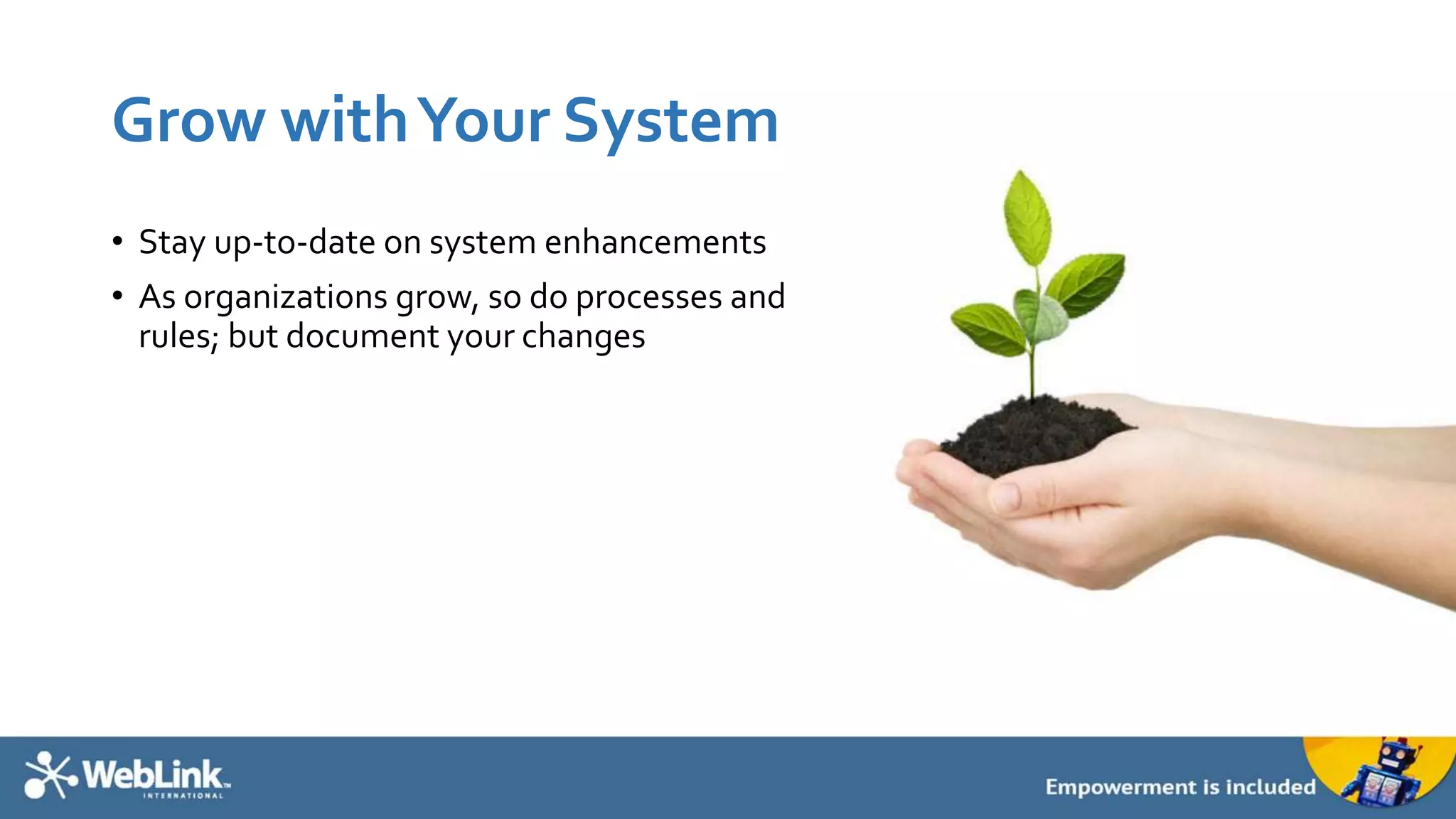
Grow withYour System
• Stay up-to-date on system enhancements
• As organizations grow, so do processes and
rules; but document your changes
Bonus: Questions to Ask
AMS Providers
When evaluating, consider asking the following questions
• How many data conversions has the
vendor successfully implemented?
• How many years’ industry experience
do the vendor’s data developers
possess?
• What business rule or logic discovery
questions are asked prior to starting
each new data conversion project?
• Assuming you are using a widely-
available system, has the vendor
completed data conversions from
your specific source system and
version before? If so, how many?
• What data validation steps are built
into the data conversion process to
eliminate errors or bugs in the new
system?
• What steps does the vendor take to
identify and mitigate duplication of
data records?
• If data inconsistencies or exceptions
are encountered, what is the vendor’s
process for moving forward to
address each issue?
Coming Up: 3 Questions
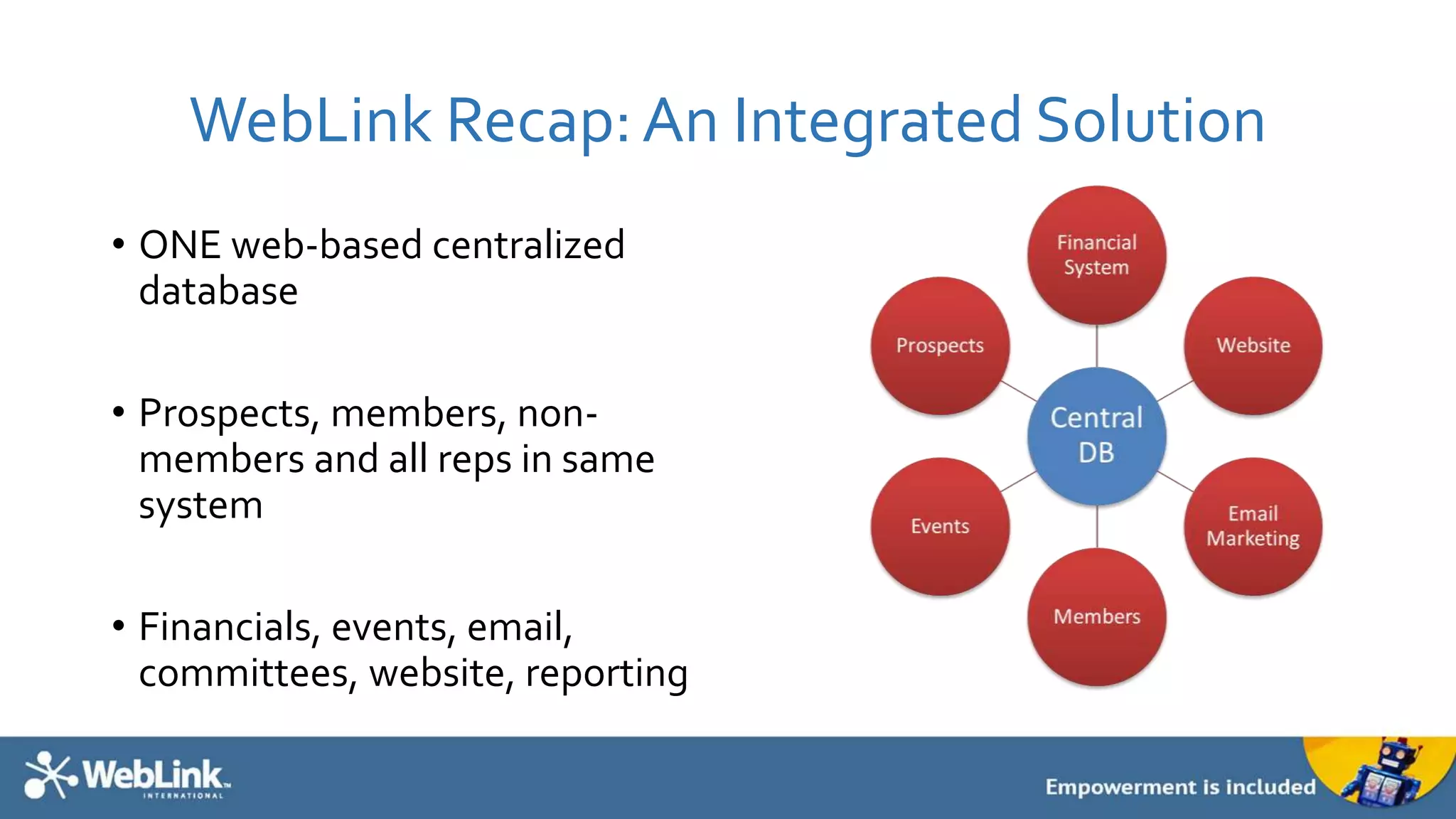
WebLink Recap:An Integrated Solution
• ONE web-based centralized
database
• Prospects, members, non-
members and all reps in same
system
• Financials, events, email,
committees, website, reporting
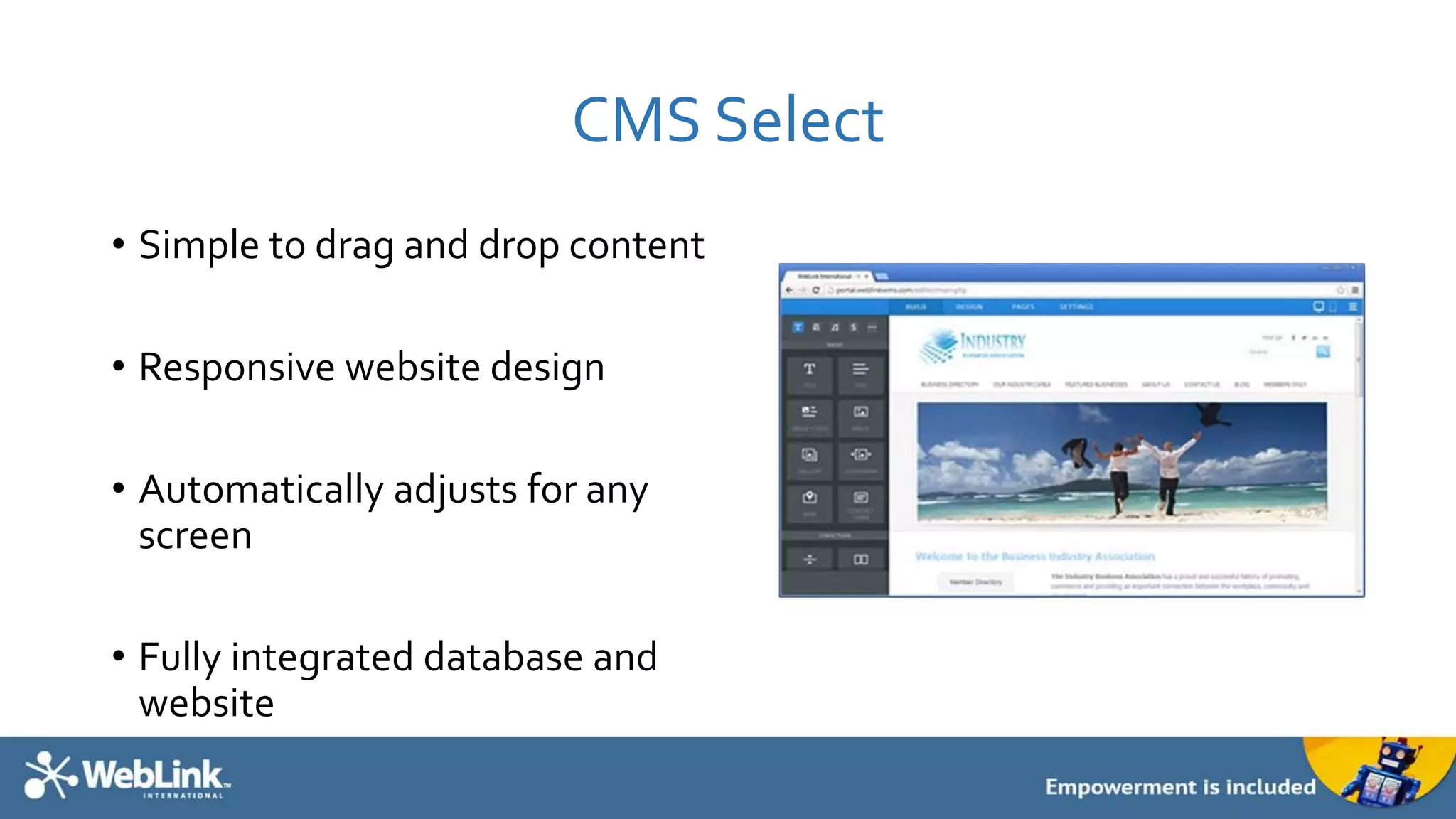
CMS Select
• Simple to drag and drop content
• Responsive website design
• Automatically adjusts for any
screen
• Fully integrated database and
website
3 Questions
Please answer these to receive a copy
of the presentation.
7 Keys to Simplify Your Data Conversion

7 Keys to Simplify Your Data Conversion

  • 1.
    7 Keys toSimplify Your Data Conversion July 9, 2014
  • 2.
    AboutWebLink • SaaS company(Software as a Service), leading software provider to business associations and chambers of commerce • Established in 1996, 60 employees, based in Indianapolis, IN • 94% customer retention rate 2
  • 3.
    AboutWebLink • Association Management Software •Website Design & Development • Non-Dues Revenue Programs • Partner in Your Success 3
  • 6.
    Instant Commerce • iPadapp for mobile commerce • Integrated credit card reader • New member sales • Event registrations • Pay open invoices
  • 7.
  • 8.
    Why Data Conversion? •Your current solution may: • Be expensive • Be hard to use • Lack reporting • Lack features and upgrades • Not offer flexibility and configurability • Not integrate your website, membership data, events, email marketing, and financials into a seamless, centralized database Rather than rekey all of your data, data conversion provides a way to more easily move data from one format to another.
  • 10.
    Your association databaseis the single most important asset your organization owns.
  • 11.
    About Me 11 Aaron Beymer DataConversion Specialist WebLink International • Graduate of Ball State University with a Bachelor of Science in Information Systems • Over 10 years of experience working with relational databases, specializing in Microsoft SQL Server • 14 years of professional experience in the IT industry • Employed byWebLink International as a Data Specialist since 2012 • Avid enthusiast of cars, technology, and bicycling • Resided in downtown Carmel, Indiana since 2010
  • 12.
    Session Agenda: 7Keys to SimplifyYour Data Conversion 1. Get Familiar 2. Establish Buy-In 3. UnderstandYour Needs, Role andTime Commitment 4. Avoid Complexities and Pitfalls 5. Prioritize 6. KnowWhen It’sTime to Move On 7. Prepare for the Future 12
  • 13.
  • 14.
    How Do ComputerProgrammed Data Conversions Work?
  • 15.
  • 16.
    But the ConversionCan Only Be As Good asThe Data
  • 17.
    Create aTimeline • Includethe following: • Identification of staff involvement • Searching for vendors • Watching demos • Board approval • Contract signed • Data provided to vendor • Process documentation • Testing • Live date • Training
  • 18.
  • 19.
    Executive-Level • Come prepared •Share cost/time saving analysis • Give realistic resource and timeline requirements • Share high level processes and reporting available with the new system
  • 20.
    Staff • Set expectations •Be transparent • Remind them of the benefits • Change is never easy, but it will make their job easier in the long run • It’s a team effort!
  • 21.
  • 22.
    AskYourself Key Questions •How do you use your current database? • What are you looking to accomplish with a new solution? • Do you understand how data conversion works? • Do you have realistic expectations for the time, resources and commitment required for making a change successful?
  • 23.
    OnceYou’re Ready toPick a NewVendor • Pick an internal task force • A representative from each department should be involved • The task force will need to: • Create a list of requirements • Sit in on demos • Evaluate and analyze each system
  • 24.
    During the Conversion •Pick a project manager • One point person for gathering data • Be available as questions arise
  • 25.
    After the Conversion •Additional setup • Manual entry • TRAINING • Data integrity is an ongoing process and requires buy-in from all staff
  • 26.
  • 27.
    Limit to OneData Source
  • 28.
  • 29.
  • 30.
  • 31.
  • 32.
  • 33.
  • 34.
  • 35.
    Run 2 Systemsin Parallel • Ease into new processes • Give staff time to learn and train • Work around big events and campaigns
  • 36.
    Or, Rip Offthe Band-Aid • Is there ever a “good time” to make the official switch? • Pick a day, and stick to it • No confusion over whether or not processes have changed • No period of time to enter data into multiple systems.
  • 37.
  • 38.
    Your Data WillProbably Never Be Perfect (ButYou ShouldTry) • Address any adjustments that need to be made immediately after the conversion • Your technology partner should help you fix any major concerns • Maintenance and following of processes ensures clean data • Don’t fall back on old, bad habits • Utilize ONLY ONE data platform
  • 39.
    Teach New Staff •As you hire new people, they will have to be trained • Create a process for getting new people up to speed • Documentation of processes is key • Share what the data is used for so staff understand the importance
  • 40.
    Grow withYour System •Stay up-to-date on system enhancements • As organizations grow, so do processes and rules; but document your changes
  • 41.
    Bonus: Questions toAsk AMS Providers
  • 43.
    When evaluating, considerasking the following questions • How many data conversions has the vendor successfully implemented? • How many years’ industry experience do the vendor’s data developers possess? • What business rule or logic discovery questions are asked prior to starting each new data conversion project? • Assuming you are using a widely- available system, has the vendor completed data conversions from your specific source system and version before? If so, how many? • What data validation steps are built into the data conversion process to eliminate errors or bugs in the new system? • What steps does the vendor take to identify and mitigate duplication of data records? • If data inconsistencies or exceptions are encountered, what is the vendor’s process for moving forward to address each issue?
  • 45.
    Coming Up: 3Questions
  • 46.
    WebLink Recap:An IntegratedSolution • ONE web-based centralized database • Prospects, members, non- members and all reps in same system • Financials, events, email, committees, website, reporting
  • 47.
    CMS Select • Simpleto drag and drop content • Responsive website design • Automatically adjusts for any screen • Fully integrated database and website
  • 48.
    3 Questions Please answerthese to receive a copy of the presentation.

Editor's Notes

  • #13 Data conversion is paramount to the success of effectively implementing a new member management system. If the process used to convert data from your legacy source system is not well-defined, it can negatively impact the integrity of the new system forever. And what good is a new system if it contains inconsistencies from the very beginning? This discussion is designed to help you understand the process of data conversion. Subjects include the strengths & weaknesses of computer-programmed data conversion, common causes of increased conversion complexity & cost that should be avoided whenever possible, process recommendations, and other considerations to make when comparing technology partners’ implementation offerings.
  • #15 Understanding the basics of how data conversions work will help you to better gauge the true success or failure of a completed data conversion.
  • #16 Conversions absolutely excel at quickly moving massive amounts of information from one place to another by way of leveraging consistent business rules or logic.
  • #17 Conversions become ineffective and possibly even slower than manual entry in cases where the source data has been maintained in an inconsistent manner or in cases where you cannot deliver specific business logic to the person(s) developing the data conversion code. A data conversion can only be as good as the source data set and supporting logic being used as reference.
  • #20 Your executive director and board don’t need to be bogged down with all of the details, but monthly briefings will keep them apprised of the project’s status.
  • #21 By the time your organization selects a new member management system your executive-level staff has already bought into it, but there is also a need for buy-in at every other level of the organization. Setting expectations with all staff ahead of time will help immensely with adoption speed. Be transparent and let your employees know that certain workflow tasks will be slightly different from the legacy system. Certain data points will be represented differently and may not always look exactly the same. Remind your staff that there will also be new features that will make their overall job easier in the long run.
  • #23 What we see at WebLink… People are looking for more robust reporting People are looking for a centralized place to manage all of their data People are looking for a partner that is innovative, offering things like an iPad app for registering at events and selling memberships on the go But, they are afraid of moving their data. The key is learning about the process, and setting the right expectations.
  • #24 There is a significant amount of time involved prior to selecting a vendor Many people make the mistake of thinking that after a vendor is selected, the bulk of the work is done. But, to be successful and have your project completed on time, be prepared to invest time throughout the process. Don’t forget- while data conversion takes time and effort, it’s all about helping your organization grow making your origination better! I want to help you understand the process, but don’t be afraid of change.
  • #26 The data conversion is just one part of your overall data migration project. Certain tasks will not fall within the scope of the conversion and instead may necessitate an investment of time on the part of your organization. The most common sets of tasks that will require an investment of time are initial setup/option configurations, and manual entry of any data that was unable to be accurately converted in a programmed way.
  • #27 Certain attributes of data sets can sharply increase the complexity—and therefore cost—of converting that data in an accurate and useful manner. We’ll discuss some of the most commonly-encountered scenarios that should be avoided or prevented in conversions whenever possible.
  • #28 If your data is in two or more places now, it is best to include only your main record set in the data conversion and then either manually enter the additional, separate data after you go live; or just continue to reference that data in its separate location as you already do now. This will massively reduce the amount of time required to develop and review the data conversion for accuracy.
  • #29 Data conversion requires a very specific understanding of exactly how the source data is structured in order to place it into the correct location within the new system. Without specific documentation on the source system design, it is difficult to determine how the raw data inter-relates or to even find the appropriate data in the first place. An experienced technology partner should still be able to understand how your system works by asking you a series of specific questions about how you use the existing system, but official documentation is always preferred. Sharing documentation is not for the purpose of setting you up to do the exact same thing as you’ve always done, but so that your vendor can help provide a recommendation for better data capturing in your new system.
  • #30 Organizational process changes, employee turnover, and system designs that lack enforced data validation can all contribute to the presence of logical inconsistencies within your source system. It is difficult to account for all of these inconsistencies within the data conversion.
  • #31 Certain attributes of data sets can sharply increase the complexity—and therefore cost—of converting that data in an accurate and useful manner. We’ll discuss some of the most commonly-encountered scenarios that should be avoided or prevented in conversions whenever possible.
  • #32 Converting master records of organizations, individuals, and any attached categories or informational description fields for these master records is a great place to start.
  • #33 The first instinct when beginning a data conversion is to want to include as much data as possible. On the contrary, the best approach to ensure data accuracy & integrity, as well as to reduce total cost, is to instead include only the data that is truly most important. This is a great time to do spring cleaning. For example, if member demographic data that was considered important three years ago is no longer important or up to date, this is a great opportunity to clean up the database by not converting this data to the new system.
  • #34 When you get into historical records of activities that take place and build over time, such as transactions, meetings, and activity logs, it becomes difficult or impossible to include that information in the data conversion due to the different feature sets available in each system as well as the increased likelihood of encountering inconsistencies among data that spans multiple years. Remember that you can indefinitely retain reports or copies of your legacy data as a reference point in the future, and your new system will begin to build its own log of history as it is used.
  • #36 When you remove the need to do a hard cut-over to the new system, your organization will greatly ease the process of internal change management. Staff will have an opportunity to learn the new system over a wider time period and will be more likely to adopt it with success when they are not forced to stop doing everything in one place and then start doing it all in another place all at once. You should also consider the timing of your cut-over to achieve the smoothest transition: for example if you have an annual event each year, you should try to go live either before you start taking any registrations or after the event has been completed. Anything left “in progress” or “pending” in the legacy system at the time of cut-over may be difficult to close out later on.
  • #37 Renew- if you deliver what is promised, renewing is the easy part
  • #39 Data conversion involves the movement of massive amounts of information built over the course of several years in some cases. As such, you should expect to make future tweaks and adjustments as you encounter instances where the data may not quite seem right. Keep in mind that both the good and the bad gets brought over during a conversion. Often—if not exclusively—the issues you encounter within converted data are carryovers that existed inside the legacy system. Your technology partner should help you identify any major/sweeping concerns prior to the completion of the conversion project, but smaller maintenance items may still crop up from time to time.
  • #41 - WebLink provides monthly upgrades
  • #44 How many data conversions has the vendor successfully implemented? How many years’ industry experience do the vendor’s data developers possess? What business rule or logic discovery questions are asked prior to starting each new data conversion project? (If the process does not ask many specific, pointed questions, be wary.) Assuming you are using a widely-available system, has the vendor completed data conversions from your specific source system and version before? If so, how many? What data validation steps are built into the data conversion process to eliminate errors or bugs in the new system? (Consistent data validation, including both general business rule “sanity” checks and specific parent-child data record enforcement, should be automatically integrated into the conversion process. If such validation does not exist, the process is simply incomplete and will almost certainly cause costly future pain points within your new system.) What steps does the vendor take to identify and mitigate duplication of data records? If data inconsistencies or exceptions are encountered, what is the vendor’s process for moving forward to address each issue? (An excellent data conversion process will be fully transparent, presenting inconsistencies along with details to your organization in a manner that is easily understood by all stakeholders. An expert technology partner will go a step farther by offering one or more alternative approaches for handling each exception point, which places the decision in your hands. All of this speaks to the paramount importance of data accuracy and integrity within the foundational data converted into your new system.)