







How to Know if Your Business
Needs an Enterprise App
A Guide for Business Innovators
If your business faces one of these
6 challenges or involves one of
these 6 common functions it needs
a mobile app.
CHALLENGES
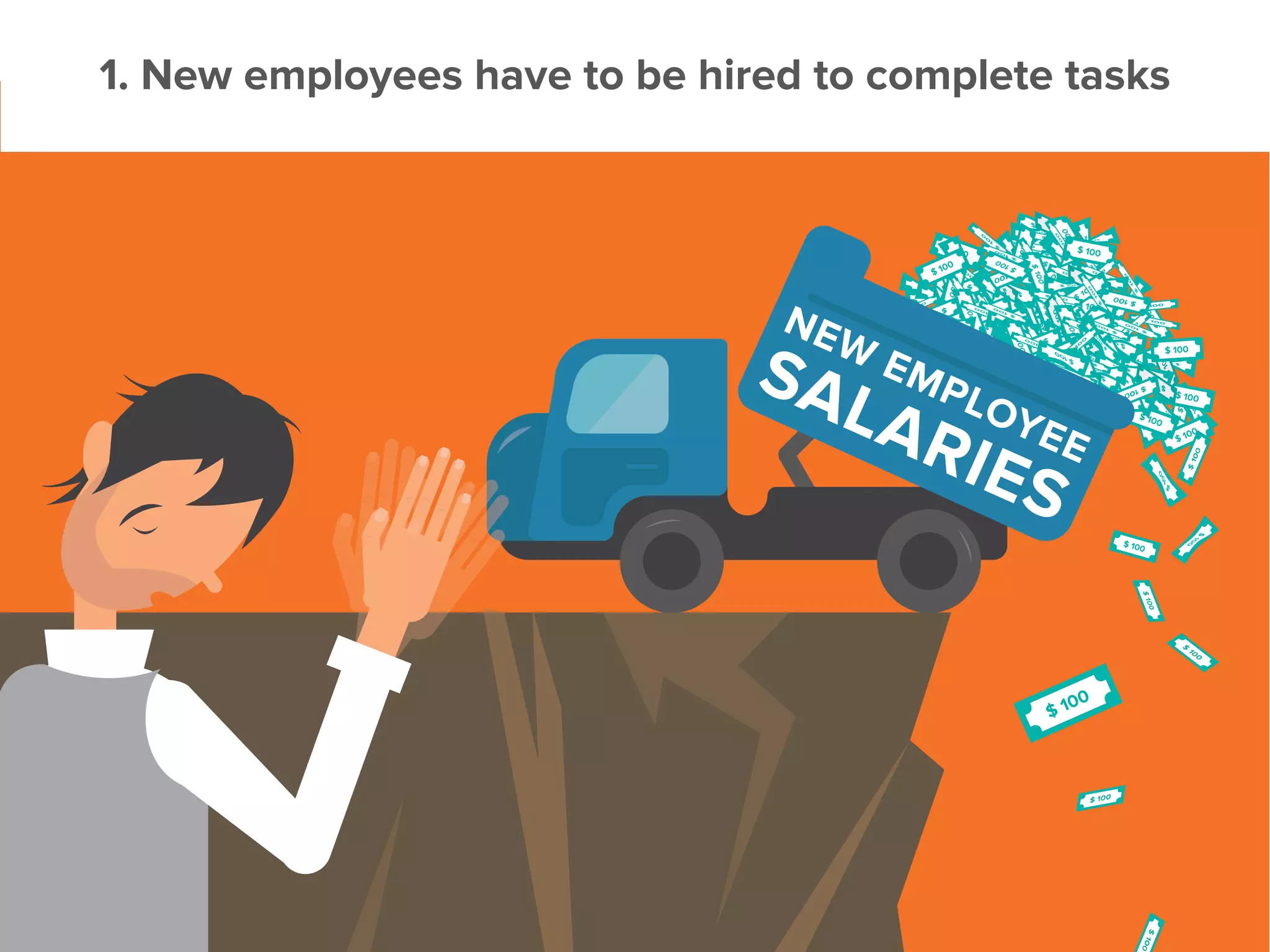
1. New employees have to be hired to complete tasks
Manual data collection leads to a cost domino effect:
1.	 More staff needed for growing processes
2.	 More managers needed to oversee staff
3.	 Increased salary bills
A mobile app can help:
•	Collate and present data
•	Track employees
•	Enforce specific workflows
•	Escalate problems
2. Slow decision-making
Smart and responsive decisions need good data.
Good data needs to be comprehensive, but also timely.
Mobile apps give you:
•	Real-time data availability
•	Automated, rule-based analysis
•	Better and faster data dissemination
Get data in the right hands for faster, more effective decision-making.
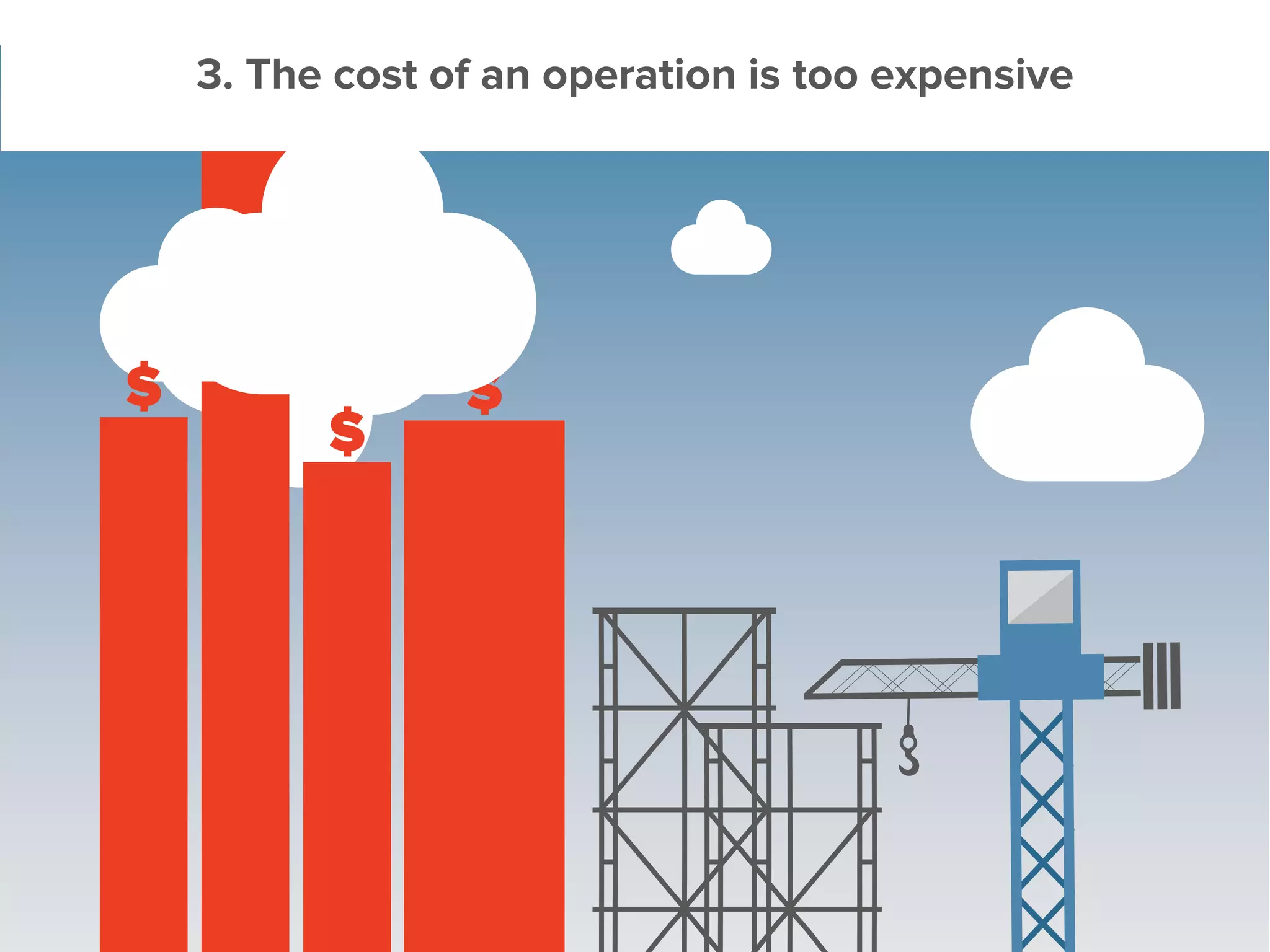
3. The cost of an operation is too expensive
The pressure on budgets and timelines is higher
than ever before.
Enterprise apps let you know:
•	Which part of a project is costing more too much
•	Where you can trim
•	How to reduce overall costs
Even when selling across international subsidiaries, you can:
•	Manage a single standardized process
•	Track under or overpriced components, globally
•	Distribute costs effectively
•	Reach new markets with improved efficiency
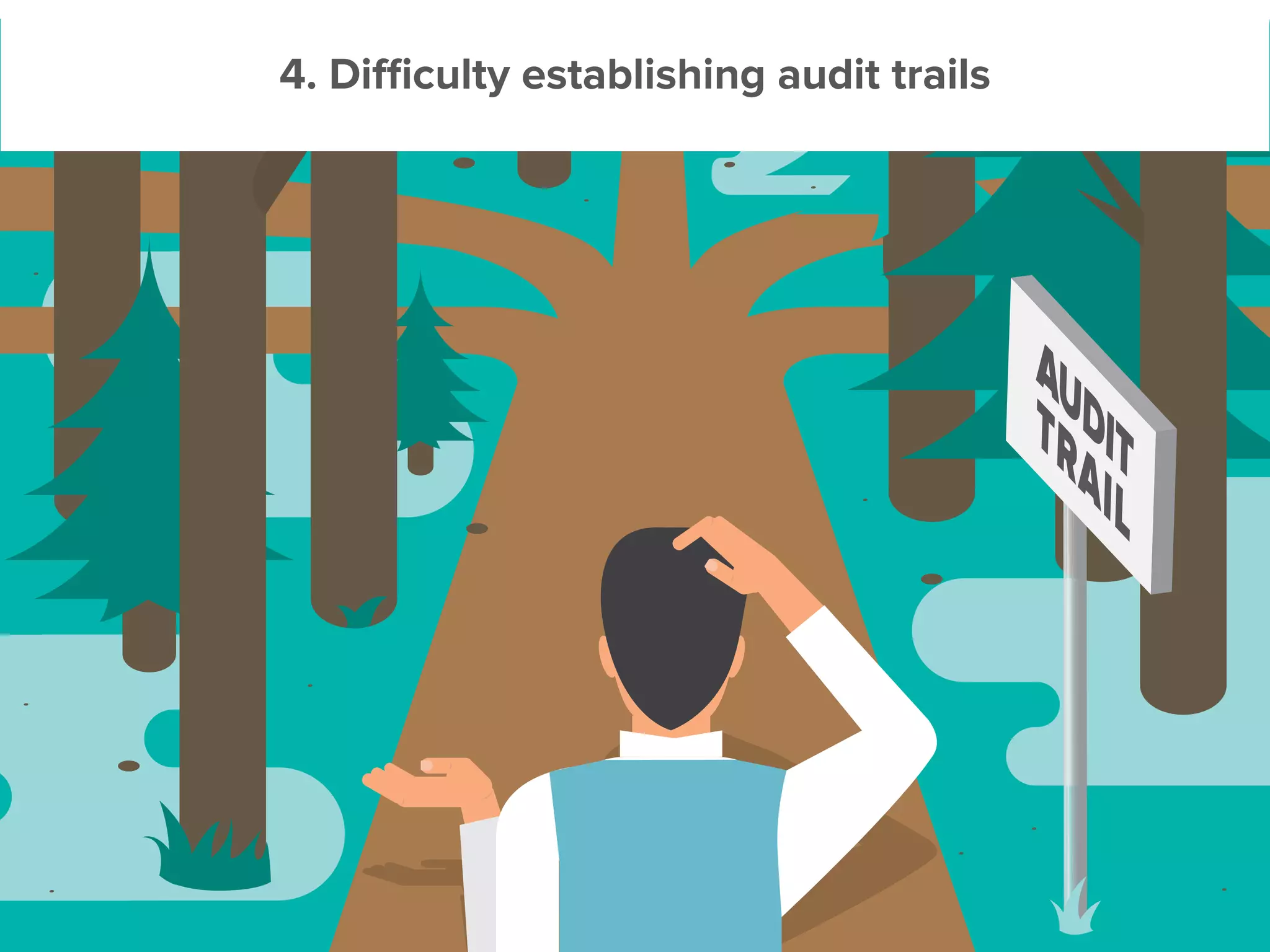
4. Difficulty establishing audit trails
Establishing verifiable audit trails is hard. But it’s increasingly important for
quality assurance.
Mobile apps help you establish checks and tasks
that ensure accountability at every stage of the
project or supply chain.
Get an app to:
•	Make sure that checklists are followed
•	Validate data on the fly
•	Capture and centrally store audit trails
5. Constantly working long hours to cover for manual
things that go wrong
Stuckattheofficeeverynighttomakesurethatdata
is accurate and everything is running smoothly?
Pulling all-nighters when something breaks?
Often, manual data validation is to blame. An app can solve this problem by:
•	Capturing data
•	Applying rule-based accuracy validation during input
•	Alerting you of any emergencies
This allows you to manage by exception and saves you valuable time.
5. There are just lots of inefficiencies in the business
Are inefficiencies in your business being ignored
as the ‘cost of doing business’?
Mobile apps can help by:
•	Eliminating paper forms
•	Creating a central channel of communication
•	Reducing the number of sales visits
•	Assessing employee efficiency
It’s up to the visionary executive or manager to
see the potential for greater efficiency and to
embrace the technology that can tackle these
challenges.
FUNCTIONS
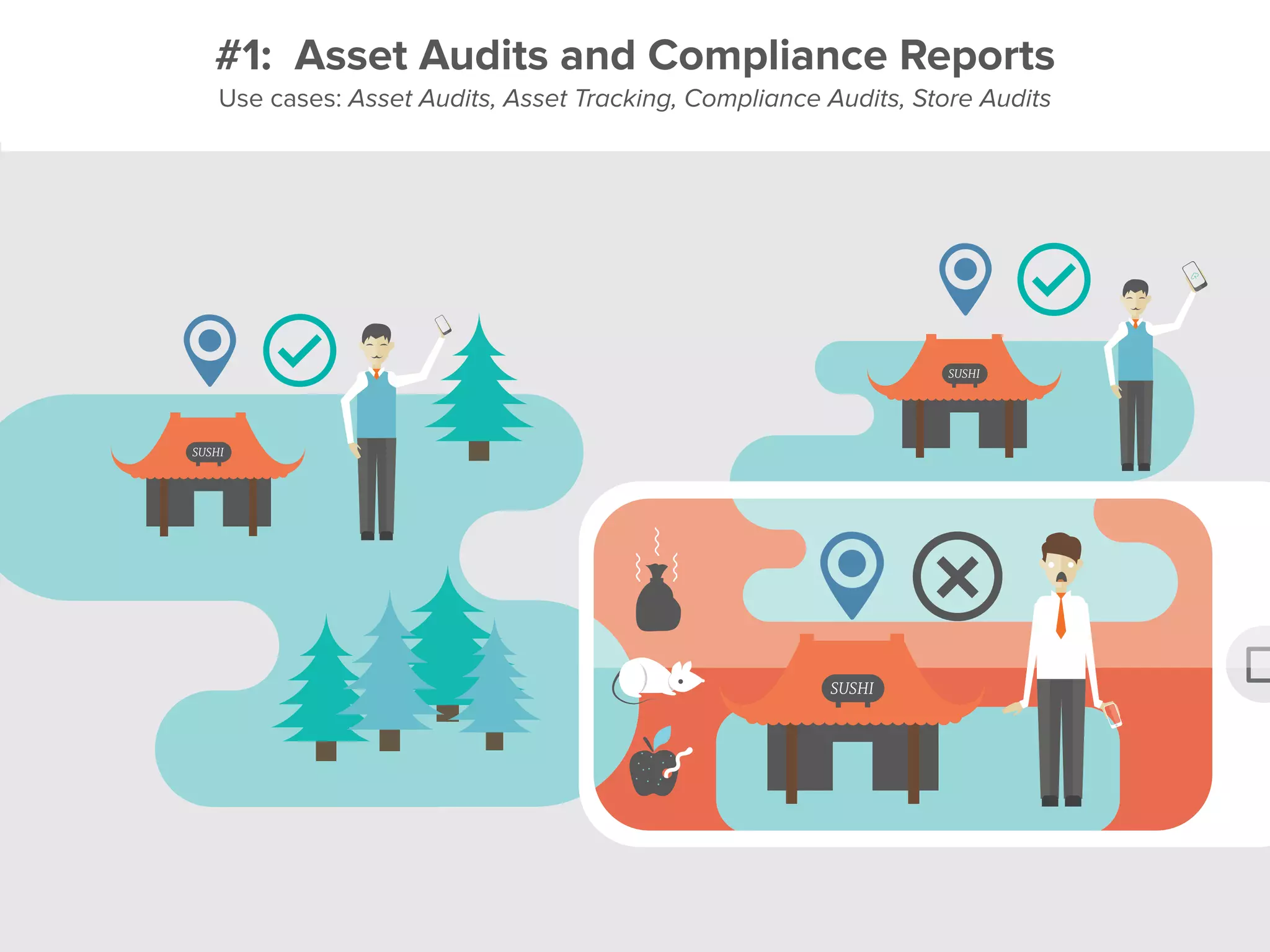
#1: Asset Audits and Compliance Reports
Use cases: Asset Audits, Asset Tracking, Compliance Audits, Store Audits
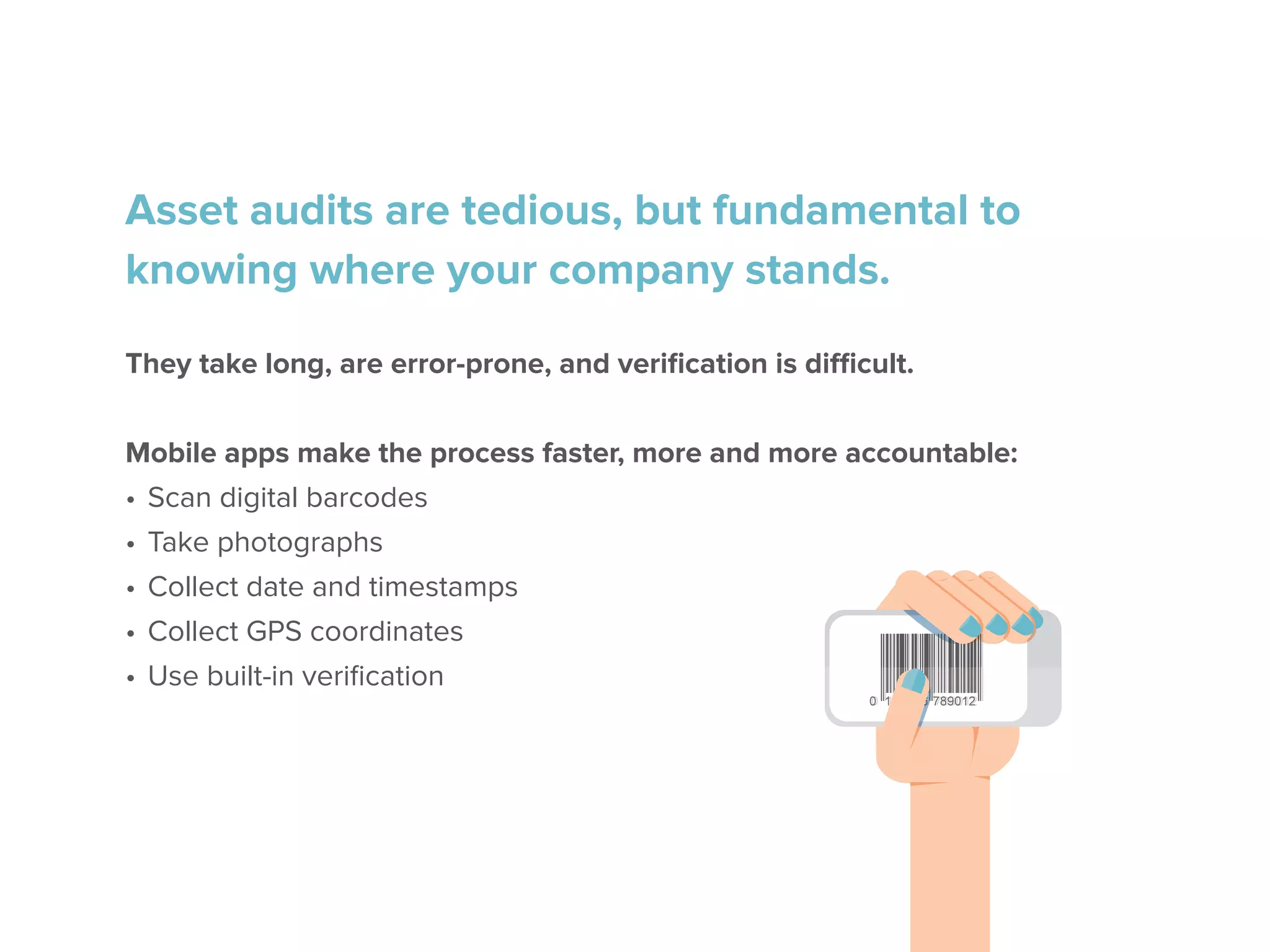
Asset audits are tedious, but fundamental to
knowing where your company stands.
They take long, are error-prone, and verification is difficult.
Mobile apps make the process faster, more and more accountable:
•	Scan digital barcodes
•	Take photographs
•	Collect date and timestamps
•	Collect GPS coordinates
•	Use built-in verification
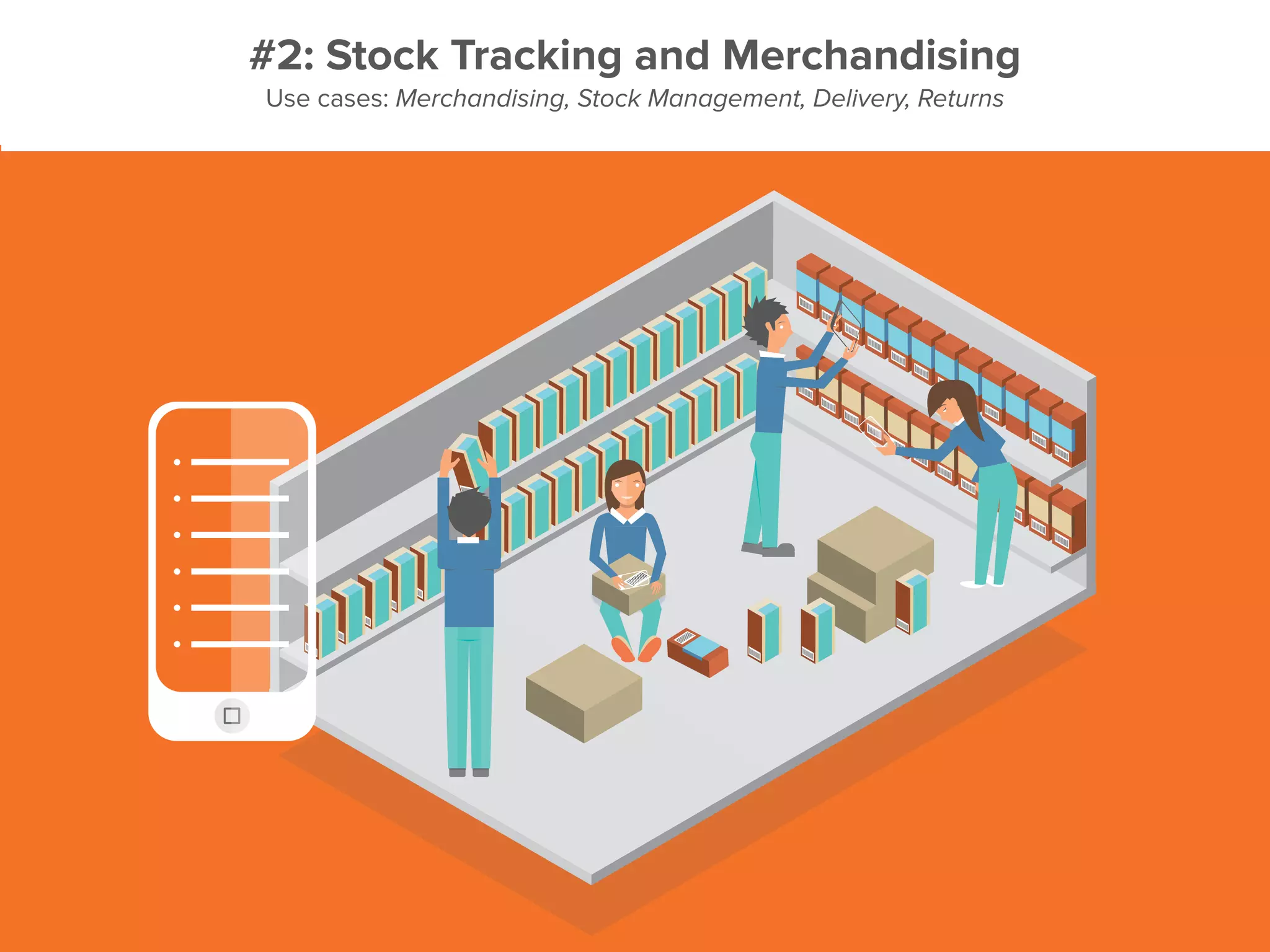
#2: Stock Tracking and Merchandising
Use cases: Merchandising, Stock Management, Delivery, Returns
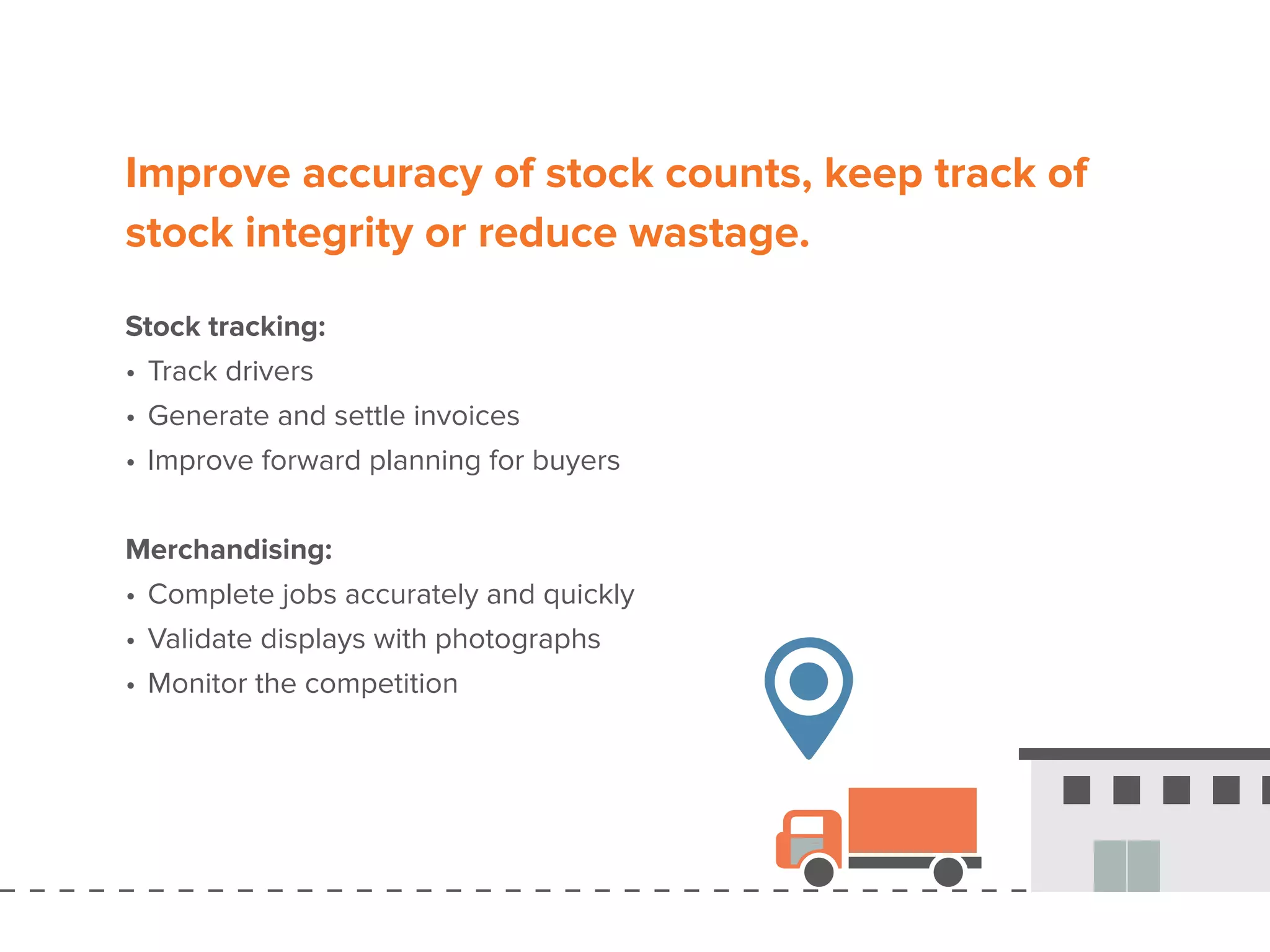
Improve accuracy of stock counts, keep track of
stock integrity or reduce wastage.
Stock tracking:
•	Track drivers
•	Generate and settle invoices
•	Improve forward planning for buyers
Merchandising:
•	Complete jobs accurately and quickly
•	Validate displays with photographs
•	Monitor the competition
Mr Smith
Male, Age 45
68001294858
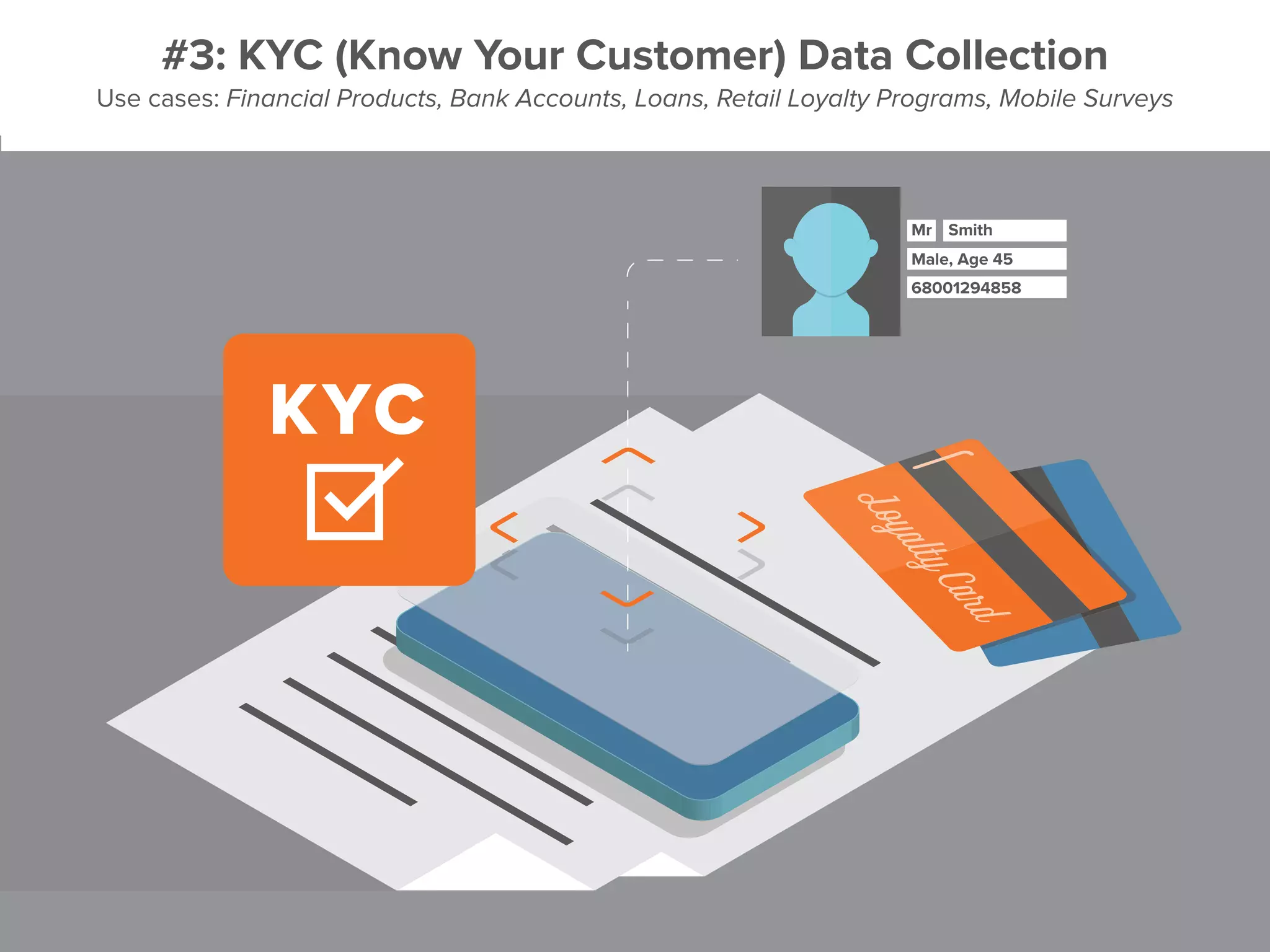
#3: KYC (Know Your Customer) Data Collection
Use cases: Financial Products, Bank Accounts, Loans, Retail Loyalty Programs, Mobile Surveys
There’s no more need for brick-and-mortar
branches to open accounts, originate loans
or provide services.
Mobile apps help you sign up new customers or merchants wherever you are.
•	Capture all legally-required KYC information
•	Collect legal signatures with sign-on-glass functionality
•	Never miss a field or signature thanks to built-in validation
•	Guide agents through processes
•	Eliminate additional paperwork
#4: Installation and maintenance
Use cases: Field Service, Equipment Installation & Maintenance, Incident Logging, Job Scheduling
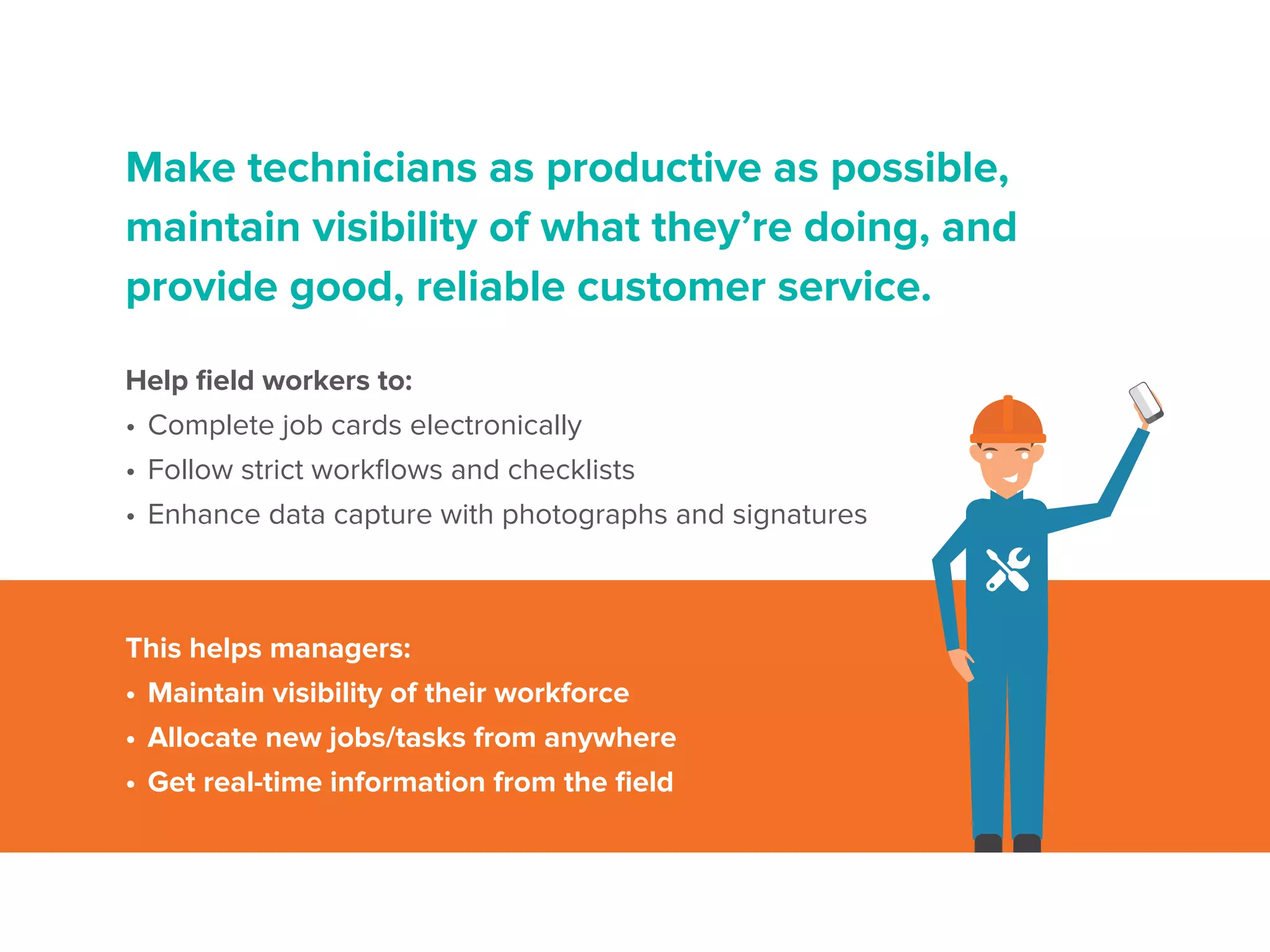
Make technicians as productive as possible,
maintain visibility of what they’re doing, and
provide good, reliable customer service.
Help field workers to:
•	Complete job cards electronically
•	Follow strict workflows and checklists
•	Enhance data capture with photographs and signatures
This helps managers:
•	Maintain visibility of their workforce
•	Allocate new jobs/tasks from anywhere
•	Get real-time information from the field
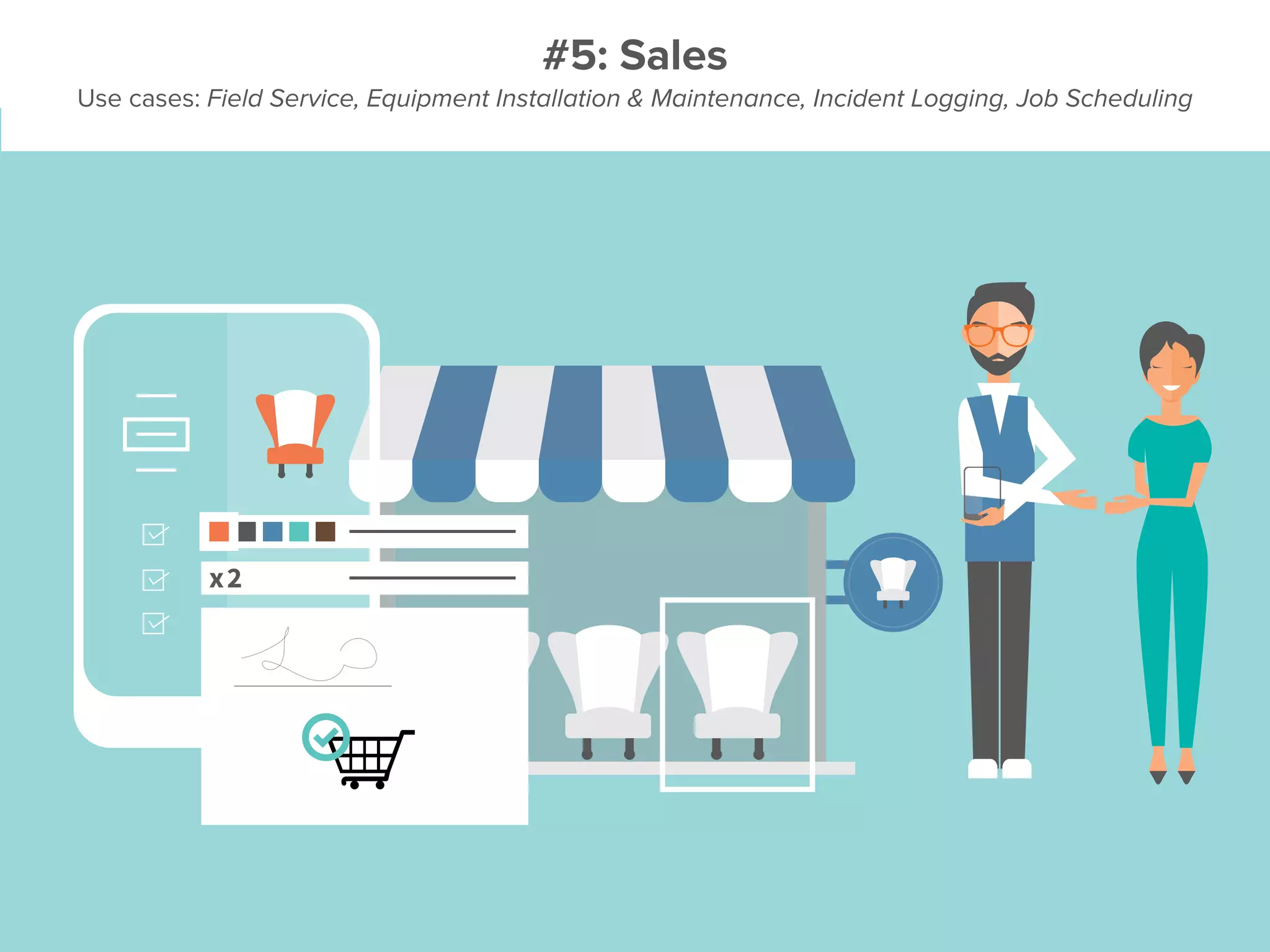
#5: Sales
Use cases: Field Service, Equipment Installation & Maintenance, Incident Logging, Job Scheduling
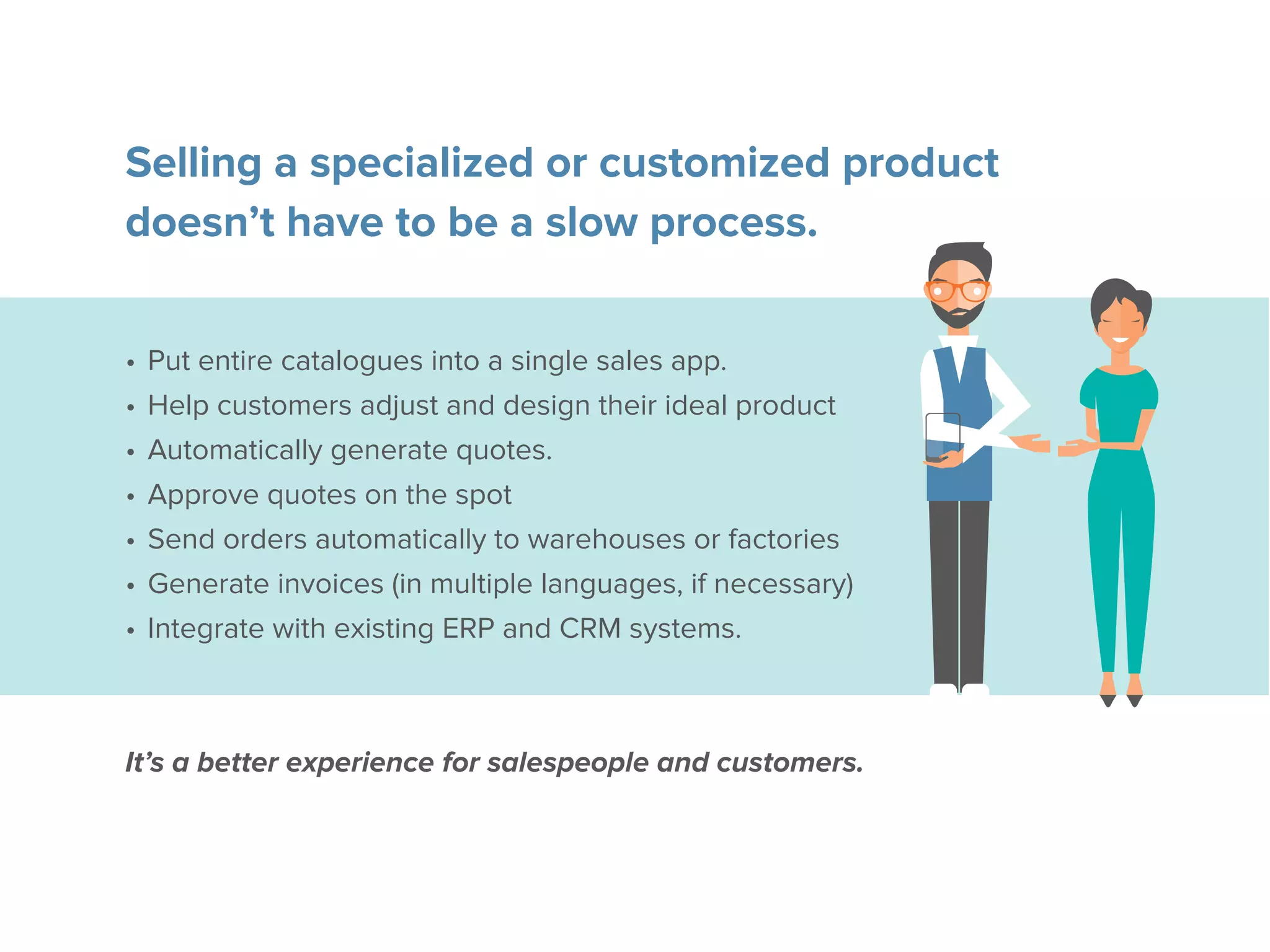
Selling a specialized or customized product
doesn’t have to be a slow process.
•	Put entire catalogues into a single sales app.
•	Help customers adjust and design their ideal product
•	Automatically generate quotes.
•	Approve quotes on the spot
•	Send orders automatically to warehouses or factories
•	Generate invoices (in multiple languages, if necessary)
•	Integrate with existing ERP and CRM systems.
It’s a better experience for salespeople and customers.
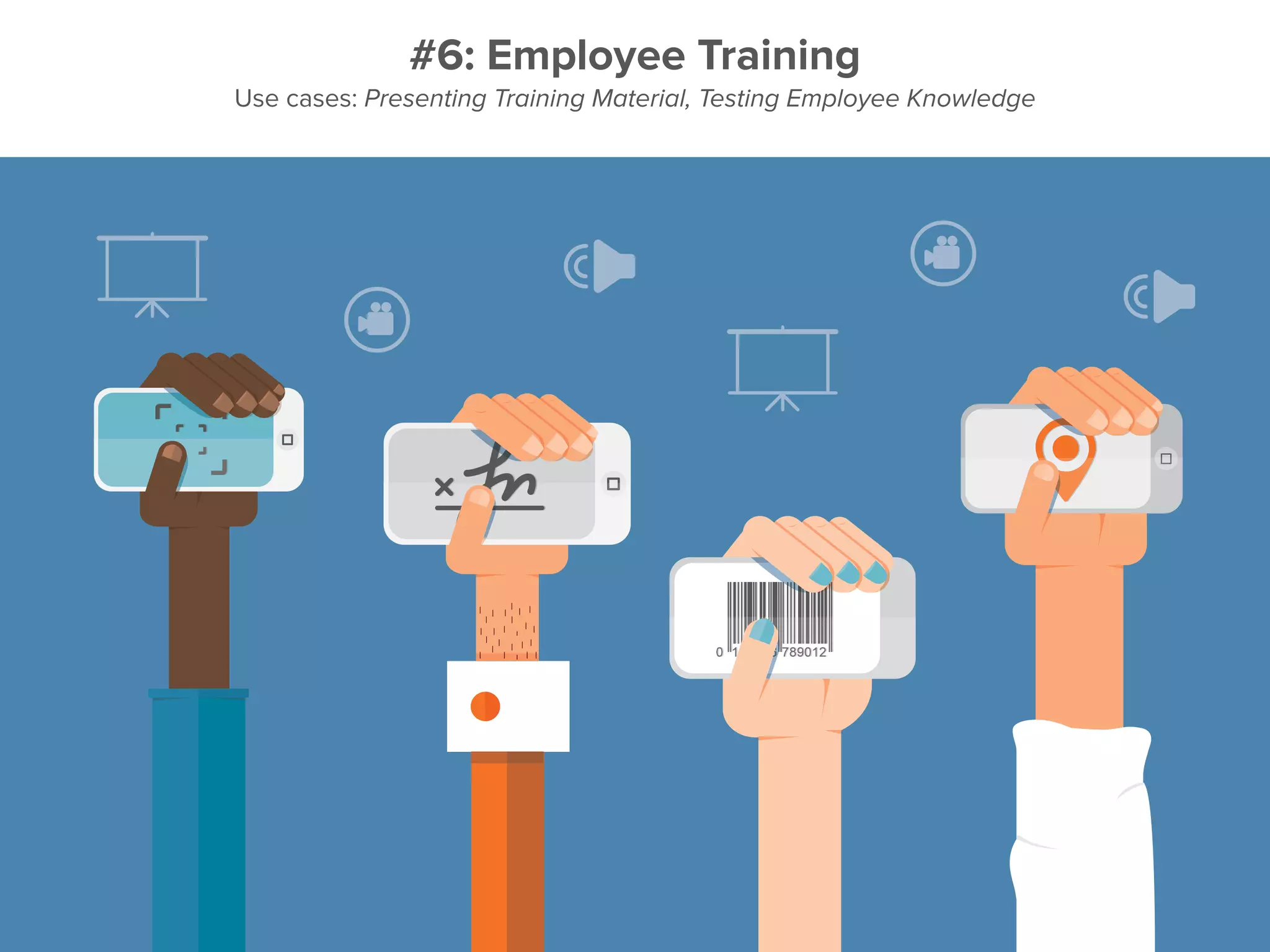
#6: Employee Training
Use cases: Presenting Training Material, Testing Employee Knowledge
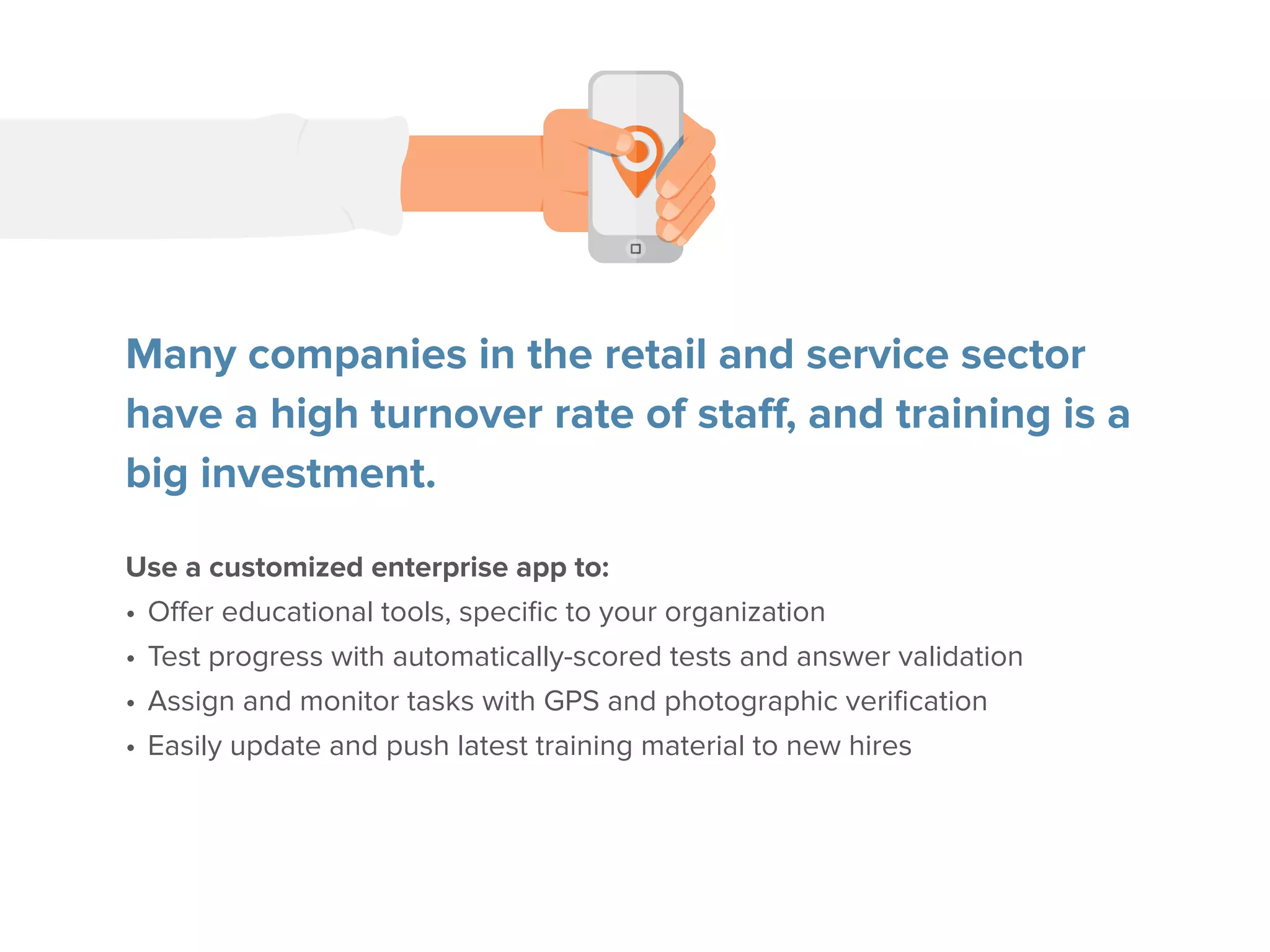
Many companies in the retail and service sector
have a high turnover rate of staff, and training is a
big investment.
Use a customized enterprise app to:
•	Offer educational tools, specific to your organization
•	Test progress with automatically-scored tests and answer validation
•	Assign and monitor tasks with GPS and photographic verification
•	Easily update and push latest training material to new hires
Apps are solving core business
challenges and revolutionizing
basic functions.
Plus,theyhavealmostendlesspotentialforcustomization.
Have you spotted a challenge or a
function that applies directly to your
business?
Talk to one of our mobility experts.
journeyapps.com

How to know if your business needs an enterprise app

  • 1.
    How to Knowif Your Business Needs an Enterprise App A Guide for Business Innovators
  • 2.
    If your businessfaces one of these 6 challenges or involves one of these 6 common functions it needs a mobile app.
  • 3.
  • 4.
    1. New employeeshave to be hired to complete tasks
  • 5.
    Manual data collectionleads to a cost domino effect: 1. More staff needed for growing processes 2. More managers needed to oversee staff 3. Increased salary bills A mobile app can help: • Collate and present data • Track employees • Enforce specific workflows • Escalate problems
  • 6.
  • 7.
    Smart and responsivedecisions need good data. Good data needs to be comprehensive, but also timely. Mobile apps give you: • Real-time data availability • Automated, rule-based analysis • Better and faster data dissemination Get data in the right hands for faster, more effective decision-making.
  • 8.
    3. The costof an operation is too expensive
  • 9.
    The pressure onbudgets and timelines is higher than ever before. Enterprise apps let you know: • Which part of a project is costing more too much • Where you can trim • How to reduce overall costs Even when selling across international subsidiaries, you can: • Manage a single standardized process • Track under or overpriced components, globally • Distribute costs effectively • Reach new markets with improved efficiency
  • 10.
  • 11.
    Establishing verifiable audittrails is hard. But it’s increasingly important for quality assurance. Mobile apps help you establish checks and tasks that ensure accountability at every stage of the project or supply chain. Get an app to: • Make sure that checklists are followed • Validate data on the fly • Capture and centrally store audit trails
  • 12.
    5. Constantly workinglong hours to cover for manual things that go wrong
  • 13.
    Stuckattheofficeeverynighttomakesurethatdata is accurate andeverything is running smoothly? Pulling all-nighters when something breaks? Often, manual data validation is to blame. An app can solve this problem by: • Capturing data • Applying rule-based accuracy validation during input • Alerting you of any emergencies This allows you to manage by exception and saves you valuable time.
  • 14.
    5. There arejust lots of inefficiencies in the business
  • 15.
    Are inefficiencies inyour business being ignored as the ‘cost of doing business’? Mobile apps can help by: • Eliminating paper forms • Creating a central channel of communication • Reducing the number of sales visits • Assessing employee efficiency It’s up to the visionary executive or manager to see the potential for greater efficiency and to embrace the technology that can tackle these challenges.
  • 16.
  • 17.
    #1: Asset Auditsand Compliance Reports Use cases: Asset Audits, Asset Tracking, Compliance Audits, Store Audits
  • 18.
    Asset audits aretedious, but fundamental to knowing where your company stands. They take long, are error-prone, and verification is difficult. Mobile apps make the process faster, more and more accountable: • Scan digital barcodes • Take photographs • Collect date and timestamps • Collect GPS coordinates • Use built-in verification
  • 19.
    #2: Stock Trackingand Merchandising Use cases: Merchandising, Stock Management, Delivery, Returns
  • 20.
    Improve accuracy ofstock counts, keep track of stock integrity or reduce wastage. Stock tracking: • Track drivers • Generate and settle invoices • Improve forward planning for buyers Merchandising: • Complete jobs accurately and quickly • Validate displays with photographs • Monitor the competition
  • 21.
    Mr Smith Male, Age45 68001294858 #3: KYC (Know Your Customer) Data Collection Use cases: Financial Products, Bank Accounts, Loans, Retail Loyalty Programs, Mobile Surveys
  • 22.
    There’s no moreneed for brick-and-mortar branches to open accounts, originate loans or provide services. Mobile apps help you sign up new customers or merchants wherever you are. • Capture all legally-required KYC information • Collect legal signatures with sign-on-glass functionality • Never miss a field or signature thanks to built-in validation • Guide agents through processes • Eliminate additional paperwork
  • 23.
    #4: Installation andmaintenance Use cases: Field Service, Equipment Installation & Maintenance, Incident Logging, Job Scheduling
  • 24.
    Make technicians asproductive as possible, maintain visibility of what they’re doing, and provide good, reliable customer service. Help field workers to: • Complete job cards electronically • Follow strict workflows and checklists • Enhance data capture with photographs and signatures This helps managers: • Maintain visibility of their workforce • Allocate new jobs/tasks from anywhere • Get real-time information from the field
  • 25.
    #5: Sales Use cases:Field Service, Equipment Installation & Maintenance, Incident Logging, Job Scheduling
  • 26.
    Selling a specializedor customized product doesn’t have to be a slow process. • Put entire catalogues into a single sales app. • Help customers adjust and design their ideal product • Automatically generate quotes. • Approve quotes on the spot • Send orders automatically to warehouses or factories • Generate invoices (in multiple languages, if necessary) • Integrate with existing ERP and CRM systems. It’s a better experience for salespeople and customers.
  • 27.
    #6: Employee Training Usecases: Presenting Training Material, Testing Employee Knowledge
  • 28.
    Many companies inthe retail and service sector have a high turnover rate of staff, and training is a big investment. Use a customized enterprise app to: • Offer educational tools, specific to your organization • Test progress with automatically-scored tests and answer validation • Assign and monitor tasks with GPS and photographic verification • Easily update and push latest training material to new hires
  • 29.
    Apps are solvingcore business challenges and revolutionizing basic functions. Plus,theyhavealmostendlesspotentialforcustomization.
  • 30.
    Have you spotteda challenge or a function that applies directly to your business? Talk to one of our mobility experts. journeyapps.com